
Author: Ron Daniel
Top 10 Connecteam Alternatives & Competitors in 2026
Compare 10 top alternatives to Connecteam — features, pricing, integrations, and which platforms work best for frontline, office, or mixed teams.
It’s funny how things change so fast in the tech world, isn’t it? Just a couple of years ago, Connecteam was the go-to for managing deskless and frontline teams. I remember hearing from businesses that loved its packed feature set - time tracking, scheduling, task management, you name it. But here’s the catch: sometimes, more isn’t always better.
Over time, I started noticing a pattern. Teams would tell me how they felt overwhelmed by the complexity, or frustrated with slow performance and crashes. And let’s not even talk about the costs piling up as they scaled. It got me thinking - what if there was a way to give teams exactly what they need, without the clutter?
That’s where we at Pebb decided to step in. We designed a platform that’s straightforward, mobile-first, and affordable, with a free plan that supports up to 15 users. In this article, I’ll walk you through the top alternatives to Connecteam, including Slack, Microsoft Teams, and our very own Pebb. Whether you’re managing frontline workers, office teams, or a mix of both, I’ll help you find the right fit. Let’s dive in.
1. Pebb
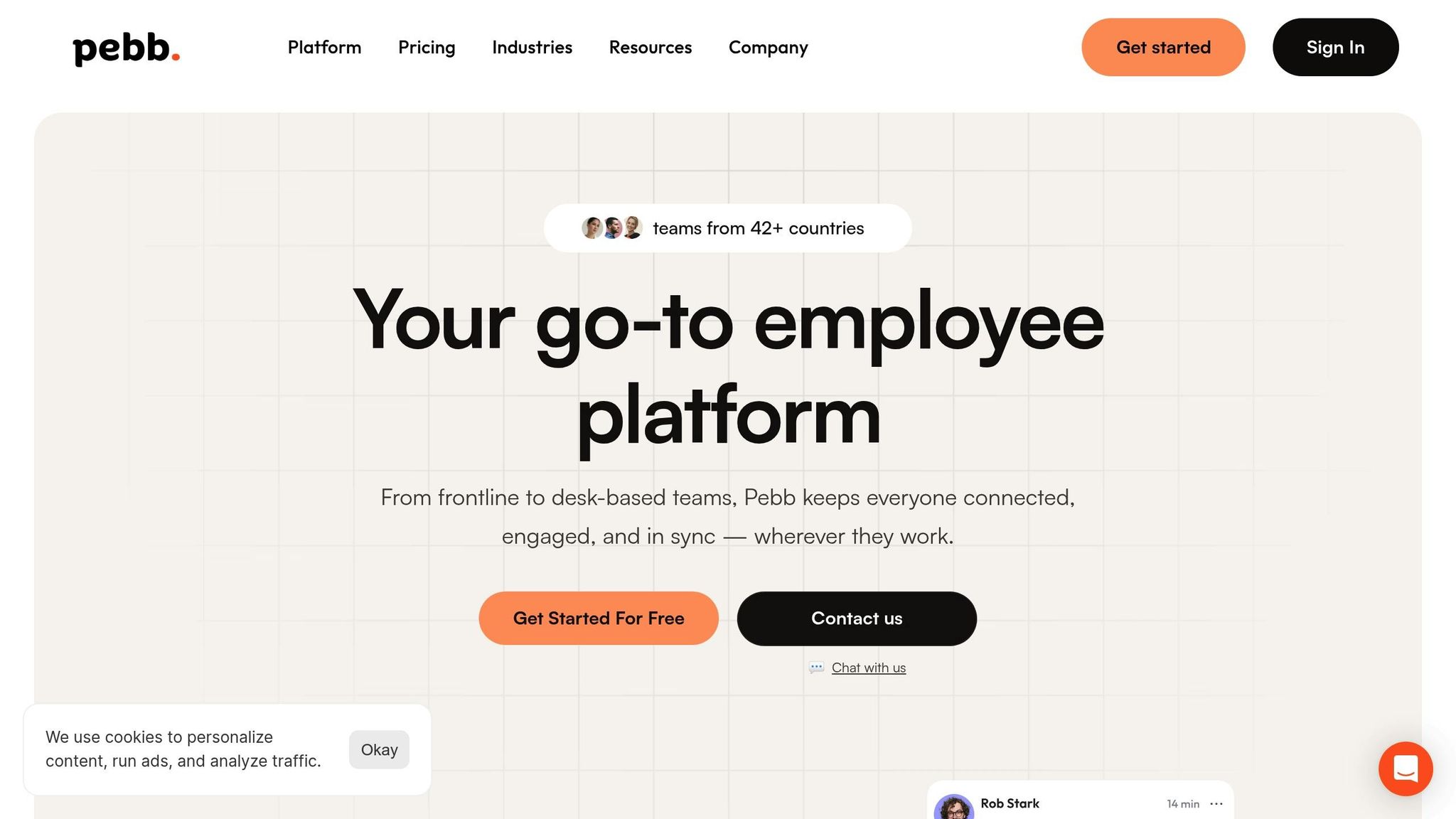
At Pebb, we set out to create an all-in-one employee app that simplifies work communication and operations, all while keeping things mobile-friendly and easy to use. Whether it’s chatting, sharing updates, hopping on calls, managing tasks, organizing events, or handling digital forms, Pebb brings it all together in one clean, straightforward interface. No fluff, just what your team needs to stay connected and productive.
Communication Tools
Let’s talk about what makes Pebb stand out. Our work chat is a game-changer - unlike other platforms that limit message history to 90 days, we offer unlimited message history even on the free plan. The news feed acts like a social stream, where you’ll find company updates, announcements, and team wins all in one place. Need to hop on a quick call? Our voice and video calls can host up to 50 participants, complete with screen sharing for those “let’s solve this now” moments. And with push notifications, no one’s left out, whether they’re at their desk, on the warehouse floor, or working remotely. The best part? These features come at a price that’s hard to beat.
Pricing
Speaking of price, we’ve made sure Pebb is accessible for teams and staff of all sizes. Our free plan supports up to 15 users and includes essentials like work chat, a news feed, tasks, a knowledge library, digital forms, calendar management, clock in, shift scheduling, and PTO tracking. Ready to level up? The premium plan is just $4.00 per user per month and unlocks advanced analytics, unlimited admins, voice and video calls, permissions control, enterprise SSO (think Okta and Azure AD), and integrations. It’s everything you need to scale without breaking the bank.
Support for Frontline and Office Workers
Pebb was built with both frontline and office teams in mind. Our native iOS and Android apps are packed with features like clock in, shift scheduling, and PTO tracking. The web app ensures hybrid teams can collaborate effortlessly. The shift scheduling tool is a favorite - it’s simple for planning and managing staff rosters. PTO tracking? That’s covered too. Employees can request time off, check their balances, and get approvals right from their phones. And with Pebb built to support teams across industries and team setups, it’s clear we’re ready to scale with you.
Integration Capabilities
Integrations and collaboration are where Pebb really shines. We connect seamlessly with top tools, making workflows smoother and faster. For example, Pebb includes integrations to help keep employee workflows connected. Integrated tools help simplify everyday workflows for your team. Need secure access? Enterprise SSO has you covered. With integrations for connected setups, Pebb reduces data silos and makes onboarding new hires a breeze.
2. Slack
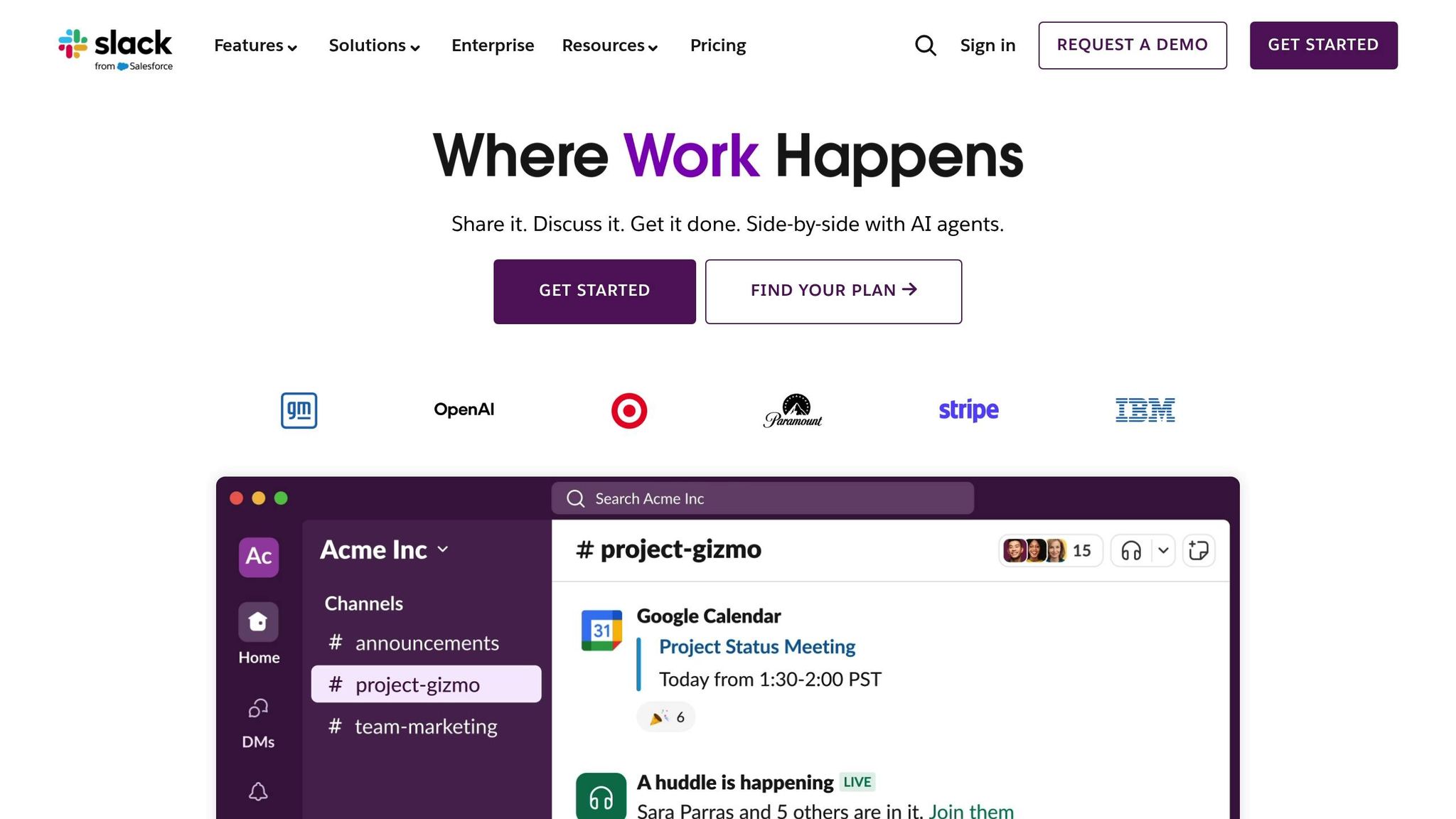
Slack has become a go-to tool for organizing workplace conversations. It uses dedicated channels to keep discussions focused on specific projects, departments, or topics. These channels can be public for everyone in the company to see or private for more sensitive conversations. And if you need to chat directly, Slack offers one-on-one and group messaging. One standout feature is Slack Connect, which allows you to collaborate securely with external partners, vendors, or clients without hopping between platforms. Let me walk you through Slack’s key features and pricing.
Communication Tools
Slack’s strength lies in its channel-based communication, but there’s so much more to it. For instance, Huddles let you jump into real-time audio or video meetings with screen sharing for up to 50 participants (on paid plans). If live meetings aren’t ideal, Clips let you record quick video or audio messages to share updates asynchronously. Then there’s Canvas, a tool for creating shared documents, and Lists, which helps with task management.
Slack also incorporates AI to make life easier. You’ll get conversation summaries, meeting recaps with transcripts, and even intelligent search capabilities. However, the free plan limits you to 90 days of searchable messages, while paid plans unlock unlimited history. Another handy feature is the Workflow Builder, a no-code tool that automates repetitive tasks like daily standups or approval processes.
That said, Slack isn’t perfect. It doesn’t come with workforce management features like GPS time tracking, employee scheduling, or custom forms. If you need those, you’ll have to rely on third-party integrations.
Pricing
Slack’s pricing is straightforward:
Free Plan: Includes a 90-day message history and up to 10 app integrations.
Pro Plan: Costs $8.75 per user per month (or $7.25 if billed annually) and unlocks unlimited message history and app integrations.
Business+ Plan: Priced at $18.00 per user per month (or $15.00 annually), it adds advanced security features.
Enterprise Grid: Custom pricing for large organizations, offering advanced security and multi-workspace support.
One thing I appreciate is Slack’s billing model. You’re only charged for active users within a 28-day period, so you won’t waste money on inactive accounts.
Support for Different Team Types
Slack excels for office and hybrid teams, thanks to its native apps for iOS and Android that keep remote workers in the loop. However, it’s not an all-in-one solution for frontline teams. If your team needs features like shift scheduling, PTO tracking, or GPS check-ins, Slack might fall short. While 85% of users say it improves communication and 88% feel more connected to their teams, deskless workers may find more value in platforms designed specifically for their needs.
Integration Capabilities
Slack’s integration game is strong. It connects with over 2,600 apps, including heavyweights like Salesforce, Jira, Google Drive, and ChatGPT. On the free plan, you can use up to 10 integrations, but upgrading to Pro removes that limit. For security, the Pro plan supports Google OAuth, while Business+ and Enterprise plans offer SAML-based SSO through providers like Okta, OneLogin, and Azure AD. Higher-tier plans also include SCIM provisioning for automated user management.
While Slack’s app integrations can simplify workflows, keep in mind that unlocking these advanced features often comes with a higher price tag. Still, for teams that rely on seamless collaboration, the investment can be well worth it.
3. Microsoft Teams
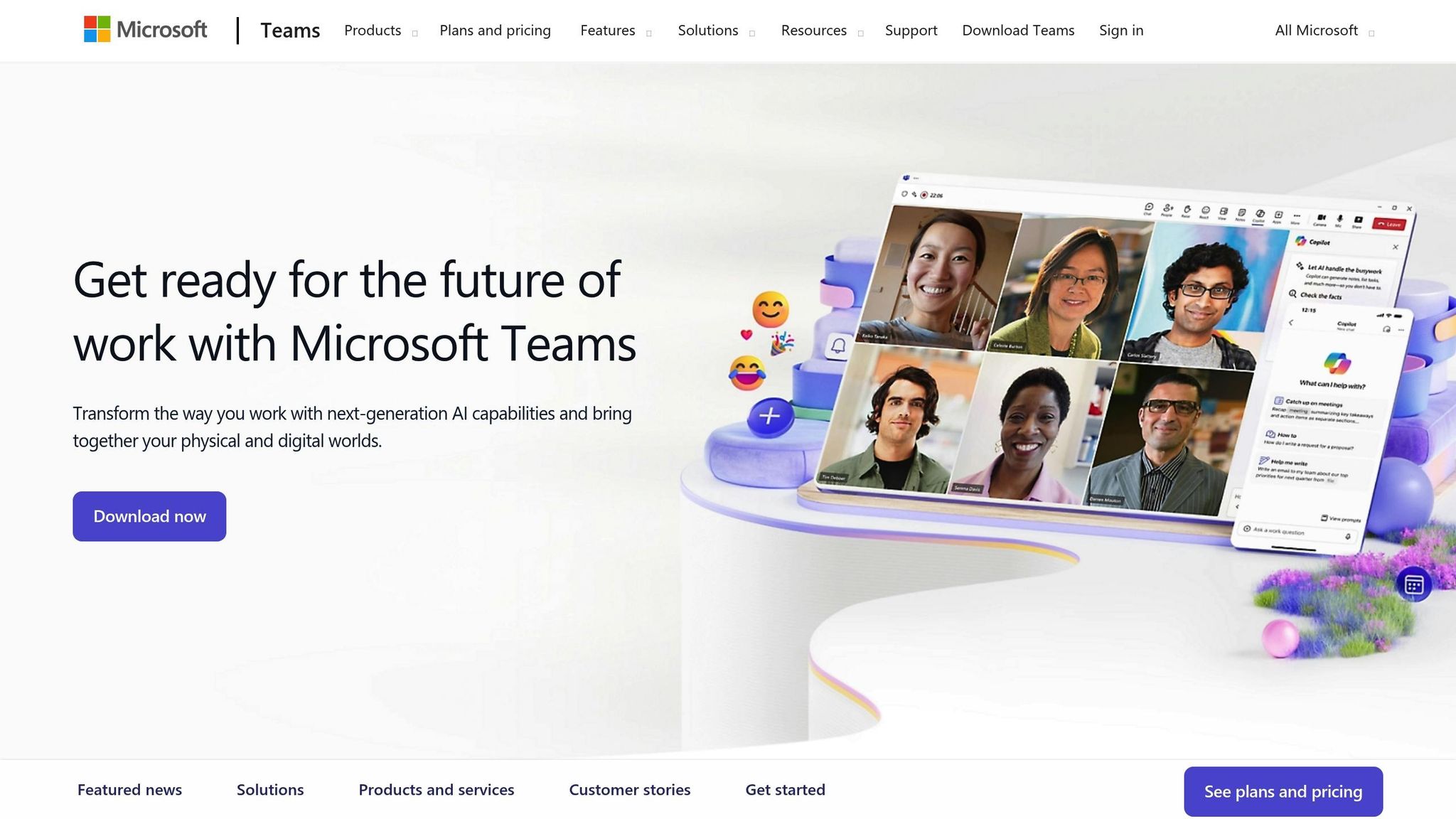
Microsoft Teams has become a cornerstone for organizations deeply rooted in the Microsoft ecosystem, offering a seamless blend of organized channels and direct messaging. The platform covers all the essentials - real-time chats, threaded discussions, and even automation bots to streamline workflows. For meetings, Teams lets you host video and audio calls with up to 300 participants, complete with breakout rooms and live captions. It's a solid collaboration tool for enterprises already invested in Microsoft 365.
Communication Tools
One of the standout features of Teams is its ability to integrate directly with Microsoft 365 apps. Imagine editing Word, Excel, or PowerPoint files right within the app while all your work gets automatically stored in SharePoint for easy access. It's a game-changer for collaboration. Plus, with native apps for iOS and Android, remote and frontline workers can stay in the loop through timely notifications. Fun fact: customers reported a 33% reduction in time spent in meetings after adopting Teams. That’s a productivity boost any team can appreciate.
Pricing
Teams offers flexible pricing plans to fit various needs:
Essentials Plan: At just $4.00 per user per month, you get 300-participant meetings, up to 30-hour meeting durations, and 10 GB of storage.
Business Basic: For $6.00 per user per month, this plan bumps storage up to 1 TB and includes a custom business email.
Business Standard: Priced at $12.50 per user per month, it adds desktop Office apps and webinar hosting capabilities.
Business Premium: At $22.00 per user per month, this plan offers advanced security features and device management.
Want more? You can add features like Teams Premium or Teams Phone Standard for an extra $10.00 per user per month.
Support for Different Team Types
Teams isn’t just about communication - it also helps with scheduling and appointments. The Shifts app is great for managing schedules, while Bookings simplifies appointment handling, especially for frontline staff. That said, Teams doesn’t fully replace a dedicated workforce management system, so you might need additional tools for more complex scheduling needs. On the bright side, Microsoft backs its business plans with a 99.9% uptime guarantee, though keep in mind that each team is limited to 1,000 channels.
Integration Capabilities
When it comes to integrations, Teams doesn’t disappoint - especially for businesses already using Microsoft tools. It connects with over 600 apps through its App Store and integrates effortlessly with the entire Microsoft 365 suite. For developers, the Microsoft Graph API opens doors to custom integrations. Starting November 1, 2025, Microsoft will also offer Teams as a standalone product for $8.55 per user per month, in compliance with global unbundling regulations.
While Teams shines for those already immersed in the Microsoft ecosystem, it might not be the best fit for companies relying on other tools. But if your organization is all-in on Microsoft, Teams could be the glue that holds your collaboration efforts together.
4. Workvivo
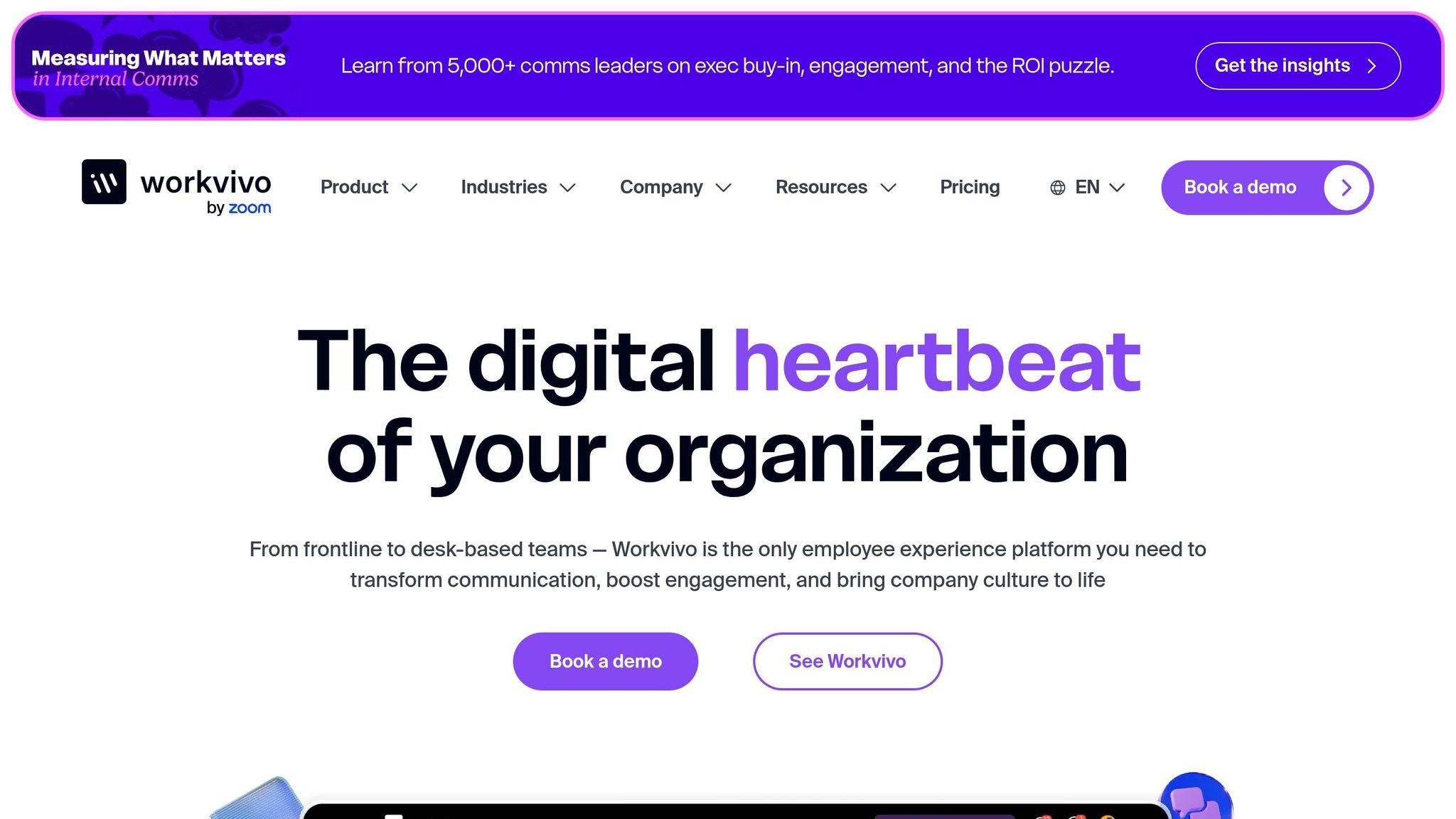
Workvivo brings a social media vibe to workplace communication, making it feel familiar and easy to use. At its heart is a social feed where employees can like, comment, and share updates - just like they do on their favorite apps. This design makes it a breeze for teams, especially distributed ones, to jump in and engage. With more than 1 million users worldwide, Workvivo has shown it can handle growth while keeping things straightforward. Let me walk you through its standout features, pricing, team adaptability, and integrations.
Communication Tools
Workvivo offers a range of tools that make staying connected seamless. You’ve got instant 1:1 and group chats, push notifications that can reach everyone, and live-streaming options for things like virtual town halls. One feature that stands out is Workvivo TV, which broadcasts updates to physical spaces like office lobbies or factory floors - perfect for reaching employees who aren’t glued to a screen. You can also track how well messages are landing with read receipts and content analytics, ensuring nothing critical gets overlooked.
"Workvivo has been an excellent tool in helping our organisation innovate the way we communicate, celebrate success and connect staff in our 50 global offices." - Lydia R., Internal Communications & Employee Engagement Manager
Pricing
Here’s the deal with pricing: Workvivo doesn’t lay out flat rates on its website. Instead, you’ll need to reach out to their sales team for a custom quote tailored to your company’s size and needs. They offer Business and Enterprise tiers, but extras like Chat, Workvivo TV, and Advanced Analytics come at an additional cost. While this à la carte approach gives you flexibility, it’s quite different from Pebb’s straightforward $4.00 per user plan, which keeps everything bundled and predictable.
Support for Different Team Types
Designed with mobility in mind, Workvivo is a great fit for frontline and remote workers who need access to company updates while on the move. Its built-in translation feature supports over 90 languages, making it a strong choice for global teams. For instance, Ryanair saw over 90% employee adoption using Workvivo to bridge gaps across their workforce. Similarly, Virgin Group uses it to connect both frontline and office-based employees worldwide. On top of that, automated pulse surveys and AI-driven sentiment analysis give managers insights into team morale, while peer-to-peer recognition and digital badges help foster a positive workplace culture.
Integration Capabilities
Workvivo plays well with others, integrating with more than 40 business platforms. This includes HR systems like Workday, BambooHR, and HiBob, as well as productivity tools like Microsoft 365, Zoom, and Slack. For enterprise customers, API access allows for custom integrations, letting you tailor the platform to your workflow. By bringing these tools together, Workvivo cuts down on app-switching and keeps things centralized. Plus, it’s built with security in mind, holding ISO 27001 and SOC 2 compliance certifications. Just keep in mind that some advanced features may come with extra costs, so it’s worth factoring that into your budget.
5. Staffbase
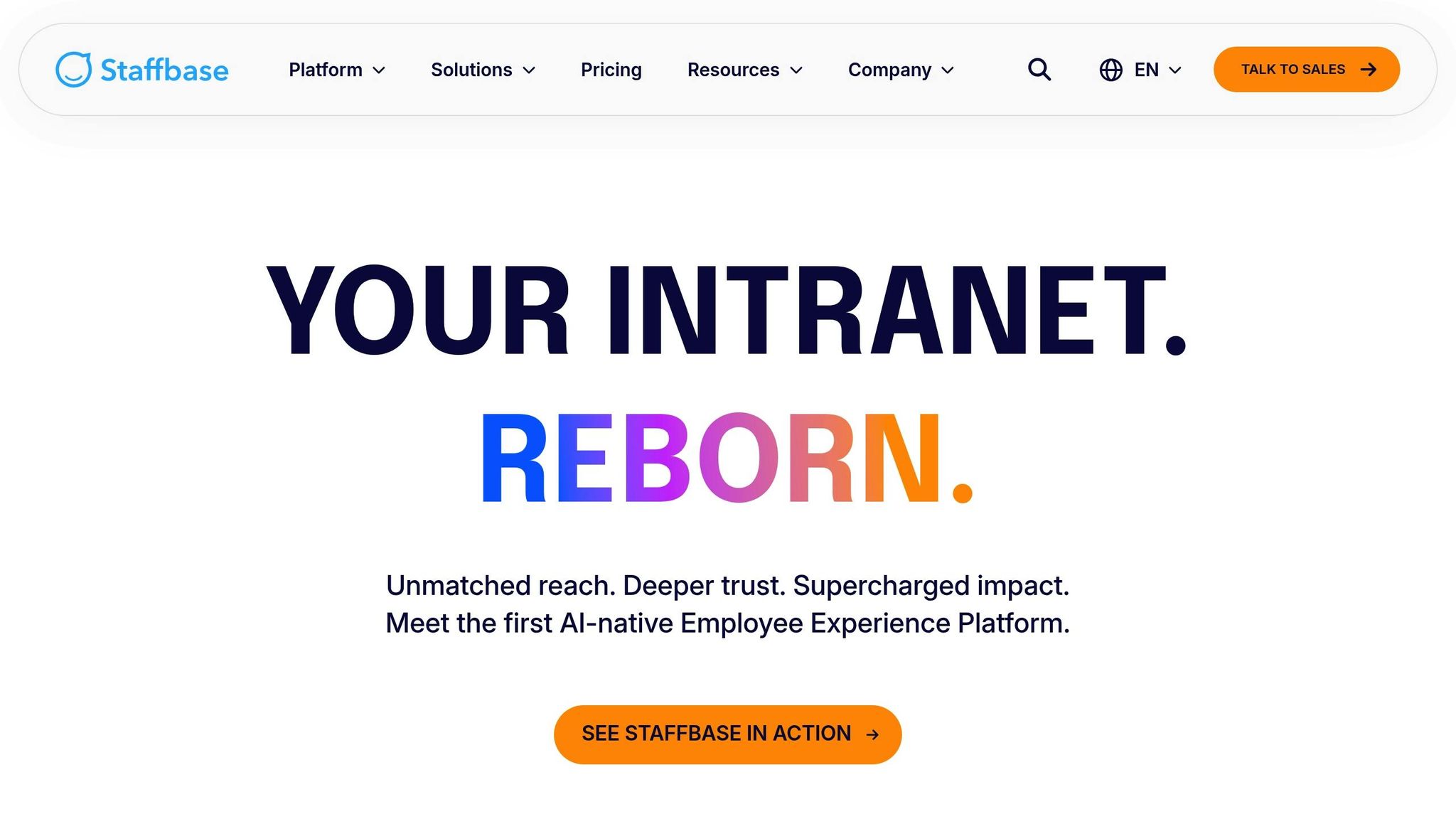
Staffbase has carved out a niche by focusing on frontline workers, boasting a client list of over 2,000 companies, including heavyweights like Siemens, Adidas, Audi, and Lufthansa. Its primary strength lies in its mobile-first approach, delivering company news straight to employees’ phones. This makes it a standout choice for organizations with dispersed teams, especially those prioritizing frontline communications.
Communication Tools
Staffbase provides a social news feed where leadership can share updates, supported by push notifications and internal email newsletters. However, its primary focus is top-down communication, which sets it apart from Pebb’s more interactive, all-in-one platform that combines broadcasting with active work chat. Staffbase leans heavily on targeting and segmentation, allowing companies to tailor content specifically to an employee's role, department, or location. That said, Staffbase lacks the robust chat features of Pebb, like integrated voice and video calls, making it less suitable for real-time collaboration.
Pricing
Here’s where things get less straightforward. Unlike Pebb’s transparent pricing of $4.00 per user per month, Staffbase operates on a custom-quote model. To find out what it’ll cost, you’ll need to contact their sales team. Industry estimates suggest starting prices hover around $30,000 annually for 1,000 users. Additional fees may apply for analytics, integrations, or customizations, which can add up quickly. This pricing structure positions Staffbase in a different league compared to Pebb’s simple, predictable pricing model.
Support for Frontline Workers
Staffbase shines when it comes to frontline support. Its mobile-first design includes offline content access, so employees can view key documents even without an internet connection. The platform also supports multiple languages, making it a solid choice for global teams. It syncs with your HRIS to keep employee data up to date and uses targeted content distribution to ensure employees in different roles or locations get relevant updates. While it offers tools like employee surveys and multi-step workflows for feedback, some users have noted the absence of features like gamification or quizzes, which could boost engagement further.
Integration Capabilities
Staffbase integrates with a wide range of tools to keep workflows running smoothly. As a Microsoft-certified partner, it connects natively with SharePoint, Microsoft Teams, and Power Automate. It also works with popular HRIS platforms like Workday and SAP, as well as productivity tools like Google Workspace, Slack, and Salesforce. Single sign-on is available to simplify access for employees, though it’s worth noting that some integrations may come with additional charges.
6. Firstup
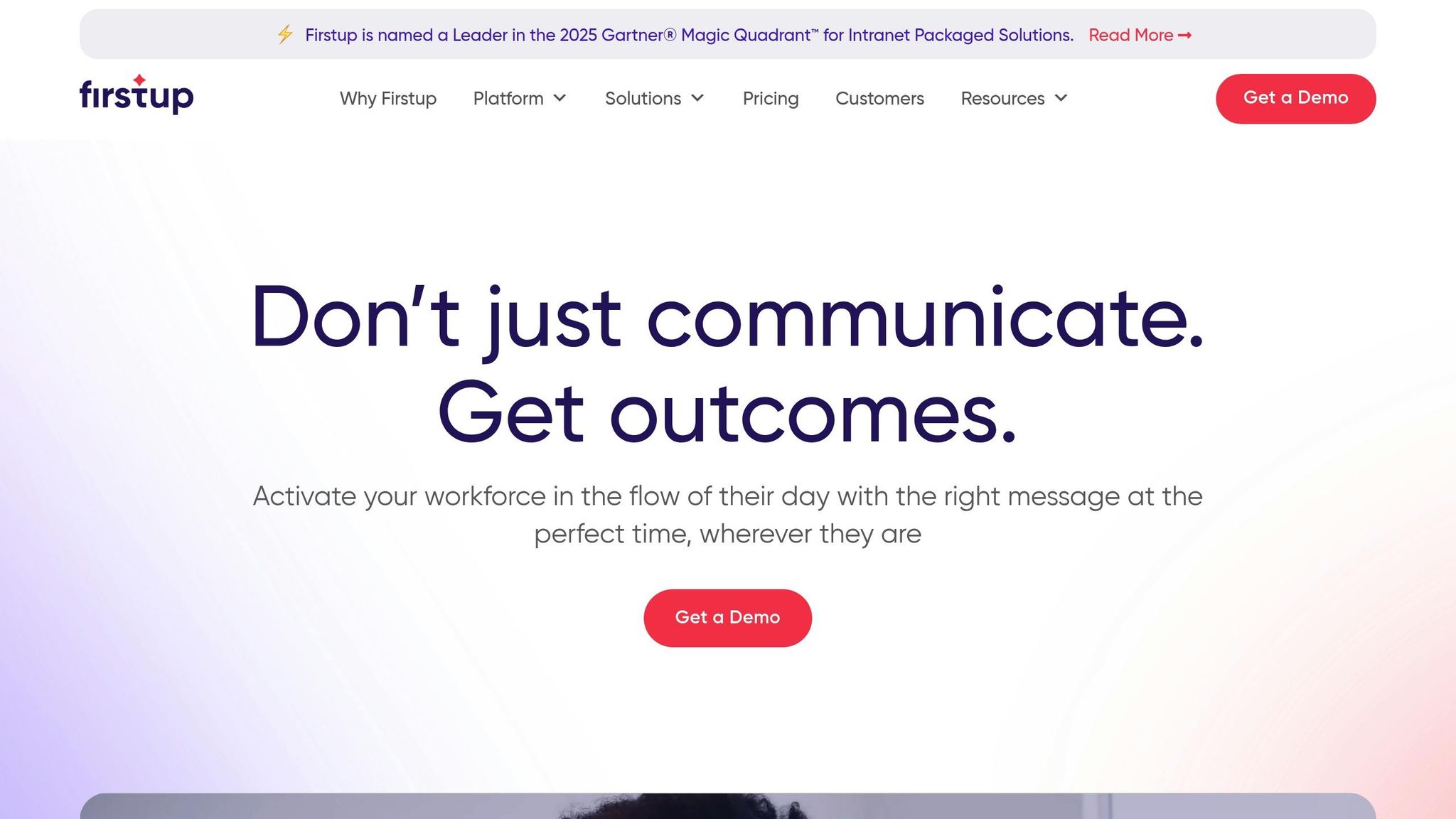
Firstup is built with large enterprises in mind, especially those managing massive, spread-out teams. It’s the go-to platform for companies like JetBlue, Swissport, and Boston Children's Hospital, all of which face the challenge of keeping their widespread workforce informed and engaged. The standout feature here is what they call "Intelligent Communication." Essentially, it uses AI to figure out the best time and platform to deliver messages to each employee. While scalability and targeted delivery are the platform's highlights, it’s not as focused on real-time collaboration.
Communication Tools
Firstup’s strength lies in targeted messaging and news distribution, rather than fostering direct, real-time collaboration. The platform allows companies to segment their audience down to the nitty-gritty details - location, role, shift, or department. JetBlue’s use case sums it up perfectly:
"We can send certain communications just to pilots, or in-flight tech ops, or airports, and also target by city or region".
Another interesting feature is the Journey Orchestration tool. This automates customized employee journeys for processes like onboarding or open enrollment, scaling these efforts across the organization. However, unlike Pebb’s integrated chat with voice and video capabilities, Firstup focuses more on broadcasting and personalization than interactive communication.
Pricing
When it comes to pricing, Firstup takes a custom, quote-based approach with annual commitments. Costs are calculated per user per month, and larger organizations can benefit from volume discounts. They offer three tiers:
Essential: Includes audience segmentation and multi-channel delivery.
Professional: Adds AI-powered content creation and delivery optimization.
Premier: Offers hyper-personalized journey flows with automated triggers.
Unlike Pebb’s clear-cut $4.00 per user per month pricing, Firstup requires you to request a quote. This difference in transparency could be a deciding factor for some organizations.
Support for Large Organizations
Firstup shines in reaching employees where they are - literally. Employees engage with its mobile app content up to 15 times more than email. Messages can be delivered across mobile, email, desktop, and even digital signage, with behavioral data ensuring optimal timing and placement. For example, Swissport uses Firstup to unify its global digital workplace, where onboarding costs average around €4,500 per employee. Similarly, Boston Children's Hospital leverages the platform to connect with every employee, creating a stronger sense of belonging. That said, its robust features may come with a steeper learning curve compared to simpler tools.
Integration Capabilities
Firstup also integrates seamlessly with other enterprise systems, making it easier to fit into existing workflows. It connects to major HRIS platforms and productivity tools, and single sign-on simplifies access for employees. Their analytics tools are a standout, offering insights into engagement metrics across channels. This helps organizations figure out what’s working and what’s not. On Gartner Peer Insights, Firstup scores impressively: 4.7 for integration, 4.8 overall, 4.9 for scalability, and 4.8 for service support.
7. Blink
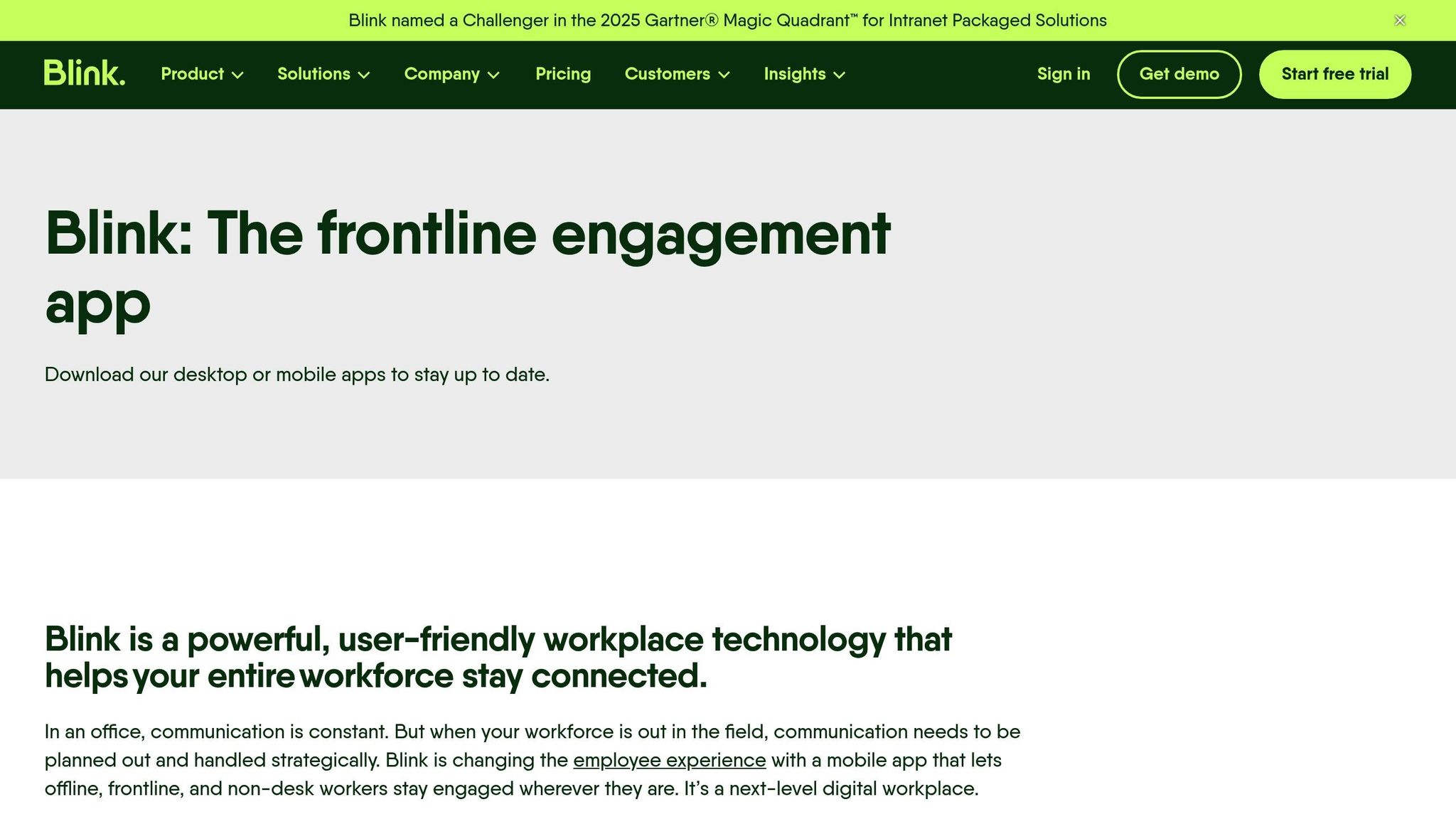
Blink calls itself a "super app" tailor-made for frontline workers. Think of it as a mobile-first hub that combines communication, engagement, and essential digital tools all in one place. It’s built with teams like retail staff, healthcare professionals, and field service crews in mind - folks who are constantly on the move and rarely tied to a desk. The goal? To give them everything they need without the hassle of juggling multiple apps. Here’s a closer look at what it offers.
Communication Tools
Blink’s communication suite feels like a mix of social media and workplace essentials. At its core is a news feed that works much like your favorite social platform, where companies can post updates, announcements, or even fun, engaging content to keep teams connected. Need to chat? Blink offers secure 1:1 and group messaging, plus live streaming that’s perfect for company events or virtual town halls.
One feature that caught my attention is Blink Assist, an AI-powered writing assistant. It’s designed to help employees draft, tweak, and polish their messages, and even includes machine-learning translation for teams spread across the globe. Then there’s Blink Kudos, a tool for instant peer recognition, and Stories, which create shared spaces for collaboration - imagine Instagram Stories but for teamwork. These features make communication not just functional but also engaging.
Pricing
Here’s where things get a bit murky. Blink uses a per-user pricing model, but you’ll need to request a custom quote to find out how much it’ll cost your team. This lack of upfront pricing can make budgeting trickier. By comparison, Pebb offers a clear, no-guesswork rate of $4.00 per user per month, which simplifies planning right from the start.
Support for Frontline Workers
Blink’s mobile-first approach is where it really shines for teams on the go. Push notifications ensure critical updates reach frontline workers instantly, no matter where they are. Plus, by centralizing tools and communication, it helps streamline their day-to-day tasks, keeping everything they need right at their fingertips. For workers who are always on the move, this kind of accessibility can make a big difference.
8. Simpplr
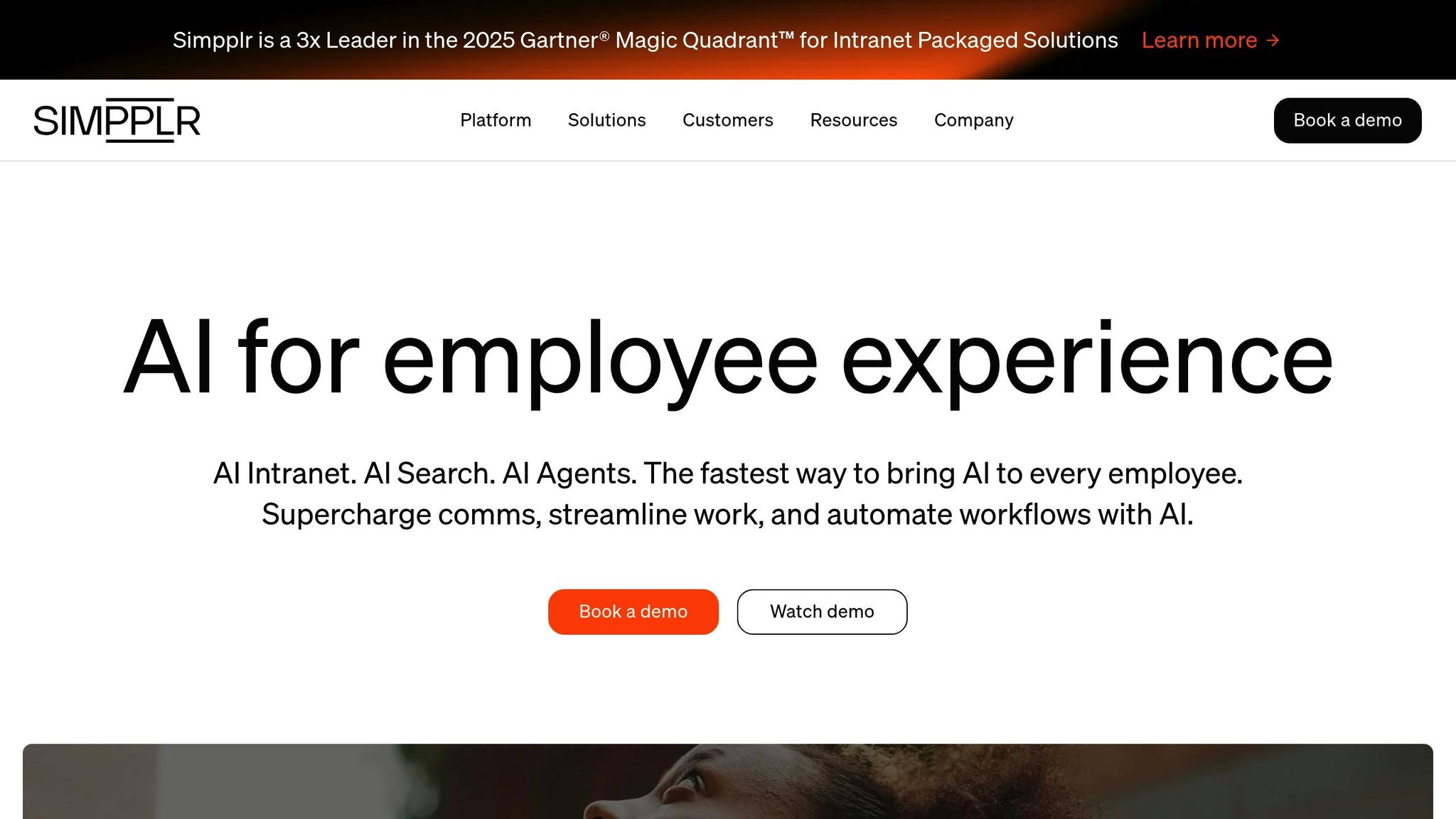
Simpplr is an AI-powered intranet built for office teams looking for a centralized space to manage corporate communications and content. Unlike the mobile-first platforms we’ve discussed so far, Simpplr focuses heavily on delivering a polished desktop experience, making it a great option for desk-based teams. Backed by Salesforce, it’s already serving over 2 million active users across 1,000+ organizations. It’s no surprise that Simpplr has been recognized as a Leader in the 2025 Gartner Magic Quadrant for Intranet Packaged Solutions - for the third time, no less. Let’s dive into how its features stack up when it comes to communication, pricing, employee support, and integrations.
Communication Tools
At its core, Simpplr’s communication features revolve around an intranet-style news feed that delivers updates, announcements, and essential resources. One standout feature is its AI-powered federated search, which pulls documents and information from across connected systems. However, its chat functionality is relatively limited compared to Pebb, so companies may need to rely on supplementary messaging tools to fill the gap.
Steve Tisa, Information Systems Architecture at UKG, sums it up well:
"The primary reason we went with Simpplr is that it is 'Simpplr by design.' The simplicity in posting content and using the platform has been key to getting employees to engage with the platform. At UKG, we have Microsoft 365, as well as Slack and other technologies. We use Simpplr as a place to integrate all of these tools."
Pricing
When it comes to pricing, Simpplr operates on custom enterprise quotes, requiring a minimum of 100 employees, with licenses sold in 50-user bundles. This can make scaling a bit tricky. Reports estimate the starting price at about $8.00 per user per month (billed annually), which is notably higher than Pebb’s $4.00 per user per month.
Support for Office Workers
Simpplr shines for desk-based teams that prioritize content management and governance. Its automated content moderation ensures that information stays current, while its AI-driven personalization tailors content feeds to individual employees. With over 200 integrations - including seamless connections to Microsoft 365 and Google Workspace - it acts as a "single source of truth" for corporate resources. For instance, Pluralsight successfully deployed Simpplr to 1,400 employees across six global offices in under a month, achieving an impressive 98% adoption rate.
Integration Capabilities
One of Simpplr’s biggest strengths is its integration ecosystem. With over 200 built-in integrations, it connects effortlessly with tools like Microsoft 365 (SharePoint, Teams, Outlook, OneDrive), Google Workspace (Drive), Slack, Salesforce, and Box. Its AI-powered search capability pulls relevant information from these platforms, cutting down on the need to switch between apps. The platform also boasts a 100% implementation success rate, with deployment timelines averaging 8 weeks for mid-sized companies and 16 weeks for global enterprises.
9. Speakap
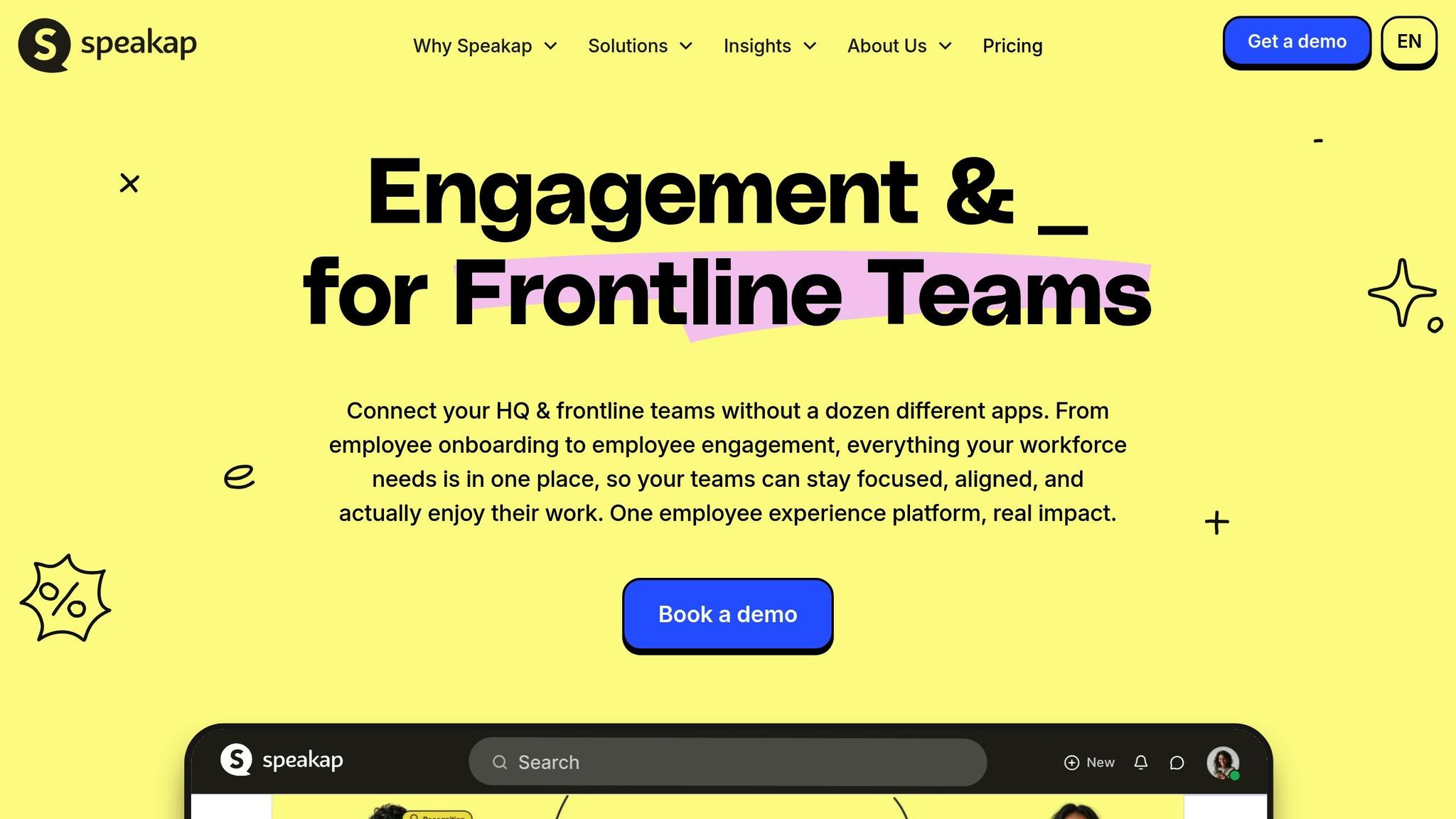
Speakap is all about simplifying communication for organizations with distributed teams. It’s a mobile-first platform designed to replace outdated methods with real-time updates, making it a go-to solution for keeping office staff and frontline workers on the same page. With its focus on speed and mobile accessibility, Speakap aligns with the growing trend of digital-first workplace tools. Let me walk you through what makes it stand out.
Communication Tools
At the heart of Speakap is its Timeline, a central hub where companies can post updates, announcements, and localized content. It’s like a digital bulletin board that everyone can access instantly. Need to collaborate? The Secure Chat feature allows for both one-on-one and group messaging, making it easy to coordinate across shifts. And because timing is everything, push notifications ensure that critical messages are seen right away. To top it off, interactive features like likes, comments, surveys, and polls help create a sense of community and encourage employee feedback.
Pricing
Speakap operates on a per-user pricing model. For specific pricing details, you’ll need to reach out to their sales team.
Support for Frontline Workers
Frontline workers often feel disconnected from the rest of the organization, but Speakap bridges that gap. Its mobile app delivers timely updates that replace slower, traditional communication channels, ensuring that every employee gets consistent and up-to-date information.
Integration Capabilities
Speakap doesn’t just stop at communication - it also integrates with tools you’re probably already using. For instance, it connects with employee recognition platforms like Awardco, helping to boost engagement and encourage app adoption. Additionally, it syncs with various HRIS systems and third-party tools to centralize communication and recognition efforts, making operations smoother for everyone involved.
10. ClickUp
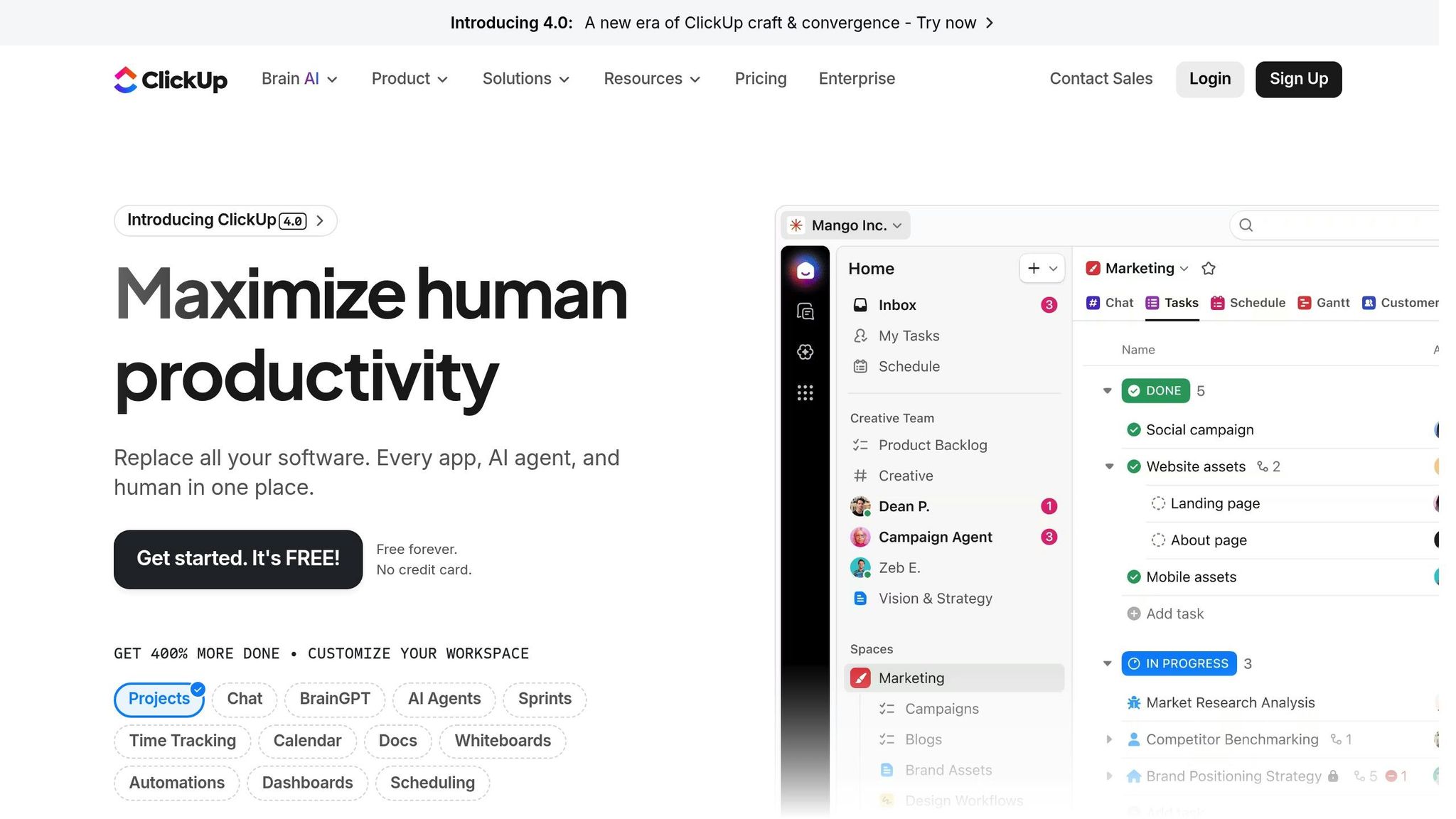
While Pebb focuses on creating a unified communication hub for diverse teams, ClickUp has established itself as a go-to platform for project management. With more than 3 million teams worldwide relying on it, ClickUp has become a major player in the productivity space. However, while its strength lies in organizing tasks and managing complex projects, it’s not designed for frontline workforce communication the way platforms like Connecteam are. This makes it a better fit for teams that prioritize project management over real-time communication with frontline staff.
Communication Tools
ClickUp offers a variety of tools to streamline team discussions and collaboration. Features like Threaded Comments keep task-related conversations organized, while Whiteboards encourage brainstorming in a collaborative environment. Additionally, ClickUp Docs allows real-time co-editing with in-app feedback, and instant notifications ensure you’re always up-to-date on project changes.
Pricing
ClickUp’s pricing structure caters to teams of all sizes. The Free Forever plan is great for smaller teams, while paid plans start at $7 per user per month. For more advanced needs, the Business tier costs $12 per user per month, and custom pricing is available for enterprise-level features.
Designed for Project-Driven Teams
ClickUp is built with project-focused teams in mind. Tools like custom statuses (e.g., "draft" or "under review"), checklists, and the Workload View help managers track team capacity and avoid burnout. Customization is a big plus, with options like Custom Fields for dropdown menus, checkboxes, or numerical entries (such as "Approval Status"). The Calendar View even lets you drag and drop tasks to adjust deadlines effortlessly.
That said, ClickUp doesn’t include some of the specialized frontline features you’ll find in platforms like Connecteam. For example, it lacks native GPS tracking for clock-ins or industry-specific tools like food safety compliance logs. And unlike Pebb, which offers a seamless communication solution for both frontline and office teams, ClickUp is more tailored to project-centric workflows.
Integration Power
One of ClickUp’s standout features is its ability to integrate with over 1,000 third-party tools, including Slack, Google Drive, and productivity platforms like Insightful. This makes it easy to centralize your workflows and keep everything connected. The platform’s popularity is backed by strong user ratings: 4.7/5 on G2 (with over 9,000 reviews) and 4.6/5 on Capterra (with over 4,000 reviews). These integrations and high ratings make ClickUp a strong choice for teams looking to streamline project management.
Comparison Table
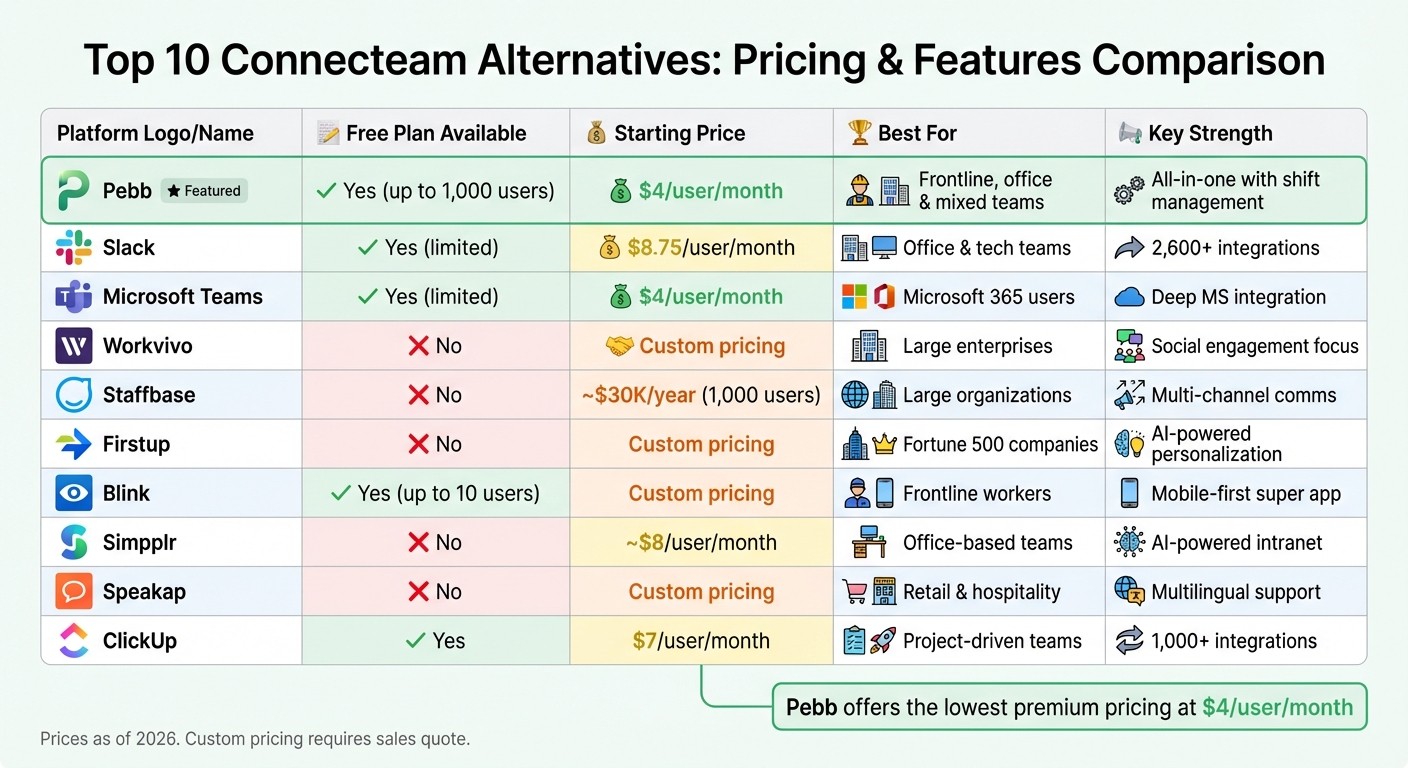
Connecteam Alternatives Pricing and Features Comparison 2026
Let me walk you through a side-by-side breakdown of some of the most popular communication platforms out there. Each one has its perks, but the best choice depends on whether you're managing frontline teams, office workers, or a mix of both.
Here’s where Pebb shines: it’s the all-in-one employee app for communication and operations that offers premium features for just $4 per user per month. Compare that to Slack Pro’s $8.75 per user per month or other enterprise tools with custom pricing. Below is a quick snapshot of how these platforms stack up.
Platform | Free Plan | Base Price | Main Strengths | Limitations | Best Fit |
|---|---|---|---|---|---|
Pebb | Yes (up to 15 users) | $4/user/month | All-in-one communication and operations, shift scheduling, PTO tracking, tasks, digital forms, voice & video calls | Admin & data limitations on the free plan | Frontline, office, and mixed workforces |
Slack | Yes (limited) | $8.75/user/month | Strong integrations, threaded conversations, widely adopted | Gets expensive at scale; limited workforce management tools | Office and tech teams |
Microsoft Teams | Yes (limited) | $4/user/month | Deep Microsoft 365 integration, video conferencing | Storage limits on lower tiers; can be complex for frontline workers | Office-based teams in the Microsoft ecosystem |
Workvivo | No | Custom pricing | Culture-focused engagement, social feed | High cost; requires an enterprise budget | Large enterprises prioritizing culture |
Staffbase | No | Custom pricing | Multi-channel communications, strong analytics | Expensive; steep learning curve | Large organizations with complex communication needs |
Firstup | No | Custom pricing | Personalized content delivery, enterprise-scale | Premium pricing; overkill for small teams | Fortune 500 companies |
Blink | Yes (up to 10 users) | Custom pricing | Frontline-focused, mobile-first design | Limited office team features | Frontline and deskless workers |
Simpplr | No | Custom pricing | AI-powered intranet, content management | High cost; primarily for office environments | Mid to large office-based companies |
Speakap | No | Custom pricing | Multilingual support, frontline communication | Limited project management features | Retail and hospitality frontline teams |
ClickUp | Yes | $7/user/month | Robust project management, 1,000+ integrations | Not designed for frontline workforce communication | Project-driven office teams |
If your team needs a solution that checks all the boxes - affordability, versatility, and ease of use - Pebb is a no-brainer. It’s built to handle everything from frontline workers to office staff without breaking the bank.
Conclusion
When it comes to picking the best employee communication platform, it all boils down to what your team truly needs. Slack and Microsoft Teams are solid choices if you're focused on office collaboration, but they can be pricey and don't cater much to frontline workers. On the other hand, enterprise tools like Workvivo, Staffbase, and Firstup bring a lot to the table for engagement, but their custom pricing often starts north of $20,000 per year - a steep commitment for many teams.
That’s where Pebb steps in as the all-in-one employee app for communication and operations. After diving deep into comparisons, it’s clear that Pebb strikes the perfect balance between affordability and functionality. Here’s the kicker: we’re the only platform offering a completely free plan for up to 15 employees. And if you’re looking for more, our Premium plan is just $4 per user per month - that’s half the cost of Slack Pro. Plus, it includes features like advanced analytics, permissions control, voice and video calls, and integrations that other platforms typically reserve for their enterprise-level tiers.
Whether your team is on the frontline, in the office, or working in a hybrid setup, Pebb is designed to handle it all. It’s a mobile-first, unified solution that scales effortlessly with your needs. So, as you weigh your options, think about your team size, budget, and whether you need a full workforce management suite or just simple messaging. The right platform should simplify communication without blowing your budget - and that’s exactly what Pebb delivers.
FAQs
Why is Pebb the best choice for internal communication and team collaboration?
Pebb brings together everything you could want in a communication platform, and it does so at a price that’s hard to beat. Here’s the kicker: the free plan covers up to 15 employees, and if you need to upgrade, the premium plan is just $4 per user per month. Compare that to competitors like Slack, Microsoft Teams, Workvivo, Staffbase, or Simpplr, and you’ll see why Pebb stands out. There are no hidden fees or pricey enterprise plans - what you see is what you get.
What makes Pebb so practical is its all-in-one employee app approach. You get work chat, a real-time news feed, groups, a searchable people directory, tasks, calendar events, digital forms, voice and video calls, and even integrations. It’s everything you need in one place, cutting out the hassle of juggling multiple apps. Plus, it makes onboarding a breeze and keeps everyone - from the frontline to the office - connected without breaking a sweat.
If you’re searching for a modern, budget-friendly solution to improve communication and keep your team engaged, Pebb is the obvious choice.
How does Pebb’s pricing compare to tools like Slack and Microsoft Teams?
Pebb stands out as a budget-friendly and feature-packed option for internal communication. Here's why: the free plan accommodates up to 15 users, while the premium plan costs just $4 per user per month - and that unlocks the entire all-in-one suite.
Now, let’s compare. Slack starts at $7.25 per user per month, but its free plan has limits on chat history and app integrations, which can be a dealbreaker for growing teams. Microsoft Teams also charges $4 per user per month for its Essentials plan, but there's a catch - it’s tailored for Microsoft 365 users, which might mean extra setup or training to get started.
What makes Pebb shine is its ability to match Teams on pricing while offering a far more generous free plan. That makes it an attractive, feature-rich option for businesses of all sizes looking to streamline their communication without breaking the bank.
Can Pebb support both frontline and office employees effectively?
Let me tell you, Pebb was designed with everyone in mind - whether you're working behind a desk or out in the field. It’s an all-in-one employee app for communication and operations that brings together everything your team needs to stay connected. We’re talking work chat, a news feed, groups, a people directory, tasks, calendar events, digital forms, and even voice and video calls. It’s like having all your favorite tools rolled into one, making collaboration simple and smooth for your entire team.
And here’s the kicker: Pebb doesn’t just work well - it’s incredibly affordable. For just $4 per user on the premium plan, you get a solution that keeps everyone informed and engaged, whether they’re in the office or on the move. It’s connection made easy, without breaking the bank.
