
Digital Forms for Employees: A No-Nonsense Guide
Tired of paperwork? Learn what digital forms for employees are, why they matter, and how to use them to build a better, more efficient workplace.
Dan Robin
On Monday morning, someone is always looking for a form.
It's the signed policy acknowledgment that never made it back from orientation. The PTO request a supervisor swears they approved but can't find. The incident report written on a clipboard, then left in a break room, then retyped by someone who wasn't there. None of this feels dramatic when it happens. It just makes the day slower, messier, and more irritating than it needs to be.
Organizations typically don't decide to change because they suddenly care about paper. They change because paper creates small failures that pile up. A new hire starts with confusion instead of confidence. A manager chases signatures instead of coaching people. An employee submits something important and hears nothing back, so they assume nobody saw it.
That's why digital forms for employees matter more than they first appear to. They aren't just a tidy admin upgrade. They change how work moves, how quickly people get answers, and whether employees feel like the company respects their time.
The Familiar Pain of Paperwork
I've never seen a paper process fail in an impressive way. It fails in ordinary, annoying ways.
A form gets filled out halfway because the employee didn't have all the information on hand. A manager puts it in a drawer to “deal with later.” Someone from HR has to follow up because the handwriting is hard to read or a field was skipped. By the time the issue is fixed, three people have touched the same task and all of them are mildly frustrated.
When the process sends the wrong message
This hits hardest in frontline teams. Office staff can usually walk over to HR or send a quick message. A store associate, nurse, warehouse lead, or field technician often can't. They're in motion. They're on shift. They need something that works from their phone, right then.
Paper tells them the company expects them to work around the process.
Digital forms tell them the process is built around the work they do.
A bad form doesn't just waste time. It tells employees, quietly, that admin matters more than their day.
The emotional part gets ignored because it sounds soft. It isn't. When people have to chase basic requests, they lose trust in the system behind the company. They start assuming things will get lost. They stop reporting small issues. They wait until problems get bigger.
The hidden cost of “we've always done it this way”
Paper also creates fake certainty. Leaders think they have a process because there's a form. But a form sitting in a folder isn't a process. It's a document waiting for a human bottleneck.
That's why the old setup survives longer than it should. It looks familiar. It feels manageable. Then one missed update turns into payroll confusion, one missing signature delays onboarding, and one late incident report leaves a manager reconstructing events from memory.
None of this is rare. It's normal. That's the problem.
What Digital Forms for Employees Really Are
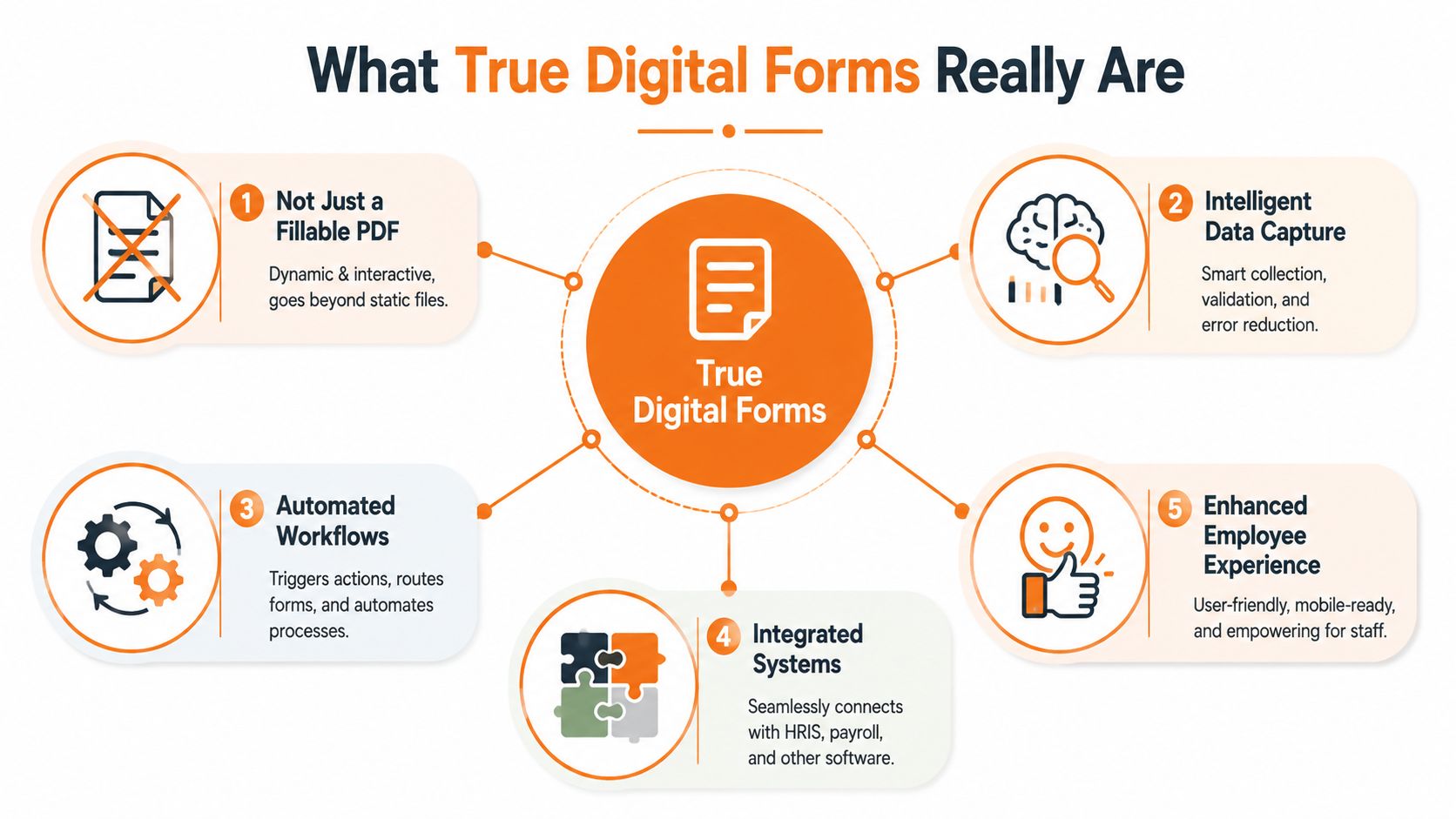
A lot of companies say they've gone digital when what they really mean is they emailed a PDF.
That's not the same thing.
A fillable PDF is still a paper process wearing a cleaner shirt. Someone still has to download it, complete it, send it back, save it in the right place, and tell the next person it exists. The file may be digital, but the workflow is still manual.
A real digital form does more than collect information. It starts a process, checks the information while the employee is entering it, and moves that information to the right place without someone babysitting it.
More like messaging than mailing
Paper forms are like mailing a letter and hoping it gets there. Digital forms for employees should work more like a message thread. You know it was sent. You know it was received. You know who needs to act on it next.
That difference matters.
A Harvard Business Review pulse survey cited by Formstack found that 91% of respondents consider high-quality digital tools extremely, very, or moderately important for elevating work processes. That feels right to me. Once people get used to tools that confirm, guide, and route work properly, they stop tolerating guesswork.
What makes a form “true digital”
A good employee form usually includes a few things working in the background:
Validation at the point of entry means the form catches missing or badly formatted information before it's submitted.
Conditional logic means people only see questions that apply to them, instead of wading through irrelevant fields.
Workflow triggers mean a submission can notify a manager, create a task, or update a record automatically.
Mobile access means someone on a shop floor or in a vehicle can complete it without waiting to get back to a desk.
Practical rule: If a form still relies on someone checking an inbox, renaming files, and forwarding attachments, it isn't really digital yet.
Why this changes operations
The shift isn't cosmetic. It changes how reliable the process becomes.
When an employee updates bank details, requests time off, reports a safety issue, or completes onboarding, the best system does two things at once. It makes the task easy for the employee, and it makes the result usable for the business. That's the bar.
Anything less is just cleaner paperwork.
The Real Benefits Beyond Just Saving Trees
The environmental win is fine. It's also not why most teams make this change.
They do it because manual admin keeps stealing attention from actual work. According to doForms' comparison of mobile and paper forms, manual data entry using paper forms drains approximately $28,500 annually per employee from U.S. businesses. The same source says moving to digital can reduce administrative errors by up to 90% and save up to 20 man-hours per week.
That's the operational case. The cultural case is just as important.
Time saved feels like respect
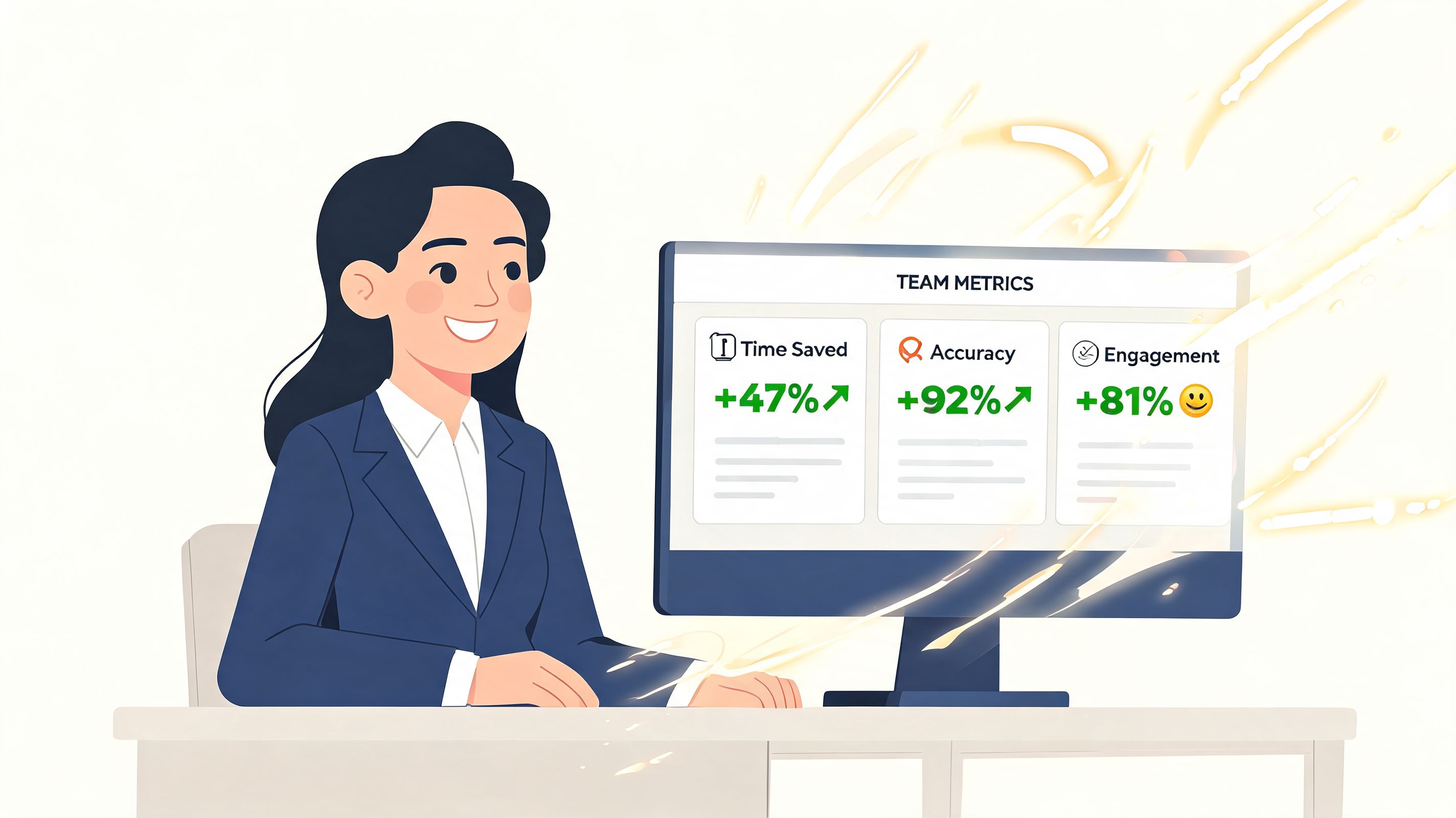
When someone can submit a PTO request on their phone in less than a minute, they don't just save time. They get clarity. They know the request went somewhere. They stop wondering if they need to follow up in person.
That kind of reliability changes the relationship employees have with admin work. It stops feeling like a side quest.
Managers feel it too. They spend less time translating messy inputs into usable information. They can approve, reject, escalate, or comment while the issue is still current.
Accuracy is a culture issue too
Bad data creates tension. If a form is incomplete, someone has to chase the person who submitted it. If the wrong version is used, someone has to clean it up. If details are entered twice, people stop trusting the record.
Digital forms reduce that friction because they can require the right fields, guide the order of questions, and keep everything in one place. Less correction means less blame. That matters more than most companies admit.
Teams often think they have a communication problem when they really have a broken intake process.
Faster responses change employee experience
Digital forms for employees stop being an ops project and start becoming part of company culture at this point.
A workplace feels more responsive when people get quick confirmations, visible next steps, and fewer dead ends. Employees don't have to wonder where a form went. Leaders don't have to rely on hallway reminders. Problems surface earlier because reporting them is easier.
A few common shifts stand out:
Requests feel legitimate because employees get confirmation instead of silence.
Managers stay closer to reality because submissions arrive while the issue is fresh.
HR gets cleaner records because data comes in with fewer mistakes.
Teams trust the system more because the process behaves consistently.
The best part is how ordinary it feels once it's working. Nobody celebrates a form that submits correctly. They just stop complaining. In operations, that's usually a sign you fixed something important.
Everyday Employee Forms You Can Digitize Now
The easiest way to spot value is to look at forms your team already hates.
Start with the ones employees use often, the ones managers have to chase, or the ones that matter when timing counts. You don't need a grand transformation plan to begin. You need a short list of recurring pain.
Onboarding, before and after
Paper onboarding usually looks organized from a distance. A neat packet. A checklist. A folder with tabs.
In practice, it's a stack of forms completed in a rush, often on day one, often with missing details. Someone from HR then reads handwriting, checks signatures, re-enters information, and follows up on anything incomplete. It's a poor welcome.
Digital onboarding is different. One secure link. Clear steps. Progress that's easy to follow. A new hire can complete details before they arrive, on their own device, without sitting in a back office filling out forms while everyone else is already working. If you're reworking that process, this guide to an employee onboarding form template is a practical place to start.
PTO, availability, and shift requests
These forms look simple until volume hits. Then they become a tangle of notes, texts, verbal approvals, and “I thought you saw it.”
Digital forms bring a basic but powerful improvement. Every request enters the same lane. The date, time, reason, and status are visible. The employee doesn't need to chase. The manager doesn't need to search through messages to reconstruct what happened.
Safety and incident reporting
Paper becomes a real liability in these situations. When people have to find a clipboard, remember details later, and hand a form to the right person, reporting gets delayed or softened.
A digital form makes reporting easier in the moment. The employee can submit details while they're still fresh. A manager can respond faster. The record is stored where it belongs instead of sitting in a binder.
Expenses and small reimbursements
Expense paperwork has a special talent for going stale. Receipts get lost. Approval slows down. Finance ends up with incomplete context.
A simple mobile form with receipt upload, category selection, and manager routing removes a lot of that drag. It also gives employees confidence that reimbursement won't depend on who remembers what.
Use Case | The Paper Problem | The Digital Gain |
|---|---|---|
Onboarding | Missing signatures, unreadable details, slow follow-up | Cleaner submissions, easier pre-boarding, faster routing |
PTO requests | Lost forms, verbal approvals, unclear status | Clear submission trail, faster approval, visible status |
Shift availability | Scattered updates across texts and paper notes | One record, easier scheduling, fewer misunderstandings |
Incident reports | Delayed reporting, incomplete details, hard retrieval | Faster reporting, better records, easier review |
Expenses | Lost receipts, manual checks, delayed reimbursement | Mobile submission, attached proof, cleaner approvals |
You don't have to digitize everything at once. Pick the forms that cause the most repeat frustration. They're usually the right first move.
Security and Integration Done Right
A sloppy digital form is still a problem. It's just a faster one.
Teams often focus on ease of use first, which makes sense. But employee forms carry sensitive information. Personal details, absence records, payroll data, health-related notes, disciplinary records. If that information moves through weak tools, convenience turns into exposure.
A 2025 Gartner report cited by Blink notes that 68% of HR leaders in retail and hospitality reported data breaches from mobile forms in the past year, with many lacking proper encryption for sensitive employee data. That should reset the conversation quickly.
Security you can't skip
Most buying mistakes happen because the demo looked smooth. That's not enough.
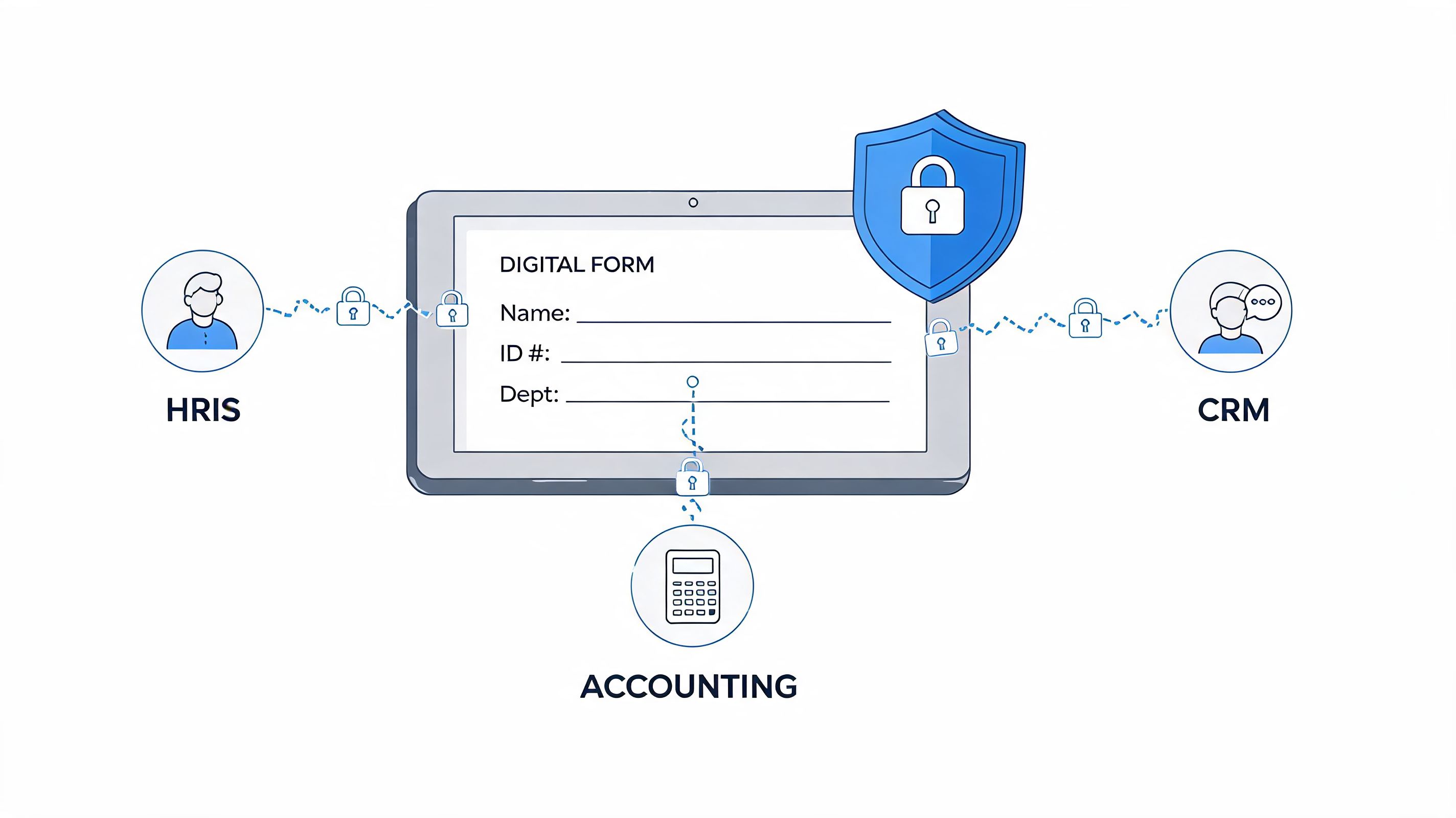
Ask harder questions. Who can see each form after submission? Can access be limited by role, team, or location? Is data encrypted? Can the platform support compliance requirements your business has to meet? If your team needs a grounding in governance and safe handling, resources like Cura Academy security products are useful for building that muscle before you roll anything out broadly.
If your digital form tool creates new uncertainty about who can access employee data, you haven't modernized the process. You've moved the risk.
Integration matters more than the form itself
The second trap is buying a form tool that lives alone.
A form should connect to the systems your team already relies on. HRIS, payroll, document storage, scheduling, identity tools. If it doesn't, people end up exporting CSV files, forwarding emails, and copying data from one screen to another. The paper may be gone, but the manual work survives.
That's why I'd always look at document flow before features. A good form doesn't just collect information. It updates the record, triggers the next step, and leaves a clean trail. If you're sorting out that broader process, this piece on HR document management helps frame the right operational questions.
What to look for in practice
Three things separate safe, useful tools from the ones people regret:
Role-based access so supervisors, HR, and finance only see what they need.
Clean system connections so submitted data moves without re-entry.
Auditability so you can tell what was submitted, when, and by whom.
None of that is flashy. It's the part that keeps a good rollout from turning into a quiet mess six months later.
From Standalone Forms to a Unified Work App
A separate form tool made sense when companies were still comfortable stitching work together from a dozen apps.
That setup ages badly. Employees need another login. Managers check another dashboard. Data ends up split between the form tool, chat, HR system, and someone's inbox. The process technically works, but nobody experiences it as simple.
The better model is to put forms where work already happens.
Why one place changes behavior
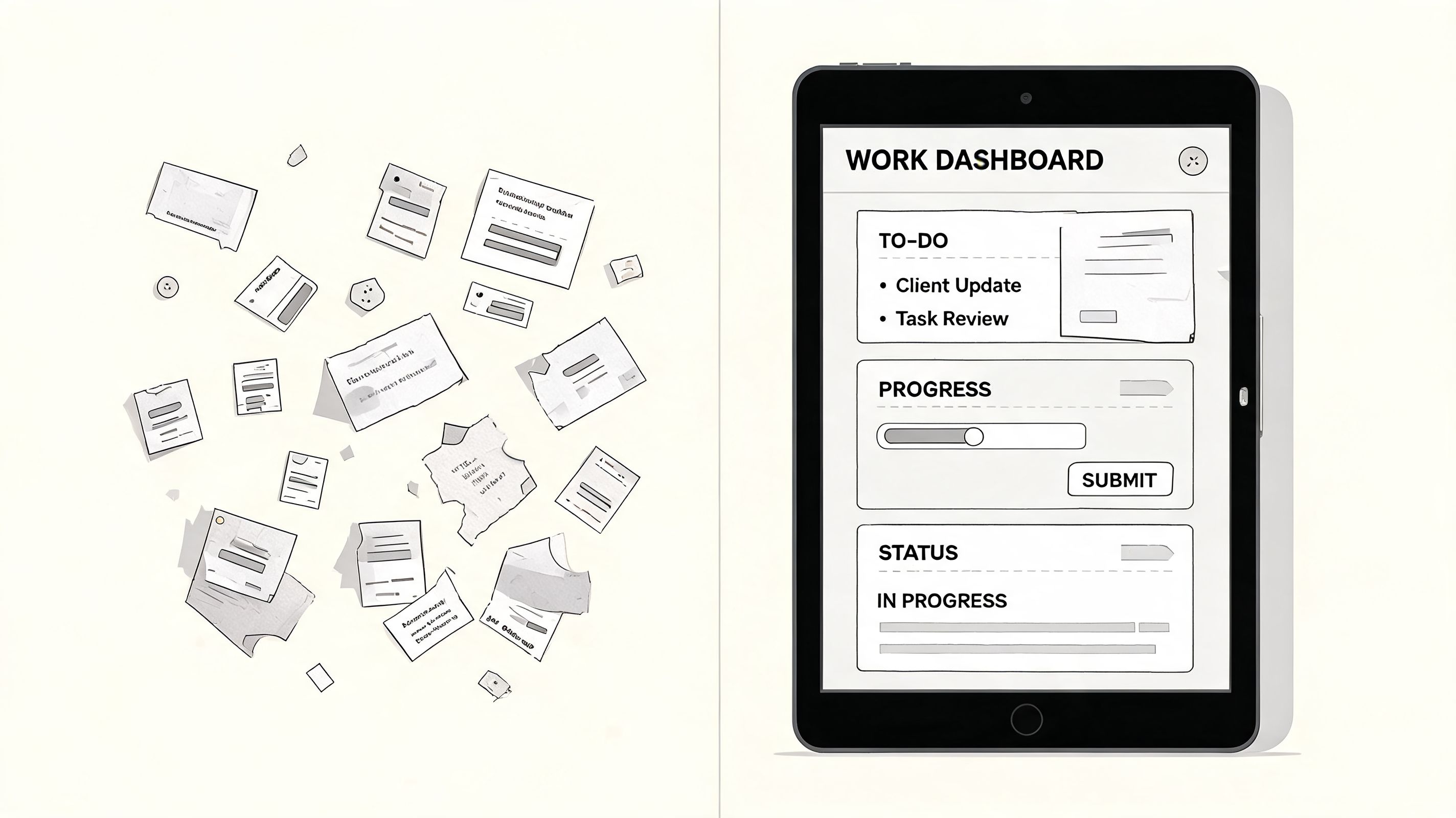
When forms live inside the same app employees use for updates, chat, schedules, tasks, and documents, completion gets easier because context stays intact. A worker sees a shift swap request, opens it, submits it, and gets on with the day. A supervisor gets notified in the same environment where they already manage the team.
That matters more than feature comparisons usually admit.
The operational upside is measurable too. iTacit's overview of digitized HR forms says that integrating digital employee forms with core business systems via APIs can reduce redundant data entry by 70% and cut data retrieval time by 80%. Those gains are easier to realize when forms aren't isolated from the rest of work.
Better for culture, not just process
This is the part many buyers miss. A unified work app doesn't just reduce friction. It makes forms feel like part of participation instead of admin exile.
An employee can complete onboarding, read a policy update, request time off, and message a manager in one place. That continuity lowers resistance. It also gives leaders a clearer picture of how information moves across the company.
If you're thinking at the system level instead of just replacing one form, it helps to step back and look at what a digital workplace requires.
One practical example
A team might use Microsoft Teams or Slack for communication, Workday or BambooHR for HR records, and a dedicated app for form capture. That can work if the connections are strong.
Another option is a unified work app such as Pebb, where teams can handle communication, tasks, file access, and employee forms in the same environment, then connect that activity to HR and payroll systems. The point isn't that every company needs the same stack. It's that forms work better when they're part of a system employees already open every day.
When forms sit off to the side, they become one more thing to remember. When they live inside the flow of work, they become normal. That's when adoption stops being a campaign and starts being behavior.
It's Not About Paper, It's About People
The first form an employee fills out says more about a company than most leaders realize.
If the process is clunky, delayed, or confusing, employees notice. If it's clear, mobile, and reliable, they notice that too. A form is a small thing. It still tells people whether the company is thoughtful about how work happens.
That matters even more in distributed teams. Companies are redesigning space, schedules, and routines at the same time, which is why operational decisions connect so closely to experience. Even something adjacent, like implementing hot desking for small businesses, shows the same pattern. When the system is easy to understand, people adapt. When it's vague or fragmented, frustration fills the gaps.
Digital forms for employees aren't exciting in the way new strategy decks are exciting. They're better than that. They remove the tiny paper-cut frustrations that make a company feel disorganized and slow.
Fix enough of those, and culture changes with them.
If you're rethinking employee forms, it's worth looking at a tool that doesn't treat forms as a side feature. Pebb brings digital forms together with chat, tasks, file sharing, scheduling, and employee communication in one work app, so teams can collect information and act on it in the same place.
