
Clock In App for Employees: A No-Nonsense Guide
Tired of messy timesheets? Our guide to the clock in app for employees covers features, benefits, and how to choose a tool your team will actually use.
Dan Robin
The last few days before payroll tend to reveal every weakness in a process.
Someone forgot to turn in hours. A supervisor approved the wrong sheet. Two shifts got written down twice. One employee swears they stayed late on Tuesday, and nobody can prove it without digging through texts, screenshots, and half-finished spreadsheets. By the time payroll goes through, everyone is irritated. Managers feel buried, and employees feel like they have to babysit their own pay.
That kind of chaos usually gets blamed on people. I think that's lazy. Most of the time, it's a process problem. If the system is fragile, good people still end up doing messy work inside it.
A good clock in app for employees fixes that at the source. Not by adding more oversight. By removing avoidable friction. It gives employees a simple way to record time, gives managers a clean record to work from, and gives payroll fewer surprises at the end of the week.
Beyond the Punch Card and Messy Spreadsheets
Month-end admin has a special talent for making small mistakes feel expensive. A handwritten timesheet gets smudged. A spreadsheet formula breaks. A manager spends Friday afternoon chasing three missing entries that should've been captured automatically in the first place.
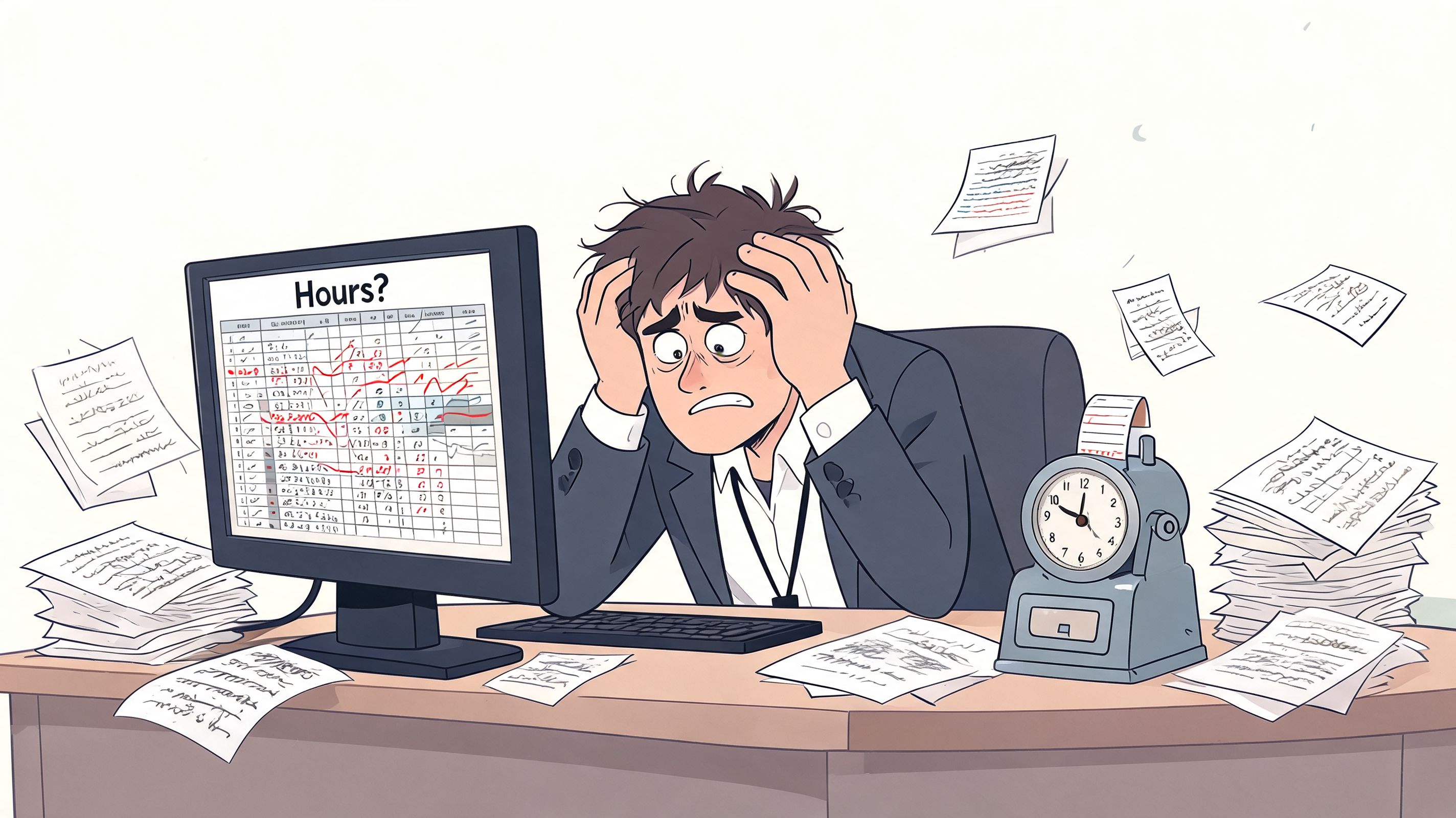
I've seen teams tolerate this longer than they should because the pain shows up in small doses. Ten minutes here. A correction there. A payroll question after lunch. But the work adds up, and it spreads. If you've ever read about freeing legal aid staff from data issues, the pattern is familiar. Smart people end up spending too much energy managing broken inputs instead of doing the job they were hired to do.
Why the old way feels worse than it used to
Paper and spreadsheets used to pass for “good enough” because they were familiar. That's not the same as efficient. Once you have multiple shifts, mobile staff, or more than one location, manual tracking starts to crack.
A digital record helps because it creates one place everyone can check. Employees can see what they logged. Managers can approve what's real. Payroll gets cleaner data upstream instead of cleaning it downstream. If you need a basic primer on the mechanics, this guide on how to track employee hours is a useful companion.
The calmer your payroll process feels, the more likely your team is using a system they trust.
There's still a lot of room for adoption. Only 18% of US employers who schedule shifts use an app to do so, and 93% of employees in the US report that their paychecks arrive on schedule due to productivity tools like time-tracking systems according to QuickBooks time and attendance statistics. That gap says a lot. Many teams are still stuck in the old mess, while others have already moved to something much steadier.
What a Clock In App Actually Does And Does Not Do
A common image is a digital punch clock. That's too narrow.
A proper clock in app for employees is closer to a shared ledger than a timer. It records when work starts and ends, keeps edits visible, ties entries to schedules or job sites, and gives both employees and managers the same version of events. That matters because payroll problems usually begin when people are working from different records.
What it does well
For employees, the experience should be boring in the best way. Open the app. Clock in. Work. Clock out. Check your hours if you want to make sure everything looks right.
For managers, the app becomes the operational layer behind payroll and staffing. You can see who has started, who hasn't, where coverage is thin, and what needs approval before hours go downstream. A decent tool also turns raw punches into usable timesheets without asking someone to retype them later.
Here's the job:
Capture hours clearly so people don't have to reconstruct the week from memory.
Create one record that employees, managers, and payroll can all reference.
Reduce disputes by showing what was entered, approved, and changed.
Make review easier so supervisors spend less time on corrections and more time on staffing.
What it should not become
It should not feel like spyware. It should not flood managers with trivia. And it should not force employees through five screens just to start a shift.
That's where a lot of rollouts go wrong. Buyers get distracted by feature lists and forget the human side. If the app makes honest work feel suspicious, employees resist it. If it makes simple actions clumsy, they work around it.
Practical rule: If someone on your team can't learn the basic clock-in flow in a few minutes, the tool is already asking too much.
The best systems create clarity, not pressure. They reduce guesswork around overtime, approvals, breaks, and attendance. They also give employees something many older systems never did. A direct way to verify their own hours without waiting on a manager to pull a spreadsheet.
The Features That Genuinely Matter for Your Team
A lot of apps try to win with volume. More tabs, more dashboards, more “advanced” tools nobody asked for. Organizations often need less than vendors think. They just need the right few things to work every day.
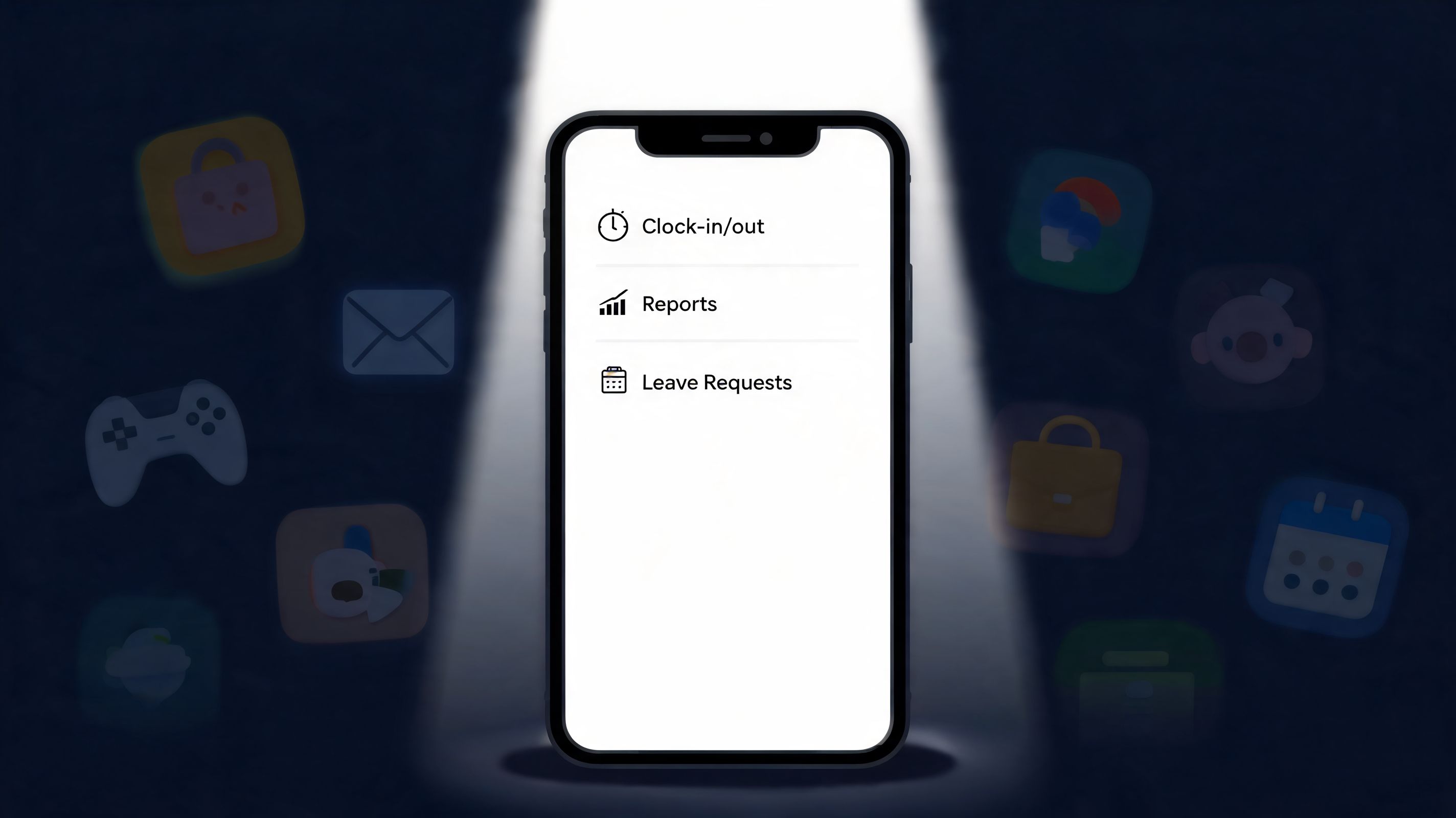
The short list of essentials
The first requirement is simple mobile clock-in and clock-out. No drama. No hidden menus. No dependence on a perfect signal every second of the day.
After that, the features that usually matter most are:
Feature | Why it matters in practice |
|---|---|
Automated timesheets | Cuts out manual re-entry and the errors that come with it |
Manager approvals | Lets supervisors catch problems before payroll does |
PTO requests and balances | Keeps time worked and time off in the same workflow |
Schedule visibility | Helps employees check shifts without texting a manager |
Location-aware clock-in | Useful when work happens across sites or in the field |
Automated timesheet generation is one of those unglamorous wins that pays off fast. The same goes for approval flows inside the app. Nobody enjoys chasing screenshots and text confirmations to prove a shift happened.
The feature that matters more than people think
If your team works across job sites, geofencing deserves more attention than it usually gets.
Geofencing uses GPS to create a virtual boundary around a worksite. According to HubEngage's overview of employee time clock apps, that boundary typically works with an accuracy of 10 to 50 meters, can reduce buddy punching by 70% to 90%, and has been shown in field deployments to lower payroll error rates by 40% through verified, timestamped entries.
That sounds technical, but the practical benefit is plain. People can clock in where they're supposed to be, and managers don't have to play detective later.
Geofencing works best when it protects fairness, not when it feels like surveillance.
That distinction matters. Used well, it prevents one employee from covering for another and keeps everyone under the same rules. Used badly, it creates distrust. The setting itself isn't the issue. The way you explain it is.
The shiny objects I'd treat carefully
Some extras look impressive in demos and barely matter after launch. Fancy analytics can wait. Deep customization can wait. AI summaries can definitely wait if the basics are shaky.
Start with features that reduce admin, protect accuracy, and make life easier for the people using the app on shift. Everything else is secondary.
Real-World Benefits for Managers and Employees
The mistake a lot of leaders make is talking about time tracking as if it only helps payroll. That's too small. A good system changes the day-to-day rhythm for the whole team.
For managers, the obvious win is less cleanup. Companies using automated time-tracking see an average 25% productivity increase, and these tools can save over 30 hours per month in administration according to MaxelTracker's time tracking statistics. Those numbers make sense if you've ever watched a supervisor spend hours fixing preventable entries.
What managers actually get back
Managers get cleaner approvals, fewer missing hours, and less time spent acting like a records clerk. They also get a better view of labor as it's happening, not a week later after the damage is done.
That's one reason I pay attention to how labor data connects to operations, not just payroll. If you're trying to understand staffing pressure and labor visibility from the field side, a tool like the AnchOps labor management platform is worth looking at for context. The broader point is simple. Time data gets more useful when it helps with staffing decisions, not just paycheck calculations.
What employees notice first
Employees usually don't care about your admin burden. Fair enough. What they care about is whether the app makes their workday easier or harder.
The good outcomes are straightforward:
Transparency: They can see their own hours and catch mistakes early.
Fairness: Everyone follows the same process for shifts, breaks, and approvals.
Less back-and-forth: Time-off requests and attendance questions stop living in scattered texts and emails.
When a team can check hours on their own phone, you remove a lot of low-grade anxiety. People stop wondering whether a missed punch will turn into a payroll issue. They stop needing a manager to confirm every small thing.
A time system earns trust when employees can verify their own record without asking permission.
That's the part many buyers miss. The app isn't just an admin tool. It's a daily contract between the company and the employee. If the record is visible, consistent, and easy to fix when something goes wrong, people tend to accept it. If it's opaque, they won't.
How to Choose the Right App for Your Company
Most bad software decisions happen before the demo ends. The buyer gets impressed by a polished screen, asks about features, and forgets to ask how the thing behaves in real life with payroll, field conditions, and tired employees using older phones.
Start with the risk that breaks most rollouts
If the app does not sync cleanly with payroll, stop there.
A 2025 Gartner report notes that 68% of SMBs abandon new time-tracking apps within six months, primarily due to poor payroll sync issues, as cited in Connecteam's roundup of clock-in and clock-out apps. I'm skeptical of any buying process that treats integration as an afterthought. A broken sync creates duplicate work, corrections, and mistrust fast.
That's also why comparison research helps before you get attached to one product. If you're narrowing options, this review of time and attendance software for small business is a sensible place to pressure-test what vendors promise against what teams usually need.
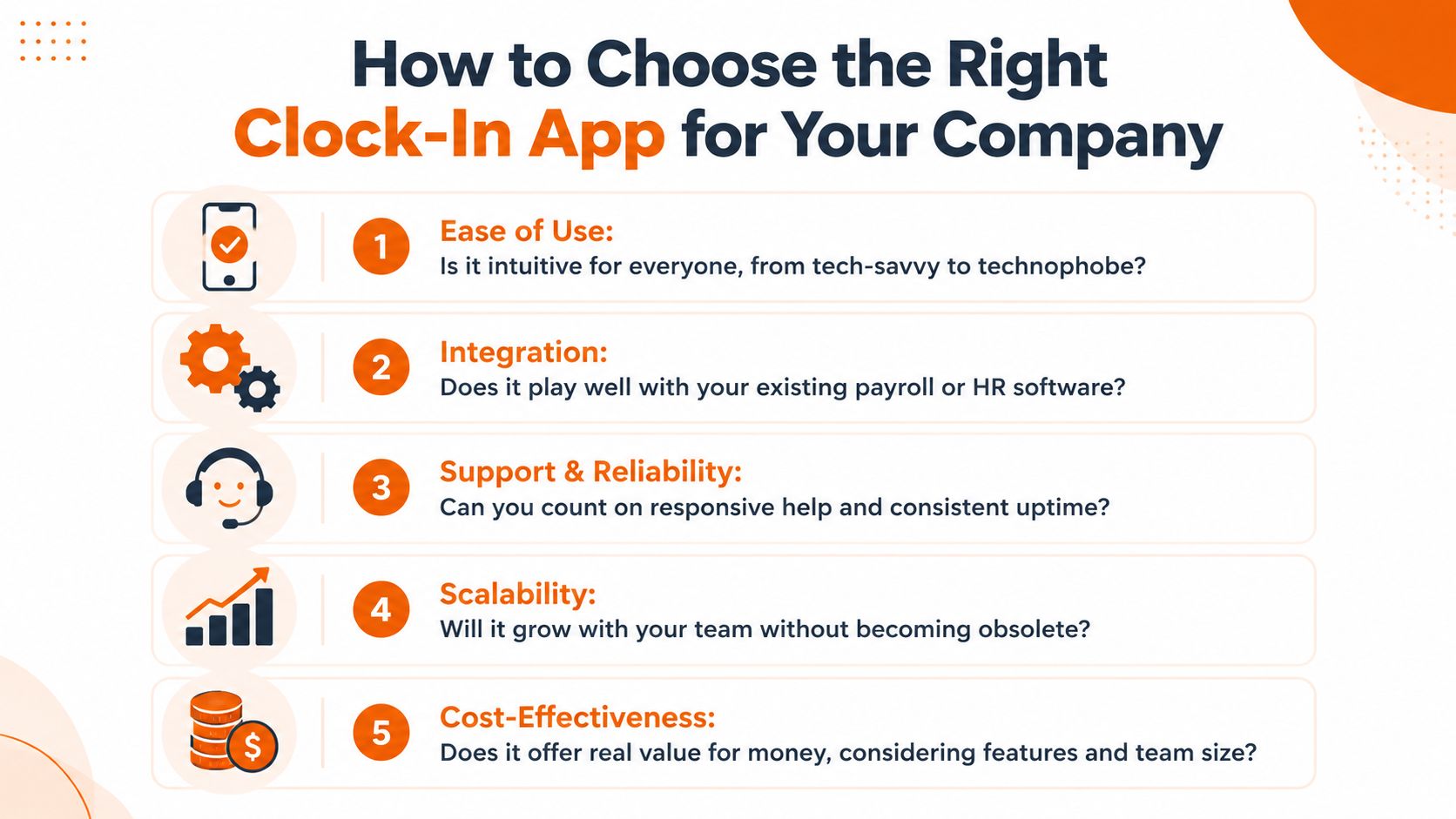
Five filters worth using
Don't build a giant scorecard. Use a few hard filters instead.
Ease of use
Hand the app to a supervisor and a frontline employee. If both can't figure out clock-in, correction, and approval quickly, keep looking.Payroll and HR integration
Ask what happens when punches are edited, approved late, or tied to different pay rules. “We integrate with payroll” is not enough. You need to know how cleanly data moves.Real-world reliability
Mobile teams don't work in perfect conditions. Check whether the app handles weak reception, shared devices, and multi-site work without falling apart.Support quality
Sooner or later, someone will need help during payroll week. You want a vendor that answers practical questions clearly, not one that sends you to a help center maze.Room to grow
Today you may only need time tracking. Later you may need scheduling, PTO, tasks, or internal communication in the same place. Think about tool sprawl before you create more of it.
A quick evaluation table
Question | Strong answer | Weak answer |
|---|---|---|
Can employees use it without training fatigue? | The core flow is obvious | It needs lengthy walkthroughs |
Does it sync cleanly with payroll? | Changes and approvals transfer reliably | Exports require manual cleanup |
Can it handle field work? | Works across sites and imperfect connectivity | Assumes office conditions |
Will managers actually use it? | Approvals and reviews are fast | Admin tasks feel buried |
Does it fit your broader stack? | Connects with current tools and future needs | Adds another silo |
One tool worth considering in that broader-stack category is Pebb, which combines clock-in, shift scheduling, PTO tracking, chat, tasks, and internal communication in one app. That matters if you're trying to reduce the number of separate tools employees have to open each day, not add another one.
Rolling It Out Without the Headaches
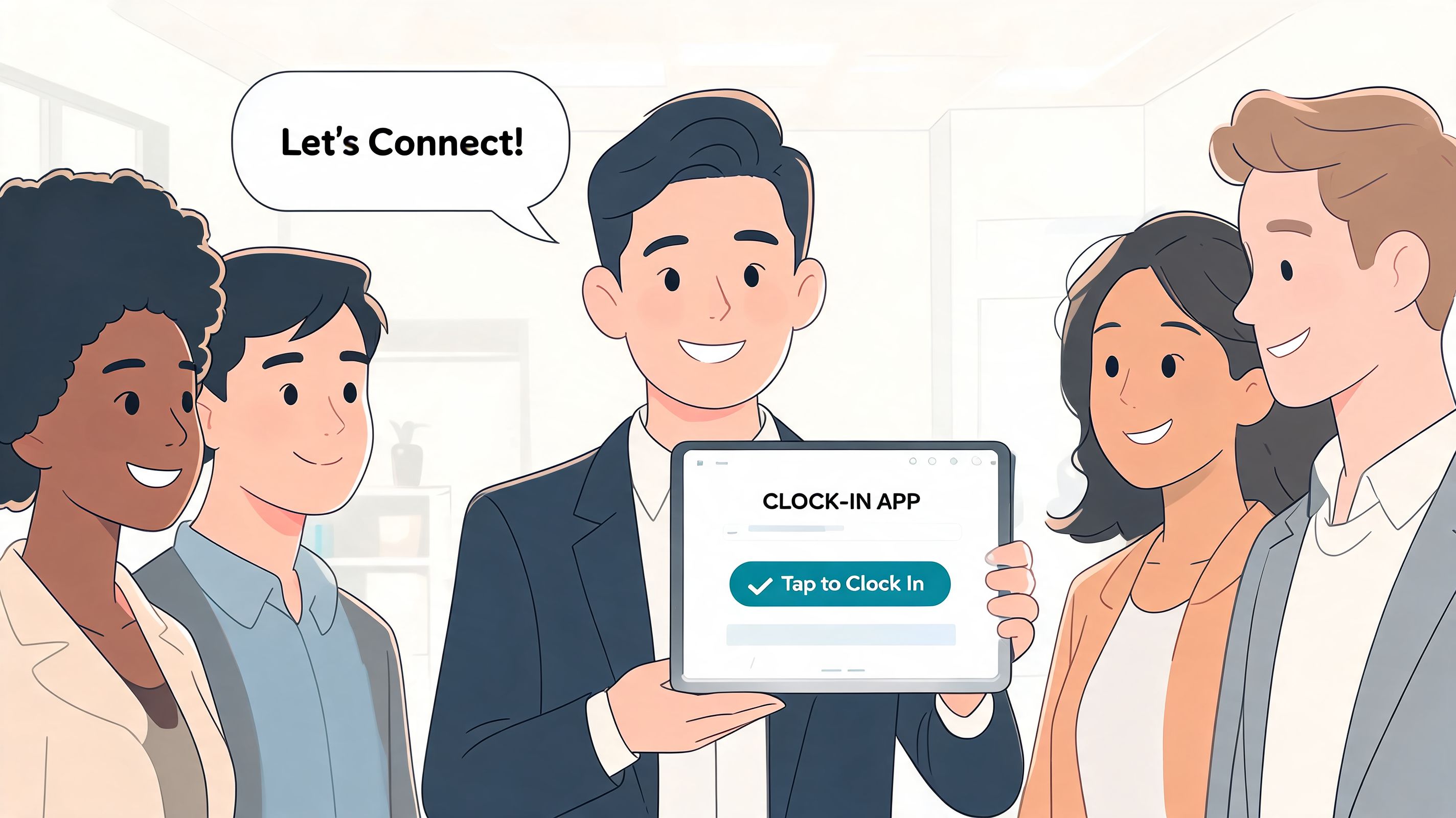
A rollout fails long before the software fails. It fails when leadership announces a new app like a decree, skips the explanation, and assumes people will comply because the icon showed up on their phones.
That's the fastest way to turn a sensible tool into a morale problem.
Roll out small first
Start with one team that has a steady manager and a decent mix of personalities. Not your most skeptical group, and not your most polished one either. You want honest feedback, not forced enthusiasm.
A pilot gives you space to find the rough edges. Maybe clock-out is buried. Maybe break handling is confusing. Maybe approval notifications are too easy to miss. Those are good problems to catch early.
Explain the change in human terms
People don't need a speech about digital transformation. They need to know what changes for them.
Try language like this:
You'll be able to check your own hours
Payroll will have fewer corrections
Managers won't need to chase paper or texts
If something looks wrong, we can fix it faster
That lands better than talking about visibility and compliance. Both matter, but they aren't what employees care about first.
“We're using this so your hours are easier to verify and your paycheck is easier to trust.”
That's a much better starting point than “we need tighter controls.”
Build training from real questions
After the pilot, write a short guide based on the questions people asked. Keep it plain. Show how to clock in, fix a missed punch, request time off, and see approved hours.
Then give managers one extra page: what to review, when to approve, and how to handle exceptions. Most rollout pain comes from inconsistency in the middle layer. If supervisors all enforce the app differently, employees will think the tool is the problem when it's really the process around it.
The smoother launch usually comes from restraint. Fewer announcements. Clearer expectations. More listening.
Looking Beyond Time Tracking Alone
A standalone clock-in tool is still better than paper. But it can also become one more app to open, one more password to forget, and one more place where work gets fragmented.
That's why I'd think bigger than time tracking if you're already replacing old systems. The better question isn't just, “How do we record hours?” It's, “Where should time tracking live so it feels natural to the workday?” When clock-ins sit next to schedules, chat, announcements, and task updates, the workflow gets simpler for everyone.
If you're weighing whether to buy separate HR tools or bring more of the stack together, this piece on evaluating PEO or HR tech solutions is a useful lens. The trade-off is rarely just cost. It's complexity.
There's also a practical reason to unify this work. Time data is more useful when it lives near the rest of your operating system. Employees check shifts, message a manager, request time off, and clock in from the same place. If you're exploring that model, this look at employee time tracking software is a good next step.
The best clock in app for employees doesn't just track time. It respects it.
If you want one place for clock-in, shift scheduling, PTO, team communication, tasks, and company updates, Pebb is worth a look. It's built for frontline and office teams that want fewer disconnected tools and a simpler daily workflow.
