
Best Time and Attendance Software for Small Business
Find the best time and attendance software for small business in our expert guide. Cut through the noise to discover what truly matters for your team in 2026.
Dan Robin
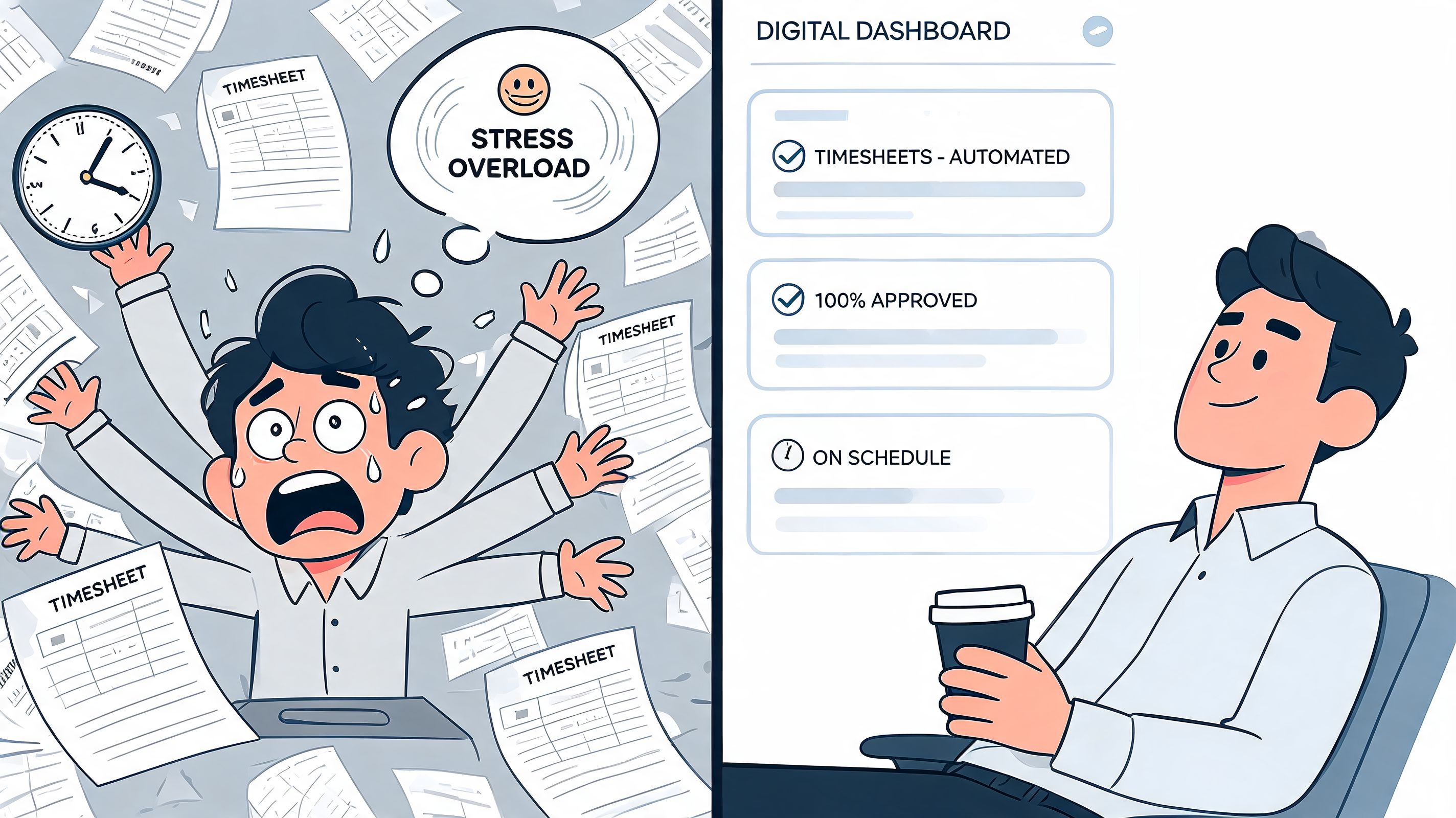
Sunday night, the payroll mess usually looks the same.
A manager has a few paper timesheets on the desk. Two people texted their hours instead of logging them. One shift swap happened in a group chat that nobody saved. Someone forgot to clock out. Someone else swears they did. The spreadsheet has three tabs, none of them match, and payroll goes out tomorrow.
That’s the moment a lot of small businesses start shopping for the best time and attendance software for small business. Fair enough. But after going through enough bad tools, I think most owners start in the wrong place. They think they need a better time clock. What they usually need is a less broken way to run the day.
That Timesheet Mess Is Just a Symptom
The timesheet itself isn’t the underlying problem. It’s just where the pain shows up first.
What’s really broken is the chain behind it. Hours live in one place, schedule changes in another, PTO requests in email, late notices in text messages, and payroll in its own sealed box. By the time someone tries to make sense of it all, the business is doing detective work instead of operations.
I’ve seen this in shops with ten people and in teams much bigger than that. The pattern is always the same. Manual tracking feels manageable until one person works from the field, one person swaps a shift, one person forgets a break, and one manager has to piece it all together from memory.
The bad tool isn’t always the one that fails. Sometimes it’s the one that forces your team to patch five other things around it.
That’s why I don’t treat time tracking as a payroll admin problem anymore. I treat it as an operations problem. If your people can’t easily clock in, see their shifts, request time off, and know where updates live, the timesheet mess will keep coming back in a different form.
If you’re still trying to clean this up manually, Pebb’s guide on how to track employee hours is a useful place to pressure-test your current process before you buy anything.
What the chaos usually looks like
A small business rarely says, “our systems are fragmented.” It says things like this:
Payroll takes too long: Hours need manual cleanup before they can be approved.
Managers become referees: They spend time resolving clock disputes instead of running shifts.
Employees get annoyed: They don’t know where to check schedules, balances, or corrections.
Mistakes repeat: The same missed punches and late edits keep showing up every pay cycle.
When that keeps happening, a prettier timesheet screen won’t save you. The process needs to be rebuilt, not decorated.
The Real Job Time Tracking Should Do
Most software comparisons ask the wrong question. They ask, “Does this app track time well?” That matters, but it’s too narrow.
The better question is this. Does the tool reduce friction across the whole workday?
A standalone clock can record punches. It can’t fix the fact that employees still need another app for schedules, another one for updates, and another for tasks or approvals. That fragmentation adds drag. A 2025 Gartner survey found that 68% of small businesses under 50 employees using standalone time trackers reported siloed data issues, and those businesses saw 22% lower employee adoption rates than unified platforms (TimetrakGO coverage of the survey).
That matches what a lot of operators learn the expensive way. If time tracking is disconnected from communication and daily work, people stop trusting it, stop checking it, or use it only when someone reminds them.
A clock is not the finish line
The job of time tracking is simple:
Cut admin work: Fewer corrections, fewer exports, fewer payroll surprises.
Create one source of truth: Shifts, attendance, leave, and updates should stop arguing with each other.
Make the team’s day easier: If employees have to jump between tools, they’ll resent the process.
Help managers act early: Spot missed punches, late arrivals, or coverage gaps before payroll day.
That’s why I’m skeptical of “best of breed” advice when it ignores tool sprawl. The best time and attendance software for small business should fit into the way work already happens. If it sits off to the side like a compliance box, adoption suffers.
For owners trying to simplify the whole stack, I’d also look at broader workflow tools outside HR software. Some of renn's recommended automation tools are aimed at freelancers, but the bigger lesson holds up for small teams too. Every extra handoff between systems creates a hidden tax.
Practical rule: If your team needs a reminder to use the tool every day, the tool doesn’t fit the work.
What good systems actually change
A better system changes behavior, not just reporting. Employees know where to clock in because it’s where they already check shifts. Managers approve hours where they already review staffing. PTO doesn’t vanish into email. The payroll handoff becomes routine instead of a fire drill.
That’s the standard I’d use when reviewing any time and attendance software. Not whether the demo looks polished. Whether the tool removes one more daily excuse for confusion.
The Only Five Features That Actually Matter
Vendors love feature lists. They throw in facial scans, AI labels, custom dashboards, and enough settings to make a small business feel like it’s buying cockpit controls.
Most of that is noise. The best time and attendance software for small business only needs to be excellent at a few things. The rest is garnish.
Clock in and out must be dead simple
If people can’t clock in fast, they won’t do it cleanly.
That sounds obvious, but plenty of systems still make basic actions harder than they should be. Too many taps. Confusing menus. Weak mobile experience. Login friction. Shared kiosks that slow down the whole start of shift. The first test is boring and important. Can a tired employee do this without thinking?
This matters more than flashy fraud controls. Anti-buddy-punching features have their place, but the bigger risk often sits elsewhere. Compliance fines cost small businesses an estimated $12 billion annually, and many basic tools don’t address problems like cross-jurisdiction PTO accrual or staffing forecasts that help prevent overscheduling (Connecteam’s review citing Deloitte 2025).
Scheduling has to connect to attendance
A separate scheduler creates separate problems.
When shifts live in one app and punches live in another, managers spend their week comparing what was supposed to happen with what did happen. Good tools connect the two. A person sees their schedule, clocks into that shift, and managers can spot exceptions without playing spreadsheet detective.
That’s true in hospitality, retail, clinics, warehouses, tutoring businesses, and any team with moving parts. If you work in education or appointment-heavy services, it’s worth looking at how dedicated tutoring scheduling software approaches staffing logic. Not because you need a tutoring product, but because it shows how much smoother operations get when scheduling is treated as part of the workflow instead of a separate admin task.
When scheduling and time tracking don’t talk to each other, the manager becomes the integration.
PTO should feel boring
That’s a compliment.
PTO is one of those things owners underestimate until they have to track balances, approvals, carryovers, and schedule impact at the same time. If employees can’t request leave easily, they go around the system. If managers can’t see the impact on coverage, they approve requests blindly. If payroll doesn’t get the final answer cleanly, someone gets paid wrong.
The right tool makes leave feel uneventful. Request it. Approve it. Update the schedule. Reflect it in payroll. Done.
Payroll integration is not optional
I don’t care how pretty the interface is. If approved hours don’t move cleanly into payroll, the software is unfinished.
Good integration does two things. It removes retyping, and it removes doubt. Once your manager approves hours, payroll should stop being a manual translation exercise. That’s where small mistakes become expensive arguments.
A lot of tools claim payroll integration, but the key question is whether the export is dependable and easy to audit. If it takes a manager ten extra steps to “sync” the data, you’re still doing payroll by hand with better branding.
Compliance guardrails should work quietly
The best compliance features don’t lecture you. They unobtrusively stop dumb mistakes.
That might mean alerts for missed breaks, overtime thresholds, or rule conflicts before they become payroll headaches. It might mean a clear audit trail when someone edits a punch. It might mean location-aware rules if your team works across sites. What matters is that the system catches routine problems before a human has to chase them.
Here’s my short scorecard when I’m evaluating a tool:
What to test | Why it matters | What bad tools do |
|---|---|---|
Clocking in | Determines daily adoption | Add friction and confusion |
Schedule link | Prevents mismatch between planned and actual work | Forces manual comparison |
PTO flow | Reduces side-channel requests and coverage mistakes | Sends people back to email |
Payroll handoff | Protects accuracy and admin time | Requires re-entry or cleanup |
Compliance alerts | Catches issues early | Leaves managers to find errors later |
Everything else comes after those five. If a tool can’t do them well, the extras won’t matter.
Three Kinds of Tools One Clear Choice
A lot of owners buy time tracking software to fix late timesheets. Six months later, they still have late timesheets. They just also have another login, another bill, and another place where information goes missing.
That usually happens because the underlying problem was never the clock itself. It was the stack around it.
Analysts at People Managing People note that small business adoption of time and attendance software has grown sharply, and they also point to the cost of buddy punching and manual errors. Fair enough. But adoption alone does not solve much if time data lives in one app, scheduling in another, chat in a third, and payroll cleanup in a spreadsheet.
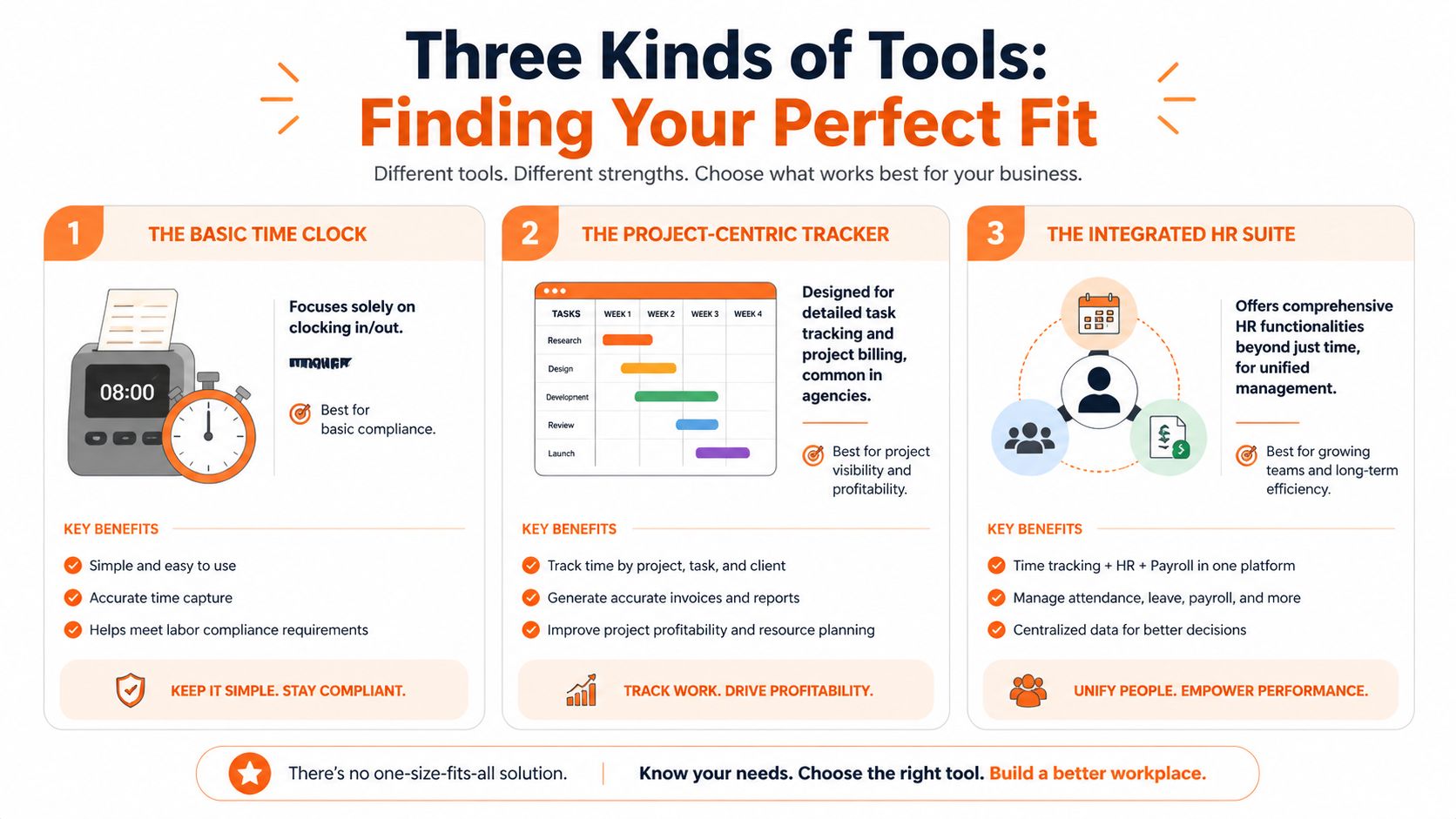
The market makes more sense if you sort tools into three camps.
Tool type | Best fit | Strength | Weak spot |
|---|---|---|---|
Standalone specialists | Small teams with one urgent problem | Fast setup, focused features | Another app to manage |
Big HR suites | Businesses with broad HR and compliance needs | Deeper controls, stronger HR administration | Higher cost, heavier setup |
All-in-one work platforms | Teams that want operations, communication, and attendance in one place | Fewer handoffs, better daily use | Requires a bigger process change upfront |
The standalone specialists
Standalone tools are often the first sensible purchase. If the pain is simple, they work. You need staff to clock in from a phone, verify location, or pick up shifts without texting the manager all day. Tools like Buddy Punch, Homebase, Jibble, Hubstaff, or QuickBooks Time can handle that job well.
I would still call them a short-term fix for a lot of small businesses.
The trade-off shows up later. Staff clock in through one app, ask for leave in another, check the schedule somewhere else, and read policy updates in email or chat. Managers spend the week stitching those actions back together. The software looks affordable on paper, but the admin time keeps leaking.
A focused tool is only efficient when the business problem is narrow.
The big HR suites
HR suites solve a different problem. They make sense when time tracking sits inside a larger HR machine with formal approvals, payroll controls, compliance rules, and multi-location complexity. If you already have HR staff and established processes, the extra structure may be worth paying for.
Small operators often buy more system than they can realistically use.
That is the common mistake. A ten, twenty, or fifty-person business can end up buried in configuration screens, training sessions, and workflows built for a company with layers of administration. The software may be capable. The team still hates using it.
The all in one approach
This category gets less attention than it should. I think that is backward.
For many small businesses, the actual cost is not weak clock-in features. It is fragmentation. Time and attendance touches scheduling, leave, shift coverage, announcements, documents, tasks, and payroll handoff. Once those pieces live in separate tools, every routine manager action takes longer than it should.
An all-in-one work platform keeps those actions connected. Someone checks the schedule, clocks in, sees an update from the supervisor, finds the training document, requests time off, and gets follow-up in the same system. That reduces app switching, but its greater impact comes from keeping the context attached to the time record. That is what cuts confusion.
Pebb fits this model. It combines time tracking with communication and day-to-day operations so attendance is part of the workday, not an isolated admin task.
If you’re also reviewing the finance side of the stack, EndureGo’s guide on making financial decisions for your Australian business is a useful reminder that software choices spill into payroll, reporting, and accounting fast.
Where the choice becomes obvious
A single-location café might do fine with a specialist if the main job is getting staff on and off the clock. A company with formal HR processes and complicated labor requirements may get real value from a larger suite.
But plenty of small businesses sit in the middle. They have shift workers, last-minute schedule changes, internal messages, leave requests, onboarding documents, and managers who are already stretched thin. For that group, buying a better time clock is not the full answer. Buying fewer disconnected systems is.
That is the choice I would make now. Not because all-in-one software sounds cleaner in a sales pitch, but because disconnected tools create hidden costs every week, and small businesses usually feel those costs first.
Your Industry Is Your Guide Not Your Headcount
Small businesses love to sort themselves by employee count. I don’t think that’s the right lens for this decision.
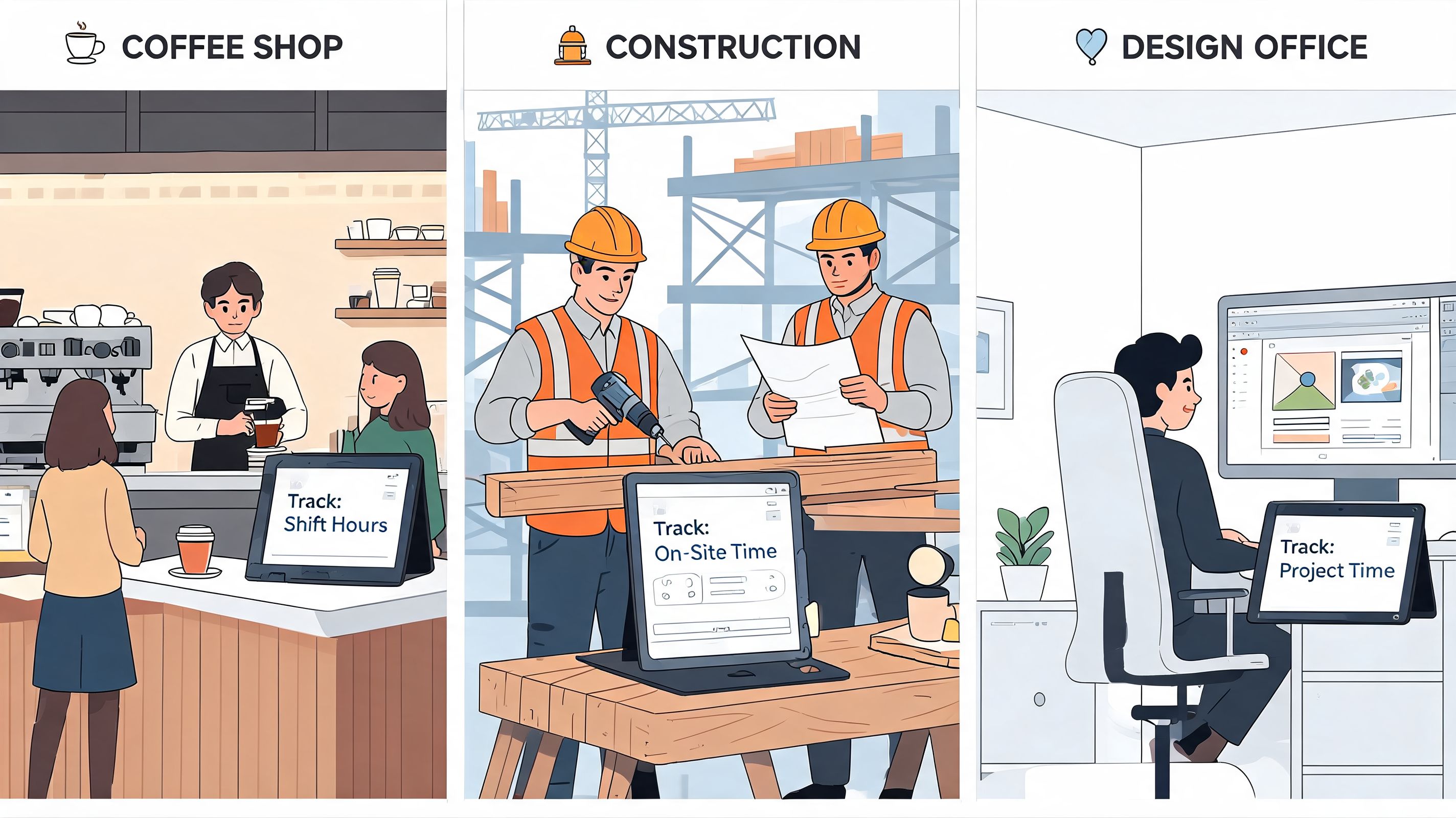
A twenty-person restaurant and a twenty-person design agency do not need the same thing. Same headcount. Completely different work.
Restaurant and retail teams
A restaurant manager lives inside the schedule. Not the org chart. Not the employee file. The schedule.
That’s why tools like Homebase keep showing up in this space. By 2026, 78% of SMBs use GPS-enabled apps, especially for field and hourly-heavy teams in retail, construction, and logistics, which make up 60% of small business workforces. The same source notes that Homebase is used for more than 1 million shifts monthly and is strong for drag-and-drop scheduling in hourly environments (U.S. Chamber of Commerce).
If you run a café, store, or salon, you probably care about shift changes, missed breaks, late arrivals, and getting payroll out without chasing everyone. You need a tool that keeps the pace of the floor.
Construction and field crews
A construction foreman has a different problem. Location matters. Connectivity may be inconsistent. People start early, move between sites, and don’t want to fiddle with a clumsy app while standing in a parking lot.
For this kind of team, GPS verification and a mobile-first experience matter more than polished desktop dashboards. The right system has to work in the field and make location-based clock-ins feel routine, not invasive or fragile.
Field teams don’t need a smarter dashboard. They need a faster first minute of the day.
A lot of businesses in this category get distracted by fancy office features they’ll never use. Better to buy rugged basics that match the job.
Hybrid offices and client work
A creative agency, small consultancy, or back-office team usually has a softer edge to the problem. The issue isn’t where someone stood when they clocked in. It’s whether the system handles flexible schedules, project time, leave, and approvals without turning into surveillance software.
In these environments, the best time and attendance software for small business should feel light. Easy to use. Easy to correct. Easy to trust. If the tool starts acting like a monitoring machine, people push back.
The better buying question
Instead of asking, “How big are we?” ask this:
Where does work happen most days?
Who needs the schedule to do their job?
How often do shifts, sites, or approvals change?
What kind of mistake hurts us most, late payroll, bad coverage, or compliance trouble?
That line of thinking gets you to the right shortlist much faster than employee count ever will.
How to Switch Systems Without the Drama
Monday at 8:07 a.m. is a bad time to discover your new system needs one more setting, one manager skipped training, and half the team is still texting time-off requests. That is how a simple software change turns into payroll cleanup, angry supervisors, and employees who decide the old mess was easier.
The switch itself usually is not the hard part. The hard part is replacing scattered habits. If time tracking lives in one app, schedules in another, and callouts in group texts, a new clock tool will not fix much. It just gives the same confusion a cleaner interface.
I have seen owners make this harder than it needs to be by treating rollout like an IT project. For a small business, it is an operations change. The goal is not to install software. The goal is to get everyone using one clear process for hours, approvals, time off, and schedule changes.
Start with one plain-English reason
Your team needs a believable answer to one question: why are we changing this now?
“Because payroll takes too long” matters to you. “Because your hours, shift updates, and time-off requests will stop bouncing between three places” matters to them. Lead with the part employees feel in their day. If the new system also cuts admin work, good. That should not be the first message.
A tool like Timesheet 365 gets attention because setup can be quick and payroll syncing is built in. Fair enough. But speed at setup is only half the story. If the system still sits apart from scheduling and communication, you may end up with a cleaner timesheet and the same daily chasing.
Announce the benefit employees will notice first. Adoption gets easier when people can see what problem is finally going away.
Move less data, with more discipline
A lot of bad rollouts start with an overstuffed migration plan. Owners try to move years of old categories, inactive staff records, outdated accrual rules, and every strange exception they have ever allowed. That is how a two-day setup becomes a month-long distraction.
Bring over the records you need to run the business now. Current employees. Pay rules. active PTO balances. Upcoming schedules. Keep historical data accessible in the old system if you may need it for audits or disputes, but do not drag every old workaround into the new process. If you want a practical checklist before importing anything, review these data migration best practices.
Stage the rollout like you expect real life to happen
A calm switch has a little friction by design. That is better than one big launch with no room to correct mistakes.
Set the operating rules first. Define where people clock in, who can edit time, who approves hours, and how missed punches get corrected.
Train managers before everyone else. Employees judge the system by the confidence of the person approving their time.
Test with one team first. A pilot shows where policy is unclear, especially around breaks, overtime, and shift swaps.
Run one parallel pay period. Compare old and new records once. Fix the gaps. Then cut over fully.
Close the side doors. If schedule changes still happen in texts and time-off requests still arrive by email, the new system never becomes the source of truth.
That last point matters more than software vendors admit. Fragmentation is what causes the drama. The cleaner the handoff between scheduling, attendance, and team communication, the less cleanup your managers do after the fact. That is why unified platforms tend to switch over more smoothly than standalone clocks. There are fewer places for people to fall back into old habits.
What actually creates resistance
Employees rarely fight a new system because they love paper timesheets. They push back when the process feels unfair, confusing, or easy to mess up.
So avoid the predictable mistakes:
Do not surprise people. Give a start date, a short walkthrough, and one place to ask questions.
Do not police every mistake in week one. Missed punches happen early. Fix them fast and keep going.
Do not hide the correction process. People need to know exactly how to fix a bad clock-in or wrong shift record.
Do not run two systems for too long. Temporary overlap helps. Permanent overlap creates doubt.
The smooth switch is usually the simpler one. Clear rules. Less migrated clutter. One process everyone can follow. If the new system also pulls attendance into the same place your team already handles schedules and communication, adoption gets easier because people are changing one routine, not five.
Our Take Why We Built It All In One Place
After enough years of watching businesses duct-tape their operations together, my view got pretty simple. Time tracking should not live alone.
It belongs next to the rest of the work. Next to the shift schedule. Next to the team chat where someone says they’re running late. Next to the PTO request. Next to the task list, the policy doc, and the update every employee needs to see.
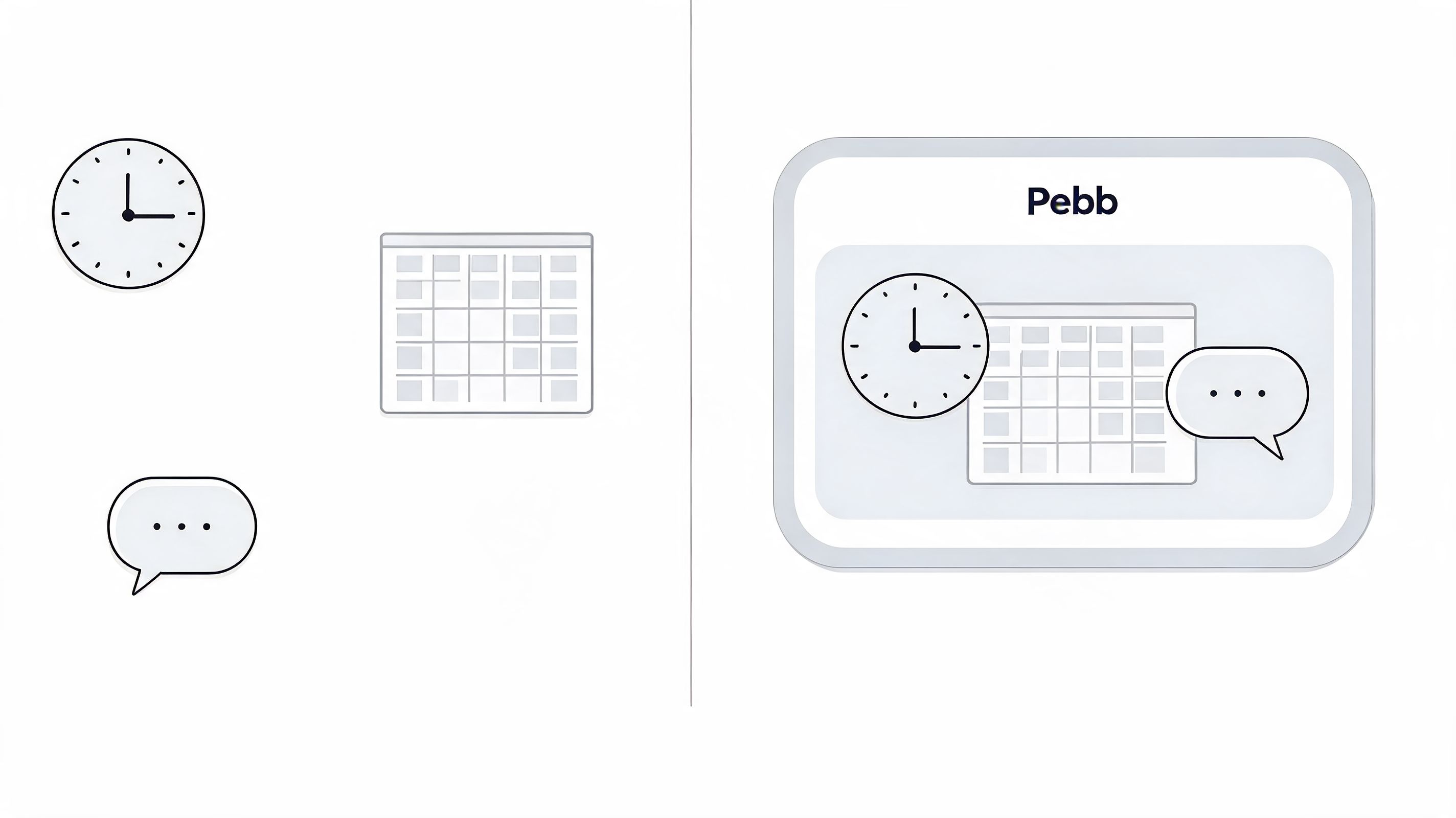
That’s the core reason this article leans hard against fragmented software. A standalone clock can solve a narrow problem. It usually can’t solve the daily mess created by disconnected communication, scheduling, and attendance.
Why the all in one model makes sense
Pebb takes the all-in-one approach. It brings chat, spaces, tasks, files, scheduling, clock-in, and PTO into one work app, with payroll and HR integrations available for teams that need them. For a small business trying to replace several scattered tools, that structure makes practical sense because employees don’t have to leave the place where work already happens just to handle attendance.
That doesn’t mean every business should buy one unified platform. Some won’t need it. A single-location shop with very basic needs may do fine with a specialist. A larger company with heavy HR complexity may still prefer a bigger suite.
The choice I’d make now
But if you ask me what I’d do after wasting too much time on exports, patchwork approvals, and systems that never quite agree, I’d choose the model that removes handoffs.
I don’t want time tracking as a separate project. I want it as part of the operating system of the business.
That’s the key shift. Stop shopping for a better digital punch clock and start looking for a calmer way to run the day. Once you see the problem that way, the shortlist gets much shorter.
If you’re tired of juggling separate apps for chat, shifts, tasks, PTO, and time tracking, take a look at Pebb. It’s built for teams that want those pieces to work together in one place, especially across frontline and office environments where disconnected tools create daily friction.
