
Your Employee Scheduling App Guide for 2026
Tired of spreadsheets? Discover how a modern employee scheduling app can save time, cut costs, and build trust with your team. A clear, honest guide.
Dan Robin
Some jobs follow you home. Scheduling is one of them.
If you’ve ever spent Sunday night hunched over a spreadsheet, cross-checking time-off requests with scribbled notes and half-read text messages, you already know the feeling. You’re not building a schedule. You’re negotiating with chaos.
The frustrating part is that nobody sees the full cost. They see a rota posted late. They don’t see the manager chasing confirmations, the missed dinner, the quiet panic that someone was booked on a day they can’t work, or the dread of finding out at 6:10 a.m. that the opening shift is short.
A good employee scheduling app doesn’t just speed up admin. It changes the way a team works together. Done right, it replaces control-by-memory with clarity, and replaces top-down scrambling with a calmer kind of autonomy.
The Sunday Night Scheduling Scramble
I’ve seen the old system from every angle. Spreadsheet tabs for each week. A whiteboard in the back office. Time-off requests coming through text, email, hallway conversations, and sticky notes. One person wants fewer closing shifts. Another can only work mornings during exam season. Someone forgot to mention an appointment. Someone else assumes they told you last week.
By Sunday evening, all of that lands on one person’s shoulders.
When the schedule lives in your head
Manual scheduling turns managers into human databases. You’re expected to remember availability, preferences, labor rules, role coverage, who can open, who can close, who works well together, and who absolutely should not be put on back-to-back long shifts. That’s before the week even starts.
Then the edits begin. A sick day. A family emergency. A rush in demand. A no-show. The spreadsheet might look neat for an hour, but it starts going stale the moment reality touches it.
Schedules break because work is dynamic. Static tools can’t keep up.
Damage isn’t just operational. It’s emotional. Managers feel like they’re always behind. Employees feel like schedules happen to them instead of with them. That gap matters more than many teams admit.
Why people stop trusting the process
When schedules are hard to access, easy to misunderstand, or slow to update, people stop trusting them. They screenshot old versions. They text coworkers to double-check. They call the store, the unit, the restaurant, the warehouse. Everyone creates their own backup system because the main one doesn’t feel reliable.
That’s when friction becomes culture.
A few familiar signs show up fast:
Managers become bottlenecks because every swap, question, and change has to run through them.
Employees lose flexibility because simple changes feel complicated or risky.
Mistakes get personal because a scheduling error affects pay, childcare, transport, or sleep.
Planning gets reactive because the team spends more time patching holes than working ahead.
None of this is a character flaw. It’s what happens when a living operation depends on dead documents.
The worst part is how normal it can feel. Teams get so used to the scramble that they treat it like part of the job. It isn’t. It’s a sign the system has run out of road.
Beyond Spreadsheets What These Apps Actually Do
A spreadsheet is a paper map. It can show you the road, but it can’t tell you what changed five minutes ago.
A modern employee scheduling app is closer to live navigation. It updates as conditions change. It tells the same story to everyone at once. It gives managers and staff one shared view of reality instead of five competing versions of it.
A schedule that stays alive
That shift is bigger than it sounds. The schedule stops being a file someone posts and starts becoming a live operating system for the team.
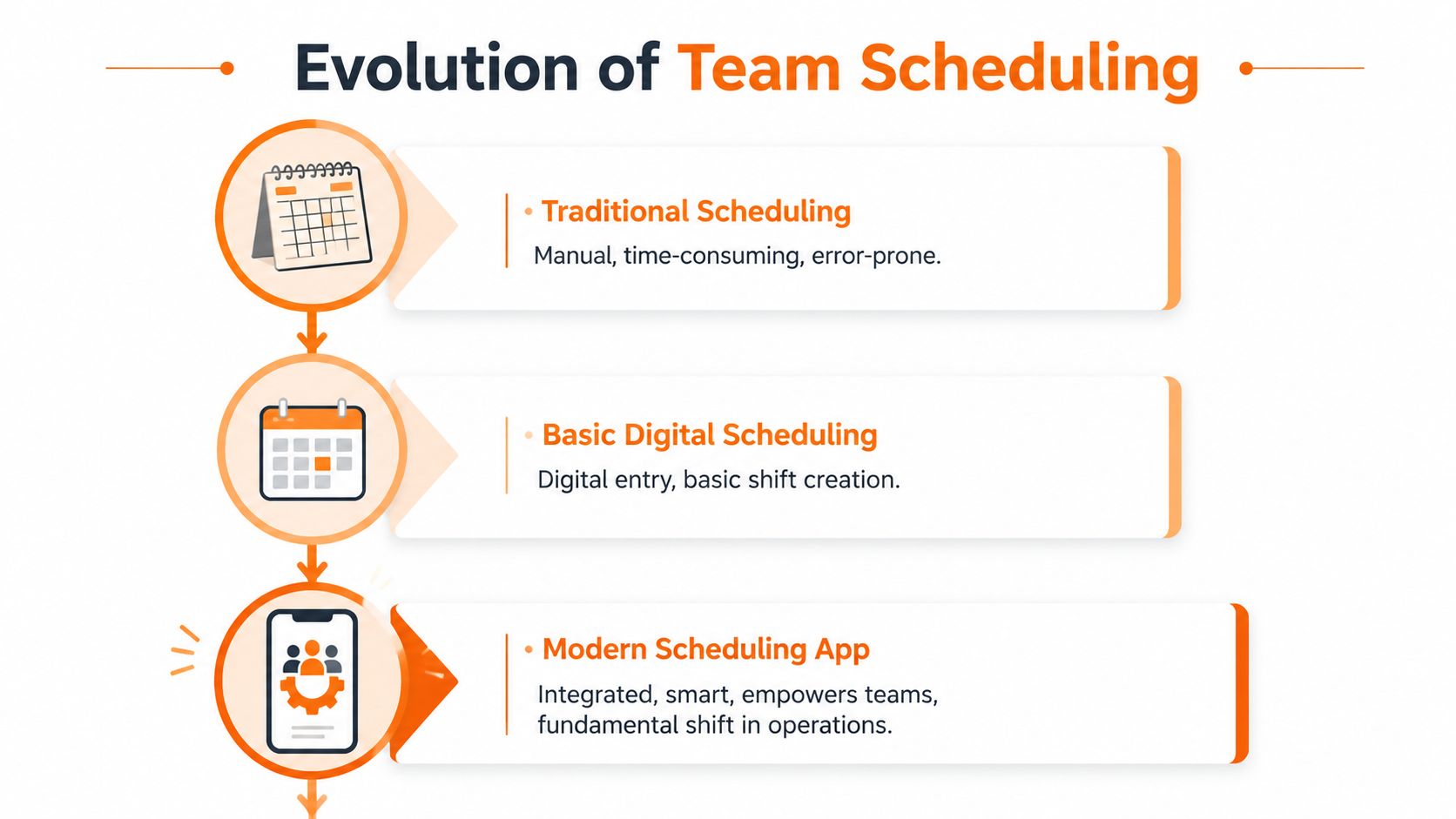
When a manager publishes a shift change, the app pushes it to the people affected. When someone requests time off, that request sits in the same environment as the schedule itself. When an open shift appears, the team can see it without waiting for a chain of phone calls.
That’s the fundamental leap. Not “digital scheduling.” Shared visibility.
The market is moving in that direction for a reason. The employee scheduling software market analysis from Allied Market Research says the global market was valued at $0.5 billion in 2023 and is projected to reach $1.3 billion by 2032, growing at a 11.5% CAGR. That tells you businesses are moving away from manual processes and toward tools that automate scheduling and support collaboration.
It’s not just about speed
Individuals often begin their search for an employee scheduling app because scheduling takes too long. Fair enough. But speed is only the entry point.
What matters more is the operational shift:
Old approach | Modern app approach |
|---|---|
One manager builds the schedule alone | The team works from one shared source of truth |
Changes travel by text, calls, and memory | Changes update in real time |
Availability sits in separate messages | Availability lives next to scheduling decisions |
Employees wait to be told | Employees can respond, swap, and confirm inside the system |
That’s why a strong online employee scheduling guide should talk less about buttons and more about behavior. The app changes who owns what. Managers still set standards, coverage, and guardrails. But they don’t need to micromanage every move.
Working rule: If the schedule only works when one person constantly watches it, the process is too fragile.
The best employee scheduling app gives structure without creating more bureaucracy. It keeps everyone aligned, but it also gives people room to handle ordinary changes like adults. That’s not just efficient. It’s respectful.
Core Features That Give You Your Nights Back
The features that matter most are rarely flashy. They’re the ones that remove repeated friction from ordinary days.
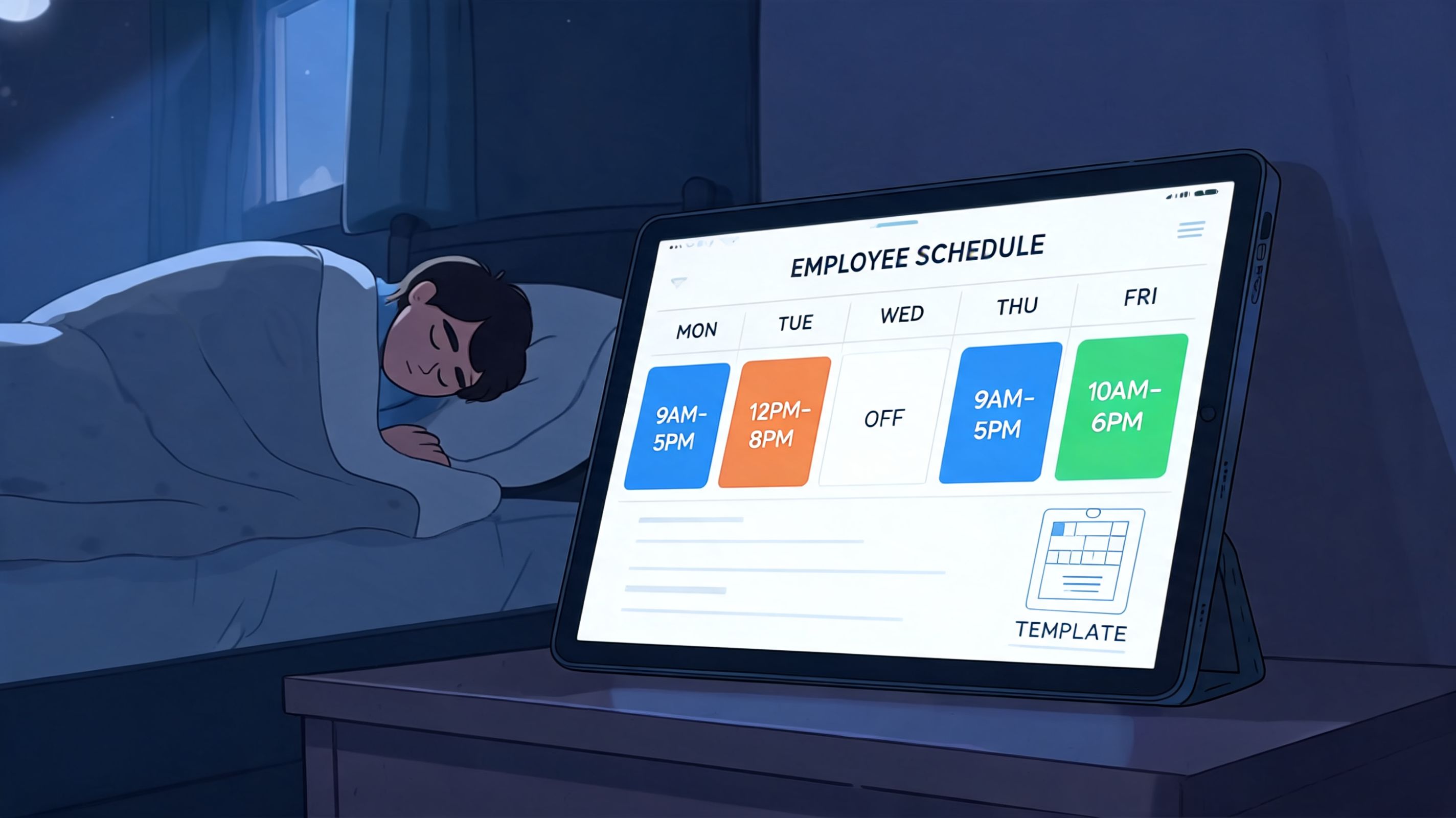
A good employee scheduling app should make common tasks boring in the best possible way. Build the week. Check availability. Publish. Handle changes. Keep everyone informed. Sleep.
Publishing shifts without starting a phone tree
At the base level, the app has to let you create and publish shifts quickly. Templates matter here. If your Mondays tend to look like other Mondays, you shouldn’t rebuild them from scratch.
But speed alone isn’t enough. The app should also show who’s available, who’s off, and where conflicts might appear before you hit publish. That’s what turns scheduling from guesswork into a repeatable process.
A useful scheduling app overview should also make room for draft schedules. Managers need a place to shape the week before making it visible, especially in operations where one change affects multiple roles.
Mobile access is basic respect
If employees have to call in, dig through emails, or wait until they’re on site to see their schedule, the tool is already creating unnecessary drag. Mobile access is not a bonus feature. It’s table stakes.
People live on their phones. That’s where schedule updates should reach them. That’s also where they should be able to confirm shifts, request time off, or pick up open shifts without asking a manager to mediate every move.
A mobile-first app respects the fact that frontline work doesn’t happen at a desk.
Shift swaps and open shifts without the drama
Bad systems typically falter at critical junctures. Somebody can’t make a shift. They start texting coworkers. Nobody knows whether the swap is approved. The manager is copied late. Two people show up, or nobody does.
Modern scheduling apps handle this far better. The technical breakdown from Gearheart on web-based employee scheduling software notes that real-time conflict detection can reduce schedule errors by over 80%, push changes instantly to mobile devices, cut resolution of last-minute changes from hours to seconds, and improve shift fill rates to 98% through open shift boards and self-service swaps.
That sounds technical, but the practical value is simple. Fewer crossed wires. Fewer duplicate assignments. Less chasing.
The short list of must-haves
Not every app needs every advanced bell and whistle. But these basics aren’t optional:
Clear availability tracking so managers stop working from old assumptions.
Shift templates so routine weeks don’t take fresh effort every time.
Open shift posting so coverage gaps become visible to the team fast.
Swap approvals with guardrails so flexibility doesn’t create confusion.
Instant notifications so schedule changes don’t sit unseen.
One place for time-off requests so scheduling and leave planning stop living in separate worlds.
The right feature set doesn’t make scheduling exciting. It makes it uneventful. That’s the point.
When those pieces are in place, the late-night scramble starts to disappear. Not because work gets simpler, but because the tool is finally built for the way work moves.
Advanced Capabilities That Run the Business
Basic scheduling gets the week on the calendar. Advanced scheduling helps you run the operation with fewer surprises.
That’s an important line. Plenty of tools can assign names to shifts. Fewer can help you make smarter calls before problems hit payroll, compliance, or service quality.
AI scheduling is useful when it respects reality
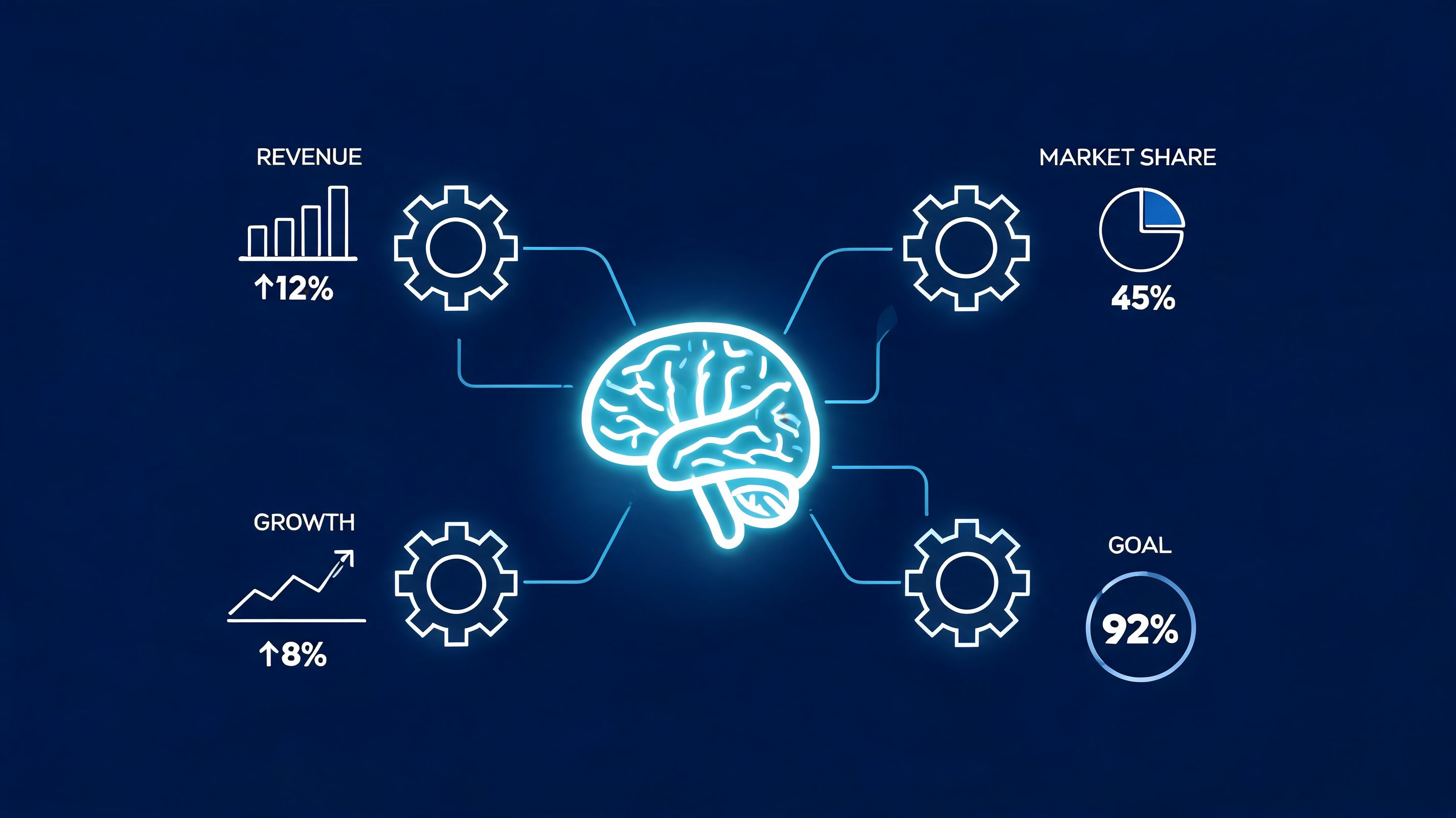
AI-powered scheduling gets oversold when people talk about it like magic. It isn’t magic. It’s math applied to a messy staffing problem.
What matters is whether the system considers the things managers actually care about. Skills. Availability. preferences. Fairness. Demand. Rest rules. Coverage.
The Workeen analysis of AI employee scheduling apps describes systems that evaluate millions of shift combinations, reduce manual scheduling time by up to 90%, minimize overtime costs by 20% to 30%, and achieve over 95% compliance and fill rates by using constraint-based scheduling and predictive demand forecasting.
That’s useful when the app helps a manager make better choices faster. It’s not useful when it creates a “perfect” schedule that ignores the team’s lived reality.
Manager check: If auto-scheduling saves time but creates a schedule your team immediately wants to change, it’s not done its job.
Cost visibility before you publish
One of the smartest advances in scheduling tools is seeing labor impact before the schedule goes live. That changes the conversation from after-the-fact cleanup to preemptive control.
A solid app should help you spot things like:
What you want to see | Why it matters |
|---|---|
Overtime risk before publishing | Prevents expensive surprises later |
Skill coverage by shift | Avoids weak handoffs and thin staffing |
Time-off overlap | Stops preventable coverage gaps |
Staffing against expected demand | Keeps labor tighter without understaffing |
Managers don’t need abstract dashboards. They need signals they can act on while building the week.
Compliance, time clocks, and PTO in one flow
Scattered tools start costing real money. If scheduling, clock-in data, and time-off requests live in separate systems, managers end up reconciling the truth by hand.
A stronger setup ties those pieces together. Schedule someone. Let them clock in against that schedule. Track leave requests in the same place. Send worked time cleanly toward payroll. The workflow makes sense because the information stays connected.
That’s also where a unified tool can help. Pebb, for example, puts shifts, clock-in, PTO tracking, tasks, and team communication inside the same app, which is useful for teams that don’t want scheduling disconnected from day-to-day operations.
The advanced employee scheduling app isn’t just there to save admin time. It helps leaders stay ahead of labor cost, fairness, coverage, and compliance without turning every schedule into a manual audit.
Scheduling Stories from the Frontline
The value of an employee scheduling app is easiest to see in the middle of a real week. Not in a demo. Not in a feature comparison. In the moment when something changes and the team either absorbs it calmly or falls apart.
Retail during the rush
A retail manager heading into a holiday weekend doesn’t need inspirational software copy. They need coverage.
One employee calls out. Another can stay late but only if they know soon. A third wants extra hours. In the old setup, that meant calls, texts, and crossed fingers. In a good app, the manager posts the open shift, the right people see it on their phones, and the schedule updates cleanly once it’s claimed.
That matters because timing matters. The Shiftboard review of employee scheduling software benefits says organizations report 30% faster schedule creation, 55% fewer scheduling errors, and a 23% drop in overtime costs. It also notes that 81% of hourly workers prefer mobile schedule access, and teams that provide it report an 88% increase in shift coverage and an 86% rise in employee satisfaction.
For retail, that translates to less scrambling during the exact weeks when managers can least afford it.
Healthcare on a hard shift
A charge nurse trying to fill a night shift has no time for a phone tree. The stakes are too high, and the window is too short.
When the schedule lives in an app, the request can go out to qualified staff quickly. People can respond from their phones. The manager sees the change in one place. Even when the shift is still hard to fill, the process is faster, clearer, and less exhausting.
That doesn’t remove the staffing challenge. It removes the fog around it.
The app won’t create staff you don’t have. It will stop wasting the time of the staff you do have.
Restaurants and warehouses need different things
A restaurant owner often builds around patterns. Busy nights need a stronger floor and kitchen. Slow lunches don’t. The schedule has to match the rhythm of the business, not just the availability sheet.
A warehouse supervisor deals with a different kind of volatility. Late shipments, uneven workloads, and role-specific staffing gaps can hit with little warning. In that environment, visibility matters as much as planning. The supervisor needs to know who’s qualified, who’s on site, who can extend, and how fast coverage can change.
Here’s what those two environments often care about most:
Restaurants need quick swaps, strong communication, and schedules that match service peaks.
Warehouses need role clarity, live updates, and clean handling of unexpected workload changes.
Both need one trusted place to manage availability, changes, and confirmation.
The quiet benefit nobody talks about enough
People often focus on manager efficiency, which is fair. But employees feel the difference too.
When staff can see their schedules clearly, manage ordinary requests without drama, and trust that changes will reach them, work feels more stable. That stability builds goodwill. It lowers friction. It makes a shift-based job feel less chaotic.
And that, more than any feature list, is why teams stick with a good employee scheduling app once they’ve lived with one for a while.
Choosing an App and Getting Your Team Onboard
Organizations often don’t fail at choosing an employee scheduling app because they picked too few features. They fail because they picked a tool that felt heavy, confusing, or disconnected from the rest of their workflow.
A schedule is already a daily point of contact between people and the business. If the app adds friction there, adoption drops fast.
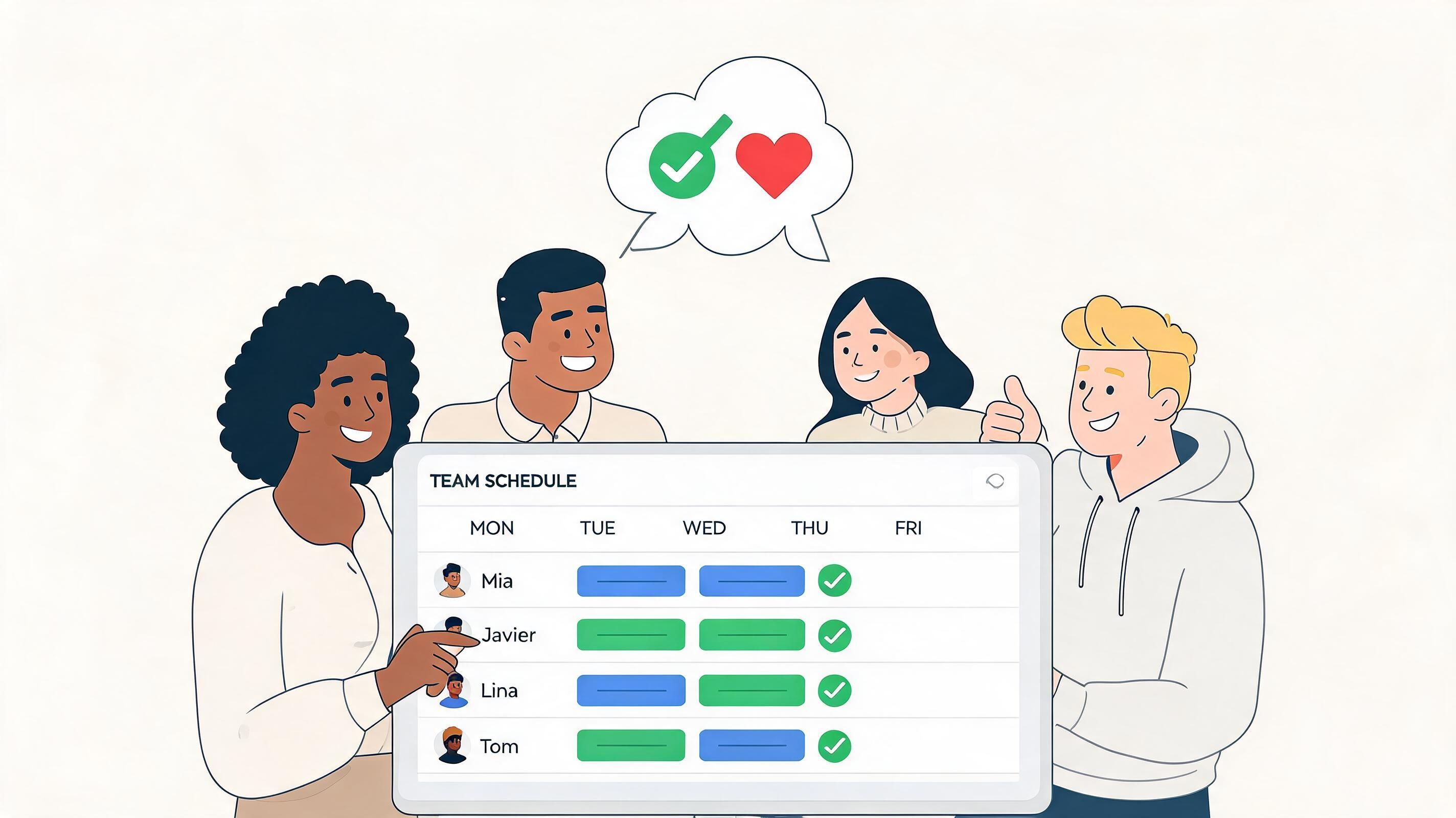
Choose for calm, not for volume
A crowded product demo can be misleading. Every vendor can show checkboxes. Fewer can show restraint.
When you test an app, ask simple questions:
Does it feel calm? Busy interfaces create hesitation.
Can a new employee understand it quickly? If not, daily use will suffer.
Does it reduce messages, or create another inbox?
Can managers handle changes without extra admin?
Do employees gain useful control, or just more notifications?
These questions sound soft. They aren’t. They’re operational questions.
Integration is where promises meet reality
This is the part buyers skip too often. A scheduling app can look perfect until it has to talk to payroll, HR, or time tracking.
The Connecteam discussion of scheduling app integration pain points cites a 2025 Forrester report saying 62% of frontline teams experienced integration errors between scheduling apps and payroll systems. It also notes that G2 reviews show setup can take 4 to 6 weeks, and overtime calculation errors can reach up to 15%.
That should change how you evaluate vendors. Don’t ask only whether they “integrate.” Ask how.
A practical check looks like this:
Question to ask | Why you should ask it |
|---|---|
Does it have native support for your payroll or HR system? | Reduces reliance on fragile workarounds |
Who owns setup and testing? | Clarifies whether your team carries the burden |
How are overtime rules handled? | Prevents bad payroll downstream |
What happens when data conflicts? | Shows whether the vendor has thought through edge cases |
If the app will hold employee data, schedule data, and payroll-adjacent information, security also belongs in the buying process. It helps to understand how to secure your SaaS application before rollout, especially if the tool becomes central to daily operations.
Adoption is mostly about trust
Formal training has its place, but team buy-in usually comes from lived experience. If employees see that the app makes swaps easier, time-off requests clearer, and schedules easier to trust, they’ll use it. If it feels like surveillance or extra paperwork, they won’t.
A smart rollout usually looks like this:
Start with one receptive team so you can learn without creating chaos.
Use real scenarios like swaps, open shifts, and leave requests during onboarding.
Set one clear rule about where the official schedule lives.
Listen early because small frustrations become adoption killers if ignored.
For teams comparing tools, an app for scheduling employees should be judged by how naturally it fits the workday. The best choice isn’t the loudest platform. It’s the one people trust enough to use without being chased.
The Real ROI Is Trust Not Just Time
Time savings matter. Lower error rates matter. Cleaner coverage matters. Of course they do.
But the deeper return from a good employee scheduling app is trust.
Managers trust that the published schedule is accurate. Employees trust that changes will reach them. Teams trust that availability, time off, and swaps are being handled in the open instead of through back-channel guesswork. That trust changes the tone of work.
Calm is an operational advantage
A calm team doesn’t waste energy double-checking basic information. A calm manager doesn’t spend every day patching preventable confusion. A calm operation can pay attention to service, safety, quality, and people.
Good scheduling software doesn’t just organize hours. It reduces needless tension between people.
That’s why the philosophical shift matters more than the feature list. The move is from control to clarity. From manager-as-bottleneck to team-with-guardrails. From “ask me for everything” to “check the system, make the right move, and keep going.”
If you’re choosing an employee scheduling app, don’t stop at the obvious question of how fast it builds the week. Ask a better one.
What kind of workplace does this tool create when nobody’s talking about the tool anymore?
If your team wants one place for scheduling, communication, PTO, tasks, and daily coordination, take a look at Pebb. It’s built for frontline and office teams that need the schedule to live alongside the rest of the work, not off in a separate system.
