
Choosing the Best Work Chat App for Employees in 2026
Stop the digital noise. Find a work chat app for employees that builds a calm, productive home for your team with our practical 2026 guide.
Dan Robin
Many organizations don't go looking for a work chat app for employees because they love software. They go looking because work has started to feel scattered. A manager sends updates in email. A supervisor texts the night shift. Project chatter lives in Slack. Urgent questions land in WhatsApp. Someone uploads the latest SOP to a drive folder that half the team can't find.
Then everyone wonders why people miss things.
I've seen this pattern enough times to know the problem usually isn't a lack of communication. It's a lack of shape. Messages arrive fast, but they don't land in a place that feels ordered, calm, and dependable. That's why choosing a chat tool is less about messaging speed and more about deciding what kind of workplace you want on people's phones and laptops every day.
More Than Just Another Chat Box
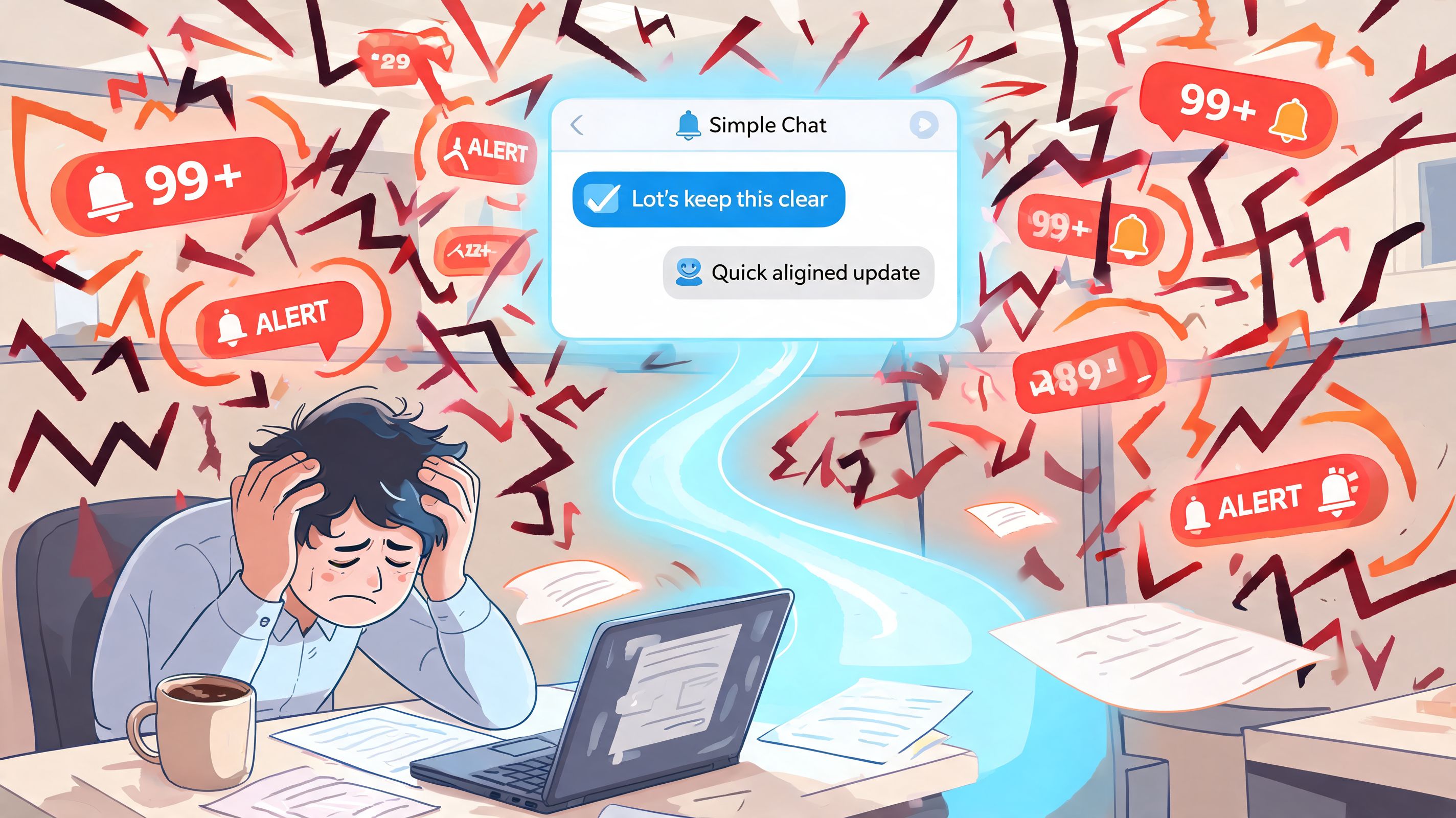
A bad chat app feels like working beside a fire alarm. It keeps making noise, and after a while people stop trusting it. They mute channels, skim messages, and rely on side conversations to get real work done. That defeats the whole point.
A good work chat app for employees feels more like a well-run office. You know where announcements go. You know where your team asks for help. You know where files live. You don't have to guess whether a message is urgent or just someone thinking out loud.
The tool is not the point
This market keeps growing because companies need a shared place to work. The workplace chat app market is projected to grow from USD 0.377 billion in 2024 to USD 0.581 billion by 2033, while 57% of users worry about conversation privacy and 24% feel pressure to respond immediately. That tension matters. Adoption is growing, but so is exhaustion.
That's why I don't think the right question is, “Which app has the most features?” The better question is, “Which app helps our team communicate without living in a state of low-grade panic?”
Practical rule: If the tool increases interruption faster than it increases clarity, it's not helping.
A lot of teams buy a chat product and accidentally create a digital hallway where everyone shouts. They think they've built connection. What they've built is drift. Important updates sit next to jokes, approvals, missed shift notices, and random links. Everything has the same visual weight, so people can't tell what matters.
You're choosing a place
The strongest tools create a sense of place. Different conversations belong in different rooms. Teams need boundaries. Operations updates shouldn't get buried under social chatter. Policy changes shouldn't disappear inside a general channel. Shift coordination shouldn't happen in personal texts.
That's why the most useful way to think about this category is as a digital workplace, not a chat box. If you want a broader take on that idea, this piece on rethinking workplace engagement beyond chat gets at the same shift.
A calm system gives people confidence. They know where to look, where to post, and what can wait until later. That confidence is easy to underestimate. But it changes behavior. People stop hoarding information. Managers stop repeating themselves. Employees stop feeling like they need to monitor five apps just to stay current.
What to Look For and What to Ignore
Feature lists are seductive because they make buying feel objective. Compare columns, score vendors, pick a winner. The trouble is that employees don't experience software as a spreadsheet. They experience it in the middle of a shift, between meetings, while walking a warehouse floor, or five minutes before a handoff.
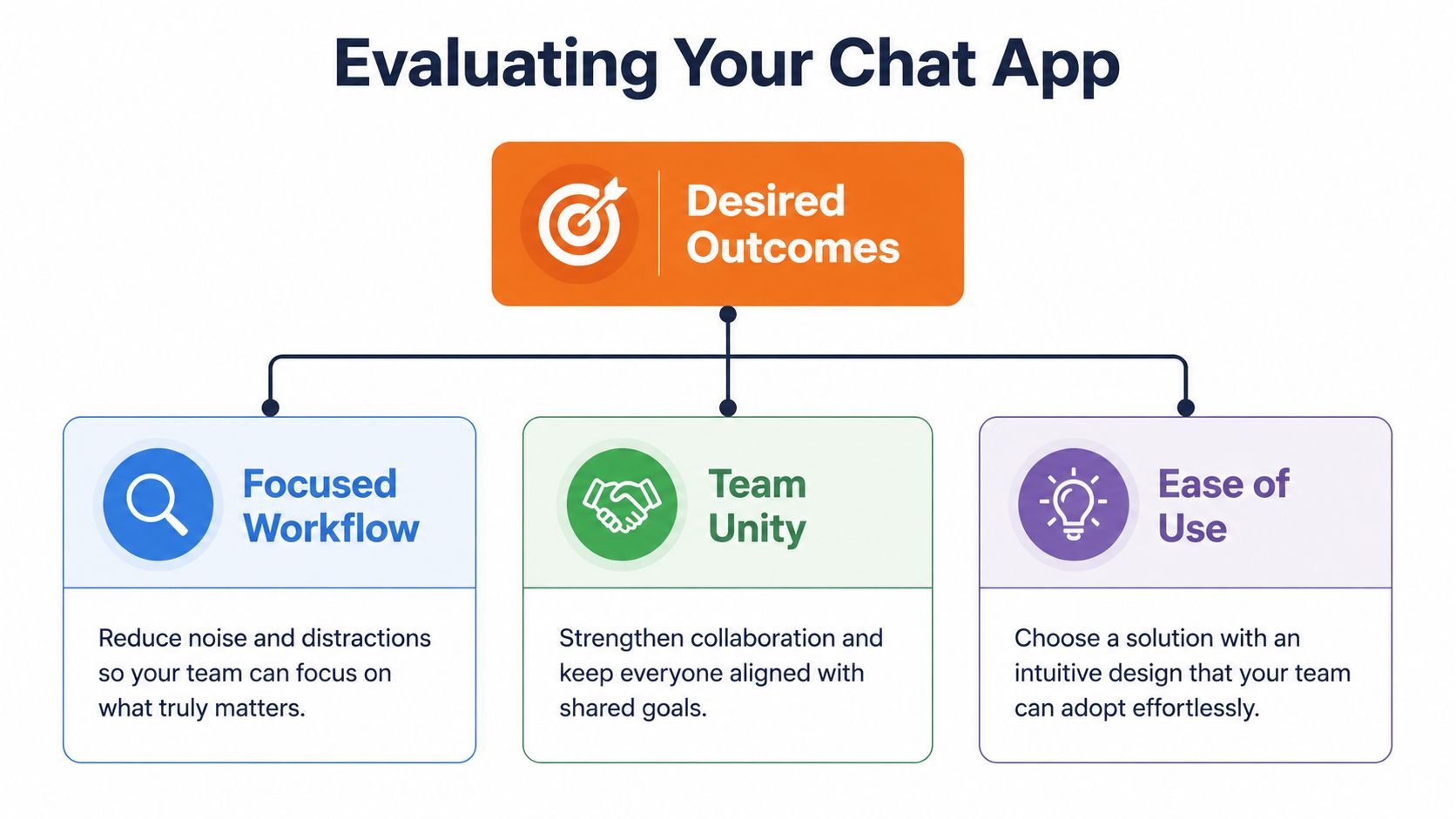
So I'd judge a work chat app for employees by outcomes, not by volume.
Clarity over clutter
The first job of the app is simple. Help people notice what matters without forcing them to read everything.
That means channels or spaces should be easy to understand. Search should work. Notifications should be controllable. Messages should support files, images, and context so employees don't have to chase details across other tools.
Some features do have real value when they support that outcome. The ability to run group polls and surveys can reduce email threads by 40%, and audio or video calls built on WebRTC are more efficient on mobile networks than older approaches. That matters for frontline teams who need quick alignment without another meeting.
What should you ignore? Flashy gimmicks that create more activity than understanding. More reactions, more badges, and more pop-ups don't automatically make work better. Often they just increase movement on the screen.
One place for the work around the work
Chat alone is rarely enough. Teams also need tasks, reference material, files, schedules, and a reliable employee directory. If those things live elsewhere, chat becomes a stream of broken promises. “See attached” means opening another app. “Please review the policy” means hunting through folders. “Who's on shift?” means asking in a thread that disappears by tomorrow.
A stronger approach is an employee communication system that brings those pieces together. This is why employee communication apps that unify messaging with day-to-day work tend to age better than pure chat products. They reduce switching costs, and they make information less fragile.
Here's a simple way to evaluate that:
Outcome | What good looks like | What to avoid |
|---|---|---|
Focus | Clear spaces, sane notifications, strong search | Everything dumped into one general feed |
Coordination | Chat tied to tasks, files, and schedules | Messages that point to work happening elsewhere |
Adoption | Easy mobile use, simple onboarding | Tools people need training manuals to open |
Trust by design
Employees can tell when a company treats communication as a surveillance layer instead of a workplace. They may not say it that way, but they feel it. The app should respect them.
The best communication tool is the one people don't feel they have to work around.
That means permission controls should be clear. Admin access should be deliberate. Mobile use should feel safe, not invasive. If the product makes people wonder who can read what, trust drops fast.
I'd take a quieter, more coherent app over a louder, more impressive one every time.
How to Choose Your Company's Next App
Start with culture, not software.
I don't mean values written on a wall. I mean the actual rhythm of how your company works. Do people expect immediate replies, or do they work in long stretches and answer later? Are most employees at desks, in stores, on hospital floors, in trucks, or spread across time zones? Do managers communicate clearly in writing, or do they rely on quick verbal clarification?
A chat app will amplify those habits. It won't fix them.
Ask the uncomfortable questions
Before you compare Slack, Microsoft Teams, Google Chat, or anything else, ask a few plain questions.
How synchronous are we, really
If your team already suffers from constant interruption, don't choose a tool that rewards instant response above all else. Look for settings and structure that support asynchronous work.Where do our employees work Frontline teams need fast mobile access, clear updates, and simple navigation. Office teams may care more about document flow and project context. One company can need both.
What does culture mean here
Some teams need a lively social layer. Others need order. Most need both, but not in the same room.What gets lost today
Policies, shift changes, approvals, customer issues, onboarding notes. Start with the pain that repeats.
This is also where future fit matters. As of mid-2023, 49% of companies were already using ChatGPT and over 80% of Fortune 500 companies had registered ChatGPT accounts, which makes AI readiness a practical selection criterion, not a futuristic one. If a platform can't adapt to AI-driven workflows, it may feel old sooner than you expect.
Trial the behavior, not just the buttons
Most pilots fail because teams test features in isolation. They click around, approve the UI, then roll it out and hope for the best.
A real trial asks different questions.
Does the app reduce side-channel communication
If people still fall back to texts and private DMs outside the system, something's off.Do managers write better inside it
A good tool encourages clearer communication because it gives updates a proper place and shape.Can a new employee understand where things go
If not, the structure is too clever.
Don't watch for excitement during the pilot. Watch for relief.
That's the signal I trust most. When a team says, “I finally know where to find things,” you're getting somewhere. When they say, “This is powerful,” but still miss updates, you're not.
Match the tool to the company you want to become
The best choice isn't always the product with the biggest ecosystem. Sometimes it's the one that creates the least friction for the people doing the actual work.
That's especially true if you're trying to move from reactive communication to calmer operating habits. Pick the app that supports the company you're building, not the one that flatters your procurement process.
The Hard Part Security and a Calm Rollout
Most software rollouts are too fast and too careless.
Leaders announce a new app, import everyone, send a launch message, and assume adoption will sort itself out. It rarely does. People don't trust a communication tool just because IT turned it on. They trust it when the rules are clear, the structure makes sense, and the product behaves like a workplace instead of a trap.

Security is part of the user experience
Security gets treated like backend plumbing. Employees experience it much more directly than that. It shapes whether they feel safe discussing schedules, HR issues, customer details, or internal decisions.
The trade-offs are real. A 2026 analysis found that Slack collects 17 data types, shares some for advertising, and does not provide end-to-end encryption by default, which leaves messages visible to admins and raises privacy risks when people discuss personal information. That should make any buyer slow down.
If your employees use the app every day, privacy isn't a legal footnote. It's a cultural signal.
Roll out slowly enough to learn
A calm rollout usually works better than a grand launch. Start with one team or one department. Watch where confusion appears. Fix naming, permissions, and notification defaults before you push the app wider.
A phased rollout also lets leaders model good behavior. If managers use the wrong channels, post everything as urgent, or keep texting people off-platform, employees will copy them. The written policy matters less than the visible habit.
A few basics help:
Keep the first structure simple
Start with a small set of spaces or channels people can understand at a glance.Write a short communication guide
Explain what belongs where, what counts as urgent, and when a reply is expected.Set permissions carefully
Role-based access control best practices for employee systems matter because not everyone should see everything, and employees should know those boundaries exist.
Fast rollouts create compliance. Thoughtful rollouts create trust.
Adoption is a human problem
People don't resist new tools because they hate change. Usually they resist because the new thing feels like extra work, extra monitoring, or extra noise.
So make the first week useful. Put schedules where people can find them. Pin key documents. Use the app for real updates, not ceremonial announcements. Show employees that this tool removes friction from their day. If it doesn't do that early, they'll go back to whatever was easier before.
How Work Chat Apps Help Real Teams
The value of a work chat app for employees shows up differently depending on the setting. That's why generic demos are so misleading. The same product can be helpful in one company and chaotic in another.
Retail needs speed with context
A store manager notices that a front display isn't matching the latest visual direction. She snaps a photo, posts it in the store operations space, and attaches the updated reference file. The team on the next shift sees the change before opening, not halfway through the day.
That only works if the message lives in the right place. If it goes out in a broad social thread, people miss it. Retail communication needs quick visibility, but it also needs order.
Healthcare needs trust and boundaries
A charge nurse is coordinating shift coverage while sharing an urgent protocol update. She needs the right people informed quickly, but she also needs confidence that the system respects the sensitivity of the work.
That's why compliance details matter in regulated settings. In sectors such as healthcare, 68% of frontline managers report concerns about data breaches in their current mobile communication tools, and many mainstream apps still don't make HIPAA or GDPR details clear. For teams like this, convenience without governance is not a real option.
Remote companies need memory
A distributed software team doesn't just need chat. It needs a record. One project group discusses launch timing. Another tracks feedback from support. A third keeps technical decisions in a place new teammates can read next month without asking someone to retell the story.
That's where structured spaces help. Not because they're fancy, but because they preserve context. The team can work across time zones without treating every delay like a communication failure.
Good chat shortens the distance between people. Great chat also preserves the work after the conversation ends.
That's the difference. Real teams don't need more places to type. They need a shared environment where communication remains useful after the moment passes.
Our Take Pebb as Your Digital Home
After building and reviewing enough workplace tools, I've come to a simple view. Chat works best when it isn't alone.
That's the logic behind Pebb. It combines chat, voice and video calls, updates, tasks, file sharing, a knowledge library, people profiles, and team spaces in one employee app. For companies with both office and frontline staff, that matters because work rarely fits neatly into one stream of messages.

Why this shape makes sense
The idea of Spaces is what I like most in principle. Different teams and workflows need different rooms. A company announcement area should not feel like a shift handoff thread. A project space should not compete with a social feed. When the product respects those boundaries, people communicate with less friction.
There's also value in keeping the work around the chat close by. If tasks, documents, schedules, and people information sit in the same environment, employees spend less time translating between systems. They can move from an update to an action without losing the thread.
The trade-off is intentional
The trade-off with an all-in-one product is obvious. It asks you to think a little more carefully about structure up front. You can't just create a pile of channels and hope for the best. You need to decide what belongs where.
I think that's a good trade. Loose tools feel easy at the start and messy later. Structured tools ask for a bit more intention and usually repay it with calmer habits.
For teams that want a digital workplace instead of another message stream, that design choice makes sense. Not every company wants that. Some do. Those are usually the teams trying to reduce noise, not decorate it.
The Goal Isn't More Communication
The best work chat app for employees doesn't create more talking. It creates more understanding.
That sounds small, but it changes the whole buying decision. You stop asking whether the app can do everything. You start asking whether it helps people find what matters, respond at the right pace, and trust the space they're working in. That's a better standard.
Communication tools shape behavior. They teach people what deserves attention, what can wait, who belongs in a conversation, and where knowledge should live. Pick the wrong tool and you get more pings, more side channels, and more low-level stress. Pick the right one and the company feels a little more orderly, a little more humane.
That promise is the core focus here. Not speed for its own sake. Not activity mistaken for alignment.
A calmer way to work.
If you're rethinking your work chat setup, Pebb is worth a look. It brings chat, spaces, tasks, knowledge, calls, and employee operations into one place, so teams can build a clearer digital home instead of adding another stream of notifications.
