
The 7 Best Staff Management Software for 2026
Tired of messy apps? We review the best staff management software to help you schedule, communicate, and operate better. See our top picks.
Dan Robin
Your team is drowning in apps. One tool handles schedules, another handles chat, PTO lives in a spreadsheet, and the employee handbook is buried somewhere in a drive nobody wants to open. I've seen teams spend more time hunting for the right tab than fixing the actual problem.
That kind of software sprawl creates quiet friction. Managers repeat themselves, employees miss updates, and simple tasks get weirdly hard. If you also need to manage employee event check-ins with Darkaa, that's often one more tool in the pile. The best staff management software should reduce that pile, not add to it.
This is the critical decision most buyers miss. You're not just picking features. You're choosing between a digital headquarters that brings the team into one place, or a stack of specialized tools stitched together with patience and luck. Both approaches can work. One is usually calmer.
The market itself tells you this category matters. The global Employee Management Software market was valued at USD 6.83 billion in 2023 and is projected to reach USD 12.57 billion by 2032, with a 7.02% CAGR from 2024 to 2032, according to employee management software market analysis. That growth makes sense. Teams want less admin drag, better scheduling, cleaner time tracking, and fewer avoidable mistakes.
Here are the tools I'd shortlist.
1. Pebb
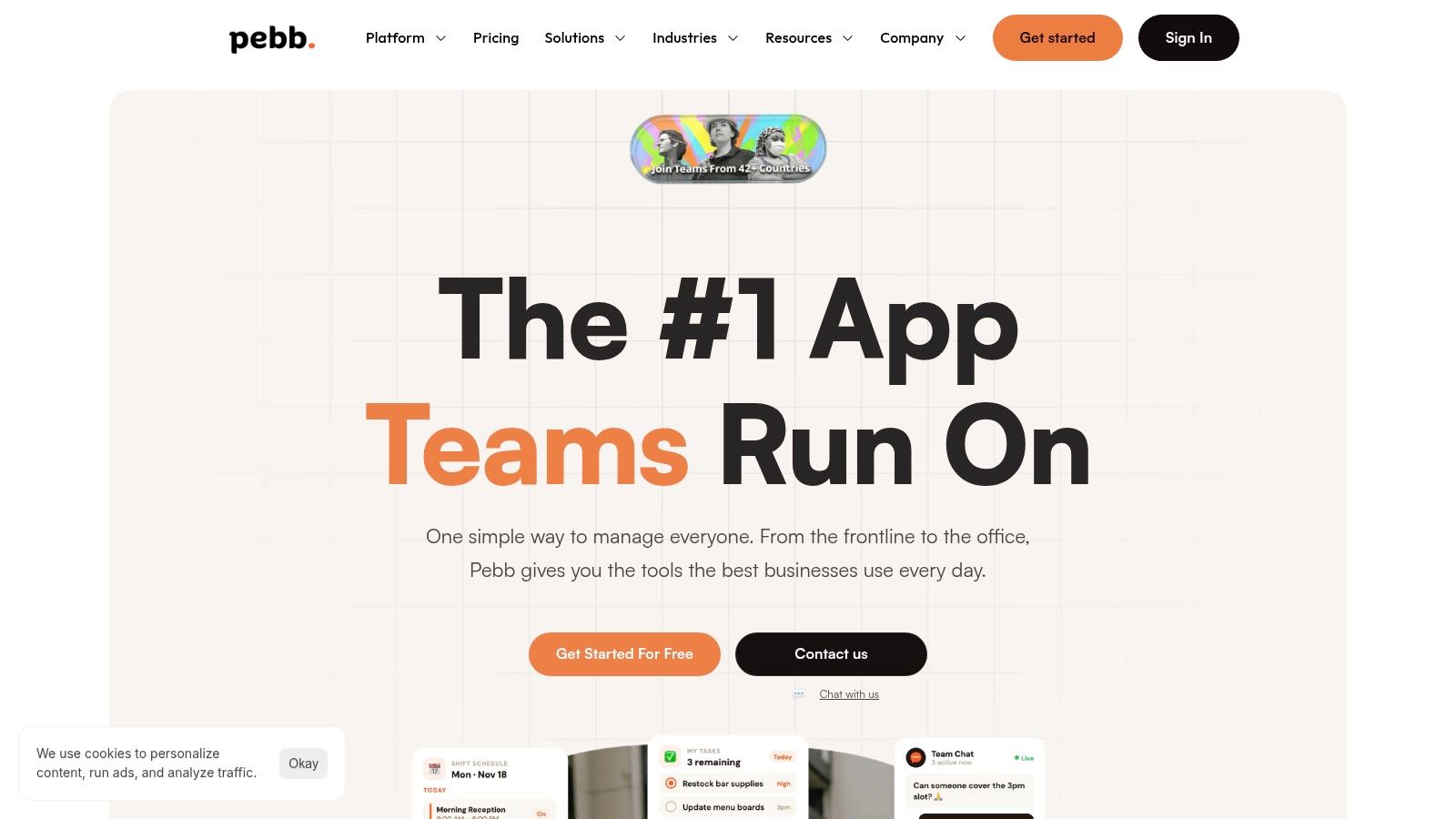
A manager opens five tabs before the shift even starts. One for chat. One for schedules. One for time tracking. One for PTO. One for the handbook nobody reads until something goes wrong. If that sounds familiar, Pebb is the kind of product you should look at first.
I like Pebb because it picks a side. It is built for companies that want a digital headquarters, not a patched-together stack of specialist tools. You get chat, voice and video calls, a news feed, tasks, files, events, shift scheduling, clock-in, and PTO in one place. That choice matters. Consolidation cuts admin drag, reduces missed updates, and gives managers fewer places to babysit.
Why Pebb stands out
Pebb works well because communication is not treated as an afterthought. In my experience, that is where a lot of staff management software falls short. Plenty of tools handle schedules and timesheets well enough, then leave team communication scattered across email, messaging apps, and noticeboards. Pebb keeps those handoffs in the same system, which is exactly what distributed teams need.
The Spaces setup is a big part of that. A supervisor can manage shifts and attendance inside the same area where the team sees updates, tasks, files, and event details. HR can publish policies and onboarding material in the Knowledge Library without sending people into a separate portal. That is a key benefit here. Fewer jumps between tools. Fewer dropped messages. Less repetition from managers.
Practical rule: If managers are pasting the same update into chat, email, and a scheduling tool, the software stack is creating work instead of removing it.
Pebb also has enough control for serious operations. Roles, permissions, admin settings, and analytics give leadership a clear view of activity without turning daily use into a chore. Integrations with HR, payroll, and authentication systems help if you still need specialist software behind the scenes. That makes Pebb a strong center point, especially if your goal is to simplify the employee experience without ripping out every system at once.
If you want a wider look at tools built around scheduling, attendance, and operational control, this guide to workforce management software options for complex teams is worth reading.
Best fit
Pebb makes the most sense for retail, hospitality, healthcare, logistics, and other distributed teams where scheduling and communication are tied together all day. It also fits companies replacing older intranet or workplace chat tools with something staff will use on mobile.
A few tradeoffs are clear:
Best reason to buy: It replaces several everyday staff tools with one system people can learn quickly.
Biggest strength: Frontline teams and office teams can use the same app without forcing a clumsy workflow on either group.
Main drawback: Pricing is not fully transparent upfront, so expect a sales conversation before you know the full cost.
What it will not replace: Deep HRIS or payroll systems with advanced compliance needs.
This is the philosophical fork in the road. If you want best-in-class point tools for every department, Pebb will feel broad by design. If you want one place where work happens, that breadth is the advantage.
For teams trying to cut software sprawl, Pebb is the strongest all-in-one option in this list.
2. UKG Ready / UKG Pro Workforce Management
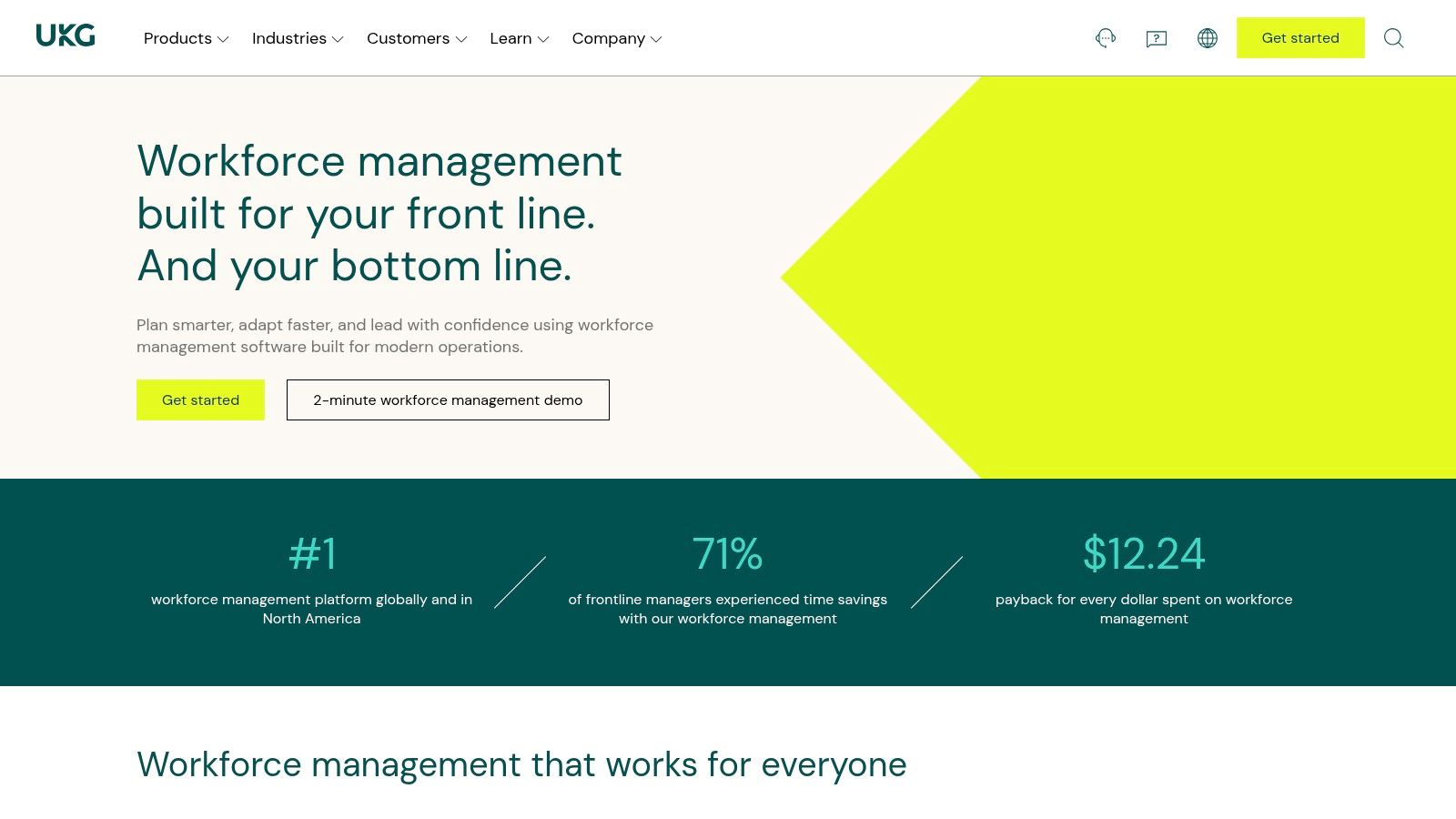
Some teams don't need calm. They need control. That's where UKG Workforce Management earns its place.
UKG is for operations with real complexity. Multiple locations, certifications, union rules, labor policies, layered approvals. If your scheduling logic looks more like air traffic control than a weekly rota, UKG is built for that kind of pressure.
Where UKG earns its keep
UKG Ready works for smaller organizations, while UKG Pro Workforce Management goes deeper for mid-market and enterprise teams. The suite is strong in time and attendance, labor forecasting, compliance, and reporting. If you already live inside the UKG ecosystem for HR or payroll, keeping workforce management under the same roof can spare you a lot of integration pain.
This is not the tool I'd hand to a simple ten-person shop. It's the tool I'd pick when mistakes are expensive and policy complexity is part of daily life.
UKG makes sense when the schedule itself is operational risk.
If you're comparing heavyweight workforce tools, this guide to best workforce management software is a useful next stop. UKG belongs in that conversation.
What to expect
UKG's strengths are clear:
Scheduling depth: Strong for complex rules, coverage, and labor controls.
Compliance support: Useful when legal and policy requirements shape the schedule.
Ecosystem fit: Better if you already use UKG for other HR functions.
The downsides are just as clear:
Heavier rollout: This usually isn't a quick setup.
Quote-based pricing: You'll need to talk to sales.
More than some teams need: Smaller teams can end up paying for depth they won't use.
I recommend UKG when precision matters more than simplicity. If your operation is complicated by default, that's a fair trade.
3. Rippling
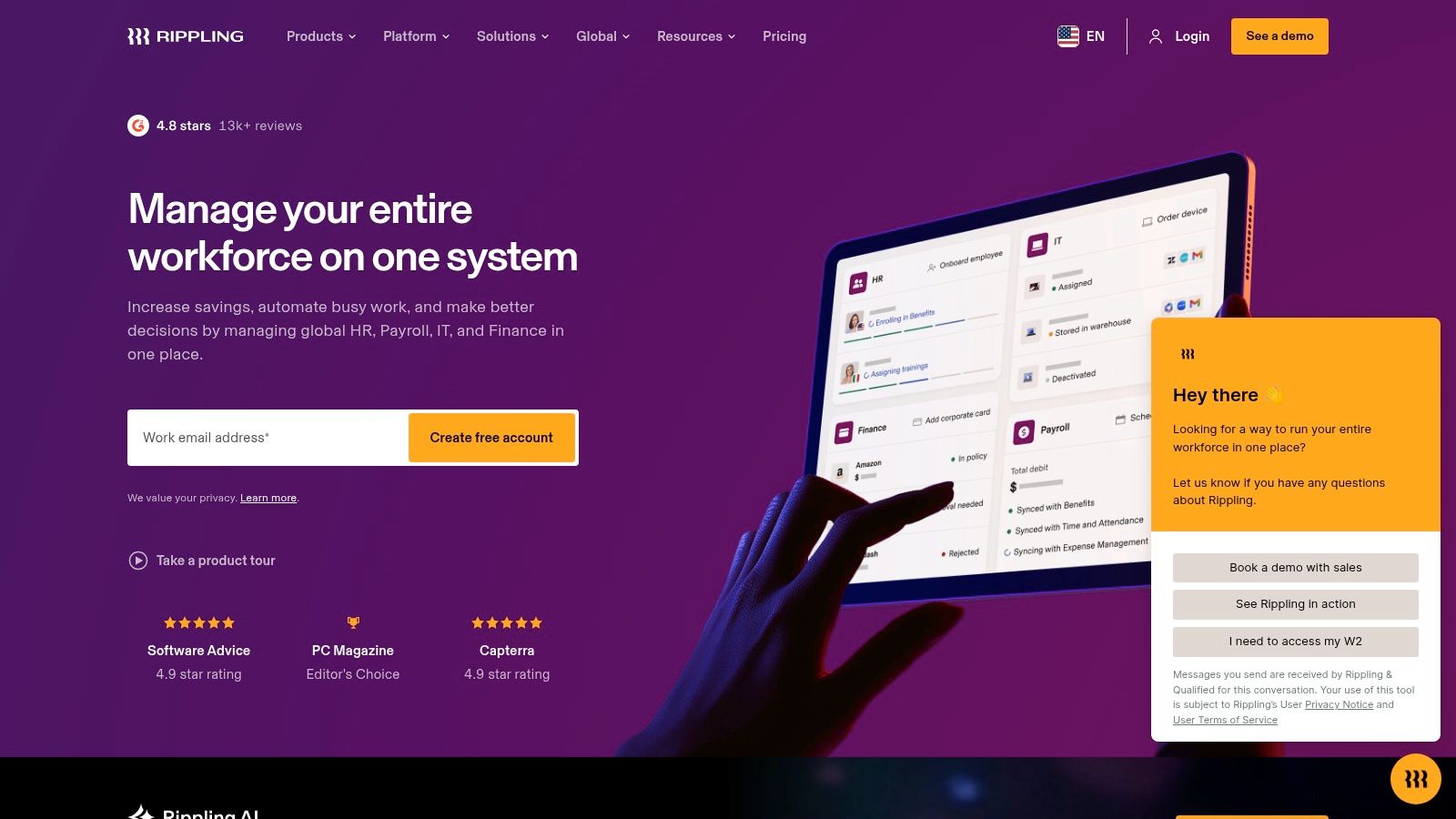
Rippling takes a different angle. It starts with the employee record and expands outward. If Pebb is a digital headquarters for communication and day-to-day operations, Rippling is a control center for HR, IT, and admin work.
That distinction matters. Some companies want staff management software to help the team communicate and execute. Others want it tied tightly to payroll, benefits, devices, permissions, and onboarding. Rippling is built for the second camp.
Why companies choose Rippling
Rippling's core strength is the shared data layer across modules. Time tracking, PTO, scheduling, payroll, and identity controls can all connect back to the same employee data. That cuts down on duplicate entry and the usual sync mess that happens when HR and operations buy separate systems.
Its automation is the reason many teams put up with the added complexity. You can set policies and workflows around onboarding, offboarding, pay rates, permissions, and job changes in a way that feels more systematic than improvised. If your staff management headaches begin the moment a new employee is hired, Rippling is worth a serious look.
A lot of that starts with cleaner setup. This practical guide to employee onboarding best practices explains why getting the workflow right early saves trouble later.
The tradeoff
Rippling is modular, and that's both the appeal and the trap.
What it does well: Unifies HR and operational data cleanly.
Why buyers like it: Automation can remove a lot of repetitive admin work.
Where caution is needed: Cost tends to rise as you add modules.
Who should skip it: Teams that only need lightweight scheduling and communication.
This is a good fit for companies that want consolidation, but with HRIS at the center rather than communication at the center. If your pain is operational admin, not internal alignment, Rippling is one of the smarter choices.
4. Deputy
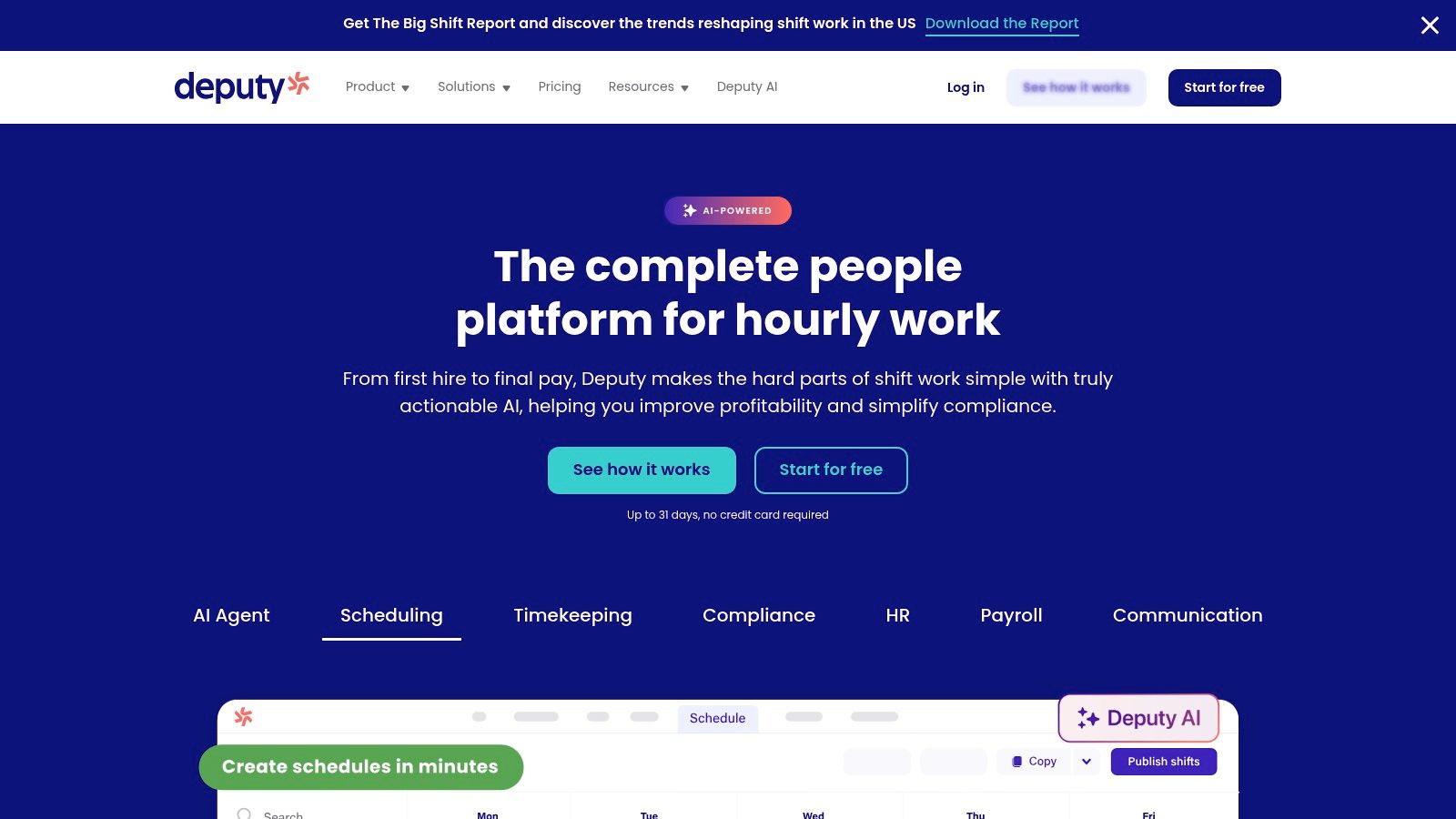
Deputy is a frontline scheduling tool that knows exactly what it is. That focus is why it keeps showing up on serious shortlists for hospitality, retail, healthcare, and logistics. If your day revolves around shifts, coverage, and time tracking, Deputy is one of the strongest specialized tools in the category.
It handles the mechanics of shift work well. Auto-scheduling, labor forecasting, costed schedules, mobile clock-in, and shift swaps are all part of the package. It's built for real-world operational mess, not idealized office workflows.
Best for shift-heavy teams
Deputy shines when scheduling is the operational center of gravity. Managers can build schedules against demand patterns, keep tabs on labor costs, and handle attendance from mobile devices or kiosks. Fair workweek and break-rule support also matter in regulated environments where a sloppy schedule can create compliance trouble.
That's why I'd put Deputy in the specialist camp, not the all-in-one camp. It does one hard job well.
If you're focused mostly on rosters and coverage, this roundup of best employee scheduling software is worth reading alongside this list.
Buy Deputy when shifts are the business. Don't buy it because you hope it'll become your company's communication hub later.
The good and the annoying
Deputy has real strengths:
Strong scheduling engine: Good for demand-based planning and labor visibility.
Frontline-friendly mobile workflows: Built for people who aren't at desks.
Compliance support: Helpful in industries with stricter labor rules.
But there are catches:
Add-ons matter: Some features sit behind higher tiers or extras.
Minimum spend can sting: Very small teams may feel that.
Communication is not the main event: You may still want another app for broader internal alignment.
Choose Deputy when you want a sharp scheduling blade, not a Swiss Army knife.
5. When I Work
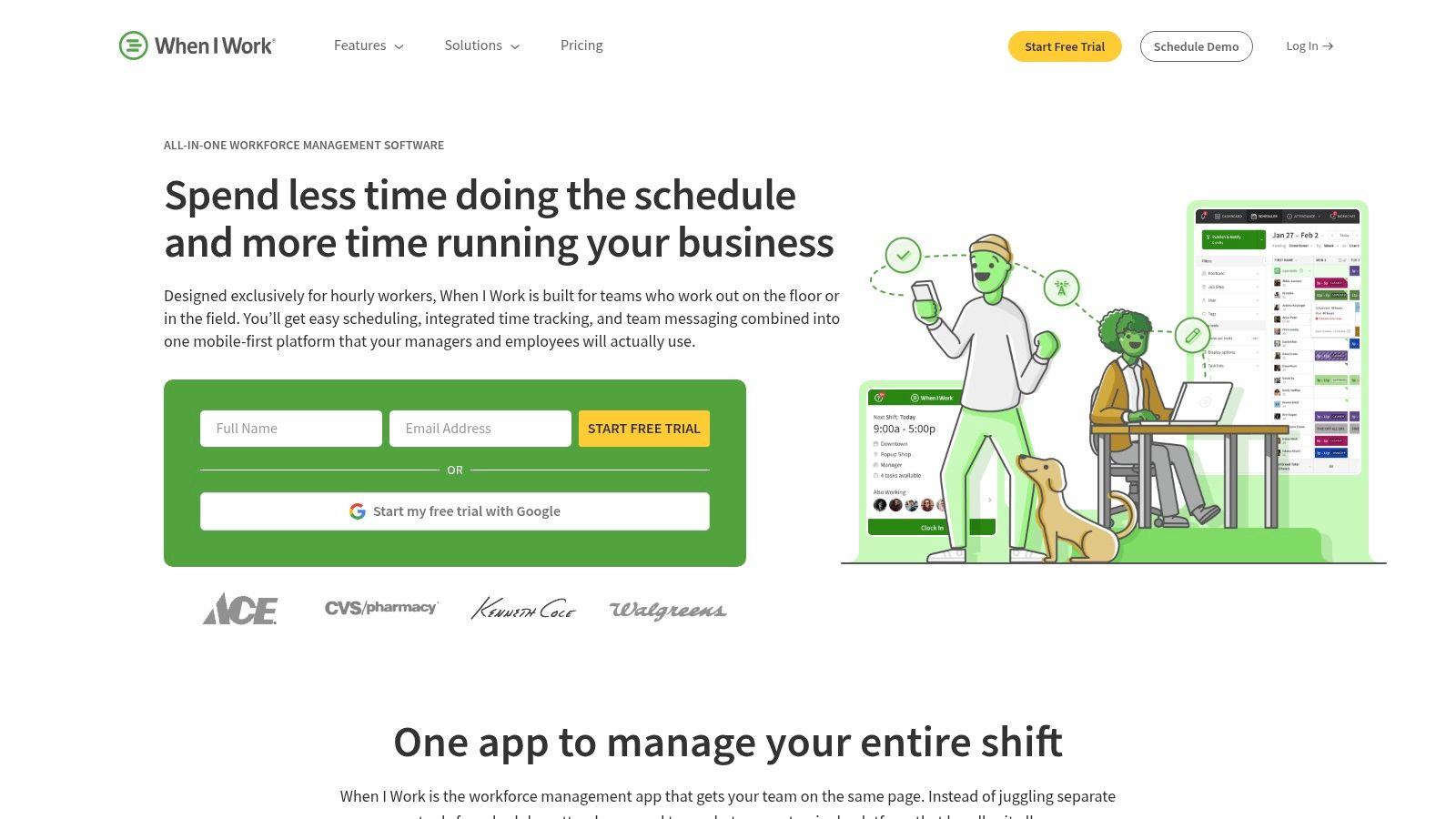
When I Work has stayed popular for a simple reason. It doesn't try to impress you with a grand theory of workforce transformation. It helps managers make schedules, track time, and keep hourly teams moving. For a lot of small businesses, that's enough.
When I Work is a practical pick for restaurants, retail shops, clinics, and other shift-based teams that want something straightforward. The interface is built around scheduling first, and that clarity helps during rollout.
Why simplicity wins here
Drag-and-drop scheduling, shift swaps, team messaging, mobile clock-ins, and payroll exports cover the basics well. If your current setup involves texting screenshots of the weekly rota and fixing timesheets by hand, When I Work will feel like relief.
I like this tool for managers who don't want a long implementation project. It's easier to adopt than heavier workforce platforms, and it stays focused on the day-to-day realities of hourly staffing.
The downside is predictable. Once you need deeper forecasting, heavier compliance controls, or a richer communication layer, you may start to feel the ceiling.
Who it fits best
A simple rule works here:
Best for: Smaller shift-based teams that need scheduling without drama.
Why people choose it: Quick rollout and a clean interface.
Where it falls short: Advanced workforce management needs.
What to watch: Full time and attendance capabilities often add to the base plan.
This isn't the best staff management software for every company. It is one of the easiest to recommend when you want a clean scheduling tool and don't want to overbuy.
6. Homebase
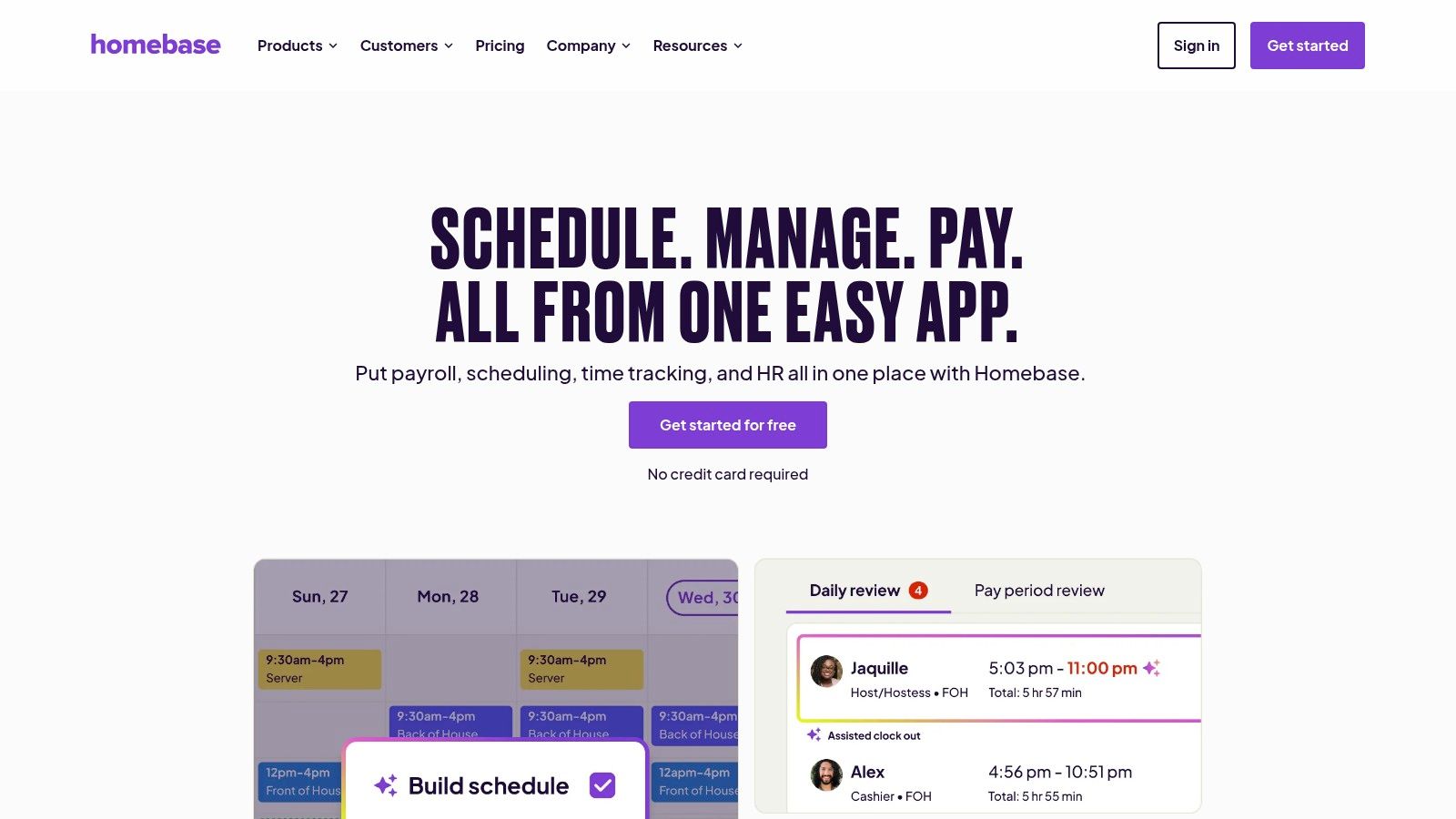
Homebase is the tool I think of for local businesses that need to get organized fast without spending weeks comparing systems. One location. Hourly team. Hiring, scheduling, timesheets, basic messaging. Done. Homebase understands that buyer well.
Its appeal is practical, not glamorous. You can start small, especially if you're running a single location, and add payroll or other paid features if the business grows.
A strong option for small local operations
Homebase combines scheduling, a time clock, timesheets, messaging, and some hiring and onboarding features in one place. That mix is useful for cafes, shops, salons, and service businesses where the same person often handles staffing, hiring, and daily operations.
The free plan for one location and up to 10 employees gives it a low-risk entry point, according to Checkwriters' roundup of employee management software. That same roundup also notes Zoho People pricing at $1.50 per user per month with a free plan for up to 5 users, which tells you how aggressively some SMB tools are competing on accessibility. Homebase wins not by being the broadest tool, but by being approachable.
Where it starts to strain
Homebase is a good first system. It's less convincing as a long-term control center for a more complex operation.
Best reason to choose it: Easy entry for single-location hourly businesses.
Helpful extra: Hiring and onboarding are included in the mix.
Likely pain point: Costs can climb as you add locations and paid features.
Not ideal for: Teams that need deeper reporting or broader company-wide communication.
For small businesses, that tradeoff is often perfectly fine. Start simple. Just know what “simple” stops covering.
7. Connecteam
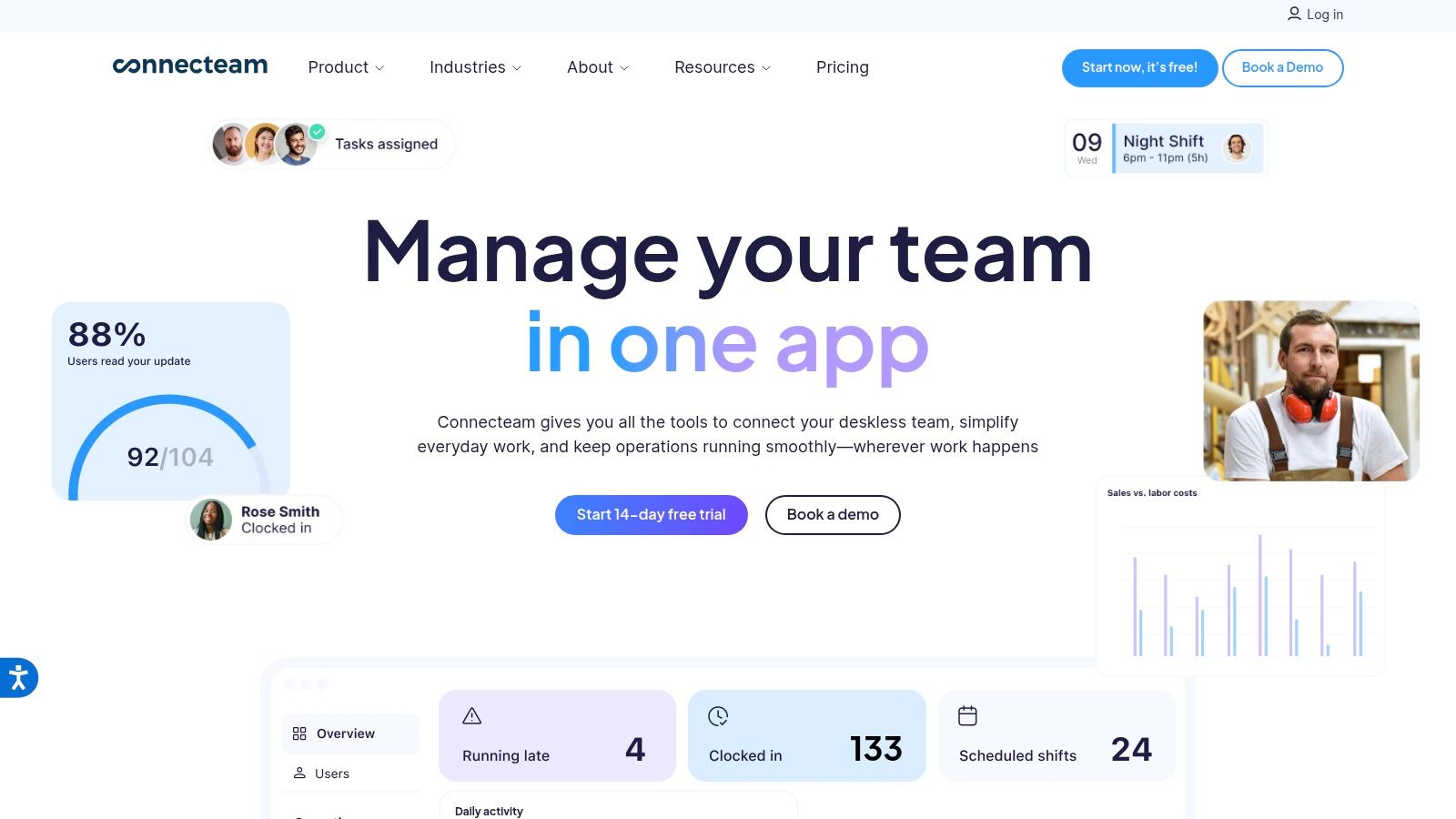
A lot of teams end up here after one bad month of operational chaos. The schedule lives in one app, the time clock in another, training docs in a shared drive nobody opens, and managers fill the gaps with group texts. Connecteam is built for companies that are tired of that patchwork and want one mobile system for day-to-day execution.
Connecteam works best for deskless teams. You get scheduling, GPS time tracking, chat, task management, forms, training, and a knowledge base in one place. That matters if your staff spend their day in the field, on a shop floor, or moving between sites. A phone-first product is not a nice extra in that setup. It is the whole point.
This is the philosophical choice in plain terms. If you prefer a digital headquarters, Connecteam makes a strong case. If you prefer best-in-class tools for each job, Connecteam will feel broad but not always deep enough.
Why Connecteam earns a spot
I'd put Connecteam in the camp of consolidation-first software. It is not just a scheduler with a chat tab added on. It tries to run the daily operating system for frontline work, which is a different bet.
That bet pays off when managers are losing time to app switching and missed updates. Putting shifts, instructions, forms, and team communication in one app cuts down on handoffs and confusion. For smaller operations especially, that simplicity is often worth more than having a separate specialist tool for every function.
Its pricing also makes sense for smaller teams, though the packaging can get messy. Connecteam splits features across hubs and tiers, so buying it takes more attention than using it. I don't love that. Still, the product itself is clear. Centralize routine work. Keep it on the phone. Reduce admin drag.
My take
Connecteam is a practical choice for operators who want fewer tools and tighter daily control.
Best fit: Deskless, distributed, and field-based teams that need one mobile app for execution.
Why choose it: It combines scheduling, communication, tasks, and training better than a single-purpose scheduling tool.
What to watch: The pricing structure is more layered than it should be.
Skip it if: You want the deepest standalone tool in each category and are willing to manage the complexity that comes with that.
If Pebb is the communication-first option in this list, Connecteam is the operations-first one. Pick Connecteam if your main problem is coordination in the field, not just team messaging.
Top 7 Staff Management Software Comparison
Product | Implementation complexity 🔄 | Resource requirements ⚡ | Expected outcomes 📊 ⭐ | Ideal use cases 💡 | Key advantages ⭐ |
|---|---|---|---|---|---|
Pebb | Low, mobile‑first, single‑link rollout; admin config needed | Low, minimal IT; modest admin time; integrations available | Unified comms & ops; fast adoption; improved engagement (high) | Frontline + office teams needing quick, mobile-first adoption | All‑in‑one app, fast rollout, governance & analytics |
UKG Ready / UKG Pro Workforce Management (UKG) | High, enterprise deployment and configuration | High, implementation services, IT, budget for add‑ons | Comprehensive scheduling, compliance & analytics (very high) | Large/multi‑site orgs with complex rules, unions, certifications | Advanced compliance/forecasting; integrated HR/payroll ecosystem |
Rippling | Moderate, modular setup around central data layer | Moderate‑High, budget for modules; HR/IT coordination | Unified HR/IT data; automation reduces errors and admin (high) | Companies wanting consolidated HRIS with extensible modules | Central data layer, strong automations, wide app catalog |
Deputy | Low–Moderate, quick scheduling rollout; add‑ons require setup | Low, manager/admin time; add‑ons increase cost | Reliable shift scheduling & compliance; good mobile adoption (medium‑high) | Frontline industries (restaurants, retail, healthcare) | Strong scheduling/compliance, mature mobile apps |
When I Work | Low, simple, drag‑and‑drop setup | Low, affordable entry; optional T&A adds cost | Faster scheduling & time tracking for SMBs (medium) | Small shift‑based teams (restaurants, clinics, retail) | Low cost, clean UI, quick rollout |
Homebase | Low, straightforward per‑location setup | Low, free/basic viable for 1 location; add‑ons scale cost | Basic scheduling, hiring, payroll support (medium) | Single‑location hourly businesses and small shops | Free basic plan, per‑location pricing, hiring tools |
Connecteam | Low–Moderate, all‑in‑one setup; hub/tier planning | Low, fixed pricing for small teams; higher tiers for features | Consolidates multiple tools; predictable small‑team costs (medium‑high) | Deskless/operations teams replacing point tools | Broad feature set, predictable pricing, mobile‑first design |
So, Which Tool Is Right for You?
A bad Tuesday will expose your software faster than any sales demo. The lunch rush hits, two people call out, a manager needs to swap shifts, someone asks for the PTO policy, and a new hire still cannot find the training docs. The right tool holds up in that moment. The wrong one creates one more mess to clean up.
That is the choice here. Pick a specialist if one operational problem dominates your day. Pick a digital headquarters if your bigger problem is fragmentation.
UKG Ready, UKG Pro Workforce Management, and Deputy are the right calls when scheduling complexity, compliance, and workforce control sit at the center of the business. Rippling fits companies that want staff management tied directly to HR, payroll, and IT. When I Work and Homebase make sense for smaller hourly teams that need quick scheduling without a heavy setup.
But a lot of companies are not short on features. They are buried in too many disconnected tools.
One app handles shifts. Another handles chat. Another stores policies. Another tracks tasks. Managers spend half the day repeating updates across systems, and employees still miss the message. That setup looks flexible on paper and expensive in practice. You pay for it in slower onboarding, avoidable mistakes, and constant context switching.
That is why the digital headquarters question matters. Consolidation is not just about saving subscription dollars. It is about reducing daily friction so people know where work happens.
Pebb is the clearest example of that approach in this list. As noted earlier, it combines communication, scheduling, knowledge, tasks, files, and engagement in one system. I would choose that model for any team tired of stitching together five separate products just to run a normal week.
Before you buy, get specific. If your biggest pain is advanced scheduling logic, buy the specialist. If your biggest pain is that information is scattered and managers act like human middleware, consolidate.
You can also manage team projects with Tooling Studio if project coordination is part of the mix. Just keep your standard high. Every tool should remove confusion, save time, and make the next week easier than the last one.
If your current setup still relies on chat apps, scheduling tools, PTO spreadsheets, and buried policy docs, take a serious look at Pebb. It suits teams that want one place to run communication and day-to-day operations instead of one more app to maintain.
