
Our 10 Top HRMS Systems for 2026
Choosing from the top hrms systems is a nightmare. We cut through the noise to share 10 honest reviews for SMBs, enterprises, and frontline teams.
Dan Robin
I once spent six months demoing HRMS tools. Every salesperson promised a single source of truth that would fix our chaos, but most of the products were bloated, built for another era, and blind to the people doing the work in warehouses, stores, clinics, and on the road.
That disconnect sticks with you. You realize quickly that many “top hrms systems” lists are for software bought by large HR teams, not software people enjoy using day to day. Those are different things.
This isn’t another polished roundup written from a vendor deck. We’ve lived with these tools, rolled them out, cleaned up after bad implementations, and watched where adoption breaks. Usually, it breaks at the frontline. The desktop-first workflow looks fine in a demo and falls apart the second you ask shift workers, field staff, or part-time teams to use it in practice.
That matters more now because HR stacks are consolidating. Performance modules are increasingly getting folded into broader HR platforms, and learning systems are close to standard in larger companies. In the same direction, businesses are moving more of HR to the cloud because it is easier to scale and cheaper to maintain than old on-premise setups, as noted in Red Pill Labs’ overview of HR system trends in 2025. If you pick the wrong system, you do not only buy a bad tool. You hard-code friction into hiring, onboarding, scheduling, communication, and retention.
So this list is simple. What is each tool good at? Who should buy it? Who should avoid it?
If you are still building the team itself, start with the basics first. This guide on how to hire your first team member is a better use of your time than another glossy software demo.
1. Pebb
A client once showed me their “HR stack” for a frontline-heavy business. One app for chat. One for rotas. One for time-off. One for files. One for policies. One for tasks. On paper, it looked fine. On the shop floor, nobody wanted to touch it.
That is why Pebb stands out.
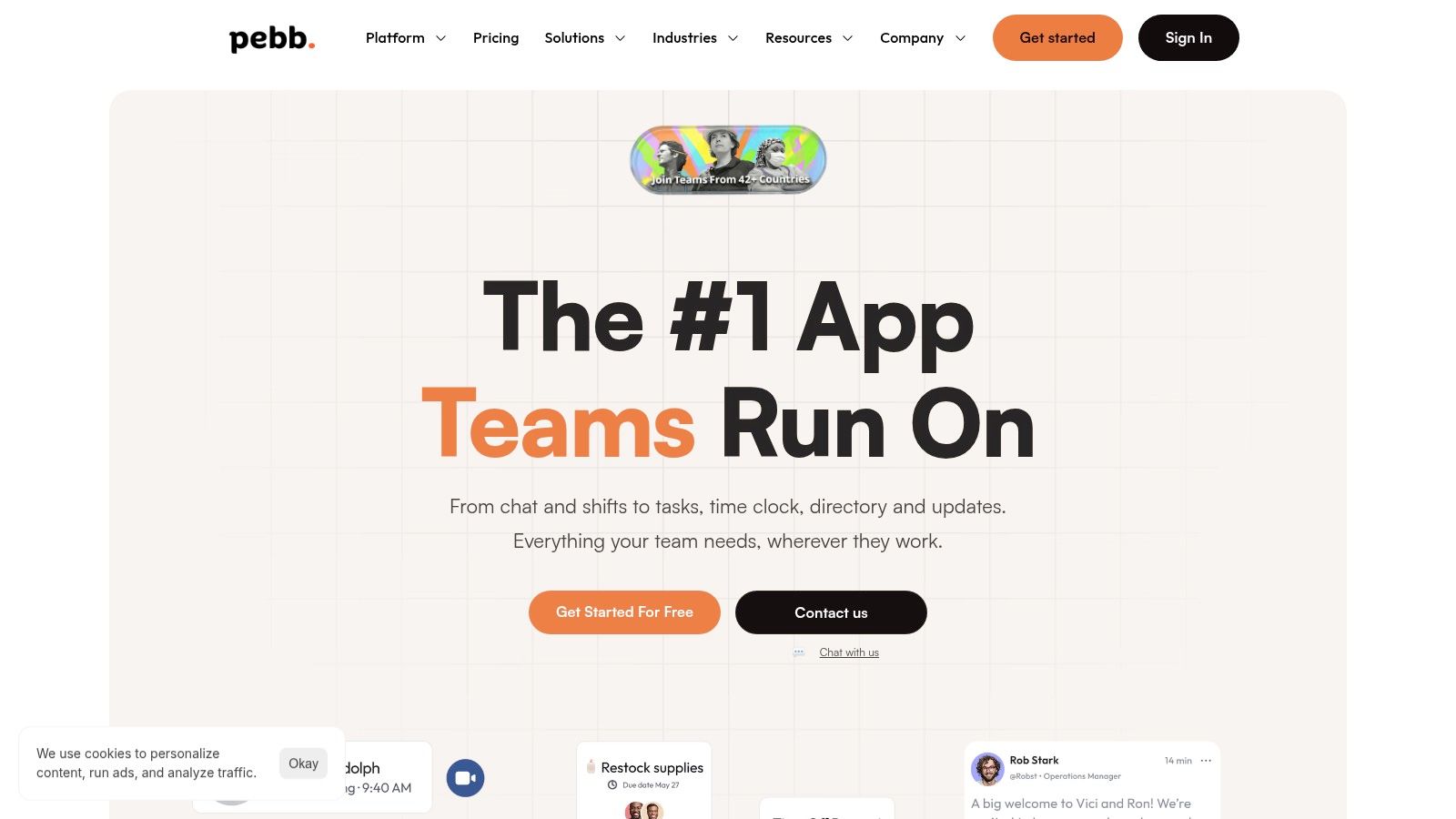
I’d pick it first for companies with a mix of office staff and frontline workers, especially if daily work already feels split across too many tools. Pebb solves the problem that sinks a lot of HRMS rollouts. People need one place to communicate, check shifts, request leave, find documents, and keep work moving from their phone.
Why it works in real life
Pebb feels like a product built around the day-to-day reality of work, not around an HR org chart. Private chat, group chat, voice and video calls, a social-style feed, Spaces for teams, tasks, files, events, shift scheduling, clock-ins, PTO, and a knowledge library sit in one system. The coherent experience means people do not have to learn five separate products just to get through a shift.
That matters a lot for deskless teams.
If your workforce lives on mobile, the tool has to meet them there from day one. Pebb does. Setup is straightforward, invites are simple, and the product works well on mobile and web. That removes a big source of rollout friction. People use it because it fits how they already work.
It also helps that Pebb can connect with HR, payroll, and identity tools you may already have. For companies spread across locations or countries, that gives you enough control without forcing you into a heavy enterprise suite. If you care about adoption, this broader point about what employee experience looks like in practice is worth understanding early.
If your team runs on phones, buy software that works naturally on phones.
Pebb is also pointed at a part of the market that many HRMS vendors still underserve. Frontline teams often get stuck with desktop-first systems designed for headquarters. Pebb avoids that trap.
Where Pebb fits best
I recommend Pebb for retail, hospitality, healthcare, logistics, field services, and any business where communication, scheduling, and basic HR tasks happen side by side all day.
A few things make it a strong choice:
One app instead of tool sprawl: Teams can handle chat, shifts, tasks, files, and policies in the same place.
Built for frontline use: Clock-in, PTO, forms, scheduling, and mobile access are part of the core product, not awkward add-ons.
Fast adoption: The interface is easy to pick up, which cuts training time and lowers resistance.
Useful admin control: Roles, permissions, and reporting give managers oversight without turning the system into a chore.
There is a tradeoff. If you need highly specialized payroll, complex HRIS customization, or niche workforce optimization features, you may still pair Pebb with another core system. Pricing is also not fully public, so larger teams will need a sales conversation.
Still, for companies tired of fragmented work software, Pebb is the clearest recommendation on this list.
2. Workday Human Capital Management
Workday is for big companies with complexity. Multiple entities. Layers of approval. Heavy reporting needs. A lot of stakeholders who all want the system to do things slightly differently.
If that sounds like your world, Workday deserves a serious look. If it doesn’t, keep moving.
What Workday is good at
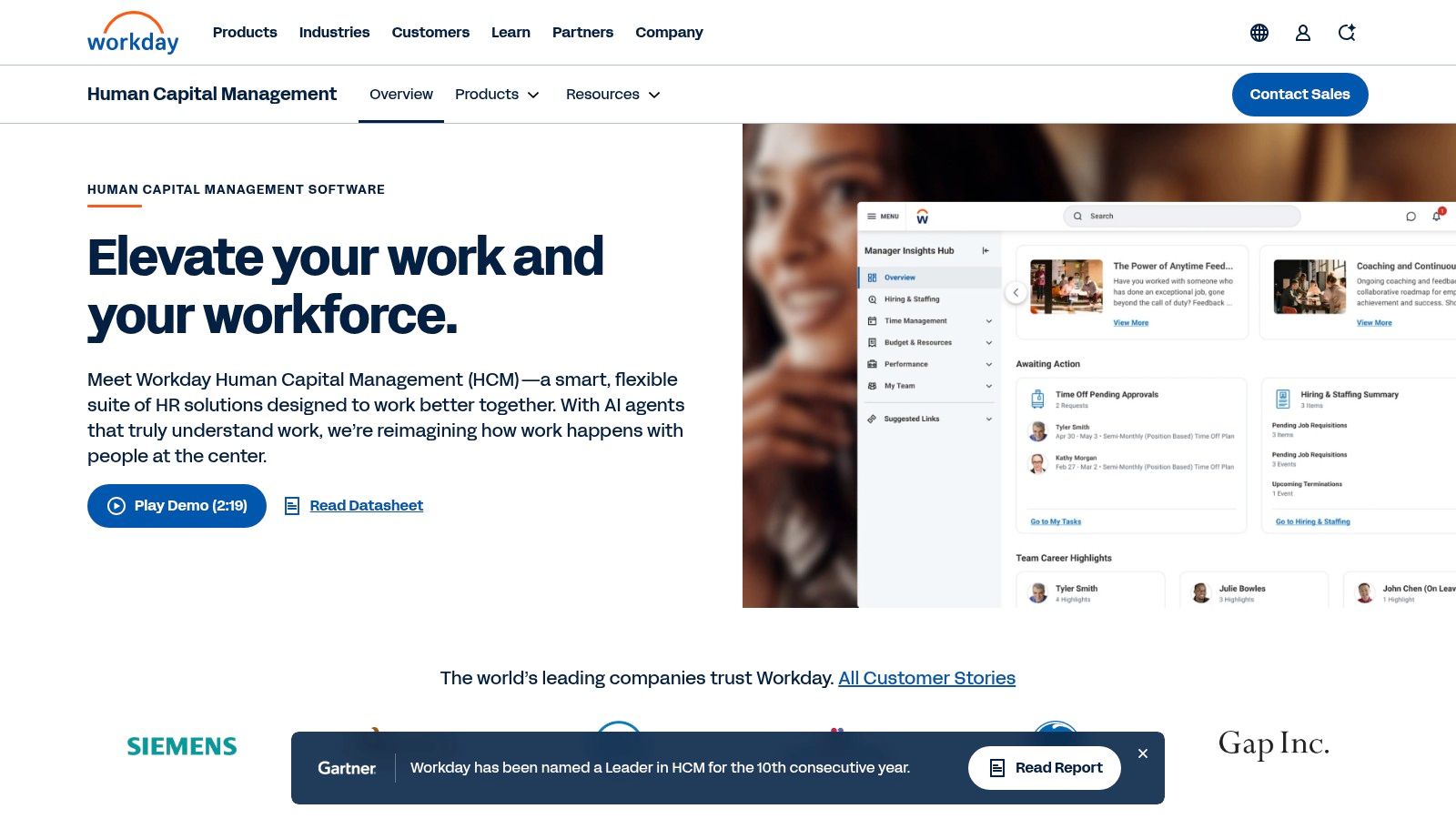
Workday’s strength is breadth inside a unified model. Core HR, talent, workforce management, analytics, and payroll options live in one ecosystem. That gives large organizations a cleaner operating base than a pile of disconnected tools.
It is also one of the safer picks if governance matters as much as usability. Security, role-based access, extensibility, and a mature marketplace all help when HR touches finance, planning, and compliance.
This is also where employee experience starts to matter more than many buyers admit. If your HR stack is technically impressive but frustrating to use, your people will avoid it. That part is worth thinking through early, and this note on what employee experience means in practice is useful context.
My honest take
Workday is rarely the wrong choice for a large enterprise. It is often the wrong choice for everyone else.
The implementation can be long. The change management is real. You need internal ownership, strong process discipline, and patience. Workday rewards organizations that already know how they want HR to run. It punishes teams hoping software will figure that out for them.
I also would not put Workday near the top of the list for companies with a heavy deskless workforce unless they have the budget and appetite to layer a better day-to-day employee experience on top.
Use Workday Human Capital Management when scale and control matter more than speed and simplicity.
3. Oracle Fusion Cloud HCM
Oracle Fusion Cloud HCM is a serious system for serious enterprises. That sounds obvious, but it matters because some tools pretend to be enterprise-ready and then crack under global complexity. Oracle doesn’t pretend.
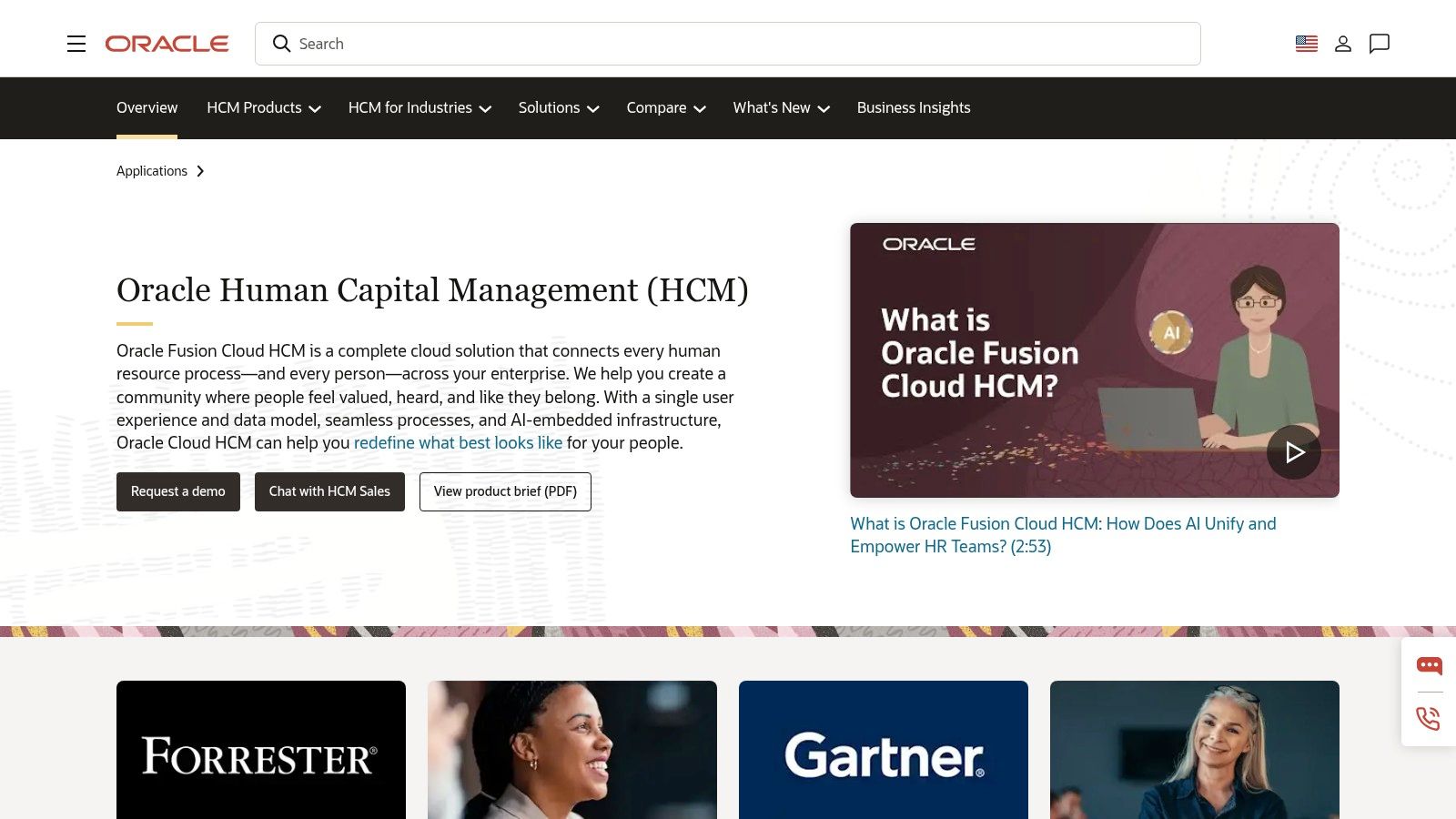
This is one of the fullest suites in the market. Core HR, talent, workforce management, payroll, analytics, and Oracle’s employee experience layer all connect inside one broad platform.
Where Oracle earns its keep
Oracle makes sense when you need significant depth, not surface-level breadth.
That usually means global operations, industry-specific compliance concerns, and tighter ties to finance or supply chain systems. If your company already runs a lot of Oracle, the integration argument gets stronger quickly.
The platform also fits the broader market direction. The global HRMS market is projected to grow to $93.24 billion by 2035, from $34.81 billion in 2026, with cloud deployments expected to hold 62.16% market share in 2026, according to Business Research Insights’ HRMS market report. That points to a clear trend. Big organizations are consolidating fragmented HR tech into more unified cloud platforms, and Oracle is one of the names that benefits from that shift.
The catch
Oracle can do a lot. That is both its strength and its burden.
The more modules you deploy, the more design decisions pile up. That can slow implementation and make the whole thing feel heavier than buyers expect. You need clarity before purchase. Not after.
Oracle is a strong fit when your business is already complex. It is a bad fit if your processes are still unsettled and you want the software to clean them up for you.
I would put Oracle ahead of simpler systems for multinational enterprises, regulated sectors, and organizations that already live in the Oracle world. I would not choose it for a growing mid-market business that values speed, ease, or a more lightweight rollout.
If you need the whole machine, Oracle Fusion Cloud HCM is one of the better-built machines available.
4. SAP SuccessFactors HXM Suite
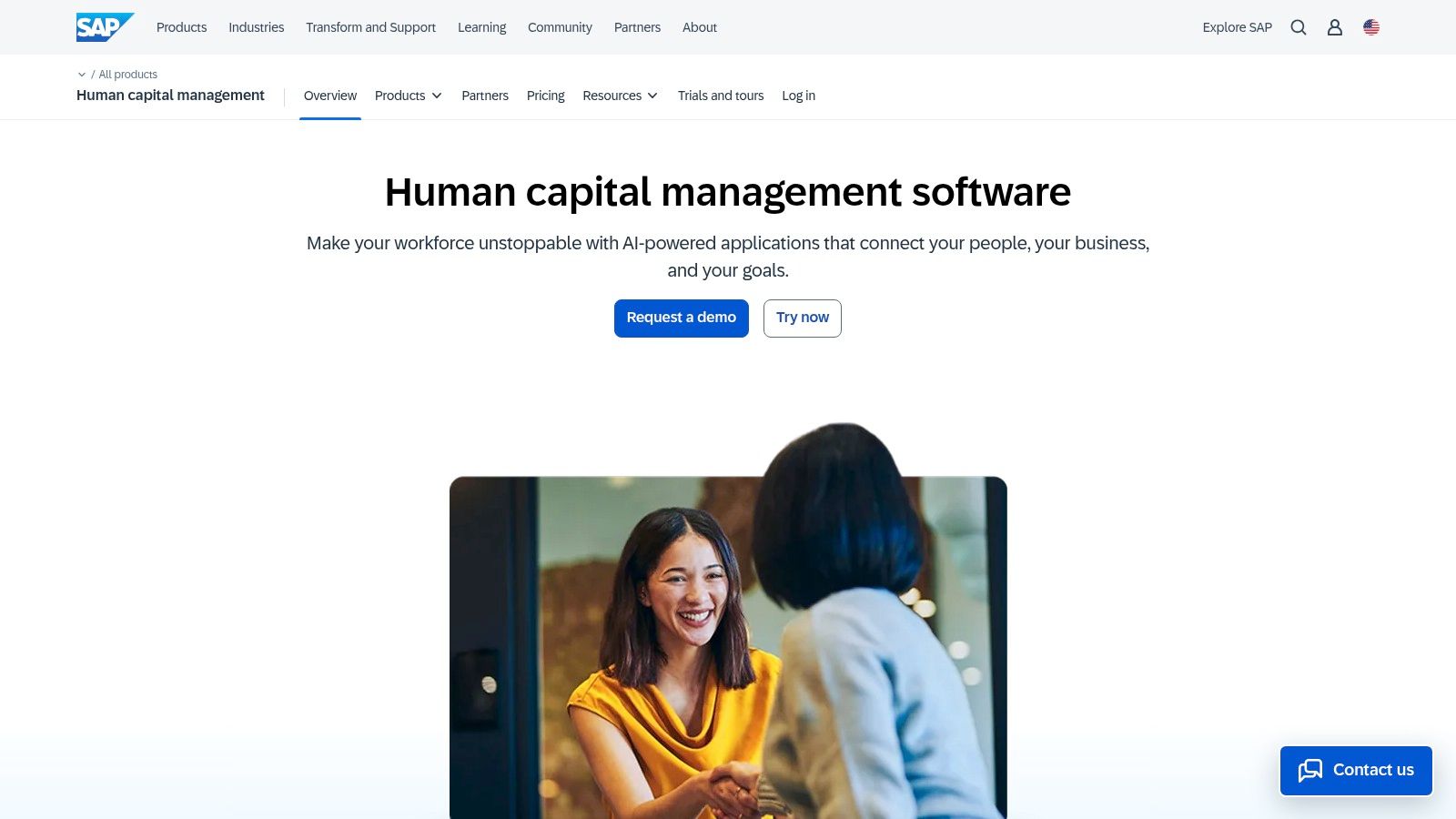
Some companies buy SAP because they love SAP. Others buy it because the rest of the business already runs on SAP and fighting that gravity is a waste of time.
SuccessFactors is usually the smart move in the second group.
Best for companies already in the SAP orbit
SuccessFactors covers the expected ground. Core HR, payroll, recruiting, learning, performance, workforce management, and analytics. It also plugs into the wider SAP ecosystem in a way that can make life much easier for enterprise IT and finance teams.
That ecosystem fit is a key selling point. Not the polished demo. Not the AI story. The fit.
For global organizations, that matters. You get localizations, governance, partner support, and a platform built with enterprise process discipline in mind. If your HR team wants freedom but your business needs control, SAP often lands in the compromise zone.
Where it feels heavy
SuccessFactors is capable, but it is not light on its feet. Deploy a lot of modules at once and complexity appears quickly. Tailoring takes work. Administration takes maturity. The product asks something from the buyer.
I would also say this clearly. SuccessFactors is often better for administrative consistency than daily affection. Employees may use it because they need to, not because they love to.
That is not fatal in enterprise software. It is worth being honest about.
A useful backdrop here is the shift toward integrated HR stacks. Performance management is now bundled into existing HRMS or HRIS platforms by 51% of companies, and 96% of large and mid-size companies use LMS platforms, according to Deel’s HR automation statistics and trends roundup. SuccessFactors fits that integrated model well. It is built for companies that want fewer point tools and a more connected talent stack.
Use SAP SuccessFactors HXM Suite when global scale, ecosystem alignment, and governance matter more than elegance.
5. UKG Pro
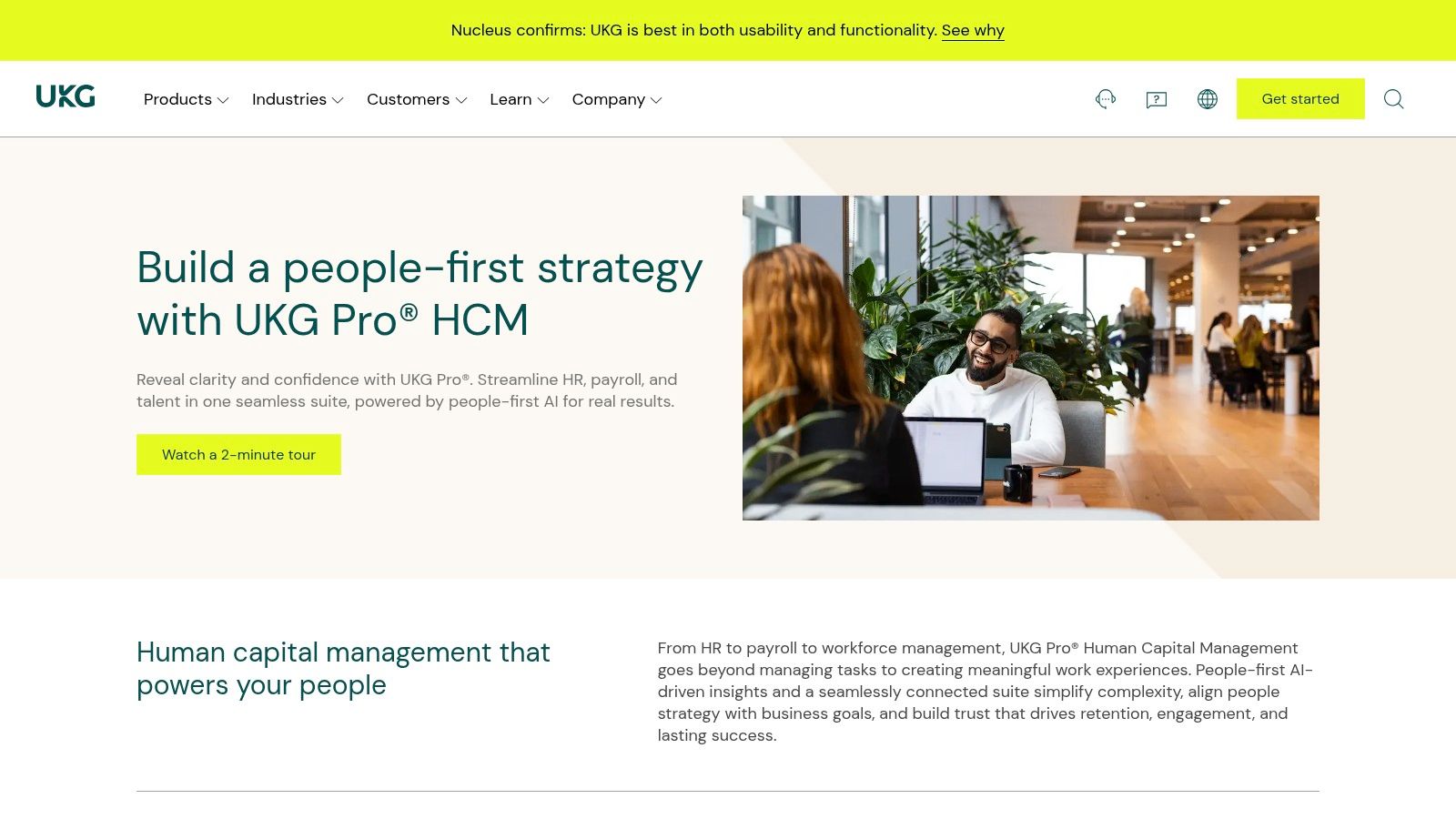
UKG Pro has one major advantage over a lot of HRMS products. It understands time and labor better than vendors who came up through pure HR.
That matters if you run a workforce with shifts, coverage issues, labor rules, attendance headaches, and managers who need to make decisions in the middle of a live operating day.
Why operators like it
UKG’s roots in workforce management show. Scheduling, time, attendance, compliance, and labor-heavy operations are where it tends to feel strongest. If you are running healthcare, manufacturing, hospitality, or large service teams, that practical depth counts for a lot.
The suite also gives you the broader HCM layer. Core HR, payroll, benefits, talent, analytics, and self-service all sit in the same orbit. So you are not just buying a scheduling engine. You are buying an HR platform with real labor muscle.
Where I’d be cautious
UKG is not the prettiest or simplest product in this category. It is also not the first tool I would hand to a small business trying to keep things clean and lean.
For some buyers, reporting and applicant tracking can feel less sharp than specialist tools. And like most enterprise-grade platforms here, pricing is quote-based, with edition and add-on choices affecting the total bill.
That said, UKG earns its place. A lot of HRMS vendors talk about supporting frontline teams. UKG has the background to make that claim believable.
If your biggest HR problems start with coverage, compliance, and hourly operations, UKG Pro is one of the better bets.
6. Dayforce HCM
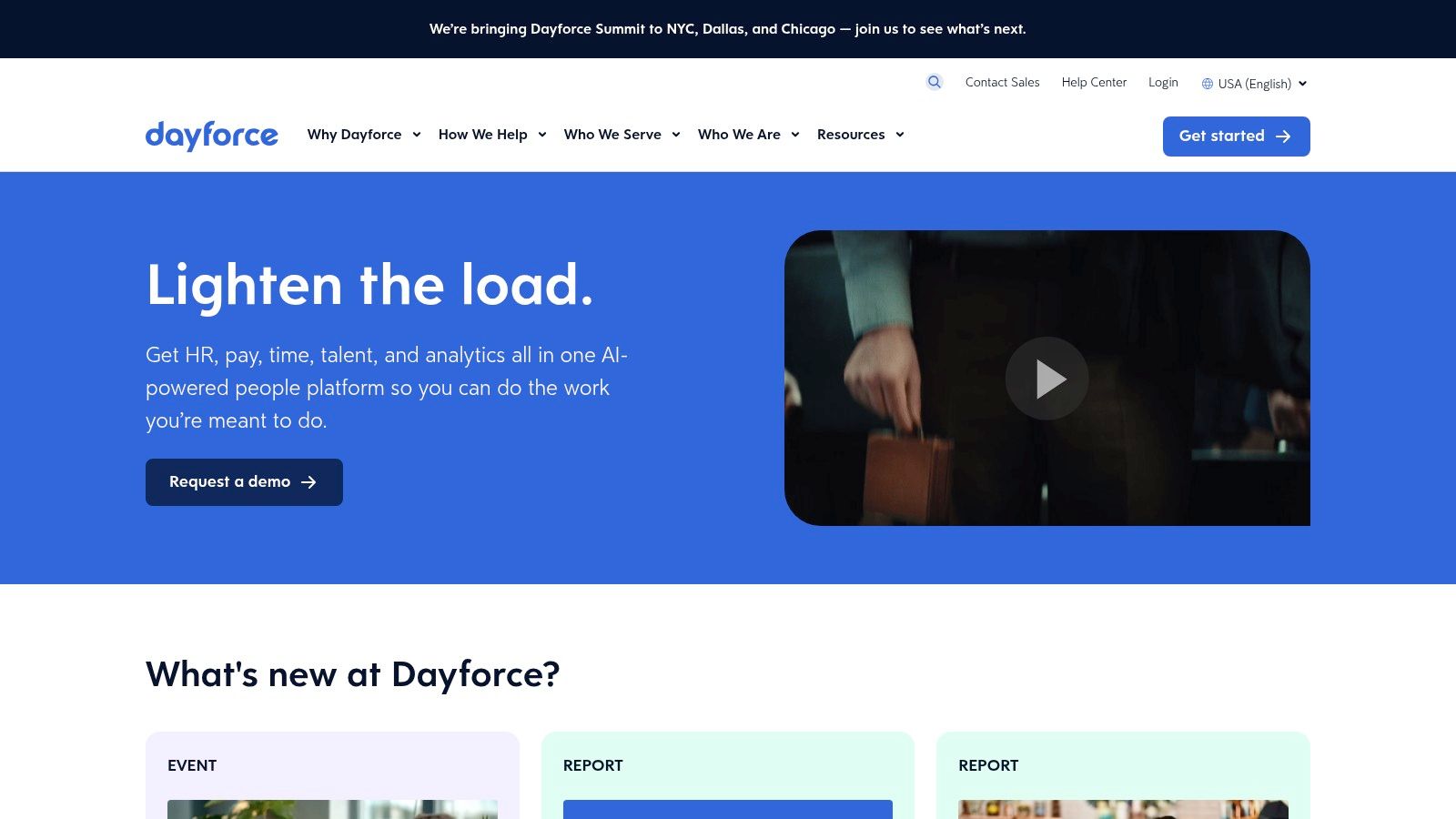
Dayforce is a payroll-and-workforce-management-first platform wearing an HCM jacket. I mean that as a compliment.
If your business lives or dies on pay accuracy, labor rules, tax complexity, and shift patterns, Dayforce deserves attention before some of the shinier names on this list.
What makes Dayforce practical
The core appeal is a single application that brings together HR, payroll, benefits, talent, and workforce management. Continuous payroll calculation is one of the more distinctive parts of the pitch. For employers with complicated pay rules, that can be useful because issues surface earlier instead of piling up at the end of the cycle.
The platform is especially worth a look for hourly, shift-heavy organizations. That is where Dayforce tends to make the most sense, and it is also where a lot of leaders end up shopping for broader workforce management software instead of a pure HR product.
Where buyers should stay sharp
Dayforce is not a casual purchase. Scope matters. Support tiers matter. Implementation quality matters even more.
A lot of your experience with Dayforce will depend on how explicitly your organization defines what it needs before rollout. If you let the project sprawl, the system can feel bigger and more expensive than planned.
I like Dayforce most for North American employers with complicated payroll and labor conditions. Less for lighter, office-heavy teams that just need a straightforward HR platform.
Use Dayforce when payroll precision and workforce management are critical requirements.
7. ADP Workforce Now
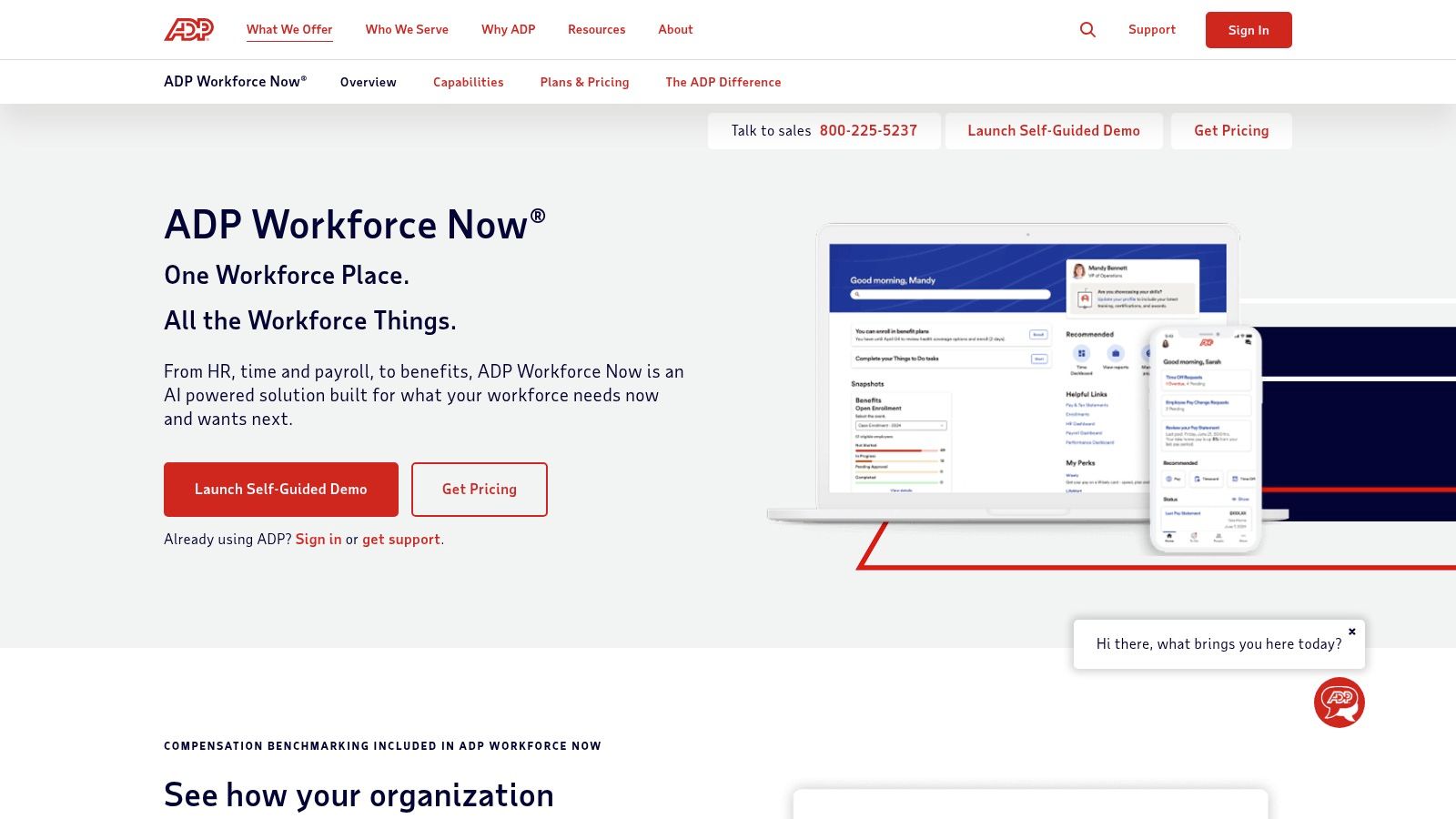
ADP Workforce Now is not exciting. That is part of the appeal.
When payroll is the center of gravity and you want a platform from a company that has spent years dealing with tax, compliance, and pay operations at scale, ADP stays on the shortlist for good reason.
Why companies still buy ADP
The strongest case for ADP is practical trust. You are buying broad U.S. payroll expertise, familiar processes, and a mature marketplace of integrations around HR, benefits, time, and talent.
For mid-sized companies, that can be enough. Not every team needs a bold new platform philosophy. Sometimes they need payroll that runs, benefits that connect, and an HR layer that is good enough.
ADP also gives buyers room to grow through different packaging tiers. That matters if you are moving from smaller systems and do not want to jump directly into enterprise complexity.
What I’d push on in sales calls
Get clear on total cost. Early.
ADP pricing is not published in a simple way, and add-ons can push the bill higher than expected. Ask about annual increases. Ask what is included. Ask what support looks like when something breaks. Then ask again in writing.
This is not me singling out ADP. It is where many buyers get sloppy.
I recommend ADP Workforce Now for mid-market U.S. employers who want proven payroll depth and a wide partner ecosystem. I do not recommend it if you want a more modern, social, mobile-first employee experience as the center of the product.
8. Paycom
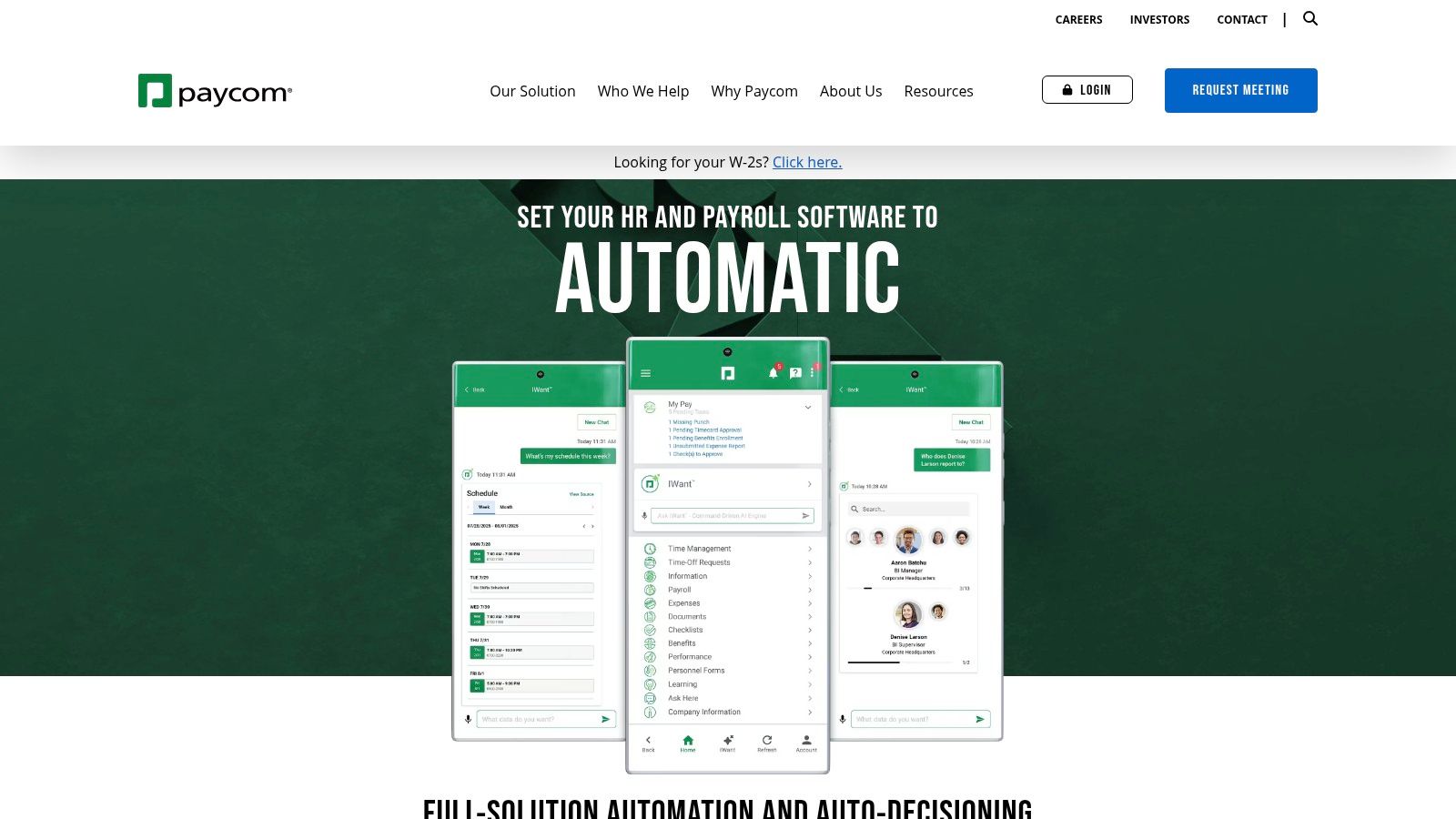
Paycom has a clear philosophy. Put more responsibility into the hands of employees, keep data in one system, and cut admin work that used to bounce back to HR and payroll.
That is a sensible model. It is also one that works better in some cultures than others.
Where Paycom stands out
The single-database setup is the main attraction. HR, payroll, time, benefits, talent, and analytics live in one system, which reduces the mess that shows up when data moves between separate tools.
The employee self-service approach is also central to the product. When people update and maintain more of their own information, the admin team can spend less time chasing corrections and re-entering data.
For U.S. mid-market employers, that can be a good fit. Especially if the goal is cleaner payroll operations and less repetitive manual work.
What to watch
Self-service only works when employees engage with it. If your workforce is less comfortable with software, less connected during the day, or mostly deskless, the model may need more support than you expect.
Some broader market gaps around mobile-first adoption and frontline usage become relevant here, even if other tools on this list serve that need more directly.
A clean architecture helps. But if your people do not log in, the architecture does not save you.
Paycom is best for U.S.-centric organizations that want one app, one database, and a more automated payroll workflow. It is less compelling if global coverage, deep communication features, or frontline engagement are at the top of your list.
If that matches your needs, Paycom is a strong contender.
9. BambooHR
BambooHR is what I recommend when a smaller company says, “We need to get out of spreadsheets, but we do not want to buy a monster.”
That is the right instinct.
The appeal is simplicity
BambooHR has stayed popular because it is approachable. Employee records, onboarding, time off, performance, e-signatures, and integrations are presented in a way that does not intimidate smaller teams.
That matters more than many buyers think. A clean, understandable system gets adopted. A more powerful one that confuses everyone often doesn’t.
BambooHR is especially good for small and midsize businesses taking HR more seriously for the first time. It gives structure without burying you in enterprise-grade complexity.
But it has a ceiling
You feel the limits when your business gets more complex. Advanced analytics, deep global payroll needs, and serious workforce management are not where BambooHR shines.
So I would not call it one of the top hrms systems for every company. I would call it one of the best starting points for companies that value speed, usability, and sanity.
The market is moving toward bigger, more integrated HR platforms overall. One reason is that talent management is now the largest functional segment of HR software adoption, with 19.86% market share in 2025, according to Mordor Intelligence’s HR software market analysis. BambooHR can support a lot of growth, but eventually some companies will outgrow its depth.
For a clean entry into real HR systems, BambooHR is still a very good pick.
10. Rippling
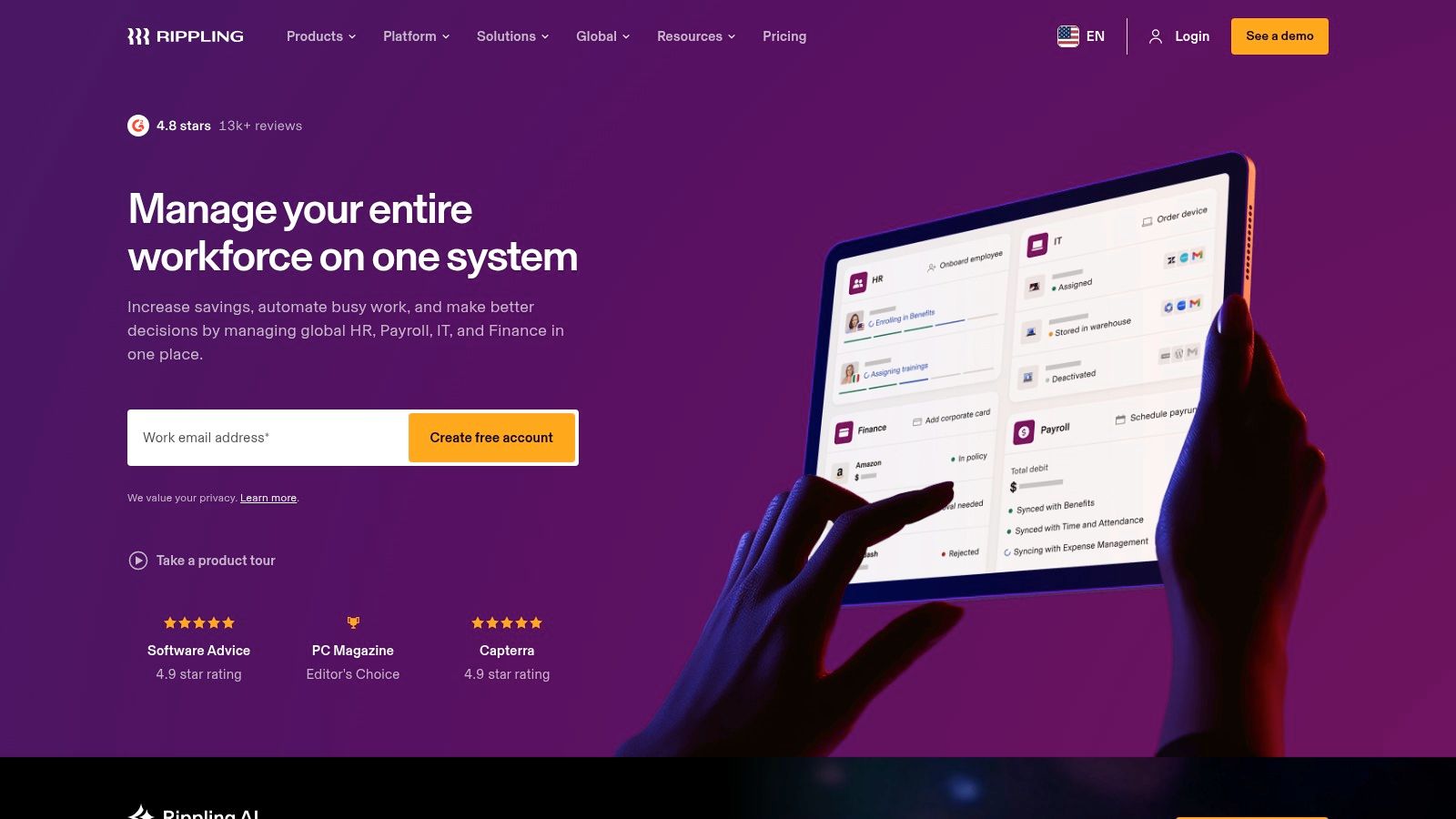
Rippling is the tool for operators who love automation. If your eyes light up at the idea of one employee change triggering updates across HR, IT, payroll, apps, and permissions, Rippling will quickly make sense.
It is one of the more modern products here, and it feels that way.
What Rippling gets right
Rippling’s big idea is simple. Treat employee data as the center of a larger operating system. Then use that to automate onboarding, offboarding, payroll, device setup, app access, policy controls, and more.
That cross-functional model is useful in fast-growing companies. HR and IT are usually more connected than org charts suggest, and Rippling reflects that.
If you are building a scaling company and trying to tighten your employee onboarding best practices, Rippling has strong appeal.
Where the shine can wear off
The modular model is powerful, but costs can expand as you add more stacks and features. Buyers need discipline. Otherwise the product that looked neat and efficient starts feeling like a menu that never stops charging.
There is also a more specific caution for non-desk roles. Existing coverage of the category has pointed to churn concerns in fragmented setups for frontline work, and Rippling is usually strongest in admin automation, not in building a unified everyday experience for deskless teams.
So my recommendation is direct:
Choose Rippling if you are a fast-growing company that wants HR and IT tightly connected.
Skip Rippling if your biggest problem is frontline communication, shift coordination, or mobile-first engagement.
Question every add-on before you sign. The core idea is strong. The bundle can sprawl.
Use Rippling when automation across HR and IT is the problem you need to solve.
Top 10 HRMS Systems Feature Comparison
Product | Core focus | Key features ✨ | UX / Adoption ★ | Target audience 👥 | Pricing & value 💰 |
|---|---|---|---|---|---|
🏆 Pebb | Mobile-first all‑in‑one work app (comms + ops + engagement) | Spaces, chat, shifts, clock‑in, Knowledge Library, 50+ integrations ✨ | Intuitive social feed; fast rollout; high adoption ★★★★ | Frontline + office teams; SMB → mid‑market 👥 | Free start; quote for enterprise; SMB‑friendly value 💰 |
Workday HCM | Enterprise HCM & workforce analytics | Unified HCM, Skills Cloud, APIs & extensibility ✨ | Powerful analytics; long, complex implementations ★★★ | Large global enterprises 👥 | Premium, quote‑based enterprise pricing 💰 |
Oracle Fusion Cloud HCM | Full‑suite cloud HCM with employee‑experience layer | Oracle ME, payroll, compliance & global localizations ✨ | Feature‑rich but complex to deploy ★★★ | Large enterprises, Oracle ecosystem 👥 | Quote‑based, enterprise packaging 💰 |
SAP SuccessFactors HXM | Global HXM suite with SAP ecosystem integration | Modular HR/payroll, Joule AI, BTP integrations ✨ | Strong global capabilities; modular complexity ★★★ | Global enterprises seeking SAP alignment 👥 | Quote‑based; enterprise focus 💰 |
UKG Pro | End‑to‑end HCM + workforce management | Scheduling, payroll, benefits, Bryte AI for insights ✨ | Excellent WFM and scheduling; mature product ★★★★ | Mid‑enterprise & enterprise with complex time 👥 | Quote‑based; add‑ons affect cost 💰 |
Dayforce (Ceridian) | Unified HCM with continuous payroll calculation | Continuous payroll, compliance updates, mobile access ✨ | Strong payroll/WFM for hourly workforces ★★★★ | Hourly/shift‑heavy organizations 👥 | Quote‑based; verify module scope 💰 |
ADP Workforce Now | Mid‑market HR + payroll platform | Payroll, time, benefits, ADP Marketplace integrations ✨ | Scales payroll well; packaged tiers for growth ★★★★ | US mid‑market (50–1,000+) 👥 | Tiered/quote pricing; marketplace add‑ons 💰 |
Paycom | Single‑database HR & payroll | Employee self‑service, mobile-first payroll automation ✨ | Efficient processes; strong payroll focus ★★★★ | US mid‑market firms seeking single app 👥 | PEPM quote‑based; implementation fees possible 💰 |
BambooHR | SMB‑focused HRIS | Onboarding, PTO, performance, e‑signatures, integrations ✨ | User‑friendly; fast time‑to‑value ★★★★ | Small & midsize businesses moving off spreadsheets 👥 | Quote‑based; SMB pricing models 💰 |
Rippling (HR Cloud) | HR + IT automation & unified employee graph | Automation, device/app provisioning, modular stacks ✨ | Modern UX; powerful automation; modular rollouts ★★★★ | Fast‑growing, tech‑forward companies 👥 | Quote‑based; modular pricing 💰 |
It's Not About the Software
A bad HRMS decision rarely blows up on launch day. It shows up six months later, when managers stop approving requests on time, employees avoid the app unless they have to, and HR ends up doing manual cleanup inside a system that was supposed to save time.
The test is usage.
Buyers still get distracted by feature grids, compliance checklists, and polished demos. Those matter. Daily behavior matters more. If the system slows down a shift manager, buries simple tasks behind too many clicks, or forces frontline staff into a clunky portal they will never open, you bought the wrong tool.
I have seen companies replace scattered spreadsheets with a giant suite and call it progress. What they did was move the confusion into a more expensive product. Same delays. Same workarounds. Bigger contract.
Start with the employee experience. Day one onboarding. Time-off requests during a busy shift. Policy updates that need to reach a nurse, driver, warehouse picker, or store associate without friction. Manager approvals that happen from a phone in under a minute. HR changes that do not require outside help every time your process changes.
Those are the buying criteria.
This matters even more for deskless teams, because the HRMS market still treats them like an afterthought. A lot of software is designed for people sitting at laptops all day. That is not how many companies run. Stores, hospitals, restaurants, field teams, and warehouses need tools that work fast on mobile, handle real-world scheduling, and keep communication close to the work itself.
That perspective shaped our recommendations across this list. Enterprise buyers with layered governance needs should choose a platform built for complexity. Smaller teams should choose speed and clarity over bloat. Companies with mobile, shift-based workforces should stop accepting disconnected tools as normal. Communication in one app, scheduling in another, HR tasks in a third, and files somewhere else creates friction your team feels every day.
Pebb was built around that problem. The goal was simple. Give frontline and office teams one place to communicate, coordinate work, and handle everyday people operations without piling on more software.
Pick the system that fits the way your company works. Ignore the sales script. If your workforce is global and highly structured, buy for control and scale. If you need clean HR basics, buy for simplicity. If your people are on the move all day, buy for mobile use, speed, and adoption.
Choose the product your team will keep using after the rollout excitement fades.
If you want one app for chat, updates, shifts, tasks, files, PTO, and employee engagement, Pebb is worth a look. It works especially well for companies supporting both frontline and office staff in one place.
