
A Calm Take on the 12 Best Workforce Management Software Options for 2026
Tired of complicated tools? We cut through the noise to find the 12 best workforce management software options that actually work. A human-first guide.
Dan Robin
I remember the exact moment I gave up on spreadsheets for managing our team. It was a Tuesday, two people had called out sick, one person’s availability had changed via a text I missed, and the schedule I spent four hours building was suddenly useless. The whole system felt like a house of cards. We were drowning in complexity we had created ourselves.
This wasn't just about scheduling; it was about communication, fairness, and knowing who was doing what. It was about managing our people, and we were failing. That experience started my long, opinionated journey into the world of workforce management tools. This search led me to realize that managing teams in the field presents its own unique challenges. Many businesses struggle with outdated methods, often relying on spreadsheets, which is why exploring dedicated field workforce management software can be a game-changer for those specific operations.
But that’s only half the story. Most of the software out there is a lot. It can be bloated, confusing, and designed by people who seem to have never managed a real team. A few are different. They’re calm, clear, and built with a genuine understanding of what it takes to run a business without losing your mind.
This is a guide to those tools. We're digging into the best workforce management software to help you find sanity. We'll show you what each platform looks like with screenshots, share what it’s really like to use them, and give you direct links to explore for yourself. This isn't just a feature comparison; it’s a guide to finding the tool that lets you get back to the actual work.
1. Pebb
For years, we've seen companies try to glue together a dozen different apps to manage their teams, especially those with frontline workers. You’ve got one tool for chat, another for schedules, a third for company news, and a fourth for storing documents. It’s a mess. Pebb steps into this chaos with a simple, confident answer: put everything in one place. It’s an all-in-one employee app that genuinely feels built for the people using it, not just the managers buying it.
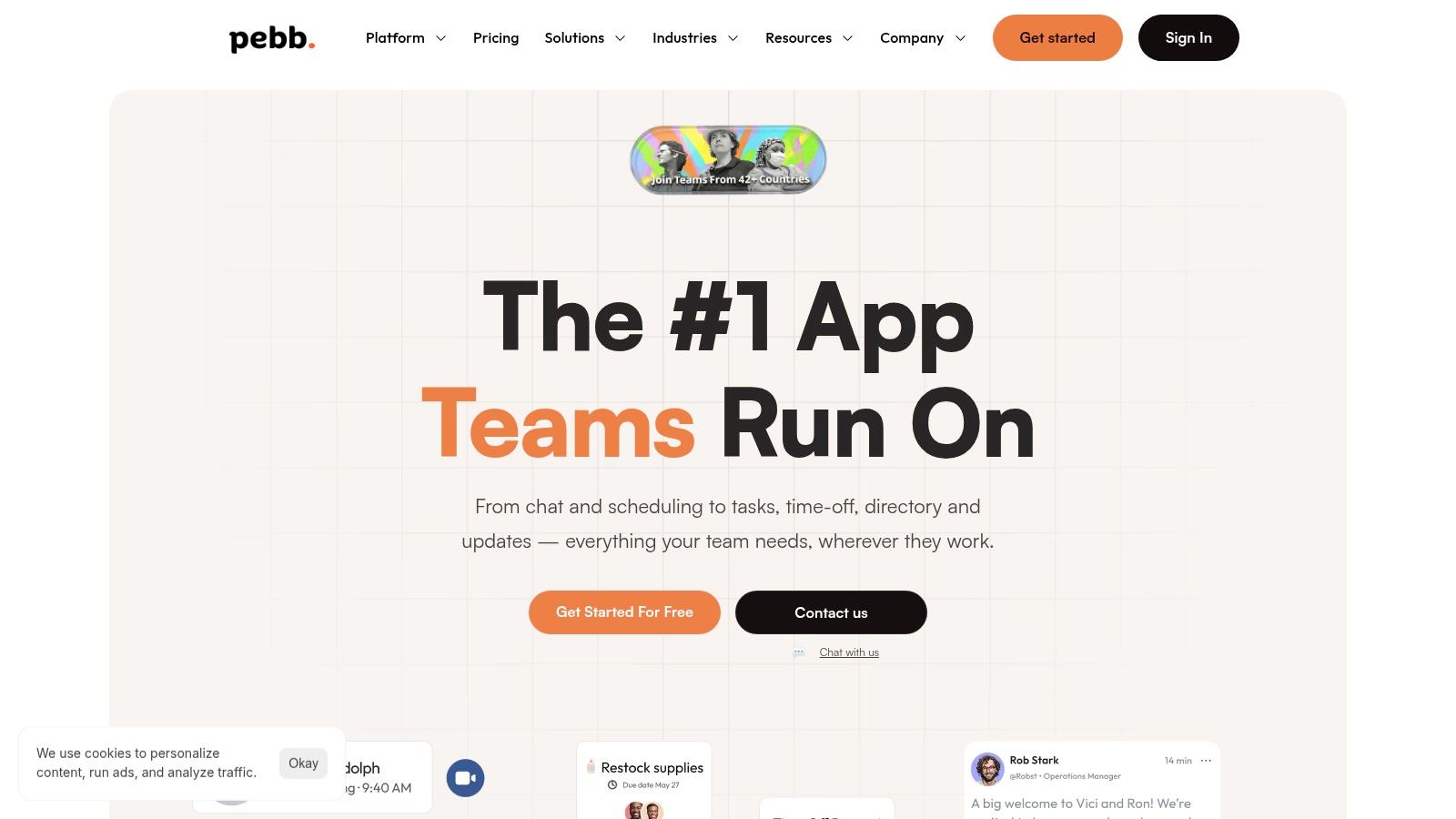
Pebb combines the essentials of communication, operations, and engagement into a single platform that feels familiar, like a private social network for your company. Its real strength lies in how it serves distributed and frontline teams. The mobile-first design means a retail associate, a nurse on their rounds, or a warehouse worker can check schedules, claim open shifts, clock in, and catch up on company news without ever touching a desktop. The rollout is refreshingly simple, often just a single invite link, which cuts down on the IT headaches we’ve all experienced.
It's one of the few platforms we’ve seen that successfully merges day-to-day operational tasks like shift scheduling and PTO requests with the cultural glue of communication and knowledge sharing. If you're looking for a detailed breakdown, Pebb offers its own workforce management software comparison that gives a solid overview of the field.
Who is Pebb for?
Best for: Businesses with a mix of frontline and office staff, particularly in retail, hospitality, and healthcare.
Ideal Team Size: Small and mid-sized businesses (10-1,000 employees) looking to consolidate their tools.
Key Advantage: Its all-in-one design and mobile-first experience make it one of the best workforce management software choices for unifying a scattered team.
Pricing and Access
Pebb offers a free plan for small teams to get started, with paid tiers for larger organizations that unlock more advanced features and administrative controls. Enterprise pricing is available by contacting their sales team, which is pretty standard for custom setups. You can sign up and explore the platform directly on their website.
Pros:
Truly all-in-one: Combines chat, scheduling, tasks, and more, which can replace several subscriptions.
Mobile-first design: Excellent for teams that aren't tied to a desk.
Easy onboarding: A single invite link gets teams up and running fast.
Strong admin controls: Roles and permissions are easy to configure for different teams.
Cons:
Opaque enterprise pricing: Larger companies will need to engage with sales for a quote.
Compliance scrutiny: Highly regulated industries may need a thorough security review before adoption.
2. UKG Pro Workforce Management (formerly UKG Dimensions)
If your organization has complex labor rules, global teams, and thousands of employees, you’ve likely run into the limits of simpler tools. This is where UKG Pro Workforce Management shines. It’s an enterprise-grade platform built to handle the kind of operational complexity that would break most other systems. Think multi-state union rules, intricate pay codes, and operations spanning different countries.
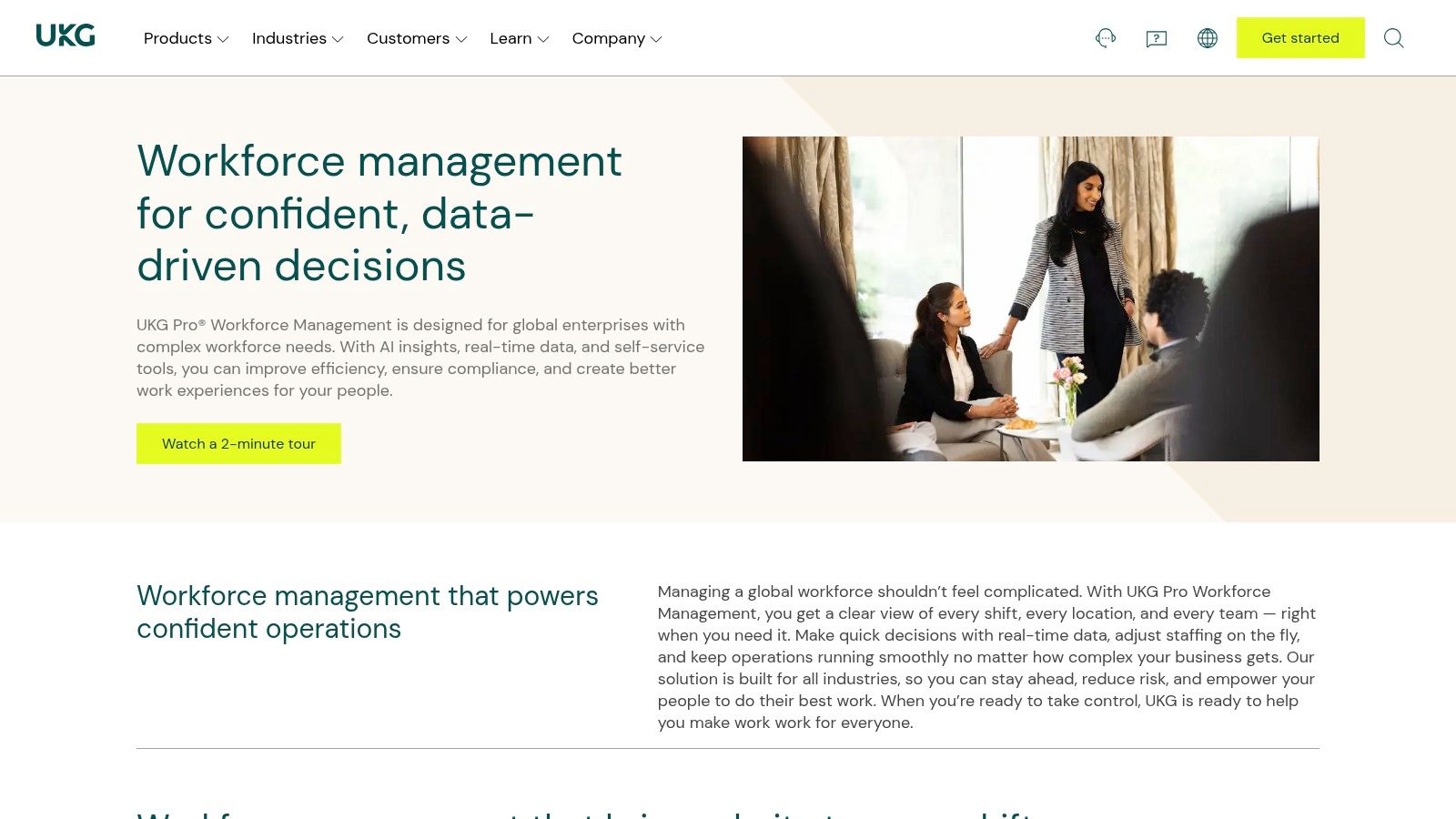
This tool is more than just a scheduler; it’s a command center for large-scale operations. Its AI-powered forecasting helps managers staff correctly, avoiding both understaffing and unnecessary overtime. For instance, a retailer like BJ’s Wholesale Club uses it to manage labor across hundreds of locations, ensuring each store has the right people at the right time. The platform’s analytics also give leaders a clear view of labor costs and productivity trends, which is critical for making informed business decisions.
Key Details & Pricing
UKG is a serious investment, and its pricing reflects that. You won’t find public tiers; instead, you’ll need to get a custom quote.
Pros: Proven to work at massive scale, strong compliance engine for complex rules, and a wide partner ecosystem for integrations.
Cons: The total cost can be high, making it a difficult choice for small businesses. Implementation is a significant project that requires careful change management.
Ideal For: Large enterprises in retail, manufacturing, healthcare, and public safety.
Website: https://www.ukg.com/products/ukg-pro-workforce-management
3. Dayforce (formerly Ceridian Dayforce)
What if payroll wasn't a stressful, bi-weekly scramble? Dayforce is built around this idea, combining workforce management with a continuous payroll engine that calculates pay as changes happen. This single, unified platform connects HR, time tracking, scheduling, and payroll, which means fewer data errors and less administrative rework. It’s a strong contender for businesses looking to consolidate multiple systems into one source of truth.
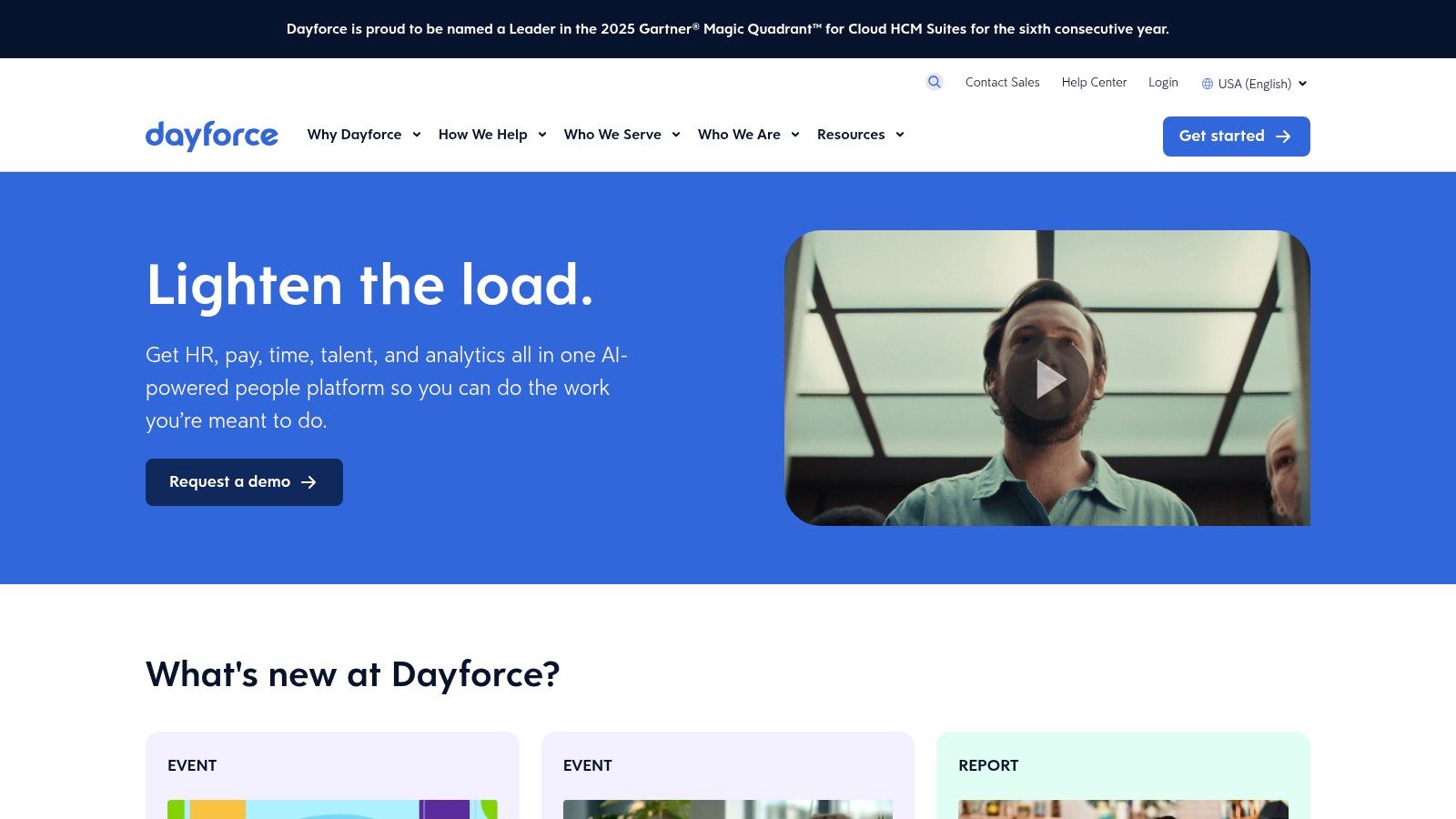
Its standout feature is the Dayforce Wallet, which offers employees on-demand access to their earned wages. This isn't a small side project; major brands have adopted it to give their teams financial flexibility, a benefit that can make a real difference in retaining staff. By merging WFM with a modern approach to pay, Dayforce provides a compelling package that addresses both operational efficiency and employee well-being, positioning it as one of the best workforce management software choices for mid-market and enterprise companies.
Key Details & Pricing
Dayforce pricing is quote-based and tailored to your organization’s size and needs, so you won’t find public pricing tiers. Expect an investment appropriate for a comprehensive HR and payroll platform.
Pros: Truly unified platform across HR and payroll, which reduces errors. The Dayforce Wallet feature is a popular and practical employee benefit. Continuous pay calculation simplifies payroll processing.
Cons: Because it's a broad, all-in-one system, implementation can be a longer process than with simpler tools. The quote-based pricing makes it less accessible for smaller businesses.
Ideal For: Mid-market to large enterprises wanting to integrate WFM with HR and payroll in one system.
Website: https://www.dayforce.com
4. WorkForce Software (WorkForce Suite)
When your operations involve collective bargaining agreements, multi-country compliance, and strict industry regulations, you need more than a standard scheduler. WorkForce Suite is built for this exact kind of complexity. It's a specialized tool for global organizations, especially those in unionized or heavily regulated fields like manufacturing and energy, that need to manage labor with precision and avoid costly compliance mistakes.
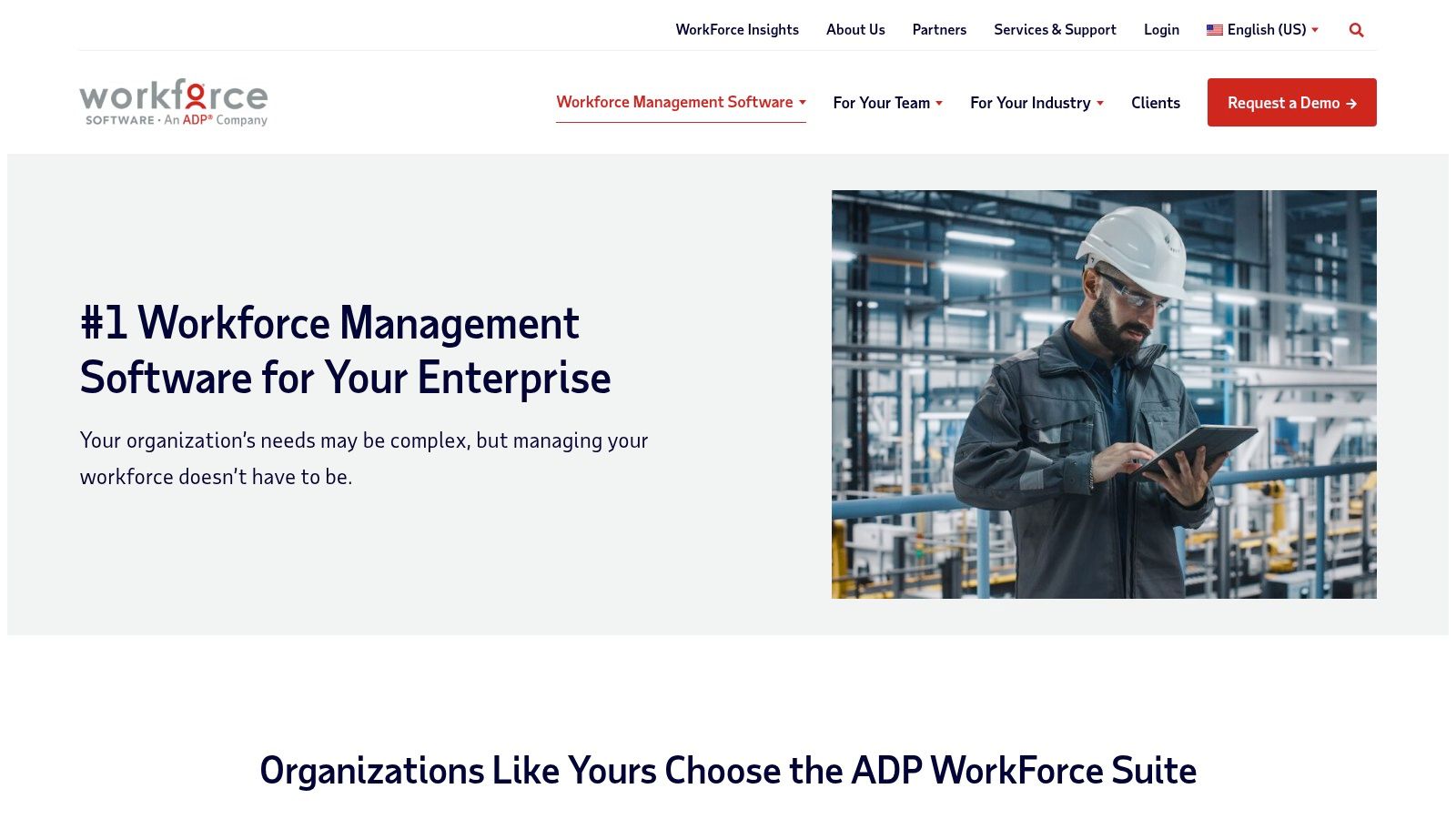
Think of it as a system that speaks the language of your most complex labor rules. Where other tools might require awkward workarounds, WorkForce Suite has specific features for managing intricate union contracts, fatigue rules, and local pay regulations. Its integrations with major ERP and HCM platforms like Workday, SAP, and Oracle are deep and mature, ensuring that labor data flows correctly into your core business systems. It’s one of the best workforce management software options for companies where labor is a critical, and often complex, operational component.
Key Details & Pricing
WorkForce Software is an enterprise-level commitment, and you'll need a custom quote based on your specific operational needs.
Pros: Purpose-built for complex regulatory and union environments, offers broad and mature integration patterns with core business systems.
Cons: Pricing is not public and total cost of ownership is enterprise-oriented. Implementation can be a significant undertaking.
Ideal For: Global enterprises in manufacturing, logistics, energy, and the public sector with unionized or regulated workforces.
5. Quinyx
For businesses with a large frontline workforce, like retail, logistics, or hospitality, scheduling is more than just filling slots; it's about predicting demand. This is where Quinyx stands out. It’s an AI-powered platform designed specifically for industries where customer traffic, order volume, or service needs fluctuate wildly. It moves beyond simple rostering to actively help managers forecast labor needs and optimize schedules to match, preventing both costly overstaffing and poor customer service from being short-handed.
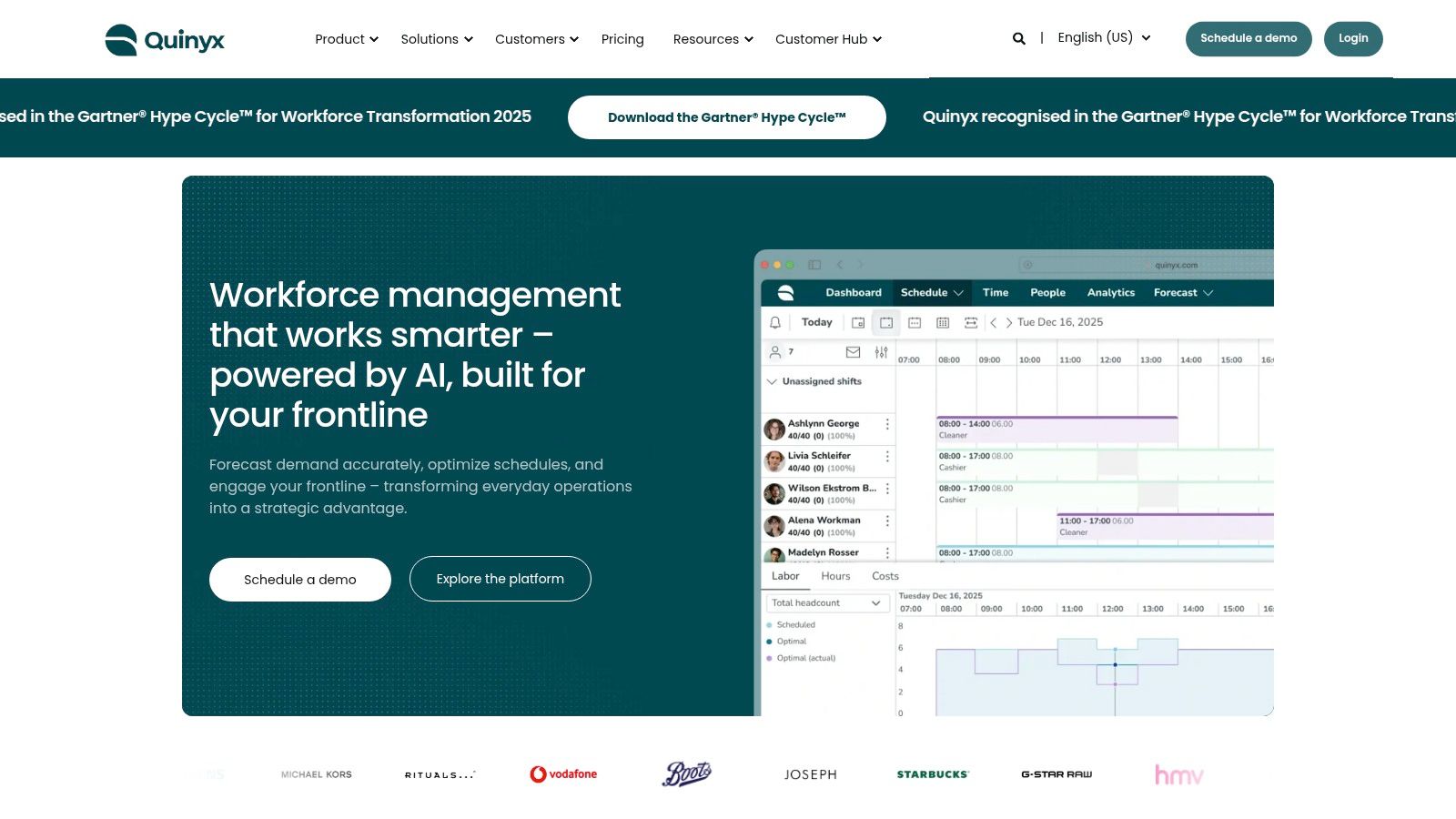
What I find interesting about Quinyx is its dual focus on operational efficiency and employee engagement. While its AI is busy creating optimized, compliant schedules, its mobile app gives frontline workers a direct line to the company. They can check schedules, swap shifts, and even respond to quick pulse surveys. For example, a global brand like G-Star RAW uses Quinyx to manage its store staff, ensuring schedules align with foot traffic while keeping employees connected. This approach recognizes that the best workforce management software doesn't just manage hours; it helps create a better work experience.
Key Details & Pricing
Quinyx doesn't list public pricing, as its packages are configured for each customer's specific operational needs. You'll need to contact their sales team for a custom quote.
Pros: Excellent AI forecasting and labor optimization for shift-heavy businesses. Strong mobile experience and engagement tools for frontline staff.
Cons: Pricing is not transparent. It may be less known in some U.S. markets compared to more established, broader platforms.
Ideal For: Mid-to-large businesses in retail, logistics, hospitality, and healthcare that need demand-driven scheduling.
Website: https://www.quinyx.com
6. Workforce.com
For businesses built on hourly workers, managing shifts, attendance, and payroll can feel like a constant battle. Workforce.com was created specifically to solve this problem. It’s an all-in-one platform designed for the fast-paced nature of retail, hospitality, and service industries, where quick scheduling and accurate time tracking are critical for profitability. The focus is on simplicity and ROI, helping you get control of labor costs without a massive IT project.
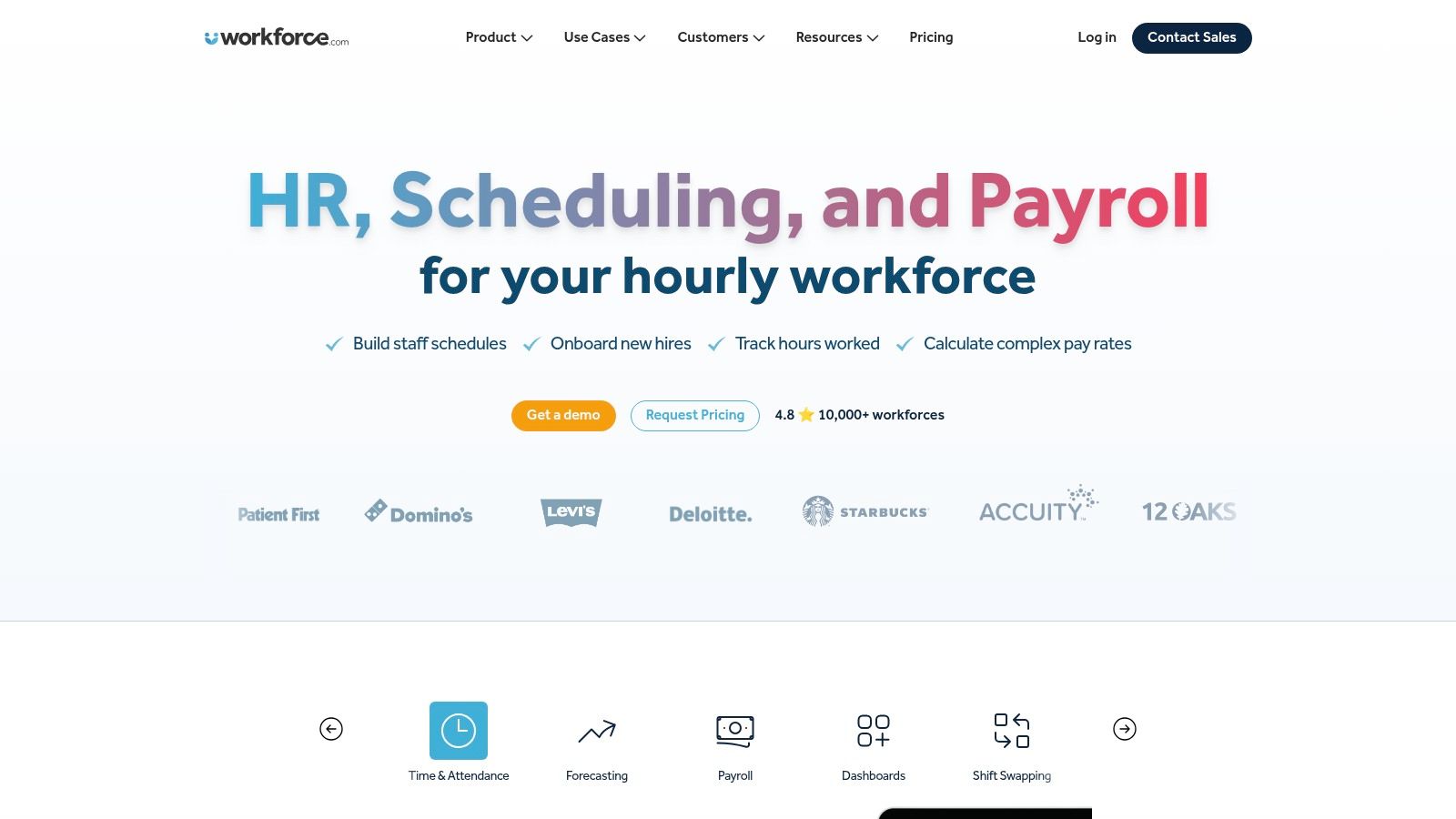
The platform’s strength lies in its unified approach. You can manage scheduling, time and attendance, team communication, and even HR and payroll from a single dashboard. This is a game-changer for managers who are tired of jumping between different apps. Its mobile-first design helps employees with self-service for things like swapping shifts or checking pay stubs, which frees up managers from administrative busywork. The built-in labor forecasting also helps you create smarter schedules that meet demand without overspending on wages, making it a strong contender for the best workforce management software for shift-based teams.
Key Details & Pricing
Workforce.com bundles its services but allows you to choose what you need. You'll need to contact their sales team for a custom quote, as pricing is not listed publicly on the main site.
Pros: Built from the ground up for hourly work, which shows in its features. Offers a fast time-to-value and you can buy modules separately (e.g., just scheduling).
Cons: Quote-based pricing can be a hurdle for those who want to compare costs quickly. May not have the enterprise-level complexity of a tool like UKG.
Ideal For: Shift-based businesses in retail, restaurants, hospitality, and services.
Website: https://www.workforce.com
7. Deputy
Deputy is a popular choice for businesses that need a straightforward, mobile-first approach to managing frontline teams. It excels at the daily essentials: creating schedules, tracking time and attendance, and handling leave requests, all within an interface that your team will actually enjoy using. It’s built for the speed of retail, hospitality, and other shift-based industries where managers are often on the floor, not behind a desk.
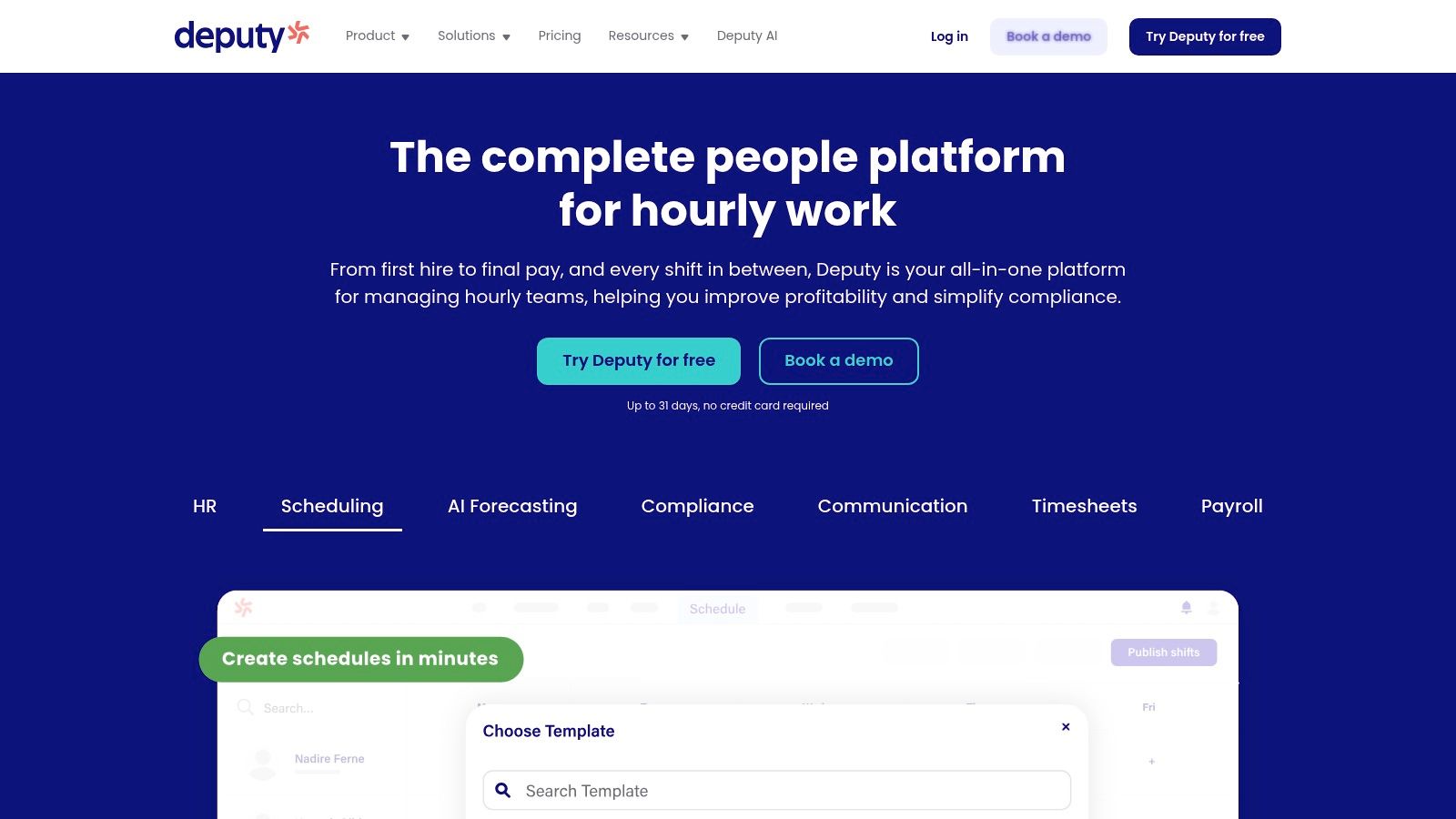
This tool shines with its auto-scheduling and labor optimization features, which help managers build compliant, cost-effective schedules in minutes. For example, a coffee shop manager can set rules for breaks and overtime, and Deputy will flag any potential compliance issues before the schedule is published. It also offers a social-style news feed for team communication, which helps keep everyone in the loop. While it’s one of the best employee scheduling software options available, some of its more advanced analytics and HR capabilities come as paid add-ons.
Key Details & Pricing
Deputy offers transparent, per-user pricing, with a free trial available. Higher tiers and add-ons unlock more automation and analytics.
Pros: Strong mobile user experience for both managers and employees, transparent pricing, and excellent core scheduling and compliance tools.
Cons: Advanced features like custom analytics and dedicated HR tools require paid add-ons. The payroll add-on is also limited to certain regions and plans.
Ideal For: Small to mid-sized businesses in retail, hospitality, and healthcare that prioritize mobile accessibility and scheduling.
Website: https://www.deputy.com
8. When I Work
For small and mid-sized businesses, especially those with hourly workers in retail or food service, complex enterprise software is often overkill. When I Work gets this. It's built for teams that need fast, clear, and simple scheduling without a massive IT project. It strips away the unnecessary complexity to focus on getting schedules out, tracking time accurately, and keeping everyone on the same page.

This tool is a favorite for its sheer simplicity and mobile-first design. Managers can create and publish schedules in minutes, and employees get instant notifications on their phones. The platform also includes team messaging, which helps cut down on the endless chain of texts and calls about shift swaps or last-minute changes. For a multi-location coffee shop or a growing service business, this is one of the best workforce management software options because it makes scheduling feel less like a chore and more like a simple task.
Key Details & Pricing
When I Work offers transparent pricing and a free trial, which is refreshing in an industry often guarded by custom quotes.
Pros: Very affordable starting price and a free 14-day trial. The interface is intuitive, significantly reducing the time managers spend on scheduling.
Cons: It lacks the deep compliance features needed for complex union rules. Advanced integrations and SSO are only available on more expensive plans.
Ideal For: Small to mid-sized businesses, particularly in retail, restaurants, and hospitality.
Website: https://wheniwork.com
9. Homebase
For small businesses like local coffee shops, independent retailers, or service-based companies, enterprise-level tools are often overkill and overpriced. Homebase was built specifically for this world. It’s an accessible, all-in-one workforce management tool that handles the essentials without the complexity or cost of its larger competitors. It combines scheduling, time tracking, team messaging, and even hiring tools into one straightforward platform.
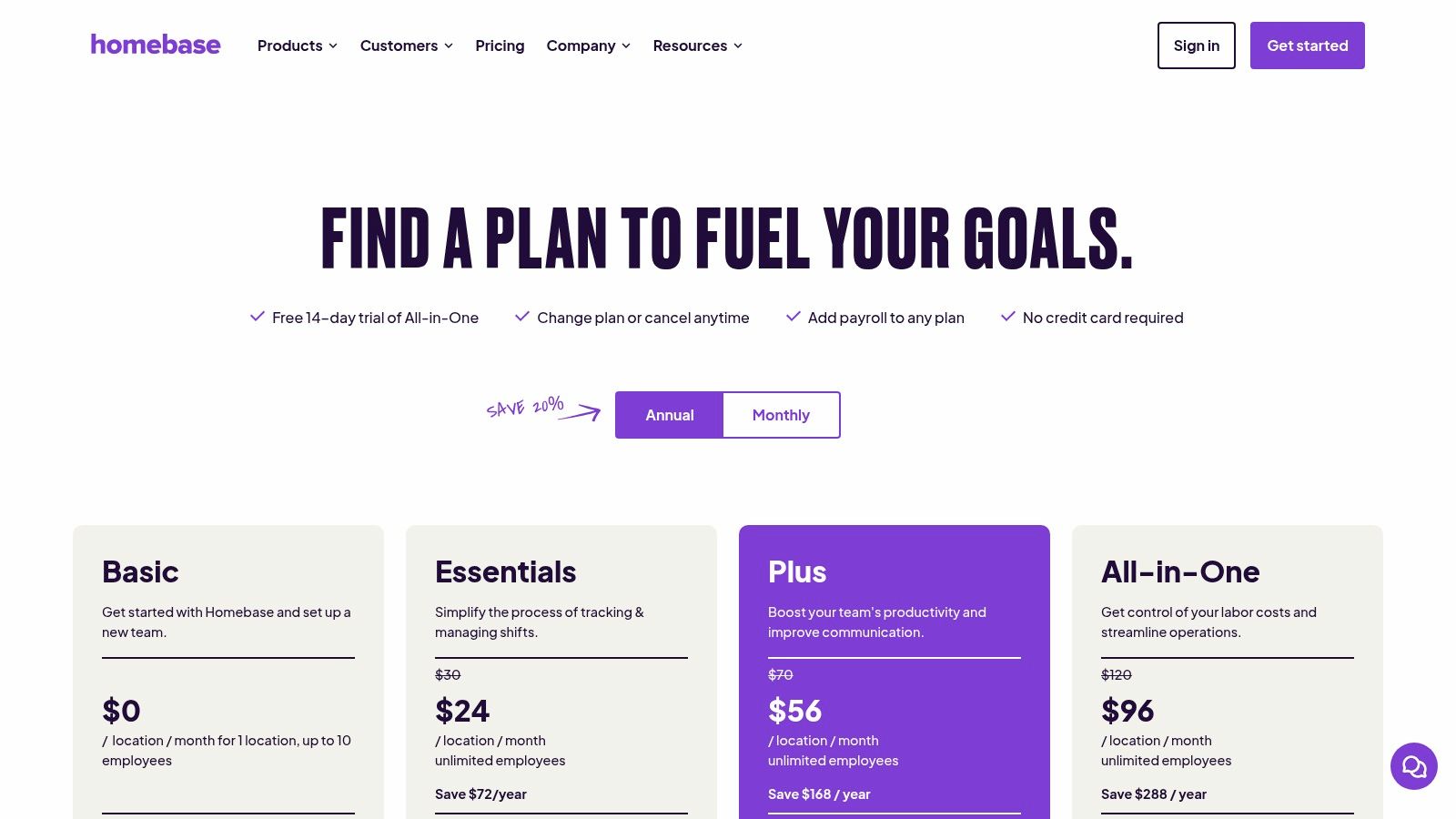
What makes Homebase stand out is its incredibly generous free plan and its simple, per-location pricing model. A single-location business with a small team can get started without paying a dime. This allows owners to get their scheduling and time clocks organized before committing to a paid plan. As the business grows, it can add features like advanced scheduling, HR functions, and even a full-service payroll add-on. This makes it one of the best workforce management software options for businesses that need to start lean and scale their tools as they expand.
Key Details & Pricing
Homebase’s transparent pricing is a refreshing change of pace. The free tier is genuinely useful, and paid plans are billed per location, not per employee, which helps control costs.
Pros: Excellent free plan for single-location businesses, transparent per-location pricing, and an intuitive, easy-to-use interface for both managers and employees.
Cons: Feature depth and analytics are not as robust as enterprise platforms. Costs can increase if you need multiple add-ons like payroll and HR Pro.
Ideal For: Small businesses in retail, food service, hospitality, and other local service industries.
Website: https://www.joinhomebase.com/pricing
10. Shiftboard (SchedulePro and ScheduleFlex)
For industries where a scheduling mistake isn't just an inconvenience but a serious safety risk, standard workforce management software often falls short. This is the specific gap Shiftboard fills. It's built for mission-critical, 24/7 operations in sectors like manufacturing, energy, and logistics, where compliance with fatigue rules and union contracts is non-negotiable. Its rules-based engine is designed to handle extreme complexity, automatically preventing schedules that could lead to worker fatigue or regulatory fines.
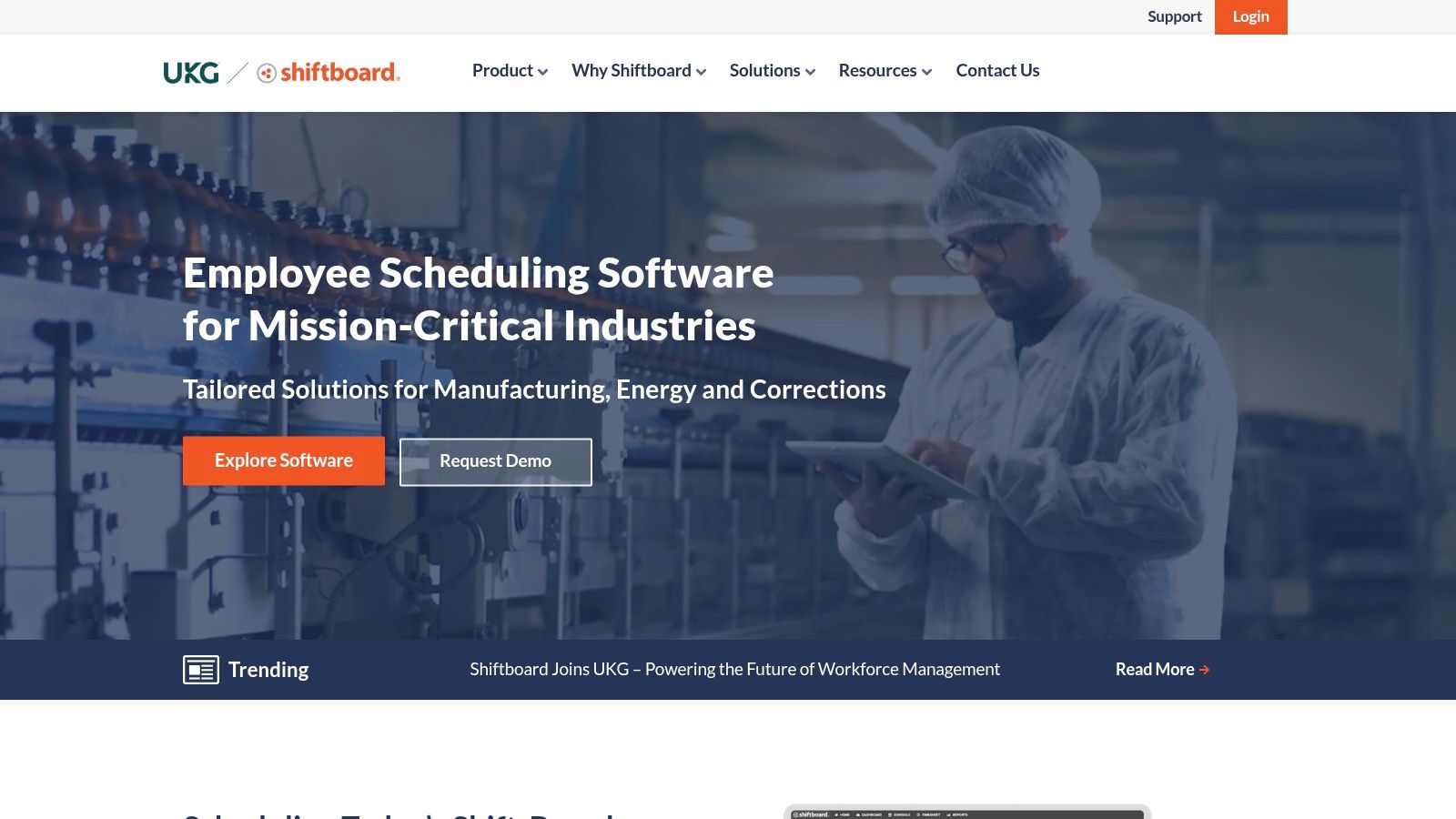
Think of it as a safety net for your schedulers. The platform offers two primary products: SchedulePro for highly regulated environments and ScheduleFlex for more dynamic needs. It can integrate with fatigue analytics tools like CIRCADIAN's CAS to proactively manage risk. For example, a global energy company like Shell uses Shiftboard to manage complex crew schedules while adhering to strict safety protocols, demonstrating its power in high-stakes environments. It’s a specialized tool for organizations where getting the schedule right is a core part of operational safety and success.
Key Details & Pricing
Shiftboard is an enterprise system with a sales process to match. Pricing is provided through a custom quote tailored to your operational scale and complexity.
Pros: Deep specialization in safety-critical industries, strong compliance and fatigue management automation, and proven results in heavy industry.
Cons: Not intended for small businesses or simple scheduling needs. The enterprise sales cycle can be lengthy.
Ideal For: Large organizations in manufacturing, oil & gas, energy, corrections, and logistics.
Website: https://www.shiftboard.com
11. TCP Software (TimeClock Plus)
For organizations like school districts, city governments, and public universities, workforce management isn't just about efficiency; it's about public accountability and strict compliance. TCP Software, widely known for its TimeClock Plus product, has built its reputation by mastering the complex needs of these sectors. It’s a workhorse for environments where union rules, grant-funded job costing, and intricate pay policies are the norm, not the exception.
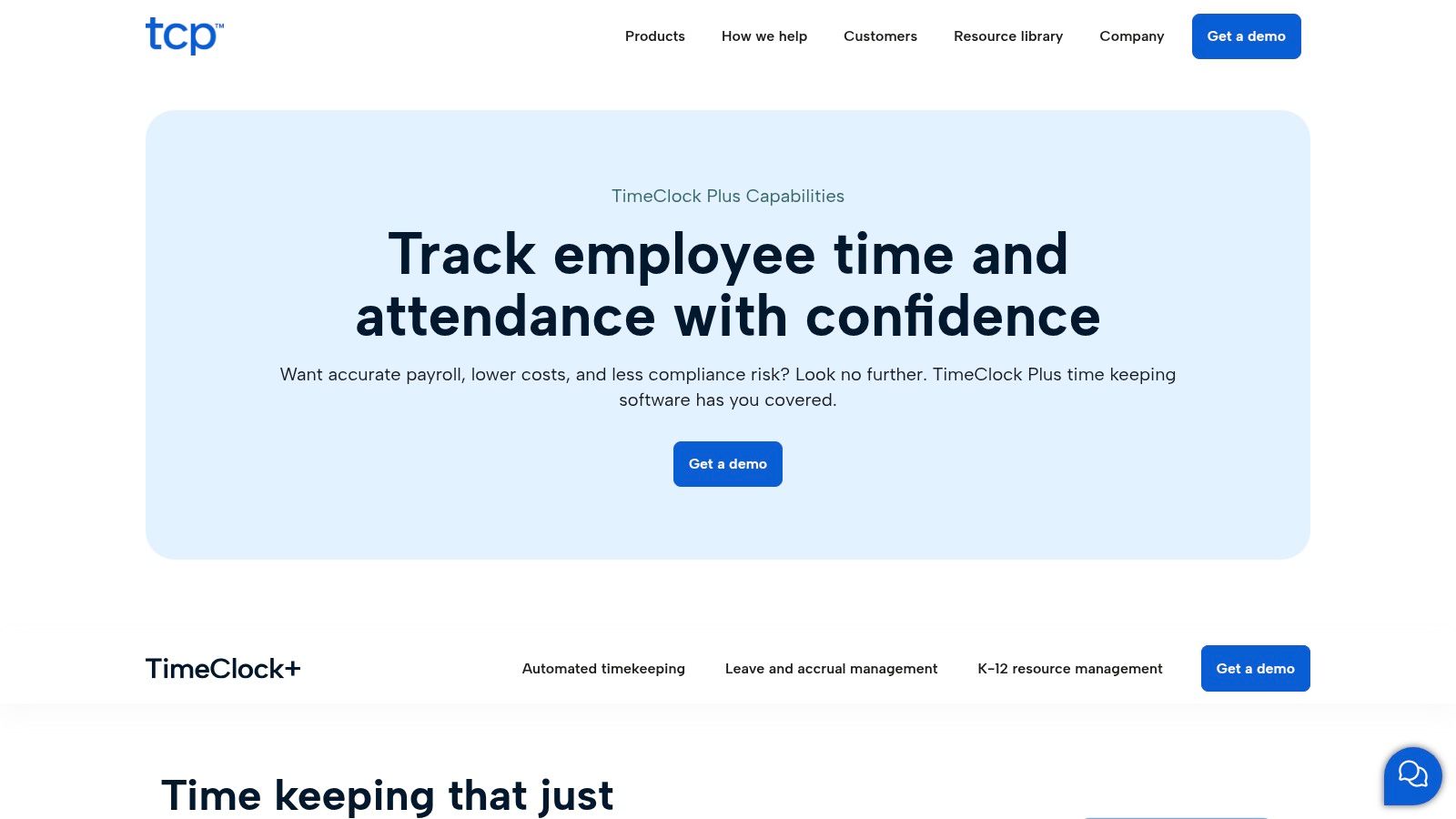
What makes it stand out is its deep focus on time collection and rule automation. This isn't just a simple clock-in/clock-out tool. It's designed to handle hundreds of specific pay rules, manage accruals with precision, and provide detailed labor tracking for job costing. For a K-12 district managing teachers, substitutes, and administrative staff, this means accurate payroll and budget allocation. The platform’s flexibility extends to how time is captured, offering everything from physical hardware clocks to web portals and mobile apps. If you need a robust system for tracking every minute worked against complex rules, this is one of the best workforce management software options to consider, especially given its excellent time and attendance software capabilities.
Key Details & Pricing
TCP Software doesn’t list prices publicly, as solutions are typically configured for specific organizational needs. You'll need to contact them for a custom quote.
Pros: Exceptional depth in compliance and workflows for the public sector and education. Offers flexible time capture with hardware, web, and mobile options.
Cons: The UI’s depth can require dedicated administrator training. The total cost of ownership might increase as you add specific modules and hardware.
Ideal For: K-12 school districts, higher education, municipalities, and government agencies.
Website: https://tcpsoftware.com/products/timeclock-plus/timekeeping-software/
12. ADP Workforce Now
For many U.S. businesses, payroll isn’t just an HR function; it's the operational core. This is ADP Workforce Now's home turf. It’s an all-in-one Human Capital Management (HCM) platform where workforce management is tightly woven into payroll, benefits, and HR. If you want time tracking and scheduling to flow directly into your payroll system with minimal fuss and strong compliance backing, this is one of the most established names in the game.
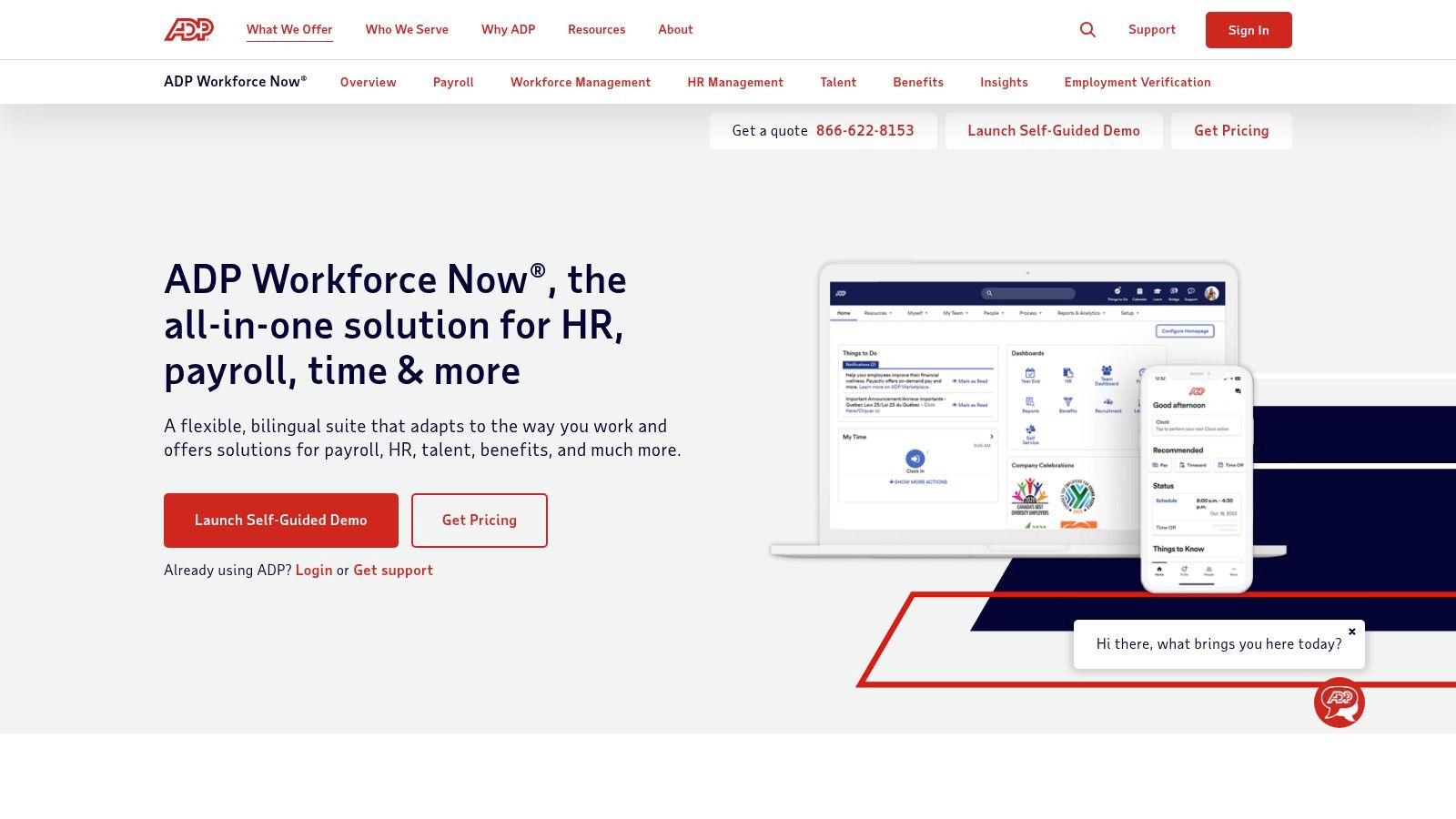
Unlike point solutions, ADP Workforce Now acts as a single source of truth for your employee data. Time punches, PTO requests, and schedule changes are all captured in the same system that calculates pay and tax withholdings. This integration is its greatest strength, as it helps prevent payroll errors and simplifies compliance reporting. The platform's modular design means you can start with core HR and payroll, then add on scheduling or benefits administration as you grow, making it one of the more adaptable choices for the best workforce management software.
Key Details & Pricing
ADP’s pricing is entirely quote-based, as it depends on your company size, required modules, and service level. Expect to discuss your needs with a sales representative.
Pros: Deep payroll and tax compliance heritage in the U.S., modular packaging lets you buy only what you need, and a large partner ecosystem via the ADP Marketplace.
Cons: Quote-based pricing can feel opaque, and Marketplace add-ons increase the total cost. The interface's breadth can be overwhelming for small businesses needing a simple tool.
Ideal For: Mid-sized U.S. employers (50-1,000 employees) who prioritize integrated payroll and HR compliance.
Website: https://www.adp.com/what-we-offer/products/adp-workforce-now.aspx
Top 12 Workforce Management Software Comparison
Product | Core features | UX & adoption | Price & value | Target audience | Unique strengths |
|---|---|---|---|---|---|
Pebb 🏆 | Chat, voice/video, Spaces (posts/tasks/files), scheduling, clock‑in/PTO, Knowledge Library, 50+ integrations ✨ | Mobile‑first, quick rollout (single invite), engagement analytics ★★★★☆ | 💰 Free signup + affordable tiers; enterprise via quote | 👥 Frontline + office teams (hospitals, retail, hospitality, warehouses, tech) | ✨ All‑in‑one replacement for multiple apps; configurable Spaces; fast onboarding |
UKG Pro Workforce Management | Advanced scheduling, time & attendance, forecasting, analytics | Enterprise‑grade, proven at scale ★★★★☆ | 💰 Quote‑based; higher TCO for SMBs | 👥 Large enterprises with complex labor rules | ✨ Deep integrations, global coverage, robust analytics |
Dayforce | Unified HR + payroll + WFM, continuous payroll engine, Dayforce Wallet | Integrated payroll reduces errors; mobile self‑service ★★★★☆ | 💰 Quote‑based; enterprise pricing | 👥 Mid‑market & enterprise seeking HR+pay+WFM | ✨ On‑demand pay (Dayforce Wallet); single data model |
WorkForce Software | Advanced time & attendance, scheduling, absence mgmt, task management | Built for regulated/unionized environments ★★★★☆ | 💰 Enterprise quote; TCO oriented | 👥 Unionized, regulated, multi‑country workforces | ✨ Compliance focus; deep ERP/HCM integrations |
Quinyx | AI demand forecasting, auto‑scheduling, time & attendance, engagement tools | Mobile‑first, strong forecasting & optimization ★★★★☆ | 💰 Quote‑based; tailored pricing | 👥 Frontline retail, logistics, hospitality, healthcare | ✨ AI‑driven forecasting & auto‑scheduling to optimize labor |
Workforce.com | Scheduling, forecasting, timesheets, optional HR & payroll, mobile analytics | Fast time‑to‑value; mobile self‑service ★★★★☆ | 💰 Modular/quote pricing; bundles available | 👥 Hourly businesses (retail, restaurants, services) | ✨ Modular bundles for fast ROI; built for hourly ops |
Deputy | Auto‑scheduling, forecasting, PTO, mobile time clock, add‑ons (payroll/HR) | Strong mobile UX; transparent tiered plans ★★★★☆ | 💰 Transparent tiers; add‑ons may add cost | 👥 Frontline SMBs and multi‑site operators | ✨ Clear pricing, wide add‑on ecosystem (Payroll by Paycor) |
When I Work | Simple auto‑scheduling, templates, messaging, time clock | Intuitive UI, quick setup, free trial ★★★★☆ | 💰 Low starting price + 14‑day trial | 👥 SMBs & multi‑location hourly teams | ✨ Low cost, fast onboarding for simple scheduling |
Homebase | Scheduling, time tracking, hiring/ATS, payroll & tip mgmt add‑ons | Free Basic plan, per‑location pricing ★★★☆☆ | 💰 Free tier; per‑location paid plans | 👥 Small businesses (restaurants, retail, services) | ✨ Free basic plan; hiring + payroll add‑ons |
Shiftboard | Rules‑based scheduling, fatigue risk mgmt, compliance reporting | Specialized for 24/7/missions; safety‑focused ★★★★☆ | 💰 Quote‑based enterprise pricing | 👥 Heavy industry, energy, logistics, safety‑sensitive ops | ✨ Fatigue analytics & safety/compliance automation |
TCP Software (TimeClock Plus) | Complex pay‑rules, accruals, job costing, hardware clocks | Deep compliance; may need admin training ★★★★☆ | 💰 Quote‑based; add‑ons affect TCO | 👥 Education, public sector, organizations with complex pay rules | ✨ Hardware + software time capture; public sector modules |
ADP Workforce Now | Payroll, benefits, time & attendance, scheduling, app marketplace | Strong payroll/tax compliance; modular ★★★★☆ | 💰 Quote‑based; Marketplace add‑ons add cost | 👥 U.S. mid‑market employers wanting integrated payroll | ✨ Payroll/tax expertise and broad partner ecosystem |
What Matters More Than the Tool
We’ve just walked through twelve different tools, from enterprise giants like UKG Pro and Dayforce to simpler, more focused apps like Deputy and Homebase. Each one promises to solve your workforce management headaches. And in many ways, they can. They can automate schedules, track time accurately, and manage paid time off requests without a single spreadsheet in sight. But here’s the thing I’ve learned after years of managing teams and trying out software: no tool, not even the best workforce management software, will magically fix a broken process or a toxic culture.
A tool is an amplifier. That’s it. It makes good habits better and bad habits painfully obvious.
If your managers already struggle to communicate schedule changes respectfully, a new scheduling app won’t fix that. It will just send their last-minute changes faster. If trust is low and you feel the need to micromanage every minute of your team's day, a time-tracking tool will only give you more data to fuel that anxiety. It won't build autonomy or ownership. The real work isn’t picking from a list; it’s being brutally honest about how your company actually operates.
The Real Questions to Ask
Before you get lost in feature comparisons and pricing tiers, pause and ask some harder questions about your organization:
Do we trust our people? Does your current approach assume the best of your team, or does it default to suspicion? Your answer will determine whether you need a tool built for surveillance or one built for collaboration.
How do we communicate? Is information clear, direct, and accessible, or is it hidden in email chains and scattered across different apps? A good tool should centralize communication, not add another channel to the noise.
What do we actually need? It’s easy to be seduced by a platform that does everything. But complexity is a cost. Every feature you don’t use is a distraction. What is the one core problem you are trying to solve right now? Start there.
When considering a new system, think about how it supports the way people work today. With the growth of remote teams and the increasing demand for flexible jobs, your software needs to be more than a digital time clock. It must be a connection point for a distributed workforce, a place where culture can still thrive even when your team isn't sharing an office. Does the tool you're considering work seamlessly on a phone? Does it feel intuitive to someone who isn’t a tech expert?
Our journey led us to build Pebb because we couldn't find a tool that reflected the kind of company we wanted to be. We needed something that put clear communication and human connection first, not buried under layers of administrative menus. We wanted a digital space that felt less like a system to be managed and more like a place to gather and get work done. For us, that meant choosing simplicity and directness over a mountain of features we'd never use.
So, as you make your decision, don't just look at what a tool does. Look at how it does it. The best workforce management software for you is the one that aligns with the company you want to become. It should feel like a natural extension of your values. Before you sign any contract, ask your team and yourself this one simple question: Does this help us work better together, or does it just add another layer of complexity?
The answer tells you everything you need to know.
If you're tired of complex systems that create more work than they save, take a look at Pebb. We built it to be the simple, human-centered platform for frontline teams who deserve better tools. See how it all comes together at Pebb.
