
Free Human Resource Software: 10 Tools We've Tried
Looking for free human resource software? We reviewed 10 of the best free HR tools to manage your team without the enterprise price tag. Our honest takes.
Dan Robin
I still remember the moment our DIY HR system stopped being “good enough.” Someone asked for their remaining vacation days. I opened PTO_Tracker_FINAL_v3.xlsx and found conflicting edits, broken formulas, and no clear answer.
That cleanup took two hours.
Small teams usually tolerate this longer than they should because spreadsheets feel cheap, familiar, and flexible. Then the business grows a little, and the cracks start showing up everywhere at once. Leave balances stop matching. Employee documents live in three places. Onboarding depends on whoever remembers the checklist. HR friction rarely stays in HR. It spills into payroll, compliance, and the employee experience fast.
Free HR software can fix a lot of that, but only if you choose with clear eyes. Some tools give a small company a real upgrade without adding much overhead. Others look generous on the pricing page and then push the hard parts into add-ons, admin work, or awkward limits once your headcount starts climbing.
That trade-off matters more than the feature list. A free tool that handles one job cleanly can be a smart choice. A free tool that forces you to build workarounds for everything else usually costs more in time than you save in cash.
We’ve learned that the hard way while bootstrapping our own systems and helping other small companies clean up theirs. This guide is built from that experience. It focuses on where free HR software helps, where it starts to strain, and how to spot the point where “free” turns into operational drag. If payroll is part of the same mess, this guide to free payroll software for small business is a useful companion. If your biggest issue is scattered employee records, a solid employee directory software guide for growing teams can help you fix that piece first.
1. Zoho People
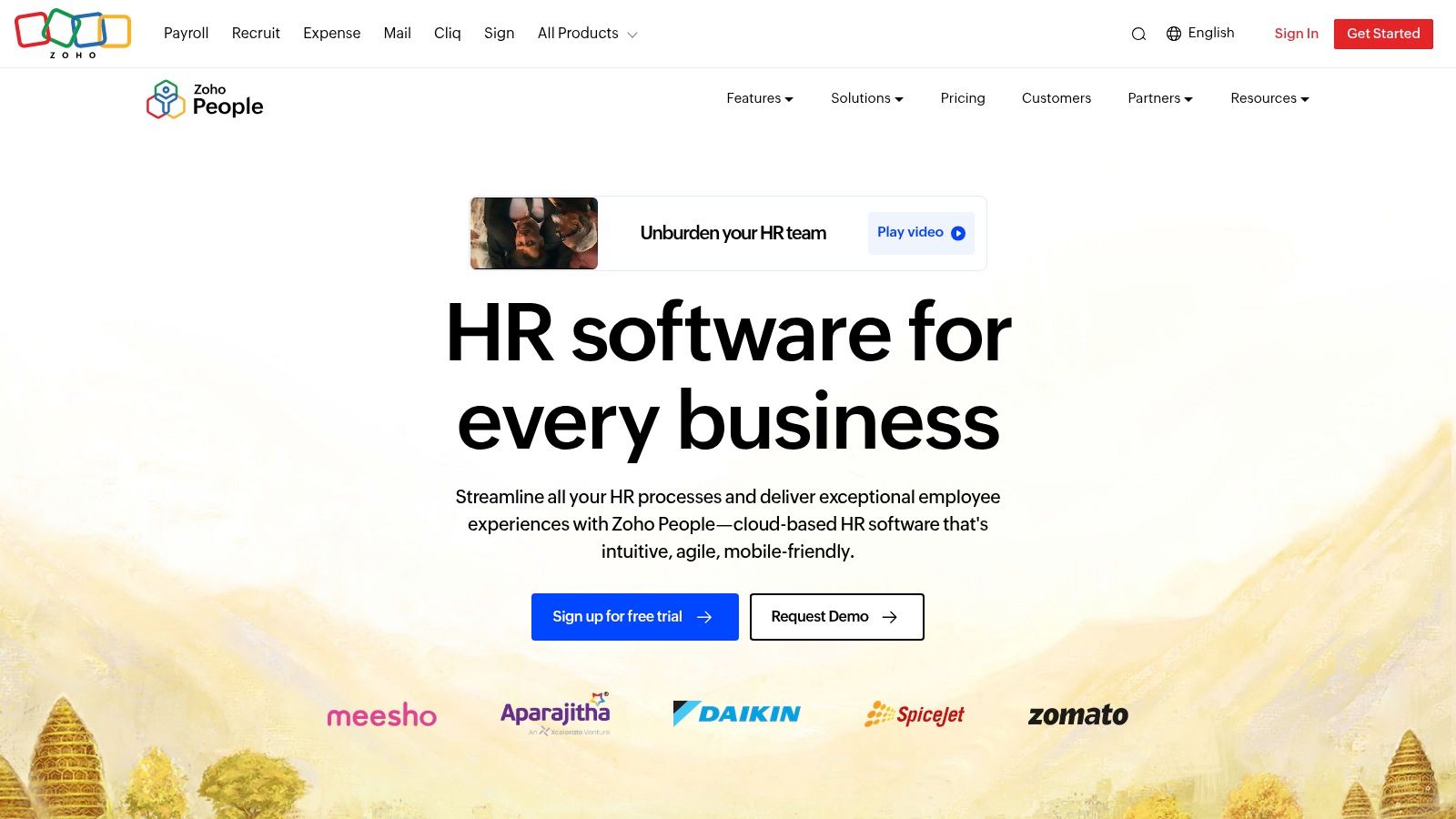
Zoho People suits the owner who has reached the point where one missed leave request or one outdated employee record turns into an afternoon of cleanup. I have seen that stage a lot. The team is still small, but the admin load stops feeling small.
For that kind of business, Zoho People is a sensible first system. Its free plan is aimed at very small teams, and as Recruiters Lineup notes in its roundup, the entry-level offer covers basics such as time tracking, leave management, and employee self-service. That is enough to replace the usual patchwork of spreadsheets, shared folders, and chat messages.
Where Zoho People works well
Zoho People earns its place because it is easy to get running without turning setup into its own project. That matters for a small company with no dedicated HR manager.
It works best when the immediate goal is control. Store employee details in one place. Let staff check their own information. Track time off without chasing approvals through email. If your records are still scattered, cleaning that up first often has more value than buying a tool with advanced features you will not use. This guide on the best employee directory software for your organization is useful if employee profiles are the bigger issue.
There is also a practical advantage for companies already using Zoho tools. The ecosystem fit reduces friction, and small teams feel that quickly.
Where it starts to pinch
The upside is simplicity. The downside is that you run into the edge of the free plan fast.
Teams that need more layered approvals, broader workflow automation, or stronger performance management usually start creating workarounds. That is where free HR software can turn expensive in a different way. You are not paying cash yet, but you are paying in admin time, manual checks, and inconsistent process.
Time tracking is part of that trade-off too. If attendance becomes a daily operational issue, it helps to understand why good time and attendance software should feel invisible instead of adding more steps for managers and staff.
Practical tip: if you expect to pass five users soon, test the paid tiers before you build habits around the free version.
I would still recommend Zoho People for a small company that wants a cleaner HR base without much setup pain. Just go in knowing what it is. A starter system, not a long runway for every team.
You can try it directly at Zoho People.
2. Homebase
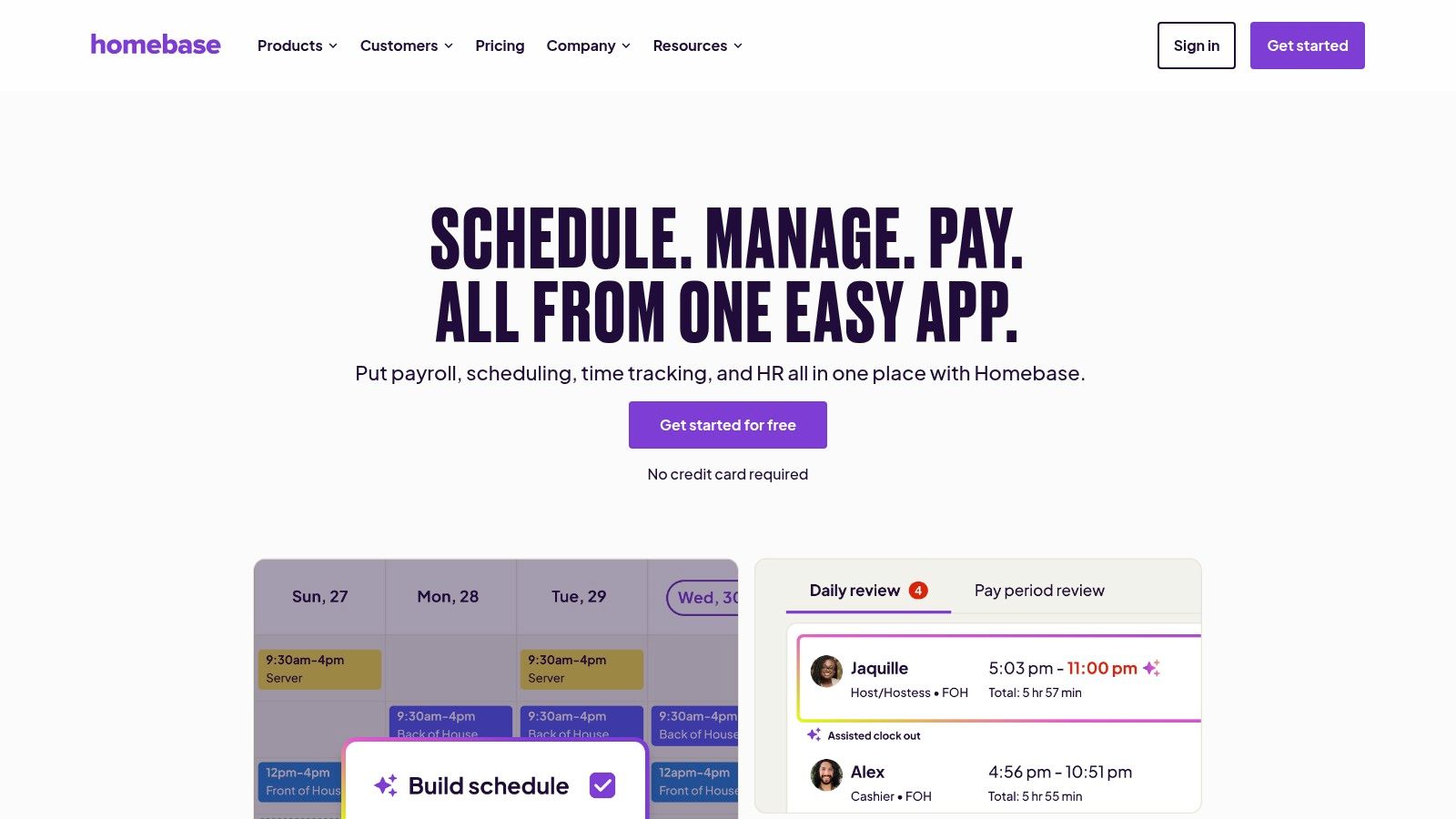
Homebase is not the tool I’d pick for a desk-based software company. For a café, retail shop, or salon, I’d put it near the top of the pile.
That difference matters. A lot of free HR software articles act like every company needs the same thing. They don’t. Shift-based businesses usually need scheduling, clock-ins, availability, and time-off requests before they need big HR theory.
Best for one location and hourly teams
Homebase makes sense when your biggest people problem is coordinating who shows up, when, and whether they were late. The free plan is geared toward a single location, which is why it lands well for small operators with one site and a relatively straightforward team structure.
Its strength is practical rhythm. Managers can schedule people, staff can check shifts, and the business stops relying on text chains and whiteboards.
That sounds basic. It is basic. Basic is good when basic is what keeps payroll and staffing from drifting apart.
A lot of teams also underestimate how much employee trust comes from accurate time records. Good time and attendance software should fade into the background and work. That’s why I like this piece on why time and attendance software should feel invisible.
The catch with Homebase
The free tier is useful, but a key boundary is location sprawl and HR depth.
Once you add more sites, more managers, and more process, the simple setup starts turning into a pricing and coordination question. It also is not the place I’d rely on for deeper onboarding or broader HR administration unless you’re comfortable moving up its paid ladder.
A few trade-offs stand out:
Strong for shifts: Scheduling and time tracking are the main reason to use it.
Less complete for HR: Core workforce management is stronger than broader people ops.
Best in the US: It feels designed for US small businesses, which is helpful if that’s your world.
If your company lives and dies by hourly staffing, Homebase is practical and grounded. If your challenge is culture, performance, and records across multiple locations, it may only solve the first half of the problem.
You can check it out at Homebase.
3. Connecteam
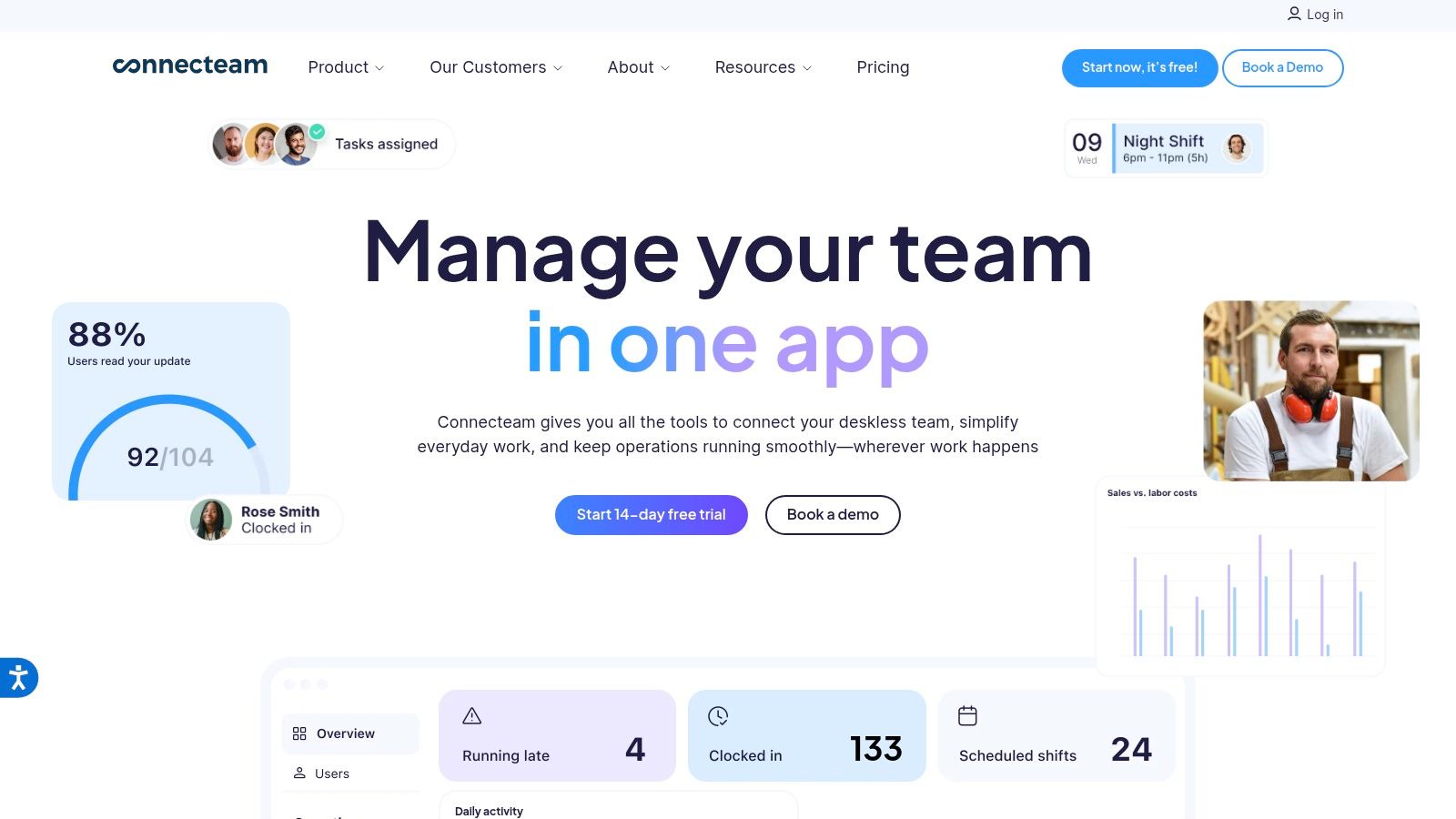
Connecteam is what I reach for mentally when someone says, “Our team doesn’t sit at desks.”
That changes everything. Frontline teams do not need another admin portal built for HR staff. They need something they can use on their phones while moving through a shift.
Why the mobile-first angle matters
This is one of the clearest gaps in free human resource software. Capterra’s category analysis, summarized by Outsource Accelerator, points out that mobile-first features and self-service are often weak in free tools, even though those features are critical for frontline use. The same review also notes that post-2025 hybrid work pushed mobile HR adoption higher, while many free tools still lag on scheduling, self-service, and unified communication. That’s a useful lens when looking at tools like Connecteam, because this is exactly the problem it tries to solve. The background is covered in this review of free HR software gaps.
Connecteam leans hard into scheduling, GPS time tracking, checklists, forms, chat, and updates. In plain English, it is built for managers and employees who are doing work, not sitting in dashboards.
That makes it especially good for operations-heavy companies. Restaurants. Cleaning teams. Field service. Warehouses. Multi-shift setups.
Where it helps most
Onboarding is a good example. New hires on frontline teams often get lost in a mix of texts, paper forms, and verbal instructions. A mobile-first tool gives you a cleaner path. If that’s the problem in front of you, this guide to best employee onboarding software is a useful companion read.
I also like that Connecteam tends to feel like one app employees might keep using after week one. That is not a small thing.
If your team needs chat, shifts, forms, and task checklists in one place, a mobile-first tool will usually beat a traditional HRIS with a weak app.
The trade-off is that some of its deeper functionality and integrations sit behind paid layers. So while the free entry point is attractive, you need to know whether you are buying into a long-term operating system or just patching today’s problem.
Still, for deskless teams, Connecteam understands the work better than many “HR” tools do.
You can explore it at Connecteam.
4. Bitrix24
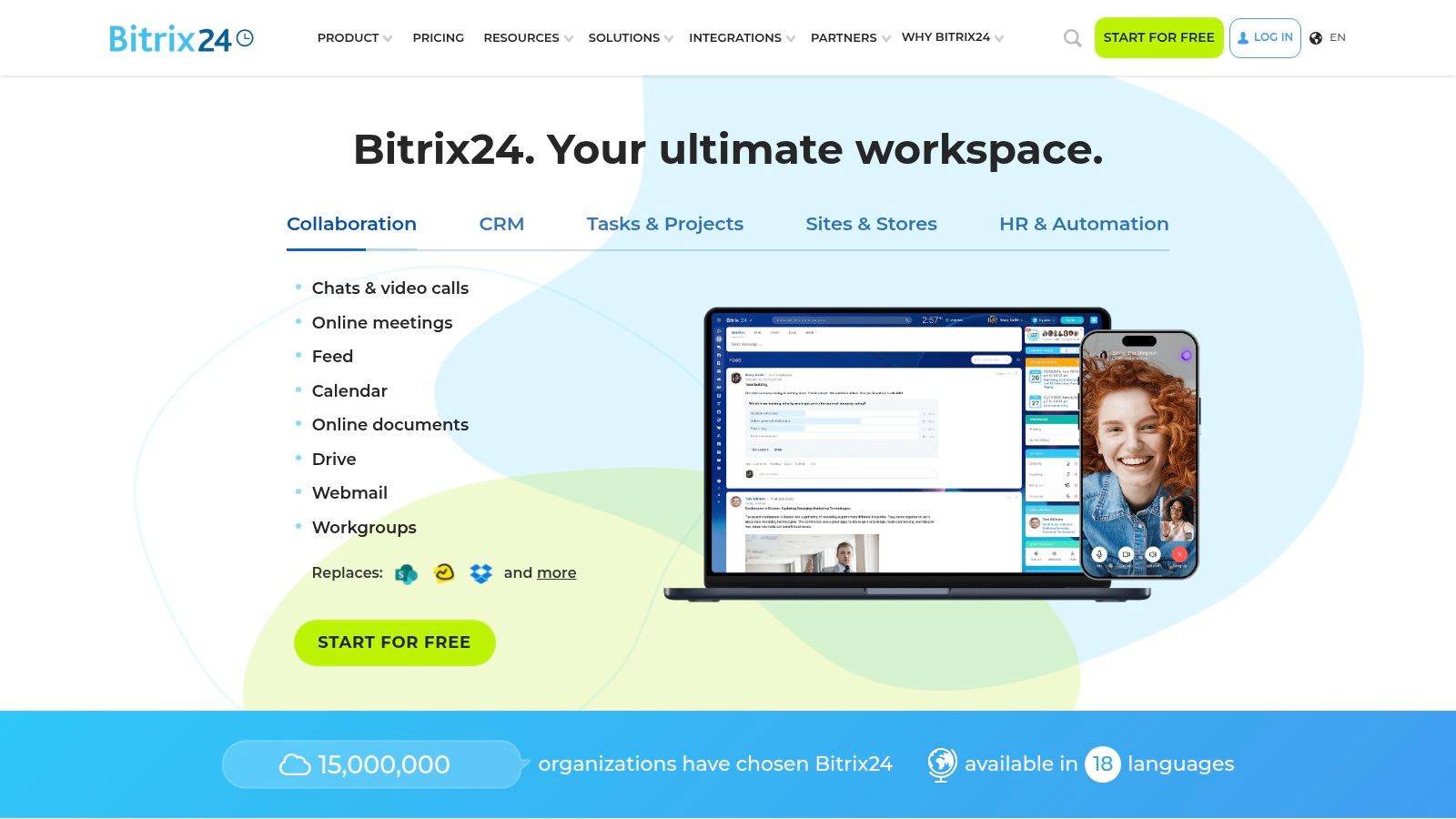
Bitrix24 is the oddball on this list. That’s not a criticism.
It’s a broad business platform with HR pieces inside it, not a pure HR tool trying to do one thing elegantly. Sometimes that’s exactly what a small company needs. Sometimes it’s how a company creates three new problems by trying to solve one.
The upside of the all-in-one approach
The free cloud plan supports unlimited users, which is rare. That alone makes Bitrix24 worth attention if you have more than a handful of employees and no appetite for per-seat costs on day one.
It also combines chat, tasks, file storage, video, employee directory, and approval flows with lighter HR functions. If your pain is fragmentation, not HR complexity, Bitrix24 can feel efficient. One login. One place. Fewer little apps breeding in the corners.
That lines up with the bigger market shift toward cloud deployment. Cloud-based HR software held a 74% global market share in 2024, and cloud-based deployment is projected to grow at the highest CAGR of 11.50%, according to Market.us research on HR management software. You can see why tools like Bitrix24 appeal. They lower setup friction and make remote access easier.
The downside no one mentions enough
Bitrix24 can feel crowded.
That’s a key trade-off. The free plan is generous, but the interface asks people to absorb a lot. For a small company without a dedicated admin, feature sprawl becomes its own kind of labor. You save money and spend attention.
A few honest notes:
Great if you hate buying separate tools: Chat, tasks, files, and light HR can live together.
Not great if your team gets overwhelmed easily: The interface is dense.
Better for operators than purists: If you want a clean HRIS, this may feel sideways.
I’d use Bitrix24 when budget pressure is high and the business needs one broad workplace hub more than it needs polished HR depth.
You can try it at Bitrix24.
5. HR.my
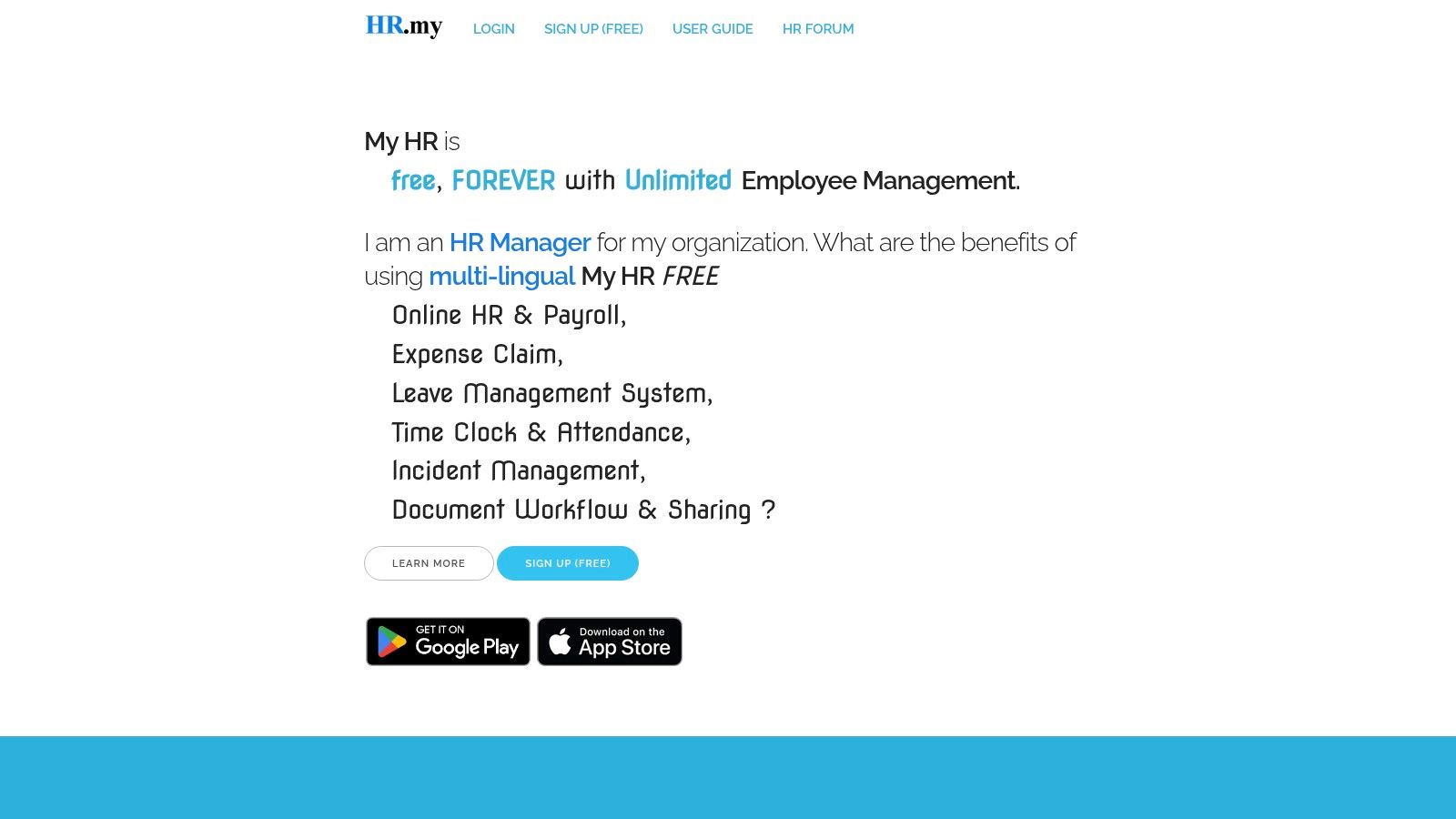
HR.my is one of those tools you almost overlook because it doesn’t arrive with much theater.
No glossy posture. No giant promise. Just a free system that covers a surprising amount of ground.
Why people put up with the plain interface
HR.my matters for one reason. It is one of the rare free tools that does not immediately punish you for growing headcount. Outsource Accelerator calls out HR.my as a rare unlimited exception in a market where many free plans cap users and then push teams into paid tiers as they grow, often with migration pain attached. That user-cap trap is one of the least discussed problems in free HR software, and their breakdown of scaling limits in free HR tools gets to the heart of it.
If you’re a budget-sensitive small business, unlimited users is not a small detail. It changes the conversation from “Can we afford to start?” to “Can we keep using this when we hire ten more people?”
HR.my handles employee records, leave, attendance, overtime, expenses, and basic payroll functions. That package is hard to ignore when the price is zero.
What you give up
Design polish. Richer reporting. Better support. Cleaner integrations.
This is the part people need to hear before they fall in love with the word “free.” HR.my can absolutely work. It is practical. But it feels utilitarian, and that feeling affects adoption more than software buyers like to admit.
If your team is comfortable with plain software and mostly needs one place to track core admin, that may not matter at all.
Good free software often asks for patience instead of money. Decide which one you have more of.
I’d pick HR.my for a lean company that values unlimited access over refinement. I would not pick it if leadership expects polished dashboards, modern workflows, or a broad app ecosystem.
It’s not glamorous. Sometimes that’s fine.
You can visit HR.my.
6. Odoo Community Edition
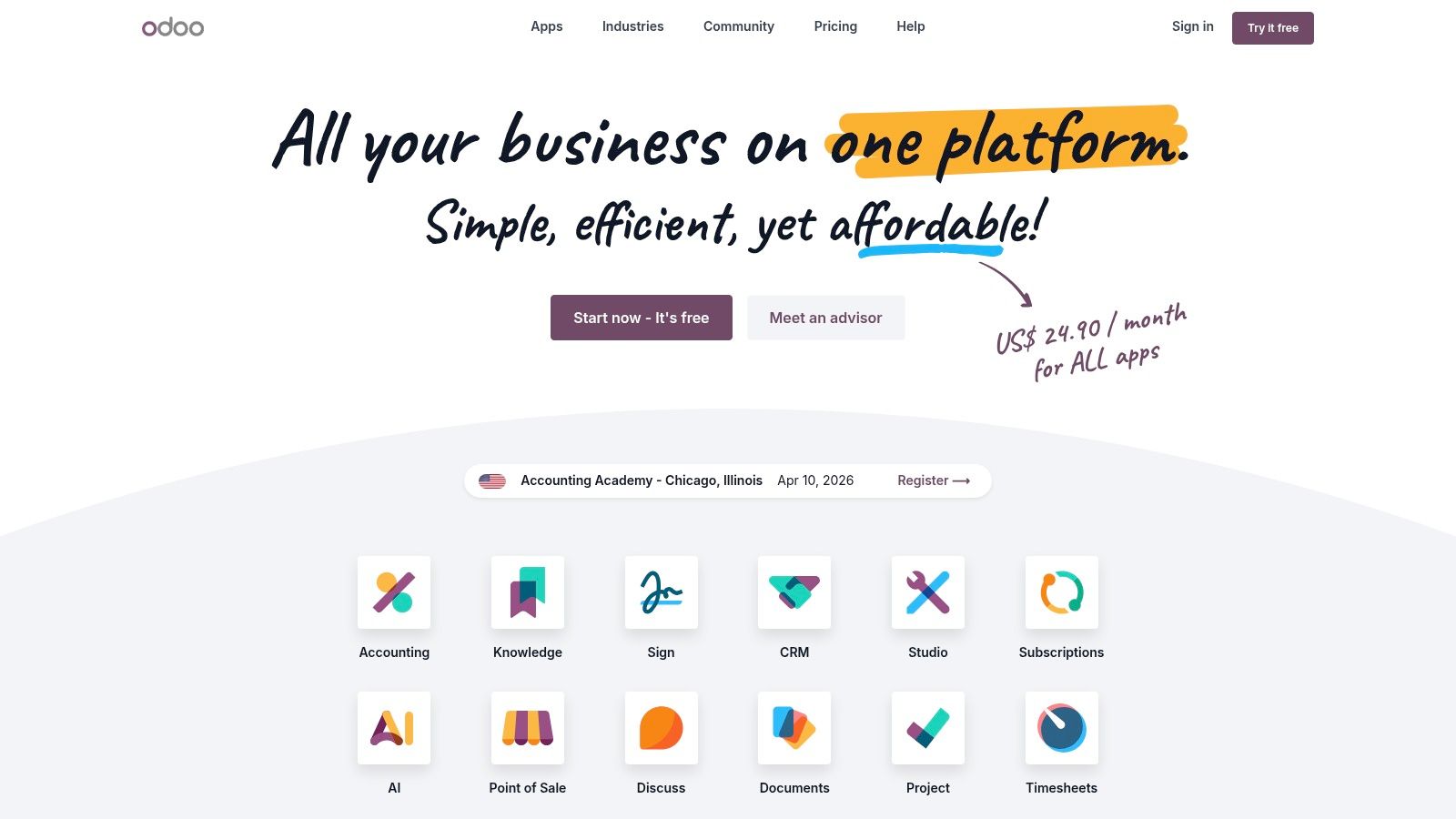
Odoo is for teams that hear “free” and immediately ask, “What’s the catch?” The catch is simple. You need some technical confidence.
The Community Edition can be self-hosted and gives you access to core HR modules without license fees. That’s attractive if you want control and don’t mind getting your hands a little dirty.
What makes Odoo appealing
Odoo’s modular design is its best feature. You can start with Employees, Time Off, or Attendance, then add other business apps as your needs expand.
That flexibility is real. If you like the idea of one underlying system for HR, projects, CRM, and operations, Odoo gives you room to build that out over time.
For the right team, it feels less like buying software and more like setting up infrastructure.
What people underestimate
Maintenance.
Free and open-source tools often shift costs from licenses to labor. That’s not always bad. But it is still a cost. The hidden labor is especially relevant for open-source HR systems serving small businesses. The market gap around mobile-first free tools also highlights that self-hosting options can create extra IT overhead for smaller firms, which is one reason cloud deployment keeps pulling ahead in the broader market, as noted earlier.
If you have nobody internally who can manage hosting, updates, and app compatibility, Odoo can become a side project you never meant to start.
A few simple rules help:
Use Odoo if you want flexibility: It’s excellent for teams that like tailoring systems.
Skip it if you want zero maintenance: Self-hosting is work.
Be honest about scope: If you only need PTO and an employee list, Odoo may be too much machine.
I like Odoo when a company has a practical operator or light IT support and wants real control. I don’t like it when a non-technical team picks it because “free” sounded safe.
You can learn more at Odoo.
7. ERPNext
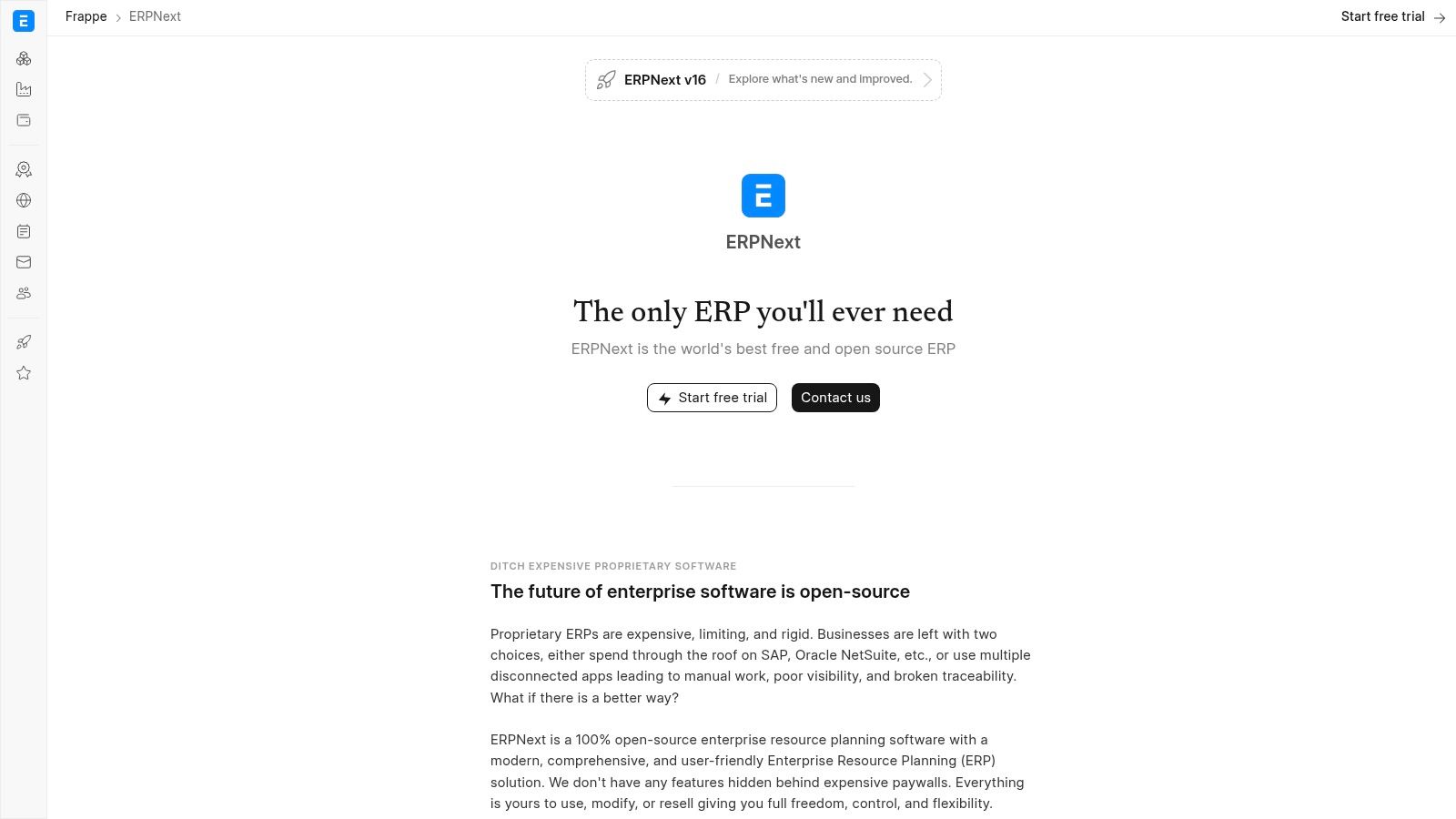
ERPNext makes sense for a specific kind of company. You are tired of stitching together HR, expenses, approvals, and accounting with spreadsheets and half-connected apps. You want one system of record, even if it takes more work to get there.
That is the appeal.
Bigger payoff, bigger commitment
ERPNext is open-source, and its HR module sits inside a much broader business system. You can manage employee records, leave, attendance, expense claims, appraisals, and basic hiring workflows without forcing HR to live in a separate tool from the rest of the company.
For some small businesses, that solves a real problem. HR decisions affect payroll, reimbursements, reporting, and manager approvals. Keeping those processes in one place can reduce the usual handoffs and cleanup work.
I like ERPNext best in companies that already have some operational complexity. A field service business, a small manufacturer, or a multi-location company can get more value from it than a ten-person team that only needs PTO tracking and an employee directory.
Where free gets expensive
The trade-off is not the license. It is the effort.
ERPNext asks for setup, structure, and someone who will stay responsible for it after launch. If nobody owns the system, it tends to stall in the same predictable way. HR enters some employee data, finance configures a few forms, then the project loses momentum and everyone goes back to email and spreadsheets for the urgent tasks.
I have seen that happen more than once. The software was not the problem. The company bought into the idea of an all-in-one system before it was ready to support one.
That is why ERPNext is a strong fit for disciplined operators and a poor fit for teams that want instant simplicity.
Use it if you are ready to commit to process, configuration, and upkeep. Skip it if your real goal is a fast, low-maintenance HR tool with minimal training.
For the right business, ERPNext can replace a messy stack of disconnected tools. For the wrong one, it becomes another unfinished implementation.
You can find it at ERPNext.
8. OrangeHRM Open Source Starter
A lot of free HR tools look good in a demo and start causing friction a month later. OrangeHRM usually has the opposite pattern. It looks plain at first, then earns respect because it handles the basics without much drama.
That matters more than flashy screenshots. Small teams need employee records, leave requests, and time tracking to work the same way every week. OrangeHRM has been around long enough to feel settled, and that history gives cautious buyers a reason to take it seriously.
Why it works for the right team
OrangeHRM is easier to justify than a full ERP if your goal is simple. Keep HR data in one system, host it yourself if needed, and avoid paying for a wider platform you will never fully use.
I have seen that appeal with owner-led businesses that want more control over employee data but do not want to build their operations around a giant all-in-one suite. OrangeHRM stays closer to core HR. That narrower scope is a strength.
The free starter version makes sense for teams that want:
Core HR in one place: Employee records, leave, and time-related basics are the main value.
Open-source control: Useful for companies that prefer self-hosting or want more say in how the system is managed.
Less operational sprawl: Simpler to explain internally than a tool that also tries to run finance, projects, CRM, and support.
Where the free version starts to pinch
The trade-off is polish and headroom.
OrangeHRM is dependable, but it does not always feel current. The interface is serviceable, not especially slick, and some teams will notice the limits once they want richer recruiting, stronger performance features, or smoother integrations with the rest of their stack.
That is the core decision with OrangeHRM. You are choosing stability and control over a more modern user experience. For some companies, that is a smart trade. For others, it creates a second problem later, when leadership wants more automation and employees expect an easier system to use.
I would put OrangeHRM in front of a small company that knows its HR process is fairly basic and wants an established open-source tool, not an ambitious platform project. If you want quiet reliability, it is a credible option. If you want the free version to carry a growing HR operation for years without compromise, you may outgrow it sooner than expected.
You can explore it at OrangeHRM Open Source.
9. IceHrm
IceHrm sits in a useful middle ground.
It is lighter than a full ERP, more HR-focused than a collaboration suite, and still appealing to teams that prefer an open-source path.
Why IceHrm earns a spot
Some companies do not need an all-in-one operating system. They just need employee records, leave, attendance, documents, and maybe a bit of performance tracking in one place.
That is where IceHrm feels sensible. The community edition gives smaller teams a way to centralize basics without taking on the size and complexity of something like ERPNext.
I like that clarity. Small businesses make bad software choices when they buy for fantasy instead of need. IceHrm is easier to justify when your need is “we need a real HR home now.”
Where it falls short
The interface is basic, and advanced analytics are not the draw.
This is not the product you choose because leadership wants beautiful dashboards or a modern employee experience layer. It is also not where I’d look first if the team is heavily mobile, distributed, or built around frontline communication.
That broader issue matters. Free HR software often looks stronger from the admin seat than from the employee seat. The market is growing quickly, with the global HR software market projected between $54.19 billion in 2025 and $78.44 billion by 2030 depending on the forecast window, while SMB adoption in the U.S. is already substantial, according to The Business Research Company’s HR software market report. Employee expectations rise along with that market. Plain tools still work, but the gap becomes more visible.
If you want simple open-source HR without ERP weight, IceHrm is worth a look. If you want a polished employee app, keep looking.
You can visit IceHrm.
10. LeaveBoard
One year, a simple PTO spreadsheet caused more friction in our company than payroll. Someone copied the wrong balance, a manager approved time off that overlapped with another absence, and suddenly a small admin task turned into three separate conversations. That kind of mess is exactly why tools like LeaveBoard exist.
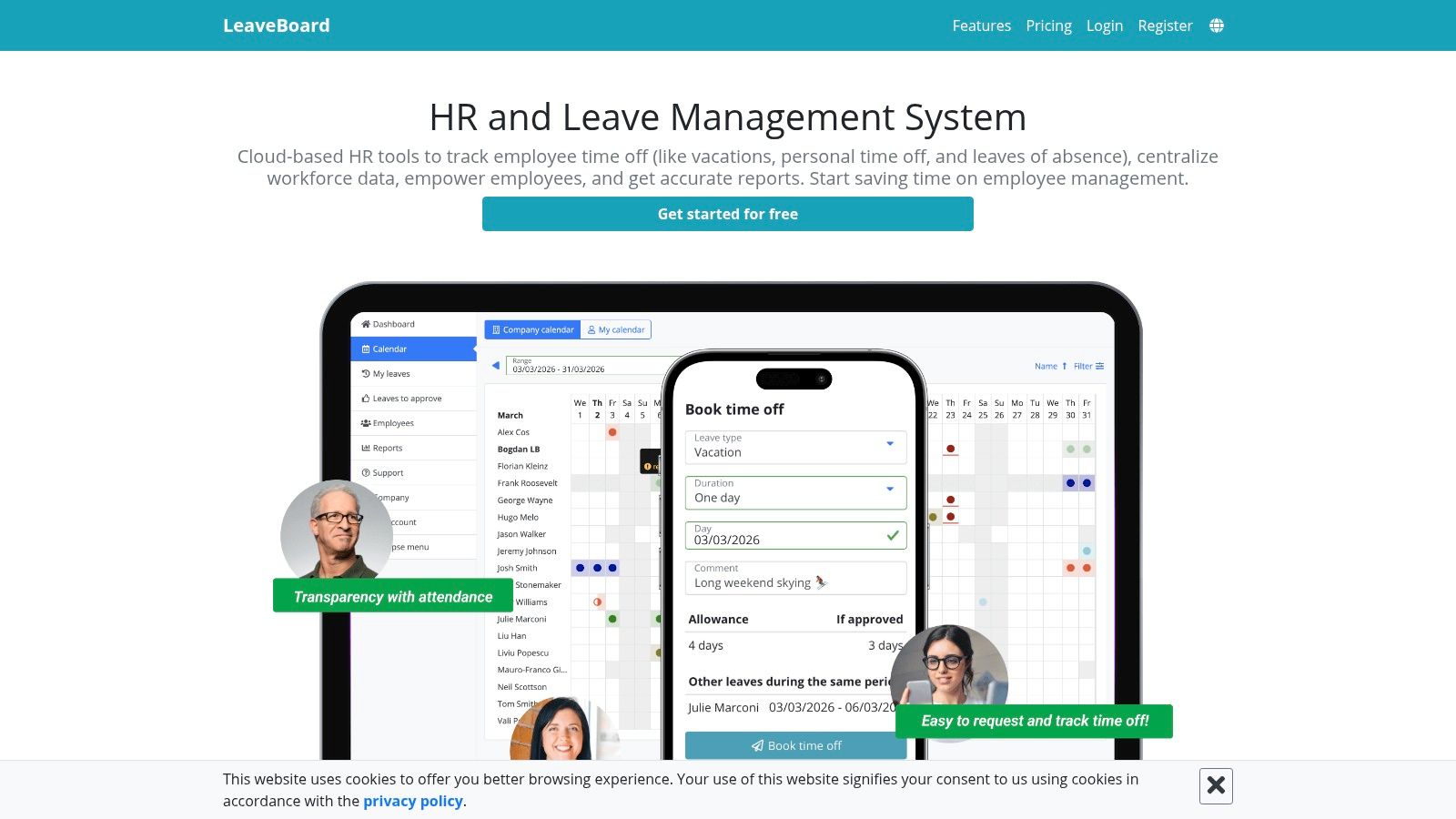
LeaveBoard focuses on leave management first. It gives small teams a clean place to handle time-off requests, approvals, holiday calendars, and a basic employee directory. That narrower scope is the whole appeal.
For a tiny business, that can be the right decision. You fix the process that keeps breaking without dragging the team through a full HR software rollout. Employees know where to submit requests. Managers can approve them quickly. Whoever handles HR stops fielding the same PTO balance question every week.
I respect that restraint because I have seen the opposite go badly. Small companies often buy broad HR software before they are ready, then end up using 15 percent of it while still managing leave manually because nobody trusts the setup. LeaveBoard avoids that problem by staying in its lane.
The trade-off is obvious. LeaveBoard is useful if leave tracking is your main pain point. It becomes limiting once you need hiring workflows, deeper reporting, onboarding, document management, or a stronger employee record system.
That does not make it a weak option. It makes it a temporary one for many teams.
Choose LeaveBoard if your situation looks like this:
PTO is the admin problem you need to fix now: Requests, approvals, and balances are the priority.
Your team is small: A simple tool is easier to roll out and maintain.
You are fine with a point solution: You are solving leave management, not building a full HR stack.
I would recommend LeaveBoard to founders, office managers, and very small HR teams that want one problem off their plate fast. I would not build my long-term HR process around it unless the company plans to keep everything else simple too.
You can check it out at LeaveBoard.
Top 10 Free HR Software Comparison
Product | Core features | Quality (★) | Pricing / Value (💰) | Target audience (👥) | Unique selling point (✨/🏆) |
|---|---|---|---|---|---|
Zoho People | Employee DB, PTO, reports, Zoho integrations | ★★★★ (clean UI) | 💰 Free tier (≤5); paid tiers to scale | 👥 Very small teams → growing SMBs | ✨ Quick setup, Zoho ecosystem |
Homebase | Scheduling, time clock, timesheets, messaging | ★★★ (shift-focused) | 💰 Free for 1 location (≤10); payroll add‑on | 👥 Restaurants, retail, single-location shift teams | ✨ Strong US scheduling & payroll focus |
Connecteam | Scheduling, GPS time clock, tasks, forms, chat | ★★★★ (mobile-first) | 💰 Free small plan (≤10); predictable fixed pricing up to 30 | 👥 Deskless / mobile-first teams | ✨ Mobile-first UX, fixed-price bundles |
Bitrix24 | Directory, time tracking, tasks, CRM, video | ★★★ (feature-rich, crowded) | 💰 Free cloud = unlimited users; paid apps | 👥 Large teams needing unified collaboration + HR | 🏆 Unlimited-users free plan; all-in-one suite |
HR.my | Employee records, leave, attendance, basic payroll | ★★ (utilitarian) | 💰 Free forever (ad-supported) | 👥 Budget-constrained SMBs | ✨ No-user-cap free HRIS (ad-supported) |
Odoo (Community) | Employees, time off, attendance, app ecosystem | ★★★★ (modular & extensible) | 💰 Free self-host community; paid apps possible | 👥 Teams with IT resources / customizers | ✨ Open-source modular app store |
ERPNext | HR, payroll, appraisals, recruiting + full ERP | ★★★★ (ERP-grade) | 💰 Open-source self-host; no per-user license | 👥 SMBs wanting ERP + HR in one system | 🏆 Full ERP + HR without license fees |
OrangeHRM (Open) | Employee info, leave, approvals, basic reports | ★★★ (pragmatic) | 💰 Free open-source starter; paid upgrades | 👥 Small teams seeking simple self-hosted HR | ✨ Lightweight HR with commercial upgrade path |
IceHrm | Profiles, leave, attendance, payroll (locale) | ★★★ (basic UI) | 💰 Free community edition; paid cloud options | 👥 Small teams wanting a light HR tool | ✨ Active community, straightforward deployment |
LeaveBoard | Time-off requests, calendar, directory, Slack | ★★★ (PTO-centric) | 💰 Free up to 9 employees; paid beyond | 👥 Very small teams needing PTO management | ✨ Simple PTO-first UX, Slack integration |
The point of diminishing returns
I have seen this happen more than once. A team starts with spreadsheets, adds a free PTO tool, then a scheduler, then a chat app, then a folder for onboarding docs. For a while, it feels disciplined and cheap.
Then one manager asks where a policy lives. Another asks why a new hire is active in one system but missing in another. Payroll pulls from one record. Scheduling pulls from a different one. HR answers the same question three times because nothing connects cleanly.
That is usually the point where free software stops saving money.
The cost is not the monthly bill. It is the admin time, the cleanup work, and the small errors that keep piling up. A free stack can work well for a very small company, especially if one person still has the whole operation in their head. Once the team grows, every extra tool adds one more place to update, train, audit, and explain.
I am not dismissing free HR software. Some of the tools in this list earn their place. Zoho People works well as a first step out of spreadsheets. Homebase and Connecteam make more sense than traditional HR systems for shift-heavy teams. HR.my gives cash-strapped companies a lot without charging per employee. Odoo, ERPNext, OrangeHRM, and IceHrm can be smart choices if you are comfortable handling setup, maintenance, and the occasional rough edge yourself.
The trade-off is straightforward. Free tools often solve one problem well. They start to struggle when you need consistency across the whole employee experience.
That shows up in ordinary ways first. Duplicate employee records. Approval delays. Confusion about where updates should be posted. New hires missing forms or policies because communication and HR live in separate places. After that, the bigger problems follow. Slower onboarding. Lower adoption. Less trust in the data, because nobody is fully sure which system is current.
As noted earlier, HR teams are already stretched. Adding more apps to manage rarely helps. Cloud tools keep winning with small and midsize companies for a simple reason. They reduce setup work and ongoing maintenance. For lean teams, that matters more than a long feature list.
The better question is not, "What is the best free human resource software?"
It is, "What is the best free option for the stage we are in right now?"
For five employees, a simple free system may be enough for a long time. At twenty employees across shifts and locations, mobile access and scheduling usually matter more than deep HR workflows. At fifty employees, the problem often changes. The issue is no longer missing features. It is too many systems, too many handoffs, and too much time spent keeping them aligned.
That is the point of diminishing returns.
Once your team is spending hours stitching together tools, the next improvement is usually simplification, not another app. The companies that handle this well stop chasing free features in isolated tools and start choosing software based on how much operational friction it removes.
