
Top 10: Team Task Management Software Free for 2026
Searching for team task management software free? Find the 10 best tools for 2026 reviewed for hybrid & frontline teams.
Dan Robin

You're probably in the same spot many groups hit sooner or later.
Someone says, “We need to get organized.” Then the patchwork begins. A spreadsheet for deadlines. Email for updates. Chat for quick asks. Sticky notes for the stuff nobody wants to forget. For a week or two, it feels manageable. Then work starts slipping through the cracks. People miss handoffs. Two people do the same task. Nobody knows which list is the actual list.
That's when the search for free software starts.
I get it. Free feels safe. It feels reversible. It feels like a smart first move. But free usually comes with a ceiling, and that ceiling shows up faster than is often expected. User caps. Storage caps. Missing permissions. Weak collaboration. No scheduling. No time tracking. No clean way to support people who aren't sitting at desks all day.
That's the trap.
Without a centralized task tool, teams fall back to scattered emails, disconnected spreadsheets, and chat threads, which causes missed deliverables, unclear priorities, and duplicated work across departments, as noted by The Digital Project Manager's review of free task tools. We've seen that movie before, and it doesn't end with “the spreadsheet finally worked.”
If you're comparing free options for your team, or even trying to compare personal training software for another kind of operation, the same rule applies. Pick the tool you can live in, not the one that merely looks generous on a pricing page.
1. Pebb

A store manager finishes a shift, checks one app for staffing, another for team chat, and a third for task follow-up. That setup breaks fast. If your team works across locations, shifts, job sites, or mixed desk and non-desk roles, you need tasks tied to the rest of the workday.
Pebb stands out because it was built around that reality. Tasks sit alongside chat, voice and video calls, news feed updates, forms, files, a knowledge library, shift scheduling, clock-ins, and PTO. For frontline and hybrid teams, that matters more than a polished board view.
Why Pebb makes sense for frontline teams
The cost of free software usually shows up outside the task list. A team can get free task tracking, then pay for the missing pieces with extra tools, messy handoffs, and constant context switching. That problem is even worse for operations teams that need scheduling, attendance, communication, and task follow-through in the same place. One industry roundup on free task management software for operational teams makes that point clearly.
Pebb handles that better than office-first tools. You can create separate Spaces for locations, departments, or functions, so retail, warehouse, field, and office teams are not all buried in one stream. Managers get permissions, people profiles, and analytics. Staff get a mobile setup they can easily use without a training manual.
If you are comparing tools that need to support both communication and execution, this guide to team collaboration tools for hybrid and frontline work gives useful context.
Here's my advice. If your team needs scheduling, attendance, communication, and tasks in one system, choose a tool shaped for that job. Do not bolt a desk-based project app onto a shift-based operation and expect it to hold.
There are trade-offs. Pricing details are not as clear up front as I'd like, so teams that want every tier spelled out immediately may find that frustrating. Replacing older systems also takes work if your company already runs on a pile of disconnected tools.
Still, I would choose a tool that matches how the team works over a free plan that looks generous but pushes core work into separate apps. For frontline and hybrid teams, that is usually the smarter call.
2. Asana
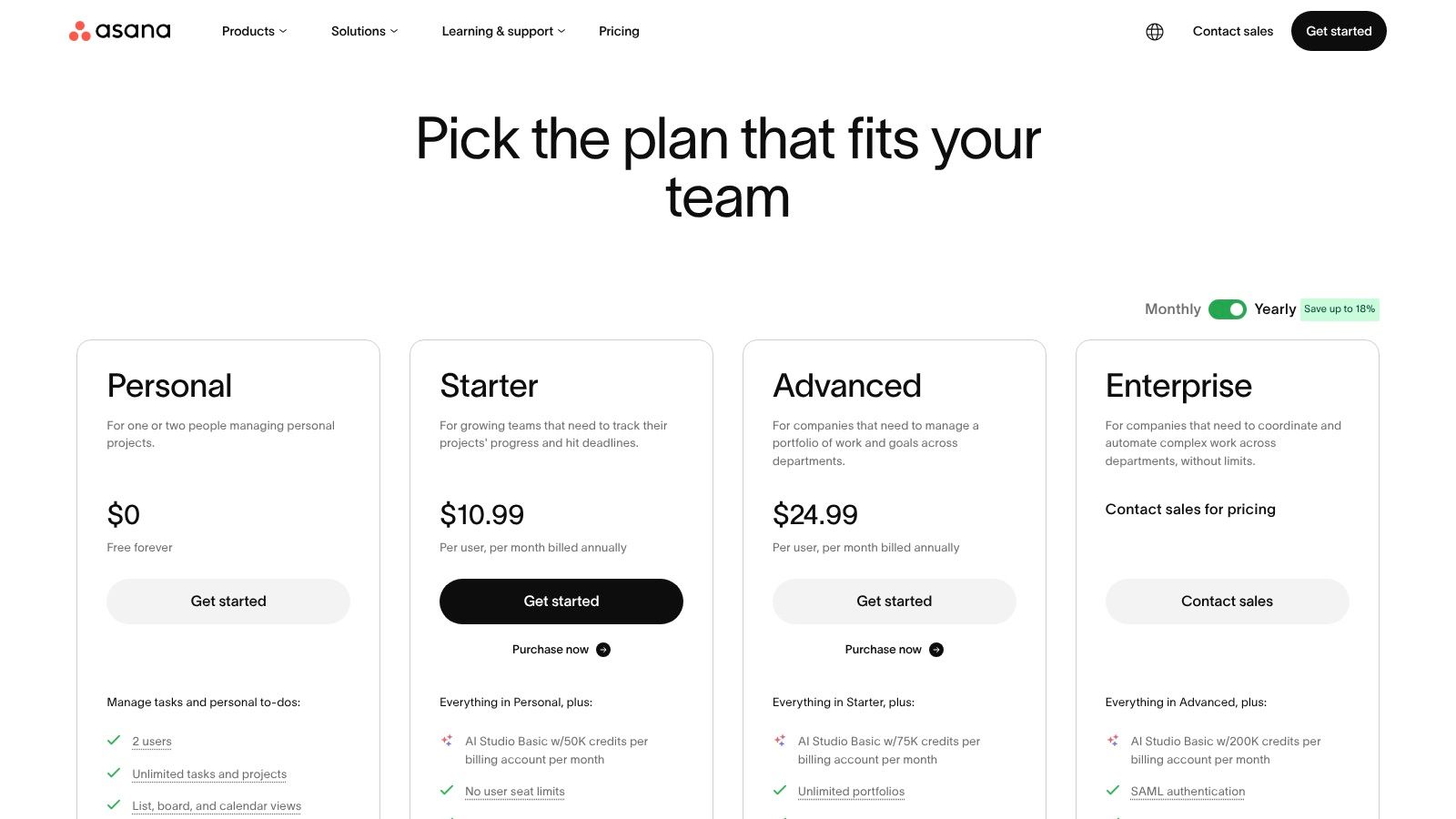
Asana has been the default recommendation for years because it's easy to understand. That still counts for a lot. If your team hates learning new software, Asana gives you the cleanest start.
The free plan is useful, but only if you understand the boundary. According to ProProfs Project's 2026 roundup of free task management software, Asana's free tier is capped at 10 users while still allowing unlimited tasks and projects. That makes it a good pick for a small team, not a growing one.
Where Asana fits
I like Asana for teams that want list, board, and calendar views without much setup. It's one of the easiest places to assign work, track ownership, and avoid the “who's doing this?” mess. The templates also help if you want structure without building your own system from scratch.
If your work is straightforward, Asana stays out of the way. That's a compliment.
But the free tier is not where teams should get comfortable long term. The moment you need deeper permissions, timeline views, stronger automation, or room to grow beyond a small group, you'll feel the wall. That's why I'd call Asana a strong starter tool, not a forever tool for most companies.
If you're weighing collaboration trade-offs, this broader guide to best team collaboration tools is worth reading alongside the pricing page.
Asana is best for small teams that need clarity fast. It's not the best fit for frontline operations or teams that know they'll outgrow a light setup.
You can review the plan details at Asana pricing.
3. Trello

A team starts Trello on Monday because everyone understands it in five minutes. By Friday, each client, campaign, store, or function has its own board, and the free plan starts dictating how the team organizes work.
That is the core Trello trade-off. It gets adoption fast, but the ceiling shows up fast too.
Trello works well for teams that want a visual system with very little training. Editorial calendars, content pipelines, simple approvals, and recurring ops checklists all fit naturally. It is also one of the few tools that people will keep using if they already dislike project management software.
The free plan is where you need to stay disciplined. Trello's pricing page shows that the free tier includes unlimited cards and up to 10 boards per Workspace. That sounds generous until a hybrid team starts splitting work by department, location, campaign, or customer. Then the “free” choice creates a planning problem you did not have before.
That limit matters more for frontline and distributed teams than office-only teams. A desk-based team can often squeeze into fewer shared boards. A retail, field, warehouse, or multi-location team usually needs cleaner separation, and Trello's board cap gets in the way quickly.
Trello also stays shallow by design. It shows status clearly. It does not give you much control once you need stronger reporting, tighter governance, or planning beyond a simple Kanban flow. If your team needs those things, Trello stops being a lightweight win and starts becoming a workaround machine.
Use Trello if your team can commit to simple rules. Decide what earns a board, what stays as a list, and how cards move from intake to done. Good task prioritization methods for busy teams matter here because neat columns can hide a messy backlog.
Trello is a smart free option for visual teams with straightforward workflows. It is a weak fit for operations-heavy teams that need structure across locations, roles, or reporting lines.
Take a look at Trello pricing.
4. ClickUp
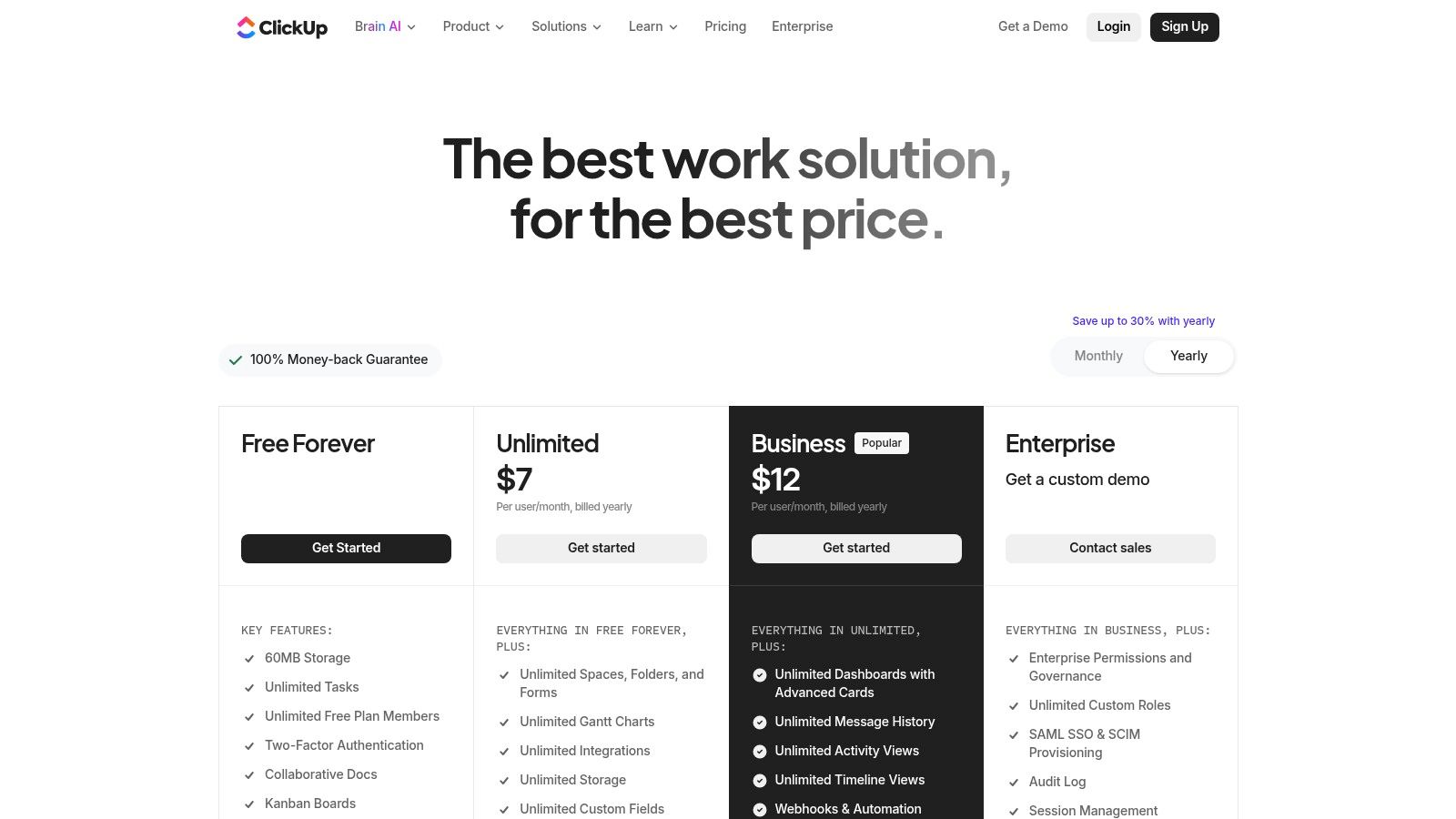
ClickUp is the tool for teams that want a lot. Maybe too much.
I mean that with respect. There are teams that need tasks, docs, calendars, boards, custom fields, and time tracking in one place. ClickUp gets closer to that than most free tools. If your team likes to tinker, customize, and build a system around its own workflow, ClickUp is one of the strongest free options.
It also asks more from the team using it.
The best free plan for power users
ClickUp's free plan supports unlimited users and includes native time tracking, plus views like lists, boards, and calendars, but it limits storage to 100 MB, which can quickly squeeze teams that share files often, according to Project-Management.com's review of free project management software. That storage cap is the part many teams miss on day one.
If your team shares screenshots, PDFs, brand files, or process docs, that cap arrives fast.
The upside is obvious. ClickUp gives ambitious teams room to shape how work appears and flows. The downside is just as obvious. Some teams get buried in options. A simple team can spend more time configuring ClickUp than finishing the actual work.
Pick ClickUp if your team wants flexibility and can handle a busier interface. Don't pick it just because the feature list is long.
I recommend ClickUp for operations leads, project coordinators, and detail-heavy teams that will effectively use the customization. I don't recommend it for a team that struggles to keep one clean list of work.
You can see the current plans at ClickUp pricing.
5. Jira Software
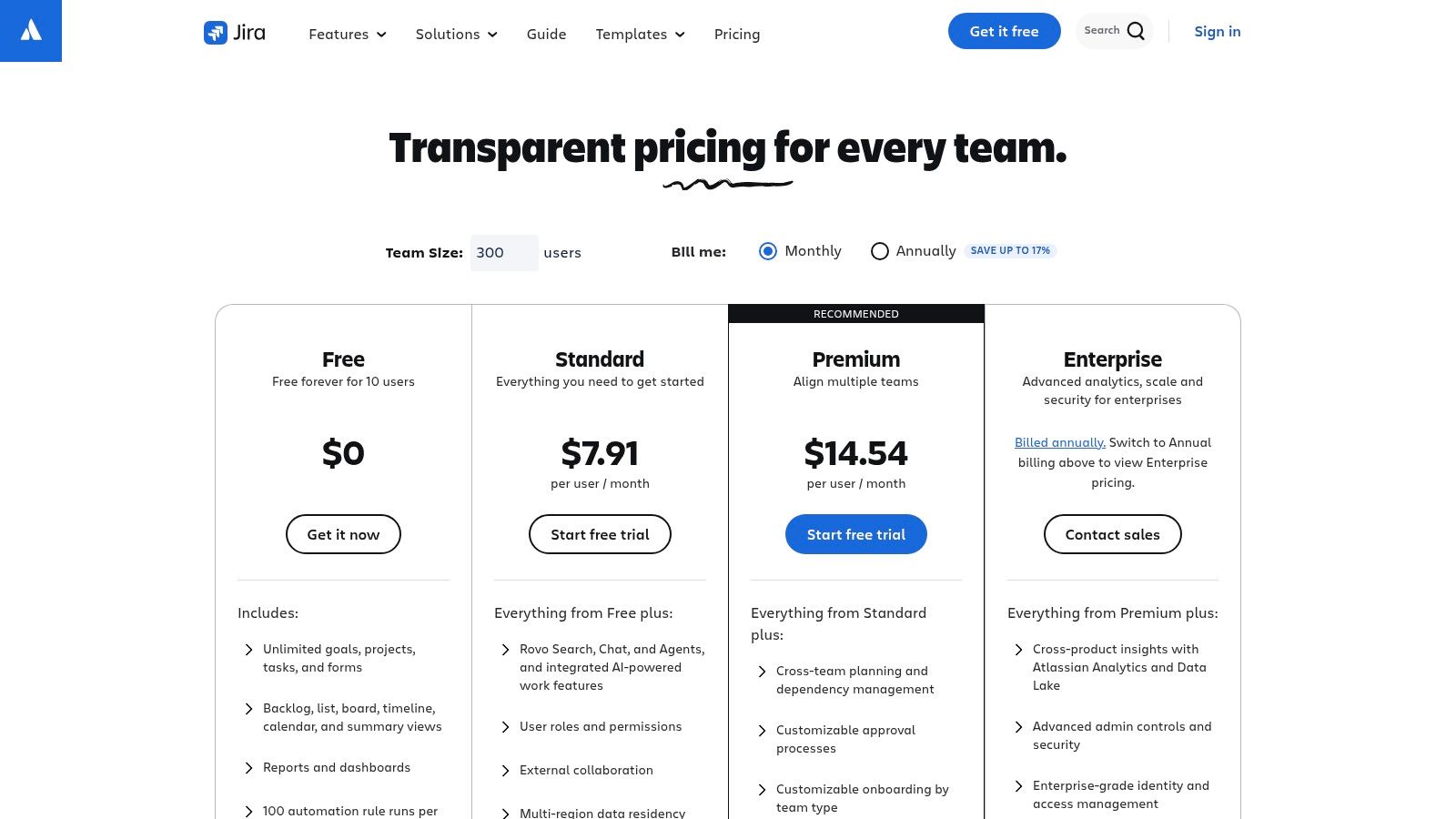
Jira is not for everyone, and that's fine. Trying to make it fit every team is how people end up hating it.
For software teams, product teams, and technical operations groups, Jira makes sense. It's built around structured workflows, issue tracking, backlogs, and boards that support disciplined work. If you already think in tickets, sprints, and roadmaps, Jira feels natural.
If you don't, it can feel like paperwork with buttons.
When Jira is the right kind of strict
Jira's free plan supports up to 10 users and includes 2 GB of file storage, along with Scrum and Kanban boards, backlog management, and basic roadmaps. That makes it a solid free entry point for small technical teams that want process and traceability.
I wouldn't hand Jira to a retail store manager or a hospitality team and expect adoption. But I would absolutely hand it to a product team that needs accountability and a clean audit trail.
That's the dividing line with Jira. It rewards teams that already work in a structured way. It punishes teams that just need a simple shared to-do list.
If your team is managing software delivery or technical requests, Jira can grow with you better than many lighter tools. If you want a broader view on keeping projects on track, these notes on successful project management pair well with Jira's strengths.
Jira is for teams that value process over charm. That sounds dull, but sometimes dull is exactly what serious work needs.
See the options at Jira pricing.
6. Notion
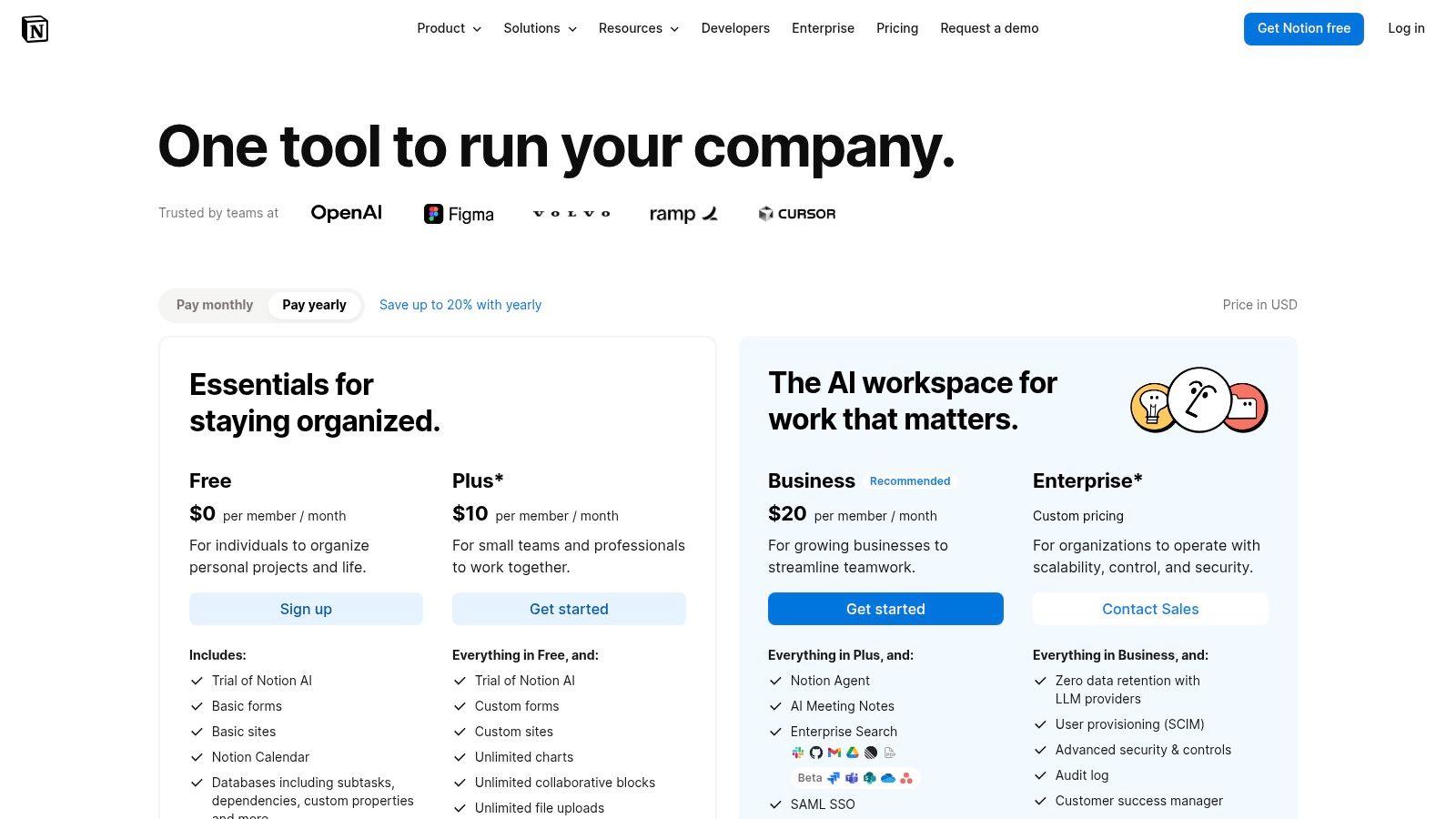
A team starts with one Notion page for tasks. A month later, there are six databases, three versions of the onboarding checklist, and nobody knows which board the work lives on.
That is the risk with Notion. It can be excellent, but it asks your team to build its own operating system first.
Notion works best for teams that need docs and tasks in the same place. Playbooks, meeting notes, SOPs, project briefs, and action items can all live together, which is useful. If your work depends on context and documentation, Notion has an edge over tools that treat tasks like isolated tickets.
The free plan is generous for individual use, but teams hit limits faster. Sharing, permissions, and admin control matter once more than a few people are working in the same space. That is the cost of free here. Notion gives you flexibility early, then asks for more structure and plan upgrades once the workspace becomes important.
Great for a shared brain. Weak as a frontline task engine.
This is not the tool I would hand to a busy store team, field crew, or hospitality manager who just needs clear assignments and quick updates. Notion has too much room for interpretation. Office-based teams that already document everything usually handle that trade-off better.
It also needs an owner. Someone has to decide how tasks are captured, where projects live, what each database is for, and what gets archived. Without that discipline, the workspace drifts. People stop trusting it, and adoption fades.
If your team writes often, values documentation, and can maintain a clean system, Notion is a strong free option to test. If you need speed, simple accountability, and low training overhead, pick a more task-first tool.
Explore it at Notion pricing.
7. Airtable
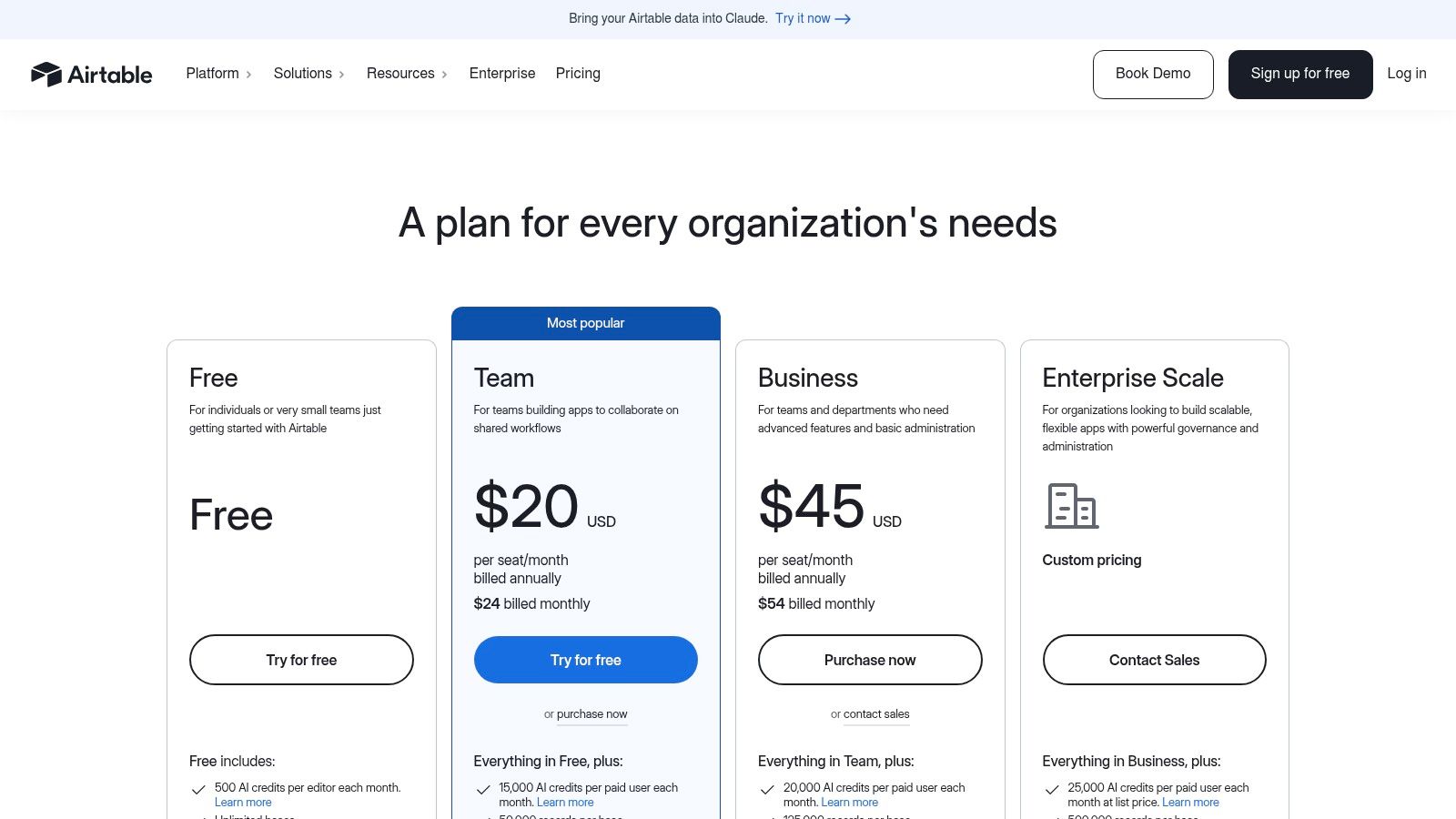
Airtable is what I recommend when the work isn't just tasks. It's tasks plus records, assets, campaigns, requests, or content pieces that all relate to each other.
That's what makes Airtable different. It behaves more like a database than a classic task manager.
Best for structured work with moving parts
If your team manages content operations, production schedules, inventory-like workflows, or approval pipelines with lots of fields and relationships, Airtable can be a better fit than a pure task app. Grid, Kanban, calendar, and gallery views help different people look at the same work in different ways.
The downside is familiar. Free limits arrive where relational tools always hit limits first. Records, attachment space, and editor caps all matter more once the system becomes useful. Teams often love Airtable right up until they realize they built something bigger than the free tier really wants to support.
Airtable is not the easiest recommendation on this list, but it's one of the smartest for teams whose work lives in structured data. If you just need assignments and deadlines, it's probably more than you need. If your work is operationally messy and data-heavy, it may be exactly right.
You can review the plans at Airtable pricing.
8. Wrike
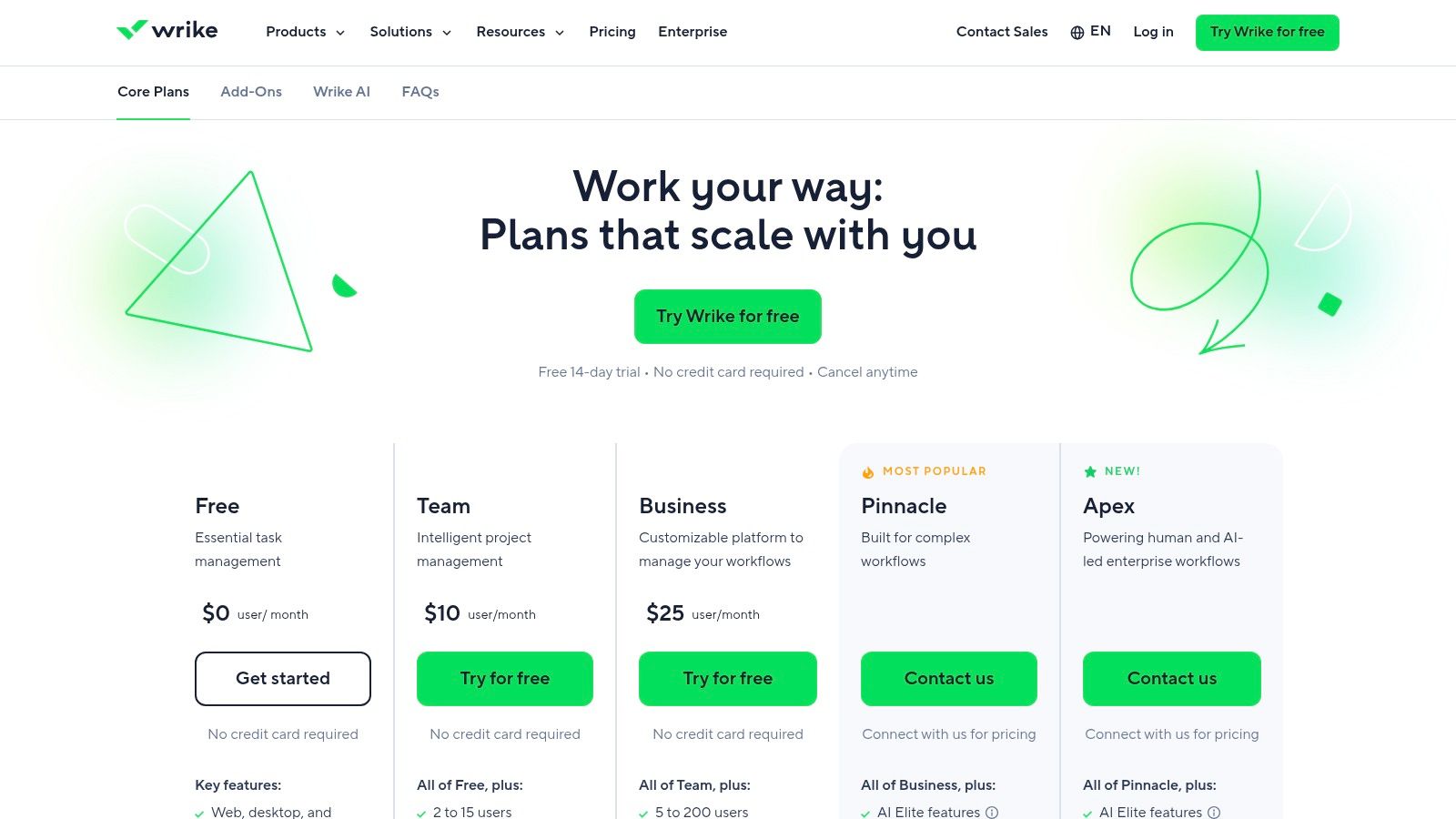
Wrike sits in the middle. That can be a strength.
It's more structured than Trello, less sprawling than Notion, and often easier to settle into than the more configurable tools. Teams that want a mature project platform without rebuilding everything from scratch tend to appreciate Wrike.
Good bones, tighter free limits
Wrike's free plan includes one shared space and a cap of 200 active tasks and subtasks. That's enough for a pilot, a small department, or a cautious rollout. It's not enough for a busy team that plans to centralize all active work there.
That's why I see Wrike as a proving ground. If you think you may eventually want portfolio features, resource planning, or more advanced reporting, starting in Wrike can make sense. The structure is there from the beginning.
But if you already know your team creates a lot of active work, the free tier gets restrictive quickly. It's one of those products where the free plan tells you whether the product suits your team, not whether the free plan itself will carry you very far.
Wrike is worth considering if you want a serious platform and don't mind a shorter runway on free. Take a look at Wrike pricing.
9. Zoho Projects
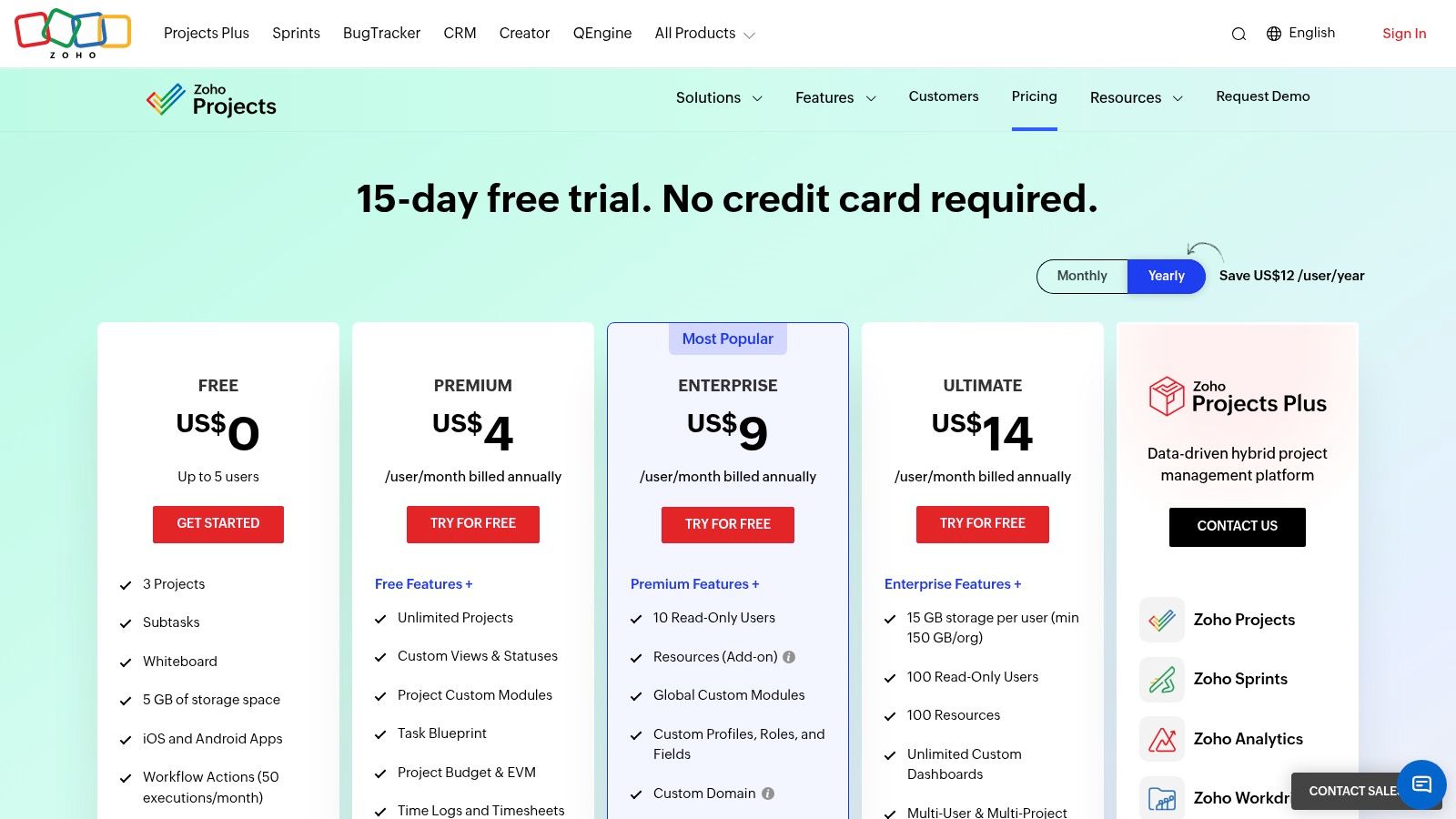
Zoho Projects rarely gets the same attention as the bigger names, but it has something many teams need. Practicality.
If you like traditional project management features such as task lists, milestones, issue tracking, timesheets, and links into a broader business software ecosystem, Zoho Projects is a sensible choice. It doesn't try to be trendy. It tries to be useful.
A good fit for very small teams
The free tier is modest. That's the honest summary. It's better thought of as a starting point for very small teams than a broad free home for a growing company.
Still, there's value here. If your business already uses other Zoho apps, the integration story is cleaner than mixing unrelated tools from five vendors. That kind of consistency matters more than flashy features. It lowers friction, even if the interface isn't the most polished in the bunch.
I wouldn't put Zoho Projects at the top for ease of use or modern feel. I would put it on the shortlist for teams that want classic PM features and a realistic paid path later if needed.
You can check it out at Zoho Projects pricing.
10. Freedcamp
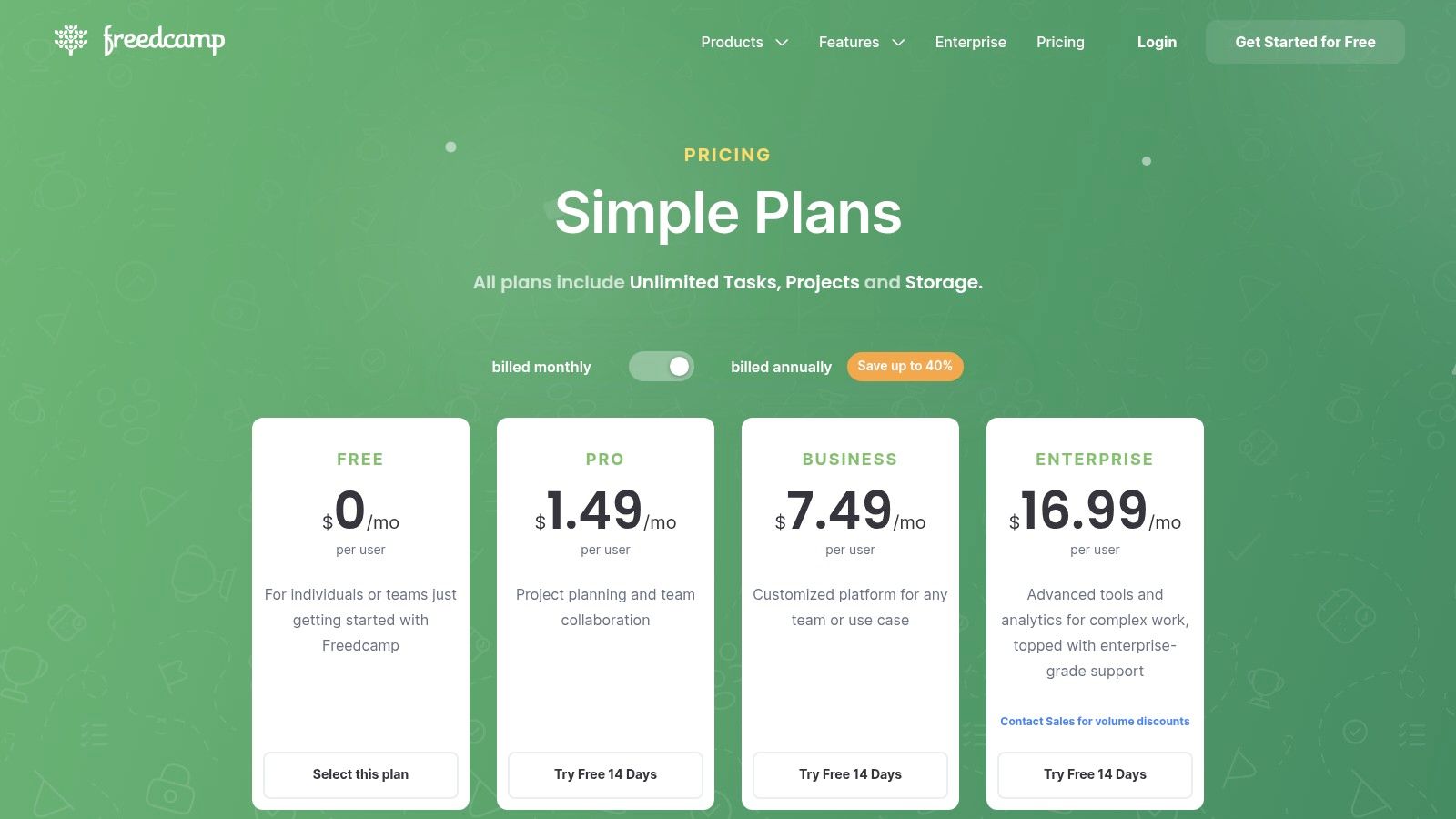
Freedcamp is the sleeper pick on this list.
It doesn't have the same brand pull as Asana or ClickUp, but the free plan is generous in the ways that matter to cash-conscious teams. Unlimited projects, tasks, storage, and users on free is hard to ignore when most platforms attach a ceiling to at least one of those.
The best budget-first option
If your team needs a functional place to organize work without being pressured into an early upgrade, Freedcamp deserves a real look. It covers the core apps well. Tasks, discussions, calendar, files, milestones, and time tracking are enough for a lot of small teams, nonprofits, and schools.
The compromise is depth. You won't get the same ecosystem, polish, or advanced view options that bigger platforms offer. And the free upload limit of 10 MB per file can be annoying if your team handles larger documents or media. But that's an understandable trade if the priority is keeping costs at zero for as long as possible.
Freedcamp is what I'd recommend to a team that wants to stay lean, keep things simple, and avoid immediate pricing pressure. It's not glamorous. That's fine. Work software doesn't need to impress anyone. It needs to hold up.
See the plan details at Freedcamp pricing.
Top 10 Free Team Task Management Tools Comparison
Product | Core features | UX & adoption (★) | Value & pricing (💰) | Target audience (👥) | Unique strengths (✨) |
|---|---|---|---|---|---|
🏆 Pebb | Chat, voice/video, Spaces, tasks, shifts, clock‑in, PTO, knowledge, analytics | ★★★★☆, mobile‑first, fast adoption | 💰 Free start; affordable paid tiers; contact for enterprise | 👥 Frontline + office teams, multi‑location orgs | ✨ Configurable Spaces, shift/time tools, 50+ integrations |
Asana | Tasks, lists, boards, calendar, templates | ★★★★, familiar, easy onboarding | 💰 Free (limited) → paid for advanced features | 👥 Small→mid teams, non‑technical groups | ✨ Strong templates & project views |
Trello (Atlassian) | Kanban boards, cards, Power‑Ups, Butler automation | ★★★★, very low learning curve | 💰 Generous free; paid for advanced views/admin | 👥 Small teams, visual workflows | ✨ Visual Kanban + extensive Power‑Ups |
ClickUp | Tasks, docs, whiteboards, chat, Kanban, calendar | ★★★★☆, very feature‑rich, steeper learning | 💰 Strong free plan; scalable paid tiers | 👥 Teams wanting one app for many tools | ✨ All‑in‑one tools (docs, capture, whiteboards) |
Jira Software | Scrum/Kanban, backlog, roadmaps, issue tracking | ★★★★, powerful for engineering teams | 💰 Free for small teams; paid for enterprise needs | 👥 Software & agile teams | ✨ Robust agile workflows + Atlassian stack |
Notion | Databases, docs, wiki, project pages | ★★★★, flexible, highly customizable | 💰 Free for individuals; paid for team/enterprise | 👥 Knowledge‑centric teams, PMs | ✨ Databases + docs in one adaptable workspace |
Airtable | Relational bases, grid/kanban/calendar/gallery views | ★★★★, spreadsheet familiar with DB power | 💰 Free starter; paid as records/storage grow | 👥 Ops, marketing, product teams needing relational data | ✨ Relational DB + multiple visual views |
Wrike | Tasks/subtasks, table/board/chart, live editor | ★★★☆, structured, enterprise‑leaning | 💰 Free limited; paid for portfolio/resource features | 👥 Teams scaling to portfolio/resource mgmt | ✨ Multi‑view + portfolio/resource readiness |
Zoho Projects | Tasks, milestones, Gantt, timesheets, issue tracking | ★★★☆, traditional PM UI | 💰 Modest free; budget‑friendly paid tiers | 👥 Budget PM teams & Zoho ecosystem users | ✨ PM features + tight Zoho suite integration |
Freedcamp | Tasks, discussions, calendar, files, milestones, time | ★★★, simple, functional | 💰 Very generous free, unlimited projects/users | 👥 Nonprofits, small orgs needing free solution | ✨ Unlimited projects/tasks/storage on free plan |
Beyond the Tool
Choosing the tool is the easy part. The hard part starts the week after you pick one.
A lot of teams think the software itself will create discipline. It won't. The app can hold the work, but your team still has to decide what goes in, who updates it, how often it gets checked, and what happens when people go around it. If those habits never get settled, the tool becomes another abandoned tab.
That's why the cost of free isn't just missing features. It's drift. It's when a tool gives you enough to begin, but not enough to become the place where work lives. For some teams, that's fine. For others, especially hybrid and frontline teams, that drift turns into a pile of side channels, scattered updates, and quiet confusion.
There's a bigger shift happening underneath all this. The global task management software market is projected to grow at a 14.84% CAGR through 2034, while project management software is projected to grow at a 12.6% CAGR, according to this task management software market overview. That matters because it tells you organizations aren't moving toward less structured coordination. They're moving toward more of it.
And the gap between free basics and serious operational software is getting wider. Another market outlook projects the task management software market to grow from $4.5 billion in 2026 to $12.3 billion by 2033 at a 15.6% CAGR, driven by cloud adoption and remote work expansion, with North America holding a 42% share, based on Breeze's task management statistics roundup. Small teams may stay happy on free tools for basic planning, but larger organizations keep moving toward systems with stronger automation, control, and visibility.
That lines up with what teams feel on the ground. Free tiers are good at helping you start. They're usually bad at helping you scale. Some teams also run into collaboration and governance gaps early. One roundup argues that free task tools often break down once teams need stronger shared work, permissions, and oversight, in its guide to free task software and collaboration limits.
So pick with your eyes open.
If you're a tiny office team, Asana or Trello may be enough. If you're data-heavy, ClickUp or Airtable may fit better. If you're technical, Jira makes sense. If you're managing a real-world workforce across shifts, locations, and roles, don't pretend a desk-first task app will somehow stretch into an operations system. It won't. And if you want another practical layer for day planning, this Google Calendar task management guide is a useful companion to whatever platform you choose.
Sit down with your team. Agree on one place for work. Decide what “done” means. Decide who owns updates. Decide what belongs in chat and what belongs in the system.
No software can do that part for you. That part is still human. It always will be.
If you're tired of stitching together chat, tasks, scheduling, files, and updates across separate tools, Pebb is the cleanest place to start. It gives frontline and office teams one app for communication, operations, and engagement, with tasks built in, so your team can stop managing the gaps between systems and get back to the work itself.
