
The 12 Best Team Collaboration Tools for 2026: An Honest Guide
Tired of noise? We reviewed the best team collaboration tools to find what actually works. Get an honest take on Pebb, Slack, Teams, and more.
Dan Robin

Finding the right team collaboration tool feels like searching for a needle in a haystack of apps. Every tool promises to be the "one" that fixes all your communication problems, organizes every project, and finally gets everyone on the same page. Yet, most of them just add another layer of complexity, another login to remember, and another notification to ignore. The chaos continues, just in a different app.
We’ve been there. We've managed teams scattered across time zones, from frontline staff in retail and logistics to hybrid teams in corporate offices. We’ve felt the pain of using one tool for chat, another for tasks, and a third for scheduling shifts. It’s expensive, confusing, and it drains your team’s focus. This fragmentation is precisely the problem we’re here to help you solve.
This guide cuts through the noise. We're not just listing features; we're sharing what it’s actually like to use these platforms. We’ll show you the best team collaboration tools we've found, with honest pros and cons for each. You’ll see real screenshots, get direct links, and find clear recommendations for different needs, whether you're running a small business or managing a distributed enterprise workforce. We'll examine everything from Slack and Microsoft Teams to newcomers like our own tool, Pebb. To dive deeper into a comprehensive list of market-leading options, consider this guide on the Best Team Collaboration & Productivity Tools for a broader market perspective.
Our goal is simple: to give you the clarity you need to choose a tool that genuinely helps your team work better together, not just adds to the clutter. Let's get started.
1. Pebb
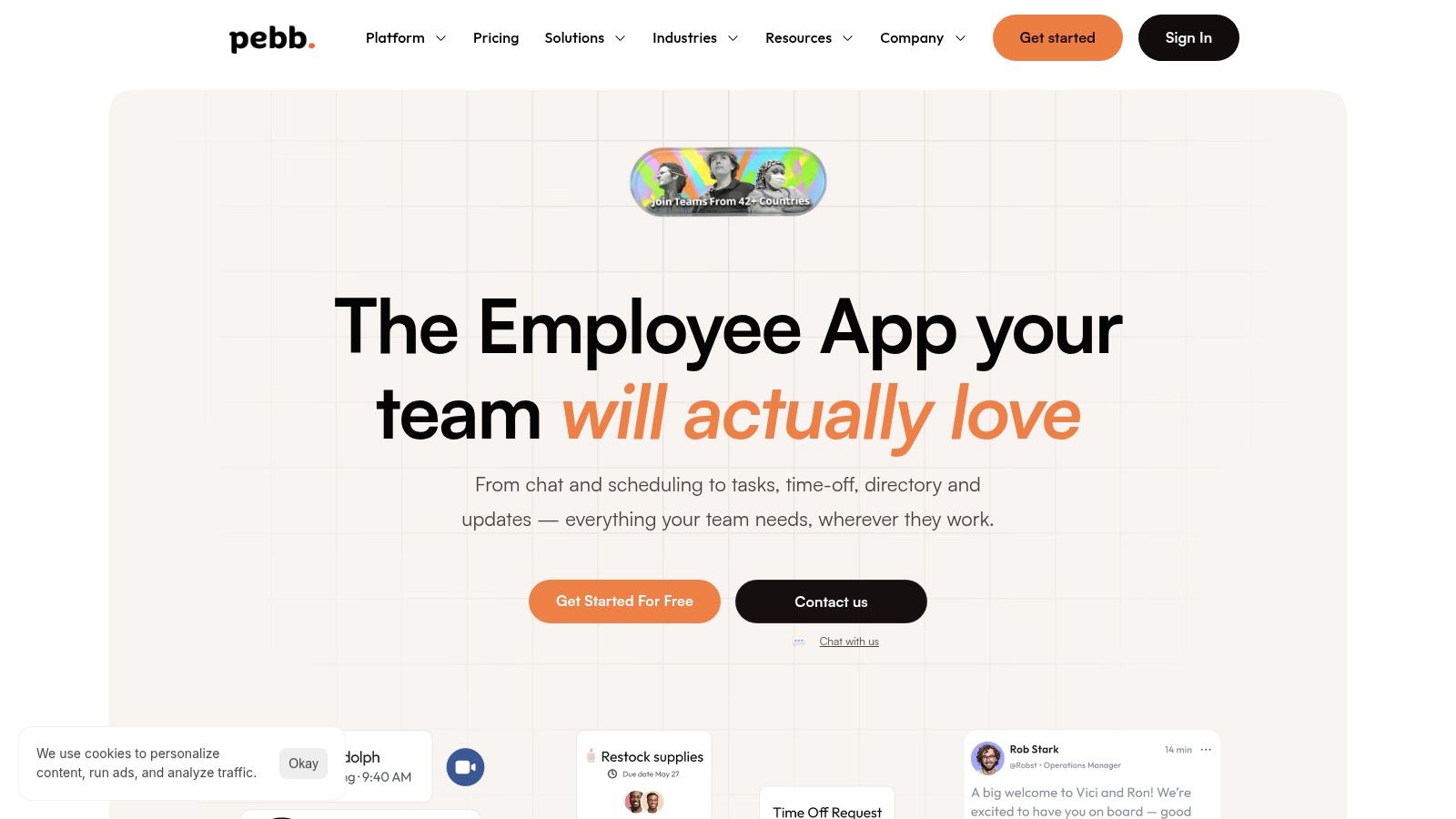
Pebb earns its top spot because it solves the biggest problem we see in team collaboration: fragmentation. Most companies stitch together a mess of separate apps for chat, tasks, scheduling, and announcements. This creates confusion, especially for frontline workers who don’t live at a desk. Pebb brings all of it into one simple, mobile-first home.
It’s built on the idea that both frontline and office teams should feel connected to the same company culture and have access to the same core tools. This isn’t just about chat. It’s a complete employee app that feels like a digital headquarters for everyone.
Why It Stands Out
What makes Pebb one of the best team collaboration tools is its focus on unifying operations and culture. The platform’s "Spaces" feature is a great example. You can create a dedicated space for a specific team, project, or location with its own chat, task lists, files, and events. This keeps conversations and work organized and relevant.
For businesses with shift-based staff, like restaurants, hospitals, or warehouses, the built-in scheduling, clock-in, and time-off tracking are game-changers. An employee can see their schedule, claim an open shift, and clock in for work all from the same app they use to read company news. That’s a powerful way to simplify someone’s workday.
Pebb is more than just a tool, it’s a genuine digital home for your entire workforce. It connects everyone, from the front desk to the back office, creating a single source of truth and a real sense of belonging.
Key Considerations & Pricing
Here's what you need to know before you jump in.
Best For: HR and Internal Comms leaders, operations managers in frontline industries (retail, healthcare, hospitality), and SMBs looking to consolidate their tech stack. It’s also great for distributed teams needing a strong mobile hub.
Pros: It’s a true all-in-one platform that combines communication and operational tools effectively. The mobile-first design is a huge plus for non-desk workforces, and it’s known for being incredibly easy to set up and get teams using.
Cons: Pebb doesn't publish its pricing, so you'll need to contact their sales team for a quote. While it covers a lot of ground, companies with highly complex payroll or enterprise resource planning (ERP) needs might still require a specialized system to work alongside it.
Pricing: Pebb promotes a free sign-up and a free tier to get started. For full pricing and enterprise licensing, you’ll need to contact their sales department.
Website: https://pebb.io
2. Microsoft Teams
If your company lives and breathes Microsoft 365, Teams is the undeniable default. It’s not just a chat app; it's the central nervous system for the entire Microsoft ecosystem. We've seen organizations adopt it because it's bundled in, but they stay because of its deep, almost inseparable connection to tools like Outlook, SharePoint, and Office apps. The ability to co-author a Word doc with a colleague right inside a chat channel is where the magic really happens.
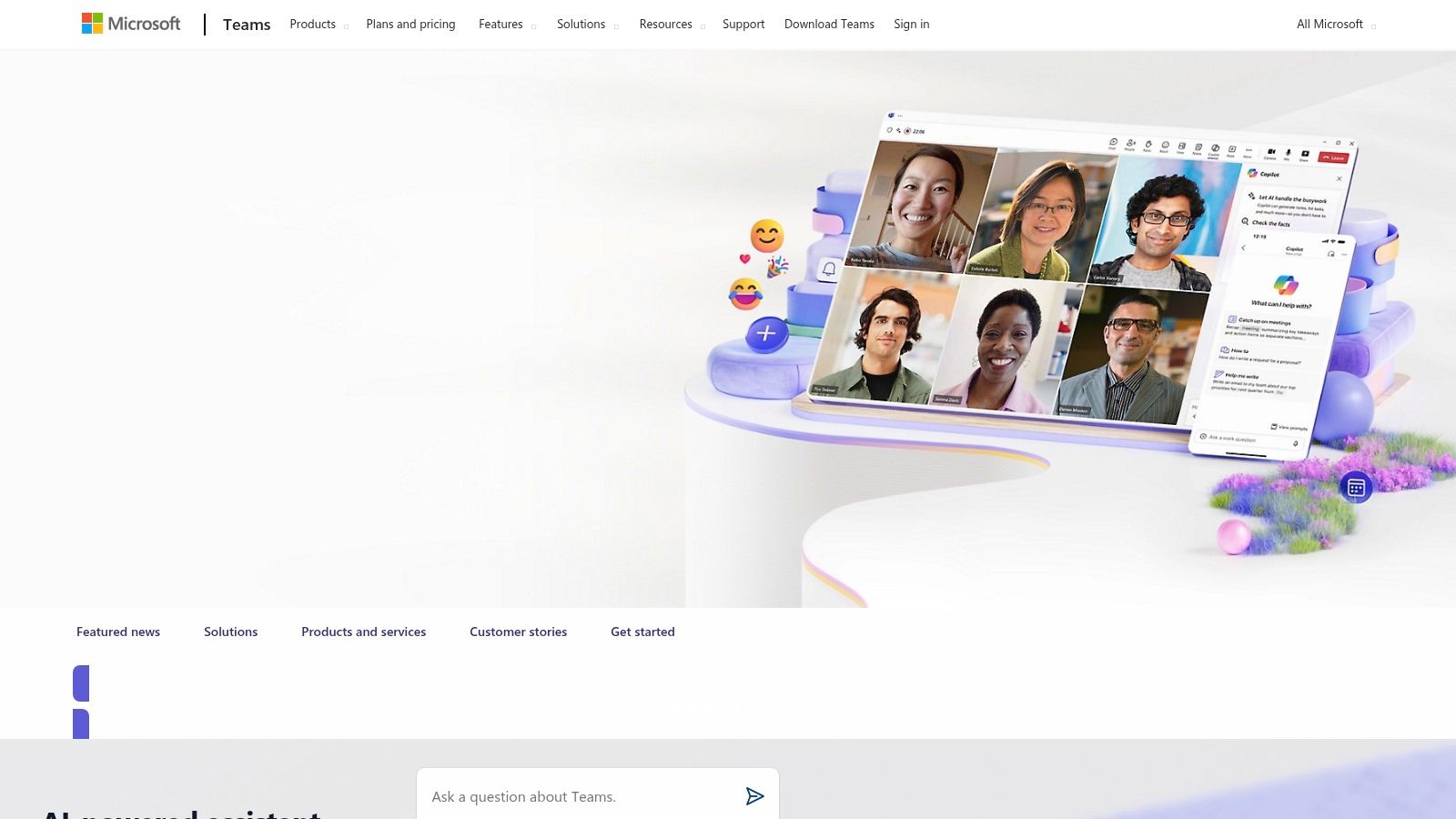
This is one of the best team collaboration tools for large enterprises that need serious control. Let’s be honest, setting it up can feel complex. The admin center is powerful, but it's not a weekend project. You get granular control over security, data loss prevention (DLP), and eDiscovery, which is non-negotiable for many industries.
The Good, The Bad, and The Practical
What we like:
Deep M365 Integration: It just works. Calendar invites in Outlook appear in Teams, files live in SharePoint and OneDrive, and you can edit them together in real-time.
Enterprise-Grade Security: The governance and compliance features are robust, giving peace of mind to IT departments.
Frontline Worker Support: The specific plans (Frontline SKUs) are excellent for teams in retail, healthcare, or logistics who are always on the move.
Where it falls short:
Complexity: It can feel bloated and overwhelming. Getting the administration right requires dedicated effort and expertise.
Third-Party Integrations: Connecting non-Microsoft tools can be a clunky process that requires extra configuration and careful management.
A Quick Tip: If you're a small business without the full M365 suite, check out Teams Essentials. It’s a standalone version that gives you the core collaboration features without the enterprise baggage.
Find it here: Microsoft Teams Website
3. Google Workspace (Chat, Spaces, Meet, Drive)
For teams born in the cloud, Google Workspace is often the natural choice. It’s built around a brilliantly simple idea: your work, your files, and your conversations should all live together, accessible from any browser. We've seen countless startups and agile teams thrive here because the barrier to entry is so low. Its real-time co-editing in Docs, Sheets, and Slides is the gold standard for a reason; it feels less like collaborating and more like thinking together.
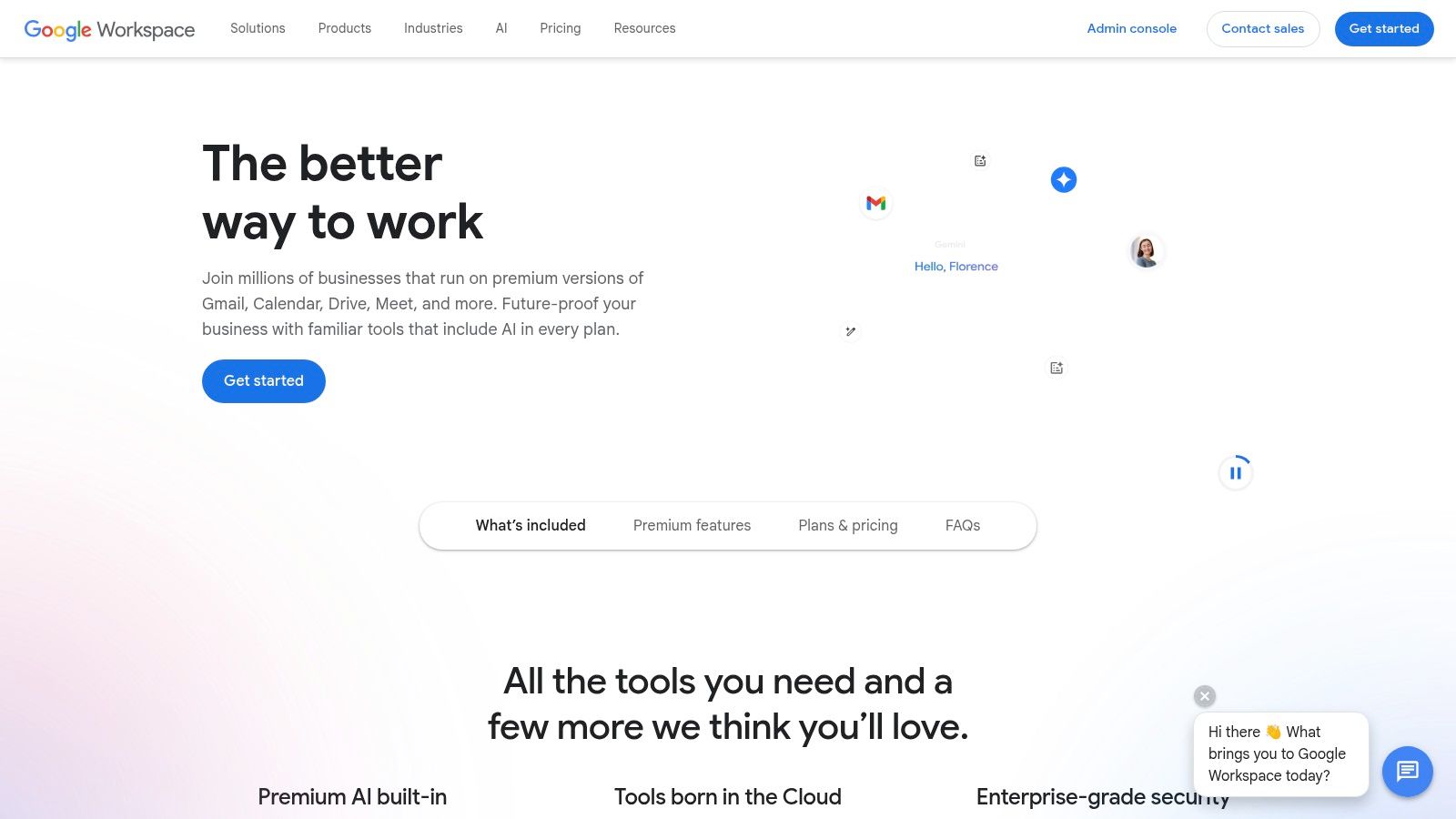
This is one of the best team collaboration tools for organizations that prioritize speed and simplicity over complex, rigid structures. Chat, Spaces, Meet, and Drive are woven together so you can start a video call from a chat thread or share a document with one click. It’s this fluid experience that makes it so effective for knowledge sharing. As you build your company’s brain in Drive, having solid knowledge management best practices becomes key.
The Good, The Bad, and The Practical
What we like:
Superb Real-Time Co-editing: The experience of working on Docs, Sheets, and Slides with others simultaneously is seamless and intuitive.
Simple Administration: The admin console is straightforward, making it easy for SMBs to manage users and security without a dedicated IT department.
Strong Third-Party Ecosystem: Google’s marketplace is full of add-ons that can extend functionality right where you need it.
Where it falls short:
Limited Native Project Features: For serious project management, you'll need to rely on add-ons or other tools. It lacks built-in advanced workflows.
Browser-First Model: Some users who are accustomed to powerful desktop applications find the browser-centric approach to be a limiting factor.
A Quick Tip: Use Spaces not just for chat, but as lightweight project hubs. You can assign simple tasks and track files related to a specific initiative, keeping everything organized without leaving the Google ecosystem.
Find it here: Google Workspace Website
4. Slack
Slack is the tool that brought channel-based messaging to the mainstream, and for many, it’s still the gold standard. We've seen it adopted by startups and enterprises alike because its user experience is just that intuitive. It's the digital equivalent of an open office, designed to keep conversations organized and accessible. The real power comes from its ability to integrate with almost anything, turning it into a command center for your entire tech stack.
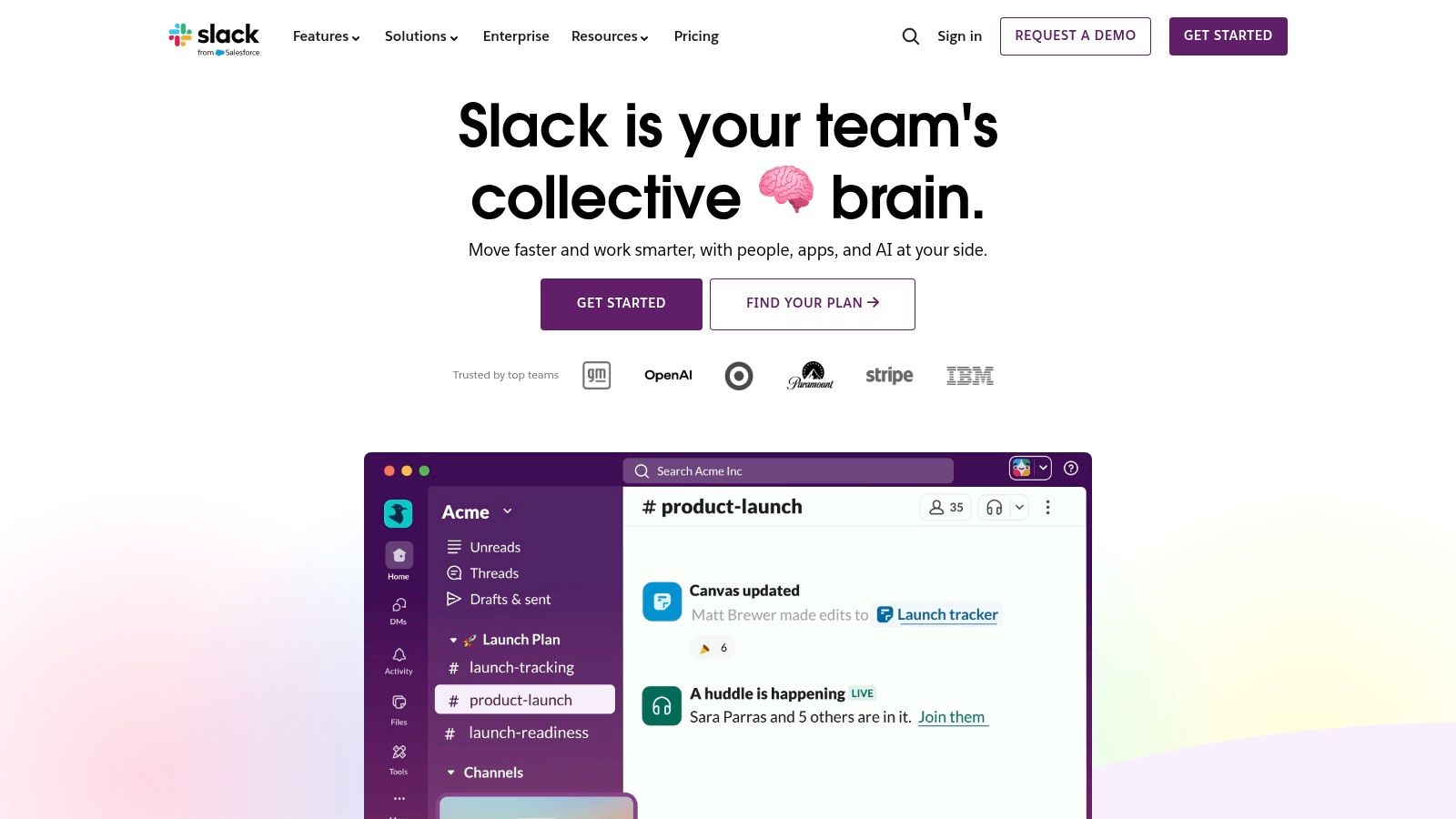
This is one of the best team collaboration tools for companies that value a vibrant, integration-heavy communication culture. Its "Huddles" feature makes quick audio or video chats feel spontaneous, and shared channels with external partners (up to 250 orgs) break down company silos. Let’s be clear, though, a free-for-all approach can quickly lead to notification chaos. You need to establish clear rules for channel creation and communication etiquette to keep it productive. The new AI features for summarizing threads and improving search also add a serious layer of efficiency.
The Good, The Bad, and The Practical
What we like:
Massive App Directory: Its ecosystem of third-party integrations is the largest out there. You can connect nearly any tool you use, from Jira to Google Drive, and automate workflows right inside Slack.
Polished User Experience: The interface is clean, fast, and easy for new team members to pick up. It’s simply a pleasure to use day-to-day.
Strong Cross-Company Collaboration: Slack Connect is fantastic for working with agencies, clients, or vendors in a shared, secure space.
Where it falls short:
The Cost of History: The free plan limits your message history to 90 days, which is a non-starter for many teams. Full history and compliance features require a paid plan.
Potential for Noise: Without disciplined channel management, Slack can become overwhelming and distracting.
A Quick Tip: If you're comparing Slack against other giants, our detailed breakdown of remote collaboration tools can help you decide which one fits your team's specific needs.
Find it here: Slack Website
5. Zoom Workplace / Zoom One
Zoom became the verb for video meetings, and for good reason. It just works. Now, with Zoom Workplace, the company is building a full collaboration suite around its crown jewel. We've watched organizations that bought Zoom for meetings start to consolidate their other tools into its ecosystem, moving from scattered apps to a more unified hub. It's an obvious choice if your team already spends its days in Zoom meetings and you want to reduce app-switching.
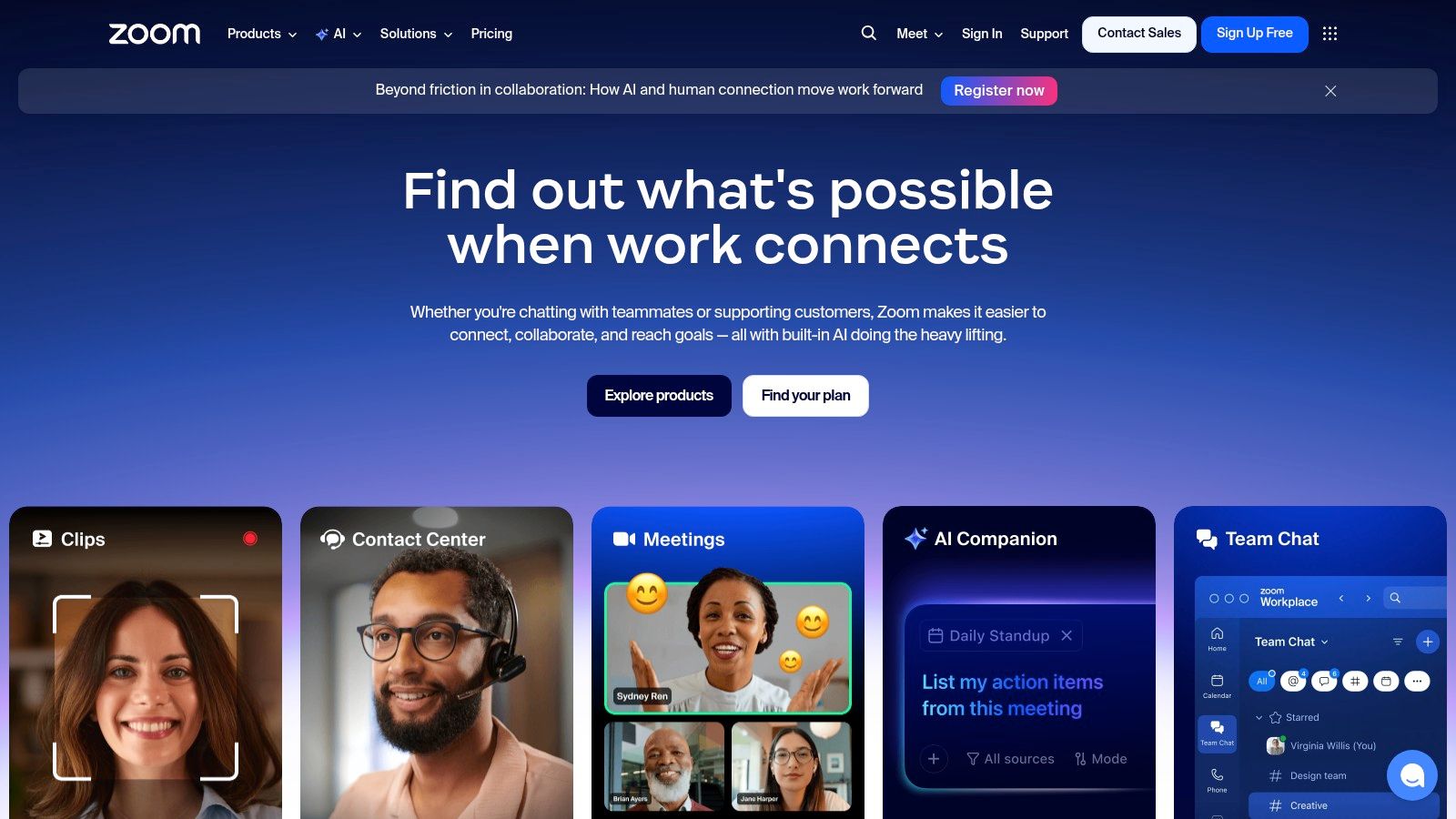
This platform is rapidly maturing beyond just video calls. The introduction of Team Chat, Whiteboard, and now Zoom Docs (with its built-in AI Companion) shows a clear ambition to compete with the all-in-one giants. For many, this makes Zoom one of the best team collaboration tools because it builds on a foundation of reliability they already trust for critical external and internal communication.
The Good, The Bad, and The Practical
What we like:
Best‑in‑Class Video: The reliability and simplicity of Zoom Meetings remain its strongest asset, especially for connecting with people outside your organization.
Rapidly Maturing Suite: The chat, whiteboard, and new Docs features are becoming genuinely useful for daily collaboration, not just add-ons.
A Natural Next Step: For companies already invested in Zoom for meetings, expanding to its chat and other tools is a low-friction way to consolidate.
Where it falls short:
Mindshare Challenge: Many still see Zoom only as a meeting tool and underuse the chat and docs features, which limits its potential as a true hub.
Complex Bundling: The pricing and feature sets across the various Zoom One and Workplace bundles can be confusing to navigate.
A Quick Tip: Before you buy, map out exactly which features your team needs (e.g., meeting duration, cloud storage, specific AI tools). This will help you pick the right bundle and avoid paying for extras you won’t use.
Find it here: Zoom Website
6. Asana
When your projects get complex with moving parts across different departments, Asana steps in to bring clarity. It's less of a simple chat tool and more of a powerful work management platform designed to answer the big questions: who is doing what, by when, and how does it connect to everything else? We’ve seen teams adopt it to escape the chaos of spreadsheet-based project tracking, and they stick with it because of its incredible ability to visualize work.
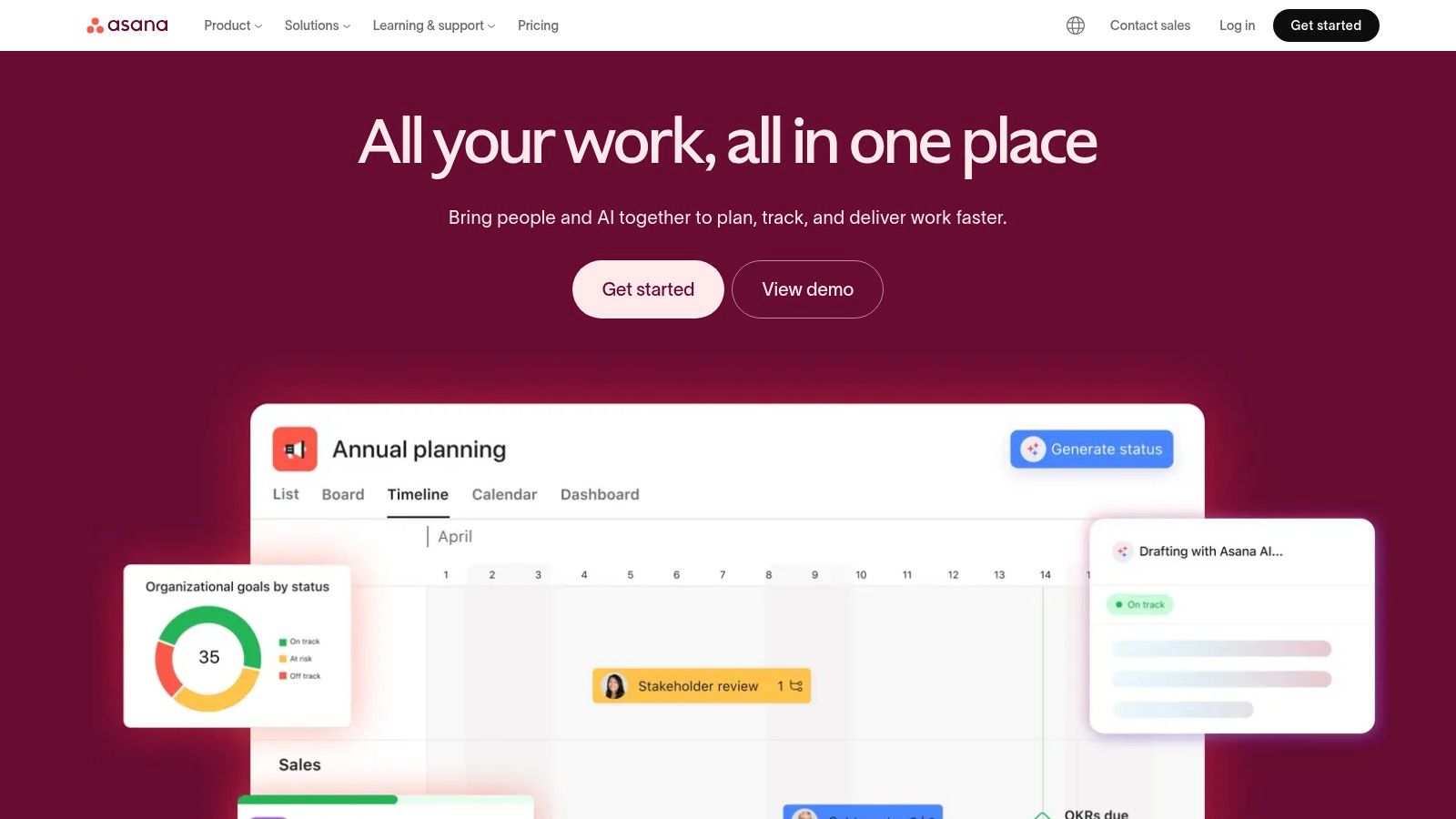
This is one of the best team collaboration tools for program managers and cross-functional teams that need total visibility. Its strength lies in multiple project views-List, Board, and Timeline-which let everyone see progress in the way that makes the most sense to them. The Timeline view, in particular, is a game-changer for spotting dependencies and potential bottlenecks before they become real problems.
The Good, The Bad, and The Practical
What we like:
Exceptional Program Visibility: Features like Portfolios and Goals (on higher tiers) give leadership a clear line of sight from individual tasks to company-wide objectives.
Flexible Work Views: Teams aren't forced into one way of working. You can switch between a simple list, a Kanban-style board, or a Gantt-like timeline.
Strong Integration Ecosystem: It connects smoothly with the tools your team already uses, like Slack, Google Workspace, and Zoom, keeping workflows connected.
Where it falls short:
Can Be Overkill for Simple Tasks: For a small team just trying to manage a basic to-do list, Asana can feel a bit heavy and over-engineered.
Costly Advanced Features: Many of its most powerful features, like advanced reporting and portfolios, are locked behind the more expensive tiers.
A Quick Tip: Before you start a project from scratch, explore Asana's template library. They have pre-built workflows for everything from marketing campaigns to new hire onboarding that can save you a ton of setup time. If you want to dive deeper into platforms like this, check out our guide on the best team management software.
Find it here: Asana Website
7. monday.com Work OS
If your team thinks visually and needs a tool that can bend to almost any workflow, monday.com is where you land. It started as a project management tool but has grown into what it calls a "Work OS"- a flexible platform you can shape into a CRM, a dev tracker, or an operations hub. We’ve seen teams ditch a handful of single-purpose apps for it because its colorful boards and automations make tracking who is doing what, by when, incredibly clear.
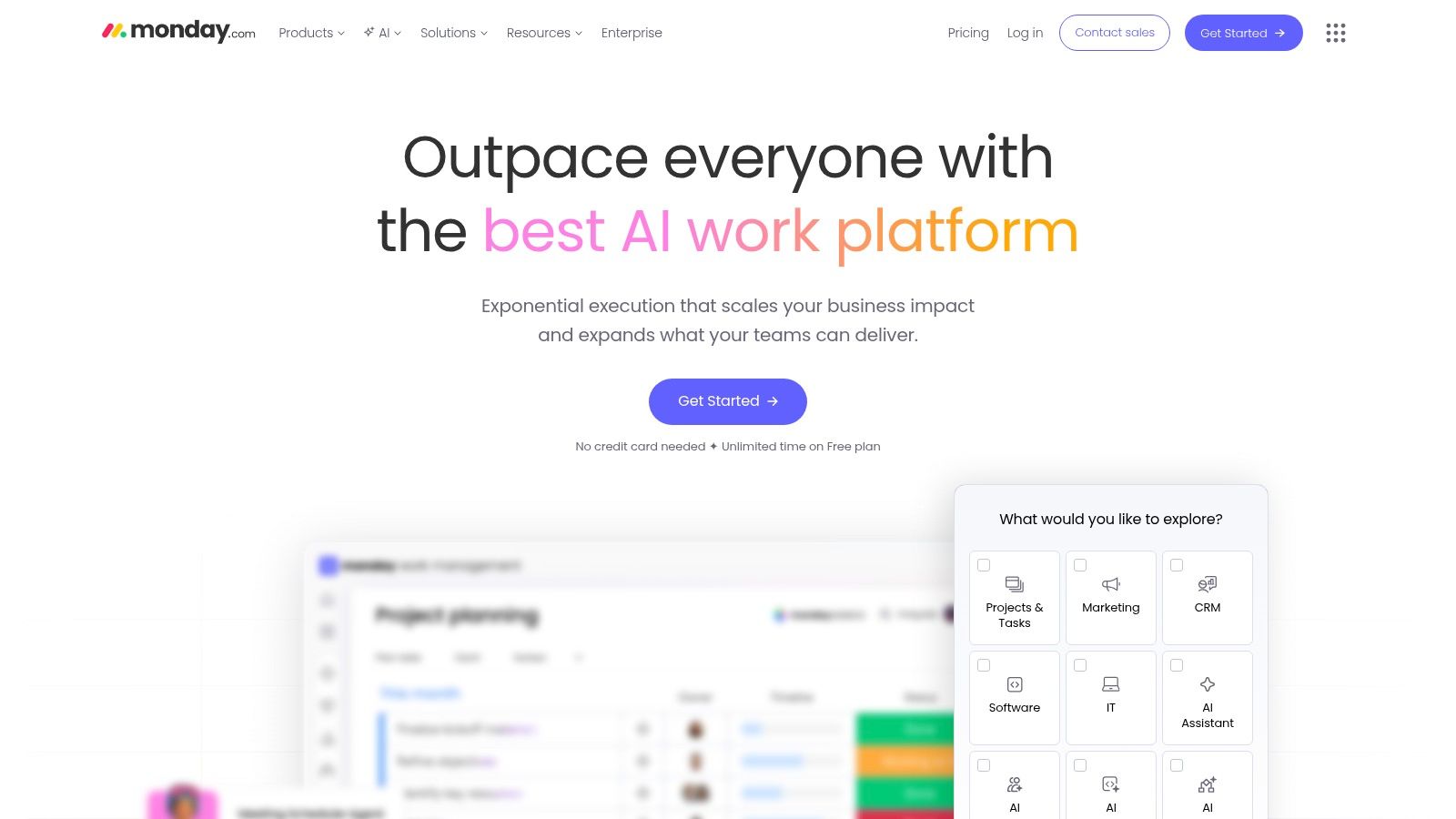
This is one of the best team collaboration tools for organizations that want to consolidate their work into one place without needing a developer. The power is in its configurability. Let’s be honest, that freedom can be a double-edged sword; without a clear plan, the boards can become a bit chaotic. But when set up with intention, the cross-departmental dashboards give leaders a genuine, real-time view of progress.
The Good, The Bad, and The Practical
What we like:
Extreme Flexibility: You can build almost any workflow using its board structure and column types. The template library is a great starting point.
Visual-First Interface: It’s intuitive and color-coded, making it easy to see project status, ownership, and deadlines at a glance.
Workflow Automation: The "if this, then that" automation recipes are simple to set up and save a ton of manual work on recurring tasks.
Where it falls short:
Seat-Based Pricing: Costs can add up quickly as you grow, especially with their minimum seat requirements on certain plans.
Tiered Feature Caps: Key features like advanced automations, integrations, and certain board views are locked behind higher-priced tiers.
A Quick Tip: Before you build from scratch, explore the template center. There are hundreds of pre-built boards for specific use cases like marketing campaigns, sales pipelines, and bug tracking that can save you hours of setup.
Find it here: monday.com Website
8. Notion
Notion is less of a tool and more of a box of Lego bricks for your team's brain. It's an all-in-one workspace that lets you build exactly what you need, whether that's a company wiki, a project tracker, or a content calendar. We’ve seen teams ditch a half-dozen separate apps for it because they can create a single, unified home for their knowledge and their work. It’s the ultimate flexible canvas for documentation and lightweight project management.
This is one of the best team collaboration tools for teams that need to organize information and projects their own way. The real power comes from its relational databases, which let you connect tasks to projects, meeting notes to attendees, and documents to teams. For teams evaluating flexible database and project management solutions, a detailed Airtable vs Notion comparison can help identify the best fit.
The Good, The Bad, and The Practical
What we like:
Extreme Flexibility: It's a wiki, a database, and a document editor all rolled into one. You can build simple wikis or complex, interconnected systems.
Strong Template Ecosystem: The community-driven template library means you rarely have to start from a blank page, which helps cross-functional teams get started fast.
Single Source of Truth: It can genuinely replace separate tools for wikis, notes, and light project tracking, reducing app sprawl.
Where it falls short:
Can Get Messy: Without clear rules and governance, a Notion workspace can quickly become a disorganized digital attic.
Cost for Control: Advanced permissions and security controls, which are vital for larger teams, are often locked behind the more expensive Business or Enterprise plans.
A Quick Tip: Before you go all-in, establish a small team to create a governance guide. Define how pages should be structured, what properties databases should have, and where things live. A little upfront planning prevents a massive cleanup project later.
Find it here: Notion Website
9. ClickUp
ClickUp is the ambitious one-stop shop that wants to replace every other tool on your desktop. We’ve seen it appeal to teams that feel the pain of subscription fatigue, tired of juggling separate apps for tasks, docs, and project planning. It’s an all-in-one work platform that pulls everything from tasks and wikis to whiteboards and chat into a single, highly customizable space. The sheer breadth of its feature set is its main draw.
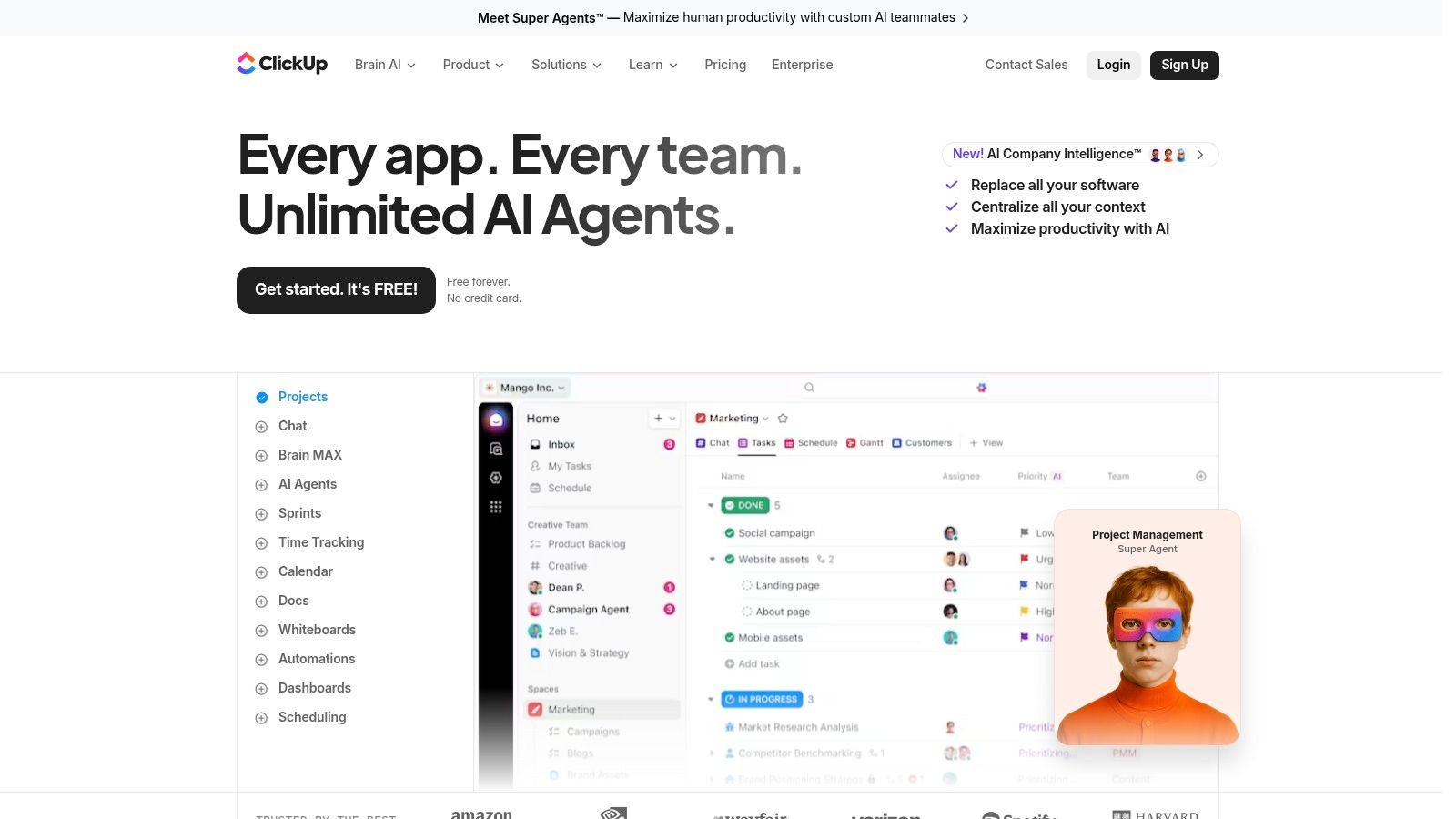
This is one of the best team collaboration tools for SMBs and mid-sized organizations aiming for serious tool consolidation without a huge price tag. Its aggressive product development means new features, especially AI-driven ones like its "ClickUp Brain" agents, are rolled out constantly. However, this rapid growth can sometimes lead to a user experience that feels a bit inconsistent across its many modules; it’s a powerful engine that might need some fine-tuning to run smoothly for your specific team.
The Good, The Bad, and The Practical
What we like:
Broad Feature Set: The ability to consolidate tasks, docs, whiteboards, and more in one place is a massive cost and complexity saver for many teams.
Rapid AI Innovation: ClickUp is moving fast with practical AI add-ons for writing, summarizing meetings, and automating tasks, keeping it on the front foot.
Cost-Effective Consolidation: The per-seat pricing is very competitive, making it an attractive option for companies looking to reduce their overall software spend.
Where it falls short:
Inconsistent UX: With so many features built so quickly, the depth and polish can vary between different parts of the platform.
Governance at Scale: Larger enterprises might find its administrative and security controls less mature compared to more established enterprise-focused tools.
A Quick Tip: Take advantage of the different "Views" (List, Board, Gantt, etc.). Don't try to use every feature at once. Start with one core workflow, like task management, and gradually introduce other features as your team gets comfortable.
Find it here: ClickUp Website
10. Miro
Sometimes, collaboration isn't about a task list or a chat channel; it’s about a blank canvas. Miro is that canvas, an infinite digital whiteboard where teams come together to think visually. We've seen it transform chaotic brainstorming sessions into structured, actionable plans. It excels where text-based tools fall short, giving a home to mind maps, user story maps, and complex workflow diagrams that need space to breathe.
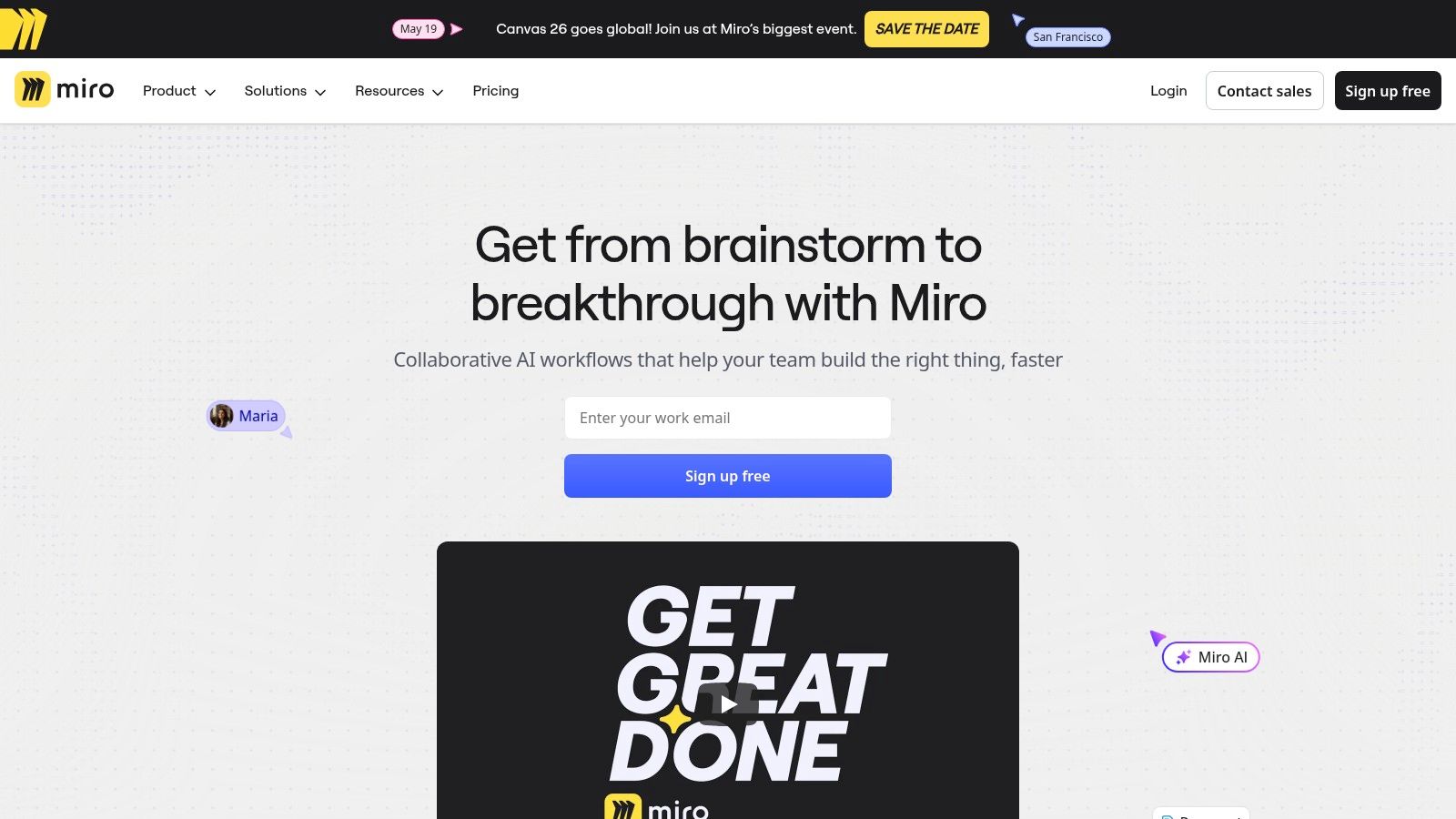
This is one of the best team collaboration tools for remote or hybrid teams that need to run workshops, ideate, or map out product strategies. Its real power is in facilitation. The built-in timers, voting tools, and an enormous library of templates for everything from retrospectives to AWS architecture diagrams make running a cross-functional session feel structured and productive, even when everyone is in a different time zone.
The Good, The Bad, and The Practical
What we like:
Best-in-Class for Workshops: The feature set for ideation and visual product discovery is unmatched. It’s built for creative, strategic work.
Deep Developer Integrations: The two-way sync with tools like Jira and Azure DevOps means visual plans on a board stay connected to the backlog where the work happens.
Rich Diagramming Features: It’s more than just sticky notes. You get robust libraries for UML, ERDs, and cloud infrastructure mapping that technical teams appreciate.
Where it falls short:
Requires Team Adoption: It’s a different way of working. Teams that aren't used to visual collaboration will need some guidance to get the most out of it.
Advanced Features are Gated: Critical enterprise needs like SSO and some of the more powerful integrations are reserved for the higher-priced Business and Enterprise plans.
A Quick Tip: Use the "Talktrack" feature to record a video walkthrough of your board. It’s perfect for asynchronously sharing complex ideas with stakeholders who couldn't attend a live session.
Find it here: Miro Website
11. Trello (by Atlassian)
If your team's mantra is "keep it simple," Trello is your tool. We've seen teams adopt it in an afternoon because its digital Kanban board is just so intuitive. You drag and drop cards across lists-from "To-Do" to "Done." It's the digital equivalent of sticky notes on a whiteboard, and that visual simplicity is its greatest strength. It strips away the complexity of heavyweight project management software, making it one of the best team collaboration tools for getting started fast.
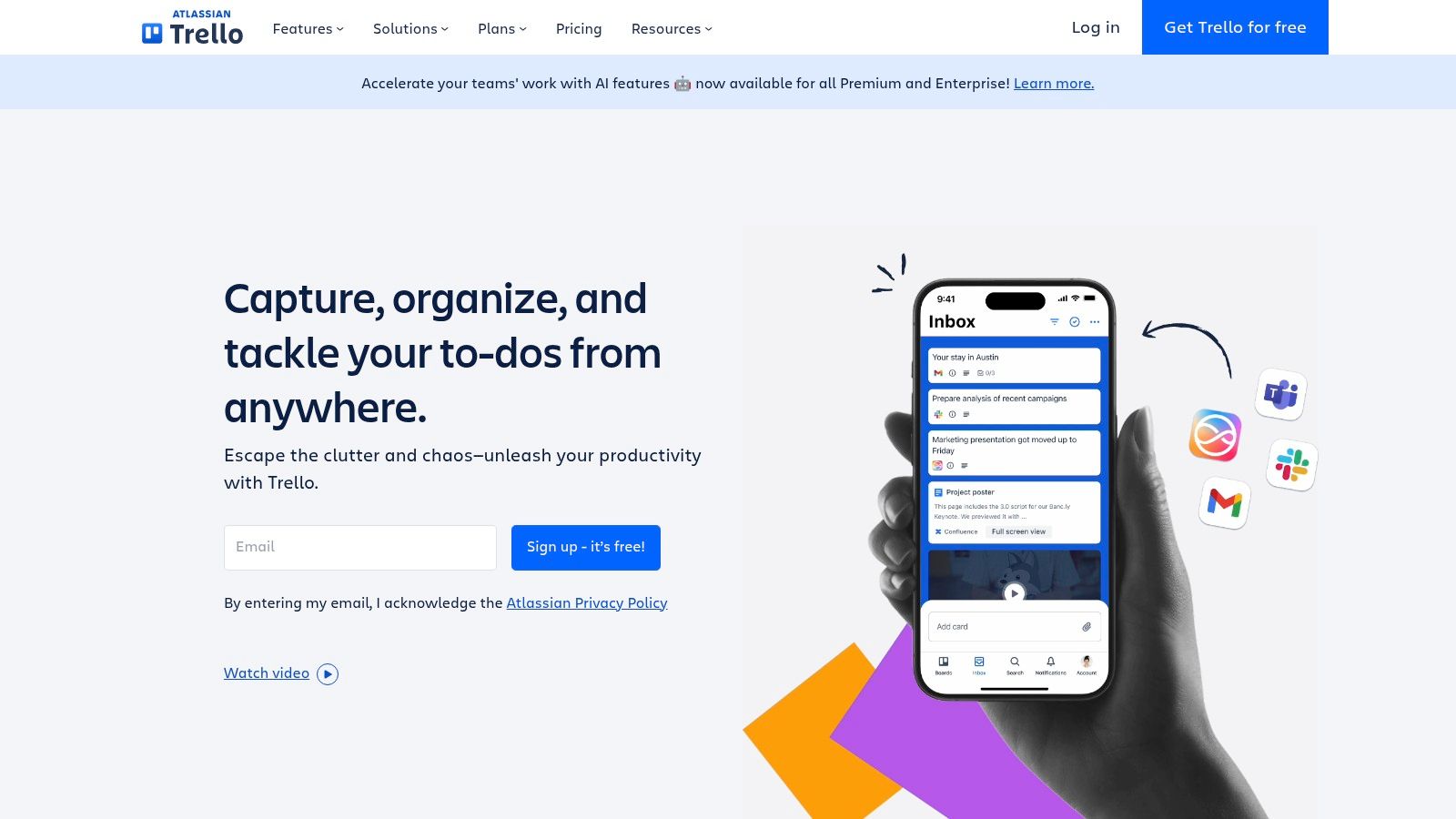
This is not the tool for complex resource planning or Gantt charts out of the box. Instead, it excels at managing straightforward workflows for marketing, content creation, or small development sprints. Its power grows through Power-Ups that connect it to other apps, and its built-in automation, Butler, can handle repetitive tasks like moving cards or adding checklists, which is a surprisingly powerful feature for such a simple tool.
The Good, The Bad, and The Practical
What we like:
Incredibly Easy to Learn: New team members can become productive in minutes. The learning curve is practically flat.
Visual Workflow Management: The Kanban board view makes it easy to see project status at a glance without digging through menus.
Powerful Automations: Butler automation is simple to set up and saves a ton of time on manual, repetitive tasks.
Where it falls short:
Limited High-Level Views: Without a Premium plan, you lack timeline, calendar, and portfolio views. Managing multiple projects can get messy as work sprawls across many boards.
Not for Complex Projects: It struggles with task dependencies and resource management needed for larger, more intricate initiatives.
A Quick Tip: Use the email-to-board feature to turn client requests or internal ideas directly into Trello cards. Each board has a unique email address; sending a message to it automatically creates a new card, ensuring nothing gets lost.
Find it here: Trello Website
12. Airtable
Airtable is what happens when a spreadsheet and a database have a very clever child. We've seen teams use it for everything from complex content calendars to bug tracking, completely bypassing the need for dedicated, single-purpose apps. It’s for teams who feel constrained by traditional spreadsheets but aren't ready to build a full-blown custom application. The magic is in its flexibility; you can model almost any structured workflow you can imagine.
This is one of the best team collaboration tools for building your own mini-apps without writing code. You start with a "base," which feels like a spreadsheet, but then you can link records between tables, create custom data entry forms, and build visual "interfaces" for your team to interact with the data. It's an incredibly powerful way to bring order to chaotic processes like marketing requests or project intake.
The Good, The Bad, and The Practical
What we like:
Build-your-own-tool Flexibility: It’s highly adaptable for creating structured workflows and custom databases for things like content operations or product roadmaps.
Structured Collaboration: The ability to create forms, interfaces, and automations makes it perfect for managing intake systems and team processes with clear rules.
Strong Extensibility: With a robust API and features like Sync, it plays well with other tools and can serve as a central source of truth for specific data.
Where it falls short:
Growing Complexity: As your bases grow in records and attachments, managing capacity limits and administrative overhead becomes a real job.
Per-Seat Pricing: The per-editor pricing model can get expensive quickly, especially for large teams or when you want to give many people editing access.
A Quick Tip: Start with a template. Airtable has a massive library of pre-built bases for common use cases. Find one that’s close to your needs and customize it instead of starting from a blank slate.
Find it here: Airtable Website
Top 12 Team Collaboration Tools — Comparison
Product | Core features | Quality (★) | Price & Value (💰) | Target (👥) | Unique selling points (✨) |
|---|---|---|---|---|---|
Pebb 🏆 | Chat (DM/groups/voice/video), Spaces (posts/tasks/files), shifts, clock‑in, PTO, Knowledge Library, analytics, 50+ integrations | ★★★★★ | 💰 Free tier; affordable, contact sales for enterprise | 👥 Frontline + office teams, SMBs, HR/internal comms | ✨ All‑in‑one frontline ops + social engagement; single‑link rollout; mobile‑first |
Microsoft Teams | Persistent chat, meetings, channels, SharePoint/OneDrive co‑authoring, enterprise governance | ★★★★☆ | 💰 Included with Microsoft 365; Frontline SKUs | 👥 Enterprises and orgs on M365 | ✨ Deep M365 integration, strong security & compliance |
Google Workspace | Chat/Spaces, Meet, Drive, Docs/Sheets co‑editing, Gemini AI (select tiers) | ★★★★☆ | 💰 Per‑user tiers; cloud‑first value for collaboration | 👥 Cloud‑centric teams, education, SMBs | ✨ Best real‑time co‑editing, simple sharing & cloud UX |
Slack | Channels, DMs, Huddles (audio/video), large app ecosystem, Slack AI (plans) | ★★★★☆ | 💰 Free tier; paid for full history & advanced compliance | 👥 Startups, cross‑company collaboration | ✨ Largest third‑party app ecosystem, shared channels |
Zoom Workplace / Zoom One | Meetings, Team Chat, Whiteboards, Zoom Docs, AI Companion | ★★★★☆ | 💰 Bundled pricing (varies by package) | 👥 Organizations prioritizing video meetings | ✨ Market‑leading video reliability + evolving chat/docs |
Asana | Tasks, Lists/Boards/Timeline (Gantt), Goals & Portfolios, templates | ★★★★☆ | 💰 Free tier; paid tiers for portfolios & advanced features | 👥 Project teams, PMOs, cross‑functional planners | ✨ Strong dependency & portfolio visibility |
monday.com Work OS | Configurable boards, automations, dashboards, modules (CRM/Dev/Service) | ★★★★☆ | 💰 Seat‑based pricing; flexible but can scale costly | 👥 Ops teams, cross‑functional workflows | ✨ Highly configurable visual Work OS + automations |
Notion | Docs, Wiki, relational pages, teamspaces, templates | ★★★★☆ | 💰 Free/personal; team tiers for advanced permissions | 👥 Knowledge teams, startups, lightweight PM | ✨ Unified docs + databases; flexible knowledge hub |
ClickUp | Tasks, Docs, Whiteboards, Dashboards, integrated chat, AI roadmap | ★★★★☆ | 💰 Competitive per‑seat pricing; many features included | 👥 SMBs & midsize orgs seeking consolidation | ✨ Broad feature consolidation + aggressive AI features |
Miro | Infinite canvases, templates, workshop tools, timers/voting, integrations | ★★★★☆ | 💰 Free tier; paid for advanced workshop & SSO features | 👥 Product teams, designers, facilitators | ✨ Best‑in‑class visual collaboration & facilitation tools |
Trello (Atlassian) | Boards, lists, cards, Butler automations, Power‑Ups | ★★★☆☆ | 💰 Affordable tiers; simple cost model | 👥 Small teams, personal productivity | ✨ Extremely simple Kanban workflow, quick adoption |
Airtable | Relational bases, interfaces, forms, automations, API & sync | ★★★★☆ | 💰 Free tier; per‑editor pricing can increase at scale | 👥 Ops, content, product teams building low‑code apps | ✨ Spreadsheet‑meets‑DB flexibility for mini‑apps and workflows |
Final Thoughts
We’ve just walked through a dozen of the best team collaboration tools on the market. It’s a lot to take in. You’ve seen everything from the all-in-one giants like Microsoft Teams and Google Workspace to specialized players like Miro for whiteboarding and Asana for pure project management. Each one promises to fix communication, simplify workflows, and bring your team closer.
The truth is, no single tool is a magic wand. The real challenge isn't just picking a tool; it's understanding the job you need it to do. Are you trying to stop the constant flood of emails? Or do you need a clear, visual way to see who is working on what, especially for your frontline staff? The perfect tool for a creative agency wrestling with visual feedback (hello, Miro) is entirely wrong for a retail chain managing hundreds of shift schedules.
How to Actually Choose
Let’s be honest, the "best" tool is the one your team will actually use. It's that simple and that complicated. A powerful platform with a steep learning curve might get abandoned in weeks, leaving you right back where you started, only with a lighter wallet. Adoption is everything.
Here’s the process I’ve seen work time and again:
Define the Core Problem: Don't start by looking at features. Start by writing down the one or two biggest frustrations your team faces every day. Is it disorganized communication? Missed deadlines? Trouble coordinating shifts? Be specific.
Involve Your Team: Don't make this decision in a vacuum. Your frontline supervisors, your remote workers, your in-office power users, they all have a point of view. Ask a small, diverse group to test your top two or three contenders. Their gut feelings are often more valuable than a feature comparison chart.
Consider Your "Hub": Where does your team live digitally? If everyone is already deep into the Google ecosystem, adding Google Workspace is a natural, low-friction move. If your company runs on Microsoft 365, Teams is the default for a reason. But if you're managing a distributed, mobile-first workforce in logistics or healthcare, a dedicated mobile app might be the only "hub" that makes sense.
The biggest mistake we see is tool fatigue. Companies pile on one app for chat, another for tasks, a third for scheduling, and a fourth for announcements. Each one requires a separate login, a different interface, and its own set of notifications. The result isn't collaboration; it's chaos. It fragments communication and leaves your frontline and deskless workers feeling disconnected and overwhelmed.
Choosing one of the best team collaboration tools is an opportunity to simplify, not to add another layer of complexity. The goal is to find a single, calm place where work happens. A place that supports both the project managers at their desks and the shift workers on their feet. The right tool doesn't just add features; it removes friction and brings people together. So, take a deep breath, look at the real work your team does, and choose the tool that fits that reality.
After exploring all these options, you might find your needs are more specific, especially if you manage a mobile or frontline workforce. If you're looking for a single app to replace the mess of chat, scheduling, and task tools, we built Pebb for you. It's a calm, unified platform designed to connect your entire team, from the front desk to the back office.
