
Enhancing Employee Experience: A Practical Playbook
Tired of vague advice? This is a practical playbook for enhancing employee experience. Learn to assess, act, and measure what truly matters to your team.
Dan Robin
Most advice about employee experience starts in the wrong place. It starts with perks, campaigns, and slogans. It talks about culture as if culture lives in posters, gift boxes, or a better annual survey.
It doesn't.
Employee experience lives in the ordinary parts of work. It lives in whether people can find the policy they need without asking three coworkers. It lives in whether a store manager can reach the right shift team fast. It lives in whether a new hire gets one clear path on day one or a pile of disconnected PDFs and a lot of guessing.
That's why enhancing employee experience is less like launching an HR program and more like maintaining a company operating system. If the system is messy, people feel it every day. If the system is clear, calm, and easy to use, people feel that too.
The Great Misunderstanding About Employee Experience
The big misunderstanding is simple. People treat employee experience like a mood problem when it's really a work design problem.
A lot of companies still act as if a stronger experience comes from adding things. More perks. More messages. More initiatives. More “engagement moments.” Meanwhile, actual friction stays put. Schedules are still hard to access. Updates are still buried in email. Frontline workers still miss information because the channel doesn't fit the job.
That's backwards.
According to AIHR's roundup of employee experience statistics, employees who report a positive employee experience are 16 times more engaged than those with a negative one, and they are nearly 8 times more likely to stay with their employer. That's the clearest argument for taking this seriously. Experience shapes engagement and retention. It isn't a side concern.
Respect shows up in the workflow
The healthiest teams I've seen rarely talk about employee experience in those words. They talk about fixing what slows people down. They clean up approval paths. They make information easier to reach. They stop forcing people to jump between five tools to do one job.
That's what respect looks like at work.
Practical rule: If a process annoys managers every week, it's already damaging employee experience.
This matters even more in mixed workforces. Office staff can often work around bad systems because they sit at a laptop all day. Frontline teams usually can't. If a nurse, warehouse lead, or restaurant supervisor has to chase updates across text threads, paper notices, and email, the company has made basic work harder than it needs to be.
Perks don't fix operational friction
Perks can be nice. They just can't carry the weight people ask them to carry.
Free lunch doesn't solve bad onboarding. A recognition campaign doesn't fix unclear communication. A wellness app won't undo a chaotic scheduling process. These things may help around the edges, but they won't repair the daily experience of work if the underlying system is clumsy.
A better frame is this:
Employee experience is operational: It shows up in tools, processes, manager habits, and communication.
Employee experience is cumulative: Small frustrations stack up. So do small improvements.
Employee experience is observable: You can see it in repeated questions, dropped handoffs, missed updates, and avoidable confusion.
Good teams stop treating this like a branding exercise. They treat it like maintenance. Quiet, steady, useful maintenance.
First Just Listen and Look
Most companies move to fixes too fast. They hear a few complaints, buy a tool, rename a program, and hope morale improves.
That's usually wasted motion.
If you want to improve the experience of work, start by understanding where the friction is. Not where leadership assumes it is. Not where the loudest person says it is. Where it really is, in the day-to-day flow of getting work done.
A practical starting point, according to Elevate Leadership's guidance on employee experience, is mapping the employee journey and using mixed-method feedback such as surveys, interviews, and focus groups to find the “moments that matter.” That matters because it helps teams focus on changes that can affect retention and engagement, instead of treating every complaint as equally urgent.
Use more than one listening method
A single annual survey won't tell you enough. It gives you a snapshot, but not the full story. By the time results come back, the context has often changed.
You need a mix.
Pulse surveys help you catch movement early.
Stay interviews show why solid people remain and what might push them away.
Exit interviews reveal patterns people were too polite to say while they were still employed.
Focus groups help you hear the nuance behind the numbers.
If you want a useful template for gathering sentiment in a simpler way, this guide to job satisfaction surveys is a practical place to start.
Look at behavior, not just answers
Listening isn't only about asking questions. It's also about paying attention.
Where do people get stuck? Which update channels are ignored? Which teams keep asking the same question? Where does a conversation start strong and die because no one knows who owns the next step? Those signals matter because they show where the system is failing, even when employees don't phrase it that way.
The most valuable feedback often doesn't arrive as feedback. It arrives as repeated workarounds.
That's especially true in frontline settings. People under task pressure don't always fill out long forms or write thoughtful comments. But they do show you where the friction is. They use unofficial channels. They skip slow processes. They ask supervisors for information that should have been easy to find.
Map the moments that shape trust
Journey mapping sounds formal, but it's really common sense with a bit of structure. Walk through the employee life cycle and ask what an employee experiences at each point.
A simple version might include:
Joining the company: Was the first week clear or chaotic?
Finding information: Can people locate the basics without hunting?
Communicating with managers: Are updates timely and relevant?
Handling routine tasks: Is it easy to request time off, swap shifts, or complete forms?
Moving through change: When policies shift, do people understand what changed and why?
The point isn't to create a perfect map. The point is to stop guessing.
Find and Fix the Small Annoyances
Most real progress happens not in a grand transformation deck, but in the small annoyances that everybody has learned to tolerate.
A weak employee experience is usually a pile of tiny irritations. None of them seem dramatic on their own. Together, they make work feel heavier than it should.
Start with what people trip over every day
When teams say communication is broken, they usually don't mean they want more communication. They mean the current setup is noisy, fragmented, or badly timed.
Firstup's guidance on improving employee experience points to an important shift. The better practice isn't more communication. It's fewer, more relevant interventions, with attention to digital overload and channel fit, especially for frontline teams.
That matches what works in practice.
If a store associate gets updates through a messy mix of WhatsApp, SMS, a bulletin board, and a manager's memory, the fix is not another announcement. The fix is one reliable place for that team's updates, documents, and tasks.
A few before and after examples
The patterns are boring. That's why they matter. Most friction at work is boring.
Before | After |
|---|---|
New hires receive scattered PDFs from different people | One central onboarding path with the right docs in order |
Policies live across email threads and shared drives | A searchable knowledge base with current versions |
Shift teams rely on informal chats for critical updates | A dedicated team space with clear ownership |
Routine requests happen through paper or ad hoc messages | Standardized digital forms with status visibility |
A lot of this comes down to reducing places to look. Every extra login, folder, thread, and workaround adds drag. Teams feel that drag even when leaders don't.
If you're replacing paper processes or scattered requests, digital tools for common workflows can help. This overview of digital forms for employees shows the kind of routine friction that's worth removing first.
Don't overbuild the fix
One common mistake is solving a small annoyance with a giant project. That slows everything down and usually creates new confusion.
If employees can't find the holiday schedule, don't launch a six-month transformation effort. Put the schedule in one obvious place. If onboarding is messy, don't start with a broad culture redesign. Start by making day one less fragmented.
Good employee experience work often looks unimpressive from the outside. Then people notice they're no longer fighting the system.
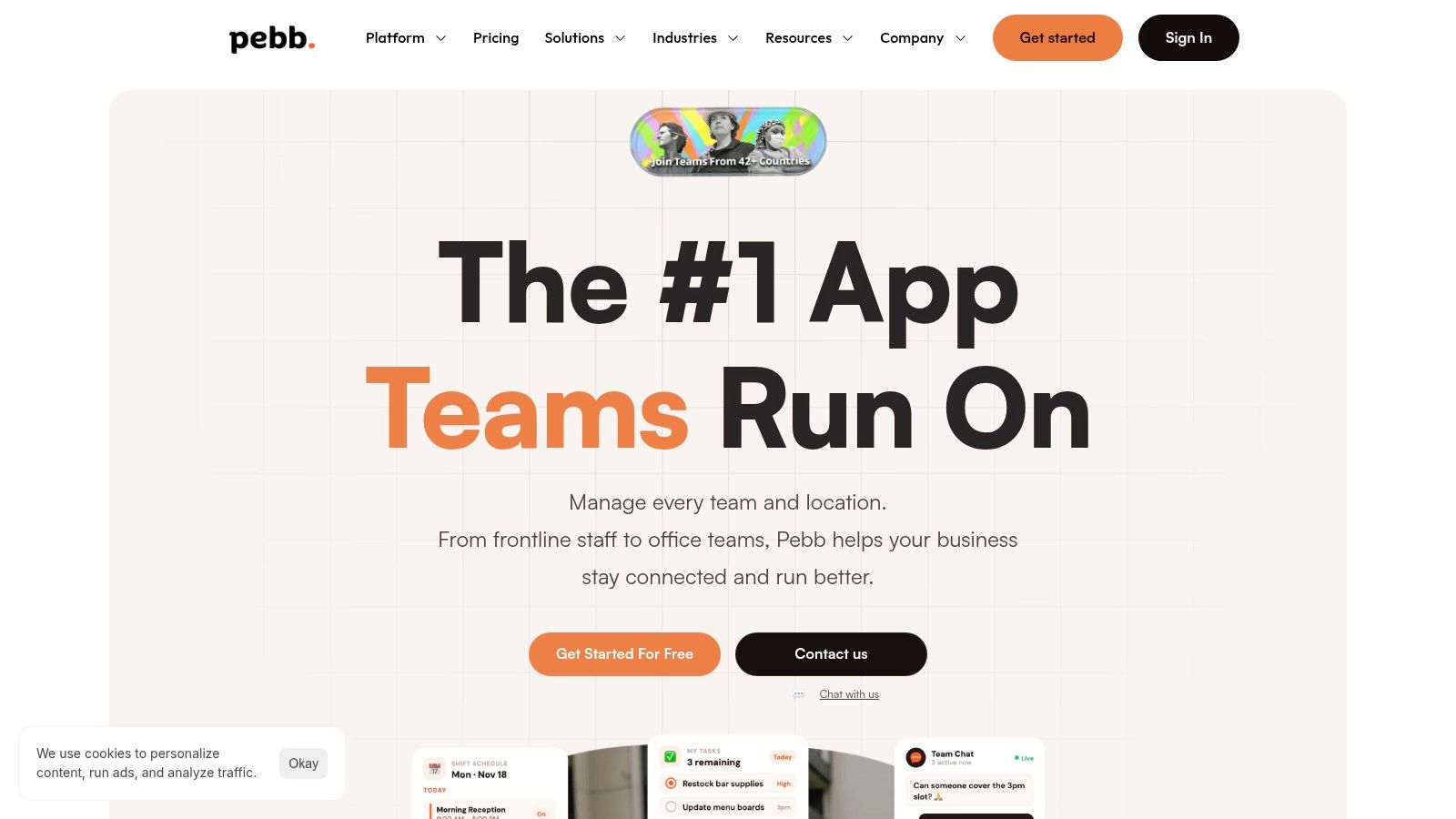
A unified app can help by reducing switching costs. Instead of pushing people across separate tools for chat, updates, files, tasks, and scheduling, one system can hold the daily flow together. Pebb is one example of that approach. It combines communication, tasks, knowledge, file sharing, shifts, and people directory features in one place, which is useful when both frontline and office teams need a simpler path through routine work.
Fixes that are small but not trivial
The best small fixes usually share three traits:
They remove repeat friction: The problem shows up every week, not once a year.
They affect many people: Even if the issue seems minor, lots of employees touch it.
They save attention: People stop wasting time figuring out where to go or what to do.
That last point is underrated. Attention is scarce. If you burn it on needless complexity, people have less left for the work that matters.
Employee experience improves when work gets clearer. Not louder. Not shinier. Clearer.
Roll It Out Calmly Not With a Bang
A lot of internal rollouts fail for the same reason big renovations fail in lived-in houses. Too much disruption at once. Too many promises. Too little patience.
If you're serious about enhancing employee experience, don't launch like you're unveiling a new logo. Launch like you're introducing a better habit.
Gallup's employee experience framework treats this as an end-to-end discipline built around the employee life cycle and key moments, not a one-off campaign. That structure matters, especially when the engagement problem is already so large. Gallup reported that 59% of the world's employees were not engaged and 18% were actively disengaged in 2023 in its discussion of employee experience and workplace culture.

Start where the pain is real
Don't begin with a company-wide mandate. Begin with one team that has an obvious problem and wants relief.
That might be a warehouse team struggling with handoff updates. It might be a regional retail group buried in scheduling confusion. It might be an onboarding-heavy department tired of repeating the same instructions to every new hire.
When the pain is real, adoption takes less force.
A small pilot also lets you learn what people need. Not what the rollout committee assumed they needed. You'll see which instructions are too vague, which permissions are too loose, and which workflows are still one step too long.
Make progress visible, not loud
Big launches create pressure. Calm rollouts create evidence.
You don't need a giant internal campaign. You need a visible example of work getting easier. When one team spends less time chasing updates, other teams notice. When a supervisor stops juggling five channels to reach staff, people ask what changed.
That kind of pull is more durable than top-down pressure.
Rollouts work better when employees discover relief before they hear the pitch.
There's also a trust issue here. Employees have seen plenty of “new initiatives” come and go. If you want them to believe this one matters, don't start with promises. Start with a problem they already recognize and a fix they can feel.
Keep the operating rhythm simple
A calm rollout usually follows a plain rhythm:
Pick one team with urgent friction
Solve one or two visible problems
Watch usage and questions closely
Adjust fast
Share the practical wins with other teams
That's slower than a big-bang launch in the first week. It's faster by the third month because you spend less time cleaning up resistance.
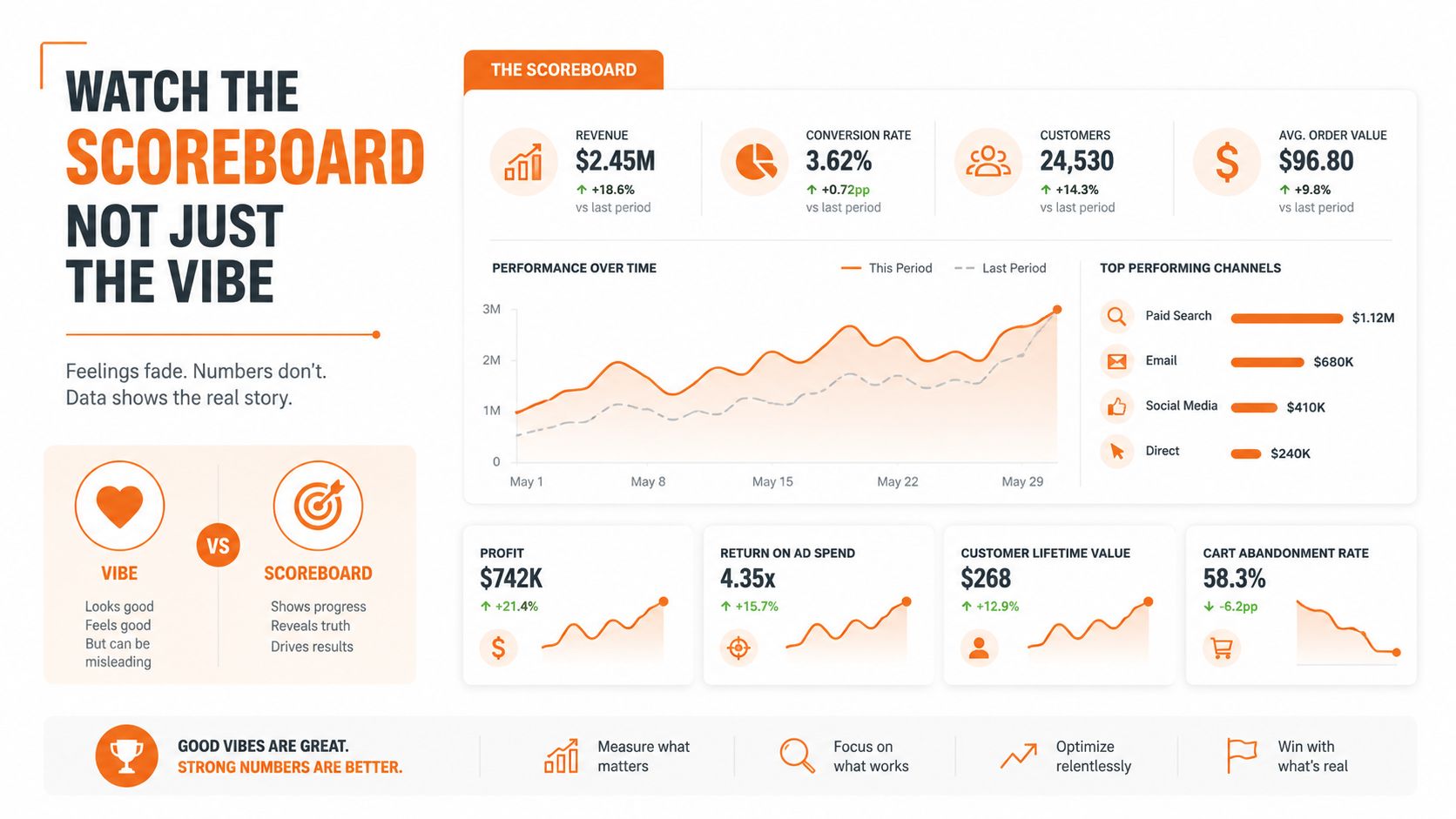
Watch the Scoreboard Not Just the Vibe
Good intentions can fool you. A cleaner app, friendlier language, and a well-received launch can create the feeling of progress long before anything important has changed.
That's why you need a scoreboard.
According to Density's employee experience strategy guidance, the main implementation pitfall is failing to set measurable targets and feedback loops. It recommends tracking KPIs such as retention, productivity, and absenteeism, while pairing them with targeted surveys so average scores don't hide problems in specific groups.
What to measure
The right metrics depend on the friction you're trying to remove. But they should connect to real work outcomes, not just surface sentiment.
Metric | What It Measures | Why It Matters |
|---|---|---|
Retention | Whether people stay | Shows whether the experience is sustainable |
Productivity | How smoothly work gets done | Reveals whether tools and processes reduce drag |
Absenteeism | Missed work patterns | Can signal frustration, burnout, or operational strain |
Targeted survey feedback | Sentiment at a specific moment or process | Adds context that broad averages often miss |
If you want a broader view of how teams track this in practice, these employee engagement metrics offer a useful companion read.
For a more focused look at building a measurement habit around communication and experience, this guide on how to measure employee engagement is worth keeping nearby.
Avoid the average-score trap
A company average can hide a lot. One office may be thriving while a frontline region is drowning in confusion. One department may have a great manager while another has turnover risk simmering.
So don't only ask, “Did the company score improve?”
Ask sharper questions.
Which group improved?
Which location didn't?
Did the change help new hires, managers, or only headquarters staff?
Did one pain point improve while another got worse?
That's the essential work of measurement. You're not collecting numbers for a slide. You're checking whether life at work got better for actual people in actual teams.
Use data to close the loop
Measurement isn't surveillance. It's follow-through.
If you changed onboarding, remeasure onboarding. If you changed communication for shift teams, watch whether missed updates and repeated questions fall. If people said they couldn't find basic information, check whether that complaint still appears a month later.
The loop matters as much as the metric. Employees pay attention to whether their feedback changes anything. If they never see progress, they stop giving honest input. Then the whole system goes blind.
The Work Is Never Done and Thats a Good Thing
There isn't a finish line for this.
That's not bad news. It's the reason the work stays useful. Teams change. Managers change. Tools change. What felt smooth last year can feel clumsy now. A company that accepts this tends to build better habits than one chasing the perfect program.
The healthiest approach is steady and unspectacular. Listen carefully. Fix one friction point. Measure what changed. Then do it again. Over time, those small repairs add up to a workplace that feels more coherent, more respectful, and easier to move through.
That's what an employee experience operating system really is. Not a campaign. Not a slogan. A practice.
And the nice part is you don't need a sweeping strategy deck to begin. You can start with one irritation your team deals with every week. One confusing process. One messy handoff. One place where people waste attention hunting for basic information.
Fix that first.
Then keep going.
If you want one place to bring communication, tasks, knowledge, scheduling, and employee feedback together, Pebb is built for exactly that kind of everyday operational work. It gives frontline and office teams a shared digital home, which makes it easier to reduce friction, listen continuously, and see what's improving over time.
