
The Best Employee Onboarding Software Free for 2026
Find the best employee onboarding software free to streamline your hiring process. Compare tools and features designed for modern teams.
Dan Robin

I still remember my worst first day. A pile of paperwork, a forgotten laptop, and eight awkward hours trying to look busy. That's the core problem with onboarding, it's not a formality, it's the first proof that your company can keep its promises. And too often, it fails in the first week.
That's why employee onboarding software free matters more than people think. The market is built on a real gap between having a process and having a process that works, especially when traditional onboarding leaves most employees unimpressed and many new hires deciding early whether they fit in the role Yomly's onboarding statistics compilation. The good news is that free tools can get you out of spreadsheet chaos fast. The bad news is that a lot of “free” onboarding software is just a thin wrapper around limits, and those limits show up right when your team starts growing.
I've tested enough of these tools to know the pattern. Some are great for frontline teams, some are better for HR paperwork, and some are just clean ways to build a checklist. The mistake is picking one because it sounds generous. Pick the tool that matches the work.
1. Connecteam
Connecteam is the one I'd start with if onboarding has to work on phones, in stores, on sites, or across shifts. It is built for people who do not sit at a desk all day, and that is where a lot of free onboarding tools fall apart. Its website makes the product range easy to see, and the mobile-first setup makes sense for day-one rollout Connecteam.

Practical rule: if onboarding has to happen across locations, start with a tool that was built for the phone first.
The free Small Business Plan, up to 10 users, gives you enough room to standardize a real process before you pay. That matters because free plans often become useless the moment you need task ownership, document collection, and training in the same place. Connecteam gives you onboarding checklists, training, forms, documents, chat, and news updates, so managers can run the first week instead of improvising it. If you are onboarding frontline reps, whether that is retail staff or a team like Hire SDRs, the mobile setup keeps the work where people do it.
Why I'd use it
Connecteam works best when you want repeatable onboarding for a small team that still needs structure. The mix of task checklists, acknowledgments, and team chat makes it easy to handle the basics without sending people into a maze of links and PDFs. I also like that it keeps culture and operations in the same place, because new hires need both. When the free tier runs out, it usually means you have outgrown the small-team setup.
2. Newployee
Newployee is for teams that want onboarding to feel like a real journey, not a pile of to-dos. It's lighter than a full HR system, and that's the point. You're building a path for new hires, internal moves, or exits, not buying a giant suite you'll never fully use Newployee.
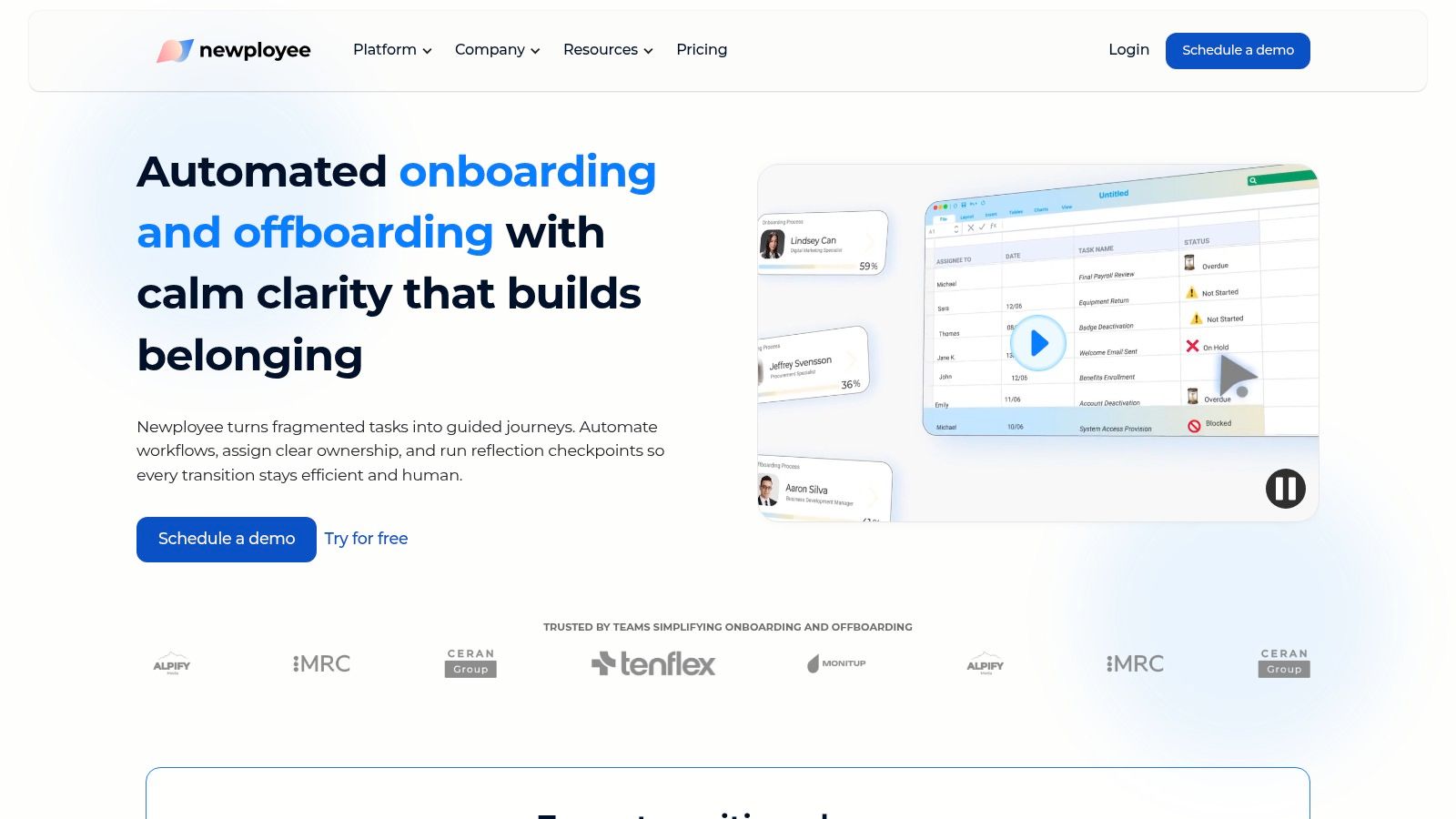
The free plan lets you run 1 active onboarding journey per month, which is enough to validate your process before you commit. That's a useful ceiling, not a flaw, because many teams don't need more complexity while they're still figuring out who owns each step. Newployee's drag-and-drop journey builder keeps the setup simple, and the mix of tasks, messages, and surveys makes it better for teams that care about feedback, not just completion.
Where it fits
I'd use Newployee when onboarding is still a work in progress and you want to test the shape of the experience. The templates help you avoid starting from zero, and the basic analytics give you a sense of what new hires finish and where they stop. It's not trying to be a whole HR platform. That's good. Free software gets dangerous when it starts pretending to do everything.
3. TalentLMS
TalentLMS makes sense when onboarding is really training in disguise. If your new hires need courses, quizzes, and certificates before they can do the work, an LMS is often the cleanest free option. TalentLMS is straightforward about that orientation, and its free plan is easy to understand TalentLMS.
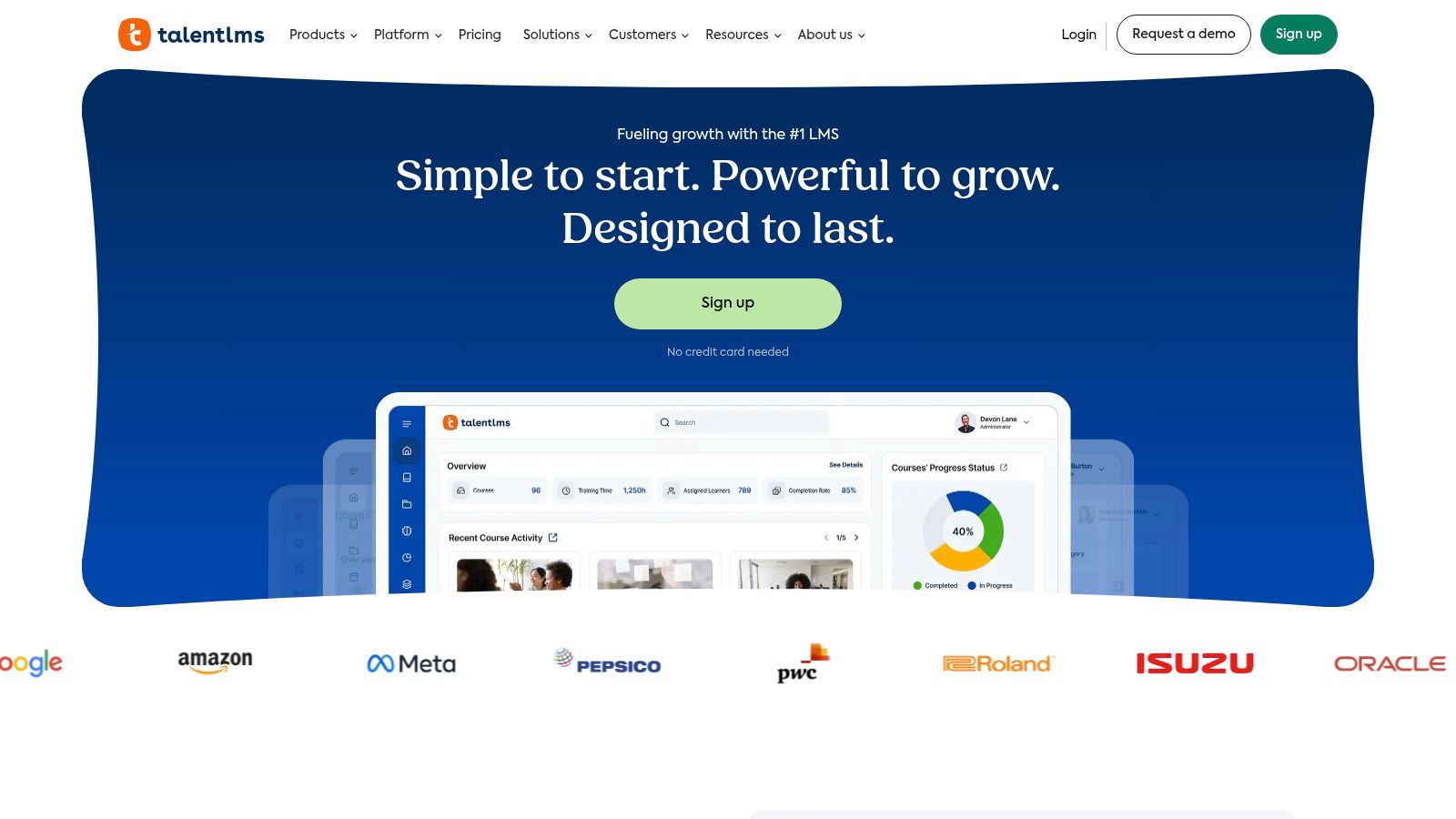
The free plan supports 5 users and 10 courses indefinitely, which is enough for small pilots and focused training programs. That makes it a strong choice when onboarding is mostly policy education, product knowledge, or compliance basics. It also gives you mobile apps and offline access, so the learning side doesn't get trapped on one device.
If your onboarding lives in slides and shadowing sessions, you're already overdue for a training system.
My take on it
Use TalentLMS when the problem isn't workflow, it's learning. You can pair it with a separate checklist tool or HR process, but I wouldn't force it to carry every onboarding task by itself. The scaling path is clear, and that matters. A lot of free tools feel like dead ends. This one feels like a real starting point.
I'd also read Pebb's overview of employee onboarding software before you decide whether you need training software or a broader work app. The distinction matters more than vendors admit.
4. Bitrix24
Bitrix24 is the messy but powerful option. It isn't built only for onboarding, which is exactly why some teams like it. If you need one free hub for tasks, docs, chat, and basic HR workflows, Bitrix24 can hold the whole thing together Bitrix24.
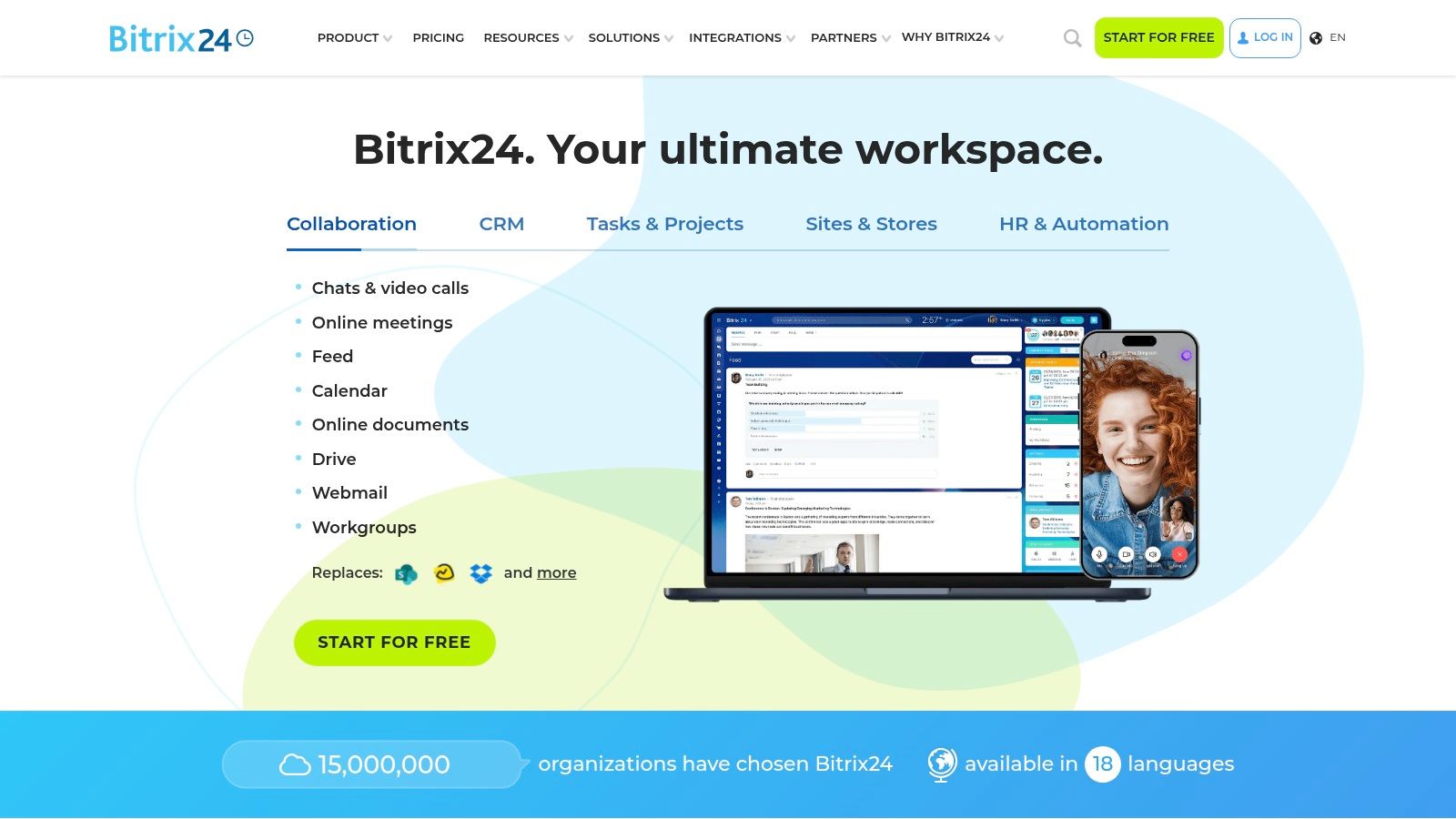
The upside is obvious. You can centralize IT, HR, and manager tasks without stitching together three separate products. The downside is just as obvious. A broad tool takes real setup, and if you only want onboarding, the interface can feel heavier than it needs to. That's the trade-off. You get range, but you pay for it in attention.
When I'd choose it
I'd choose Bitrix24 when onboarding touches too many people to live in one simple checklist. A single no-cost workspace can be enough for pre-boarding and day-one coordination, especially if you want forms, knowledge base access, and team communication in the same place. But I wouldn't hand it to a small team that just wants clean onboarding flows. It's too much tool for that job.
5. Pipefy
Pipefy is for teams that think in workflows. If your onboarding has stages, approvals, and handoffs, Pipefy gives you the structure to run it like a process instead of a scramble. That's where no-code workflow tools earn their keep Pipefy.
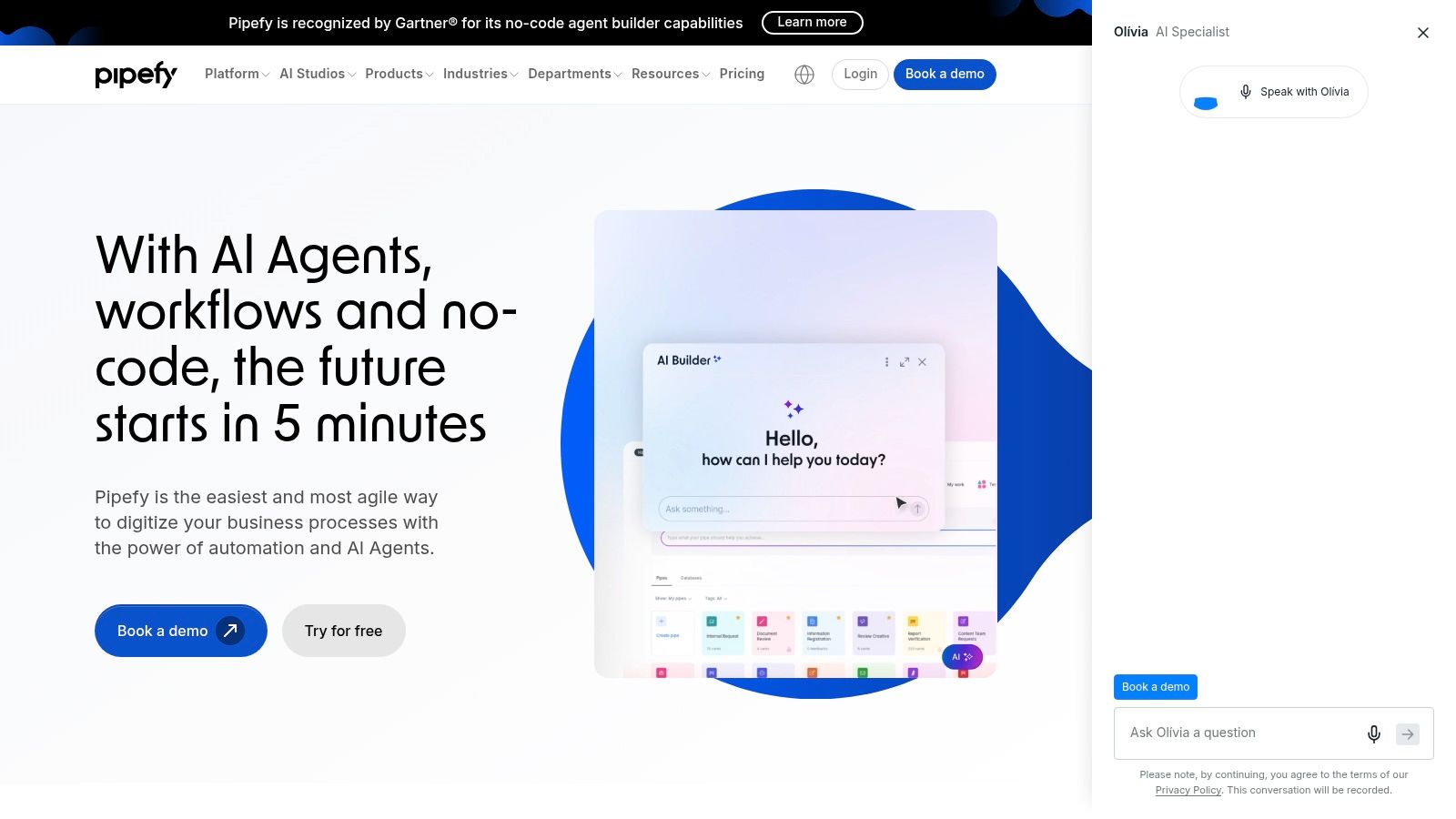
The free plan is enough to test templates, forms, task routing, email triggers, and approvals. That's a solid base for HR and IT coordination, especially when each team owns a different slice of the onboarding work. I like that Pipefy keeps the logic visible. You can see who's responsible, what stage the hire is in, and where things stall.
Good fit, bad fit
Pipefy is strong when the process is the product. It's not my first pick for culture-building or content-heavy onboarding, but it's a smart choice for structured operations. The paid plan provides more depth, which is where you'd go once the free version stops being enough. If you're still defining your workflow, Pipefy gives you a clean place to do it.
6. Airtable
Airtable is what I'd use if I wanted a flexible onboarding tracker that doesn't feel like a spreadsheet from 2012. It sits in the middle between database and app, which makes it useful for teams that want to model their own process without starting from scratch Airtable.
The free tier works well for a standardized onboarding base, with forms, views, automations, and permission controls available in a light-touch way. I'd use it to track pre-boarding, equipment, access, and owner assignments in one place. It's especially good when your process changes by role or location. You can shape it to match your team instead of forcing your team into a rigid template.
Practical rule: use Airtable when you know your process is weird, because “weird but organized” is where it shines.
The catch is governance. HR-specific pieces like e-sign or tax forms usually need integrations or add-ons, so this is not a full onboarding suite. It's a smart control center. That's different.
7. Notion
Notion is still one of the easiest ways to build a polished new-hire hub without much friction. It's strong for culture, docs, reading lists, and onboarding checklists, especially if your team already lives in knowledge work all day Notion.

I like Notion when the onboarding experience should feel calm and well organized. Databases let you track tasks, equipment, access, and reading lists. Templates make it fast to stand up something usable, and the page format is friendly for policies, org charts, and welcome material. It's not trying to be HR software. That's fine.
Where it falls short
Notion lacks native HR compliance features, so you'll need integrations for things like e-sign or tax paperwork. Permission controls and SSO are also paid features, which matters once you have more people and more sensitive information to manage. For small teams, though, it's hard to beat for speed. If you want a clean front door for new hires, Notion still does the job well.
8. Jotform
Jotform is what I recommend when your first job is to get people off paper. It's a forms-first tool, and that's exactly what makes it useful for onboarding packets, document collection, and signature capture Jotform.
The free plan includes 5 forms, which is enough for many small teams to digitize the core packet quickly. The onboarding app template is the part I like most. It packages steps into one mobile-friendly experience instead of scattering them across links and emails. Jotform Sign also gives you a basic e-sign path, which makes the whole thing more complete.
I'd pair it with Pebb's employee onboarding form template guidance if you're building a cleaner intake flow. Forms are only useful when they lead somewhere. Jotform gives you the intake. Your process has to do the rest.
9. Dropbox Sign
Dropbox Sign is the right free tool when the only thing blocking your onboarding is signatures. Offer letters, policy acknowledgments, and onboarding packets are all easier when you stop chasing wet ink and attachments Dropbox Sign.
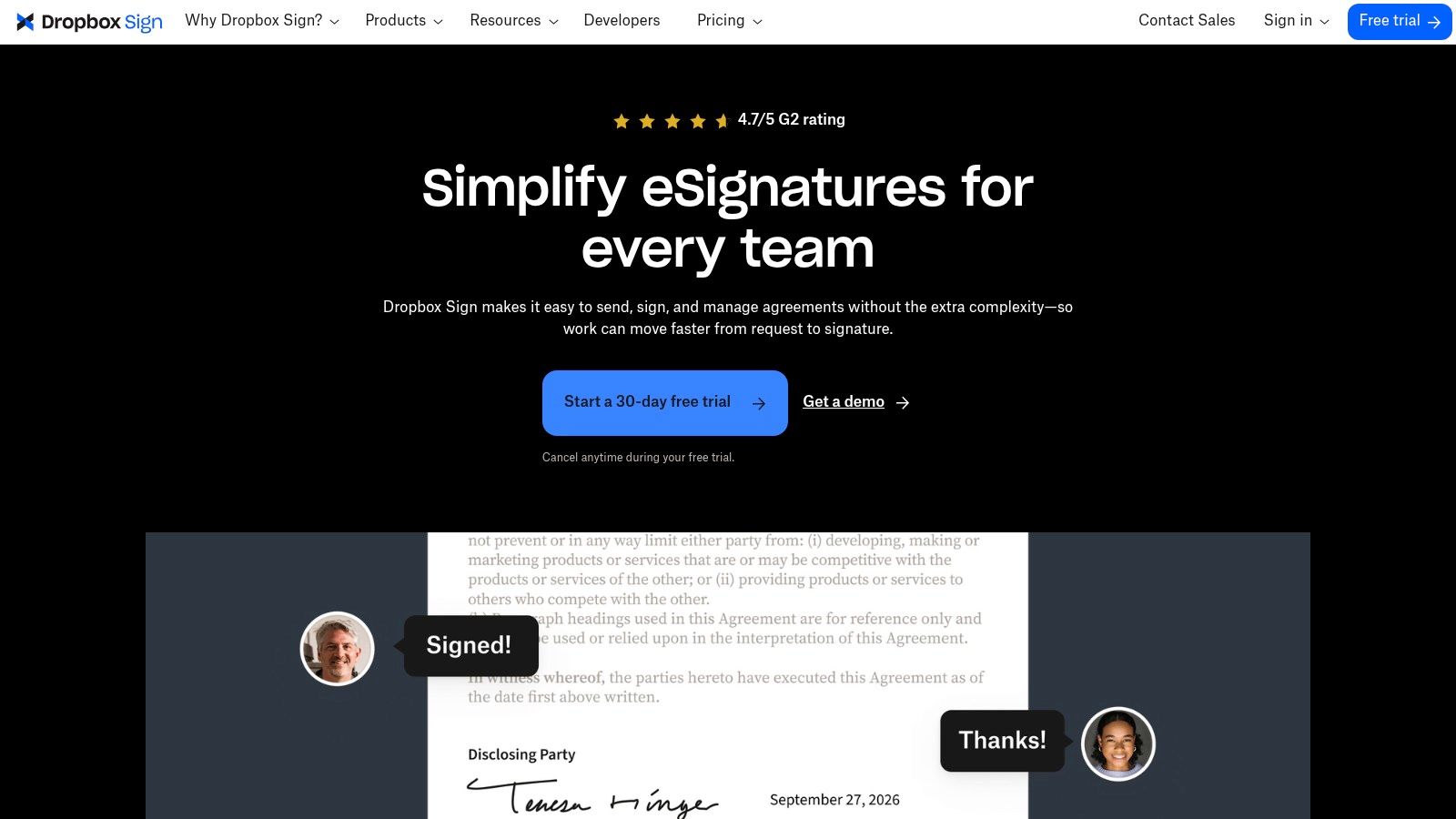
The free plan allows 3 signature requests per month plus unlimited self-signing. That's modest, but useful. It gives you enough room to test a compliant e-sign flow before you pay for more volume. The reusable templates and audit trails keep the process tidy, and the low learning curve helps HR and hiring managers get moving without training.
Use Dropbox Sign as a control point, not a whole onboarding system.
That's also why I'd point teams to Pebb's document management best practices if they're trying to keep signed documents organized. Signatures solve one problem. Storage and retrieval solve the next one.
10. Tango
Tango is the tool I'd use for step-by-step process documentation. If your onboarding depends on “watch me do it once” training, Tango turns that into a repeatable guide with screenshots and annotations Tango.
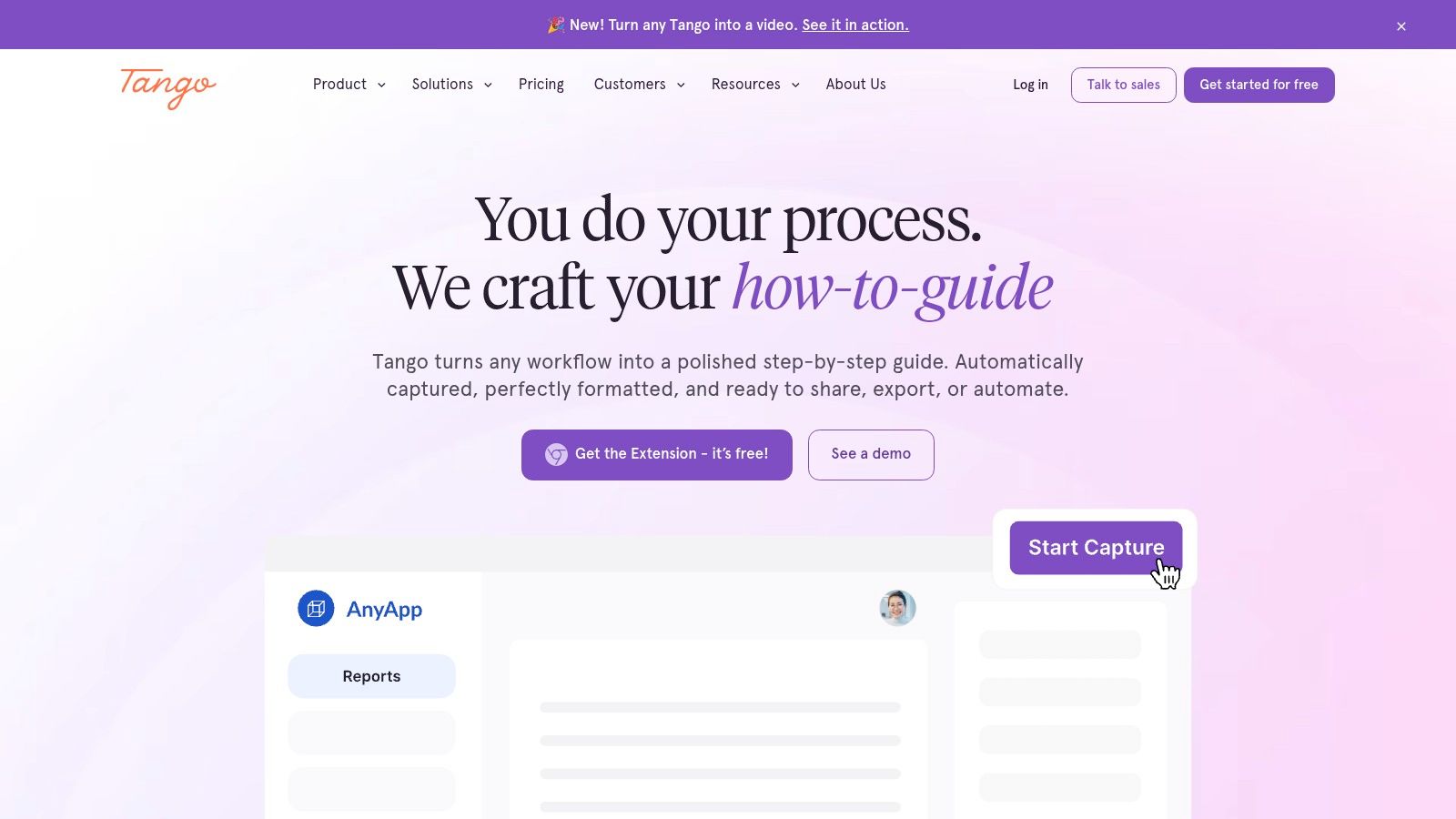
This is a smart fit for role-specific onboarding, especially when people need to learn software tasks or internal procedures fast. The free plan is generous enough to start documenting key processes right away, and that matters because the hardest part of process documentation is starting. Tango captures the steps for you, so you're not writing from memory after the fact. That alone saves a lot of time.
My read on it
Tango doesn't replace your HR system, and it doesn't try to. It works alongside what you already have. That makes it useful for teams that need practical SOPs without a big rollout. If your onboarding is really about showing people how work gets done inside your tools, Tango earns its place quickly.
Top 10 Free Employee Onboarding Software Comparison
Product | Core features | 👥 Target audience | ✨ Unique selling points / 🏆 | 💰 Pricing & value | ★ Quality |
|---|---|---|---|---|---|
Connecteam | Onboarding courses, forms, checklists, team chat | Frontline & mixed deskless teams | ✨ Mobile-first onboarding hub; 🏆 strong frontline UX | 💰 Free forever (≤10 users); paid for scale | ★★★★☆ |
Newployee | Drag‑drop journey designer, checklists, nudges, surveys | HR teams focused on structured journeys | ✨ Purpose-built journey automation; quick setup | 💰 Free: 1 active journey/mo; paid to scale | ★★★★☆ |
TalentLMS | Course authoring, quizzes, certificates, mobile/offline | Training-heavy onboarding & compliance teams | ✨ Structured LMS with mobile/offline access; 🏆 clear scaling | 💰 Free: 5 users & 10 courses; paid tiers for growth | ★★★★☆ |
Bitrix24 | Tasks, knowledge base, drive, forms, chat | Small orgs wanting an all-in-one hub | ✨ Broad free toolkit to centralize onboarding touchpoints | 💰 Free tier available; paid for advanced apps/HR | ★★★☆☆ |
Pipefy | No-code workflows, templates, forms, approvals | HR/IT teams automating end-to-end onboarding | ✨ Strong workflow automation & SLAs; 🏆 templated pipes | 💰 Free for pilots; paid for advanced automations | ★★★★☆ |
Airtable | Bases, forms, views, automations, templates | Teams needing flexible trackers & integrations | ✨ Highly customizable onboarding DB & asset tracker | 💰 Free tier; paid for advanced automations/governance | ★★★★☆ |
Notion | Docs, databases, templates, embeds | Knowledge-heavy teams & culture builders | ✨ Fast branded new‑hire portals; 🏆 great for knowledge sharing | 💰 Free for small teams; paid for SSO/advanced perms | ★★★★☆ |
Jotform | Forms, tables, apps, PDF generation, e-sign | HR needing fast form capture & approvals | ✨ Onboarding App templates; quick paper→digital conversion | 💰 Free (5 forms); paid for higher limits & collaboration | ★★★★☆ |
Dropbox Sign | Reusable e-sign templates, audit trails, API | Teams needing simple compliant e-signature | ✨ Low-friction e-sign + Dropbox integration | 💰 Free: 3 signature requests/mo; paid for bulk features | ★★★★☆ |
Tango | Auto-capture step-by-step guides, shareable SOPs | Product/support/onboarding content creators | ✨ Rapid interactive guides for software tasks; 🏆 reduces shadowing | 💰 Generous free plan; paid for team libraries & analytics | ★★★★☆ |
More Than a Checklist
Free tools are a good way to escape spreadsheet chaos, but they don't erase the hard parts of onboarding. Once you're juggling multiple logins, fragmented handoffs, or no clear view of who's done what, the ceiling shows up fast. That's not a software problem alone. It's a sign your process has outgrown the tool.
The bigger lesson is simple. Onboarding isn't about software. It's about making a new teammate feel welcome, prepared, and connected from the first day. The right tool just gets out of the way and lets the process feel human. That's why I like tools such as Connecteam for frontline teams, Notion for knowledge-heavy teams, and Jotform or Dropbox Sign when the job is mainly to digitize intake and signatures. Different jobs, different tools.
If you're still early, stay lean. Pick one tool that matches the shape of your onboarding, not the shape of a vendor demo. If you're already feeling the friction, read the room and upgrade before the mess becomes normal. That's the actual cost of “free.”
Pebb gives you a free Standard plan for up to 15 employees, with digital forms, task management, and a knowledge library built into one work app. If you want onboarding to live in the same place as updates, policies, shifts, and people, take a look at Pebb and see whether it fits the way your team already works.
