
When a Clock In App Is More Than Just a Clock
Discover how the right clock in app moves beyond surveillance to build trust, improve payroll accuracy, and simplify operations for frontline teams.
Dan Robin
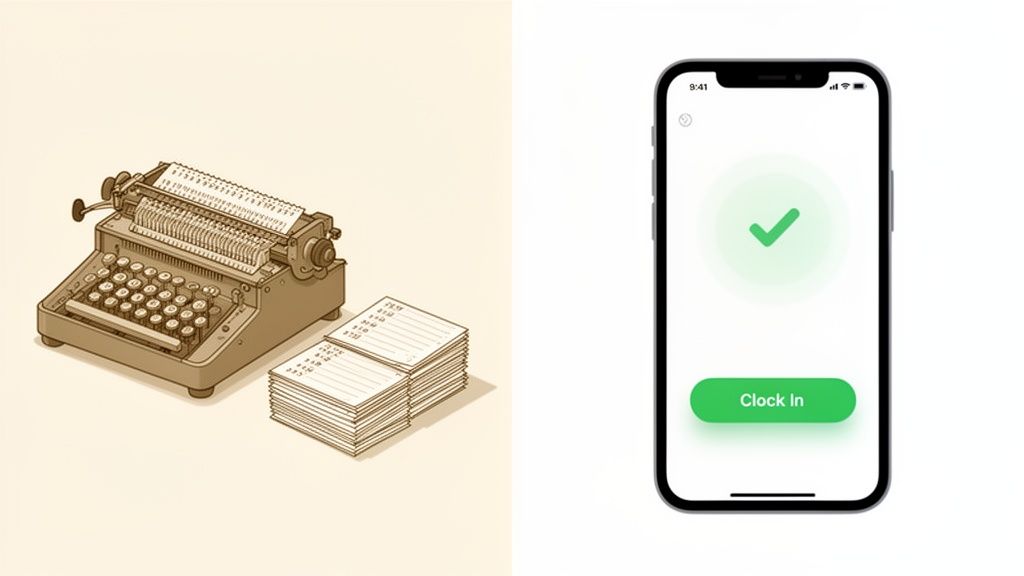
We’ve all seen them. The dusty old punch clock in the breakroom. The chaotic spreadsheet passed around like a hot potato. For decades, tracking work hours has felt like a necessary evil—a chore that creates a bit of friction between managers and their teams. A low-trust dance of "did you clock in?" and "I forgot to clock out."
It’s a story we’ve lived ourselves, and we knew there had to be a better way. This isn’t just about swapping an old tool for a new one. It's about changing the entire conversation around time at work.
A modern clock in app should be more than a digital punch card. It should be a quiet, reliable tool that makes everyone’s day a little easier.
Why This Simple Tool Matters
Let’s be honest. When you hear clock in app, you probably think about logging when work starts and stops. You’re not wrong, but that's just the surface. The real point is to create a single, reliable record that everyone—from a frontline employee to the payroll manager—can trust without a second thought.
It’s the difference between a system that feels like a burden and one that works so well it fades into the background. This isn’t about watching over people’s shoulders. It’s about making sure every person is paid correctly for every minute they work, without the friction and follow-up.
This shift isn’t a small trend. The market for time tracking tools is projected to hit $6.1 billion by 2025, according to Allied Market Research. That’s a lot of businesses looking for a calmer, clearer way to handle time.
A Foundation of Trust, Not Control
The best tools are the ones that live on the device everyone already has: their phone. A modern clock in app can use simple tech, like geofencing, to gently confirm an employee is at the right job site when they clock in. This isn’t about playing Big Brother. It’s about making accuracy effortless.
The goal is to build a system where fair pay is the default, not something you have to chase. When time tracking is automated and accurate, it becomes the quiet foundation of a more trusting workplace.
Nobody enjoys feeling micromanaged. A good app is designed to feel helpful, not invasive. It provides a clear, shared record of hours worked, which is the bedrock of fair pay and operational sanity. When you get rid of ambiguity, you get rid of friction.
For employees: They feel confident their paycheck will be right. Every time.
For managers: They spend less time fixing timesheets and more time leading their team.
For the business: You get clean, reliable data to make better decisions.
Ultimately, a modern clock in app is a small but powerful signal to your team that you value their time and are committed to fairness. That’s the kind of trust that helps great companies run smoothly.
What to Look For (and What to Ignore)
When you're shopping for a clock in app, it's easy to get lost in a long list of features. Most of them are just noise. Let’s cut through it and talk about what actually makes a difference in your day-to-day work.
First, it has to be mobile. Your team isn’t chained to a desk, so your tools shouldn't be either. Work happens on the go, in the field, and on the floor. Your time clock needs to live where your team does: on their phones.
Simple location awareness is also a game-changer. Again, this isn’t about tracking people. It’s about bringing clarity to the start and end of a shift. A good app uses geofencing to confirm an employee is on-site when they clock in. It protects the employee from questions and the business from mistakes. For teams in the field, this might include lone worker location features that add a layer of safety.
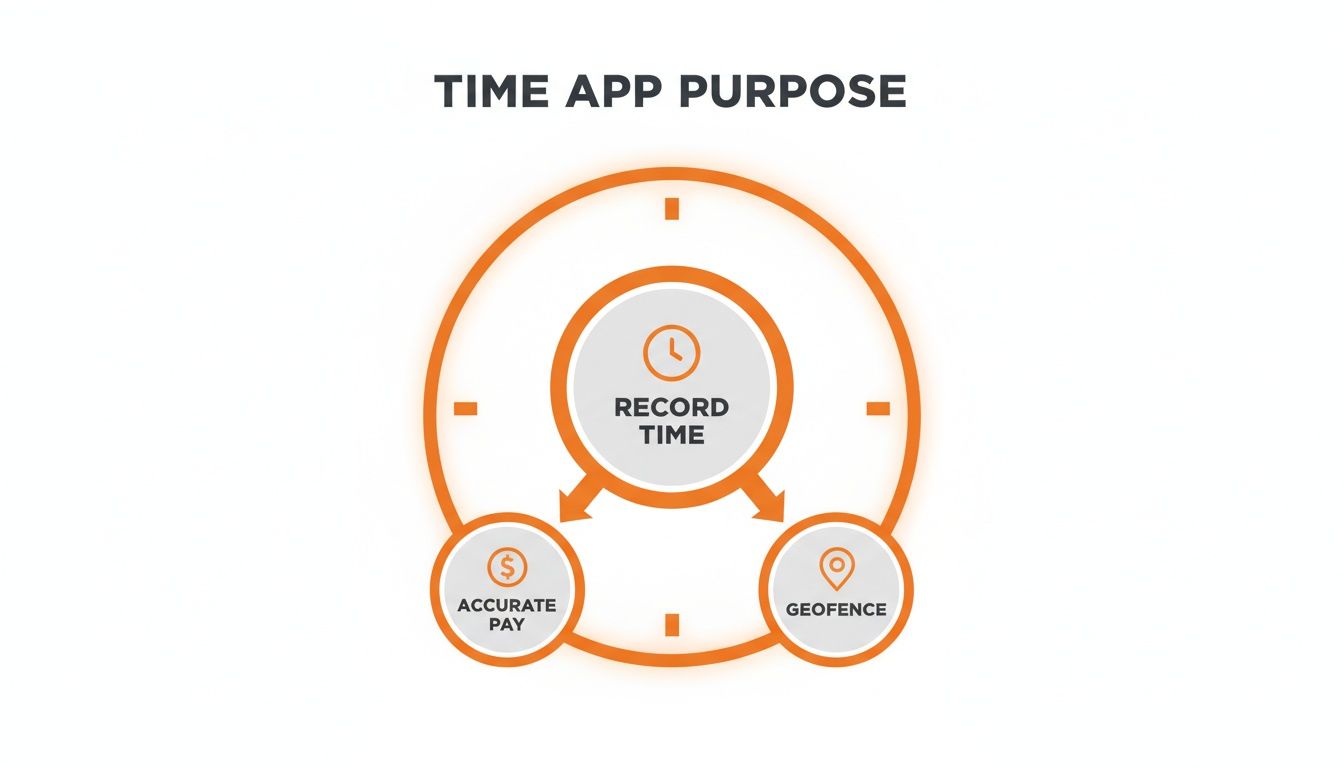
Finally, seamless payroll integration is the whole point. What good is perfectly accurate time data if you still have to manually key it into another system? The data needs to flow directly into your payroll software, killing the tedious data entry that causes so many expensive headaches.
A clock in app that doesn't talk to your payroll system isn't a tool. It's just another island of data you have to manage.
Why a Standalone App Is a Trap
Here’s the thing most people miss: a clock-in function shouldn’t live on its own island. When it’s part of a unified platform—one that also handles scheduling, team communication, and tasks—it stops being an administrative chore and starts being genuinely helpful.
For example, when your clock in app and your schedule are connected, the system can automatically flag if someone clocks in for a shift they aren't scheduled for. This simple link prevents payroll mix-ups and gives managers a heads-up without forcing them to cross-reference spreadsheets.
When a clock in app is woven into the fabric of your daily work, it becomes the pulse of your workforce—a single source of truth that helps everyone stay in sync. And it opens the door to much more, like tracking time spent on projects for better job costing. You can find more ideas in our guide on choosing the right attendance tracking app.
Where the Rubber Meets the Road
It's one thing to talk about technology, but it's another to see how it works on a chaotic Tuesday afternoon. So, let's forget the buzzwords and look at where a simple clock in app really shines.
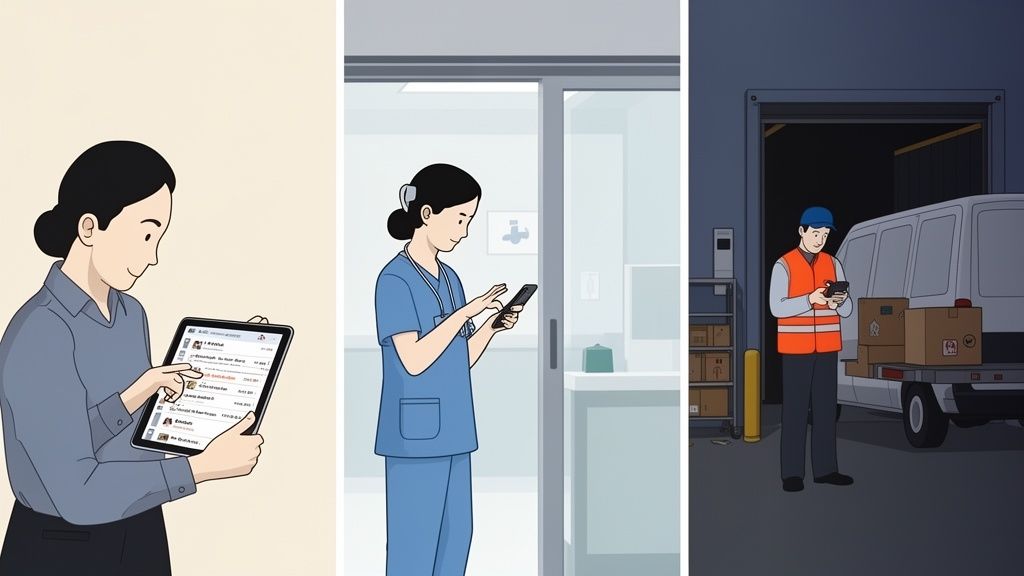
Picture a retail manager during the holidays. The store is packed. Instead of ducking into the back office to see who’s late, they pull out their phone. In seconds, they see who's on the floor, who's on break, and who's about to clock in. That’s real-time command without leaving the customer's side.
Or think about a charge nurse starting a shift in a busy hospital. A clock in app gives them an instant, accurate headcount the moment nurses arrive—essential for safe staffing and smooth patient handovers.
A Single Source of Truth for Any Industry
The headache of tracking time isn't unique. Nearly every business with a frontline workforce deals with it. A good clock in app creates a single, verifiable record that solves problems across the board.
Construction: A crew member clocks in on the job site. Their hours are automatically tied to that project, giving you crystal-clear job costing.
Logistics: A driver clocks in from their first stop. You get a precise start time for their route and more accurate labor data.
Hospitality: Servers punch in from a shared tablet. Those timestamps flow directly to payroll, saving the manager hours of data entry.
Here’s the bottom line: a reliable clock in app removes guesswork. It’s not about micromanaging people; it’s about creating clarity for everyone.
When your team has a shared, trusted record of time worked, it becomes the invisible infrastructure that helps complex operations run smoothly.
This frees everyone up to focus on their actual jobs, not the admin surrounding them. It builds a culture of fairness because pay is based on facts nobody can dispute. It’s a small change that delivers a huge impact.
How to Get Started Without the Headaches
Let's be honest. Rolling out new software can sound like a project. But introducing a new clock in app shouldn't feel like a revolution. The best tools are the ones that make you think, "Why didn't we do this sooner?"
First, do a quick data cleanup. Tidy up your employee list. Starting with a clean roster prevents a lot of confusion later.
Next, set your ground rules inside the app. Where can people clock in from? How do breaks work? A good app will let you build these rules right in, turning your company policy into an automated, easy-to-follow process.
The Most Important Step
Now for the part that matters most: talk to your team. Don't just send a memo. Have a real conversation about why this change is happening. Frame it for what it is—a way to ensure everyone gets paid accurately for every minute they work.
This isn't about playing Big Brother. It’s about protecting your team from missed hours and frustrating payroll errors. Lead with that, and they’ll see the clock in app as a tool that works for them.
If you have a larger crew, run a small pilot first. Pick a single team and let them try the app for a week. This gives you a chance to smooth out any wrinkles in a low-stakes environment and get honest feedback.
Simplicity Always Wins
A well-designed clock in app should feel obvious. If it needs a thick instruction manual, it’s already too complicated. The switch should feel like a small, welcome upgrade, not a major interruption. Thinking through the best clock-in out app for small businesses can offer a great starting point.
You’ll know you’ve succeeded not when there’s a big launch, but when the app quietly fades into the background of the workday.
The Real Payoff Is More Than Money
Sure, the obvious win with a clock in app is saving time on payroll. That alone is a great reason to make the switch. But the real value runs much deeper. It’s about clarity, trust, and giving your people the space to do their best work.
When you finally have accurate time data, it’s like flipping a switch. You can see your actual labor costs for every project. You can spot overtime trends as they’re happening, not weeks later. This isn’t just interesting data; it’s a tool that helps you create smarter budgets and make staffing decisions with confidence.
From Friction to Trust
But the numbers are only half the story. The deeper return comes from something you can’t put on a spreadsheet: trust. Manual timesheets and the inevitable payroll mistakes are a constant, low-grade source of friction. Every time an employee has to question their paycheck, it chips away at morale.
An automated system gets rid of that entire category of headaches. When your team knows their hours are logged correctly and their pay will be right, it builds a solid foundation of trust. This one change can do more for your company culture than a dozen team-building retreats.
A great clock in app isn't just a utility; it's a culture-builder. It transforms the conversation from "did you log your hours?" to "how can I support you today?"
This move toward smarter time tracking is why the global market, valued at USD 19.18 billion in 2025, is projected to hit USD 149.92 billion by 2034, as noted in a time tracking software market report from Fortune Business Insights.
Giving Managers Their Time Back
And what about your managers? Their most valuable resource is their focus. Every minute they spend chasing down timesheets or fixing pay disputes is a minute they aren’t coaching their team or improving operations.
A reliable clock in app gives them that time back. It frees them from being the payroll police and lets them be the leaders you hired them to be. Our guide on the digital time clock for employees dives deeper into this.
In the end, you're not just buying software. You’re investing in a more focused, trusting, and efficient workplace. That’s a return you can't put a price on.
A Few Common Questions
If you’re thinking about a clock-in app, you probably have questions. That’s normal. We've helped hundreds of managers through this, so let's tackle a few we hear all the time.
Do employees feel spied on?
It’s a valid concern. No one wants to feel like Big Brother is watching. How your team sees it all comes down to the "why."
If you just drop a new app on them without context, yeah, it can feel like surveillance. But if you frame it for what it is—a tool to make sure everyone is paid fairly—the conversation changes. It’s not about watching them. It's about having a trustworthy record of when their workday starts and ends.
Position it as a way to guarantee fair pay, and it becomes a feature that builds trust, not a tool for surveillance.
Is it hard to connect to payroll?
It shouldn't be. If a clock-in app makes payroll more complicated, it's failing at its main job.
Any decent app should let you export timesheet data into a universal format, like a CSV file, that your payroll software can read. The whole point is to get rid of the manual data entry that leads to so many mistakes.
What's the real benefit of an all-in-one app?
Here’s where things get interesting. A standalone clock-in app is a good first step, but it’s just one piece of a bigger puzzle. You're still jumping between the time clock, your schedule, and a messaging app to figure out what’s going on.
When clock-in is built into your scheduling tool, everything just clicks. The system knows who is supposed to be working and when, so it can instantly flag if someone is late or clocks in for a shift they aren't scheduled for. It connects the plan with the reality of your day.
Think of it this way: a separate clock-in app is a map. An integrated system is a GPS that shows you exactly where you are on that map, in real time.
Ready to unify your team’s workday? Pebb combines scheduling, clock-in, team chat, and tasks into one simple app your team will actually love. See how it works.
