
Best CRM for Small Business: Top 10 Picks for 2026
Looking for the best CRM for small business? We review 10 top tools honestly, helping you choose the right one for your team in 2026.
Dan Robin

I remember the meeting when our spreadsheet finally failed us. One person had updated a phone number in one tab, someone else logged a follow-up in another, and two sales calls went out to the same prospect before noon. That was the day we stopped calling it “good enough.”
Small businesses hit this wall fast. At first, a spreadsheet feels cheap and flexible. Then missed follow-ups turn into lost deals, customer notes live in five different places, and nobody trusts what they're looking at. You don't have a contact problem at that point. You have a system problem.
That's why “best CRM for small business” is a frustrating search. You get endless feature grids, inflated promises, and software built for sales teams with layers of managers, admins, and ops support. That is not how most small businesses run. You need something your team will open, understand, and keep updated without constant nagging.
You also need clean records before you blame the software. If your contact data is messy, any CRM will feel harder than it should. A quick read on practical data enrichment strategies helps explain why bad data creates bad follow-up, bad reporting, and bad decisions.
Here's the bigger point. A traditional CRM is not always the right answer. Some small teams need a classic pipeline tool. Others are better off with a broader business management software for small businesses platform that combines sales, projects, communication, and day-to-day work in one place.
So I'm not going to hand you another shallow feature list. I'm going to show you the trade-offs that matter, who each tool fits, and where a standard CRM starts to feel like the wrong tool for the job.
1. HubSpot CRM
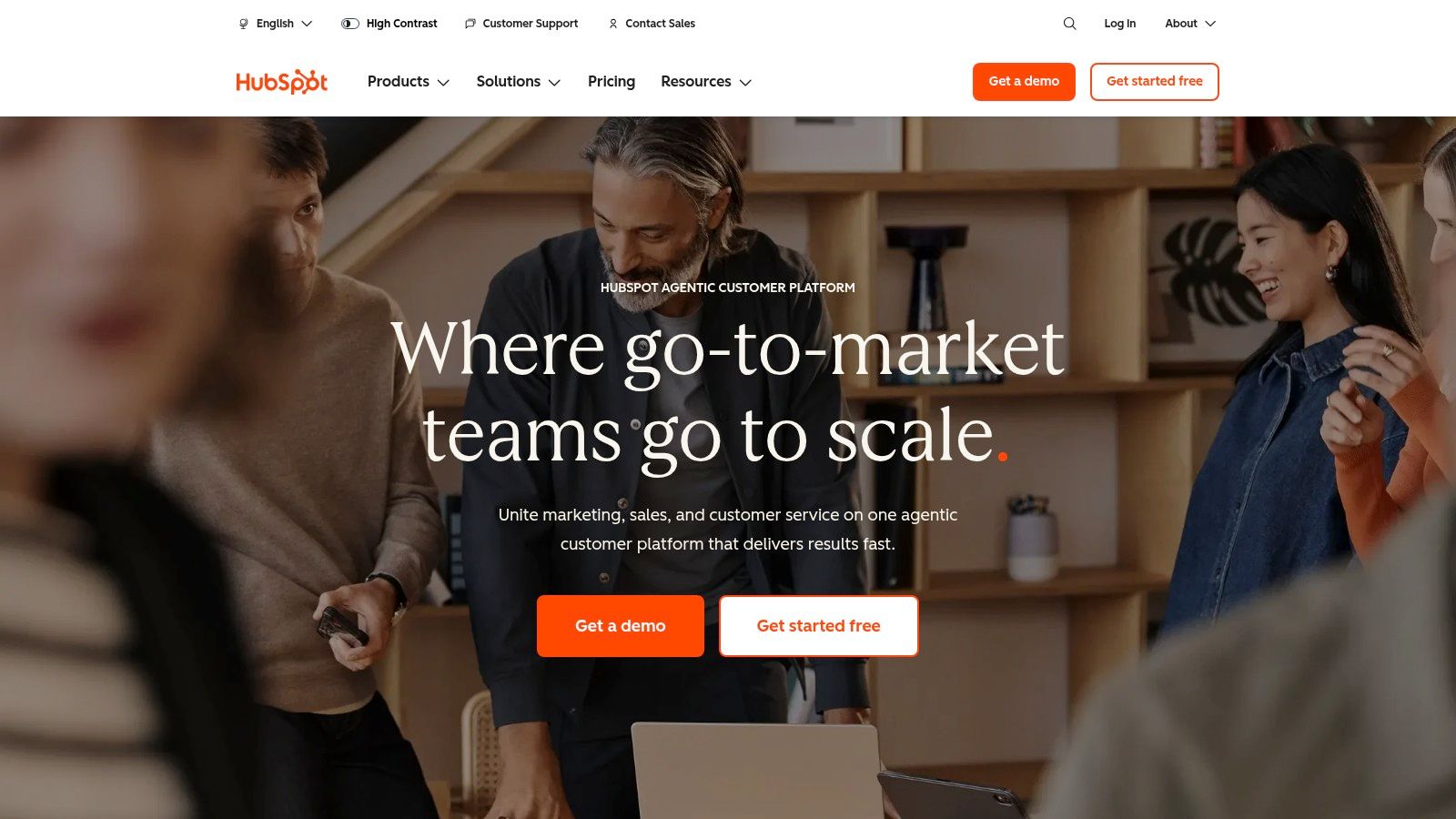
HubSpot is the easiest recommendation for a small business that wants one system for sales, marketing, and service without stitching together five separate apps. It feels polished. It's approachable. People can usually log in and start using it without a week of hand-holding.
That matters more than most buyers admit. A CRM only works if your team opens it every day, and HubSpot is good at lowering that friction.
Why I'd pick it
HubSpot's strength is the shared record. Contacts, companies, deals, emails, meetings, tickets, and marketing activity live together, which means your team doesn't have to play detective every time someone asks, “What's going on with this customer?”
It also gives you a nice runway. You can start simple, then add more as your process matures. If your company is also comparing broader business management software for small businesses, HubSpot is one of the cleaner examples of a platform that can stretch beyond basic contact tracking.
Practical rule: Choose HubSpot if you want a CRM that your team is likely to adopt quickly, and you're comfortable paying more later for convenience.
A few strengths stand out:
Shared customer record: Sales, support, and marketing work from the same contact and company history.
Strong built-ins: Email templates, sequences, meeting links, quotes, and e-signatures reduce app sprawl.
Large integration ecosystem: If you already use other tools, HubSpot usually connects without much drama.
The catch
HubSpot gets expensive once you move past the basics. The free entry point is real, but the serious automation and reporting tend to show up in higher tiers. That's not a dealbreaker. It's just the truth.
If you want the best CRM for small business and you care most about ease of use, HubSpot belongs near the top. If you want the cheapest path to deep customization, it doesn't.
2. Zoho CRM
Zoho CRM is for owners who want a lot of capability without paying premium-suite prices. I've seen it work well for teams that are willing to spend some setup time up front to get a system that bends to their process instead of forcing the process to fit the tool.
It's not as instantly friendly as HubSpot. It is, however, more flexible than many people expect.
Where Zoho shines
Zoho gives small businesses a broad toolkit. Lead and deal management, workflow automation, scoring, dashboards, forecasting, and connections to the rest of the Zoho ecosystem all make it appealing if you want to keep more of your stack under one roof.
That bigger ecosystem is a major appeal. If your team is already looking at other apps for small business, Zoho becomes more interesting because the CRM doesn't sit alone. It can connect neatly with your wider operating system.
I especially like Zoho for businesses that have outgrown “simple” tools but aren't ready to jump into enterprise complexity.
Good value: You get a lot before you hit the expensive tiers.
Customizable pipelines: Helpful when your sales motion isn't generic.
Strong mobile support: Useful for owners and reps who aren't sitting at a desk all day.
Zoho is rarely the prettiest choice. It's often the practical one.
What to watch
The interface can feel dense. There are a lot of options, and that can slow adoption if your team hates tinkering. Setup isn't hard in the abstract, but it does take intention.
I'd choose Zoho when budget matters, process matters, and you want room to grow without swapping systems too soon. If you want something that feels almost self-explanatory on day one, there are easier picks.
3. Salesforce Starter Suite
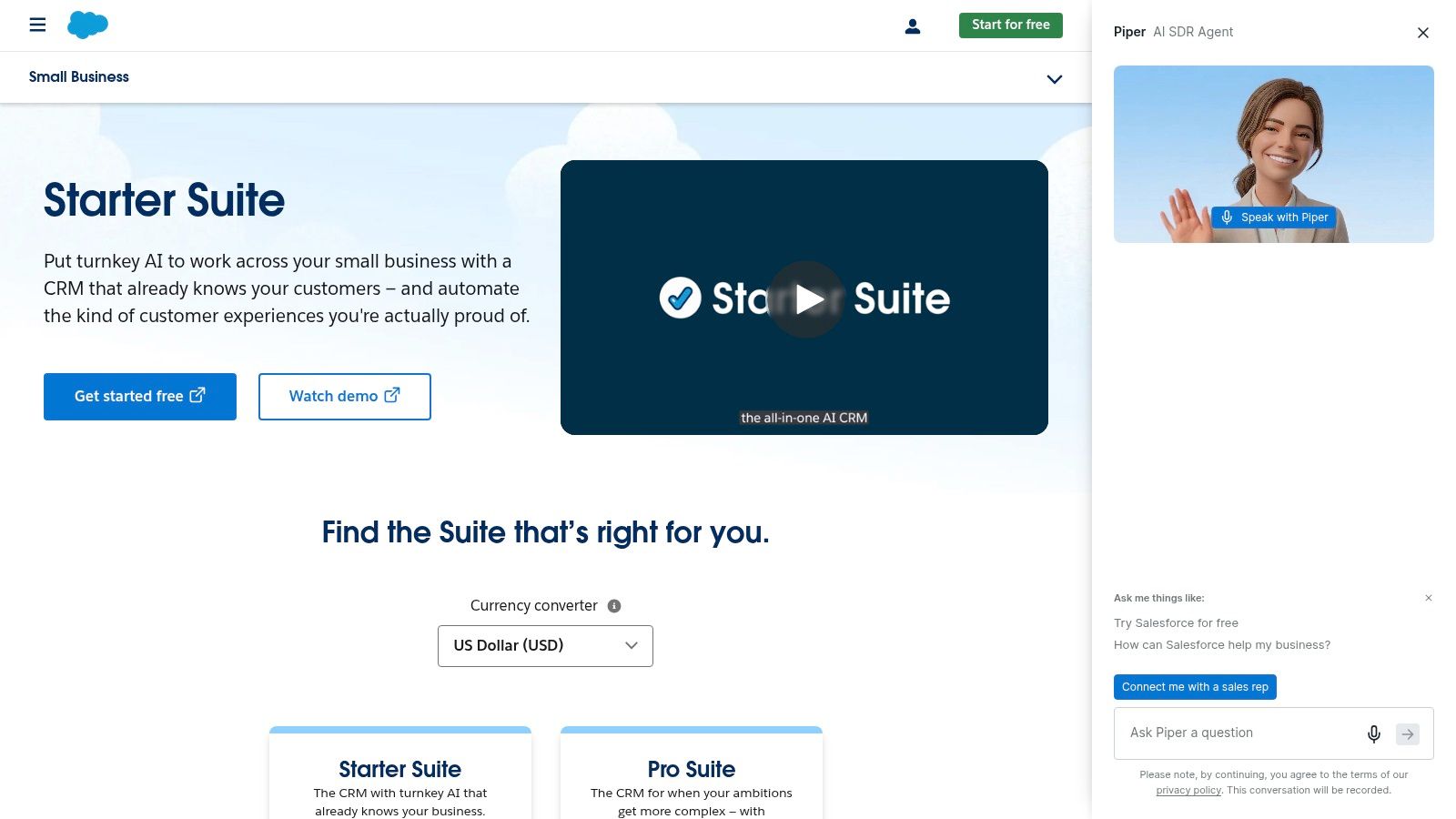
Salesforce Starter Suite makes sense for a very specific buyer. You know you're building a serious sales and service operation, you want access to the biggest ecosystem in the category, and you'd rather grow into Salesforce now than migrate later.
I would not put every small business on Salesforce. Plenty of teams don't need that much machine. But for the right company, it's a clean long-term bet.
Best for ambitious teams
Salesforce's small-business framing is broader than just lead tracking. Slack's analysis of the category points out that small-business CRM content often over-focuses on sales pipelines, while many businesses need broader coordination across service, projects, and cross-team work. It also notes that Salesforce's small-business roundup emphasizes sales, service, commerce, and marketing in one dashboard, which is part of why this tool appeals to teams thinking past pure selling in Slack's review of small-business CRM gaps.
That's the key point. Salesforce isn't just a place to log deals. It's a platform with a long shadow.
If your business is also wrestling with scheduling, people coordination, or service handoffs, the CRM conversation often overlaps with broader employee management software for small business. That's usually the fork in the road where Salesforce either makes sense or feels like overkill.
My honest take
Salesforce brings a huge partner network, a deep app marketplace, and a clear path upward. That's excellent if you're growing fast or have complex needs. It's less excellent if you have four people, no admin support, and no patience for configuration.
Big ecosystem: Few tools match the breadth of integrations and add-ons.
Strong upgrade path: You won't outgrow it quickly.
Heavier feel: Small teams can end up carrying more system than they need.
I'd recommend Salesforce Starter Suite when you know scale and structure are coming. If you just need a cleaner pipeline next week, choose something lighter.
Visit Salesforce Starter Suite
4. Pipedrive
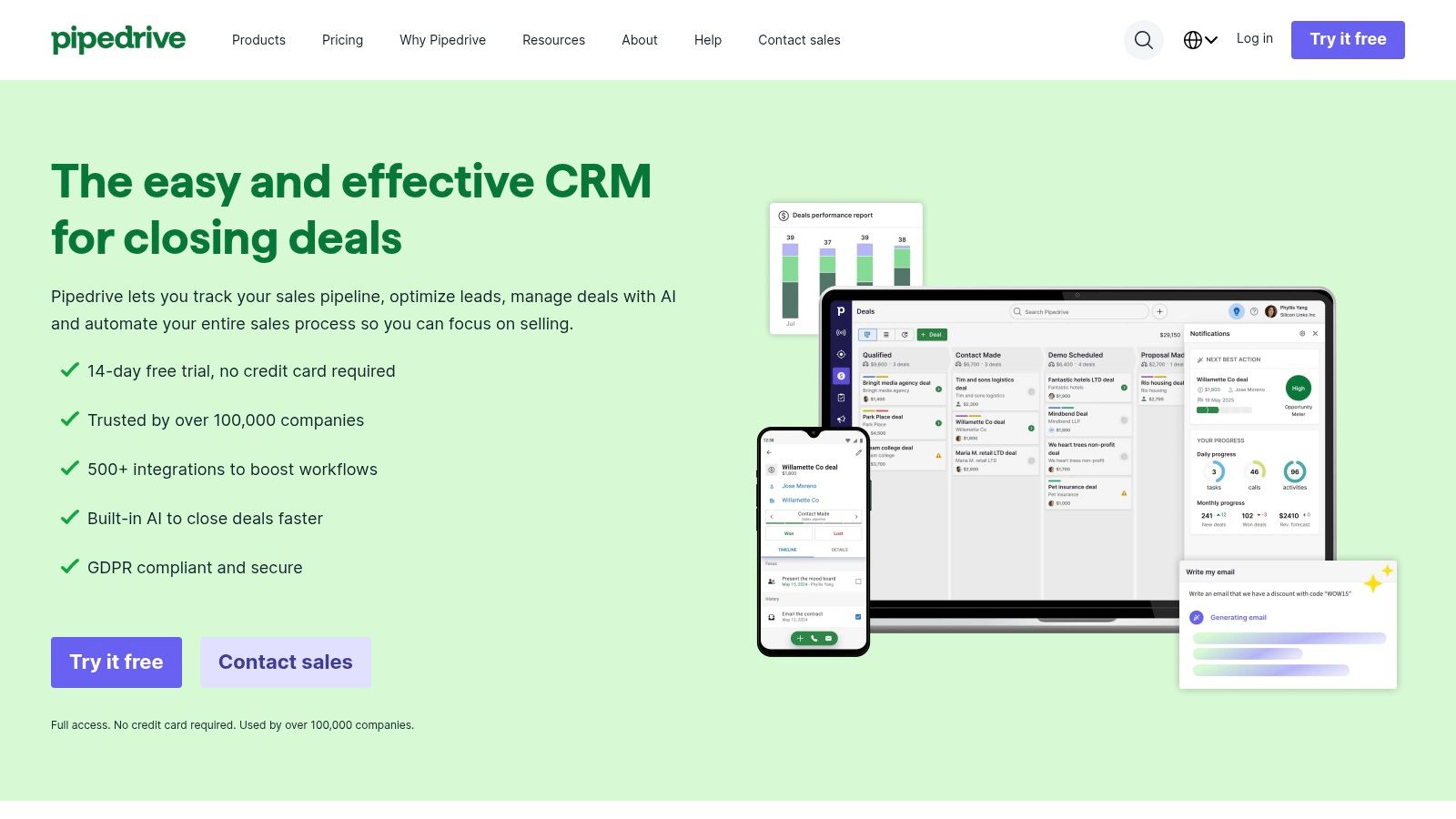
Pipedrive is the tool I'd hand to a sales-focused small business that wants clarity fast. It's visual. It's easy to understand. It keeps the team's attention on deals and next actions instead of turning the CRM into a filing cabinet.
That focus is its biggest advantage.
Why sales teams like it
Pipedrive feels like a working pipeline, not a database wearing a tie. You can see where deals are, what's stalled, and what needs a follow-up. For a lean team doing active outbound or managing a steady stream of opportunities, that's often enough.
This is one of the few tools on the list where I'd say simplicity is the product. You're not buying a giant business platform. You're buying a pipeline your reps will use.
If your business lives and dies by follow-ups, Pipedrive keeps the ball from getting dropped.
Its sweet spots are clear:
Visual pipeline management: Great for day-to-day sales discipline.
Fast adoption: Reps usually understand it quickly.
Useful sales extras: Email sync, scheduler, products, and quotes help close the loop.
Where it falls short
Pipedrive is less convincing once you move beyond sales. Post-sale delivery, service workflows, deep marketing, and broader operations often require add-ons or other tools. That's fine if you want a focused CRM. It's not fine if you hoped one app would run half the company.
For the best CRM for small business focused on pipeline visibility, Pipedrive is one of the strongest picks. For a business whose real pain is internal coordination, it's probably too narrow.
5. Freshsales
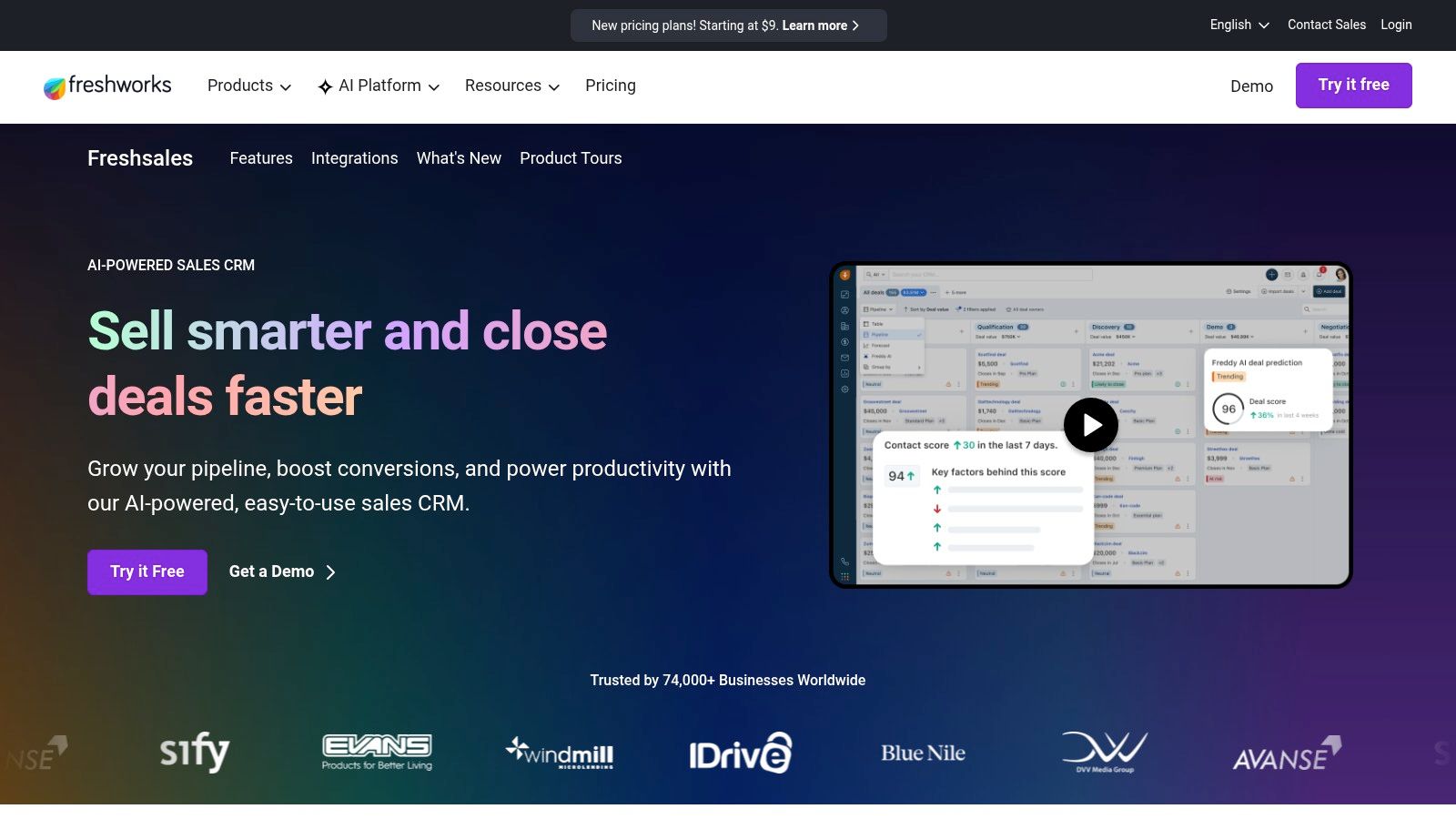
Freshsales is a good middle ground. It feels more modern and SMB-friendly than heavyweight suites, but it gives you more built-in communication tools than many stripped-down pipeline CRMs.
That built-in phone, chat, and email angle is what makes it worth a look.
Best when communication is the work
A lot of small teams don't just track deals. They call, text, email, chat, and chase answers across the day. Freshsales recognizes that. It's built for teams that want those interactions closer to the CRM instead of spread across separate products.
Microsoft's guidance on CRM for small business describes modern CRM as a central place for customer data, pipeline tracking, automated follow-up, personalized interactions through real-time insights, and secure cloud access from anywhere in Microsoft's small-business CRM guide. Freshsales fits that modern shape better than old-school “contact database” tools do.
I'd look hard at Freshsales if your team wants a CRM that feels operational, not just administrative.
Built-in communications: Phone, chat, and email in one place can reduce friction.
Multi-pipeline support: Helpful if you sell more than one type of service.
Solid fit for SMBs: It generally feels approachable without being too shallow.
The trade-off
Freshsales can get a little messy once you start sorting out what's included, what's part of a suite, and what requires extra cost. That doesn't make it bad. It just means you should confirm the exact product mix before you commit.
If your team communicates constantly and hates bouncing between tools, Freshsales is one of the better options on this list.
6. monday sales CRM
monday sales CRM is what I'd call a shape-shifter. If your process doesn't look like a textbook sales funnel, this is one of the better tools for making the CRM fit your team instead of the other way around.
That flexibility is both the appeal and the warning label.
Great for custom workflows
monday works well when your sales process bleeds into onboarding, fulfillment, handoff, or account work. The board-based setup makes it easy to model workflows visually, and that can be a relief for teams that hate rigid CRM structures.
I like it for businesses where the “sale” is only the beginning. Agencies, service firms, and operationally messy teams often do better with a flexible work layer than with a pure pipeline tool.
Some businesses don't need a stricter CRM. They need a system that can hold sales and delivery in the same place.
A few reasons monday stands out:
Custom boards and automations: You can shape it around your actual work.
Good bridge between pre-sale and post-sale: Useful when handoffs are where deals go to die.
Template-heavy setup: Faster than building everything from scratch.
Why I wouldn't recommend it to everyone
Flexibility can become its own kind of complexity. If no one owns the setup, monday can turn into a patchwork of boards and half-finished workflows. It's powerful, but not magical.
Choose monday sales CRM if your process is unusual and you need room to design it. Skip it if you just want a classic CRM with minimal decisions.
7. Keap
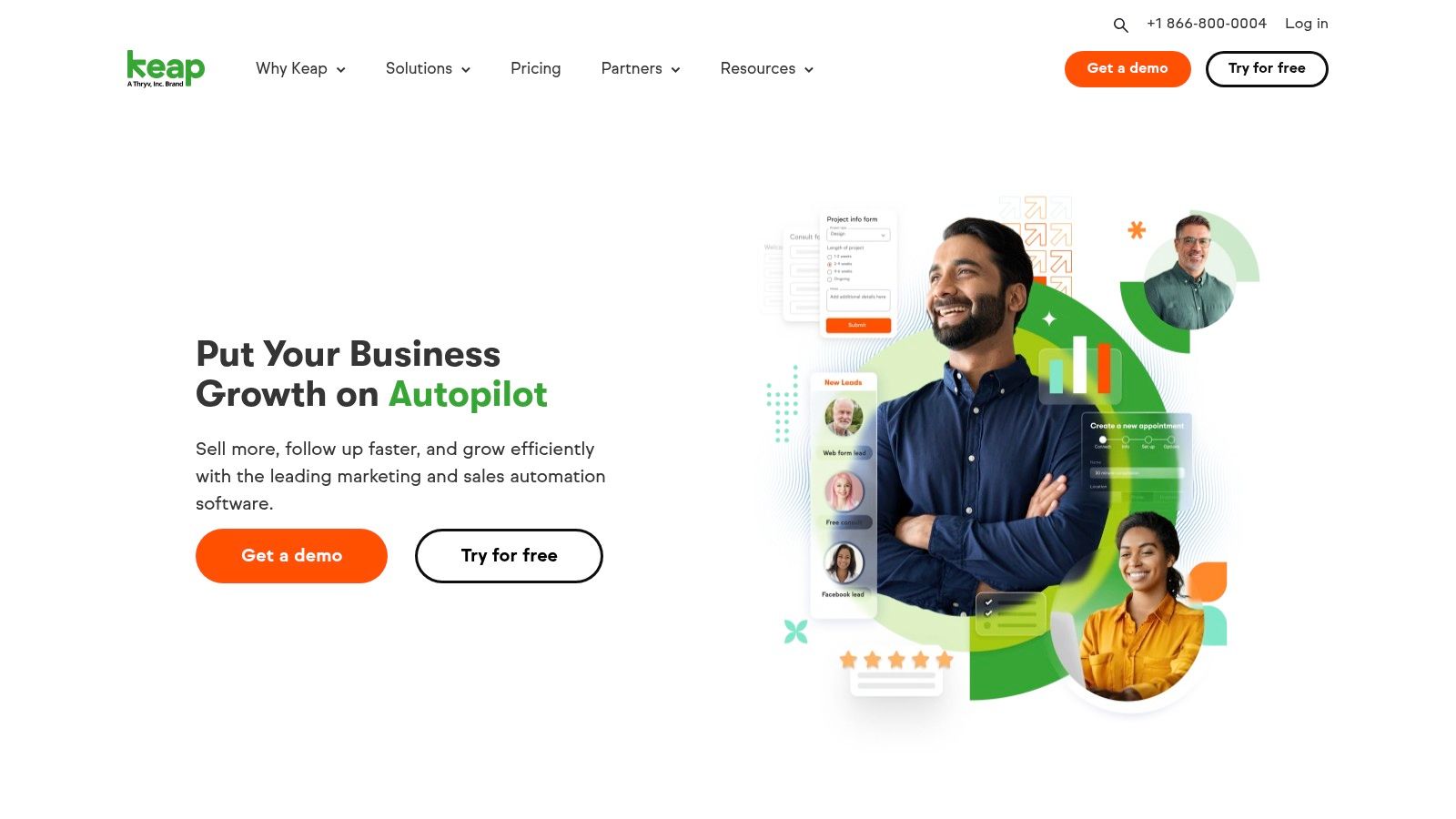
Keap has been around long enough to earn a reputation, and the reputation is fair. It's strong for small service businesses and founder-led teams that want CRM, follow-up automation, appointments, and billing tied together in one system.
It's less about slick pipeline visuals. It's more about running the business around the customer.
Why service businesses keep looking at it
If you sell services, coaching, appointments, or repeat client work, Keap's mix makes sense. Email and SMS campaigns, scheduling, invoices, quotes, payments, and automations are all pointed at the same goal: keep the customer moving without manual chasing.
A lot of “best CRM for small business” lists miss the plot. Many teams don't need another sales dashboard. They need fewer handoffs and fewer separate tools.
Keap is one of the better examples of that all-in-one instinct.
CRM plus payments: Helpful if closing the sale and collecting the money should happen in one flow.
Strong automation roots: Good for nurture, reminders, and repeatable follow-up.
Solid for service models: Less ideal for big multi-rep sales orgs.
The downside
Keap can feel expensive compared with a more focused CRM, especially once contact volume and onboarding costs enter the picture. I wouldn't put a tiny team with simple needs here first.
But if your business runs on booked appointments, repeat follow-ups, and getting paid on time, Keap can save a lot of operational headache.
8. Copper
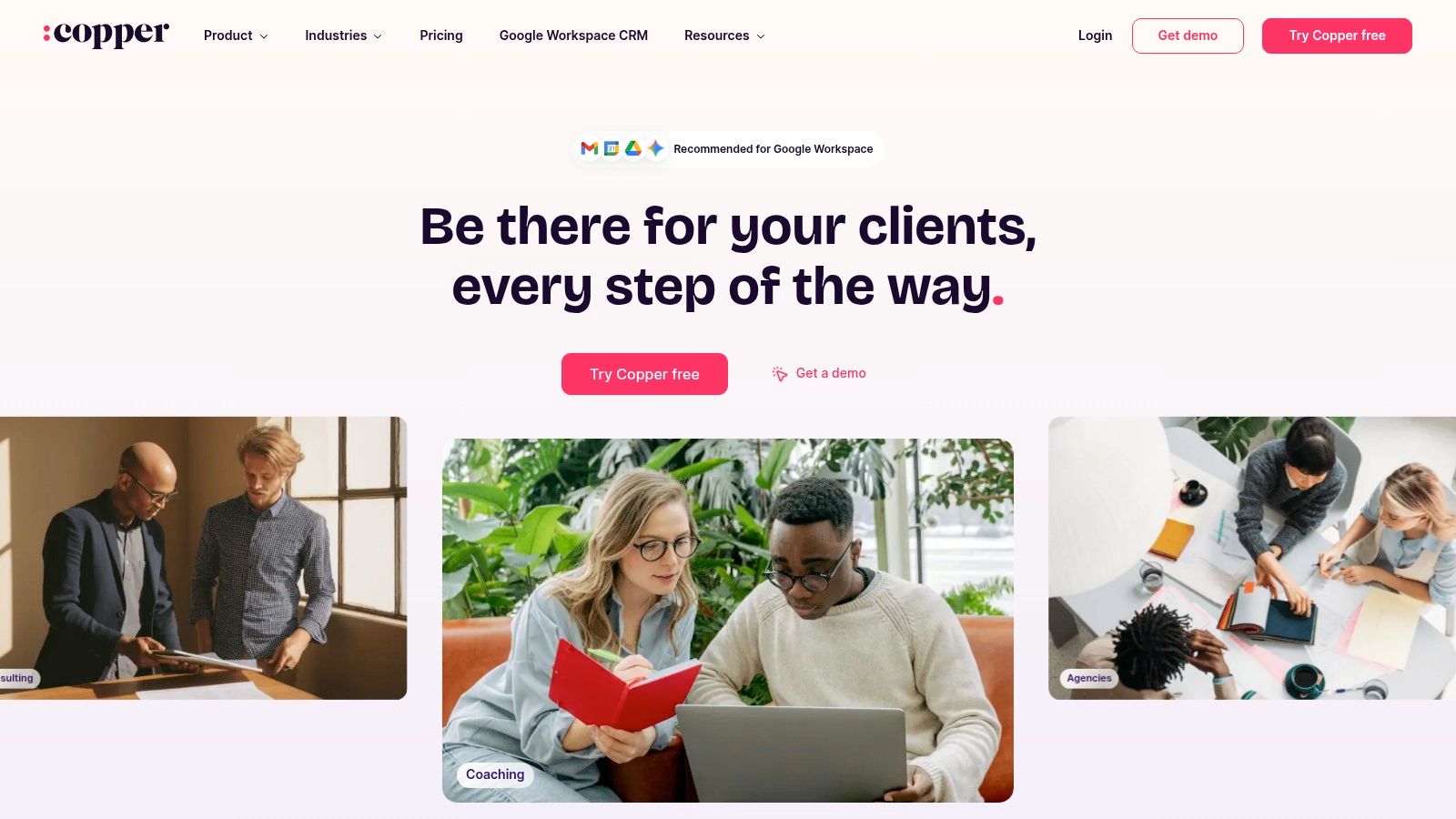
Copper is the quiet pick for Google Workspace teams. If your company lives in Gmail, Calendar, Drive, and Sheets, Copper feels less like “adopting a CRM” and more like adding structure to tools you already use.
That's a big reason people stick with it.
Best for Gmail-first teams
Copper doesn't try to be the biggest platform in the room. It tries to be the least disruptive. That's smart. For many small businesses, the actual CRM battle is not feature depth. It's getting people to log activity consistently without changing their habits too much.
Copper helps because it sits close to the daily workflow. Emails, meetings, files, and relationship data feel connected in a way that's natural for Google-centric teams.
A low-friction CRM often beats a powerful CRM that nobody bothers to update.
What I like most:
Deep Google integration: This is the reason to buy it.
Clean interface: Less clutter, less resistance.
Low admin feel: Easier to maintain than many broad suites.
Where it's thinner
Copper isn't the tool I'd pick for heavy marketing operations or highly complex reporting. Its ecosystem is smaller, and that matters if you expect your CRM to become a giant hub for everything.
If your team's default workspace is Gmail and you want a CRM that respects that reality, Copper is a strong fit.
9. Nutshell

Nutshell doesn't get the same amount of attention as bigger brands, but I like tools like this because they often stay focused on what small teams need. It's practical. It's transparent. It doesn't feel desperate to become an all-purpose corporate platform.
That's refreshing.
A sensible pick for small teams
Nutshell is for businesses that want a straightforward CRM with optional extras instead of a giant suite from day one. You can manage pipelines, email sync, basic automation, and then add pieces like marketing, web chat, SMS, or proposals if they're useful.
That modular feel works well for owners trying to keep control of cost and complexity. You don't have to buy a whole worldview. You can buy the core and add what earns its keep.
I also like that it puts adoption front and center. Routine Automation's review of the market points out a blind spot in small-business CRM buying: many low-cost tools get praised for easy entry, but buyers still underestimate setup burden, training, data migration, and the actual cost of getting the team to use the system in its piece on small-business CRM implementation reality.
My take
Nutshell is not the most expansive option here. That's partly why it's appealing.
Transparent structure: Easier to understand what you're buying.
Good for adoption: The product feels built for everyday use.
Less enterprise-heavy: Better for practical operators than platform collectors.
If you want a CRM that stays close to the basics and doesn't punish you for wanting clarity, Nutshell deserves a look.
10. Insightly
A lot of small businesses do the hard part right. They win the deal. Then they blow the handoff.
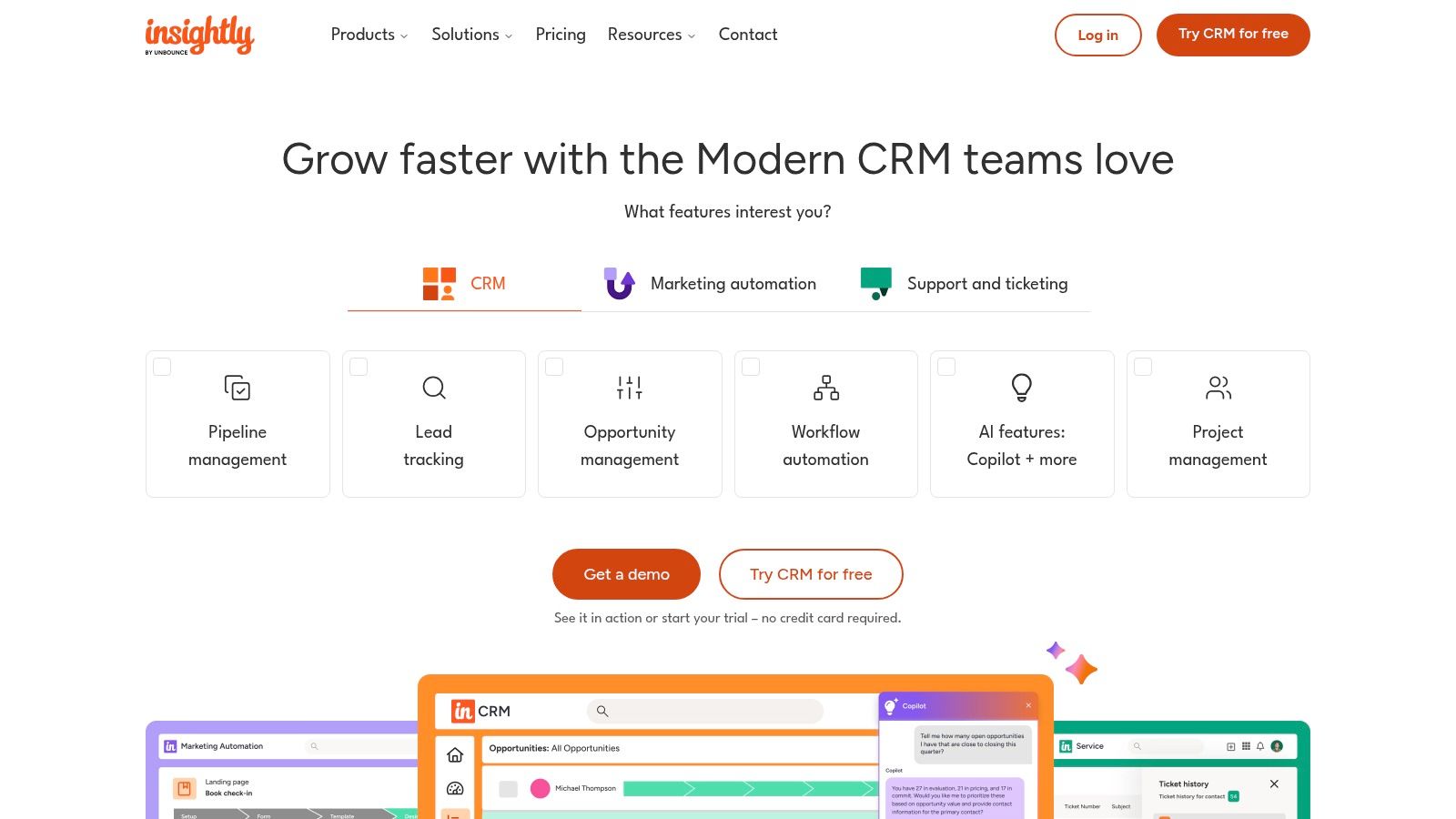
The salesperson has one version of what was sold, the delivery team has another, and the client starts repeating themselves in week one. That gets expensive fast. Insightly stands out because it takes that messy middle seriously. It connects sales with project work in a way many CRMs still treat as someone else's problem.
Built for businesses that deliver after the sale
Insightly makes the most sense for agencies, consultancies, service firms, and implementation teams. If your real work starts after the contract is signed, a standard pipeline CRM can feel incomplete. You track the sale in one place, then jump to another tool to do the work, and the context gets lost.
Insightly is stronger here because it keeps the customer record tied to what happens next. That matters significantly. Fewer dropped details. Fewer internal handoff mistakes. Less “what exactly did we promise them?”
That also raises the bigger question behind this whole list. Do you need a traditional CRM, or do you need a work system that happens to include CRM? Insightly sits in that middle ground. It is more operations-aware than a pure sales tool, but it still feels like a CRM first.
My take
Insightly is a good pick if your sales process and your delivery process need to stay connected.
Best feature: Lead-to-project continuity.
Good fit: Agencies, consulting firms, and service businesses with structured delivery.
Less compelling for: Simple sales teams that just need pipeline management and follow-up.
I would choose Insightly over a sales-only CRM if deals regularly turn into multi-step client work. I would skip it if your team mostly needs speed, simplicity, and a clean sales board. In that case, a lighter CRM, or even an all-in-one work app with CRM basics, may serve you better.
Top 10 Small Business CRM Comparison
Solution | Core features | UX & quality ★ | Pricing & value 💰 | Target audience 👥 | Key differentiator ✨/🏆 |
|---|---|---|---|---|---|
HubSpot CRM (Customer Platform) | Unified contact/deal records, pipelines, automation, large app marketplace | ★★★★☆, intuitive onboarding | 💰 Free tier → can be expensive as hubs/contacts added | 👥 SMB → Enterprise marketing & sales teams | ✨ All-in-one hubs + best-in-class onboarding 🏆 |
Zoho CRM | Lead/deal management, workflows/blueprints, Zia AI, Zoho app integrations | ★★★★☆, deep but denser UI | 💰 Very competitive; free for 3 users | 👥 Cost-sensitive SMBs, Zoho ecosystem users | ✨ High customization + Zoho One integration |
Salesforce Starter Suite | Leads/opps, basic service/campaigns, AppExchange ecosystem | ★★★★☆, powerful but can feel heavy | 💰 Entry SKU; costs rise with add-ons/scale | 👥 SMBs planning to scale to enterprise | ✨ Clear upgrade path to full Salesforce platform 🏆 |
Pipedrive | Kanban pipelines, goals, email sync, sales-focused automations | ★★★★★, fast adoption, sales-first UX | 💰 Transparent pricing, free trial | 👥 Sales-centric teams & reps | ✨ Visual pipelines and quick time-to-value |
Freshsales (Freshworks) | Multi-pipeline, built-in phone/chat/email, AI (Freddy) | ★★★★☆, strong comms & mobile | 💰 Aggressive SMB pricing; free plan (≤3 users) | 👥 SMBs needing built-in communications | ✨ Native telephony + AI insights |
monday sales CRM | Custom boards, no-code automations, templates, integrations | ★★★★☆, very flexible, configurable | 💰 Price varies by seats; can grow costly | 👥 Teams wanting tailored workflows (Work OS users) | ✨ No-code customization across pre/post-sales |
Keap (formerly Infusionsoft) | Visual automations, invoicing/payments, SMS/email, scheduling | ★★★★☆, proven for service businesses | 💰 All-in-one stack; pricing scales by contact count | 👥 Solopreneurs, service-based SMBs | ✨ CRM + marketing + payments in one stack |
Copper | Deep Gmail/Calendar/Drive integration, pipelines, contact enrichment | ★★★★☆, minimal setup, clean UX | 💰 Good value for Google-centric teams | 👥 Google Workspace-native teams | ✨ Gmail-native CRM, low admin overhead |
Nutshell | Pipelines, email sync, marketing add-ons, unlimited contacts | ★★★★☆, simple, transparent UX | 💰 Transparent pricing, unlimited contacts | 👥 SMBs wanting simplicity + add-ons | ✨ Clear pricing + free live support |
Insightly | CRM + project management tied to won deals, automations, AI | ★★★★☆, strong lead-to-delivery flow | 💰 Tiered pricing; advanced features on higher plans | 👥 Delivery-oriented SMBs (services/projects) | ✨ Native lead→project handoff and PM features |
The Right Tool Is the One You'll Actually Use
A few years ago, I watched a small business owner buy a big-name CRM because it looked like the grown-up choice. Three months later, her team was back to living in email, texts, notebooks, and memory. The CRM was still there. It just wasn't part of the job.
That happens all the time. Small businesses rarely fail because they chose a bad CRM. They fail because they chose one their team never folded into the workday.
Start with the mess that keeps showing up every week.
If sales follow-up is slipping, pick the tool that makes the next step obvious. Pipedrive is one of the best for that. HubSpot is a smart pick if you also want room to add marketing and service later without switching systems.
If price matters and you want room to customize, Zoho CRM is the practical choice. If you know your company is headed toward stricter process, more reporting, and a heavier system later, Salesforce Starter Suite gives you that path. If your team works out of Gmail all day, Copper cuts friction fast. If you run a service business and need follow-up, scheduling, and payments tied together, Keap makes more sense than a plain pipeline tool.
Here's the question a lot of CRM roundups skip. Is a traditional CRM even the right category for your business?
SLT Creative points out that many companies with 10 or more employees use a CRM, while adoption across sectors is still much lower overall. I read that as a warning, not a victory lap. Business owners buy CRM software every day. Getting the team to use it consistently is the hard part. Shelfware is common.
So stop judging tools by feature count alone. Judge them by behavior change. Will your salespeople update it without being chased? Will your office manager trust it? Will the owner open it in the morning and know what needs attention?
If your pain is internal coordination, scattered communication, shift-based work, onboarding, tasks, files, and keeping field teams aligned with the office, a CRM may be too narrow. In that case, an all-in-one work app can be the better buy. Some teams do not need more deal stages. They need one place to run the business day to day.
That's the trade-off. A CRM is great when your main problem is managing leads, deals, and follow-up. An all-in-one work app is better when sales is only one piece of the chaos.
My advice is simple. Buy the smallest system that solves the biggest daily problem. If your team uses it without reminders, you chose well. If it needs a weekly pep talk, you bought the wrong tool.
The best tool is the one that becomes normal. Quietly. Reliably. Every day.
If your business keeps asking, “Do we need a CRM, or do we need one place for communication, tasks, scheduling, knowledge, and day-to-day operations?” take a hard look at Pebb. It's built for teams that need more than sales tracking, especially frontline, multi-location, and distributed businesses that want one simple app to keep everyone aligned.
