
The 10 Best Team Task Management Software Free for 2026
Struggling with team project chaos? Discover the top team task management software free options for 2026. Find the ideal tool to organize your team and boost
Dan Robin

It usually starts with a spreadsheet that nobody owns. One person adds statuses, another adds colors, and by Friday essential work is spread across chat, email, sticky notes, and whoever happens to remember the last update.
Free task tools look like an easy fix, especially when the team needs order and nobody wants to ask for budget yet. I get the appeal. I also know how often a free plan solves one problem and creates three more. Limits on users, views, automations, storage, or admin controls show up right after the team has built its workflow around the tool.
That is the part a lot of roundups gloss over. Free no longer means "just for one person," and that sounds great until you test what the plan supports in daily use. Some tools give a small team enough room to work for months. Others are free in the same way a folding chair is a guest bed. It works briefly, then everyone feels the compromise.
My standard is simple. A free tool should reduce follow-up, cut status-chasing, and make handoffs clearer. If it only gives the team a nicer place to lose track of work, it is not saving money. It is delaying a bigger mess.
Here are the tools I would consider for team task management software free, with the limits I would want clear before any team commits.
1. Pebb
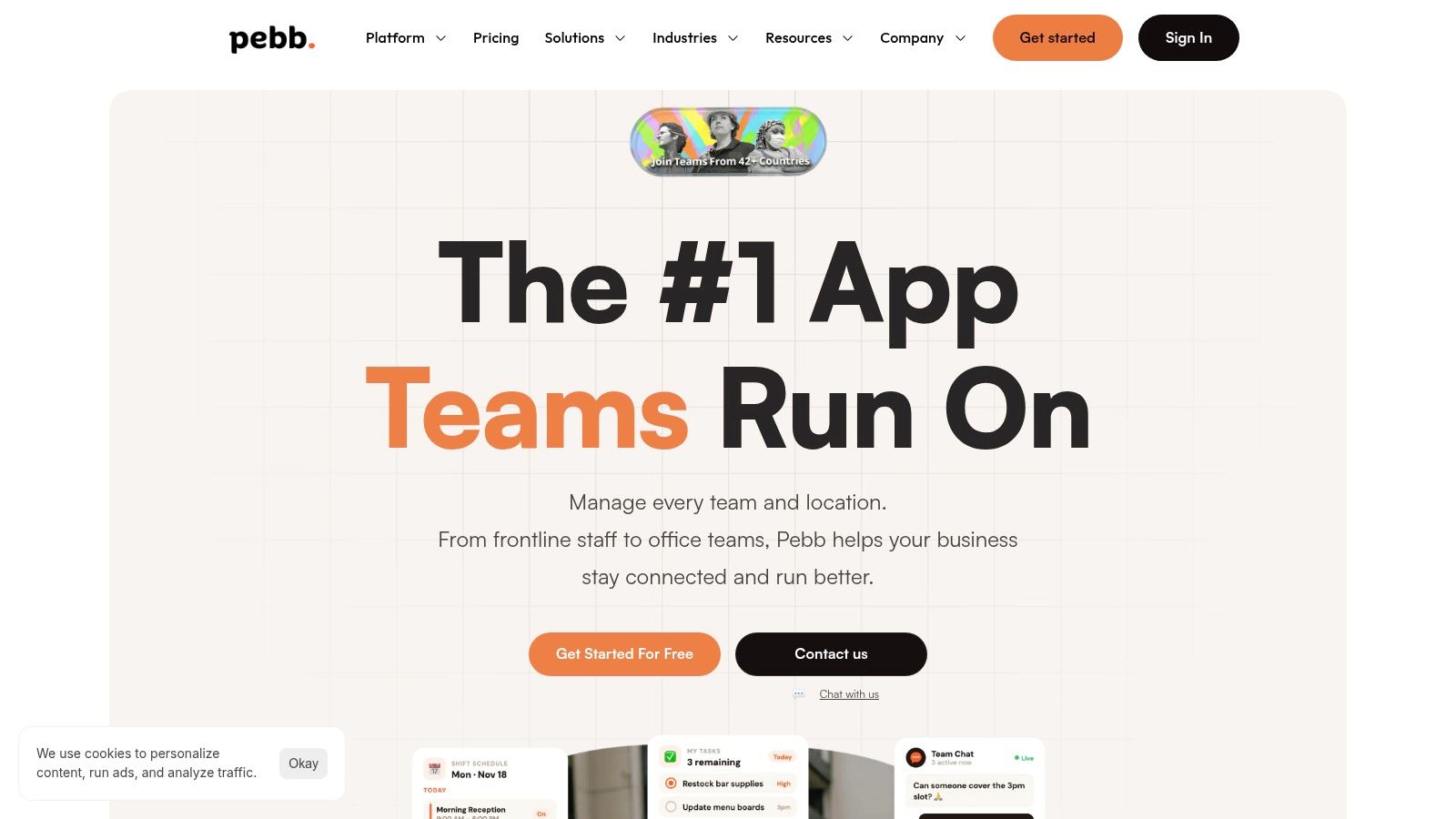
I pay attention to tools like Pebb when the underlying problem is not just task tracking. It fits teams that are losing work between chat, updates, schedules, files, and day-to-day coordination.
That matters for frontline and hybrid teams. A missed task is often a communication failure first. The assignee did not see the change, the shift handoff was weak, or the latest instructions lived somewhere else. Pebb's appeal is that tasks sit in the same workspace as chat, posts, files, forms, and team updates, which reduces some of that friction.
The practical upside is simple. Teams can keep work and context closer together instead of stitching together separate apps for messaging, reference material, and task follow-up. That also makes it easier to apply basic task prioritization methods that busy teams will actually use, because the discussion and the task are not split across different tools.
Best for teams that need context with the task
Pebb makes the most sense for store teams, field operations, clinics, warehouses, and mixed deskless or hybrid groups. If a manager needs to assign work, share an update, confirm coverage, and keep SOPs easy to find, an all-in-one setup is often more useful than a cleaner Kanban board.
The trade-off is depth. Teams that need advanced project reporting, heavy workflow automation, or specialized planning logic may outgrow it. Larger buyers may also want clearer pricing before they commit.
For a free-plan shortlist, though, Pebb is worth considering because it addresses a common failure point other task tools ignore. Work falls apart when the task is separate from the conversation and the handoff.
2. Asana
Asana is what I recommend when a team is new to structured task management and doesn't want to fight the software. It's clean, calm, and easy to understand. You get lists, boards, due dates, assignees, subtasks, attachments, and a strong mobile experience without much setup drama.
That ease is the whole point. Teams adopt Asana quickly because it feels obvious. If your current system is “someone mentioned it in chat,” Asana is a big step up.
Best for simple coordination
The free tier works best for small teams that need a shared place to track work and assign ownership. It's good for marketing calendars, internal checklists, recruiting steps, and lightweight project work. It's also a decent place to apply basic task prioritization techniques for busy teams, because the structure is simple enough that people will use it.
But Asana's free version has a ceiling. Once a team wants more advanced views, richer reporting, or serious automation, the upgrade conversation arrives fast.
Asana is easiest to like when your process is still simple. Once your workflow gets more layered, the free plan starts to feel narrow.
If you want a polished starting point, Asana is still one of the safest bets. If you already know you'll need deeper control, I'd skip the honeymoon and evaluate something broader.
3. Trello
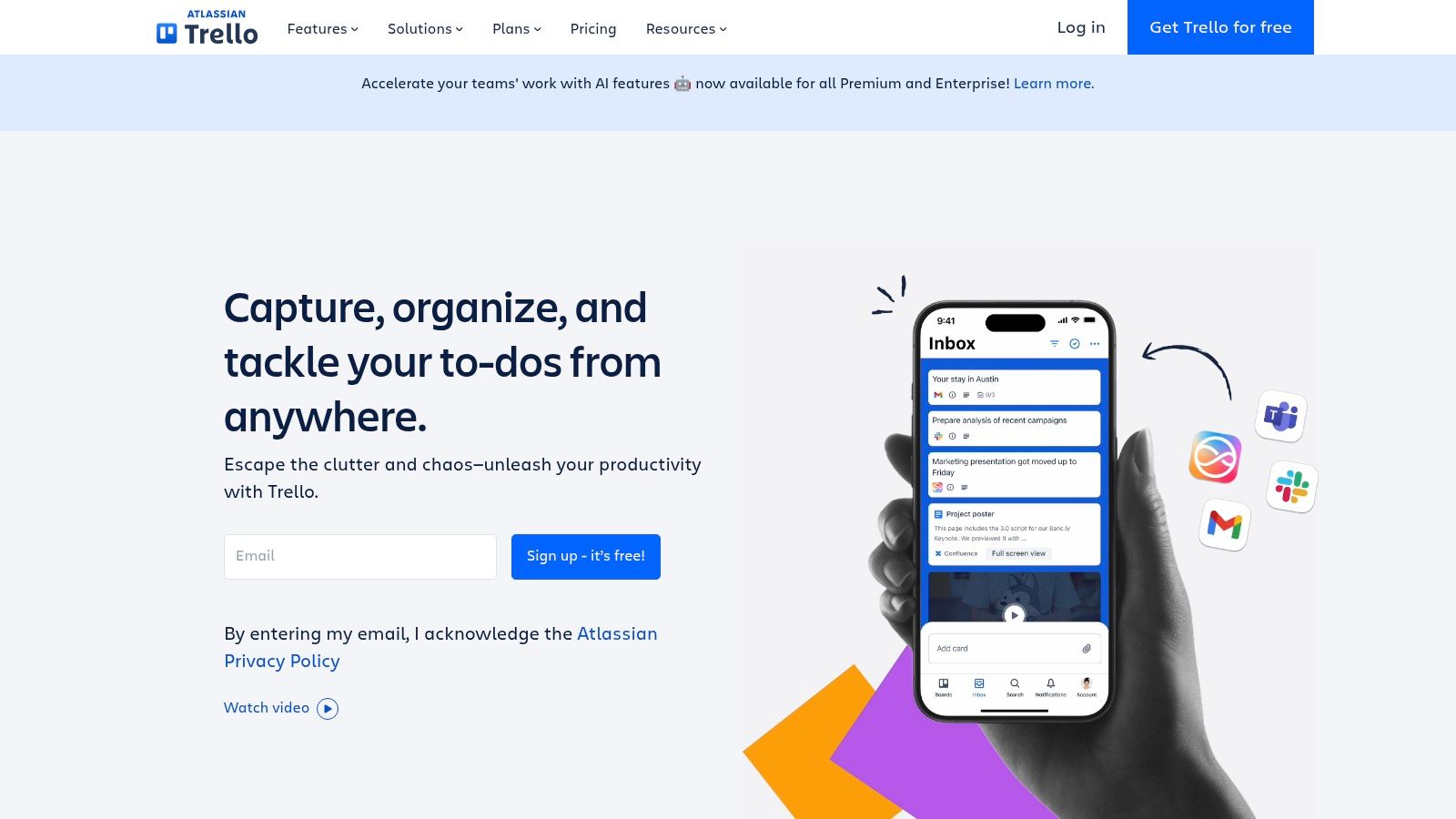
Trello remains the easiest visual task tool to explain in one minute. Board. Lists. Cards. Drag work from left to right. It is immediately understandable.
That's its superpower and its limit. Trello is excellent when the workflow itself is simple and visible. Editorial pipelines, campaign checklists, standups, event prep, and team to-do boards all fit naturally. If your team thinks visually, Trello often beats more “powerful” tools because people keep using it.
Where Trello shines
Trello works well for teams that need lightweight coordination without a long setup phase. Checklists, due dates, comments, and card assignments cover a lot of ground. You can also stretch it in creative ways with integrations and automations, though the free plan is more restricted than paid tiers.
The downside shows up when teams need more than a board.
Great for flow visibility: You can see blocked work and ownership quickly.
Weak for deeper planning: Timeline and calendar-heavy management push you toward paid features.
Fine for one team: Harder when multiple teams need a shared operating model.
This isn't a criticism. It's just the trade-off. Trello is a board first. If your team really needs a hub, not a board, you'll feel that gap early.
4. ClickUp

ClickUp is what happens when one tool tries to be your task app, doc tool, whiteboard, goal tracker, and internal workspace at the same time. Sometimes that's exactly what a team wants. Sometimes it's too much.
I respect ClickUp more than I enjoy recommending it casually. It can replace a lot of separate tools, and the free plan is broad enough to make it attractive for teams that want one central system. Docs tied to tasks, multiple views, whiteboards, and native time tracking give it real range.
Powerful, but not light
The trade-off is cognitive load. ClickUp asks teams to make more decisions up front. How should spaces work? Which views matter? What fields do you need? That flexibility is useful, but it can slow down rollout if the team just needs a clean way to assign and finish work.
I'd consider ClickUp in two cases:
You want one app for many kinds of work
You have someone on the team who enjoys setting systems up
If neither is true, the free plan can still feel overwhelming. Teams often confuse feature breadth with clarity. ClickUp has a lot of the first and less of the second. For some groups, that's perfect. For others, it creates a new admin hobby.
5. monday.com
monday.com is one of those tools teams like fast. Open a board, add a few color-coded columns, and suddenly the work looks more organized than it did in email, chat, or a spreadsheet. That first impression matters, especially for managers trying to get quick buy-in from a mixed office and frontline team.
The catch is simple. monday.com often sells the experience before it proves the free plan can carry your day-to-day work.
Good for adoption, less generous for staying free
The free version gives smaller teams enough to test the core setup. You can build boards, assign work, set statuses and due dates, and get a clean visual system running without much training. If your team struggles with messy handoffs or vague ownership, that alone can be useful.
What you are really testing here is fit, not just features.
In paid accounts, monday.com starts to make more sense because the controls that reduce manager overhead tend to sit outside the free tier. That matters in real teams. A polished board is nice, but once requests pile up, you start wanting automations, reporting, and tighter oversight. Without those, someone usually ends up doing manual cleanup.
I'd put monday.com free in a narrow but valid category. It works well for a small team that wants structure quickly and values ease of use over depth. I would be cautious with it for operations teams, service teams, or hybrid groups that need stronger process control but have no plan to upgrade.
The best reason to use monday.com free is to find out whether your team will actually maintain the workflow once the novelty wears off.
That is a tougher test than the demo. If people keep updating boards after two weeks, monday.com is probably a good fit. If your budget is fixed and you already know you will need more than basic tracking, start with a free plan that gives you more room before the paywall shows up.
6. Notion
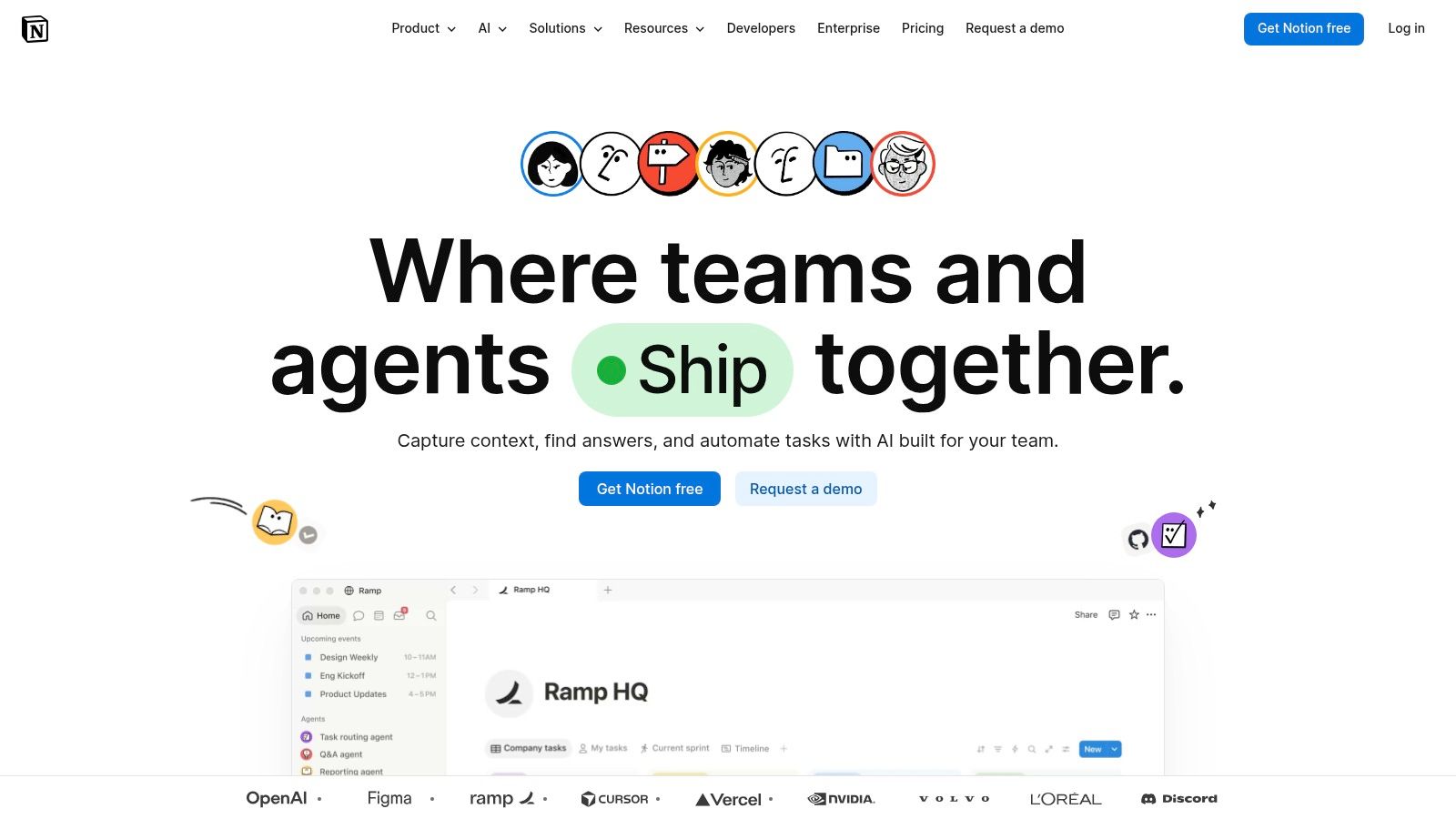
Notion isn't my first pick for pure task management. It is one of my favorite choices when tasks and knowledge need to live together.
That distinction matters. Some teams don't just need to assign work. They need the brief, the process notes, the meeting context, the reference docs, and the task list in one place. Notion handles that better than most traditional task managers because it starts with pages and databases, then lets you shape the system around your work.
Best when documentation matters
Notion is especially useful for editorial teams, product teams, agencies, and small companies building internal processes as they go. A task database can become a lightweight operating system with related docs, project pages, and shared notes.
The danger is familiar to anyone who has used Notion for long. Customization can become procrastination.
Strong fit: Teams that think in documents and systems
Weak fit: Teams that need rigid task workflows with little setup
Big risk: Building a beautiful workspace nobody updates
On the free plan, guest and usage limits can also shape what's practical. If your team loves writing and organizing knowledge, Notion can be excellent. If they just want to know what to do next, it can be too abstract.
7. Wrike
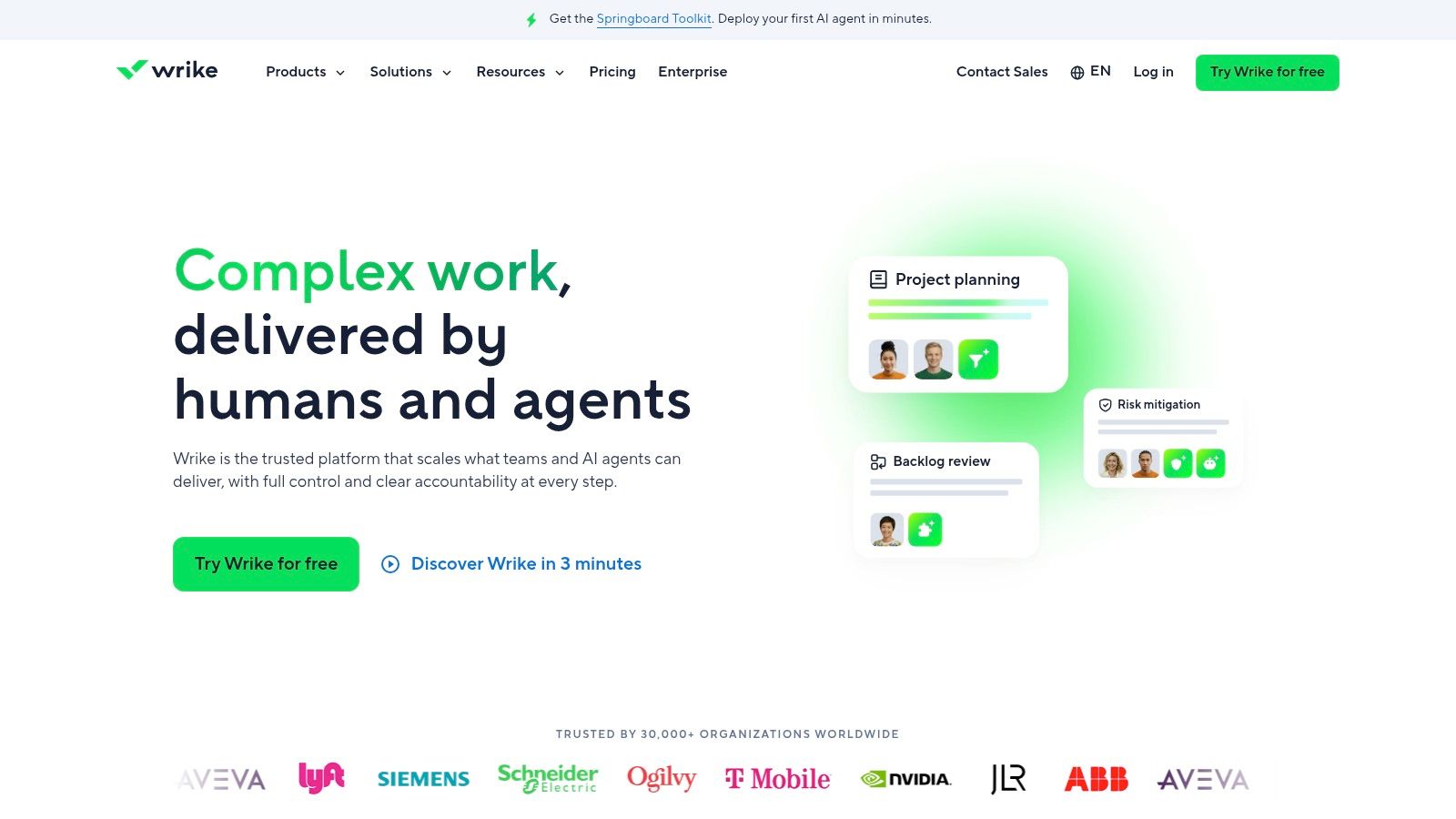
Wrike feels more structured than tools like Trello or Notion. That's good news if your team likes folders, projects, and a clearer hierarchy. It's less good if you want something playful or lightweight.
I tend to think of Wrike as a tool that makes more sense as your work gets more formal. Tasks, subtasks, attachments, mentions, list views, and board views are all there. The free version covers basic collaboration, and the path to more advanced project management is obvious.
Better for teams that want order
Wrike's strength is that it can grow with a team that needs more discipline over time. The free tier won't give you the richer reporting, time tracking, approvals, and analytics that larger teams usually want, but the structure is already pointing in that direction.
That can be useful if you know your team will need stricter project controls later. It can also feel stiff if you just wanted a cleaner shared to-do list.
Wrike is a sensible choice for teams that already think in projects and subprojects. If your team barely agrees on due dates, it may feel like too much machinery.
8. Jira Software
Jira Software is great for the right team and a headache for the wrong one. I wouldn't hand it to a general operations team unless they had a very clear reason to use it. For software teams, product teams, and process-heavy groups, that's a different story.
Jira is built around issue tracking, workflows, boards, backlogs, and sprints. It gives structure to work that really does need structure. If your team already thinks in tickets and statuses, Jira can feel natural. If not, it often feels like using a wrench to eat soup.
Best when process is the product
Jira makes sense when the work itself is technical, recurring, and dependent on a defined workflow. Scrum and Kanban support, issue types, and workflow control are why people stay with it. The Atlassian ecosystem is also a practical advantage if your team already uses adjacent products.
The free plan supports small teams with the essentials. But the learning curve is real, and non-technical teams often turn Jira into a bureaucracy machine without meaning to.
Use Jira when process discipline is necessary, not when it just sounds responsible.
That's the cleanest way I know to say it.
9. Airtable
Airtable is less a task app than a flexible database that can become a task system. That difference is why some teams love it and others abandon it after two weeks.
If your work includes requests, assets, approvals, content records, or anything that benefits from structured data, Airtable can be brilliant. Forms feed into bases. Records connect to other records. Kanban and calendar views help people who don't want to stare at rows all day.
A great fit for operational workflows
Airtable is strongest when tasks are tied to something larger, such as campaigns, inventory, content libraries, or client records. It handles that relationship better than a plain board tool. For operations teams, marketing teams, and internal service workflows, that can be a real advantage.
The free plan is enough to test the model, but limits around records, storage, and feature access matter quickly if the base becomes central to the business. It's also not the easiest tool for teams that want instant simplicity.
Airtable rewards teams that think carefully about structure. It punishes teams that just need “assign task, leave comment, mark done.”
10. Bitrix24
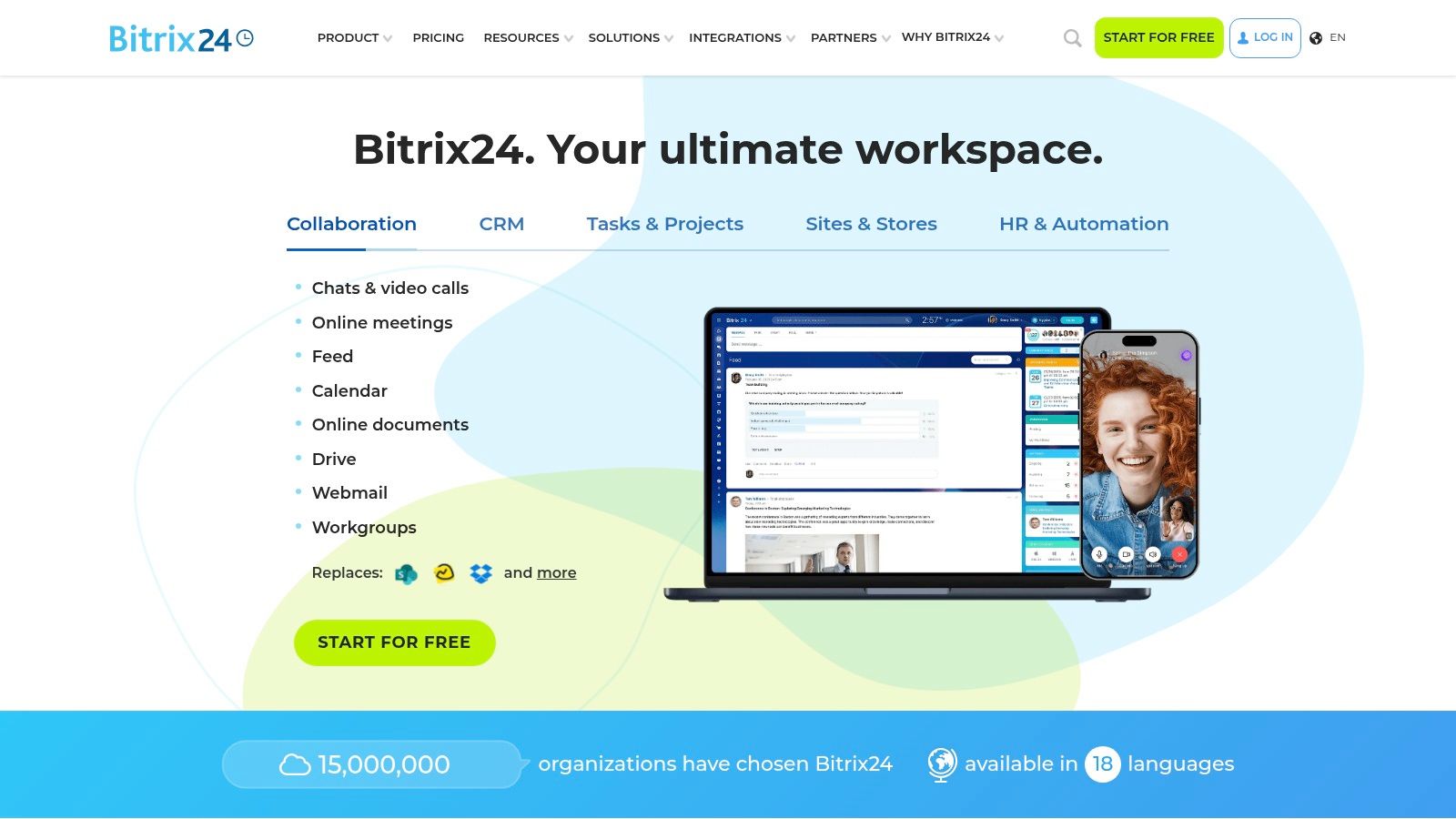
Bitrix24 goes in the opposite direction from Trello. Instead of doing one thing cleanly, it tries to cover tasks, collaboration, chat, drive, CRM, and more in one package.
That can be appealing if you want a broad platform without immediately paying. It can also feel busy fast. I've seen teams like Bitrix24 because it offers a lot under one roof, but I've also seen people bounce off the interface because it asks them to absorb too much too soon.
A broad free option with a clutter risk
For teams that want tasks plus communication plus customer-facing workflows in one environment, Bitrix24 is worth a look. It gives you workgroups, chat, activity feeds, and task views that can support a lot of internal coordination.
The trade-off is clarity. A broad platform only helps if the team understands where work belongs. Otherwise, the tool becomes another source of noise.
If you need a free all-in-one platform and don't mind a denser interface, Bitrix24 is a contender. If you want something clean and teachable in an afternoon, I'd look elsewhere.
11. At a Glance Comparing the Free Plan Limitations
Free plans fail in predictable ways. A tool looks generous during setup, then the team hits the limit that matters in daily use: too few users, no timeline view, weak permissions, capped automations, or reporting that stops at the surface.
That is the filter I use here. The question is not whether a platform has tasks, boards, and a mobile app. Nearly all of them do. The key question is what breaks first once an active team starts depending on it, especially if you have frontline staff, supervisors, and office coordinators all touching the same workflow. If you want a broader view of tools built for actual team operations, this guide to team management software for growing teams is a useful companion.
The limitations that actually matter
These four limits decide whether a free plan stays usable past the trial phase:
User caps: Some free plans support a small team. Others are effectively personal tools with light collaboration added.
View restrictions: Boards may be free while timelines, workload views, Gantt charts, or dashboards sit behind a paywall.
Workflow depth: Free often means limited automations, fewer custom fields, basic integrations, or thin reporting.
Admin control: Permissions, workspace structure, and governance usually get worse right when the team gets bigger.
I care about those limits more than feature counts because they show up in the work itself. A frontline manager needs quick assignment and visibility. A hybrid team needs clean handoffs between chat, docs, and tasks. A project lead needs enough control to stop the workspace turning into a mess.
That is also why free-plan comparisons often miss the point. The problem is rarely “does this app have task management.” The problem is whether the free version still works once your process has recurring tasks, approvals, multiple locations, or more than one department involved. Free can be a good starting point. It becomes expensive fast when the hidden cost is confusion, duplicate work, or another migration six weeks later.
12. How to Choose Three Questions Before You Commit
The worst mistake is picking a tool for the company you hope to become instead of the team you have. Free software makes that mistake easier because there's no buying friction. You can adopt something too complex and call it experimentation.
I'd ask three questions before committing.
Ask these before rollout
What problem hurts right now: Missed handoffs, unclear ownership, scattered communication, or poor planning are different problems. One tool won't solve all of them equally well.
How much system can this team tolerate: Some teams will happily use custom fields and statuses. Others stop updating anything the second the setup feels heavy.
Do we need a task app or a work hub: Office teams can often live inside lists and boards. Frontline and distributed teams usually need communication, schedules, forms, and reference material close to the tasks.
That last point gets missed a lot. Mainstream roundups usually focus on office workflows, while broader task management coverage keeps signaling a demand for more than simple checklists, including dashboards, time tracking, timeline views, and ways to organize work inside the tools people already use (Atlassian's guide to task management tools). That's one reason many teams eventually outgrow basic free plans.
If you want a wider view of what makes a platform fit actual teams, this guide to team management software for modern workplaces is worth reading. The short version is simple. Pick for current pain, not future fantasy.
Free Plan Comparison: 12 Team Task Management Tools
Product | Core features ✨ | UX / Adoption ★ | Pricing & Value 💰 | Target audience 👥 | Differentiator / USP 🏆 |
|---|---|---|---|---|---|
Pebb 🏆 | ✨ Chat, voice/video, Spaces, tasks, shifts, clock‑in, PTO, files, knowledge | ★★★★☆ Fast mobile rollout; familiar social feed | 💰 Free starter; affordable plans; contact sales for enterprise | 👥 Frontline + office (retail, hospitality, healthcare, warehouses) | 🏆 Recommended, per‑team customization, rapid invite onboarding, 50+ HR/payroll integrations |
Asana | ✨ Lists, boards, timelines, templates | ★★★★ Intuitive UI; quick adoption | 💰 Free personal; paid for advanced views & reporting | 👥 Small teams & knowledge workers | Templates + clean task-focused UX |
Trello | ✨ Kanban boards, cards, checklists, Power‑Ups | ★★★★★ Very simple, visual workflow | 💰 Free with limits on automations & power‑ups | 👥 Non‑technical teams, standups | Visual simplicity and low learning curve |
ClickUp | ✨ Tasks, docs, whiteboards, goals, chat | ★★★★ Feature‑rich but can be complex | 💰 Generous free plan; paid for higher limits | 👥 Teams wanting multiple tools in one app | Broad all‑in‑one feature set |
monday.com | ✨ Boards, workdocs, automations, templates | ★★★★ Polished, attractive UI | 💰 Free individual; paid for automations & seats | 👥 Small–mid teams needing visual ops | Strong templates + polished visuals |
Notion | ✨ Pages, databases, boards, templates | ★★★★ Excellent docs + task blend | 💰 Free for individuals; paid team features | 👥 Knowledge‑centric teams, creators | Highly customizable docs + DBs |
Wrike | ✨ Folders/projects, tasks, list/board views | ★★★ Scales to enterprise; structured | 💰 Free basic; paid for Gantt, time & reporting | 👥 PMs & structured project teams | Hierarchical project organization |
Jira Software | ✨ Scrum/Kanban, backlogs, workflows | ★★★ Powerful for agile; steeper learning | 💰 Free small teams; paid for enterprise needs | 👥 Software & agile teams | Deep agile tooling & ecosystem |
Airtable | ✨ Spreadsheet‑DB, grid/kanban/calendar, forms | ★★★★ Flexible data modeling | 💰 Free small bases; paid for records & storage | 👥 Teams needing structured data & forms | Hybrid DB + UI for custom workflows |
Bitrix24 | ✨ Tasks, Kanban/Gantt, chat, CRM, telephony | ★★★ Broad feature set; UI can feel busy | 💰 Free cloud plan; paid expands CRM & storage | 👥 SMBs needing CRM + comms | All‑in‑one suite that includes CRM & telephony |
Your Next Move
I've seen teams waste weeks arguing about software while nobody agrees on who owns a task, where updates belong, or what counts as finished. That confusion survives every tool change.
Start there. Pick a naming rule, assign one owner per task, set due dates only when they matter, and define what “done” means for your team. Software supports those habits. It does not create them.
Free plans are still useful for one reason. They let you test your operating rhythm before you spend money. That matters, especially for small teams, shift-based teams, and hybrid groups that already have enough friction between chat, handoffs, files, and daily follow-up.
The catch is simple. Plenty of free tools handle personal task capture well. Fewer hold up once work crosses functions, locations, or shifts. That's usually where teams hit the wall. Comments get scattered, status updates drift into chat, and the board stops reflecting what is happening.
So make the decision based on your real bottleneck. Trello works if you want a clean board. Asana is a solid starting point for shared task tracking. Notion fits teams that live in docs and process notes. If your problem is bigger than tasks, and includes communication, coordination, and day-to-day operations across frontline and office staff, Pebb is the tool I'd test first.
Run one tool for 30 days. Keep the setup boring. Review what broke, what people ignored, and where work still slipped through.
If this article made you realize your problem is not just tasks, but the mess around tasks, Pebb is worth trying. It fits teams that need task management in the same place as chat, files, updates, and operational coordination, which is often the actual gap free software leaves behind.
