
The Best Team Management Software: 12 Calm Choices for 2025
Tired of chaotic workflows? We review the best team management software to help you find clarity. Discover 12 tools for calmer, more productive work.
Dan Robin
Let's be honest, 'managing a team' is often just managing chaos.
We’ve all been there. Endless pings, the hunt for that one specific document, the weekly meeting that could have just been a quick update. The promise of modern work tools was a calmer, more organized way of getting things done. Instead, we often got more complexity. More notifications. More tabs open than we can count. We believe the goal isn’t to find software that does everything, but to find the one tool that helps your team do their best work, quietly and effectively. This isn’t just another roundup. It’s an opinionated guide, born from our own experiences building, using, and sometimes abandoning these platforms.
We're on a mission to find the best team management software that brings genuine clarity, not just a mountain of features. The struggle to manage this kind of chaos isn't limited to professional teams; it's a universal challenge. Even a job search can feel overwhelming, often necessitating a personal project management system to bring order.
In this guide, we'll dive deep into 12 different options. We'll look at everything from comprehensive platforms like Asana and monday.com to focused tools like Basecamp, and even how to navigate review aggregators like G2. We’ll cover what it's really like to use them day-to-day, for everyone from frontline operations to HR leaders and hybrid desk-based teams. For each tool, you'll find direct links and screenshots to see how they work in practice. Our goal is simple: to help you cut through the noise and find the right tool that actually makes your work, and your team's work, better.
1. Pebb
Pebb stands out as our top pick for the best team management software because it elegantly solves one of the biggest challenges modern teams face: fragmentation. It’s designed as a genuine all-in-one platform, seamlessly blending communication, operational tasks, and company culture into a single, intuitive mobile and web app. This isn't just another tool; it's a digital home for your entire workforce, especially for organizations with a mix of desk-based and frontline employees.
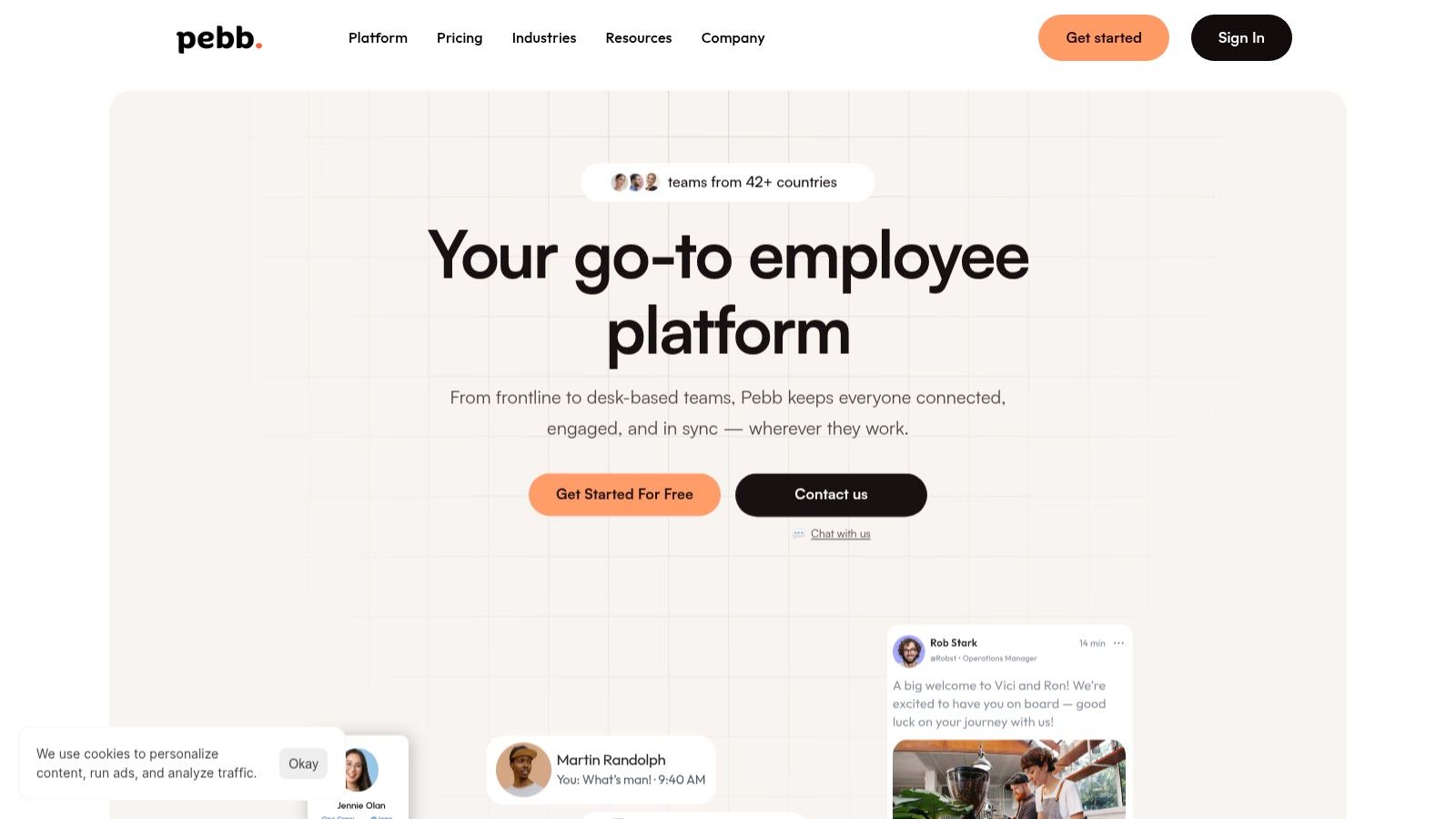
What makes Pebb so effective is its "like Facebook, but for work" feel. It combines a familiar news feed, chat, and kudos with essentials like shift scheduling, PTO management, and task assignments. This holistic approach means you can replace a handful of disconnected apps with one unified system, reducing both cost and complexity.
Key Strengths & Use Cases
Unified Hub: Its greatest advantage is consolidating tools. A retail manager can post a weekly schedule, a team member can request time off, and the entire company can celebrate a sales win in the same app. This creates a cohesive employee experience.
Mobile-First Design: Pebb is built for the reality of a distributed workforce. The single-link onboarding is a game-changer; you can get your entire team, from the warehouse floor to the head office, signed up and active in a day. No spreadsheets, no complex IT involvement.
Strong Governance: Behind the simple interface are robust administrative controls. You get role-based permissions, advanced analytics to track engagement, and over 50 integrations with major HR and payroll systems, making it a reliable central hub.
Potential Considerations
The primary drawback is the lack of transparent public pricing for all tiers. You'll likely need to connect with their sales team for a detailed quote, especially for enterprise needs. Additionally, for highly regulated industries like finance or government, you may need to specifically inquire about their SOC/ISO certifications and data residency options.
Website: https://pebb.io
2. Asana
Asana is one of those names that just comes up whenever you talk about project management, and for good reason. It’s incredibly approachable, making it a fantastic starting point for teams dipping their toes into more structured work management without feeling overwhelmed. It strikes a rare balance between user-friendly design and powerful, scalable features.
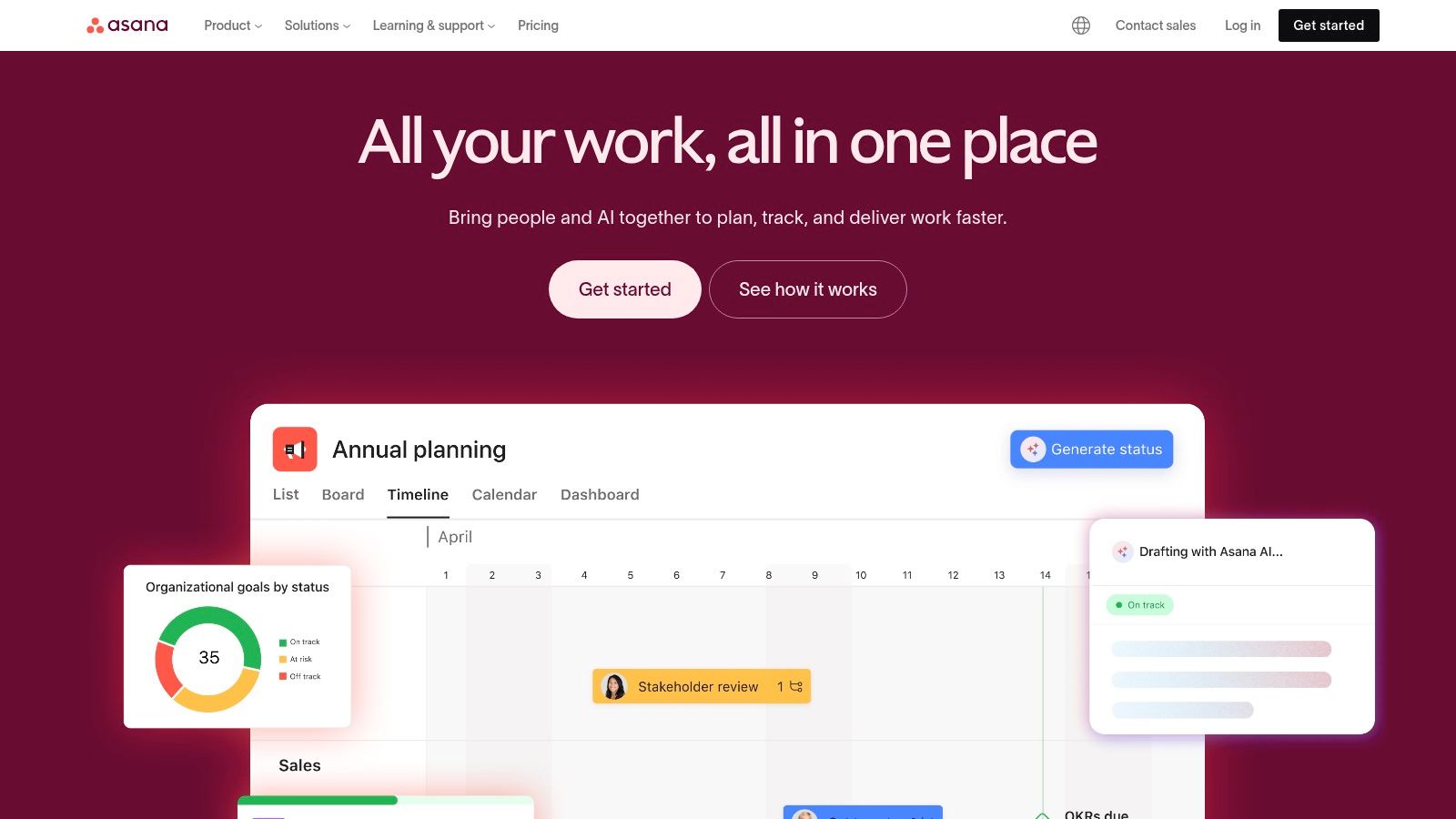
What makes Asana stand out is its visual flexibility. Your team can toggle between List, Board, Timeline (Gantt), and Calendar views, allowing everyone to see project progress in the way that makes the most sense to them. This is huge for cross-functional teams where marketers might live in Kanban boards while engineers prefer lists. Their built-in Workflow Builder and Asana Intelligence (AI) also help automate routine tasks, saving precious time. If you want to dive deeper into all the ways you can use the platform, you can learn more about Asana's features and benefits to see how it can streamline your specific workflows.
The Asana Breakdown
Best For: Cross-functional teams of any size, from small businesses to large enterprises needing robust project oversight and granular admin controls.
Key Features: Multiple project views (List, Board, Timeline, Calendar), Portfolios for program-level reporting, Workflow Builder for automation, native time tracking, and extensive integrations with tools like Salesforce and Tableau. It's a powerhouse for organizing complex work, making it one of the essential tools for managing remote team collaboration.
Pros: The user interface is clean and intuitive, drastically shortening the onboarding time. It scales beautifully from a simple task list to a full-blown enterprise work hub.
Cons: The most powerful features, like Portfolios and Goals, are locked behind the higher-priced tiers. Also, the per-seat pricing can become a significant expense for very large organizations.
Pricing: Starts with a generous free plan for up to 10 members. Paid plans begin at $10.99 per user/month (billed annually).
Website: https://asana.com
3. monday.com
If Asana is the structured project powerhouse, monday.com is its vibrant, ultra-flexible cousin. It’s a work management platform that feels more like building with LEGOs than filling out a spreadsheet. Its colorful, visual-first approach makes it incredibly inviting for teams who might be put off by more rigid software, allowing anyone to build the exact workflow they need without writing a single line of code.
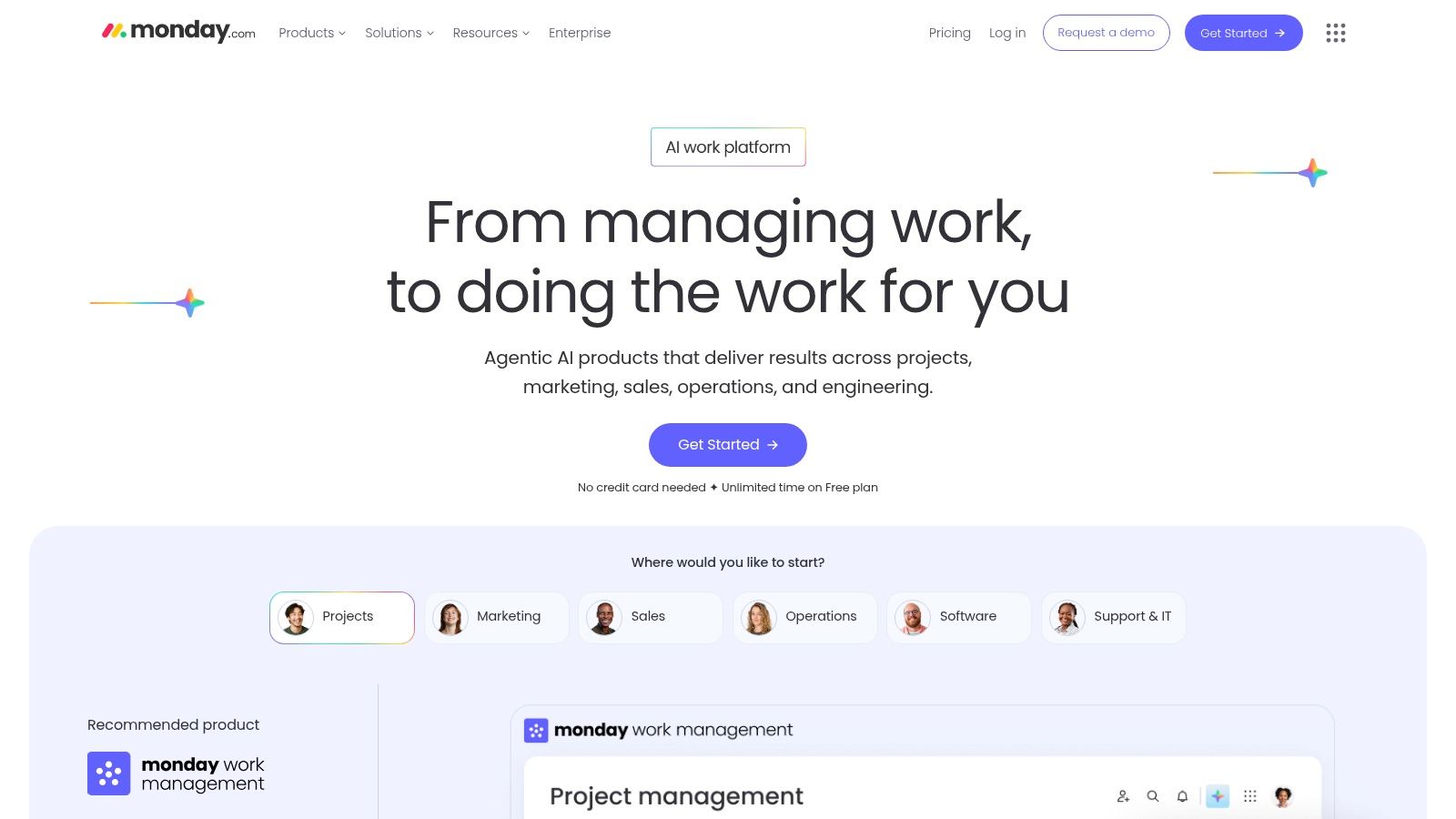
What makes monday.com one of the best team management software options is its sheer customizability combined with a low barrier to entry. The platform is built around highly configurable boards that can be adapted for anything from a content calendar to a CRM or an inventory tracker. Its extensive template library gives you a running start, and the built-in automations are a lifesaver. You can easily set rules like, "When a task status changes to 'Done,' notify the project lead in Slack," which eliminates countless manual check-ins and keeps work moving forward. It’s all about creating a central hub that fits your team, not forcing your team to fit the tool.
The monday.com Breakdown
Best For: Teams that need a highly visual and customizable work hub, especially in creative, marketing, and sales departments. It’s great for getting started quickly thanks to its vast template ecosystem.
Key Features: Customizable boards with multiple views (Kanban, Calendar, Gantt, Form), powerful automation recipes, comprehensive dashboards for reporting, a large template library, and guest access for external collaboration.
Pros: The interface is extremely flexible, intuitive, and visually engaging, which helps with team adoption. It offers a fast time-to-value with its pre-built templates and easy-to-configure automations.
Cons: The different plan tiers have confusing feature limitations, and the mandatory seat minimums on some plans can be a hurdle for smaller teams. Costs can also escalate quickly as you add more users and require more automations.
Pricing: Offers a free plan for up to 2 users. Paid plans start at $9 per user/month (billed annually, with a 3-seat minimum).
Website: https://monday.com
4. ClickUp
ClickUp's big promise is to be the "one app to replace them all," and it comes impressively close to delivering. If your team feels the subscription fatigue of juggling separate tools for tasks, documents, whiteboards, and goals, ClickUp presents a compelling, unified alternative. It’s built for teams who want to consolidate their entire workflow into a single, highly configurable environment.

What makes ClickUp a unique piece of team management software is its sheer density of features and customization. You can tailor almost everything, from custom fields and task statuses to project views and automations, creating a bespoke system that fits your team's exact processes. With native Docs, Whiteboards, and Goal tracking built right in, it truly centralizes work, eliminating the need to constantly switch contexts between different applications. It’s a power user's dream, offering a deep well of functionality to explore and optimize.
The ClickUp Breakdown
Best For: Tech-savvy teams that want one highly customizable platform to manage everything from tasks and docs to company-wide goals.
Key Features: Multiple project views (List, Board, Gantt, Calendar), robust automations, custom fields and statuses, integrated Docs and Whiteboards, native time tracking, and AI add-ons for summarizing content and generating ideas.
Pros: Incredible value with a high number of features included even in lower-priced plans. Its "all-in-one" approach can significantly reduce a team's software stack and costs. The 24/7 support is a major plus.
Cons: The platform’s greatest strength, its feature depth, can also be its biggest weakness. The learning curve is steep, and the sheer number of options can feel overwhelming without a proper setup and governance plan.
Pricing: Offers a powerful "Free Forever" plan. Paid plans start at $7 per member/month (billed annually).
Website: https://clickup.com
5. Atlassian Jira Work Management
If your company already lives and breathes in the Atlassian ecosystem, Jira Work Management feels like a natural extension rather than a new tool to learn. It takes the powerful, developer-centric engine of Jira Software and tailors it for business teams like marketing, HR, and operations. Think of it as Jira’s DNA remixed with a more approachable, business-friendly interface.
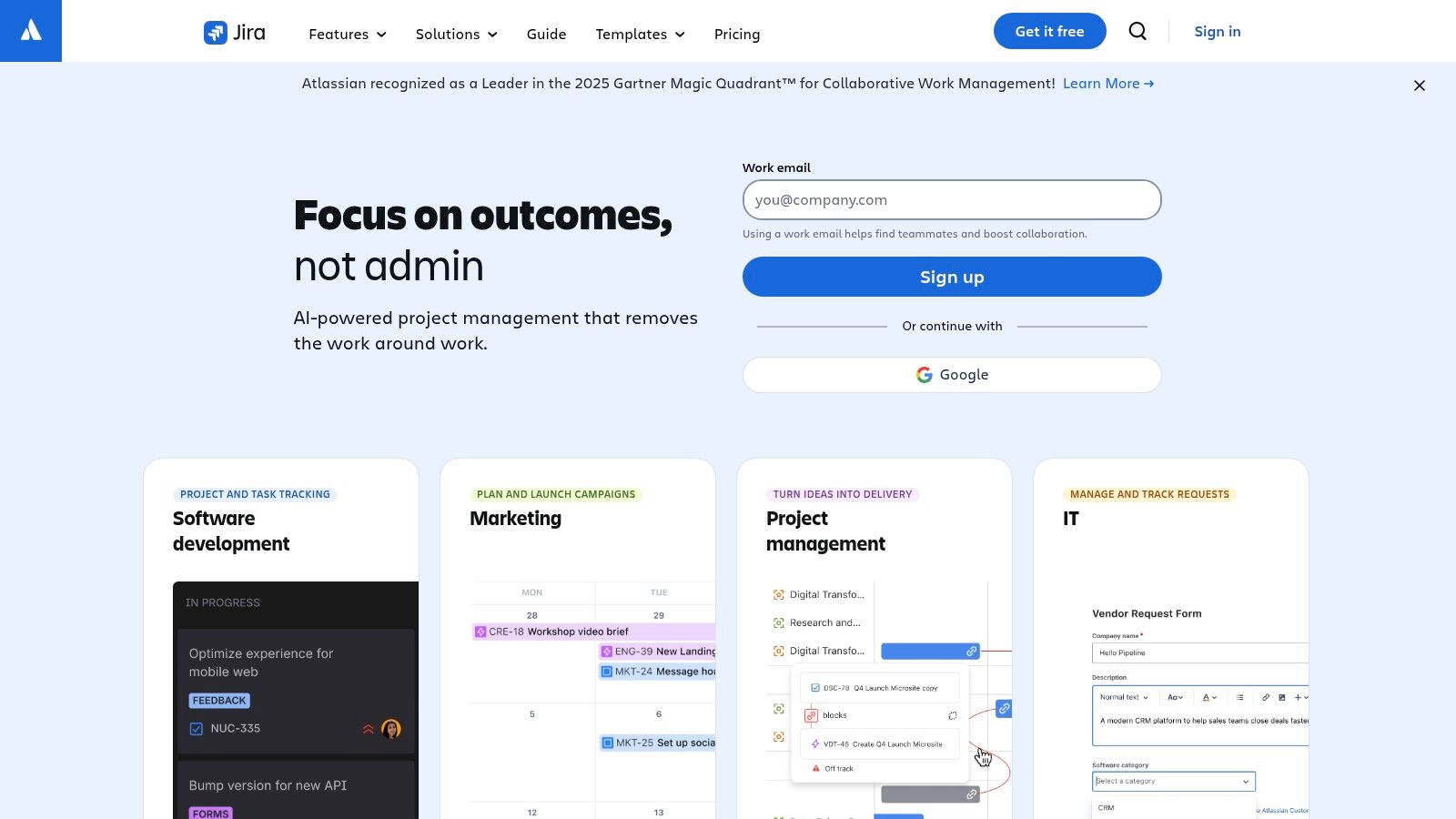
What makes Jira Work Management a compelling option is its deep, native integration with the rest of the Atlassian suite. You can seamlessly link marketing campaigns to Confluence pages or connect HR onboarding tasks directly to Jira Software development tickets. For organizations that need unbreakable alignment between technical and non-technical teams, this unified workflow is a massive advantage. It offers robust reporting, automation rules, and project views like lists, boards, and timelines, giving business teams the structure they need without the steep learning curve of traditional Jira.
The Jira Work Management Breakdown
Best For: Organizations already invested in the Atlassian suite (Jira Software, Confluence) that need to align business and technical teams.
Key Features: Multiple project views (List, Board, Timeline, Calendar, Summary), advanced forms, built-in automation rules, powerful reporting dashboards, and seamless integration with other Atlassian products.
Pros: It provides a familiar Jira backbone but is much easier for non-technical teams to adopt. The reporting and governance features are excellent for organizations managing projects across many departments.
Cons: The administrative depth can feel overly complex for very small or simple teams. It delivers the most value when you’re already committed to the Atlassian ecosystem; as a standalone tool, it faces stiffer competition.
Pricing: A free plan is available for up to 10 users. Paid plans start at $5 per user/month.
Website: https://www.atlassian.com/software/jira/work-management
6. Smartsheet
If your team practically lives in spreadsheets, Smartsheet will feel like coming home. It takes the familiar grid interface that everyone knows and supercharges it with project management power. This makes it an incredibly effective tool for teams that need robust, data-driven management without having to learn an entirely new system from scratch.

What makes Smartsheet a unique contender is its incredible power under the hood. It’s not just a spreadsheet; it’s a dynamic workspace with automation, dashboards, and powerful formula support that can handle complex program and portfolio governance. You can switch between Grid, Gantt, Card, and Calendar views, giving you the flexibility to manage projects from different angles. It’s built for organizations that need serious control and visibility over large-scale initiatives.
The Smartsheet Breakdown
Best For: Data-heavy project teams, program managers, and organizations that prefer a spreadsheet-style interface but need enterprise-grade power and governance.
Key Features: Multiple views (Grid, Gantt, Card, Calendar), powerful automation rules, customizable dashboards and reports, and strong formula support. It offers premium add-ons like Control Center and Resource Management for portfolio-level oversight.
Pros: The familiar spreadsheet paradigm makes adoption much faster for many teams. It scales exceptionally well from single projects to complex, cross-departmental programs.
Cons: It can feel more configuration-heavy than simpler Kanban-based tools. Some of the most powerful capabilities, like advanced resource management, are locked behind separate, premium add-ons, which can increase the total cost.
Pricing: A free plan is available. Paid plans start at $7 per user/month (billed annually).
Website: https://www.smartsheet.com
7. Wrike
Wrike is the kind of platform you turn to when your team's work is less about spontaneous tasks and more about structured, repeatable processes. It’s built for organizations that need a high degree of control, from custom intake forms and detailed resource planning to complex approval workflows. If your projects demand precision and clear governance from start to finish, Wrike provides the guardrails to keep everything on track.
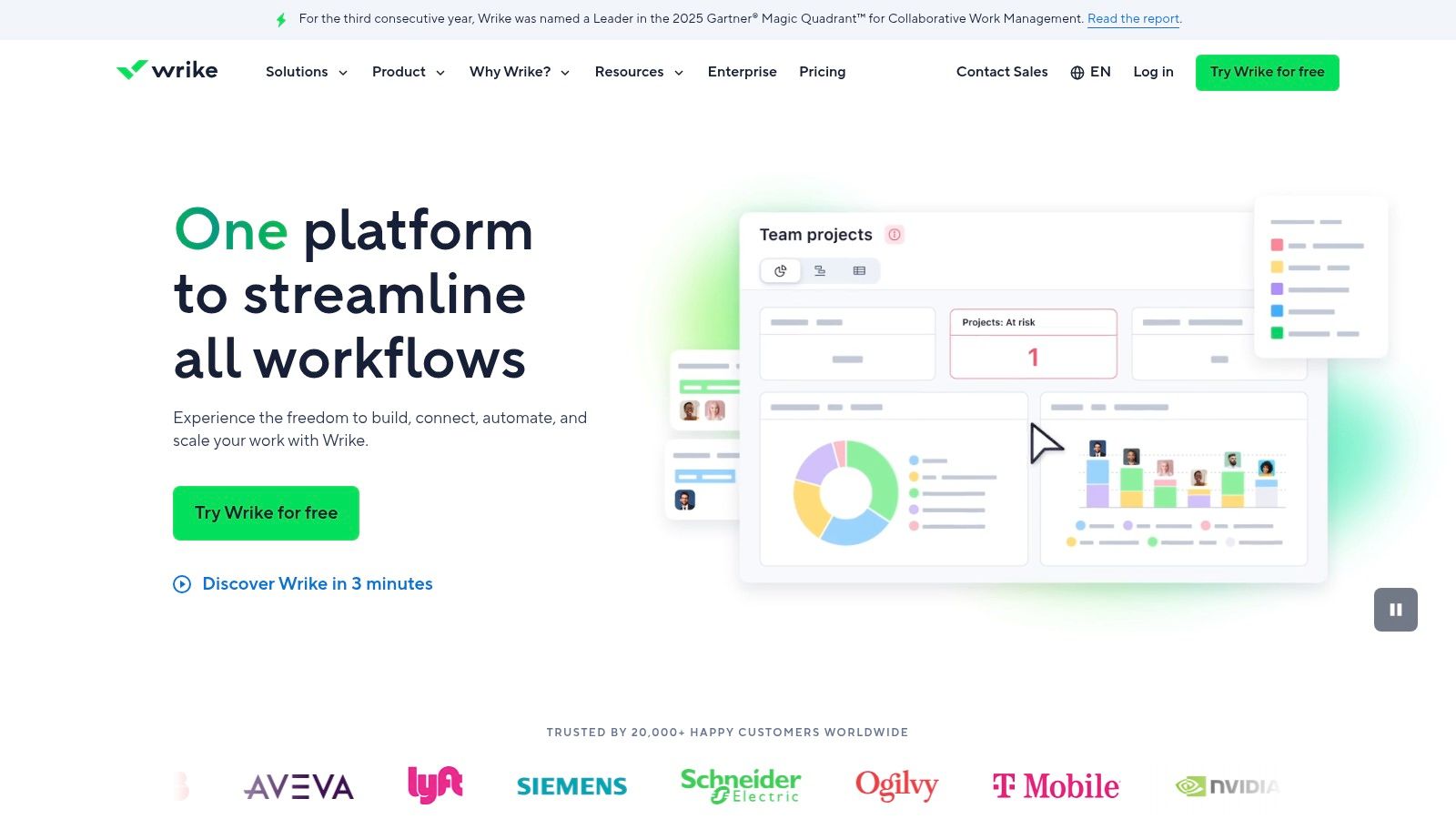
What really sets Wrike apart is its customizability and strength in managing resource allocation. Its "Spaces" and "Blueprints" let you create dedicated, templated workspaces for different teams or projects, ensuring consistency. The platform truly shines with its workload visualization and capacity planning tools, which help managers see who is overworked and who can take on more, preventing burnout before it happens. This focus on structured work and deep integration makes it a powerful central hub for complex operations, and you can learn more about integrating Wrike with other real-time tools to build a unified tech stack.
The Wrike Breakdown
Best For: Marketing, creative, and professional services teams that manage high-volume, process-driven work with complex review cycles and resource constraints.
Key Features: Customizable dashboards and request forms, workload and capacity planning views, built-in proofing and approval tools, project blueprints for templating, and over 400 integrations.
Pros: Excellent for coordinating work across multiple teams and enforcing structured processes. It offers a great balance of high-level visibility for leadership and granular control for managers.
Cons: The depth of its features means it requires more administrative effort to set up and optimize properly. Its business-tier pricing can also be a significant step up from more lightweight tools.
Pricing: Offers a free plan for basic task management. Paid plans start at $9.80 per user/month.
Website: https://www.wrike.com
8. Teamwork.com
If your business lives and breathes client work, Teamwork.com is built for you. While many platforms are general-purpose, Teamwork is laser-focused on the needs of agencies and service-based companies. It’s designed from the ground up to not just manage projects, but to manage the profitability and resourcing that comes with delivering work for clients.
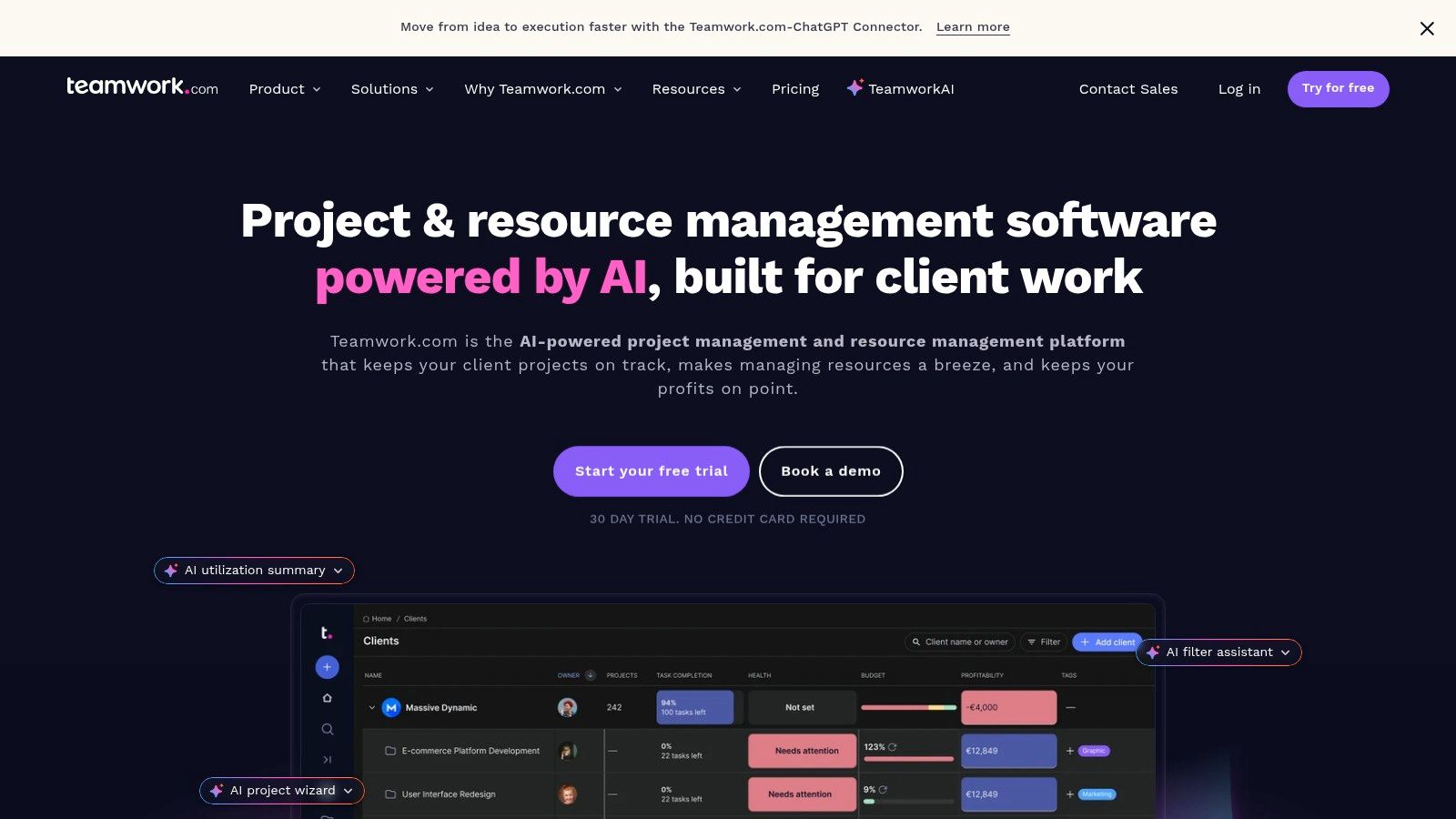
What truly sets Teamwork.com apart is how it seamlessly connects tasks to time tracking, budgeting, and invoicing. You’re not just tracking progress; you’re tracking billable hours and project profitability in real-time. This is a game-changer for agencies trying to understand client profitability and team utilization without duct-taping three different apps together. Its financial reporting and workload planner give managers a clear, actionable view of who’s working on what and whether projects are staying on budget, making it one of the best team management software choices for client-facing teams.
The Teamwork.com Breakdown
Best For: Agencies, marketing firms, and any service-based business that needs to manage client projects, track billable hours, and report on profitability.
Key Features: Built-in time tracking, budgeting, and profitability views, a dedicated workload and resource planner, robust automation and project templates, and key integrations with tools like QuickBooks and HubSpot.
Pros: It’s purpose-built for the unique needs of agencies and client services. The pricing tiers are clear, and the reporting features for billable work are incredibly strong and integrated.
Cons: The free plan is quite limited, capped at 5 users and just two projects. Some of the most valuable advanced features are gated behind the higher-cost Grow and Scale plans.
Pricing: A limited free plan is available. Paid plans start at $5.99 per user/month (billed annually).
Website: https://www.teamwork.com
9. Basecamp
Basecamp has been around for a while, and its longevity comes from its opinionated, all-in-one approach to team management. It intentionally cuts out the complexity found in other tools, focusing on a core set of features that just work. It's the perfect choice for teams who feel overwhelmed by feature-heavy platforms and want a straightforward, centralized hub for all their work and communication.
What makes Basecamp such a solid piece of team management software is its simplicity and its predictable, flat-rate pricing. Instead of juggling separate apps for chat, file storage, and task lists, everything is organized neatly into a single project space. This includes message boards, to-do lists, schedules, and document storage. This unified system helps keep conversations and tasks in context, reducing the need to hunt for information across different platforms. If you want to see how this can transform your internal comms, you can get a better sense of how to use Basecamp for team collaboration.
The Basecamp Breakdown
Best For: Teams looking for a simple, all-in-one solution with predictable pricing, especially those who value clear communication over complex project management features.
Key Features: Message boards for threaded discussions, collaborative to-do lists, a centralized schedule (The Lineup), document and file storage, and real-time group chat (Campfire). The flat-rate plan includes unlimited users and projects.
Pros: The flat-rate pricing is incredibly cost-effective for large or growing teams. Its user interface is clean with a very low learning curve, making onboarding a breeze.
Cons: It lacks the advanced project management features found in more specialized tools, like complex task dependencies or in-depth reporting and resource planning capabilities.
Pricing: A limited free plan is available. The Pro Unlimited plan is a flat $299/month (billed annually) for unlimited users.
Website: https://basecamp.com
10. Microsoft Planner and Project
For teams already living and breathing in the Microsoft 365 ecosystem, this duo feels like a natural extension of the tools you use every day. Microsoft Planner handles the straightforward team task management, while Microsoft Project steps in for more complex initiatives requiring resource management and portfolio oversight. It’s less about adopting a new system and more about unlocking capabilities you might already have access to.
What makes this combo a contender for the best team management software is its seamless integration with Teams. You can embed a Planner board or a Project schedule directly into a Teams channel, keeping conversations, files, and tasks all in one context. This prevents the constant app-switching that drains productivity. For organizations that prioritize security and compliance, leveraging Microsoft’s enterprise-grade infrastructure is a massive win. While Planner is simple and intuitive, Project brings the heavy-hitting features like Gantt charts and advanced dependencies for when your team’s work gets serious.
The Microsoft Planner and Project Breakdown
Best For: Organizations deeply embedded in the Microsoft 365 suite that need a secure, integrated solution for both simple task management and complex project portfolio planning.
Key Features: Tight Microsoft 365 and Teams integration, multiple views (Grid, Board, Schedule, Charts), advanced dependencies, and robust program, portfolio, and resource management on higher tiers. The upcoming Copilot in Planner will add AI-driven assistance.
Pros: It’s a natural fit if your company is standardized on Microsoft 365. You also get the benefit of enterprise-grade security, compliance, and identity controls right out of the box.
Cons: The classic Project functionality has a notable learning curve for new users. The pricing can also become steep for smaller teams that need the advanced portfolio features.
Pricing: Planner is included with most Microsoft 365 Business and Enterprise plans. Project plans start at $10 per user/month.
Website: https://www.microsoft.com/en-us/microsoft-365/project/microsoft-project-support/
11. Capterra (Project Management software category)
Okay, this one is a bit different. Capterra isn't a team management tool itself, but a meta-resource that’s incredibly valuable when you're searching for one. Think of it as a massive, free-to-use digital marketplace for software. Instead of trying dozens of demos blindly, Capterra helps you build a well-researched shortlist by comparing hundreds of options side-by-side.
What makes Capterra essential is its powerful filtering and verified user reviews. You can narrow down the vast list of the best team management software by company size, industry, specific features you need, and pricing models. This saves countless hours of research. Reading candid reviews from actual users gives you a sense of a tool's real-world strengths and weaknesses, cutting through the polished marketing copy to see how it performs day-to-day. It’s the perfect first step to discover tools you may not have heard of and to validate the ones already on your radar.
The Capterra Breakdown
Best For: Teams and leaders in the initial research phase, trying to build a longlist or shortlist of potential software solutions based on specific needs and user feedback.
Key Features: Extensive filtering options (by feature, industry, company size, pricing), verified user reviews with pros and cons, side-by-side product comparisons, and curated shortlists for specific categories.
Pros: The sheer breadth of software listed is impressive, and the user review system is a goldmine of honest feedback. It dramatically speeds up the initial discovery process.
Cons: Sponsored placements can influence which tools appear at the top of lists. Also, the pricing information is often a starting point and should always be verified on the vendor’s official website.
Pricing: Free to use for research and comparison.
Website: https://www.capterra.com/project-management-software/
12. G2 (Project/Work Management categories)
Okay, this one is a bit of a meta-entry. G2 isn't team management software itself, but it's an indispensable resource when you're searching for one. Think of it as the ultimate peer-review library for business software. Instead of relying solely on a vendor’s marketing materials, you get to read candid, detailed feedback from actual users who have been in the trenches with the tool you're considering.
What makes G2 so valuable in the hunt for the best team management software is its sheer volume of verified user reviews and its comparison grids. You can filter feedback by company size, role, and industry to see how a platform performs for teams like yours. It's an incredibly powerful way to uncover the unadvertised pros and cons, get a feel for the real learning curve, and see which features users actually find valuable day-to-day. It’s the perfect reality check before you commit to a subscription.
The G2 Breakdown
Best For: Any team leader or decision-maker in the evaluation phase, looking for unbiased peer insights and side-by-side vendor comparisons.
Key Features: Verified-user reviews with filterable pros/cons, "Best Software" category lists and grids, detailed feature ratings, and pricing snippets for quick comparisons.
Pros: The massive volume of reviews provides a reliable sense of a product's real-world usability and customer support quality. It's great for getting a heads-up on implementation challenges from peers.
Cons: You still need to cross-reference the information with the vendor’s official site, as pricing and features can change. Also, be aware that featured placements and awards can sometimes favor well-marketed tools.
Pricing: Free to browse and use.
Website: https://www.g2.com
Top 12 Team Management Software Comparison
Product | Core features | UX & Rating | Price / Value | Target & Unique Selling Point |
|---|---|---|---|---|
Pebb 🏆 | ✨ Chat, news feed, kudos, shifts, PTO, training, knowledge library, analytics | ★★★★☆ — mobile‑first, fast onboarding | 💰 Free start; contact sales for enterprise | 👥 Frontline & desk teams — ✨One‑link onboarding, 50+ HR integrations, social engagement |
Asana | Tasks, projects, timelines, portfolios, automations | ★★★★☆ — approachable UI, scalable admin | 💰 Free tier; paid per‑seat (advanced features on higher tiers) | 👥 Cross‑functional teams — ✨AI workflows & portfolio oversight |
monday.com | Visual boards, dashboards, automations, templates | ★★★★☆ — highly visual, fast time‑to‑value | 💰 Tiered pricing; cost scales with seats/automation | 👥 Non‑technical teams — ✨Customizable boards & templates |
ClickUp | Tasks, docs, whiteboards, goals, resources, automations | ★★★★☆ — feature‑dense, configurable (steeper setup) | 💰 Generous free plan; add‑ons (AI) may cost extra | 👥 Teams replacing multiple apps — ✨Deep customization & 24/7 support |
Atlassian Jira Work Management | List/board/timeline/calendar, forms, reports, automations | ★★★★☆ — familiar Jira backbone, strong reporting | 💰 Per‑user pricing; best value in Atlassian ecosystem | 👥 Business teams in Atlassian shops — ✨Tight Confluence/Jira integration |
Smartsheet | Grid/Gantt/card/calendar, dashboards, automation, formulas | ★★★☆☆ — powerful for spreadsheet users | 💰 Tiered; premium add‑ons for Control Center/Resources | 👥 PMOs & portfolio managers — ✨Spreadsheet paradigm + governance |
Wrike | Spaces, blueprints, proofs/approvals, resource planning | ★★★★☆ — structured intake, scalable governance | 💰 Business/Enterprise tiers; can be pricier | 👥 Multi‑team orgs — ✨Proofing & advanced resource visualization |
Teamwork.com | Time tracking, billing, utilization, profitability, reporting | ★★★★☆ — client‑work focused, clear reporting | 💰 Clear tiers; free limited plan (5 users/projects) | 👥 Agencies & services — ✨Built‑in billing & profitability views |
Basecamp | Message boards, to‑dos, chat, scheduling, docs/files | ★★★☆☆ — simple, low learning curve | 💰 Flat‑rate Pro Unlimited — predictable cost | 👥 Small teams/agencies — ✨Flat pricing & very fast setup |
Microsoft Planner & Project | Planner tasks, Project Gantt/resource/portfolio, Teams/Copilot | ★★★★☆ — enterprise security, tight M356 integration | 💰 Included in M365 (Project on higher licenses) | 👥 Microsoft‑standard orgs — ✨Enterprise security & Teams integration |
Capterra (PM category) | Curated shortlists, filters, pricing snapshots, vendor links | ★★★★☆ — broad coverage for discovery | 💰 Free to use | 👥 Buyers researching software — ✨Curated lists & pricing filters |
G2 (PM/Work Mgmt) | Verified user reviews, category grids, pricing snippets | ★★★★☆ — deep review volume & rankings | 💰 Free to browse | 👥 Buyers & analysts — ✨Large review dataset & vendor comparisons |
So, what's the right choice? It's the one you'll actually use.
We’ve just walked through a dozen different tools, from heavyweight project management platforms like Jira and Smartsheet to simpler, more focused apps like Basecamp. Each one promises to bring order to the chaos of teamwork. But after all the feature comparisons, pricing tables, and pro/con lists, the most important truth is this: the best team management software is the one your team doesn’t hate using.
It’s the one that feels less like a mandate from management and more like a genuinely helpful part of the workday. It should fade into the background, a silent partner that makes work feel calmer and more organized, not another system to log into, learn, and ultimately ignore.
Let’s be honest. The real challenge isn’t picking a tool; it’s the adoption. It’s getting your busy frontline associate, your over-scheduled nurse, or your on-the-go logistics coordinator to actually open the app. If a tool requires a desktop, a lengthy tutorial, or a complex workflow just to see the weekly schedule, it's already failed half your team.
From Feature-Hunting to Problem-Solving
It’s easy to get mesmerized by endless feature lists. Gantt charts, Kanban boards, resource allocation, and custom automations all sound impressive. But they are also a recipe for analysis paralysis. We’ve seen teams spend months debating the finer points of two massive systems, only to choose one that’s so overbuilt for their needs that it gathers digital dust.
Instead of starting with features, start with a real, nagging problem.
Is communication a mess? Announcements get lost in a sea of emails, texts, and WhatsApp groups. Team members miss critical updates.
Is scheduling a nightmare? You’re still posting paper schedules or juggling time-off requests through text messages and scattered spreadsheets.
Is information siloed? Essential documents, training guides, and SOPs live in a forgotten folder that no one on the floor can access.
Frame your search around solving one of these specific pains. The goal isn't to find a tool that does everything. It's to find a tool that does what you need it to do, simply and reliably. The right software reduces friction; it doesn’t add another layer of process to an already busy day.
The Real Litmus Test: Will It Work on a Phone?
For a modern workforce that isn't chained to a desk, the ultimate test is mobile-friendliness. If your team includes retail staff, healthcare workers, or anyone in logistics and hospitality, their primary device is their phone. The best team management software for them has to be mobile-first, not just mobile-friendly. It needs to be as intuitive as the social media apps they use every day.
This is the core idea behind what we built at Pebb. We saw so many teams struggling to connect their desk-based corporate staff with their essential frontline employees. The result was a disconnected culture where half the company felt left out. We wanted to create a single place for everyone, a digital headquarters that fits in your pocket.
Ultimately, your decision comes down to your team’s unique rhythm. Take a breath, step back from the feature-by-feature battle, and ask yourself a simpler question: “What will make my team’s day just a little bit easier?” Find the tool that answers that question. That’s the one. That’s your winner.
If you’re managing a team with both frontline and desk-based employees, you know the struggle of keeping everyone on the same page. Pebb was built specifically to solve that problem by uniting your entire workforce in one simple, mobile-first app. See for yourself how it can bring calm to your team’s chaos at Pebb.
