
A Slack Alternative for Frontline Teams Worth Considering
Is Slack not working for your frontline? Explore a real Slack alternative for frontline teams, comparing features, mobile UX, and operational tools like Pebb.
Dan Robin
A lot of frontline communication still looks like this: a printed memo in the breakroom, a text thread no one can audit, a scheduling app for shifts, and a chat app that never really took off.
That setup feels normal because it's been normal for years. Office teams got polished collaboration software. Frontline teams got a stack of half-fitted tools and a lot of workarounds.
If you're looking for a Slack alternative for frontline teams, the essential question isn't which app has more features. It's which one understands the job. Frontline work is physical, time-bound, shift-based, and repetitive in a good way. People need to know what changed, what matters now, and what's done. Communication supports the work. It isn't the work.
Early on, here's the comparison that matters most.
The Job | Slack | Frontline-first platform |
|---|---|---|
Send a team update | Post in a channel and hope people see it | Push an update into a feed people actually use on mobile |
Confirm execution | Ask people to reply with emoji or messages | Track who viewed, acted, or completed the task |
Run a shift | Requires chat plus other tools for schedules, docs, and tasks | Keeps operational work in one place |
Reach deskless staff | Depends on adoption of a chat habit | Built around mobile access and shift-based use |
Keep communication governed | Conversation-heavy by design | Better fit when you need structure, permissions, and auditability |
The Breakroom Notice and the Ghost Town Channel
Every operator has seen the ghost town channel.
There's a “store-updates” channel or a “warehouse-team” channel inside the official chat app. It was created with good intentions. A few people posted during launch week. Then the place went quiet. The manager still checks it. Two supervisors may reply once in a while. Everyone else gets the news some other way.
Meanwhile, the actual system keeps running outside the software. New policy? Printed and taped to the fridge. Shift swap? Scribbled on paper or sent in a private text. Training reminder? Passed down verbally by whoever remembers.
That split tells you something important. The tool wasn't rejected because frontline staff dislike technology. They rejected a workflow that didn't match their day.
Where the real communication happens
A shift lead doesn't think in channels. They think in moments.
The lunch rush starts soon. A freezer issue needs attention. Someone called in sick. A promo display has to be reset before opening. In that environment, the useful question isn't “did anyone comment?” It's “did the right person see this and act on it?”
Most frontline communication breaks down when the official tool is separate from the actual work.
Office-first chat tools assume people have time to browse, catch up, and participate in an ongoing stream. Frontline teams usually don't. They dip in between tasks. They check a phone quickly. They need the next clear instruction, not a backlog of chatter.
Why this patchwork survives
The patchwork survives because each piece solves one narrow problem. Paper is visible. Texting is fast. Scheduling tools handle shifts. Chat handles conversation. But together they create confusion.
A manager ends up doing the translation work by hand:
Repeating the same message in print, in chat, and by text
Guessing who saw it because there's no reliable acknowledgement path
Switching between tools just to run one normal day
Carrying the risk when something important falls through
That's the part most software comparisons miss. The issue isn't that frontline teams need “better chat.” They need fewer gaps between communication and execution.
When a company still relies on the breakroom notice and the ghost town channel at the same time, it's worth asking a harder question. Are the tools helping the work move forward, or are they just adding another layer of noise?
The Real Problem with Slack for Frontline Work
Slack is a good product. It's just built around a different center of gravity.
According to Slack's 2026 collaboration overview, Slack says it has more than 38 million active users and integrates with more than 2,600 apps, while emphasizing threaded chat, file sharing, calls, and workflows. That makes perfect sense for desk-based teams coordinating digital work across functions.
For frontline teams, that same strength can become friction.
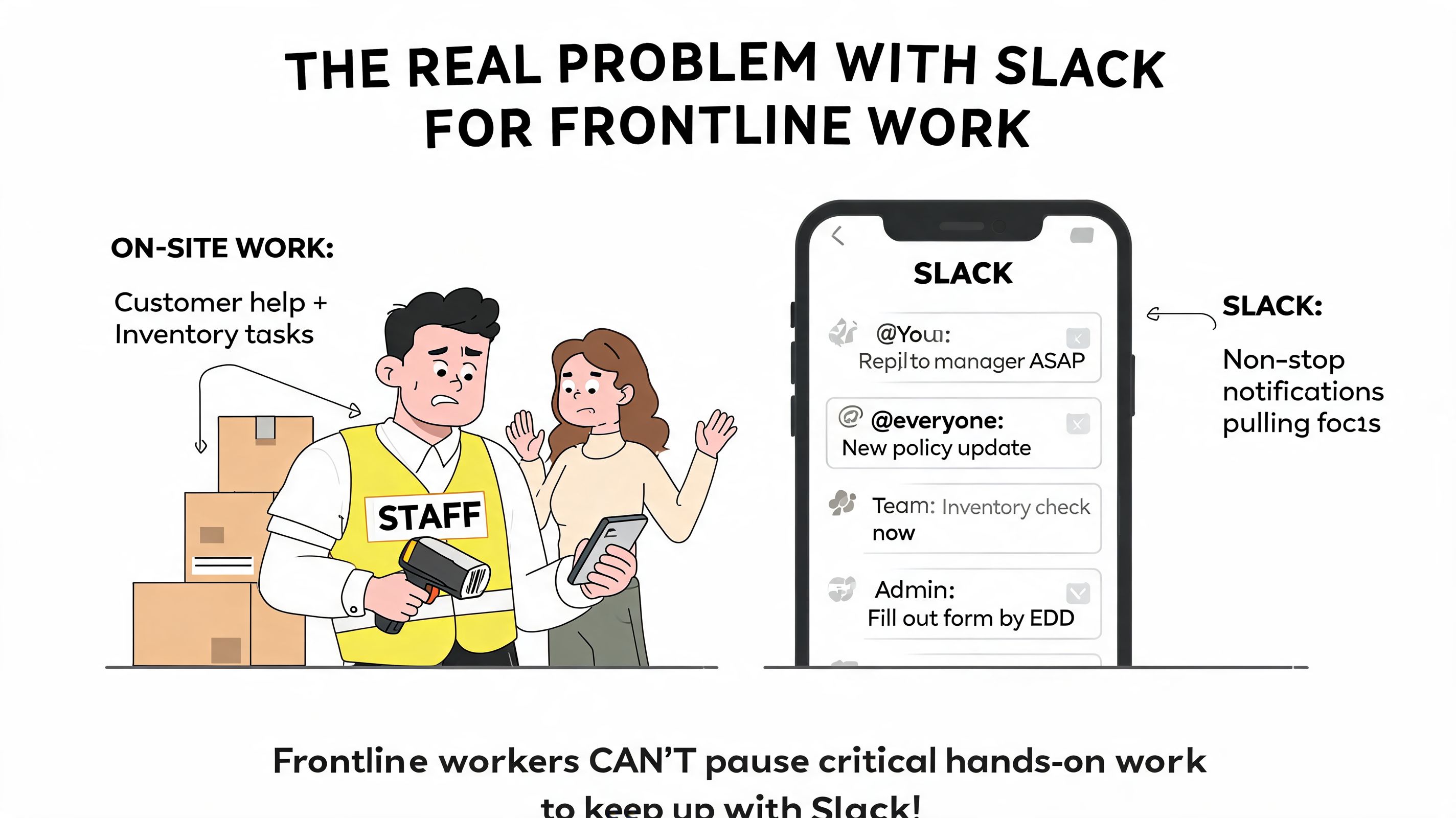
Slack assumes conversation is the center
That assumption works for product teams, agencies, and remote knowledge workers. Their work often happens through discussion. They review drafts, make decisions in threads, share files, and loop in other tools as needed.
A store team or care team works differently. The shift exists whether anyone posts about it or not. Deliveries arrive. Rooms need turning. Shelves need restocking. Safety checks need completion. A message only matters if it changes what someone does next.
So the mismatch isn't subtle. It's philosophical.
Slack is built for work in motion through conversation
Frontline operations run on tasks, timing, and confirmation
Chat helps, but it can't be the main container for the day
Why notification streams fail on the floor
Frontline staff don't need more digital noise competing with customers, patients, stock, or vehicles. They need clarity.
A warehouse supervisor usually isn't looking for a lively channel. They want to know whether the dock checklist was completed, whether the latest procedure was read, and whether today's staffing changes reached the right people. In a chat-first setup, all of that gets mixed into one stream.
A busy channel can look active while still failing at execution.
That's why “Slack alternative for frontline teams” is often the wrong search phrased too narrowly. The better search is closer to this: what kind of system helps a shift-based team receive updates, complete work, and prove it happened?
The hidden cost of chat-first thinking
Once you try to make Slack do frontline work, you usually start adding more software around it. One tool for scheduling. One for forms. One for knowledge. Another for time off. Maybe something else for announcements. The stack grows because the original product wasn't built to hold the whole operating rhythm.
Then managers become integrators. They stitch the day together by memory and effort.
That's exhausting. It's also fragile.
Slack doesn't fail because it lacks quality. It fails in frontline settings when leaders expect a conversation hub to behave like an operational system. Those are not the same job.
A Different Tool for a Different Kind of Work
The market has started to catch up with this reality.
Blink's 2026 roundup of Slack alternatives highlights a broader shift toward tools for the “entire workforce, including frontline teams,” and describes a move toward platforms that unify news, messaging, files, and mobile access in one app. That's an important change in framing. The category is no longer just chat versus chat.
From collaboration app to work app
For years, companies tried to stretch office collaboration software across the whole business. It worked well enough for headquarters and badly enough for everyone else. Now a different model is taking shape.
These tools treat mobile access as the starting point, not an afterthought. They also assume that announcements, documents, tasks, and day-to-day operations belong closer together.
That's a better fit for retail, hospitality, healthcare, and logistics because the employee experience is fragmented in those environments by default. If the app doesn't bring the work together, the manager has to.
What this new category gets right
A frontline-first platform doesn't ask workers to live inside endless chat. It gives them a digital place to check what matters now.
That usually means a mix of things:
A feed for important updates, so news doesn't vanish into thread history
Team spaces, where local communication and files stay organized
Operational tools, such as tasks, scheduling, or policy access
Mobile-first design, because that's where the workforce already is
I wrote more about that shift in this take on communication tools built for shift work and frontline teams.
One example is Pebb, which combines chat, updates, tasks, files, scheduling, clock-in support, PTO tracking, and role-based access in one app for frontline and office teams. I mention it here not because “all-in-one” is inherently better, but because consolidation matters when your real enemy is operational sprawl.
The best frontline platforms treat communication as part of the workflow, not a destination employees have to visit for its own sake.
That's the divide. Office-first tools turn work into conversation. Frontline-first tools make communication a byproduct of getting the work done.
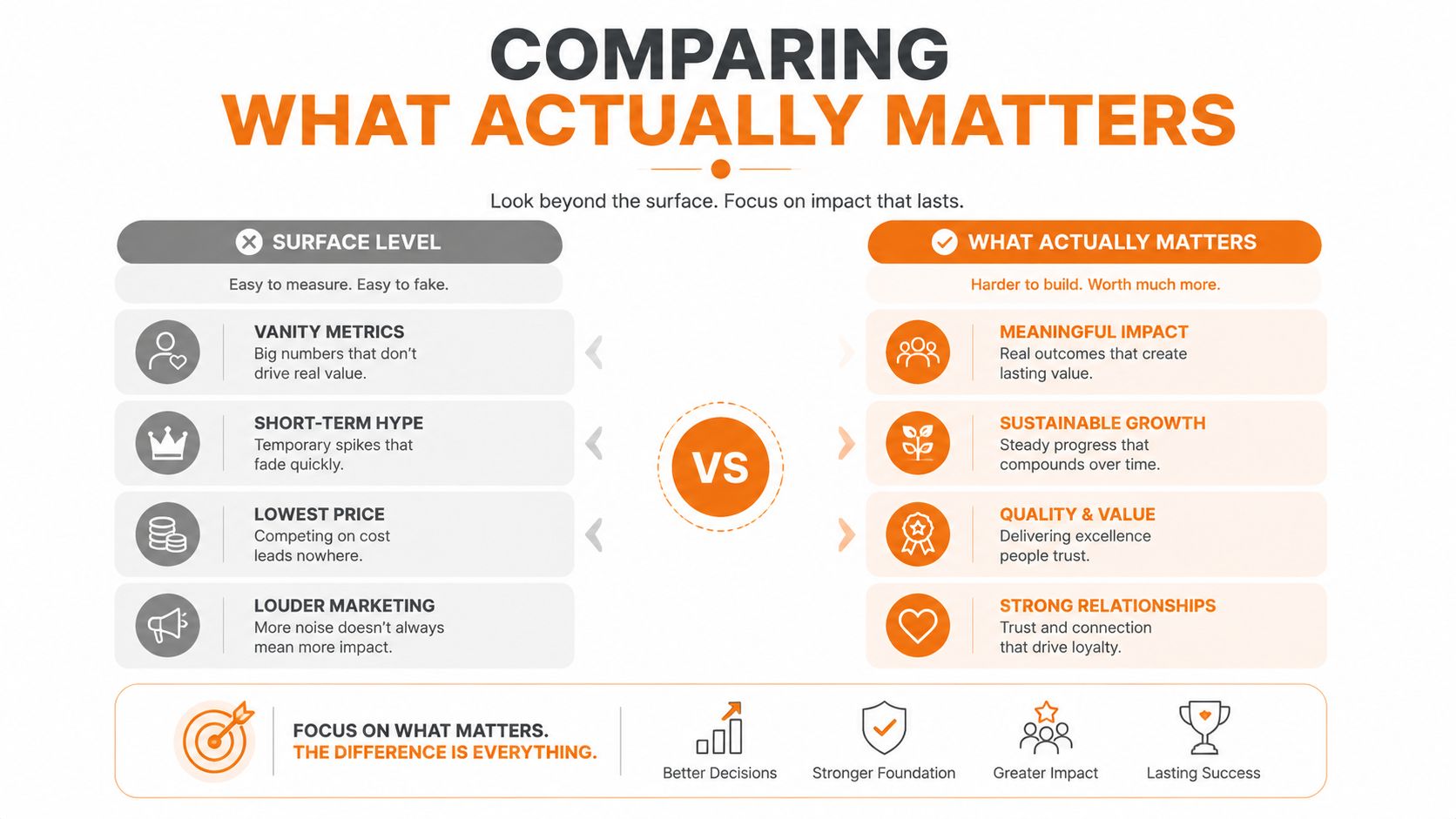
Comparing What Actually Matters
Feature checklists can be misleading. A lot of tools can send messages, create groups, and share files. That doesn't mean they serve the same job.
For frontline teams, the better comparison is practical. What happens during a normal shift? What happens when something changes fast? What happens when a manager needs proof, not just discussion?
Slack vs. Pebb A Job-to-be-Done Comparison
The Job | The Slack Way (Office-First) | The Pebb Way (Frontline-First) |
|---|---|---|
Running the daily shift | Managers coordinate in channels, pin messages, and rely on separate tools for schedules or tasks | Teams work inside one operational space that can hold chat, tasks, files, events, and shift-related activity |
Sharing an urgent update | Post a message and rely on people to notice it among other conversations | Send a structured update through a feed and team spaces designed for mobile use |
Checking who actually saw something | Ask for replies, reactions, or manual follow-up | Use visibility and acknowledgement patterns that are built for manager oversight |
Validating task completion | Depend on text replies or external forms | Support execution evidence inside the workflow, including photo-based confirmation where needed |
Managing time off and scheduling context | Usually requires separate systems and more coordination | Keeps the operational context closer to the communication layer |
For a deeper product comparison, this Slack vs Pebb comparison of communication apps is useful if you want to see how those differences show up in day-to-day use.
Running a shift
A manager opening Slack in the morning is still missing part of the picture. The conversations might be there, but the shift itself usually lives elsewhere.
That separation creates little errors all day long. Someone checks one app for messages, another for a rota, another for policy, and then asks a supervisor to confirm the latest version. Each extra step slows down action and makes adoption worse.
By contrast, a frontline-first platform works more like a controlled operating surface. The team enters one place and sees the work around the communication, not apart from it.
Sharing urgent news without starting a scavenger hunt
An urgent update should not depend on whether someone happens to browse the right channel in time.
That sounds obvious, but many companies still rely on channel membership and notification luck. Office teams can tolerate that because they sit near laptops and spend more time in the app. Shift-based staff can't.
A feed-based, mobile-first structure changes the behavior. Important communication becomes easier to find, easier to scan, and less likely to disappear under side conversations.
If an update affects tonight's shift, people shouldn't have to reconstruct it from thread history.
Knowing what happened after you sent the message
At this point, the comparison gets sharper.
Uniteam's comparison of Slack and Uniteam makes a useful point about workflow visibility. It describes manager-facing read and act visibility, along with task validation through photo proof, which matters in retail and logistics where completion evidence matters more than message volume.
That's not a cosmetic feature. It changes the role of the product.
A conversation tool helps people talk about the work. An operational tool helps leaders see whether the work was done. Those are different categories, even when both include chat.
What works and what doesn't
In practice, a few patterns tend to hold up.
What works is one governed place where teams can receive updates, find documents, complete tasks, and signal completion without switching context.
What doesn't is asking frontline staff to assemble their own workflow from a chat thread, a scheduling app, a personal text message, and a printed notice.
What works is manager visibility that respects the nature of distributed shifts.
What doesn't is treating reaction emojis as a serious operating system.
This is why the Slack alternative for frontline teams conversation should move beyond feature parity. If the tool is built for the wrong job, matching chat features won't fix the core problem.
What a Switch Like This Actually Involves
The fear is usually bigger than the move.
Leaders picture a long rollout, heavy IT work, training sessions, and weeks of confusion. That fear makes sense because many enterprise tools earn it. But the switch to a frontline-first platform is usually simpler when the product is designed around mobile onboarding and clear permissions.
According to Zapier's roundup of Slack alternatives, one of the central issues in this market is governance and adoption across mixed workforces. The same roundup notes that Microsoft Teams is powerful for large organizations but can be harder to set up without IT support. That's exactly the trap many frontline operators want to avoid.
The practical rollout
A sensible rollout starts small and concrete.
You don't launch with “digital transformation.” You launch with one or two jobs the team already cares about: shift updates, task communication, policy access, time off requests, or store-level announcements. If the tool makes those jobs easier right away, adoption follows more naturally.
A typical pattern looks like this:
Start with one team or location so managers can shape the habits before going company-wide.
Replace a broken workflow first, such as breakroom notices plus texting.
Keep the entry point simple, ideally through mobile access and lightweight onboarding.
Define who sees what, so staff only get relevant information.
Governance without bureaucracy
This matters more than people think.
Frontline communication doesn't just need speed. It needs boundaries. Store associates, regional managers, seasonal workers, and headquarters staff should not all see the same things in the same way. A good system handles that through roles, spaces, permissions, and clear ownership.
Practical rule: If your managers need a spreadsheet to remember who belongs where, the software is creating admin work instead of removing it.
The right setup feels boring in the best way. Managers know where to post. Employees know where to check. Sensitive information stays contained. Local teams can move fast without turning the whole company into one noisy room.
The adoption test
Most rollouts fail for a simple reason. The app gives employees one more place to look, but not a strong reason to return.
Frontline teams adopt tools when those tools are useful during a normal week. Not during launch week. Not during the training session. During a regular Tuesday.
If the app helps someone check today's update, find a file, confirm a task, or sort out a scheduling question, it becomes part of the routine. If it only adds another login and another notification stream, people drift back to the workaround they trust.
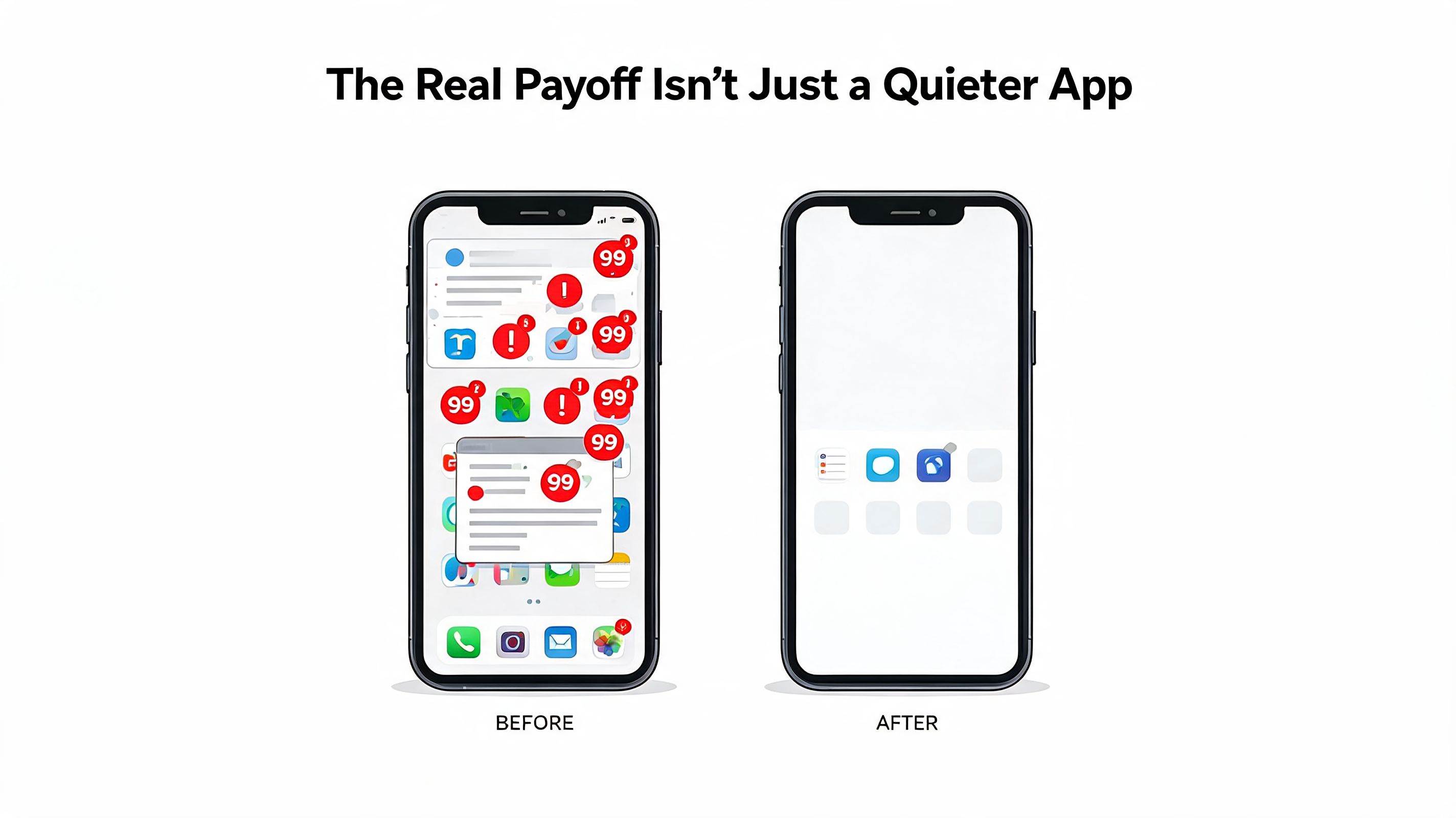
The Real Payoff Isnt Just a Quieter App
A quieter app is nice. It's not the primary benefit.
Operational calm is where the value lies. Less hunting for information. Less repeating yourself. Less guesswork about whether something landed. When communication sits closer to execution, teams spend less energy coordinating around the work and more energy doing it.
Better execution changes the whole day
When a promotion, procedure, or location update has one clear home, managers don't have to become human routers. They can lead the shift instead of policing five channels.
That changes the quality of execution in ways people feel immediately. Fewer “I didn't see that.” Fewer side conversations to verify the latest instruction. Fewer missed handoffs between locations or shifts.
Culture improves when access improves
A lot of companies talk about culture as if it lives in slogans or all-hands meetings. For frontline teams, culture is often more practical than that.
It shows up when people feel informed, included, and able to get answers without friction. It shows up when headquarters and the floor share the same system instead of living in separate realities. It shows up when the company stops acting as though desk workers are the default employee.
Connected staff feel less invisible when company news reaches them in a usable way
Supervisors become more consistent when updates, tasks, and policies live together
Teams trust the system more when it reflects how their day works
The strongest communication tool for a frontline team is the one that becomes part of the shift, not part of the clutter.
That's why the return on a change like this isn't only administrative. Yes, it can reduce confusion. Yes, it can cut down tool sprawl. But the deeper value is that the business starts running with one shared rhythm.
And once that happens, people notice. Not because the software is flashy, but because the day feels less broken.
How to Make Your Decision
There isn't one universal winner here. There's only the tool that matches the shape of your work.
If your team spends the day discussing files, projects, and decisions in progress, Slack may still fit well. If your team spends the day moving through shifts, tasks, locations, checklists, and fast operational updates, you probably need something else.
The easiest way to decide is to stop asking which platform is more powerful and start asking which one is built for your team's default day.
Questions worth asking
Use these as a filter:
Where does your team already live? If most employees work from their phones, a desktop-first communication habit probably won't stick.
Is the work mainly conversational or operational? Some teams need threads. Others need clear action, acknowledgement, and proof.
How many tools does a manager touch to run one shift? If the answer is “too many to count,” consolidation matters.
Do you need visibility after the message is sent? Not just delivery, but actual confidence that the work was seen and done.
Can you govern access cleanly? Mixed workforces need structure without creating a full-time admin burden.
I'd also look at whether your current setup forces people to remember where truth lives. If policies are in one place, updates in another, schedules in another, and urgent requests in private texts, the toolset is teaching workarounds.
A helpful lens is this guide on choosing a team messaging app for business. Not because there's one perfect stack, but because the decision gets clearer when you separate chat needs from operating needs.
The best choice usually feels less exciting than people expect. It feels obvious. The tool matches the job. The team uses it without being pushed. Managers stop compensating for software gaps. The breakroom notice starts to disappear because it no longer has to carry the whole system.
If you're rethinking communication for shift-based teams, Pebb is worth a look as one option in this newer category of frontline-first work apps. It brings chat, updates, tasks, files, scheduling, and team organization into one place, which is often the actual need when Slack starts feeling like the wrong tool for the floor.
