
A Connecteam Alternative? 10 Tools You Should See
Searching for a Connecteam alternative? We review 10 top tools for frontline teams, comparing features, pricing, and use cases to help you find the right fit.
Dan Robin

I've seen this play out the same way more than once. A manager buys Connecteam hoping it will clean up the day to day. A few months later, the team is still bouncing between chat, scheduling, updates, and paperwork, and the manager is paying more than expected for the privilege. That's usually when the search starts.
A Connecteam alternative is not just a cheaper substitute. It's a chance to fix the way your frontline operation runs. Some tools are built for scheduling. Some are built for time tracking. A smaller group tries to handle communication, tasks, policies, and shift work in one place. That distinction matters more than any long feature table.
I'd make the decision based on operating reality, not demos. A restaurant needs fast scheduling and shift coverage. A field team needs clear communication and task follow-through. A mixed workforce needs one place where office staff and frontline staff can work together without stitching five apps together.
Buy for the work your team does every day, not for the feature grid a sales rep puts in front of you.
That's also why I don't treat these tools as interchangeable. If you want a scheduling tool, buy a scheduling tool. If you want a time clock, buy a time clock. If you need a true employee app that brings communication and operations into the same workflow, start with Pebb. I'll explain why as we go, but if you want the quick version, this comparison of Pebb vs Connecteam vs Deputy vs Homebase is a useful place to start.
The rest of this guide is opinionated on purpose. I'm not trying to rank ten tools that all do the same job. They don't. I'm showing you which ones are worth your time, which teams they fit, and where I'd put my money if I were making the switch myself.
1. Pebb
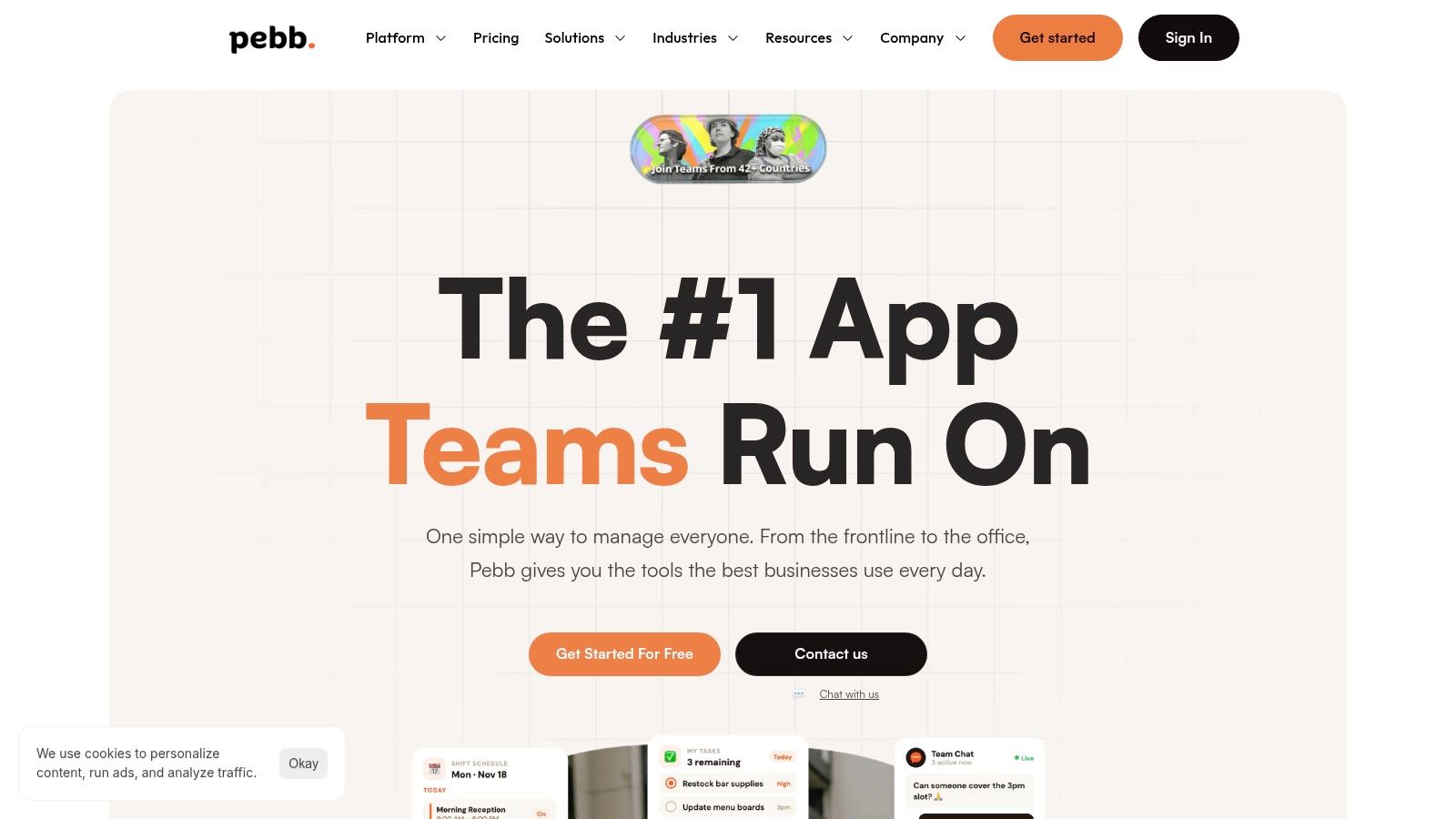
If you're replacing Connecteam because you're tired of stitching together chat, updates, schedules, policies, and task follow-up, I'd start with Pebb. It's the one I'd pick for most mixed workforces because it treats communication and operations as part of the same daily workflow, not as separate products awkwardly taped together.
That distinction matters more than most buyers realize. A lot of “alternatives” are really scheduling tools with a chat tab, or time clocks with some announcements bolted on. Pebb feels more like a company home base. Your team gets private and group chat, voice and video, a social-style news feed, Spaces for team hubs, tasks, files, events, schedules, clock-ins, PTO, and a knowledge library in one mobile-first setup.
Why Pebb is my top pick
The Connecteam replacement conversation has shifted beyond time clocks. Blink's market view makes that plain. It frames Connecteam mainly as a deskless operations tool and points to a broader need for platforms that unify communication, productivity, and engagement across corporate and frontline workers, which you can see in Blink's take on Connecteam alternatives.
That's why Pebb stands out. It's built for the company that has office staff, shift workers, managers, supervisors, and new hires all needing the same digital home, just with different permissions and workflows. You don't have to choose between “frontline app” and “intranet.” You get both.
A few practical strengths matter right away:
One place for daily work: Chat, posts, tasks, files, shifts, clock-ins, and PTO live together, so people stop bouncing between apps.
Strong rollout mechanics: Invite links, mobile-first design, a people directory, and searchable knowledge make adoption easier.
Admin control without heavy IT pain: Roles, permissions, analytics, and integrations with HR, payroll, and authentication systems give leaders structure.
Practical rule: If your company has both deskless and desk-based teams, don't buy a tool that forces you to favor one group.
Pebb is also used by more than 10,000 customers across 42+ countries, which tells me this isn't a shiny niche product trying to find itself. It's already being used across healthcare, retail, hospitality, logistics, and mixed environments where communication breaks first and operations break second.
The tradeoff is simple. Public pricing isn't fully spelled out, so if you need a line-item procurement exercise on day one, you'll have to talk to sales for the full picture. But if your goal is to replace multiple tools with one employee app that people will use, Pebb is the strongest connecteam alternative on this list.
2. Homebase
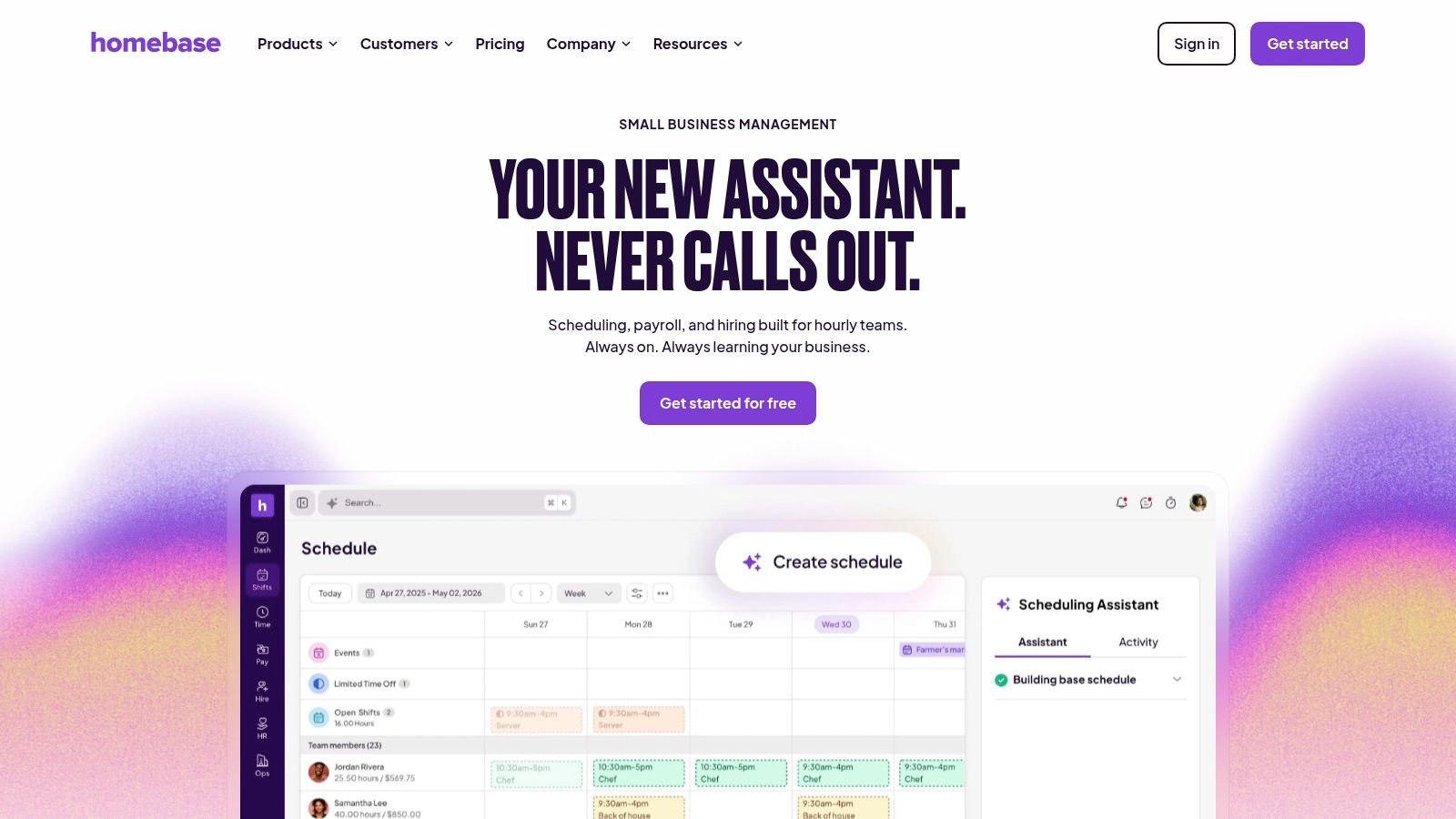
I've seen this play out a lot. A cafe owner or retail manager starts with group texts, a paper schedule in the back room, and a payroll headache every Monday. Then they switch to Homebase and the operation gets calmer fast. Shifts go out on time, people clock in from the right place, and managers stop chasing basic attendance issues.
That is why Homebase makes sense for a specific buyer. Small to midsize hourly teams running from one location or a few fixed sites. If your biggest pain is scheduling and time tracking, Homebase is a practical connecteam alternative.
Where Homebase works best
Homebase is built around the location. That matters more than feature lists. Restaurants, shops, salons, and service businesses usually need a tool that matches how labor is managed. One store, one team, one schedule, one set of clock-ins.
Its POS integrations are a real advantage here. OnTheClock's review of Connecteam alternatives highlights Homebase's connections with Square, Toast, and Clover. That matters because sales and labor data can sit closer together, which gives managers a cleaner read on staffing decisions.
If you are comparing tools mainly for shift coverage, labor planning, and swap management, this guide to shift scheduling software for hourly teams will help you sort out whether you need a scheduler first or a broader employee app.
A few strengths stand out:
Strong fit for fixed-site operations: Homebase works well for businesses organized by location.
Useful daily tools: Scheduling, time clocks, PTO, availability, and team messaging cover the basics most hourly managers need.
Fast manager adoption: The product is easy to explain, which matters if you do not have time for long rollouts or training sessions.
Here's my read after managing frontline teams. Homebase is good software, but it has a ceiling.
Once you need deeper internal communication, cross-location coordination, onboarding content, policies, or a shared home for both office and frontline staff, Homebase starts to feel narrow. It helps you run shifts. It does not do the broader job that Pebb handles for mixed teams trying to bring communication and operations into one place.
So my recommendation is simple. Choose Homebase if your business runs on hourly scheduling at fixed locations and you want something straightforward. Skip it if your real problem is bigger than the schedule.
3. When I Work
I've seen this play out a lot. A manager is tired of chasing shift swaps in group texts, tired of no-shows turning into payroll disputes, and tired of software that promises an all-in-one answer but takes weeks to set up. In that situation, When I Work makes sense.
It is one of the cleaner options on this list for teams that want scheduling and time tracking working fast. That is the appeal. You can get schedules out, approve swaps, track attendance, and keep basic team communication in one place without turning the rollout into a full operations project.
If your main headache is coverage, not company-wide communication, start by comparing shift scheduling software for hourly teams. That will make it obvious whether you need a scheduler first or a broader employee platform.
Here's where I think When I Work fits best. Restaurant groups, retail stores, clinics, and service businesses with hourly staff often need managers to fill shifts quickly, see availability clearly, and stop relying on text threads as the operating system. When I Work handles that job well.
It also stays fairly easy to explain to managers. That matters more than vendors admit. If your supervisors need a long training session to publish a schedule or fix a missed punch, adoption falls apart.
My recommendation is straightforward. Choose When I Work if scheduling, attendance, and shift communication are the core problem and you want a tool your managers will use. Skip it if you need stronger internal communication, document sharing, onboarding, policy distribution, or a real home base for both frontline and office staff. That is where Pebb is the better choice.
4. Deputy
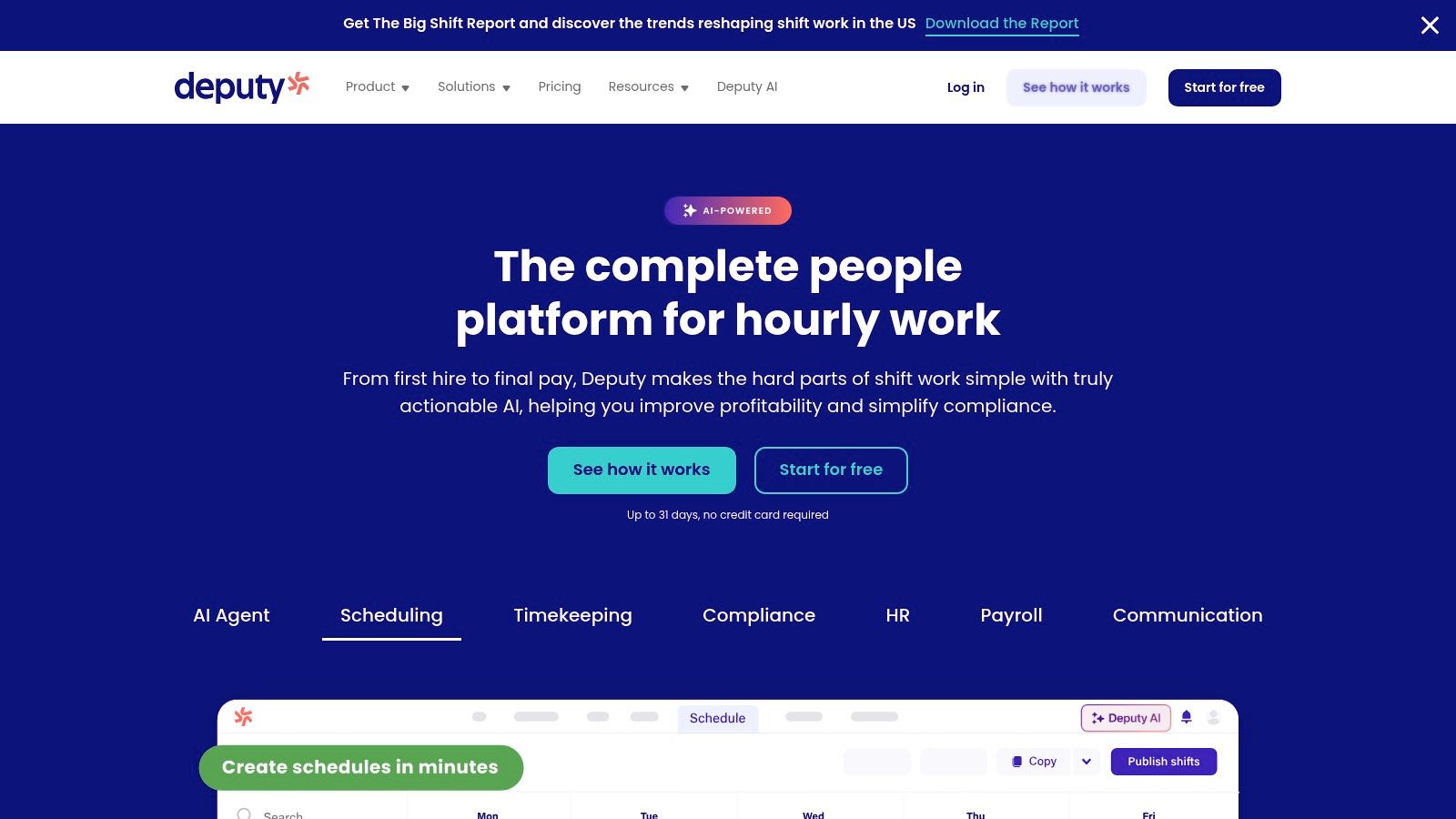
I've seen this pattern before. A team can survive mediocre communication for a while. It cannot survive bad time records, sloppy break handling, and schedule mistakes that turn into payroll disputes every single week. That is the kind of mess Deputy is built to prevent.
Deputy is a strong fit for retail, hospitality, healthcare, and other shift-based operations where labor rules matter day to day. If managers are constantly fixing missed punches, handling leave questions, or dealing with coverage across locations, Deputy gives them more control than lighter scheduling tools.
Where Deputy is actually worth the money
Deputy earns its place on this list because it puts guardrails around scheduling and attendance. You get AI-assisted scheduling, leave management, time tracking across devices, and compliance-focused controls that help reduce preventable manager errors. For teams with complicated shift rules, that matters more than having a friendlier-looking app.
I recommend Deputy for operators who need tighter oversight, especially across multiple sites or teams with stricter wage-and-hour exposure. If you are comparing options in that category, this guide to workforce management software for hourly and frontline teams is worth reading alongside it.
The tradeoff is simple. Deputy is stronger on labor control than it is on employee experience.
A few things to keep in mind:
Costs rise with headcount: Large hourly teams can outgrow the price fast.
Communication is limited: You get basic updates, not a true employee hub.
It can feel heavy for small teams: If your operation is simple, Deputy may be more system than you need.
My take is straightforward. Choose Deputy if scheduling accuracy, attendance discipline, and compliance risk are your primary concerns. Skip it if you want one place for chat, updates, documents, and day-to-day communication across the business. In that case, Pebb is the better fit.
5. Workforce.com
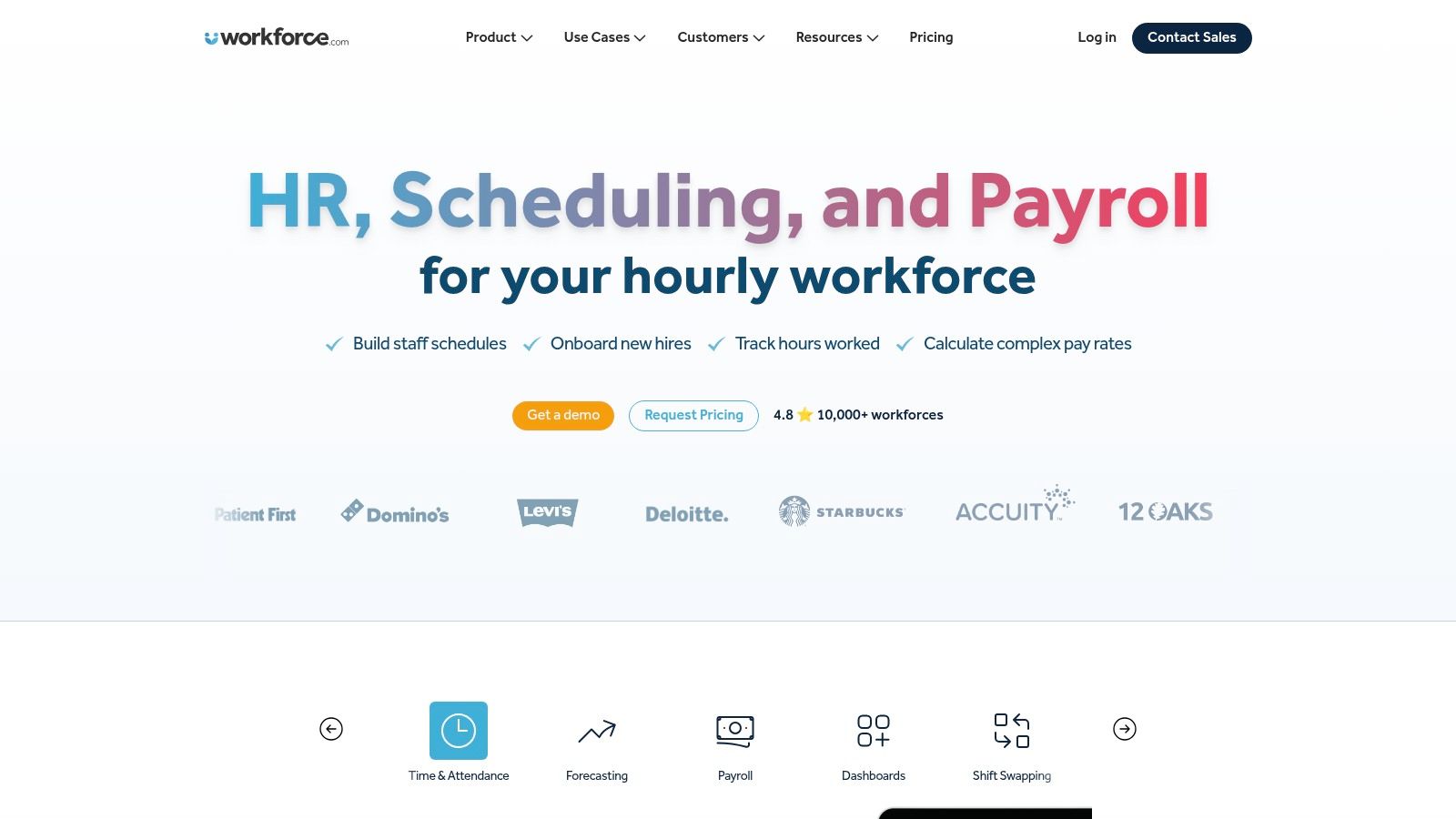
Workforce.com is for operators who think in labor variance, attendance patterns, and approval flows. Not vibes. Not feed engagement. Pure operations. If that's your world, it's a serious connecteam alternative.
I like it for hourly environments where managers need real-time visibility into scheduling, attendance, and wage-hour drift. It's built around frontline operations, and you can feel that bias in the product. Mobile scheduling, leave, approvals, GPS clock-ins, automated timesheets, and employee self-service all point back to labor control.
Built for operators, not storytellers
This isn't the app I'd pick to improve company culture or internal communication across mixed workforces. It's the app I'd pick when regional managers need to see where labor is slipping before payroll closes.
If you're comparing broader platforms in this category, this list of workforce management software is a useful side read because it helps separate labor-control tools from full employee-app platforms.
The best workforce tool depends on what hurts most. For some teams, it's silence. For others, it's payroll cleanup every Friday.
The main drawback is the usual enterprise-leaning one. Pricing is quote-based, and implementation can feel less frictionless than lightweight SMB tools. But if your operation needs tight labor visibility, Workforce.com is worth your time.
6. 7shifts
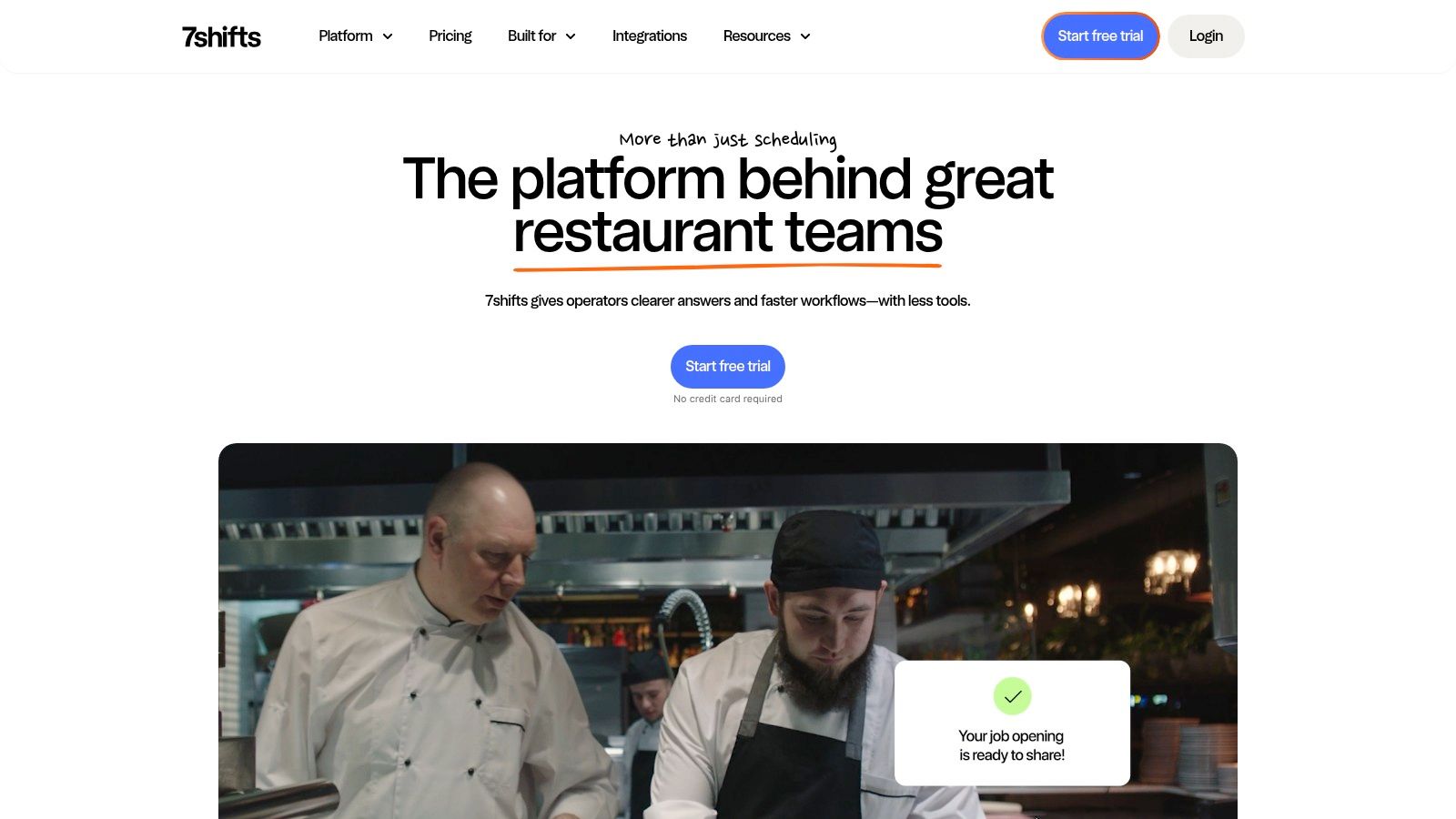
I've watched restaurant managers try to run scheduling in general workforce apps, and it usually ends the same way. Too many taps, too much cleanup, and too many workarounds for problems that only exist because the tool was built for everybody instead of restaurants.
That's why 7shifts earns a spot on this list. It is built around restaurant operations first. If your day revolves around shift coverage, labor targets, role-based scheduling, and payroll export, 7shifts will feel more natural than Connecteam.
Best for restaurant operators
7shifts is strongest when the schedule is the center of the business. Availability, shift swaps, templates, team messaging, payroll exports, and labor tracking all line up with how restaurants operate. Managers can move faster because they are not translating restaurant reality into a generic system.
I'd put 7shifts high on the shortlist for a few specific cases:
QSR groups: Strong choice for fast schedule changes and fewer coverage gaps.
Fast casual brands: Useful when labor planning needs to stay close to demand.
Full-service restaurants: Better fit than broad workforce tools when jobs, stations, and service windows change constantly.
Here's my blunt take. If you run restaurants, 7shifts makes more sense than trying to force a general app to act like hospitality software. If you run anything outside hospitality, I would keep looking.
That limitation matters. I would not pick 7shifts for healthcare, field service, logistics, or mixed office and frontline teams. Pebb is the better call if you need one tool for communication, engagement, and day-to-day operations across different workforce types. But if your world is restaurants, 7shifts is one of the clearest Connecteam alternatives on the market.
7. Sling (Sling by Toast)
Sling is the practical pick for teams that need scheduling and basic communication without turning the whole company inside out. It feels lighter than Connecteam because it is lighter. That's not a flaw. It's the point.
I especially like Sling for restaurant teams already using Toast. If your POS is Toast and your scheduling pain is still handled with group texts, spreadsheets, and manager memory, Sling can clean that up fast. Availability, swaps, time-off requests, and announcements cover a lot of the daily mess.
A good fit when basic is enough
Sling is not a full employee app. It won't replace a richer intranet, knowledge base, or cross-company communication layer. It's a scheduler with messaging, and for some teams that's exactly the right level of ambition.
Its free Lite tier also makes it easy to test without a heavy commitment. I like that. A tool should prove itself quickly.
What would stop me from picking it? If you need better governance, stronger analytics, or one home for both operations and engagement, Sling will feel narrow. But if you want a practical scheduler tied to Toast, narrow can be a strength.
8. QuickBooks Time
QuickBooks Time is the right answer when your accounting stack is already the center of gravity. I've seen teams fight that reality and waste months. If you live in QuickBooks, use a time tool that respects that fact.
This platform works best for field crews, service businesses, and distributed teams where accurate mobile clock-ins, GPS, job codes, and approval workflows matter. You get scheduling and PTO tracking too, but a key advantage is reconciliation. Hours flow toward payroll and accounting without as much cleanup in the middle.
Choose it for accounting alignment
I don't think QuickBooks Time is the best connecteam alternative if your primary issue is communication. It isn't trying to be an employee hub. It's trying to make time capture and payroll alignment less painful.
That's valuable. It just solves a different problem.
If your company already standardizes on QuickBooks and your pain sits in time tracking, approvals, or payroll handoff, this is one of the shortest paths to order. If your pain sits in engagement, internal updates, task coordination, or frontline communication, look elsewhere.
9. Rippling (Time & Attendance)
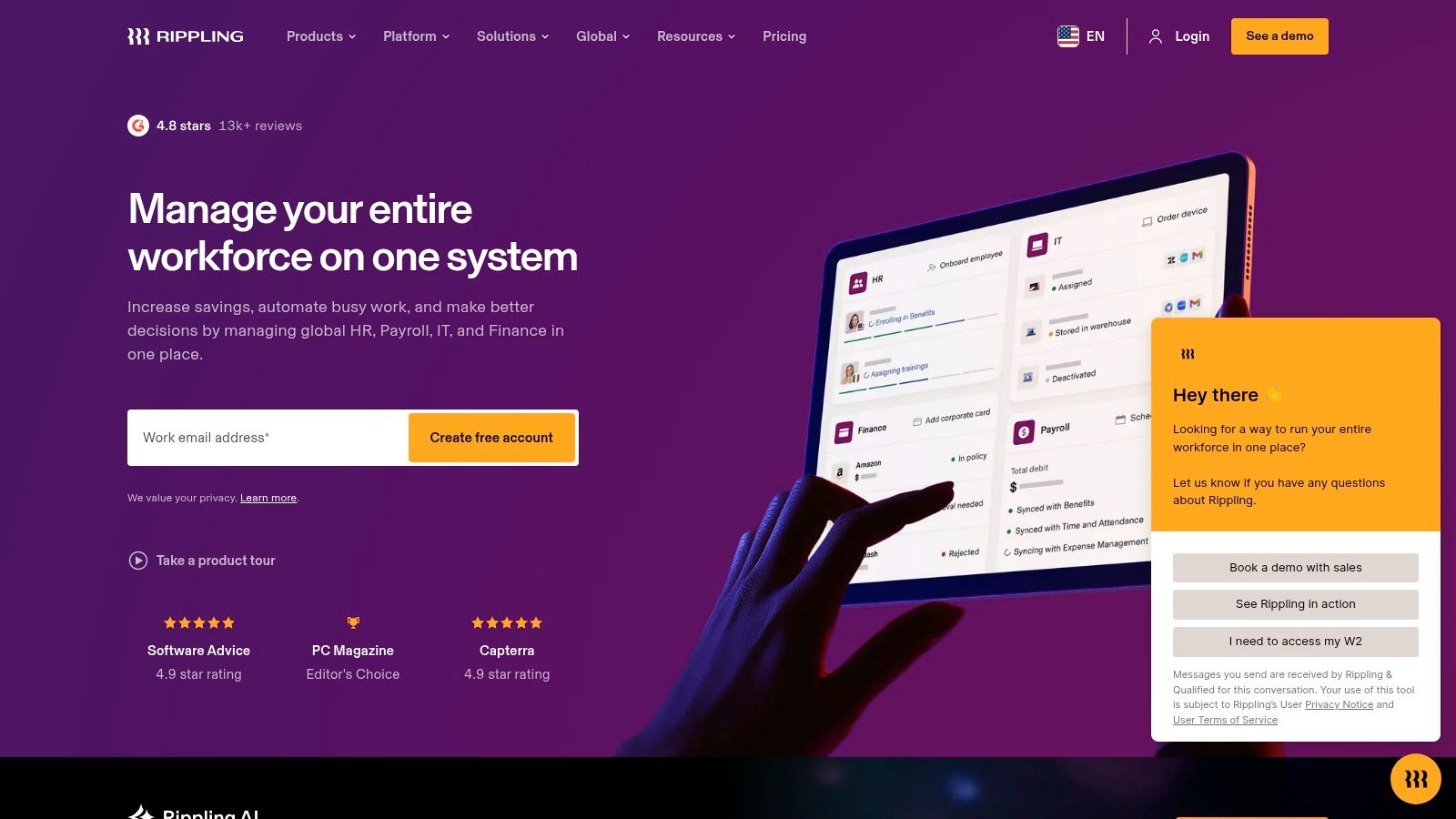
Rippling is what you buy when you've decided time tracking shouldn't live on an island. You want it tied to HR, payroll, apps, devices, and the employee record. That's the appeal.
I like Rippling for companies that are already moving toward stack consolidation. Its time and attendance tools sit inside a bigger HR and IT system, which means mobile clock-ins, geo controls, QR codes, selfies, scheduling, job costing, and payroll sync all share the same underlying employee data.
Best when consolidation is the priority
This can be a strong connecteam alternative if your goal is broader than frontline scheduling. Maybe you want fewer integrations, one record for each employee, and less duplicate admin work across systems.
But there's a cost. Rippling is rarely the fastest or simplest rollout on this list. Modular systems can be powerful, but they also ask more from the buyer. Configuration takes thought. Internal ownership matters.
I'd choose Rippling when the company has already committed to a unified HR-payroll-IT stack. I wouldn't choose it if you just want a clean scheduler or a quick communication upgrade.
10. UKG Ready
UKG Ready is the heavyweight option for SMBs that need enterprise-grade rules without buying a giant enterprise suite. That's where it earns respect. It's built for teams with more policy complexity than a lightweight scheduling app can comfortably handle.
You get time and attendance, scheduling, mobile access, accruals, shift differentials, weighted overtime, and attendance tracking inside a broader HR and payroll environment. For some businesses, that level of structure is exactly what keeps operations sane.
Strong for rule-heavy SMBs
I'd put UKG Ready on the list for healthcare groups, larger service businesses, and any operation with layered pay rules or stricter governance needs. It's not the most elegant tool here. It is one of the more capable when policy details matter.
That said, I wouldn't hand this to a small team that mainly wants faster scheduling and easier communication. It's heavier to set up, quote-based, and better suited to companies with internal process maturity.
If you need deep rules, UKG Ready is solid. If you need speed and simplicity, keep moving.
Top 10 Connecteam Alternatives: Features & Pricing Comparison
Product | Core features | UX & Quality (★) | Pricing & Value (💰) | Target audience (👥) | Unique selling points (✨) |
|---|---|---|---|---|---|
🏆 Pebb | All‑in‑one: chat (PM/group/voice/video), Spaces, tasks, files, shifts, clock‑in, PTO, Knowledge, analytics, 50+ integrations | ★★★★☆ mobile‑first, fast adoption | 💰 Free start; enterprise quotes; SMB‑friendly | 👥 Frontline + office teams across industries | ✨ Unified comms + ops + engagement; fast onboarding; role/permission admin; 10k+ customers |
Homebase | Scheduling, time clock (geofence), PTO, basic messaging, hiring, optional payroll | ★★★☆☆ simple for hourly teams | 💰 Location‑based pricing; transparent | 👥 SMB hourly (restaurants, retail, service) | ✨ Easy rollout for hourly staff; payroll ecosystem |
When I Work | Employee scheduling, time/attendance (add‑on), in‑app messaging | ★★★★☆ clear, quick deploy | 💰 Clear core pricing; affordable | 👥 Single/multi‑location SMBs on scheduling+comm | ✨ Fast scheduling + strong payroll/POS integrations |
Deputy | AI scheduling, time/attendance (multi‑device), leave & compliance, comms | ★★★★☆ robust for compliance | 💰 Per‑user pricing (can scale) | 👥 Retail, hospitality, healthcare | ✨ Deep US compliance & multi‑device time capture |
Workforce.com | Scheduling, GPS time & attendance, automated timesheets, HR data | ★★★★☆ real‑time ops visibility | 💰 Quote‑based (enterprise) | 👥 Operators needing real‑time labor control | ✨ Wage/variance visibility; demand‑driven scheduling |
7shifts | Restaurant scheduling, POS‑driven labor forecasting, communications | ★★★★☆ restaurant‑centric UX | 💰 Per‑location tiers; economical at scale | 👥 QSR, fast casual, full‑service restaurants | ✨ POS integrations & restaurant workflows |
Sling (by Toast) | Scheduling, availability, time‑off, messaging; Toast POS sync | ★★★☆☆ basic but usable | 💰 Free Lite; Pro via Toast Shop | 👥 Restaurants using Toast POS | ✨ Native Toast integration; free basic tier |
QuickBooks Time | Mobile/kiosk time clock (GPS), scheduling, job codes, QBO sync | ★★★★☆ strong mobile time capture | 💰 Paid add‑on; requires QuickBooks Online | 👥 Field crews & QuickBooks customers | ✨ Tight QuickBooks payroll/accounting sync |
Rippling (Time & Attendance) | QR/geo/selfie clock‑ins, scheduling, job costing, payroll sync | ★★★★☆ enterprise‑grade options | 💰 Modular, quote‑based | 👥 Firms wanting unified HR/IT/payroll | ✨ Consolidates HR + IT + payroll data flows |
UKG Ready | Timesheets, PTO/accruals, scheduling, differentials, compliance | ★★★★☆ enterprise rules for SMBs | 💰 Quote‑based; enterprise pricing | 👥 SMBs needing complex rules & governance | ✨ Deep workforce rules & HR/payroll pedigree |
Final Thoughts
I've seen this switch go wrong in a very predictable way. A team gets fed up with Connecteam, grabs another scheduling tool that looks familiar, and six months later they still have the same mess. Chat lives in one app, tasks in another, updates in email, policies in a shared drive, and managers spend half the week answering “where do I find that?”
Start with the failure point. If your real problem is shift coverage, choose the tool that handles scheduling cleanly. If your real problem is time tracking and payroll, buy for accuracy and payroll sync. If you run restaurants, pick software built for restaurant workflows. If compliance keeps biting you, choose the product with stronger rule controls.
That sounds obvious. Teams still get it wrong because they shop by feature checklist instead of daily friction.
My advice is simple. If you only need a better scheduler, one of the scheduling-first tools on this list will do the job. If you want to cut tool sprawl and give frontline teams one place for communication, tasks, schedules, updates, and operating information, Pebb is the stronger choice.
That is why I put Pebb first.
It fits how real frontline teams operate. Phones first. Mixed hourly and salaried staff. Busy managers who need follow-up, not another dashboard to babysit. Leaders who want clearer communication and fewer disconnected systems. A lot of the other products here are good at one thing. They just stop there.
Pebb covers the day-to-day stack in one place. That matters more than having the longest feature list. It means less app switching, less confusion, faster onboarding, and a better shot at actual adoption across the whole team.
That is the standard I would use. Pick the tool your managers will still like after rollout, and your staff will open during a shift.
If you want a connecteam alternative that can replace multiple tools instead of just swapping one scheduling app for another, take a serious look at Pebb. It's a practical fit for teams that need communication, scheduling, tasks, knowledge, and day-to-day operations in one employee app.
