
Best Shift Calendar App for Iphone in 2026
Find the best shift calendar app for iphone to manage your work schedule effortlessly in 2026. Stay organized and never miss a beat!
Dan Robin
The Spreadsheet Is Dead. Long Live Your Sanity.
I remember the exact moment I gave up on spreadsheets. It was late on a Sunday, my phone was buzzing, and three people were all looking at different versions of the same schedule. One person wanted a swap, another had missed the update, and I was staring at a color-coded mess that had somehow become my problem.
That's the actual cost of “free” scheduling. It eats your attention. It steals your weekend. It turns simple questions into group-text archaeology.
A good shift calendar app for iPhone fixes that. Not with magic. Just with clarity. People know when they work, managers know who's available, and changes stop living in screenshots and half-read messages. Apple's own listing for Shift Calendar App on the App Store describes the category plainly: a tool to “make and track their work shifts and schedules effortlessly.” That sounds basic, but basic is exactly what many workplaces need.
This isn't a niche problem either. The U.S. Bureau of Labor Statistics reported that 27% of employed wage and salary workers had non-daytime schedules in 2017–18. More than 1 in 4 workers were dealing with evenings, nights, rotating, split, or irregular shifts. No wonder the category stuck.
And the need keeps growing. One market estimate projects the broader calendar applications market at $14.6 billion in 2025, growing to $36.8 billion by 2034 at a 10.8% CAGR. Another estimate in the same report points the same direction. More digital scheduling, more dependence on mobile, more pressure to get this right.
If your team is still patching together schedules with email, texts, and a shared sheet, you don't just need a calendar. You probably need a better operating rhythm. If you also run a restaurant, tools like automated phone AI for restaurants can help on the call side too, because schedule chaos and staffing chaos usually travel together.
1. Pebb
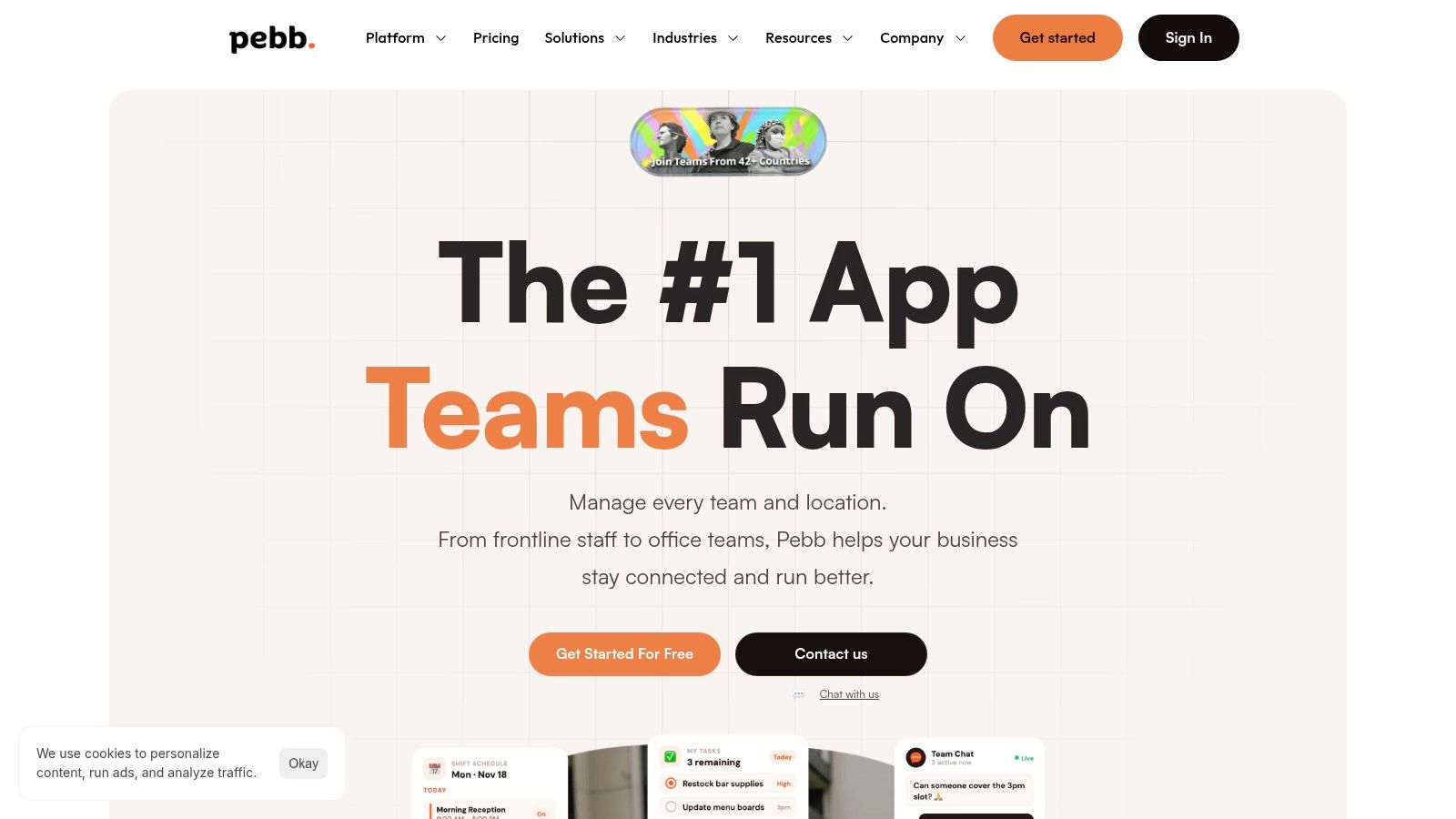
I usually notice teams have outgrown a basic shift calendar when the same question gets asked three times in three places. One person checks the schedule app, another checks chat, a supervisor texts a photo of the whiteboard, and nobody is fully sure which version is current. That is the mess Pebb is built to fix.
Pebb is not just an iPhone shift calendar app. It is a team operations app that includes scheduling. That distinction matters. If your staff only needs to see shifts and request swaps, a lighter scheduler may be easier to buy and easier to roll out. If the schedule is tied to announcements, task handoffs, PTO, forms, policies, and day-to-day communication, a single-purpose calendar starts to feel thin very quickly.
That is why Pebb stands out. It treats the schedule as one part of the workday, not a separate tool employees have to remember to check.
Why Pebb holds up day to day
The core idea is simple. Pebb uses Spaces so teams can organize work by location, department, or function. In practice, that keeps the app from turning into one noisy company-wide feed. A store team can see store updates. A warehouse crew can get its own tasks and schedule. Managers do not have to force every conversation and document into the same channel.
Inside that structure, Pebb combines chat, voice and video calls, a news feed, shift scheduling, clock-ins, PTO, tasks, forms, file sharing, a people directory, and a knowledge library. On paper, that can sound like too much. On an actual shift, it often feels simpler because employees stop bouncing between tools.
Practical rule: If staff have to guess where something lives, adoption drops fast.
Managers usually care about two things here. First, can they control access without making the app painful to use? Second, will hourly staff regularly open it? Pebb does a good job on both. Permissions and admin controls are available, but the employee experience still feels mobile-first and straightforward.
I also like the fact that it closes a common gap in this category. Many iPhone shift calendar apps are fine for repeating patterns and publishing shifts. They are weaker once the shift starts. Handoffs, updates, files, forms, and team communication end up somewhere else. If you want a broader view of what shift workers usually need from their tools, this roundup of apps for shift workers is a useful companion.
Where it fits and where it does not
Pebb makes sense for teams where scheduling problems are really coordination problems. That is common in restaurants, retail, healthcare, field services, warehouses, and multi-site operations. In those settings, a clean calendar is only half the job. People also need one place to read updates, swap shifts, find documents, complete tasks, and know who is on point.
It is less compelling for one person managing a personal rotating schedule. That user probably wants a simpler calendar app. Pebb earns its keep when multiple teams need one shared operating system on iPhone.
A few practical takeaways:
Best use case: Teams that want scheduling, communication, and basic daily operations in one app.
What managers tend to value: Fewer app hops, clearer ownership, and less schedule-related confusion.
Watch-out: Public pricing is not fully detailed, so larger teams should expect a sales conversation.
One more thing matters more than buyers like to admit. Rollout speed. If setup takes too long, the team falls back to texts and old habits. Pebb's single-invite-link onboarding lowers that friction, which is a smart choice for frontline environments.
If you are building a schedule process from scratch, their guide on how to create a work schedule is useful because it starts with planning decisions, not just button clicks.
For teams that want one app instead of a patchwork stack, Pebb is a strong fit.
2. When I Work
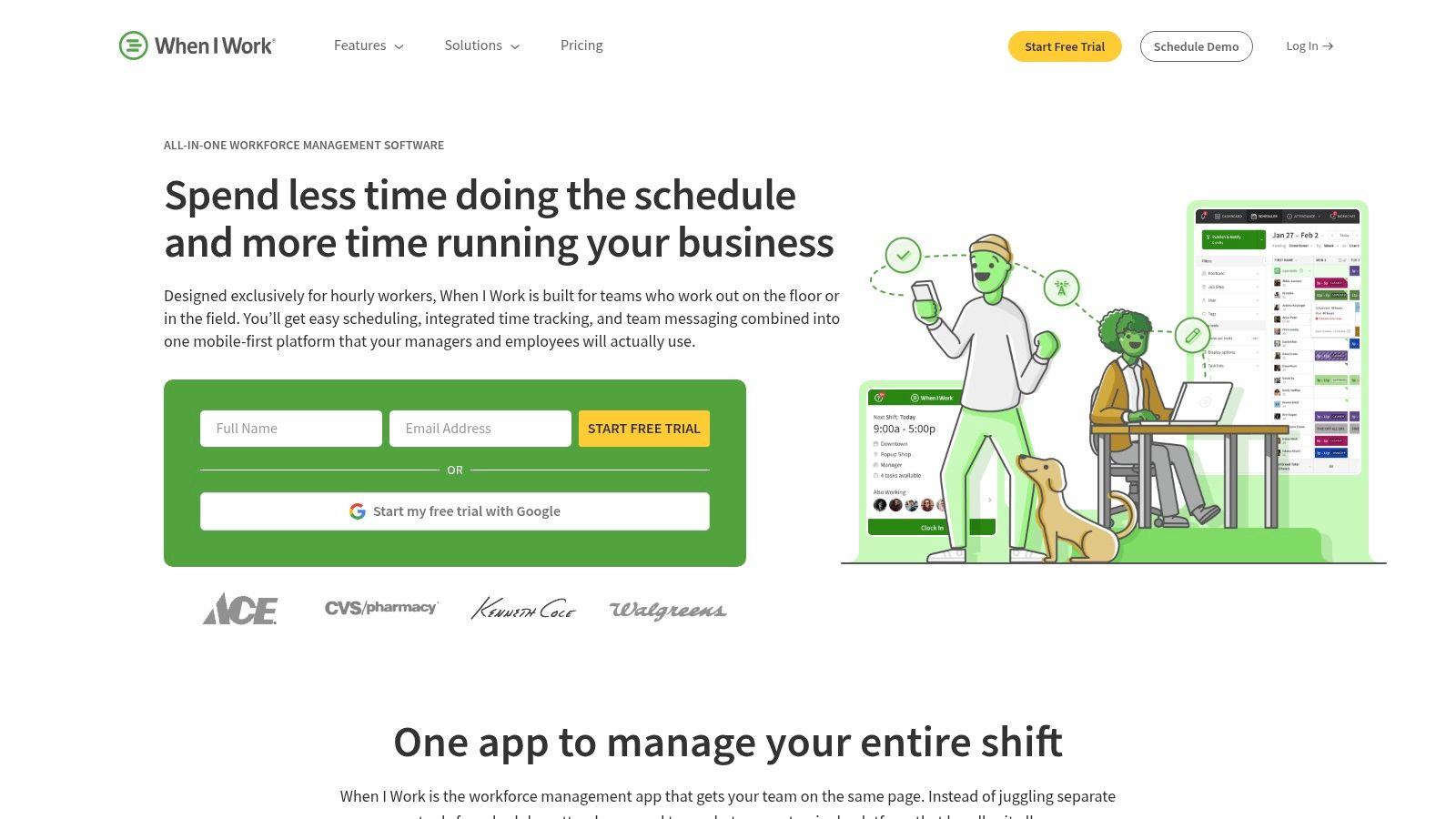
When I Work is what I'd call the safe choice. Not boring. Just dependable in the way managers often need. It's polished, it's familiar, and it usually doesn't ask the team to relearn how scheduling should work.
The app is especially good for teams that want a dedicated scheduling tool, not a broader employee hub. You get drag-and-drop scheduling, templates, time tracking, messaging, and shift swapping. For many small and mid-sized teams, that's enough.
The trade-off with a scheduling-first product
The strength of When I Work is focus. You open it to manage shifts, not to run your whole company. That keeps the app cleaner and the learning curve lower. Staff usually figure it out quickly on iPhone, which is half the battle.
The weakness is the usual one. Once you need deeper workflows, you start climbing the pricing ladder or stitching together other tools. That doesn't make it bad. It just means you should buy it for what it is, not for what you hope it becomes.
A clean schedule app is great until the real work starts happening somewhere else.
If your team is mostly asking for better visibility, easier swaps, and fewer missed shifts, When I Work does that job well. If your staff also needs a shared place for updates, knowledge, and task coordination, you may outgrow it.
I'd shortlist When I Work for operators who want a proven schedule engine and are comfortable keeping some workflows outside the app. If you're comparing tools from the employee side, this roundup of the best apps for shift workers is a useful companion.
3. Sling by Toast
Sling wins on simplicity. That's not a small thing. Some teams don't need a grand platform. They need a schedule out on time, a way to swap shifts, and less confusion on Monday morning.
That's where Sling earns its place. It's scheduling-first, lightweight, and easy to hand to a small team without a lot of training. The free tier is also a practical advantage for smaller operations that need to stop using spreadsheets before they're ready to buy a broader system.
What Sling gets right
Sling is strong when the manager wants speed. Publish the schedule, handle requests, push announcements, move on. Staff usually don't struggle with the interface, and that alone saves friction.
Its calendar sync, time-off management, shift offers, and messaging cover the daily basics well. Paid plans add more operational muscle, but the core appeal is that it doesn't feel heavy.
Best for: Small teams that want a straightforward shift calendar app for iPhone without a complicated rollout.
Good at: Fast publishing, shift offers, swaps, and basic communication.
Less good at: Becoming the center of operations for a larger or more layered organization.
Sling is not trying to be your all-in-one workplace app. Good. More software should know what it is. If your need is narrow and immediate, Sling is a sensible pick.
4. Deputy
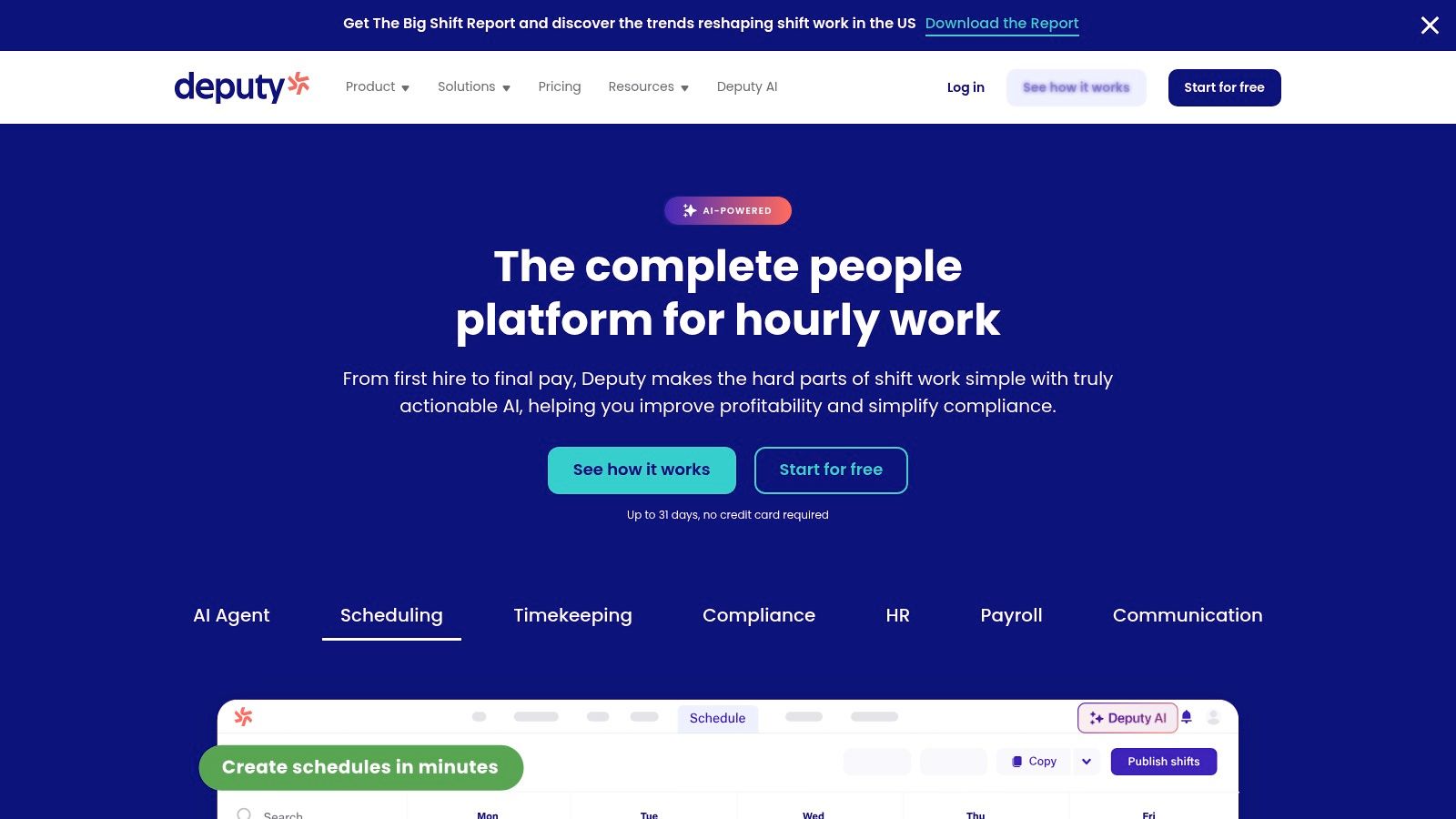
Deputy is for teams that have moved past “we need a better calendar” and into “we need stronger control.” Those are different problems. Deputy is built for the second one.
Its scheduling, time and attendance, and compliance tooling make it a serious option for larger operations or any business where labor rules and accuracy aren't optional. The iPhone app is solid for everyday use, but the buying decision is usually driven by what managers and operators need behind the scenes.
Strong where complexity shows up
Deputy does well with auto-scheduling, demand forecasting, geofenced clock-ins, and broader workforce management needs. If you're dealing with seasonal swings, multiple departments, or compliance-heavy scheduling, those features stop being “nice to have” very quickly.
The app also feels mature. Not flashy. Mature. That matters when a tool is running payroll-adjacent workflows and daily attendance.
Manager's note: If labor compliance is one of your top worries, don't optimize for a pretty calendar first.
The downside is predictable. Add-ons can push cost up, and the product can feel bigger than necessary for a simple team. Smaller businesses sometimes buy Deputy and then only use a slice of it.
If you care about accurate time capture as much as scheduling, this guide to a clock-in app for employees pairs well with a Deputy evaluation.
For operations that need rigor, Deputy deserves a hard look.
5. 7shifts
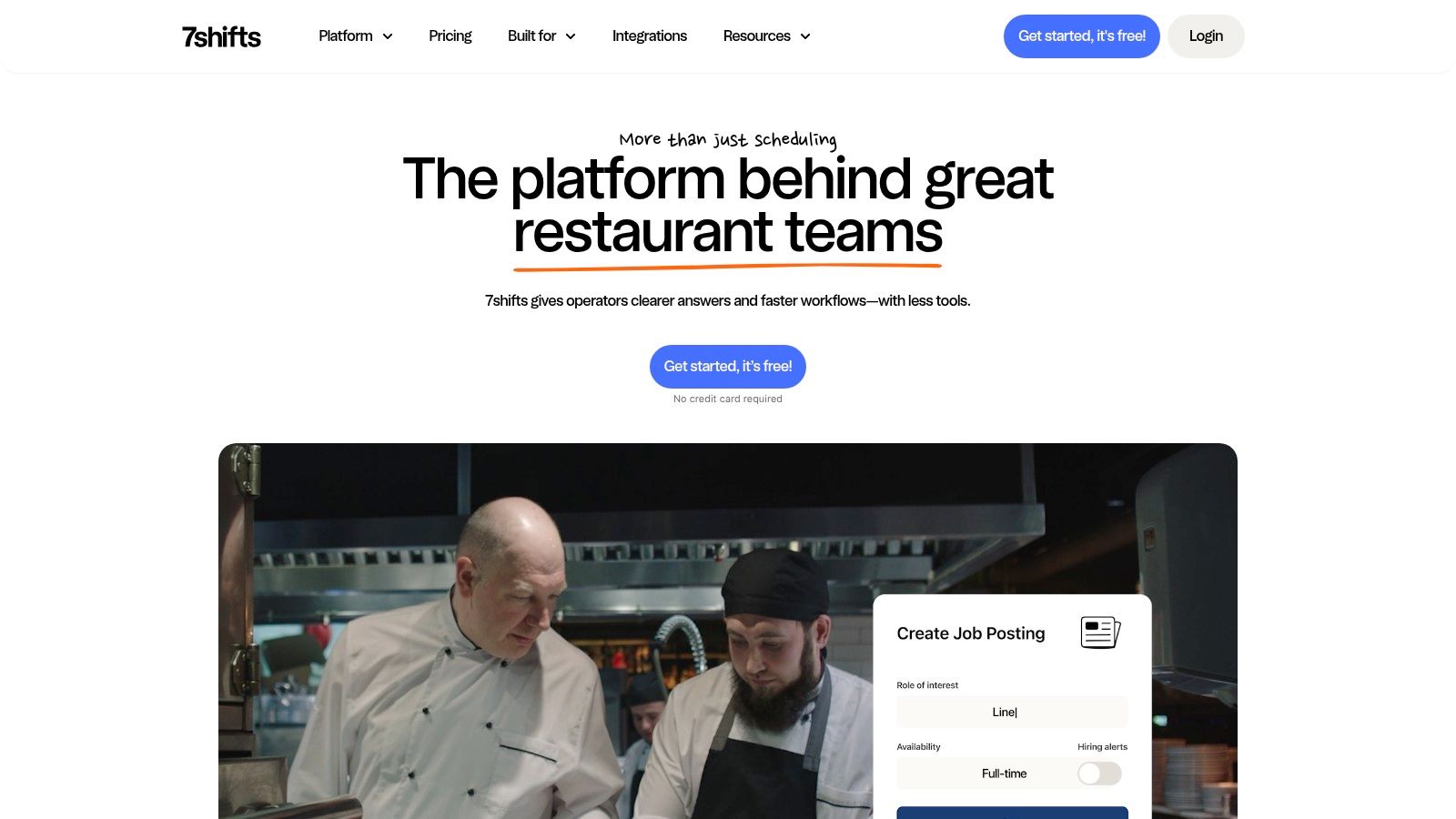
If you run restaurants, 7shifts makes immediate sense. It speaks that language. A lot of general scheduling tools say they work for restaurants. 7shifts was clearly shaped by them.
The value isn't just scheduling shifts on an iPhone. It's the restaurant-specific way the product handles labor planning, availability, time off, compliance concerns, and team communication. That focus saves mental energy.
Built for the restaurant floor
Restaurant managers don't need abstract flexibility. They need a schedule that matches service realities. 7shifts leans into that with forecasting tied to restaurant operations and integrations that make labor planning more grounded in day-to-day demand.
That specialization is its edge and its limit. It's excellent if you're in hospitality food service. It's less compelling if you want a broad workforce app for mixed teams or non-restaurant workflows.
A few blunt truths:
Why teams choose it: Restaurant-specific depth beats generic scheduling language.
Why some teams hesitate: Per-location pricing can feel heavy when your footprint is small.
Who should skip it: Non-restaurant teams that don't need that vertical focus.
For restaurants, 7shifts is one of the most natural fits on this list.
6. HotSchedules by Fourth
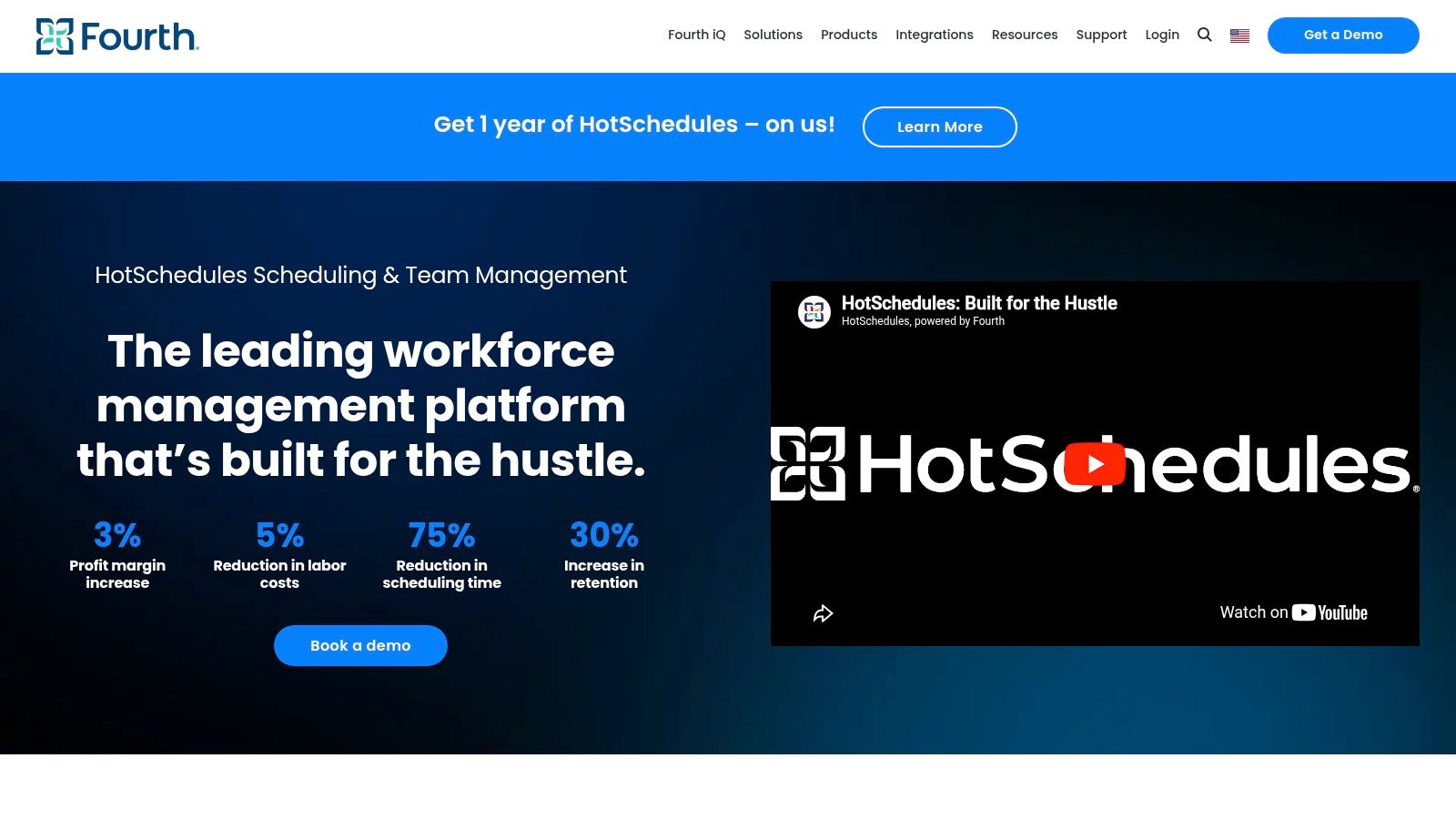
HotSchedules has been around long enough that many hospitality teams already know the name before they start shopping. That familiarity matters. In some chains and larger groups, it's part of the operating furniture.
The employee-side iPhone experience is built around the basics that hospitality workers care about most. Check schedule. Pick up a shift. Swap a shift. Request time off. Get notified when something changes. That's the daily heartbeat.
Best for established hospitality environments
What HotSchedules does well is fit into larger hospitality environments that want scheduling tied to a broader workforce management setup through Fourth. It's often less about standalone elegance and more about ecosystem fit.
That's also where the drawbacks show up. Pricing isn't publicly straightforward, and enterprise-led sales cycles can slow things down. If you're a small independent operator, it may feel like more infrastructure than you want.
Still, there's a reason the product keeps showing up in hospitality stacks. It's familiar, it's purpose-built, and employees tend to understand what to do with it quickly.
For restaurants and hotels already leaning toward the Fourth ecosystem, HotSchedules remains a practical contender.
7. Planday by Xero
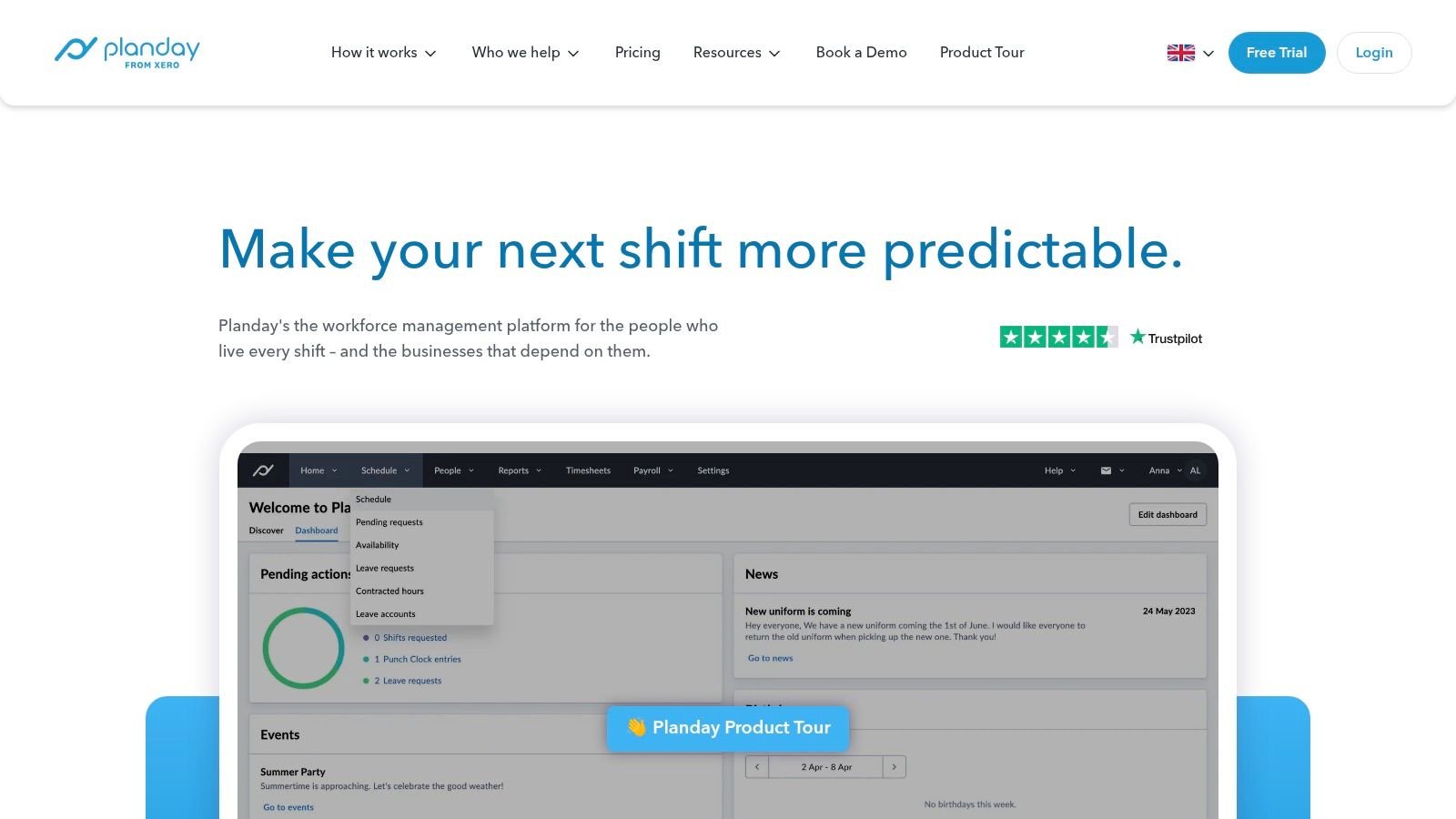
Planday feels like a good fit for operators who think in rotas, payroll flow, and clean admin handoff. If you already live in the Xero world, that fit gets stronger.
The iPhone app handles schedule viewing, notifications, messaging, and rota management well enough for day-to-day use. It's not trying to charm you. It's trying to keep the operation organized.
Good match for payroll-minded teams
Planday's appeal is practical. Templates, availability handling, timesheets, time clocking, and accounting-friendly integrations all help reduce back-office friction. Teams that care about payroll accuracy and smoother exports tend to appreciate that more than a flashy interface.
The trade-off is that pricing and feature access can be less obvious, especially across regions. You may need a sales conversation earlier than you'd like. That's annoying, but not unusual in this category.
Some apps are built for adoption first. Others are built for administration first. Planday leans toward administration.
That's not criticism. It's just the personality of the product. For hospitality and retail teams, especially those already tied to Xero, Planday is worth considering.
8. ZoomShift
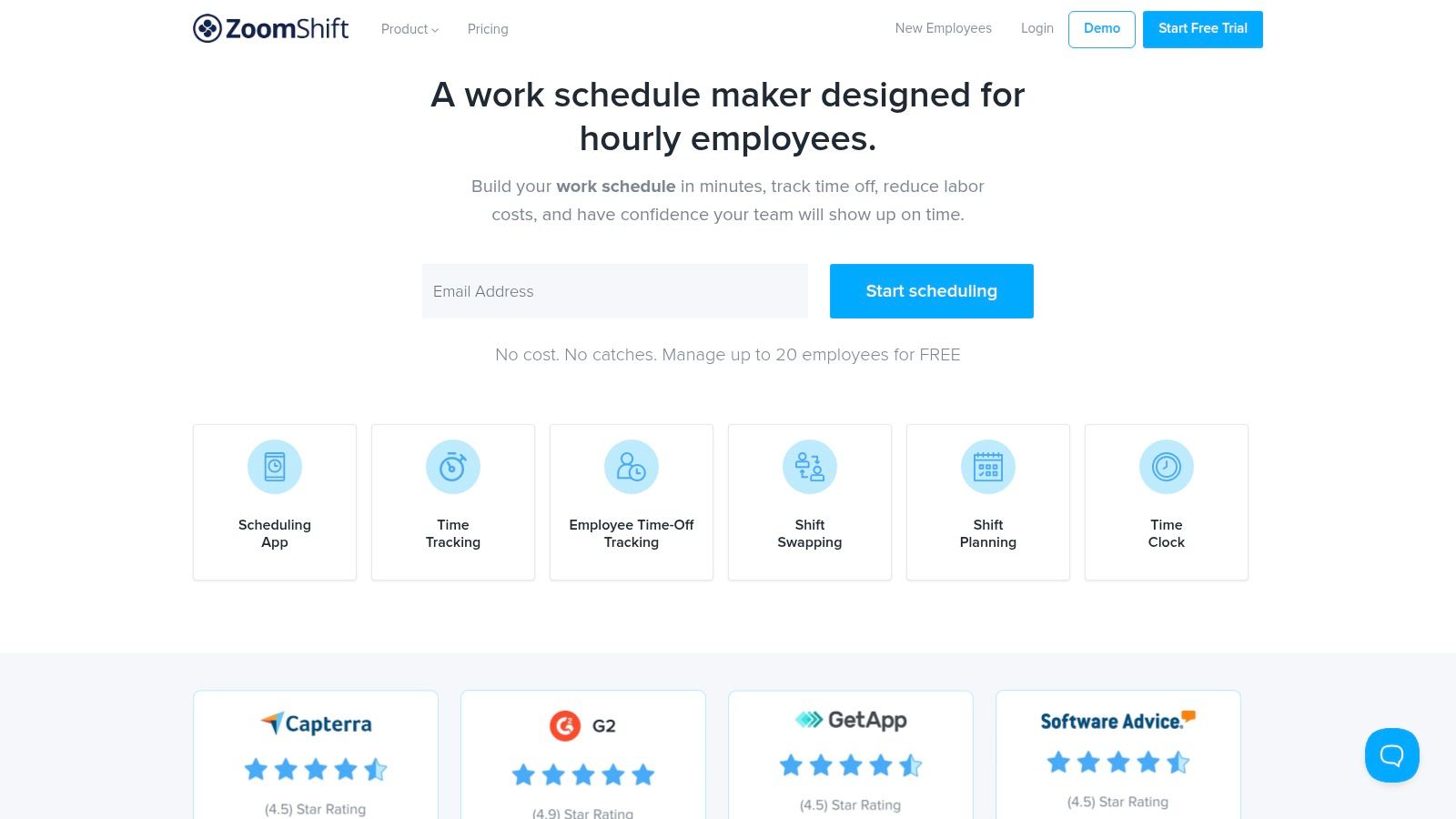
ZoomShift is one of the easier tools to like because it doesn't pretend to be mysterious. The pricing is transparent. The setup is approachable. The app does what most smaller teams need a shift calendar app for iPhone to do.
That combination is underrated. Too many scheduling products become a sales process before they become a useful tool. ZoomShift keeps the path shorter.
A straightforward pick for small and midsize teams
Schedules, reminders, swaps, clock-ins, PTO, and payroll reports cover a lot of daily ground. The interface isn't overloaded, and managers can usually get a team moving without much hand-holding.
What you give up is the deeper enterprise layer. If you need heavy governance, broad analytics, or wide cross-functional workflows, you'll start to feel the ceiling. But that's fine. Every product should have a ceiling.
Why it works: Clear pricing and low setup friction.
Where it shines: Small and midsize teams that want speed over complexity.
Where it runs thin: Advanced automation and enterprise controls.
For practical, no-drama scheduling, ZoomShift is a strong option.
9. Humanity by TCP Software
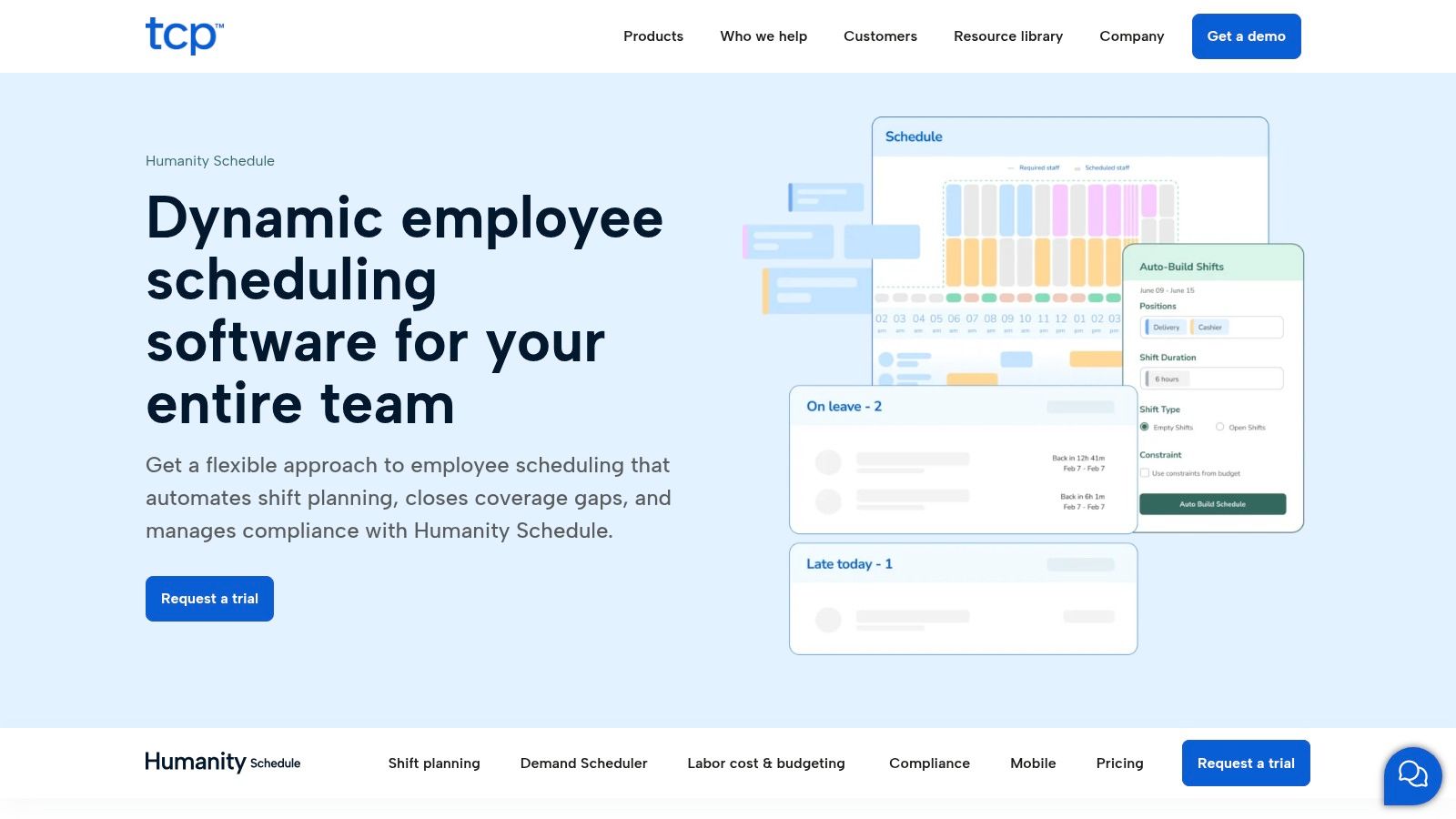
Humanity is a tool for grown-up scheduling problems. Not glamorous problems. Real ones. Permissions, approvals, forecasting, auditability, and governance across bigger teams.
That's where it earns its keep. The iPhone app gives employees access to schedules and shift actions, but the primary buying logic sits with admins and operators who need control and consistency.
Better for governed environments
Humanity makes sense when your scheduling process has rules around it. Maybe that's a larger workforce. Maybe that's a more formal approval structure. Maybe it's because your scheduling can't just be “who's free?”
The downside is familiar with mature enterprise products. The interface can feel utilitarian, and public pricing is limited. If your team values simplicity over governance, it may feel heavier than necessary.
Still, when paired with the broader TCP stack, Humanity can be a strong fit for organizations that need discipline more than delight.
10. Connecteam
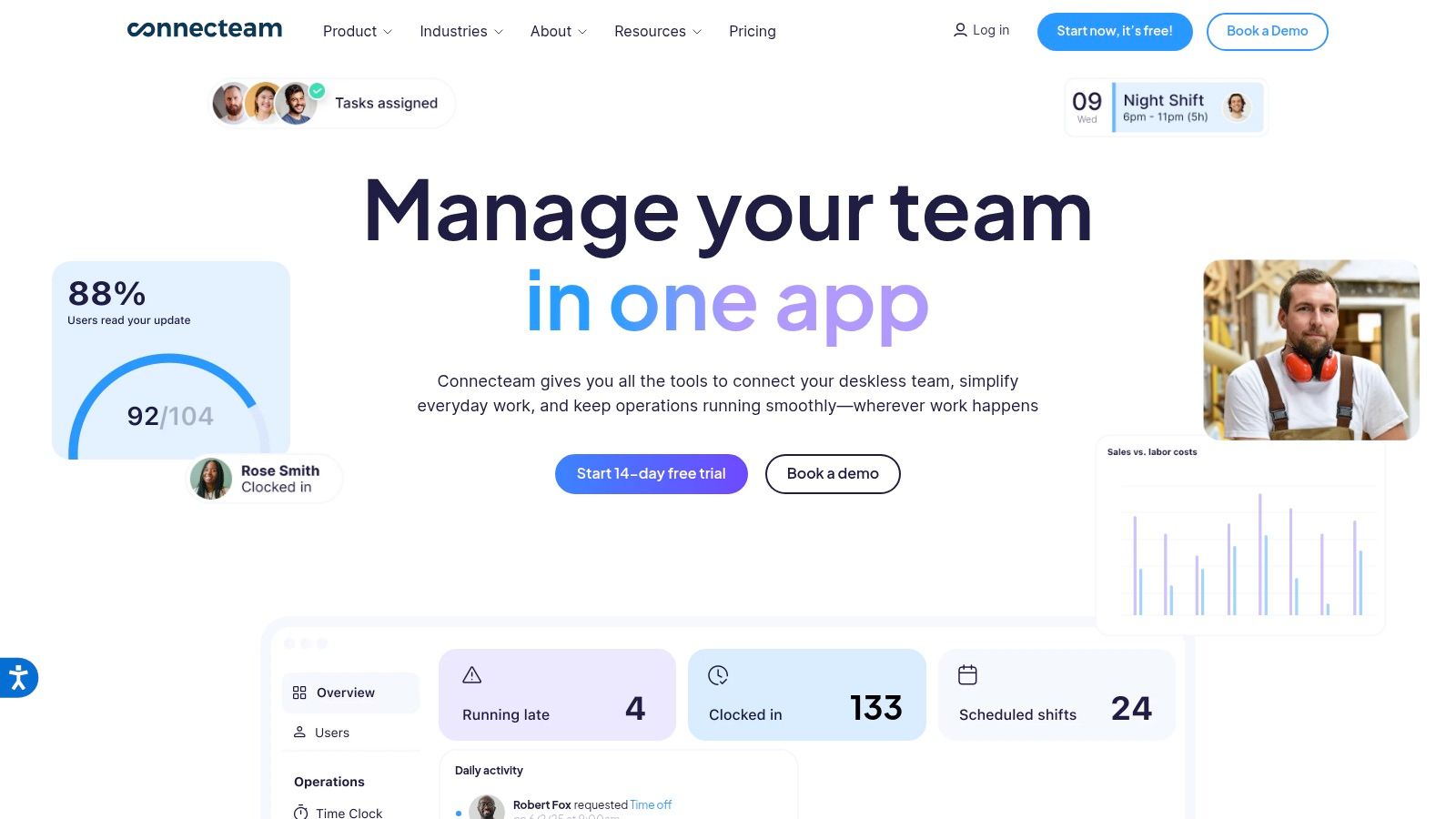
Connecteam sits in the same broader conversation as Pebb because it's not just a scheduling tool. It combines scheduling with chat, tasks, updates, HR functions, training, documents, and time tracking. For some teams, that's exactly the right move.
The difference is in feel and fit. Connecteam tends to appeal to businesses that want a deskless workforce app with a lot of operational modules under one roof. If you're replacing several tools at once, it's a serious contender.
Strong all-in-one option with planning required
The upside is breadth. Open shifts, templates, GPS clock-ins, reports, chat, surveys, updates, onboarding, and document workflows make it useful beyond the weekly rota. That's valuable for teams that want one mobile app to cover more of the employee experience.
The caution is that hub-based pricing and tier differences require careful buying. You can absolutely end up with the right package. You can also end up thinking a feature is included when it lives in another hub or plan.
The broader market direction supports this all-in-one approach. Grand View Research estimates the scheduling apps market at $663.1 billion in 2025 and projects $1,813.1 billion by 2033, with workforce shift scheduling leading at 39.51% revenue share and cloud-based deployment at 60.85%. For a mobile-heavy product like Connecteam, that supports the case for cloud-first, cross-device scheduling tied to the rest of team operations.
If you want an all-in-one deskless work app and are willing to sort through the plan structure, Connecteam is a good option.
iPhone Shift Calendar Apps: Top 10 Comparison
Product | Core features | UX ★ | Value 💰 | Target 👥 | Unique/USP ✨ |
|---|---|---|---|---|---|
🏆 Pebb | All‑in‑one: chat, Spaces, shifts, clock‑in, PTO, tasks, Knowledge Library, analytics | ★★★★★ (mobile‑first, fast onboarding) | 💰 Free start; contact sales for plans | 👥 Frontline + office, multi‑location teams | ✨ Configurable Spaces, single‑invite rollout, 50+ HR/payroll integrations |
When I Work | Drag‑drop scheduling, messaging, time tracking, geofence | ★★★★ (clean mobile UX) | 💰 Tiered plans with transparent feature tiers | 👥 Small→franchise retail, restaurants, healthcare | ✨ Templates, multi‑location scheduling |
Sling (by Toast) | Shift calendar, swaps, basic time tracking, announcements | ★★★★ (lightweight & fast) | 💰 Generous free tier (up to 30 users) | 👥 Small hourly teams, retail & restaurants | ✨ Very generous free plan, simple pricing |
Deputy | Auto‑scheduling, time & attendance, compliance, forecasting | ★★★★ (robust enterprise workflows) | 💰 Sales‑led; add‑ons can increase cost | 👥 Mid→enterprise operations needing compliance | ✨ Deep compliance tooling, forecasting |
7shifts | Restaurant scheduling, POS integrations, labor forecasting | ★★★★ (restaurant‑optimized) | 💰 Per‑location billing; add‑ons available | 👥 Restaurants & multi‑unit operators | ✨ POS‑aware forecasting and labor targets |
HotSchedules (Fourth) | Hospitality scheduling, shift swaps, PTO, notifications | ★★★ (solid employee app) | 💰 Sales‑led enterprise pricing | 👥 Restaurants & hotels, large chains | ✨ Longstanding hospitality pedigree, Fourth suite integration |
Planday (Xero) | Rota/shift planning, time clock, messaging, payroll integrations | ★★★★ (familiar rota UX) | 💰 Sales‑quoted; good Xero integration value | 👥 Hospitality & retail, Xero users | ✨ Strong accounting/payroll integrations (Xero) |
ZoomShift | Scheduling, clock‑in, swaps, reminders; free up to 20 users | ★★★★ (simple & transparent) | 💰 Transparent per‑user pricing; free tier | 👥 Small→midsize teams seeking affordability | ✨ Clear pricing model, easy to pause |
Humanity (TCP) | Shift planning, approvals, forecasting, SSO & roles | ★★★ (mature, utilitarian) | 💰 Sales‑guided enterprise pricing | 👥 Mid‑market & enterprise with governance needs | ✨ Strong admin/permission controls and auditability |
Connecteam | Scheduling, GPS time clock, chat, tasks, HR hub | ★★★★ (full‑featured mobile) | 💰 Hub pricing; free plan up to 10 users | 👥 Deskless teams wanting ops + HR in one app | ✨ Hub‑based pricing, built‑in HR and training features |
More Than a Calendar Choosing Your Team's Hub
A lot of teams buy a scheduling app, solve next week's rota, and still spend the next six months chasing updates across text messages, paper notices, and side conversations. I've seen that pattern enough times to call it early. The schedule was never the whole problem.
Start with the primary constraint. If the team mainly needs shifts published fast, easy swap requests, and basic availability tracking, a simpler tool like Sling, When I Work, or ZoomShift is usually the better buy. Lower cost, less setup, less training. That matters.
The trade-off shows up later. Managers start handling time-off questions in one app, policy updates somewhere else, and last-minute coverage in group chats. Employees stop knowing where to check first. Adoption drops, not because the app is bad, but because the system around it is messy.
That is the test I use now. Choose the app your team will open every day without reminders.
For frontline teams, scheduling often works best when it sits next to communication, documents, tasks, and basic HR actions. Pebb fits that model. It keeps shifts in the same place employees use to chat, read updates, check files, and stay in sync with the company. That makes daily use simpler for both managers and staff.
Connecteam belongs in the same broad category, and some teams will prefer its setup. But the decision should come down to fit. If the team wants a lighter daily experience and fewer moving parts, Pebb may feel easier to live in over time. If the operation needs a wider operations stack and is willing to manage more structure, another all-in-one platform may make sense.
Presentation matters too. Before a team trusts an app, they judge the screenshots, the store listing, and how clearly the product explains itself. If you're involved in mobile app growth, this guide on maximize app store conversions is a useful reminder that adoption starts before onboarding.
Pick for the week your team has, not the one you wish they had. A shift calendar on iPhone should reduce friction every day. If you want one place for shifts, chat, PTO, tasks, updates, and files, Pebb is worth a close look.
