
8 Effective Out Office Message Templates for 2026
Ditch the boring auto-reply. Get 8 human, effective out office message templates for every situation, from vacation to frontline shift coverage.
Dan Robin

We've all seen it. “I am out of office and will respond upon my return.” It's a dead end, a black hole, and a small act of laziness dressed up as professionalism. It tells your team and your clients that their problem is now paused for an unknown amount of time.
A good out office message does the opposite. It reduces friction, points people to the next step, and lets you leave without dragging a thread of guilt behind you. The best ones aren't clever. They're clear.
That matters more now because work rarely lives in one inbox. People message in chat, leave voicemails, post in team spaces, and expect some sign of who's covering what. If you're also handling phones, it helps to avoid missed calls with PBX greetings, not just email replies. Your away message is part of your operating system. Let's fix it.
1. Professional Standard Out-of-Office Message
The standard message still has a job. In formal workplaces, nobody needs your personality first. They need certainty.
Microsoft Outlook treating Automatic Replies as a built-in workflow, with optional date ranges and separate internal and external messages, tells you what this message really is. It's administrative infrastructure, not a note tossed over the wall. Microsoft's own setup also reflects the basics that good workplace guidance keeps returning to: say you're away, say when you'll return, and give an alternate contact when possible, as explained in Outlook Automatic Replies guidance.
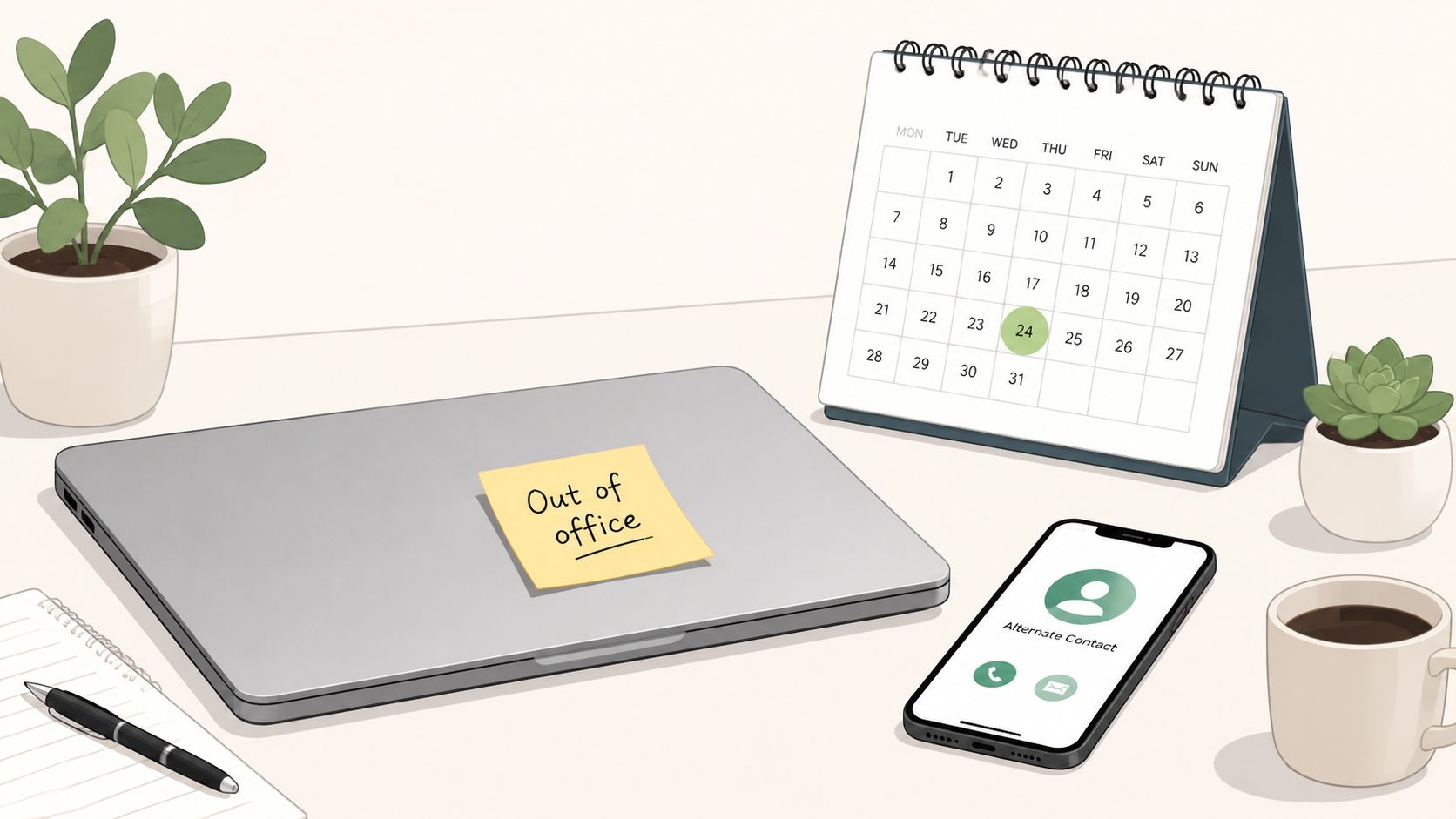
Use this when you work in healthcare, finance, operations, legal, or any environment where ambiguity creates extra work for someone else.
A template that does its job
Practical rule: If a sender still has to guess what to do next, the message isn't finished.
Try this:
Hello, Thank you for your message. I'm out of the office until Tuesday, January 14, and will reply when I return.
If your matter is time-sensitive, please contact Priya Shah at priya.shah@company.com.
For internal operations requests, please post in the Operations Space.
Best, [Your Name]
This works because it answers the sender's first three questions immediately. Are you gone. Until when. Who can help now.
For distributed teams, I'd add your return date in your local time zone if timing matters. If your team uses one place for updates and handoffs, put that in the message too. A message gets better when it routes people into the system your team already uses, which is why clear internal communication habits matter so much in the first place, especially in tools built around shared spaces and visibility like better workplace communication practices.
What doesn't work is the fake-polished version. “I will have intermittent access to email” usually means nothing. Either you're available for urgent issues, or you're not. Say which.
2. Warm & Personable Out-of-Office Message
Some teams don't need stiff language. They need a message that sounds like a real person left it.
That's especially true in remote and hybrid groups where tone carries more weight than people admit. If your day-to-day culture is friendly, a cold autoresponder feels off. It makes the company sound more formal than it is, and that mismatch is its own kind of friction.
A friendlier template
You don't need to force jokes. A little warmth is enough.
Hi, Thanks for your message. I'm away until Monday, March 8 and won't be checking email much while I'm out.
If you need help before then, Jordan Lee can point you in the right direction at jordan.lee@company.com.
If this is about our campaign review, the team has the latest notes in the Marketing Space.
Thanks for your patience, [Your Name]
This kind of out office message works well for creative teams, startups, retail brand teams, and internal communities that already communicate like humans. It feels open without becoming casual to the point of being useless.
A few trade-offs matter here:
Add personality lightly: A short human note is fine. A full vacation postcard isn't.
Keep the handoff visible: Warmth does not replace a backup contact.
Match the channel: Your chat status can be casual. Your external email reply should still be clear.
Robert Half points out a gap that many teams still haven't solved well. Most advice tells people to set an email autoresponder and maybe update another channel, but stops short of real channel-specific guidance across voicemail, chat, shared inboxes, and internal tools. That's a genuine operational problem for modern teams, as noted in this piece on crafting an effective out-of-office message across channels.
If you're going to be warm, be consistent. Your email shouldn't say one thing while your chat status says another and your voicemail says nothing at all.
3. Frontline-Specific Out-of-Office Message
Frontline teams don't live in the same rhythm as office teams. A manager in retail, a nurse lead, or a warehouse supervisor can't get away with a vague “back next week.” People need coverage, shift clarity, and handoff details fast.
That changes the shape of the message. The issue isn't inbox etiquette. It's operational continuity.
The template for shift-based work
Hi team, I'm off shift and unavailable through Thursday evening. Sam Ortega is covering floor issues for the morning shift, and Lena Brooks is handling supplier deliveries in the afternoon.
Time-off requests should go through the usual scheduling process. Urgent store issues should be posted in the Store Leadership Space or sent to the manager on duty.
Thanks, [Your Name]
This works because it names ownership, not just absence. In frontline work, that's everything.
The fastest way to create chaos is to announce you're away without saying who now owns the decisions.
I'd keep these messages tighter than office email replies. People reading them are often on mobile, between tasks, or halfway through a shift change. If they have to dig, they won't.
A few practical moves help:
Name the active backup by responsibility: Don't just list one person if coverage is split.
Point to the live channel: Use the team space, shift board, or manager-on-duty process people already check.
Leave handoff notes where everyone can find them: Not buried in your private inbox.
Unified systems offer a solution. If your team already manages shifts, tasks, and updates in one place, your out office message can point people there instead of creating parallel side conversations. That's especially important in companies where deskless teams depend on mobile-first communication, like the examples covered in communication for companies with frontline employees.
What doesn't work here is copying an office template into a shift environment. Frontline teams don't need elegance. They need ownership.
4. Extended Leave Out-of-Office Message
Long absences need more than an autoresponder. They need a transition.
Vacation for a few days is one thing. Parental leave, medical leave, a sabbatical, or a long break is different. People won't just need to know when you're back. They need to know whether you should be contacted at all, who has authority in your place, and where the current state of work lives now.
A template for longer leave
Hello, Thank you for your message. I'm on leave and will be away from work through September 30. I won't be monitoring email during this time.
For project decisions related to the Phoenix rollout, please contact Elena Gomez at elena.gomez@company.com. For contract questions, please contact Marcus Hill at marcus.hill@company.com.
Current project documentation and handoff notes are available in our team knowledge base.
Best, [Your Name]
The phrase that matters most here is “I won't be monitoring email.” If that's true, say it. If it's not true, define what qualifies for interruption.
One more thing. Don't use the out office message as the only handoff. The message should point to a system that already exists. If key context lives only in your head, your autoresponder can't save anyone.
What people need from you before you go
Decision ownership: Who approves what while you're gone.
Documented context: Where current plans, files, and notes live.
A real return boundary: If the date may change, say that clearly and avoid false precision.
For planned leave, request and document the time early enough that people can prepare for it properly. The mechanics matter less than the handoff, but both matter, and teams usually handle leave better when requests, ownership, and expectations are visible in one workflow, not spread across email and memory. That's why it helps to think about how to request time off as an operations task, not just an HR form.
A long-leave message should feel settled. No apologies. No half-promises. Just a clean transfer of responsibility.
5. Limited Availability Out-of-Office Message
This is the message people get wrong most often. They want to sound available without actually being available.
Maybe you're traveling, at an off-site, in training, doing deep work, or moving between locations. Fine. But “responses may be delayed” is weak unless you explain what that means in practice.
A better way to be partially available
Hello, I'm away from my desk this week and will only be checking messages between 2 p.m. and 4 p.m. Eastern.
If your note can wait, I'll respond during that window. If this involves an urgent client delivery issue, please contact Renee Park at renee.park@company.com.
Thanks, [Your Name]
That message gives people a simple decision. Wait, or reroute.
This matters more in global teams than people realize. ZoomInfo's analysis of inbox behavior found repeat seasonal spikes in out-of-office reply rates in late February, early April, the end of May, around July 4, Thanksgiving, and especially the final week of December, with December 27 identified as the highest OOO day in 2023. When lots of people are partially available at once, response-time data gets noisy fast, and teams need to avoid treating every delay as neglect.
If your availability is narrow, be exact. People can work around a window. They can't work around vagueness.
What doesn't work is pretending you'll keep up with everything. You won't. A limited-availability message is a filter. Use it to define the few issues worth interrupting for, and give everyone else permission to wait.
6. Emergency or No Notice Out-of-Office Message
Sometimes you don't get to prepare. Illness, family emergencies, transport problems, sudden leave. The message doesn't need polish. It needs speed.
In those moments, people often over-explain. That's a mistake. Share only what others need in order to keep work moving.
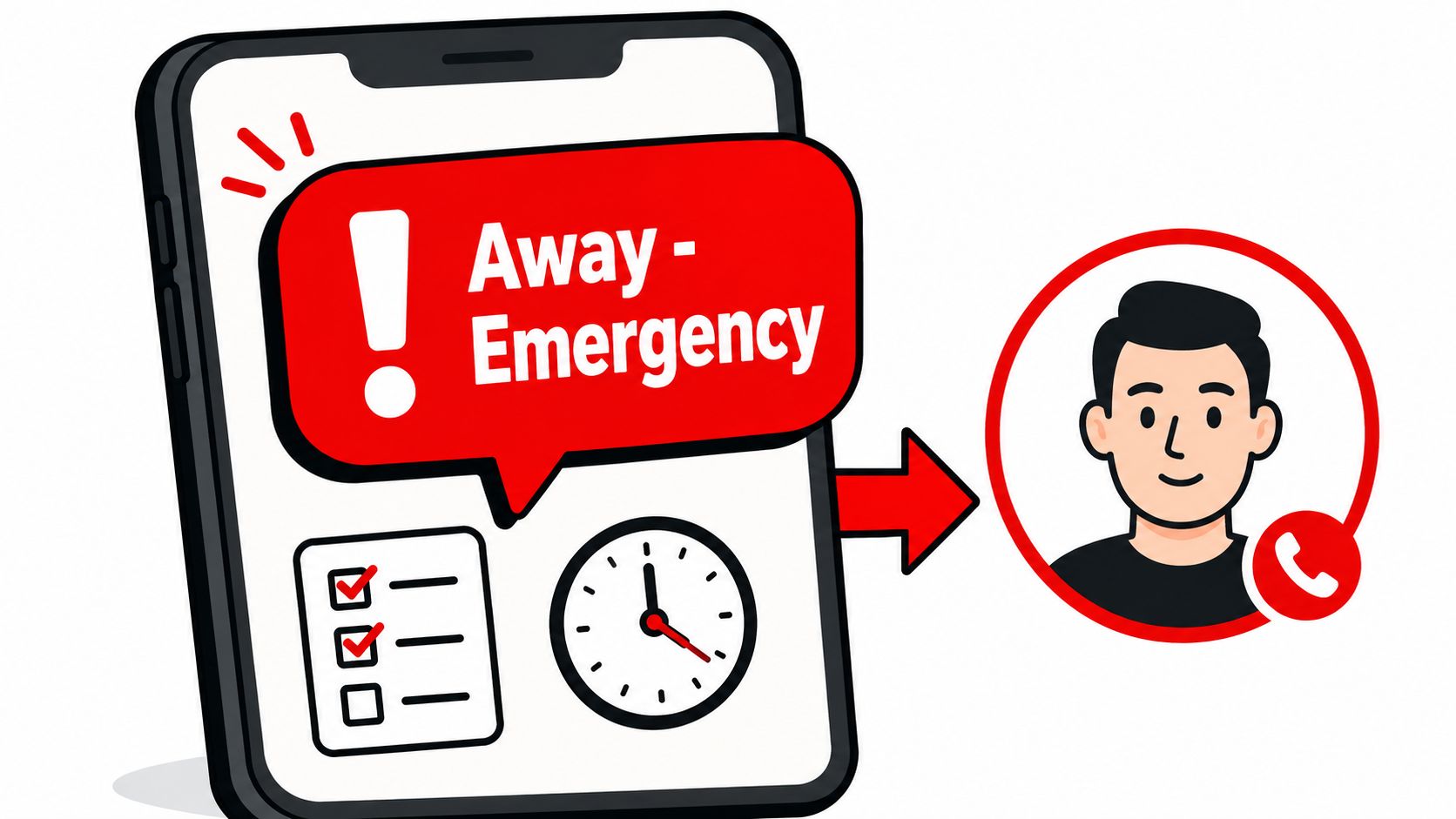
A fast template that respects privacy
Hello, I'm unexpectedly out of the office today and may be slow to respond.
For urgent matters, please contact Dana Ross at dana.ross@company.com. For team updates, please check the Operations Space.
Thank you for your understanding.
[Your Name]
That's enough. The point is continuity, not disclosure.
Indeed's hiring guidance raises an important security point that too many teams skip. Because autoresponders can reply broadly, including to spam, organizations should be careful about how much personal detail, absence timing, and contact information they expose, and should consider limiting which external contacts receive the message, as discussed in this piece on out-of-office message examples and risks.
What to leave out
Personal explanations: Nobody needs your medical detail or travel plan.
Private phone numbers: Don't publish personal contact info casually.
Coverage gaps: Don't signal that nobody is watching the queue.
If you manage a team, save a draft emergency out office message before you ever need it. Better yet, make sure a trusted colleague can post or activate one for you. Emergencies are not the time to invent process.
7. Multi-Location or Regional Team Out-of-Office Message
When you support multiple stores, sites, warehouses, or offices, one generic away message usually creates more confusion than it solves.
The core problem is local context. A regional operations lead might be away, but each site still needs to know who owns decisions there, during local hours, in local channels. One blanket backup name can become a bottleneck in a day.
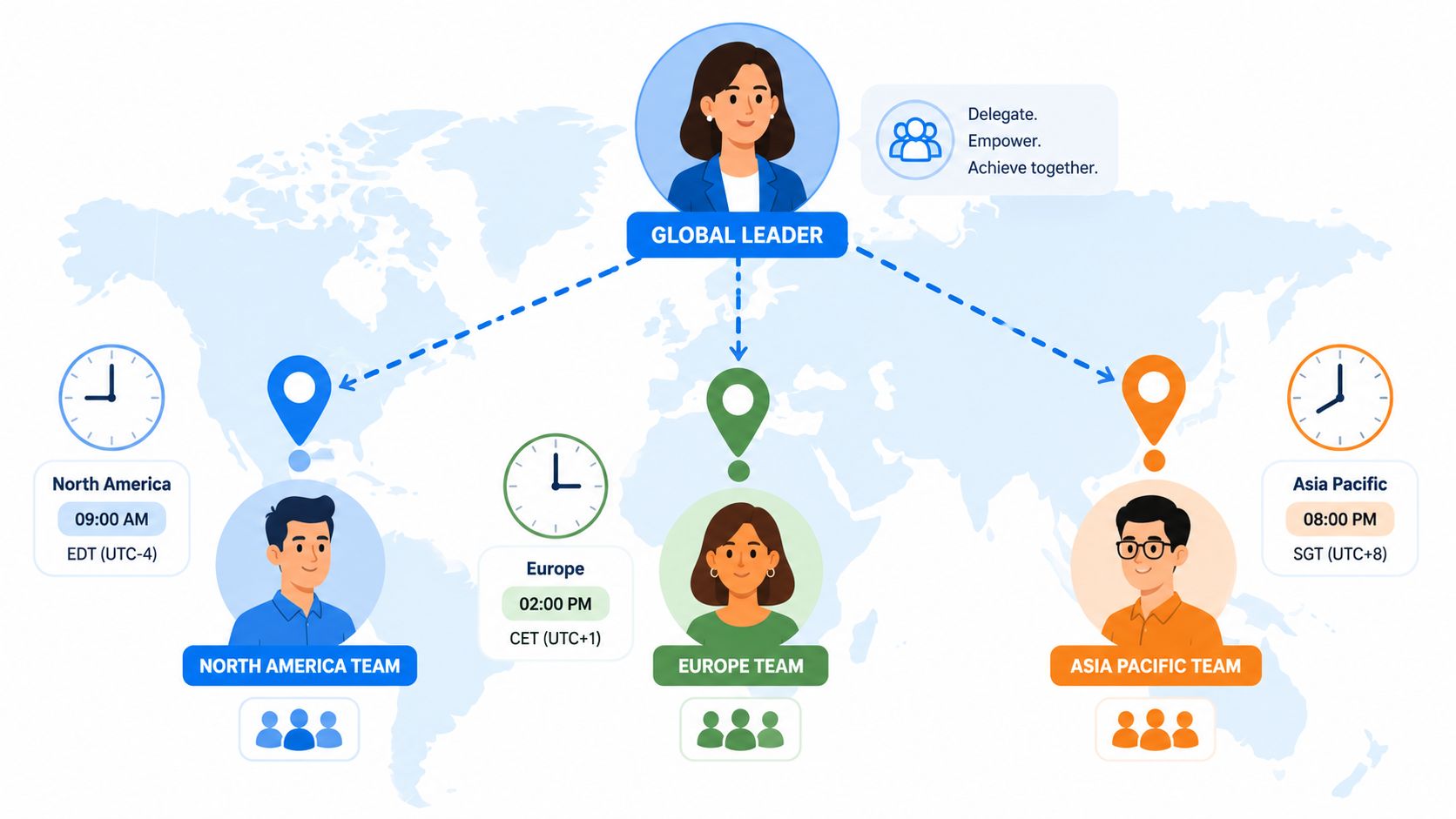
One message, localized routing
Hello, I'm out of the office through Friday. During this time, regional matters should be directed to your local lead.
North Region: Aisha Khan
Central Region: Ben Torres
South Region: Mia Chen
For cross-region issues, please post in the Regional Operations Space and tag the duty lead.
Best, [Your Name]
This works because it acknowledges how the team operates. It doesn't force every issue through one person sitting in a different time zone.
For this kind of message, I'd also adjust the supporting channels. Your main status should show you're away, each local space should have the right backup pinned, and voicemail should align with the same routing. If one region hears one thing and another sees something else in chat, people start improvising.
A few practical rules help:
Use local owners: Route by region, not hierarchy.
Respect local hours: Don't send one universal note that ignores when people are working.
Keep one master handoff: The message can vary by audience, but the underlying ownership map should stay consistent.
The point isn't to sound organized. It's to make sure each site knows who can make a call without waiting for headquarters.
8. Client-Facing or Account Manager Out-of-Office Message
Client-facing messages need a different balance. Too cold, and you sound dismissive. Too chatty, and you make the client work to find key details.
What clients care about is simple. Who has context, who can respond, and whether they'll have to repeat themselves.
A client-safe template
Hi, Thanks for your email. I'm out of the office until Wednesday, May 15.
While I'm away, Jamie Patel is covering my accounts and can help with any urgent questions at jamie.patel@company.com. Jamie has the current project background and upcoming deadlines.
I'll follow up after I return if the matter is still open.
Best, [Your Name]
That last line helps because it removes uncertainty without promising immediate cleanup of every thread. It signals continuity.
This is also the one category where proactive outreach can matter more than the autoresponder itself. If you manage key accounts and know you'll be out, introduce the backup before you leave. A warm handoff beats a surprise redirect every time.
There's also a channel decision here. If a client issue is time-sensitive and your internal team uses mobile-first tools for urgent coordination, SMS or push can be the right fallback. One industry synthesis for 2025 to 2026 reports SMS open rates of 90 to 98 percent, about 80 percent read within five minutes, and average response rates around 45 percent, while citing email open rates around 28.6 percent in a separate study. But the same source warns that opt-out pressure rises when message frequency gets too high, so use that channel only for urgent, relevant escalation.
Clients don't need more updates. They need the right update through the right channel.
What doesn't work is making your backup sound temporary and underinformed. If they're covering, present them like they're ready. Because they should be.
8-Type Out-of-Office Message Comparison
Template | 🔄 Implementation complexity | ⚡ Resource requirements | ⭐ Expected outcomes | 💡 Ideal use cases | 📊 Key advantages |
|---|---|---|---|---|---|
Professional Standard Out-of-Office Message | Low, simple, templated and formal | Low ⚡, basic info, one backup contact | High ⭐, clear expectations, fewer follow-ups | Formal enterprises, healthcare, large distributed teams | Consistency across channels; widely understood |
Warm & Personable Out-of-Office Message | Low–Medium, requires tone calibration | Moderate ⚡, personalization and culture posts | Medium–High ⭐, stronger engagement and morale | Startups, creative teams, remote/hybrid groups | Reinforces culture and boosts team connection |
Frontline-Specific Out-of-Office Message | Medium–High, shift handoffs and escalation detail | High ⚡, scheduling, supervisors, mobile format | High ⭐, operational continuity for shifts | Retail, hospitality, healthcare, logistics shift teams | Ensures coverage, clear escalation and mobile-ready |
Extended Leave Out-of-Office Message | High, comprehensive handoffs and succession planning | High ⚡, documentation, multiple backups, HR coordination | High ⭐, minimizes disruption and knowledge loss | Sabbaticals, parental or medical leave, long vacations | Smooth transition, compliance support, clear ownership |
Limited Availability Out-of-Office Message | Low–Medium, specify windows and response rules | Low ⚡, status updates and limited scheduling | Medium ⭐, sets realistic expectations, reduces anxiety | Focus periods, travel, remote flexible schedules | Clarifies availability and preferred contact channels |
Emergency/No Notice Out-of-Office Message | Low, rapid deployment but little prep time | Moderate ⚡, pre-made templates and prepared backups | Medium ⭐, immediate notification; limited context | Sudden illness, urgent personal emergencies | Fast team notification; simple, scannable instructions |
Multi-Location/Regional Team Out-of-Office Message | Very High, timezone and region-specific customization | High ⚡, multiple contacts, translations, scheduled posts | High ⭐, consistent regional coverage and accountability | Regional managers, global teams, multi-site operations | Timezone-aware coordination; local backups and clarity |
Client-Facing/Account Manager Out-of-Office Message | Medium, requires client handoff and briefing | Moderate ⚡, client docs, backup introductions | High ⭐, preserves client trust and service levels | Account managers, customer success, client services | Maintains client continuity and reduces churn |
Your Last Act Before You Leave
The out office message looks small because it's short. That's misleading. It carries a lot of weight.
It tells people how you think about work when you're not there to explain yourself. A weak message says, “Everything stops with me.” A strong one says, “The work can keep moving, and people know where to go.” That difference shapes trust more than most managers realize.
I've come to see these messages as a kind of handoff ritual. Done well, they reduce anxiety on both sides. Your team doesn't have to guess. Your clients don't have to chase. And you don't have to hover over your phone pretending you're off while still acting like the fallback for every unresolved detail.
The philosophy is simple. Respect the sender. Respect your backup. Respect your own time away. That usually means being specific about dates, honest about availability, careful about privacy, and consistent across the places people reach you. Email matters, but it's only part of the picture now. Chat, voicemail, shared spaces, team updates, and mobile alerts all shape whether your absence feels orderly or chaotic.
This is why generic templates aren't enough. The right message depends on who needs you, how they contact you, and what would break if they guessed wrong. A regional supervisor needs a different away message than a designer. A nurse manager needs a different one than an account executive. The template is the easy part. The thinking is the work.
If your team uses a unified employee app, this gets easier because status, updates, tasks, files, shifts, and time-off records can support the same handoff instead of fighting it. Tools like Pebb can help teams make that handoff visible across office and frontline workflows, but the principle comes first. The message should remove uncertainty, not add to it.
Before you close your laptop, ask one honest question. If someone needed help while you were gone, would your current out office message actually help them get it?
If your team wants one place to handle status updates, team communication, handoffs, time off, and frontline coordination, take a look at Pebb. It's built for companies that need office and frontline teams to stay in sync without juggling a pile of disconnected tools.
