
10 Best Operations Management Tools for 2026
A calm, opinionated guide to the best operations management tools for 2026. We compare top platforms, from all-in-ones to specialized ERPs, to help you choose.
Dan Robin
Organizations don't buy operations management tools because they love software. They buy them because work is slipping through cracks, managers are answering the same questions all day, and nobody can tell what's on fire until it's already burning.
I've seen the pattern too many times. A company starts with chat, adds a scheduler, bolts on forms, keeps a wiki somewhere, and wakes up with six tools doing a mediocre job of one operating system. That's when operations stops feeling like management and starts feeling like babysitting.
The right tool depends on the job. Some teams need a digital home for frontline execution. Some need a strong work orchestration layer across departments. Others need field service depth, or a real ERP that ties inventory, finance, and fulfillment together. Those are different problems, and pretending one category solves them all is how buyers waste a year.
That said, the broad direction is obvious. Operations has moved from manual supervision to structured systems built around repeatable processes, visible work, and continuous improvement. That logic goes back to lean methods like Kanban and 5S, which shaped how modern operations teams think about flow, waste, and control, as Worximity's overview of efficient operations explains. Today's software is the digital version of that mindset.
The market tells the same story. The global manufacturing operations management software market was estimated at USD 17.46 billion in 2024 and is projected to reach USD 76.71 billion by 2033, with a 19.1% CAGR from 2025 to 2033, according to Grand View Research's manufacturing operations management market report. Companies aren't buying these systems for fun. They're buying them because operating by spreadsheet doesn't hold up for long.
1. Pebb
I've seen this movie too many times. Ops leaders buy one tool for chat, another for scheduling, another for tasks, then keep HR forms, onboarding docs, and announcements scattered across inboxes and shared drives. Six months later, nobody has a system. They have a pile.
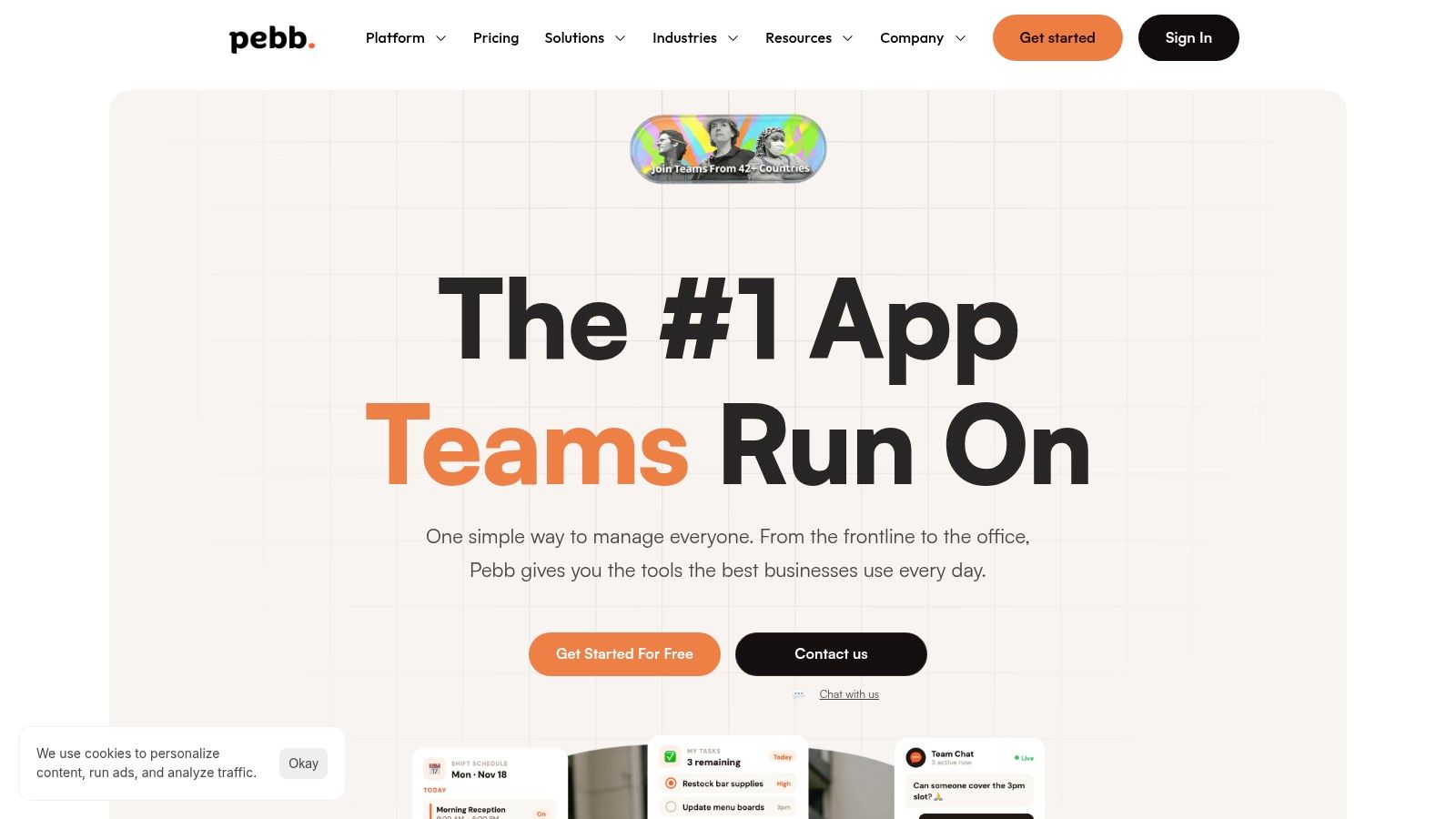
Pebb is a strong fix for that specific problem. If your operation is suffering from tool sprawl, it brings the day-to-day work back into one place without forcing you into a heavy enterprise rollout.
The product is organized around Spaces, and that structure is practical. Teams get a home for chat, posts, tasks, files, events, forms, and routine operational work. Then Pebb layers in shift scheduling, clock-ins, PTO, a knowledge library, and a people directory. That combination matters because operations rarely breaks down in one channel. It breaks at the handoff between communication, staffing, and execution.
Why Pebb stands out
Pebb makes the most sense for frontline and mixed workforces. Retail, hospitality, healthcare, warehouses, and distributed service teams usually need one system for local execution and company-wide communication. A lot of software handles one side of that equation and ignores the other.
Pebb does a better job of keeping both together. The mobile-first experience helps adoption. The setup is simple enough that managers can get teams in quickly instead of turning implementation into a long IT project.
Here's my rule. If the core problem is fragmentation, do not respond by buying several nicer fragments.
Pebb also covers the administrative side that often gets ignored during evaluation. Roles, permissions, admin controls, analytics, and integrations with HR, payroll, and authentication systems give it enough structure for serious use, not just a pilot.
If you're comparing categories before you commit, this guide to choosing an operations management app for teams does a good job of separating communication-first tools from broader operations platforms.
Where it fits best
Pebb fits companies that want one operational home instead of a stitched-together stack. That is its real advantage. It combines communication, workforce coordination, and daily execution in a way that reduces context switching for managers and hourly teams.
Best for frontline-heavy teams: Scheduling, clock-ins, PTO, forms, and mobile access support shift-based work well.
Best for fast rollout: The interface is straightforward, and adoption friction stays low.
Best for replacing scattered tools: Chat, updates, tasks, knowledge, files, and people information live in the same system.
The tradeoff is straightforward. Pricing is not public, so you need a trial or a sales conversation to understand cost. Large enterprises with unusual HR or IT requirements should also expect some planning around integrations and governance.
For companies trying to run smoother without building a monster stack, Pebb is one of the first tools I'd evaluate.
2. monday.com Work OS
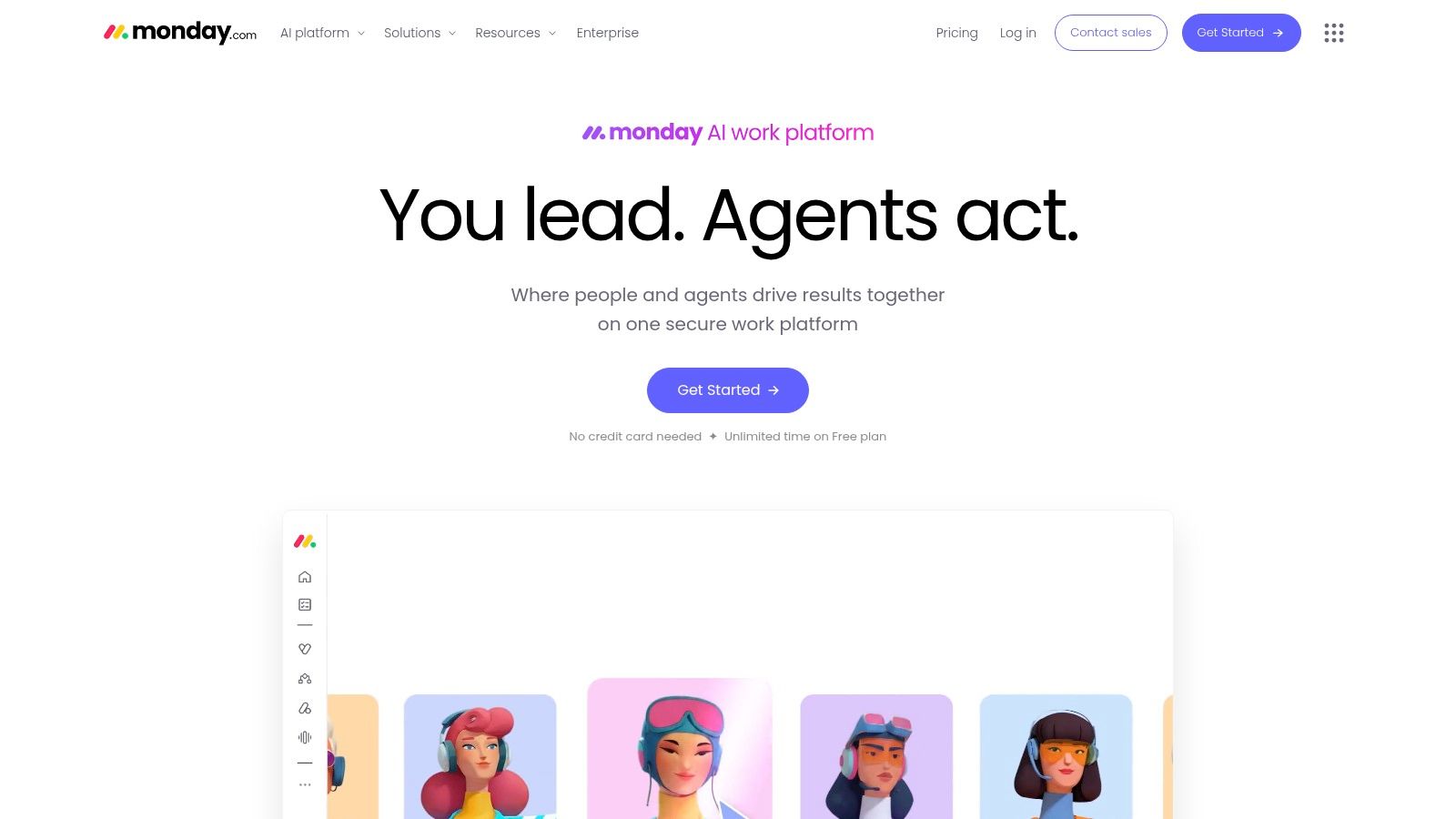
monday.com is good when your operations problem is workflow design, not workforce engagement. If you need to map intake, approvals, fulfillment, handoffs, and recurring internal processes, it gives you a flexible canvas without forcing you into a heavy enterprise rollout.
That flexibility is the whole appeal. Boards, timeline views, dashboards, automations, forms, and integrations let ops teams build a decent system quickly. You can model request queues, vendor onboarding, procurement steps, launch calendars, and service workflows without writing code.
My take on monday.com
I like monday.com best for office-heavy operations teams that need structure more than they need a true operational home. It's strong for coordinating work. It's weaker when you want one place for shifts, frontline comms, time tracking, and daily employee execution.
That distinction matters more than most buyers think. If you're comparing configurable work platforms, this guide to an operations management app for teams is worth reading before you commit to another board-based system.
monday.com works best when your operation can be modeled cleanly. If your operation is messy, human, and shift-based, you may need something more grounded in day-to-day execution.
Best use cases
Cross-functional workflows: Great for intake, approvals, and recurring process orchestration.
Low-code setup: Teams can build useful systems quickly.
Integration-friendly environments: It plays well with broader software stacks.
The catch is governance. Once many teams start building their own boards and automations, things get messy fast. Also, advanced capabilities often sit higher up the pricing ladder.
If you want a flexible work operating layer and you've got the discipline to manage it well, monday.com Work OS is a strong option.
3. ClickUp
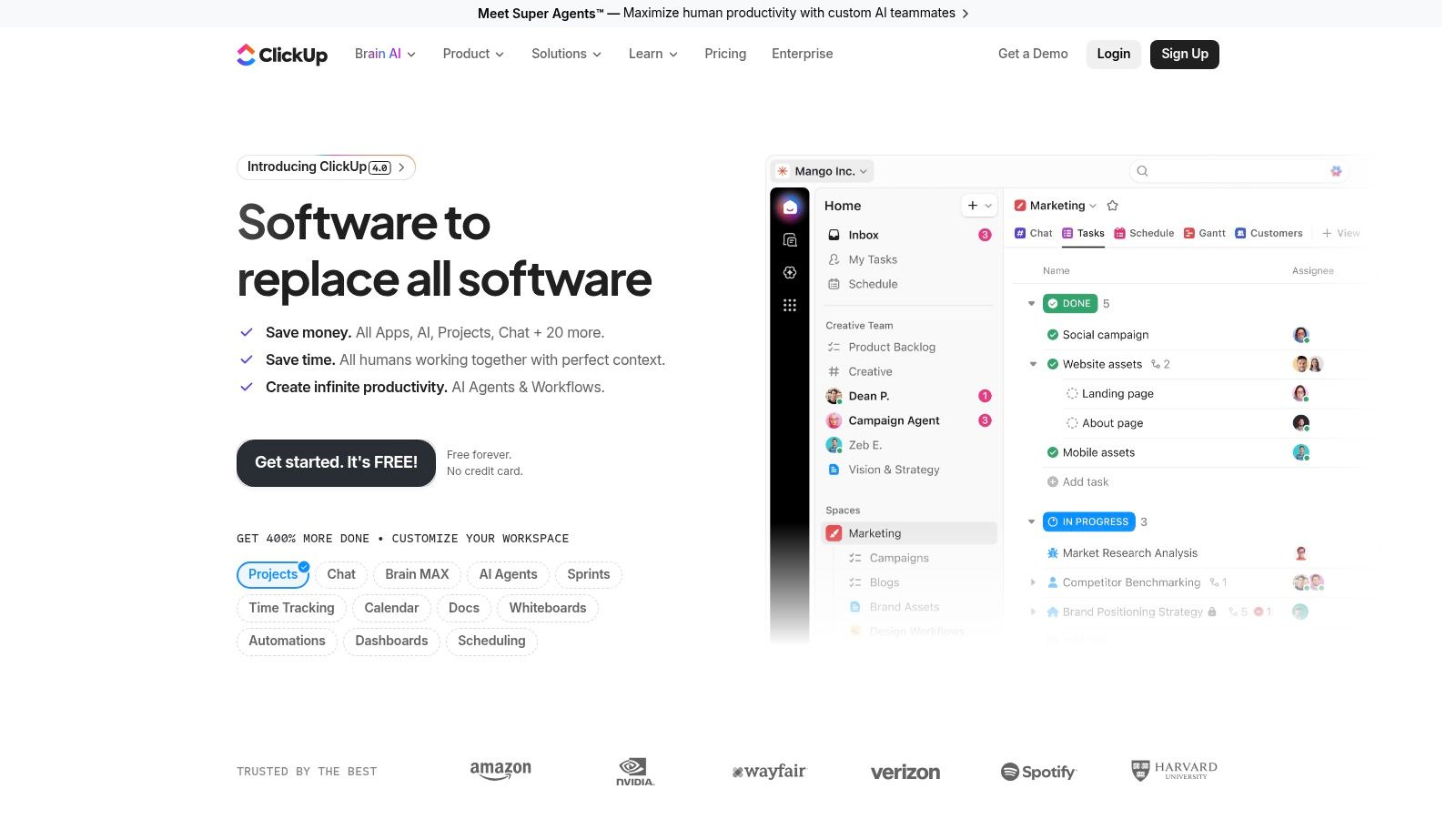
ClickUp tries to be the one app for everything. Usually I'm skeptical of that pitch. In this case, the platform is broad enough that the claim is at least credible.
You get tasks, docs, dashboards, whiteboards, forms, chat, goals, and automation in one place. For operations teams that are tired of switching tabs all day, that breadth can be a real advantage. It's especially useful for lighter-weight cross-functional operations where you need planning, documentation, task execution, and reporting tied together.
Where ClickUp earns its keep
ClickUp is a good fit for teams that need more than project tracking but don't need a full ERP or field service platform. Think internal ops, business operations, logistics coordination, IT-adjacent workflows, and process-heavy support teams.
I wouldn't buy it because it has everything. I'd buy it if your team can define a clear operating model and use the platform to support it. Otherwise the abundance of features becomes its own tax. This piece on successful project management gets at the same problem from another angle. Tools don't fix fuzzy ownership.
The tradeoff
Strong upside: Broad feature set, native docs and chat, useful dashboards, solid templates.
Real downside: Admin overhead shows up fast if nobody sets standards.
Best fit: Teams consolidating lightweight tools into a single work hub.
This is a common story with modern operations management tools. Academic guidance has started pushing beyond feature checklists toward decision support, communication, document sharing, and process visibility in one system, as discussed in this research on operations decision-support frameworks. ClickUp sits right in that middle ground.
If you're willing to manage the complexity, ClickUp can cover a lot of operational ground.
4. Smartsheet
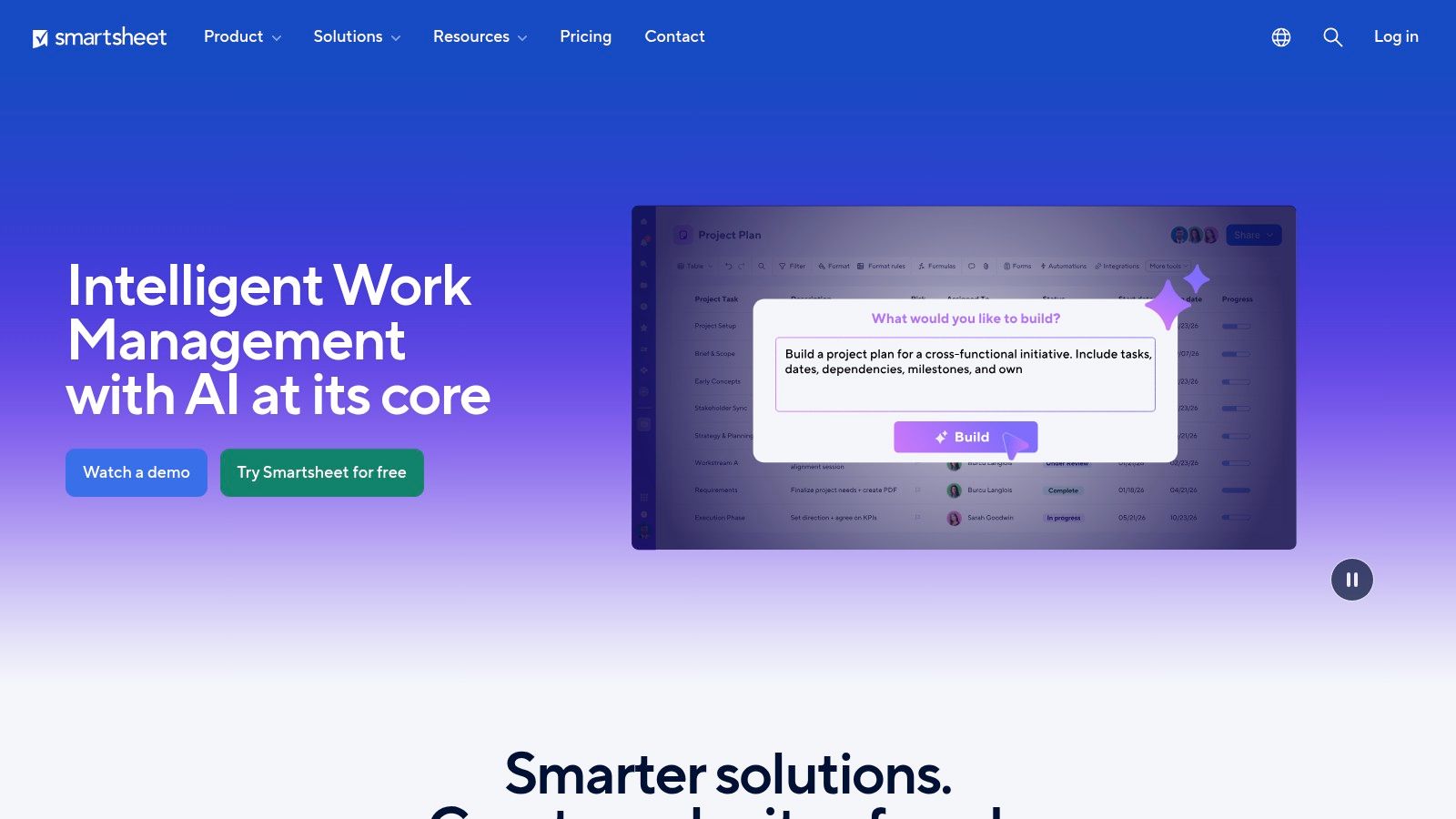
Smartsheet wins over a certain kind of organization in about ten minutes. The spreadsheet-minded one. The company where smart operators still live in rows, columns, filters, and status fields, and don't want a dramatic reinvention of how work gets tracked.
That familiarity is a feature, not a flaw. Smartsheet lets operations leaders build workflows, dashboards, reports, and portfolio views in a format stakeholders understand quickly. It's especially good when you need many teams to participate without a long training cycle.
Why operators like it
There's a practical maturity to Smartsheet. Grid, card, and Gantt views cover the basics. Automation and reporting help it scale. Resource management and portfolio oversight make it useful for larger operational programs, not just team-level task tracking.
Fast stakeholder adoption: People already understand the shape of the interface.
Solid governance potential: Better suited to structured enterprise rollout than many lighter tools.
Good for portfolio operations: Useful when leaders need cross-project visibility.
Where it gets tricky
Smartsheet can sprawl if you let every team build its own version of reality. The premium pieces also matter. If you need more advanced governance or orchestration, you'll likely end up looking at add-ons and enterprise packaging.
That doesn't make it a bad choice. It just means you should buy it with standards in mind. If your business runs on sheets already and you want a more disciplined operational layer, Smartsheet is one of the safer bets.
5. Asana
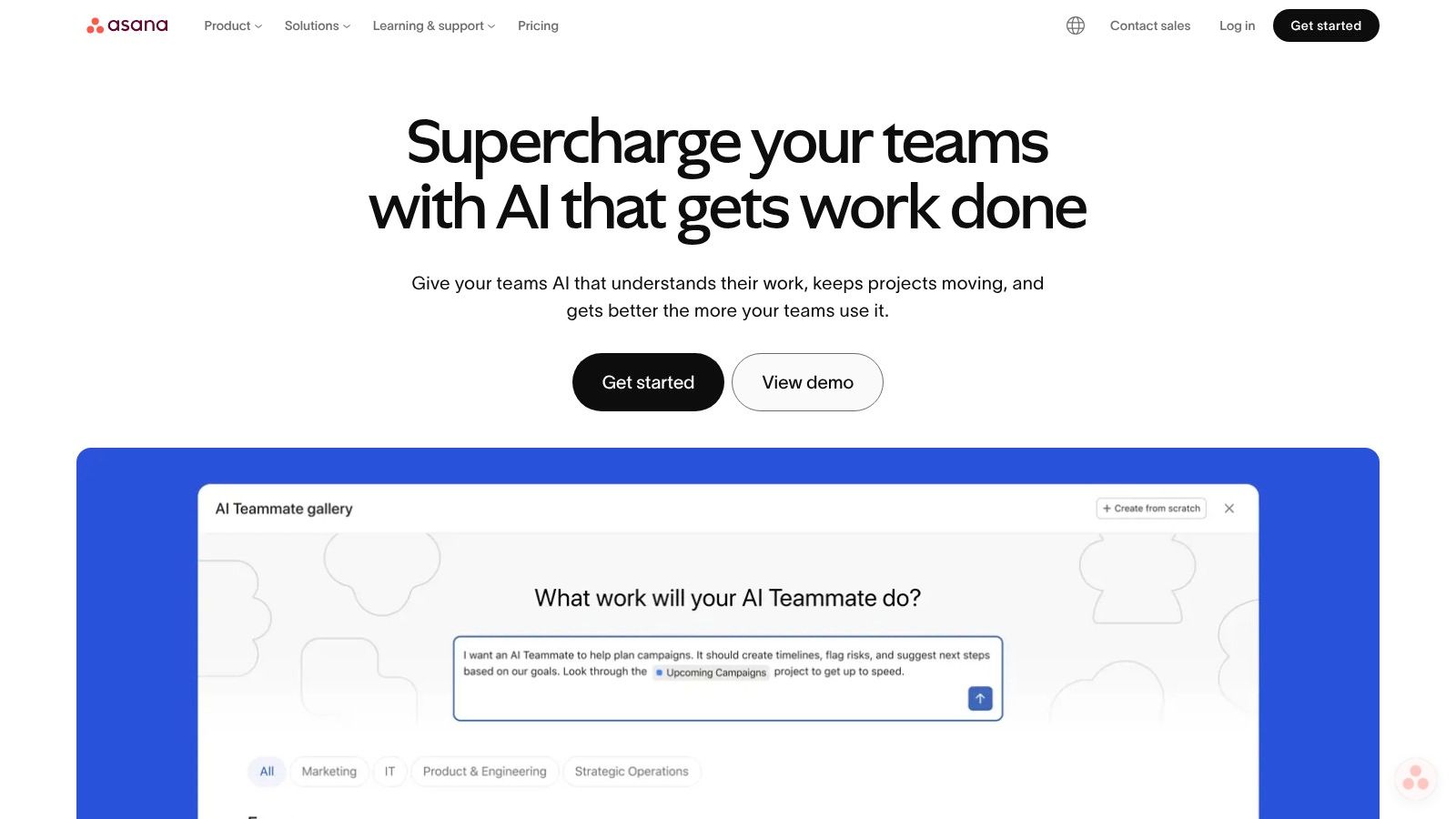
Asana is the cleanest tool on this list for teams that need operational clarity across departments. It's not trying to be a field service system or an ERP. It's trying to make sure work moves in a visible, structured way, and it's very good at that.
I've always liked Asana for one reason. It forces teams to make work explicit. Who owns it, what stage it's in, what depends on it, and what matters right now. That sounds basic until you've worked somewhere that still runs approvals through inbox archaeology.
Best fit for Asana
Asana shines in process-heavy business operations. Marketing operations, people operations, IT coordination, internal services, and cross-functional launch work are all natural fits. Forms help with intake. Portfolios and reporting help leadership. Goals create a line between daily work and broader priorities.
If the biggest problem in your operation is ambiguity, Asana helps. If the biggest problem is fragmented frontline execution, it won't go far enough.
What to watch
Strong structure: Great for approvals, recurring processes, and program visibility.
Scales well across teams: Admin controls and templates help once adoption grows.
Less useful for frontline-heavy operations: Not the tool I'd choose for shifts, clock-ins, or distributed field execution.
Its newer AI features may appeal to some buyers, but I wouldn't start there. Start with the workflow basics. If those are weak, no assistant is going to save you.
For white-collar and cross-team operations, Asana remains one of the clearest choices.
6. ServiceNow Field Service Management
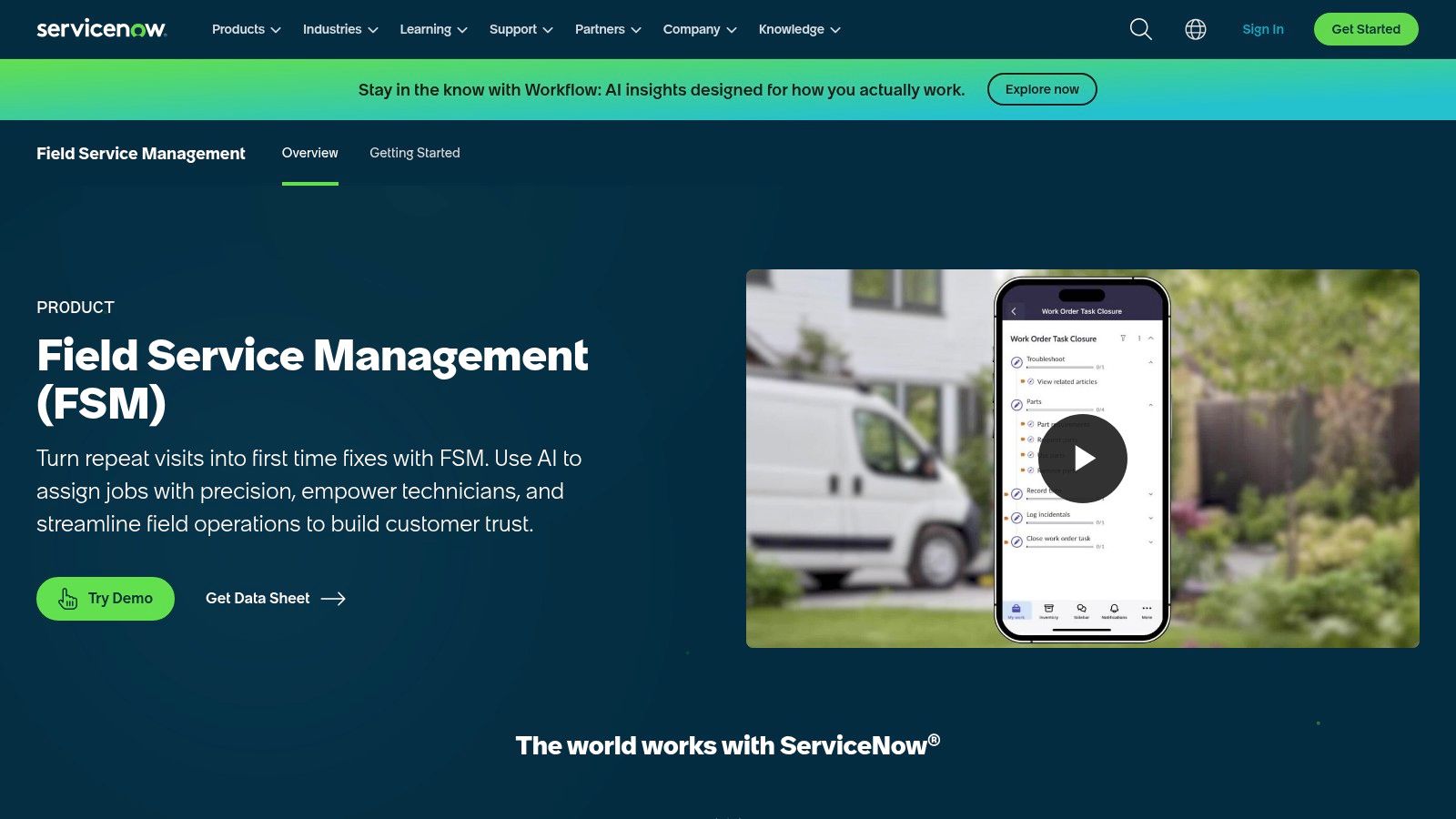
ServiceNow Field Service Management is what you buy when field operations are serious enough that improvising is expensive. Dispatch, asset context, technician workflows, mobile execution, and service lifecycle coordination all live inside a larger enterprise platform.
This is not lightweight software. That's the point.
Who should buy ServiceNow FSM
If you're already in the ServiceNow world, this is the obvious field service extension. The value is less about isolated FSM features and more about connecting field work to customer service, IT service, asset records, and broader workflows across the business.
It also sits inside a larger market that's growing fast. The IT operations management software market was estimated at USD 39.01 billion in 2023 and is projected to reach USD 73.38 billion by 2030, with growth tied to automation, AI, cloud optimization, regulatory compliance, and service continuity, according to Grand View Research's IT operations management market report. ServiceNow benefits from that same push toward more connected operational systems.
The blunt truth
Excellent for enterprise service environments: Especially where governance matters.
Strong technician experience: Mobile execution is core, not an afterthought.
Heavy implementation load: Expect real process work, not a quick setup.
I don't recommend ServiceNow FSM to companies hoping software will magically create process discipline. It won't. But if you already have process maturity and need a field operations backbone, ServiceNow Field Service Management is one of the strongest options available.
7. Microsoft Dynamics 365 Field Service
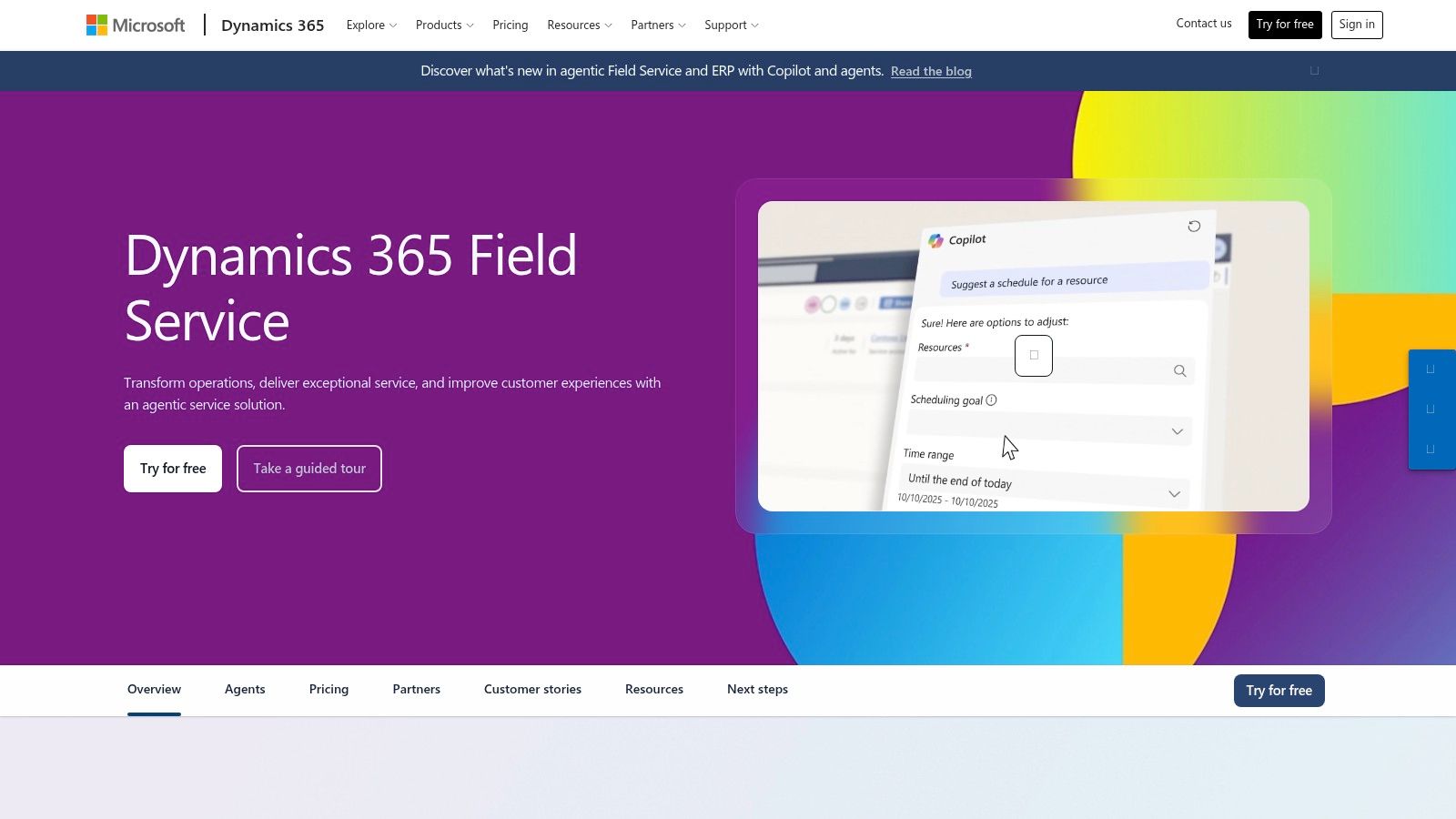
Some tools are best understood by ecosystem. Dynamics 365 Field Service is one of them. If your company already runs heavily on Microsoft 365, Teams, Power BI, and the Power Platform, this product makes a lot of sense.
The core capabilities are what you'd expect. Work orders, scheduling, resource optimization, mobile access, inventory, and asset tracking. Its primary value lies in how naturally it can sit inside a Microsoft-centric operating environment.
Why Microsoft shops choose it
This tool works well for service businesses that want one vendor relationship for a lot of moving pieces. Dispatchers, technicians, supervisors, and leadership can all work from connected systems instead of fighting for context across separate products.
I also like its fit for preventive maintenance and recurring service models. Those are the kinds of operations where consistency matters more than elegance. Dynamics tends to do well in that territory.
Buy Dynamics 365 Field Service if you want strong field capabilities inside Microsoft. Don't buy it because you think Microsoft automatically means simpler licensing. It usually doesn't.
My recommendation
Best for Microsoft-standardized organizations
Strong integration with analytics and collaboration tools
Needs careful licensing and implementation planning
That last point matters. You'll want a clear map of required modules before you sign anything. But if the Microsoft stack is already your home base, Microsoft Dynamics 365 Field Service is a very sensible choice.
8. Oracle NetSuite
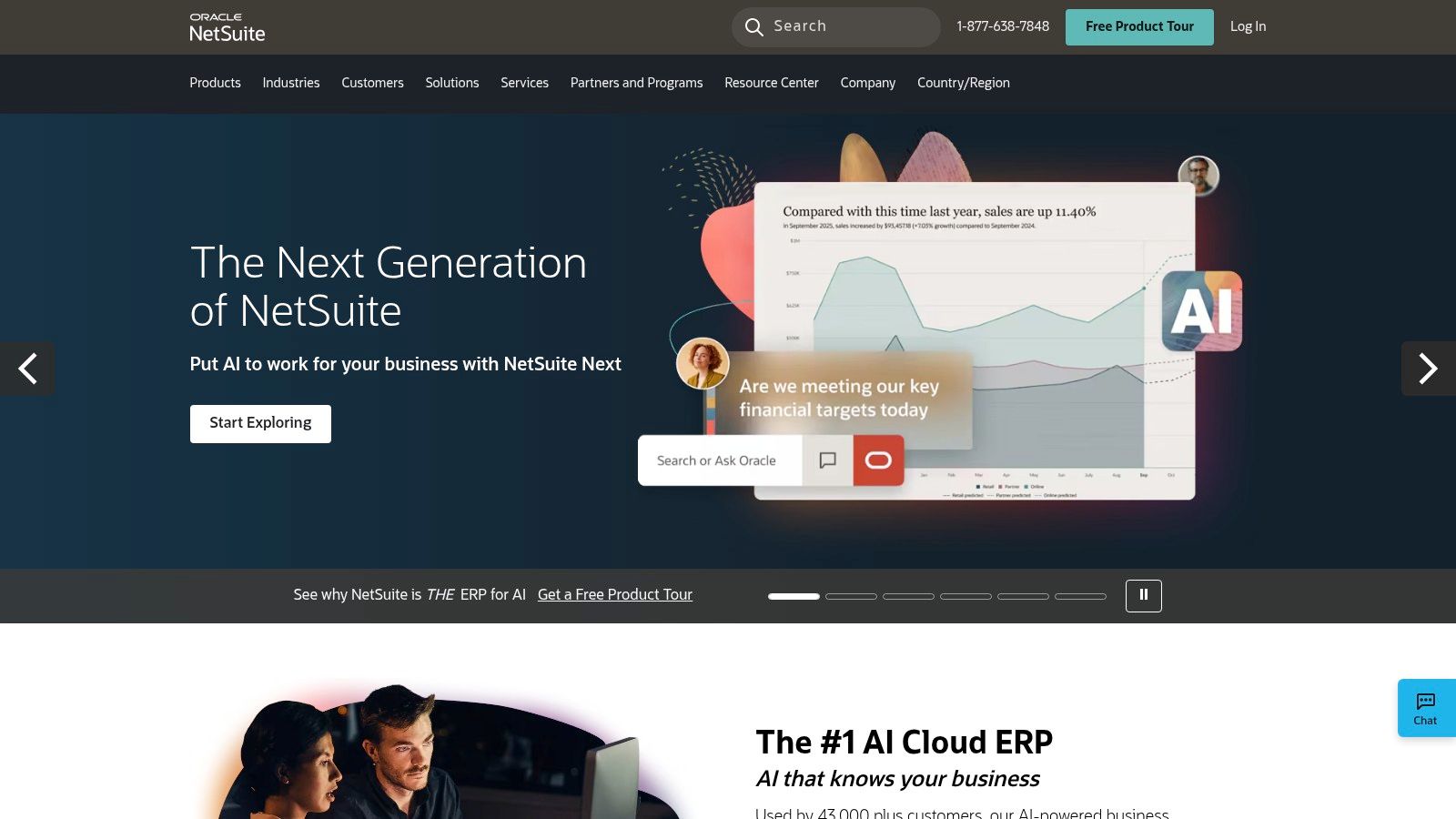
NetSuite is the line where “operations tool” starts becoming “system of record.” If your real problem is that inventory, orders, finance, warehouse activity, purchasing, and fulfillment all live in different worlds, stop shopping for prettier task tools. You probably need ERP.
NetSuite is a strong choice for midsize companies that have outgrown patched-together systems but don't want to jump straight into the heaviest enterprise stacks. It covers financials, inventory, supply chain, warehouse management, projects, and analytics in one cloud suite.
Where NetSuite fits
The best NetSuite buyers are usually in that awkward growth phase where spreadsheets still exist, but everyone knows they shouldn't. Leaders want cleaner visibility. Teams want fewer manual handoffs. Finance wants operational reality to tie back to the books.
Good for end-to-end visibility: Finance, supply chain, and operations can work from the same core system.
Good for growing complexity: Modular enough to expand with the business.
Not good for casual buyers: This is a business system, not a team productivity app.
What people underestimate
Implementation discipline. Always. ERP projects fail in the boring places. Bad definitions, weak ownership, messy data, and wishful thinking about process standardization.
NetSuite can do a lot, but it asks more from the organization in return. If you're ready for that exchange, Oracle NetSuite is one of the better ERP entry points for operationally ambitious midsize businesses.
9. SAP S/4HANA Cloud, Public Edition
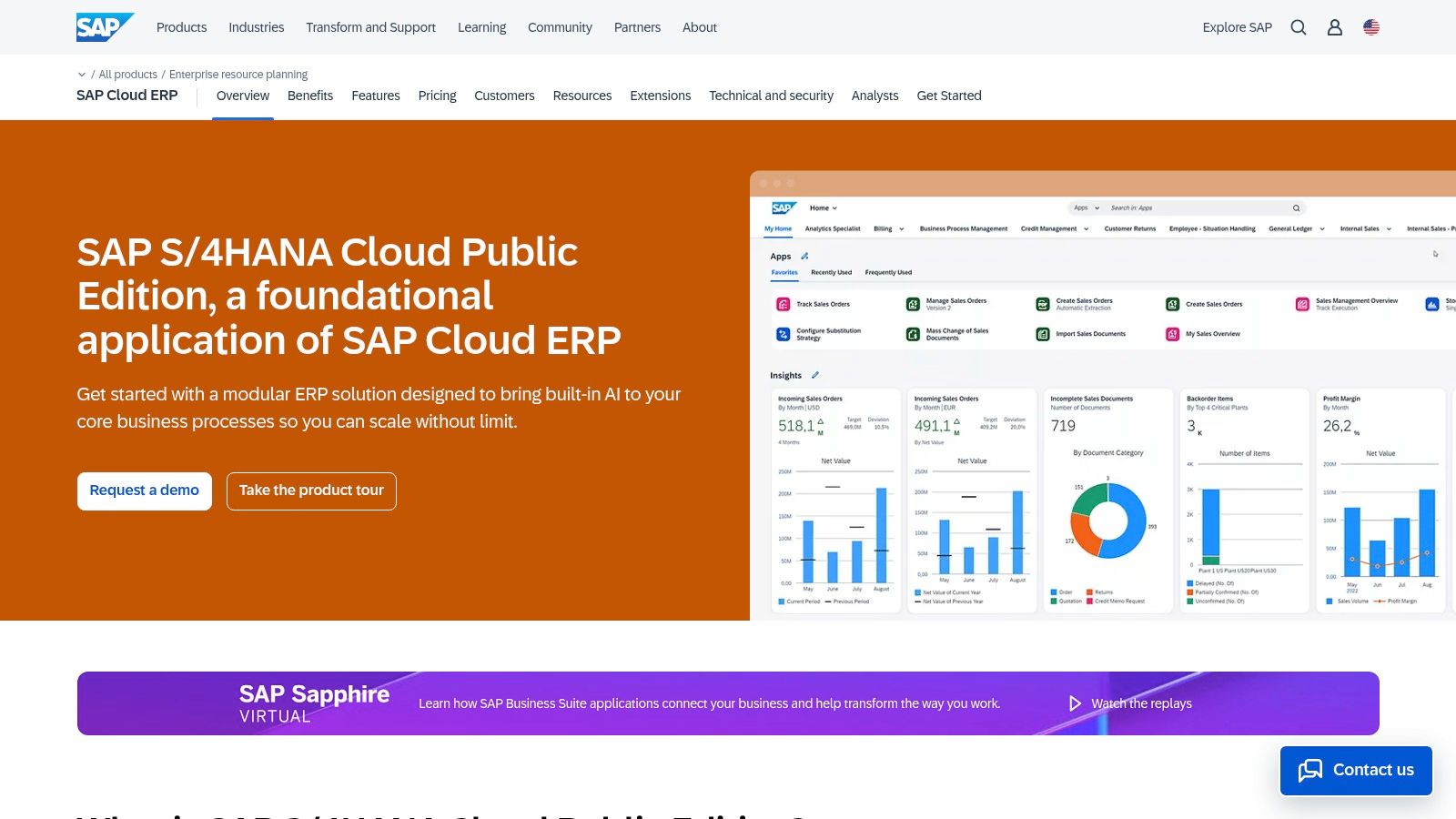
SAP S/4HANA Cloud, Public Edition is for companies that need serious operational breadth and already know they're playing at enterprise scale. Finance, supply chain, manufacturing, procurement, and asset-centric operations all connect inside a system designed for global process complexity.
This isn't the friendliest product on the list. It may be the most consequential.
When SAP is the right answer
If you need standardized global processes, strong manufacturing and supply chain coverage, and a platform that can support large operational programs, SAP deserves a hard look. It's especially relevant in environments where compliance, multinational operations, and deep process integration matter more than quick startup energy.
That context matters because adoption of more advanced operational systems is uneven. In the IT operations management software market, large enterprises accounted for approximately 74% of revenue in 2023, according to SNS Insider's IT operations management market report. Big companies buy complex systems because they have complex problems.
The real cost of SAP
Strong operational depth: Especially across global processes and asset-heavy environments.
High program demands: Governance, implementation, and change management aren't optional.
Best for organizations that need standardization at scale
I wouldn't point a smaller or less disciplined company at SAP. But for enterprises that need well-structured process architecture more than they need convenience, SAP S/4HANA Cloud, Public Edition is a serious contender.
10. Deputy
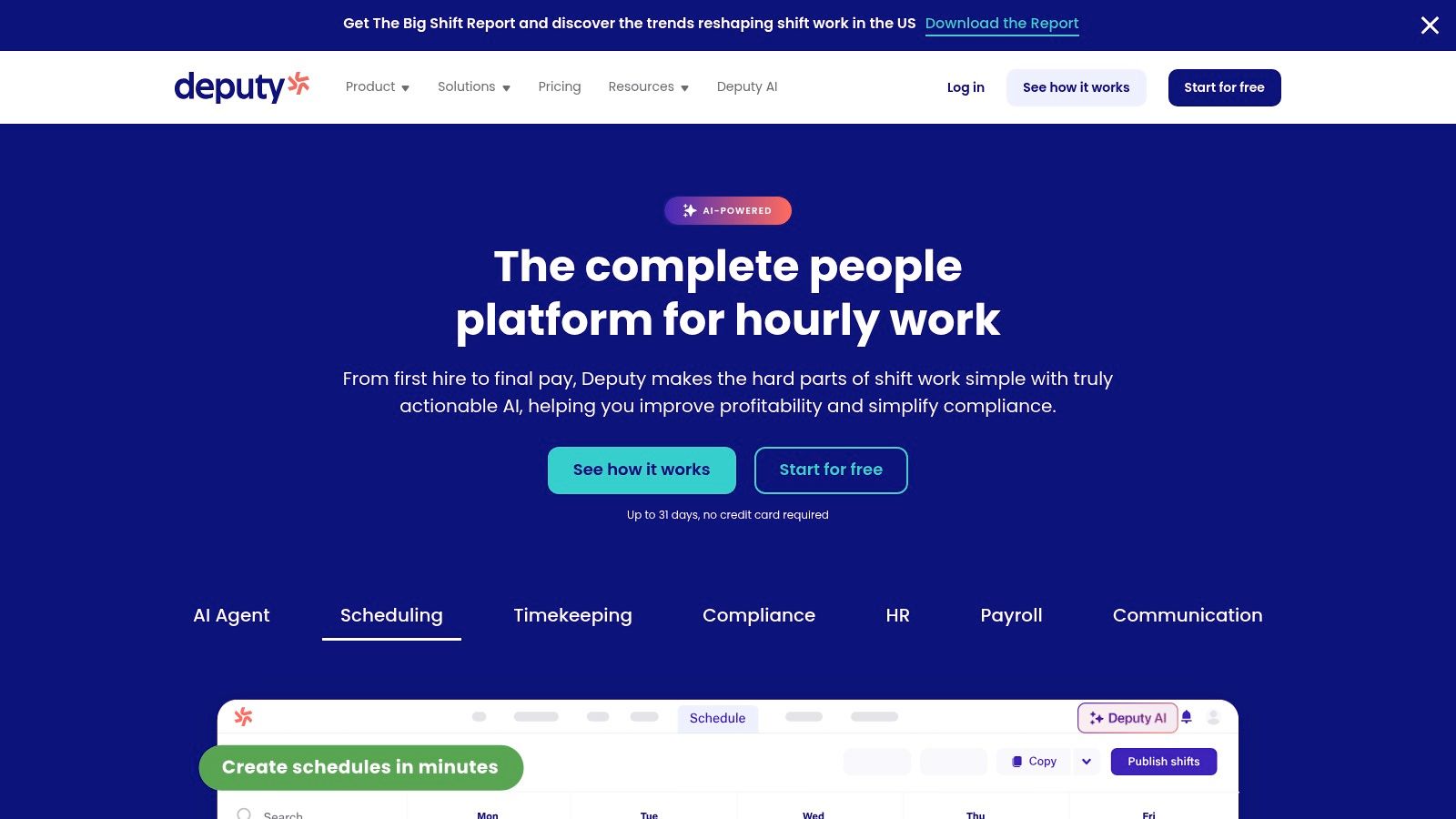
Deputy is the specialist on this list. It's built for workforce operations, not broad business orchestration. That focus is exactly why many shift-based teams should consider it.
If scheduling, time and attendance, PTO, shift swaps, and labor visibility are the heart of your operational day, Deputy solves a real problem cleanly. Retail, hospitality, healthcare, and logistics teams tend to understand its value quickly because the pain is obvious and constant.
Where Deputy is strong
Deputy is practical. Managers can build schedules, staff can clock in, teams can swap shifts, and frontline communication stays close to the work. You don't need a lot of imagination to see where it helps.
For teams evaluating this category, this guide to mastering workforce management software is a useful companion read. Workforce operations is its own discipline. It isn't just a subset of project management.
The worst scheduling tool is the one your managers bypass with text messages and paper notes. Adoption matters more than feature bragging.
The limit of a specialist tool
Great for shift-based operations
Fast to understand and deploy
Too narrow if you need broader operations, knowledge, and cross-functional coordination
That's the tradeoff. Deputy can improve workforce execution without becoming your company's central operating system. If that's the job, it's a good pick. If you need one platform for communication, tasks, documents, scheduling, and operational visibility, you'll outgrow it.
Still, for workforce-first environments, Deputy does its job well.
Top 10 Operations Management Tools, Feature Comparison
Platform | Core features ✨ | UX & Quality ★ | Value & Pricing 💰 | Target audience 👥 | Unique selling points |
|---|---|---|---|---|---|
Pebb 🏆 | Chat (private/group/voice/video), Spaces, Shifts, Clock‑in, Tasks, Knowledge, Analytics | ★★★★/5, mobile‑first, fast adoption | 💰 Free trial; affordable per reviews; enterprise quotes | 👥 Frontline + office: retail, hospitality, healthcare, warehouses | ✨ All‑in‑one mobile app; quick 1‑link onboarding; 50+ integrations |
monday.com Work OS | Visual boards, timelines, automations, dashboards, API | ★★★★/5, highly configurable, visual | 💰 Per‑seat tiers; higher tiers for advanced features | 👥 Ops teams, PMs, cross‑functional teams | ✨ Low‑code templates, broad app ecosystem |
ClickUp | Tasks, docs, chat, goals, automations, templates | ★★★★/5, unified feature set, some governance needed | 💰 Competitive entry; add‑ons (AI/features) may raise cost | 👥 Teams wanting consolidation across functions | ✨ Native chat/recording, extensive templates |
Smartsheet | Grid/card/Gantt, workflows, resource mgmt, dashboards | ★★★★/5, spreadsheet familiarity aids adoption | 💰 Enterprise pricing; Control Center & connectors add cost | 👥 Enterprises and portfolio/resource managers | ✨ Spreadsheet‑like scale + enterprise governance tools |
Asana | Projects/portfolios, automation, forms, AI options | ★★★★/5, strong structure for approvals | 💰 Tiered/seat pricing; AI/features often add‑on | 👥 Cross‑functional programs, IT, ops | ✨ Mature templates, portfolio & OKR support |
ServiceNow FSM | AI scheduling/dispatch, mobile work execution, analytics | ★★★★/5, enterprise‑grade, complex rollout | 💰 Quote‑based; premium enterprise pricing | 👥 Large service organizations & enterprises | ✨ Deep lifecycle workflows across CSM/ITSM |
Microsoft Dynamics 365 Field Service | Work orders, scheduling optimization, asset & inventory, offline mobile | ★★★★/5, strong MS integration | 💰 License‑based; modular/nuanced pricing | 👥 Organizations standardized on Microsoft stack | ✨ Tight Teams/Power Platform/Copilot integration |
Oracle NetSuite (ERP) | Financials, inventory, order & warehouse, projects, analytics | ★★★★/5, end‑to‑end ERP visibility | 💰 Quote‑based; modular licensing | 👥 Midsize enterprises needing full ERP | ✨ Broad module library + SuiteCloud extensibility |
SAP S/4HANA Cloud | Order‑to‑cash, procure‑to‑pay, asset mgmt, embedded analytics | ★★★★/5, global process support | 💰 Enterprise quotes; significant implementation effort | 👥 Large global enterprises | ✨ Robust global processes, frequent cloud updates |
Deputy | AI scheduling, time & attendance, kiosk clocks, shift swapping | ★★★★/5, purpose‑built, fast rollout | 💰 Per‑location/seat; add‑ons with scale | 👥 Shift‑based operators: retail, hospitality, healthcare | ✨ Focused workforce ops: forecasting & compliance |
Final Thoughts
Most operations management tools fail long before the software does. They fail because the buyer never got clear on the job.
If your biggest issue is scattered communication and daily execution across frontline and office teams, buy a unified platform. If your issue is cross-functional workflow design, buy a configurable work system. If your issue is dispatch and field service, buy a field service platform. If your issue is operational truth across inventory, finance, and fulfillment, buy ERP. Those aren't subtle differences. They're different categories with different costs, different rollout demands, and different failure modes.
I'd make one more point that doesn't get enough airtime. More automation isn't always better. Modern operations systems increasingly mix AI, automation, and real-time visibility, but the hard part isn't adding automation. The hard part is deciding where humans still need to step in. This Hexagon discussion of digital operations management gets at that tension well. Strong systems improve visibility and consistency. Weakly governed ones create brittle processes that nobody understands well enough to override.
That's why I prefer tools that match the actual operating rhythm of the team. Not the org chart. Not the budget fantasy. The true work. The handoffs, the exceptions, the questions managers answer every day, the information people can't find, the approvals that stall, the shifts that need coverage, the tasks that vanish into chat threads.
The best buyers I've worked with do one thing differently. They don't ask, “Which tool has the most features?” They ask, “What kind of mess are we trying to stop?” That question usually leads to a much better shortlist.
If you're a smaller or midsize team, I'd lean unified before best-of-breed. Fewer tools means fewer gaps, fewer logins, less duplicate data, and less training. A stacked architecture can make sense later, especially in large enterprises with specialized functions and stronger governance. But too many companies reach for complexity before they've earned it.
So be honest about your maturity. Be honest about your operators. And be honest about adoption. The perfect system on paper loses to the good system people use.
That's operations in practice. Messy, human, repetitive, and fixable.
If you want one place to run communication, tasks, scheduling, knowledge, and day-to-day execution without stitching together half a dozen apps, take a look at Pebb. It's the strongest choice on this list for frontline and distributed teams that need a practical all-in-one work app, not another pile of disconnected tools.
