
10 Internal Communication Apps for Business
Compare 10 internal communication apps for business by features, mobile support, pricing approach, industries, and tool consolidation fit.
Dan Robin

The best app is the one people open. That sounds obvious, but most buying advice starts with chat features and ends with another tool added to the pile. Meanwhile, work still lives across email, meetings, spreadsheets, scheduling systems, file drives, and disconnected employee channels. Office staff adapt. Frontline staff often get left behind.
This list judges internal communication apps for business by the work they can replace, the people they can reach, and the operational burden they create. I'm looking at mobile access, calls, scheduling, publishing, administration, pricing transparency, governance, and whether the app can reduce tool sprawl without forcing deskless workers into a desktop-first workflow. For broader context on how group messaging fits into the wider stack, see this guide to group communication tools.
The market is no longer experimental. Internal communications software has been estimated at USD 6.8 billion in 2024, with a projection of USD 17.94 billion by 2035. A separate 2026 estimate puts the market at USD 8.8 billion, rising to USD 17.9 billion by 2035, with an 8.1% CAGR. The same estimate says more than 78% of organizations with over 1,000 employees deploy at least one internal communications platform. (Market Growth Reports)
So the right choice depends on your workforce, your existing productivity suite, your compliance needs, and your appetite for change. Here are the ten tools I'd put in front of a buying team today.
1. Pebb
Pebb is the strongest choice when you want one mobile-first home for communication, engagement, and daily operations. It's built around configurable Spaces, so a store, hospital unit, warehouse, or office team can have a focused place for chat, posts, tasks, files, events, and shared resources without exposing everyone to the same clutter.
The important distinction is what Pebb can replace. Instead of asking employees to move between WhatsApp, email, spreadsheets, scheduling tools, and separate forms, the app brings private and group chat, voice and video calls, a news feed, tasks, a knowledge library, file sharing, shifts, clock-ins, PTO, forms, and events into one connected workspace. Profiles and a searchable People Directory also give employees a way to find colleagues beyond their immediate department.
Pebb supports teams in 42+ countries and has 10,000+ customers worldwide, with 50+ integrations for HR and payroll providers. (Pebb) These details matter because a communication app becomes much more useful when it can carry operational work instead of merely announcing it.
Why Pebb stands out
The rollout is practical. A single invite link can bring a team into the app on web or mobile, and each Space can be configured so employees see only the tools relevant to their role or location. Roles, permissions, and analytics give administrators control while helping leaders understand engagement and activity trends.
Pebb offers a free starting point, while advanced integrations and enterprise governance require a conversation with the company. It also isn't a complete HCM or payroll replacement. Businesses with deep payroll, benefits, or compliance requirements will still need connected HR systems.
Practical rule: If your hardest employee workflow happens away from a desk, test that workflow first. Pebb earns its place when the same app can carry the update, the shift, the form, and the follow-up.
The trade-off is that detailed pricing isn't published as a full tier structure, so larger buyers should expect a sales conversation. For organizations that want to consolidate communication and frontline operations, that's a fair exchange.

2. Slack
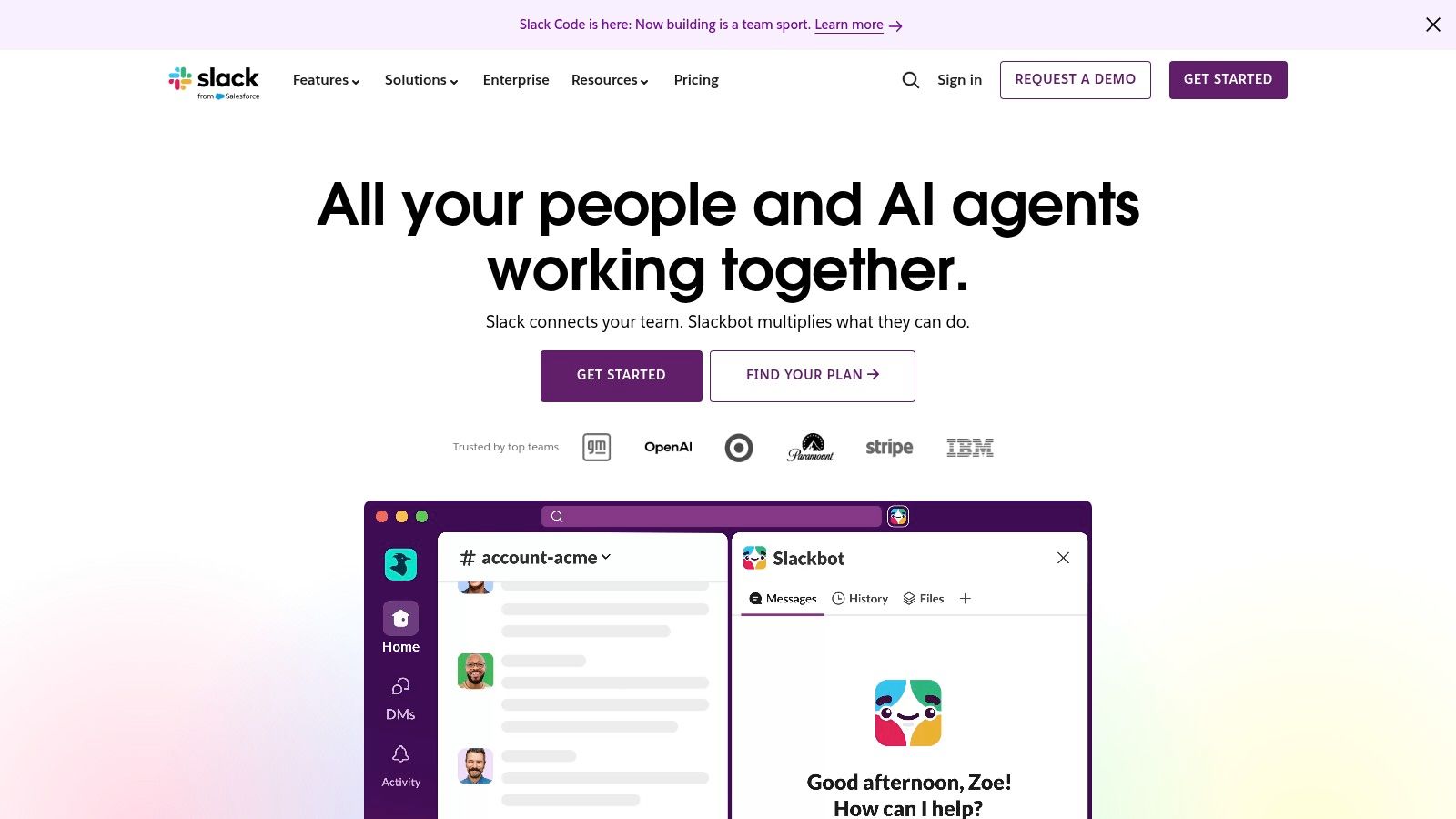
Slack remains the best choice for office collaboration built around integrations and flexible channels. Its basic model is familiar: channels for teams and projects, direct messages for smaller conversations, and Slack Connect for working with outside partners. That structure is still effective when employees spend most of their day in browsers and connected business software.
Slack's advantage isn't that people can chat. Its app ecosystem and workflow automations let teams bring information from tools such as project management, calendars, and customer systems into shared channels. Huddles add lightweight audio and video collaboration, including screen sharing, while Canvases give teams a place for notes, checklists, briefs, and resources that shouldn't disappear into a message thread.
The downside is social and administrative rather than technical. Slack makes it easy to create a channel, and that means it's also easy to create too many channels. Without naming conventions, retention policies, and clear ownership, important decisions become difficult to find.
The free tier limits message history to 90 days, so buyers should examine what employees need to retain and how that affects the plan they choose. Slack's broad reach also reflects a larger workplace pattern. A 2026 workplace messaging report found that 91% of businesses use at least two messaging apps, with respondents using an average of 3.3 workplace chat apps. (M.io workplace messaging report)
Slack is excellent at making collaboration visible. It isn't automatically good at making collaboration orderly.
Choose Slack when integrations and open-ended team discussion matter more than scheduling, time tracking, or frontline operations. If you're comparing it with an all-in-one employee app, this analysis of Teams and Slack is useful.
3. Microsoft Teams
Microsoft Teams is the sensible default for a company already committed to Microsoft 365. Chat, channels, meetings, calling, file collaboration, SharePoint, OneDrive, and Microsoft productivity apps sit close together. That reduces the need to explain where a document lives or which account employees should use.
Teams is especially strong when internal communication includes formal meetings, large group sessions, document work, and enterprise administration. Microsoft provides controls for compliance, lifecycle management, discovery, and access. Those controls can matter more than interface preferences when legal, security, and IT teams need a predictable system.
The trade-off is complexity. Teams licensing and packaging can vary across Microsoft 365 plans and standalone options, and that makes a clean comparison harder. A company may already own much of the functionality, but it still needs to understand which features are included, which require another plan, and which depend on how Microsoft has configured the tenant.
Teams can support frontline work with mobile access and Shifts, but the experience depends heavily on deployment discipline. A tool that works beautifully for an office team can still feel distant to a worker who needs a quick schedule update, a task, or a company announcement on a phone.
Use Teams when your organization already lives in Outlook, SharePoint, OneDrive, and Microsoft documents. Don't choose it merely because it's available. Test whether the people outside the office can open it quickly and find what they need without training that becomes another operational project.
4. Google Workspace
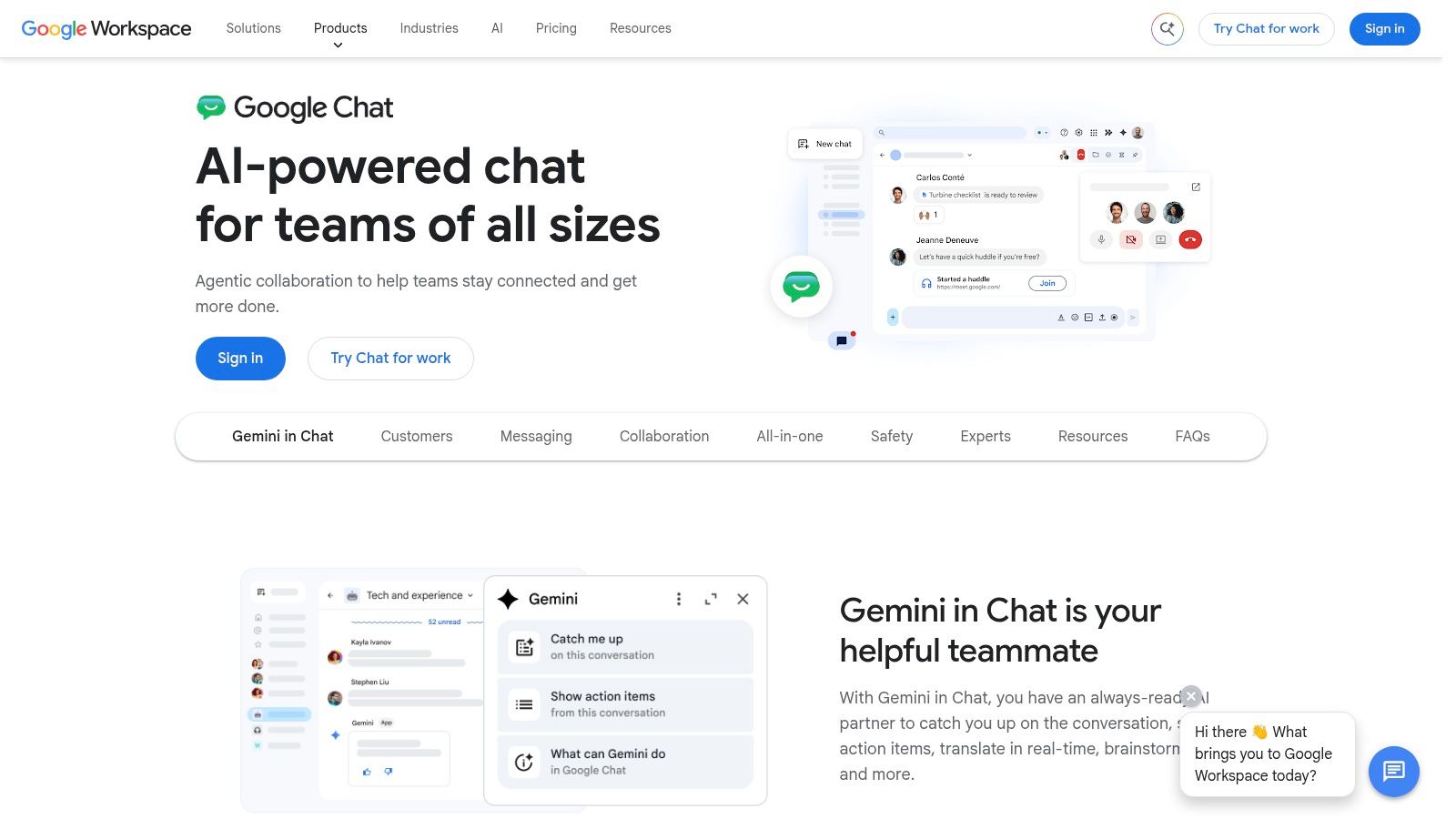
Google Chat and Spaces make the most sense for teams that already work in Gmail, Drive, Docs, Sheets, Slides, and Meet. The value is proximity. A conversation can stay attached to the files and documents the team already uses, rather than forcing employees to rebuild context in a separate collaboration system.
Spaces support threaded conversations, tasks, shared files, and ongoing group work. That's a useful middle ground between email and a project tool. Google's administration settings also support message history and external collaboration, which gives business owners more control than an informal chat group.
Gemini-powered features can help with summaries, translation, catch-up, and action items in Chat, depending on the Workspace plan and packaging. That can reduce the cost of joining a conversation late, but it doesn't solve the harder problem of reaching employees who aren't already active in Google Workspace.
This is a suite decision. Google Chat is a good internal communication layer when the company has standardized broadly on Google's tools. It's a weaker standalone choice for a mixed workforce that needs shift scheduling, time tracking, frontline forms, or a dedicated employee news feed.
The question to ask isn't whether Google Chat can handle messages. It can. Ask whether your least-connected employee will know where to go, whether managers can publish updates to the right audience, and whether the app replaces anything beyond another inbox.
5. Zoom Workplace
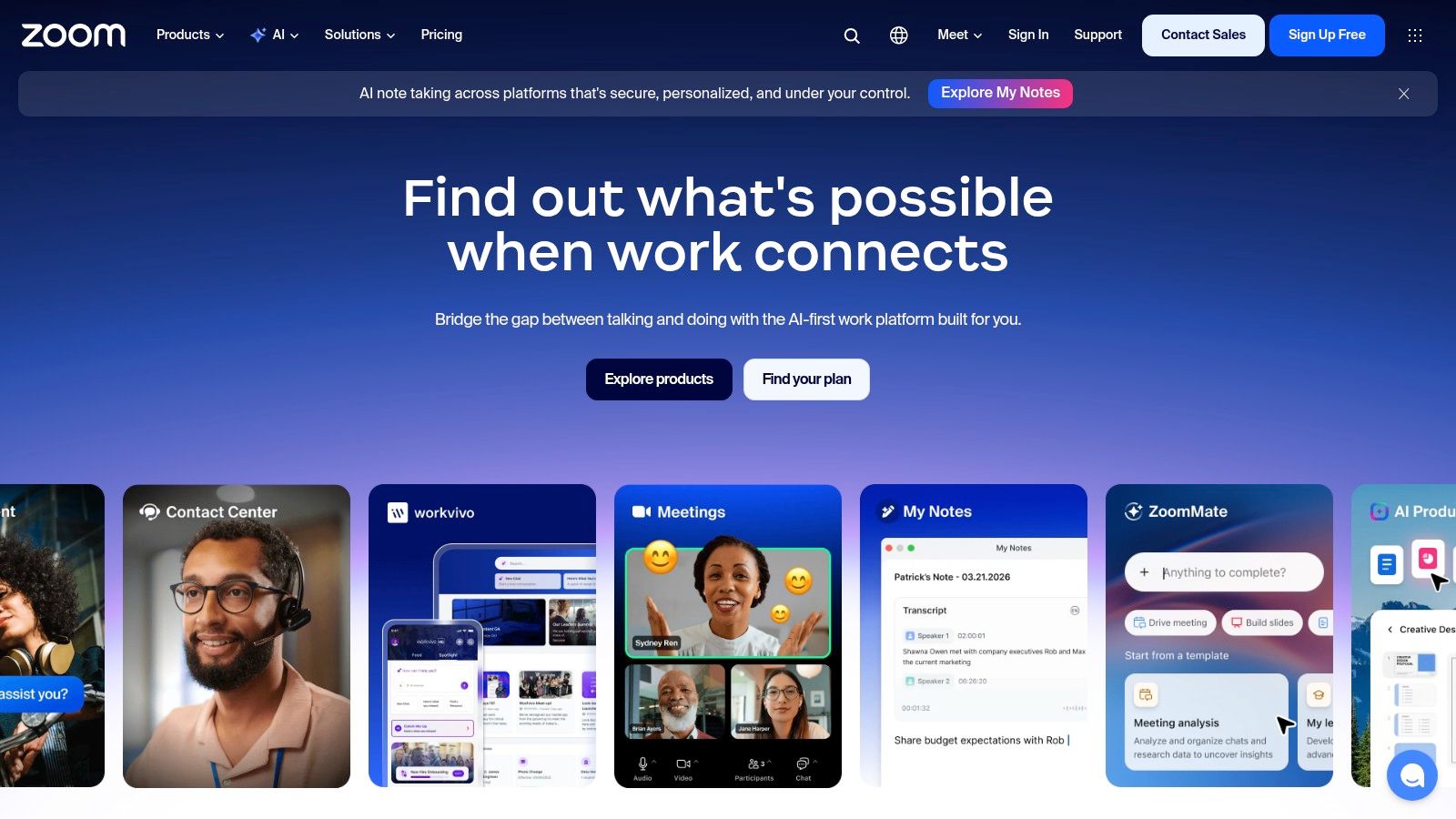
Zoom Workplace is the right pick when meetings anchor the work. Persistent Team Chat brings channels, direct messages, file sharing, threads, and reminders into the same environment as Zoom Meetings. Whiteboard and Docs also appear inside the collaboration surface, so teams can move from a conversation to a live session and then to shared working material without changing apps.
That continuity is useful for distributed teams that already schedule much of their work around calls. A meeting recording, a follow-up conversation, a whiteboard, and a document can remain connected instead of scattering across unrelated tools.
Zoom's Team Chat has improved, but it isn't the obvious leader for every advanced messaging workflow. Slack still has a stronger reputation for deep app integrations and channel-centered work, while Teams has the advantage inside Microsoft 365 environments. Zoom's chat capabilities also vary by Workplace tier, so buyers need to review the plan rather than assume every feature is included.
The product earns its place when video is the center of gravity. It's less compelling when your main problem is reaching deskless employees, coordinating shifts, or publishing governed company-wide updates.
Choose the tool that matches the rhythm of the work. A meeting-led organization should not have to bolt chat onto its video platform after the fact.
Before deciding, test whether the combined experience reduces context switching. This comparison of video conferencing systems offers another way to frame that decision.
6. Webex App
Webex App is built for organizations that put security, control, calling, and managed devices ahead of casual simplicity. It combines messaging, meetings, calling, whiteboarding, persistent content spaces, and events within Cisco's wider environment. Control Hub gives administrators a central management surface, which matters in regulated workplaces and large IT estates.
The app's strength is breadth with enterprise governance. Teams and Spaces support threaded messages, reactions, and moderation, while Cisco's device ecosystem can connect physical meeting rooms and managed collaboration hardware to the same administrative model.
Webex is less appealing for small businesses that want transparent, self-serve pricing and a quick trial. Suite and Flex Plan packaging often runs through partners, and buyers may need more time to understand the commercial structure. The interface and product positioning can also feel more enterprise-oriented than the lightweight experience some smaller teams expect.
That isn't a criticism of the product. It's a buying signal. Webex makes more sense when your security team, communications team, and IT department need one controlled environment for messaging, meetings, calling, and events. It makes less sense when you only need a pleasant place for a small group to chat.
If Cisco equipment and enterprise administration already sit inside your organization, Webex deserves a serious evaluation. If they don't, the added operational model may outweigh the benefits.

7. Staffbase
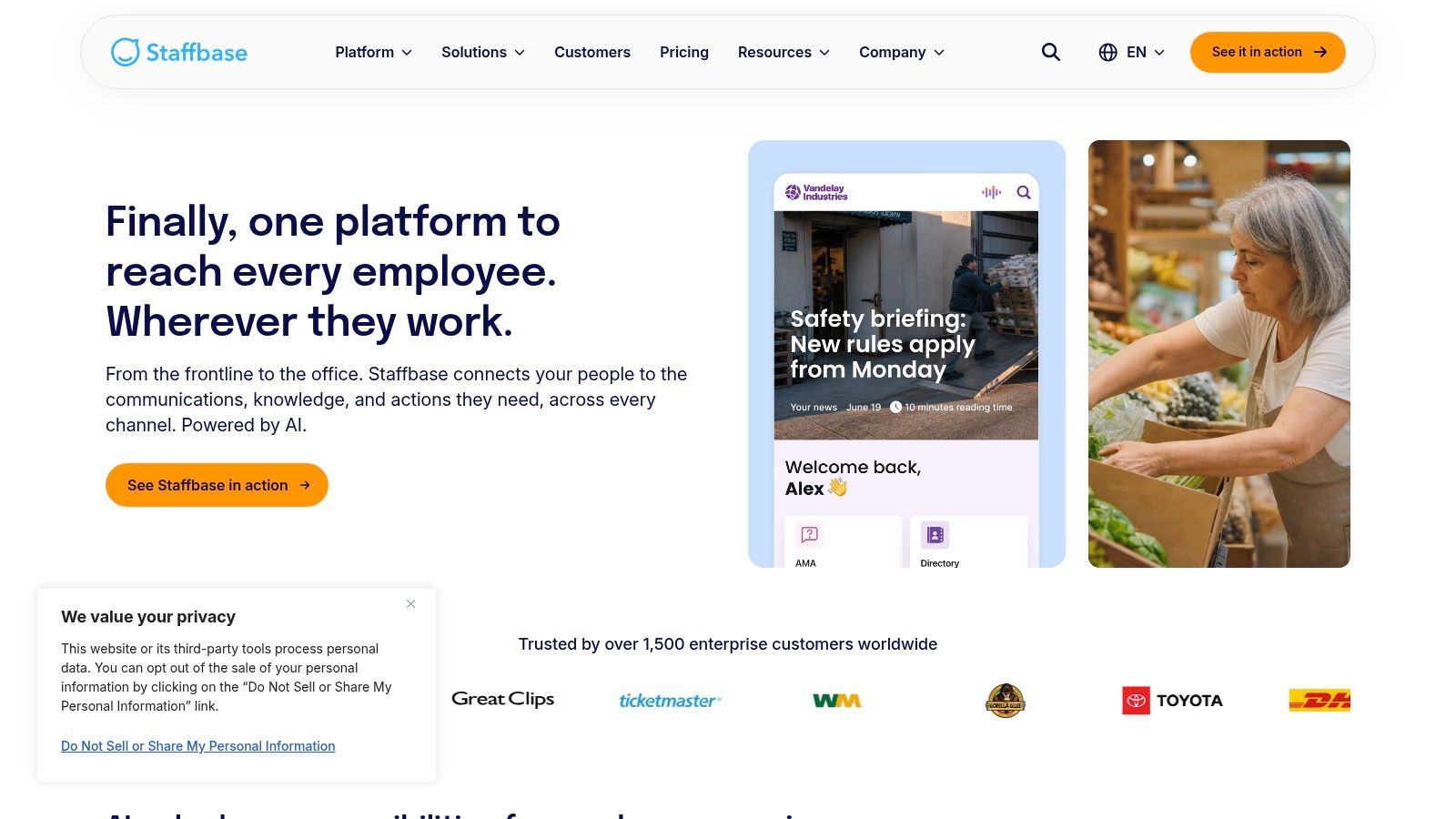
Staffbase is for internal communications teams that need governed publishing across a large workforce. It combines a mobile employee app, intranet, email, digital signage, analytics, acknowledgments, and administration. That puts it in a different category from Slack or Teams. The central question isn't “Can employees chat?” It's “Can communicators publish the right message, to the right audience, through the right channel, and prove it reached them?”
That distinction matters in complex organizations. Staffbase supports coordinated publishing across office and frontline audiences, with tools for analytics and acknowledgment. Internal communications leaders can build a clearer process around approvals, audience targeting, and measurement instead of relying on one company-wide post and hoping people see it.
Staffbase is also more than a news feed. Its value comes from bringing channels and governance together. The cost is a sales-led, enterprise-oriented rollout that may be excessive for a smaller company with a single communications owner and a modest number of teams.
Choose Staffbase when internal communications is a formal operating function. It's a strong fit for companies that need consistent leadership messages, campaign management, employee reach, and evidence that critical information was received. It's not the first tool I'd buy for a team whose main need is quick project conversation.
The product will earn its budget when publishing quality and accountability matter as much as speed. That's a different job from team chat, and Staffbase is designed around it.
8. Firstup
Firstup takes an intelligent, campaign-oriented view of internal communication. It's designed for organizations that need to orchestrate employee journeys across an intranet, mobile app, email, and signage, with targeting and measurement built into the process.
That makes Firstup a good fit for large organizations where the same message needs to change depending on role, location, behavior, or stage of an initiative. Its journey orchestration and Engagement Insights tools are aimed at more than publishing. They help communications teams plan, segment, measure, and refine campaigns.
The benefit is precision. A warehouse worker, regional manager, and corporate employee don't necessarily need the same message in the same format at the same time. Firstup gives communications leaders a way to treat internal messages with the care they'd apply to a customer campaign.
The cost is program design. Firstup is primarily enterprise-focused and sales-led, and its full value depends on implementation, data connections, audience definitions, and a communications team that can manage an ongoing program. Buying the software won't create a strategy by itself.
Choose Firstup when your company needs personalized, measurable internal campaigns at scale. Choose another tool when the immediate problem is simpler, such as replacing scattered group chats or giving frontline managers a dependable mobile channel.
9. Beekeeper
Beekeeper is built for frontline and non-desk workforces. Its mobile-centric experience focuses on real-time communication, accessibility, workflows, and multilingual support. That focus matters because frontline employees often don't work inside the same digital environment as corporate teams.
Research on frontline employees found that 64% use mobile devices for work-related communications, 53% use messaging apps for work-related matters one to six times each day, and 18% use consumer messaging apps as their primary work channel. (Speakap frontline communications research) Beekeeper addresses that gap directly by giving operations teams a dedicated channel instead of asking employees to improvise with consumer apps.
The onboarding model is accessible, and user management can work through CSV, SFTP, API, and marketplace integrations. A free plan for small pilots supports up to 30 users after a 14-day Premium trial, according to Beekeeper's product information. (Beekeeper)
Where Beekeeper fits
Beekeeper is a strong choice for hospitality, retail, logistics, and other environments where employees need announcements and workflows on a phone. It can be a lower-risk way to test adoption with one site or team before a broader rollout.
Advanced integrations and bulk management depend on plan tier, and US pricing for paid plans requires contacting Beekeeper. That makes the commercial comparison less immediate, but the product's frontline focus is clear.
A frontline app should remove steps, not add another place to check.
Choose Beekeeper when mobile access and frontline usability are the central requirement. Choose Pebb when you also want deeper engagement, scheduling, time tracking, knowledge, and office collaboration in the same app.
10. Mattermost
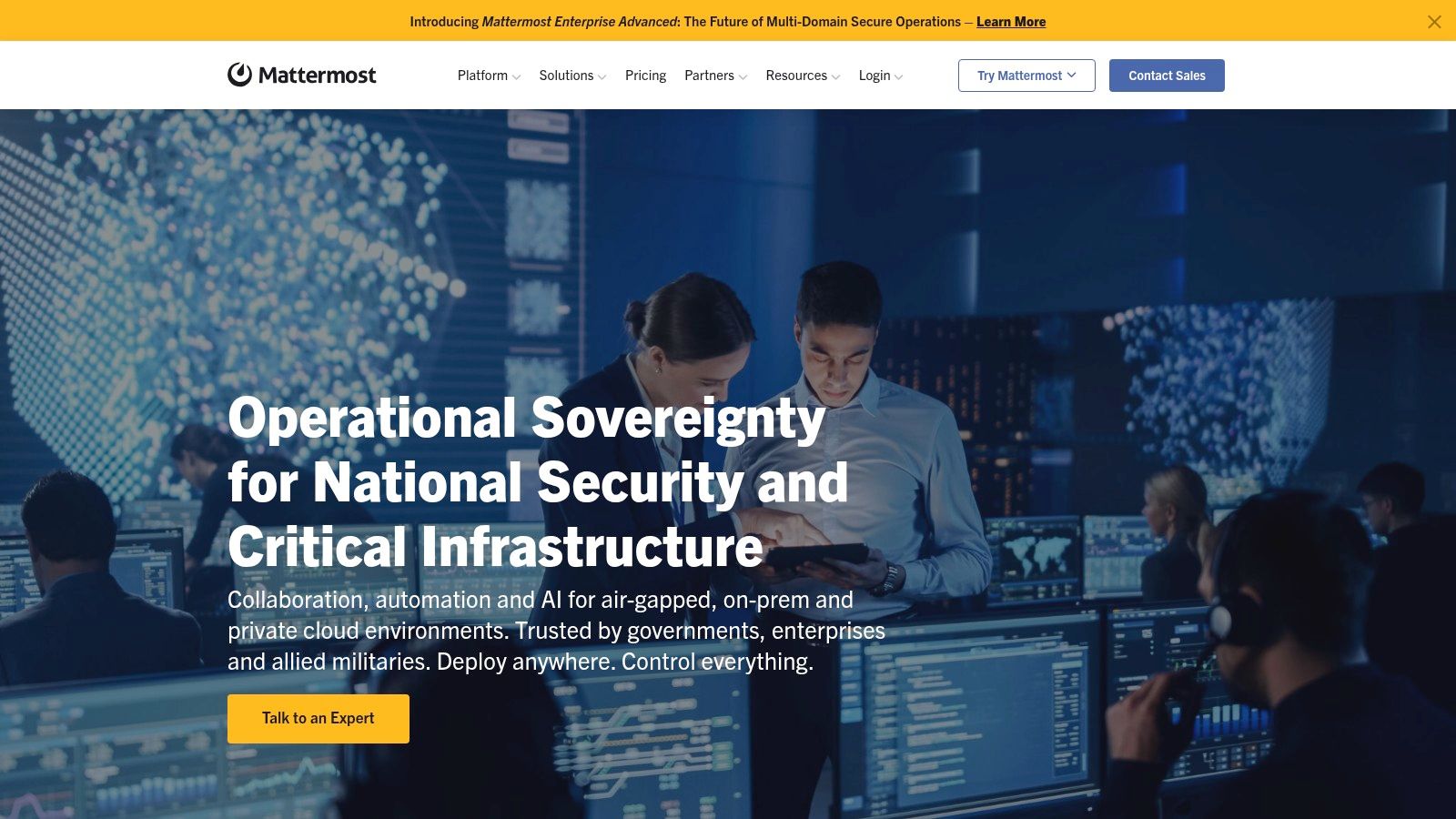
Mattermost is the clear choice when private deployment, data residency, and control lead the buying decision. It offers open-source, self-hosted, on-premises, and cloud deployment options, with granular administrative roles and enterprise security capabilities.
That changes the work for IT teams. Instead of accepting a SaaS vendor's hosting model, an organization can decide where the platform runs, how it connects to internal systems, and how tightly administrators control access. For government, defense, regulated industries, and security-sensitive engineering teams, that control can matter more than a polished consumer-style interface.
Mattermost also offers a public roadmap, an open-source community, and extensibility for organizations that need customization. Its commercial cloud option gives buyers a managed path, but self-hosting remains the reason many teams consider it.
The trade-off is operational burden. Running a private communication platform requires administration, maintenance, security reviews, backups, upgrades, and internal ownership. Some advanced features are reserved for paid tiers, and the day-to-day responsibility is greater than with a conventional SaaS chat product.
This Mattermost alternative is worth reviewing if you're considering a broader all-in-one employee app, but the decision should be based on control requirements rather than interface comparisons.
Choose Mattermost when your organization must own more of the deployment. Don't choose it just because open source sounds attractive. The platform is only a good fit if your team is prepared to operate it.
Top 10 Internal Communication Apps, Side-by-Side Comparison
Solution | Core features ✨ | Target audience 👥 | UX / Quality ★ | Value / Price 💰 |
|---|---|---|---|---|
🏆 Pebb | ✨ Chat, Spaces (posts/tasks/files), calls, shifts, clock‑in/PTO, forms, analytics, 50+ integrations | 👥 Frontline + office teams (retail, healthcare, restaurants, logistics) | ★★★★★ Mobile‑first, fast onboarding | 💰 Free start; enterprise pricing via sales |
Slack | ✨ Channels, DMs, Huddles, Canvases, app ecosystem & automations | 👥 Knowledge workers, cross‑company collaboration | ★★★★☆ Familiar, highly extensible | 💰 Free tier; per‑user paid plans |
Microsoft Teams | ✨ Chat, meetings, calling, Shifts, SharePoint/OneDrive integration, compliance | 👥 MS365‑standardized orgs, enterprises | ★★★★☆ Enterprise governance; complex licensing | 💰 Included in many MS365 bundles |
Google Workspace (Chat & Spaces) | ✨ Threaded Spaces, tasks, tight Docs/Drive/Meet integration, Gemini features | 👥 Google‑centric teams, mobile users | ★★★★☆ Seamless with Workspace apps | 💰 Included in Workspace plans |
Zoom Workplace | ✨ Persistent chat, Meetings, Whiteboard, Docs, AI Companion | 👥 Meeting‑centric organizations using Zoom | ★★★★ Chat improving; strong meeting integration | 💰 Tiered plans; chat features vary |
Webex App (Cisco) | ✨ Secure messaging, meetings, calling, devices, Control Hub management | 👥 Regulated/security‑sensitive enterprises | ★★★★☆ Strong security & device ecosystem | 💰 Partner/enterprise pricing |
Staffbase | ✨ Employee app + intranet, email, analytics, acknowledgments | 👥 Internal comms teams, large frontline audiences | ★★★★ Orchestrated multi‑channel publishing | 💰 Enterprise, sales‑led pricing |
Firstup | ✨ Journey orchestration, personalization, engagement insights | 👥 Large enterprises focused on targeted comms | ★★★★ Campaign‑grade analytics & automation | 💰 Enterprise; implementation required |
Beekeeper | ✨ Mobile‑first frontline app, multilingual support, workflows | 👥 Non‑desk/frontline workers (operations, sites) | ★★★★ Easy mobile onboarding; pilot friendly | 💰 Free pilot; paid tiers via sales |
Mattermost | ✨ Open‑source, self‑hosted or cloud, granular admin & security | 👥 Security/compliance‑focused orgs, gov/defense | ★★★☆☆ High control; more admin overhead | 💰 Open‑source free; paid enterprise plans |
Choose the Work You Want to Simplify
The fastest way to choose among these internal communication apps for business is to stop comparing feature grids and name the work you want to remove.
Choose Pebb when you want one mobile-first home for communication, employee engagement, and frontline operations. It's the strongest fit when chat needs to sit beside news, tasks, knowledge, files, forms, shifts, clock-ins, PTO, and events. The app can serve office and non-desk teams without making frontline employees live inside an office collaboration suite.
Choose Slack when integrations, channels, and flexible team collaboration matter most. It's a strong office tool, but you'll need governance to control channel growth and retention. Choose Microsoft Teams when Microsoft 365 already runs your documents, meetings, identity, and administration. Choose Google Chat when Gmail, Drive, Docs, and Meet are already the center of work.
Pick Zoom Workplace when meetings are the main event and chat, whiteboards, and documents need to stay close to those calls. Pick Webex when Cisco's security posture, devices, calling, and centralized administration fit your environment. Choose Mattermost when private deployment and data control justify the additional IT responsibility.
For governed internal publishing, Staffbase and Firstup are the better choices. Staffbase is suited to structured, multichannel employee communications with analytics and acknowledgments. Firstup is better when you need personalized journeys, targeting, orchestration, and campaign measurement across a large organization. Choose Beekeeper when frontline accessibility is the central requirement and employees need a dedicated mobile channel for daily operational communication.
The adoption problem deserves attention. Employees now use an average of 8.2 enterprise mobile apps daily, up from 6.7 in 2021, and 86% use mobile apps for work, mostly for communication and collaboration. (Arounda mobile app research) Adding another app only helps if it replaces enough friction to earn a regular place on the phone.
Map your current tools before you buy. Write down where announcements, schedules, forms, files, calls, employee questions, and urgent updates happen today. Then test the hardest workflow with both desk and non-desk employees. Check who can access it, how quickly they can act, what administrators must maintain, and what happens when an employee changes location or role.
Finally, confirm pricing, integrations, permissions, retention, and deployment requirements with the people who'll own the system after launch. Run a pilot before committing. The best app isn't the one with the longest feature list. It's the one that makes everyday work simpler for the people who have the least time to manage another tool.
Pebb brings chat, voice and video calls, updates, tasks, files, knowledge, scheduling, time tracking, and engagement into one mobile-first workplace for frontline and office teams. Visit Pebb to see whether it can replace the scattered tools your employees use today.
