
How to Conduct Team Meetings That Drive Results
Learn how to conduct team meetings with clear agendas, defined roles, and smart follow-up to boost engagement and outcomes for frontline and hybrid teams.
Dan Robin

You've seen the meeting before. Someone shares a status update nobody needed live. Two people debate a detail that wasn't on the agenda. A frontline employee joins late from a noisy work area, says nothing, and leaves without knowing what changed. The meeting ends with vague agreement and another meeting on the calendar.
That isn't a people problem. It's a design problem. Learning how to conduct team meetings means treating the meeting as a working session with a clear job, not as a recurring appointment that survives because nobody has challenged it.
Getting Clear on Meeting Purpose and Attendees
A meeting without a defined outcome starts drifting before anyone joins. The organizer may want alignment, a manager may want updates, and the people doing the work may need a decision. Those are different meetings, and combining them creates a room full of people waiting for someone else to clarify the point.
Before you schedule, write one sentence that finishes this phrase: “By the end of this meeting, we will…” The answer should name a decision, a resolved problem, a plan, or a specific exchange of information. If the sentence only says “discuss the project,” keep working. Discussion is an activity, not an outcome.
The next questions are practical:
What decision is needed? Name the choice, not just the topic.
Who owns the result? That person must be present or represented.
Whose input can change the decision? Invite those people early.
Who only needs the outcome? Send them the summary instead.
Can the work happen asynchronously? If a written update, shared document, or task will do the job, skip the meeting.
A useful internal communications plan can help you decide which information belongs in a meeting and which belongs in another channel. Use this internal communications plan template to map audiences, messages, owners, and timing before you add another recurring sync.

Choose quality over calendar reduction
Meeting volume gets blamed because it's visible. But the evidence is more specific. A Chartered Institute of Personnel and Development evidence review found no meta-analyses on productive meetings, while most meeting studies remain cross-sectional rather than experimental. The strongest recurring findings point to clear purpose, punctual starts and endings, and active attendee involvement.
The same review reports that total time spent in meetings, by itself, has no negative impact on effectiveness. Low-quality meeting behavior matters more than meeting volume alone. Poor habits are associated with weaker punctuality and lower attendee involvement.
That distinction matters in hybrid work. The number of meetings has tripled since 2020, and 86% of meetings include at least one remote participant, according to the same CIPD review. The answer isn't to cancel every meeting. It's to make each one earn its place through a clear purpose, a tight guest list, and a prepared group.
Crafting Inclusive Agendas and Assigning Roles
A frontline employee joins from a noisy site, while a remote colleague opens the call between customer requests. An agenda built only for people in the room will miss both perspectives. Build it to show why each topic matters, who will guide it, how much attention it receives, and what the group must produce.
Send the agenda 24 hours before the meeting. Ask team members to submit one to two hot topics in advance, especially when the group includes shift workers, customer-facing staff, or colleagues moving between locations. Advance notice gives them time to gather facts and contribute without having to improvise during a live call.
A practical agenda might look like this:
Time | Topic | Owner | Format | Desired outcome |
|---|---|---|---|---|
Opening | Objective and decision needed | Facilitator | Brief statement | Shared understanding |
Main item | Choose the rollout approach | Project owner | Decision discussion | One agreed option |
Team input | Hot topics from attendees | Rotating owner | Structured discussion | Risks and additions |
Close | Actions and deadlines | Note-taker | Action review | Named owners and dates |
Give every item a short description, a named contributor, and an estimated time. State the finish time in the invitation, then assign someone to protect it. These recommendations appear in the AAMC guide to effective team meetings, and they are easy to apply.

Give the meeting more than one voice
Assign a facilitator, timekeeper, and note-taker. Rotate those roles when the team is ready. A manager should not be the only person who frames the problem, closes discussion, and records the decision. Sharing those jobs makes participation a normal responsibility instead of something people await permission to do.
Keep the leader's airtime below one-third of the meeting, following Harvard Business School's team meeting guidance. This is a guardrail, not a stopwatch. It prevents a working session from becoming a presentation and leaves room for frontline knowledge that may not appear in pre-reading.
Design each agenda item around a contribution. For a status update, ask, “What changed, what is blocked, and what decision do you need?” For brainstorming, collect silent written ideas before opening discussion, giving remote and quieter participants an equal starting point. For a decision, name the options, decision owner, and missing information.
Place pre-reading in the invitation, not a last-minute message. A 15-minute advance read, followed by a 2-minute objective statement and the first 5 minutes confirming the decisions required, is the workflow recommended by meeting statistics and workflow guidance from Rev. The meeting should turn prepared context into shared decisions, not make shift-based and remote colleagues reconstruct the context together.
Facilitating Meetings with Time Management
Timeboxing works because it makes tradeoffs visible. When every topic receives unlimited discussion, the loudest or most urgent voice wins. When each item has a defined block, the facilitator can ask the group to choose, park, delegate, or continue with a clear reason.
Start by stating the objective and finish time. Then name the first decision or question. Don't spend the opening minutes explaining the agenda line by line. People can read it. Use the live time for work that benefits from live exchange.
A simple rhythm works well:
Frame the item. State the question, owner, and desired outcome.
Gather input. Invite the people closest to the work before the discussion broadens.
Test the decision. Ask what would prevent the group from moving forward.
Decide or park. Record the conclusion, or name the missing information and next owner.
Transition. Summarize the result in one sentence before moving on.
Use a visible timer, a shared agenda, or a verbal warning when an item is nearing its limit. The warning should be neutral: “We have a few minutes left. What must we resolve now, and what can move to the follow-up?” That keeps the group focused without treating the clock as a weapon.
Practical rule: Protect the meeting's purpose, not every agenda item. If a late topic matters more than an earlier one, make the tradeoff explicit and record what moved.
Match the length to the work
Round-hour defaults are lazy scheduling. If a topic needs 20 minutes, schedule 20 minutes. If it needs 75 minutes, schedule 75 minutes. A guide to effective meetings from Dalhousie University recommends setting the exact length rather than forcing work into a standard block.
For a longer session, allocate time to every item. If the meeting runs longer than two hours, build in a 10-minute break, as the same guide recommends. People don't become more attentive because the facilitator refuses to pause. They become distracted, tired, and less willing to challenge weak ideas.
When someone raises an off-topic issue, don't shut it down with “not now” and move on. Ask whether it affects the current decision. If it does, adjust the agenda openly. If it doesn't, place it in a parking lot with an owner and a next step. An unowned parking lot is just a graveyard, so review it after the meeting and delete anything that doesn't deserve attention.
Engaging Hybrid and Frontline Participants
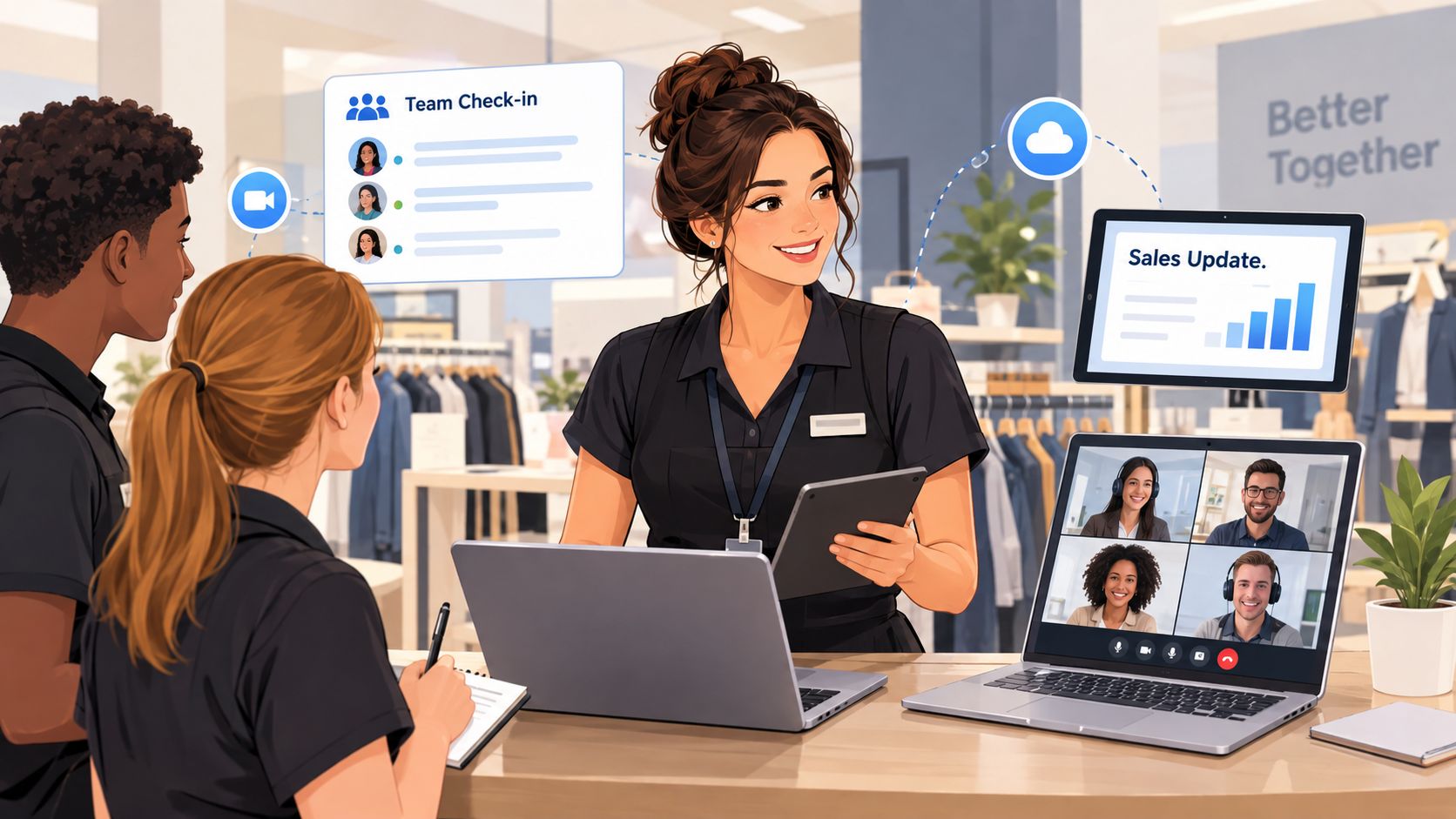
A retail supervisor once described the pattern plainly. The store team stood around one laptop while two remote employees appeared in small boxes. The people in the room talked to each other. The remote employees waited, missed side comments, and were asked for opinions only near the end.
The supervisor changed the setup. Remote participants joined from individual devices when possible. The camera faced the group instead of a wall. The facilitator called on remote and onsite contributors in a planned rotation, and frontline employees submitted questions before the meeting when they couldn't leave the floor.
The improvement didn't come from asking remote people to “speak up.” It came from removing the conditions that made speaking difficult.
Treat the room as two environments
Hybrid meetings often fail because the onsite group gets a shared, high-quality conversation while remote people get a broadcast. A large-scale study of meeting formats found that fully remote meetings were considered more inclusive and effective than hybrid meetings, and 50% of respondents said remote meetings were more effective than either hybrid format. The same research describes settings where remote participants had lower participation odds, even while remote formats were rated effective more often than hybrid ones.
Use one conversation space for everyone. Put the agenda, questions, and decisions in a shared document or chat. Read comments from the chat aloud. Pause after asking a question instead of letting the room answer first. If a frontline worker is joining from a busy site, offer an audio or written route to participate rather than treating camera presence as proof of engagement.
Good hybrid design also depends on the basics:
Sound: Use a microphone that captures the room clearly, not a laptop placed at the far end of a table.
Visibility: Keep faces and shared materials visible to remote attendees.
Access: Send materials before the meeting and make the follow-up readable on a phone.
Participation: Use chat prompts, quick polls, and round-robin input without forcing everyone into the same format.
Backup: Decide what happens if a connection drops, especially when a remote person owns a decision.
If your wider work pattern is creating uneven access to people, information, or quiet time, this guide to implementing a better hybrid schedule offers useful context beyond the meeting itself. For the technical foundation, document the room setup and use a consistent video conferencing setup so each session doesn't begin with a fresh equipment problem.
Following Up with Action Tracking and Outcomes
A meeting proves its value after people leave. If nobody can state the decision, owner, or deadline, the discussion has not changed the work. This matters even more for frontline and hybrid teams, where a missed message can leave an entire shift working from an outdated decision.
Reserve the final minutes for action planning. The workflow described by Worklytics' meeting metrics guide uses separate blocks for review, discussion, and action planning. Use that final block to settle what happens next, then record it before anyone disconnects or returns to the floor.
Capture each action in plain language:
Decision or action | Owner | Due date | Status | Evidence of completion |
|---|---|---|---|---|
Confirm the revised shift handoff | Named person | Specific date | Open | Updated handoff note |
Test the customer update process | Named person | Specific date | Open | Results shared with team |
Resolve the access issue | Named person | Specific date | Blocked | Access confirmed |
Avoid “the team will” as an owner. Assign one owner and one due date for every action item. If several people must contribute, name one accountable owner and list supporting contributors separately. A clear owner also helps a frontline worker know who to contact when a task is blocked between shifts.
Send the recap while decisions are fresh. Include the objective, decisions, open questions, actions, owners, dates, and anything deliberately parked. Keep it short. People on mobile devices or between duties need a usable record, not a transcript.
Measure the meeting without creating bureaucracy
Track meeting load, focus time, recurring share, attendance quality, and action follow-through across people, time, and outcomes. These measures reveal patterns such as a recurring meeting with weak attendance or actions that stay open because decisions lack owners. Review participation by location and work pattern too, so remote and frontline silence does not disappear inside an acceptable attendance figure.
Use a task management tool when the work needs a visible home. A shared task management app can connect meeting actions to owners and deadlines instead of burying them in email or a chat thread.
Review outcomes, not just attendance. A full room can produce no decision. A smaller group can settle the right question and give every affected location a clear next step.
Reflecting and Continuous Improvement
Meeting culture changes through small feedback loops, not grand announcements. After a session, ask: Did we meet the objective? Did the right people contribute? What should we stop, start, or continue?
Run a brief agenda audit regularly. Remove topics that belong in written updates, adjust timings that repeatedly fail, and change the format when frontline or remote participants remain quiet. A meeting that can't improve becomes a meeting people tolerate.
Pebb brings team chat, voice and video calls, updates, tasks, events, file sharing, and scheduling into one work app for office and frontline teams. Use Pebb to keep meeting details, participation, and follow-through connected across shifts and locations, then give your next meeting a clear purpose and a real ending.
