
7 Real-World Example of an Intranet Ideas for 2026
Looking for an example of an intranet? We break down 7 real-world designs and show you how to build one that your team will actually use. No jargon, just ideas.
Dan Robin

A few years ago, I opened an intranet homepage during a rollout meeting and watched the room go quiet. The news tile was three months old. Half the quick links were broken. The one thing a new hire needed, the benefits guide, was buried under six menu clicks and a PDF from the prior plan year. Nobody said, "our intranet is failing." They just went back to email, chat, and asking the same questions in Slack.
That pattern is common because a lot of intranets were built as publishing portals, not working environments. They stored documents well enough. They looked polished on launch day. Then ownership got fuzzy, content aged fast, and maintenance became the primary cost.
A good example of an intranet looks different. It brings together communication, operations, and onboarding in one place people return to during the workday. News matters, but so do forms, policies, shift coverage, task handoffs, directory search, and the small answers people need without opening three other apps. If you're evaluating what that should look like in practice, this guide on an intranet for companies is a useful reference point.
That is the lens for this article. I am not grading these platforms on homepage polish. I am looking at whether they hold up under specific use cases. Can leadership send an urgent update that reaches deskless staff. Can operations publish a form and get consistent adoption. Can onboarding give a new hire one place to find people, policies, and their first-week checklist.
The seven examples below earn their place for different reasons. Some fit Microsoft-heavy environments. Some are stronger for internal comms than daily operations. Some do a better job with frontline teams, mobile access, and task-driven work than traditional intranet buyers expect.
For each one, I’ll examine where it fits, where it falls short, and what I would copy if I were building the same outcome inside an all-in-one tool like Pebb. That matters because the hard part is rarely choosing a homepage. It is reducing app sprawl without stripping away the workflows people rely on.
1. Pebb The All-in-One Digital HQ
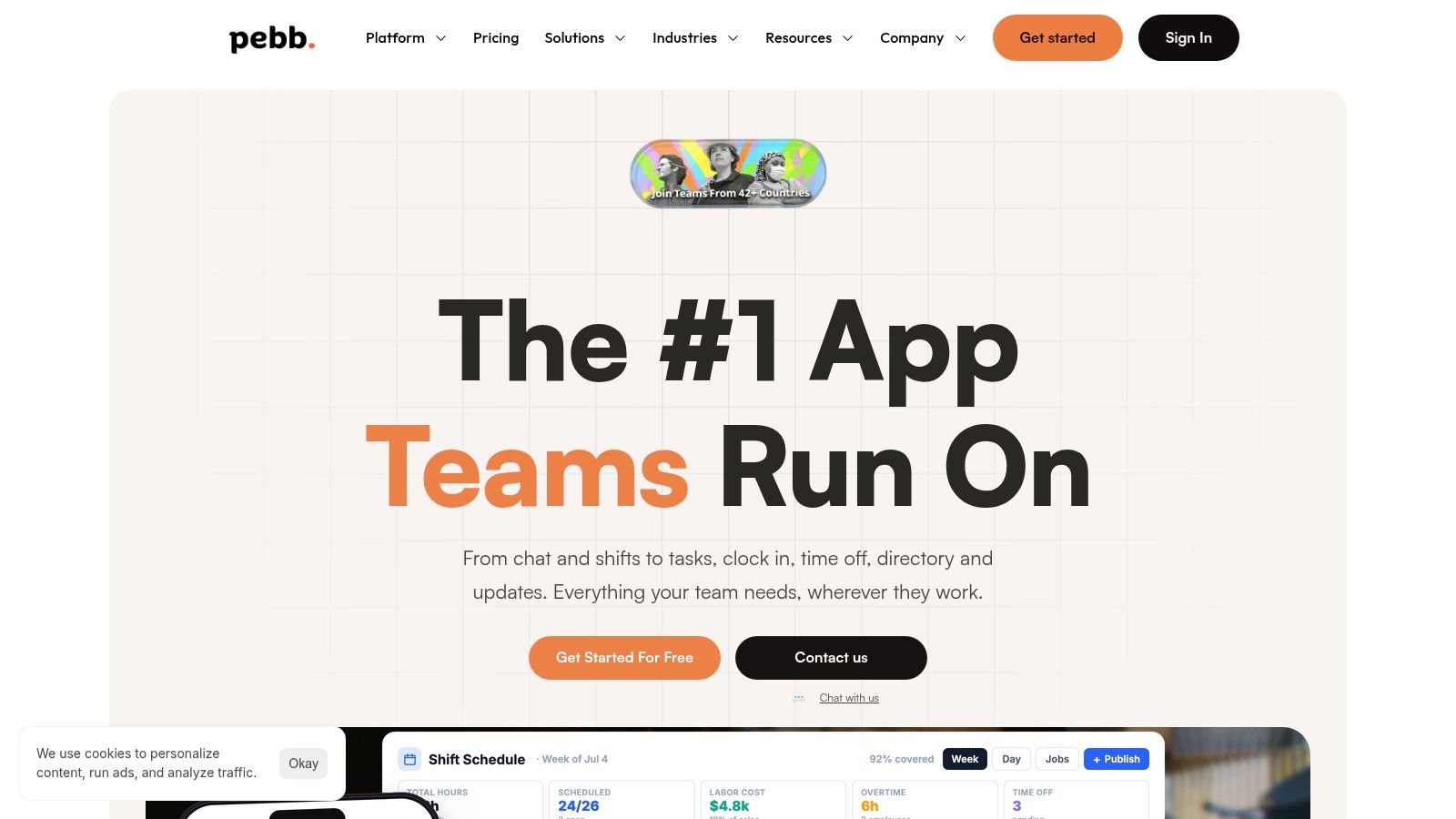
I’ve seen this problem a few times. Leadership approves an intranet. HR wants policies there. Comms wants news. Operations still runs schedules somewhere else, managers keep using chat for handoffs, and new hires get a pile of links on day one. Six months later, the homepage looks fine and the actual work still lives in four other tools.
Pebb makes sense if that pattern sounds familiar. It treats the intranet as the place employees return to for updates, routine tasks, and day-to-day coordination. That is a better fit for how companies work, especially when deskless teams, mobile access, and local managers all shape adoption.
Why Pebb works in real life
The practical idea at the center is Spaces. Each Space gives a team, location, or use case its own working area with chat, posts, tasks, files, events, and operational workflows together. That structure holds up well in real environments because it mirrors how work is already organized. A warehouse does not need the same feed as finance. An onboarding cohort should not hunt through a company-wide news stream to find its checklist.
That matters across three use cases this article cares about.
For internal comms, a company-wide Space can carry leadership updates, policy changes, and urgent announcements without burying local context. For operations, location or department Spaces can hold forms, schedules, shift coverage, and task follow-up where the team already talks. For onboarding, a dedicated Space gives new hires one place for policies, people, first-week tasks, and the questions they are slightly embarrassed to ask twice.
Pebb also includes features traditional intranets often leave to separate tools. Shift scheduling, clock-in, PTO, forms, people profiles, directory search, and a knowledge library are part of the same environment. That is the difference between an intranet people visit when they remember, and one they open because they need it to get through the day.
Practical rule: If employees have to leave the intranet to complete every routine task, adoption will flatten out fast.
The mobile-first design helps. Field teams, retail staff, care teams, and supervisors do not sit inside a browser tab all day. They check updates between tasks, approve requests from a phone, and need answers quickly. Pebb is used across many countries, which fits the nature of distributed organizations with mixed worker types and uneven access to desks.
For a practical look at that model, Pebb’s own write-up on a modern intranet for companies is worth reading.
The trade-offs
All-in-one sounds great until you hit the edges of the model. Pebb reduces app switching and cuts down the usual confusion over where content, requests, and conversations belong. It also gives teams a better shot at consistent adoption because communication and execution live in the same place.
But consolidation has limits.
If your business depends on complex payroll logic, union scheduling rules, or industry-specific workforce systems, you may still keep specialist software in place. I would not force replacement for the sake of architectural purity. The smarter move is usually to make the intranet the employee hub, then decide which systems deserve to stay system-of-record tools behind it.
Pricing has the usual trade-off too. There is a free entry point, but detailed enterprise pricing is not spelled out publicly. Larger buyers rarely care. Smaller teams often do.
What I’d copy from this example of an intranet
If I were building a modern intranet today, these are the parts I would borrow first.
Use Spaces as the operating model: Organize around teams, sites, regions, and recurring workflows. Department-only navigation looks tidy on a sitemap and often breaks in daily use.
Build for repeat tasks, not just publishing: Forms, time-off, checklists, task tracking, and manager approvals give people a reason to come back.
Treat onboarding like an operating workflow: Give every new hire a single place for documents, introductions, milestones, and practical questions.
Default to mobile access: A tool that works well only at a desk will miss a large slice of the workforce.
That approach also lines up with what buyers should screen for before they commit to any platform. This checklist on what to look for in a modern intranet and what to leave behind gets into the details that usually matter after the demo.
There is also a useful adjacent point for Microsoft-heavy organizations. Even if you are ensuring your Microsoft 365 environment is ready for advanced AI tools like Copilot, you still need an employee experience that handles communication, operations, and onboarding cleanly. AI readiness does not fix a fragmented intranet.
How to build this pattern
I would start with three Spaces, not thirty.
Create one company-wide Space for leadership updates, policy announcements, and key resources. Create one onboarding Space with first-week tasks, directory shortcuts, FAQs, and required documents. Then create pilot operational Spaces for two or three real teams, usually a department, a frontline location, and a regional manager group.
Next, load the tools that create daily traffic. Knowledge library. Forms. PTO. Tasks. Shift-related workflows if relevant.
That sequence matters because usage follows usefulness. A polished homepage can wait. If employees can read an update, find a policy, request time off, and finish a routine task in the same app, the intranet starts earning its place fast.
2. SharePoint + Viva The Microsoft 365 Backbone
SharePoint is the intranet many companies already own, whether they meant to buy an intranet or not. Add Viva Connections, and Microsoft gives you a branded employee destination inside Teams on web and mobile. For organizations deep in Microsoft 365, that’s a very sensible path.
I’ve seen this stack work best when the company accepts what it is. It’s an excellent backbone. It is not always the fastest way to create a warm, social, low-friction employee experience.
Where this stack shines
If your IT team cares about governance, identity, compliance, and control, SharePoint + Viva has gravity. Permissions usually align with the rest of the Microsoft environment. Files, OneDrive, Teams, Planner, and Power Platform already live nearby. SSO is rarely the problem.
That can make rollout smoother than buyers expect, especially if they’re already ensuring their Microsoft 365 environment is ready for advanced AI tools like Copilot. In that kind of environment, adding another Microsoft-layered employee destination is a natural move.
What tends to work well is a simple home site, clear navigation, and a light touch on customization. The teams that struggle are usually the ones trying to force SharePoint into becoming a fully bespoke employee super-app.
SharePoint is strongest when you respect the grain of the platform. Fight it too hard, and maintenance becomes the real product.
The catches people discover late
Design flexibility is fine until someone wants something unusual. Then you’re in SPFx, custom components, and long-term maintenance decisions. None of that is in itself bad. It just means the intranet now has a technical debt plan.
Analytics can also feel thinner than dedicated employee experience tools. You’ll get useful data, but many teams want sharper insight into what employees read, search for, ignore, and revisit. That’s where purpose-built intranet tools often feel less bolted together.
If you’re comparing options, this guide on what to look for in a modern intranet and what to leave behind is a good framing device. It helps separate “already in our stack” from “works for employees.”
How I’d use it well
I’d choose SharePoint + Viva when the company is clearly Microsoft-first and wants the intranet tightly tied to Teams. Then I’d keep the scope narrow. Strong homepage. Good search. Clean policy library. Useful links. Clear audience targeting. Not a science project.
If I needed the same pattern inside Pebb, I’d mimic the backbone idea with a company-wide Space, a searchable Knowledge Library, people profiles, and role-based permissions. The difference is that Pebb starts closer to the employee app model, while SharePoint starts closer to the content and governance model. That distinction matters more than feature grids suggest.
3. Simpplr The AI-Powered Intranet
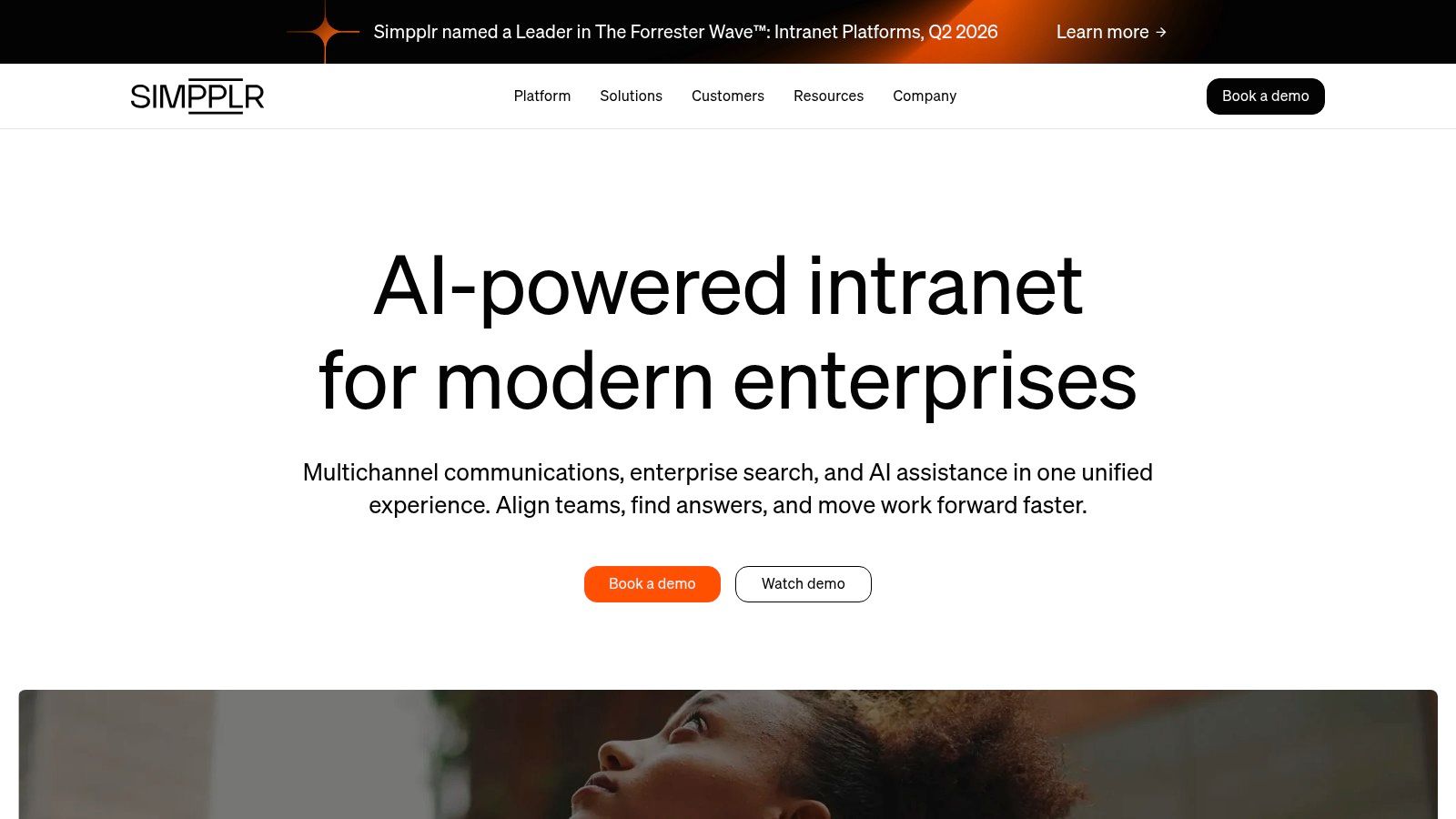
I’ve seen this pattern more than once. A company says it needs a new intranet, but the actual complaint is narrower. New hires cannot find the right starting point. Managers keep answering the same policy questions. Internal comms publishes updates that never reach the people who need them. Simpplr tends to do well in those situations because it focuses on relevance, findability, and a cleaner editor experience, not just storing more pages.
That makes it a useful example of an intranet for teams trying to fix everyday operational friction.
Where Simpplr fits best
Simpplr makes the most sense when the job is to connect three use cases that usually get handled separately. Communication needs targeted distribution. Operations needs current, trusted information. Onboarding needs a guided path instead of a pile of links.
The platform’s pitch around AI supports that model. Better recommendations, stronger search behavior, and context-aware content all help, especially in companies with too many pages and too many owners. I’d still judge it on the boring stuff first. Can employees find the right answer in two searches or less. Can content owners keep pages current without chasing IT. Can leaders publish one update without flooding everyone else with irrelevant news.
Those are the tests that decide whether an intranet gets used after launch.
The trade-offs I’d check early
Simpplr is attractive because it aims to reduce admin drag while keeping the experience polished. That’s good. It also creates a common buying mistake. Teams hear "AI-powered" and skip the harder governance questions.
I would pressure-test three areas:
Search quality: Run real task-based searches, not demo searches. Look for policy lookups, onboarding questions, and location-specific requests.
Content ownership: Assign owners, review dates, and approval rules before migration. AI suggestions do not fix stale source material.
Personalization boundaries: Target content by role, team, or region, but keep company-wide information visible enough that people do not miss major updates.
If a company also wants a conversational layer on top of internal knowledge, tools like custom AI chatbots can complement the intranet. I would still keep the system of record clean. Chat answers are only as good as the content underneath them.
How I’d replicate this pattern in Pebb
If I wanted the same outcome inside Pebb, I would not start with features. I would start with the use cases.
For communications, I’d create targeted Spaces for departments, regions, or frontline groups so updates reach the right audience without turning the main feed into noise. For operations, I’d build a tightly managed Knowledge Library with clear page owners, expiration dates, and naming rules. For onboarding, I’d set up a role-based starter space with the first-week checklist, key contacts, required reading, and recurring questions in one place.
That setup gets you surprisingly close to the Simpplr model. Relevant news, searchable knowledge, and a clearer path for new employees.
The hard part is discipline. Keep the homepage focused. Retire stale pages fast. Review search terms every month. A strong intranet does not win because it has AI in the headline. It wins because employees trust it for comms, operations, and onboarding on an ordinary Tuesday.
4. Staffbase The Comms-First Suite
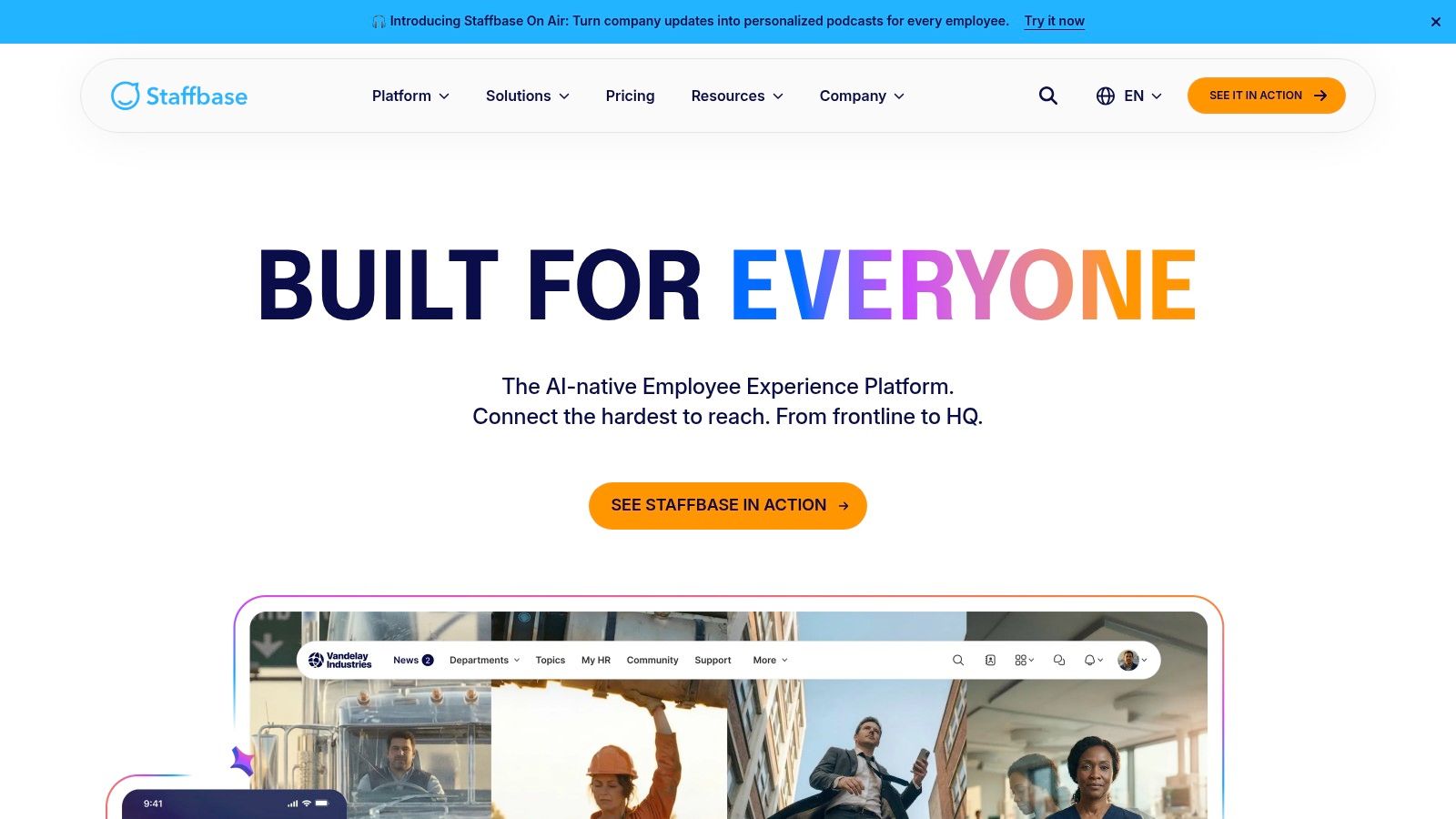
I’ve seen this pattern more than once. A company launches an intranet to organize documents, then six months later the actual complaint is not search or page templates. It is that employees still miss updates, frontline teams hear news last, and urgent messages get scattered across email, chat, and PDFs. Staffbase is built for that problem first.
That focus makes it a strong fit for internal communications teams that need reach, consistency, and control across several channels. If leadership messages, location updates, campaign rollouts, and urgent notices are the daily workload, a comms-first intranet can solve a very real bottleneck.
Best fit for communication-heavy teams
Staffbase tends to make the most sense in distributed organizations. Retail chains, healthcare groups, manufacturers, logistics companies, and any business with a mix of desk and non-desk employees usually feel the pain fastest. The challenge is less about storing information and more about getting the right message to the right people before it goes stale.
That is the trade-off. Staffbase is strong when communication is the primary use case. It helps teams publish once, distribute broadly, and keep branding and message control tighter than they could with a pile of disconnected tools.
I would still pressure-test one thing before buying. Does the company mainly need better communication orchestration, or does it also need a true daily work hub for tasks, approvals, service workflows, and operational follow-through? Those are different jobs.
What it does well, and where the edge is
A comms-first intranet can raise adoption because it meets employees where they already pay attention. News, alerts, leadership updates, event promotion, and campaign publishing are easier to maintain when one team owns the flow. That sounds obvious, but plenty of intranets fail because nobody owns the publishing discipline.
The limit shows up after the announcement.
If employees read an update and then have to jump into three other systems to do the work, the intranet becomes a broadcast layer instead of a work layer. For some organizations, that is fine. For others, especially fast-moving operations teams, it becomes friction people feel every day.
Quote-based pricing is part of the package too. That is common in this category, but it makes side-by-side evaluation slower. If you are still comparing options, this guide to selecting the right intranet software for your organization is a useful place to sort requirements before you sit through vendor demos.
Good internal communication builds alignment. It does not replace the systems people use to get work done.
How I’d replicate this pattern in Pebb
I would copy the use case, not the product shape.
For communications, I’d use Pebb’s feed as the publishing layer and create Spaces by region, role, or location so updates stay targeted without burying company-wide news. For operations, I’d attach the message to the next action with tasks, files, event details, or pinned resources in the same place. For onboarding, I’d build a starter Space where new hires get announcements, first-week checklists, key contacts, and policy links together instead of spread across email threads.
That setup matters because communication works better when it has somewhere to land. Employees should be able to read the update, ask a question, find the document, and complete the follow-up without hopping across half the stack.
That is the primary lesson from comms-first intranet examples. Reach matters. But reach plus action is what makes the system stick.
5. Unily The Enterprise-Scale Platform
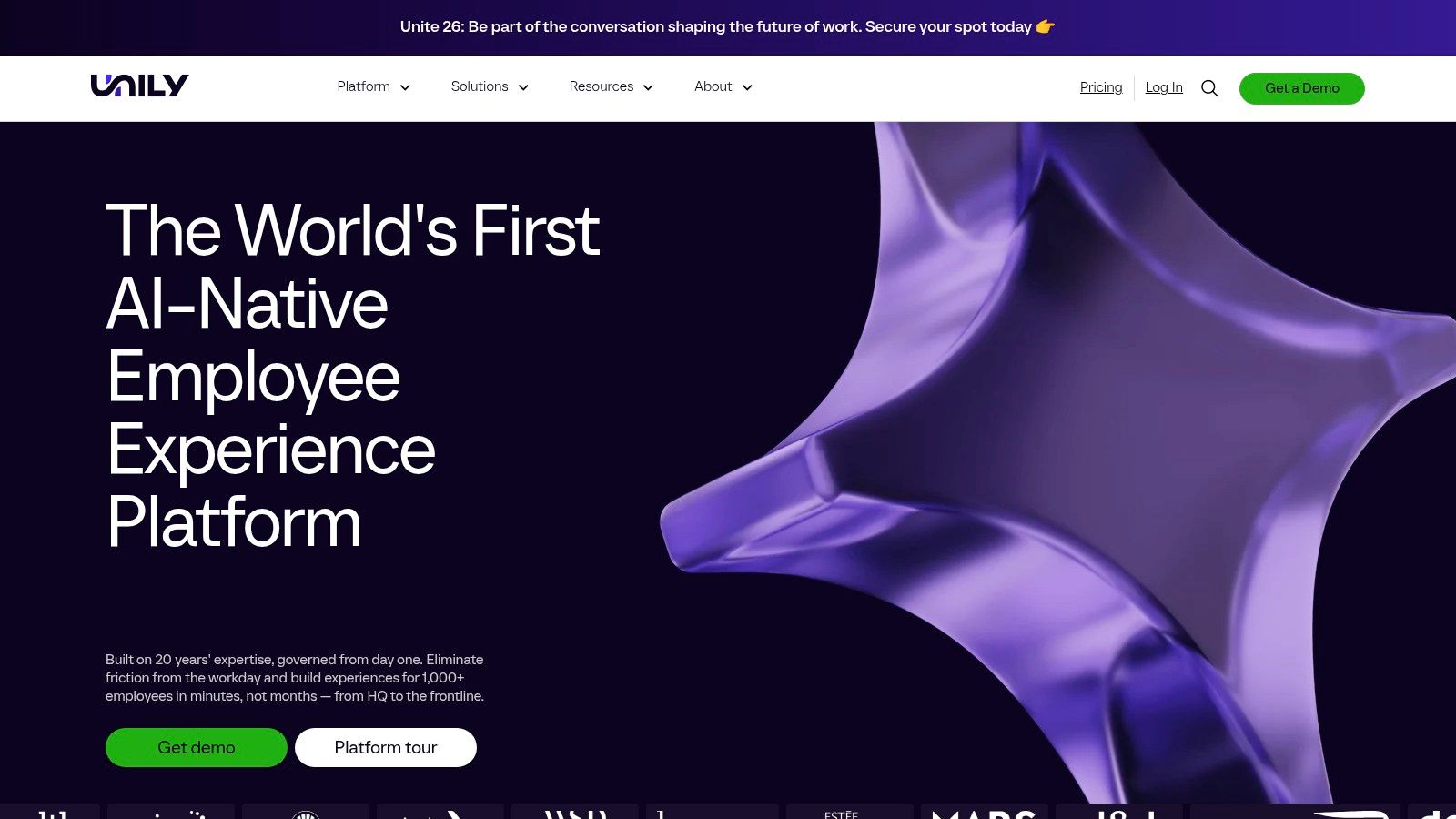
I usually know an enterprise intranet project is in trouble when the first workshop includes six business units, three regions, two compliance leads, and no agreement on who owns the homepage. That is the world Unily is built for. Large companies buy it because they need one platform to serve very different audiences without giving up control.
Unily earns its place in that conversation. It supports segmented experiences, multilingual publishing, social features, governance controls, analytics, and workflow layers that go well beyond a basic news-and-documents portal. For a global organization, that matters. Sales in one region, plant workers in another, and corporate teams at headquarters do not need the same homepage, the same content, or the same permissions.
That flexibility is the value. It is also the risk.
I have seen platforms in this category turn into beautifully designed sprawl. Every team gets a microsite. Every region wants its own rules. Search gets noisy, content ownership gets blurry, and employees stop trusting the front door. The software is rarely the first problem. Governance usually is.
So the question is not whether Unily can do enough. It usually can. The question is whether your team can make hard decisions about taxonomy, publishing rights, templates, and lifecycle rules before the launch buzz fades. If you are still sorting that out, this guide to selecting the right intranet solution for your organization will help pressure-test the requirement list before you buy for complexity you may never use.
Where Unily makes sense
Unily fits best in organizations with real structural complexity. Multi-country operations. Distinct employee populations. Strict brand standards. Heavy governance requirements. Cases where internal communications, knowledge, and employee services all need to live under one controlled roof.
That makes it a strong example of an intranet for enterprise operations, not just enterprise communications. The platform can support targeted announcements, localized resources, policy distribution, and structured onboarding paths without forcing every audience into the same experience.
What I’d copy into Pebb
I would copy the operating model, not the heavyweight rollout.
Inside Pebb, I’d start with a small set of high-value Spaces tied to actual use cases: one for company-wide communications, one for each region or business unit, one onboarding hub for new hires, and a policy or operations space for controlled reference content. Then I’d set clear ownership for each space, define who can publish, and keep templates tight so the system stays readable.
That approach covers the same jobs buyers often want from Unily. Comms can target updates. Operations can publish process changes where teams already work. Onboarding can give new hires one place for checklists, documents, and key contacts.
The lesson here is simple. Enterprise scale is not a feature list. It is the discipline to keep a large intranet useful after launch.
6. Happeo The Social and Google-Native Intranet
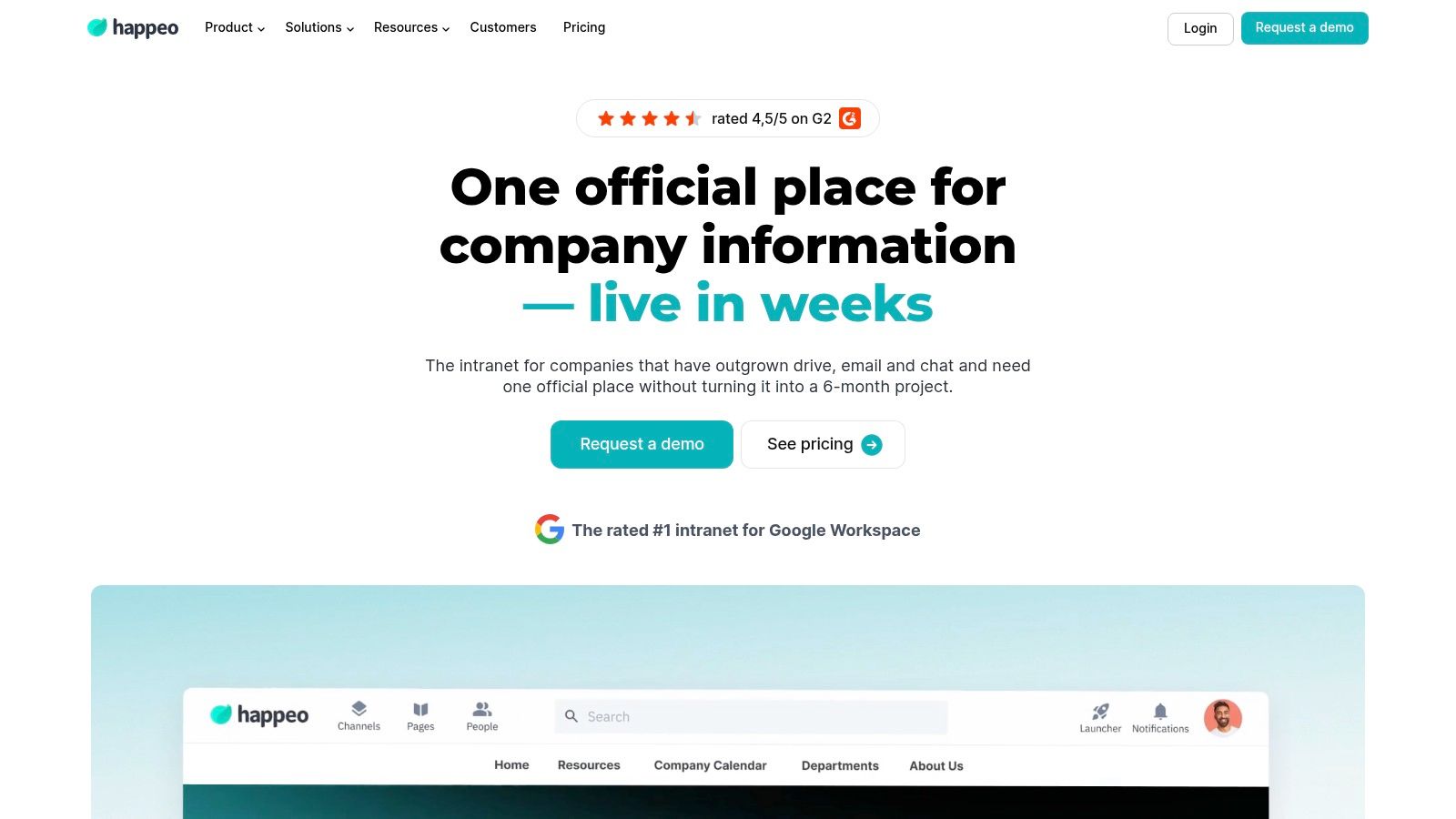
I’ve seen this pattern work well in Google-first companies. Teams want an intranet, but they do not want another stiff portal that sits beside core work. Happeo gets that right by giving stable information and day-to-day conversation different homes.
Pages hold the durable stuff. Channels carry the running discussion. Search helps people cross between the two without hunting through Drive, chat, and bookmarks.
That sounds simple. In practice, it is one of the more useful intranet design choices on this list.
Where Happeo feels natural
Happeo fits best where internal communication and knowledge sharing matter more than process execution. Marketing, people teams, internal comms, and distributed knowledge workers usually understand the model quickly because it mirrors how they already operate. Some content needs structure and ownership. Other content needs speed, replies, and visibility.
The Google Workspace fit also matters. If the company already works in Gmail, Drive, Calendar, and Docs all day, Happeo feels close to the grain of the business instead of fighting it. That lowers training effort, which is often what kills intranet adoption after the launch week excitement wears off.
I also like that Happeo talks seriously about intranet KPIs. As noted earlier, its guidance makes a useful point. Time spent, repeat usage, search behavior, and content interaction usually tell you more than raw logins. I’ve learned the hard way that a homepage visit can look healthy in reports while employees still avoid the system for real work.
What to watch before you buy
Happeo is stronger as a social and knowledge hub than as an operations hub. That distinction matters.
If your main use case is company news, team updates, onboarding content, leadership communication, and searchable documentation, it lines up well. If you also need the intranet to support shift coordination, task tracking, approvals, attendance, or frontline workflows in the same place, you may end up stitching other tools around it.
That is the trade-off buyers should examine early. A polished social layer can drive engagement, but engagement alone does not solve execution.
A few checks help before procurement starts:
Map content by use case: Put policies, onboarding guides, and SOPs in Pages. Put team conversation, local announcements, and recognition in Channels.
Test search with messy reality: Use old file names, duplicate documents, and vague employee queries, not demo content.
List the operational gaps: Identify what still happens in HR, scheduling, task, or service tools so no one expects the intranet to do jobs it was not built for.
How I’d adapt this pattern
If I were rebuilding this model inside Pebb, I’d keep Happeo’s separation between reference content and active conversation because that part is sound. For communications, I’d create a company news space and a few team or regional spaces with clear posting rules. For onboarding, I’d build a knowledge area with first-week checklists, role guides, manager notes, and common questions. For operations, I’d go a step further than Happeo and connect conversation to tasks, files, and follow-through so updates do not drift away from action.
That is the lesson from Happeo. A good example of an intranet does not just publish information well. It gives each kind of work the right container, then makes it easy for employees to move between reading, talking, and doing.
7. LumApps The Flexible, Integration-Friendly Hub
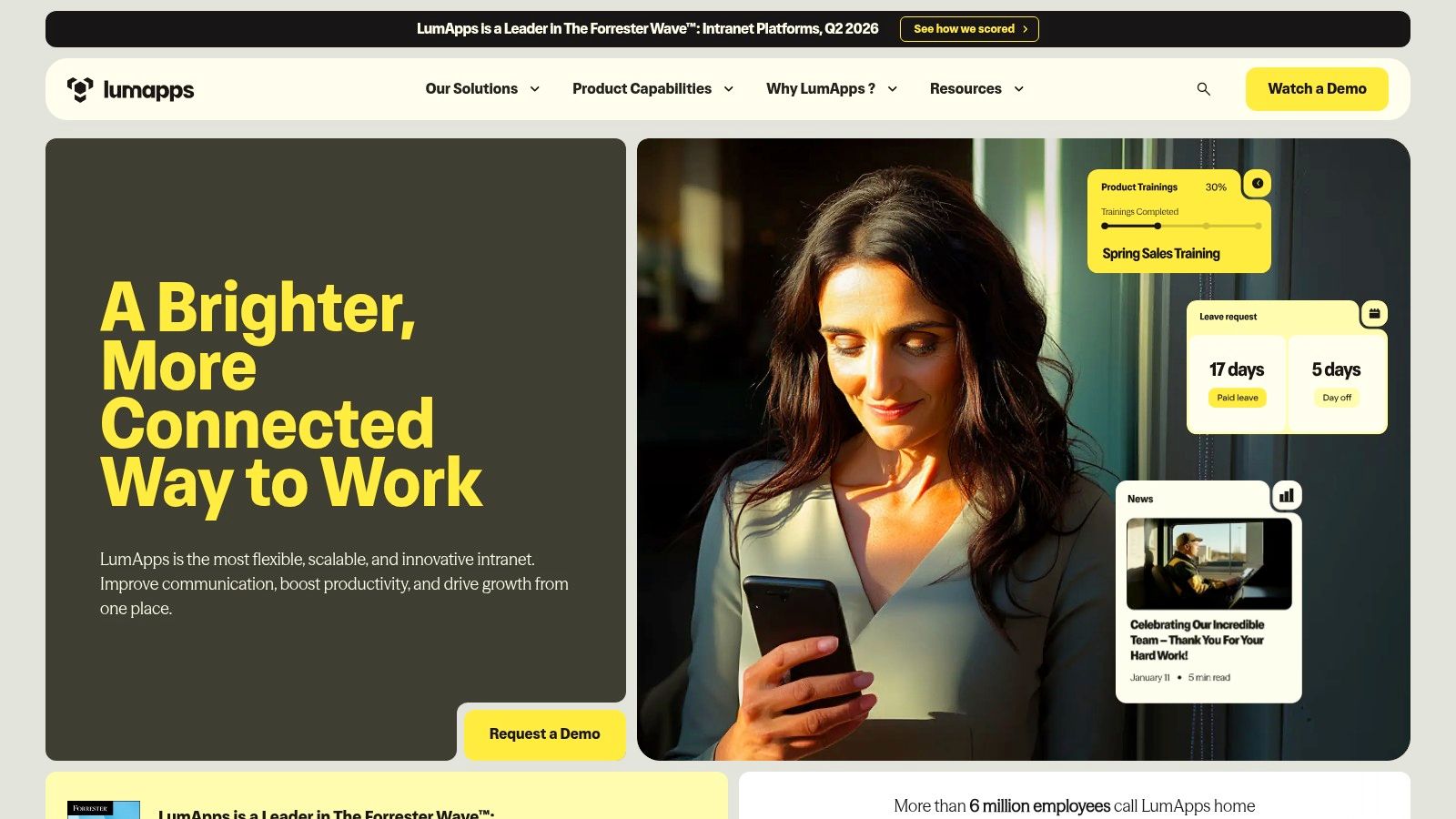
I’ve seen this problem more than once. A company wants one intranet, but the real environment says otherwise. HR lives in one system, files live in another, frontline teams use mobile tools, and leadership still expects one place that feels coherent. LumApps is built for that kind of mess.
It fits organizations that need an intranet to sit across Google Workspace, Microsoft 365, and a wider app stack without forcing a full rip-and-replace project. That makes it a practical example of an intranet for companies focused on communications across distributed systems, not just publishing a prettier homepage.
Where LumApps tends to work well
LumApps makes the most sense when the use case is aggregation with governance. Comms teams can publish company news and targeted updates. Employees can reach common resources from a central hub. IT can connect existing systems instead of rebuilding every workflow inside the intranet itself.
That sounds attractive because it is. It also comes with a real design constraint. The more systems you surface, the more carefully you need to define what belongs in the intranet versus what should stay in the source tool.
I would pay close attention to three use cases here:
Communications: good fit for personalized news, leadership updates, and location or role-based publishing
Operations: useful as a front door into systems people already use, but weaker if you expect the intranet itself to become the operating system for daily execution
Onboarding: strong when new hires need one starting point for policies, org context, and links into HR or training systems
That distinction matters. Plenty of intranets look successful in demos because they gather links cleanly. Day-to-day value depends on whether employees can finish work there, or whether they still bounce between five tabs to get anything done.
The trade-off with flexible platforms
Flexibility shifts effort upstream. Someone still has to own information architecture, permissions, content lifecycle, and integration rules. If that ownership is weak, employees get a polished front end with fuzzy source-of-truth problems behind it.
Pricing follows the usual enterprise pattern too. Expect a sales process, scoped packaging, and some back-and-forth before you get a clean comparison with other vendors.
A flexible intranet helps only when employees know what starts there, what stays there, and what sends them elsewhere.
How I’d build the same idea inside Pebb
If I were recreating the useful part of the LumApps model inside Pebb, I would keep the integrations that need to stay external, such as HRIS, payroll, or identity. Then I’d pull the higher-frequency work into one place: company announcements, team communication, documents, onboarding checklists, and basic operational coordination.
That changes the intranet from a directory of systems into an actual working hub.
For comms, I’d set up targeted news by team, region, or role. For onboarding, I’d build a first-30-days space with required reading, manager guidance, and task checklists. For operations, I’d avoid the classic portal mistake and connect updates to actions, owners, and follow-up so the intranet supports execution instead of just routing people to other apps.
That is a key lesson from LumApps. Integration is useful. Fewer handoffs are usually better.
Top 7 Intranet Platforms: Quick Comparison
Product | 🔄 Implementation Complexity | ⚡ Resource Requirements | 📊 Expected Outcomes | 💡 Ideal Use Cases | ⭐ Key Advantages |
|---|---|---|---|---|---|
Pebb: The All-in-One Digital HQ | Low, mobile-first, fast onboarding via single invite | Low–moderate, mobile apps, admin and optional integrations | High frontline adoption; reduced app sprawl; basic ops visibility | Frontline-heavy orgs (retail, hospitality, healthcare, logistics) | All-in-one mobile HQ; quick setup; 50+ integrations; shift/clock-in features |
SharePoint + Viva: The Microsoft 365 Backbone | Medium–high, IT-governed; heavy customization requires SPFx | High, M365 licensing, IT/admin, governance and compliance effort | Enterprise-grade security/compliance; unified Teams experience | Organizations already on Microsoft 365 needing tight security | Native M365 integration, SSO/compliance, long-term roadmap |
Simpplr: The AI-Powered Intranet | Medium, AI features with editor-friendly setup | Medium, AI/search configuration and licensing | Personalized search and recommendations; rapid time-to-value | Companies seeking AI-native intranet and simple admin UX | AI search/agents, strong personalization, editor ease-of-use |
Staffbase: The Comms-First Suite | Medium, multichannel configuration and governance | Medium, content teams, mobile/email channels, possible regional hosting | Improved comms reach and engagement, measurable analytics | Internal communications teams targeting frontline and deskless staff | Multichannel comms, mobile-first reach, ISO 27001 security |
Unily: The Enterprise-Scale Platform | High, complex global rollouts and modular deployments | High, significant IT, integration, and governance resources | Scalable targeted experiences, communities, and deep analytics | Large enterprises with complex governance and global needs | Proven at scale, rich feature depth, AI-enabled targeting |
Happeo: The Social & Google-Native Intranet | Low–medium, fast to stand up, editor-friendly | Medium, ideal with Google Workspace; advanced features on higher tiers | Quick rollout and adoption; strong Google integration; federated search | Google-first mid-market to enterprise organizations | Excellent Google Workspace integration, simple authoring, federated search |
LumApps: The Flexible, Integration-Friendly Hub | Medium, no-code connectors accelerate setup; SDK for custom work | Medium, integration effort and compliance considerations | Flexible integrated hub with frequent updates and strong security | Orgs needing cross-platform integrations (Google & Microsoft) | Integration depth, no-code connectors, mature security/compliance |
Your Intranet Should Feel Like Home, Not a Museum
I’ve seen this play out more than once. A company spends months picking an intranet, launches with a polished homepage, and six weeks later employees are back in Slack threads, email chains, and shared drives asking the same basic questions. The problem usually is not missing features. It is that the intranet never became the place where work starts.
The intranet examples that hold up in practice solve a narrower problem than vendors like to admit. They help people get an answer fast, finish a task, or find the right person without friction. That matters more than animated banners, clever branding, or a homepage full of announcements nobody needs at 2 p.m. on a Tuesday.
The pattern across these platforms is straightforward. Good intranets support specific use cases well. Communications teams need news, targeting, and reliable reach. Operations teams need schedules, policies, forms, and task visibility. New hires need a clear first-week path, not a maze of pages with three different versions of the same handbook.
That is the lens I would use to evaluate any example of an intranet.
For communications: Check whether updates reach the right audience, show up well on mobile, and stay easy to publish under real deadlines.
For operations: Check whether employees can find policies, complete routine actions, and handle shift or workflow needs without jumping across five tools.
For onboarding: Check whether a new employee can find what to read, what to sign, who to contact, and what to do next on day one.
Those use cases expose the trade-offs fast. SharePoint and Viva make sense if your company already lives inside Microsoft 365 and has the patience for governance. Staffbase works well when internal comms is the main driver and mobile reach matters. Happeo and LumApps fit teams that want tighter Google or cross-platform integration. Unily suits large organizations that can support a heavier rollout. Simpplr is often attractive for companies that want cleaner publishing and personalization without building too much from scratch.
Pebb stands out for a different reason. It treats the intranet less like a content layer and more like the operating surface for daily work. That changes the build plan. Instead of starting with a corporate homepage, you can start with the actual jobs employees need done: company news, team chat, policies, files, task tracking, onboarding resources, shift information, clock-in, and PTO in one place. For deskless teams, that choice often decides whether the intranet becomes part of the workday or gets ignored.
If you are building or replacing an intranet, start with friction, not design comps. I would map the five highest-frequency moments first: the update everyone needs to read, the policy everyone asks for, the task that gets missed, the onboarding step that confuses new hires, and the operational action employees repeat every week. Build those flows. Then test them on a phone, not just on a laptop in headquarters.
A useful intranet earns trust quickly. An overbuilt one loses it just as fast.
So the goal is simple. Make the intranet feel familiar, current, and dependable. People should open it because it helps them do the next thing, not because leadership wants better engagement metrics.
If you want an intranet that people use, Pebb is a strong place to start. It brings chat, news, tasks, knowledge, files, people, shifts, clock-in, and PTO into one mobile-first app, so your “intranet” stops being a forgotten portal and starts acting like a real digital workplace.
