
10 Digital Transformation Best Practices for Frontline Teams
Discover 10 digital transformation best practices focused on people, not just tech. Actionable advice for your frontline teams to succeed in 2026.
Dan Robin
A regional operations leader said it best: “We rolled out three new workplace tools in one year, and the only thing employees adopted was a longer list of passwords.” I've seen the same pattern in retail, healthcare, logistics, and field service. Companies call it digital transformation. The people doing the work experience it as one more system dropped on top of a busy day.
That gap is where a lot of transformation efforts break down.
The software usually is not the main problem. Failure starts earlier, when leaders design for reporting lines and org charts instead of shift handovers, spotty mobile access, shared devices, and managers who have five minutes to explain a change before the floor gets busy. Office teams get dashboards and workshops. Frontline teams get another login and a message buried in a tool they rarely open.
For frontline-heavy businesses, the mess gets expensive fast. A missed update in a warehouse creates rework. An unclear process change in a clinic creates delays. A scheduling change that never reaches the right people creates coverage problems before the shift even starts. Real operations run on handoffs, interruptions, workarounds, and local judgment. Any transformation plan that ignores that reality belongs in a slide deck, not in a live business.
What actually works is more grounded. Cut the tool sprawl. Make communication easy to find. Set up permissions with care. Build for mobile from day one. Connect the systems people already rely on. Train managers first, because they translate change into daily behavior. If you're sorting out the communication layer at the center of that work, this guide to unified communications platforms is a useful starting point.
These ten practices come from that operating view. They focus on how office and frontline teams can work together without adding friction, confusion, or more digital debris than the business had before.
1. Implement a Unified Communication Platform
When teams split communication across email, WhatsApp, paper notices, SMS, Slack, and Teams, the overall system becomes guesswork. People stop asking, “What's the update?” and start asking, “Where was the update?” That's wasted energy before the work even begins.
A unified communication platform fixes that by putting chat, announcements, calls, and team updates in one place. For a hospital group, that can mean clinical and administrative staff seeing the same operational messages without relying on hallway relays. For a logistics company, it can mean drivers and dispatchers using one thread instead of juggling calls, texts, and missed voicemails.
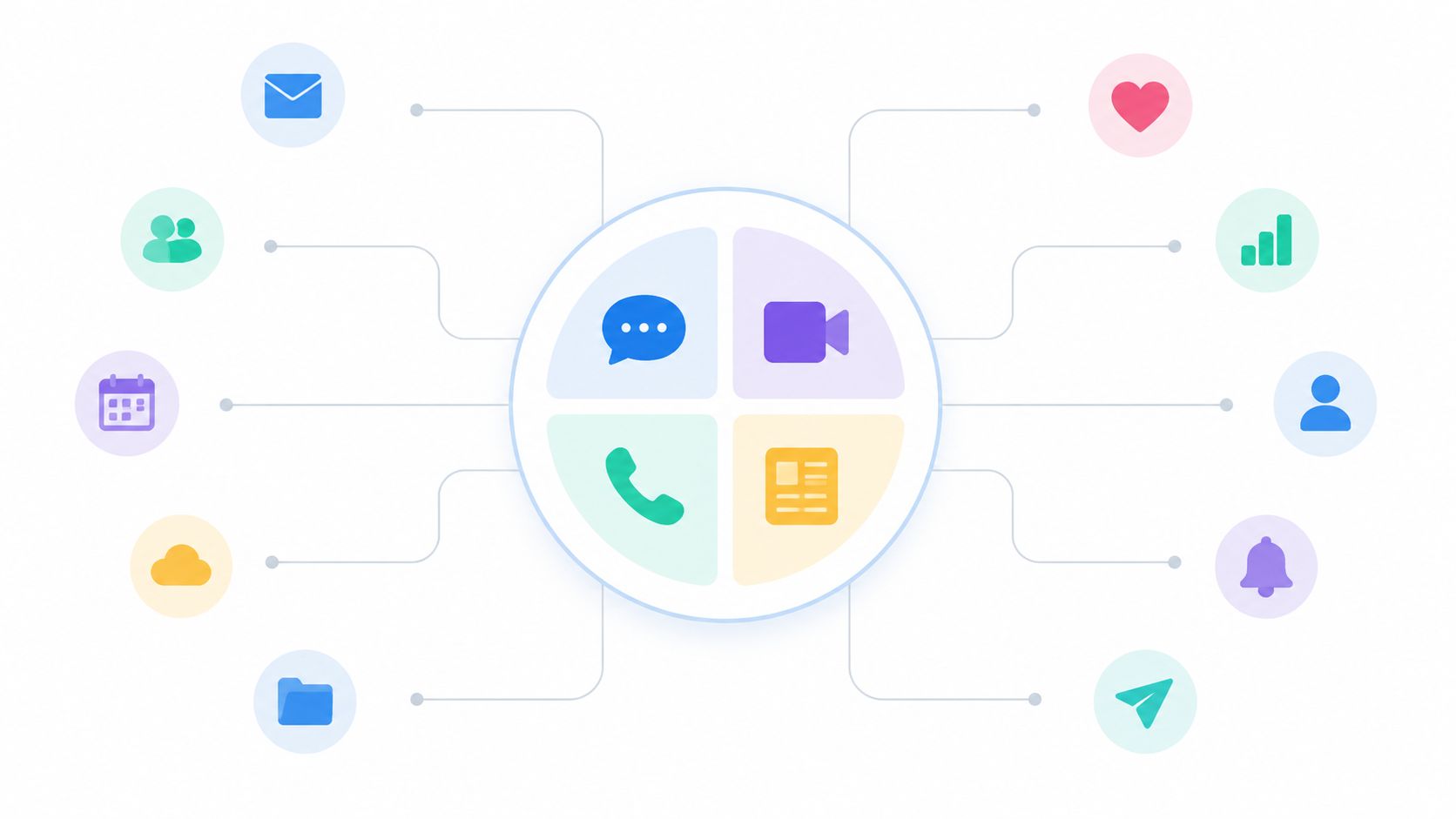
What good consolidation looks like
The point isn't to create one more top-down broadcast tool. It's to create one place where daily work can happen without channel chaos. Tools like Pebb are built around that idea, and this guide to unified communications platforms is a useful reference if you're sorting out what should live together and what shouldn't.
A retail chain, for example, usually doesn't need five separate systems for store updates, manager chat, company announcements, and quick calls. It needs one predictable home for communication, with clear rules about what goes where.
Use one home for urgent updates: Safety issues, shift changes, and operational alerts shouldn't depend on someone checking the right inbox.
Separate channels by purpose: Store operations, leadership updates, social chatter, and incident reporting should not share the same lane.
Pilot before rollout: Start with one location or one department. You'll find naming problems and permission problems quickly.
Practical rule: If employees need a cheat sheet just to know where messages belong, you have too many communication tools.
The biggest trade-off is this. A unified platform creates clarity, but only if you're willing to retire old habits. If leadership keeps emailing, managers keep texting, and teams keep using side-channel apps, the “single platform” becomes fiction.
2. Create Dedicated Collaboration Spaces for Team Operations
Chat alone won't carry operations. Teams need a bounded place for the work itself. Not just discussion, but files, tasks, schedules, updates, and the small context that keeps a shift from going sideways.
That's why dedicated collaboration spaces matter. A warehouse team should have one operational home for picking issues, safety notes, shift handoffs, and inventory tasks. A restaurant location should have one space for prep checklists, staffing notes, customer feedback, and manager updates. When everything is scattered, managers become human search engines.
Make the structure match the org
Most companies overbuild this. They create endless channels, nested folders, and naming systems nobody remembers. A better approach is simple hierarchy. Department, team, location, then project if needed.
A hospital emergency department is a good example. It doesn't need a digital junk drawer. It needs one clearly owned space for current operations, one for leadership and policy updates, and maybe one for temporary initiatives like a new handoff process or equipment rollout.
Spaces work when they mirror how people already coordinate work. They fail when they mirror the org chart too literally.
A few habits help:
Start with real workflows: Map where handoffs, approvals, and recurring issues already happen.
Create templates: If every retail location needs the same setup, don't make every store manager invent it.
Archive aggressively: Dead spaces confuse people. If a project is done, close it.
The trade-off here is control versus flexibility. If you lock everything down centrally, local teams create side channels. If you let everyone build whatever they want, the whole system turns into digital sprawl. Good digital transformation best practices usually live in the middle. Standard foundations, local room to adapt.
3. Implement Mobile-First Communication for Frontline Workers
The failure usually shows up on day three, not launch day.
Head office rolls out a new communication tool. The demo looks clean on a laptop in a conference room. Then actual users encounter it. A nurse tries to check an update between patients. A warehouse worker opens a checklist with gloves on. A store associate gets a push alert during a rush and can't tell if it matters. Adoption drops fast, and the problem gets blamed on change resistance. In practice, the tool was built for desk workers and handed to people who work in motion.
If frontline teams live on phones, the system has to fit the shift they work. That means fast load times, clear navigation, readable buttons, and tasks that can be finished in seconds. It also means accepting ugly operating conditions. Bad signal, shared devices, cracked screens, noisy environments, and constant interruption are normal.
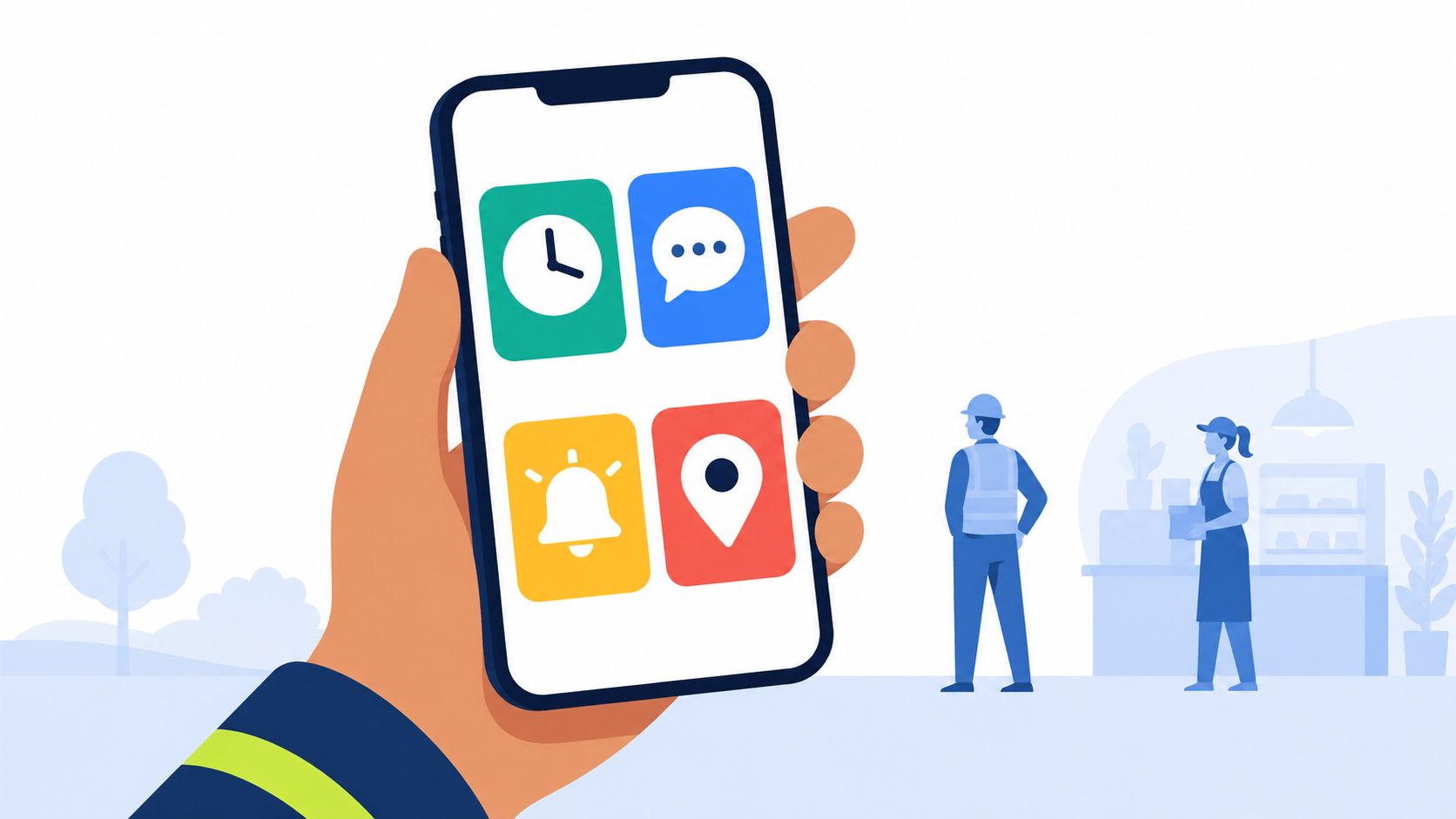
Design for real shifts
Frontline mobile work is not a smaller version of office work. It is a different operating environment.
A delivery driver may need offline access at a loading bay. A clinician may have less than 20 seconds to confirm a protocol change. A manufacturing lead may need to upload a photo, tag an issue, and move on before the line backs up. Those are design constraints, not edge cases.
Teams get this wrong when they treat mobile as a feature checkbox instead of a usage model. A mobile-first setup should handle short sessions, interrupted tasks, and one-handed use without making people dig through menus or complete bloated forms.
A few practices hold up well in the field:
Build for unstable conditions: Assume weak connectivity, shared devices, and interrupted sessions from the start.
Keep core actions short: Reading an update, acknowledging a task, submitting a photo, or flagging an issue should take a few taps.
Use push alerts with restraint: If every message is urgent, staff mute the app and your actual urgent message gets missed.
Test with frontline staff, not office proxies: Desk teams tolerate friction that shift-based teams will abandon immediately.
Separate must-know from nice-to-know: Safety alerts, shift changes, and incident updates should never compete with general chatter.
I've seen teams spend months debating feature depth while ignoring response time and screen flow. That trade-off usually ends badly. For frontline adoption, speed and clarity beat a longer feature list. Every extra field, tap, and login step costs you usage.
The hard part is governance. Leaders want consistency, but local managers need enough room to handle the realities of their site, shift pattern, and staffing model. The practical answer is simple. Standardize the high-risk workflows, such as safety, scheduling updates, and required acknowledgments. Let local teams shape the lower-risk communication around daily operations.
That is what mobile-first communication should do. It should reduce friction for people doing the work, not ask them to adapt to software designed somewhere else.
4. Integrate with Existing HR, Payroll, and Authentication Systems
Nothing kills trust faster than duplicate data. A manager updates a role in HR. The employee still has the wrong access in the work app. A new hire appears in payroll but not in the communication system. Someone leaves, but their account stays active in two places. That's not just messy. It's risky.
Good transformation work connects the systems you already depend on. HRIS, payroll, identity provider, directory, single sign-on. If those systems stay separate from the day-to-day work platform, your staff ends up paying the reconciliation tax.
One source of truth beats heroic admin work
Many teams cut corners by saying they'll integrate later and launch now. Later usually never comes. Then operations or HR staff spend hours fixing permissions, creating accounts manually, and checking whether schedule data matches payroll data.
Hosted software has become the default pattern for this kind of work. Grand View Research reports that hosted software and platforms accounted for 53.0% of the market, while the solution segment held 67.6% of global market revenue in 2025, a projection published in its market analysis. That lines up with what operators already know. Connected, cloud-delivered systems are easier to maintain than stitched-together local installs.
A few integration rules save pain later:
Map user states clearly: New hire, active employee, leave, transfer, termination. Each state should trigger predictable access changes.
Let HR own identity basics: Name, role, location, manager, and employment status should not be edited in five places.
Prepare a rollback path: Sync failures happen. You need a way to contain them without locking everyone out.
The trade-off is speed versus stability. Deep integration takes more setup, but shallow integration creates ongoing manual work that never ends.
5. Establish Clear Information Architecture and Knowledge Management
Most companies don't have a knowledge problem. They have a retrieval problem. The policy exists. The SOP exists. The onboarding doc exists. Nobody can find the right version when it matters.
That gets expensive fast. Managers repeat the same answers. New hires interrupt busy teammates for basic questions. Teams rely on screenshots of old procedures because the official version is buried in a shared drive nobody trusts.
Stop storing critical knowledge in chat history
Chat is for motion. Knowledge is for memory. Mixing the two is one of the most common mistakes in workplace transformation.
BCG found that only 40% of companies had a truly integrated strategy with quantified outcomes, and only two out of five organizations handled progress monitoring adequately, while 90% of winning programs did so well. Part of that monitoring problem is simple. If people can't reliably find the current process, usage data becomes misleading because teams invent local workarounds.
This is why I like the framing in the messy desk problem. Digital clutter behaves a lot like physical clutter. The information exists, but the disorder makes it useless when speed matters.
What helps:
Assign document owners: Every important policy or guide should have a human owner and a review date.
Write for the role using it: A floor supervisor and a compliance lead don't need the same entry point.
Use search behavior as feedback: If people keep searching for something and not finding it, your structure is wrong.
A knowledge base earns trust when employees can find the right answer faster than asking their manager.
The trade-off is maintenance. A clean library takes discipline. But once teams trust the system, repeated explanations drop and onboarding gets lighter.
6. Use Analytics to Understand Engagement and Optimize Operations
Most dashboards are too busy to be useful. They tell you everything happened and nothing mattered.
The best analytics for transformation work answer a narrower question. Are people using the system in a way that improves the work? Not just logging in. Not just clicking around. Doing things better.
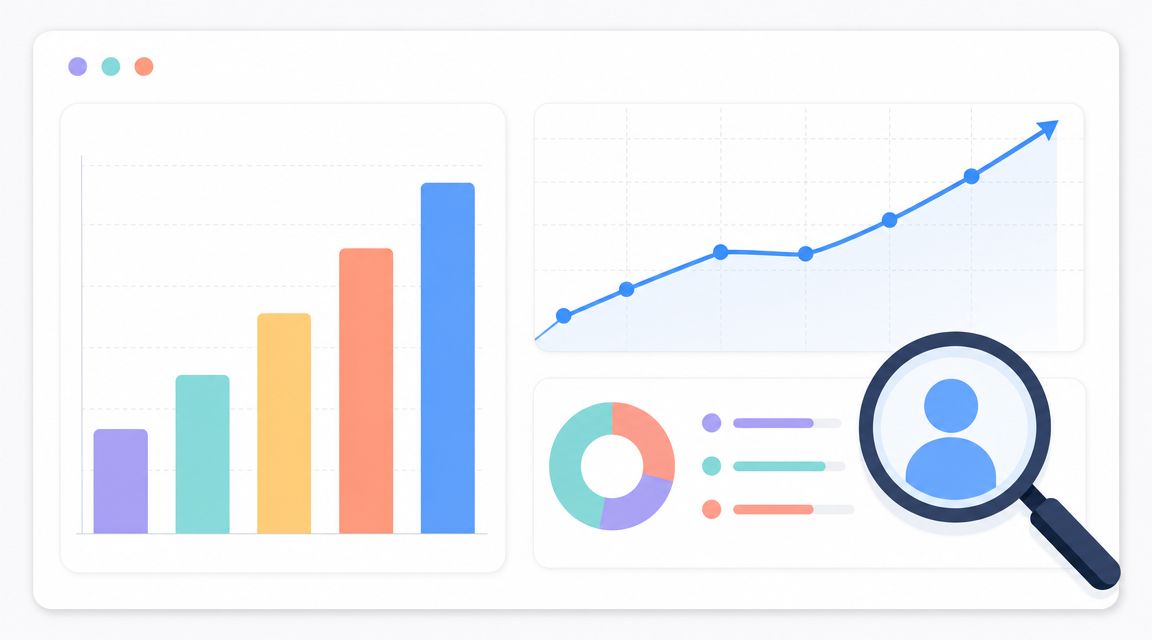
Measure the right things after launch
This is the part many teams skip. They launch, celebrate account activation, and move on. But adoption can look healthy while business value stays flat. That's vanity adoption. People used the tool because they had to, not because the work improved.
A large meta-analysis covering 88 studies and 99 datasets found that satisfaction was among the strongest predictors of digital transformation behavior, with a correlation of r = .625 for adoption intentions and r = .582 for actual use. That's useful because it gives operators permission to treat usability and employee satisfaction as serious rollout metrics, not soft side notes.
Start with a small set of indicators:
Engagement quality: Are employees reading updates, completing tasks, and using knowledge resources?
Operational outcomes: Are handoffs cleaner, response times better, or errors lower?
Manager behavior: Are supervisors using the system consistently, or forcing staff back into side channels?
Watch for this: High login rates with low task completion usually mean the tool is present in the workflow, but not helping the workflow.
The trade-off is cultural. Analytics can help teams improve, or they can feel like surveillance. Leaders have to be explicit about which one they're building.
7. Design for Security, Privacy, and Role-Based Access Control
A lot of teams treat security like a final review step. Launch first, lock it down later. That's fine until someone in one location sees HR information they shouldn't, or a former employee still has access to internal conversations.
Role-based access control should be part of the operating model from day one. Who can see store-level reports. Who can edit policies. Who can approve time off. Who can join leadership spaces. These rules shouldn't live in managers' heads.
Keep access boring and predictable
The best security setups aren't dramatic. They're quiet. People get the access they need for their role, and no more. Transfers update permissions. Departures remove access quickly. Sensitive information stays partitioned by function and context.
This matters even more now because digital maturity gaps are widening, especially as organizations face more pressure around AI and cybersecurity. The analysis on the digital transformation capability gap argues that transformation now depends on a broader capability stack than most org structures produce. Security literacy is part of that stack, whether companies admit it or not.
A few practices matter more than the rest:
Use least privilege: Give minimum necessary access and expand only when needed.
Review role changes fast: Promotions, transfers, and temporary assignments often create permission drift.
Log sensitive actions: Access changes, document edits, and policy updates should be traceable.
This is one of those digital transformation best practices that feels invisible when done well. That's a good sign. Security shouldn't get in the way of work, but it absolutely should shape the system behind it.
8. Streamline Shift Scheduling and Time Tracking Operations
If scheduling lives in one tool, time tracking in another, payroll in a third, and employee communication somewhere else, you don't have a workflow. You have a relay race with dropped batons.
For frontline teams, scheduling is not an admin side process. It is the operating rhythm. It shapes staffing, labor costs, handoffs, morale, and whether managers spend the week leading or patching holes.
Put schedule changes where people already work
A better setup ties schedules, clock-ins, time-off requests, and shift updates into the same place people already use for communication. That means an employee can see a shift, request a swap, get approved, and receive the final update without bouncing across disconnected systems.
If you're evaluating this category, shift scheduling software should be judged less by how pretty the calendar looks and more by how well it handles the messy parts. Last-minute absences, role rules, approvals, and the way schedule changes affect the rest of the team.
What tends to work:
Set the policies first: Shift swaps, overtime rules, location restrictions, and manager override rights should be clear before launch.
Keep approvals visible: Employees should know whether a request is pending, approved, or blocked, without chasing a manager.
Connect scheduling to communication: A changed shift that isn't communicated clearly is still a broken process.
The schedule is one of the few systems every frontline employee touches. If it's clumsy, the rest of your transformation effort starts in a bad mood.
The trade-off here is flexibility versus fairness. Highly flexible scheduling can feel chaotic. Rigid scheduling can feel punitive. Good systems support guardrails without trapping people in avoidable friction.
9. Build Culture and Connection Across Distributed and Multi-Shift Teams
A plant manager once told me he knew the company had a culture problem when day shift was celebrating a safety win that night shift had never even heard about. Same building. Same goals. Two completely different experiences of the company.
That split shows up everywhere in distributed operations. Office staff get context in meetings. Field teams get fragments. Overnight crews get updates secondhand, after the decisions are already made. Then leadership wonders why adoption is uneven or why one group rolls its eyes at every new initiative.
Culture in these environments has to be operational. People need to see it in the tools and routines they already use, not in posters, town hall decks, or one-off campaigns.
Make culture visible in daily work
The practices that hold up are usually plain. Recognition that reaches every shift, not just the people online at 10 a.m. Leadership updates posted in a format people can catch asynchronously. Team spaces where employees can share wins, ask for help, and learn who their coworkers are outside a job title.
As noted earlier, companies are pouring serious money into digital transformation. That spend only helps if the day-to-day digital environment feels human enough for people to trust it. If the system only pushes tasks, alerts, and policy changes, people experience it as control, not connection.
The better approach is specific. A healthcare operator can recognize environmental services staff, transport teams, and nurses in the same public feed instead of celebrating only the most visible roles. A retailer can give store employees a place to share what is working on the floor, not just what headquarters wants repeated. A distributed office team can default to async updates so nobody has to be in the right meeting to stay in the loop.
Small signals matter.
Birthdays and badges are fine, but they are not the point. What actually changes the feel of a workplace is fair visibility, shared context, and regular proof that people on less visible shifts still count. Teams notice that quickly.
There is a trade-off here. Overproduced culture programs usually fall flat, especially with frontline staff who can spot forced enthusiasm from a mile away. Lightweight rituals travel better. Consistent recognition, manager participation, local team ownership, and space for honest conversation tend to hold up across sites and shifts.
10. Prioritize Rapid Onboarding and Change Management
I have seen plenty of rollouts stall for a simple reason. A new hire shows up for a 6 a.m. shift, the app is not set up, the login fails, nobody knows which channel answers basic questions, and by lunch they are back to texts, paper notes, and asking whoever looks least busy. That is how "transformation" turns into another layer of confusion.
Fast onboarding is not a nice extra. It is the first proof that the new way of working can survive contact with real operations. If people cannot get access, find the right information, and understand what to do next in their first shift, the process is broken.
The goal is not to teach the whole system on day one. The goal is to get people productive without making them guess. That applies to new hires and to existing staff every time you change a workflow, launch a new tool, or consolidate old ones into one place.
A good rollout usually has three parts:
Role-based paths: A store manager, nurse, and warehouse associate need different starting points, different permissions, and different examples.
Day-one orientation to people and process: Show who their manager is, where team updates live, how to ask for help, and which tasks matter first.
Phased feature release: Start with the few actions people need this week. Add reporting, advanced settings, and edge-case workflows after the basics stick.
Many teams make a common mistake here. They treat change management like announcement management. They send a launch email, hold one training session, post a PDF, and call the job done. Frontline teams do not work that way. They learn in fragments, between customers, between rounds, between pickups, and often on a shared device or a personal phone.
That changes the design brief.
Training has to be short enough to use on shift, specific enough to match the job, and easy to revisit later. Managers need a simple checklist they can run in five minutes. Support has to live inside the flow of work, not in a portal nobody remembers exists. The best teams also plan for re-onboarding after the launch, because week three questions are usually more honest than day-one questions.
Poor onboarding creates expensive problems. People nod through training, invent local workarounds, and teach the next person the same shortcut. Six months later, headquarters thinks the process is live, while each site is running its own unofficial version.
Good onboarding prevents that drift. It gives people a clear starting point, removes avoidable friction, and makes the right way of working easier than the old one.
10-Point Digital Transformation Comparison
Solution | Implementation Complexity 🔄 | Resource Requirements ⚡ | Expected Outcomes 📊 | Ideal Use Cases 💡 | Key Advantages ⭐ |
|---|---|---|---|---|---|
Implement a Unified Communication Platform | High, cross-team rollout, data migration and change management | Moderate–High, platform hosting, migration, training, mobile support | Fewer info silos, faster decision-making, higher engagement | Distributed, multi-shift organizations (healthcare, retail, logistics) | Centralized messaging, reduced tool sprawl, improved visibility |
Create Dedicated Collaboration Spaces for Team Operations | Medium, requires governance and template design | Moderate, configuration, templates, admin training | Faster access to team context, improved accountability, less search time | Operational teams needing bounded workflows (stores, warehouses, clinics) | Bounded contexts for teams, customizable workflows, clearer ownership |
Implement Mobile-First Communication for Frontline Workers | Medium, UX design and device testing across OS versions | Moderate, native apps, offline sync, push infrastructure | Real-time worker reach, higher adoption, faster task completion | Frontline-first workplaces (retail floor, warehouses, field service) | Reaches workers on-shift, offline-capable, quick actions |
Integrate with Existing HR, Payroll, and Auth Systems | High, mapping data flows and secure integrations | High, API development, identity providers, monitoring | Single source of truth, faster provisioning, accurate payroll | Enterprises with mature HR stacks and complex provisioning | Reduced manual admin, centralized auth, accurate time-to-pay |
Establish Clear Information Architecture & Knowledge Mgmt | Medium, content modeling, taxonomy and ownership setup | Moderate, content creation, search tooling, ongoing maintenance | Faster onboarding, fewer repeated questions, stronger compliance | Compliance-heavy and large multi-location orgs (healthcare, finance) | Single source of truth, searchable docs, version control |
Use Analytics to Understand Engagement & Optimize Ops | Medium, metric definition and dashboard design | Moderate, data pipelines, analytics tooling, analysts | Actionable insights, early problem detection, ROI measurement | Multi-location operations seeking performance improvement | Data-driven decisions, engagement visibility, operational alerts |
Design for Security, Privacy & Role-Based Access Control | High, security architecture and compliance work | High, encryption, audit logging, compliance audits, expertise | Reduced risk, regulatory compliance, auditable trails | Regulated industries (healthcare, finance, government) | Granular RBAC, encryption, compliance-ready controls |
Streamline Shift Scheduling & Time Tracking | Medium, rule engines, local labor-law encoding | Moderate, scheduling UI, mobile clock-in, payroll integration | Fewer scheduling errors, accurate labor costs, faster payroll | Shift-driven sectors (retail, hospitality, healthcare, logistics) | Mobile clock-in, compliance tracking, improved forecasting |
Build Culture & Connection Across Distributed Teams | Low–Medium, program design and platform features | Low–Moderate, profile tooling, recognition systems, events | Higher belonging, improved retention, stronger engagement | High-turnover or distributed teams seeking retention gains | Recognition tools, social spaces, cross-shift connection |
Prioritize Rapid Onboarding & Change Management | Medium, onboarding flows and role-specific paths | Moderate, guided tours, automated provisioning, integrations | Faster time-to-productivity, reduced IT touchpoints, better retention | Scaling orgs and high-turnover industries (retail, hospitality) | Fast, role-based onboarding, in-app guidance, mobile-first setup |
It's Not About the Tech, It's About the Team
The most useful lesson I've learned about digital transformation is also the least flashy. The tool almost never saves you. The operating habits do.
Companies love to talk about transformation like it arrives with a launch date. Buy the platform. run the rollout. send the announcement. move on. Real life is slower and messier. Frontline teams keep a backup process “just in case.” Managers invent local shortcuts because they're under pressure to keep the day moving. Office staff assume everyone saw the update. Nobody did anything irrational. They were just trying to get the work done.
That's why the best digital transformation best practices are usually boring on paper and powerful in practice. Put communication in one place. Organize work into clear spaces. Build for phones if people work from phones. Integrate identity and payroll so admins don't spend their lives fixing sync problems. Keep knowledge findable. Measure what changed after launch. Lock down access without making everyday work miserable. Treat scheduling like an operating system, not a side module. Build real connection across shifts. Make onboarding fast enough for real life.
None of this guarantees success. Transformation still involves trade-offs, resistance, and cleanup work. Some legacy habits should disappear. Some local workarounds are signals that your system design is still wrong. Some leaders will ask for dashboards before they've done the harder work of clarifying who owns what. That's normal. The point isn't to eliminate friction. The point is to create useful friction instead of accidental friction.
Useful friction looks like this. A manager has to choose the right channel instead of blasting everyone. A policy update needs an owner before it goes live. A role change triggers a permission review. A schedule swap follows clear rules. Those are healthy constraints. They reduce the kind of chaos that burns people out and makes every “new platform” feel like an extra burden.
The other thing worth saying plainly is that frontline transformation is its own discipline. It's not office software rolled downhill. Frontline teams work in motion, under time pressure, across shifts, and often on mobile devices with interrupted attention. If your system respects that, people will give it a chance. If it doesn't, they'll work around it, and they would be right to do so.
So if you're leading this kind of work, don't start with “What software should we buy?” Start with “Where does work break down today?” Then ask who loses time, who lacks context, who repeats the same explanations, who gets left out of updates, and who carries the manual fixes. That's where the shape of the right system starts to appear.
And yes, the platform still matters. If you want one place to connect communication, operations, knowledge, scheduling, and engagement across frontline and office teams, Pebb is one relevant option to evaluate. But the deeper question isn't which vendor has the loudest pitch. It's whether your people can use the system without fighting it.
Get that right, and digital transformation stops feeling like a corporate campaign. It starts feeling like work getting a little clearer, a little faster, and a lot less frustrating.
If you're trying to replace scattered tools with one connected employee app, take a look at Pebb. It brings together chat, updates, spaces, tasks, knowledge, scheduling, and analytics in a mobile-friendly setup built for frontline and office teams.
