
The Search for Calm: A Guide to the Best Team Communication Apps
Tired of noisy chat? We reviewed dozens of tools to find the best team communication app for how teams really work. See our honest picks for 2026.
Dan Robin
Remember the office? The real one, with walls. Before the endless pings, the dozen browser tabs, and the nagging feeling you're always on, yet somehow always missing something. We built our company on the idea of calm, focused work. But over the years, the very tools meant to connect us became the biggest sources of distraction.
We tried everything. We patched together different apps—one for chat, another for announcements, a third for schedules. It was a mess. A noisy, expensive mess that split our team’s attention into a thousand tiny pieces. And it wasn't just about messaging; figuring out how VoIP for business could fit into the puzzle added another layer of complexity. We felt like we were running a software company just to manage our own communication.
We knew there had to be a better way. So, this isn't just another list of the "best team communication app" you can find online. This is the result of our own long, opinionated journey to find clarity. We’re sharing what we learned about what makes a tool genuinely useful, who it's for, and why the small details matter more than a bloated feature list.
In this guide, we’ll cut through the noise. We'll show you the tools we’ve tried, share our honest take on their strengths and weaknesses, and talk about finding the right one to help your team actually work—not just talk about working.
1. Pebb
For years, we've watched companies stitch together a Frankenstein's monster of apps. One for chat, another for scheduling, a third for HR announcements, and a dusty intranet nobody visits. This isn't just inefficient; it creates a fractured experience, especially for frontline workers who are often left out of the loop.
Pebb is our top pick for the best team communication app because it directly confronts this chaos. It’s an all-in-one tool that brings communication, operations, and culture into a single, intuitive home for every employee, from the front desk to the main office.
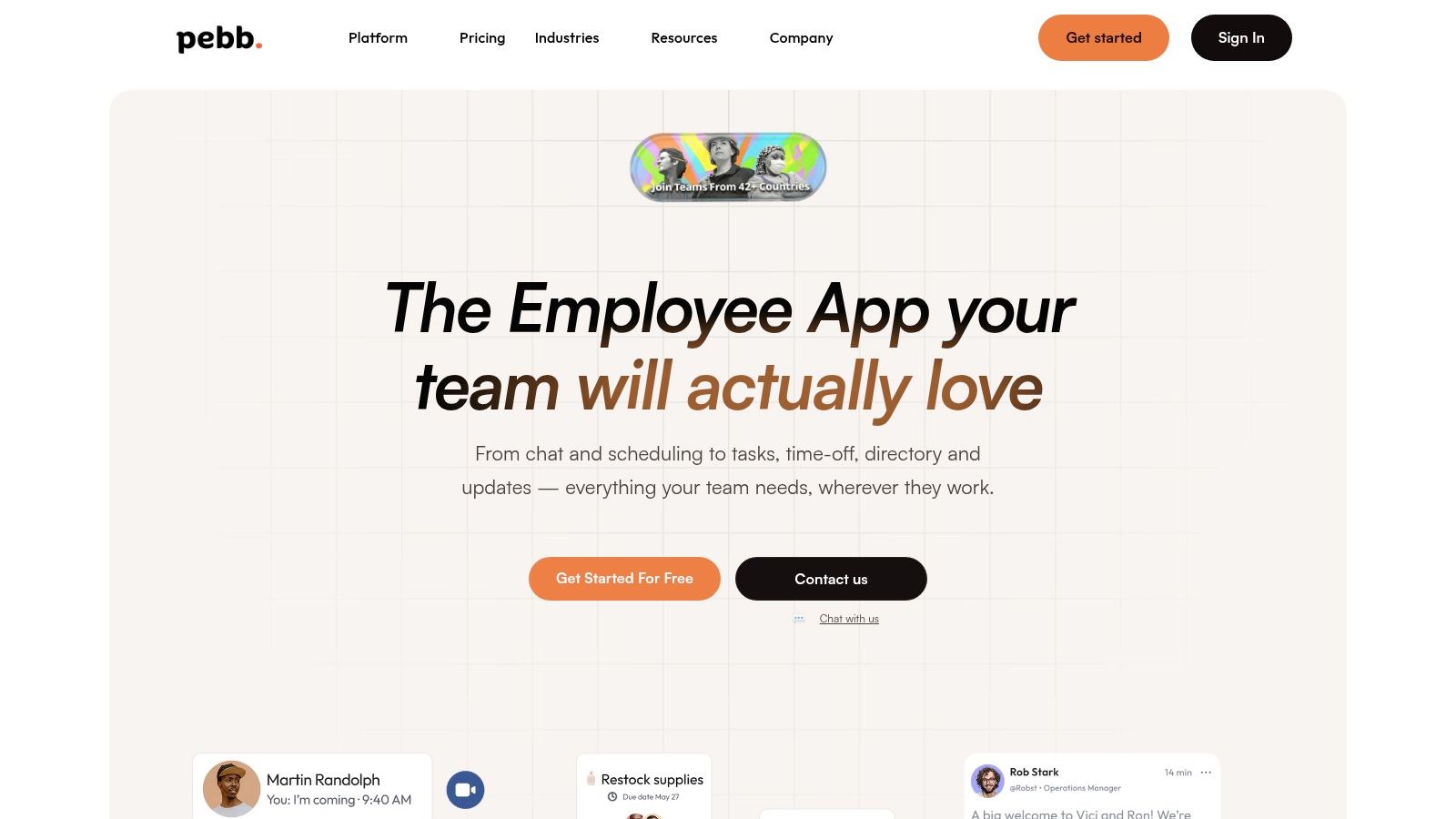
What makes Pebb work is its design. It feels less like a corporate tool and more like a private social network for your company. Customers have told us it’s "like Facebook, but for work." This familiarity is why teams can get up and running in a single day. The mobile-first experience means deskless workers in hospitals, warehouses, or retail stores are just as connected as their colleagues in the office.
Pebb replaces the noise of multiple tools with one unified space. Imagine managing shift schedules, approving time off, assigning tasks, and sharing company news without ever leaving the app. That’s the idea. Leaders get clear data to see what’s working, and strong admin controls make sure the right information gets to the right people, securely. For any organization tired of juggling apps and ready for a single source of truth, Pebb is the clearest choice.
Why It's a Top Pick
It combines chat, a news feed, task management, shift scheduling, time tracking, and a knowledge library. This cuts down on tool sprawl and simplifies daily work. It’s also built to include frontline and field teams with features like mobile clock-in and offline access. And the platform is designed for a fast rollout—you can get your entire team onboarded quickly with a single invite link.
Pricing
Pebb offers a "Get started for free" option, which is great for small teams. For larger companies or those needing advanced features, you'll need to contact their sales team for enterprise pricing.
Limitations
While the tool is robust, organizations with specific compliance needs (like SOC 2 or ISO) should connect with Pebb's team directly to confirm their security certifications, as they aren't listed front-and-center on the website.
Website: https://pebb.io
2. Slack
Slack is often the default choice when people think about team chat. It practically invented the idea of channel-based messaging for office workers. The concept is simple: organize conversations into dedicated channels for projects, topics, or teams. It helps cut down on the chaos of endless email threads and gives office-based teams a place to live their workday.
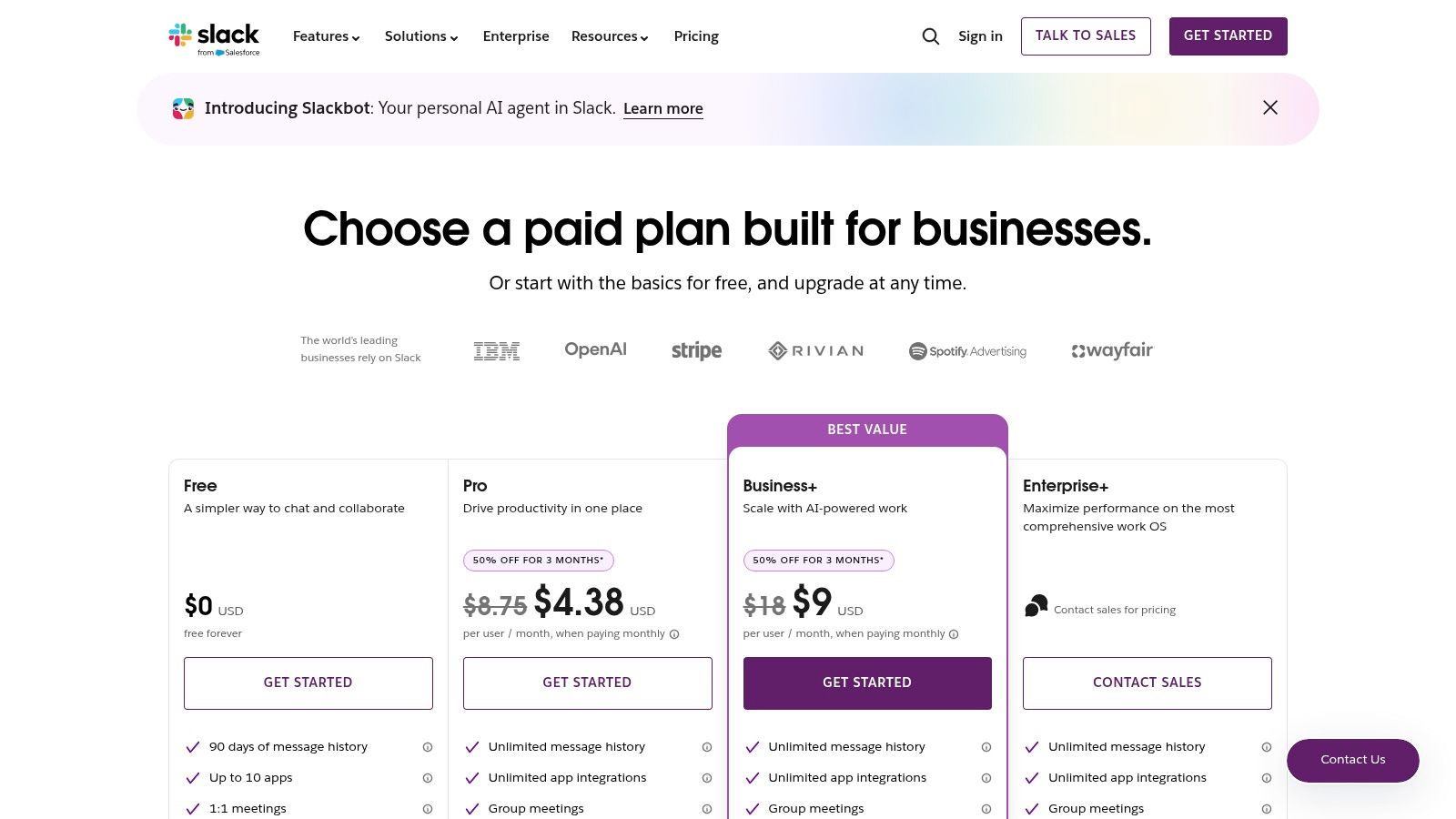
Let's be honest, Slack’s real power is its massive app ecosystem. With over 2,600 integrations, you can connect everything from Google Drive to Jira, creating a central hub for notifications. For hybrid and remote teams, features like "huddles" and asynchronous video "clips" are genuinely useful for staying connected without another meeting.
But it’s not for everyone. The free plan's 90-day message history limit is a major drawback, and its design is clearly centered around a desk-based worker. That might not work for frontline teams. If you want to see how it stacks up for mixed teams, there’s a detailed comparison between Slack and Pebb that goes deeper.
Key Takeaways
Best For: Office-based, hybrid, and remote teams who need a powerful, integration-heavy hub for real-time talk.
Pros: Familiar interface, an unmatched app directory, and strong security for large companies.
Cons: The free plan is limited. It can get expensive and noisy without good governance. It’s not built for frontline staff who aren't at a computer all day.
Website: https://slack.com/pricing
3. Microsoft Teams
If your company runs on Microsoft 365, using Teams feels almost inevitable. It’s more than just a chat app; it’s a hub that combines channels, video meetings, file sharing, and calling into one platform. Its biggest advantage is how it works with the tools people already use daily—Outlook, Word, and Excel. Collaborating on documents feels native.
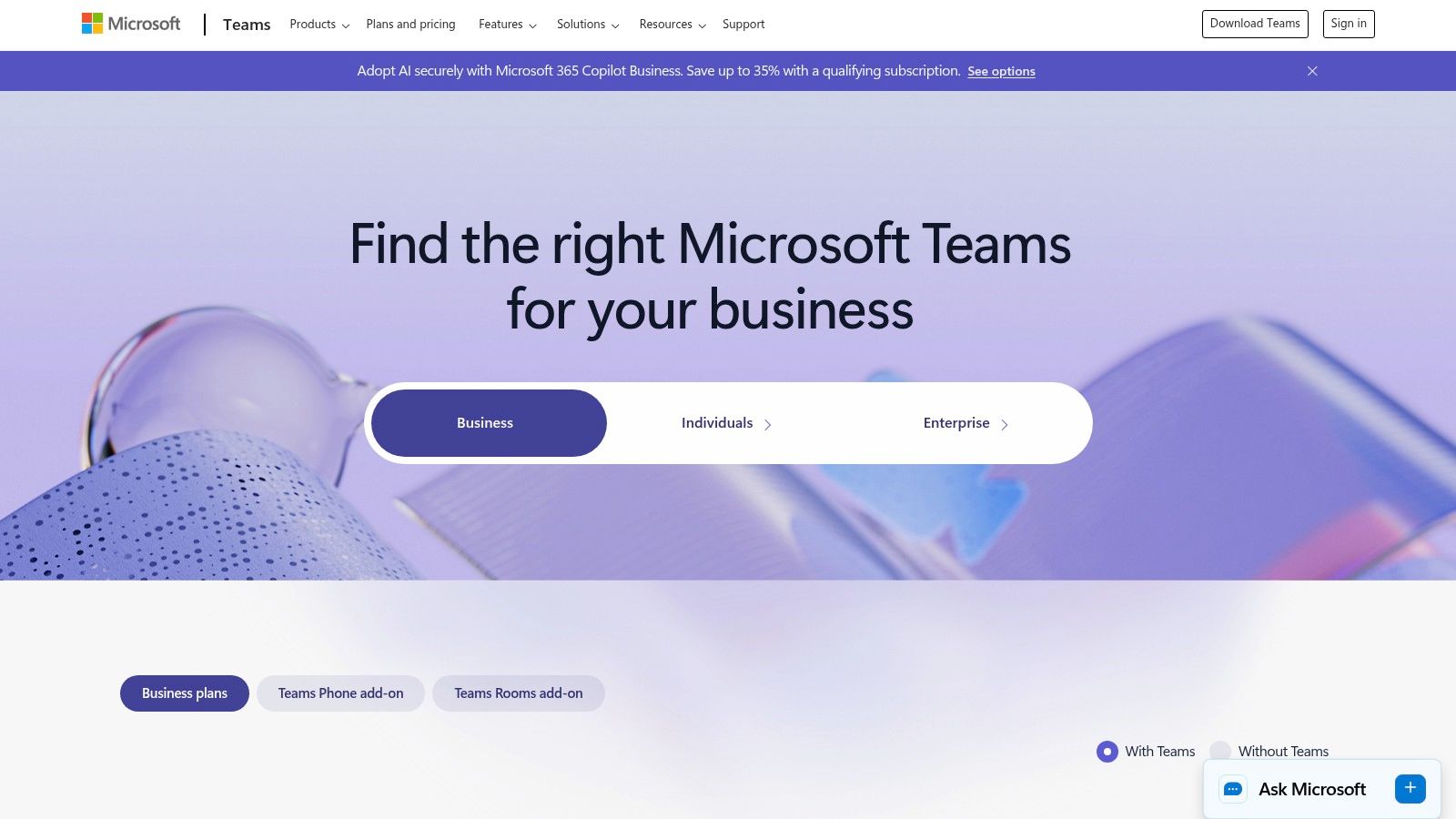
This deep integration is both a strength and a weakness. If your team lives in Office, it’s a powerhouse. The admin and security controls are exactly what enterprise IT departments look for. But here's the thing: it can feel bloated if all you need is a simple way to communicate. The interface is powerful but less intuitive than more focused apps. If you're looking for something simpler and more mobile-friendly, it’s worth exploring a free Teams alternative.
Key Takeaways
Best For: Companies already invested in Microsoft 365 who want a single platform for communication and documents.
Pros: Unmatched integration with Office apps, great security features, and it’s often bundled into existing Microsoft subscriptions.
Cons: The interface can feel heavy and overly complex for simple chat. It's not designed for a mobile-first, frontline workforce.
Website: https://www.microsoft.com/en-us/microsoft-teams/compare-microsoft-teams-options
4. Google Workspace (Google Chat)
For teams living inside Google's world, Workspace is a natural extension for communication. Google Chat isn’t a standalone app; it's woven directly into the tools you likely use every day, like Gmail and Calendar. This is its greatest strength. You can start a chat from an email thread or launch a Google Meet video call from a conversation. The workflow is seamless.
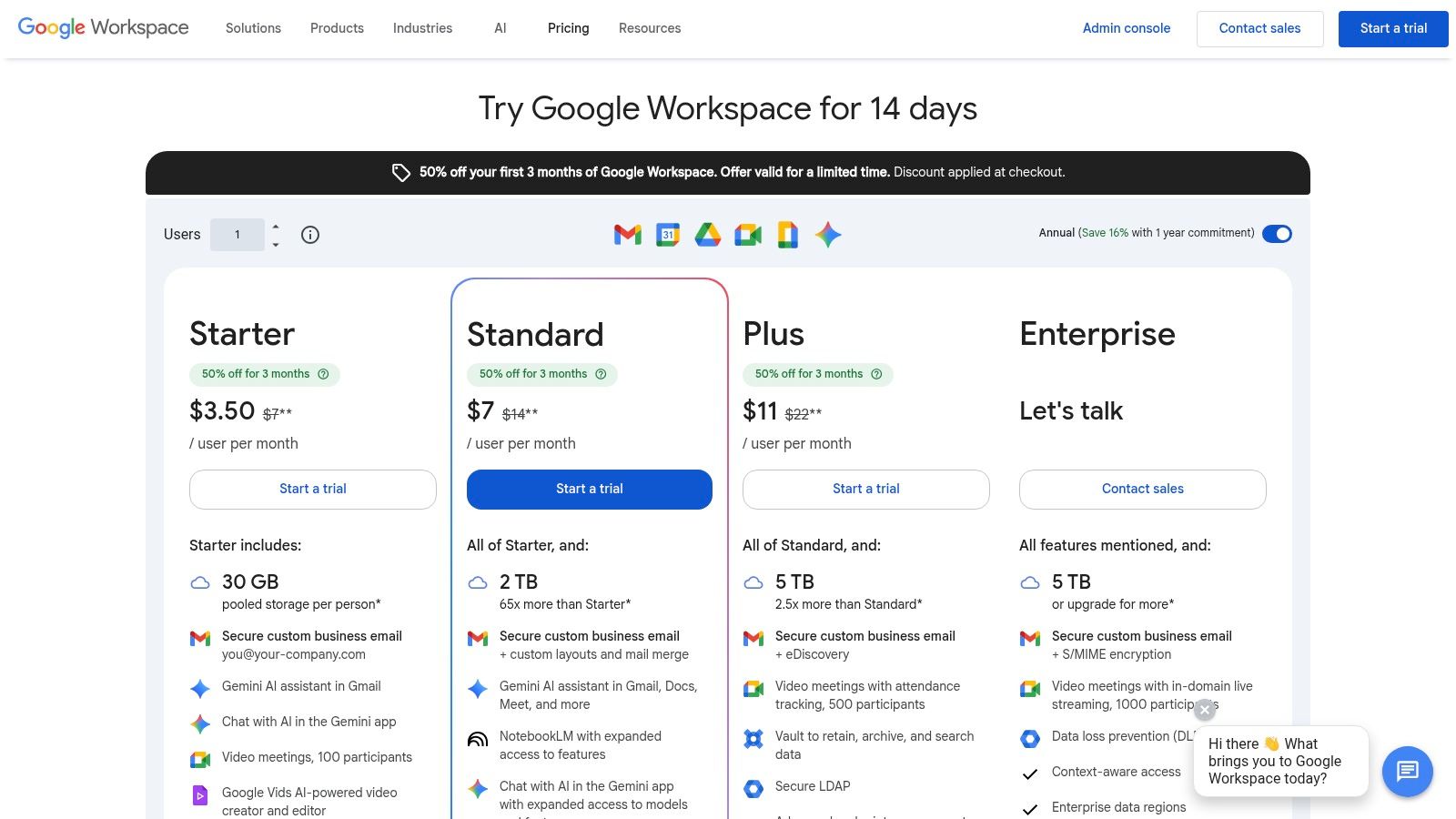
The real value here is the all-in-one package. You’re not just getting a chat app; you’re getting email, storage, and the entire Docs and Sheets suite. However, while the integration is top-notch, the chat features themselves aren't as deep as what you’d find in a dedicated tool. For teams needing advanced workflows or extensive third-party app integrations beyond the Google-verse, Chat can feel basic. It’s a fantastic, high-value choice for simplicity, but power users might find it lacking.
Key Takeaways
Best For: Teams of any size who are all-in on the Google ecosystem and want a single platform for work.
Pros: Great value as part of the wider Workspace bundle, seamless integration with Gmail and Drive, and simple to manage.
Cons: The chat features are less robust than specialized tools. Its power fades if your team doesn't use Google for mail and documents.
Website: https://workspace.google.com/pricing.html
5. Zoom Team Chat (Zoom Workplace)
If your team lives on Zoom calls, then using Zoom Team Chat just makes sense. It’s not a separate product; it's built directly into the Zoom you already use for meetings, phone calls, and whiteboards. The idea is simple: keep conversations in the same place where video and audio collaboration happens. It’s about reducing the number of apps your team has to juggle.
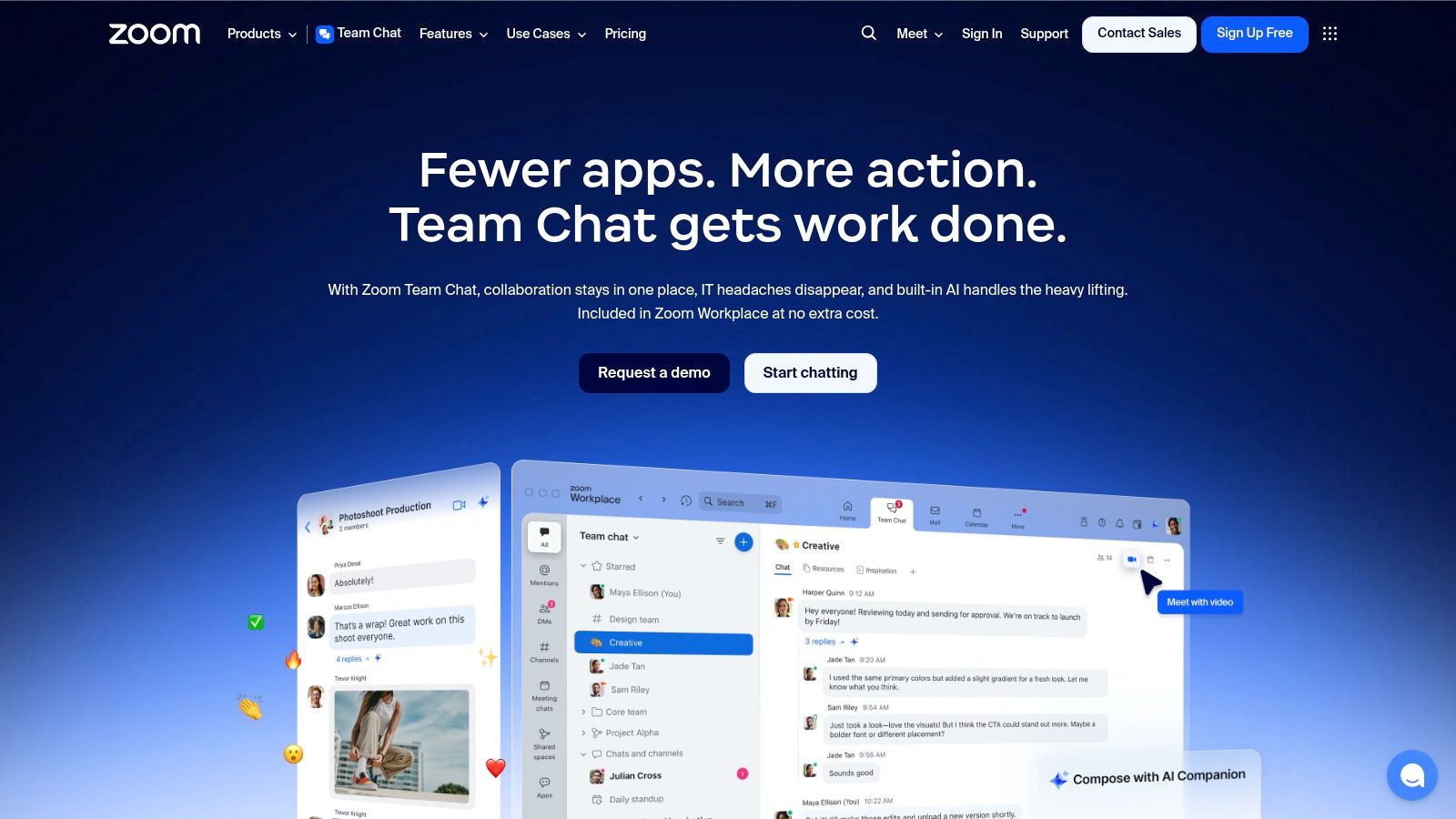
Its biggest draw is how well it integrates with meetings. You can keep a running chat thread linked to a recurring meeting, making it easy to find files and discussions later. For businesses already paying for Zoom, the chat features come at no extra cost, making it a smart choice for the budget-conscious. The main hurdle might be getting your team to switch if they’re already comfortable with Slack or Teams.
Key Takeaways
Best For: Meeting-heavy organizations already invested in Zoom that want to simplify their tech stack.
Pros: Included with existing Zoom plans, great integration with Zoom Meetings, and a familiar interface.
Cons: It’s less compelling as a standalone product if you aren't a heavy Zoom user. Some advanced AI features cost extra.
Website: https://www.zoom.com/en/products/team-chat/
6. Webex (Cisco)
For large companies, especially those in highly regulated fields like government or finance, Webex is a heavyweight. It started with video conferencing and has grown into a platform that bundles meetings, calling, and messaging under one very secure roof. Its strength is its enterprise-grade security and compliance—things like FedRAMP authorization, which is a must-have for many public sector organizations.
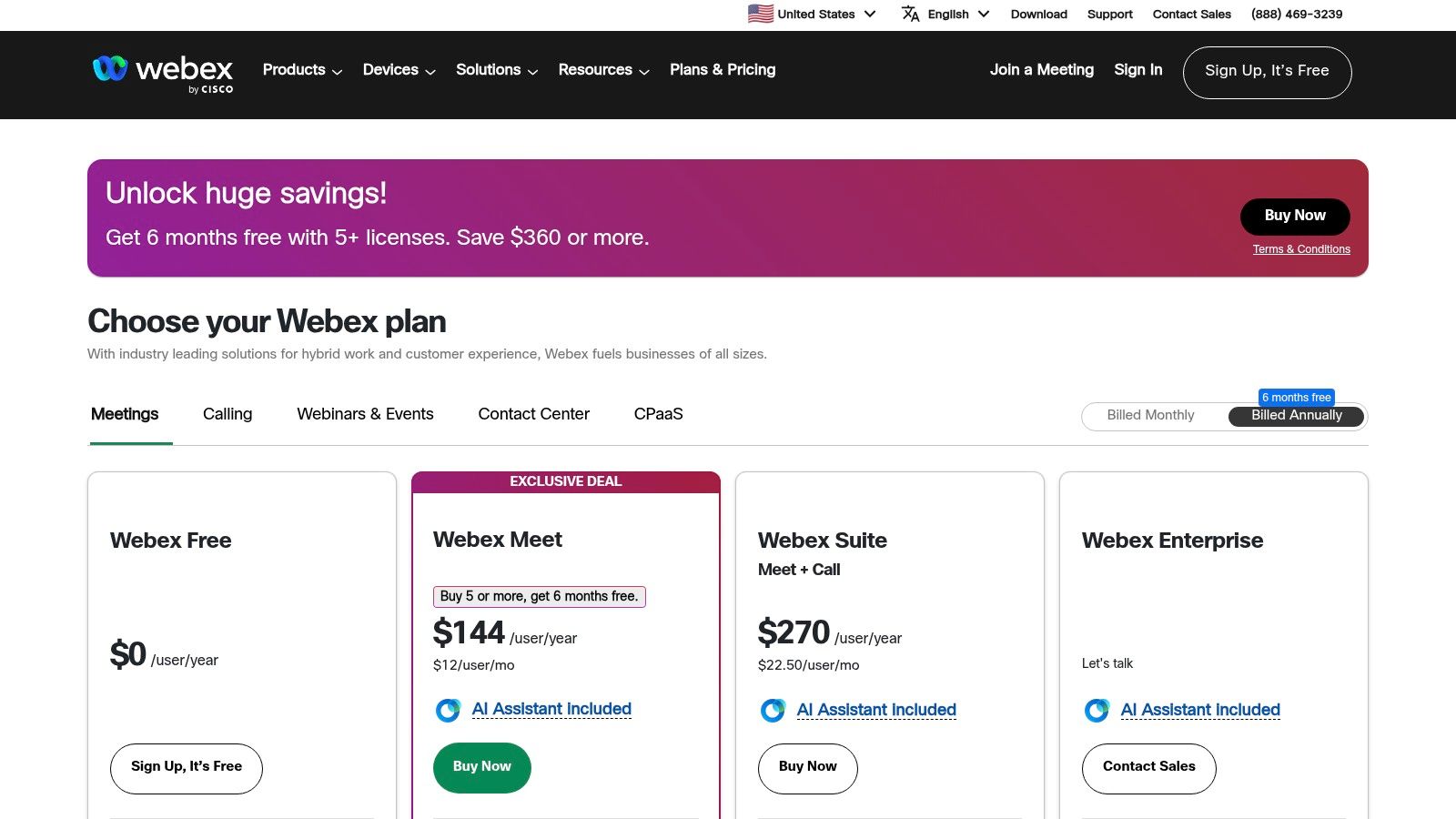
Webex aims to stand out with features built for a corporate environment, like an AI assistant for meeting summaries or Vidcast for asynchronous video messages. This focus on enterprise needs means the user experience can feel a bit more corporate and less intuitive than some of its competitors. It's an incredibly powerful and reliable tool, but it's built for places where security and scale are the top priorities.
Key Takeaways
Best For: Large enterprises and government agencies that need top-tier security and a unified system for calling, meetings, and messaging.
Pros: Exceptional security and reliability. It scales well for massive, complex organizations.
Cons: The interface can feel less modern than newer tools. Getting the full suite often means talking to a sales team.
Website: https://pricing.webex.com/
7. Workvivo
Workvivo is less a simple chat tool and more an employee experience platform. It excels at company-wide internal communications, blending a social intranet, news feeds, and employee recognition into a single, mobile-first hub. Think of it as a corporate social network designed to boost engagement and keep everyone aligned with company culture, especially in large organizations. It's built for top-down communication, not the fast-paced, project-based chat that tools like Slack are known for.
But that’s only half the story. It’s important to know that real-time chat is an optional add-on here, not the core product. This makes it a different kind of beast entirely. It’s not designed to be the primary team communication app for daily collaboration. For organizations that like its features but need a more integrated chat and task system, exploring top Workvivo alternatives might lead to a better all-in-one fit.
Key Takeaways
Best For: Large enterprises and HR leaders who need a platform for company-wide internal comms and culture building.
Pros: Excellent for broad internal communications, strong analytics, and a polished mobile-first experience.
Cons: Instant messaging is an add-on, not a core feature. The quote-based pricing makes it less accessible for smaller teams.
Website: https://www.workvivo.com/pricing
8. Mattermost
For organizations where data control and security are everything, Mattermost offers a compelling open-source alternative. Think of it as a self-hosted Slack, giving you complete ownership over your data by running it on your own servers. This makes it a go-to for companies in highly regulated industries like government, finance, and healthcare, or for any team that needs absolute privacy. It mirrors the familiar channel-based communication model but puts the keys to the kingdom squarely in your hands.
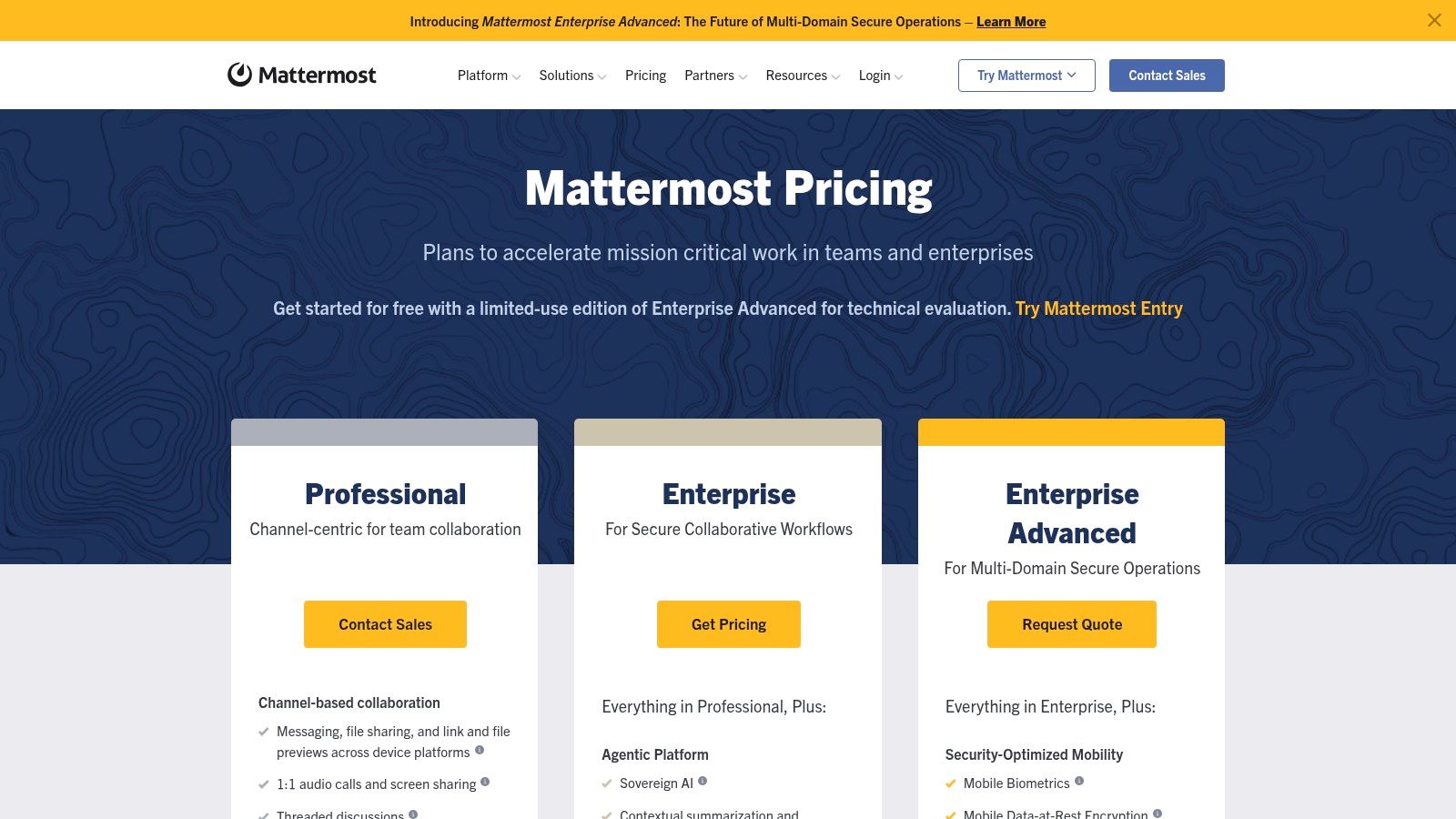
The platform is built for technical teams, with deep integrations into developer tools. It offers everything you'd expect: threaded conversations, file sharing, and voice/video calling. However, its greatest strength is also its biggest hurdle. Deploying and managing a self-hosted version requires a dedicated IT team and technical expertise. It’s a powerful tool, but you have to be ready to manage the infrastructure that powers it.
Key Takeaways
Best For: Security-conscious organizations, government agencies, and DevOps teams that require full data control.
Pros: Complete data ownership, highly customizable, and strong support for developer workflows.
Cons: Requires significant IT resources to deploy and maintain, which can increase the total cost of ownership.
Website: https://mattermost.com/pricing
9. Rocket.Chat
Where data sovereignty is paramount, Rocket.Chat stands out. It’s a powerful open-source tool that gives you complete control over your communication data. You can host it yourself or deploy it in a private, air-gapped environment. This makes it a prime choice for government, healthcare, and finance sectors that must meet strict compliance standards. At its core, it offers the familiar channel-based messaging experience you'd expect.
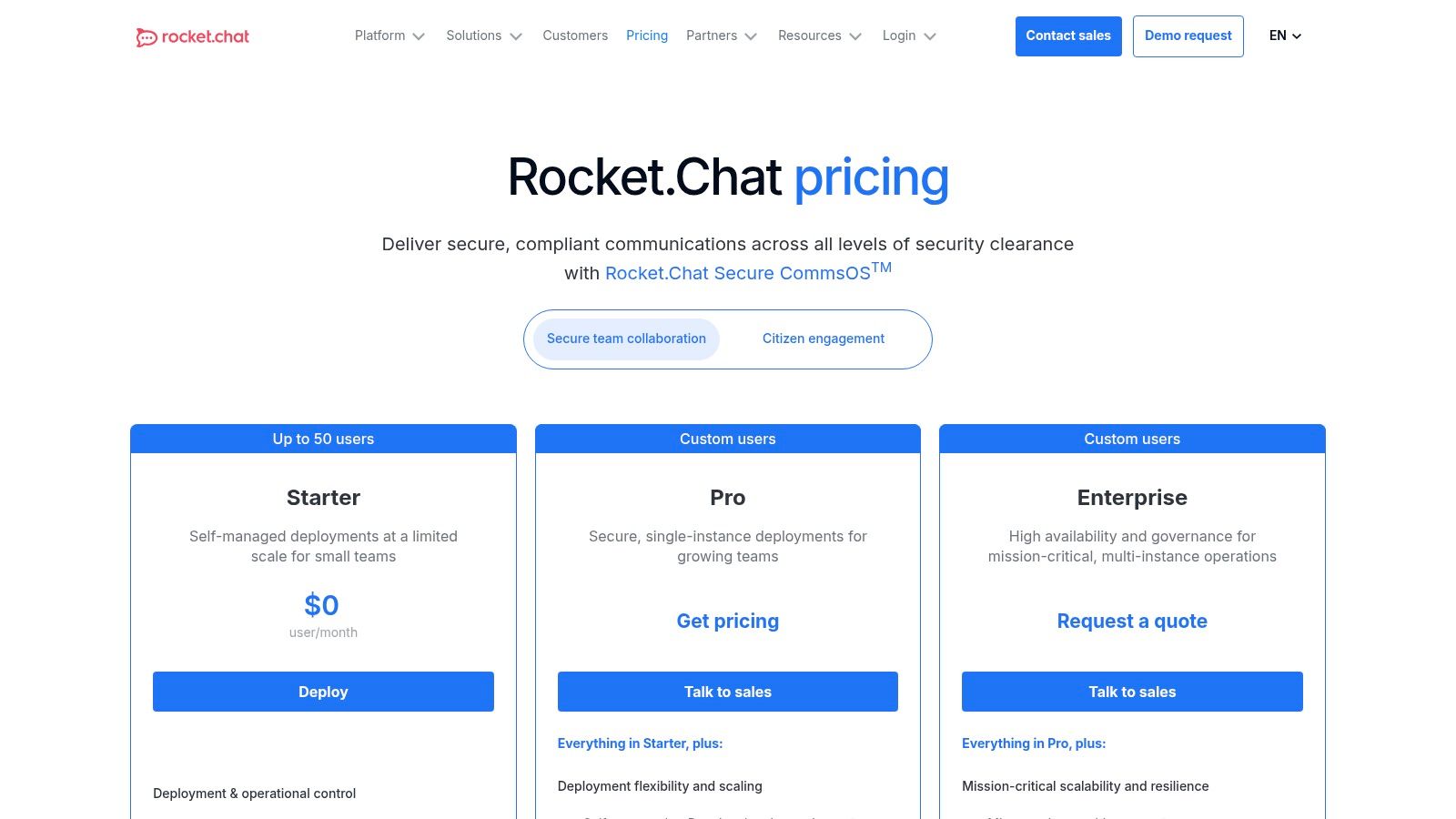
The platform’s real differentiator is its flexibility. Being open-source, it’s highly customizable. You can tailor the interface, integrations, and security protocols to your exact needs. However, this level of control comes with a trade-off. It requires more technical expertise to set up and maintain than a managed cloud tool. If you don't have a dedicated IT team, the initial setup can be a big project.
Key Takeaways
Best For: Highly regulated industries like government and finance, or any organization that requires full data ownership.
Pros: Unmatched deployment flexibility, high-level security, and extensive customization options.
Cons: Requires significant technical resources for setup and maintenance. The user experience can feel less polished than mainstream competitors.
Website: https://www.rocket.chat/pricing
10. Zoho Cliq
For teams already using Zoho's suite of business apps, Zoho Cliq is a natural fit. It's designed to be the connective tissue for everything from Zoho CRM to Zoho Projects. This isn't just a standalone chat app; it's a communication layer that brings all your business operations into one conversational place. It has channels, threaded replies, and even allows for external channels to collaborate with vendors or clients.
The platform is surprisingly robust, with built-in audio and video meetings. Its real differentiator, however, is the developer-friendly platform that lets you build custom bots and commands to automate workflows. While it can function on its own, its true potential is unlocked when used with other Zoho apps. This might make it a less ideal fit for teams not using the suite. For organizations seeking a highly integrated and customizable tool, it stands out as one of the best team communication app options, especially for the price.
Key Takeaways
Best For: Companies of all sizes that are current or prospective users of the Zoho One bundle.
Pros: Incredible value, especially for existing Zoho customers, and a highly customizable developer platform.
Cons: Its value is significantly lower if you're not using it with other Zoho products.
Website: https://www.zoho.com/cliq/pricing.html
11. Beekeeper
Beekeeper is a mobile-first platform designed from the ground up for frontline and deskless workers. Where many communication apps feel like desktop software crammed onto a phone, Beekeeper prioritizes the mobile experience to connect employees in fields like hospitality, manufacturing, and retail. It centralizes company news, enables direct chat, and automates operational workflows like shift notifications. It’s built to be the single point of contact for employees who don't have a corporate email address.
One of Beekeeper’s standout features is its inline translation, which helps engage a multilingual workforce by automatically translating posts and messages. This makes it a strong choice for global companies. The platform also offers digital signage, turning screens in break rooms into communication dashboards. But be aware: its pricing isn't publicly listed, and some marketplace listings suggest minimum user counts, making it less accessible for very small teams.
Key Takeaways
Best For: Companies with large, multilingual frontline workforces in industries like retail, hospitality, and logistics.
Pros: Excellent mobile-first user experience, strong multilingual support, and deep operational workflow integrations.
Cons: Pricing is not transparent. It may be overly complex for small businesses needing simple chat.
Website: https://www.beekeeper.io/platform/employee-app/
12. Capterra
Sometimes, the best tool isn't a single app but a resource to find the right one. Capterra is a massive, searchable directory for business software, including an entire category dedicated to the best team communication app options. Think of it as a starting point for your research. You can filter hundreds of tools by specific features, deployment type, and company size. It gathers user reviews, screenshots, and basic pricing details to help you build a shortlist.
The platform’s real value is its side-by-side comparison tool, which lets you see how different apps stack up. This saves a ton of time. However, it's wise to approach the rankings with a critical eye, as sponsored placements can influence which tools appear first. Always use it as a discovery tool, then visit the official websites for the most accurate and up-to-date information before making a final decision.
Key Takeaways
Best For: Teams and leaders in the evaluation phase who need to survey the market and compare a wide range of tools.
Pros: Extensive directory with powerful filtering, verified user reviews, and a great side-by-side comparison feature.
Cons: Sponsored listings can affect which tools you see first. The information may not always be as current as the vendor's own site.
Website: https://www.capterra.com/team-communication-software/
Top 12 Team Communication Apps Comparison
Product | Core features | UX / Quality (★) | Value / Pricing (💰) | Target (👥) | Unique selling point (✨) |
|---|---|---|---|---|---|
🏆 Pebb | Mobile-first chat, voice/video, heartbeat feed, Spaces (tasks/files/events/shifts), clock‑in/PTO, Knowledge Library, analytics | ★★★★☆ — intuitive, fast adoption | 💰 Free sign-up; enterprise plans via sales | 👥 Frontline + office (retail, hospitality, healthcare, warehouses) | ✨ All‑in‑one frontline-focused workspace; single‑link rollout; 50+ integrations |
Slack | Channels, DMs, huddles, clips, canvases, large app directory | ★★★★☆ — familiar, extensible | 💰 Free tier; tiered paid plans | 👥 Knowledge workers, startups, enterprises | ✨ 2,600+ integrations; Slack Connect for external partners |
Microsoft Teams | Chat, channels, meetings, calling, OneDrive/SharePoint integration | ★★★★☆ — comprehensive; enterprise controls | 💰 Included with Microsoft 365; add‑ons (Copilot) | 👥 M365 organizations, enterprises | ✨ Deep Office integration and broad compliance tools |
Google Workspace (Chat) | Chat & Spaces, Meet, Gmail/Calendar/Drive integration, Gemini AI | ★★★☆☆ — integrated suite experience | 💰 Included in Workspace plans | 👥 Organizations needing mail, docs & chat | ✨ Gemini AI across plans; simple admin & migration tools |
Zoom Team Chat | Channels, 1:1 chat, meeting‑linked threads, AI Companion | ★★★☆☆ — meeting‑centric UX | 💰 Chat included with Zoom licenses; paid AI features | 👥 Meeting‑heavy teams | ✨ Native meeting + chat continuity and AI summaries |
Webex (Cisco) | Persistent messaging, meetings, calling, Vidcast, enterprise security | ★★★★☆ — reliable, secure | 💰 Quote-based enterprise pricing | 👥 Regulated enterprises, government | ✨ FedRAMP options & enterprise-grade compliance |
Workvivo | News feeds, campaigns, social intranet, live streaming, analytics | ★★★★☆ — comms & engagement focused | 💰 Quote-based (enterprise) | 👥 Internal comms teams, large orgs | ✨ Employee experience platform with digital signage & campaigns |
Mattermost | Channels, threads, self-hosted or cloud, AD/LDAP/SSO, audit logs | ★★★☆☆ — devops-friendly, secure | 💰 Self-host or paid hosted tiers | 👥 Security-conscious orgs, DevOps teams | ✨ Open-source with on‑prem data ownership & granular governance |
Rocket.Chat | Channels, DMs, voice/video integrations, self-managed & hosted, federation | ★★★☆☆ — highly customisable | 💰 Self-host / premium hosting options | 👥 Regulated/public sector, security-focused teams | ✨ Federation, air-gapped deployments & extensive customization |
Zoho Cliq | 1:1 & group chat, meetings, DLP, developer bots & commands | ★★★☆☆ — best inside Zoho ecosystem | 💰 Competitive; bundled with Zoho One | 👥 SMBs and Zoho customers | ✨ Developer platform for bots + strong value within Zoho suite |
Beekeeper | Streams, chat, inline translation, workflows, shift notifications | ★★★★☆ — mobile-first for deskless staff | 💰 Quote-based; available via marketplaces | 👥 Deskless/frontline workers (multi-lingual) | ✨ Purpose-built frontline features & multilingual support |
Capterra | Directory, user reviews, comparisons, buyer’s guides, filters | ★★★★☆ — broad, time‑saving discovery | 💰 Free for buyers; sponsored placements | 👥 Buyers & evaluators researching software | ✨ Side‑by‑side comparisons, recency‑weighted reviews and shortlists |
So, What Now? A Final Thought on 'Best'
We’ve just walked through a dozen different tools. Your head is probably swimming with features, pricing tiers, and promises of seamless collaboration. You’re likely looking for a simple answer to the question: what is the best team communication app?
Here’s the honest truth: the 'best' app isn’t a specific product on a list. It’s the one that quietly disappears into the background of your team's workday. It’s the tool that connects people without demanding their constant, fractured attention. It feels less like another inbox and more like a shared space to get things done.
For too long, the market has presented a false choice. On one side, you have the powerful, always-on chat apps built for tech offices. They’re great for rapid-fire talk but can quickly become a source of digital noise. On the other, you have clunky intranet portals for corporate announcements, which often feel disconnected from the reality of frontline work. This leaves a massive gap for most teams.
Moving Beyond the Noise
We believe this is a broken model. The goal shouldn't be to find a faster way to interrupt your team. The goal should be to create a calmer, more intentional place where communication serves the work, not the other way around. This means re-evaluating what communication truly means for your company. Is it just about chat, or is it about sharing updates, managing tasks, scheduling shifts, and building a genuine sense of connection?
The right tool depends on your answer.
If you’re a desk-based team drowning in notifications, your priority might be a tool with better async controls.
If you’re managing a distributed frontline workforce, your focus must be on a mobile-first platform that consolidates everything in one place.
If you’re an HR or Ops leader, you need a system with security, governance, and real data on engagement, not just a firehose of messages.
Your Next Step: A Simple Audit
Before you sign up for a dozen free trials, step back. Ask your team these three simple questions:
Where does our communication break down right now?
What essential work happens outside of email and chat?
What would a calmer workday look like for our team?
The search for the best team communication app isn't about finding the one with the longest feature list. It’s about being clear on your intention. Are you trying to add another channel of noise, or create a central hub for focused, meaningful work? The right choice is the one that helps your team do more of the latter.
We built Pebb on the belief that teams deserve a single, calm platform that unifies communication, operations, and culture without the chaos. If you’re looking to replace the noise of multiple apps with one organized, mobile-first hub, see if our approach feels right for you. You can learn more at Pebb.
