
10 Best Document Management Software for Small Business
Tired of messy shared drives? Find the best document management software for small business with our honest, no-jargon guide to the top 10 tools.
Dan Robin
A small business owner once showed me a shared drive five minutes before a client meeting. The proposal they needed was in there somewhere. So were four old drafts, a scanned contract with a useless file name, and a folder called “Misc” that had turned into a graveyard for everything nobody wanted to sort. We found the file. Barely. The meeting started late, and everyone walked in irritated.
That mess drains more than time. It slows decisions, causes mistakes, and trains people not to trust the system.
If you’ve ever had to call in professional data recovery services after a bad deletion or drive failure, you already know how expensive bad document habits can get. Small businesses do not need bloated software or a six-month rollout. They need one place for files, clear access rules, version history, and search that works the first time.
Analysts at Grand View Research estimate the broader document management systems market will keep growing through the rest of the decade, which makes sense. Small teams are tired of babysitting folder chaos and chasing the latest copy. You can review the broader document management approach for business beyond simple storage if you want the bigger picture before picking a tool.
Here’s the frame I’d use. Start with the job, not the feature grid.
A sales-heavy team needs fast proposal access, approval trails, and client-ready sharing. A field team needs forms, policies, and checklists on a phone without digging through desktop-style folders. A hybrid office needs clean permissions, easy collaboration, and fewer “can you send that again?” messages. Those are different problems, and they lead to different software choices.
That is why this guide is built around how a small business works. It includes the usual office-first tools, but it also calls out options that fit modern distributed teams, including frontline and hybrid staff that get ignored in a lot of these roundups.
These are the tools I’d seriously consider if I were buying document management software for a small business right now.
1. Pebb
If your business has desk workers and frontline staff, most document tools miss the point. They store files fine, but they don’t fit the way people work. A shift lead doesn’t want to open three apps just to find a policy, message a manager, check a schedule, and confirm a task.
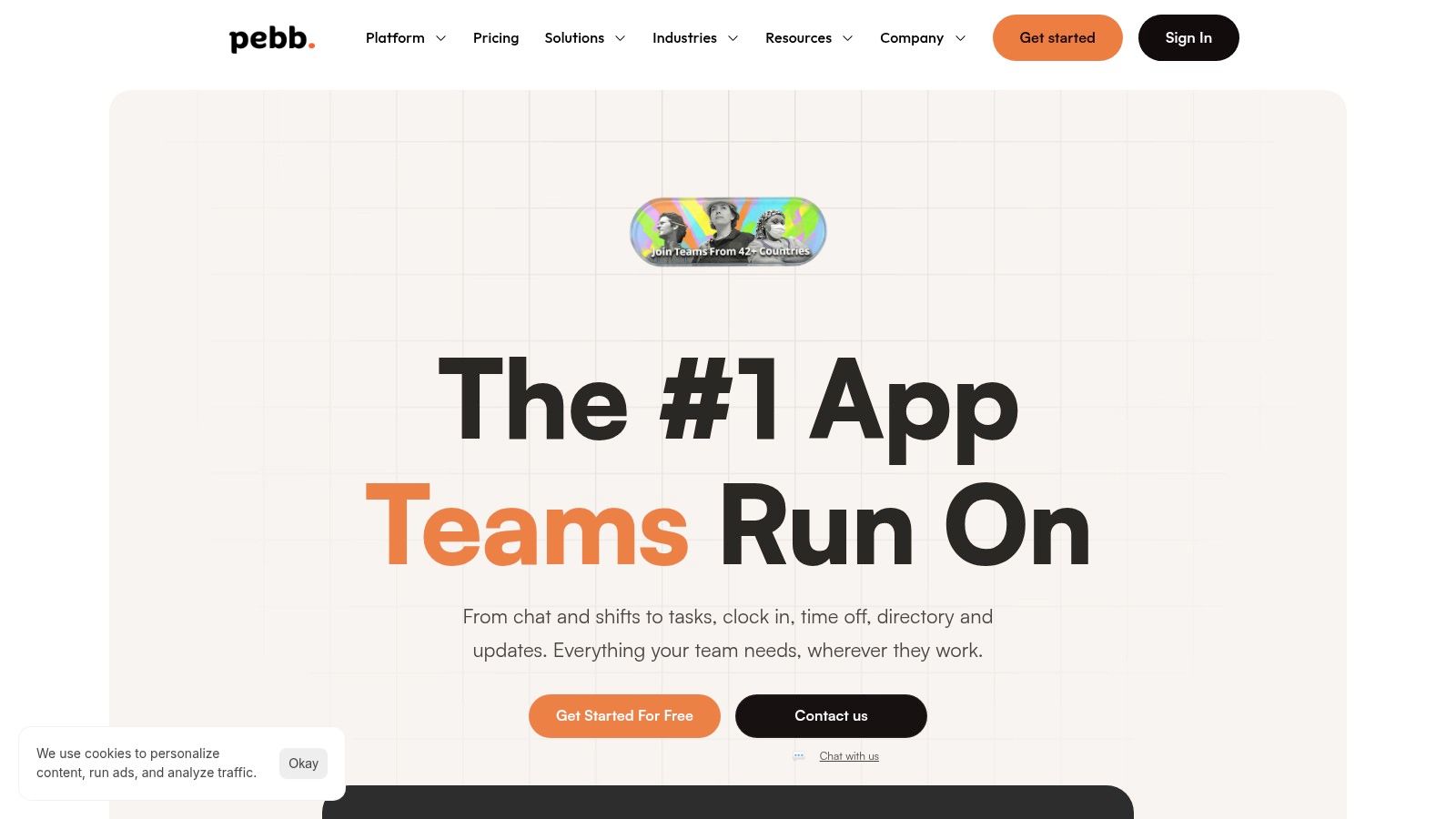
That’s why I’d put Pebb at the top for modern small businesses with distributed teams. It isn’t just a file cabinet in the cloud. It’s an all-in-one work app that combines chat, calls, a news feed, team spaces, file sharing, a knowledge library, tasks, scheduling, clock-ins, PTO, and a people directory in one place. That matters because documents rarely live alone. They sit inside real work.
One underserved problem in this category is mobile use for frontline teams. The background research for this topic points out that many reviews still obsess over office features while ignoring mobile-first access for retail, hospitality, healthcare, and logistics teams. Pebb is built for that reality. People can pull up files, onboarding material, and day-to-day information from their phones without feeling like they’re using a desktop tool squeezed onto a small screen.
Why Pebb works in the real world
A lot of software claims to reduce tool sprawl. Pebb has a credible case. You can run company updates in the feed, keep department files in Spaces, store policies in the knowledge library, assign tasks, and manage scheduling without bouncing between disconnected systems.
That’s especially useful because integration pain is real for small operators. Background research for this piece notes that many leaders struggle to connect documents with scheduling, HR, payroll, and authentication tools. Pebb’s all-in-one approach, plus integrations with HR, payroll, and auth systems, is a better fit than forcing a pure DMS into an operations job.
Practical rule: If your team needs files tied to shifts, tasks, locations, and mobile work, buy for workflow first and storage second.
There’s also a speed advantage. Pebb’s setup is designed to be quick, with teams getting started through a single invite link. For small businesses, that’s not a nice extra. It’s the difference between rollout and shelfware.
You can get a broader sense of that approach in Pebb’s own guide to document management beyond simple storage.
Best for
Frontline and hybrid teams: Retail, hospitality, healthcare, logistics, and any business where people work on the move.
Owners replacing multiple tools: If you want chat, files, onboarding, scheduling, and updates in one app, this is the cleanest fit.
Small teams without IT depth: Fast rollout matters more than theoretical power.
The only real caution is that pricing details aren’t fully transparent on the site, so budget-conscious buyers will want a direct conversation before committing. And if you need deep, enterprise-grade HR or payroll processing, you’ll still keep those systems. But for a small business that wants one digital home instead of a pile of disconnected apps, Pebb is the strongest recommendation here.
2. Box Business
A client gets the wrong file. Or worse, they get the right file with the wrong permissions. That is the kind of mistake that turns a normal Tuesday into a week of damage control. If your business shares proposals, contracts, intake forms, or compliance-heavy documents outside the company every day, Box is built for that job.
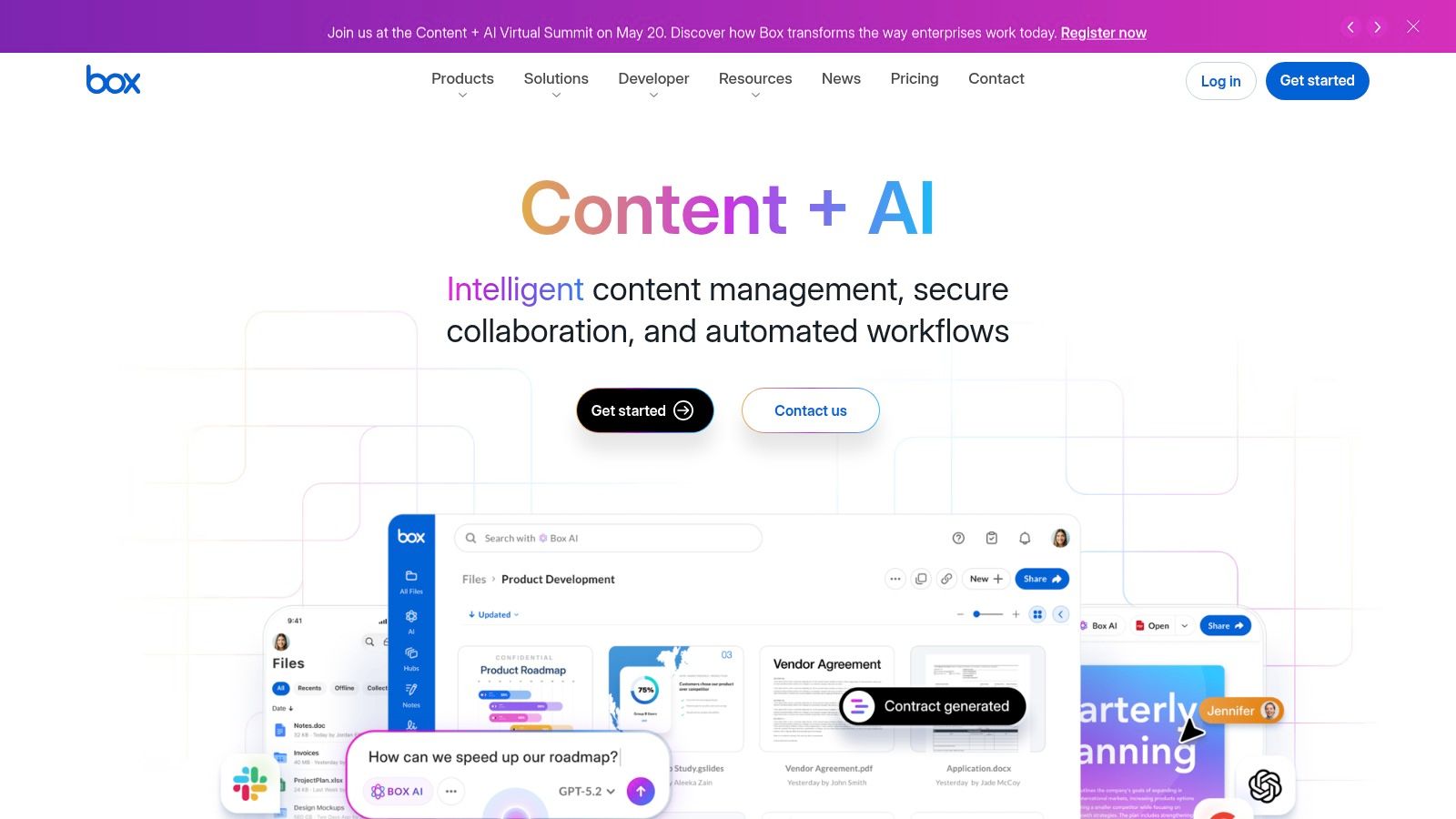
Box Business earns its place here because it handles external collaboration with discipline. You can send secure links, control access, track who opened what, route files through approvals, and keep a paper trail without cobbling together extra tools. That matters for agencies, professional services firms, healthcare-adjacent teams, and any owner who is tired of asking, "Who sent this version?"
Where Box makes sense
Box is a strong pick if your core problem is controlled sharing across company lines. Client review cycles, legal documents, onboarding packets, vendor paperwork, signed forms. It keeps those processes tighter than consumer-style file tools that were built mainly for storage and sync.
It also gives a small business room to grow. You can start with shared folders and permission controls, then add retention rules, workflow automation, and e-signatures later. That is a better path than buying an oversized enterprise system on day one.
Pick Box when the job is secure external file sharing with clear accountability.
There is another reason Box works well for service businesses. It forces better habits around document ownership, access, and version control. If your team struggles with scattered information, it helps to pair a file system like Box with stronger knowledge management best practices for small teams, because storage alone will not fix messy operations.
The tradeoff is straightforward. Box can feel heavier than Dropbox or Google Drive if your team mostly collaborates internally and just needs fast sync. Some of the more advanced workflow and governance features also show up higher in the pricing stack.
Still, if your small business regularly sends sensitive documents to clients, partners, or outside reviewers, Box is one of the clearest recommendations on this list. It is not the tool I would choose for a frontline-heavy, distributed operation. Pebb fits that job better. But for secure document exchange with outside parties, Box does the work well.
3. Dropbox Business
Dropbox is the familiar favorite. That’s not a criticism. Familiarity wins in small business because people already know how to use it, which means fewer training headaches and fewer “where do I click?” messages.
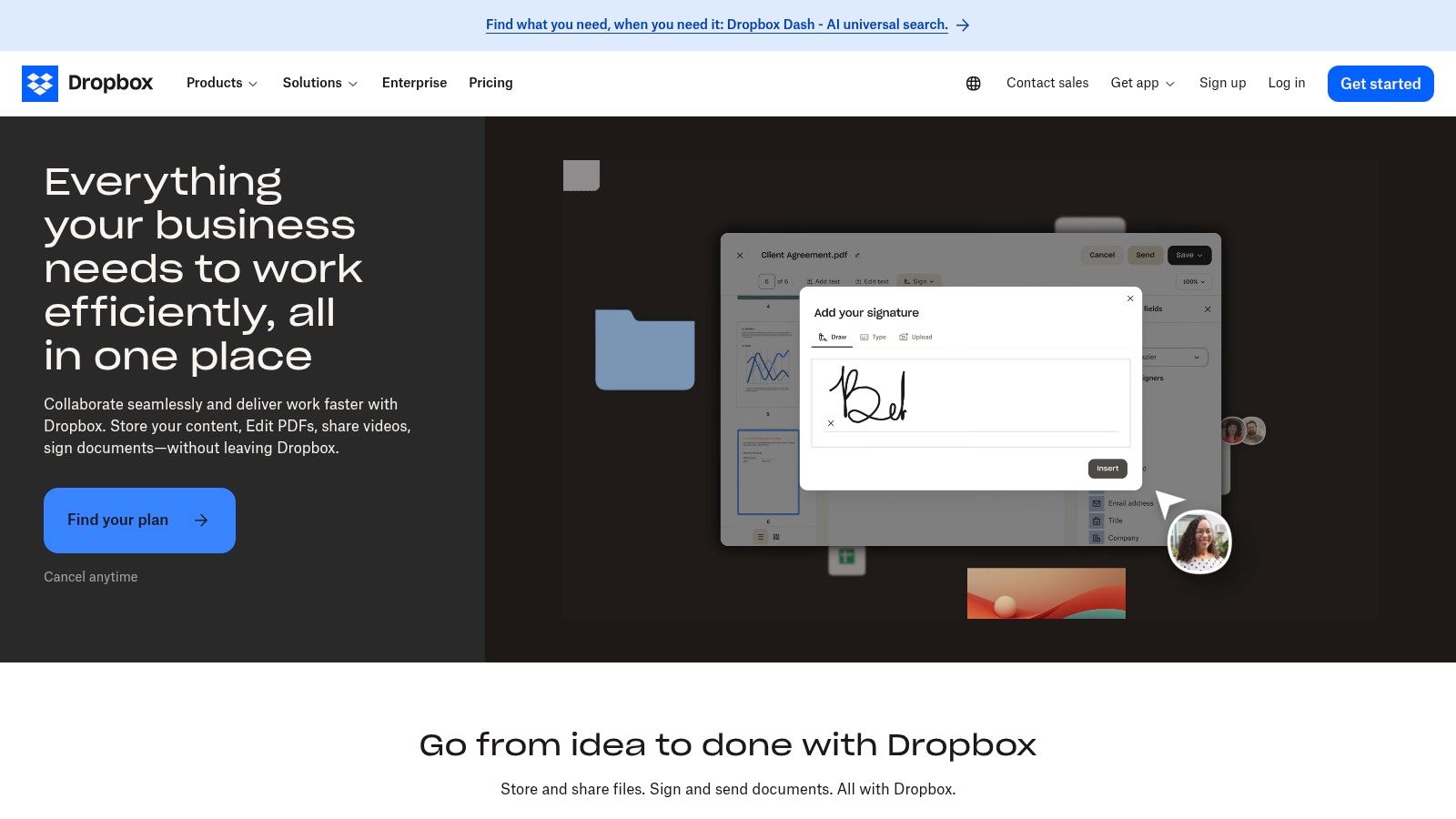
If your team’s main job is syncing files, sharing folders, collecting files from clients, and keeping desktop access dead simple, Dropbox Business still makes a lot of sense. It’s especially good for mixed-skill teams where not everyone is technical and nobody wants a complex admin experience.
Why some teams still pick Dropbox first
The desktop sync is the big reason. Plenty of businesses still live in a world of local folders, creative files, and drag-and-drop habits. Dropbox respects that. It doesn’t ask people to change how they think overnight.
It’s also useful if you’re trying to improve how people find and reuse internal information, not just where they dump files. If that’s a problem in your business, it helps to think beyond storage and look at knowledge management best practices, because file sync alone won’t fix a messy information culture.
Best fit: Creative firms, client-service businesses, and small teams that want easy onboarding.
Why people stick with it: Reliable sync, link-based sharing, and very little friction.
Where it falls short: Governance is lighter than with more specialized document systems.
Dropbox isn’t the strongest pick if you need structured records management or process-heavy automation. It also splits some features across plans and add-ons, which can make the final setup feel messier than the homepage suggests.
But if your business is drowning in attachments and local copies, and you need something people will start using this week, Dropbox is still a practical choice.
4. Google Workspace Drive
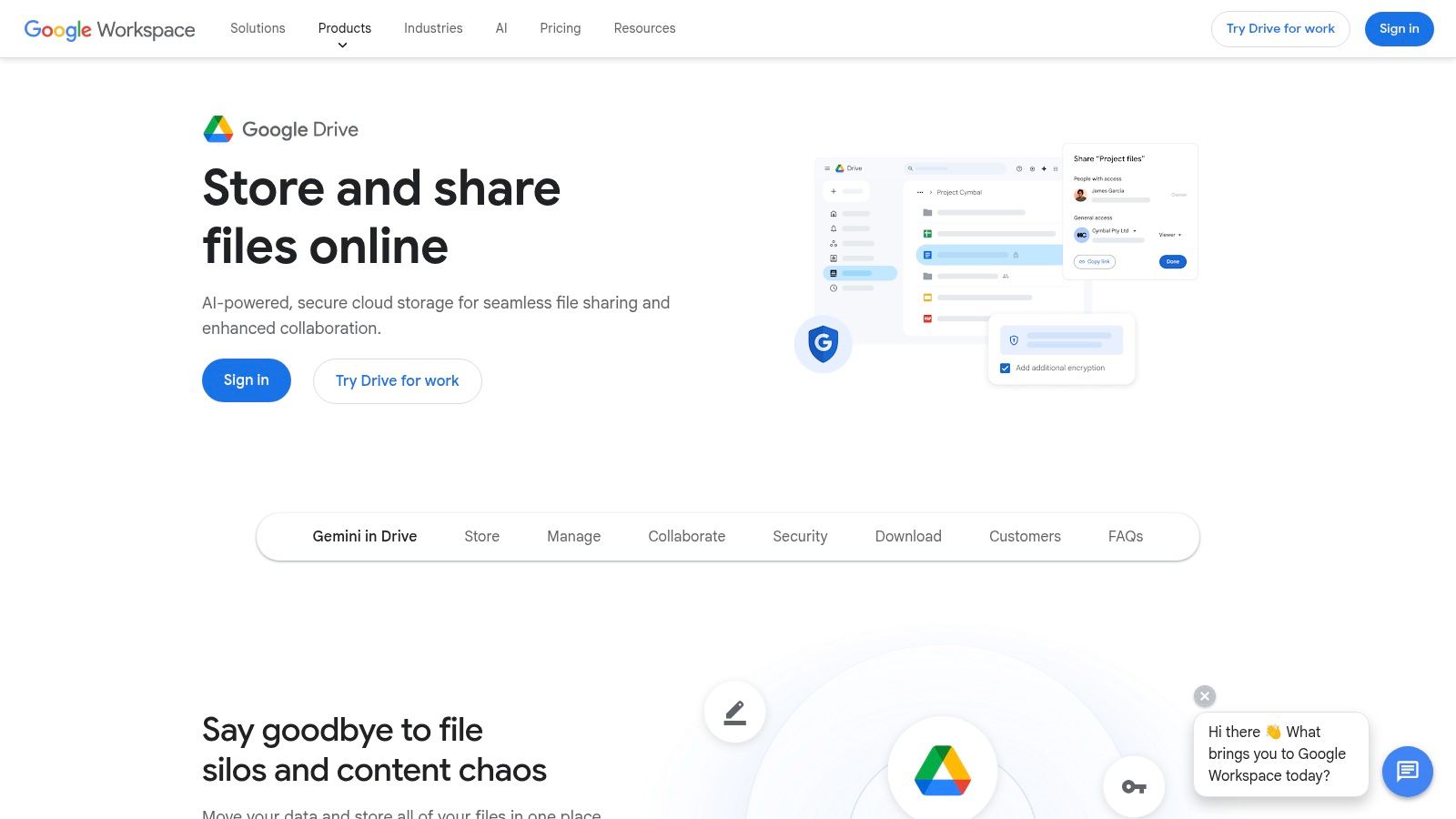
A lot of owners end up on Google Drive the same way they end up with a second coffee machine in the office. Nobody ran a formal buying process. It just solved the problem fast, people started using it, and now the business runs on it.
That is not a bad thing.
Google Workspace Drive is the right pick when the job is simple: keep documents in one place, let people edit together, and stop the endless hunt for the latest version. Shared drives keep files with the business instead of tying them to one employee’s account. Docs, Sheets, and Slides work well for teams that live in the browser and need quick collaboration without much setup.
Google says Drive includes 15 GB of storage at no charge with a Google Account. That low-friction starting point explains why many small companies begin here before they ever look at a heavier document system.
When Google Drive is the right answer
Choose Drive if your team’s real job is working together, not managing strict records. That usually means marketing drafts, operating procedures, project notes, sales collateral, proposals, and internal policies. People can comment, edit at the same time, and move on. For a small business, that speed matters more than a long feature checklist.
It also deserves a serious look for modern distributed teams, especially hybrid offices and frontline-heavy businesses with managers, admins, and field staff spread across locations. Browser access, mobile apps, and familiar sharing links make Drive easier to roll out than systems that assume everyone sits at a desk all day.
Google reported that more than 70 percent of Google Workspace users use Drive. That tracks with real-world behavior. Teams use what feels easy on day one.
The catch is structure. Drive gets messy fast if nobody owns folder design, permissions, and naming rules. Before you roll it out across the whole company, set a few basic standards around shared drives, access levels, and file naming. These document management best practices for small teams will save you from the usual cleanup project six months later.
My advice is simple. If your company already works inside Google and your main problem is collaboration, use Drive and keep it tidy. If you need tighter compliance, heavier process controls, or deeper records management, you will outgrow it.
5. Microsoft 365 SharePoint and OneDrive for Business
A lot of small businesses end up here the same way. They start with files in email, desktops, and random folders in Teams. Then one bad version of a contract or pricing sheet gets sent out, and suddenly “we should organize our documents” becomes urgent.
If your business already lives in Outlook, Teams, Word, and Excel, don’t overcomplicate this. Microsoft SharePoint with OneDrive for Business is the practical choice. You keep documents inside the tools your staff already uses, and that matters more than chasing a prettier interface.
Microsoft said in its FY23 fourth-quarter earnings materials that Microsoft 365 now has more than 345 million paid seats. That doesn’t tell you SharePoint usage on its own, but it does tell you the ecosystem is massive, established, and very unlikely to vanish or get neglected.
Best use case for SharePoint
SharePoint works best when the core function is control inside a Microsoft business. You need one place for policies, proposals, client files, SOPs, and internal records. You need version history, permissions, approvals, and files that open cleanly in Office without constant format issues. That is where it earns its keep.
It is also a serious option for modern distributed teams, especially companies with a mix of office staff, managers, and people in the field. Teams mobile access, OneDrive sync, and browser-based file access can work well across locations if you set it up properly. If your company is still deciding between ecosystems, read this breakdown of Microsoft 365 vs Google Workspace before you commit. That decision shapes your document system more than any feature checklist.
The catch is setup. SharePoint does not clean up bad habits for you. If nobody owns folder structure, permissions, naming rules, and retention, it turns into a junk drawer with better branding. These document management best practices for small teams will save you a lot of rework.
Choose it when: Your team already runs on Microsoft 365 and needs tighter control over shared files.
Avoid it when: You want something your team can use well without any planning or admin effort.
Expect: Strong permission controls, reliable Office collaboration, and a learning curve on the admin side.
AIIM has long argued that version control and governed collaboration reduce costly rework in document-heavy teams, and that lines up with what I’ve seen in small businesses. SharePoint helps most when bad versions, scattered permissions, and approval confusion are already slowing the company down.
My advice is blunt. If Microsoft is already the center of your workday, use SharePoint and set it up properly. If your team is not committed to Microsoft, pick something simpler.
6. Egnyte

Egnyte is for businesses that need more control than Dropbox but don’t want to drown in enterprise complexity. I’ve seen it make the most sense in construction, professional services, and firms that handle large files and client-sensitive information.
What I like about Egnyte is that it takes governance seriously without feeling completely hostile to normal users. You get stronger security and content controls, but you don’t need a giant IT department just to make the thing useful.
Why Egnyte wins certain teams over
Egnyte is a good middle path. Not as bare-bones as file-sync tools. Not as process-heavy as some legacy DMS platforms. If your business is growing into stricter compliance, ransomware recovery concerns, or industry-specific workflows, that middle path matters.
It’s also a sensible option if you’re still deciding between a Microsoft-heavy or Google-heavy environment. That bigger ecosystem choice affects your document stack more than many owners realize. If you’re sorting that out, this comparison of Microsoft 365 vs Google Workspace is worth reading before you commit.
Egnyte is the tool I’d look at when a business says, “We’ve outgrown basic cloud storage, but we’re not ready for a heavyweight records system.”
The tradeoff is straightforward. Some of Egnyte’s more advanced AI and governance features are pushed into higher tiers. And for a very small team with simple needs, the admin depth may feel like more than you asked for.
Still, for firms with larger files, stronger security expectations, and a need to grow into better control, Egnyte earns a place on the shortlist.
7. M-Files
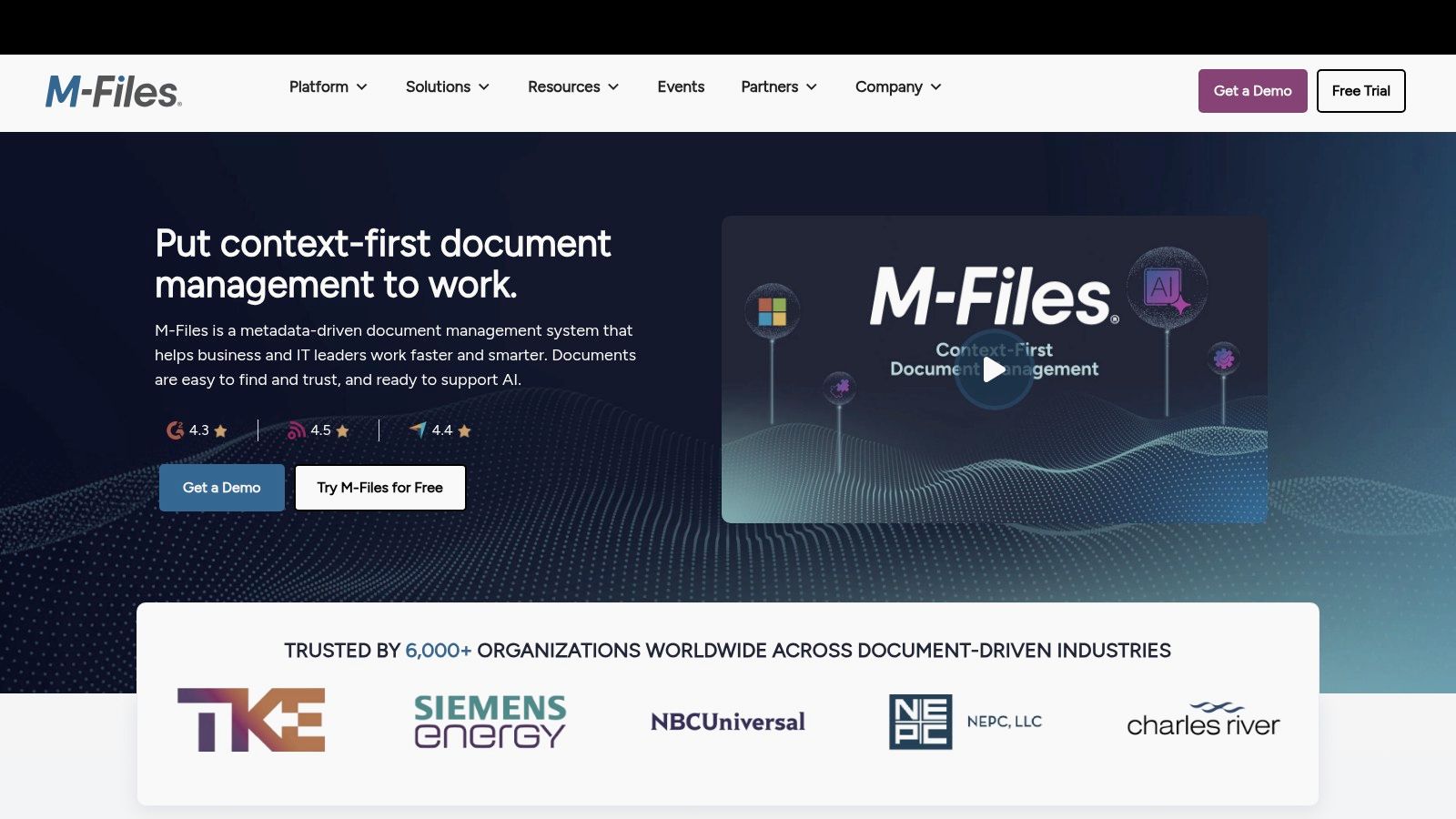
M-Files takes a different approach, and that’s exactly why some businesses love it. Instead of organizing documents by folder first, it organizes them by what they are. Contract. Invoice. Employee record. Project file. That sounds small, but it changes how people find information.
If your team is constantly asking where something lives, M-Files is appealing because it tries to remove the “where” question altogether.
The real strength of M-Files
This is a better fit for process-heavy businesses than for casual file-sharing teams. Think companies with approval chains, audit needs, and documents that move through formal stages. It’s less about dumping files into a drive and more about managing a lifecycle.
That approach can pay off, especially when folders have already become a mess. But there’s a price. M-Files has a steeper learning curve than the simpler cloud drives on this list. Small teams with no appetite for process will bounce off it.
Strong fit: Compliance-heavy teams and businesses with structured approvals.
Less ideal: Small crews that just need shared folders and easy links.
What stands out: Metadata-driven organization instead of folder-first thinking.
I wouldn’t put M-Files in front of a ten-person shop that only needs contracts, proposals, and HR docs in one place. I would put it in front of a business where document classification and governance are central to how work gets done.
That’s the dividing line. If your chaos comes from complexity, M-Files can help. If your chaos comes from bad habits, it may be too much tool.
8. DocuWare Cloud
A lot of small businesses hit the same wall. Files are technically stored somewhere, but invoices still get stuck in email, HR paperwork still bounces between people, and approvals still depend on whoever remembers to follow up. That is the job DocuWare Cloud is built for.
DocuWare is a back-office document system first. It captures documents, routes them through approval steps, and keeps records organized in a way that stands up better than a loose shared drive. If your biggest headache is paperwork moving slowly through finance, HR, or operations, this is the kind of tool that fixes the problem at the source.
Where DocuWare earns its keep
This product makes the most sense for businesses that need process, not just storage. Invoice approvals, employee files, vendor paperwork, onboarding forms, and policy signoffs are a better fit here than casual team collaboration. You are buying control and consistency.
That matters because small businesses do not usually suffer from a lack of file space. They suffer from sloppy handoffs.
DocuWare has a long track record in document capture and workflow automation, and that focus shows. It is better suited to structured office processes than to general-purpose collaboration. I would put it in front of a company that wants fewer manual steps and cleaner records, not a team that mainly wants to share folders and links.
It also helps clarify one of the bigger decisions in this guide. If your job to be done is "get paperwork processed correctly and on time," DocuWare deserves a serious look. If your job is "help a distributed team find, share, and act on documents from their phones all day," I would rank Pebb higher. Traditional document systems, including DocuWare, are usually stronger in the back office than in fast, phone-first field work.
If your pain starts with accounts payable, HR records, or approval routing, DocuWare is a better choice than a basic cloud drive.
The tradeoff is setup. This is not the tool I would hand to a five-person team that wants to be organized by Friday afternoon. You get the payoff when you define workflows upfront and treat implementation seriously. If you do that, DocuWare can save a lot of admin time and a lot of avoidable mess.
9. Revver
Revver sits in a useful lane for small and midsize businesses. It’s more serious than basic storage, but it doesn’t carry the same reputation for complexity as some larger enterprise systems. If you’re moving from “shared folders everywhere” to actual document processes, Revver is worth a look.
What I appreciate about Revver is focus. It’s built around document-heavy workflows, retention, approvals, and organization. That’s not glamorous, but it’s the kind of plumbing that keeps small businesses from tripping over the same paperwork problems every week.
Why Revver is a practical step up
Some teams aren’t ready for a giant platform shift. They just need to stop losing files, standardize approvals, and automate repetitive admin work. Revver is good for that middle stage.
It also tends to fit firms that have outgrown cloud storage but still want something SMB-oriented. Accounting offices, admin teams, operations groups, and businesses with recurring internal paperwork often fall into that camp.
What it does well: Workflow automation, retention controls, and structured document handling.
Why it appeals: Built with SMB use cases in mind, not just enterprise buyers.
What to know: Pricing requires a sales conversation, and the broader integration ecosystem isn’t as extensive as Microsoft or Google.
I wouldn’t call Revver the obvious first choice for everyone. But for small businesses that want to graduate from storage to process, without jumping straight into a heavyweight system, it fills a sensible gap.
10. Zoho WorkDrive
A lot of small businesses buy document software the same way they buy office chairs. They skim a few feature lists, pick the familiar brand, and deal with the pain later. That is how you end up paying enterprise prices for a file system your team barely uses.
Zoho WorkDrive is a better fit for owners who want order without a long setup project. You get shared team folders, version history, access controls, file sharing, and workflow tools in a package that makes sense for a growing company with a real budget.
Why Zoho is easy to recommend
Zoho WorkDrive stands out because it solves a common small-business job: get everyone to save, find, and share documents in one place without turning the tool into a full-time admin burden. That sounds basic. It is also where plenty of teams fail.
If you already run parts of the business on Zoho, the case gets stronger fast. WorkDrive fits neatly with Zoho Mail, CRM, Projects, and other apps, so you are not stitching together five different systems just to keep documents tied to daily work.
It is also one of the more sensible picks for modern distributed teams that do not all sit at the same desk, or even in the same building. Hybrid staff, field managers, and back-office employees usually need quick access, clear folder ownership, and fewer “which version is final?” arguments. WorkDrive handles that job well.
Zoho WorkDrive is the right pick for small businesses that want practical document control, reasonable pricing, and an upgrade path that does not feel bloated.
The tradeoff is straightforward. If your business needs very mature records governance, heavy compliance controls, or highly specialized document workflows, older document management systems still have the edge. Zoho is better for businesses that want to get organized and keep moving.
That is why I rate it as a value pick. Not because it is the cheapest option, but because it covers the work small businesses need done.
Top 10 Small-Business Document Management Comparison
Product | Core features & unique strengths ✨ | UX & Quality ★ | Best for 👥 | Pricing & Value 💰 |
|---|---|---|---|---|
Pebb 🏆 | All‑in‑one: chat, Spaces (chat/posts/tasks/files), shifts/clocking/PTO, Knowledge Library, analytics, 50+ HR integrations ✨ | ★★★★☆ Mobile‑first, feed‑style engagement, fast single‑link onboarding | 👥 Frontline + office teams (retail, hospitality, healthcare, logistics) | 💰 Free starter; custom plans via sales; noted affordability |
Box Business | Secure cloud CMS, Box Relay workflows, Box Sign e‑sign, 1,500+ integrations ✨ | ★★★★☆ Clear sharing & governance, easy external collaboration | 👥 Regulated SMBs needing compliance & external sharing | 💰 Per‑user tiers; advanced Relay on higher plans |
Dropbox Business | Reliable desktop sync, file locking, team folders, Dropbox Sign & media tools ✨ | ★★★★☆ Very easy onboarding; excellent sync performance | 👥 SMBs & teams with heavy external collaborators | 💰 Standard/Advanced tiers; add‑ons for advanced security |
Google Workspace Drive | Drive + Docs real‑time co‑authoring, Gemini AI search/summarization, Shared drives & labels ✨ | ★★★★☆ Seamless collaboration & search, browser‑first UX | 👥 Google‑centric, cloud‑first SMBs | 💰 Business/Enterprise SKUs; advanced security on higher tiers |
Microsoft 365 SharePoint + OneDrive | Team sites, libraries, metadata, tight Office/Teams integration, OneDrive sync ✨ | ★★★☆☆ Familiar Office UX; strong co‑authoring but governance can be complex | 👥 Organizations standardized on Outlook/Teams/Office | 💰 Included in M365 plans; cost‑effective if already on Microsoft stack |
Egnyte | Secure content collaboration, hybrid/edge caching, sensitive data classification, recovery ✨ | ★★★★☆ Strong for large files and regulated workflows | 👥 Regulated industries (construction, life sciences, professional services) | 💰 Tiered plans; advanced security on higher tiers |
M‑Files | Metadata‑first DMS, AI assistant (Aino), strong versioning & audit trails, on‑prem/cloud options ✨ | ★★★☆☆ Powerful metadata model; steeper learning curve | 👥 Process‑heavy orgs needing structured workflows & compliance | 💰 Quote‑based enterprise pricing |
DocuWare Cloud | Cloud DMS with Intelligent Indexing/IDP, Workflow Manager, prebuilt HR/AP processes ✨ | ★★★☆☆ Mature workflows; faster time‑to‑value with partner support | 👥 SMBs wanting out‑of‑the‑box IDP + automation | 💰 Right‑sized cloud packages; pricing by quote |
Revver (eFileCabinet) | SMB DMS with capture, embedded workflow automation, templates & reporting ✨ | ★★★☆☆ SMB‑focused; simpler admin than enterprise suites | 👥 Small/mid teams moving from storage to automation | 💰 Quote/demo required; growing integration ecosystem |
Zoho WorkDrive | Team Folders, custom workflows, DLP/classification, device management; Zoho ecosystem integration ✨ | ★★★★☆ Strong price‑to‑feature; smooth for Zoho users | 👥 Price‑sensitive SMBs and Zoho adopters | 💰 Competitive Business tier pricing; clear public plans |
Pick a Tool and Get Back to Work
No software is perfect. I’ve bought enough tools over the years to know that every platform has rough edges, missing pieces, and at least one feature that sounds better in the demo than it feels on a Tuesday afternoon.
That’s fine.
You’re not buying perfection. You’re buying less friction. You’re buying a system that helps people stop asking where files live, which version is current, and who’s allowed to see what. You’re buying fewer interruptions and fewer preventable mistakes.
That’s why I don’t love overcomplicated buying criteria for the best document management software for small business. Most owners don’t need a giant scorecard. They need a clear answer to a few plain questions. Does the team already live in Google or Microsoft? Do documents mostly stay inside the company or move constantly to clients and partners? Are your people at desks, on the road, or on the floor? Do you need a file hub, or do you need documents tied to work itself?
Those questions narrow the field fast.
If your world is Google, use Drive unless you’ve got a strong reason not to. If you’re all-in on Microsoft, SharePoint is the obvious place to start. If external sharing and security matter most, Box is a smart buy. If you want value and already like Zoho, WorkDrive is easy to justify. If your business runs on approvals, indexing, and back-office workflow, DocuWare or Revver make more sense than a generic file-sync tool. If you’ve outgrown simple folders but don’t want chaos, Egnyte is a solid middle ground. If you need strict process and metadata, M-Files is built for that.
And if your company has frontline workers, hybrid teams, multiple locations, shifting schedules, and a constant need to share policies, files, updates, and tasks from a phone, I’d stop pretending a traditional DMS is enough. That’s where Pebb stands out. It treats documents as part of daily operations, not a separate admin corner no one visits.
There’s also a timing issue people ignore. Small businesses often wait too long to fix document chaos because the pain feels familiar. The files are messy, but the mess is known. That’s a trap. Once growth hits, the confusion compounds in very human ways. New hires can’t find onboarding docs. Managers use old forms. Sales sends outdated proposals. Finance chases approvals across inboxes. What looked like a file problem turns into a work problem.
So keep the rollout simple.
Pick one owner for the setup. Decide what belongs in the new system and what doesn’t. Create a small naming convention that normal people can follow. Set permissions early. Move active files first. Archive the junk. Teach the team one way to save, one way to search, and one way to share. You don’t need a grand transformation plan. You need a clean start and the discipline to stick with it.
If your team also needs a stronger internal source of truth, these best knowledge base software tools are worth a look alongside your document system. Storage and knowledge aren’t the same thing, and treating them as identical usually creates another mess later.
In the end, the best tool is the one your team uses. Not the one with the longest feature list. Not the one your IT friend likes. Not the one with the slickest sales pitch. The one people open every day without groaning.
Pick it. Set it up. Get back to work. Your documents should support the business, not become the business.
If you’re tired of juggling chat, files, scheduling, updates, and onboarding across too many apps, take a serious look at Pebb. It gives small businesses one mobile-friendly place to manage documents alongside the actual work, which is why it’s such a strong fit for frontline, hybrid, and growing teams.
