
The Best Apps for Shift Workers Don't Just Manage Schedules—They Simplify Lives
Tired of clunky software? We reviewed the best apps for shift workers, from scheduling to communication. Find the right tool to calm the chaos.
Dan Robin
The weekly schedule, printed and pinned to a corkboard, is a beautiful lie.
It promises order and predictability. But anyone who’s managed a shift-based team knows the truth. Reality is a messy storm of sick calls, last-minute swaps, and no-shows. The paper schedule is a snapshot of a perfect world that never arrives. The real work happens in the chaos that follows.
This is where software promises a rescue. Apps for shift workers are supposed to bring order, but the market is a jungle of jargon and feature lists. How do you pick? An all-in-one platform or a focused scheduler? The right tool for a restaurant or a healthcare clinic? Let's be honest, the real challenge isn't finding software; it's finding something that doesn't add more administrative weight to your already heavy shoulders.
I’ve been there. I’ve wrestled with spreadsheets, chaotic group texts, and a Frankenstein's monster of apps that refused to talk to each other. That frustration is why we put this guide together. It’s not just another list. It’s an opinionated look at the best apps for shift workers, written to help you make a smart choice for your team.
We’re going to cut through the marketing fluff. I’ll show you what each app actually does well, who it’s really for, and what it feels like to use it every day. You'll get straight talk, clear comparisons, and honest pros and cons for each one. Our goal is simple: give you the clarity to find a tool that makes managing your team feel less like a fight and more like a collaboration.
Let’s get started.
1. Pebb: The Digital Home for Your Entire Team
We built Pebb because we believe the daily chaos of using five different apps to run a team is a problem worth solving. It’s our take on an all-in-one tool that truly connects communication with operations. That's why we put it first. Instead of juggling a scheduling app, a chat tool, and a task manager, your team gets one place to call home.
The whole thing is built around 'Spaces.' Think of them as focused hubs where you can handle everything—scheduling, tasks, team chat, important documents. A last-minute shift change isn't just a calendar update; it’s a conversation that needs to happen right now. Pebb keeps that conversation tied directly to the schedule, so nothing gets lost in the jump between apps.
Here’s the thing: we focused on simplicity. The interface is clean and intuitive, designed for people who don’t have time to fight with their software. We wanted to build something that feels less like a corporate mandate and more like a tool your team actually wants to use.
Why It Matters
Unified Hub: It combines scheduling, task management, team chat, and a knowledge base. This is for the retail team that needs to coordinate floor coverage, discuss a new promotion, and find a training guide without switching apps.
Ease of Use: You onboard your team with a simple link. There’s no big implementation project. It's for managers who need a tool that works today, not next quarter.
Contextual Communication: Conversations happen where the work happens. You can discuss a specific shift right on the schedule or attach a task to a team-wide announcement. It just makes sense.
Feature | Best For | Limitation |
|---|---|---|
Integrated Scheduling & Chat | Reducing the constant miscommunication about shift swaps and updates. | Lacks some of the hyper-specific HRIS integrations found in legacy platforms. |
Configurable 'Spaces' | Teams with distinct functions, like 'Front of House' and 'Kitchen Staff'. | Might feel like too much for a tiny team that only needs basic chat. |
Simple Onboarding | Businesses that need to get up and running fast, without calling IT. | Advanced enterprise customization requires a direct conversation with us. |
Website: pebb.com
2. When I Work: The Veteran of Mobile-First Scheduling
When I Work has been a default choice for years, and for good reason. It was one of the first to truly understand that shift work runs on smartphones. That’s why it’s still a strong contender for the best apps for shift workers. It hits a sweet spot between powerful scheduling, time tracking, and simple communication.
The tool is built around the fundamental needs of an hourly workplace. Managers can build schedules quickly, see labor costs, and approve timesheets. Employees can check their shifts, request time off, and swap coverage right from their phones. It’s a workhorse. It does the basics exceptionally well.
What sets it apart is its maturity. It’s been refined over years of real-world use. Whether you’re running a single coffee shop or a multi-location retail chain, When I Work has a plan that fits. The interface feels reliable and straightforward.
Why It Matters
Mobile-First Scheduling: Everything from creating schedules to approving shift swaps is designed to work on a phone. This is perfect for a restaurant manager who has to fill an open shift while running errands.
Integrated Time Clock & Payroll: Employees clock in from their phones or a dedicated terminal, and the data flows right into payroll reports. It makes timesheet approvals less of a chore.
Team Messaging: The built-in chat keeps work talk tied to the schedule, so important updates don’t disappear into personal text threads.
Feature | Best For | Limitation |
|---|---|---|
Auto-Scheduling | Managers trying to build complex, multi-role schedules without pulling their hair out. | The most advanced rules and permissions are on the more expensive plans. |
Mature Mobile Apps | Teams where nearly everyone lives on their smartphone. | The Android app has stricter OS requirements (Android 11+). |
Scalable Plans | Businesses that are growing from one location to many. | Can get expensive for very large teams on the top-tier plan. |
Website: wheniwork.com
3. Homebase: The SMB-Friendly Operations Hub
For a small business, jumping into dedicated shift management software can feel like a big step. Homebase was built to make that jump easier. It bundles scheduling, time tracking, payroll prep, and even some basic HR tools into one approachable package. It’s less of a grand 'digital home' and more of a practical command center for the day-to-day grind.
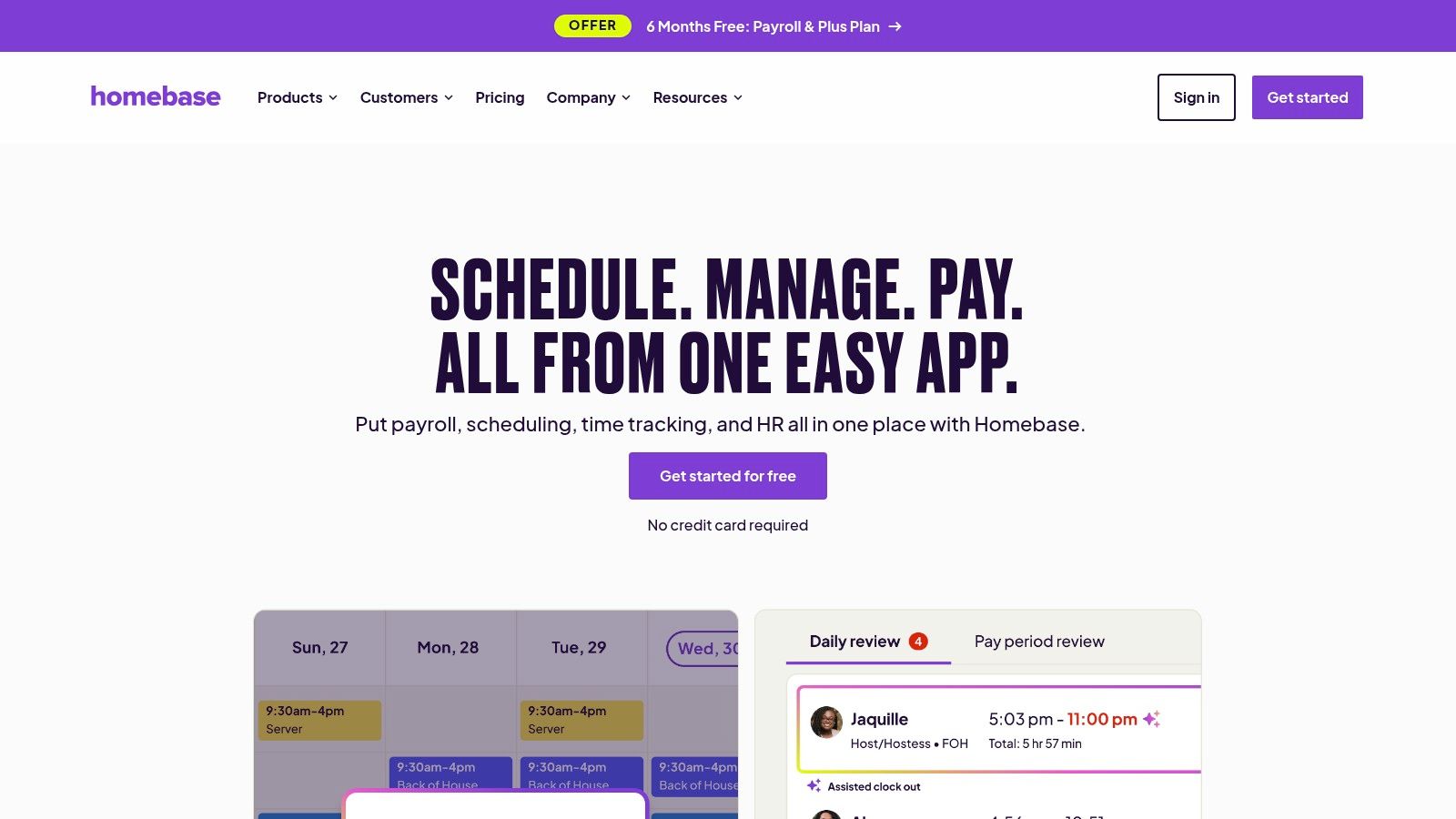
Its core appeal? A powerful free tier and a simple drag-and-drop interface. A cafe owner can build a schedule, track time-off requests, and prepare timesheets for payroll without a complicated setup. It solves the most immediate problems: who is working when, and how do they get paid correctly?
Homebase is a great starting point because it focuses on practical efficiency. The platform ties scheduling directly to time clocks, which helps prevent budget overruns and makes payday less of a headache. It's a pragmatic tool for owners who wear a lot of hats and need technology to just work.
Why It Matters
Scheduling & Time Clocks: Build schedules from templates and let staff clock in with GPS on their phones. It’s perfect for a local restaurant that needs to stop late clock-ins and easily export hours for payroll.
Integrated Payroll & HR: Homebase offers its own payroll service and basic HR features. This is ideal for a growing retail shop that wants to consolidate tools and manage the employee lifecycle in one system.
Team Communication: A built-in messaging app keeps shift-related talk in one place, separate from personal texts.
Feature | Best For | Limitation |
|---|---|---|
Generous Free Tier | Single-location businesses with up to 10 employees needing the core tools. | Advanced features like performance tracking are behind a paywall. |
Time Tracking & Timesheets | Managers who care about labor cost control and payroll accuracy. | Integrations with payroll systems they don't partner with can be limited. |
Hiring & Onboarding Tools | Small businesses that need a simple way to post jobs and manage applicants. | It’s not a full-blown Applicant Tracking System (ATS). |
Website: joinhomebase.com
4. Deputy: The Compliance-First Scheduling Powerhouse
When your business grows or operates in a regulated industry, scheduling isn't just about filling slots. It’s about compliance. Deputy built its reputation by taking the messy complexities of labor laws, wage calculations, and fair workweek rules seriously. It’s a battle-tested platform for businesses that have outgrown simple schedulers and need more muscle.
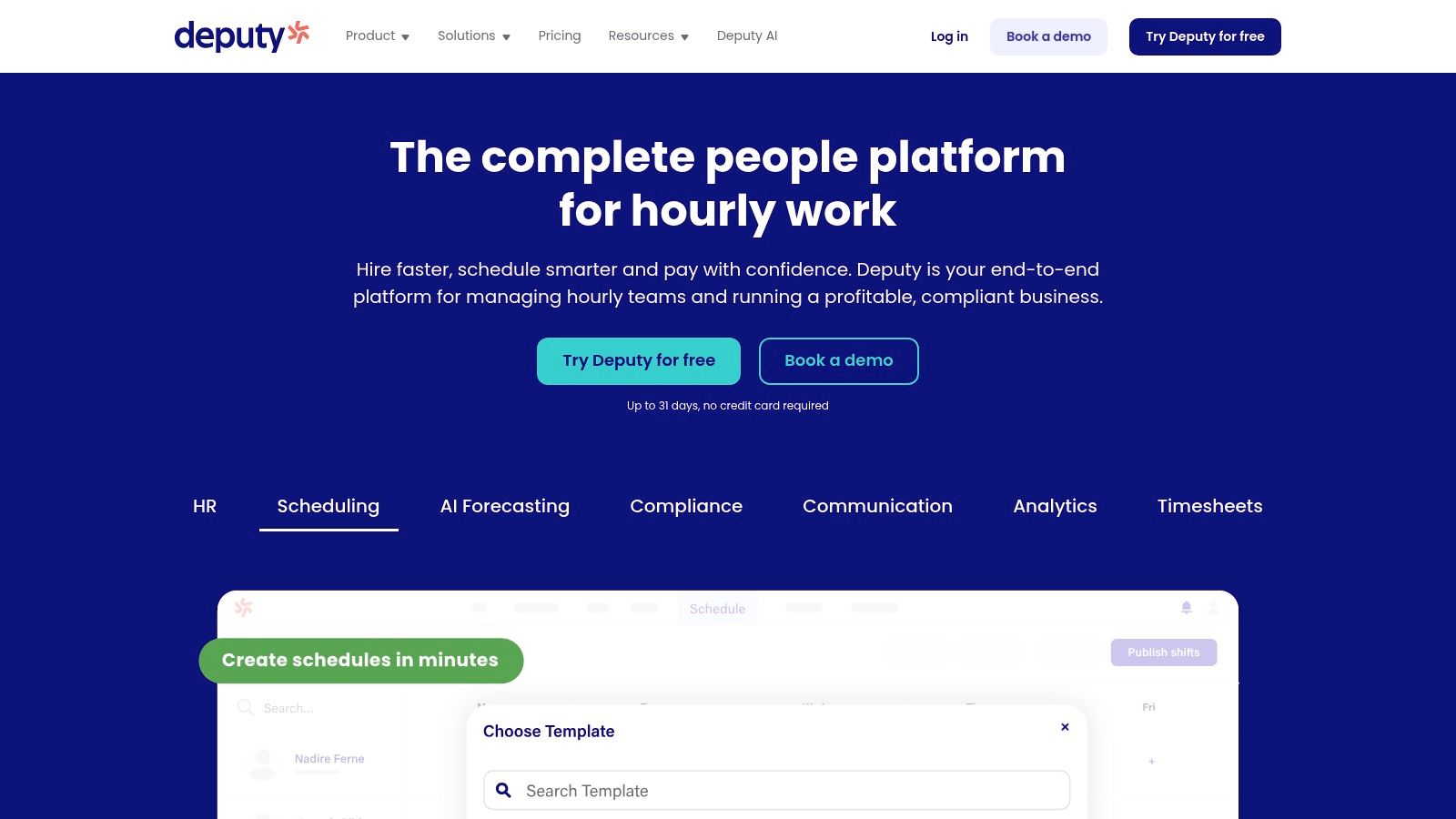
Deputy is less of a team hub and more of a dedicated workforce management engine. It’s excellent at forecasting labor needs against sales data, auto-building compliant schedules, and showing you wage costs before you even publish a schedule. This focus makes it incredibly powerful for multi-location retail, hospitality, and healthcare, where payroll accuracy and staying legal are non-negotiable.
Its maturity is what makes it stand out. Deputy has been doing this for a long time, and the product shows it. From tracking time on a tablet to swapping shifts on a smartwatch, it offers a level of polish that comes from experience. This is the tool you graduate to when things get serious.
Why It Matters
Compliance-Driven Scheduling: It automatically factors in break laws, overtime rules, and fair workweek requirements. This is essential for a restaurant chain in California or a healthcare provider managing staff certifications.
Labor Cost Forecasting: It connects with POS systems to match scheduling with demand, helping managers control wage costs in real-time. A retailer can use it to optimize staffing for a big holiday sale.
Multi-Platform Time Clock: Staff can clock in via mobile app, a tablet kiosk, or even an Apple Watch. This flexibility is great for businesses with both on-site and field staff.
Feature | Best For | Limitation |
|---|---|---|
Auto-Scheduling & Compliance | Businesses in regulated industries that need to avoid legal penalties. | Can feel overly complex for a small team with simple needs. |
Wage & Performance Metrics | Managers focused on optimizing labor budgets and productivity. | Some features are geared more toward management than team engagement. |
Mature Feature Set | Established, multi-location businesses that need a scalable tool. | A minimum monthly spend makes it less ideal for tiny businesses. |
Website: https://www.deputy.com
5. Sling: The Cost-Effective Scheduling Powerhouse
Sling earned its place here because it nails the fundamentals of scheduling without a big price tag. For many businesses, the main problem is just getting a reliable schedule built and communicated. Sling delivers on that core promise extremely well, making it a smart choice for teams that need solid features without breaking the bank.
It’s built on a simple idea: scheduling, time tracking, and communication belong together. The platform lets managers quickly create schedules while employees can just as easily request time off or swap shifts from their phones. There's no steep learning curve; it feels intuitive from the start.
What makes Sling so appealing is its accessibility. With a generous free plan and low per-user costs on its paid tiers, it’s a pragmatic choice for organizations that need to manage labor costs carefully. It’s the workhorse scheduler that just gets the job done.
Why It Matters
Affordable Scheduling & Time Clock: It combines core scheduling, time tracking, and messaging at a very competitive price. Ideal for a growing cafe chain needing to standardize scheduling across locations without a huge software investment.
Labor Cost Management: It provides tools to track wages against sales forecasts, helping managers build smarter schedules. This is perfect for retailers managing tight budgets.
Simple Communication: Built-in messaging keeps shift-related conversations organized and out of personal text threads. Good for quick announcements or finding last-minute coverage.
Feature | Best For | Limitation |
|---|---|---|
Generous Free Tier | Small businesses or teams just starting out with digital scheduling. | The free plan has limits on the number of schedules and features. |
Integrated Time Clock | Preventing early clock-ins and ensuring accurate payroll. | Advanced features are locked behind the Business plan. |
Labor Cost Optimization | Managers focused on keeping wage expenses within budget. | It’s not a full HR suite; it needs to be paired with payroll software. |
Website: getsling.com
6. 7shifts: The Restaurant Operator's Command Center
If you run a restaurant, you know generic scheduling software misses the mark. 7shifts was built from the ground up for the unique chaos of the food service industry. It goes beyond just putting names on a calendar to tackle restaurant-specific problems like tip management, break law compliance, and forecasting based on sales data.
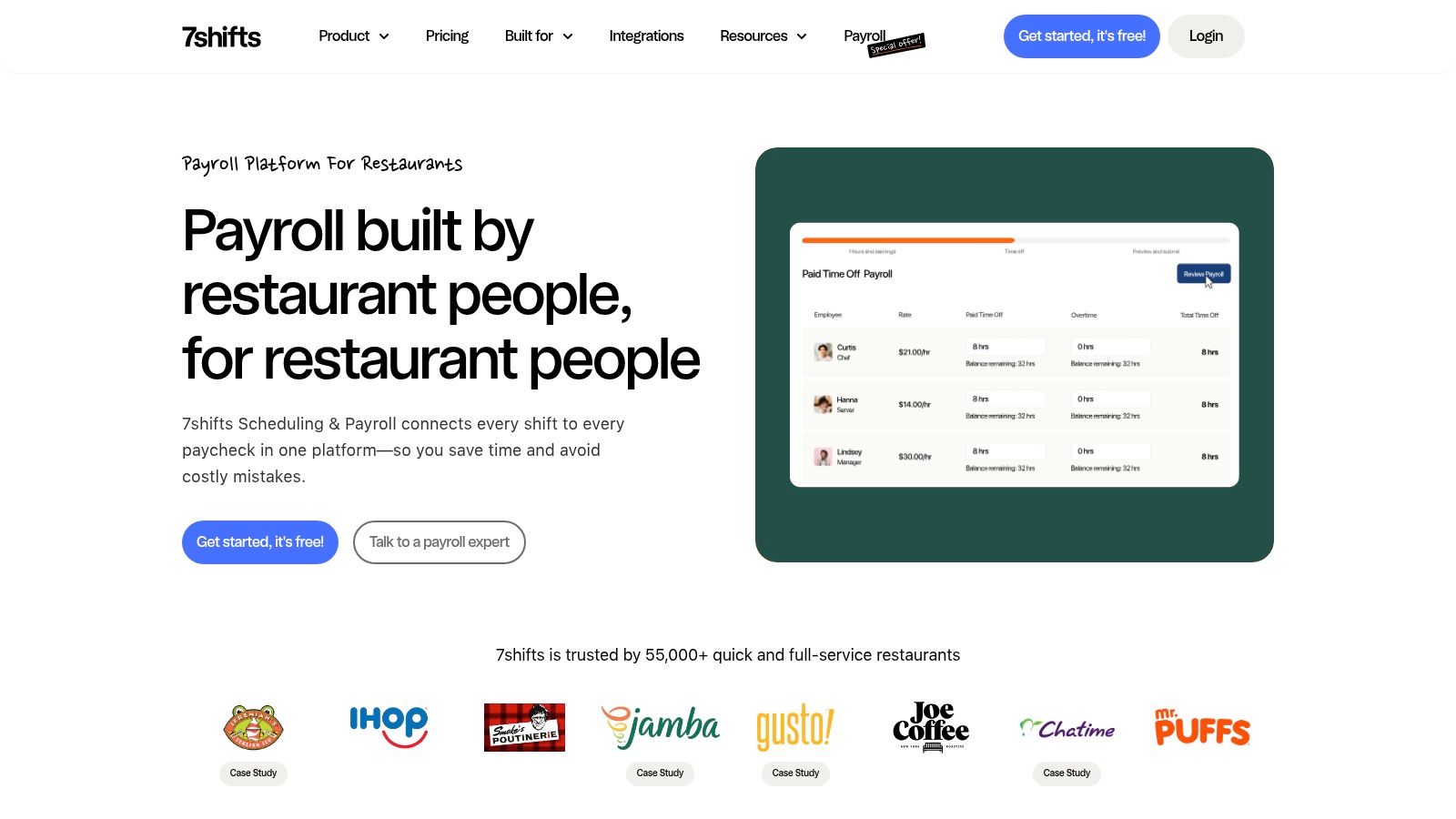
The platform feels like it was designed by someone who has actually worked a dinner rush. It connects directly with most major restaurant POS systems, pulling in sales data to help you build smarter, more cost-effective schedules. For managers, the Manager Log Book is a standout feature, creating a single source of truth for daily notes and shift handovers. If you want to dive deeper into this world, you can learn about the smartest ways to share schedules with restaurant staff.
Why It Matters
Restaurant-Specific Integrations: It connects with POS systems like Toast and Square to forecast labor against sales. This is for the pizzeria manager trying to staff a busy Friday night versus a quiet Tuesday.
Compliance Tools: It automatically factors in state-specific break and overtime laws when building schedules, helping owners avoid costly errors.
Tip Management: It simplifies the complex process of tip pooling and distribution, a massive headache for full-service restaurants.
Feature | Best For | Limitation |
|---|---|---|
POS Integration & Forecasting | Managers aiming for data-driven, cost-effective scheduling. | Less useful for businesses without fluctuating, sales-based labor needs. |
Built-in Tip Pooling | Restaurants with complex tip-sharing agreements. | The feature is a paid add-on, not included in the base plans. |
Manager Log Book | Ensuring consistent communication and operations across shifts. | Its deep focus on restaurants makes it a poor fit for other industries. |
Website: www.7shifts.com
7. Connecteam
Connecteam is built on the idea that deskless teams deserve a single app that adapts to their specific needs. It's a powerful all-in-one platform, but its real strength is its modular approach. Instead of a one-size-fits-all tool, you pick the "Hubs" you need—for operations, communication, or HR. This makes it one of the best apps for shift workers who need customization without the complexity.
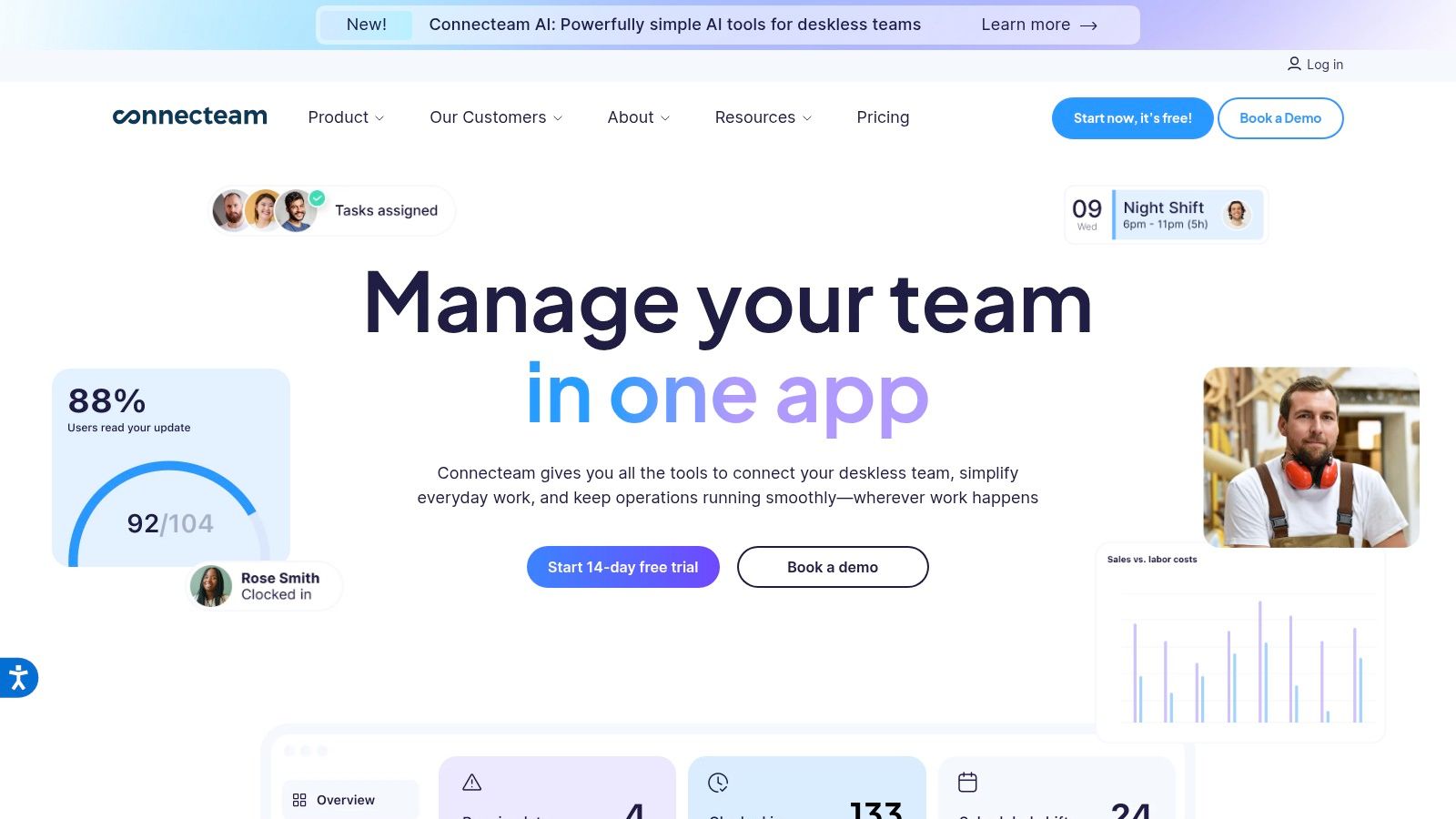
The platform feels less like a rigid piece of software and more like a set of building blocks. You can start with just a GPS-enabled time clock and scheduling, then add a training hub or employee recognition features as your team grows. This flexibility is key for businesses in construction or field services, where one team needs geofenced clock-ins while another needs to access safety checklists on-site.
This ability to scale functionality without overwhelming your team is what makes it stand out. It avoids the bloat of many enterprise tools by letting you choose and pay for only what you’ll actually use.
Why It Matters
Modular Hubs: You build your ideal platform by combining hubs for Operations (scheduling, time clock), Communications (chat, updates), and HR & Skills (training, time off). A cleaning service could use the Operations Hub for job dispatching and the HR Hub for onboarding.
GPS Time Clock: Geofencing ensures employees are clocking in from the right job site, which is perfect for managing distributed teams in logistics or home healthcare.
Deep Functionality: Beyond the basics, it offers digital forms, skills-based training courses, and employee recognition tools, all within one mobile interface.
Feature | Best For | Limitation |
|---|---|---|
Pick-and-Choose Hubs | Businesses that need specific tools (like just time tracking) without paying for a full suite. | Hub-based pricing can get complex and costly for large teams needing all features. |
All-in-One Mobile Experience | Frontline and field teams who do their work entirely away from a desk. | The desktop experience, while functional, is clearly secondary to the mobile app. |
GPS & Geofencing | Ensuring accountability for attendance and location across multiple work sites. | May feel like micromanagement to teams who don't require strict location tracking. |
Website: connecteam.com
8. ZoomShift
ZoomShift is for managers who think, "I just need scheduling and time tracking that works, without the enterprise price tag." It's a lightweight and budget-friendly tool for small to midsize teams that need to get organized quickly. If you're running a cafe or a small retail store where complex HR integrations are overkill, this is a solid choice.
It strips away complexity to focus on the core job: building schedules with a drag-and-drop interface and tracking hours accurately. The platform is built for speed, letting you get a schedule published and a time clock set up in minutes, not days. It’s one of the best apps for shift workers when your main goals are clarity and saving money.
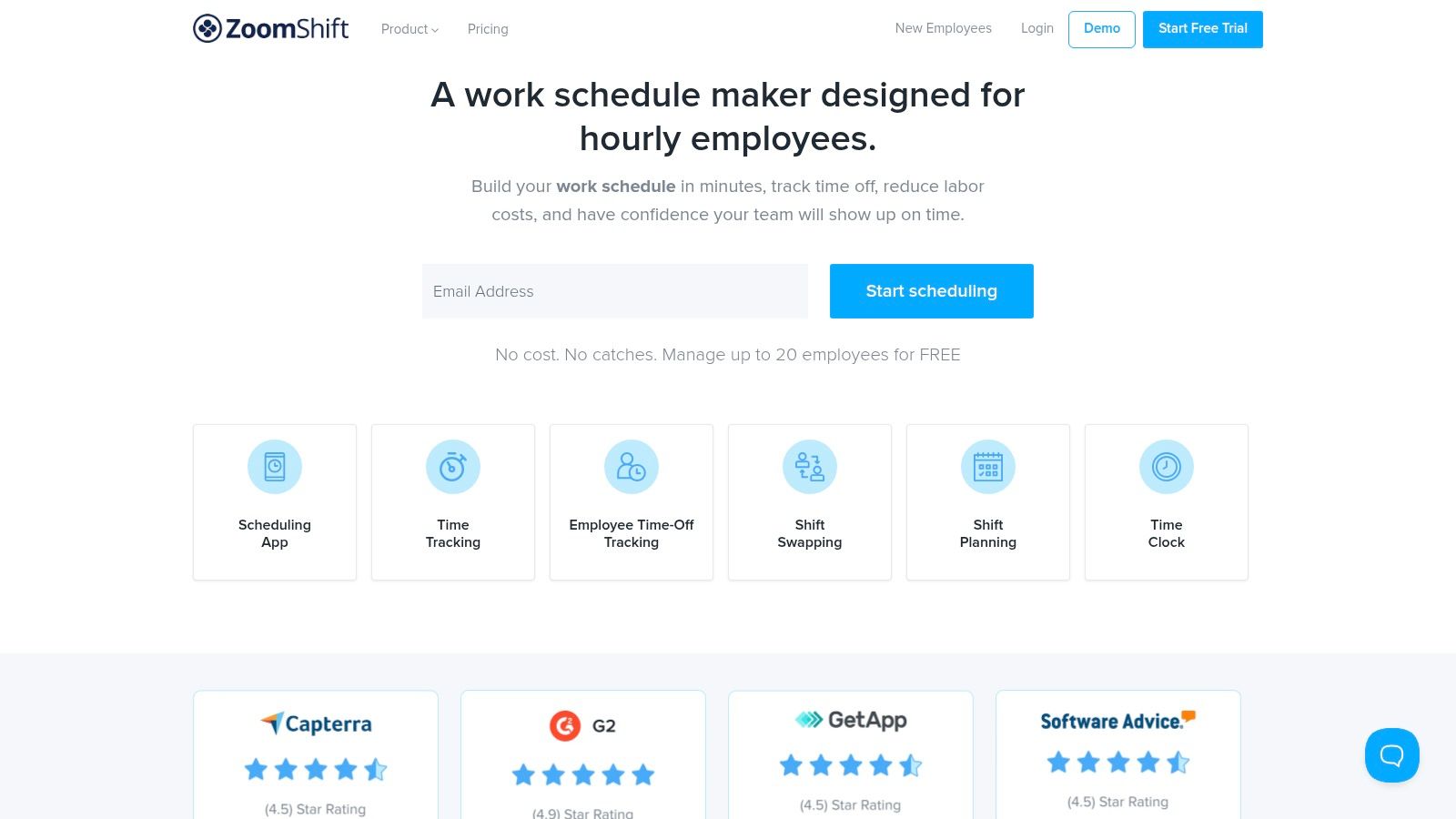
Its accessibility is what makes it stand out. With a free plan and straightforward pricing, it removes the barrier to entry that many bigger platforms have. It proves you don't need a massive software suite to solve fundamental scheduling problems.
Why It Matters
Core Scheduling & Time Tracking: The drag-and-drop schedule builder, mobile time clock with geofencing, and shift swap requests cover the essentials. It's perfect for a restaurant manager needing to build weekly schedules and prevent early clock-ins.
Affordable Tiers: The free plan and low-cost paid options make it ideal for businesses with tight budgets.
Simple Onboarding: Getting started is fast and requires minimal training. This is a huge plus for teams that need a solution implemented immediately.
Feature | Best For | Limitation |
|---|---|---|
Drag-and-Drop Scheduling | Managers who need to create and share schedules quickly. | Lacks the complex rule-based automation of higher-end systems. |
Free Plan & Simple Pricing | Small teams or businesses testing out scheduling software for the first time. | The free plan has significant limitations on the number of active schedules. |
Mobile Time Clock & Geofence | Ensuring staff are on-site when they clock in. | Advanced reporting and payroll integrations are less robust than enterprise tools. |
Website: https://www.zoomshift.com
9. Shiftboard
When your scheduling needs go beyond simple swaps and become a complex puzzle of compliance, union rules, and fatigue management, you’re in Shiftboard’s territory. This isn't a tool for a small cafe; it's an enterprise-grade platform for high-stakes industries like manufacturing, energy, and public safety. It’s designed to solve the logistical headaches that come with managing hundreds of workers in demanding, rule-heavy environments.
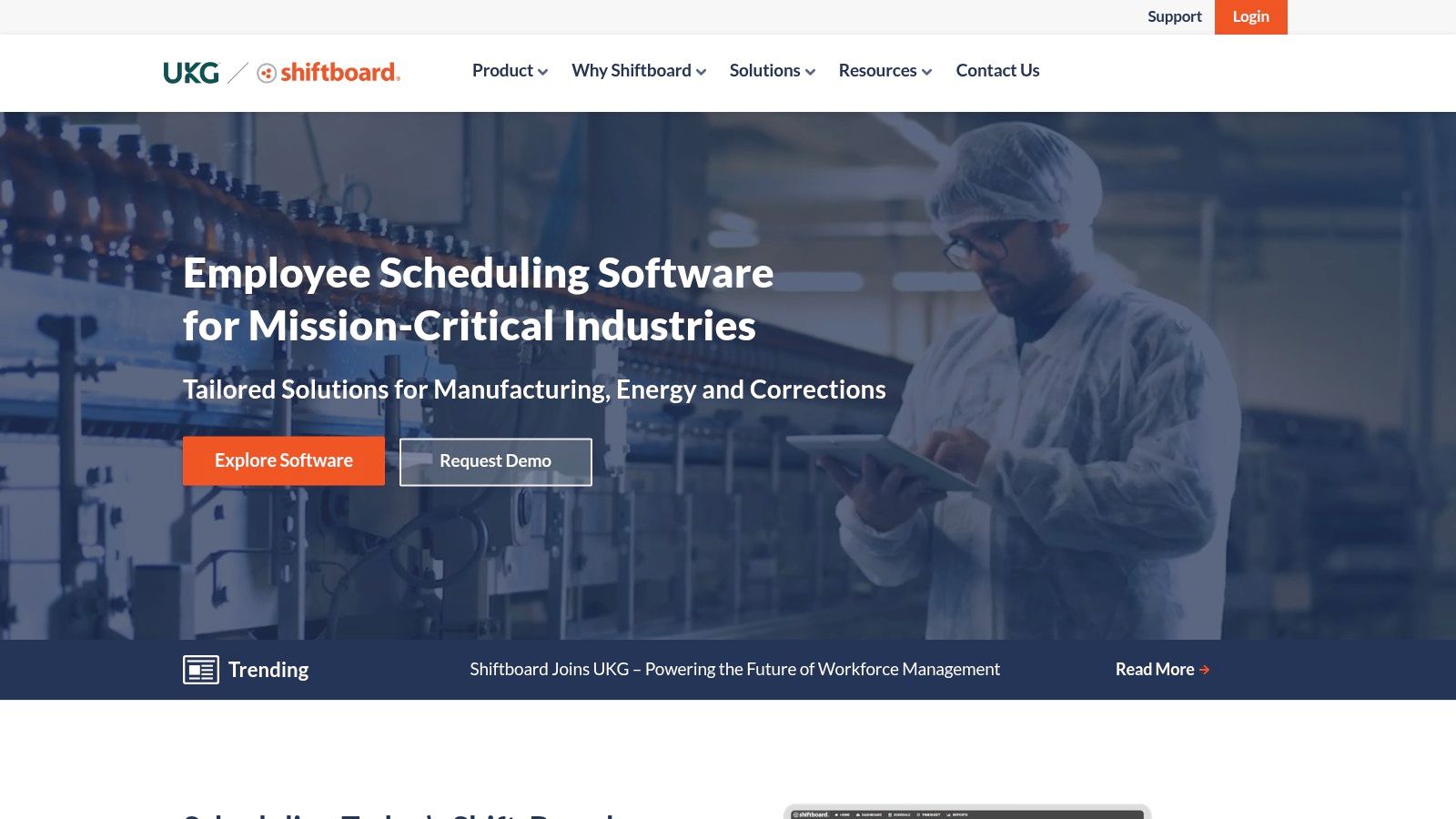
Shiftboard's core strength is its powerful, rules-based scheduling engine. It automates compliance with everything from fair work week laws to internal fatigue policies, helping managers fill schedules based on qualifications without violating complex agreements. It's less about simple communication and more about operational integrity at a massive scale.
What makes it stand out is its focus on documented ROI for large organizations. The platform is built to reduce overtime costs, improve shift coverage, and ensure operational continuity. For managers in regulated fields, Shiftboard provides a safety net against costly compliance errors.
Why It Matters
Compliance-Driven Scheduling: It automatically factors in union rules, certifications, and fatigue-prevention policies. Essential for a manufacturing plant that needs to ensure only certified operators are on specific machinery.
Demand-Based Staffing: It helps align staffing levels with operational demand. A large event venue could use it to schedule security based on projected attendance.
Enterprise-Grade Support: It offers dedicated implementation and support services. This is critical for large organizations that can't afford a lengthy, self-service rollout.
Feature | Best For | Limitation |
|---|---|---|
Advanced Rules Engine | Complex, unionized, or highly regulated industries. | Significant overkill for small businesses with simple scheduling needs. |
Fatigue Management | Operations where worker fatigue poses a safety risk (e.g., energy, healthcare). | The focus is on compliance, not necessarily team-building or engagement. |
Full Implementation Services | Large enterprises needing a guided, fully supported rollout. | Pricing is quote-based and requires a direct sales process. |
Website: https://www.shiftboard.com
10. Humanity (by TCP)
Humanity has been in the scheduling game for a long time, and its maturity shows. Now part of TCP Software, it’s a robust platform for the complexities of managing multi-location teams. It goes beyond simple shift creation, integrating time and attendance, leave management, and skills tracking into one system. This makes it a serious contender for organizations needing a powerful, all-in-one workforce management tool.
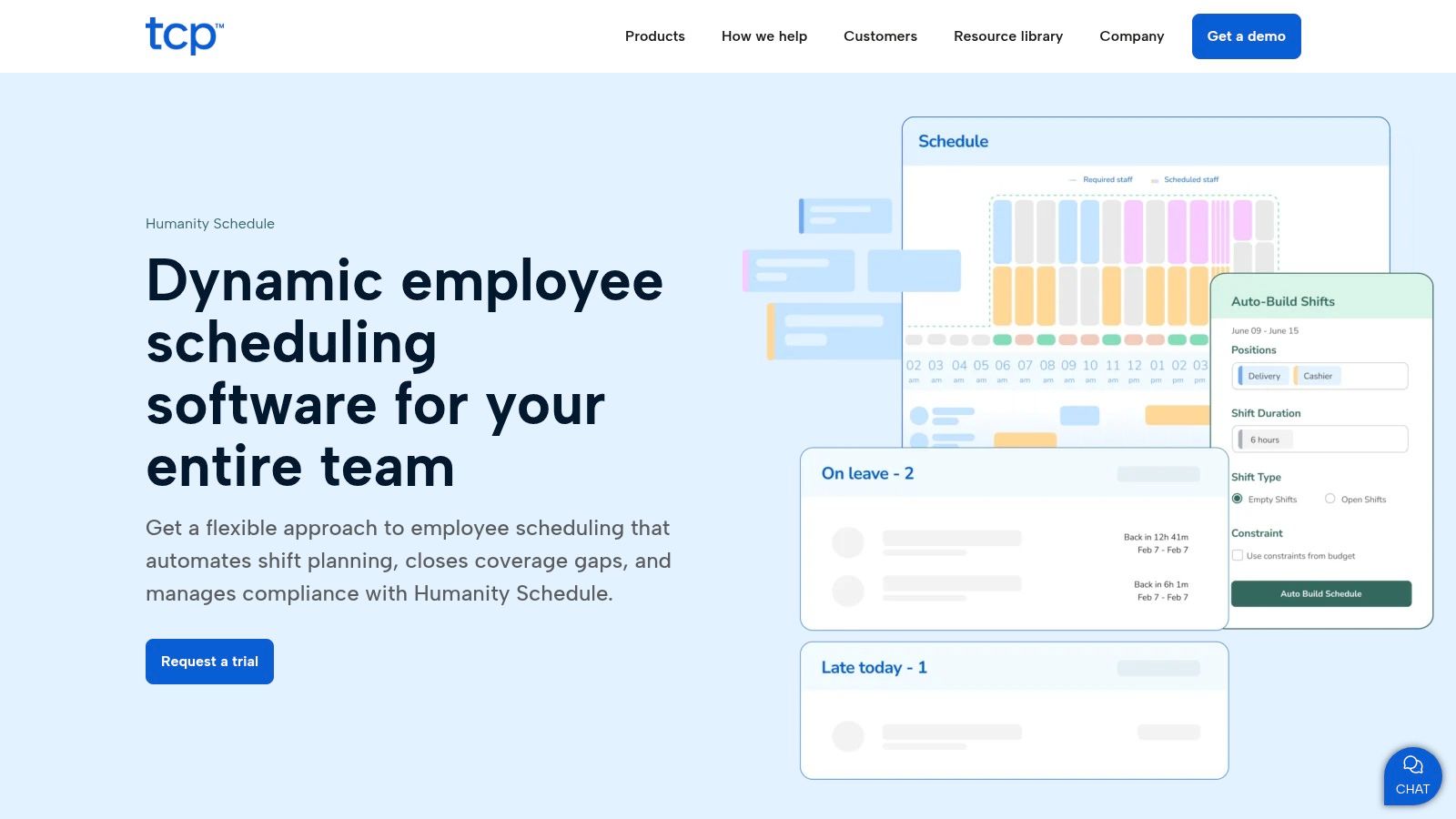
The platform is built to handle scale. If you're coordinating schedules across a dozen retail stores or multiple hospital departments, Humanity provides the centralized control needed to keep things running. Its push into AI-assisted scheduling points to its focus on solving complex planning problems for managers.
What makes it stand out is its enterprise-grade feature set combined with a solid mobile experience. While some powerful platforms can feel clunky on a phone, Humanity has refined its app to ensure shift workers can easily check schedules, request swaps, and clock in without friction. It’s a tool that understands both the manager in the office and the employee on the go.
Why It Matters
Advanced Scheduling & Compliance: Build complex, rule-based schedules that account for labor laws and employee skills. Ideal for regulated industries like healthcare where compliance is non-negotiable.
Multi-Location Management: Manage staff and schedules across multiple business locations from a single dashboard. Perfect for a growing franchise.
Integrated Time & Attendance: Employees can clock in and out directly from the mobile app, with geofencing to ensure they're on-site. This simplifies payroll processing.
Feature | Best For | Limitation |
|---|---|---|
AI-Assisted Auto-Scheduling | Enterprises looking to automate complex schedule creation. | Might be overkill and too complex for small businesses. |
Multi-Location Controls | Businesses with regional managers overseeing multiple sites. | The quote-based pricing can be a barrier for those who want transparent costs. |
Mature Mobile App | Teams needing reliable mobile access for clocking in, swaps, and availability. | Some users mention a learning curve for new managers due to the feature depth. |
Website: https://www.humanity.com
11. QuickBooks Time (formerly TSheets)
For teams already running on Intuit's ecosystem, QuickBooks Time is the natural next step. It started as TSheets, a popular time-tracking app, and its acquisition by Intuit turned it into a powerhouse for businesses where payroll and timekeeping must be perfectly aligned. It’s less of a team hub and more of a specialized, high-powered tool for tracking hours with precision.
Its core strength is the deep, native integration with QuickBooks Payroll. Time entries, job codes, and employee data sync automatically, eliminating the manual data entry that leads to payroll errors. It’s built for accuracy, especially for field teams or businesses that bill clients by the hour.
What makes it stand out is its robust feature set around time tracking itself. GPS tracking, geofencing, and the "Who's Working" map give you real-time visibility into your mobile workforce. This isn't just a punch clock; it's an operational tool for managers who need to know where their team is and what they’re working on.
Why It Matters
Deep QuickBooks Integration: It automatically syncs employee hours and PTO directly into QuickBooks for seamless payroll and invoicing. Ideal for construction or service businesses that bill clients based on tracked time.
Advanced Time Tracking: It features a mobile time clock with GPS and geofencing to remind staff to clock in/out. We cover more on this in our guide on employee clock-in apps.
Project & Job Costing: Employees can track time against specific jobs or clients, giving managers detailed reports on labor costs.
Feature | Best For | Limitation |
|---|---|---|
Native QuickBooks Sync | Businesses that need error-free payroll and invoicing. | Its value is much lower if you don't use QuickBooks. |
GPS & Geofencing | Mobile and field service teams that need location-based accountability. | Can feel like overkill for a single-location retail or cafe team. |
Detailed Reporting | Managers who need to track labor costs against specific projects. | The interface can be complex compared to simpler, scheduling-first apps. |
Website: quickbooks.intuit.com/time-tracking
12. Apple App Store (Shift-work calendars / consumer apps)
Sometimes, the best app for a shift worker isn't one from an employer, but one you choose for yourself. The Apple App Store is a huge marketplace of personal shift calendar apps that give you control over your own schedule. This is where you find specialized tools like Supershift, which let you visualize complex rotations, track pay, and manage your work-life balance on your own terms.
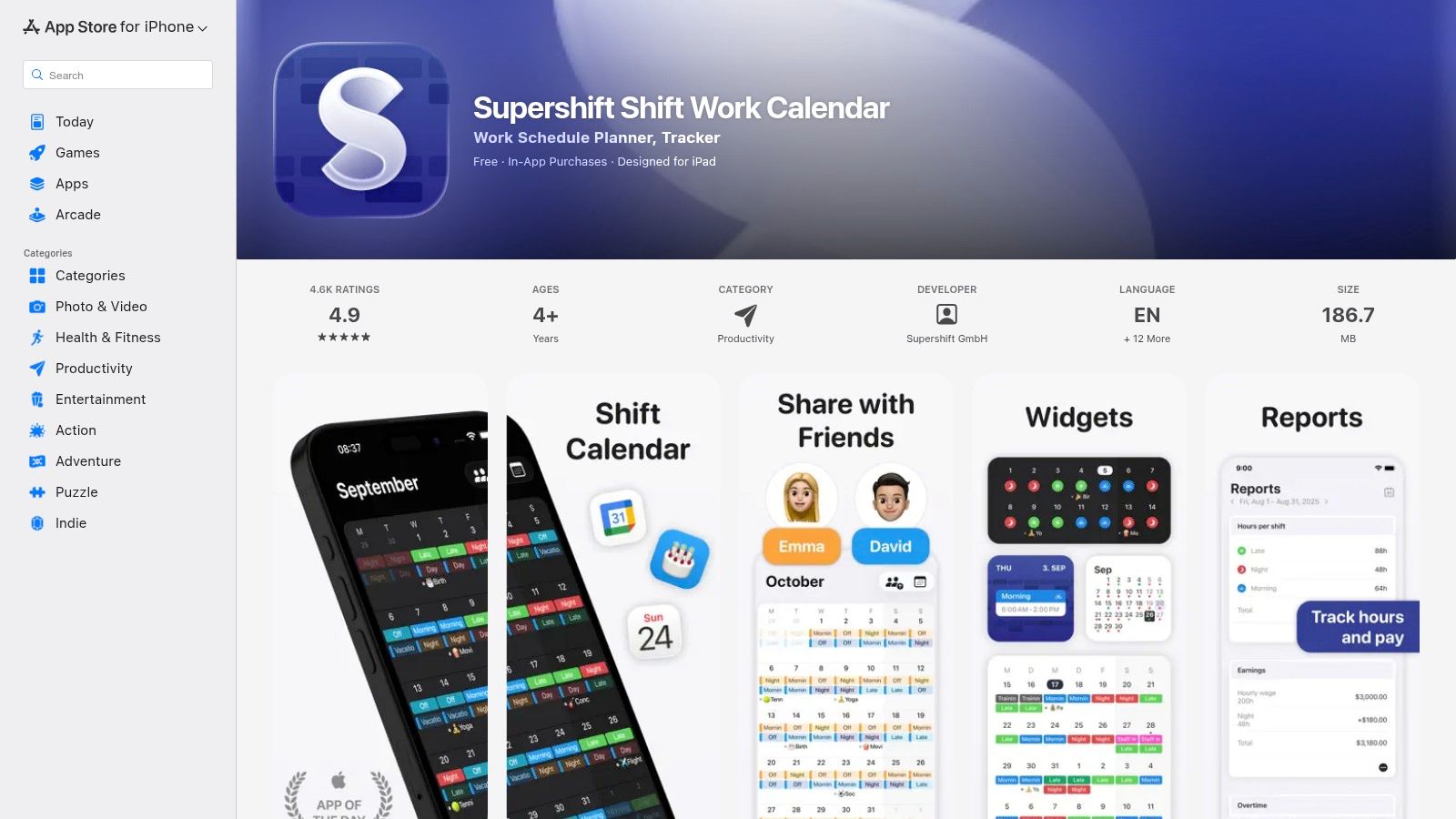
These apps do one thing exceptionally well: put your personal schedule first. They are designed for the individual who needs to sync work with the rest of their life. Instead of being a top-down management tool, they are a bottom-up life organizer, helping you see at a glance when you work, how much you earned, and when you’re finally free.
What makes the App Store a great resource is the sheer variety. Developers are constantly improving features to win over individual users, resulting in highly polished, user-friendly apps that are often very affordable.
Why It Matters
Personal Schedule Management: Create custom shift patterns and color-code different jobs. Perfect for a nurse juggling rotating 12-hour shifts or a gig worker managing multiple clients.
Earnings & Overtime Tracking: Input your hourly rate to automatically calculate your expected pay. A great way for retail workers to verify their pay stubs are accurate.
iOS Ecosystem Integration: Syncs with your native Apple Calendar and displays upcoming shifts on your home screen via widgets or on your Apple Watch.
Feature | Best For | Limitation |
|---|---|---|
Individual Shift Calendars | Workers managing complex, rotating schedules for themselves. | Not connected to employer systems; no team-wide visibility or swaps. |
Pay & Overtime Tracking | Checking pay stub accuracy and forecasting personal income. | Requires manual data entry and setup for rates and rules. |
Large Variety of Apps | Finding a highly-rated, affordable app that fits a specific need. | Quality and privacy practices vary by developer; research is needed. |
Website: apps.apple.com
Top 12 Shift-Worker Apps — Feature Comparison
Product | Core features | UX & quality | Price & value | Target & USP |
|---|---|---|---|---|
Pebb 🏆 | Chat (private/group), voice/video, Spaces (posts/tasks/files), shifts, clock‑in/PTO, Knowledge, analytics ✨ | ★★★★☆ Mobile‑first, quick onboarding | 💰 Free signup; enterprise quote | 👥 Frontline + office, cross‑industry — ✨ Configurable Spaces, 50+ integrations |
When I Work | Scheduling (auto), time tracking, in‑app chat, forecasting | ★★★★ Mobile apps, easy rollout | 💰 Per‑user pricing; 14‑day trial | 👥 Shift‑based retail/hospitality/healthcare — ✨ Auto‑scheduling |
Homebase | Drag‑drop schedules, GPS time clock, messaging, hiring/HR | ★★★ SMB‑friendly, strong free tier | 💰 Free (1 loc ≤10); clear paid tiers | 👥 Small US hourly teams — ✨ Free plan + hiring tools |
Deputy | Auto‑scheduling, forecasting vs actuals, time/attendance (multi‑device) | ★★★★ Mature scheduling depth | 💰 Quote/minimum spend; possible SMS fees | 👥 Multi‑location & regulated industries — ✨ Compliance workflows |
Sling | Shift scheduling, kiosk/mobile time clock, messaging, labor tools | ★★★ Simple, cost‑effective UX | 💰 Low per‑user pricing; free tier | 👥 Larger teams seeking low cost — ✨ Generous free tier |
7shifts | Restaurant scheduling, tip mgmt, manager logbook, compliance | ★★★★ Restaurant‑specialized | 💰 Location pricing + add‑ons | 👥 QSRs & full‑service restaurants — ✨ Tip management & restaurant features |
Connecteam | Time/GPS clock, job scheduling, chat, HR & training hubs | ★★★★ Modular, enterprise security | 💰 Hub‑based pricing; seats add up | 👥 Field & frontline across industries — ✨ Modular hubs & SSO/2FA |
ZoomShift | Drag‑drop schedules, shift swaps, geofence time clock | ★★★ Lightweight, easy onboarding | 💰 Free plan + low‑cost tiers | 👥 Small–midsize budget teams — ✨ Simple, affordable scheduling |
Shiftboard | Advanced coverage/skills rules, fatigue/compliance, premium support | ★★★★☆ Enterprise‑grade | 💰 Quote + implementation | 👥 Complex/high‑volume/unionized ops — ✨ Advanced rules & ROI focus |
Humanity (TCP) | Shift publishing, swaps, time & attendance, locations/roles | ★★★★ Mature mobile, 24/7 support | 💰 Quote/demo; enterprise sales | 👥 Multi‑location enterprises — ✨ AI‑assisted scheduling features |
QuickBooks Time | Mobile/kiosk time clocks (GPS), scheduling, mileage, QB integration | ★★★★ Best for Intuit stacks | 💰 Base fee + per‑user; pricier standalone | 👥 Teams using QuickBooks — ✨ Deep QuickBooks payroll/invoice sync |
Apple App Store (consumer apps) | Personal shift calendars, earnings/overtime tracking, calendar sync | ★★★★ Varied; many high‑rated apps | 💰 Low‑cost apps / in‑app purchases | 👥 Individual shift workers — ✨ Wide app choice, widgets & Apple Watch support |
The Right Tool Is the One That Gets Used
We just walked through a dozen different apps. It’s a lot to take in. The temptation now is to find the "perfect" one with every feature on your checklist. But that’s a trap.
The perfect app doesn't exist.
The right app does. And the right app is the one your team will actually open every day. It’s the one that feels less like a corporate chore and more like a genuinely useful tool that makes their complicated lives a little easier. If your crew doesn't use it, the most powerful platform in the world is just expensive digital shelfware.
It's easy to get lost comparing feature lists. Does it have geofencing? Can it integrate with our ancient payroll system? These things matter, but they are secondary to the one question you must ask: "Will my team find this easy and helpful?"
If a manager needs a PhD to build a schedule, they’ll go back to their spreadsheet. If an employee has to tap through five screens to request time off, they’ll just text you instead. And you’re right back where you started. Simplicity isn't a feature; it's the foundation.
Think about the real friction you're trying to solve. Is communication the biggest headache? Focus on tools with intuitive, mobile-first chat. Is scheduling a constant puzzle? Prioritize apps with clean interfaces and easy shift swapping. Is your team just disconnected? Look for a tool that brings everything under one roof. That’s where an all-in-one platform like Pebb shines.
Choosing the tool is only the first step. How you introduce it will determine its success. Don't just send a memo with a download link. Get a small, trusted group to test it first. Their feedback is gold. When you roll it out, explain why you chose it and how it benefits them. Show them it’s a tool for them, not just for you.
Ultimately, finding the best apps for shift workers is about reducing complexity, not adding it. Your goal is to find a system that feels like a natural part of your team’s workflow. The right tool should feel less like software and more like a reliable teammate, one that helps everyone improve workplace efficiency.
Don't chase perfection. Chase adoption.
If you're tired of juggling spreadsheets, messaging apps, and scheduling tools, maybe it’s time for a single source of truth. Pebb was built to unify your entire frontline operation in one simple, beautiful app your team will actually want to use. See how you can bring your team together and simplify your work by trying Pebb today.
