
The Search for the Best App for Team Communication (and Why It's So Hard)
Discover the best app for team communication with our honest guide to the top 12 tools for 2026.
Dan Robin
We've all lived the same story. It starts with email. Then someone adds a group chat. Soon, you’re juggling a chat app, a separate tool for video calls, another for company announcements, and maybe even a few rogue WhatsApp groups. Important information gets lost. Work feels chaotic. And everyone is tired of switching between a dozen different screens just to stay in sync.
The promise of a single, perfect app for team communication feels like a mirage. We got tired of chasing it, so we did the work ourselves. We spent time with the big names like Slack and Microsoft Teams, and we dug into tools built for specific kinds of work—like connecting with people on their feet all day or managing complex technical projects. We weren’t just ticking off features on a checklist. We wanted to know how these tools feel. What’s it like to use them day after day? Does the mobile app work as well as the desktop version? What happens when half your team is in an office and the other half is somewhere else entirely?
This isn’t just another list. It’s our honest take on what works and what doesn’t. We’ll show you which tool might be right for your team, whether you’re a small shop, a distributed company, or an organization with thousands of frontline employees. The goal isn't just to find an app. It's to find a tool that quietly, calmly helps your team work better together. After all, knowing how to improve team collaboration and boost productivity starts with getting the foundation right. Let's find yours.
1. Pebb
Pebb is built on a simple, powerful idea: what if your team's communication, operations, and engagement could live in one place? It’s not just another chat app. It's designed to be a digital headquarters, especially for companies with a mix of people at desks and on the front lines. Pebb brings everything together in a single, mobile-first platform that works just as well for someone in a warehouse as it does for a remote marketing team.
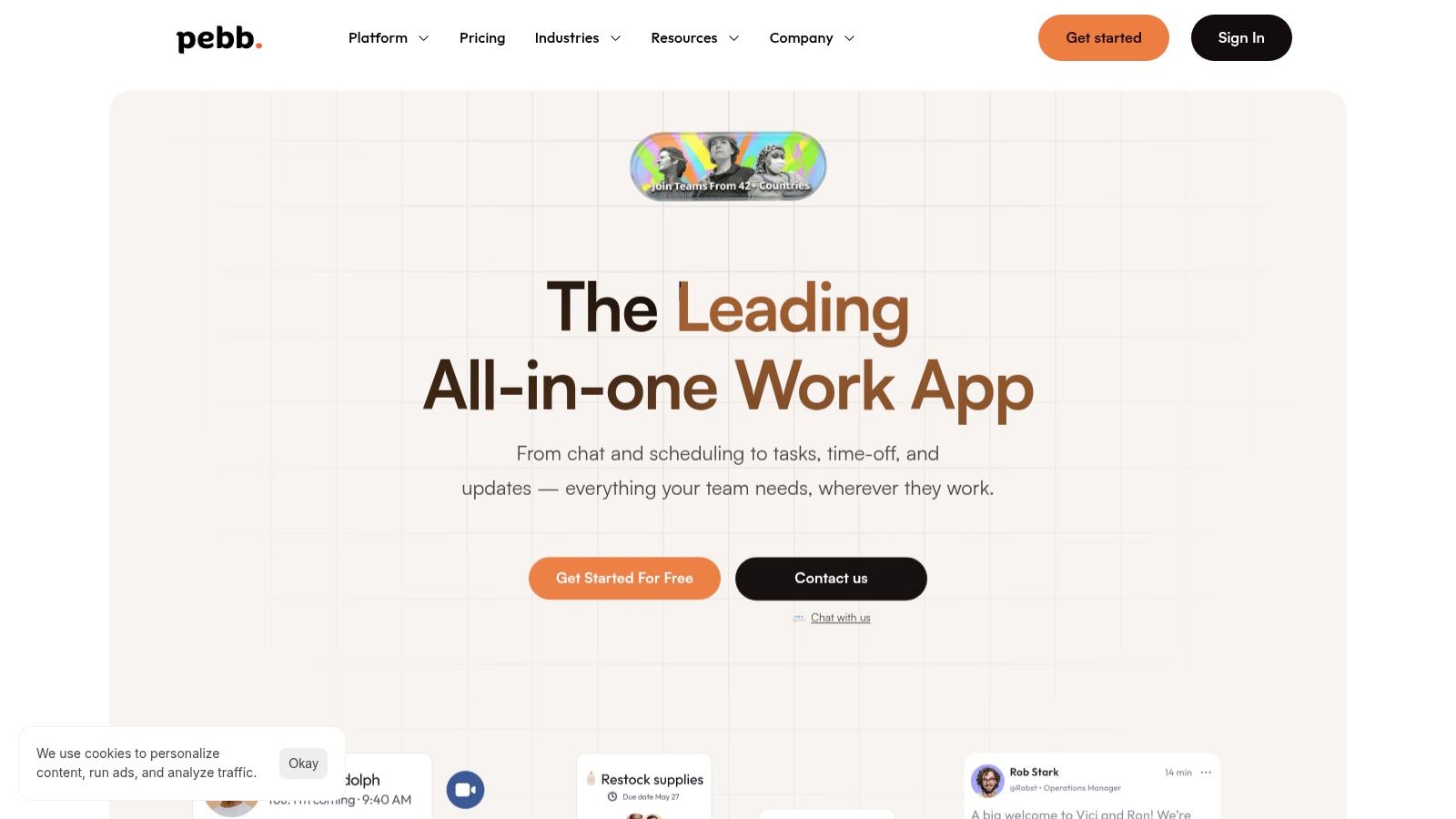
The all-in-one design actually works. Instead of jumping between apps, teams can handle everything within Pebb’s “Spaces.” A manager can post a new shift schedule, assign a few related tasks, and share an update in the main news feed—all at once. For an employee, this means one app to check for everything from company news to clocking in or requesting time off. This consolidation is a huge relief, especially in industries like retail, healthcare, and logistics where most people aren't sitting at a computer all day. The experience feels familiar, often described by users as "like Facebook, but for work," which makes it easy for people to pick up and use.
Why Pebb Works
Pebb's real strength is that it serves both desk-based and frontline teams equally well. That's rare. Here’s how:
For Frontline & Shift-Based Teams: Pebb has tools like shift scheduling, time clocks, and PTO tracking built right in. This gets rid of paper systems and clunky HR software, giving hourly workers direct access to their schedules and managers a clear view of who's working.
For Office & Hybrid Teams: The platform includes solid chat, voice/video calls, task management, and file sharing. Configurable Spaces let teams create dedicated hubs for projects or departments, keeping conversations and files organized.
For Company-Wide Alignment: A central news feed ensures important announcements and updates reach everyone. It also provides good analytics so you can see if people are actually engaged.
Pebb has become a top alternative to platforms like Slack, which you can read about in this article about Pebb vs. Slack, but its approach is different. It’s built to be the central nervous system for an entire company, not just its knowledge workers.
Things to Consider
Getting a team set up is fast—a single invite link can get everyone on board in minutes. It also integrates with over 50 HR and payroll systems.
But here's the thing: you'll need to contact their sales team for detailed enterprise pricing, as it's not all on the website. Large companies might also need to ask about specific security certifications.
Website: https://pebb.io
2. Slack
Slack is often the default choice for office teams, and for good reason. It introduced the idea of channel-based messaging that keeps conversations organized and out of email. If your team lives on their keyboards, Slack is a powerful hub for turning talk into action.
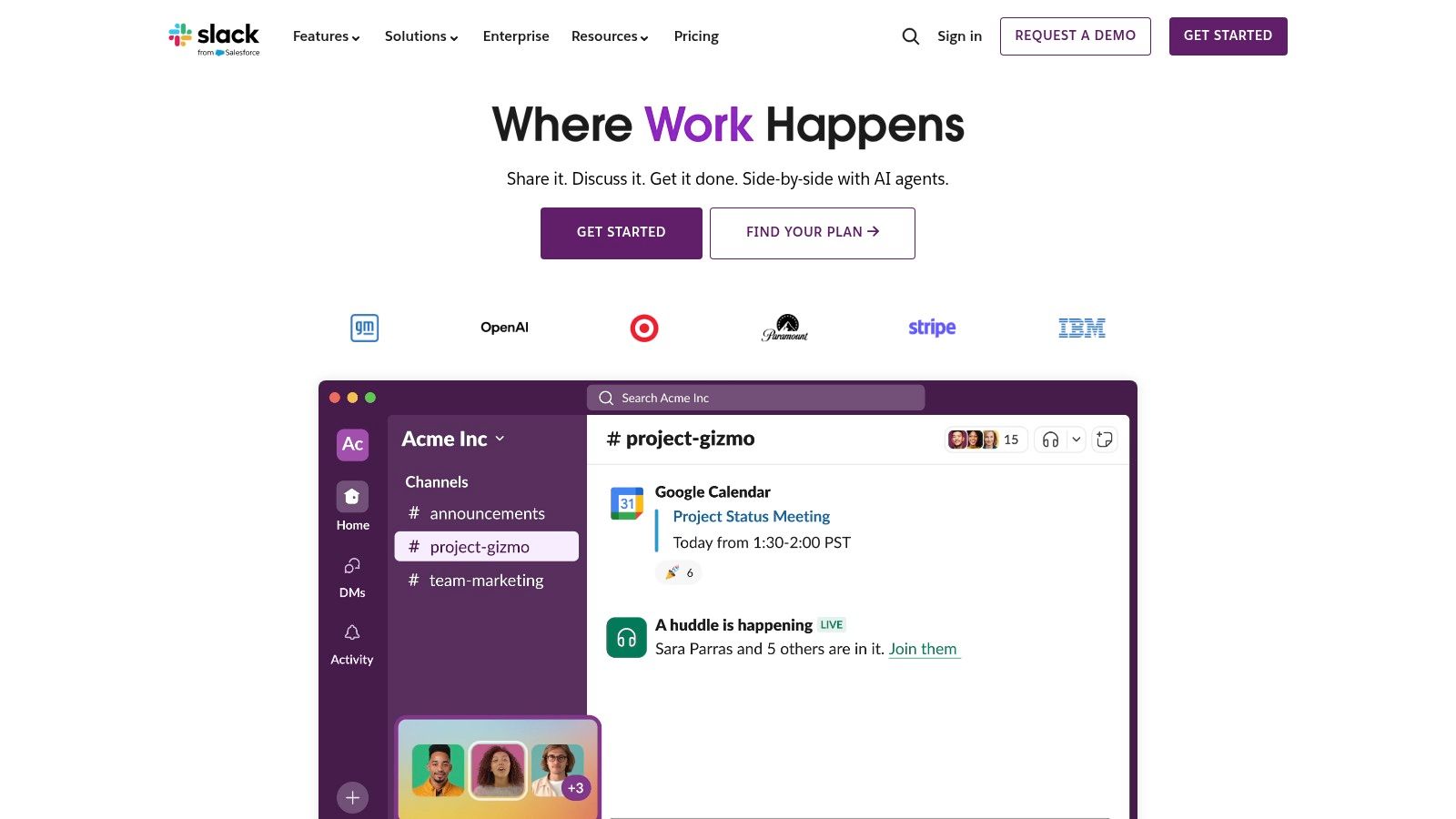
Its real power is its ecosystem. With a huge marketplace of integrations, you can plug almost any other tool you use—from Google Drive to Jira—right into your chat channels. Features like Canvases and Workflow Builder help centralize even more work. And for working with other companies, Slack Connect is a game-changer. It lets you create shared channels that get rid of those endless email chains.
The Catch with Slack
Let’s be honest: Slack gets expensive, fast. The free plan is quite limited, especially with its 90-day message history cap. Paid plans are priced per person, which adds up quickly. It also relies heavily on other apps for advanced features, so the real cost can be much higher than the sticker price. And while it’s great for desk-based teams, it wasn’t designed for frontline workers who need a simpler, more mobile-first way to work. If you're curious, we have a deep dive on what Slack's free plan really offers in 2024.
Website: https://slack.com
3. Microsoft Teams
If your company already runs on Microsoft 365, using Teams feels like a natural next step. It’s more than a chat app; it’s a hub that pulls together conversations, files, meetings, and phone calls. If your team lives in Outlook, Word, and SharePoint, Teams is the connective tissue that holds it all together.
Its biggest strength is how deeply it connects to the rest of Microsoft's world. Files you share in a chat are automatically stored in SharePoint. Meetings are tied to your Outlook calendar. For big companies, the security and compliance controls are a major draw. And with Copilot, Microsoft is weaving AI assistance directly into how you work, making Teams a very comprehensive app for team communication.
The Catch with Microsoft Teams
Here’s the thing: Teams can feel heavy and a bit clunky, especially if you’re not used to the Microsoft way of doing things. The interface isn’t as simple as some of its competitors, and the reliance on SharePoint for files can confuse new people. Licensing is another challenge; figuring out which Microsoft 365 plan you need can be a headache. While it has options for frontline workers, its heart is still with desk-based employees inside large, Microsoft-centric companies.
Website: https://www.microsoft.com/microsoft-teams
4. Google Workspace (Chat and Meet)
For teams that live in Gmail and Google Drive, using Google Workspace for communication just makes sense. It puts Google Chat and Google Meet right inside the productivity tools you already use every day. It’s not about adding another chat tool; it’s about making communication a seamless part of your existing workflow.
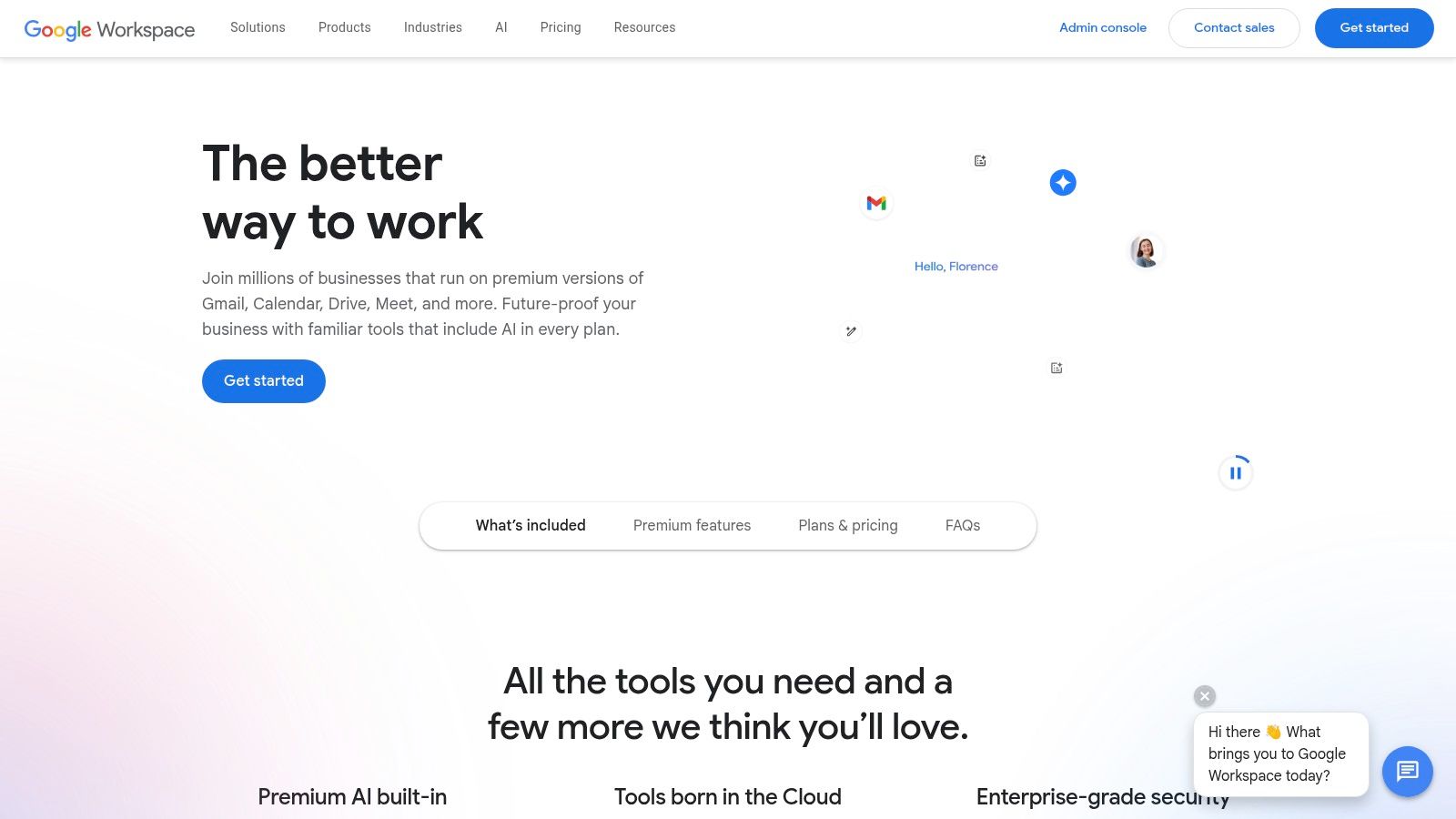
The real benefit is how naturally it all works together. You can start a video call from a chat message or share a Google Doc in a Space, and the permissions are handled automatically. The experience is so familiar that most teams can start using it immediately with almost no training. For small and mid-sized businesses, it’s a powerful and affordable way to get an all-in-one productivity and communication tool.
The Catch with Google Workspace
But that’s only half the story. While Google Workspace is a fantastic all-rounder, its communication tools feel less specialized than dedicated apps. Google Chat, though much improved, doesn’t have the massive app marketplace that Slack does. Its video conferencing is solid, but if you need advanced phone features, you’ll likely need to add other tools, which adds complexity and cost. It’s an excellent, integrated system, but it might not be the single best tool for every specific communication need.
Website: https://workspace.google.com
5. Zoom Workplace (with Team Chat)
We all know Zoom for video meetings, but the company has quietly built a broader communication suite called Zoom Workplace. The idea is simple: if your team is already on Zoom calls all day, why not keep everything else—chat channels, shared whiteboards, and project notes—in the same place?
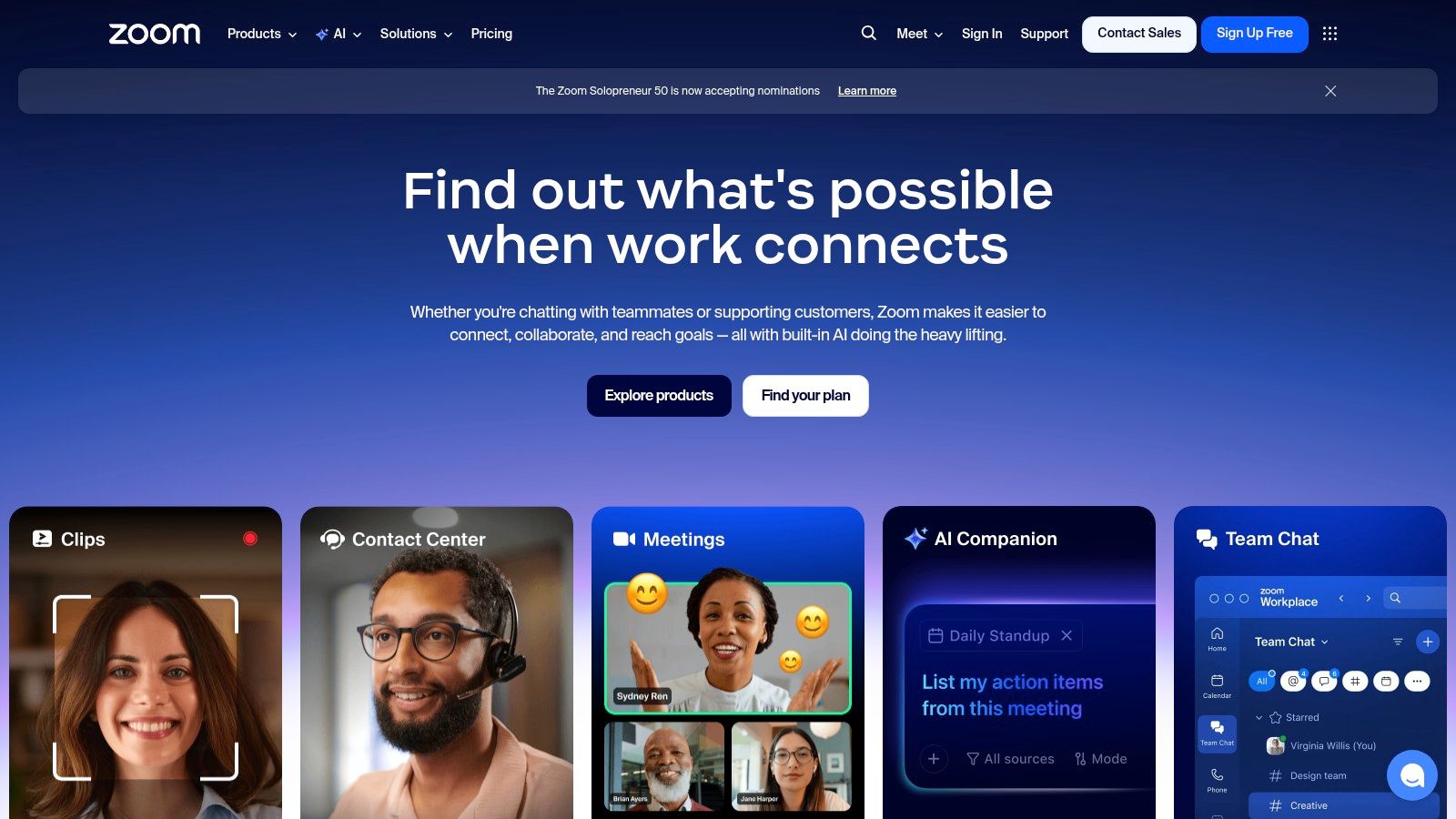
The main advantage is how familiar it feels. Everyone knows how to use Zoom, so getting people to use Team Chat is straightforward. For companies looking to use fewer tools, adding chat and phone to the Zoom they already pay for can feel like a natural extension. The AI Companion, which summarizes meetings and chats, is also genuinely useful and can save a lot of time.
The Catch with Zoom Workplace
Here's where it gets tricky: the pricing. Zoom’s plans can be confusing, and the best value is often in bundles that might include things you don’t need. While the chat function is solid, it doesn't feel like the main event. It feels like it’s there to support the video and phone products, not the other way around. If your team's work is mostly text-based and asynchronous, Zoom might feel like a video tool with a chat feature tacked on, rather than the true center of your team’s communication.
Website: https://zoom.us
6. Webex by Cisco
For large organizations—especially those in government or finance—security isn't just a feature; it's everything. That’s where Webex comes in. It’s an enterprise-grade tool that bundles secure messaging, meetings, calling, and even event management into one platform. Think of it as the Fort Knox of collaboration tools.
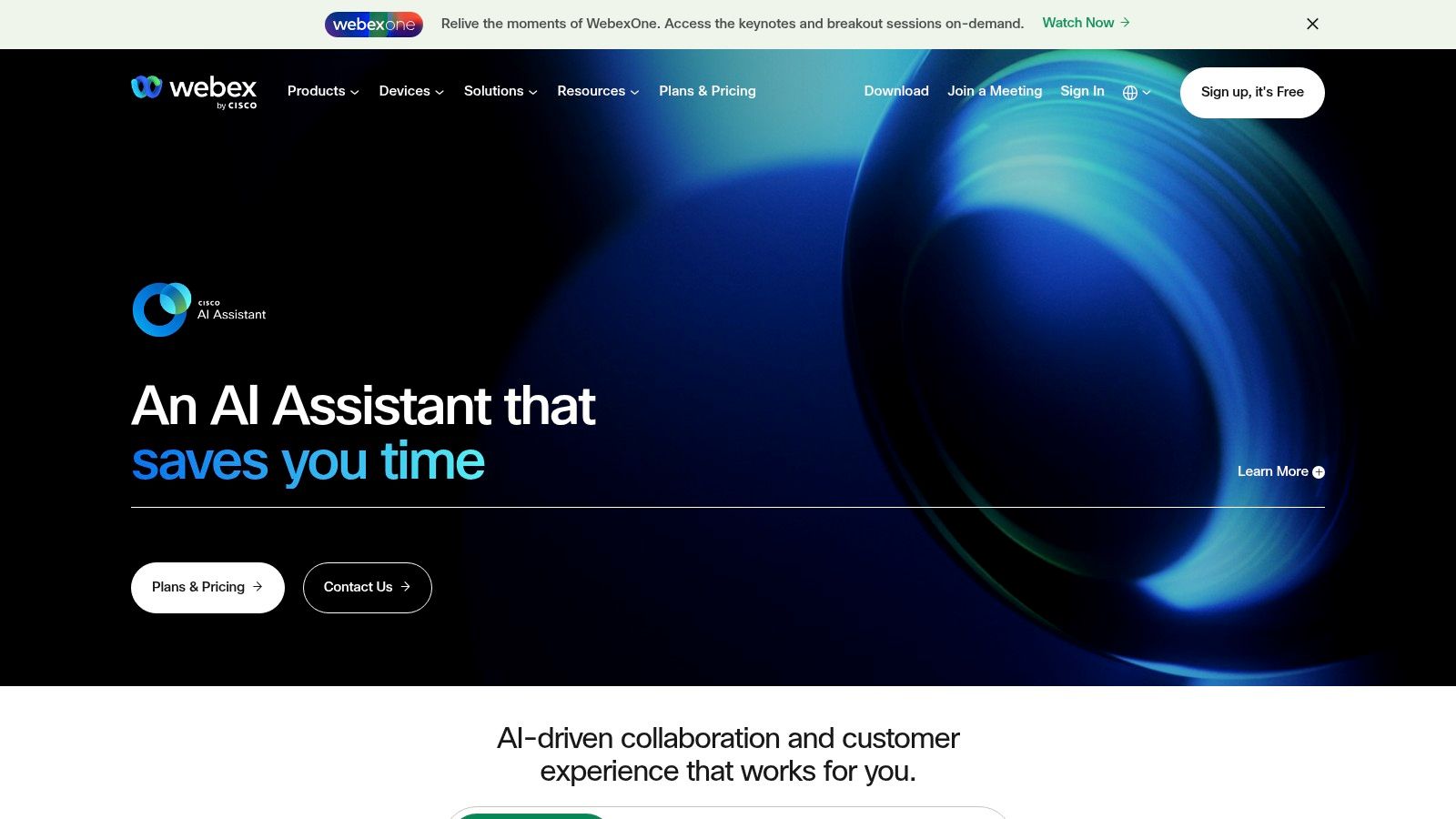
Its real advantage comes from Cisco's background in networking and security. Webex offers end-to-end encryption and meets strict compliance standards like FedRAMP. Beyond security, it’s building a compelling AI story with its Webex AI Assistant, which can handle real-time translation and meeting summaries. It’s a comprehensive suite designed to replace multiple tools, providing everything from a cloud phone system to hardware that works seamlessly with the software. This makes it a serious contender as a best app for team communication in a corporate environment.
The Catch with Webex
Here’s the thing: all that enterprise power can be overkill for a smaller team. The admin side is incredibly complex because it’s built to give IT departments control over thousands of users. If you just need a simple chat app, it can be overwhelming. And while Webex has a surprisingly good free plan, the features can vary a lot between plans and even by region, making it hard to know exactly what you’re getting. It’s a fantastic, secure ecosystem, but it's built for organizations that need and can manage its complexity.
Website: https://www.webex.com
7. RingCentral (RingEX – Message, Video, Phone)
RingCentral is for teams that need more than just messaging. It’s a full communications platform that bundles chat, video, and a powerful cloud-based phone system into a single app. If your business depends on phone calls with customers or vendors, RingCentral brings all of that communication into one place.
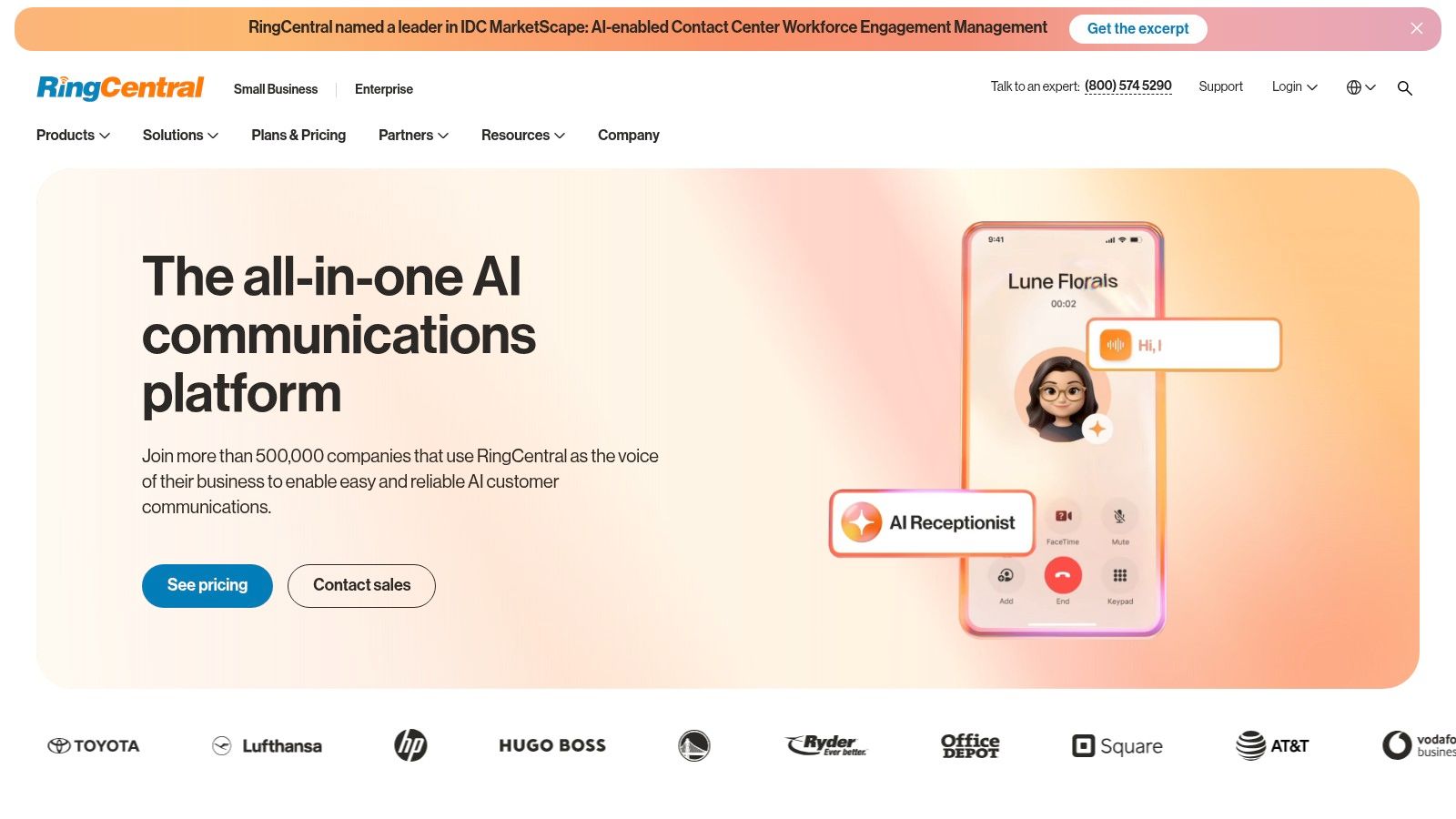
Its biggest advantage is having a business phone line built right into the collaboration hub. Your team can manage business calls, texts, and complex call routing from the same place they have internal chats and video meetings. With strong integrations for major CRMs, it can become the command center for sales and support teams, connecting customer conversations directly with internal work.
The Catch with RingCentral
But all that power comes with complexity. RingCentral’s pricing and features can be confusing, and it’s a much heavier tool than a simple chat app. For teams that just need straightforward messaging, its phone features can feel like bloat. The platform is designed for companies that are all-in on a unified system. If you already have a phone system you like, it might not be the most streamlined or affordable choice for team chat.
Website: https://www.ringcentral.com
8. Mattermost
Mattermost is the best app for team communication if you’re a company of developers or an organization that needs absolute control over its data. It's an open-source alternative to tools like Slack, built for technical and security-conscious teams who can’t risk putting their data on a shared cloud server. You can run it on your own private cloud or on-premise, even in a secure environment with no internet connection.

It was built with developers in mind. With integrations for tools like Jira, GitHub, and Jenkins, plus built-in "Playbooks" for handling incidents, it becomes a command center for engineering. This isn’t just a chat tool; it’s a platform for building, shipping, and operating software. For organizations in government or other highly regulated industries, Mattermost offers a level of security and compliance that puts it in a class of its own.
The Catch with Mattermost
Here’s the thing: with great power comes great responsibility. The self-hosted version, while free, requires serious technical skill and ongoing maintenance. You're responsible for deployment, updates, security, and uptime. For the more user-friendly cloud versions, pricing isn't public; you have to talk to their sales team for a quote. And while its focus on technical teams is a strength, it can mean a steeper learning curve for non-technical people compared to other options.
Website: https://mattermost.com
9. Rocket.Chat
For teams with strict data privacy needs or a desire for deep customization, Rocket.Chat is a compelling open-source choice. It offers a familiar channel-based messaging experience but lets you decide whether to use their cloud service or host it on your own servers. This makes it a great app for team communication in fields like government, healthcare, and finance where controlling your own data is non-negotiable.
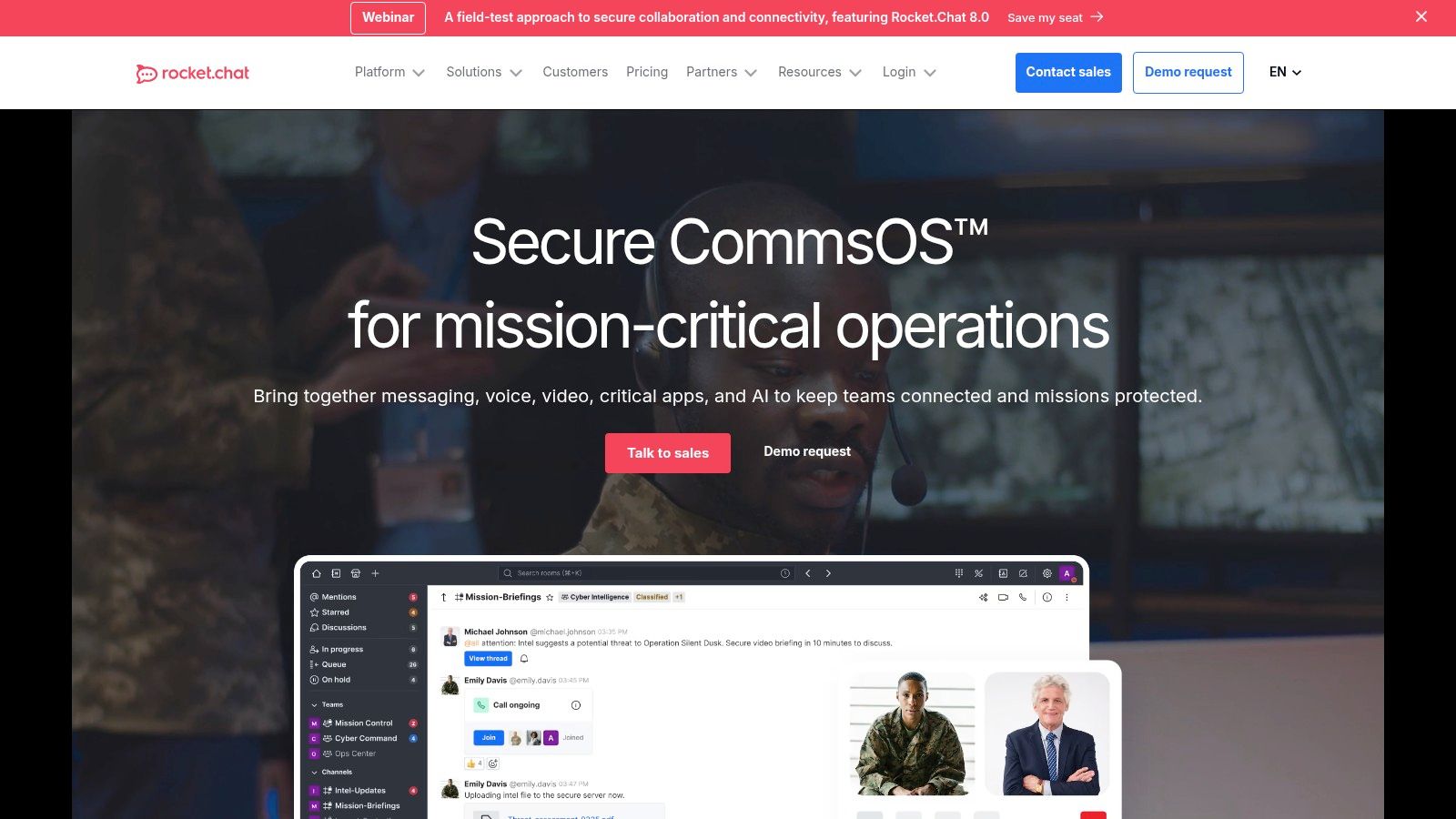
Its real power is its flexibility. You can change the branding to match your company, build custom integrations, and even run it in an "air-gapped" environment completely disconnected from the internet. Beyond standard chat, it offers add-ons for things like customer service live-chat, turning it into a platform that can handle both internal and external communication. It’s a builder’s tool, made for those who want more than an off-the-shelf product.
The Catch with Rocket.Chat
But that level of control comes at a cost, usually in technical overhead. If you choose to host it yourself, your team is on the hook for setup, maintenance, and security, which requires dedicated IT resources. While their hosted plan is reasonably priced for smaller teams, the more advanced features are locked into higher-priced tiers. If you’re looking for a simple, plug-and-play communication app, the setup required for Rocket.Chat might be more than you want to take on.
Website: https://www.rocket.chat
10. Zoho Cliq
If your team is already using the Zoho suite of apps, then Zoho Cliq is a no-brainer. It’s a solid business chat app that feels less like a standalone product and more like the glue that holds Zoho Workplace and Zoho One together. If your company runs on Zoho CRM or Projects, Cliq integrates so well that it becomes the natural hub for your team’s conversations.
It offers all the basics: channels, one-on-one chats, and audio/video meetings. Where it really shines is how it connects to other Zoho apps, letting you turn a message into a task or a support ticket without leaving the chat. For small to mid-sized businesses, especially those looking for an affordable all-in-one tool, Cliq offers tremendous value. Its free plan is also quite generous.
The Catch with Zoho Cliq
Here’s the thing: its greatest strength—the Zoho ecosystem—is also its biggest weakness. Cliq has very few integrations with non-Zoho tools compared to giants like Slack or Teams. If your work depends on other apps, you’ll find it hard to connect everything. The user interface, while functional, can also feel a bit dated compared to some of its more modern competitors. It’s a powerful and affordable tool, but mostly for those who are all-in on Zoho.
Website: https://www.zoho.com/cliq
11. Beekeeper
While many communication apps are built for people at desks, Beekeeper focuses entirely on frontline teams. If your workforce is in retail, hospitality, or manufacturing, this mobile-first platform is designed to connect everyone, whether they have a company email or not. It combines familiar chat and announcement feeds with essential operational tools.
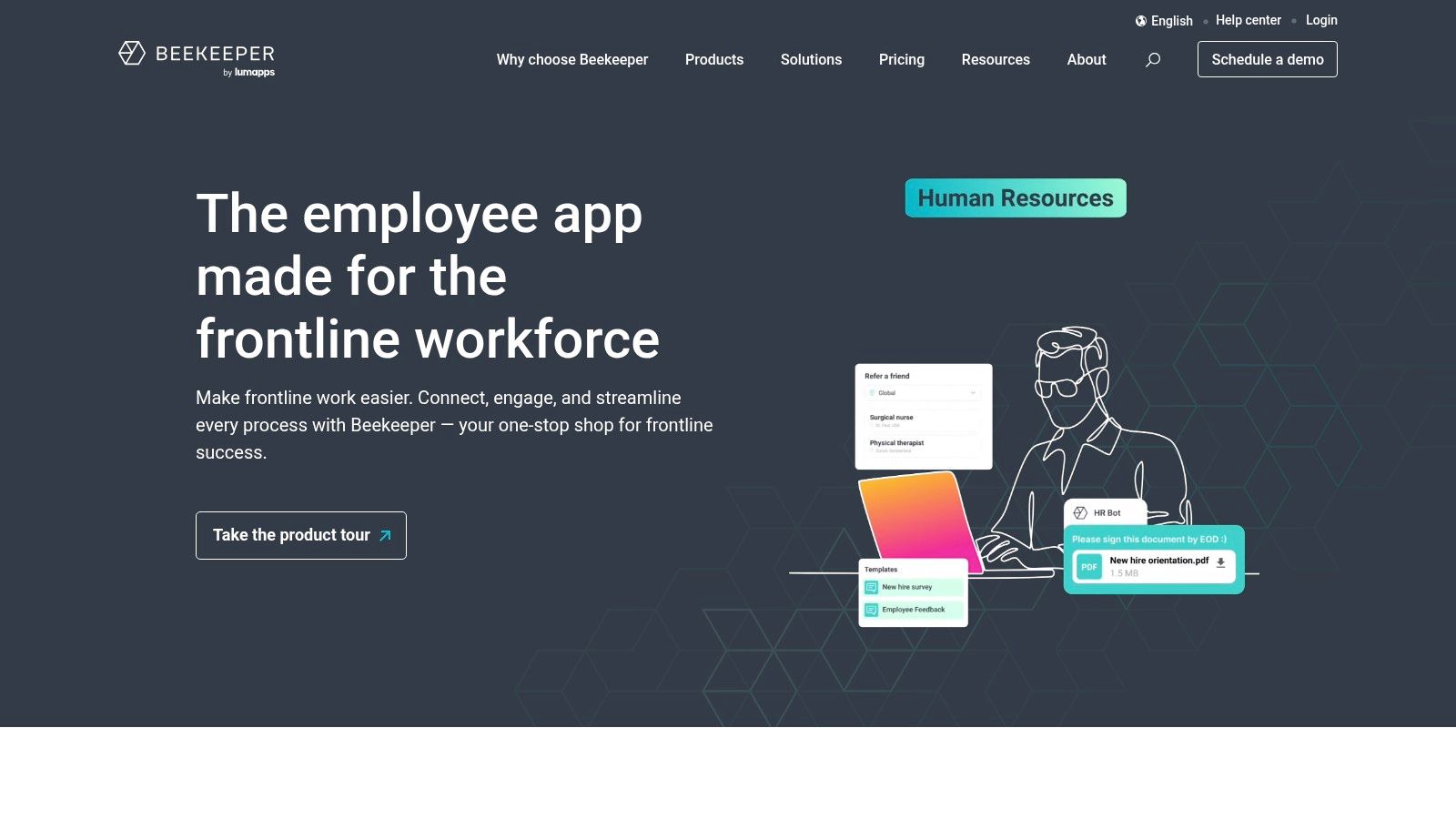
Beekeeper is great at targeted communication, letting you send messages to specific locations, departments, or roles right on their phones. Beyond messaging, it’s a hub for operations. You can run employee surveys, digitize daily checklists, and manage shift schedules. This sharp focus makes it a strong contender for the best app for team communication in industries where people are always on the move.
The Catch with Beekeeper
But that specialization is also its limitation. It's not built for the deep, integration-heavy work of a software or marketing team. While it offers a free plan for up to 30 people, its real power for larger companies is in the paid plans. The cost can also add up when you start adding on modules for tasks or shift management. For office-based teams, a tool like Slack or Teams will likely be a better fit.
Website: https://www.beekeeper.io
12. Workvivo by Zoom
Workvivo is less of a chat app and more of an employee engagement platform designed to build company culture. Acquired by Zoom, it works like a corporate social network, focusing on company-wide announcements, news feeds, employee recognition, and live events. It’s built to connect a scattered workforce around a central hub of information and culture.
Its strength is creating a digital space that feels like a real community. Features like Spaces for different teams, recognition shout-outs, and engagement analytics give HR and internal comms leaders powerful tools to measure and improve morale. For large organizations focused on employee experience, Workvivo provides a solid framework.
The Catch with Workvivo
Here's the thing: Workvivo is an enterprise platform, and its pricing reflects that. It's aimed at larger companies, with costs provided only by quote. For a small team needing a simple chat app, it’s overkill. The core product is an intranet and culture hub; the direct messaging and team chat you might expect from the best app for team communication is an optional, paid add-on. This makes it more of a holistic employee experience tool than a pure chat competitor. If this feels too complex, you might look at some of the top Workvivo alternatives for 2025.
Website: https://www.workvivo.com
Top 12 Team Communication Apps Comparison
Product | Core features | UX / Quality | Value & Price | Target audience | Unique selling points |
|---|---|---|---|---|---|
Pebb 🏆 | Chat, voice/video, heartbeat feed, Spaces (tasks, shifts, PTO, clock‑in), Knowledge & integrations | ★★★★☆ — mobile‑first, social feed boosts adoption | 💰 Free sign‑up → paid plans / enterprise (contact) | 👥 Frontline + office teams (retail, healthcare, hospitality) | ✨ All‑in‑one frontline focus; fast rollout; 50+ integrations |
Slack | Channels, DMs, huddles, workflows, Canvas | ★★★★☆ — mature chat UX; extensible | 💰 Free → per‑user paid tiers (cost scales) | 👥 Tech, product, cross‑functional teams | ✨ Massive integrations ecosystem; Slack Connect; AI features |
Microsoft Teams | Chat, channels, meetings, Teams Phone, SharePoint storage | ★★★★☆ — enterprise governance, MS365 UX | 💰 Included in Microsoft 365 plans; complex licensing | 👥 Organizations in Microsoft ecosystem; enterprise | ✨ Deep Office/Copilot integration; advanced compliance |
Google Workspace (Chat & Meet) | Spaces, Meet, Drive/Docs integration, Calendar | ★★★★ — familiar Google UX; quick adoption | 💰 Competitive per‑user pricing; pooled storage | 👥 SMBs and orgs using Google apps | ✨ Gemini AI, seamless Docs/Drive collaboration |
Zoom Workplace | Persistent chat + meetings, whiteboard, Mail/Calendar | ★★★★ — meeting‑first experience, reliable meetings | 💰 Free → bundles; add‑ons for Phone/Webinars | 👥 Meeting‑centric teams, hybrid workplaces | ✨ Best‑in‑class meeting UX; integrated whiteboards & phone |
Webex by Cisco | Messaging, meetings, calling, Webex AI, FedRAMP options | ★★★★ — secure, enterprise‑grade | 💰 Free trial → enterprise bundles (varies by region) | 👥 Regulated enterprises, gov't, large UCaaS needs | ✨ Strong security/compliance; full UCaaS device ecosystem |
RingCentral | Messaging, HD meetings, cloud phone, SMS/IVR, APIs | ★★★★ — robust telephony + collaboration | 💰 💰 Tiered UCaaS pricing; bundles for phone & meetings | 👥 Businesses needing integrated telephony & CRM | ✨ Enterprise telephony, IVR, CRM/helpdesk integrations |
Mattermost | Channels, self‑host or managed, DevOps integrations | ★★★★ — secure, customizable (self‑host) | 💰 Open‑source core; enterprise by quote | 👥 Security‑sensitive teams, DevOps, regulated orgs | ✨ Self‑hosting, air‑gapped, compliance (FIPS/STIG) |
Rocket.Chat | Chat, federation, white‑label, on‑prem options | ★★★★ — flexible deployment & branding | 💰 Free/core OSS; Pro/Enterprise tiers (paid) | 👥 Teams needing data sovereignty & customization | ✨ White‑label, on‑prem, contact‑center add‑ons |
Zoho Cliq | Channels, calls, meetings, Zoho suite integration | ★★★★ — simple UX; budget friendly | 💰 💰 Low cost / generous free tier | 👥 SMBs using Zoho apps | ✨ Affordable; seamless Zoho Workplace / One integration |
Beekeeper | Mobile‑first chat, streams, surveys, shift tools | ★★★★ — tailored mobile UX for frontline | 💰 Free trial / paid tiers; add‑ons increase cost | 👥 Frontline workers (retail, hospitality, logistics) | ✨ Frontline‑centric features; targeted comms & surveys |
Workvivo by Zoom | News feed, recognition, hubs, analytics; optional chat | ★★★★ — strong for engagement & culture | 💰 Quote‑based (mid‑market / enterprise focus) | 👥 Internal comms teams, large enterprises | ✨ Employee experience platform; analytics & live streams |
It's Not About More Features. It's About Less Noise.
We've just looked at a dozen different tools, each promising to be the best app for team communication. There are the heavy hitters like Slack and Teams, the open-source options like Mattermost, and the frontline specialists like Beekeeper. If you feel overwhelmed, that’s normal. The market is full of choices, and every single one claims it will solve all your problems.
But here’s what we’ve learned after years of building, using, and replacing these tools: the goal isn't to find the app with the longest feature list. The real goal is to find the one that creates the least amount of noise. Good communication isn’t about sending more messages faster. It’s about sending the right messages to the right people at the right time, so they can get back to their actual work.
Constant notifications, endless channels, and the pressure to be "always on" are not signs of a healthy communication culture. They're symptoms of a broken system. The constant stream of pings and @-mentions has become the new open-plan office—a digital source of endless interruption that breaks our focus and drains our energy.
How to Choose Your Signal in the Noise
So, how do you find the right tool? Instead of starting with a feature checklist, start with your people and how they work.
Who are you trying to connect? Are you linking up software engineers who live in code editors, or are you trying to get a safety update to a warehouse team that's on its feet all day? The needs of a remote marketing team are worlds apart from a hospital's nursing staff. A mobile-first, asynchronous tool like Pebb or Beekeeper is built for the latter, while a desktop-first, real-time platform like Slack is often better for the former.
What problem are you really trying to solve? Is your main challenge keeping everyone informed with company announcements? Or is it helping different departments collaborate on complex projects? Maybe it’s just replacing a messy tangle of WhatsApp groups and email chains. Define the one or two core problems you need to solve. Don't chase an all-in-one tool that does a hundred things poorly.
What will it actually take to get people to use it? A powerful tool is useless if nobody uses it. Think about what it will take to get your team on board. How much training will they need? How intuitive is the app for someone who isn't tech-savvy? For teams with frontline workers, a simple interface they can master in minutes is essential. Complex platforms like Microsoft Teams can be powerful, but they often require significant IT support and a structured rollout.
Choosing the best app for team communication isn’t a technical decision. It’s a human one. It’s about creating a space where clarity wins over chaos, focus is protected, and work can finally get done. Don’t settle for more features. Demand less noise.
Tired of the digital noise? Looking for a communication tool that brings calm and clarity? Pebb is designed from the ground up to connect your entire team—from the front office to the frontline—with less distraction and more focus. See how our thoughtful approach can transform your team’s communication at Pebb.
