
The 10 Best Apps for Healthcare for 2026
Tired of juggling tools? Our guide covers the best apps for healthcare, from communication to scheduling, to help you choose the right mix for your team.
Dan Robin
At 6:45 a.m., the charge nurse is already switching between tools before the first med pass starts. A secure chat app has overnight questions. The scheduling app has a callout. Patient messages are waiting in the portal. A policy update lives somewhere else. By breakfast, the team has touched half a dozen systems, and none of that work counts as patient care.
I’ve seen this firsthand. In one clinic, staff needed seven different apps just to get through the first stretch of the day. Each one solved a real problem on paper. Together, they created a coordination problem nobody had planned for.
That is the hard truth about apps for healthcare. A single-purpose app can be useful. Five or six of them can slow a team down, blur accountability, and train people to ignore notifications because everything feels urgent. Managers end up chasing updates across systems, and patients feel the delay when staff are busy hunting for the right screen.
Mobile use is no longer the question. Patients expect phone-based access. Clinicians and operations teams already work from their phones whenever the workflow allows it. The real decision is whether each new app removes friction or adds one more login, one more alert stream, and one more place important information can get stuck.
That’s the lens for this list. It’s a guide for choosing tools without making app sprawl worse. Some products earn their place because they solve a specific problem better than a broad platform can. Others only make sense if they replace two or three tools you already have. And in some organizations, the smartest move is consolidation, not another download.
That trade-off matters more than feature counts. A tool can look strong in a demo and still fail on the floor if staff have to bounce between systems to finish one routine task.
The sections that follow compare the apps that tend to come up most often, but the bigger question stays the same throughout. Add a point solution when the gap is real and the workflow impact is worth it. Consolidate when the hidden cost of juggling tools has become the bigger operational problem.
1. Pebb
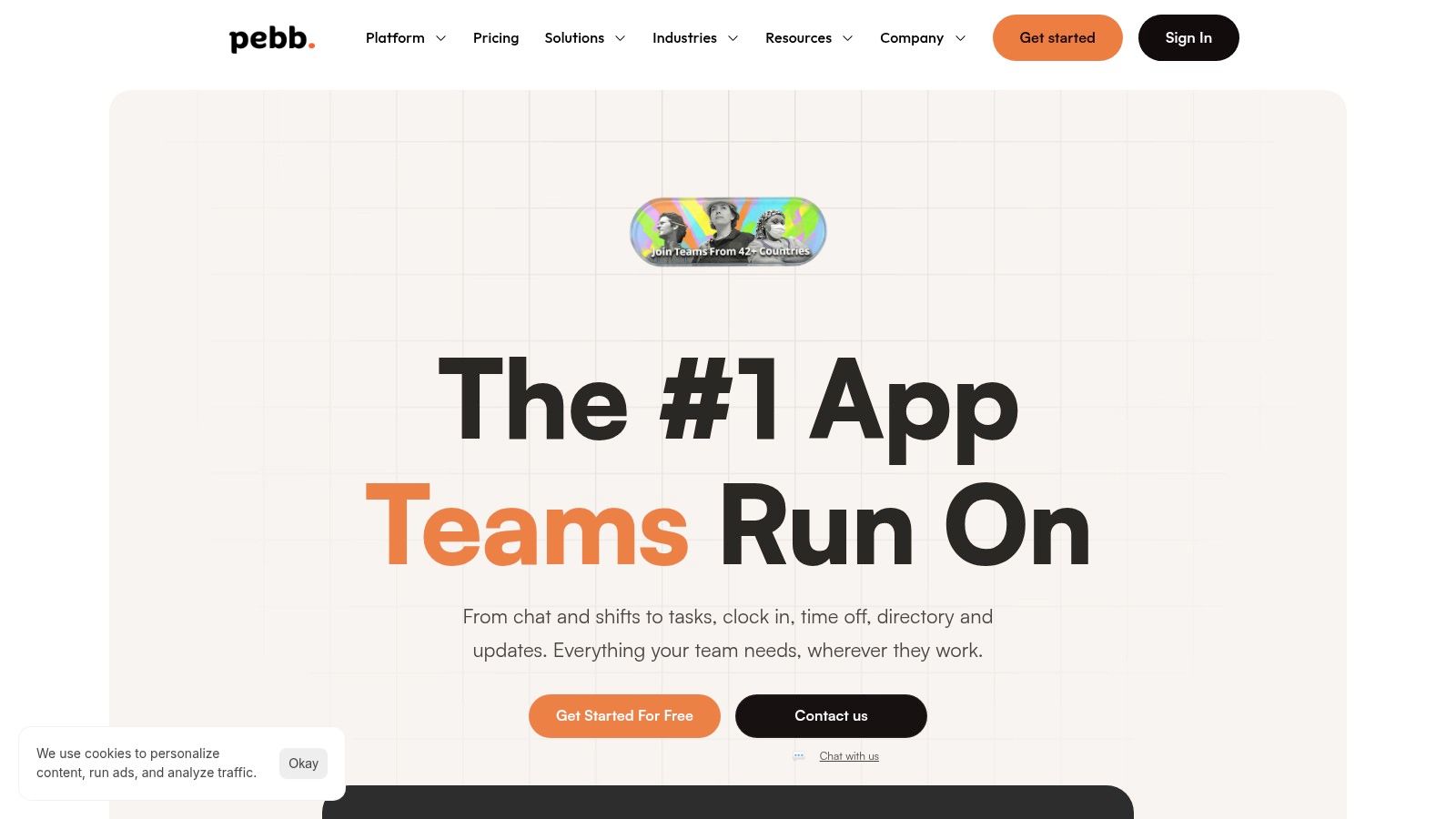
If your biggest problem is app sprawl, Pebb is the first tool I’d look at.
It’s not a clinical charting app and it doesn’t pretend to be one. It’s an all-in-one employee app built for the messy reality of shift-based work. That matters in healthcare because most of the daily friction isn’t about medicine. It’s about handoffs, updates, missed messages, time-off requests, shift coverage, forms, and finding the right person fast.
Pebb pulls those pieces into one mobile-first workspace. Teams can run chat, calls, posts, tasks, file sharing, knowledge libraries, events, shift scheduling, clock-in, PTO tracking, and digital forms inside configurable Spaces. Instead of telling staff to bounce between a messaging app, a scheduling tool, a policy portal, and another app for engagement, you give them one place that feels coherent.
Why it works in real operations
Healthcare teams don’t need another “communication platform” that only works if everyone sits at a desk.
Pebb is better thought of as an operational home base. A supervisor can post an update, assign a task, share a protocol, approve time off, and see whether a location is engaging, all in the same system. Staff can check shifts, message coworkers, clock in, and pull up documents from their phones without that familiar scavenger hunt across different apps.
Practical rule: If a new tool fixes one problem but creates another login, another notification stream, and another admin console, it probably isn’t helping enough.
That’s where Pebb stands out. It treats communication, operations, and engagement as one thing because, on the floor, they are one thing.
The trade-offs
The upside is obvious. Fewer apps. Less switching. Faster rollout. Pebb supports web and mobile, uses a single invite link for onboarding, and integrates with many HR, payroll, and authentication systems through the Pebb platform.
The trade-off is just as important to say out loud. Pebb won’t replace every specialized healthcare system. If you have complex payroll rules, advanced physician scheduling logic, or highly specific clinical workflows, you may still keep a dedicated system in place and use integrations where needed.
A few things I like, and a couple to watch:
Best fit: Mid-sized clinics, hospital departments, distributed care teams, and frontline-heavy organizations that need one employee app instead of five.
Strong everyday value: Chat, shifts, tasks, files, forms, and updates live together, which is exactly where a lot of wasted time hides.
Governance built in: Roles, permissions, admin controls, and analytics give leaders real oversight without turning the tool into a science project.
Pricing caveat: You can start free, but detailed paid tiers aren’t published publicly, so larger buyers will still need a sales conversation.
If your team is exhausted by patchwork tools, this is the most practical place to start.
2. TigerConnect
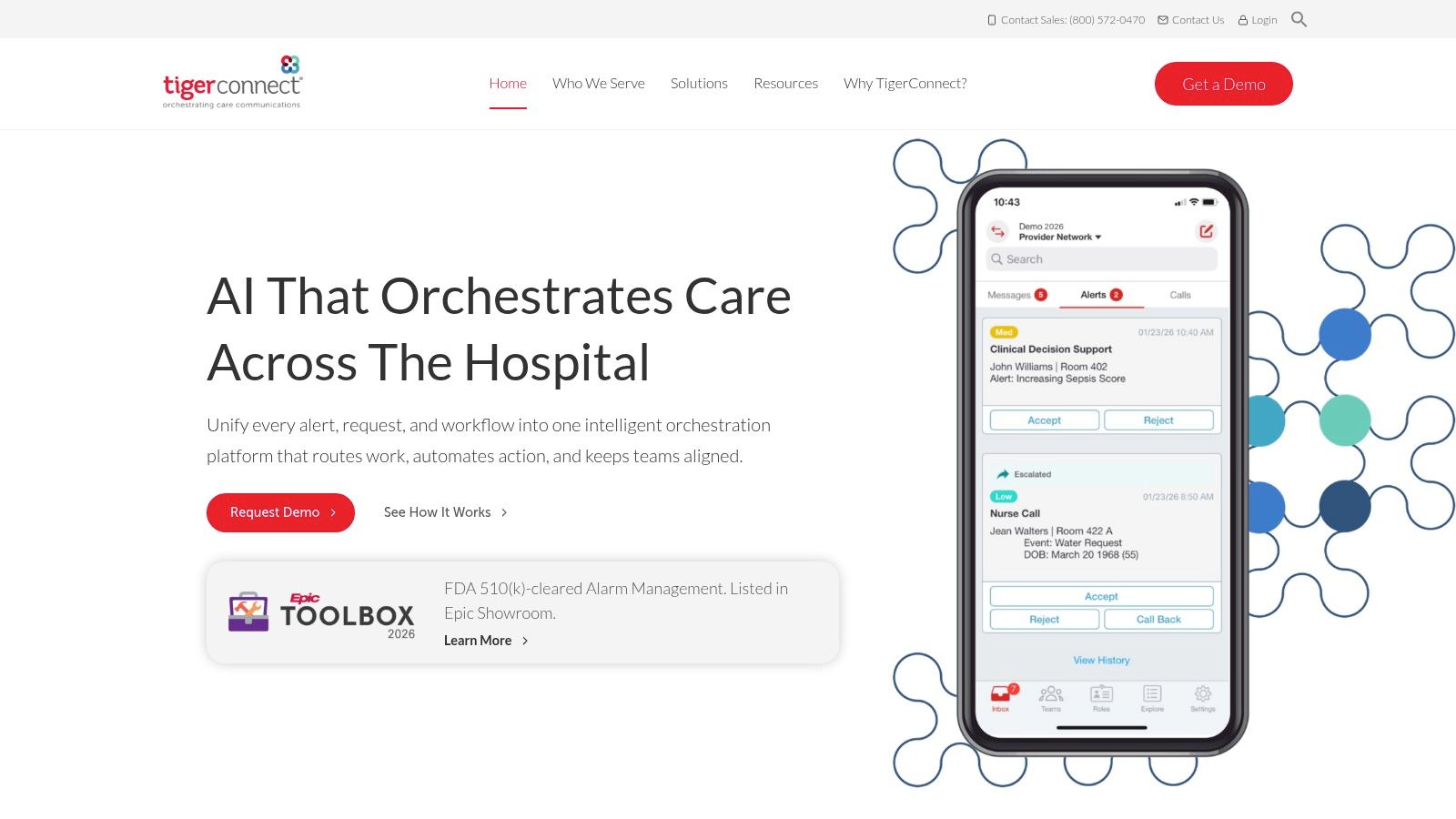
TigerConnect is what I recommend when a hospital says, “We don’t want generic chat. We want clinical communication.”
That distinction matters. General workplace messengers are fine until the first time a message needs role-based routing, escalation logic, auditability, or a clean path into existing hospital workflows. TigerConnect is built for that heavier environment. Secure texting, voice, video, alerts, and role-aware communication are the center of the product.
It’s a strong fit for inpatient settings, ambulatory networks, and large care teams that need messaging tied to real clinical operations instead of loose channels and workarounds.
Where it earns its keep
The biggest strength here is workflow depth. Messages can follow roles and shifts, not just individuals. That’s a big deal in care environments where responsibility changes throughout the day and “Who’s on?” is half the battle.
TigerConnect also makes more sense than a standard chat app when leadership wants communication tied to physician scheduling, alerts, and EHR-connected workflows. If your team is weighing specialized tools against broader communication platforms, this comparison of healthcare communication software options is worth a look.
In a hospital, messaging isn't just messaging. It's routing, responsibility, and timing.
The catch
This isn’t a light tool. That’s both the appeal and the burden.
Admins need clear governance. Teams need rollout discipline. If your culture is loose about naming conventions, routing rules, and escalation ownership, TigerConnect can become powerful software that still feels messy in practice. Pricing is also quote-based, which usually means this is a better fit for organizations with enterprise buying cycles.
For the right environment, though, it’s one of the sharper apps for healthcare on the market. Especially when the stakes are clinical communication, not just convenience.
3. Microsoft Teams for Healthcare
Microsoft Teams for Healthcare is the obvious choice when the organization already lives in Microsoft 365.
I’ve seen teams fight that reality and lose. They go shopping for a cleaner niche product, only to discover that identity, security, device management, and everyday file work still run through Microsoft. If that’s your environment, Teams often wins by being close to everything else you already use.
The healthcare version adds what standard Teams alone doesn’t solve well. Virtual visits, secure messaging, shared device workflows for clinicians, and EHR connectors to Epic and Oracle Cerner move it from “office chat app” into something more workable for care delivery.
Best when Microsoft is already the backbone
This tool makes the most sense when IT wants one stack for identity, security, collaboration, and device policy. The practical benefit isn’t glamour. It’s fewer seams.
That’s also why comparisons like Slack vs Teams vs Pebb vs Zoom for remote collaboration are useful. Teams can be a solid healthcare app, but it rarely feels simple out of the box. It gets good after configuration.
A few honest notes:
Good fit: Health systems already standardized on Microsoft 365.
Real advantage: Virtual visits and secure collaboration can sit inside the same broader Microsoft environment.
Hidden cost: Licensing can get confusing fast, especially across different Microsoft plans and add-ons.
What doesn’t work well
Teams can do a lot. That’s exactly the problem sometimes.
If you need frontline simplicity, Teams may feel too broad. If you need highly specialized healthcare workflows without much setup, it may feel too generic. It’s strongest when the organization has enough IT maturity to shape it around real use cases and enough patience to train people well.
For existing Microsoft shops, that trade can be worth it. For everyone else, it can feel like buying a campus when you needed a clinic.
4. Zoom for Healthcare
Zoom still wins on one thing that matters more than people admit. Almost everybody already knows how to use it.
For telehealth, that familiarity counts. Patients don’t want to learn a new interface when they’re sick, stressed, or running late. Staff don’t want to troubleshoot camera permissions all day. A video tool with low friction can beat a more elegant platform that nobody joins easily.
Zoom for Healthcare supports HIPAA-ready programs through a BAA and is used for scheduled visits, on-demand care, internal consults, and broader contact center workflows. It also connects into EHRs, patient portals, and developer ecosystems, which gives it more staying power than a basic video app.
Why clinics keep choosing it
The simplest explanation is usually the right one. It reduces visit friction.
Zoom works well when the video visit itself is the key transaction and the rest of your workflow already lives somewhere else. A specialty clinic might schedule in the EHR, message in the portal, and use Zoom for the actual encounter. That’s not elegant, but it’s often workable.
One more reason it stays relevant: the global health app market generated $3.74 billion in revenue in 2024 with 320 million users and 388 million downloads. The broader market has trained people to expect mobile-first healthcare experiences, and video remains one of the easiest habits to sustain.
The real limitation
Zoom is still a general-purpose product at heart.
That means healthcare teams have to be careful. Privacy settings, workflows, and PHI handling need real attention under the BAA. It also means clinical depth usually comes from integrations, not from Zoom alone. If your telehealth program needs documentation workflows, scheduling logic, care pathways, and internal operations all in one place, Zoom won’t carry that by itself.
It’s excellent at visits. It’s not your whole system.
5. Doximity Dialer Enterprise
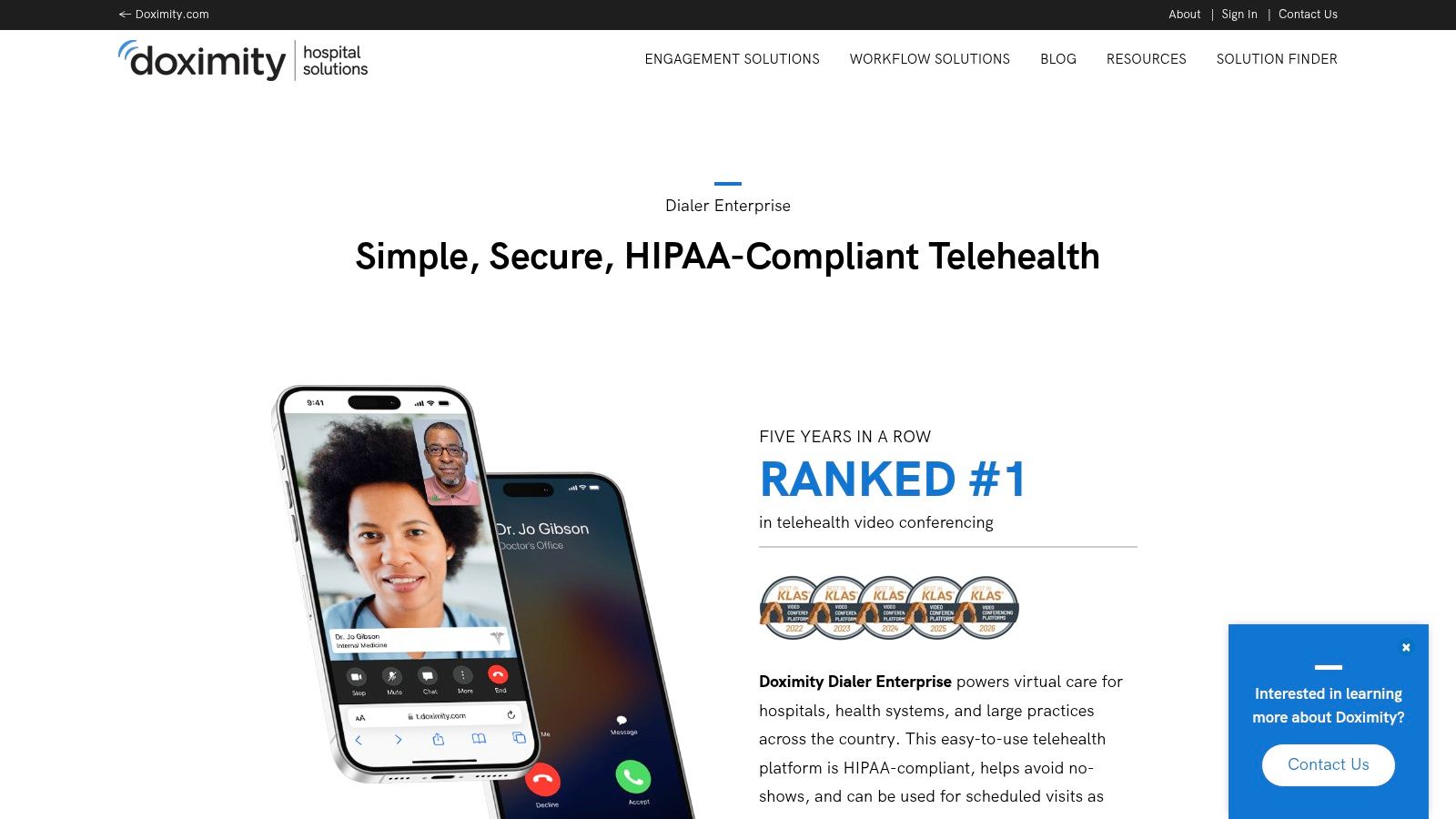
Doximity Dialer Enterprise solves a very specific problem, and that’s why it works.
Clinicians need to call or text patients without exposing personal numbers. Patients need something dead simple. No account creation. No app download. No password reset. Just a call or a one-tap video link sent by text. Doximity has been smart about staying focused on that core job.
In practical application, this tool shines during after-hours follow-up, care coordination, quick outreach after missed appointments, and video visits where patient friction has to be as close to zero as possible.
Low friction beats fancy
A lot of healthcare technology fails because it asks too much of patients at the moment they’re least interested in learning anything new.
Doximity Dialer Enterprise avoids that trap. Masked calls protect clinician privacy, and texted video links reduce the setup burden for patients. For organizations trying to expand outreach without forcing another portal login, that’s a strong practical advantage.
The best patient communication tool is often the one that asks the patient to do almost nothing.
Where it stops
This isn’t a full telehealth platform, and it’s not trying to be.
You won’t buy Doximity Dialer Enterprise because you want broader scheduling, deep documentation, or a central staff operations layer. You buy it because direct clinician-to-patient communication needs to work quickly and cleanly. That narrower scope is the trade-off.
For many groups, that’s fine. Especially when the rest of the stack is already set and the missing piece is better outreach without exposing staff phone numbers or creating extra patient hurdles.
6. Spruce Health
Spruce Health is one of the better answers for smaller practices that are tired of duct-taping together phones, texting, video, fax, and payments.
That’s a common ambulatory problem. A primary care group or behavioral health clinic doesn’t need a massive enterprise platform, but it also can’t keep bouncing between a VoIP tool, a texting app, an e-fax service, a separate telehealth product, and random intake forms. Spruce brings a lot of that into one communications hub.
It handles phone, two-way SMS, secure messaging, video visits, e-fax, team inboxes, and some automation. For small and mid-sized practices, that can remove more clutter than you’d expect.
Good for practices that want fewer moving parts
What I like about Spruce is that it feels grounded in practice operations, not just feature checklists.
After-hours routing matters. Team inboxes matter. Bulk messaging matters. The ability to keep patient communication inside one system matters. It’s especially useful for groups where the front desk and clinical staff are both touching the same communication stream all day.
A few straightforward pros and cons:
What it does well: It reduces communication sprawl for ambulatory teams without demanding a giant implementation.
Why buyers like it: Pricing is more approachable than many enterprise tools, and setup is usually less intimidating.
What to remember: It’s not an EHR. If you need charting and full clinical data sync, you’re still depending on integrations.
The boundary line
Spruce is great when communication is the pain point.
It’s less ideal when the bigger issue is staff operations across shifts, departments, or locations. If your clinic’s core mess is internal coordination, scheduling, task management, and policy access for employees, you may still need a broader internal platform. But if your mess is patient-facing communication spread across too many disconnected systems, Spruce is a very sensible pick.
7. QGenda Advanced Scheduling
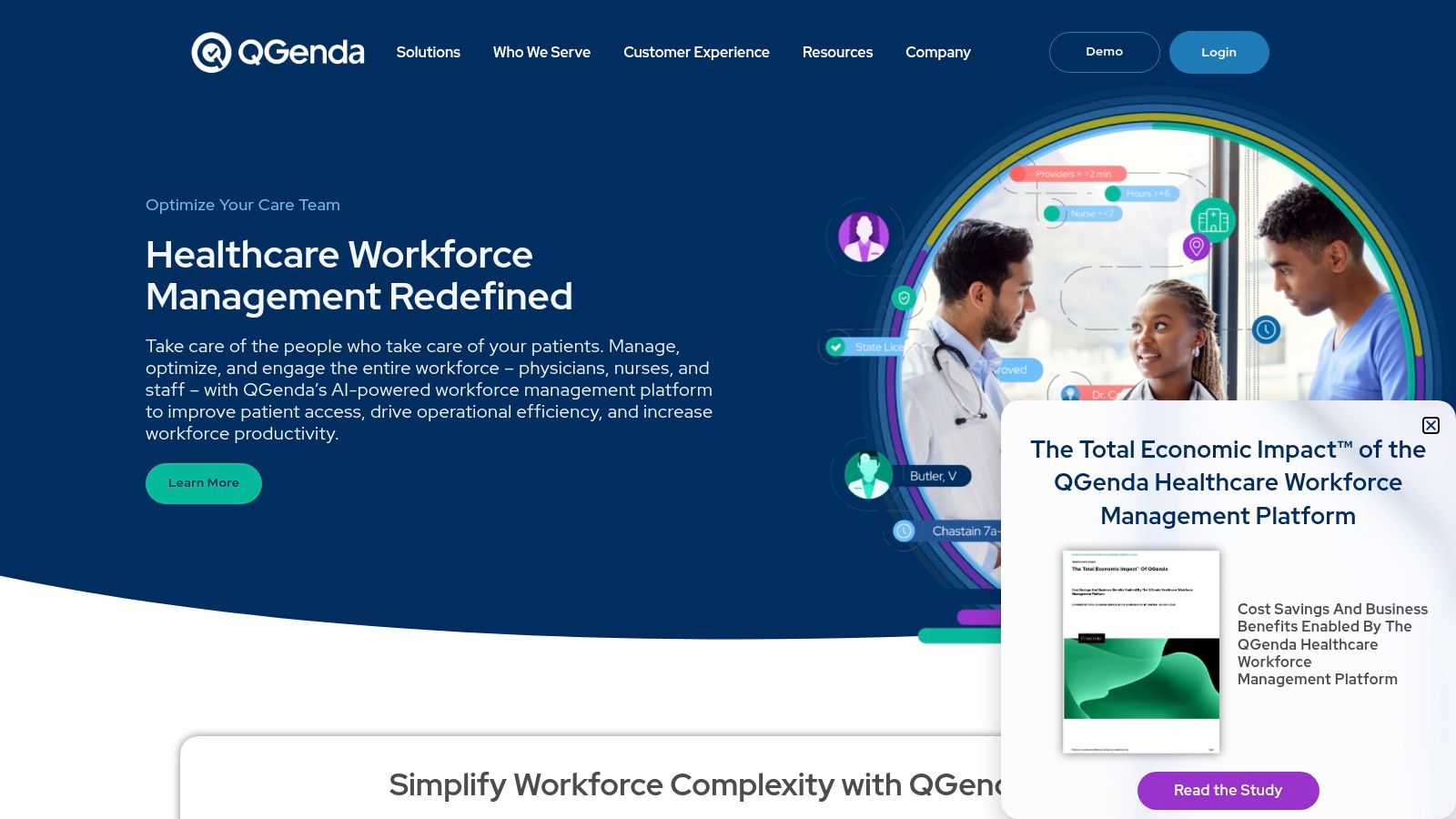
Monday starts with three texts, two callouts, a surgeon asking for block time changes, and a clinic manager trying to cover a Friday gap that should have been fixed last week. That is usually the moment a health system realizes the problem is not effort. It is the scheduling system.
QGenda is built for the kind of staffing complexity that breaks generic workforce tools. It handles physician and APP scheduling, call schedules, shift requests and swaps, room assignments, and capacity planning in a way that reflects how medical groups operate. When one bad schedule creates access problems, overtime, unhappy clinicians, and denied time-off requests, a dedicated scheduling platform starts to look less like a nice-to-have and more like operational infrastructure.
The key question is not whether QGenda has enough features. It is whether scheduling has become one of your organization’s hidden cost centers.
For larger groups, the answer is often yes. Department leaders spend hours every week enforcing scheduling rules manually, resolving disputes, tracking fairness, and patching holes caused by vacations, credentialing limits, call requirements, and specialty coverage needs. A tool like QGenda can reduce that burden with rules-based scheduling, mobile self-service, and reporting that shows where coverage patterns are failing.
If you are weighing a dedicated scheduler against a broader workplace app, this guide to nurse scheduling software is a useful reality check.
That said, app sprawl is a real concern here. QGenda can solve a painful scheduling problem while adding another system for staff to learn, support, and connect with payroll, HR, and clinical operations. I have seen this go well when scheduling was clearly the bottleneck. I have also seen teams buy a specialized tool when the bigger issue was fragmented internal operations across messaging, policies, tasks, and staffing. In those cases, another point solution adds work instead of removing it.
Implementation is where the trade-off becomes obvious. QGenda usually requires rule cleanup, governance decisions, and agreement across departments that have been managing schedules their own way for years. Smaller clinics with simple shift patterns may find that excessive. Multi-site groups, hospital-based departments, and organizations with heavy call coverage tend to get more value because the scheduling logic is harder to manage by hand.
My practical take is simple. Choose QGenda when schedule complexity is hurting patient access, provider satisfaction, or manager time every single week. If your bigger problem is too many disconnected staff tools, reconsider whether a more unified platform will solve more than a best-in-class scheduler on its own.
8. Epic MyChart
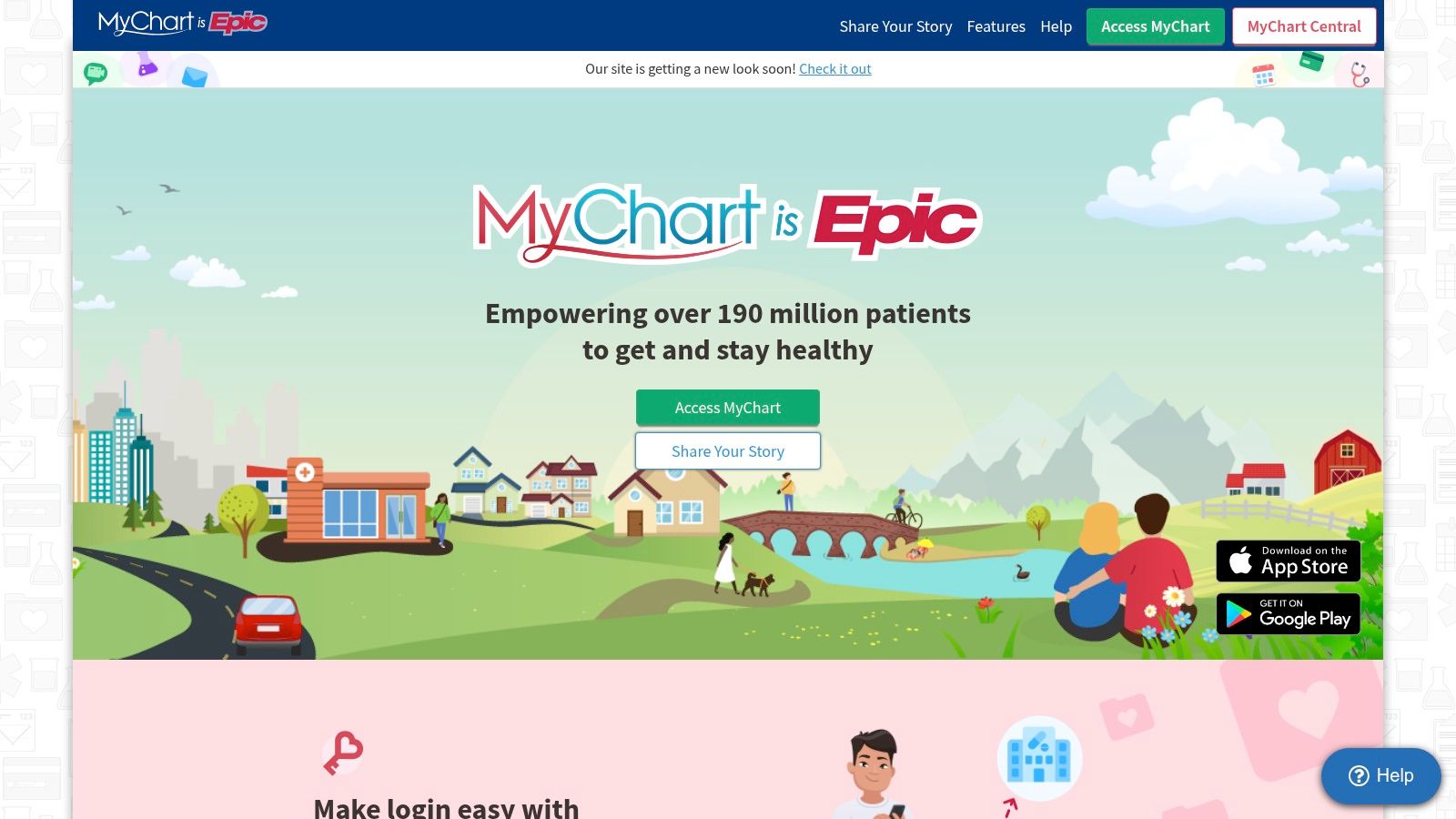
A patient gets lab results at 9:30 p.m., opens the app, sends a message, checks the follow-up visit, and pays an old balance before bed. That is the primary function of MyChart. It keeps routine patient tasks in one place, tied closely to the Epic record many health systems already run.
That familiarity is a serious advantage. Staff spend less time explaining where to find results or how to join a visit when patients already recognize the app name and basic layout. In practice, that reduces call volume at the front desk and portal confusion at the worst times, usually right before clinic starts or after a large batch of results goes out.
MyChart usually handles appointments, test results, medications, billing, visit summaries, messages, eCheck-in, and telehealth access. The exact experience still depends on local setup. Two Epic organizations can offer very different patient experiences inside the same app, which is one of the biggest things buyers underestimate.
Why health systems keep relying on it
For Epic organizations, MyChart is often the patient-facing layer that makes the EHR usable outside the building.
That matters because patient access is no longer a side feature. Patients expect to review records, ask simple follow-up questions, complete pre-visit steps, and handle admin work on their phone without calling the office. MyChart meets that expectation better than many bolt-on tools because it sits close to scheduling, documentation, orders, and billing.
There is also an app sprawl argument in its favor. If a health system already runs Epic well, adding separate apps for messaging, intake, visit access, statements, and results can create more confusion than value. One app with decent adoption usually beats five disconnected ones that each solve a narrow problem.
Patients judge the care experience by what happens after the visit, and the app is a big part of that.
What causes problems
MyChart gets blamed for issues that usually start with governance, not software.
If message routing is messy, patients wait too long. If notifications are set badly, they get too many alerts or miss the one that matters. If billing language is unclear, the app feels irritating fast. I have seen organizations call the app the problem when the actual issue was inconsistent operational decisions across clinics, service lines, and revenue cycle teams.
That is the trade-off. MyChart can reduce app sprawl for Epic customers, but only if the organization commits to standard workflows and owns the patient experience across departments. If your teams cannot agree on messaging rules, release timing, scheduling templates, and digital intake processes, the app will expose those cracks quickly.
My practical take is simple. Choose MyChart as the center of the patient digital experience when Epic is already the center of operations. If you are trying to patch over broader workflow problems with one more patient app, fix the operating model first.
9. athenaPatient
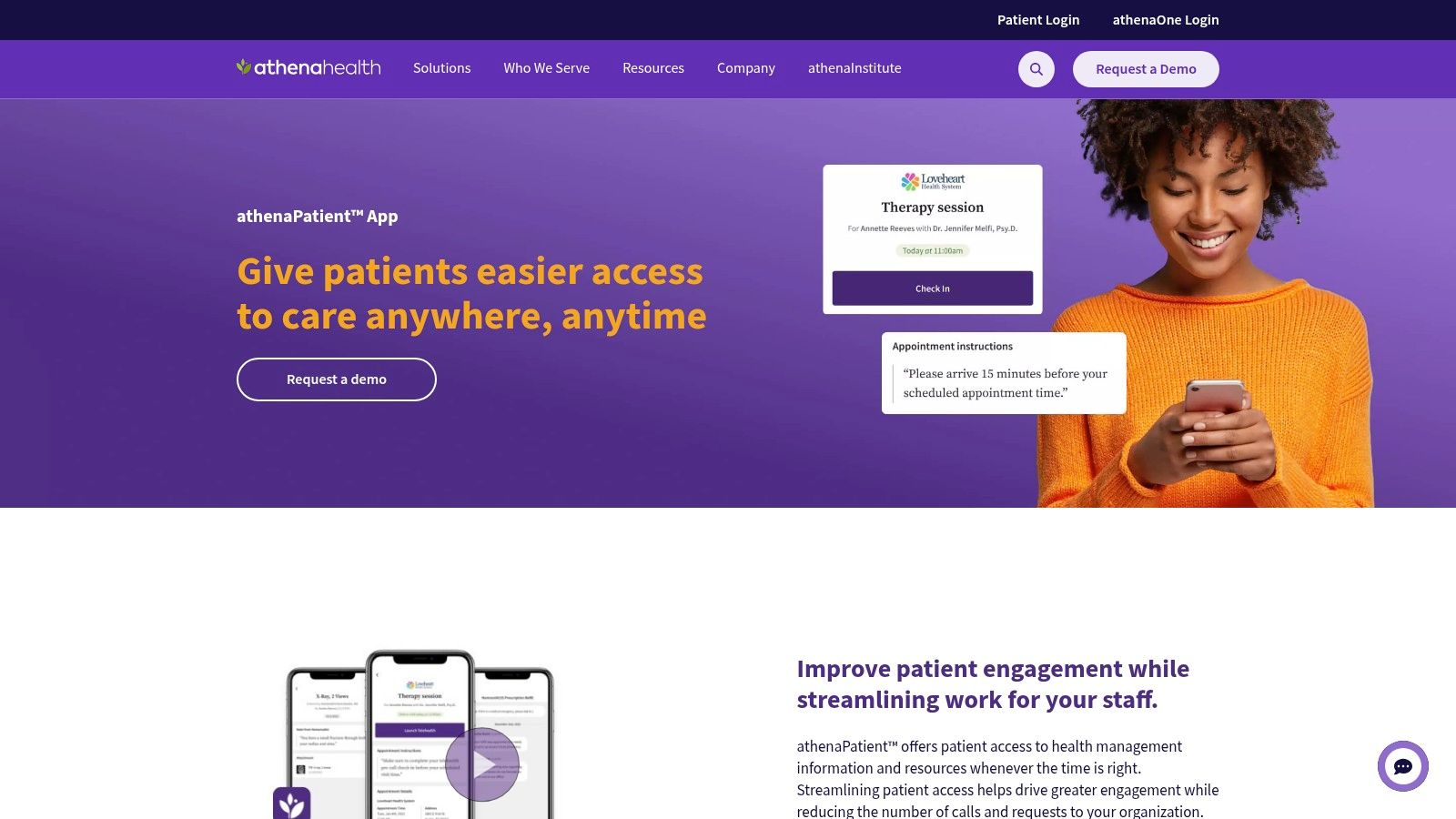
athenaPatient makes the most sense when the practice is already committed to athenaOne.
That may sound obvious, but it matters. Too many buyers evaluate patient apps as if they exist on their own. They don’t. A patient app is only as useful as the workflows, messaging habits, and portal setup behind it. If your practice runs athenaOne and has the portal enabled properly, athenaPatient can give patients a clean path to appointments, messages, results, refill requests, payments, forms, and telehealth.
For independent practices and MSOs, that native tie-in is often the whole point. It’s easier to manage one integrated ecosystem than to chase portal add-ons from three different vendors.
Best for athenahealth shops that want tighter patient workflows
The case for athenaPatient is convenience through alignment. Scheduling, messaging, telehealth, and payments stay closer to the system staff already use.
That matters more now because patients expect apps to be normal, not optional. The global mHealth apps market was estimated at USD 37.5 billion in 2024, with 72% of Americans using health apps, up from 55% in 2021. Expectations have shifted. Patients assume mobile access should exist.
What limits it
The downside is lock-in.
If you’re not on athenaOne, this isn’t your app. If you are on athenaOne but your portal setup is weak, the app won’t magically fix that. Feature depth also depends on how the practice configures and uses the broader platform. So this is less a stand-alone recommendation and more a strong ecosystem pick for the right buyer.
When the fit is there, it’s practical. When it isn’t, there’s nothing to discuss.
10. Amwell
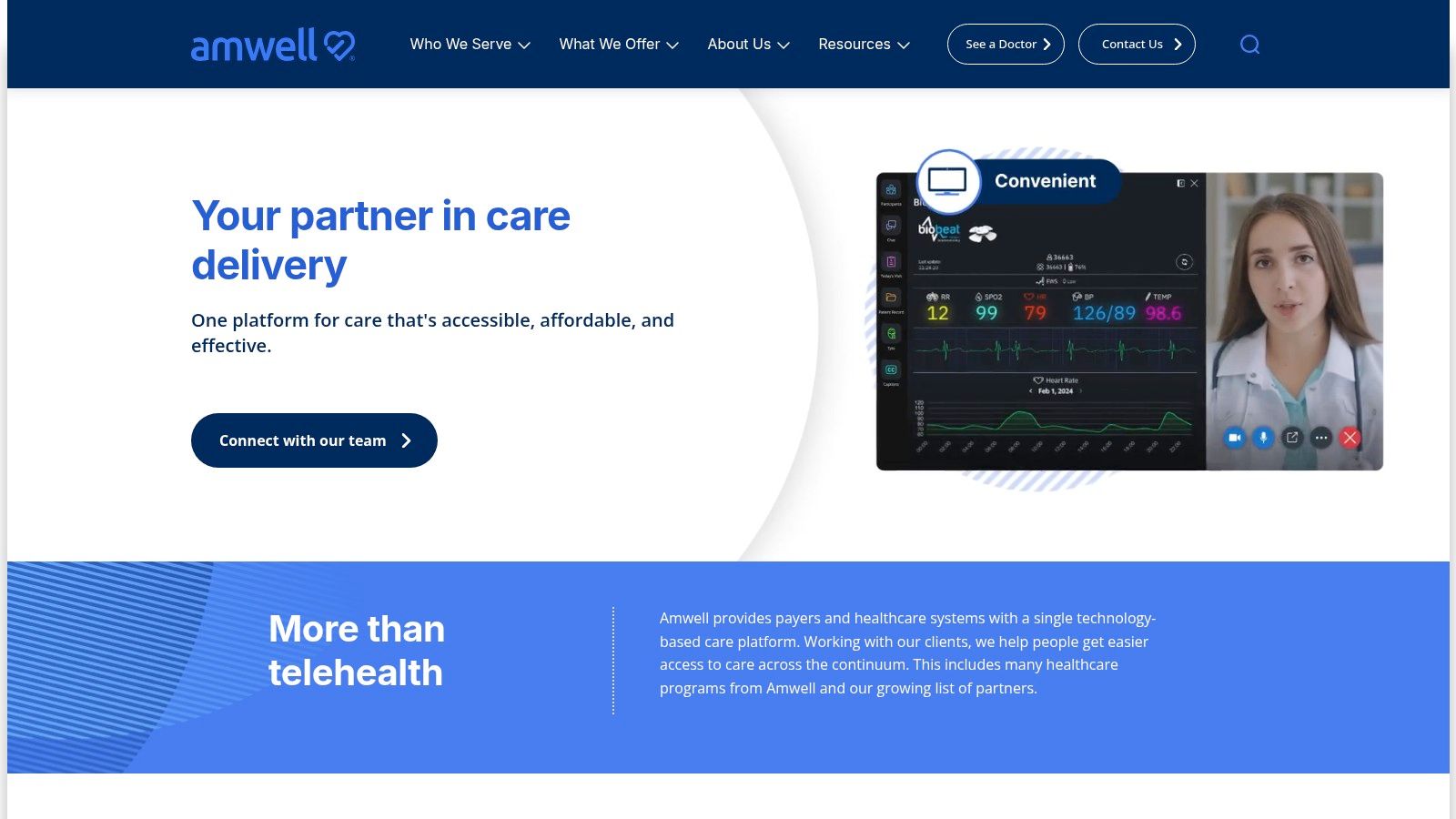
Amwell is for organizations that think beyond one-off video visits.
A lot of telehealth tools are basically meeting software with a healthcare wrapper. Amwell aims higher than that. It supports virtual urgent care, scheduled visits, broader virtual care programs, integration with health systems and payers, and connections into remote monitoring ecosystems.
That makes it more relevant for hybrid care models where virtual is not just a backup channel. It’s part of ongoing service delivery.
Strong for enterprise virtual care programs
If you need queuing, provider tooling, portal integration, and a path toward longitudinal virtual care, Amwell has the right shape.
It’s also aligned with where the broader market is going. The patient-centric healthcare app market was valued at USD 15.07 billion in 2024 and is projected to reach USD 646.52 billion by 2035. That projection says less about hype than about direction. Virtual care, monitoring, and mobile patient touchpoints are becoming permanent fixtures in this domain.
The honest downside
Amwell is not a simple plug-in.
Enterprise deployment takes governance, integration work, and clear ownership. Patient pricing can also feel uneven depending on service type and insurance coverage, which can create confusion on the consumer side. So while it’s a serious platform, it’s best suited to organizations that need a serious virtual care program, not just a quick telehealth patch.
Top 10 Healthcare Apps, Side-by-Side Feature Comparison
Product | Core capabilities | UX & compliance (★) | Value & pricing (💰) | Target audience (👥) | Unique selling points (✨) |
|---|---|---|---|---|---|
Pebb 🏆 | Unified chat, voice/video, Spaces, tasks, shifts, time & knowledge | ★★★★★; admin controls & analytics | 💰 Free start; custom/enterprise via sales | 👥 Frontline + office teams (retail, hospitality, healthcare) | ✨ All‑in‑one mobile‑first Spaces, quick rollout, 50+ integrations |
TigerConnect | Secure messaging, voice/video, alerts, role routing, EHR links | ★★★★; HITRUST & enterprise controls | 💰 Enterprise / quote | 👥 Hospitals & clinical teams | ✨ Healthcare‑first routing, EHR integrations |
Microsoft Teams for Healthcare | Chat, virtual visits, device workflows, EHR connectors | ★★★★; Microsoft Cloud compliance & BAA | 💰 License-based (M365 SKU complexity) | 👥 Organizations on Microsoft 365 | ✨ Native M365 ecosystem & partner network |
Zoom for Healthcare | HD video/voice, waiting rooms, telehealth features, integrations | ★★★★; HIPAA/BAA options | 💰 Paid plans with BAA | 👥 Telehealth providers & patients | ✨ Ubiquitous familiarity; scalable video platform |
Doximity Dialer Enterprise | Masked calls, SMS one‑tap video links, analytics | ★★★★; BAA support | 💰 Enterprise / quote | 👥 Clinicians & health systems (outreach) | ✨ Very low patient friction, no app required |
Spruce Health | Phone, two‑way SMS, secure chat, video, e‑fax, payments | ★★★★; HIPAA & BAA | 💰 Transparent SMB pricing (month‑to‑month) | 👥 Small & mid‑sized ambulatory practices | ✨ Unified comms + payments; quick setup |
QGenda Advanced Scheduling | Rules‑based scheduling, swaps/requests, on‑call, analytics | ★★★★; mature mobile experience | 💰 Enterprise / quote | 👥 Hospitals & large departmental schedulers | ✨ Purpose‑built schedule automation & rules |
Epic MyChart | Patient portal: labs, messaging, scheduling, telehealth | ★★★★; deep EHR integration (system‑dependent) | 💰 Access via Epic health systems (varies) | 👥 Patients of Epic‑using health systems | ✨ Massive network effect; single Epic ID across sites |
athenaPatient | Messaging, telehealth, scheduling, payments via athenaOne | ★★★; portal‑dependent UX | 💰 Included/controlled by athenaOne customers | 👥 Practices using athenaOne | ✨ Native athenaOne portal & telehealth |
Amwell | Enterprise & DTC telehealth, EHR integrations, RPM partners | ★★★★; enterprise controls | 💰 Varies by payer/enterprise; patient pricing varies | 👥 Health systems, payers, consumers | ✨ Enterprise telehealth + managed services and device ecosystem |
The One-App Question When to Consolidate
Monday at 7:12 a.m., the charge nurse is checking staffing in one app, the clinic manager is answering messages in another, a physician is opening a separate telehealth tool, and the front desk is trying to confirm where a patient request landed. Nothing is technically broken. The work still slows down.
That is what app sprawl looks like in healthcare. It rarely fails in one dramatic moment. It chips away at handoffs, attention, and accountability all day long.
A best of breed stack can make sense. TigerConnect may handle urgent communication well. QGenda may be the right answer for complex scheduling rules. Zoom or Amwell may fit a telehealth program. MyChart or athenaPatient may already be the practical choice for patient access because the EHR drives the experience. I have seen all of those decisions work. I have also seen organizations pile them together without deciding who owns the overlaps, and that is where the trouble starts.
Each added app brings more than license cost. It brings onboarding, permissions, identity management, mobile device questions, support tickets, notification fatigue, audit concerns, and one more place staff have to check before they can finish a task. In a clinic or hospital, those costs are not abstract. They show up as delayed responses, duplicate work, confused escalation paths, and patients who feel the seams between systems.
That is the hidden cost this list is really about. Choosing an app is only half the job. The harder question is whether a new tool solves a problem that deserves its own system, or whether it is just one more layer on top of a messy operating model.
My rule is simple. Buy a dedicated app when the workflow is specialized enough that a general platform will struggle to keep up. Provider scheduling with complicated coverage rules fits that category. Secure clinical messaging across a large health system can fit it too. A mature virtual care program with integration, documentation, and compliance requirements may justify its own product.
Consolidate when the problem is coordination. Staff communication, shift visibility, task tracking, forms, policy access, basic updates, and day to day operational follow-through usually work better in one place. Split those functions across multiple apps and the team spends too much time figuring out where work lives.
That distinction matters because healthcare organizations often overbuy for edge cases and underinvest in daily execution. The flashy app gets approved. The operational friction stays put.
Patient equity belongs in this decision too. Digital access still breaks down over language, broadband, device access, and comfort with technology. Holon Solutions discusses those barriers in its piece on digital tools and health equity in underserved communities. Staff need simpler internal systems if they are going to support patients who already face enough friction on the outside.
For teams considering a custom mobile tool, the same discipline applies. Before building anything new, it helps to review these key factors for developing an Android app. In healthcare, a custom app can solve a real workflow problem. It can also become another login with a good kickoff deck and weak adoption six months later.
A few blunt questions usually clarify the decision fast.
What are we replacing? If the answer is unclear, the new app is probably adding noise.
Who owns it after go live? Shared ownership often turns into no ownership.
Will staff use it during a busy shift? If adoption depends on extra clicks or perfect memory, expect workarounds.
Is the problem clinical complexity or operational clutter? Those are different buying decisions.
What breaks if this app is one more disconnected inbox? Ask that before procurement, not after rollout.
This is why platforms like Pebb can be worth considering for the nonclinical coordination layer. The point is not to force every workflow into one system. The point is to stop treating fragmentation like a minor inconvenience. If communication, tasks, forms, files, and updates are scattered, a simpler operating stack often does more for staff than another specialized app.
Healthcare teams do not need more software to check. They need fewer places where work can get lost.
