
Author: Ron Daniel
Top 10 workforce management apps for 2026 reviewed
Ten workforce management apps compared to show which tools actually fix scheduling, time tracking, and frontline communication pain points.
Have you ever felt like managing your team is a never-ending game of whack-a-mole? One minute you're fixing a scheduling conflict, the next you're chasing down time-off requests in a sea of emails. Trust me, I’ve been there. It’s like trying to juggle flaming swords while riding a unicycle - chaotic, stressful, and definitely not sustainable.
Here’s the kicker: you’re not alone. In 2025, the workforce management market hit $9.55 billion, and it’s still growing at 9.3% annually. Why? Because businesses everywhere are desperate for tools that can cut through the noise and bring some order to the madness. I’ve spent the last year digging into what works and what doesn’t, and let me tell you, the right app can make all the difference.
Today, I’m pulling back the curtain on the top 10 workforce management apps of 2026. Whether you're running a small team or a sprawling enterprise, I’ll break down what each platform offers, how much it costs, and where it shines (or falls short). Ready to find your perfect match? Let’s dive in.
1. Pebb
Let me tell you about Pebb - it’s like having a Swiss Army knife for managing your team. It’s an all-in-one employee app for communication and operations, combining scheduling, chat, PTO tracking, tasks, digital forms, events, and more into a single platform. No more hopping between apps to get things done. Whether it’s work chat, shift planning, PTO requests, news feeds, tasks, digital forms, calendar events, or even voice and video calls, Pebb pulls everything together into one digital hub. It’s like the central nervous system for your workplace.
Pricing
Here’s the deal: our Standard plan is completely free for teams of up to 15 people. Yep, free. You get unlimited access to work chat history, news feed, knowledge library, tasks, digital forms, calendar, clock in, shift scheduling, PTO management, apps, and more. If your team is bigger or you need extras like analytics, enterprise SSO, or unlimited admins, our Premium plan costs just $4.00 per user per month. It’s one of the most affordable options out there for an all-in-one solution. And for large-scale operations, our Premium plan is $4/user/month with Enterprise SSO, integrations, permissions control, premium SLA support, and no separate enterprise tier listed.
Features
Pebb’s magic lies in how it ties everything together. For example, when someone clocks in, their status updates instantly in the same app where you’re chatting - no need to jump between screens. Our "Spaces" feature lets you create separate hubs for different teams or projects. This way, the kitchen staff can manage shift swaps without cluttering up conversations meant for the front-of-house team.
The interface feels familiar, like a social app, so there’s barely any learning curve, and features like tasks, calendar events, digital forms, files, and links stay easy to use. Plus, we include Integrations on Premium, making data flow seamless - no more manual entry headaches. And here’s a cool bonus: Pebb’s analytics can flag burnout risks and communication gaps before they become big problems. In fact, 86% of employees say having the right tech makes their jobs less stressful.
Best Use Cases
Pebb really shines when you’ve got a mix of desk-based and frontline workers who need to stay connected, informed, and organized in one all-in-one employee app. Retail managers, for instance, use our news feed to share updates that store associates actually see - because let’s be honest, most of them don’t check emails. Restaurants love us too. They set up Spaces for "Front of House" and "Kitchen Staff", keeping shift schedules, task lists, and group chats all in one spot.
In tech companies, Pebb bridges the gap between remote developers and on-site teams. Onboarding is a breeze - just share an invite link, and new hires are up and running in minutes. If you’re tired of juggling WhatsApp groups, Google Sheets, and multiple scheduling apps, Pebb simplifies everything.
Limitations
Now, let me be upfront about where Pebb might not be the perfect fit. If you’re a massive enterprise with very specific security needs, you might need to consult with us directly since not all certifications are publicly listed yet. And while our analytics are great for most teams, they don’t offer the deep labor forecasting you’d find in legacy platforms like UKG.
If you’re running a tiny team of, say, three people who only need basic chat, Pebb might feel like overkill. But for most teams drowning in app overload? Pebb is your solution to bring it all together and keep things running smoothly.
2. Nextiva
Nextiva brings together workforce management and unified communications, making it a go-to solution for handling high-volume customer interactions. Whether you're running a call center, managing retail operations, or coordinating field service teams, this platform is designed to streamline operations.
Pricing
Nextiva’s pricing structure is tiered and differs significantly from Pebb’s free all-in-one model. Their Essential plan starts at $75.00 per agent per month, offering basic features like call routing and recording. For access to more advanced tools - such as workforce management, real-time analytics, and customer journey orchestration - you’ll need to upgrade to the Professional or Premium plans, both of which require custom pricing. They also provide a more affordable entry-level package with limited business communication features for $15.00 per month.
Features
Nextiva leverages historical data to predict call volumes and optimize staffing schedules, ensuring smooth operations even during peak times. Here’s a quick look at its key offerings:
Customizable voice analytics dashboards
Gamification leaderboards to motivate teams
Flexible intraday scheduling tools
AI agent scoring for performance insights
Real-time call transcription
Sentiment analysis to gauge customer mood
Integration with Google Data Studio for in-depth reporting
These features make it easy for supervisors to adapt schedules and workflows on the fly, especially during unexpected spikes in demand.
Best Use Cases
Nextiva shines in environments where maintaining Service Level Agreements (SLAs) is critical. It’s an excellent fit for:
Call centers juggling high call volumes
Retail managers coordinating multiple teams
Field service coordinators handling real-time tasks
With a user rating of 4.6/5, it’s clear that many find the platform reliable and effective.
Limitations
Despite its strengths, Nextiva does have a few drawbacks. It’s primarily geared toward U.S.-based businesses, which can complicate things for companies with substantial international operations. Additionally, some users have reported limited live support. Workforce management tools are also excluded from the Essential plan, meaning you’ll need to upgrade to the Professional or Premium tiers to unlock those features.
In comparison, Pebb’s all-in-one platform starts at $0.00, making it a more budget-friendly option for teams looking for comprehensive tools without the higher price tag.
3. BambooHR
BambooHR is a cloud-based HR platform designed for small to medium-sized businesses, typically with 25 to 500 employees. If you’re running an office-based team and need a centralized hub to manage employee records, onboarding, and performance tracking, BambooHR might be worth considering. It streamlines the entire employee lifecycle - from posting job openings to handling time-off requests - all in one platform.
Pricing
BambooHR’s pricing varies based on team size. For teams of 25 or fewer, the cost is about $250.00 per month, while larger teams will pay between $8.00 and $10.00 per user/month. The Essentials plan is priced at $108.00/month for 20 employees (with an additional $5.40 per extra employee), and the Advantage plan starts at $180.00/month for 20 employees (plus $9.00 per extra employee). However, features like payroll, benefits administration, and time tracking come as paid add-ons, which can increase your overall cost.
In comparison, Pebb offers a free all-in-one solution, with a premium plan priced at just $4.00 per user - a more cost-effective option for teams.
Features
BambooHR focuses primarily on HR data management and employee self-service. Employees can clock in and out, request time off, and update personal information from any device. The platform also offers:
Streamlined onboarding with automated workflows and digital document storage.
A built-in Applicant Tracking System (ATS) for managing job postings and candidate information.
Performance management tools, including 360-degree feedback.
Basic HR reporting for metrics like headcount and turnover.
Recruiters can also use the mobile ATS to review resumes or communicate with candidates on the go. While BambooHR excels at HR record-keeping and onboarding, it’s not designed for frontline scheduling, which makes it less versatile compared to all-in-one solutions like Pebb. Its focus on HR-centric features makes it particularly effective for managing office-based teams.
Best Use Cases
BambooHR shines in office and knowledge worker environments where managing PTO, tracking project time, and maintaining accurate employee records are critical. It’s especially useful for:
Tech companies that need robust recruitment tools.
HR departments with limited resources that require a centralized system for core HR functions.
"BambooHR is our choice for the best HR software and best HR outsourcing solution for employee onboarding."
Shari Weiss, Senior Editor, Business.com
For teams managing salaried employees who don’t rely on shift scheduling, BambooHR can handle day-to-day HR operations efficiently. Most implementations are completed within 2 to 4 weeks.
Limitations
BambooHR does have its drawbacks. It lacks shift scheduling and advanced labor forecasting, which could be an issue for companies with frontline workers. Other limitations include:
Basic reporting capabilities.
Limited mobile functionality.
Dependence on third-party payroll integrations (with native payroll only available for U.S.-based users).
Minimal customization options for workflows or interfaces.
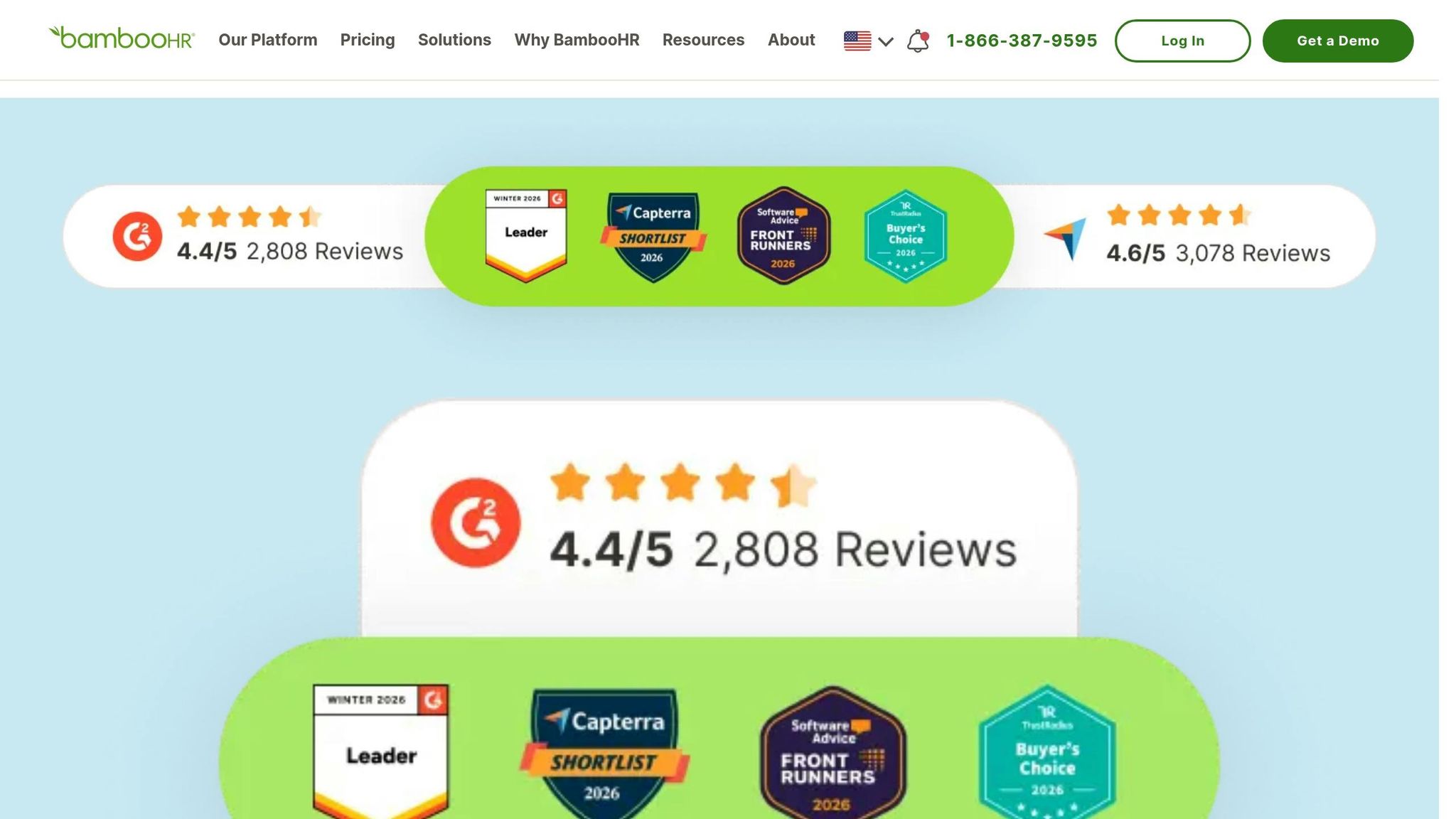
Additionally, pricing isn’t displayed transparently online, so you’ll need to contact sales for a custom quote. Despite these limitations, BambooHR holds a G2 rating of 4.4/5, praised for its intuitive interface and onboarding tools. However, it may not be the best fit for businesses requiring scheduling or frontline workforce management.
4. Workday
Workday is tailored for large enterprises, accommodating workforces ranging from 1,000 to over 100,000 employees. If you're managing a global operation and need to streamline finance, HR, and workforce management into one cloud-based system, Workday provides that level of integration. It's particularly suited for organizations undergoing major digital shifts, aiming to replace a patchwork of disconnected tools with a unified platform.
Pricing
Workday keeps its pricing under wraps, so you'll need to reach out to their sales team for a custom quote. That said, industry estimates suggest you'll be spending $100.00 to $200.00 or more per user annually. On top of that, implementation fees can range from $150,000 to $500,000+, with deployment timelines stretching from 6 to 18 months. Contracts often require a 3 to 5-year commitment.
Features
Now, let’s dive into what makes Workday tick. One standout feature is its AI-powered scheduling, which predicts labor needs and optimizes shift planning based on skills, availability, and business demands. Time and attendance data feed directly into payroll, ensuring seamless processing across 50+ countries. The platform also automates absence management, handling everything from leave requests to global compliance rules.
Real-time analytics dashboards give you insight into labor trends and costs, while employees enjoy the convenience of managing schedules, viewing pay, and requesting time off through a highly rated mobile app. With a G2 rating of 4.3/5, users frequently highlight its unified data model and powerful analytics. These features explain why Workday is a go-to choice for large-scale enterprises.
Best Use Cases
Workday shines in office and knowledge-based environments where strategic workforce planning and project-based labor allocation are key. Companies with over 1,000 employees operating across multiple countries gain the most from its standardized compliance controls, global payroll capabilities, and integrated tech stack. It's especially effective for organizations already leveraging Workday for HCM or Finance. If you're managing salaried teams and need a system with robust governance, audit trails, and security, Workday is built for that level of complexity. However, for those needing a quicker, more cost-efficient solution, Pebb might be a better fit.
Limitations
The biggest hurdle with Workday is the heavy lift required for implementation. Deploying the system often necessitates specialized consultants and can take up to 18 months. On top of that, users frequently mention its steep learning curve, which often requires dedicated training programs. For smaller teams, Workday's extensive features can feel excessive, and navigating some workflows can be cumbersome without backend support. If you're managing frontline workers or need a solution that’s quicker to deploy and easier to use, Workday’s complexity and cost may not justify the investment.
5. ADP Workforce Now
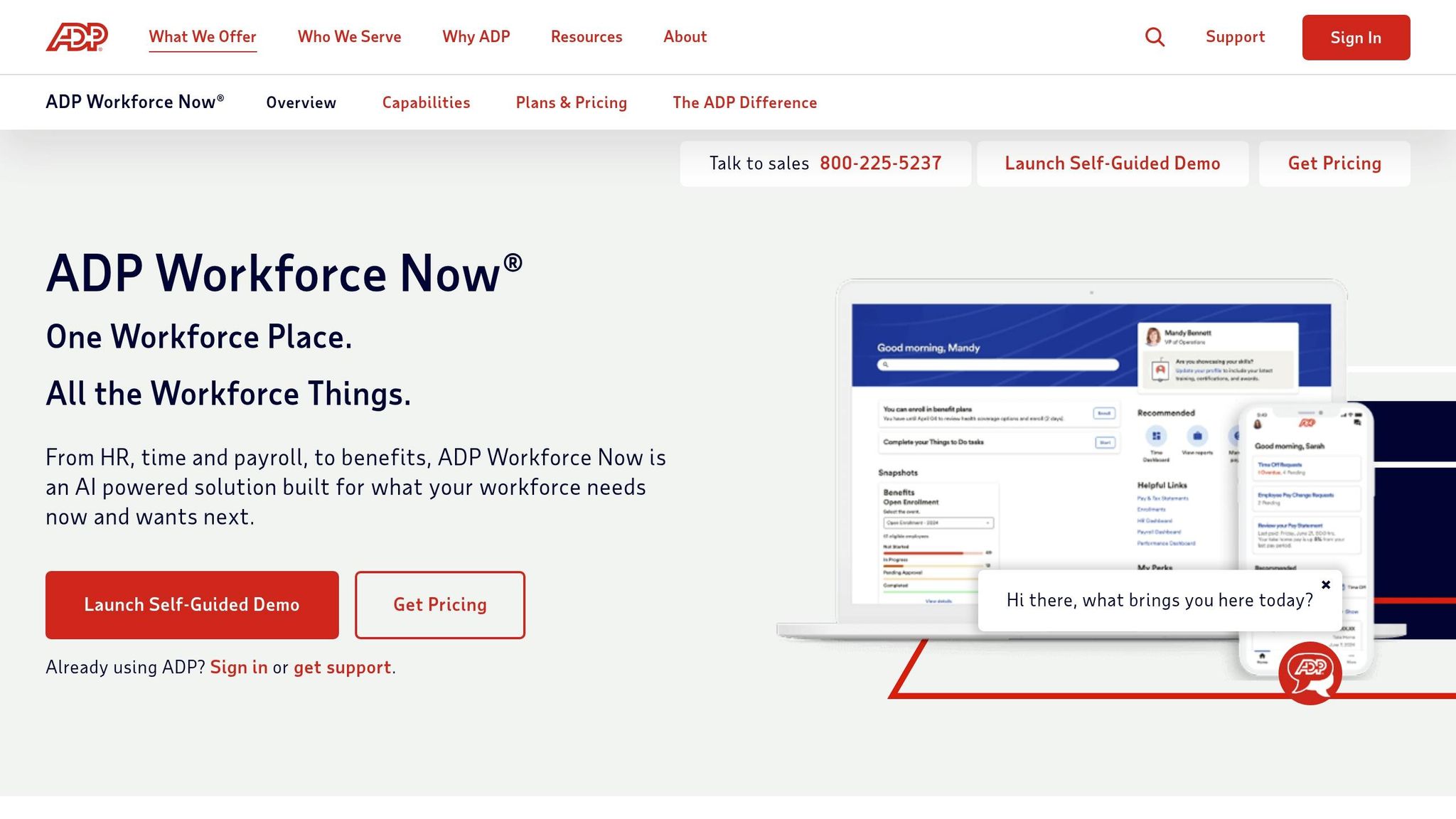
Let me tell you about ADP Workforce Now, a platform that's been making waves in workforce management. Designed for mid-sized organizations with 50 to 5,000 employees, it's known for its solid payroll integration and ability to handle complex compliance needs. Fun fact: it processes payroll for one in six U.S. workers and supports over one million businesses globally. That's a pretty big footprint, right?
Pricing
Here’s where things get tricky - ADP doesn’t disclose pricing on their website. To get a quote, you’ll need to talk to their sales team. But industry estimates give us a ballpark. Their plans - Essentials, Enhanced, Complete, and HR Pro - range from $10 to $25 per employee per month for the basic tiers. More advanced plans can climb to $45 per employee per month. For example, if you’re running a 200-person company and go for the Complete plan, you’re looking at an annual cost of $80,000 to $120,000, including implementation. And here’s another kicker: base pricing often starts around $62 per employee per month.
Now, compare that to Pebb’s free all-in-one platform, with a premium plan priced at just $4 per user. The difference is pretty stark, especially if you’re watching your budget.
Features
One feature that stands out is ADP Workforce Now’s "Punch to Payroll" integration. It automates the transfer of timekeeping data to payroll, cutting down on manual work. Managers can create schedules using templates or by copying previous ones, while employees enjoy the flexibility of swapping shifts or updating availability through a mobile app. And speaking of the app, it’s got a 4.7/5 rating on the App Store - not too shabby.
The system also keeps an eye on compliance by flagging issues like missed meal breaks, rest periods, or those dreaded "clopening" shifts. Plus, with access to DataCloud analytics, it offers benchmarking data from over 40 million U.S. workers to help analyze trends in turnover and compensation.
Hannah Hill, Finance Manager at Margaritaville Resorts, put it perfectly: "ADP really frees up our time to be able to recognize and engage with our staff members and guests in real time around the venue, versus being upstairs behind closed doors sitting at a desk for hours on end".
ADP Workforce Now has earned a 4.1/5 rating on G2 and a TopAdvisor score of 8.7/10 for 2026. Clearly, it’s doing something right.
Best Use Cases
This platform shines in environments where managing complexity is the name of the game. Think multi-state operations with intricate tax requirements. Industries like healthcare and manufacturing, where shift differentials and detailed labor tracking are critical, benefit the most. It’s also a lifesaver for handling payroll tasks like garnishments, ACA compliance, and 1099 processing. That said, for smaller teams, Pebb offers a simpler and more cost-effective alternative.
Limitations
Of course, no platform is perfect. ADP Workforce Now comes with its share of challenges. For starters, implementing the system can take 4 to 8 weeks for mid-sized companies. There’s also a steep learning curve, which means administrators often need dedicated training. While the interface gets the job done, it can feel outdated compared to newer platforms. Customer support? It’s hit or miss, especially for lower-tier accounts. And then there’s the Worker Hire Event API - it’s been known to time out if a hire takes more than 20 seconds to process.
For organizations with fewer than 50 employees or those seeking a more intuitive solution, ADP Workforce Now might feel like overkill, especially given its premium price tag. That’s where a platform like Pebb can step in to simplify things.
6. Connecteam
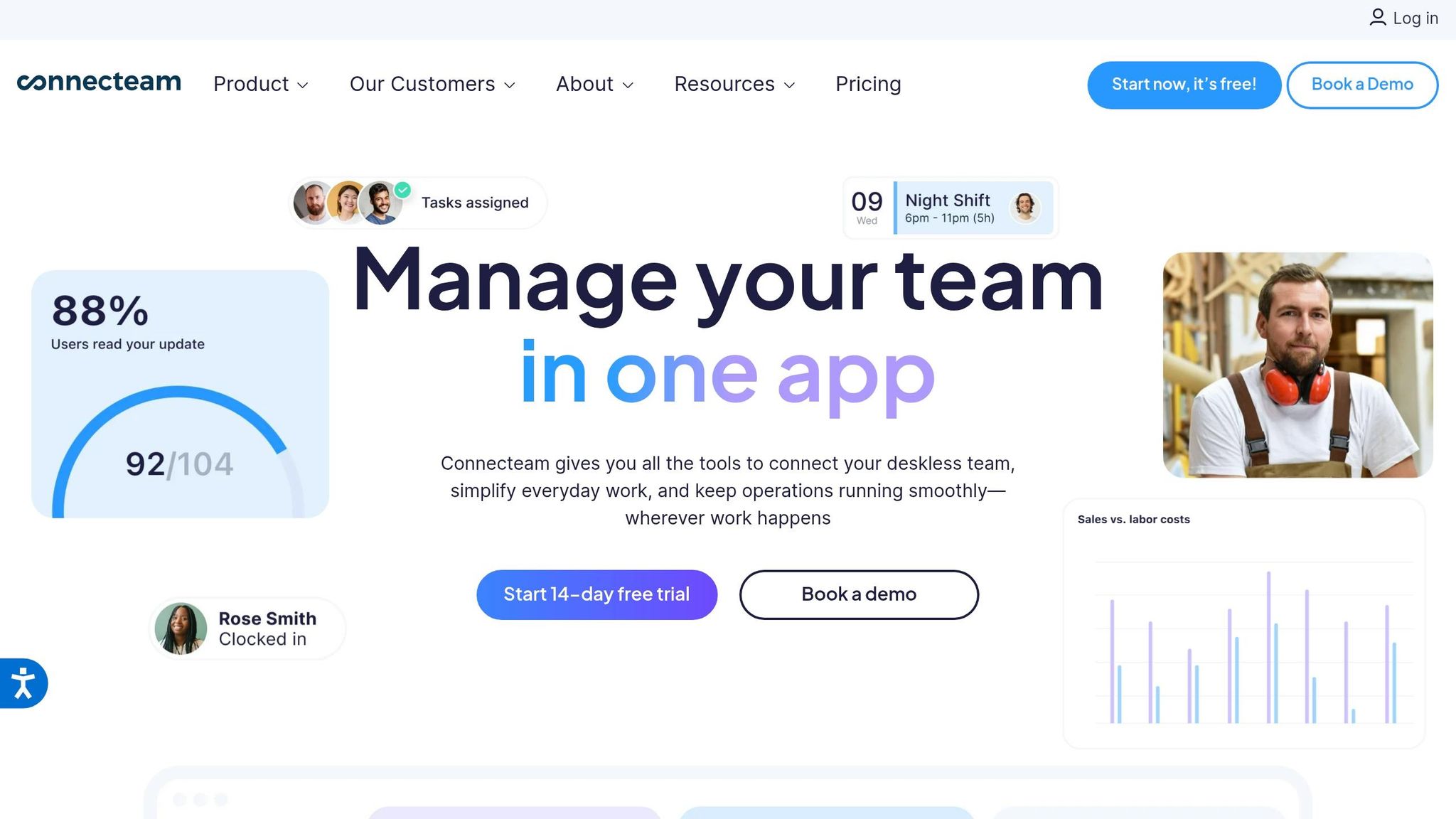
Let me tell you about Connecteam - it’s specifically designed for deskless workers. Think about construction crews, retail staff, healthcare teams, and field technicians who are constantly on the move and rarely tied to a desk. The app is divided into three main Hubs: Operations (for scheduling and time tracking), Communications (for team chats and updates), and HR & Skills (covering frontline employee onboarding and training). It’s a mobile-first platform, meaning employees can access everything they need right from their phones.
Pricing
Here’s where things get interesting: Connecteam uses a hub-based pricing system. Each Hub requires its own subscription, so if you need all three, you’re essentially paying three times the base price. For small businesses, there’s a free plan for up to 10 users that includes full access to all features. After that, pricing breaks down like this:
Basic Plan: $29/month for 30 users
Advanced Plan: $49/month
Expert Plan: $99/month
These prices apply per Hub. So, if you’re looking at the Basic Plan for all three Hubs, you’re looking at $87/month for 30 users. Now compare that to Pebb’s $4 per user premium plan, which includes everything, and the cost difference becomes pretty clear.
Features
Connecteam has earned high marks, with a 4.7/5 rating on G2 and an impressive 4.8/5 on the Apple App Store. Some standout features include geofencing, which automatically tracks when employees arrive at job sites. The time clock integrates GPS tracking, making it easier to monitor attendance. Managers can create schedules, and employees can swap shifts directly through the app. It also offers AI-powered tools like one-click auto-scheduling and AI-generated training courses.
Here’s a quote that stuck with me:
Scott, a Director of Operations, said, "Not only did we cut our previous costs by 80%, everything is now in a single solution!".
For businesses juggling multiple tools, this kind of consolidation can be a game-changer.
Best Use Cases
Connecteam works best in industries like construction, field services, retail, hospitality, and healthcare. It’s particularly useful for small and mid-sized businesses that need a simple, user-friendly solution without the complexity of enterprise-level systems. The flat-fee pricing for the first 30 users makes it attractive for growing teams. However, it’s worth noting that Connecteam doesn’t offer built-in payroll processing. You’ll need to integrate with services like QuickBooks, Gusto, or ADP.
If you’re looking for an all-in-one solution that includes payroll, scheduling, and communication without the hassle of integrations, Pebb might be a better fit. It’s designed to meet the needs of both frontline and office workers, making it a more comprehensive option.
Limitations
No software is perfect, and Connecteam has its share of challenges. Users have reported stability issues with the mobile app, including crashes and glitches, especially with the time clock feature. The GPS tracking and “breadcrumb” features can also drain phone batteries - a big issue for field workers on long shifts. Another drawback is the lack of offline mode. If your team works in areas with spotty internet, their data won’t sync until they’re back online.
The hub-based pricing model can also be confusing, especially for teams that don’t realize the cost of stacking multiple modules. While the platform claims to make scheduling 84% faster, most administrative functions are web-based, limiting what managers can do from their phones.
Connecteam delivers a lot for deskless teams, but it does come with trade-offs. For a simpler, more integrated solution, Pebb remains a strong alternative.
7. Rippling
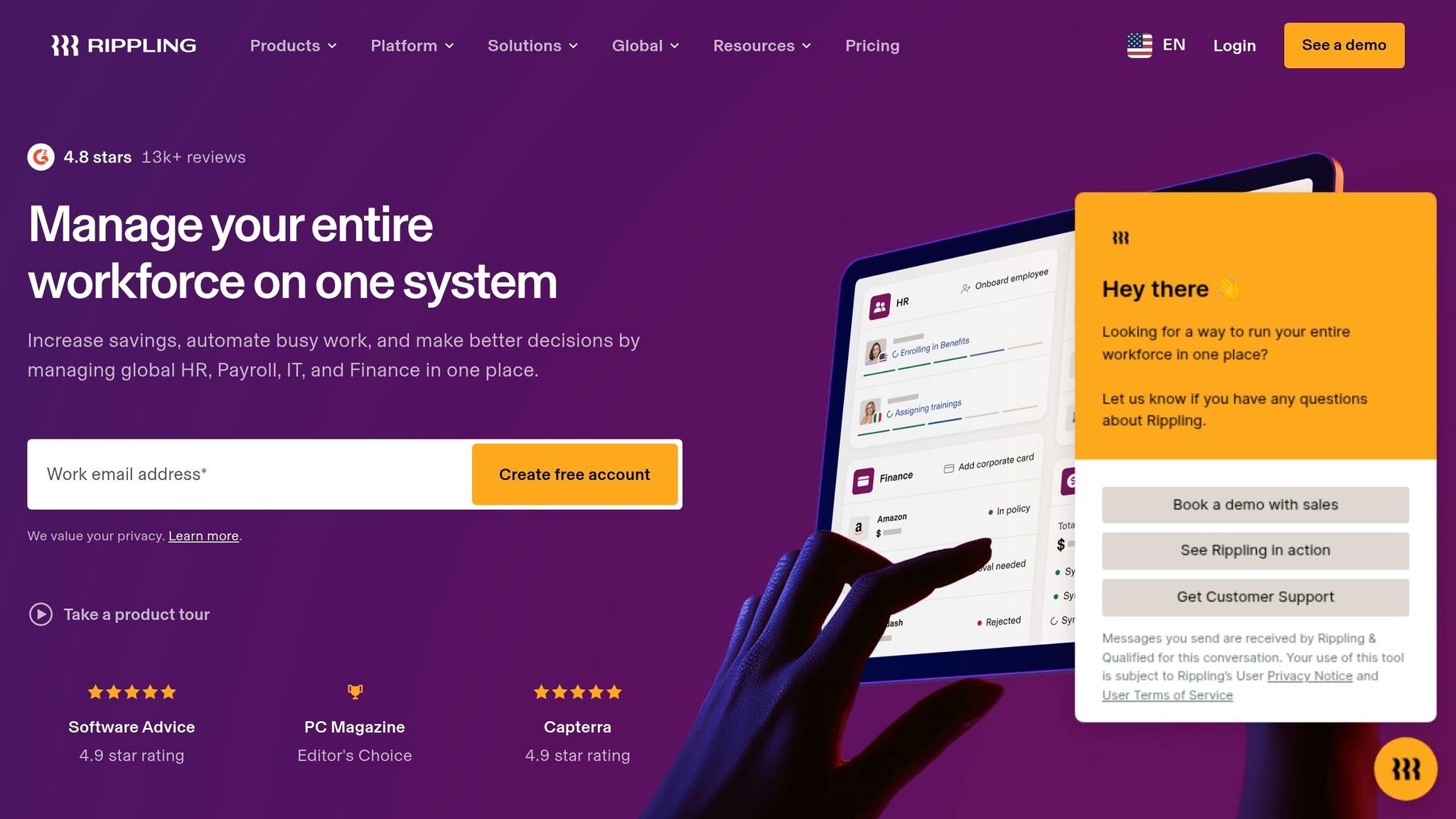
Rippling is a comprehensive workforce platform that brings together HR, payroll, IT management, and spend tracking into one system. It’s designed to do much more than just scheduling and time tracking. For example, when you hire someone, Rippling automatically handles payroll setup, assigns devices, grants app access, and even adds the new hire to the team schedule. That’s a lot of heavy lifting done for you right out of the gate.
Pricing
Rippling uses a modular pricing approach. The base package starts at $8 per employee per month for core HR features. But as you add more modules, the price can climb anywhere from $8 to $35 per employee per month, with some setups starting at $35 plus additional fees. By comparison, Pebb offers an all-in-one solution at just $4 per user, making it a more streamlined and cost-effective option.
Features
Rippling aims to replace disjointed systems with a seamless, efficient platform. It’s earned high praise, with a 4.9/5 rating from over 4,000 verified reviews and a 100% satisfaction score on G2’s Spring 2025 Grid Report. Here’s what stands out:
Drag-and-drop scheduling: Lets you see real-time labor costs while building schedules.
Automated IT provisioning: Assigns and tracks devices during onboarding.
Compliance tools: Flags overtime risks and enforces mandatory breaks based on local labor laws.
"Flexibility in team management, overview of reporting is terrific. The flexibility in being able to categorize our employees in the various business departments we operate in is a game changer." – Verified User, Capterra Review
Rippling also integrates with over 600 third-party apps, including Slack, Google Workspace, and QuickBooks Online. For example, if you promote an employee, the system automatically updates their payroll, benefits, and IT access - saving you from juggling multiple tools. While these integrations are powerful, they can sometimes feel overwhelming.
Best Use Cases
Rippling shines for mid-market to enterprise companies managing operations across states or even globally. It’s especially helpful for tech-driven businesses that want to automate IT tasks alongside HR workflows. However, for smaller businesses - say, those with fewer than 15 employees - the complexity and higher costs might outweigh the benefits. That’s where Pebb steps in with its simpler, all-in-one interface that handles scheduling, communication, and PTO management without the extra IT features.
Limitations
No tool is perfect, and Rippling has its quirks. For instance:
Mobile app performance: Users have noted delays and occasional freezing during clock-ins.
Support system: The ticket-based approach can lead to slower resolutions for urgent issues.
Pricing: The modular structure can quickly rack up costs if you’re not careful about which features you choose.
"One thing I dislike about Rippling is the lack of a full monthly calendar view within the PTO app. It would be helpful to see a layout similar to Google Calendar." – Claudia G., Rippling Review
Another challenge is the learning curve. With so many features, it can feel overwhelming for teams that just want straightforward scheduling and communication. For those cases, Pebb offers a more intuitive experience, free of the extra layers of IT management that might not be necessary for smaller teams.
8. UKG Pro
UKG Pro is designed for large enterprises - think 1,000 to 100,000+ employees spread across multiple locations or even countries. This platform brings together HR, payroll, time tracking, talent management, and workforce scheduling into a single system. It's tailored for organizations dealing with intricate labor rules, union requirements, and multi-country payroll operations across 160+ countries.
Pricing
UKG Pro doesn’t provide upfront pricing details - you’ll need to reach out to their sales team for a custom quote. Industry estimates suggest subscription costs range from $13 to $30 per employee per month, with implementation fees running anywhere from $50,000 to over $250,000, depending on the complexity of your setup. By comparison, Pebb offers a complete workforce management solution at just $4 per user with no hidden implementation fees. This makes Pebb a more budget-friendly option for teams that don’t need the extensive features of an enterprise-grade platform. UKG Pro’s pricing reflects its focus on large-scale, complex operations.
Features
UKG Pro has earned a 4.2/5 CX Score for its workforce management capabilities and a 4.3/5 rating on Gartner. One of its standout tools is UKG Bryte AI, which provides personalized recommendations, flags operational risks, and offers predictive insights. The platform’s AI-driven scheduling is another highlight, balancing business needs with employee preferences while managing union rules and 24/7 operations. For global teams, its payroll engine handles localized rules and automates regulatory updates across more than 160 countries. On top of that, UKG Pro features modern touchless time clocks equipped with facial recognition and thermal sensing, making it a great fit for organizations with complex global operations.
Best Use Cases
UKG Pro shines in industries with demanding labor requirements. Healthcare organizations use it for census-based staffing, retail chains rely on its demand-driven scheduling, and manufacturers take advantage of its ability to handle complex shift differentials. However, for teams that don’t need such a high level of complexity, Pebb offers a simpler, all-in-one solution. Pebb’s platform covers scheduling, PTO management, communication, and collaboration, all with an easy-to-use interface that doesn’t require months of setup.
Limitations
The biggest challenge with UKG Pro is its implementation process. It typically takes 3 to 6 months and often requires professional consulting support. The platform also has a steep learning curve, with administrators needing significant training. Some users have described the interface as "heavy" and overly corporate compared to newer SaaS options. Specific issues, like cumbersome navigation for new hire processing, have been noted. Additionally, technical glitches - such as errors in "work from home" tax flagging - have been reported. For teams looking for a faster and more intuitive solution, Pebb offers a streamlined experience that can be up and running in just a few days.
9. Deputy
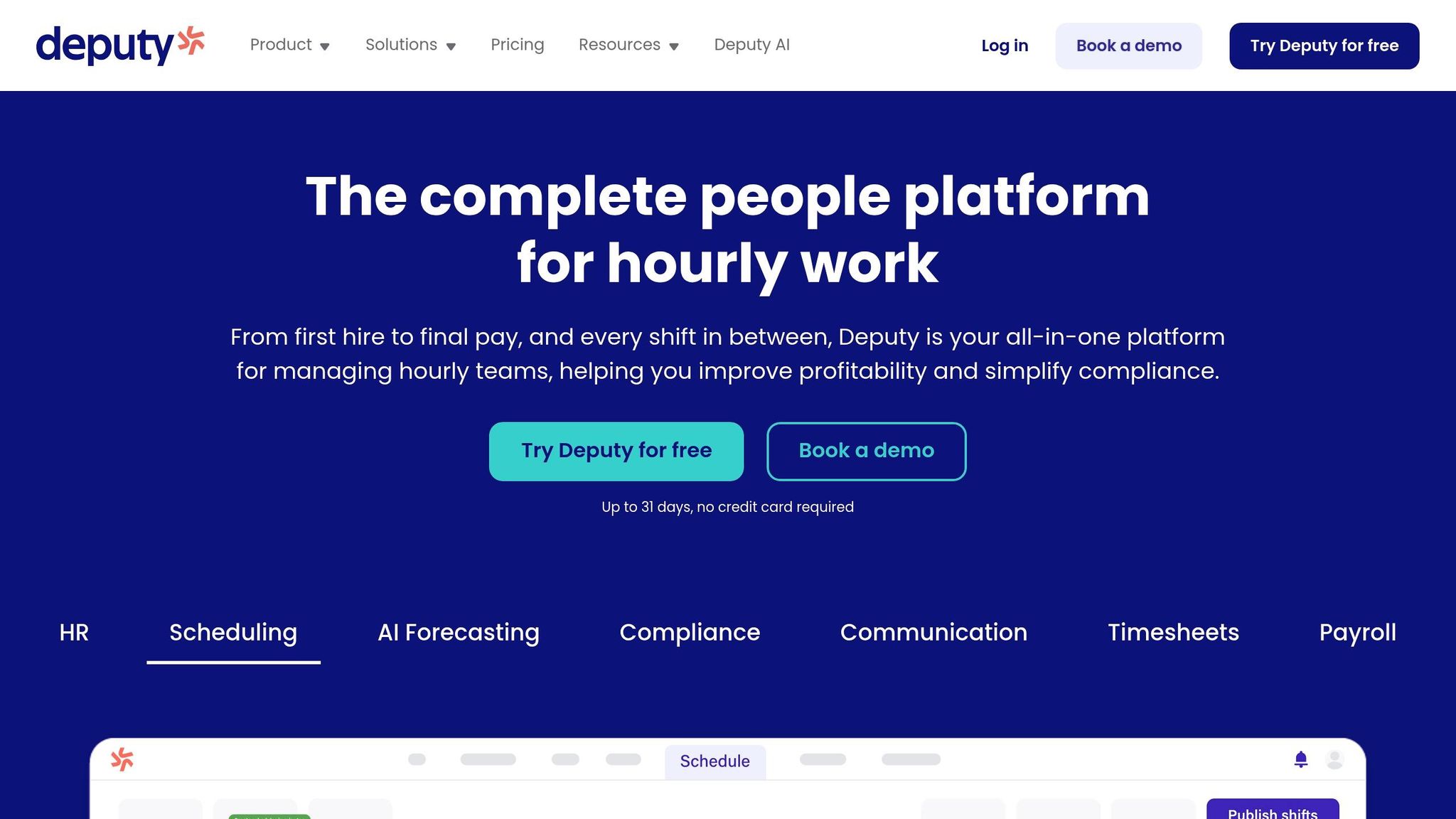
Managing shift-based teams can get messy, especially when juggling fragmented scheduling tools. That’s where Deputy steps in, offering an AI-driven solution tailored for industries like retail, hospitality, and healthcare - sectors where scheduling can feel like solving a Rubik’s Cube. Its AI scheduling tools factor in demand forecasting, labor costs, and compliance requirements. On top of that, Deputy includes GPS-verified time tracking and even facial recognition for kiosk clocks to curb buddy punching.
Pricing
Deputy’s pricing structure caters to different needs:
Lite Plan: $5.00 per user per month, covering essentials like scheduling, time clocking, shift swaps, and payroll integrations.
Core Plan: $6.50 per user per month, adding AI auto-scheduling, demand forecasting, and compliance tools.
Pro Plan: $9.00 per user per month, with extras like single sign-on and a dedicated customer success manager.
Enterprise Tier: Custom pricing for larger teams with specific needs.
However, there’s a catch: Deputy has a $30 minimum monthly spend. For small teams, this could mean paying for unused seats. By comparison, Pebb offers a more budget-friendly solution at just $4 per user per month - no minimums or hidden costs.
Features
Deputy doesn’t just stop at scheduling. Its robust features have earned it a 4.6/5 rating on both Capterra and G2, based on over 1,400 user reviews. One standout feature is its AI auto-scheduler, which saves managers hours of manual work. The platform also ensures compliance with Fair Workweek laws by flagging last-minute schedule changes that could trigger penalties.
What’s more, Deputy integrates with over 45 platforms, including ADP, Gusto, Square, and BambooHR, for payroll and other functions. On the flip side, Pebb simplifies things by bundling scheduling, PTO management, communication, and collaboration into one seamless platform - no third-party tools required.
Best Use Cases
Deputy shines in workplaces with intricate shift patterns and strict labor regulations.
Chris Heerlein from REAP Financial praised Deputy for its "proactive warnings about overscheduling" and the micro-scheduling feature that allows partial-day shifts.
Its task management tools are another plus, enabling managers to assign and track tasks in real-time. That said, for teams looking for a more streamlined, all-in-one solution, Pebb offers built-in communication tools like work chat, news feeds, and voice calls, making setup and daily use a breeze.
Limitations
Deputy isn’t without its challenges. Some users have noted the lack of an offline mode for mobile apps and a steeper learning curve for its advanced AI features. The $30 minimum spend can also be a hurdle for smaller teams. If you’re after a platform that’s quicker to learn and packs all the essentials into one package, Pebb might be the better fit. It’s designed to deliver everything you need without the extra complexity.
10. When I Work
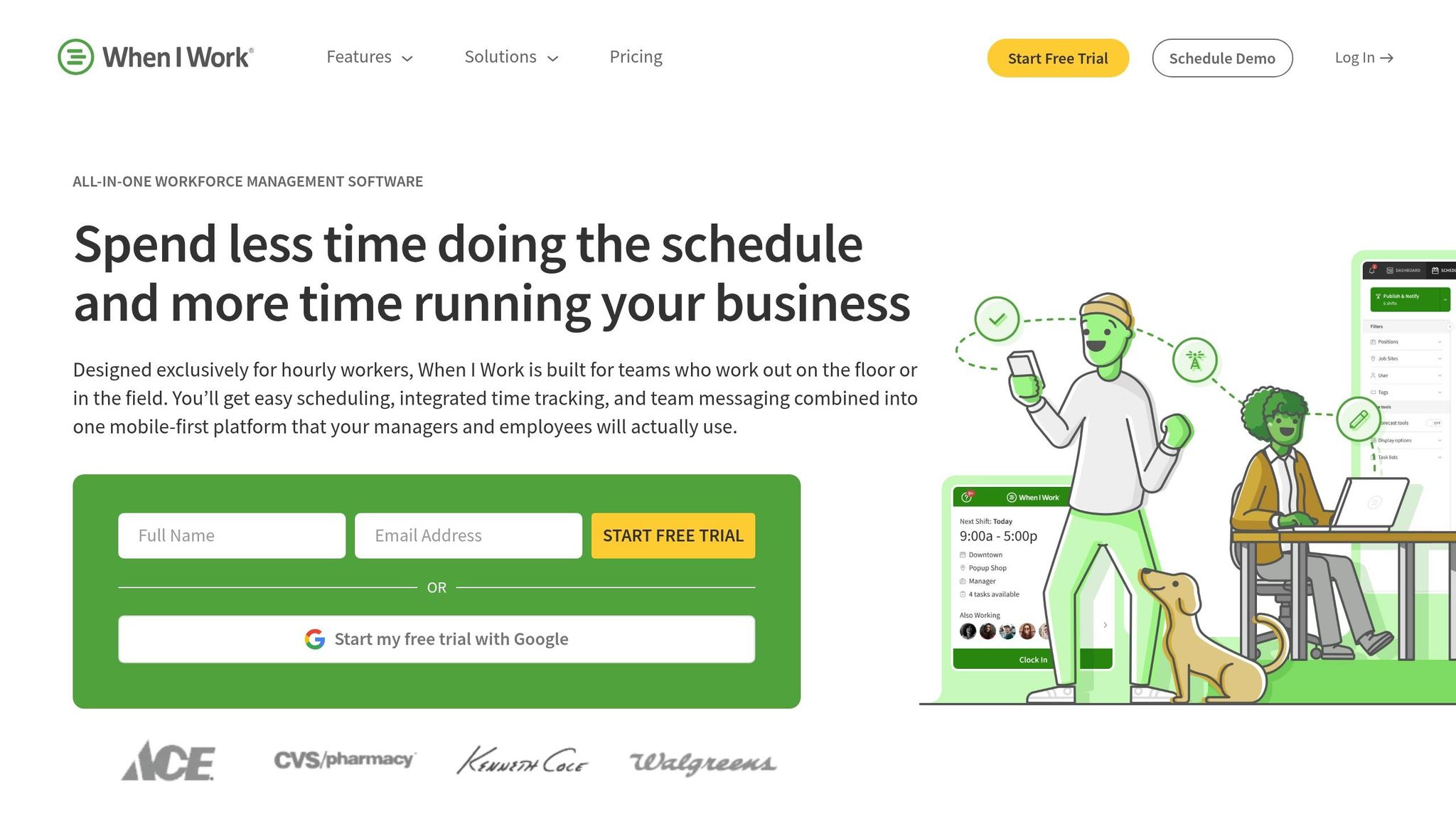
When I Work is tailored for hourly teams that need simple scheduling tools without the bells and whistles of enterprise-level platforms. It’s perfect for businesses ready to move past spreadsheets but not looking for the complexity of systems like Workday or UKG Pro. With a 4.3/5 rating on G2, it’s a favorite among small to mid-sized teams in industries like retail, hospitality, and healthcare.
Pricing
When I Work keeps things straightforward with two pricing tiers:
Standard Plan: $2.50 per user per month, covering scheduling, availability tracking, shift swapping, and team messaging.
Advanced Plan: Ranges from $5.00 to $6.00 per user per month, adding features like mobile time clocks, GPS-restricted clock-ins, and labor reports.
There’s a 14-day free trial, but no permanent free plan. While the entry-level price is appealing, Pebb’s $4 per user per month plan offers more value, bundling scheduling, PTO management, work chat, news feeds, and voice calls into one seamless platform.
Features
When I Work stands out with its drag-and-drop shift builder and AI-powered auto-scheduling, which take the hassle out of creating weekly schedules. Its mobile tools let frontline workers easily swap shifts and update availability on the go. A thoughtful addition is the ability to set limits on consecutive workdays, helping to prevent burnout and overtime.
The platform also integrates with major payroll providers like QuickBooks, ADP, Gusto, and Paychex, making payroll processing smoother. However, unlike When I Work, Pebb combines scheduling, communication, and collaboration into a single, all-in-one solution.
Best Use Cases
When I Work is a great fit for restaurants, retail stores, healthcare clinics, and service-based businesses with 10–50 employees. It’s especially popular for its simple interface and quick onboarding process, which frontline staff appreciate when diving into a new system. If your main goal is to replace manual scheduling with a mobile-friendly tool, this platform checks the box.
Limitations
No platform is perfect, and When I Work has its drawbacks. Some users have reported occasional bugs, particularly with the Android mobile app’s time clock feature. Its reporting tools are fairly basic - sufficient for tracking labor hours but lacking the depth needed for advanced workforce analytics. Additionally, it’s not designed for businesses with complex organizational structures or industries requiring strict regulatory compliance.
Pros and Cons of Each App
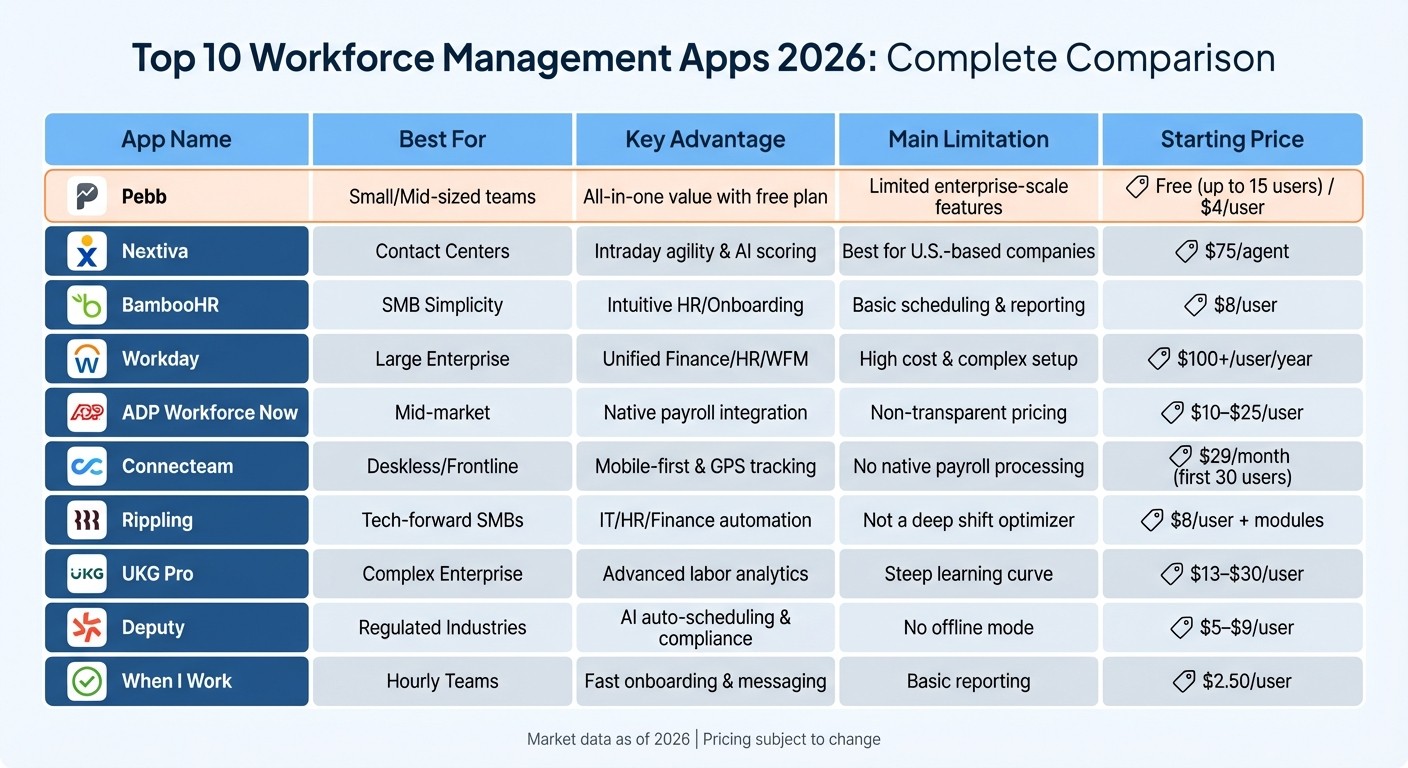
Workforce Management Apps 2026: Pricing and Features Comparison Chart
Finding the right workforce management app is all about balancing what each one excels at with where it might fall short. To make things easier, we’ve put together a breakdown of the strengths and weaknesses of ten popular platforms. Here’s what you need to know to make an informed choice.
Let’s start with Pebb. It’s a fantastic all-in-one employee app for teams, offering scheduling, PTO management, communication, collaboration, tasks, digital forms, calendar events, and clock in tools - all for free if you’re under 15 users. If you need more, the premium plan is just $4 per user. The downside? Since it’s a newer player in the market, it doesn’t yet have the enterprise-scale features that larger organizations might require.
Nextiva, on the other hand, is a dream for contact centers. Its standout features include exceptional contact center functionality and flexible intraday scheduling. But at $75 per agent, it’s a pricey option, and it’s primarily designed for U.S.-based companies.
BambooHR keeps things simple and intuitive for SMBs, especially when it comes to HR and onboarding. At around $8 per user, it’s a solid choice, though its scheduling and reporting tools are on the basic side.
For large enterprises, Workday is a powerhouse, uniting finance, HR, and workforce management into one platform. That said, it comes with a steep price - over $100 per user annually - and implementation can take anywhere from 6 to 18 months.
ADP Workforce Now is a go-to for mid-market companies, thanks to its seamless payroll integration that cuts down on reconciliation headaches. Pricing is estimated between $10 and $25 per user, but the lack of transparent pricing can be a drawback.
If you’re managing deskless or frontline teams, Connecteam is worth a look. It’s mobile-first, comes with GPS tracking, and starts at $29 per month for the first 30 users. However, it doesn’t include native payroll processing.
Rippling is all about automation, streamlining HR, IT, and finance workflows. Starting at $8 per user, it’s a tech-forward option, but the modular pricing can add up quickly, and it’s not designed for heavy-duty shift optimization.
For organizations needing complex labor analytics, UKG Pro leads the pack. It’s estimated at $13 to $30 per user, but be prepared for a steep learning curve and implementation fees that can range from $50,000 to over $250,000.
Deputy is a great fit for regulated industries, boasting AI-powered auto-scheduling and compliance tracking at $5 to $9 per user. The catch? It doesn’t offer an offline mode, which can be a dealbreaker for field teams.
Finally, there’s When I Work, which is all about simplicity. It’s perfect for hourly teams with its fast onboarding and team messaging features, starting at just $2.50 per user. However, its reporting tools are too basic for organizations that need deeper analytics.
Here’s a quick look at the key details:
App | Best For | Key Advantage | Main Limitation | Starting Price |
|---|---|---|---|---|
Pebb | Small/Mid-sized teams | All-in-one value with free plan | Limited enterprise-scale features | Free (up to 15 users) / $4/user |
Nextiva | Contact Centers | Intraday agility & AI scoring | Best for U.S.-based companies | $75/agent |
BambooHR | SMB Simplicity | Intuitive HR/Onboarding | Basic scheduling & reporting | $8/user |
Workday | Large Enterprise | Unified Finance/HR/WFM | High cost & complex setup | $100+/user/year |
ADP Workforce Now | Mid-market | Native payroll integration | Non-transparent pricing | $10–$25/user |
Connecteam | Deskless/Frontline | Mobile-first & GPS tracking | No native payroll processing | $29/month (first 30 users) |
Rippling | Tech-forward SMBs | IT/HR/Finance automation | Not a deep shift optimizer | $8/user + modules |
UKG Pro | Complex Enterprise | Advanced labor analytics | Steep learning curve | $13–$30/user |
Deputy | Regulated Industries | AI auto-scheduling & compliance | No offline mode | $5–$9/user |
When I Work | Hourly Teams | Fast onboarding & messaging | Basic reporting | $2.50/user |
This table sums it all up, showcasing how Pebb shines for small teams while other platforms cater to more specific needs.
Wrapping It Up
When it comes to choosing the right workforce management app in 2026, it’s all about understanding what your business truly needs. With so many options out there, it’s clear that a one-size-fits-all solution just doesn’t exist.
For small to mid-sized teams looking for something affordable and easy to use, Pebb stands out. We’ve packed scheduling, PTO tracking, internal communication tool, tasks, digital forms, calendar events, and collaboration tools into one platform. Best of all, it’s free for up to 15 users, and after that, it’s only $4 per user each month. No surprise fees, no complicated onboarding - just a simple way to keep your team running smoothly.
On the other hand, if you’re managing a larger organization, platforms like UKG Pro or Workday might be more up your alley. Smaller businesses might lean toward tools like BambooHR. The key is to pick something that fits your team size, operational needs, and budget perfectly.
FAQs
How do I choose the right workforce management app for my team size?
When picking a workforce management app, it’s crucial to think about your team’s size and specific needs. For smaller teams - those with fewer than 50 employees - straightforward, all-in-one tools work best. Pebb is a great example, offering scheduling, communication tools, and PTO tracking at just $4 per user.
If you’re managing a larger team, look for an app that can grow with you. Scalability and advanced features like analytics become essential as your workforce expands. With its balance of affordability and robust capabilities, Pebb stands out as a versatile all-in-one employee app for teams of any size.
What features should I prioritize for managing frontline and desk employees?
When it comes to keeping things running smoothly, a few key features make all the difference. Tools like shift scheduling, PTO management, tasks, digital forms, and calendar events ensure everyone knows when and where they’re needed, without the usual headaches. Add in real-time communication - whether it’s through chat, voice, or video calls - and you’ve got a way to keep the entire team connected, no matter where they are. And let’s not forget the employee directory. With quick and easy access, finding the right person becomes a breeze. Together, these features simplify operations and help both frontline and desk employees stay on the same page.
How long does it typically take to implement a workforce management app?
Implementing a workforce management app generally takes 4 to 6 weeks to fully onboard and launch. That said, the timeline can shift depending on a few key factors: the size of your organization, how complex the system is, and how smooth the onboarding process runs. Each of these elements plays a role in determining how quickly you can get up and running.
