
Workvivo Alternatives: Top 10 Tools for Frontline Teams
Discover the best Workvivo alternatives for 2026. We review 10 top tools for communication, scheduling, and engagement, perfect for frontline teams.
Dan Robin

We've all seen this movie. A vendor walks in with a clean demo, the screens look polished, and everyone nods because it feels like the modern choice. Then the rollout hits the floor, the deskless teams barely open it, and the whole thing turns into one more app nobody asked for. That's the key test for workvivo alternatives, not whether a platform can impress a comms manager in a meeting room, but whether it works for the people on shifts, in trucks, on shop floors, and in busy back rooms.
Workvivo is a solid product, and it has real staying power, especially after its 2017 start in Cork and Zoom acquisition by 2023, which made it one of the better-known employee-experience tools buyers compare against newer options. But the market around it is clearly active, and the shortlist is getting tighter. Independent review data points to a concentrated field, not a random pile of vendors, with Blink, Simpplr, Firstup, and Poppulo standing out in G2's 2026 ranking, while SelectHub's 2025 guide draws from 1,000+ real employee-experience software selection projects and 400+ capabilities to name a stable set of options, including Akumina, Beekeeper, Blink, Firstup, Happeo, LumApps, MangoApps, Microsoft Viva, Simpplr, Staffbase, and Unily (G2's Workvivo alternatives ranking). If your team needs more than a social feed, you're in the right place.
If you're also comparing employee platforms with operational tools, the same logic applies to options for commercial transport telematics. The winner is the one people use, not the one with the loudest demo.
1. Pebb
Pebb is the one I'd put at the top for frontline teams that need more than chat and announcements. It brings communication, operations, and engagement into one mobile-first workspace, so people can handle chat, voice and video calls, news feed updates, shifts, clock-ins, PTO, tasks, forms, file sharing, a Knowledge Library, and a searchable People Directory without bouncing between tools. Frontline people do not want another portal. They want one place that feels obvious, fast, and useful.
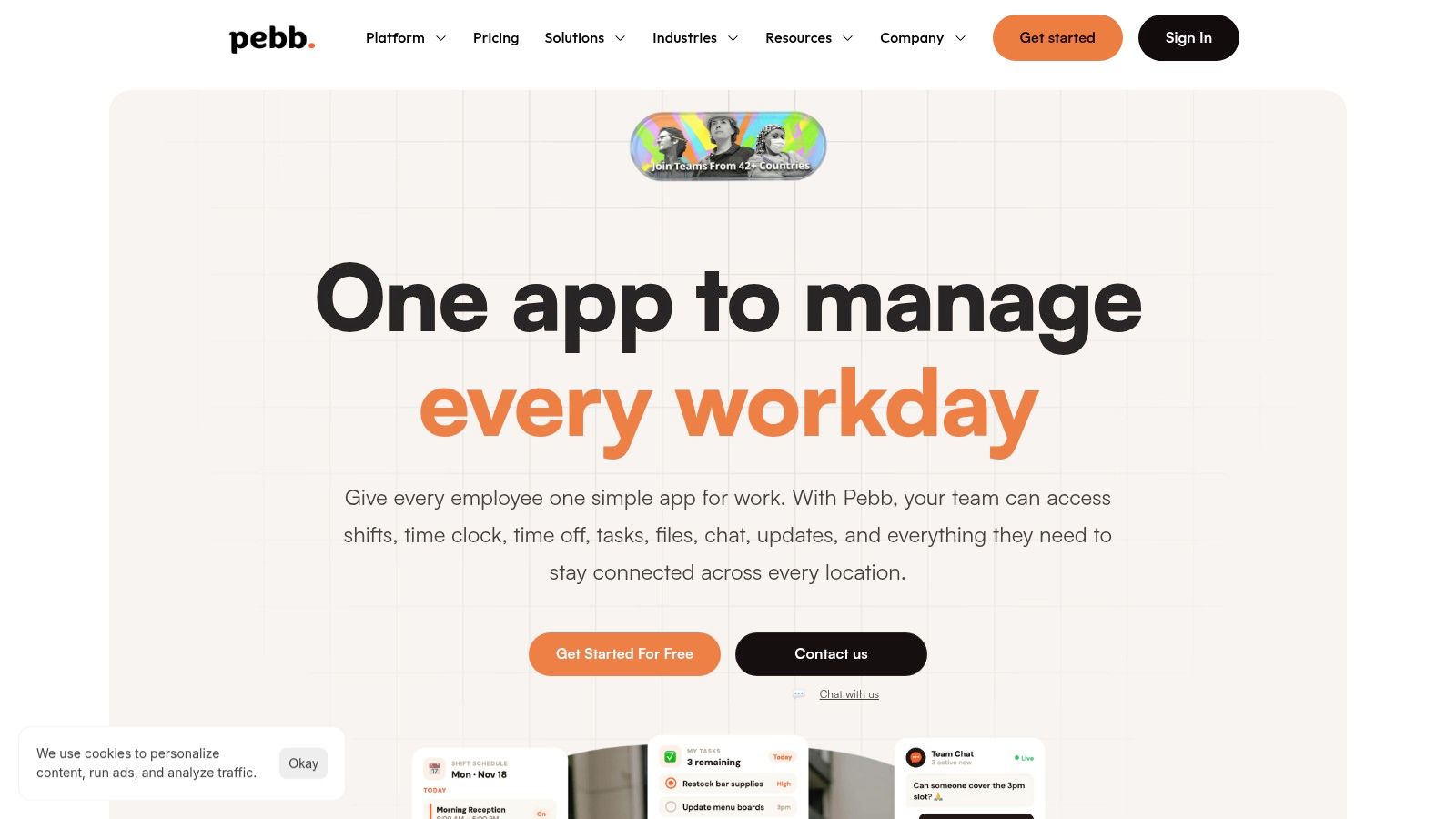
Why Pebb makes sense for real operations
Pebb works because it does not force you to choose between culture and day-to-day execution. You get the human side, like shoutouts, profiles, and a heartbeat-style feed, and you also get the gritty stuff, like shift scheduling, time clock, forms, and admin controls. That combination is rare, and for a lot of frontline orgs it is the difference between a tool people tolerate and one they keep open.
The rollout story is strong too. Pebb says it can be launched through a single invite link, and its setup is simple enough to get moving quickly on web and mobile, with desktop apps recently added. It also lists 50+ supported integrations, which matters if you are trying to stop the usual chaos of HR systems, payroll, and identity tools living in separate silos. Pebb also says it is trusted by 10,000+ customers worldwide and used across 42+ countries. For a closer look at how it stacks up against Workvivo on value, see the Pebb vs Workvivo value comparison.
Practical rule: if your team spends more time asking where things live than doing the work, Pebb is the kind of app that cleans up the daily mess.
The one thing I'd press on before buying is security and compliance. Pebb's public site does not show the usual certification badges, so regulated teams should ask for the paperwork. But for HR, internal comms, and ops leaders who want one mobile app for shifts, updates, and culture, this is the sharpest fit on the list.
2. Microsoft Viva Engage
Microsoft Viva Engage fits companies that already run on Microsoft 365 and want a straightforward way to add employee communities without forcing another app into the mix. It lives naturally beside Teams and Outlook, so adoption tends to be easier when employees already spend their day in Microsoft tools. That matters more than polished feature claims when the primary goal is getting people to use the platform.

Best for companies already standardized on Microsoft
Viva Engage is built for communities and leadership communication. It handles organization-wide communities, Q&A, announcements, and leadership AMAs, and its biggest advantage is how tightly it fits into Microsoft's stack. For companies already committed to Microsoft, that makes governance, SSO, and data residency easier to manage.
A practical way to decide whether it belongs in your stack is to read the internal Microsoft Viva Engage fit assessment before you commit to a rollout. If your team is already working inside Microsoft, this tool stays out of the way and supports the habits you already have.
Where Viva Engage falls short is the operational side of work. It is made for conversation and visibility, not for structured workflows, task execution, or frontline operations. If you need those pieces, you will pair it with another system. Premium features, including more advanced analytics, also sit behind additional Viva licensing, so this can turn into a broader platform commitment instead of a quick fix.
Use Viva Engage when the problem is internal community and leadership visibility. Use something else if the actual issue is fragmented frontline work. If your people already trust Microsoft tools, it is a sensible choice. If you are trying to replace a messy employee app stack, it will usually leave too much unsolved. Website: Microsoft Viva Engage
3. Staffbase
Staffbase is the pick when internal communications has to reach everyone and stay under control. It brings an employee app, intranet, email, SMS, and digital signage into one governed environment, which is the right setup when a single channel no longer covers the job. For enterprise teams that need order more than novelty, that matters.
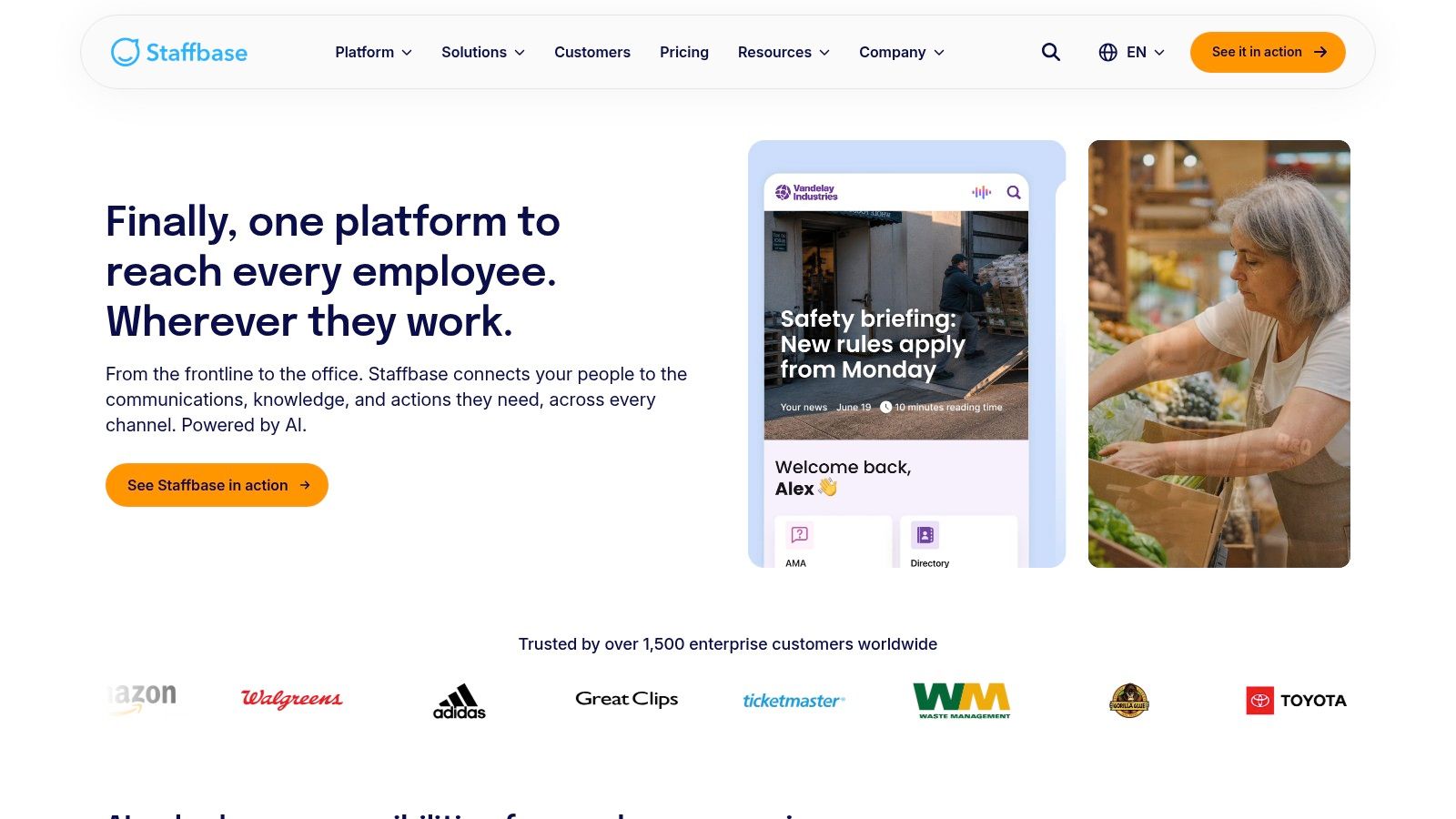
When multi-channel reach matters more than simplicity
Staffbase works because it lets internal comms teams publish once and distribute across multiple channels without giving up control. That is the core value. You can target frontline groups, route content through approvals, and review analytics without stitching together separate tools. The mobile app also supports offline access, which matters in plants, warehouses, retail floors, and anywhere people are not sitting at a desk all day.
It is built for organizations that want discipline around communication, not for teams that want a lightweight app they can spin up in an afternoon. Quote-based pricing and an enterprise buying process are part of the package. That is fine if you already have the internal capacity to govern a larger comms program. Smaller teams usually feel the weight of that structure fast.
I would choose Staffbase when the problem is inconsistent communication across locations and channels. I would not choose it if the main need is shift work, task completion, or time tracking. It is a communications machine, and it is a good one. Website: Staffbase
4. Firstup
Firstup fits teams that run internal communication like a real program. It is built around automation and personalization, so the point is to send the right message to the right employee at the right moment, then check whether it landed. That matters when communication has to be managed with intent, not scattered as one more feed of updates.

Strong for enterprise journeys and targeted delivery
Firstup's strength is orchestration. It pushes campaigns across mobile, email, intranet, and other channels, and it uses employee attributes and behavior to shape targeting. That lets you handle onboarding, benefits enrollment, policy changes, and major operational updates as structured journeys instead of one-off blasts.
It works best when the comms team already thinks in sequences and segments. If you need control over audience groups, message timing, and follow-up measurement, Firstup gives you that discipline. If you want a lightweight tool for a small team, it will feel heavy fast. Enterprise rollout is the norm here, and change management usually has to come with it.
I would choose Firstup for lifecycle communication at scale, especially when the business needs measurable delivery across multiple channels. I would not choose it for frontline operations that need shift scheduling, task execution, or time tracking. It is built for enterprise communications, and it does that job well. Website: Firstup
5. Simpplr
Simpplr is the better choice when the problem is findability, not another social layer. A lot of Workvivo alternatives sell communities and feeds. Simpplr is built around a governed intranet with AI features layered on top, which is the right setup when employees need a reliable place to find policies, updates, and resources without sorting through noise.
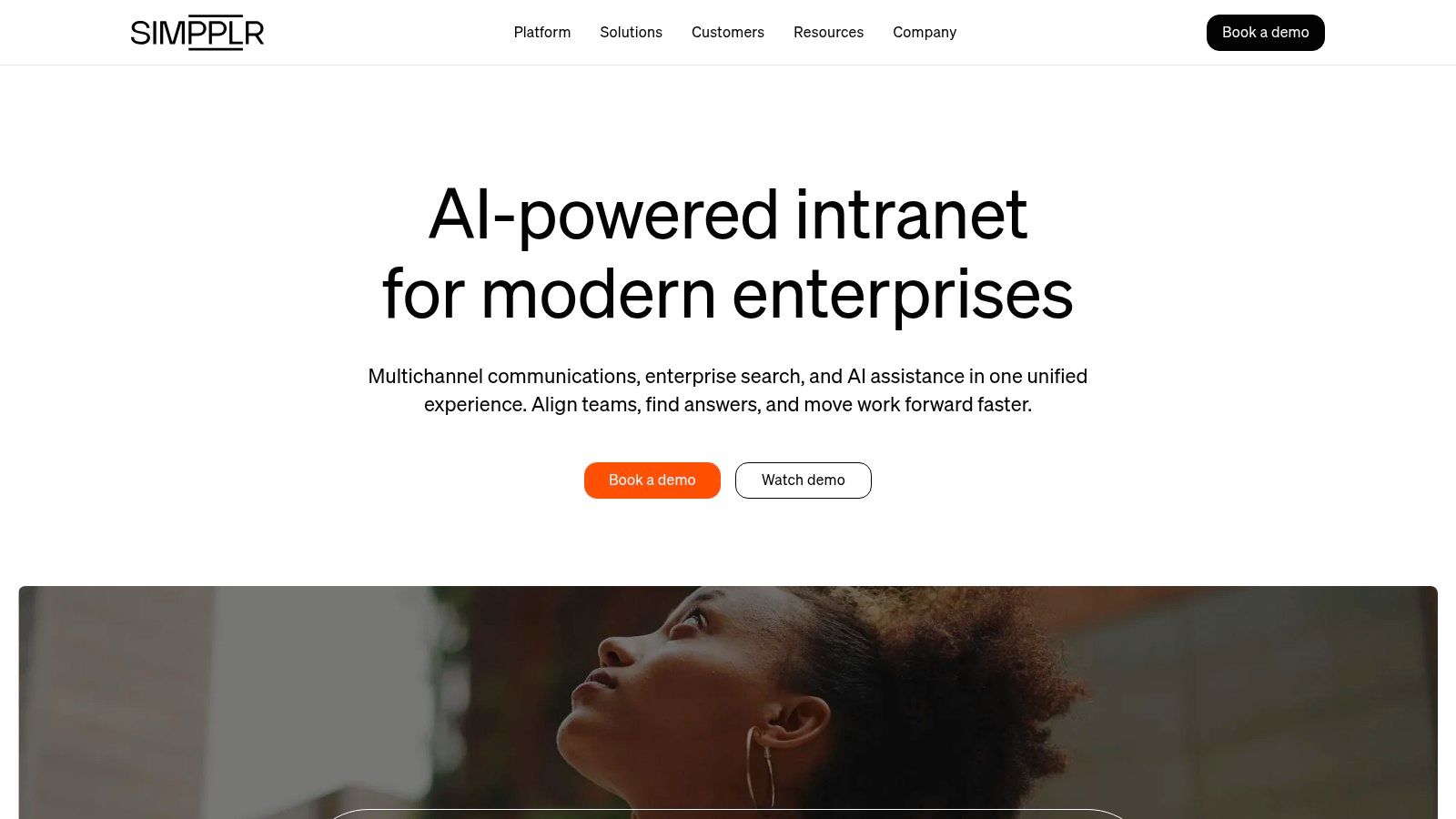
Best when structure matters more than social chatter
Simpplr's strength is discipline. It gives you a governed intranet foundation, strong search, AI-driven content discovery, and a clean user experience that feels modern without trying too hard. It also includes vertical templates and guidance, which helps frontline-heavy organizations that need clearer structure than a loose social feed can provide.
Buyers clearly trust it at scale, and that matches the kind of deployment it supports. Simpplr works best for organizations that want a true intranet core, not just a communication layer. The tradeoff is simple, you may still need add-ons or integrations for specific workflows, and pricing is custom.
I would choose Simpplr when the main pain is content sprawl and people cannot find the right page, the right policy, or the right answer. If you need frontline operations in the same app, keep looking. Website: Simpplr
6. LumApps
LumApps makes sense when your company already runs on Microsoft 365 or Google Workspace and needs one place to organize communication, knowledge, and access to work content. It sits between a traditional intranet and an employee experience platform, with enough structure to keep things controlled and enough flexibility to serve both desk and frontline teams.
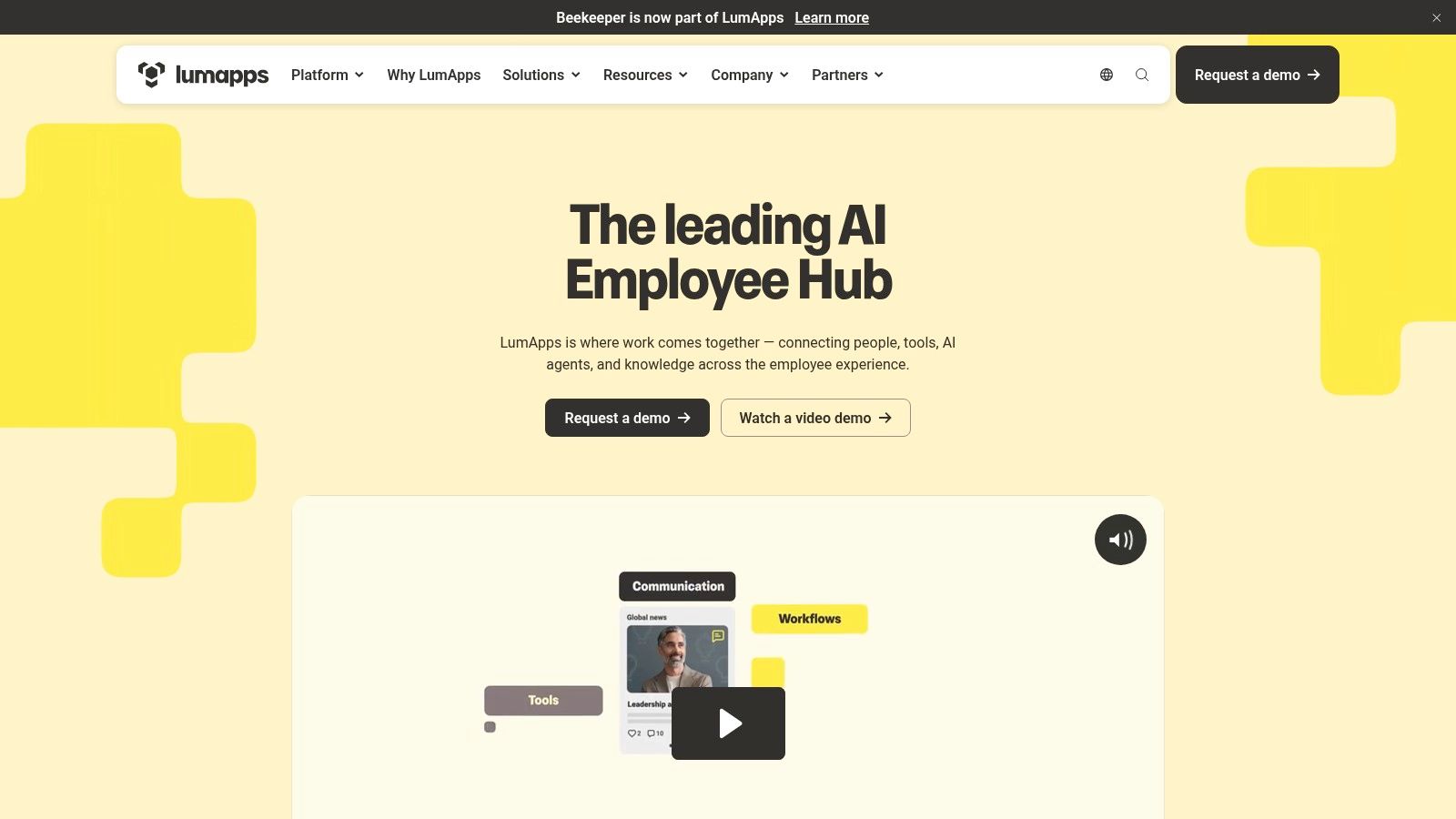
Good for organizations that already live in Google or Microsoft
LumApps earns attention because it fits the productivity stack people already use every day. That matters for adoption. If your employees work in Google Drive, Gmail, Calendar, or Microsoft 365, a platform that plugs into that environment feels familiar instead of forcing a new routine. Its core value is a governed employee hub that brings communications, communities, and knowledge into one place.
LumApps also shows up among the established names buyers compare in this category, alongside platforms like Staffbase, Simpplr, Beekeeper, and Blink. That tells you where the market has settled, a short list of serious options rather than a long tail of niche tools. LumApps is not the lightest deployment on this list, and it can require more consulting than smaller teams want. Even so, if your organization needs flexibility across Microsoft or Google environments, it belongs in the conversation.
I'd choose LumApps when the need is a structured hub inside your existing ecosystem. I would not use it as a shortcut for replacing both an intranet and a frontline operations stack at once. Website: LumApps
7. MangoApps
MangoApps is for teams that want breadth. It combines communications, collaboration, workflows, and basic HRIS-style structure in one platform, which makes it feel closer to an employee super-app than a simple intranet. That matters when tool sprawl is the enemy and you want fewer tabs, fewer logins, and fewer excuses.

Broad, practical, and easy to overbuild
MangoApps does a lot. It gives you a white-label mobile app, internal communication, a knowledge layer, org structures, and integrated search across modules. For SMBs, that breadth is attractive because it lets a company consolidate tools without stitching together five vendors.
The risk is obvious. Broad platforms can sprawl if nobody owns them. You need governance, or you'll recreate the same clutter you were trying to escape. That said, the appeal is clear for organizations that want one platform for intranet, comms, workflows, and people data, especially if they're tired of solving the same employee problem in separate systems.
I'd choose MangoApps when you want a big toolbox and you've got the operational maturity to manage it. If your team is still figuring out basic communication hygiene, start smaller. Website: MangoApps
8. Beekeeper
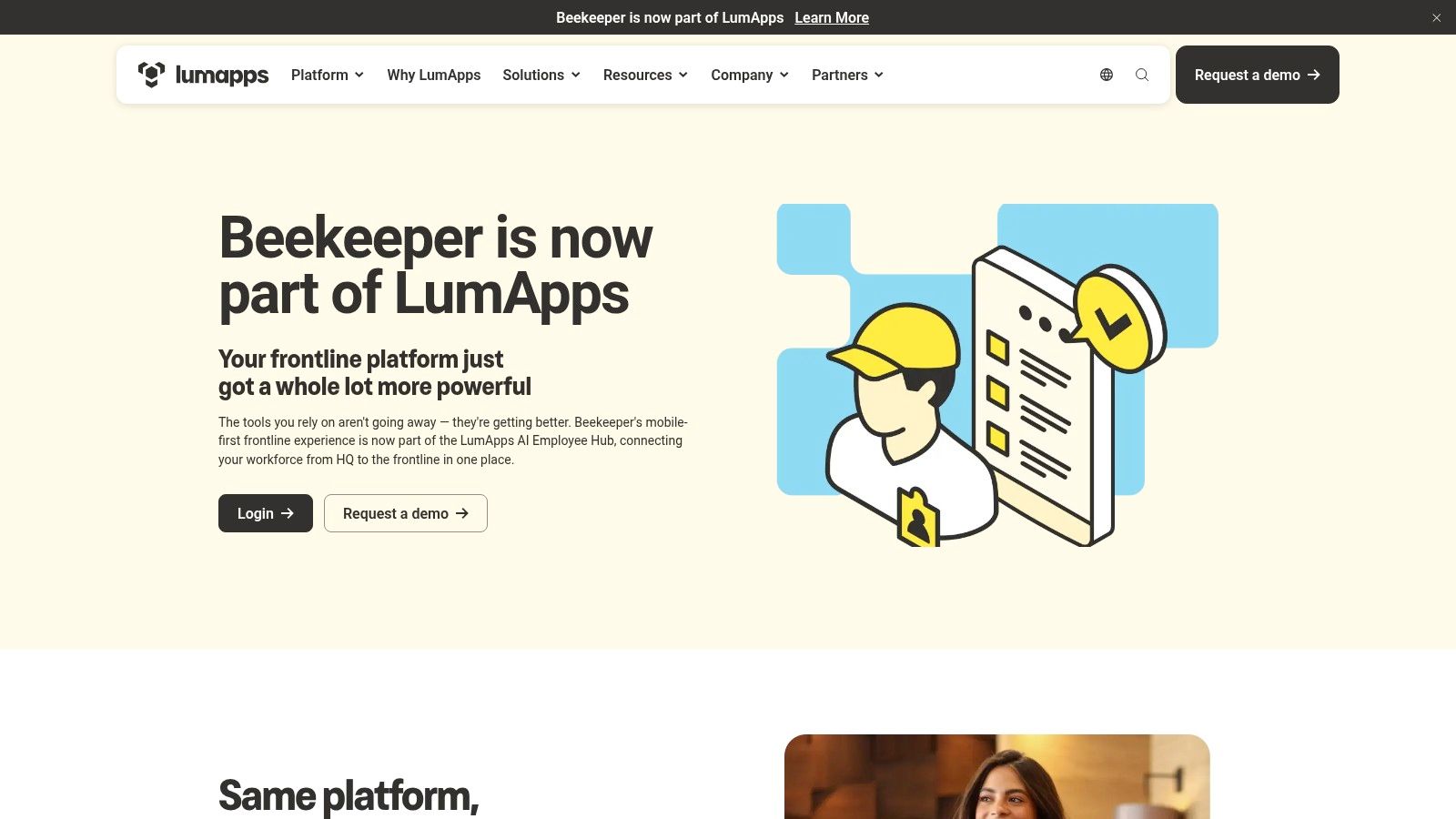
Beekeeper is built for people who do not sit in front of a laptop all day. That is the whole value of the product. It gives frontline workers a mobile workspace for communication, tasks, forms, and access to HR or operations systems, without trying to act like a heavy intranet.
A better fit for deskless work than office-heavy platforms
Beekeeper handles the daily tools frontline teams touch. Schedules, pay, training, checklists, and incident reporting all sit in one place, which makes day-to-day work easier to manage. It also supports BYOD mobile use, which matters in industries where not everyone has a corporate device or a corporate email address.
Beekeeper earns its place in this list because it stays close to operations. The category has moved past polished internal comms and company culture pages, and buyers now care more about whether a tool helps people get work done on the floor, in the field, or on shift. Beekeeper's limit is depth. It is not built to be a full intranet, and that shows up once you need richer knowledge architecture or tighter governance. At that point, you will feel the gaps quickly.
I would use Beekeeper when the main job is getting information to deskless workers and helping them act on it without delay. It is not the broadest platform here, but for frontline execution, it is a serious choice. Website: Beekeeper
9. Blink
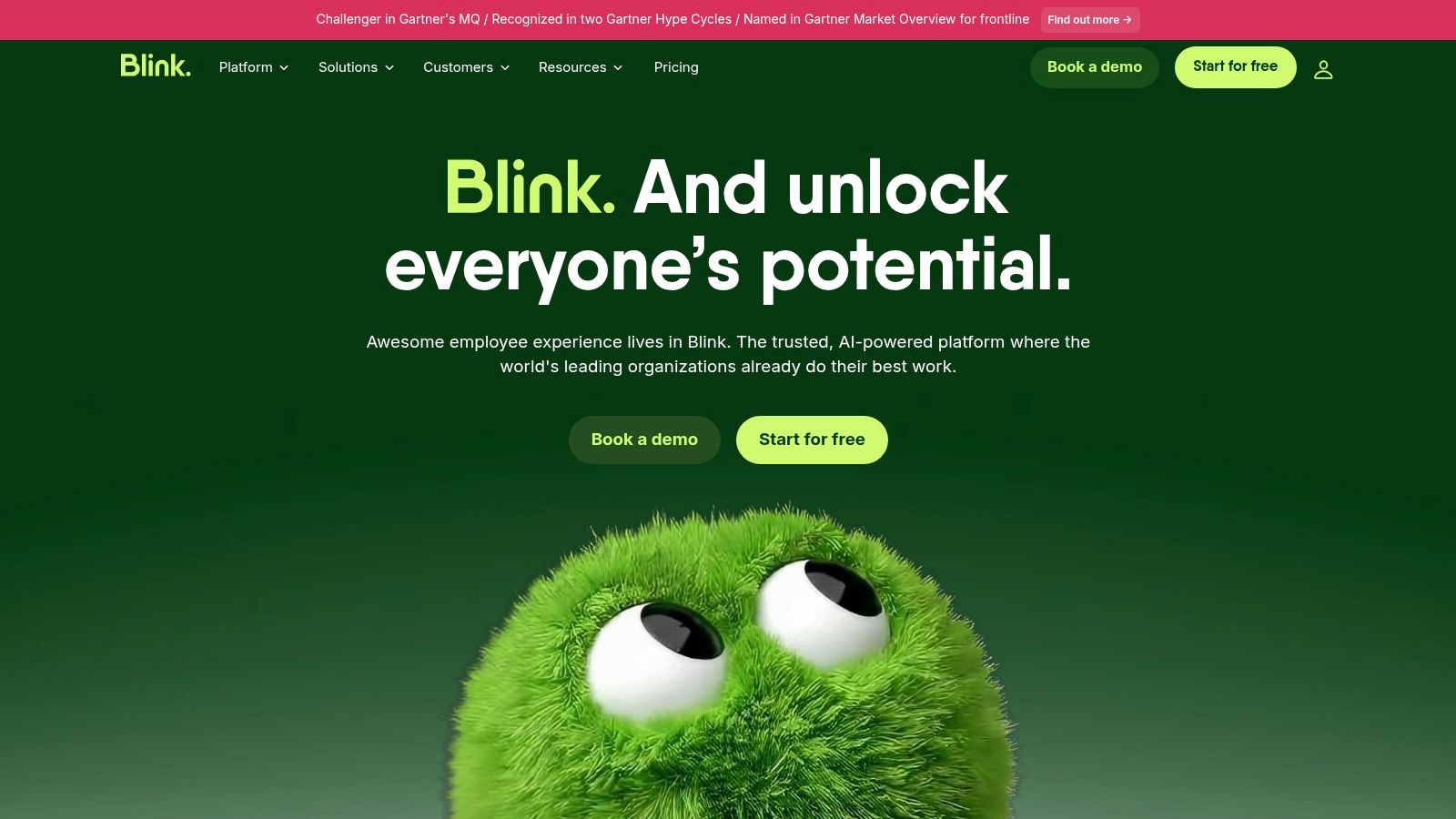
Blink is the right call for companies that want fast mobile communication without rolling out a heavy system. It is built for frontline and deskless workers, and it handles the basics well, chat, quick updates, knowledge access, surveys, and integrations with the tools people already use.
Best when speed and adoption matter most
Blink wins attention fast because it is simple, mobile-first, and easy to explain to a shift-based team. That matters more than glossy features when you are trying to get frontline staff to use the tool every day. It also gives you a clean path into implementation, which is a real advantage when you are trying to avoid a long rollout and keep managers on side.
It has public monthly plans and a free trial, which makes evaluation straightforward. That is a practical plus for teams that need to compare options without sitting through a drawn-out sales process. Blink also shows up strongly in user feedback, which lines up with its position as a lightweight tool that people can pick up quickly.
Blink is not the platform I would choose for a true intranet, deep content governance, or complex knowledge architecture. It works as a messaging layer with useful extras, not as a full digital workplace. That distinction matters, because once a company starts treating a simple comms tool like the system of record, the cracks show.
Use Blink when the team needs the message today. Use something heavier when the message has to live inside a broader operating system.
I would recommend Blink for retail, transport, hospitality, healthcare, and logistics teams that want quick wins and low friction. It fits best where adoption matters more than complexity, and where frontline workers need something they can use without training their way through it. If you are comparing it against more operations-heavy tools, a practical Connecteam alternatives comparison helps frame the tradeoff clearly. Website: Blink
10. Connecteam
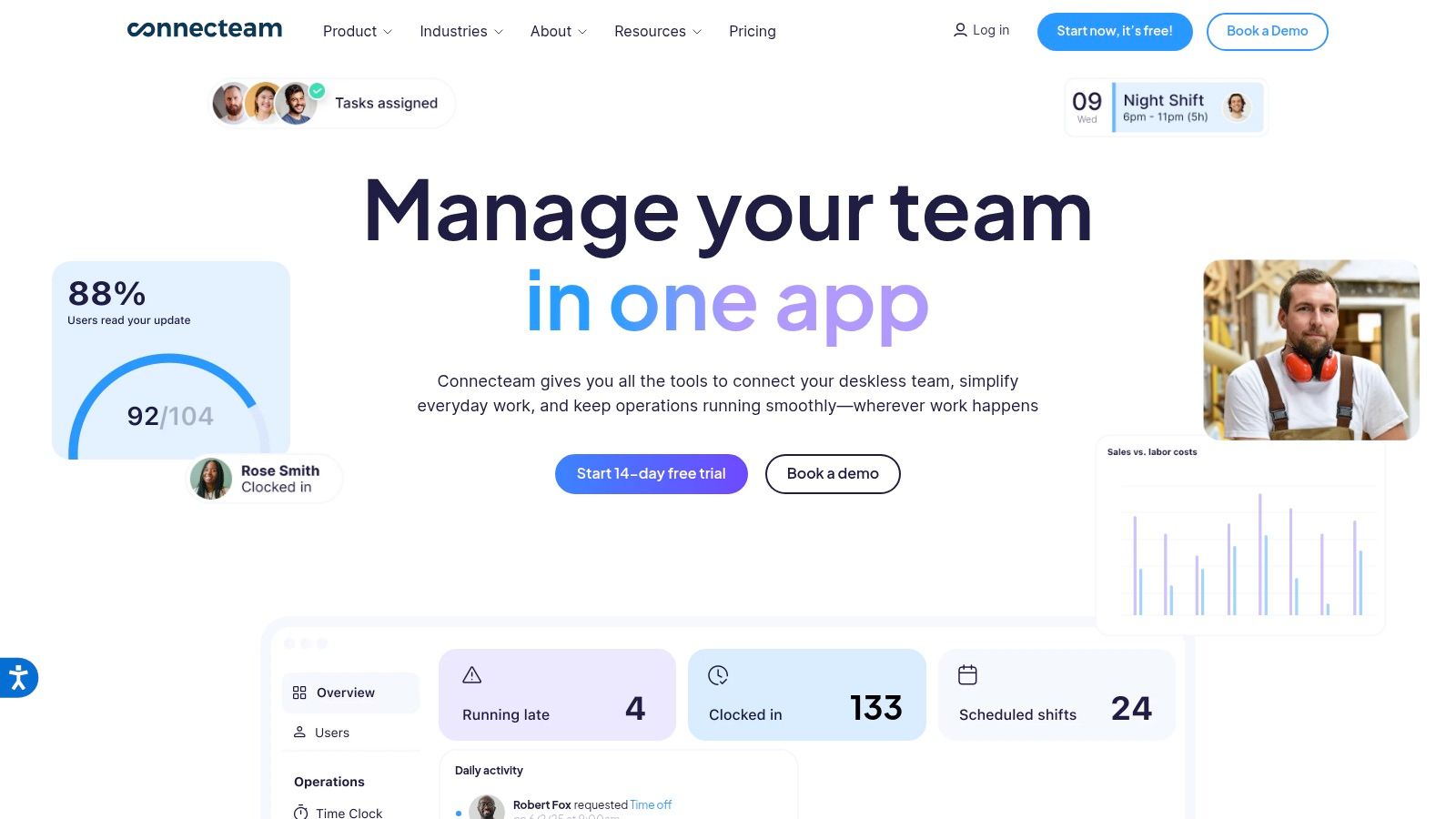
Connecteam is the most operations-focused option here. It centers scheduling, time tracking, tasks, forms, knowledge, and basic HR features inside three hubs, Operations, Communications, and HR & Skills. If your supervisors spend the day dealing with shift swaps, approvals, and daily coordination, this platform matches that reality.
The best fit when frontline work is the job, not the edge case
Connecteam keeps work and communication in one place, and that is the point. Managers can handle schedules, availability, attendance, and task execution, while employees clock in, receive updates, and complete forms or checklists from their phones. For shift-based teams, that reduces tool sprawl and keeps day-to-day work moving.
Its pricing is public, and the paid tiers include the first 30 users. That makes evaluation easier for smaller teams that do not want to sit through a long sales cycle just to understand the starting point. A closer look at Connecteam alternatives and competitors helps frame where it fits against other options.
Connecteam is built to run frontline operations cleanly. It is not a full intranet, and that is fine if your priority is execution over content governance. If you need stronger communication controls or a broader employee-experience layer, pair it with another system. If you need a practical operations hub that supervisors will use, this is a solid place to start. Website: Connecteam
Top 10 Workvivo Alternatives Comparison
Product | Core features | UX / Quality ★ | Value / Price 💰 | Best for 👥 | Unique strengths ✨ |
|---|---|---|---|---|---|
Pebb 🏆 | Chat, Spaces, feed, shifts, time clock, tasks, files, Knowledge, analytics | ★★★★☆ (mobile‑first, intuitive) | 💰 Free start; affordable; contact sales for enterprise | 👥 Frontline + office teams, HR & ops leaders | ✨ All‑in‑one frontline ops + culture; 50+ integrations; single‑link onboarding |
Microsoft Viva Engage | Org communities, Q&A, announcements, Teams/Outlook integration | ★★★★☆ (native MS UX) | 💰 Included w/ M365; premium Viva add‑ons | 👥 Enterprises standardized on Microsoft 365 | ✨ Deep Teams/Outlook integration; strong governance |
Staffbase | Mobile app, intranet, email/SMS, analytics, AI authoring/translation | ★★★★☆ (multichannel reach) | 💰 Quote‑based (enterprise) | 👥 Large frontline + internal comms teams | ✨ AI for authoring/translation; robust targeting & analytics |
Firstup | Campaign orchestration, targeting, cross‑channel delivery, analytics | ★★★★☆ (campaign & measurement focus) | 💰 Quote‑based (enterprise) | 👥 Enterprise comms teams running large campaigns | ✨ Personalization + outcome measurement at scale |
Simpplr | Intranet core, governance, templates, AI content/discovery | ★★★★☆ (consumer UX for intranet) | 💰 Quote‑based (enterprise) | 👥 Enterprises needing a governed intranet foundation | ✨ Fast intranet deployment with enterprise security |
LumApps | Central hub, targeted broadcasts, Google & M365 integrations | ★★★★☆ (flexible deployment) | 💰 Quote‑based | 👥 Microsoft‑ or Google‑centric organizations | ✨ Flexible deployment across Workspace or 365 ecosystems |
MangoApps | Intranet, comms, workflows, HRIS‑lite, native mobile apps | ★★★★☆ (one‑platform breadth) | 💰 SMB per‑user pricing; enterprise custom | 👥 SMBs → enterprises seeking unified platform | ✨ Transparent SMB pricing; HRIS‑lite features |
Beekeeper | Frontline workspace, forms, checklists, integrations, automations | ★★★★☆ (frontline‑first) | 💰 Quote/sales; free trial often available | 👥 Retail, hospitality, manufacturing frontline staff | ✨ One‑tap access to shifts/pay; strong automations/onboarding |
Blink | Feed, chats, directory, hub, integrations, analytics add‑on | ★★★★☆ (mobile UX, fast adoption) | 💰 Published per‑seat pricing; free trial | 👥 Frontline & SMBs needing self‑serve rollout | ✨ Transparent pricing + easy self‑serve trial |
Connecteam | Shift scheduling, GPS time clock, chat, tasks, courses | ★★★★☆ (operations‑focused) | 💰 Transparent, affordable; first 30 users included on paid tiers | 👥 Shift‑based teams and supervisors | ✨ Operations‑first toolkit with clear SMB pricing |
How to Choose A Practical Guide
The choice comes down to one question. What problem are you trying to solve? If you answer that, half the noise disappears. Workvivo alternatives only look similar on the surface. Once you get into real use, the split is obvious. Some tools are built for communications, some for intranets, some for frontline operations, and some for the messy middle where all three overlap.
For frontline-heavy teams, I'd start with the tools that make daily work easier, not just prettier. Pebb is the strongest all-in-one answer if you want communication, scheduling, clock-ins, tasks, and culture in one place. Connecteam is the better operations-first pick when shifts and task execution matter most. Beekeeper is a good fit if you want mobile workforce communication with a lighter touch. Blink is the quickest path to adoption if you care most about simple mobile messaging.
For comms leaders, the choice is different. Staffbase is the sharpest option when you need multi-channel control, governance, and enterprise reach. Firstup is better when your team thinks in campaigns and employee journeys. Microsoft Viva Engage makes sense when your company already lives in Microsoft 365 and you want a low-friction community layer.
For intranet-heavy buyers, Simpplr and LumApps are the safer bets. They do structure, search, and knowledge well, which is what most companies need once the content pile gets messy. MangoApps sits in between, broader than a pure intranet, but only worth it if you're ready to govern that breadth.
Here's the rule I use when I'm helping teams make this call. If your employees need one place to communicate and operate, pick a platform like Pebb or Connecteam. If they need one place to communicate and find things, pick Staffbase, Simpplr, or LumApps. If they need one place to communicate and personalize journeys, go with Firstup. Simpler than the vendor decks make it sound.
Don't buy the platform that looks most complete. Buy the one that removes the most friction from a normal workday.
The migration itself matters too. Start with one team. Find a manager who wants the rollout to work. Don't launch every feature on day one. Communication and scheduling, or communication and knowledge, is enough to prove value before you expand. That's how you avoid the common mistake of buying a big platform and turning it into a graveyard of unused features.
If I had to narrow the field fast, my shortlist would be simple. For frontline teams, start with Pebb, Connecteam, and Blink. For enterprise comms, look at Staffbase and Firstup. For structured intranets, compare Simpplr and LumApps. For Microsoft-heavy orgs, keep Microsoft Viva Engage in the mix. The right answer is the one that fits your workforce, not the one that wins a feature checklist.
If you're trying to replace a scattered stack with one app your frontline teams will use, Pebb is worth a serious look. It brings chat, shifts, clock-ins, tasks, forms, and engagement into one mobile-first workspace without making people fight the software. Visit Pebb and see how it fits the way your teams work.
