
12 WhatsApp Alternatives That Actually Work for a Team
Discover the top 12 whatsapp alternative for team strategies and tips. Complete guide with actionable insights.
Dan Robin
Let's be honest. Your team is probably using WhatsApp for work. It’s easy, everyone’s on it, and it feels free. But that convenience costs you. Important files vanish in a sea of memes, tasks are mentioned but never tracked, and your company’s knowledge ends up stranded on personal phones with zero security. It’s organized chaos, and it’s quietly holding your business back.
We’ve lived this. When communication breaks down, everything else follows. Projects stall, details get missed, and the people on the front lines feel completely disconnected from the home office. You know there has to be a better way than juggling a dozen group chats and just hoping for the best.
The good news? There is. We’ve spent countless hours in the trenches, testing and living with these tools to find a real whatsapp alternative for team communication. This isn't just another list scraped from the internet. It’s a real-world guide to finding a tool that brings your team together instead of just adding to the noise. We’ll look at 12 of the best options, from all-in-one hubs like Pebb to focused chat tools like Slack and Teams. For each one, we’ll tell you what it’s actually good at, where it falls short, and who should use it. It’s time to move from scattered chats to a single, calm place where work gets done.
1. Pebb
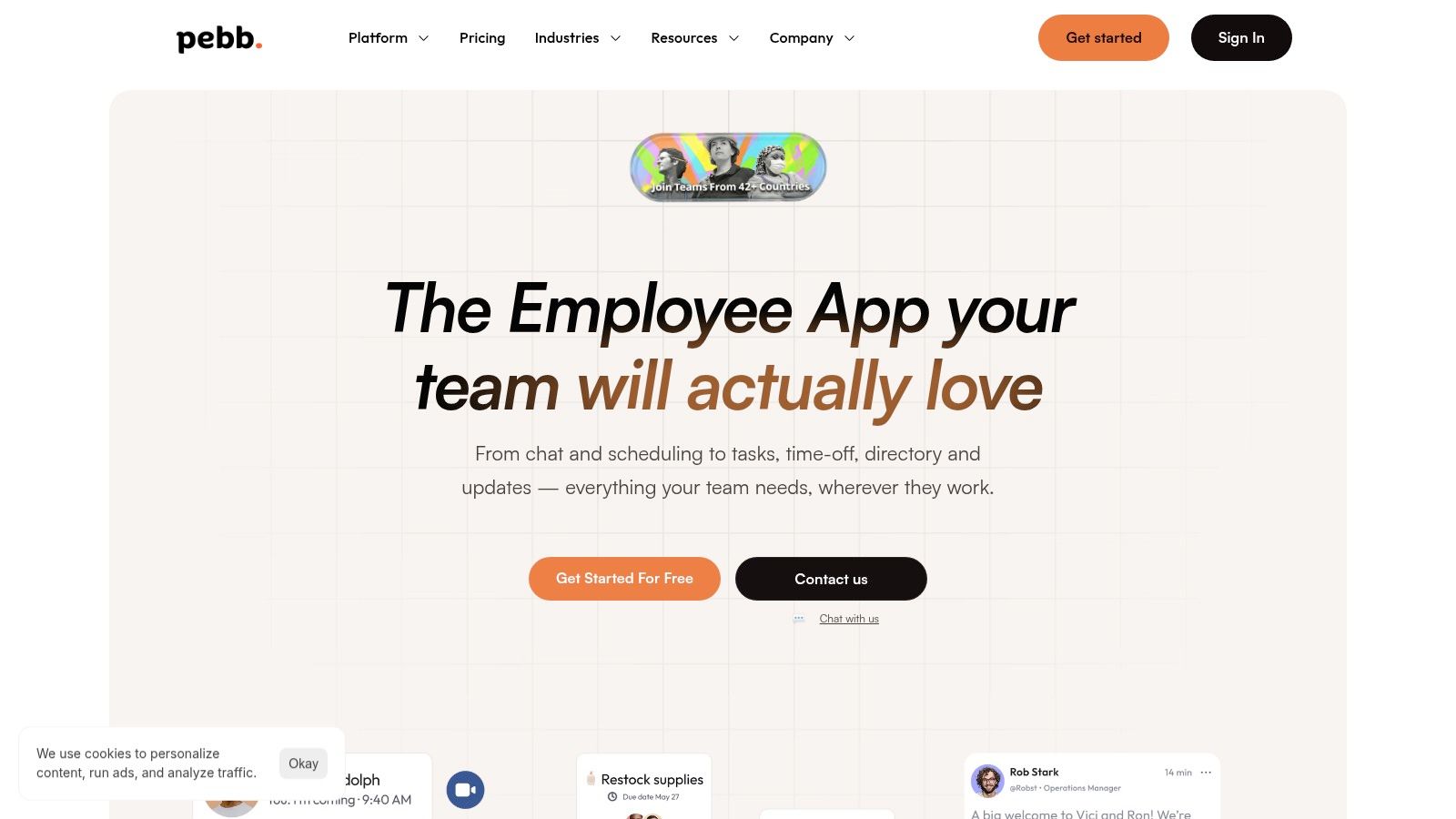
Pebb isn't just another chat app. It aims to be the single digital home for your team, especially if your people aren't sitting at a desk all day. Instead of separate tools for chat, scheduling, tasks, and company news, Pebb bundles it all together. This makes it a powerful WhatsApp alternative for a team that needs more than messaging. It needs a command center.
What I like most is how it replaces the noise of multiple apps with one calm, searchable platform. Think of it as your company's private social network, but with actual work tools baked right in. It’s built mobile-first, which is a huge deal for frontline teams in retail, hospitality, or logistics.
Why Pebb Stands Out
Pebb’s real strength is its unified design. It combines company-wide updates, like a news feed, with focused, real-time chat. The "Spaces" feature is where this really shines. You can create a dedicated hub for each location or project, centralizing chat, files, tasks, events, and even shift schedules in one place. This is the kind of structure that simply falls apart in a sprawling WhatsApp group.
For managers, the platform offers proper admin controls, roles, and permissions. You also get analytics that show you what’s actually resonating with your team. You can see what people are reading and engaging with, which is something you can only guess at with other tools.
Practical Use Cases
Frontline Teams (Retail, Hospitality): A team can use a Space for their specific store to communicate, share daily shift schedules, clock in and out, and pull up training guides from the Knowledge Library, all on a phone.
Healthcare & Logistics: You can securely coordinate shifts across departments, send urgent broadcast announcements that you know everyone will see, and manage tasks for mobile teams without resorting to insecure personal apps.
Office & Hybrid Teams: You can create project-specific Spaces to manage tasks, share files, and hold quick video calls. The main news feed can be used for company-wide culture building and the People Directory helps everyone stay connected.
What to Consider
Pebb’s biggest advantage is that it’s an all-in-one tool. The setup is fast—you can roll it out with a single link—and it integrates with most HR and payroll systems. Customers often tell us they get their whole team onboarded in a day.
Here's the thing, though: detailed pricing for larger enterprise plans isn't public. You’ll have to talk to their sales team. And if your organization needs specific compliance certifications like SOC 2, you should confirm Pebb's status directly, as it's not listed front and center on their website.
Website: https://pebb.io
2. Slack
Slack is often the first step teams take when they outgrow email and messy group chats. It made channel-based messaging the standard for a reason. Instead of one long, confusing thread, conversations are sorted into channels for specific projects, teams, or topics. This structure is its greatest gift, turning a firehose of chatter into a searchable archive.
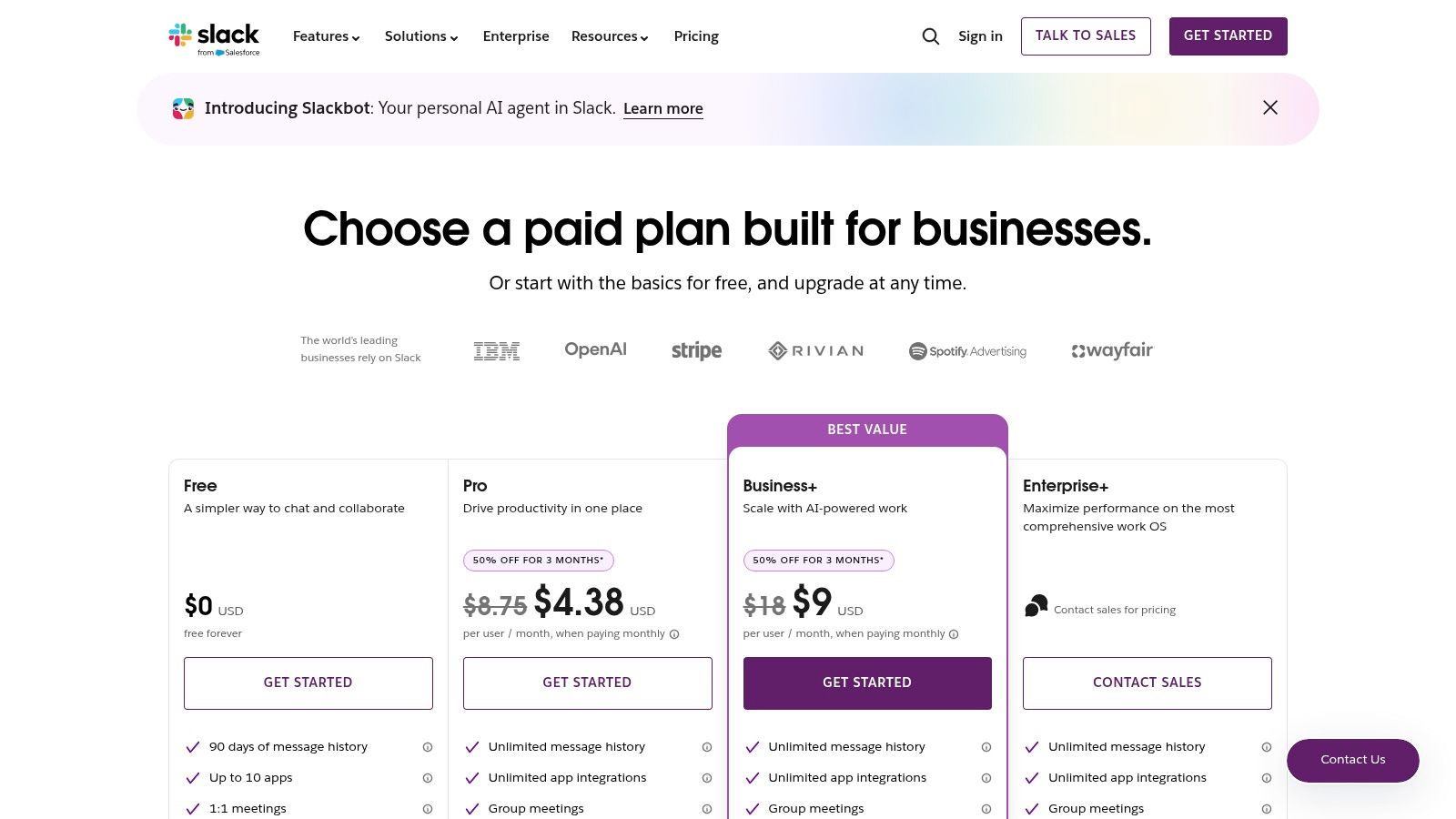
It really comes alive with its massive library of over 2,600 integrations. You can plug in everything from Google Drive to Jira, making Slack a central nervous system for notifications. Its built-in "Huddles" are fantastic for quick audio or video chats that feel like tapping a coworker on the shoulder. For teams needing serious oversight, its mature admin controls make it a solid WhatsApp alternative.
But Slack has a dark side. The endless notifications can create a culture of constant distraction if you're not disciplined. And the cost adds up fast as your team grows. For some, exploring Slack alternatives for better team collaboration can lead to a better fit. It’s a powerful tool, but it demands you manage it, or it will manage you. If you’re deciding between the big players, our in-depth comparison of Slack and Microsoft Teams might help.
Website: slack.com
3. Microsoft Teams
If your company runs on Microsoft 365, using Teams is less a decision and more a default. It’s the glue that connects chat, meetings, and files to the Office apps you already use every day. It’s not about adding another tool; it’s about plugging into the one you already have. This makes it a very practical WhatsApp alternative for teams who want everything in one place.
Its main appeal is that it does everything. You get persistent chat channels, robust video meetings, and deep integration with SharePoint and OneDrive. For big companies, the story is even better. Teams comes with enterprise-grade security and governance tools like single sign-on (SSO), eDiscovery, and data retention policies that IT departments love. It was built for scale and control from the start.
But that all-in-one power is also its weakness. The interface can feel cluttered and overwhelming, especially for new users. It’s a classic case of having a million features when you might only need a few. If your team uses Google Workspace or other non-Microsoft tools, making everything play nicely can be a headache. It's a great deal when bundled with Microsoft 365, but it works best when you go all-in on their world.
Website: https://www.microsoft.com/en-us/microsoft-teams/compare-microsoft-teams-options?utm_source=openai
4. Google Chat (Google Workspace)
If your team lives in Gmail and Google Drive, switching to Google Chat feels like the most natural thing in the world. It’s built right into the tools you already use. Conversations happen alongside your work, not in a separate app you have to remember to check. Chat organizes conversations into "Spaces"—dedicated rooms for projects where you can have threaded conversations, share files, and manage tasks.
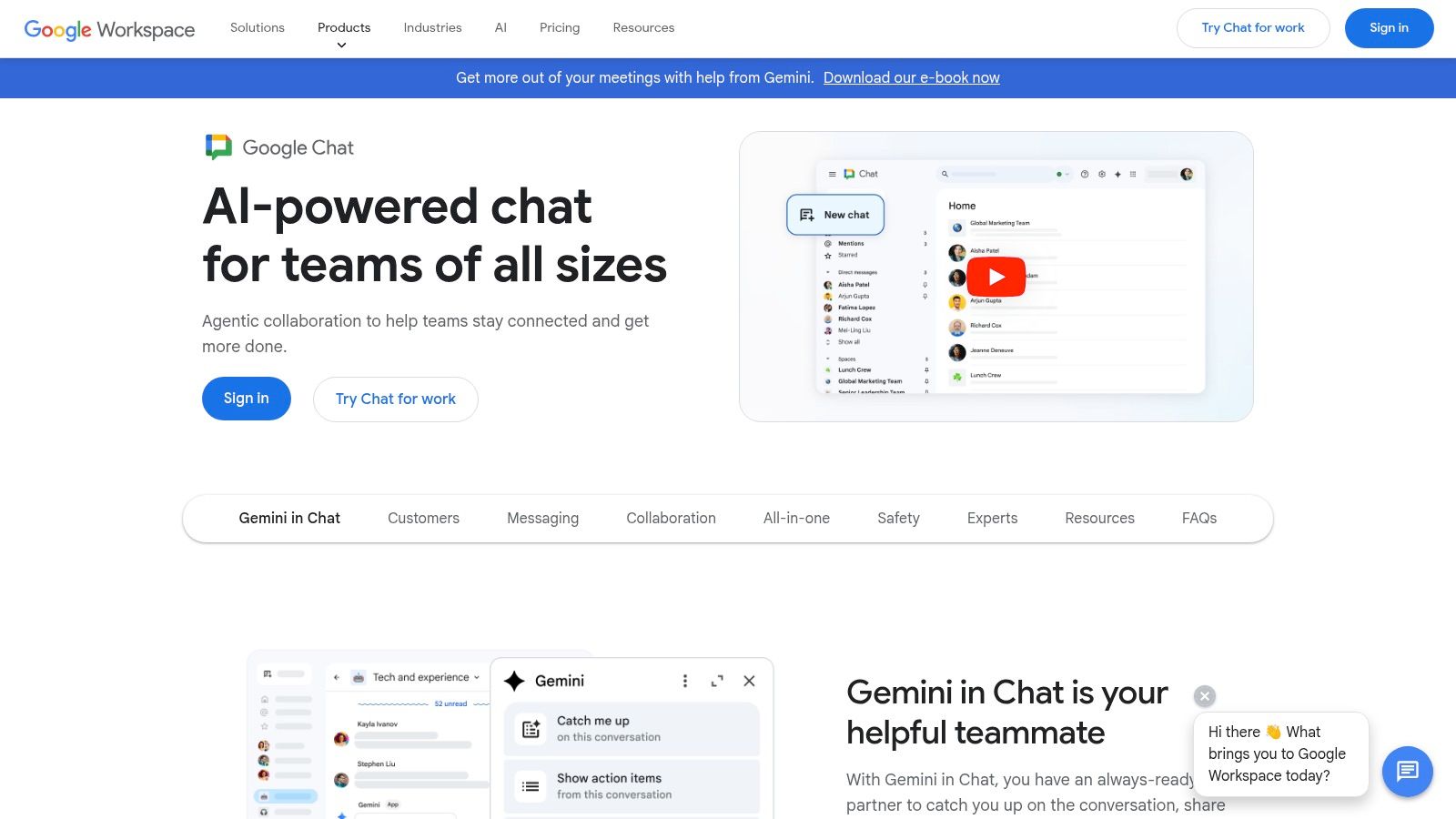
Let's be honest, the real magic here is the deep integration. You can start a Google Meet call from a chat with one click, share a Google Doc and edit it with your team right inside the conversation, or use Gemini AI to summarize a long thread you missed. This makes it an incredibly efficient whatsapp alternative for team communication if your whole workflow is already built around Google. The simple, familiar design means your team will pick it up instantly.
But its greatest strength is also its biggest constraint. You only get the full benefit of Google Chat if you’re fully committed to the Google Workspace suite. If your team relies on a mix of other tools, you’ll find its integration options are much thinner than something like Slack. And while the basic features are solid, some of the more advanced admin controls are only available on the more expensive Workspace plans.
Website: workspace.google.com/products/chat
5. Zoom Team Chat
Most of us live in Zoom meetings, so adding a separate chat app can feel like one too many things to manage. Zoom Team Chat tries to fix this by building messaging right into the platform you already have open all day. It’s based on a simple idea: conversations happen before, during, and after a meeting. For teams whose work revolves around video calls, this makes it an incredibly practical WhatsApp alternative.
The smart part is how it moves between chat and video. You can jump from a text chat to a video call with a single click, or keep a meeting’s conversation going in a dedicated channel long after the call ends. This "continuous meeting chat" feature keeps the context alive, so good ideas don’t just evaporate when everyone hangs up. It’s not trying to be a new tool; it’s trying to make the tool you already use better.
The core chat is included with every Zoom account, even the free ones. But its real power, like the AI Companion that summarizes chat threads, is reserved for paid plans. It’s a sensible choice for companies that have already made Zoom their central hub. Just know that its app ecosystem isn't as sprawling as Slack's. Zoom Team Chat wins by reducing friction, not by having the most features.
Website: zoom.com
6. Cisco Webex App
Cisco Webex has been around forever in the corporate world, but the modern version is more than just a video conferencing tool. It’s a single, secure platform for messaging, meetings, and calling. For companies already using Cisco gear or those who put enterprise-grade security above all else, Webex is a solid WhatsApp alternative that feels both powerful and familiar.
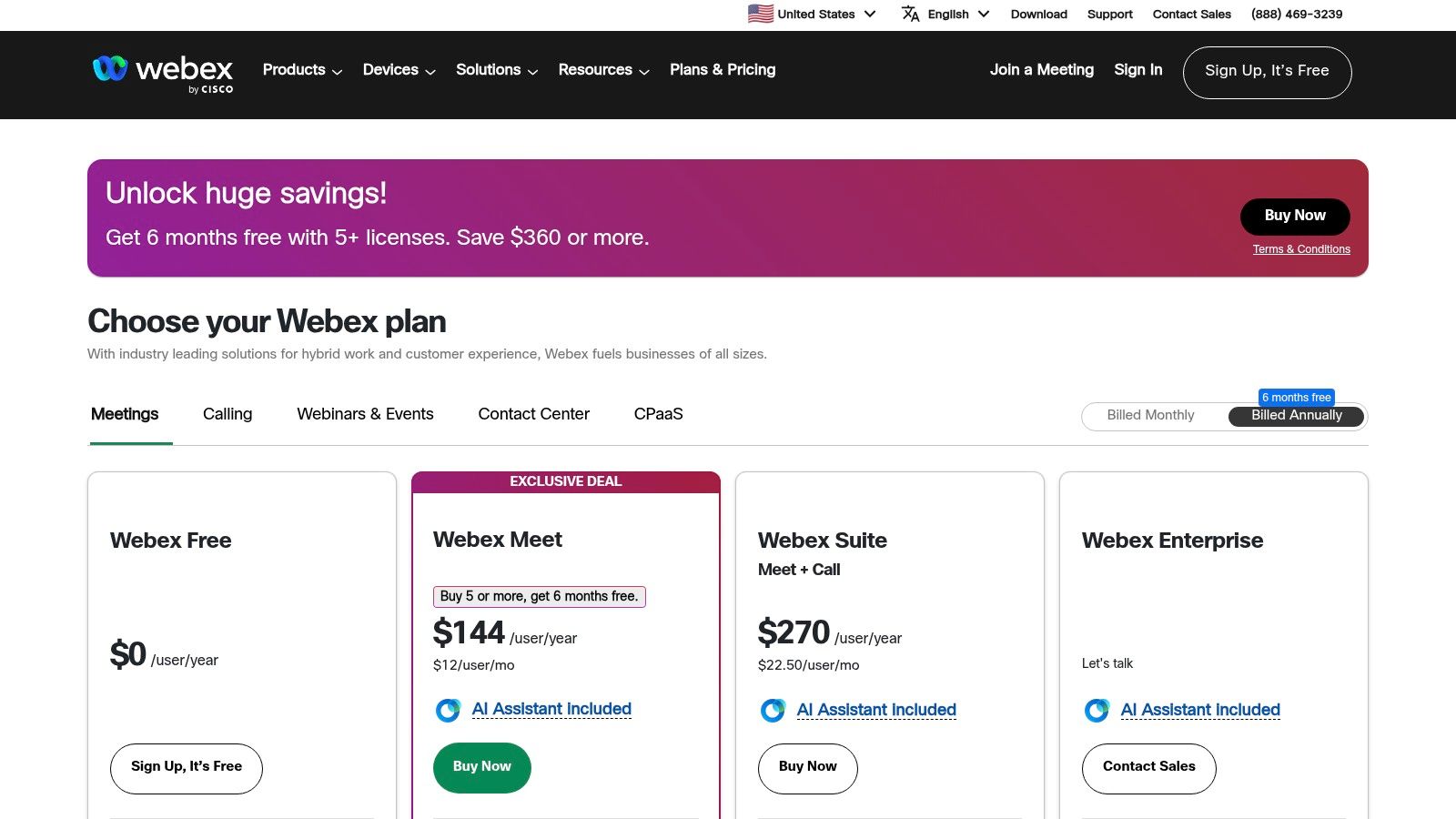
Its strength is its maturity. You get fine-grained admin controls and a security model built to satisfy the toughest IT departments. The free plan is surprisingly good, offering unlimited messaging, which is a great way for teams to try it out. For teams in the US and Canada with Webex Calling plans, the app can even send and receive SMS messages, which helps bridge the gap between internal and external communication.
The trade-off is that the interface can feel a bit corporate and less friendly than some of its newer competitors. Your team might need a bit more of a push to get started. And some of the best features, like the AI assistant, are tied to specific paid plans. But for a large organization that needs a scalable, secure, all-in-one suite from a brand they trust, Webex is a serious contender.
Website: https://pricing.webex.com/?utm_source=openai
7. Workvivo
Workvivo looks at team communication through a different lens. It's less of a chat tool and more of an "employee experience platform." Think of it as a private social network for your company, designed to build culture. It shines with company-wide announcements, employee recognition feeds, and engagement surveys, making it an interesting WhatsApp alternative for teams that feel disconnected.
This platform is for companies where celebrating wins and sharing big-picture updates are just as important as day-to-day project chat. It creates a central, lively place to build community, which is something a simple chat app can’t do. The analytics also give leaders real insight into how employees are feeling, moving beyond just counting messages.
Here’s the catch: messaging isn't its main focus. The chat feature is an optional add-on, and the pricing isn't public, so you have to talk to their sales team. This makes it a better fit for companies that are looking for a broad employee engagement tool, not just a simple chat replacement. If you like this bigger-picture approach, you should also look at other top Workvivo alternatives that offer all-in-one communication solutions to see what else is out there.
Website: workvivo.com
8. RingCentral
RingCentral isn't just about chat; it's a full-blown business phone system with messaging built-in. If your team spends a lot of time on the phone with customers, this is a compelling WhatsApp alternative. Instead of juggling a chat app, a video tool, and a separate phone service, RingCentral puts it all together in one application.
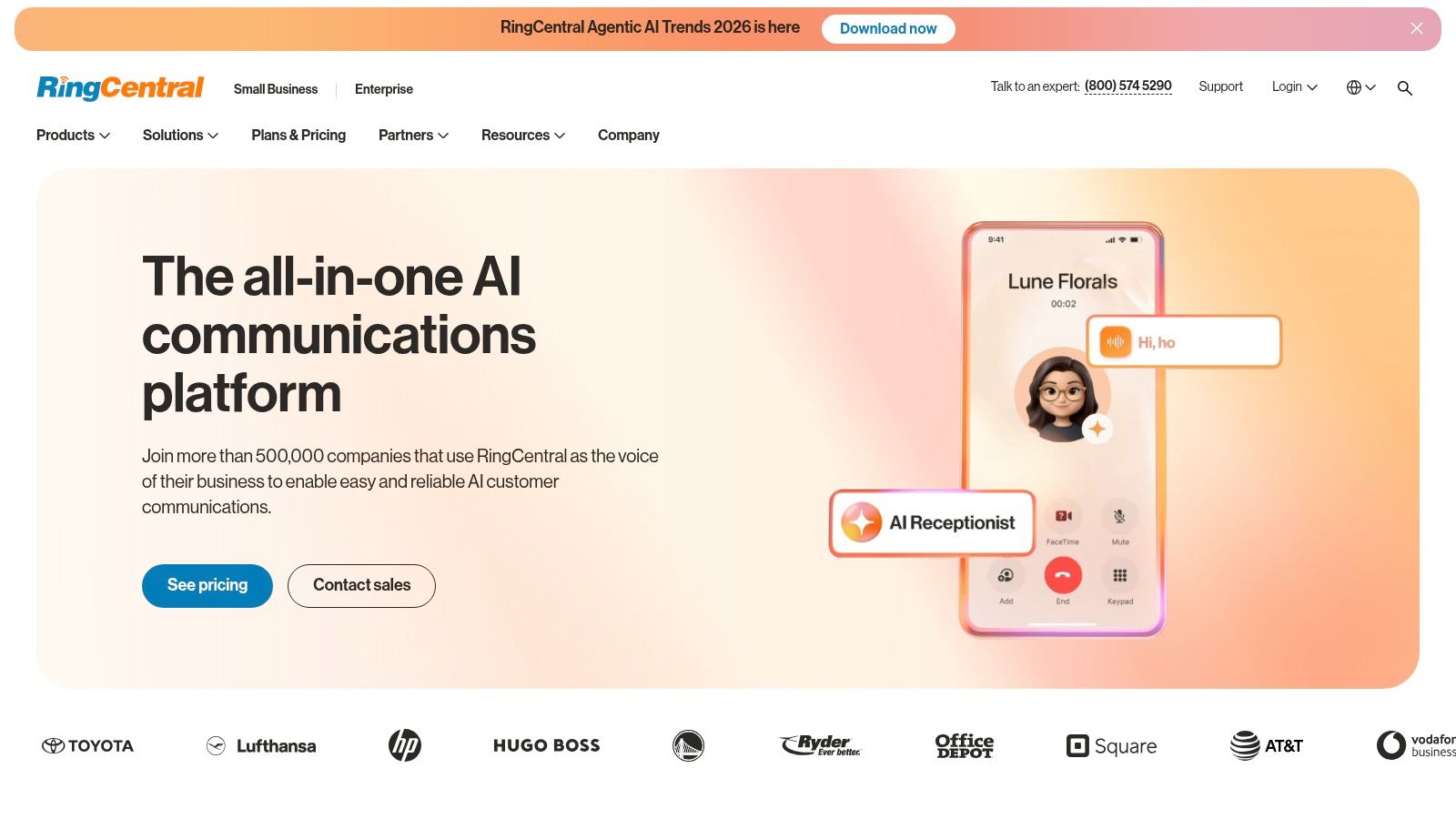
Its greatest strength is the deep integration of its business phone features. You get team messaging and file sharing, but it lives alongside professional SMS, video meetings, and advanced call routing. This makes it perfect for sales, support, or any team where talking to people outside the company is just as important as talking to each other. It simplifies your tech by giving you one vendor and one bill for almost all your communication needs.
The downside of all this power is complexity and cost. It’s generally more expensive than a dedicated chat tool, and figuring out which plan has the right mix of features takes some work. It's a fantastic all-in-one system, but it only makes sense if you’ll actually use its extensive phone and video capabilities, not just the team chat.
Website: ringcentral.com
9. Mattermost
For some teams, controlling your own data isn't a nice-to-have; it's a requirement. That's where Mattermost comes in. It’s an open-source platform designed for technical and security-focused organizations that need to own their data completely. You can host it yourself on your own servers or in a private cloud, giving you total control. This makes it a serious WhatsApp alternative for regulated industries like finance, government, and healthcare.
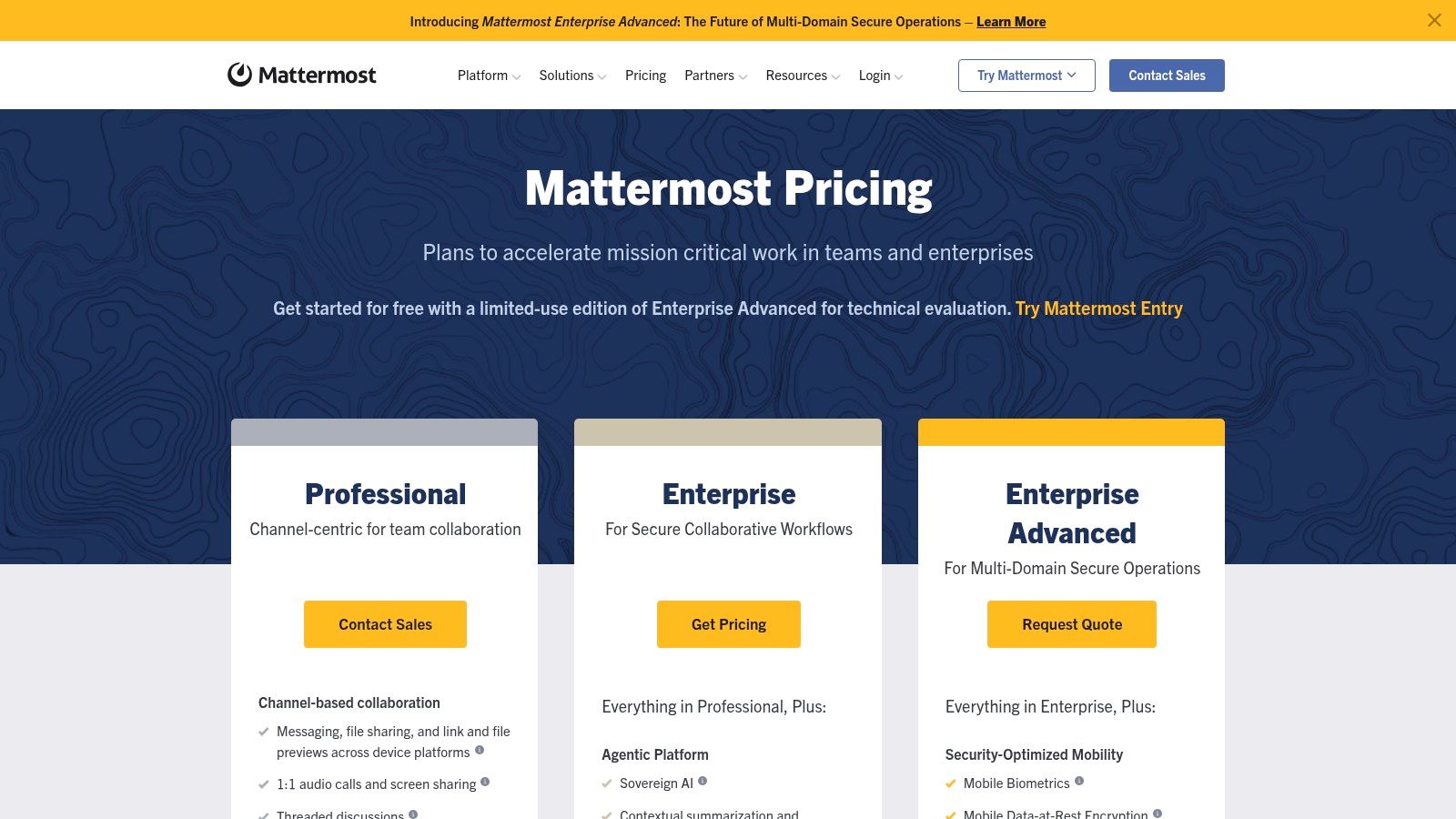
Mattermost gives you the channel-based messaging you’d expect, but its real value is its focus on developer workflows. It integrates tightly with tools like Jira, GitHub, and GitLab, turning the chat window into a command center for technical teams. With enterprise-level features like SSO and audit trails, it provides the kind of oversight that high-security operations require.
The trade-off for all this control is that you need someone technical to run it. Unlike cloud-based tools, self-hosting Mattermost requires IT know-how to set up and maintain. But for companies that absolutely cannot compromise on security or data ownership, that’s a small price to pay. If you’re exploring secure, self-hosted tools, our guide on the top alternatives to Mattermost offers a wider view.
Website: mattermost.com
10. Rocket.Chat
Rocket.Chat is another tool for organizations where data sovereignty is non-negotiable. It’s an open-source platform that gives you total control. You can host it yourself or use their paid hosting service. This focus on security and flexibility makes it a powerful WhatsApp alternative for teams in government, finance, and healthcare, where compliance is king.
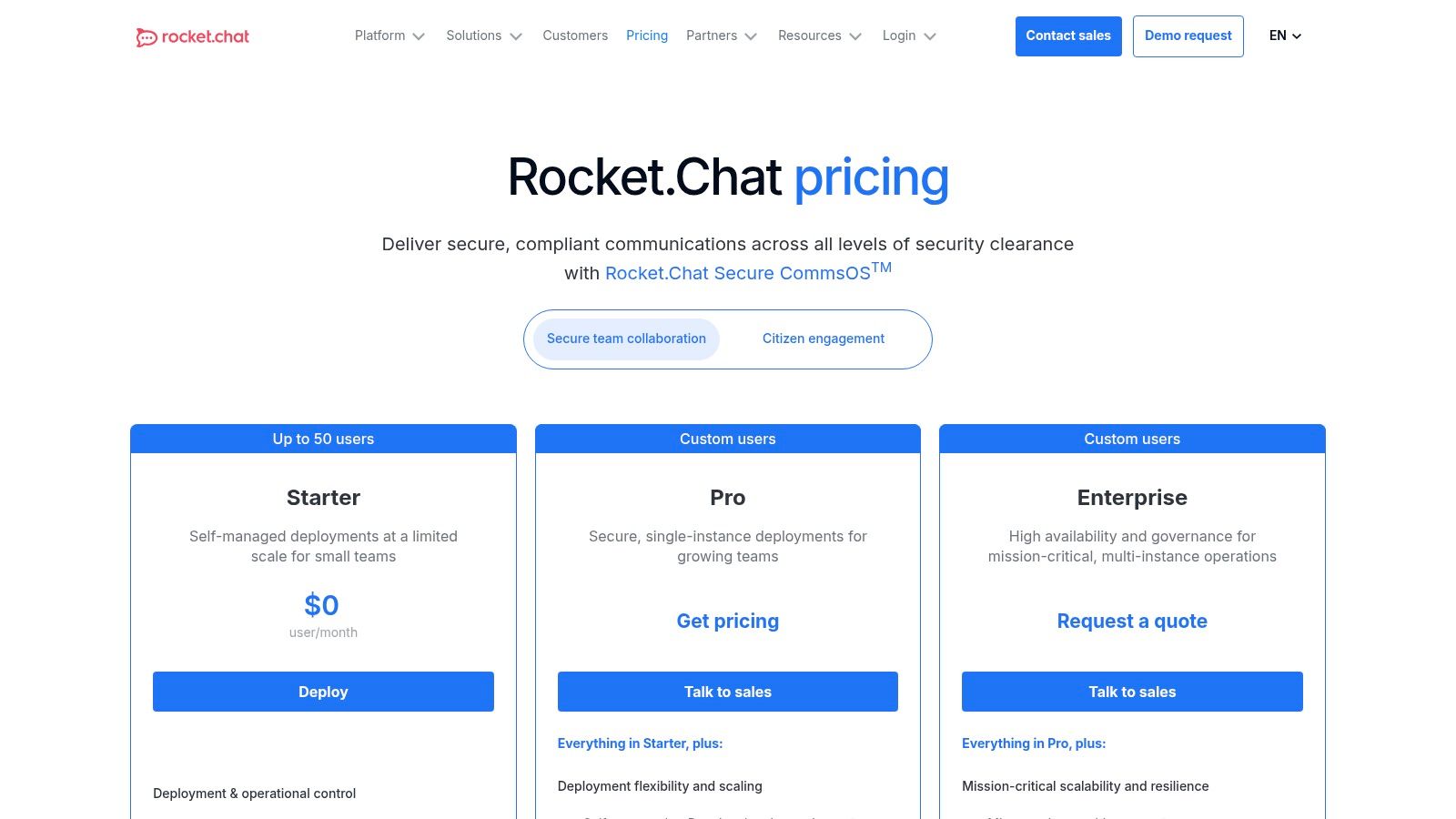
Its real superpower is federation. This feature lets you securely communicate with partners and clients, even if they’re using different platforms like Slack or Microsoft Teams. It breaks down the walls between companies without sacrificing security. With a huge marketplace of apps and white-labeling options, you can shape Rocket.Chat to fit your exact needs and brand.
But all this control and customization can mean more complexity. Setting up and managing a self-hosted server takes technical skill that not every team has. While their paid plans make it easier, you have to contact sales for a quote, which makes it hard to quickly estimate costs. Still, for teams that need a secure, customizable hub that can connect to the outside world, Rocket.Chat is hard to beat.
Website: rocket.chat
11. Zulip
Zulip is built around a simple but radical idea: what if team chat wasn't designed to interrupt you? It organizes conversations by topic within channels, a structure that feels like a hybrid of email threads and modern chat. Instead of one chaotic stream where project deadlines get mixed up with lunch orders, every conversation has its own dedicated space. This makes it an amazing WhatsApp alternative for teams working across different time zones or anyone who just wants to focus.
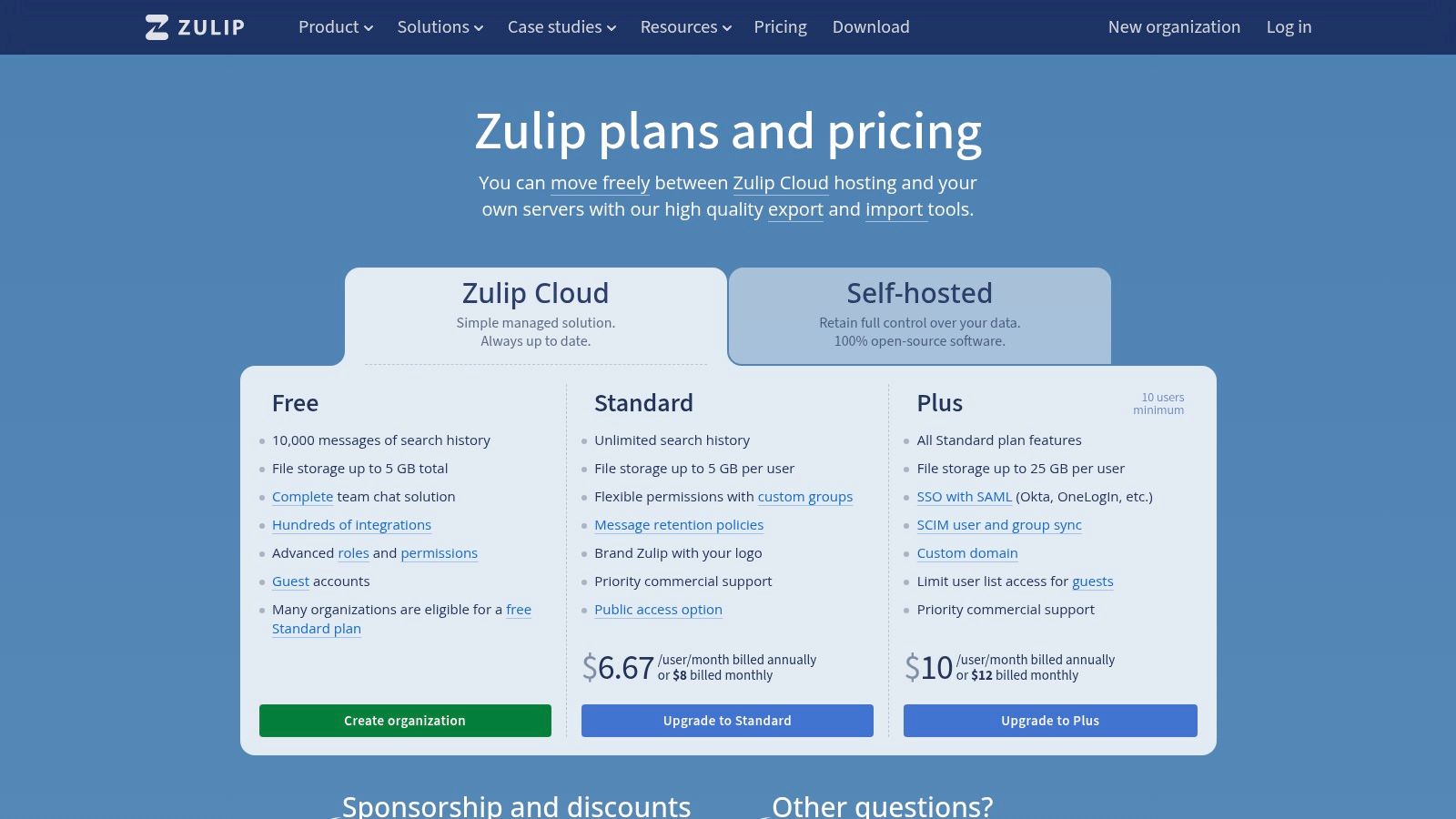
This topic-based threading is Zulip's superpower. It means you can catch up on an important discussion you missed without wading through hundreds of unrelated messages. You can mute topics that don’t concern you, so every notification you get is actually relevant. As an open-source platform, it also offers a self-hosted option for teams with strict data privacy rules. Its entire design is a statement against digital noise.
However, this unique structure can be a little strange at first for teams used to the simple, linear flow of Slack or WhatsApp. It takes a small mental shift to get used to it. Its library of integrations is also smaller than the big players. But for teams who are tired of the constant pings and want a more deliberate, organized way to communicate, Zulip is a breath of fresh air.
Website: zulip.com
12. Zoho Cliq
If your business is already running on Zoho's suite of apps, then Zoho Cliq is a no-brainer. It’s designed to be the connective tissue for everything else Zoho offers, turning notifications from Zoho CRM or Projects into real conversations. Instead of jumping between apps, your team’s work and communication merge into one single flow.
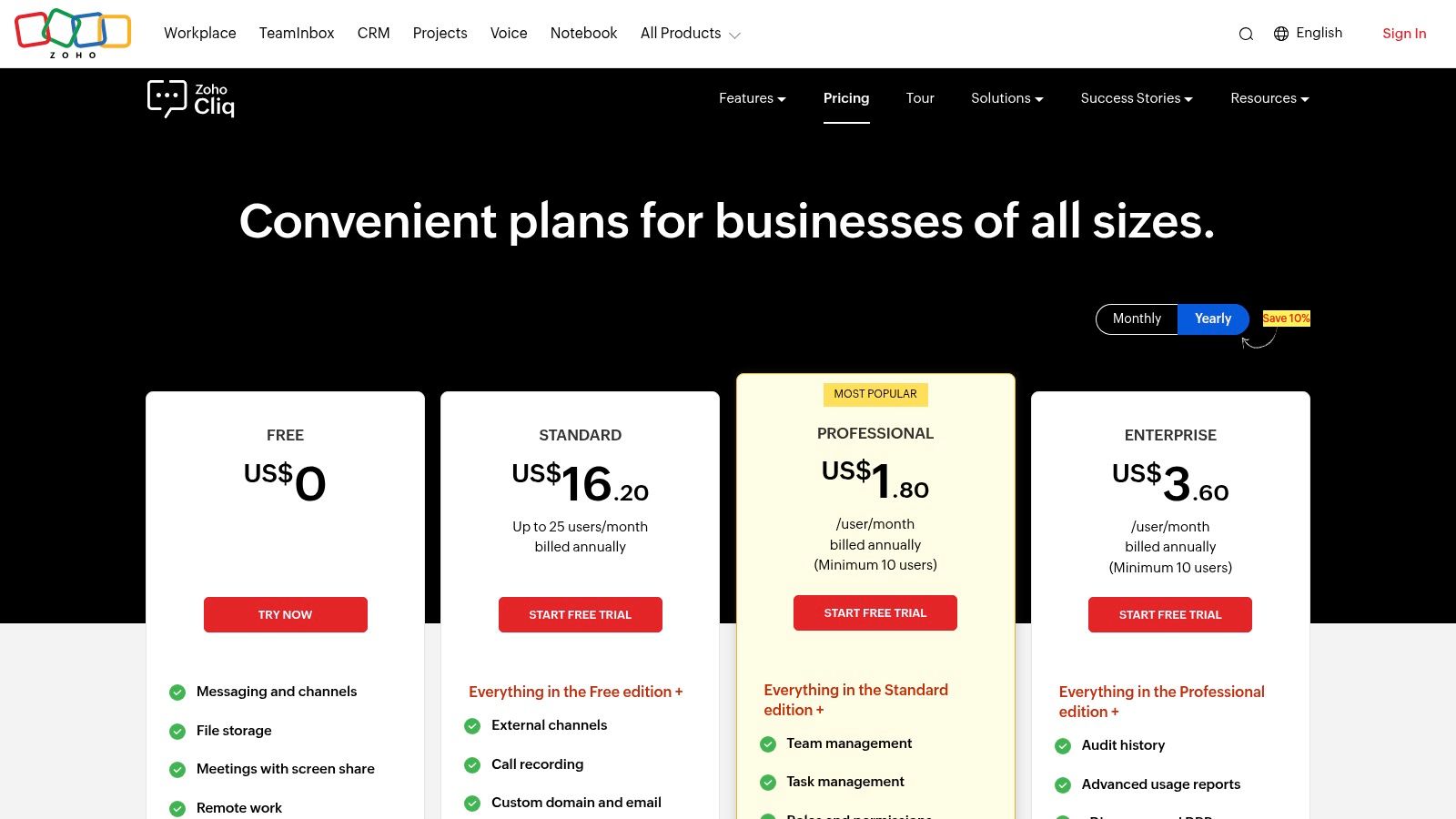
Its biggest advantage is this seamless integration. You can turn a support ticket from Zoho Desk into a group chat instantly or start a video call right from a customer’s CRM profile. This deep connection makes it a very affordable WhatsApp alternative for teams on the Zoho One plan, since it’s often included. It also has a powerful developer platform, so you can build custom bots to automate your specific workflows.
But here’s the thing: if you’re not using other Zoho products, Cliq can feel a bit isolated from the rest of your tools. Its real power is unlocked inside the Zoho universe. And while the interface is perfectly functional, it doesn’t feel as modern as some of its competitors. For teams already in the Zoho world, it’s an easy choice. For everyone else, it might feel like it's on an island.
Website: zoho.com/cliq
Top 12 Team Chat Alternatives Comparison
Product | Core features | UX & Quality | Value / Pricing | Target audience | Unique selling points |
|---|---|---|---|---|---|
Pebb 🏆 | Chat, voice/video, Spaces (chat/posts/tasks/files), shifts, clock‑in, PTO, Knowledge Library | ★★★★☆ — Mobile‑first, fast adoption | 💰 Free start + paid plans (contact sales) | 👥 Frontline & office teams (retail, hospitality, healthcare, logistics) | ✨ All‑in‑one frontline app; quick onboarding; 50+ HR/payroll integrations |
Slack | Channel messaging, huddles, workflows, large app ecosystem | ★★★★★ — Familiar, robust search | 💰 Free + per‑user paid tiers | 👥 Knowledge workers, startups, enterprises | ✨ Extensive integrations & workflow automation |
Microsoft Teams | Chat, channels, meetings, file collaboration, telephony | ★★★★☆ — Deep Office integration | 💰 Included with M365; paid tiers | 👥 M35‑standardized orgs & regulated enterprises | ✨ Tight MS365/SharePoint integration; strong compliance |
Google Chat (Workspace) | Spaces (threads), direct messages, Meet huddles, Gemini AI | ★★★★ — Simple, integrated | 💰 Included with Workspace; paid tiers | 👥 Google Workspace customers | ✨ Native Gmail/Drive/Meet + Gemini summaries |
Zoom Team Chat | Persistent chat, clips, channels, meeting integration, AI Companion | ★★★★ — Smooth meeting↔chat flow | 💰 Included with Zoom licenses; paid AI features | 👥 Zoom‑centric teams & frequent meeting users | ✨ Seamless meeting continuity; built‑in clips |
Cisco Webex App | Messaging, meetings, calling, always‑on messaging | ★★★★ — Enterprise‑grade | 💰 Free messaging; paid calling/plans | 👥 Large enterprises needing security & calling | ✨ Mature security, modular rollout, SMS support (US/CA) |
Workvivo | News feed, recognition, surveys, analytics (+ optional chat) | ★★★★ — Culture & comms focused | 💰 Sales‑quoted (no public pricing) | 👥 HR/internal comms teams; mid‑market→enterprise | ✨ Intranet‑style engagement, recognition & analytics |
RingCentral | Team messaging, meetings, business phone, SMS/MMS | ★★★★ — Unified comms + telephony | 💰 Paid (telephony packages); pricing varies | 👥 Call‑centric businesses (sales, support) | ✨ Integrated enterprise telephony & messaging |
Mattermost | Channel chat, calls, plugins, self‑host or private cloud | ★★★★ — High control, technical | 💰 Open‑source self‑hosted + enterprise quotes | 👥 Security‑sensitive, dev/engineering teams | ✨ Full data control; on‑prem/private cloud deployments |
Rocket.Chat | Self‑host or hosted chat, federation, white‑labeling, APIs | ★★★★ — Flexible & extensible | 💰 Community free; enterprise quotes | 👥 Organizations needing data sovereignty & federation | ✨ Federation, white‑label, strong API marketplace |
Zulip | Topic‑based threaded chat (streams), granular notifications | ★★★★ — Excellent async organization | 💰 Clear, affordable paid tiers + self‑host | 👥 Async teams, developer communities | ✨ Thread‑first model that reduces noise in busy channels |
Zoho Cliq | Channels, audio/video, screen recording, Zoho integrations | ★★★★ — Cost‑effective within Zoho stack | 💰 Competitive pricing; region variance | 👥 SMBs using Zoho Workplace / Zoho One | ✨ Tight Zoho ecosystem integration; generous storage tiers |
So, what have we learned?
We've walked through a dozen different tools, from giants like Slack and Microsoft to focused alternatives like Zulip. Each one promises a way out of the mess that happens when a personal app like WhatsApp becomes your company's default brain. The goal was to find a real WhatsApp alternative for team communication, not just another chat app.
And here’s the biggest lesson: simply swapping one chat tool for another doesn't solve the real problem. The problem isn’t just messaging; it’s fragmentation. When your team has to use one app for chat, another for schedules, a third for tasks, and a fourth for company news, you haven't fixed the chaos. You've just spread it out. This digital whiplash kills focus and makes everything harder than it needs to be.
How to Choose
So how do you pick the right path? It comes down to being honest about where your team feels the most pain.
If you’re a big company already paying for Microsoft 365 or Google Workspace, the easiest path is to use Teams or Chat. The trade-off is that these tools can feel bloated and clunky, especially for frontline staff who just need to get in, get the info, and get out.
If you’re a technical team that needs total control, open-source options like Mattermost or Zulip are fantastic. You can build exactly what you want, as long as you have the people to manage it. It's a powerful route, but it's not for everyone.
If you just want better chat, Slack or Zoom are great. They excel at real-time conversation. But remember, they are communication hubs, not all-in-one work platforms. You will still need other tools for everything else.
The search for a WhatsApp alternative for team use is really a search for a single source of truth. You want one place where your team can connect, coordinate, and find what they need without getting lost. This isn't just about efficiency; it's about creating a calmer, more connected company. The right choice should have a real impact on your overall business alignment.
When you bring communication, tasks, and knowledge into one place, you're not just buying software. You're giving your team the gift of focus. The right tool should feel less like another app to check and more like a dependable teammate that keeps everyone on the same page. Whether you’re running a retail store, a logistics crew, or a hybrid office, the goal is the same: simplify work so you can get back to doing what you do best.
Tired of juggling multiple apps to manage your team? Pebb brings chat, tasks, scheduling, and your knowledge base into one simple, mobile-first platform designed for teams like yours. See how an all-in-one Pebb can replace the chaos and become the true WhatsApp alternative for your team.
