
10 Deputy Alternatives Worth Comparing in 2026
Compare 10 Deputy alternatives by features, pricing, use case, migration needs, security, integrations, and mobile readiness.
Dan Robin

Replacing Deputy isn't mainly a feature-shopping exercise. A tool can look excellent in a demo and still fail when an employee needs to clock in from a phone, a manager has to fill an unexpected shift, payroll needs a clean export, or an administrator needs secure access across several locations.
The better question is simpler: which Deputy alternative will make the work easier after purchase? That means looking at schedule creation, time clocks, communication, PTO, reporting, integrations, pricing, implementation, and mobile use together. A cheap scheduler that creates more manual work isn't cheap for long.
The category is growing because businesses are moving away from spreadsheets, manual rosters, and disconnected tools. One market estimate puts employee scheduling software at USD 0.48 billion in 2024, with projected growth to USD 1.36 billion by 2033, a 12.1% CAGR over that forecast period, according to Business Research Insights' employee scheduling software analysis. That demand reflects a broader shift. Scheduling now sits beside communication, attendance, tasks, payroll, and employee engagement.
This list moves from unified frontline apps and small-business tools to restaurant specialists, time-tracking platforms, and enterprise schedulers. The recommendations are direct because the trade-offs matter.
1. Pebb
Pebb is the best choice when Deputy is only one part of the problem. It combines communication, operations, and engagement in a mobile-first employee app for frontline and office teams working across shifts and locations.
The core idea is useful: employees shouldn't need WhatsApp for messages, email for documents, spreadsheets for schedules, and another app for clock-ins. Pebb brings those workflows into configurable Spaces, where teams can use chat, voice and video calls, updates, tasks, forms, files, events, shift scheduling, clock-ins, and PTO. Employees can view schedules, claim open shifts, manage availability, and handle time off from the app.
That breadth matters most for businesses where managers spend more time chasing information than creating schedules. A retail supervisor can publish a shift, share an update, assign a task, and answer a question in one place. A healthcare administrator can separate information by team or location while using roles and permissions to control access.

Why Pebb stands out
Pebb is quick to roll out through a single invite link, and its searchable People Directory, admin controls, and analytics give leaders a better view of activity and engagement across locations. It integrates with 50+ HR, payroll, and authentication providers, so it can fit into existing systems instead of forcing a full HR replacement.
The trade-off is pricing clarity. Pebb doesn't publish detailed pricing on its site, so larger organizations will need to contact sales and confirm how costs scale. It also won't replace a specialist HRIS, ATS, or advanced payroll platform on its own, although integrations can connect those systems.
Practical rule: Choose Pebb when the replacement decision includes communication, tasks, knowledge, and engagement, not just schedules and timecards.
Pebb's own comparison of Pebb and Deputy for shift scheduling and team apps is a useful next read. For teams that want one mobile home for frontline work, start with Pebb.
2. When I Work
When I Work is the strongest straightforward choice for teams whose main headache is schedule coverage. It focuses on scheduling, attendance, and team messaging without asking a small business to adopt a much larger operating platform.
Managers get drag-and-drop schedule building, templates, auto-scheduling, availability management, open shifts, shift trades, and in-app messaging. Employees can view schedules, see who they're working with, request swaps, and communicate without turning every change into a call or spreadsheet update. Independent coverage describes it as a scheduling, time-tracking, and messaging app built around those everyday employee actions, as reported by Computerworld's frontline worker app coverage.
Where it earns its place
When I Work fits single-location businesses and multi-location teams that want a quick rollout and a manager-friendly interface. GPS and geofencing support help connect clock-ins to the right place, while payroll and POS integrations reduce rekeying at the end of a pay period.
The main limitation is depth. Advanced APIs and SSO require a higher tier, and per-user pricing can become expensive for very large headcounts. It also doesn't aim to be a full communication, training, forms, and knowledge platform.
Choose it when scheduling flexibility is the priority. If your managers need a broader employee app, Pebb or Connecteam will cover more of the daily work.
3. Homebase
Homebase is the practical pick for a small local business that wants scheduling and time tracking without a complicated rollout. It combines schedules, mobile and POS clock-ins, team messages, hiring, onboarding, HR tools, payroll add-ons, tip management, and task lists.
The important detail is its location-based pricing model. Homebase offers a free tier for one location and up to 20 employees, according to Zelos' 2026 frontline employee app comparison. That makes it easy to test the basic workflow with a small team. Paid tiers use a per-location approach with unlimited employees, which can be easier to understand than adding a charge for every worker.
The trade-off appears as you grow
Homebase is especially useful for restaurants, salons, retail shops, and other businesses that need a schedule, time clock, announcements, and optional HR or payroll services in one place. Mobile clock-ins and POS connections can reduce the effort required to reconcile attendance.
But multi-location companies need to calculate carefully. Each location affects the bill, and advanced controls sit in higher tiers. A free starting point can become a more meaningful operating cost once the business adds sites and paid add-ons.
Homebase is the right Deputy alternative when you run a small operation and want to start simple. It's less compelling when you need centralized governance, richer analytics, or communication across a distributed workforce.
4. Sling by Toast
Sling is built for affordable scheduling and basic labor tracking. It's a particularly natural fit for restaurants, especially businesses already using Toast, but its simple interface also works for other shift-based teams.
Managers can create schedules, handle shift swaps, manage PTO and availability, send private or group messages, publish news, and track labor costs. Employees can clock in through a mobile device or kiosk. Multi-location scheduling and basic task management add useful coverage without turning the product into an enterprise project.
Why small teams choose it
Sling has a free tier that supports up to 30 users, according to Zelos' frontline app comparison. That makes it a credible pilot option for a small team, not just a time-limited trial. Paid plans use affordable per-user pricing, which keeps the first step light.
The limitation is analytics. Sling is better at getting schedules published and punches recorded than at delivering deep workforce analysis. Restaurant capabilities can also differ between the Sling platform and Toast Web scheduling, so operators using both should test the exact workflow before committing.
Choose Sling when you need low-cost scheduling, basic attendance, and restaurant-friendly communication. Don't choose it because you expect enterprise-grade forecasting or reporting.
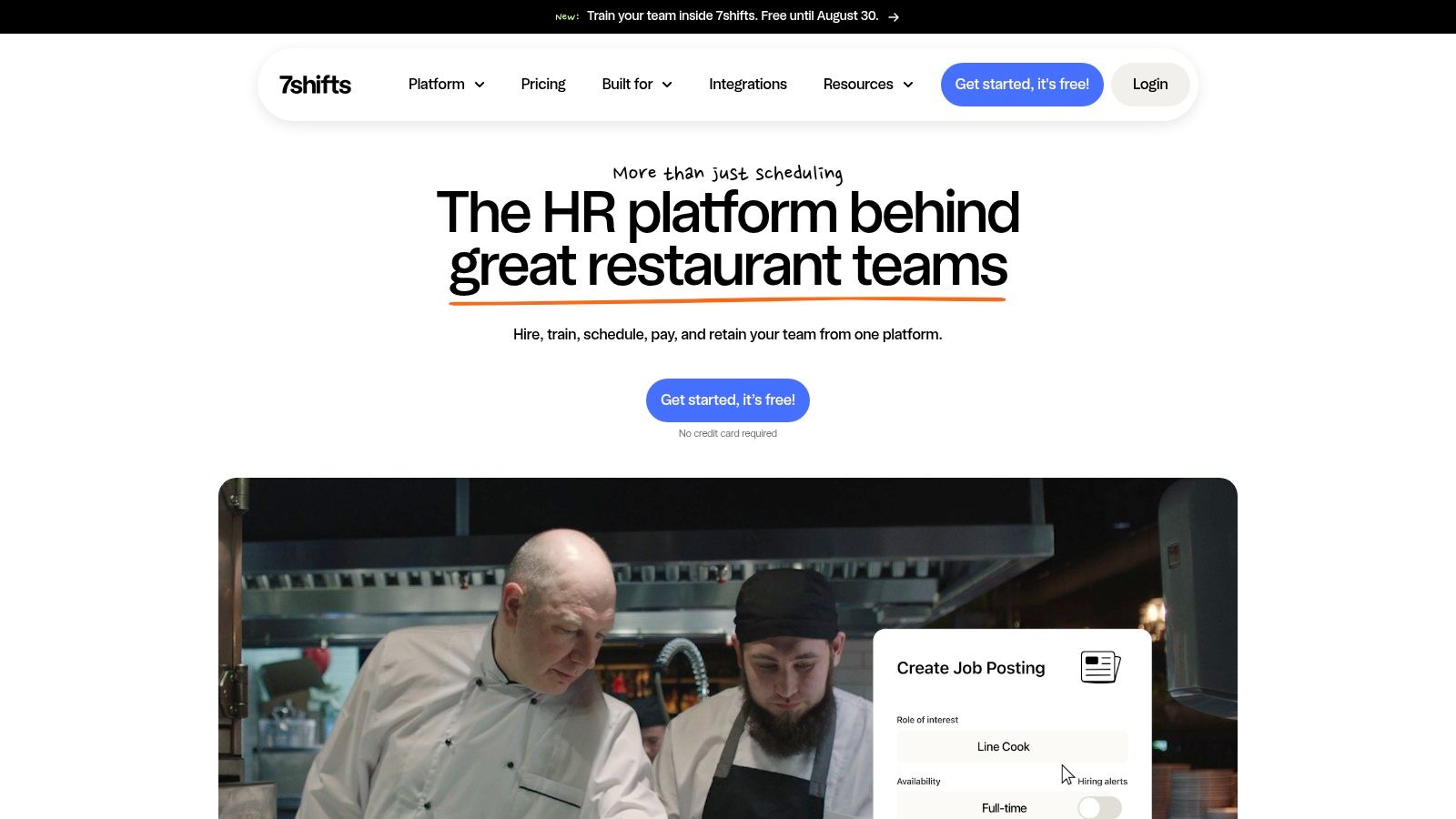
5. 7shifts
7shifts is the clearest restaurant-first alternative in this group. It's designed around the reality of front-of-house and back-of-house operations, where labor planning, breaks, tips, POS data, and manager communication all affect the same shift.
The platform covers hiring and onboarding, scheduling, time clocks, labor compliance, tip management, payroll connections, team communication, and a manager logbook. Demand-aware scheduling and labor forecasting help restaurants plan against expected demand rather than copying last week's roster. Deep POS integrations make the tool more relevant to restaurant groups and franchises than a generic scheduler.
A restaurant can still use Deputy successfully. The reason to move to 7shifts is specialization. The workflows are built around restaurant roles and labor decisions instead of asking a general workforce platform to adapt.
What to check before signing
Pricing is tiered and isn't fully transparent, with details varying by plan and location. That makes a live quote essential for multi-location operators. The product may also be more than a non-hospitality business needs.
Restaurants should test one complete cycle, from hiring and onboarding through scheduling, time capture, tips, payroll, and retention.
For a broader look at the choice between a restaurant specialist and a unified employee app, read this Pebb and 7shifts comparison for restaurants. Choose 7shifts when restaurant operations are the center of the decision. Choose Pebb when communication and operations extend well beyond the restaurant schedule.
6. Connecteam
Connecteam suits deskless teams that need scheduling plus structured field operations. Its mobile-first platform combines GPS time clocks, job-site geofencing, chat, updates, forms, checklists, training, onboarding, documents, knowledge resources, roles, permissions, and basic analytics.
That range can reduce the number of apps managers must maintain. A field supervisor can assign work, collect a form, share an update, confirm attendance, and deliver training in one system. The approach fits logistics, maintenance, construction, retail, and distributed service teams.
A broad product with a real boundary
Connecteam's free plan covers up to 10 users, and its pricing is divided among separate Hubs. That structure can make the first quote harder to evaluate. Very large organizations may also need enterprise pricing for each Hub.
The mobile experience is a clear strength, but setup takes work. Managers must choose the right Hubs, configure forms and permissions, and decide which workflows employees see. They also need to plan data migration, integrations, security settings, and time-clock adoption before rollout. Those tasks make sense when Connecteam replaces several disconnected tools. They add unnecessary effort for a business that only needs a simple schedule.
For a more detailed look at Connecteam alternatives and how they compare, read this guide to Connecteam alternatives. Choose Connecteam when mobile operations and structured field workflows matter, even if its free tier is smaller than competitors.
7. QuickBooks Time
QuickBooks Time is the specialist choice for businesses that care most about time capture, job costing, and payroll synchronization. It's not a full Deputy replacement for every workforce workflow, but it can be the right answer when scheduling is secondary to accurate labor records.
Employees can track time through mobile and kiosk workflows, with GPS and geofencing available for location-aware attendance. Job codes and project tracking connect hours to labor costs. PTO accruals, approvals, audit trails, and payroll integrations support businesses that need reliable records more than a large employee communication layer.
Best when QuickBooks is already central
The deep connection with QuickBooks is the deciding factor. If payroll and job costing already live in the Intuit ecosystem, QuickBooks Time can reduce duplicate entry and simplify approval flows. That can matter more than having a large collection of scheduling features.
The boundary is clear. QuickBooks Time isn't a complete workforce scheduling suite, so managers looking for rich shift planning, team messaging, tasks, or employee engagement may need another tool beside it. Intuit's packaging can also change as its Workforce bundles evolve, so verify current terms before signing.
Choose it when time tracking and payroll accuracy are the purchase, not when you want one app to run the entire frontline operation.
8. Humanity by TCP Software
Humanity is designed for mid-market and enterprise teams with complex coverage requirements. It supports demand forecasting, qualification-aware scheduling, compliance rules, time tracking, reporting, and mobile shift actions.
That makes it a better fit than SMB scheduling apps when managers need to account for skills, certifications, coverage requirements, and multiple sites. Forecasting and backfill tools can help planners respond to staffing gaps without manually rebuilding every schedule. Native mobile apps keep shift actions available to employees who aren't sitting at a desk.
More control means more administration
Humanity offers mature administrative controls and reporting, and it can pair with other TCP workforce modules such as TimeClock Plus. That modularity can help an organization build around its existing systems, but it also means the buying process needs more care. Confirm which functions are included, which require another TCP product, and how data will move between them.
Pricing typically requires a quote, and implementation is heavier than with SMB-focused tools. Administrators should expect to spend time defining rules, permissions, integrations, and reporting requirements.
Humanity is the right Deputy alternative when coverage complexity and governance justify a more structured rollout. It's the wrong choice for a small team that needs to publish shifts and approve time.
9. Shiftboard
Shiftboard is for operations where scheduling mistakes have serious consequences. It targets high-volume, 24/7, unionized, and compliance-heavy environments across manufacturing, energy, public-sector operations, and staffing.
The platform focuses on demand-driven scheduling, coverage and cost rules, shift bidding, shift trading, approval workflows, certification tracking, skills constraints, reporting, and APIs. That combination helps organizations balance staffing requirements with employee qualifications and labor rules.
Buy it for complexity, not convenience
Shiftboard's strength is optimization. Large teams can model coverage, cost, skills, and approvals in a way that simpler tools can't match. It's also better suited to organizations that need a formal operating model instead of a lightweight manager tool.
The cost is implementation effort. Pricing isn't publicly published, and the buying process is sales-led. Change management will be heavier than with When I Work, Homebase, or Sling because managers and employees must learn a more structured scheduling system.
Don't buy Shiftboard to solve a simple scheduling annoyance. Buy it when your workforce has rules that simpler tools can't represent.
Choose Shiftboard when certifications, compliance, union rules, and 24/7 coverage drive the purchase. If the main goal is fewer spreadsheets and easier employee communication, Pebb or When I Work will be more practical.
10. Planday by Xero
Planday combines workforce scheduling, attendance, labor forecasting, and finance connections. It's a strong choice for multi-site hospitality and retail teams that want schedules and time records to connect with payroll or accounting, including Xero.
Managers can use schedule templates, employee availability, PTO management, mobile or kiosk punch-ins, timesheets, labor-cost dashboards, and forecasting. Employees get a mobile experience for schedules and attendance, while finance teams get a clearer path from worked time to accounting workflows.
The Xero connection is the main reason to consider it. Businesses already using Xero may prefer a platform that fits their financial processes rather than adding another disconnected export.
Check regional pricing carefully
Planday's public pricing is region-specific, so US customers should confirm local USD plans directly. Advanced analytics may also require a higher tier. Those details matter because the product can look affordable at the feature level while the final cost changes with locations, integrations, and reporting needs.
Planday is the best Deputy alternative here for hospitality or retail teams that need finance connectivity alongside scheduling. It's less suitable for companies seeking a broad employee communication and engagement platform.
Deputy Alternatives: Features & Pricing
Product | Core features | Quality | Price & value | Target audience | USP / Notes |
|---|---|---|---|---|---|
Pebb 🏆 | Chat (1:1/group), voice/video, Spaces (chat/posts/tasks/files), scheduling, clock-in/PTO, Knowledge, analytics, 50+ integrations | ★★★★★ | 💰 Free trial; enterprise via sales (no public pricing) | 👥 Frontline + office (retail, restaurants, healthcare, logistics, corporate) | ✨ Configurable Spaces, fast onboarding (single link), unified ops+engagement |
When I Work | Drag‑drop scheduling, templates, time clock (GPS), team messaging, payroll/POS integrations | ★★★★ | 💰 Transparent per‑user plans (public pricing) | 👥 SMBs & multi‑location managers | ✨ Fast schedule building & templates |
Homebase | Scheduling, time tracking, hiring/onboarding, HR add‑ons, payroll/tip tools | ★★★★ | 💰 Free plan (1 loc ≤10 staff); per‑location scaling on paid tiers | 👥 Small businesses / single locations | ✨ Generous free tier + rich HR/payroll add‑ons |
Sling (by Toast) | Shift scheduling/swaps, messaging, time clock, labor cost/overtime tracking | ★★★★ | 💰 Free tier (up to 30 users); affordable paid plans | 👥 Restaurants & small teams | ✨ Low cost + Toast ecosystem integration |
7shifts | Demand‑aware scheduling, hiring/onboarding, time clock, tip management, POS integrations | ★★★★ | 💰 Tiered pricing (sales/quote for some plans) | 👥 Restaurants, FOH/BOH, franchises | ✨ Deep restaurant POS integrations & end‑to‑end workflows |
Connecteam | Scheduling, GPS time clock, in‑app chat, tasks/forms, training, docs | ★★★★ | 💰 Flat starter pricing (up to 30 users); modular Hubs | 👥 Mobile‑first small → mid teams | ✨ All‑in‑one mobile UX with flat starter pricing |
QuickBooks Time | Mobile/kiosk time tracking (GPS), job codes/projects, PTO workflows, payroll sync | ★★★★ | 💰 Per‑user pricing; best value with QuickBooks ecosystem | 👥 Teams prioritizing time tracking & job costing | ✨ Deep QuickBooks payroll & job‑cost integration |
Humanity (TCP) | AI forecasting, skills/qualification scheduling, time tracking, reporting | ★★★★ | 💰 Quote‑based (mid‑market/enterprise pricing) | 👥 Mid‑market & enterprise multi‑site operations | ✨ Qualification‑aware scheduling & forecasting |
Shiftboard | Auto‑scheduling with rules, shift bidding/trading, compliance & certifications, APIs | ★★★★ | 💰 Sales‑led pricing (enterprise quotes) | 👥 Large, 24/7, unionized or regulated workforces | ✨ Heavy‑duty optimization for compliance & coverage |
Planday (by Xero) | Shift planning, punch‑in/timesheets, labor forecasting, payroll/accounting integrations | ★★★★ | 💰 Region‑specific plans; check local pricing | 👥 Hospitality & retail multi‑site teams | ✨ Xero & finance connectivity for labor → payroll |
Choose the Tool Your Managers Will Actually Use
The right replacement isn't the product with the longest feature page. It's the one your managers can run on a busy day without creating new work for payroll, administrators, or employees.
Start by choosing two or three finalists based on the operating context. A small local business can compare Homebase, Sling, and When I Work. A restaurant group should look closely at 7shifts, Sling, and Planday. A deskless organization that needs communication, forms, tasks, and training should compare Pebb and Connecteam. A complex enterprise workforce may need Humanity or Shiftboard, even if implementation takes longer.
Then test the actual migration work. Import employee and location data. Rebuild schedules from a normal operating week. Preserve or recreate time-clock rules. Map PTO and availability. Test payroll and HR integrations. Confirm roles, permissions, audit records, exports, and offboarding. A polished dashboard won't tell you whether the system handles the details that cause trouble after launch.
Ask each vendor to demonstrate the workflows that usually expose a weak replacement:
Missed punch: Show how an employee reports it and how a manager approves the correction.
Shift swap: Show the employee request, eligibility check, approval, and updated schedule.
Open shift: Show how a manager publishes it and how an employee claims it.
Approval: Show how time, PTO, and schedule changes move through the right permissions.
Export: Show the payroll or accounting file your team will use.
Offboarding: Show how access ends and what happens to the employee's records.
Separate transparent pricing from quote-only pricing. Calculate the total cost across locations, headcount, add-ons, integrations, implementation, and administrative time. When I Work and Homebase make entry costs easier to understand. Pebb, 7shifts, Humanity, and Shiftboard require more direct pricing confirmation. Neither approach is automatically better, but you need to know what you're buying.
Security deserves the same attention. Confirm role-based access, authentication options, administrator controls, data retention, mobile access policies, and integration permissions. The workforce scheduling market is no longer a small niche. Historical reporting placed the global workforce scheduling software market at USD 1.6 billion in 2024, with the top 10 vendors controlling 55.3% of the market, and projected the market to reach USD 2.3 billion by 2029, according to Apps Run The World's workforce scheduling market analysis. Buyers have options, but concentration also means many tools are built for different levels of operational complexity.
Run a focused pilot with real frontline employees. Don't let only executives or administrators test the app. Let the people who schedule, clock in, swap shifts, approve time, and answer employee questions use it during a real operating cycle. Their experience will tell you more than another sales presentation.
Pebb gives teams one mobile-first app for communication, scheduling, clock-ins, PTO, tasks, forms, files, knowledge, and engagement across frontline and office teams. If you want a Deputy alternative that reduces tool sprawl instead of creating another separate system, visit Pebb and start with the workflow your managers and employees use every day.
