
The 10 Best Business Management Apps for 2026
Searching for the best business management apps? We cut through the noise with 10 tools for ops, HR, and frontline teams. Find your fit for 2026.
Dan Robin

Your company probably runs on a pile of apps that never quite agree with each other. Chat lives in one place, tasks in another, schedules in a spreadsheet, and policy updates get buried in email threads nobody reads. That's not a system. It's app chaos. And once you've lived with it long enough, you stop asking for more software and start asking for less friction.
That's why business management apps matter. Not because they add shiny features, but because the right one pulls work back into one place. The category is big now, too. Productivity apps generated $32.5 billion in revenue in 2024, up 17.3% year over year, and Microsoft Teams passed 300 million users while Gmail reached 1.8 billion users, which tells you business software is no longer niche infrastructure, it's the floor your team stands on every day, according to the 2026 productivity app market report.
The real question isn't which app looks impressive in a demo. It's which one cuts the number of tools your team has to juggle. I've spent enough time inside messy stacks to know this, point solutions feel fine until you're the one stitching them together. If you're trying to cut IT costs with better asset management, the same logic applies here. Fewer handoffs. Fewer logins. Less junk to maintain.
1. Pebb
If I want one app for both frontline and office teams, Pebb is the first one I'd test. It is built like an operating layer, not a chat tool with a few extra tabs. You get chat, voice and video, Spaces, tasks, files, events, schedules, clock-ins, PTO, a heartbeat-style news feed, and a searchable People Directory in one place.

That matters because teams do not need another isolated tool. They need one place where a manager can post an update, assign work, check attendance, and keep policies close at hand. Pebb does that without forcing people to bounce between apps all day. It also advertises 50+ integrations with HR and payroll providers, and it says it is trusted by teams in 42+ countries and 10,000+ customers worldwide, which is the kind of adoption signal I look for when a platform claims it can replace several point tools.
I also like that Pebb fits the boring realities of operations. If you are trying to cut IT costs with better asset management, the same logic applies here, fewer handoffs, fewer logins, less software to maintain. That is the whole point of a business management app, especially in retail, hospitality, healthcare, warehouses, and other shift-heavy environments.
Why I rate it so highly
Pebb works well for the way real companies run. The Spaces structure is the smart part. Each team only sees what it needs, which keeps the app clean instead of turning it into a junk drawer. Leaders also get analytics, so you can see whether people are using the platform instead of hoping adoption happens on its own.
Practical rule: If your team needs chat, scheduling, time tracking, onboarding, and policy access, stop buying separate tools and test one app that handles all of it.
The trade-off is simple. Pebb fits SMBs and frontline teams well, but very large enterprises with tangled legacy systems may need more migration help than a lightweight point tool would require. Pricing is not fully public either, so you will likely need to talk to sales for the exact fit. Still, for businesses that want calm instead of clutter, Pebb is the clearest answer.
Website: Pebb
2. Microsoft Teams
Microsoft Teams is the tool I recommend when a company is already committed to Microsoft 365 and wants its work stack to stop fighting itself. If Outlook, OneDrive, SharePoint, Planner, and Entra ID are already part of daily operations, Teams gives you chat, meetings, voice, files, and app collaboration in one place. That is the main appeal. It cuts down on tool sprawl.
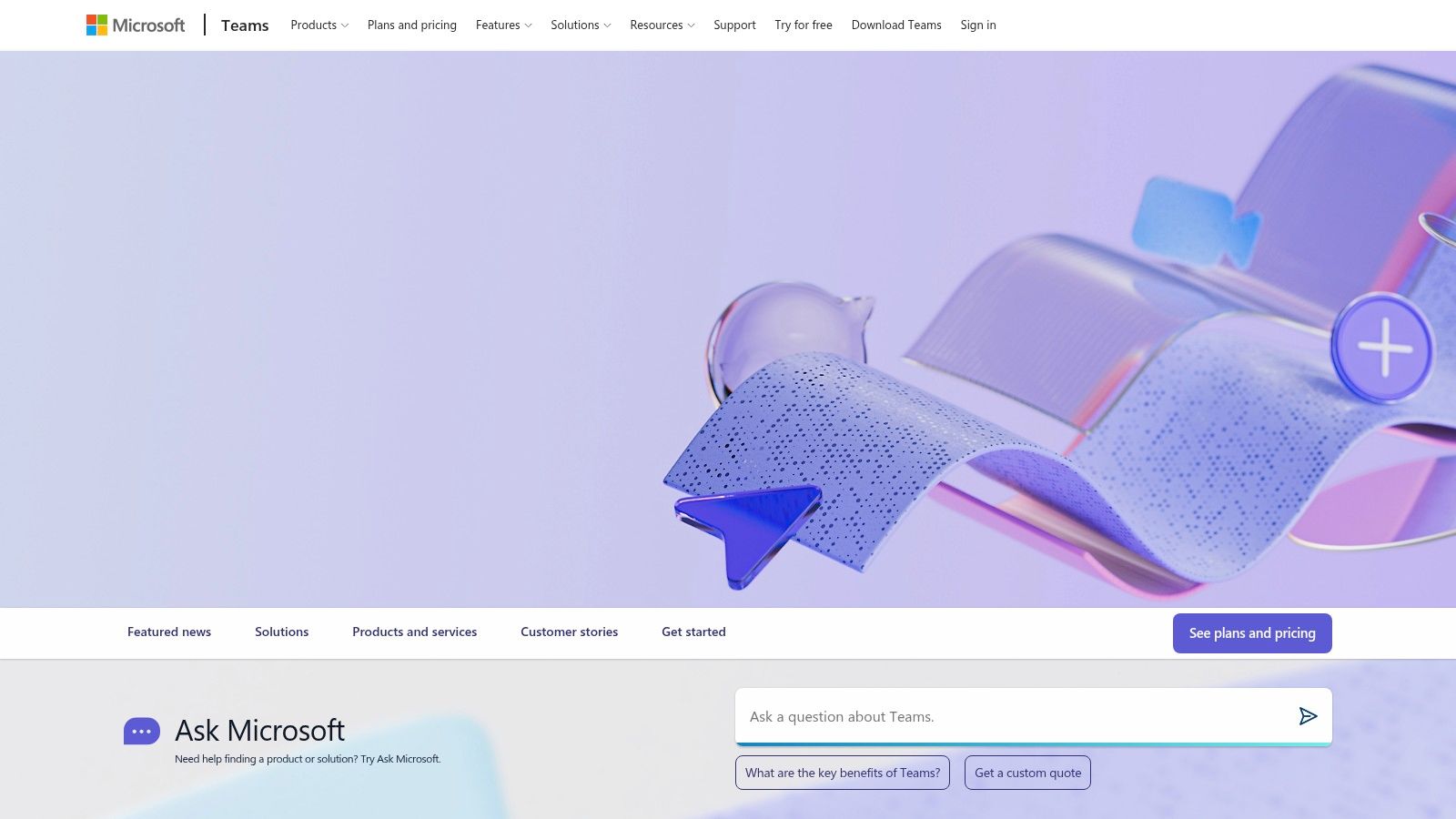
Teams also matters because adoption is already built in. Microsoft's own Microsoft Teams product page shows how central it has become inside the Microsoft ecosystem, and the broader market coverage in the productivity app market report reflects that this is not a fringe collaboration app. For me, that scale is useful because it usually means stronger admin control, clearer governance, and fewer compatibility headaches with the rest of the stack.
Where Teams fits, and where it doesn't
Teams works well for organizations that need enterprise security, compliance, and a familiar Microsoft interface. It also fits companies where staff already spend their day inside Office documents and related workflows. The problem is that it can get heavy quickly. Governance takes real setup, and the full experience often depends on broader Microsoft 365 licensing, so the true cost tends to be higher than the first quote suggests.
If you are comparing it with a frontline employee app, read this Microsoft Teams alternative guide for staff before you commit. Teams is built for office collaboration, not for shift workers who need scheduling, clock-in, and policy access in a single mobile flow.
My view is simple. Use Teams when you want one hub for office work and your company already lives in Microsoft. Skip it if you need a true employee app for frontline operations. Teams handles collaboration well. It does not carry the whole daily workflow on its own.
Website: Microsoft Teams
3. Slack
Slack is the tool I reach for when a team lives in fast, cross-functional conversation. It is quick, familiar, and people want to open it, which already puts it ahead of a lot of business apps that feel like chores. Channels, huddles, canvases, clips, Workflow Builder, and the app directory give it real range for teams that need flexible communication without extra ceremony.
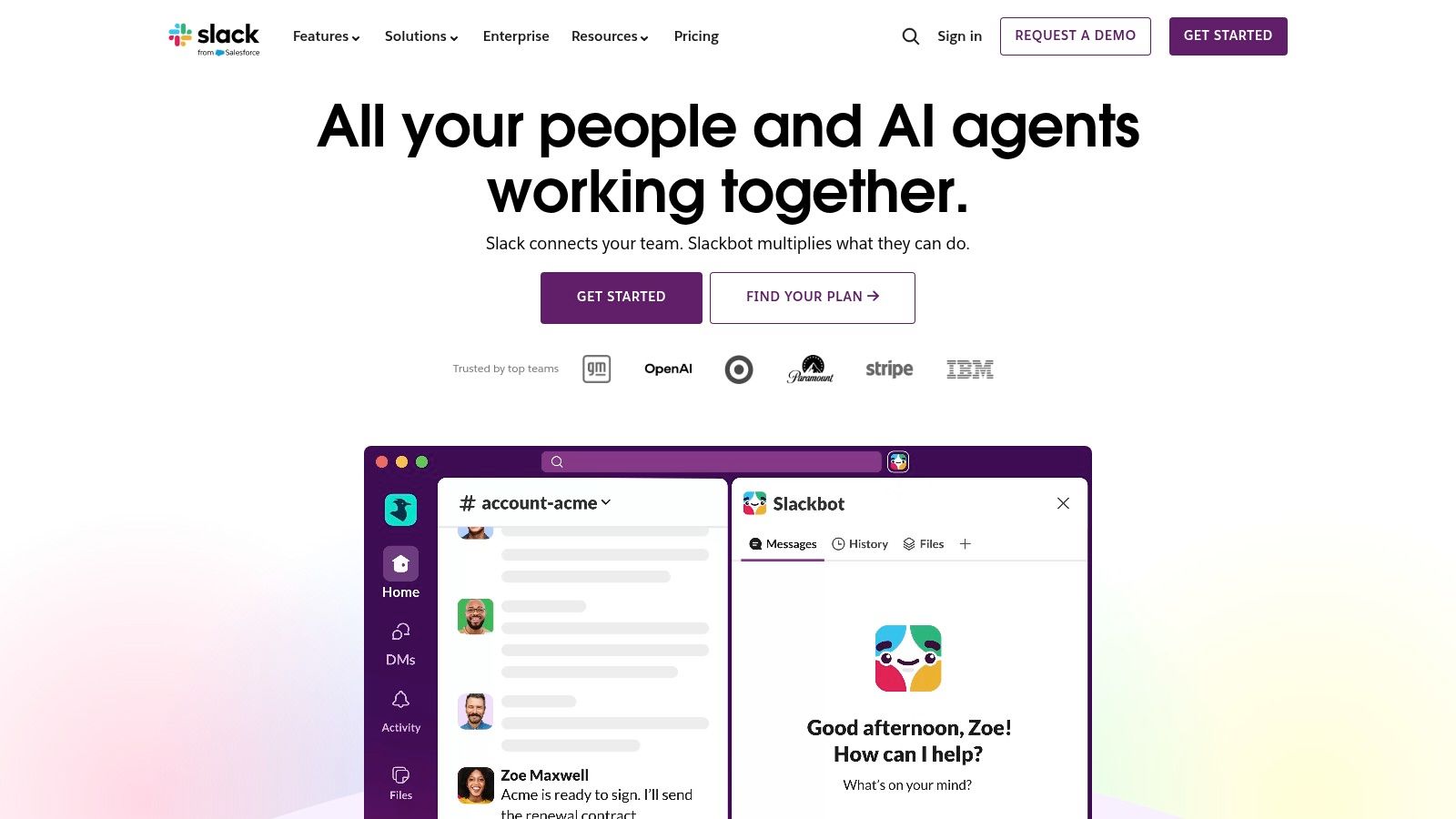
That strength creates the problem. Slack is so strong on conversation that it gets noisy fast if channel discipline is weak. Serious governance and security live in Enterprise+, so compliance-heavy teams should expect the cost to rise with the controls they need. I see that as the trade-off with a point solution that does one job very well.
My honest take on Slack
I'd use Slack for a knowledge-heavy team that needs rapid communication and a lot of outside coordination. I would not use it as the operating system for frontline work. Scheduling, tasks, clock-ins, and policy access sit outside Slack's core design, which is why it works better alongside a unified employee app than as a replacement for one.
Slack works best when somebody owns the rules. Without clear channel structure, it turns into a firehose. With good governance, it stays sharp and useful. If you want to compare it against a broader employee app before deciding, start with this Slack vs Pebb comparison. Its large ecosystem is a real advantage, but it also means you are still stitching together other systems around it if your goal is fewer tools.
Website: Slack
4. monday.com WorkOS
monday.com is what I reach for when a team wants visual control over work and refuses to live in static spreadsheets. It's flexible enough for projects, operations, CRM, service, and development, and that makes it attractive for companies that want one workspace with multiple faces. Boards, dashboards, automations, and integrations are the core of the experience.
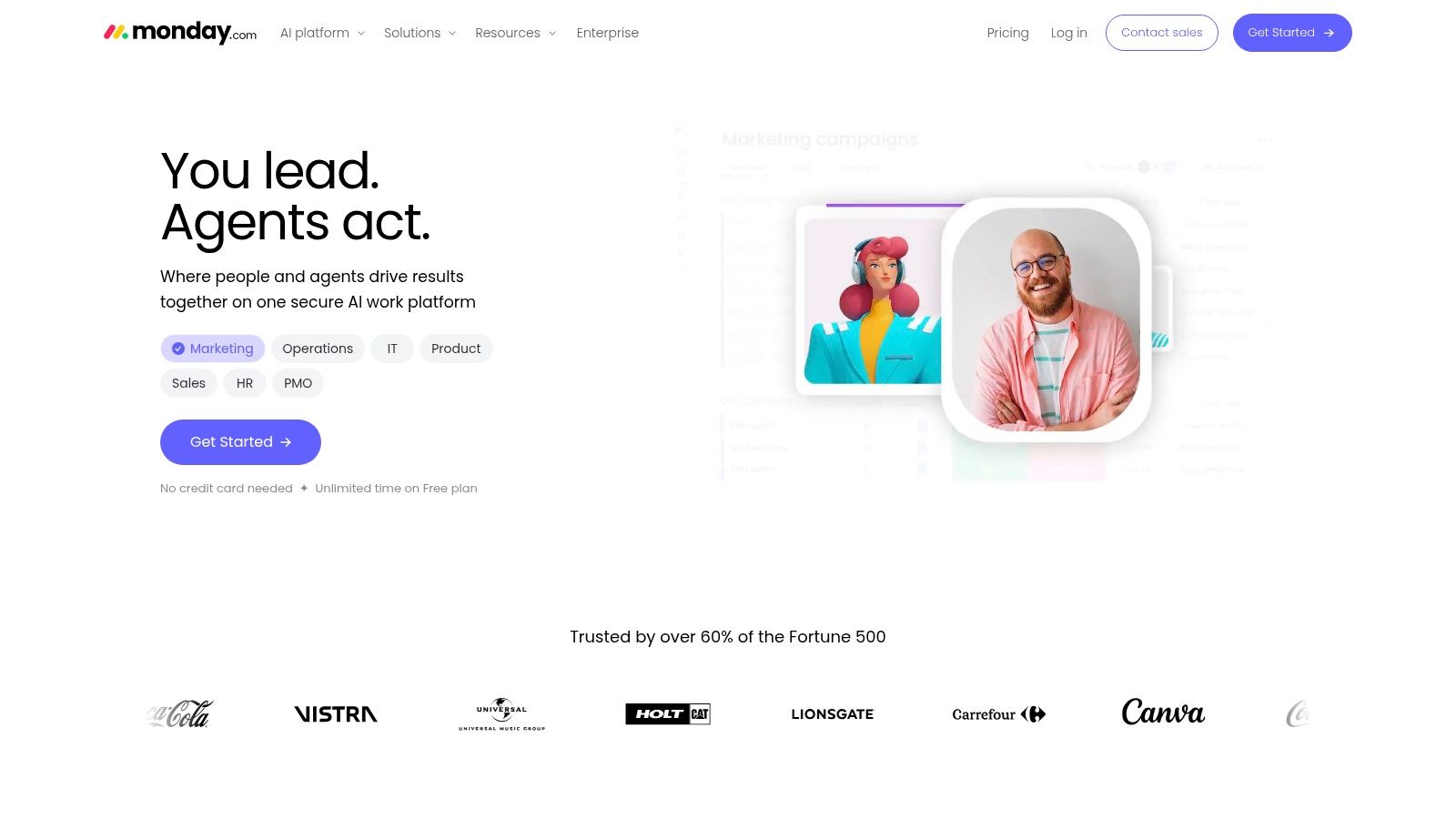
The appeal is obvious. Different departments can build workflows that match how they work. Sales can track deals. Operations can manage requests. Product teams can run delivery. That flexibility is exactly why monday.com shows up so often in tool comparisons. It's a broad platform, not just a task board with bright colors.
Where it shines, and where it starts to wobble
I like monday.com for teams that need a visual command center and want to standardize work without forcing everyone into the same rigid process. The dashboards are useful, and the modular product lineup gives it more reach than a single-purpose app. But once you start layering on automations and AI features, you need to pay attention to what's included and what burns credits. That can get messy if nobody owns the admin side.
For me, monday.com is strongest in office-heavy teams that want structure without too much ceremony. It's less compelling for frontline companies that need communication, scheduling, and time tracking tied tightly together. It's a powerful workspace. It's just not my first choice for a company trying to collapse people ops and daily operations into one mobile app.
Website: monday.com
5. ClickUp
ClickUp is the tool for people who want one app to do almost everything, then keep customizing until it does even more. Tasks, docs, whiteboards, goals, chat, and automations all live under one roof. If your team is tired of switching between a task manager, a docs app, and a separate place for goals, ClickUp makes a strong case.

The upside is obvious. The feature set is broad, the Free Forever tier lowers the barrier, and the template library helps teams get moving quickly. The downside is just as obvious to anyone who has used it in a real company. Once people start customizing everything, the app can feel crowded. New users see a lot. Sometimes too much.
The part people don't say out loud
ClickUp is attractive because it promises consolidation without sacrifice. In practice, the more you ask it to do, the more discipline you need from the team. If nobody owns naming, structure, and permissions, the workspace gets noisy fast.
I'd use ClickUp for an office team that wants a flexible internal system and is willing to invest in setup. I wouldn't use it as the main app for shift-based operations. It's strongest as a project and work hub. It's weaker when you need a simple, mobile-first employee experience that people on a floor or in the field will keep open.
Website: ClickUp
6. Zoho One
Zoho One is the suite I recommend when procurement pain is eating too much of your time. It bundles 50+ integrated apps across HR, finance, CRM, marketing, service desk, and collaboration, all managed from one console. That's the appeal. One vendor. One identity layer. One invoice. Less vendor sprawl.

Zoho also gives you a lot of functional breadth without making you buy best-of-breed tools one by one. The suite includes embedded AI, mobile device management, and flexible licensing models, which makes it a serious contender for companies that want central control more than polished individual app experiences.
My read on Zoho One
Zoho One is the classic trade-off between breadth and consistency. You get a lot, but the user experience can vary from app to app. That's the price of building such a wide suite. The other price is change management. Rolling out a full stack like this takes planning, because people don't adopt big suites by accident.
I like Zoho One when a business wants to simplify buying, admin, and identity management all at once. I don't like it when teams want one beautifully unified experience across every module, because that's not always what a suite like this gives you. Still, for companies trying to cut down on disconnected tools, it's one of the strongest consolidation plays on the market.
Website: Zoho One
7. Connecteam
Connecteam is built for frontline teams that need mobile-first operations without a lot of fuss. It covers chat, updates, task management, forms, time clock, shift scheduling, PTO, GPS and geofencing, training, and role-based permissions. That's a practical stack for retail, hospitality, and logistics, where people don't sit at desks and don't want to hunt through five different apps to do basic work.
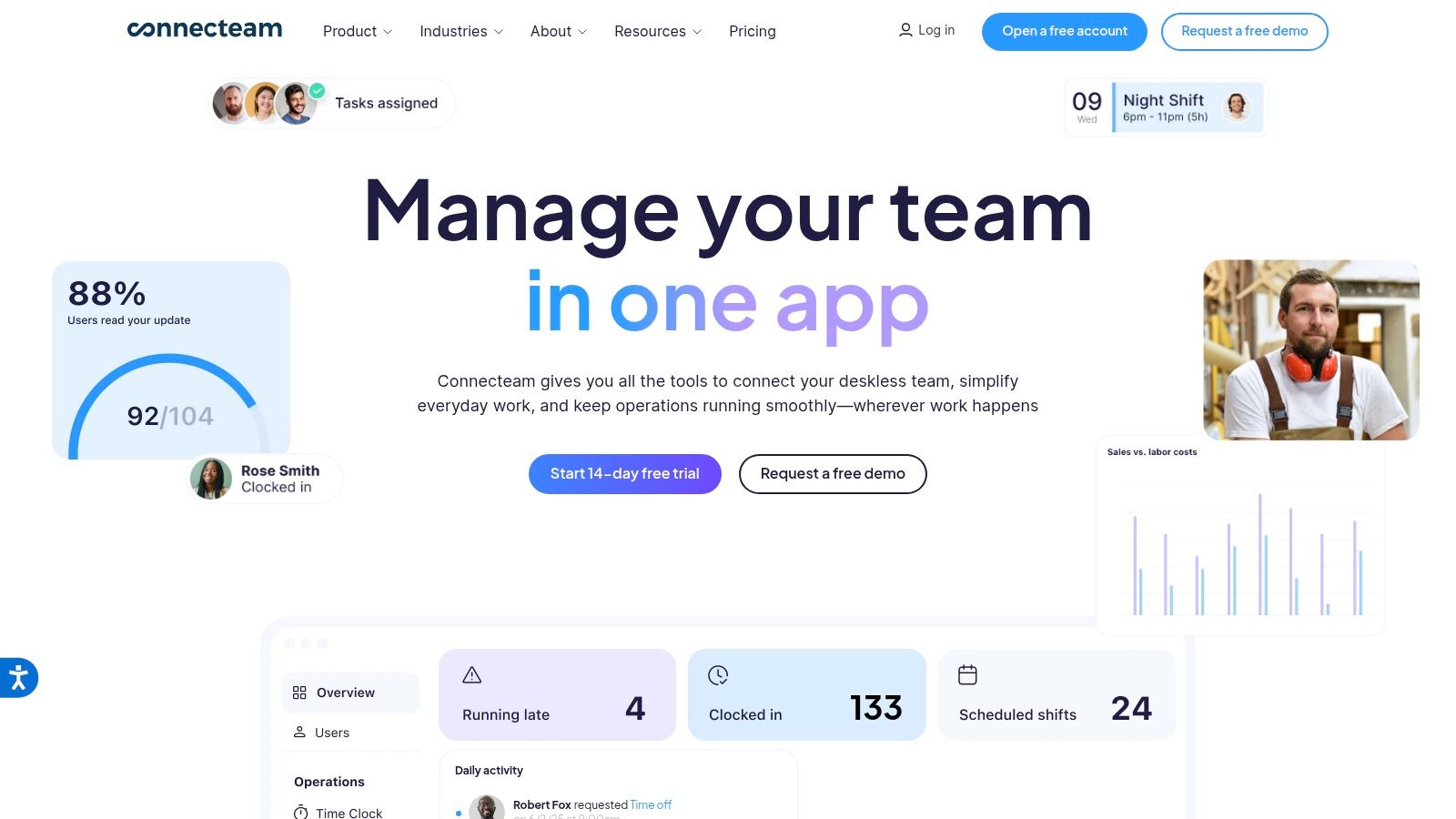
What I like most is the pricing approach. A predictable fixed price for up to 30 users makes it easier for small teams to understand what they're buying. That matters more than people admit. If you're trying to replace a patchwork of tools, pricing clarity helps adoption because nobody feels like they're walking into a trap.
My opinion after seeing enough frontline tools
Connecteam is a good fit when you care about speed, clarity, and mobile use. It's less compelling when you need deeper analytics or broader integrations than the platform can support. In other words, it's excellent for getting frontline work organized. It's not the tool I'd choose for a complex enterprise that needs a full operations backbone.
If your team lives on phones, schedules, checklists, and shift updates, Connecteam is worth a hard look. If your business is mostly office-based, it's probably too specialized. That's not a flaw. It's a fit question.
Website: Connecteam
8. Beekeeper
Beekeeper is another solid pick for non-desk teams, but it leans more toward communication and engagement than full operational control. It brings together newsfeeds, chat, automatic translations, smart groups, workflows, forms, directories, and mobile access in a way that feels purpose-built for frontline workers. If your workforce is spread across locations and languages, that matters.
I also like the low-friction pilot path. Beekeeper offers a free account for up to 30 users after a 14-day premium trial, which makes testing easier than with many enterprise tools. That matters when you're trying to prove value before rolling out more broadly.
Where it fits best
Beekeeper is strongest when the main problem is that employees aren't hearing, seeing, or responding to internal communication. It's a clean mobile experience, and the translation feature helps with multilingual teams. But if you need deep scheduling, broader operations modules, or more complex task management, you may end up pairing it with other tools.
That's the trade-off with a lot of frontline apps. They're good at engagement and communication, but not always complete enough to replace your whole stack. Beekeeper is worth considering if your priority is connection, reach, and ease of rollout. It's less ideal if you want one app to run everything from policy delivery to shift execution.
Website: Beekeeper
9. WorkJam
WorkJam is the serious enterprise option for frontline orchestration. It goes beyond messaging and into task workflows, audits, micro-learning, scheduling, availability, and targeted communication by role or location. That makes it especially relevant for retail, quick-service restaurants, logistics, and manufacturing, where execution matters as much as communication.
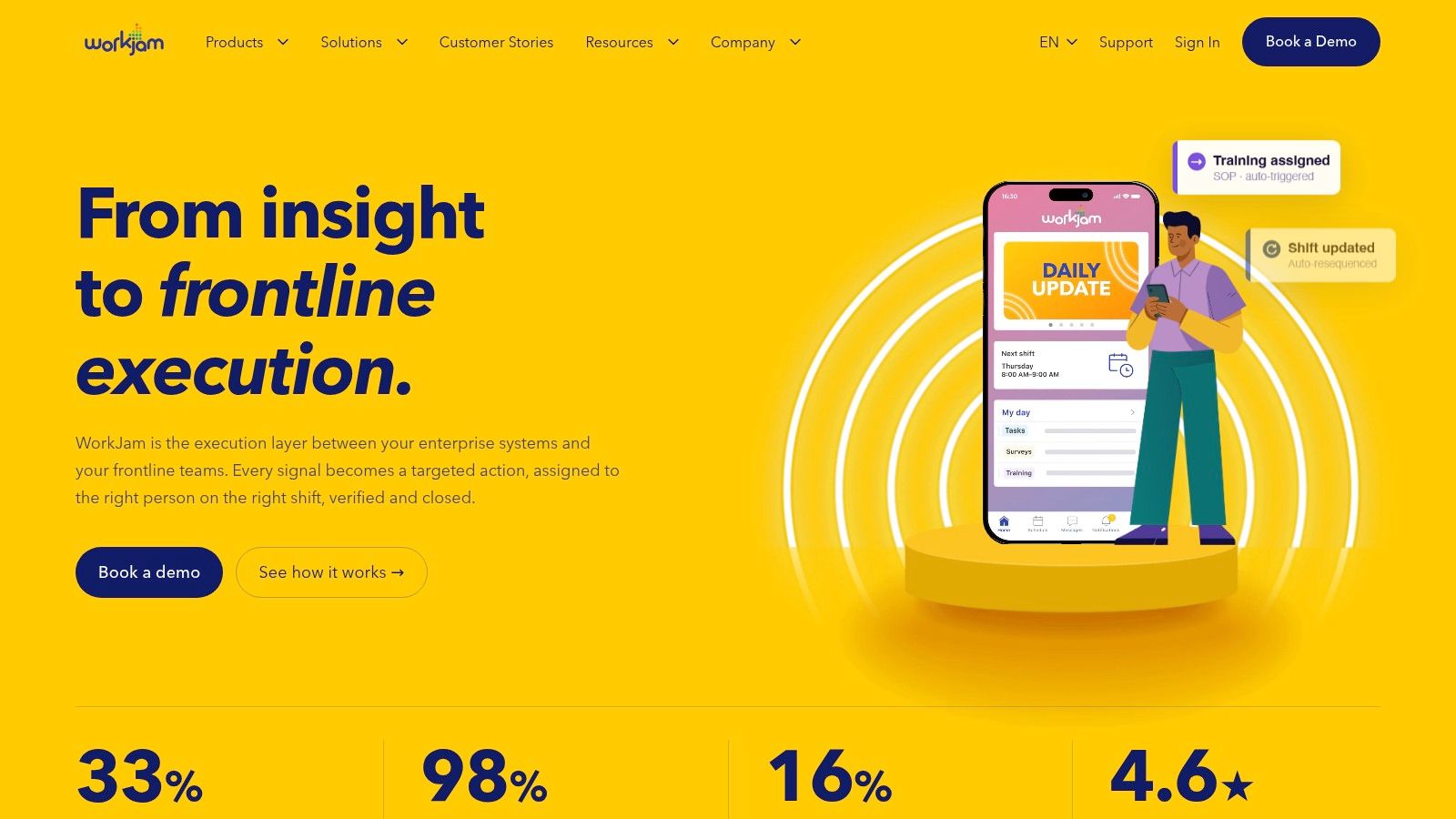
The reason I respect WorkJam is simple. It understands that frontline work is not just chat with a different skin. It's compliance, training, task follow-through, and role-specific access tied to the actual work people do. That's a harder problem, and WorkJam is built for it.
The enterprise reality
WorkJam is not a casual rollout. Pricing is quote-based, implementation takes real effort, and change management is part of the deal. That doesn't make it a bad product. It makes it a serious one. If you're a distributed enterprise with complex multi-site execution, that level of depth can be worth it.
I would not recommend WorkJam to a small company that just wants cleaner communication. It's too much tool for that job. I would recommend it to an organization where frontline discipline, compliance, and training are mission-critical. That's where it earns its place.
Website: WorkJam
10. Workvivo by Zoom
Workvivo by Zoom is the best choice here if your main goal is employee communication and culture, not task execution. It gives you social-style feeds, recognition, surveys, documents, branded mobile apps, and automated Journeys for onboarding and lifecycle communication. It feels like a modern intranet that people might open.
Workvivo works well for both desk and frontline workers because it's built around communication that feels human. The Zoom backing adds credibility for larger, distributed organizations, and the Microsoft 365 and SSO integrations make it easier to fit into existing environments. It's a strong fit when you're trying to replace a stale intranet or build a better employee experience layer.
What it's really for
Workvivo is not the app I'd choose if I needed native task management, scheduling, or clock-in. It's focused on communication and engagement, and that's the point. Too many teams expect one product to solve every problem, then get annoyed when it doesn't.
Use Workvivo when internal comms, onboarding, recognition, and culture are the job. Don't use it as your entire operations stack. That's not what it's for. It's a good product when you know its lane and stay in it.
Website: Workvivo
Top 10 Business Management Apps Comparison
Product | Core features | UX & Engagement | Value & Pricing | Target audience | Unique selling points |
|---|---|---|---|---|---|
Pebb 🏆 | Chat (1:1/group/voice/video), Spaces (tasks, files, shifts, clock‑in), Newsfeed, People Directory, Analytics | ★★★★☆ · Mobile‑first, intuitive heartbeat feed | 💰 Free starter; contact sales for enterprise (incredibly affordable per customers) | 👥 Frontline + office (retail, hospitality, healthcare, warehouses) | ✨ Unified frontline+office app, configurable Spaces, fast 1‑link onboarding |
Microsoft Teams | Chat, meetings, PSTN calling, SharePoint/OneDrive file coauthoring, Power Platform integration | ★★★★☆ · Familiar for M365 users; enterprise security | 💰 Included in Microsoft 365 plans; licensing may be required for full features | 👥 Enterprises and organizations standardizing on Microsoft 365 | ✨ Tight MS365 integration, Entra ID security & compliance |
Slack | Channels, huddles, workflows, canvases, extensive app directory | ★★★★★ · Excellent UX and adoption | 💰 Free tier; Enterprise+ for advanced compliance (can be costly) | 👥 Cross‑functional teams and partner collaboration | ✨ Rich app ecosystem, Slack Connect for external partners |
monday.com WorkOS | Boards, dashboards, automations, multiple product modules, AI add‑ons | ★★★★☆ · Visual, highly configurable | 💰 Tiered pricing; add‑ons & AI credits for advanced features | 👥 PMs, ops, and teams needing configurable workflows | ✨ Powerful visual workflows, unified dashboards |
ClickUp | Tasks (multiple views), Docs, Whiteboards, Goals, Automations, Chat | ★★★★☆ · Broad feature set; fast product cadence | 💰 Free Forever tier; competitive paid plans | 👥 Project & ops teams seeking an all‑in‑one tool | ✨ Tasks+docs+whiteboards in one app; many templates |
Zoho One | 50+ integrated apps (HR, CRM, finance, collaboration), central admin, Zia AI | ★★★☆☆ · Broad suite; UX varies by app | 💰 Unified licensing; cost‑efficient for many apps | 👥 SMEs wanting to consolidate vendors | ✨ One vendor for many business apps; embedded AI |
Connecteam | Chat/updates, tasks/checklists, time clock, scheduling, training, forms | ★★★★☆ · Simple, mobile‑first for frontline | 💰 Predictable pricing (fixed for up to 30 users); 14‑day trial | 👥 Small frontline teams (retail, hospitality, logistics) | ✨ Simple pricing model, fast SMB deployment |
Beekeeper | Newsfeeds, chat with translations, workflows, tasks, user directory | ★★★★☆ · Purpose‑built for non‑desk workforces | 💰 Free up to 30 users (time‑unlimited) after trial; pilot friendly | 👥 Non‑desk frontline employees | ✨ Low‑friction pilot path; frontline‑focused UX |
WorkJam | Task/audit workflows, micro‑learning, scheduling, targeted comms | ★★★★☆ · Enterprise frontline execution & compliance | 💰 Quote‑based; enterprise TCO | 👥 Large retail, QSR, manufacturing, logistics enterprises | ✨ Deep frontline ops, training tied to eligibility |
Workvivo (by Zoom) | Social‑style feed, recognition, Journeys, analytics, branded mobile apps | ★★★★☆ · Strong EX and comms capabilities | 💰 Quote‑based; enterprise pricing | 👥 Organizations focused on employee engagement & EX | ✨ Branded mobile EX, structured onboarding Journeys, Zoom backing |
Stop Buying Apps, Start Building Calm
Here's the thing. You can spend months stitching together the “perfect” stack of specialized apps. Or you can choose one unified tool that does most of what everyone needs in one place. For most businesses, especially those with both frontline and office teams, the second path is saner. The cost of app sprawl isn't just licensing. It's the admin work, the training, the handoffs, and the small errors that pile up every day.
That's not just opinion, either. Okta's SMB report found that businesses are already juggling an average of 58 different apps, while small businesses are around 36, and a separate SaaS dataset says companies used 106 SaaS apps per company in 2024, down from 112 in 2023, with 70% of IT teams preferring all-in-one platforms for discovery, management, security, and spend optimization, according to the Okta SMB report. That's the market telling you the same thing I've learned the hard way. Too many point tools create drag.
The best business management apps don't just add features. They reduce noise. They give managers one place to communicate, assign work, track time, share knowledge, and keep people aligned. That matters even more when your workforce is mixed. Office teams need clarity. Frontline teams need speed. If one app can serve both without turning into a mess, that's the one worth serious attention.
I also don't buy the old idea that more tools automatically mean better control. A cloud-based business management app is supposed to collapse key functions into one interface so people can work anywhere, and mobile business app use has already been tied to core management activities like time use, task distribution, and monitoring in the field. When you pick a platform, integration should be a hard requirement, not an afterthought, because keeping more data in one place saves steps and reduces mistakes, as Erplain's software guidance makes clear.
If you want the cleanest path, start by asking which workflow hurts most, then remove the extra tools around it. That's the test. Not “what looks powerful?” but “what will make work quieter?” If that's the question, Pebb is the strongest place to begin.
Pebb brings communication, operations, and engagement into one mobile-first app, which is exactly what this category needs more of. If you're tired of managing chat in one tool, scheduling in another, and policy access somewhere else, take a closer look at Pebb. It's built to replace app sprawl with one calmer place to work.
