
Ditching the Chaos: 12 Best Internal Communication Tools for a Calmer Workplace
Tired of noisy tools? We lived it. Here's our honest take on the 12 best internal communication tools to help your team find focus and clarity.
Dan Robin
Let’s be honest. Most 'communication tools' create more noise than signal. They’re a blizzard of notifications, a maze of channels, and a black hole for important information. We’ve been there—cobbling together five different apps just to keep everyone on the same page, only to find we were more disconnected than ever. That frantic, always-on feeling isn't a symptom of hard work; it's a symptom of broken tools.
We knew there had to be a calmer, more intentional way to communicate. So we went looking for it. This isn't just another roundup. This is a guide born from our own search for clarity—a look at the best internal communication tools we've found, what they actually do well, and where they fall short. Because the goal isn't just to talk more, it's to understand better.
Inside, we’ll break down a curated list of platforms designed for every kind of team, from frontline workers in a busy warehouse to hybrid teams spread across continents. We’ll show you how each one works in the real world, complete with screenshots and direct links to explore them yourself.
We'll cover the essentials:
Key Features: What sets each tool apart, from mobile-first newsfeeds to advanced scheduling.
Best For: Clear recommendations for enterprises, SMBs, and specific industries.
Real-World Use: Honest insights into who should use it and why, plus where it might not fit.
Pricing & Setup: A practical look at costs and what it takes to get started.
We built this resource to help you cut through the noise and find the right tool for your team’s needs. It’s the guide we wish we’d had. Let’s get started.
1. Pebb
Pebb isn't just another internal communication tool; it’s a complete work hub designed to unify your entire organization, from the front desk to the back office. It stands out by combining communication, operations, and engagement into a single, cohesive mobile-first app. We've seen teams replace three, four, or even five different subscriptions with this one platform, which is a massive win for both simplicity and budget.
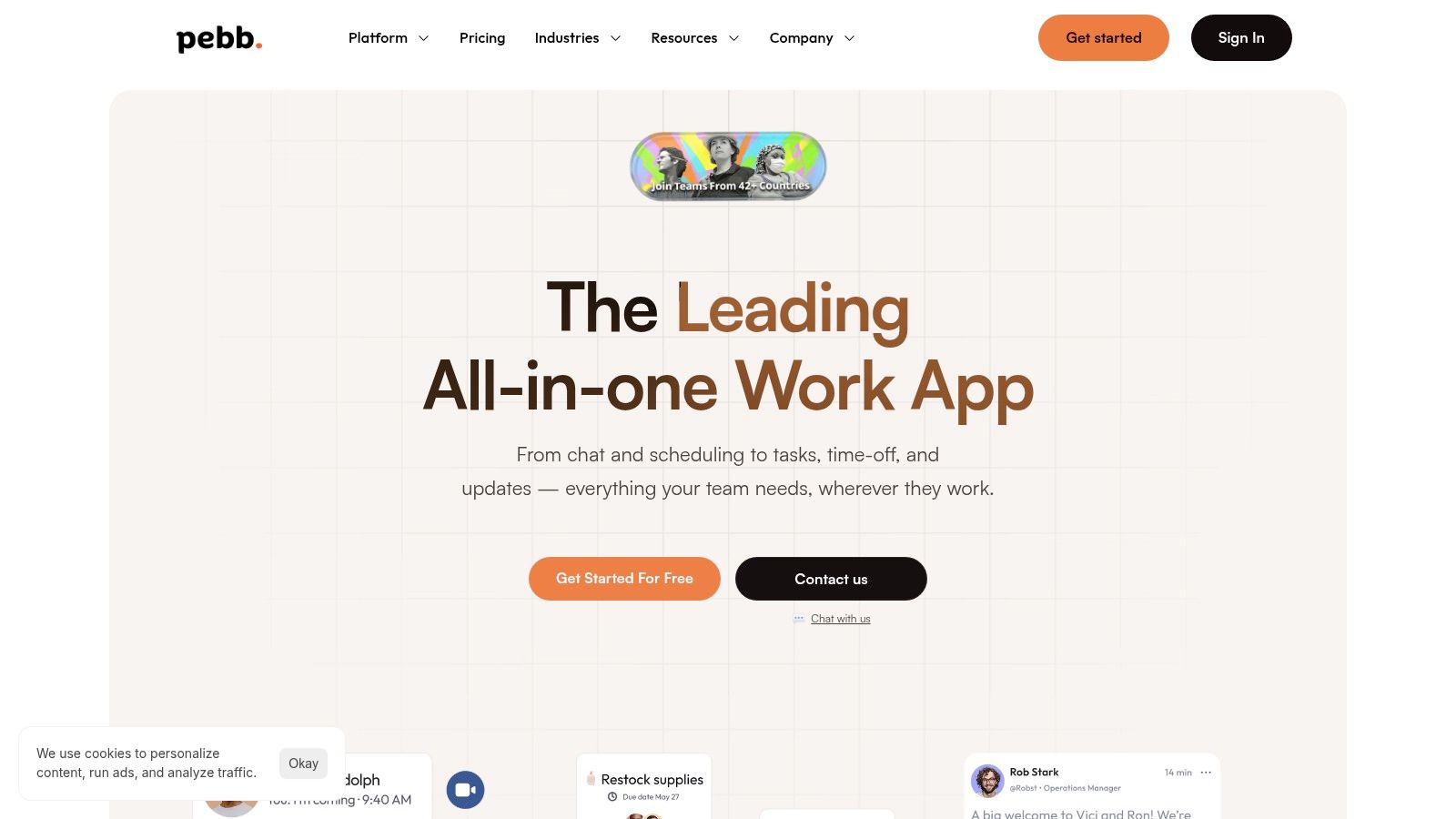
What really sets Pebb apart is its thoughtful design for the entire workforce, especially frontline and deskless employees who are often left out of the loop. Everything lives inside configurable "Spaces," which act as dedicated containers for teams, projects, or locations. Inside a Space, you get chat, a social-style news feed, tasks, files, and even shift schedules, keeping context and conversation in one place. This structure is incredibly effective for organizations with distributed teams, like retail chains or healthcare facilities, ensuring everyone has the right information without digital clutter.
Why It's Our Top Pick
Pebb is more than just a chat app. It's a true "all-in-one" that genuinely delivers on its promise, making it one of the best internal communication tools for organizations ready to consolidate their tech stack.
For Communication & Culture: It offers real-time chat, video/voice calls, and a familiar "heartbeat" news feed that feels like a private social network for your company. This helps build culture and keeps everyone connected, regardless of their location.
For Operations & Productivity: This is where Pebb pulls away from the competition. It has built-in tools for task management, employee scheduling, time clocks, and PTO requests. This operational layer is a game-changer for frontline teams.
For Governance & Insight: Leaders aren't left in the dark. Pebb provides robust admin controls, custom user roles, and advanced analytics to track engagement and see which communications are actually landing.
Practical Considerations
The user experience is exceptionally intuitive, often described by customers as feeling like "Facebook, but for work." This familiarity drives rapid adoption; many organizations report getting their teams fully onboarded in a single day. Pebb also integrates with over 50 HR, payroll, and authentication systems, which smooths out the implementation process significantly.
The primary drawback is the lack of transparent pricing on their website. You need to contact their sales team for a quote, which can slow down the evaluation process. While Pebb is a powerful all-in-one, organizations needing hyper-specialized, best-of-breed functionality for things like complex payroll might find the built-in modules too general for their needs.
Website: https://pebb.io
2. Slack
Slack is often the default choice for real-time team chat, and for good reason. It’s the tool that made channel-based messaging mainstream, and its familiar interface means most new hires can jump right in without much training. We've seen it work wonders for fast-paced, cross-functional teams who need to make quick decisions without getting bogged down in email chains.
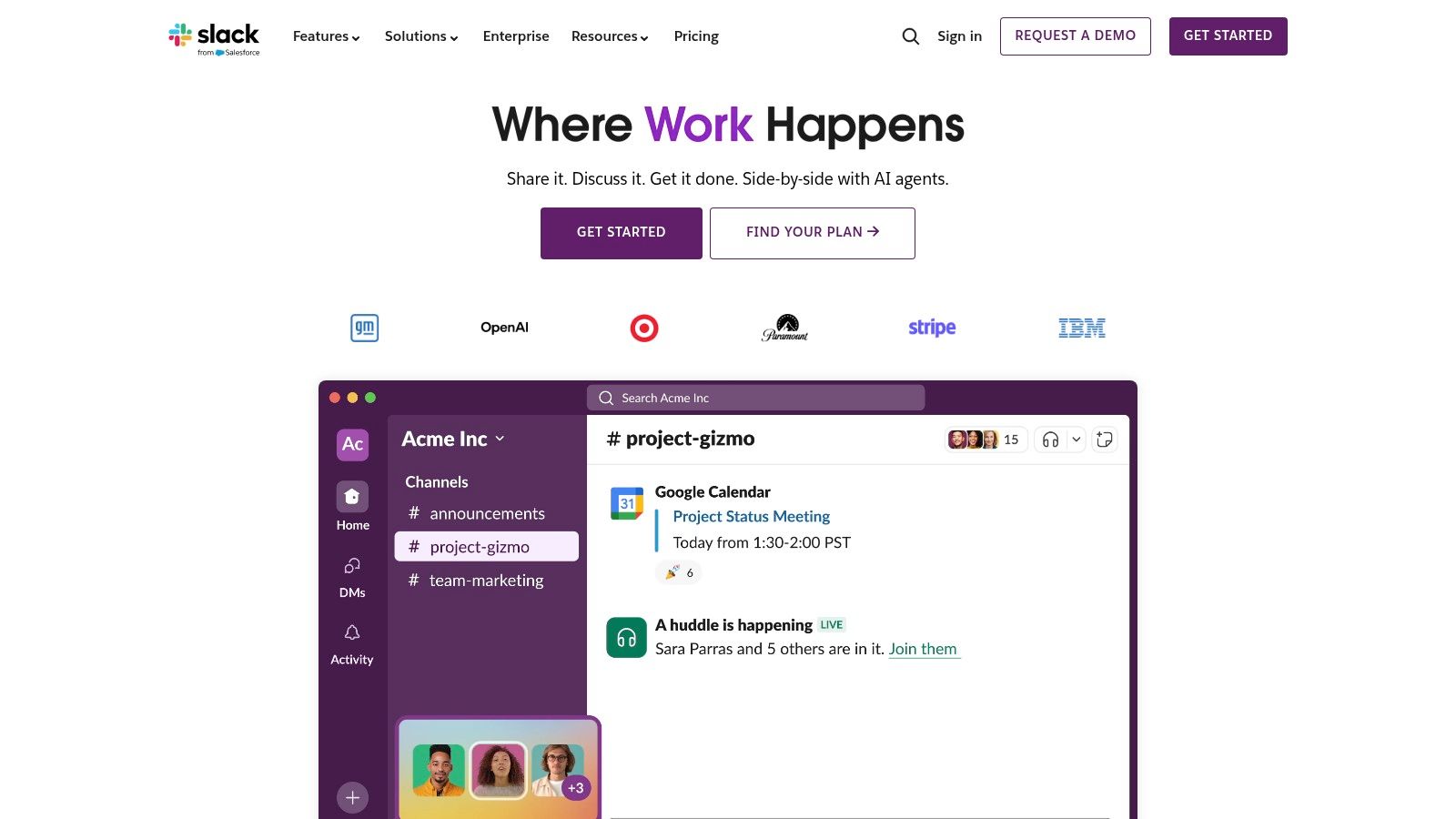
Its real power lies in its massive app directory. With over 2,600 integrations, you can connect tools like Asana, Google Drive, and Salesforce directly into your conversations, creating a central hub that dramatically reduces context switching. For developers, sharing code snippets and getting feedback is seamless. For marketers, project updates can be automated right into a team channel.
The Trade-Offs
Let’s be honest, though: Slack can quickly become a noisy, overwhelming firehose of information if you don't establish clear channel governance. Its free plan is quite limited, capping your message history at 90 days, which can be a dealbreaker for many. To get unlimited history, advanced security features, and powerful automations, you'll need to upgrade to a paid plan like Pro ($8.75/user/month) or Business+ ($15/user/month). You can explore whether the free plan is enough for you in our detailed breakdown of Slack's 2024 limits.
Ultimately, Slack excels for desk-based teams who live and breathe instant communication and app integrations. If your primary need is rapid-fire messaging and workflow automation, it remains one of the best internal communication tools out there.
3. Microsoft Teams
For organizations already deep within the Microsoft 365 ecosystem, Microsoft Teams is the natural, almost inevitable, choice for a unified communication hub. It’s designed to be the connective tissue for everything Microsoft, seamlessly linking chat, video meetings, and file storage (via SharePoint and OneDrive) into a single interface. We’ve seen it serve large enterprises particularly well, where IT needs robust security, compliance, and governance controls right out of the box.
Its core strength is this deep integration. You can co-author a Word document, pull data from an Excel sheet, or present a PowerPoint file directly within a Teams meeting without ever leaving the app. For companies standardizing their tech stack, this consolidation is a massive win, reducing licensing complexity and training overhead. The ability to manage everything under a single administrative umbrella is a huge draw for security-conscious IT departments.
The Trade-Offs
Let's be honest, though: if your company isn't already committed to Microsoft 365, Teams can feel heavy and a bit clunky for simple chat. Its power is tied to the adoption of the entire suite, and without it, the value diminishes significantly. For smaller, more agile teams, the feature set can feel like overkill. Teams is often included with Microsoft 365 Business plans (starting around $6/user/month), making it a cost-effective choice if you need the other apps. For a deeper dive into how it stacks up against its main rival, check out our 2024 showdown of Slack vs. Teams.
Ultimately, Microsoft Teams is one of the best internal communication tools for established Microsoft-centric organizations that need enterprise-grade security and a deeply integrated collaboration platform.
4. Google Workspace (Chat / Spaces / Meet)
If your team already lives in Gmail and Google Drive, then Workspace is the path of least resistance for internal communication. It brings together Chat, Spaces (for topic-based rooms), and Meet video conferencing directly into the tools your team uses every day. We’ve seen this work incredibly well for organizations that want to eliminate friction between email, documents, and real-time conversations.
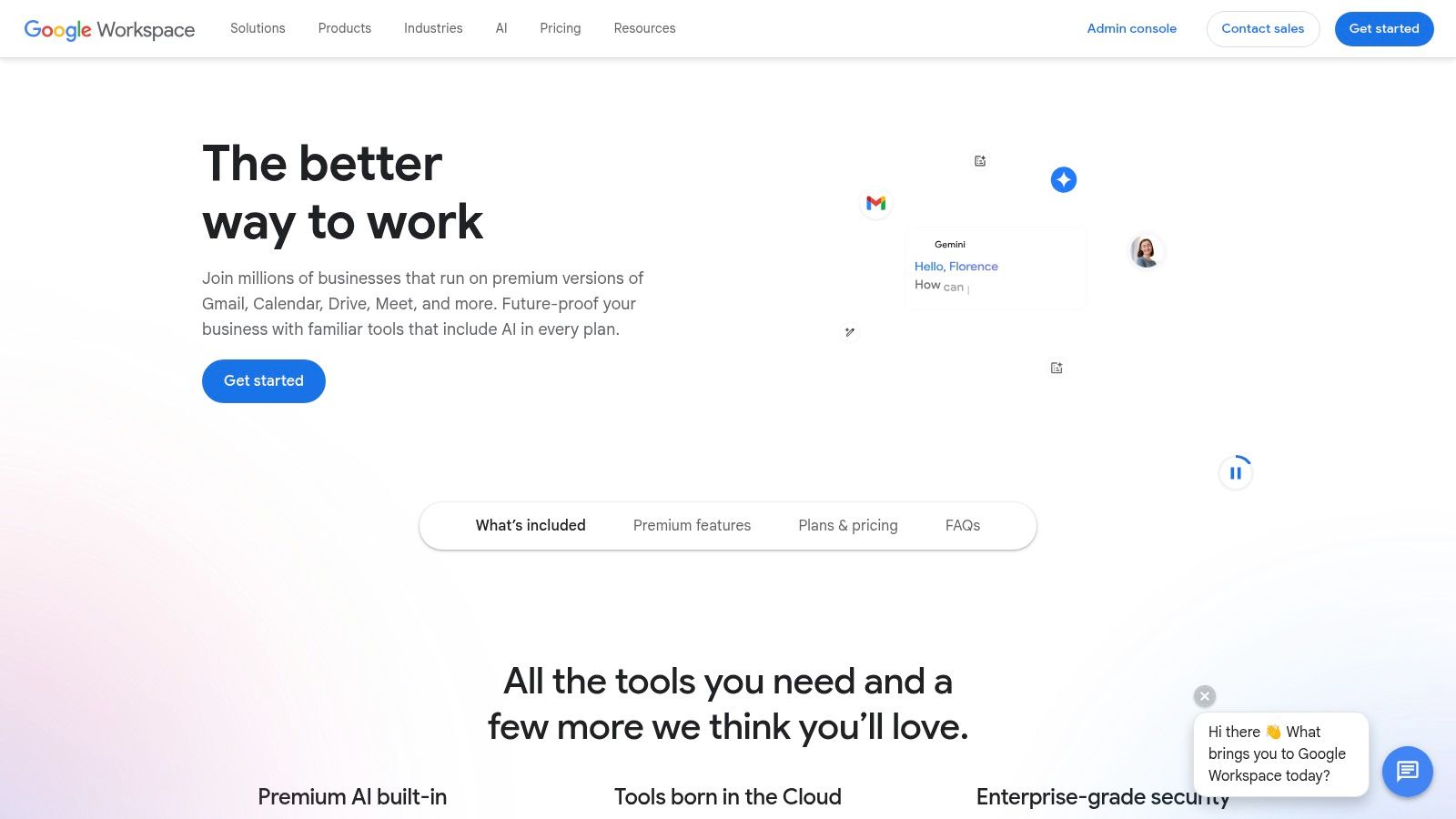
Its biggest strength is the native integration. You can start a Meet call from a Chat message, share a Google Doc in a Space and collaborate on it instantly, or use Gemini AI to summarize meeting notes and long chat threads. For teams deeply embedded in the Google ecosystem, this creates a seamless workflow that other tools can’t quite replicate. It's one of the best internal communication tools for keeping everything under one familiar roof.
The Trade-Offs
Here's the thing, though: its power is unlocked only when you fully commit. If half your team uses Outlook and another uses Dropbox, the experience feels disjointed and you lose the core benefits. The user experience can also feel less focused than a dedicated chat app like Slack. Pricing starts with Business Starter at $6/user/month, but you'll need to jump to Business Standard ($12/user/month) or higher to get more storage and advanced features like meeting recordings saved to Drive. To truly maximize its potential, your organization needs to be all-in on Google.
5. Zoom Workplace (Team Chat)
Many of us think of Zoom as just a video meeting tool, but its evolution into Zoom Workplace with Team Chat makes it a serious contender in the communication space. We've seen it work best for organizations already deep in the Zoom ecosystem. It’s built for teams who want to move fluidly from a quick chat message to a full-blown video call or collaborative whiteboard session without ever leaving the app.
The real strength here is the seamless integration. You can start a meeting directly from a chat channel, share a Zoom Whiteboard, or even send video clips, all natively. The built-in AI Companion, which can summarize meetings and chat threads, is a powerful addition that helps teams catch up without having to read through hours of conversation. For hybrid teams, the parity between mobile and desktop clients ensures no one is left out of the loop.
The Trade-Offs
Let’s be honest, though: Zoom’s chat features, while solid, may feel less robust than dedicated chat platforms if you aren't using the rest of the Workplace suite. Its full value is only unlocked when you embrace the broader ecosystem of meetings, phone, and whiteboards. For large organizations, implementing clear channel governance is crucial to prevent the same kind of noise you see elsewhere. Zoom Workplace bundles start at $15/user/month for the Pro plan, which includes Team Chat, Meetings, and Whiteboards.
Ultimately, Zoom Workplace is one of the best internal communication tools for video-centric companies aiming to consolidate their tech stack. If your team lives in Zoom meetings, integrating your persistent chat into the same platform is a logical and efficient next step.
6. Workvivo
Workvivo is an employee experience platform designed to feel more like a lively social network than a corporate intranet. It excels at connecting large, dispersed teams, especially those with many frontline or deskless workers who are often left out of the loop. We’ve seen it breathe life into organizations trying to move away from clunky, outdated systems by focusing on culture and top-down and bottom-up engagement.
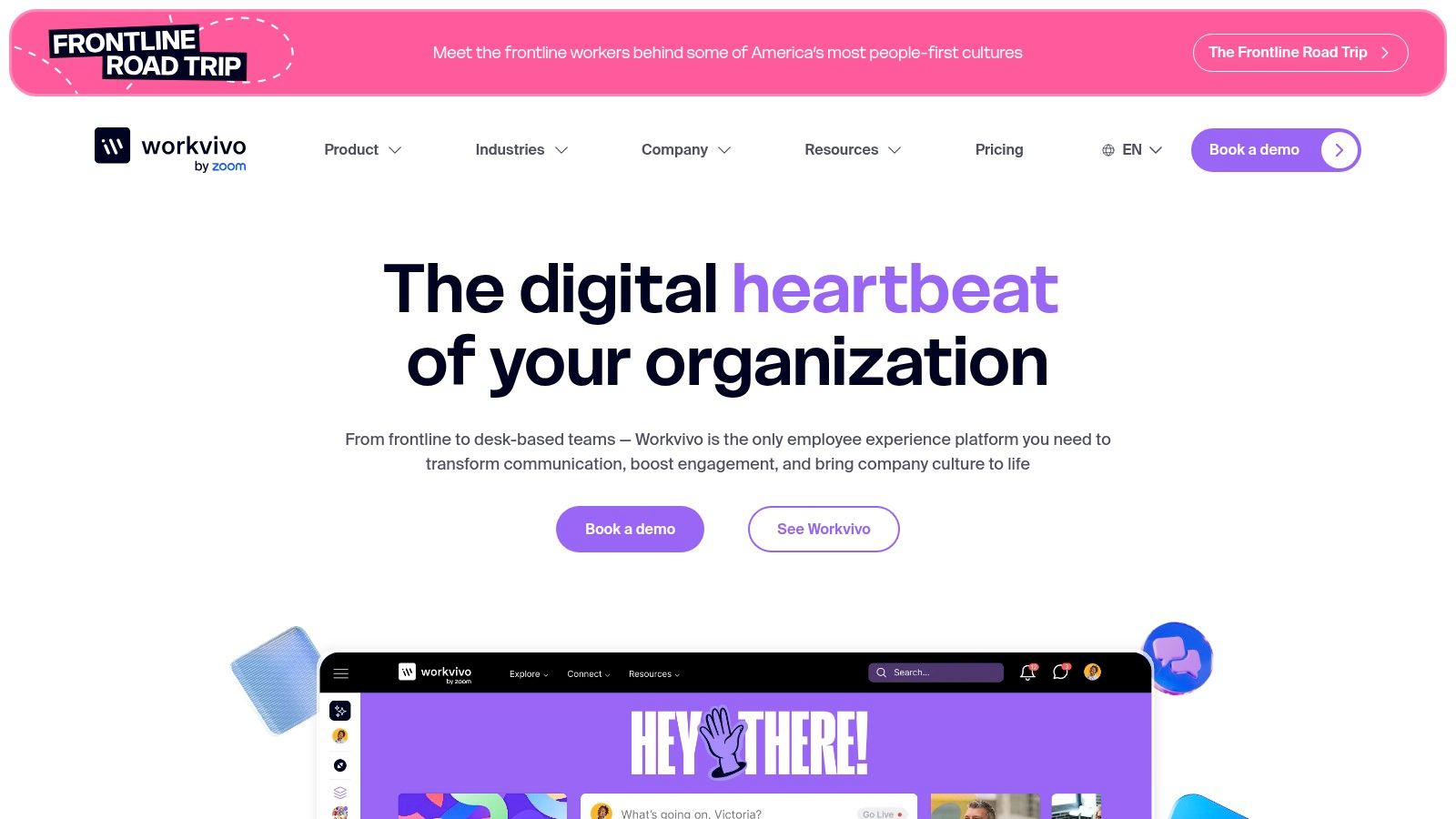
Its strength lies in its ability to centralize communications in a vibrant news feed, host live-streamed events, and run employee surveys all in one place. The mobile-first design makes it incredibly accessible for staff in retail, healthcare, or logistics who aren't tied to a desk. It's built for creating a sense of community through recognition posts, shared goals, and company updates that actually get seen and discussed.
The Trade-Offs
However, Workvivo’s all-in-one approach means its pricing is customized and requires a conversation with their sales team, making it hard to budget for without a demo. While the core platform is comprehensive, key features like real-time chat and advanced analytics come as paid add-ons, which can increase the total cost of ownership. If you're looking for a simpler tool or more transparent pricing, you may want to check out some affordable all-in-one Workvivo alternatives.
Ultimately, Workvivo is one of the best internal communication tools for large enterprises focused on culture transformation and engaging a distributed workforce. If your goal is to replace a legacy intranet with a modern, high-engagement platform, it’s a powerful contender.
7. Staffbase
Staffbase is a serious contender when you need a top-down internal communications platform that feels more like a modern intranet than a chaotic chat app. We’ve seen it shine in large, complex organizations, especially those with many non-desk or frontline workers who don't have a corporate email. It’s built for comms teams who need control over messaging, from editorial workflows and approvals to deep analytics.
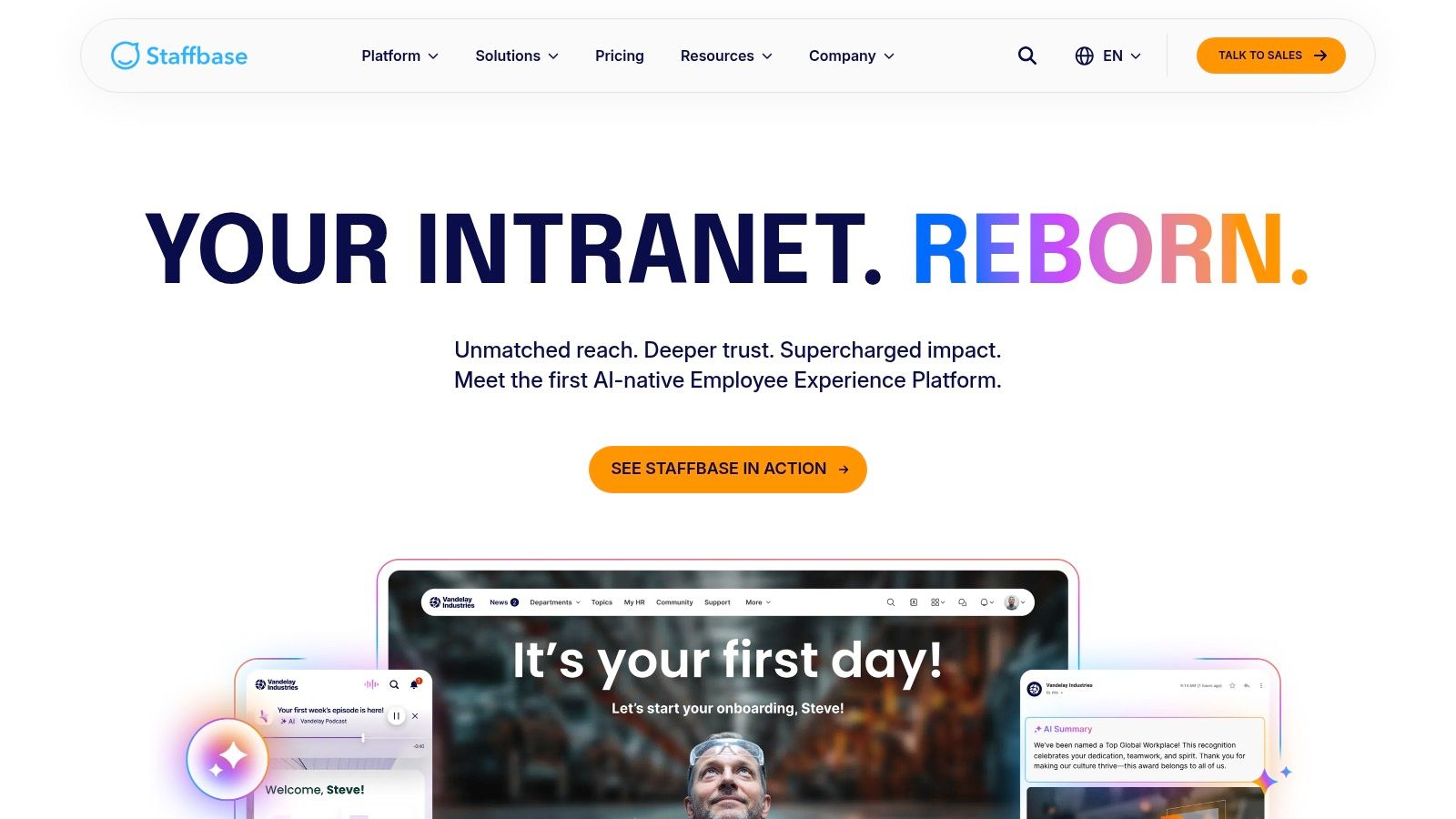
Its real strength is in creating a single source of truth. Features like personalized news feeds, AI-powered content creation, and auto-translation for multilingual teams ensure that the right message reaches the right employee, every time. You can build structured campaigns, run surveys, and even integrate digital signage, making it one of the best internal communication tools for unifying a broadcast-style strategy across an entire enterprise.
The Trade-Offs
Let's be clear: Staffbase is an enterprise-grade tool with a price tag to match. Pricing isn't public; it's sales-driven and requires a significant budget, which can be a hurdle for smaller companies. To get its full power, you often need to invest in add-on modules and professional rollout services, increasing the total cost of ownership. It's a powerful platform, but it’s not a quick, off-the-shelf solution for a small team looking for simple chat.
Ultimately, Staffbase is ideal for mature internal communications departments that require robust governance, deep personalization, and a powerful mobile app to connect with their entire workforce. If your focus is on controlled, strategic communication at scale, this is a platform worth a serious look.
8. Firstup
Firstup is designed for organizations that want to run their internal comms like a professional marketing campaign. Instead of just being a place for conversations, it’s a platform for delivering targeted, omnichannel content across mobile, email, and desktop. We see it as a powerful choice for large companies that need to ensure critical information, like compliance updates or policy changes, is not just sent but actually received and acknowledged.
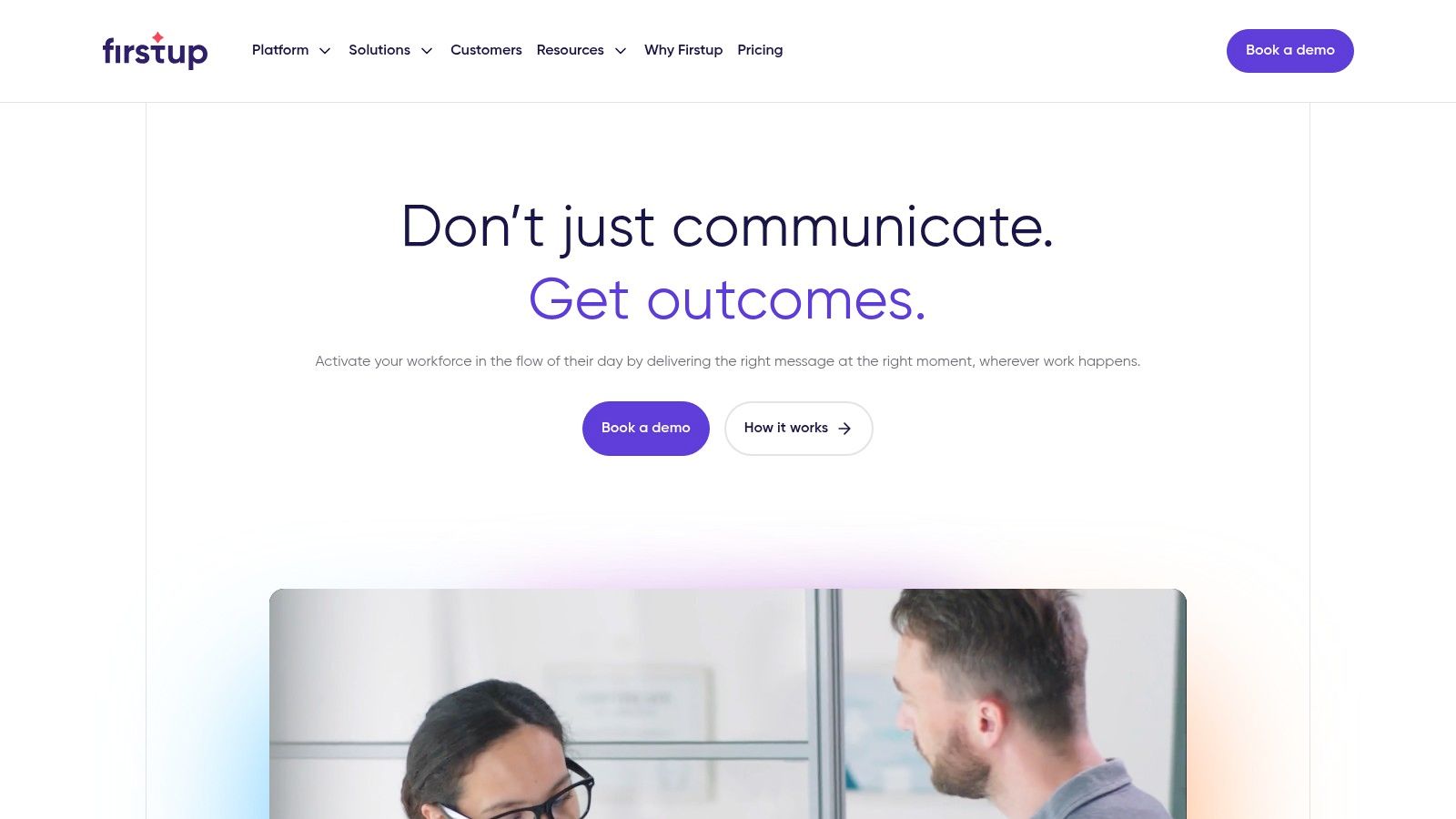
Its real strength lies in its campaign builder and AI-powered content tools. You can create segmented "Journeys" for different employee groups, like new hires or frontline managers, and automate the delivery of information over time. The platform’s ability to meet employees wherever they are, whether on a company device or their personal phone, makes it a standout option for reaching a distributed or deskless workforce with precision. It truly treats communication as a strategic function with measurable outcomes.
The Trade-Offs
Let's be clear, this is an enterprise-grade tool, and it comes with a matching approach. Pricing is quote-based, so you'll have to engage with their sales team to get specifics, which can be a hurdle for teams just looking to explore. Firstup is best suited for organizations that have a dedicated internal communications team ready to build and manage these campaigns. If you’re a smaller business or just need a simple chat tool, this platform will likely feel like overkill.
Ultimately, if your goal is to orchestrate sophisticated, multi-channel communication strategies and track their impact with detailed analytics, Firstup is one of the best internal communication tools for the job. It’s built for deliberate, high-impact messaging, not just casual team chat.
9. Beekeeper
When your workforce isn't sitting at a desk, traditional tools often fail. Beekeeper is built from the ground up for frontline and non-desk employees, a segment of the workforce we've seen struggle with disconnected, top-down communication. It replaces messy WhatsApp groups and bulletin boards with a secure, mobile-first hub that feels intuitive for everyone, regardless of their tech-savviness.
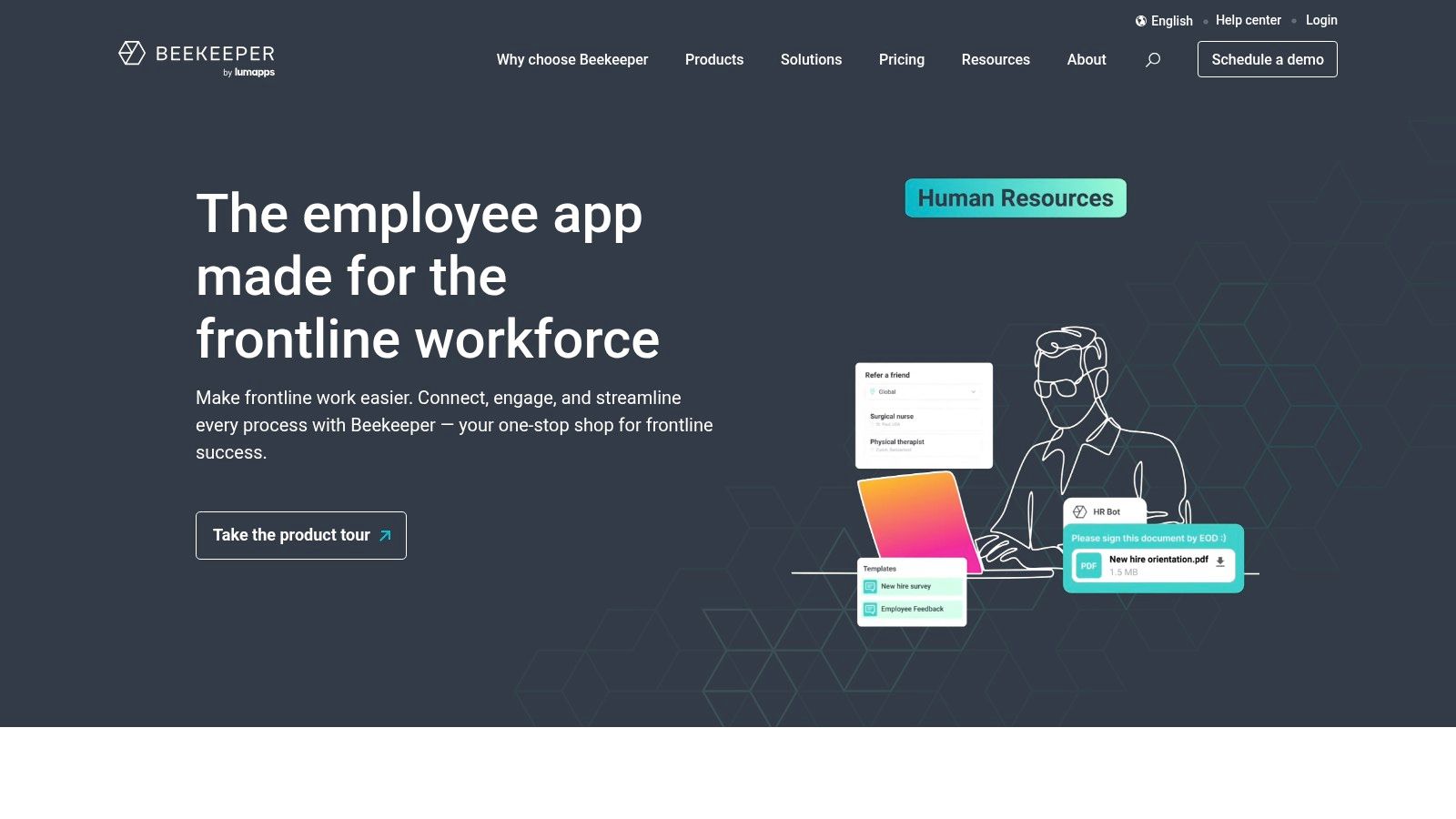
Its real strength is connecting operational tasks with communication. Managers can send out critical updates via Campaigns and get confirmation receipts, ensuring important safety protocols or policy changes are actually read. Features like inline translation, employee surveys, and digital forms make it a powerful tool for engaging a diverse, distributed workforce that doesn't have a corporate email address. It centralizes everything from shift schedules to HR announcements right in their pocket.
The Trade-Offs
Let’s be honest, though: Beekeeper’s pricing can be a bit opaque. Unlike tools with straightforward per-user-per-month plans, enterprise pricing often requires a custom quote, and costs can vary depending on the channels and features you need. Some resellers might also have user minimums, making it a potentially larger investment for very small businesses. While it has integrations, the ecosystem isn't as vast as a tool like Slack's, so it might not replace every specialized app in your stack.
Ultimately, Beekeeper is one of the best internal communication tools for organizations in industries like hospitality, manufacturing, retail, and logistics. If your main challenge is connecting with your frontline and deskless teams in a meaningful way, this platform is purpose-built to solve that exact problem.
10. MangoApps
MangoApps positions itself as a unified employee experience platform, combining intranet, communication, and engagement tools into a single suite. We’ve seen it appeal most to organizations, especially in regulated industries like healthcare or finance, that need more than just chat. They’re looking for a secure, all-in-one digital hub that can be deployed on-premise if needed, giving them total control over their data.
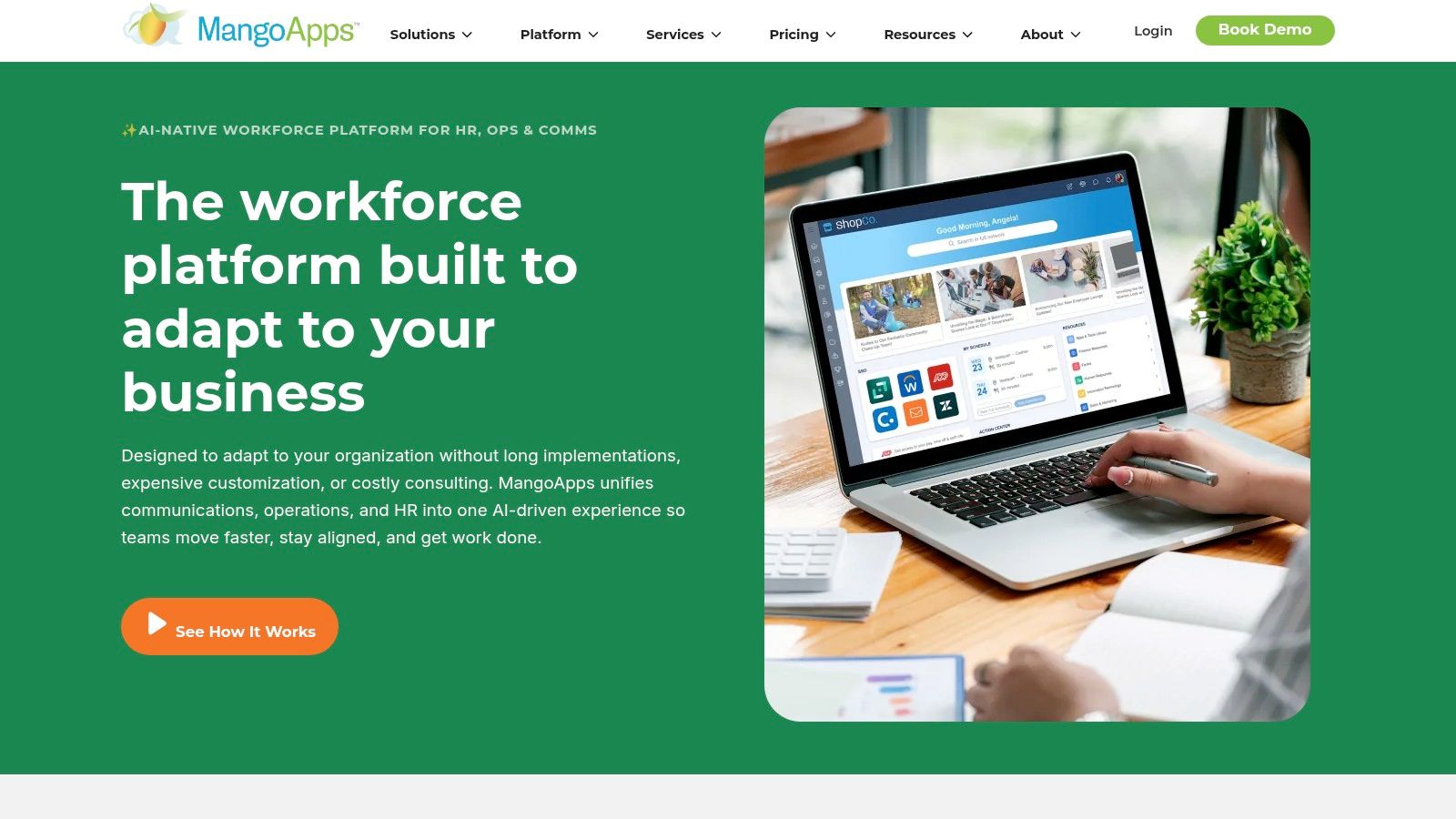
Its real strength lies in this flexibility. You can choose cloud, private cloud, or on-premise deployment and pick modular packages for news, chat, tasks, and knowledge sharing. This makes it one of the few best internal communication tools that can truly adapt to strict security and compliance requirements, backed by certifications like SOC 2 and HITRUST. For a large enterprise trying to consolidate a messy tech stack, this modular approach can bring much-needed order.
The Trade-Offs
Let's be honest, though: this isn't a tool you just sign up for and start using in an afternoon. Its enterprise focus means you'll need to engage with their sales team to get pricing, as there are minimums and custom packages involved. The sheer breadth of its feature set can also be a double-edged sword. Without a thoughtful rollout and proper enablement, it’s easy for the platform to feel sprawling and underutilized, with employees sticking to just one or two features they know.
Ultimately, MangoApps is built for medium to large companies that need deep customization, robust security, and flexible deployment options that most SaaS-only tools can’t offer. If data governance and an integrated intranet are your top priorities, MangoApps is a powerful contender.
11. Blink
Blink positions itself as an "employee super-app," and it's a fitting description for teams with a large frontline workforce. We've seen it shine in industries like retail, logistics, and healthcare where most employees aren't tied to a desk. It bundles a company news feed, secure chat, and mandatory reads into a single, mobile-first experience that's incredibly easy for anyone to pick up and use.
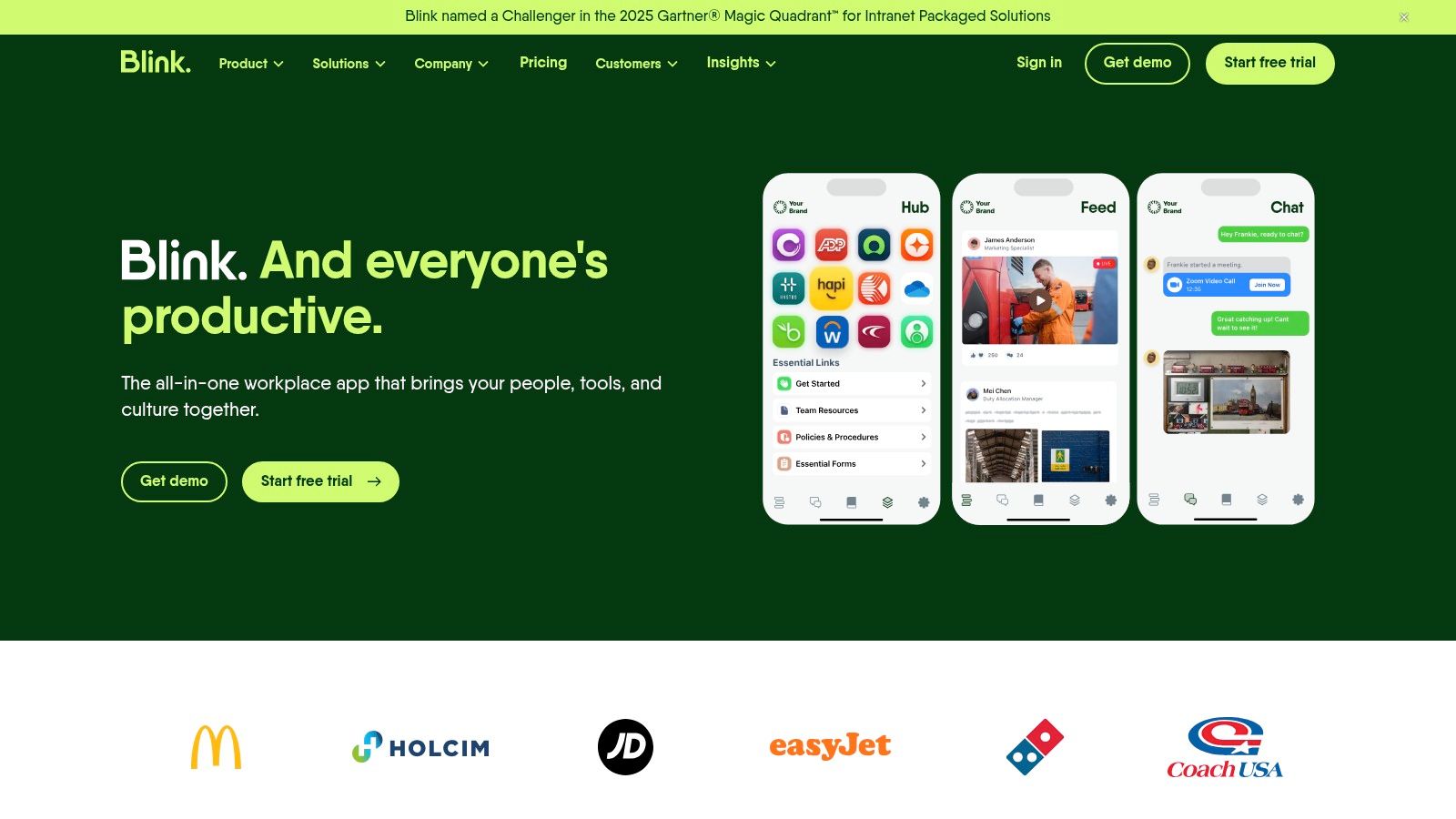
Its real strength is connecting everyone, from headquarters to the front line, without needing a corporate email address for each user. Features like onboarding "journeys," easy access to documents, and workforce analytics give managers a powerful toolkit to engage their entire staff. The user interface feels less like a corporate tool and more like a consumer app, which helps drive adoption among employees who might be resistant to clunky, outdated software.
The Trade-Offs
Here's the thing: while Blink is powerful, its ecosystem is younger compared to legacy intranet vendors. Some advanced features, like detailed analytics or calling capabilities, are reserved for pricier Enterprise plans or require add-ons, which can complicate the otherwise straightforward pricing. Plans start with a free tier for up to 20 users, then move to Business ($3.40/user/month) and Enterprise (custom pricing).
Ultimately, Blink is one of the best internal communication tools for organizations that need to bridge the gap between their desk-based and frontline teams. If your priority is a simple, all-in-one mobile app to reach every single employee, Blink is a fantastic choice.
12. Mattermost
Mattermost is the go-to choice for organizations where data control isn't just a preference, it's a requirement. As an open-source platform, it offers unparalleled flexibility through self-hosting or private cloud deployment. We've seen it become indispensable for technical teams, government agencies, and companies in regulated industries who need absolute authority over their data and communications infrastructure.

It provides core features like channels, calls, and automations (Playbooks) while being built for enterprise-grade security and scale, supporting over 200,000 concurrent users. The ability to customize everything with extensive APIs and plugins allows developers to integrate it deeply into their unique workflows, from CI/CD notifications to incident response. This isn't just a messaging app; it's a command center you own completely.
The Trade-Offs
Here's the thing: that level of control comes with responsibility. Unlike pure SaaS tools, Mattermost requires more administrative and technical overhead to set up and maintain, especially if you self-host. It’s a powerful engine, but you need someone who knows how to keep it tuned. While there's a free tier, unlocking advanced features like compliance exports, data retention policies, and enterprise-grade authentication requires upgrading to a paid plan like Professional ($10/user/month) or Enterprise.
Ultimately, Mattermost is one of the best internal communication tools for organizations that cannot compromise on security, privacy, or data sovereignty. If you need a Slack-like experience but within your own secure perimeter, it's an exceptional choice.
Top 12 Internal Communication Tools Comparison
Product | Core features | UX & quality | Unique selling points | Target & Pricing |
|---|---|---|---|---|
🏆 Pebb | Chat, voice/video, Spaces (tasks, shifts, clock‑in/PTO), news feed, knowledge & files, 50+ integrations | ★★★★☆ Mobile‑first; rapid adoption | ✨ All‑in‑one frontline + office app; fast onboarding; analytics & governance | 👥 Frontline + distributed teams • 💰 Free start; contact sales for enterprise |
Slack | Channels, DMs, huddles, automation, large app directory | ★★★☆☆ Familiar, fast for desk teams | ✨ Massive integrations (2,600+); workflows & Slack Connect | 👥 Cross‑functional teams • 💰 Free & paid tiers; advanced features behind paid plans |
Microsoft Teams | Chat, meetings, calling; SharePoint/OneDrive/Outlook integration | ★★★☆☆ Enterprise‑grade; can feel heavy | ✨ Deep MS365 file & identity integration; enterprise governance | 👥 Microsoft‑centric orgs • 💰 Often included with Microsoft 365 subscriptions |
Google Workspace (Chat/Spaces/Meet) | Chat, Spaces, Meet, Docs/Drive collaboration, Gemini AI features | ★★★☆☆ Seamless docs + real‑time collaboration | ✨ Native Docs/Drive integration + Gemini AI for summaries | 👥 Google‑first orgs • 💰 Per‑user plans; competitive vs Enterprise tiers |
Zoom Workplace (Team Chat) | Persistent chat, meetings, whiteboards, docs, AI Companion | ★★★☆☆ Smooth handoff between chat & video | ✨ Video‑first platform with integrated content workflows | 👥 Video‑heavy teams • 💰 Free basics; paid Workplace modules |
Workvivo | News feed, posts, live events, surveys, analytics | ★★★★☆ Social‑style UX focused on engagement | ✨ Strong culture & frontline engagement; migration expertise | 👥 IC/HR & frontline orgs • 💰 Quote‑based |
Staffbase | News/social feeds, targeting, AI editor, auto‑translate, campaigns | ★★★★☆ Mobile‑first for non‑email workers | ✨ Deep editorial workflows, personalization & translation | 👥 Large/multilingual enterprises • 💰 Quote‑based |
Firstup | Campaign builder, AI content, journeys, automation templates | ★★★★☆ Omnichannel campaign focus | ✨ Intelligent delivery & campaign orchestration | 👥 Comms teams running campaigns • 💰 Quote‑based |
Beekeeper | Real‑time chat, streams, campaigns, surveys, inline translation | ★★★★☆ Mobile UX built for frontline ops | ✨ Inline translation, confirmation receipts for critical updates | 👥 Frontline/deskless industries • 💰 Quote‑based / channel minimums |
MangoApps | News, posts, chat, tasks, file & knowledge hub; cloud/on‑prem options | ★★★☆☆ Modular; enterprise tools & support | ✨ Flexible deployments (on‑prem/private cloud) and certifications | 👥 Regulated industries & IT‑led orgs • 💰 Quote‑based |
Blink | Company news feed, chat, journeys, mandatory reads, SSO | ★★★★☆ Simple, fast mobile UX; clear SMB pricing | ✨ Upfront SMB pricing & rapid rollout for frontline teams | 👥 Frontline + SMBs • 💰 Transparent SMB plans |
Mattermost | Channels, playbooks, calls, extensive APIs; self‑host & single‑tenant cloud | ★★★☆☆ Dev‑friendly; high control & security | ✨ Open‑source + full data control; strong security hardening | 👥 Security‑sensitive & technical orgs • 💰 OSS free + Enterprise licenses |
So, What's the Right Tool for You?
We've just walked through twelve different takes on internal communication. From the firehose of real-time chat in Slack and Teams to the curated, top-down approach of Staffbase and Workvivo, the options are vast. It’s easy to get lost in feature lists and pricing tables, but let's be honest, that’s not where the real decision lies. Choosing from the best internal communication tools isn't about finding the one with the most bells and whistles. It's about finding the one that matches your company's philosophy.
The real question to ask is: What kind of conversation are you trying to have?
Are you a fast-moving tech company where engineers need instant access to each other? A real-time chat tool is probably your center of gravity. Are you a massive enterprise with a global workforce that needs to stay aligned on corporate news? A broadcast-style intranet or employee app makes more sense. Or are you a business with a huge frontline workforce in retail, logistics, or healthcare that has been completely left out of the digital conversation? That’s a fundamentally different problem to solve.
Beyond Features: Finding Your Philosophy
Most tools are built with a specific worldview. Some see communication as a series of projects and tasks. Others see it as a social network for work. A few see it as a problem of information delivery, like a corporate newsletter with a better interface. This is why a tool that works wonders for a 50-person remote startup will utterly fail a 5,000-person manufacturing company. Their needs, their daily rhythms, and their definitions of “work” are worlds apart.
Here’s the thing: The biggest mistake we see companies make is choosing a tool and then trying to force their culture into it. It should be the other way around. Your tool should feel like a natural extension of how your teams already want to connect. It should reduce noise, not create more of it. It should feel less like another mandatory login and more like a welcome relief.
The Real Work Starts After You Choose
Once you’ve made a choice, the work has just begun. Implementation isn’t just about IT setup; it's about change management. You have to explain the why behind the new tool. What old problem is it solving? How will it make someone’s day-to-day job easier, not harder? Without clear answers, you’ll face an uphill battle. Success isn't just about launching the platform; it's about seeing people use it consistently and effectively. Understanding its impact often comes down to measuring tool adoption to ensure your investment is actually paying off.
Ultimately, the goal isn't just to talk at your employees. It's to create a space where work happens, culture is built, and everyone, from the C-suite to the front desk, feels connected to the mission. The right tool simply gets out of the way and lets that happen. We hope this guide has brought you a step closer to finding yours.
We built Pebb because we believe everyone, especially frontline teams, deserves a single, calm place for work. If you're tired of patching together multiple apps and want to unify your communication, operations, and culture, we might be what you’re looking for.
