
Email is where work goes to die. Let's find a better way.
Tired of the inbox chaos? We explored 12 practical alternatives to email for internal comms that actually work. Find the right tool to calm things down.
Dan Robin
Let's be honest. Your inbox is a graveyard of good intentions. It’s a chaotic blend of urgent requests, half-read newsletters, and CC chains that refuse to die. We built our companies on email, but now it feels like we spend our days managing the medium instead of doing the work. The constant notifications, the pressure of "inbox zero"—it’s a recipe for burnout, not progress.
We’ve lived this. We got tired of it. So we started looking for a better way.
This guide is the result of that search. It's an opinionated look at the best alternatives to email for working with your team. No marketing fluff, no buzzwords. Just a straightforward take on what works, what doesn't, and for whom. We'll look at each tool, share what we like, what we don't, and where it fits.
We'll cover everything from the chat apps that started the revolution to the all-in-one platforms trying to end it. The goal is simple: to help you find a calmer, more organized way to work.
1. Pebb
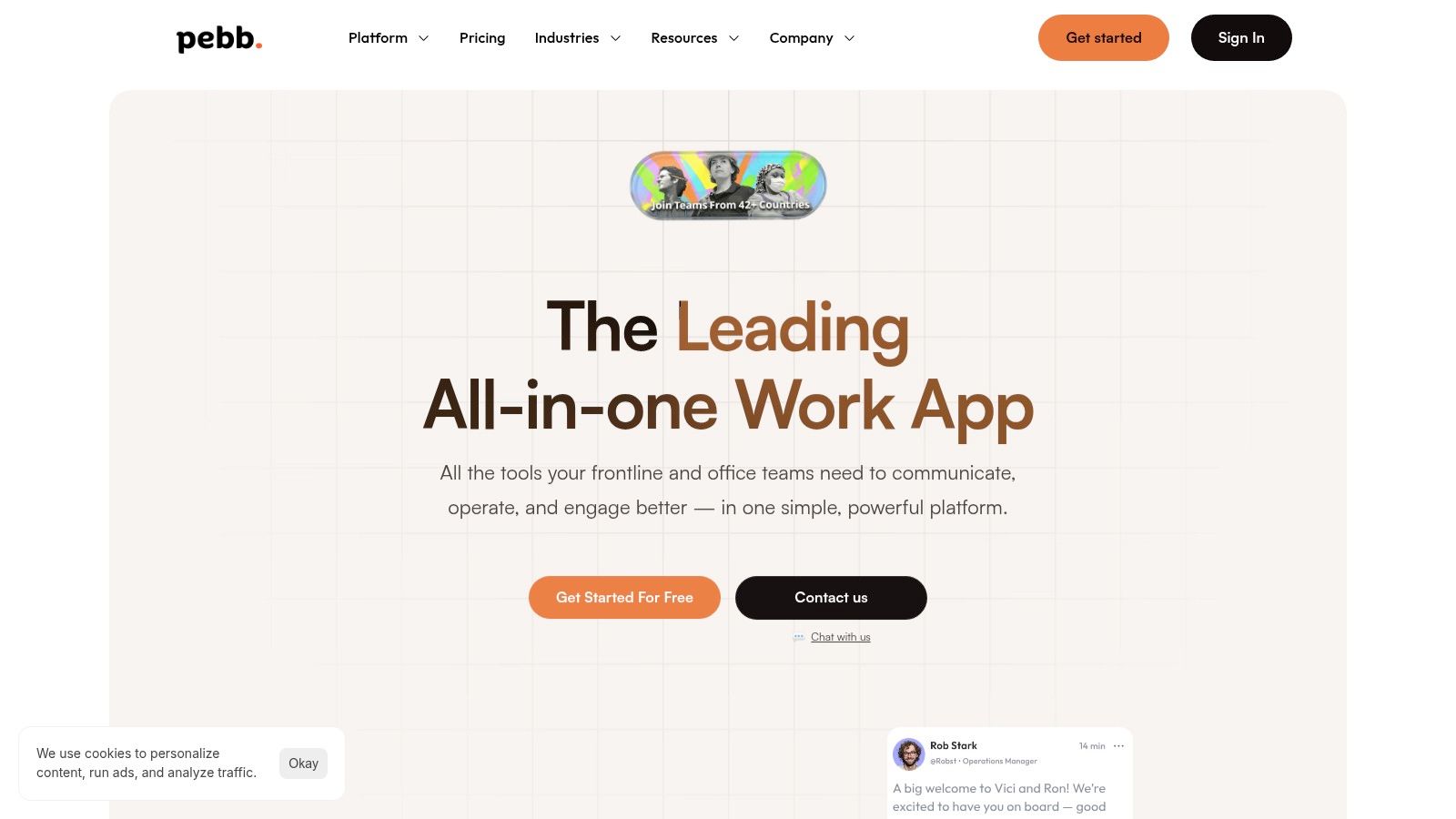
Pebb is our top pick because it tries to solve the whole problem, not just a piece of it. It’s a complete digital workplace, designed to bring an entire company—from the front desk to the back office—onto a single page. It blends communication, operations, and culture into one mobile-first app, making it one of the most thoughtful alternatives to email we’ve seen.
Instead of jumping between chat, scheduling, and HR tools, Pebb puts them all in one place. It’s less of an app and more of a central nervous system for your business.
Why it stands out
What sets Pebb apart is its all-in-one design. It directly tackles the fragmentation that most teams suffer from. You get real-time chat, task management, shift scheduling, knowledge libraries, and a company news feed in one intuitive interface. The ability to handle everything from onboarding and policy updates to daily tasks and time-off requests in one searchable hub is a huge leap forward. For leaders, the built-in analytics offer a clear view of how the team is doing without needing another dashboard.
Key features & use cases
Unified Communications: Centralize all team talk with chat, calls, and a "heartbeat" news feed that actually keeps people in the loop.
Operational Tools: Manage shifts, track clock-ins, handle PTO requests, and assign tasks right inside the app. This is where the real work gets done.
Knowledge & Training Hub: Use "Spaces" to create dedicated areas for teams or projects, complete with file libraries and searchable knowledge bases. Perfect for onboarding or rolling out new procedures.
Governance & Security: Sensible admin controls, roles, and permissions to make sure the right information reaches the right people securely.
"Pebb has been a game-changer for our internal comms. We’ve gone from a dozen disjointed tools to one single source of truth that everyone actually uses. The feedback from our frontline staff has been incredible; they finally feel connected to the rest of the company."
Pros & cons
Pros: The all-in-one approach genuinely reduces app fatigue and simplifies how work flows. Its mobile-first design and dead-simple rollout (just one invite link) make it great for teams that aren't chained to a desk. It also has 50+ integrations with HR and payroll systems.
Cons: They don't list public pricing, so you have to talk to a human to get a quote. If you're coming from a dozen specialized tools, moving everyone over will take a thoughtful plan.
Getting started
Pebb offers a free sign-up for small teams, so you can kick the tires before committing. For bigger teams or specific integrations, you'll need to chat with their sales team.
2. Pebb
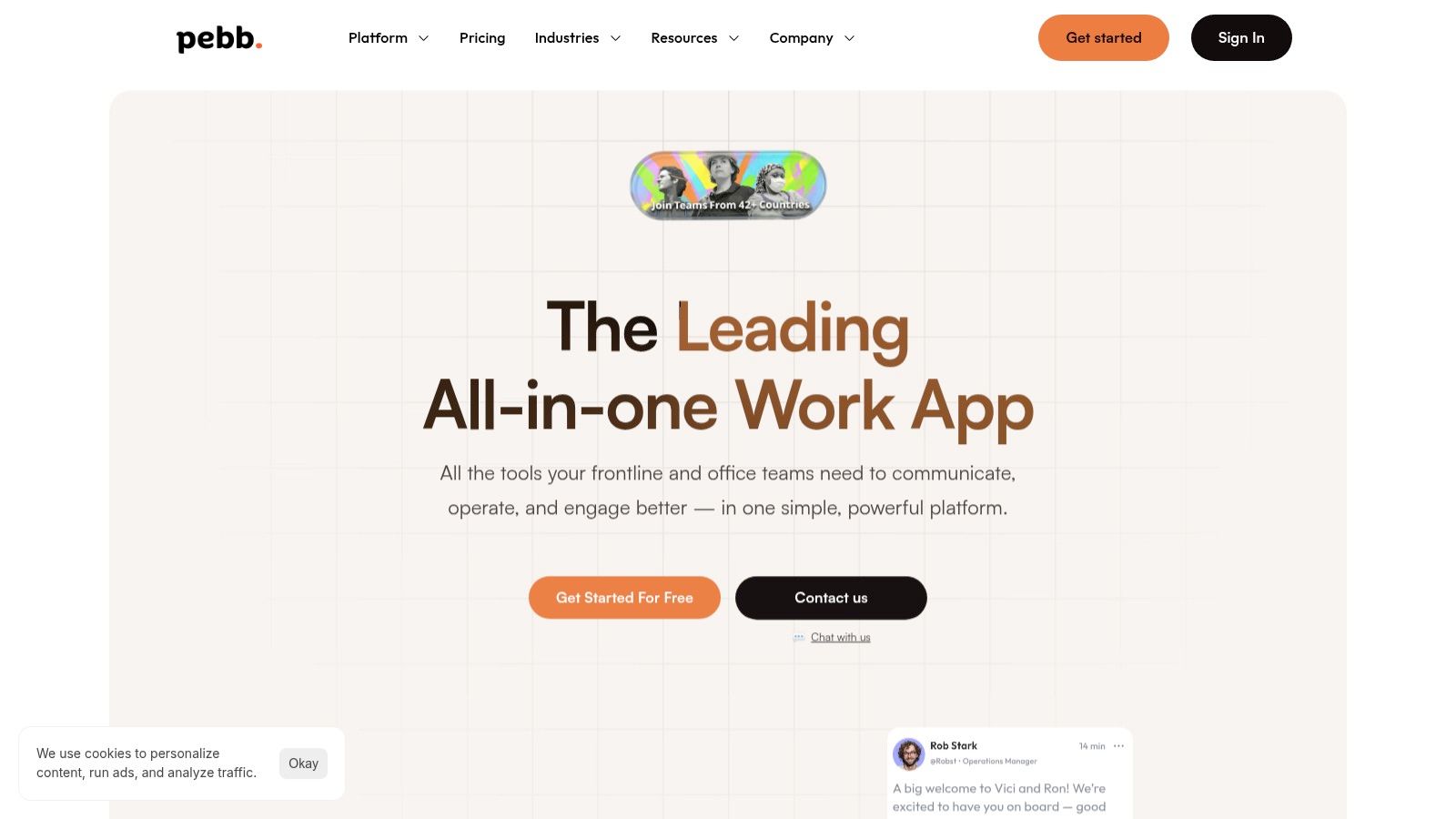
Pebb is an all-in-one work app built to pull your team out of fragmented tools and endless email chains. Think of it as a central hub where communication, operations, and culture-building happen in one place, especially for teams with both frontline and office staff. Instead of juggling separate apps for chat, announcements, scheduling, and tasks, Pebb combines them into unified “Spaces.”
This approach makes it one of the most practical alternatives to email for businesses tired of tool sprawl. It’s designed to be mobile-first, which is a huge win for getting non-desk employees onboard quickly with a single invite link.
Why we like Pebb
What makes Pebb stand out is its focus on unifying both communication and operational tasks. A manager can post a weekly schedule, assign a task to the team, and share a training document all within the same conversation space. This cuts down on the “where did I see that?” chaos that email creates.
Best for: Companies with a mix of desk-based and frontline workers (retail, logistics, healthcare) who need a single tool for everyone. It’s also great for small and mid-sized businesses looking to consolidate their tech stack.
Pros: Unifies core work functions, reducing app fatigue. The mobile-first design genuinely lowers the barrier to adoption for dispersed teams.
Cons: As a newer platform, its third-party integration ecosystem is still growing. Its broad feature set means you’ll need to be intentional about how your team uses it to avoid creating digital clutter.
You can learn more and see pricing at pebb.io.
3. Slack
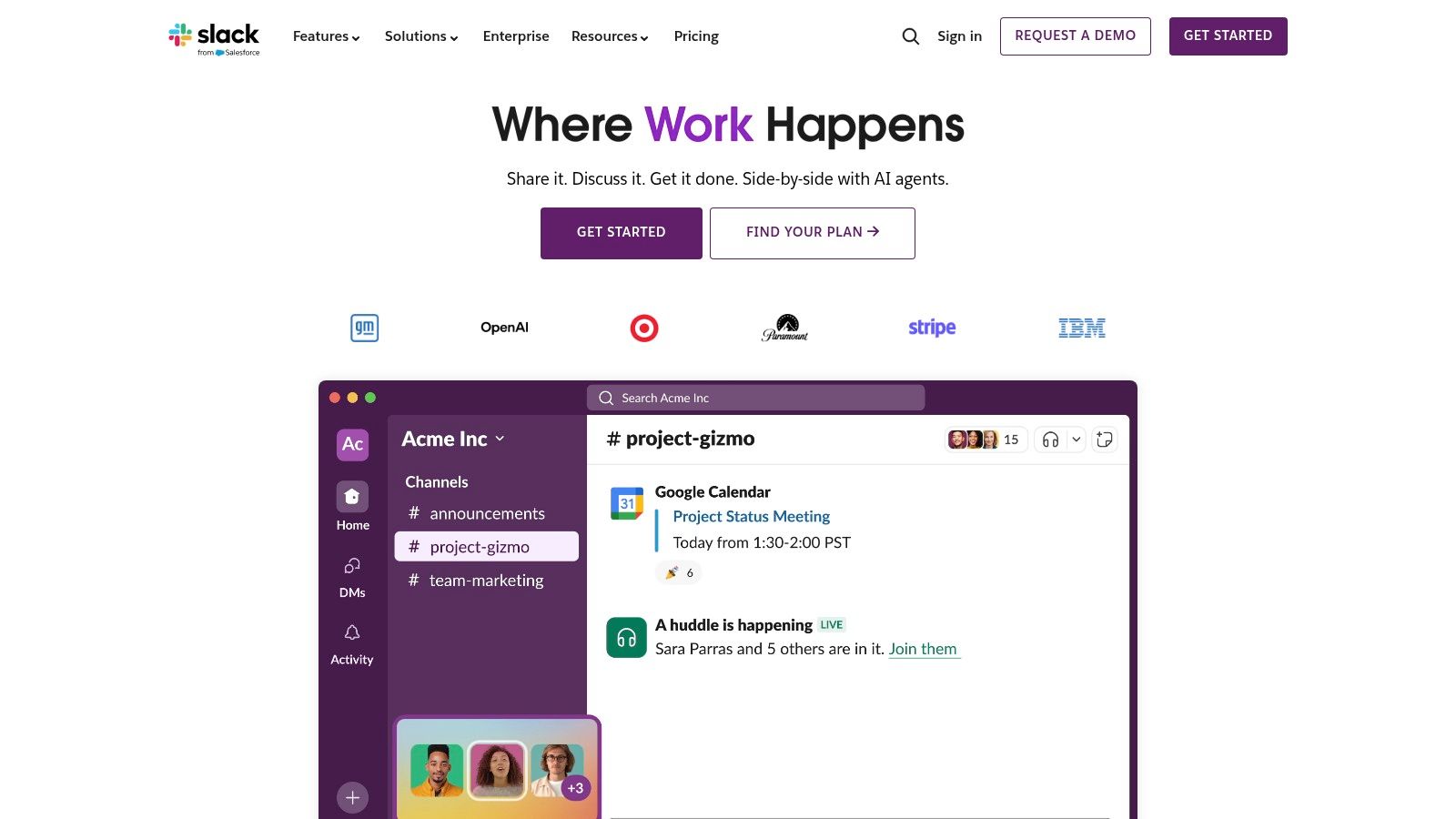
Slack is the tool that made "channel-based messaging" a thing. It’s built on a simple, powerful idea: replace chaotic email threads with organized, searchable conversations. Instead of information getting siloed in personal inboxes, discussions are centralized in channels where the whole team can see them.
For many of us, Slack was the first real step away from email for day-to-day work. It's fast, fluid, and one of the most well-known alternatives to email for a reason. Its massive library of integrations means it can plug into just about any other tool your team uses.
Why we like Slack
Slack’s power comes from its familiarity and deep integration ecosystem. Most people you hire have probably used it, so there's not much of a learning curve. Features like Huddles for quick audio calls and Slack Connect for working with outside partners make it more than just a chat app. For a deeper look, check out this comparison of Slack and its main rival.
Best for: Tech-savvy companies, remote-first teams, and businesses that lean heavily on a wide range of other software tools. It shines in fast-paced, project-based work.
Pros: Its massive app directory is hard to beat. The interface is polished, and its search is excellent.
Cons: The cost adds up quickly as your team grows. Without good discipline, it can create a new kind of noise—an endless stream of notifications and "channel sprawl."
You can learn more and see pricing at slack.com.
4. Microsoft Teams
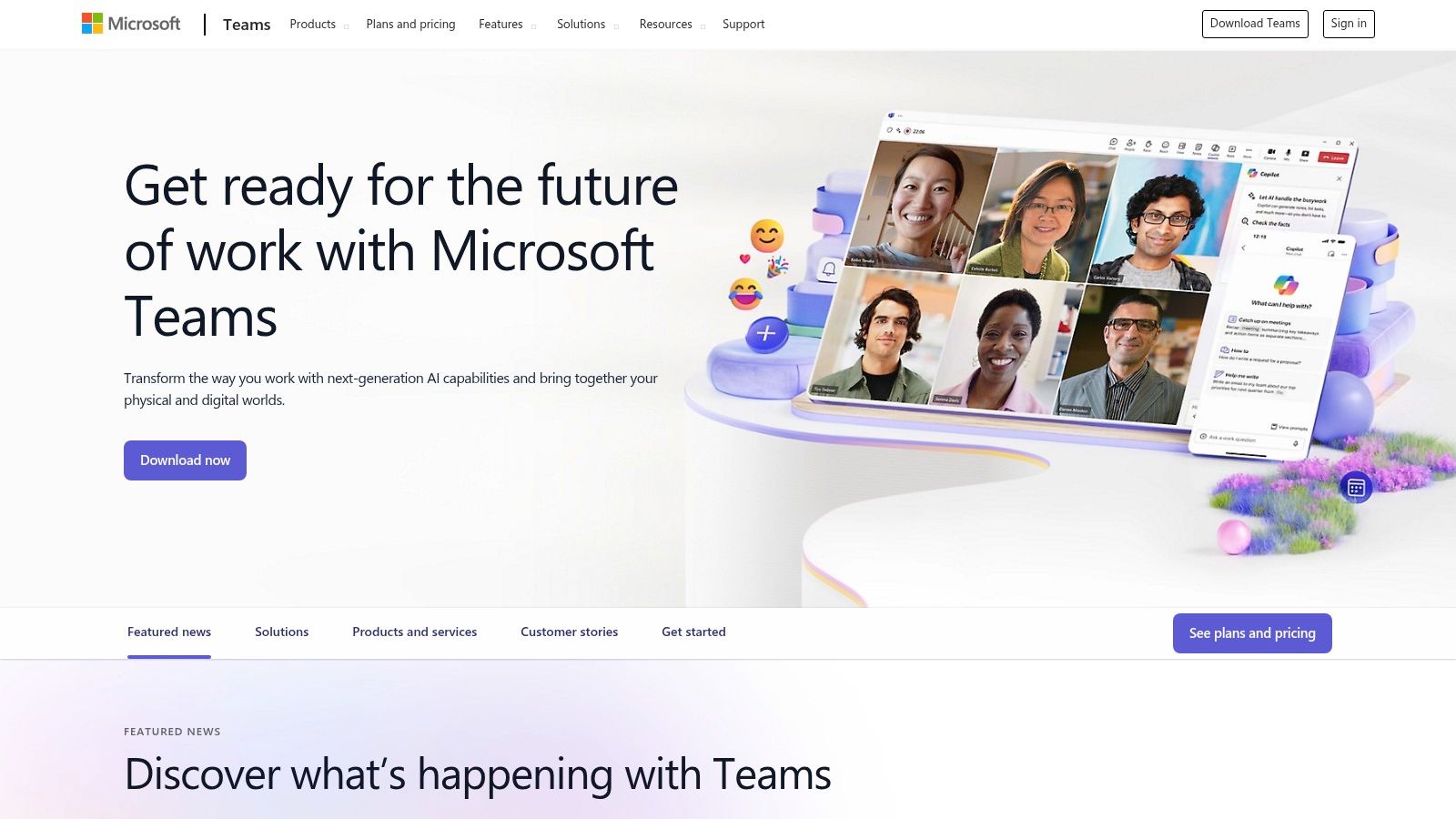
If your company runs on Microsoft 365, Teams is the default answer. It's designed to weave together everything else in the suite—Outlook, SharePoint, OneDrive—into a more collaborative, real-time experience. Instead of emailing files back and forth, you share and co-edit them right inside a conversation.
Here's the thing: this makes it a powerful alternative to email for companies that want to centralize their work without leaving the Microsoft universe. It brings together chat, meetings, files, and apps, aiming to be the one place you go to get work done.
Why we like Microsoft Teams
The biggest advantage is its seamless bond with Microsoft 365. If your team lives in Word, Excel, and Outlook, the transition is pretty smooth. For larger companies, its enterprise-grade security, governance, and identity management are a huge draw. It's built for control and compliance.
Best for: Companies already paying for Microsoft 365. It's also a strong choice for large enterprises that need advanced security and compliance.
Pros: Unbeatable integration with Microsoft 365 apps. The security and governance features meet strict corporate requirements.
Cons: The interface can feel busy and complicated. All the features can be overwhelming. And let's be honest, navigating the licensing tiers can be a full-time job.
You can learn more and see pricing at microsoft.com/microsoft-teams/.
5. Google Chat (Google Workspace)
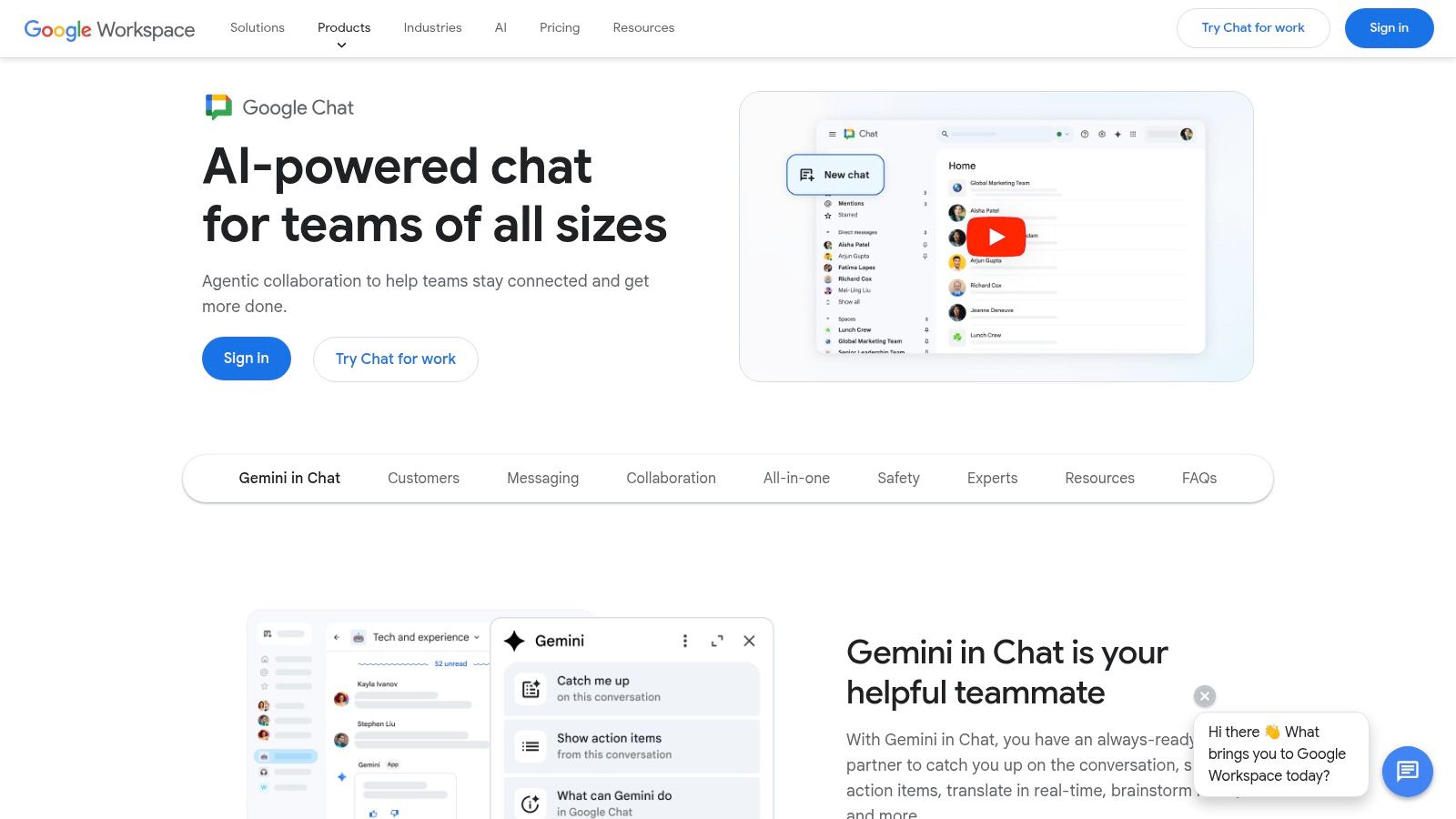
For teams living in the Google ecosystem, Google Chat is the most natural first step away from internal email. It’s baked right into Workspace, so it works seamlessly with Gmail, Drive, and Meet. Instead of forwarding an email, you can drop a Google Doc into a chat or start a quick video huddle without leaving the window.
This deep integration makes it a practical alternative to email for teams that just want a simple place for quick conversations. Its threaded "Spaces" help keep project discussions organized, separate from the noise of one-on-one messages.
Why we like Google Chat
Google Chat's strength is its simplicity. If your team already uses Gmail, the learning curve is basically flat. Features like smart chips for linking documents and a powerful search make finding information much easier than digging through old emails. It's not about flash; it's about doing the basics well inside a familiar world.
Best for: Businesses of any size that are all-in on Google Workspace and want to cut down on internal email without a major shake-up.
Pros: Effortless for existing Google users to pick up. The deep integration with Drive and Meet is a genuine time-saver.
Cons: Its third-party app ecosystem isn't as rich as Slack's. You only get the full benefit if your company is truly committed to the whole Workspace suite.
You can learn more at workspace.google.com/products/chat/.
6. Zoom Team Chat (Zoom Workplace)
Most of us think of Zoom as a video meeting tool, but Zoom Team Chat is the messaging part built right in. For the millions of teams already using Zoom for calls, this turns the platform into a more complete communication hub. It becomes the place for the quick chats and file shares that happen before and after those meetings.
This makes it a smart and cost-effective alternative to email for companies trying to consolidate their tools. The ability to launch a video call from a chat with a single click is incredibly smooth. It keeps conversations flowing in one place.
Why we like Zoom Team Chat
What's compelling here is the continuity. A chat in a channel can instantly become a huddle or a full meeting, and the meeting transcript gets saved right back to the channel for context. It’s a simple, logical flow that just makes sense.
Best for: Companies that already live on Zoom for video calls and want to add chat without adding another bill.
Pros: Great value if you're already paying for Zoom Workplace. The chat-to-meeting handoff is as smooth as it gets.
Cons: Its app ecosystem is smaller than dedicated chat tools like Slack. Some of the more advanced features, like the AI Companion, require a paid plan.
You can learn more and see pricing at zoom.com.
7. Workvivo
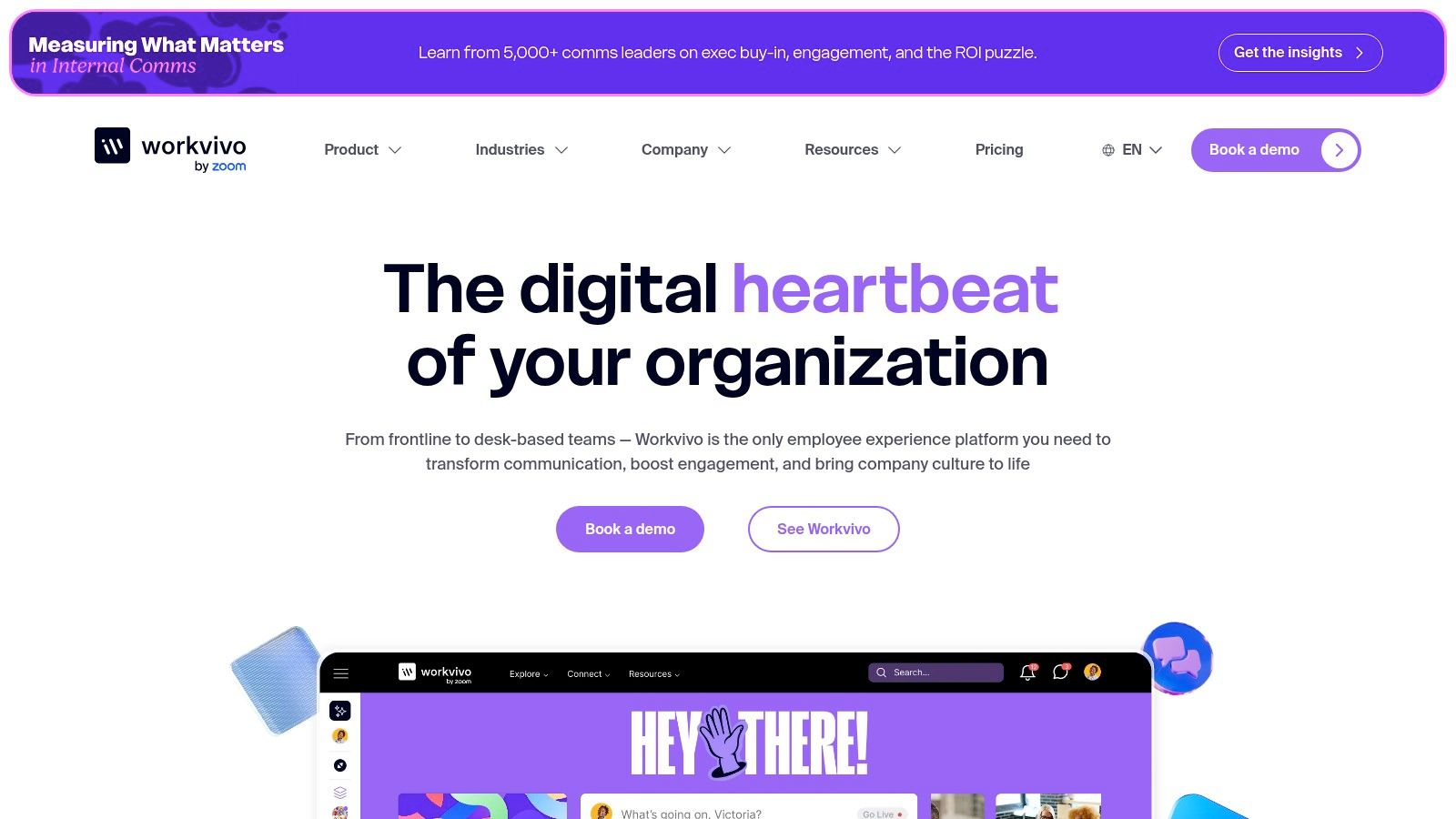
Workvivo feels like a private social network for your company. It’s designed to boost engagement and centralize company-wide announcements, getting important updates out of the inbox and into a more visible space. It’s part intranet, part mobile app, designed to keep everyone connected.
Its main purpose is to make corporate comms feel more human. Instead of a one-way broadcast, Workvivo encourages likes, comments, and posts from employees, making it one of the better alternatives to email for building a sense of community, especially in larger companies.
Why we like Workvivo
Workvivo is effective because it focuses on engagement analytics. It doesn't just give you a place to post news; it shows you who's seeing it and how they're reacting. This helps internal communications teams actually measure the impact of their work. Among the many internal comms platforms out there, its focus on social features and recognition helps create a more positive digital space.
Best for: Large enterprises and mid-sized companies focused on improving top-down communication and building corporate culture.
Pros: Excellent for creating a vibrant digital community and measuring the reach of internal campaigns. Add-ons like Workvivo TV are a nice touch.
Cons: Pricing is quote-based, which usually means it's a significant investment. Basic chat is an add-on, which feels like a miss for a tool meant to bring people together.
You can learn more and request a demo at workvivo.com.
8. Staffbase
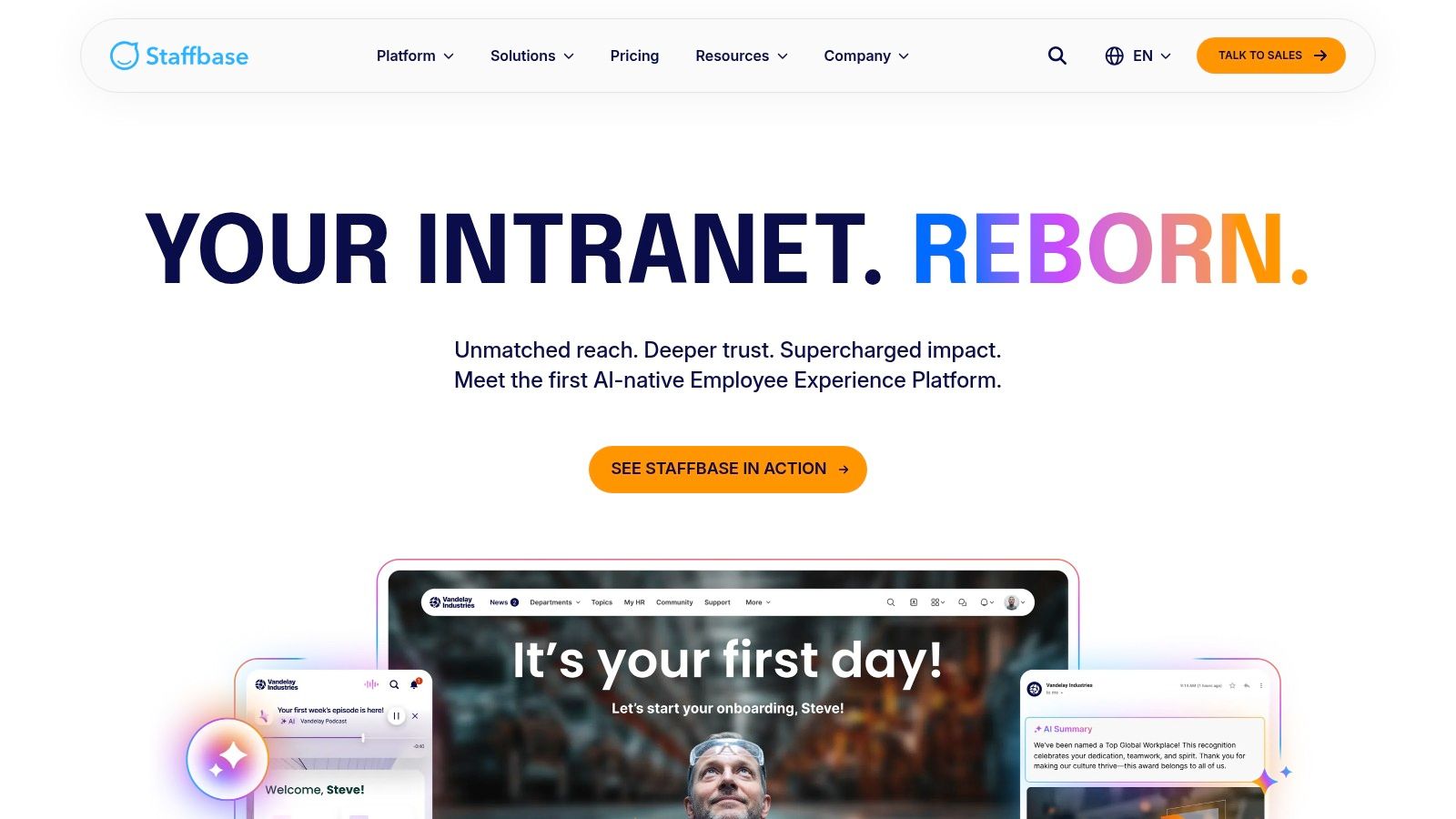
Staffbase is a serious internal communications suite for connecting large, dispersed companies. It’s more than just a chat app; it's a corporate-grade intranet and branded employee app. It gives HR and comms teams the tools to reach every employee, whether they're at a desk or on the factory floor.
For big companies struggling with consistent messaging, Staffbase is one of the most robust alternatives to email. It's built to be a single, branded source of truth, with sophisticated features like auto-translation and detailed analytics to measure who's actually reading the content.
Why we like Staffbase
What sets Staffbase apart is its enterprise-level focus on editorial control. A comms team can write a news story, target it to a specific country's frontline staff in their own language, and push it to their mobile app, the intranet, and digital signage all at once. This is about professionalizing internal comms, not just replacing email threads.
Best for: Large enterprises, especially those with a lot of non-desk workers, that need a scalable and secure platform for corporate communications.
Pros: Excellent for structured, top-down communication with strong governance and analytics.
Cons: Pricing is quote-based and aimed at larger budgets. It's a big system that requires a lot of planning to implement correctly.
You can learn more and request a demo at staffbase.com.
9. Firstup
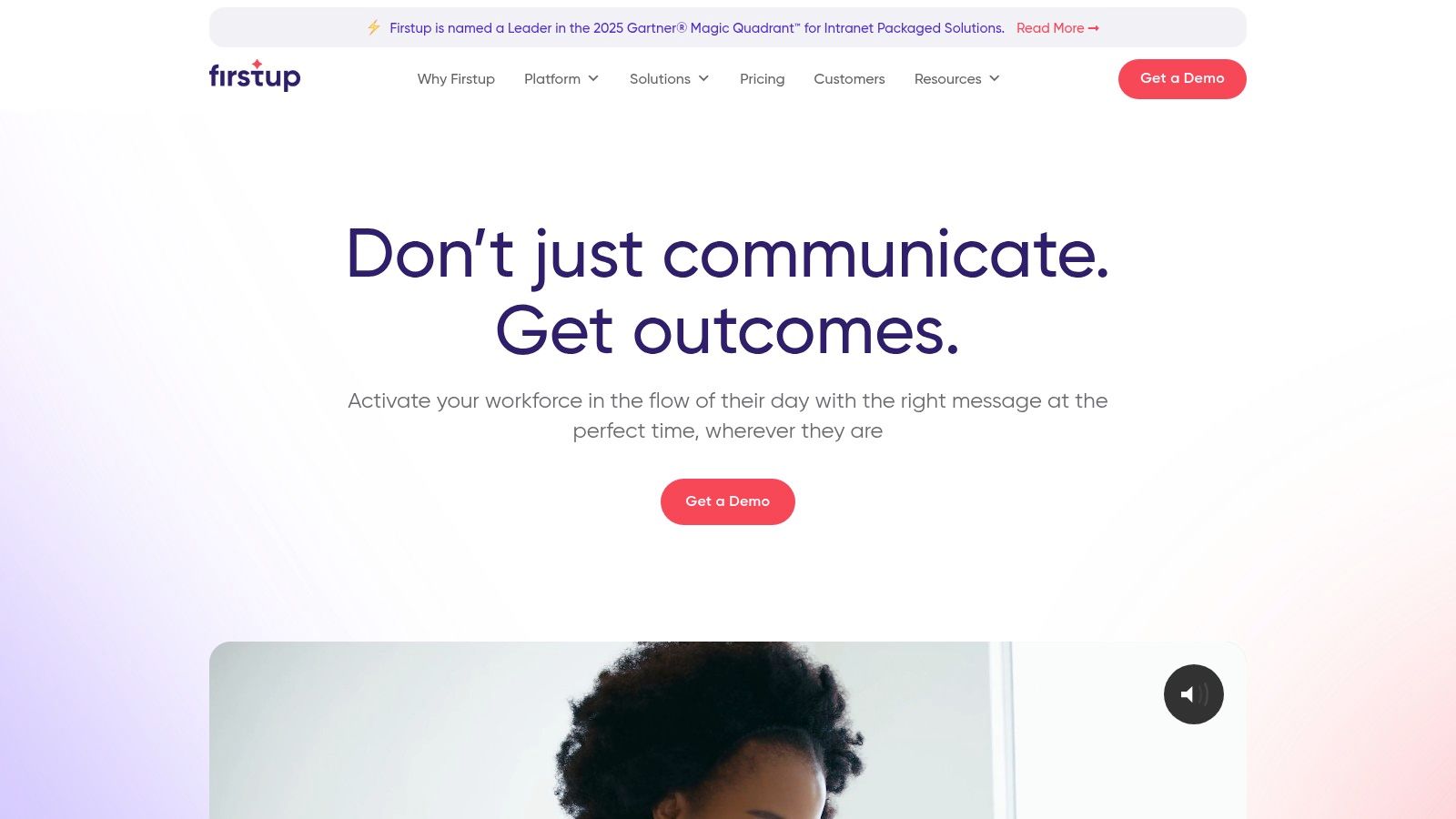
Firstup is an intelligent communication platform built for large companies that are ready to move beyond the all-staff email blast. It helps internal comms teams create targeted, multi-channel campaigns that reach employees on the channels they actually use—whether that’s mobile, digital signage, or even a well-designed email. The point is to deliver relevant information instead of one-size-fits-all noise.
This makes it a powerful alternative to email for big companies that want to measure the impact of their communications. It treats employee engagement like a science, providing data to see what works and what doesn't.
Why we like Firstup
The campaign-based approach is what’s interesting here. Instead of just sending a message, you build a whole communication strategy around an initiative, track its reach across different parts of the company, and adjust based on real-time data. It’s about being intentional with internal comms.
Best for: Enterprise-level companies with complex internal audiences and a need for serious analytics to prove communication ROI. This is a tool for dedicated internal comms teams.
Pros: Its targeting and analytics are top-notch for cutting through the noise. They also offer consulting services to help with the rollout.
Cons: Quote-based pricing signals a higher price point. It’s almost certainly more tool than a small or mid-sized business needs.
You can learn more and request a demo at firstup.io.
10. Mattermost
Mattermost is an open-source, self-hosted messaging platform for technical and security-obsessed teams. Think of it as a Slack or Teams that you run on your own servers. This gives you complete control over your data, compliance, and infrastructure. It’s for companies where data security isn't just a preference—it's a requirement.
This makes it one of the most powerful alternatives to email for regulated industries like finance, government, and healthcare. It goes beyond chat with integrated project boards and "Playbooks" for structured workflows, turning it into a command center for technical operations.

Why we like Mattermost
Mattermost is all about control and flexibility. For DevOps and IT teams, the ability to deeply integrate it into their toolchains with webhooks and plugins is a huge win. The platform is built for high-trust environments where off-the-shelf cloud tools just won't cut it. You can learn more about Mattermost's position among other leading team communication apps in our detailed guide.
Best for: DevOps, security, and IT teams in highly regulated industries that need to host their own tools and have full data control.
Pros: Unmatched security and data control because you host it yourself. It's highly extensible and customizable for technical work.
Cons: It takes significant technical skill to set up and maintain compared to a cloud tool. The user experience can feel less polished than its mainstream rivals.
You can learn more and see pricing at mattermost.com.
11. Rocket.Chat
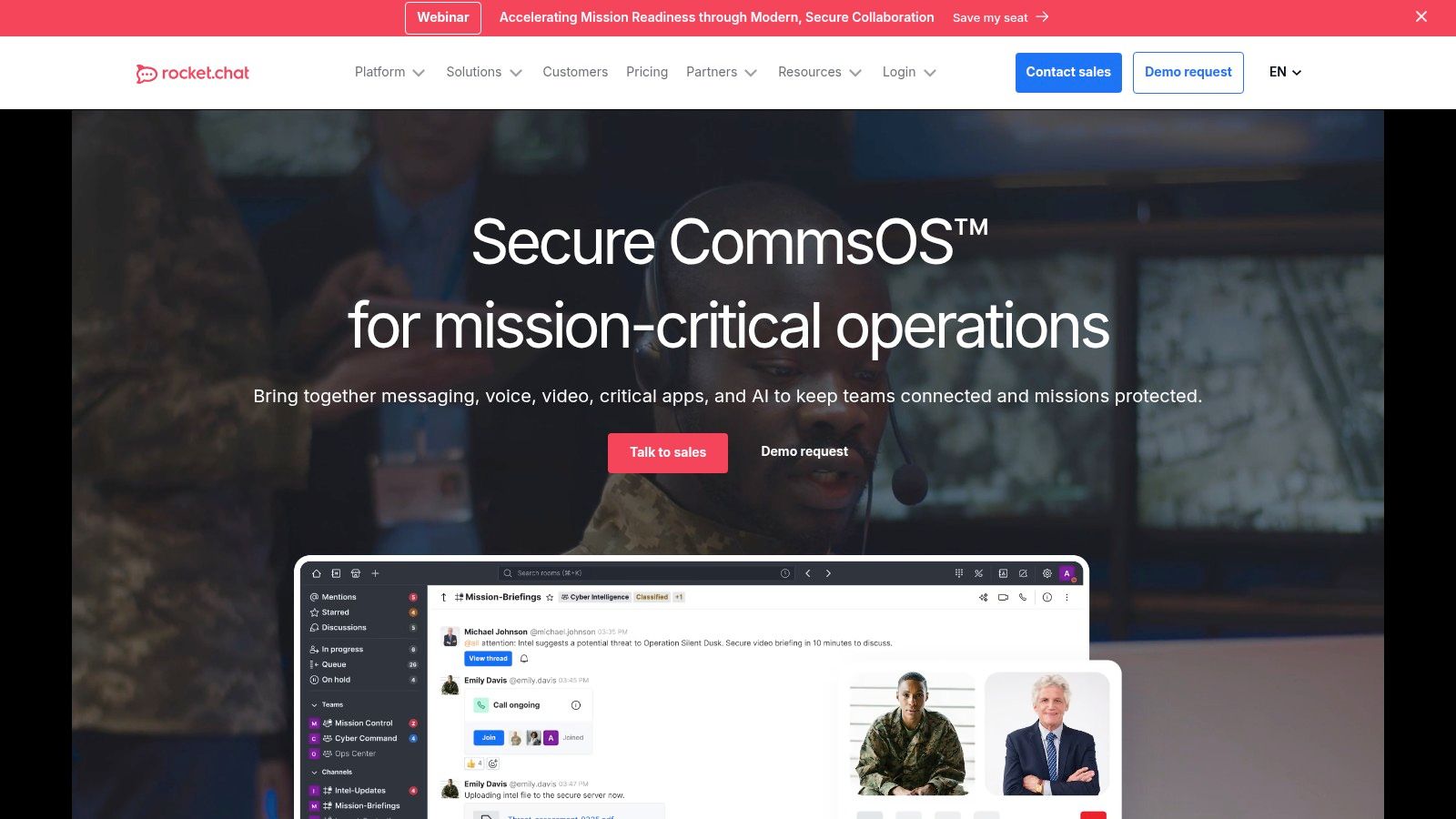
For organizations where security and data control are everything, Rocket.Chat offers a powerful, open-source alternative. It’s a team collaboration platform you can host on your own servers or use through their cloud service. This makes it a go-to for governments, healthcare, and financial institutions that have to meet strict compliance and privacy rules.
Instead of your data living on someone else's servers, you keep it entirely in-house. Rocket.Chat offers all the standard features like channels and video calls, but its real power is its flexibility and security, making it a compelling alternative to email for high-stakes work.
Why we like Rocket.Chat
Rocket.Chat stands out because of its open-source principles and deployment flexibility. The ability to run it in an "air-gapped" environment—completely disconnected from the public internet—is a rare and critical feature for certain industries. You can also white-label the entire platform to match your brand.
Best for: Highly regulated industries like government, finance, and healthcare, or any company that requires self-hosting for maximum security.
Pros: Exceptional security and flexibility, including self-hosting. The open-source model allows for deep customization.
Cons: You need technical expertise to set up and maintain it yourself. The user interface and app marketplace are less polished than the big players like Slack or Teams.
You can learn more and see pricing at www.rocket.chat.
12. Element (Matrix)
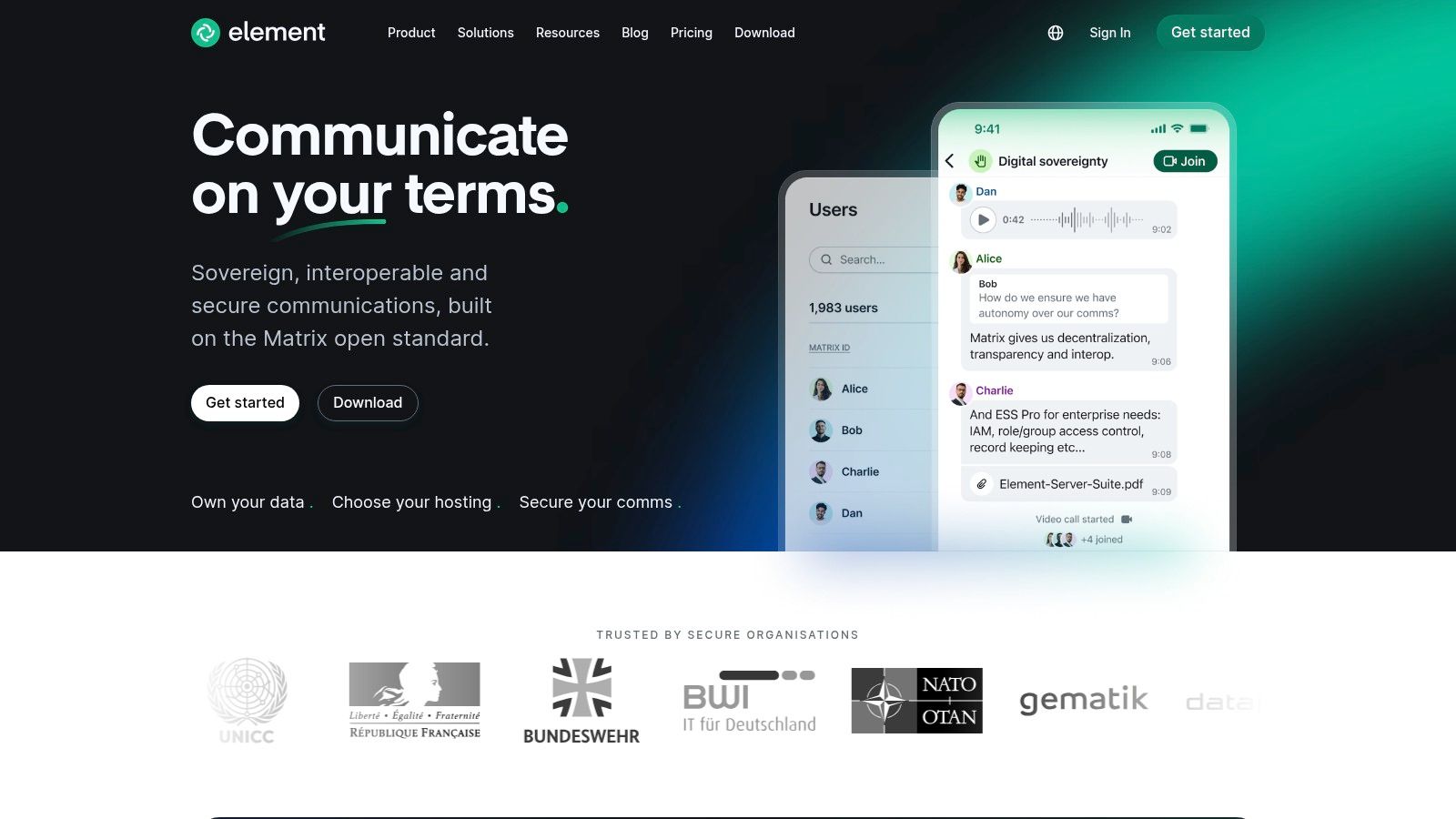
Element is an enterprise-grade collaboration platform built on the open-source Matrix protocol. It’s for organizations where security and data ownership are non-negotiable. It offers end-to-end encrypted messaging, calls, and file sharing in a decentralized environment. Instead of your data living on a third-party server, Element lets you host it yourself, putting you in complete control.
This makes it a serious alternative to email for government, defense, and other regulated industries that can't risk data exposure. It’s also built for secure, federated communication, which means different organizations running their own Element servers can securely talk to each other.
Why we like Element (Matrix)
What sets Element apart is its commitment to digital sovereignty. The ability to run it on-premises or even in an air-gapped network is a game-changer for high-security environments. Its foundation on the Matrix protocol also prevents vendor lock-in and allows it to connect with other tools like Teams or Slack through "bridges."
Best for: Public sector, regulated industries, and any large organization that needs absolute control over its communication data.
Pros: Unmatched security with default end-to-end encryption and self-hosting options. The open-source protocol prevents vendor lock-in.
Cons: It requires significant IT resources and technical skill to deploy and maintain a self-hosted server. The user experience can be less polished than mainstream tools.
You can learn more and see pricing at element.io.
Top 12 Email Alternatives — Quick Comparison
Product | Core features (✨) | UX & quality (★) | Best for (👥) | Pricing & value (💰) | Unique strength (✨) |
|---|---|---|---|---|---|
Pebb 🏆 | Unified chat, Spaces, tasks, shifts, PTO, knowledge, analytics | ★★★★☆ Mobile-first, fast adoption | 👥 Frontline + office teams | 💰 Free start; affordable scale (contact sales) | ✨ All‑in‑one mobile hub replacing tool sprawl |
Slack | Channels, DMs, huddles, apps & workflows | ★★★★☆ Polished, high adoption | 👥 Distributed/tech teams | 💰 Free tier; paid per-seat (can scale costly) | ✨ Vast app ecosystem & integrations |
Microsoft Teams | Chat, meetings, files, tasks + M365 deep links | ★★★★☆ Enterprise-grade, integrated | 👥 Microsoft 365 orgs & regulated enterprises | 💰 Included with M365; licensing complexity | ✨ Deep Office + identity/device integration |
Google Chat (Workspace) | Spaces, DMs, Meet, Drive & AI integration | ★★★☆☆ Seamless for Workspace users | 👥 Google Workspace-centric teams | 💰 Included with Workspace; limited 3rd‑party apps | ✨ Gemini AI summaries & Drive linking |
Zoom Team Chat | Channels, DMs, file share → quick meeting handoff | ★★★☆☆ Simple, meeting-focused flow | 👥 Zoom-first organizations | 💰 Included in Workplace plans; basic free tier | ✨ Smooth chat-to-meeting continuity |
Workvivo | Company news, recognition, communities, analytics | ★★★★☆ Engaging, intranet-style UX | 👥 Internal comms & HR teams | 💰 Quote-based (enterprise) | ✨ Top-down comms + frontline reach |
Staffbase | Branded apps, news feeds, translations, chat add-on | ★★★★☆ Scalable comms experience | 👥 Comms/HR needing branded reach | 💰 Quote-based; implementation required | ✨ Branded employee apps & targeting |
Firstup | Campaign orchestration, personalization, analytics | ★★★★☆ Enterprise comms & campaigns | 👥 Large enterprises with complex comms | 💰 Quote-based; services available | ✨ Advanced targeting & campaign orchestration |
Mattermost | Channels, DMs, playbooks, self-host & enterprise add-ons | ★★★☆☆ Powerful for DevOps, heavier ops | 👥 Regulated / security-sensitive teams | 💰 Community free; paid enterprise plans | ✨ Full data control & on‑prem deployment |
Rocket.Chat | Channels, voice/video, federation, white‑label | ★★★☆☆ Flexible, security-focused | 👥 Governments & regulated sectors | 💰 Self-host starter; paid hosted tiers | ✨ Air‑gapped & federation options |
Element (Matrix) | E2EE chat, voice/video, Matrix federation & servers | ★★★☆☆ Secure, sovereign-first | 👥 Public sector & privacy-conscious orgs | 💰 Open-source self-host; paid pro support | ✨ E2EE + federation bridges to reduce lock‑in |
Final Thoughts
We’ve walked through a dozen different tools, from chat apps like Slack to specialized platforms like Workvivo. It’s clear the world is moving beyond the inbox for internal communication. The real question isn't if you should look for alternatives to email, but which one fits how your team actually works.
Email became the default because it was simple and universal. But it also created a culture of noise, endless threads, and fragmented information. The tools we’ve talked about aim to solve that, each in their own way. A chat app fixes the speed problem. A knowledge hub tackles the "where did I put that file?" issue. An employee app brings everything together in one place.
How to choose your path forward
Let's be honest, changing a core system is daunting. The key is to start with your biggest pain point.
Drowning in quick questions? A dedicated chat tool like Slack or Teams is your first move. It will immediately cut down on the one-line emails that clog everyone’s day.
Company news getting lost? An intranet or employee app like Staffbase gives important messages the spotlight they deserve, separating them from the daily chatter.
Struggling to connect with non-desk workers? This is where a unified, mobile-first platform really shines. These employees don't live in their inbox; they need a simple way to see schedules and get updates.
The goal isn't just to replace email. It’s to build a more intentional, organized, and humane way of communicating. It’s about creating dedicated spaces for different kinds of conversations. If you're thinking bigger, about building entire interactive communities, you might find some useful ideas in this list of the 12 Best Online Community Platforms for Creators & Brands.
The real work begins now
Choosing a tool is just the first step. Success comes from thoughtful implementation. You need to set clear guidelines. What goes in chat versus a project board? How will you share official news? Without a plan, you risk creating a faster version of the same old chaos.
Don’t aim for a perfect, overnight switch. Start with one team or one specific problem. See what sticks, get feedback, and adapt. The best alternatives to email are the ones your team genuinely adopts because they make their work-life simpler, not more complicated. The inbox isn’t going away completely, but its role can, and should, be radically reduced. Now you have a map.
If you’re tired of stitching together multiple tools and want a single, calm place for your team to connect, communicate, and operate, take a look at Pebb. It combines chat, scheduling, knowledge sharing, and task management into one unified platform designed for how modern teams actually work. See if Pebb is the right fit for you.
