
Author: Ron Daniel
Best Workforce Operations Apps for Frontline Employees
Compare top frontline apps for scheduling, communication, time tracking, and task management in one clear guide.
Have you ever tried managing a team with digital tools for frontline employees, only to feel like you're herding cats? I’ve been there. At Pebb, we’ve seen this chaos firsthand - managers juggling spreadsheets, WhatsApp groups, and sticky notes just to keep shifts and tasks on track. It’s like trying to build a house with mismatched tools. And trust me, it’s exhausting.
Here’s what I’ve learned: when communication and scheduling are scattered, things fall apart - shifts get missed, tasks slip through the cracks, and employees feel out of the loop. We knew there had to be a better way. That’s why we created Pebb, an all-in-one app that simplifies scheduling, communication, and task management for frontline teams.
In this article, I’ll walk you through not just Pebb, but also other top workforce apps like Connecteam and Workforce.com. Whether you’re running a small business or managing multiple locations, I’ll share what works, what doesn’t, and how these tools stack up. Let’s dive in and find the right fit for your team.
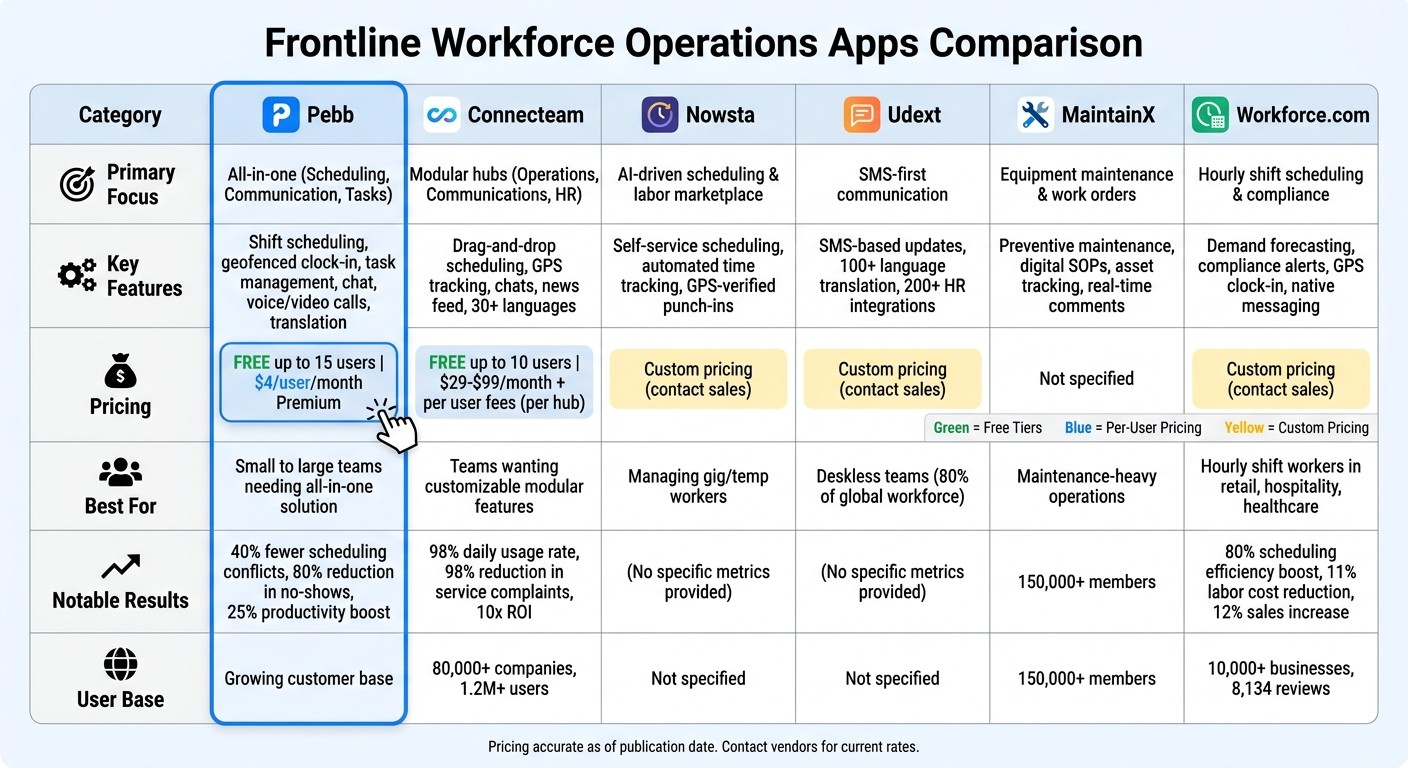
Workforce Operations Apps Comparison: Features and Pricing
1. Pebb
At Pebb, we’ve tackled the headache of juggling multiple apps for scheduling, communication, and task management. Instead, we’ve created one centralized hub that simplifies shift scheduling, time tracking, task organization, and team communication. Let me walk you through how each feature helps streamline operations and keeps teams on track.
Shift scheduling and time tracking
Our drag-and-drop calendar makes setting up recurring shifts quick and easy. It shows real-time availability and even sends out automated SMS or push notifications to keep everyone in the loop. One standout feature is the geofenced clock-in, which uses GPS to automatically log when employees arrive at or leave job sites. This not only reduces errors but also curbs time theft. For example, a warehouse team in Texas cut scheduling conflicts by 40% during their peak holiday season. On top of that, our automated notifications have helped reduce no-shows by an impressive 80% for many of our customers.
Task management and productivity tools
Gone are the days of messy paper logs. With Pebb, digital checklists make assigning and tracking tasks a breeze. Employees can upload photos and attach GPS stamps as proof of work - perfect for field teams or businesses operating across multiple sites. A manufacturing company in California saw a 25% boost in productivity after switching to Pebb, with workers completing 15% more tasks daily using our mobile app.
Communication and collaboration features
Keeping everyone connected is easy with Pebb’s centralized communication tools. From instant chats and shift-specific group messages to announcement broadcasts and integrated voice/video calls, we’ve got it covered. Read receipts ensure nothing gets overlooked, and our translation feature bridges language gaps for diverse teams. A hotel chain in New York used Pebb to coordinate over 200 frontline staff, cutting guest issue response times by 50%.
Pricing and affordability
Here’s the deal: our Standard plan is completely free for teams of up to 15 employees. It includes shift planning, clock-in, PTO management, unlimited chat history, tasks, and digital forms. If you’re looking for more advanced features, the Premium plan is just $4 per user per month. It offers extras like advanced analytics, voice and video calls, integrations, and enterprise-level permissions. Plus, there are no hidden fees or long-term contracts, and you can try it all with a 14-day free trial.
Feature | Standard Plan (Free) | Premium Plan ($4/user/month) |
|---|---|---|
Team Size | Up to 15 employees | Unlimited |
Scheduling | Shift planning, Clock-in, PTO | Shift planning + Advanced Analytics |
Communication | Unlimited Chat & News feed | Voice & Video calls + Advanced Posts |
Operations | Tasks, Digital forms, Calendar | Tasks + 50+ Integrations |
Support | Standard | Premium SLA & Permissions control |
Pebb makes it simple to manage your team, whether you’re running a small business or overseeing a large operation. It’s all about giving you the tools you need - without the hassle.
2. Connecteam
Connecteam is a platform that supports over 80,000 companies and more than 1.2 million users globally. It breaks its features into three subscription-based hubs: Operations, Communications, and HR & Skills. To access the full suite of features, you’ll need separate subscriptions for each hub. Let me walk you through how Connecteam tackles scheduling, task management, and team communication for frontline workers.
Shift Scheduling and Time Tracking
Connecteam’s scheduling tool is built for ease. Its drag-and-drop calendar, combined with AI-driven auto-scheduling, makes creating shifts a breeze. It even flags issues like overlapping shifts, double-bookings, or scheduling during approved time off. For added accountability, GPS geofencing and real-time "breadcrumb" tracking allow managers to verify employee locations during shifts. This ensures workers are where they need to be, when they need to be there.
Task Management and Productivity Tools
The Operations Hub simplifies task management by linking tasks, safety protocols, and checklists directly to employee shifts. This means workers know exactly what’s expected of them the moment they clock in. Biggby Coffee, for example, saw a 98% daily app usage rate after adopting Connecteam for scheduling and training. Designed with mobile-first in mind, it’s a natural fit for on-the-go frontline teams.
Communication and Collaboration Features
Connecteam’s Communications Hub offers tools like one-on-one and group chats, a company news feed (think internal social media), surveys, polls, and an employee directory. Read receipts help managers confirm that critical updates aren’t missed. Impressively, the platform supports over 30 languages, making it easier for diverse teams to stay on the same page. However, there’s a catch - Connecteam doesn’t include native voice or video calling. If real-time calls are a must, you’ll need to rely on external tools. That said, NAE Cleaning Solutions reported a 98% reduction in service complaints and a tenfold return on investment after moving their operations to Connecteam.
Pricing and Affordability
Connecteam offers a free Small Business Plan for teams of up to 10 users, with access to all premium features. Beyond that, the pricing can get tricky. Each hub requires its own subscription:
The Basic Plan starts at $29/month for the first 30 users.
The Advanced Plan costs $49/month, plus $1.50 per additional user.
The Expert Plan is $99/month, with an extra $3.00 per additional user.
If you need all three hubs for comprehensive workforce management, the costs can add up quickly. By comparison, Pebb’s all-in-one solution costs just $4 per user with no hidden fees, making it a much simpler and budget-friendly option.
3. Nowsta
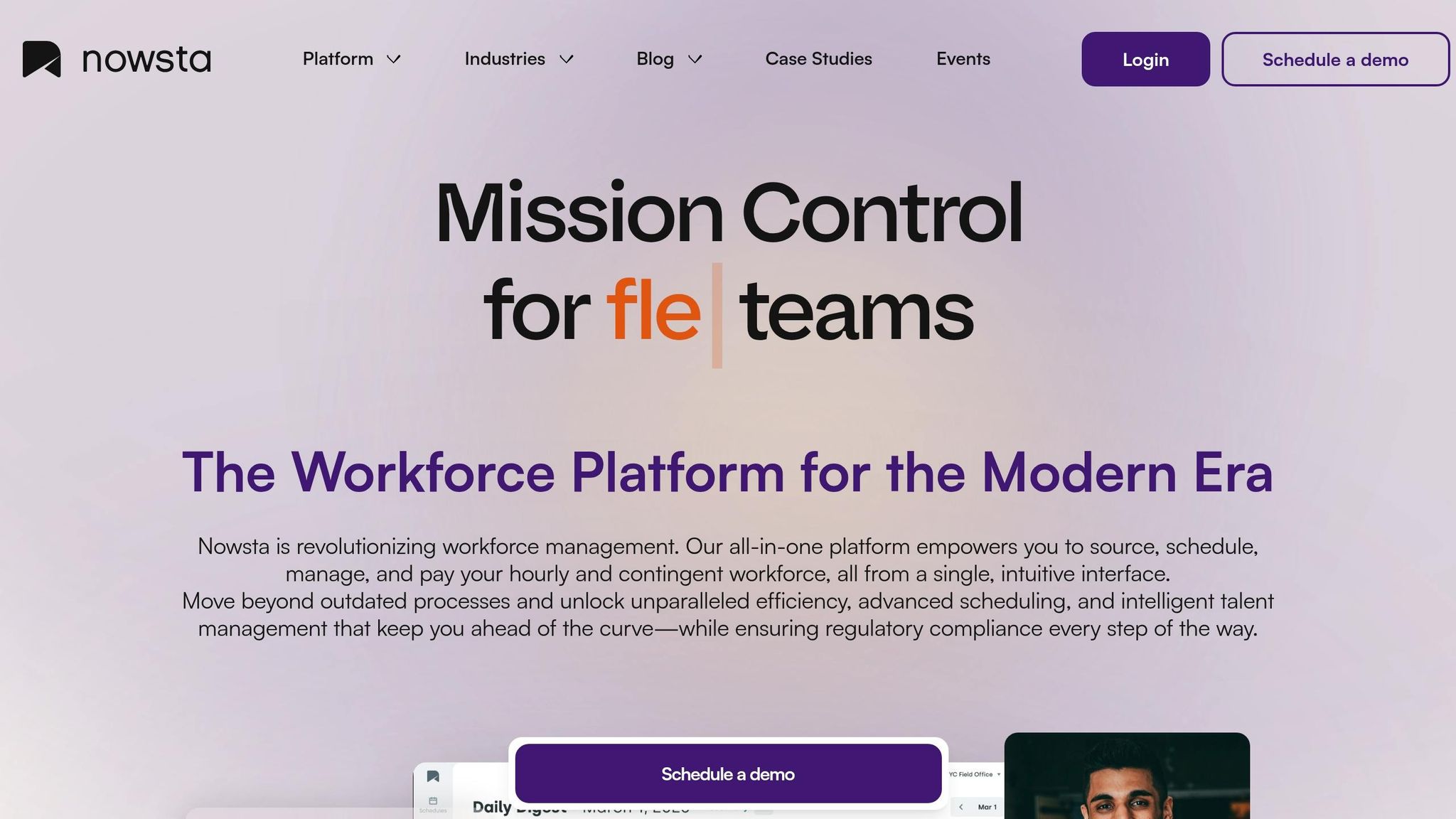
Nowsta brings an AI-driven approach to scheduling, offering a labor marketplace that connects employees to shifts based on their skills, availability, and past performance. It's designed to simplify operations and cut down on the hassle of manual scheduling.
Shift Scheduling and Time Tracking
With its mobile-first, self-service model, Nowsta allows frontline workers to take charge of their schedules. They can view upcoming shifts, claim open ones, or even request swaps - all directly from their phones. On top of that, the platform features automated time tracking with a digital time clock. Using GPS-verified punch-ins and punch-outs, it ensures payroll data is accurate and reliable.
Communication and Collaboration Features
Here’s where Nowsta falls a bit short. The platform keeps its focus tight on scheduling and time tracking, leaving communication tools largely out of the equation. If your team needs robust collaboration features, you might have to look elsewhere or pair Nowsta with another solution.
Pricing and Affordability
Nowsta doesn’t make its pricing public, which means you’ll need to reach out to their sales team for a quote. While this approach might work for larger organizations, it could be a hurdle for smaller businesses that prefer upfront, transparent pricing.
4. Udext
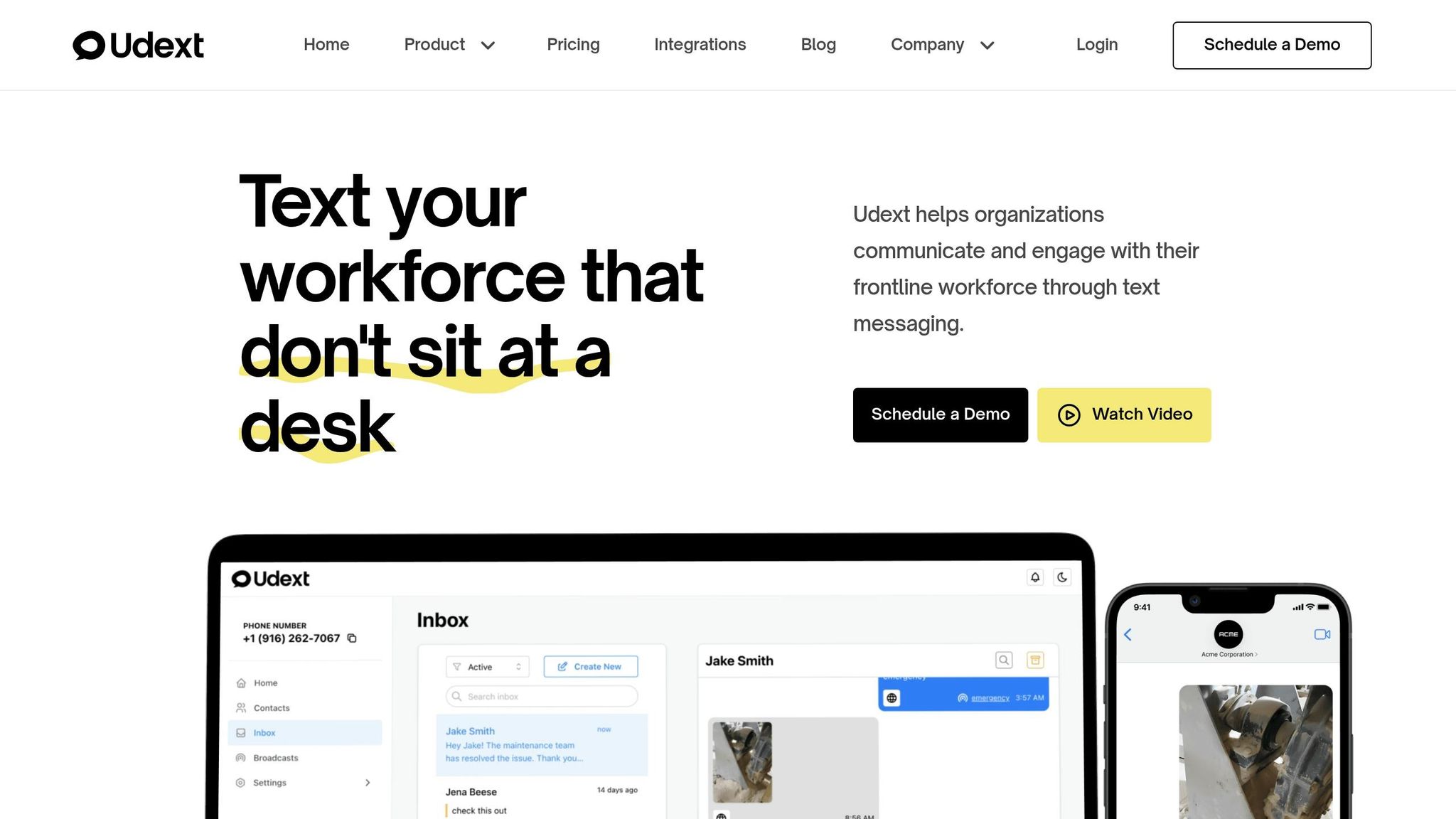
Udext takes a unique approach compared to tools like Nowsta. Instead of diving into scheduling or time tracking, it focuses entirely on communication for frontline teams. Think of it as the go-between that connects your workforce management tools with your employees' phones. It's not trying to replace your scheduling software - it’s there to enhance how you communicate with your team.
Communication and Collaboration Features
What really stands out about Udext is its SMS-first approach. Your team doesn’t need to download yet another app or struggle to remember another password. Shift updates, reminders, and announcements are sent straight to their text messages. Workers can reply or confirm shifts directly from their phones, making it seamless and accessible. This is especially important when you consider that around 80% of the global workforce works without a desk.
"If one shift update doesn't land, you feel it fast: a missed handoff, a coverage gap, a safety step skipped, and managers scrambling to patch the day." - Jay Nasibov, Internal Communications, Udext
Another impressive feature is its automatic translation capability. With support for over 100 languages, Udext ensures that shift instructions are clear and accessible for diverse teams. It also integrates with more than 200 HR and payroll systems, while tracking confirmations and response times to ensure critical messages don’t go unnoticed. This focus on clear, reliable communication is where Udext shines.
Pricing and Affordability
Here’s the catch: Udext doesn’t share its pricing upfront. If you’re interested, you’ll need to schedule a demo or contact their sales team for a custom quote. For businesses trying to compare options, this lack of transparency can be a bit of a hassle - especially when competitors like Pebb offer straightforward pricing at just $4 per user.
5. MaintainX
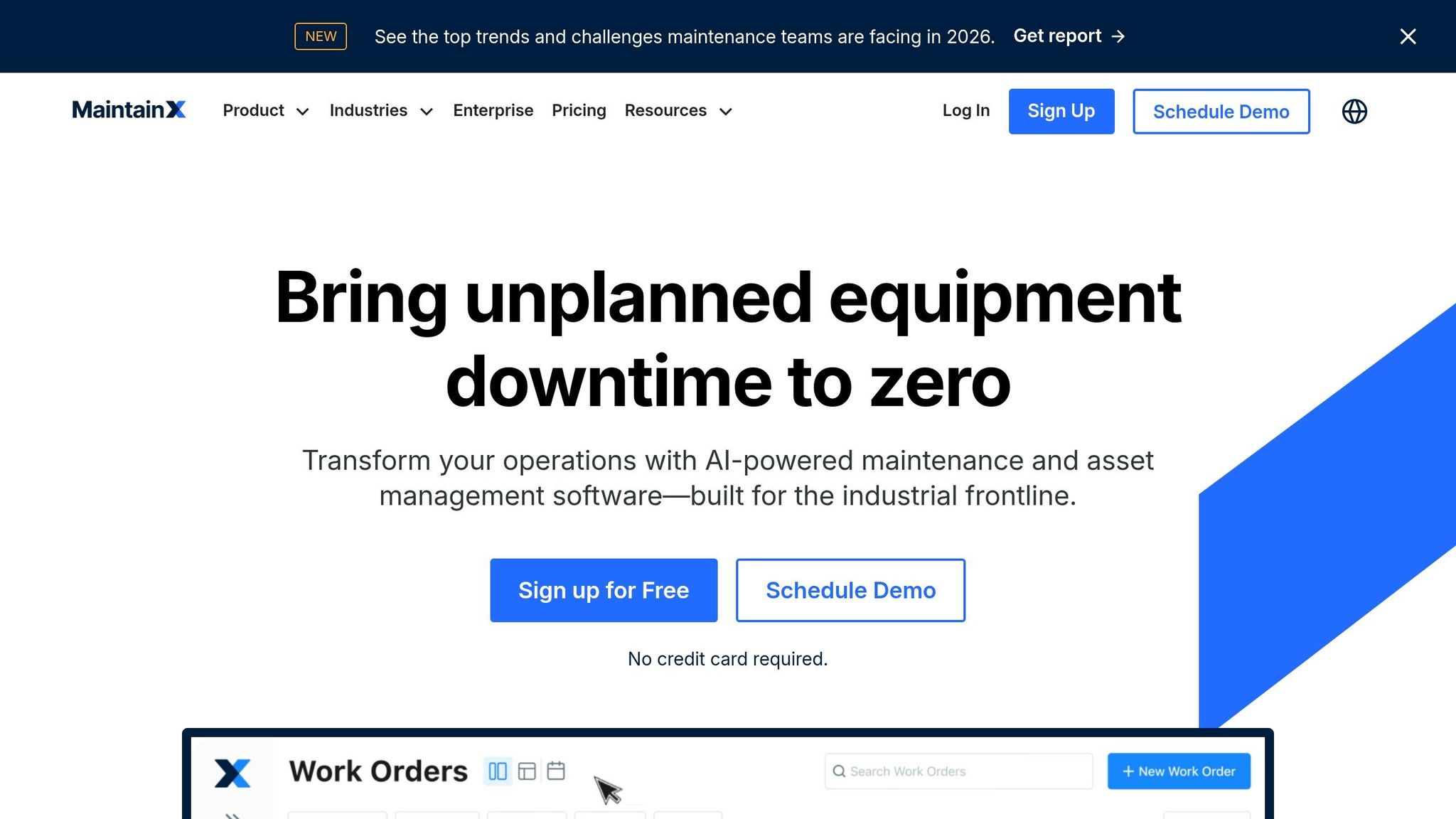
MaintainX is all about making life easier for frontline teams dealing with equipment maintenance and work order management. If your team spends hours keeping machinery, facilities, or assets in top shape, this platform can replace those old-school paper checklists and work orders with a mobile-friendly system that simplifies the entire process. Let me walk you through how MaintainX organizes tasks and boosts communication for maintenance teams on the move.
Task Management and Productivity Tools
When it comes to organizing maintenance tasks, MaintainX shines. It offers features like preventive maintenance scheduling, digital standard operating procedures (SOPs), checklists, and even tracks complete asset histories - all accessible from a mobile device. Workers can easily pull up procedures, log completed tasks, and keep an eye on equipment status without missing a beat. With over 150,000 members already using the platform, it’s clear that teams looking to modernize their operations have found a solid solution here.
"We went from the dark ages into the light. MaintainX was the fastest software implementation we ever experienced."
– Mike Rapport, Owner, Merit Aluminum
Communication and Collaboration Features
One standout feature of MaintainX is its real-time communication capabilities tied directly to work orders. Team members can leave comments, share updates, and even attach photos to specific tasks, making collaboration smoother than ever. As Thomas Bond, Regional Manager of Facilities, Americas, Pepperl+Fuchs, Inc., put it, "MaintainX is so simple and easy, my team enjoys using it."
6. Workforce.com
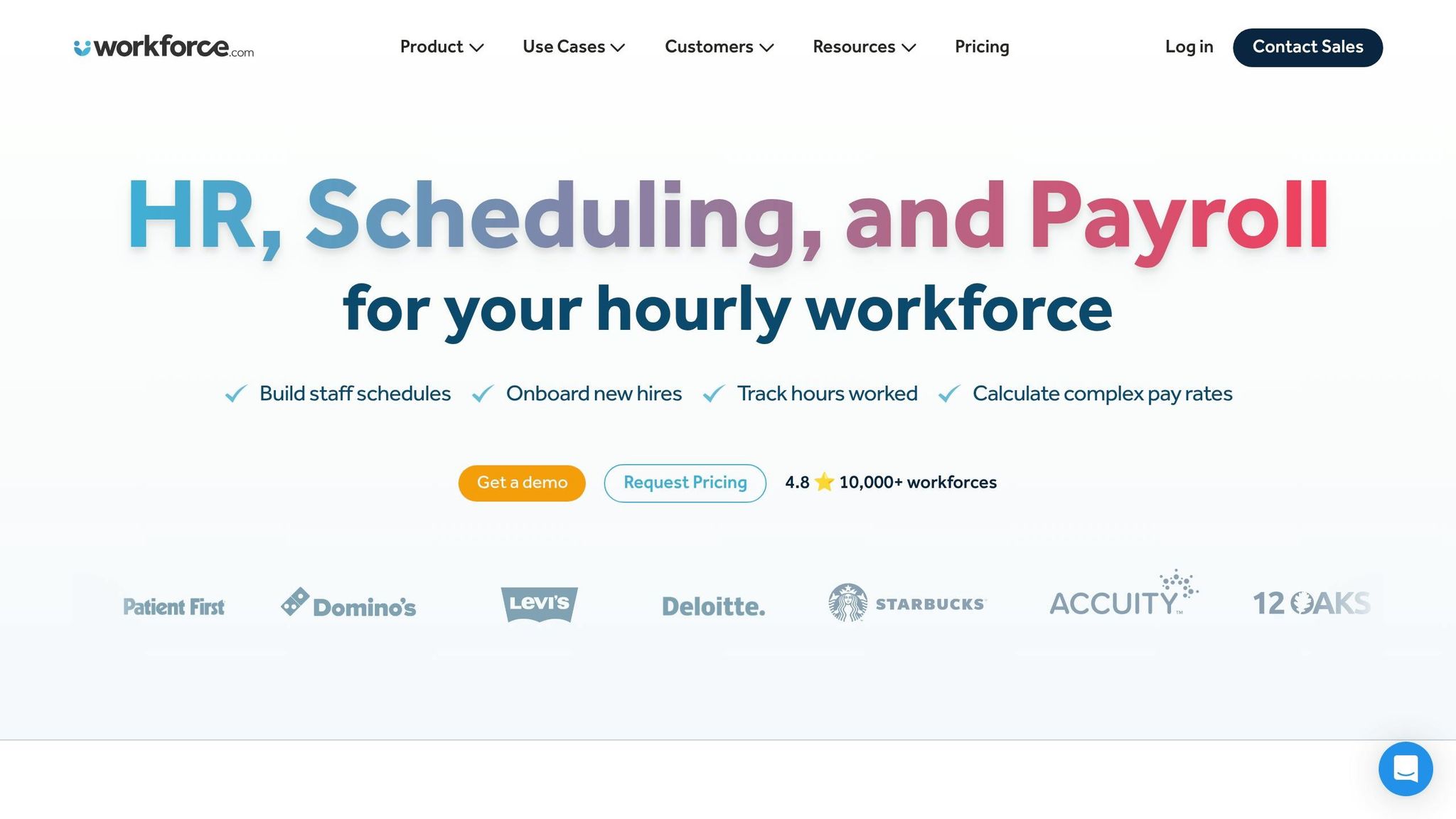
Workforce.com zeroes in on industries with hourly shift workers, offering tools that simplify maintenance and task management. Whether you're running a retail store, restaurant, healthcare facility, or entertainment venue, this platform has become a go-to for over 10,000 businesses, with 8,134 reviews backing its reputation. What makes it stand out? Its mobile-first design. Managers can handle scheduling, track teams, and oversee operations right from their phones - keeping them on the floor where they’re needed most.
Shift Scheduling and Time Tracking
Let me tell you, scheduling shifts manually is a headache. Workforce.com eliminates that entirely. Managers can drag and drop shifts, forecast demand, and even let employees grab open slots themselves. It goes a step further by logging clock-ins through GPS and auto-generating timesheets, giving you a live view of your workforce. Plus, it’s got built-in compliance tools that flag overtime issues, wage discrepancies, or missed breaks. And those "Key Alerts"? They’re a lifesaver - managers get notified instantly if someone’s running late or working past their scheduled hours. It’s like having an extra set of eyes on your team at all times.
Communication and Collaboration Features
Here’s where Workforce.com really shines: it doesn’t just stop at scheduling. Its communication features are baked right into the platform. No more jumping between apps to notify your team about changes. Managers can message staff directly to update them on new shifts or adjustments. Dan Cohen from Amenity Collective summed it up perfectly:
Workforce.com's alert system and native dashboards help us identify real-time challenges – managers instantly see where their workforce is and where gaps exist.
And the results? Pretty impressive. Companies using Workforce.com report an 80% boost in scheduling efficiency and an 11% reduction in labor costs on average. Domino’s Pizza, for instance, saw a 12% jump in sales per labor hour, while Palace Playland cut over $1,000 a week in time theft costs. As for pricing, it’s tailored to your needs - so you’ll need to reach out to their sales team for a quote.
Conclusion
Efficient frontline operations thrive on clear communication and seamless scheduling. The trick is finding a workforce operations app that truly caters to your team's needs. That’s where Pebb comes in. It bundles everything - shift scheduling, work chat, time tracking, news feeds, plus voice and video calls - into one platform. And here’s the kicker: it’s free for up to 15 users, with a simple $4 per user per month after that. No more bouncing between tools or dealing with surprise fees.
Of course, there are other solid options out there. Connecteam is great if you want modular features to mix and match. Nowsta shines when managing gig or temp workers. Udext focuses on keeping deskless teams connected through messaging. MaintainX is a go-to for maintenance-heavy teams, and Workforce.com simplifies scheduling with automation and compliance tools. Each app has its strengths, but the real win comes from choosing one that aligns with how your team works.
Think about what your team needs most. Is it quick shift swaps? A way to communicate without sharing personal numbers? Easy compliance tracking? Matching those needs to the right features is the key to success. At Pebb, we built our platform because we saw teams drowning in a sea of disconnected tools. We wanted to create a simple, all-in-one solution that keeps everyone on the same page - without the chaos.
FAQs
How do I choose the right workforce operations app for my frontline team?
To choose the best workforce operations app, focus on finding one that brings scheduling, communication, and task management together in a single, mobile-friendly platform. Let me tell you, Pebb ticks all those boxes. It offers a range of features like shift scheduling, built-in chat, PTO tracking, and even voice and video calls. The best part? You can start with their free all-in-one solution, or upgrade to their premium plan for just $4 per user.
When evaluating options, pay attention to how easy it is to use, whether it provides real-time notifications, and if it includes tools specifically designed for your industry’s needs. Trust me, having everything in one place can make a world of difference.
What does an all-in-one frontline app replace (and what should it include)?
Imagine juggling a dozen apps just to manage your day-to-day work - one for scheduling, another for communication, yet another for tasks... It’s exhausting, right? That’s where an all-in-one frontline app steps in to save the day. By pulling together the features you actually need - like shift scheduling, real-time communication (chat, voice, video), task management, PTO tracking, employee directories, and engagement tools - it simplifies everything into one go-to platform.
Take Pebb, for example. It eliminates the chaos of spreadsheets, endless email chains, scattered group chats, and multiple scheduling or task apps. The result? Operations run smoother, admin tasks shrink, and collaboration becomes seamless. It’s like clearing out the clutter so your team can focus on what really matters.
How can I roll out a new app without disrupting shifts or losing adoption?
To launch a new app without a hitch, I’ve found that using a single, easy-to-navigate platform like Pebb works wonders. It brings together everything you need - communication, scheduling, and task tracking - all in one place. Here’s how we make it work:
Start with clarity: Explain exactly how the app will make everyone’s life easier. Whether it’s cutting down on emails or simplifying project updates, people need to see the “why.”
Provide hands-on training: A quick demo or a few walkthrough sessions can make all the difference. Nobody wants to fumble with a tool they don’t understand.
Ease into it: Roll it out gradually, especially during quieter periods when teams have the bandwidth to explore and adapt.
Stay supportive: Keep the lines open for questions and feedback. A little encouragement goes a long way, especially when someone hits a roadblock.
Celebrate wins: Share stories of how the app is helping others. It builds excitement and reassures everyone that the change is worth it.
By using an all-in-one tool like Pebb, you avoid the chaos of juggling multiple platforms. It’s a smoother transition for everyone, and honestly, it’s just one less headache to deal with.
