
Author: Ron Daniel
Best Free Employee Management Apps for Small Teams
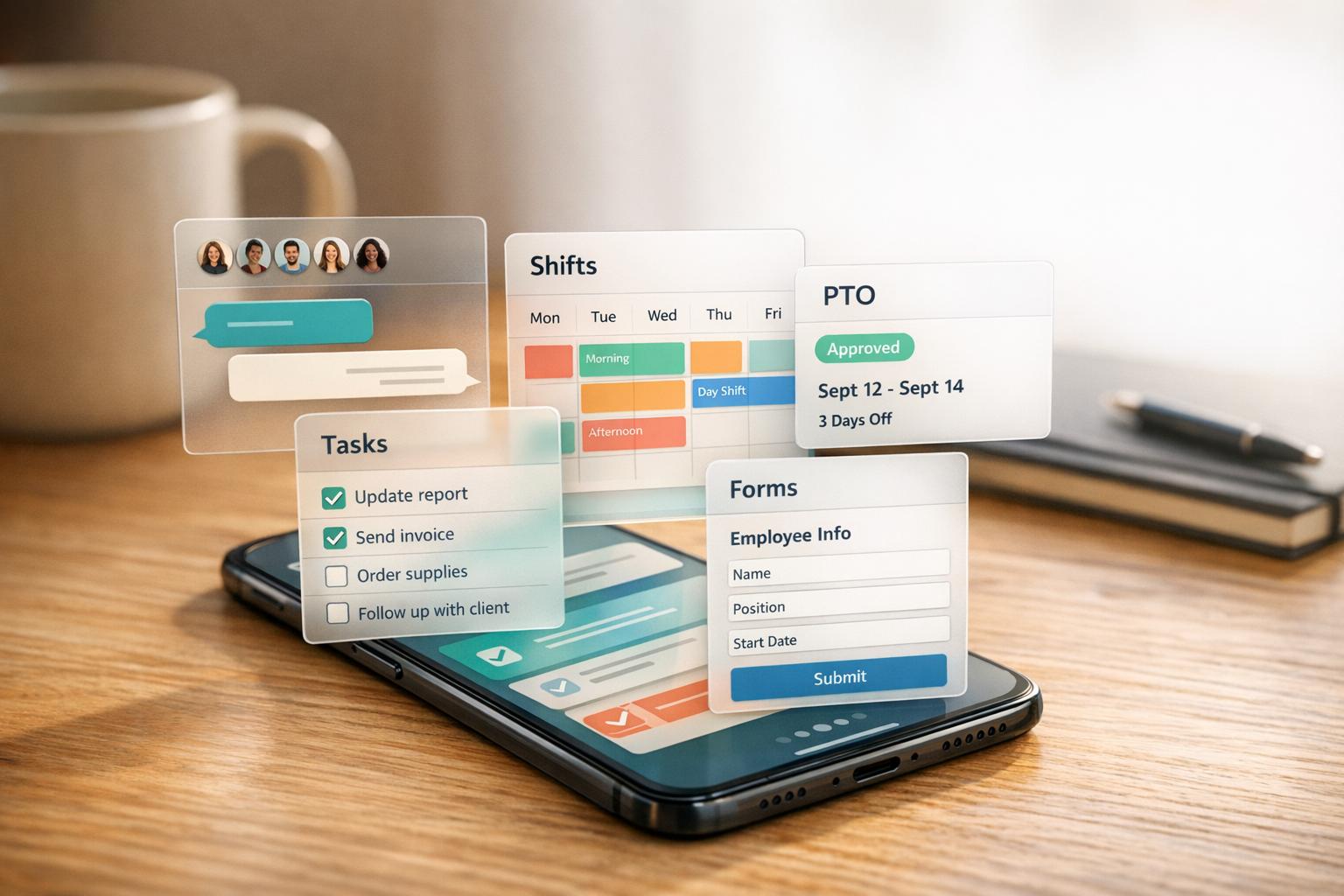
A single free app that combines chat, shift scheduling, PTO, tasks and forms to simplify small-team operations.
Managing a small team can feel like juggling flaming torches. At first, it seems straightforward - until you're drowning in endless group texts, calendar invites, and sticky notes that seem to multiply overnight. I’ve been there, and let me tell you, it’s not pretty. One moment, you’re approving PTO requests via email; the next, you’re trying to figure out why two people showed up for the same shift. Sound familiar?
Here’s the kicker: the tools most small teams rely on don’t play nice together. A recent study showed employees waste 59 minutes every day jumping between disconnected apps. Multiply that across your team, and you’re looking at hours of lost time - and a whole lot of frustration.
That’s why we built Pebb. I’ll be honest, we didn’t set out to reinvent the wheel - we just wanted to solve the chaos we kept seeing in small teams like yours. From communication to scheduling to task tracking, we’ve packed everything into one simple, free app designed for teams with fewer than 50 people. And trust me, it’s a game-changer.
In this article, I’m going to break down the best free employee management apps for small teams, including why Pebb stands out. Whether you’re running a local café, a small clinic, or a boutique agency, you’ll find tools here that can save you time, headaches, and maybe even a little sanity. Let’s dive in.
1. Pebb
At Pebb, we’ve created a tool that simplifies life for small teams by replacing the chaos of group texts, Excel schedules, and endless email chains. It’s an all-in-one solution designed to handle daily operations without the hassle - or the price tag.
Free Plan That Delivers
Here’s the deal: Pebb’s free plan is packed with features for up to 15 users. You get work chat with unlimited message history, a news feed, shift scheduling, PTO management, digital forms, tasks, a knowledge library, and more. It’s perfect for small teams looking to streamline their day-to-day without spending a dime. And when your team grows or needs advanced tools? Our premium plan is just $4 per user per month, offering extras like advanced analytics and integrations. It’s straightforward and scales with your needs.
Who’s It For?
Pebb shines where teams juggle multiple responsibilities - think local restaurants, retail shops, small clinics, or home-services crews. These are teams with fewer than 50 employees, where managers are often multitasking between operations, HR, and customer service. If you’re still texting about shift swaps or approving PTO through email, Pebb was made for you.
Communication Made Simple
With Pebb, communication is seamless. The free plan includes 1:1 chats, group channels, and company-wide announcements, all with unlimited message history. You can set up channels like "Front of House", "Shift Swaps", or "Weekly Updates" to keep conversations focused and organized. Managers can pin messages, make announcements, and use @mentions to ensure nothing important gets missed.
Easy Scheduling and PTO Management
Scheduling is a breeze with Pebb. Managers can create weekly shift calendars, use templates for recurring schedules, and notify staff instantly when updates are published. Employees can check shifts, request swaps, and submit PTO requests directly in the app. Approved PTO syncs right into the shift calendar, so you can spot conflicts before they become a problem - especially during crunch times like Black Friday or July 4th.
Why Pebb Saves You Time
The biggest win with Pebb is how it brings everything together. Instead of hopping between platforms for scheduling, communication, and task management, it’s all in one app. Need to handle opening checklists, safety inspections, or incident reports? Pebb’s digital forms and checklists have you covered. For managers, that’s 2–4 hours saved every week - time better spent growing the business or just catching a breather.
2. Slack
Slack has become a household name when it comes to team communication. It’s a go-to for small teams that need quick, organized messaging - especially if you're already working with tools like Google Workspace or Microsoft 365. While it shines in keeping conversations streamlined, it doesn’t cover scheduling or task management right out of the box.
A Free Plan That Works (Mostly)
Slack’s free plan offers unlimited channels, 1:1 and group messaging, audio huddles, and up to 10 third-party integrations - all at no cost per user. But there’s a catch: your message history is limited to the last 90 days. Older messages don’t vanish entirely, but they’re hidden unless you upgrade. For teams that need to revisit past decisions or maintain records, this can be a real hurdle.
Communication Made Simple
Slack’s channels, like #announcements or #shift-swaps, keep conversations focused and reduce the need for email. And let’s not forget huddles - perfect for quick, impromptu chats. Slack even highlights that teams using their platform see 32% fewer internal emails and 23% fewer meetings - a win for productivity.
Gaps in Scheduling and PTO
Here’s where Slack falls short. It doesn’t offer built-in tools for shift scheduling or PTO management. Managers often resort to workarounds, like creating a #pto-requests channel, to handle time-off approvals manually. While it works, it’s not exactly seamless.
A Communication Hub, Not an All-in-One Solution
At its core, Slack is a powerful communication tool. With over 2,600 integrations, it connects effortlessly to scheduling apps, HR platforms, and project management tools - but you’ll need those additional tools to handle workflows like scheduling or PTO tracking. If fragmented messaging is your team’s main pain point, Slack is a great fix. But for a more comprehensive solution that combines communication, scheduling, and PTO management, platforms like Pebb offer a more complete approach.
3. Microsoft Teams
Microsoft Teams is a name that almost everyone recognizes - and for good reason. It's tightly integrated into the Microsoft ecosystem, making it a natural choice for small teams already using tools like Outlook, Word, or OneDrive. But let’s talk about how the free version stacks up.
A Free Plan That Covers the Basics
The free plan does a solid job at covering essential features. You get unlimited chat messages, 1:1 calls that can last up to 30 hours, and group meetings with a 60-minute limit for up to 100 participants. Each user also gets 5 GB of cloud storage, along with file-sharing capabilities and tools for tasks and polls. Plus, Microsoft ensures your meetings, calls, and files are secured with data encryption.
Where It Shines
Microsoft Teams really hits its stride if your team is already embedded in the Microsoft 365 ecosystem. The Communities feature, for example, is a great way to set up dedicated spaces for specific projects or workgroups. It helps keep conversations focused and avoids the chaos of overcrowded channels. However, for teams outside the Microsoft bubble, onboarding can feel a bit clunky. This often highlights the need for better HR technology integration to streamline workflows. While internal collaboration is a clear strength, Teams doesn’t quite cover all the bases for more complex needs like scheduling or PTO tracking.
Limited Scheduling and PTO Tools
Here’s the catch: scheduling and PTO tools aren’t a strong point in the free version. While basic task creation is included, Microsoft Shifts, the actual scheduling tool, is locked behind the paid Business plans. And if you’re looking for PTO management, you won’t find it in the free tier at all. So, if shift planning or tracking time off is a priority for your team, you’ll either need to upgrade or find another tool to bridge the gap.
Communication First, But Not Quite All-in-One
Microsoft Teams promotes itself as an all-in-one solution for chat, meetings, and content sharing. For communication, it delivers. But when you compare it to something like Pebb’s free all-in-one platform, the limitations start to show - especially in areas like built-in scheduling and PTO management. While Microsoft’s recognition in the 2025 Gartner® Magic Quadrant™ reflects its overall capabilities, the free plan doesn’t fully capture that breadth. If your team’s needs extend beyond messaging and video calls, you’ll likely need to supplement Teams with other tools.
4. Workvivo
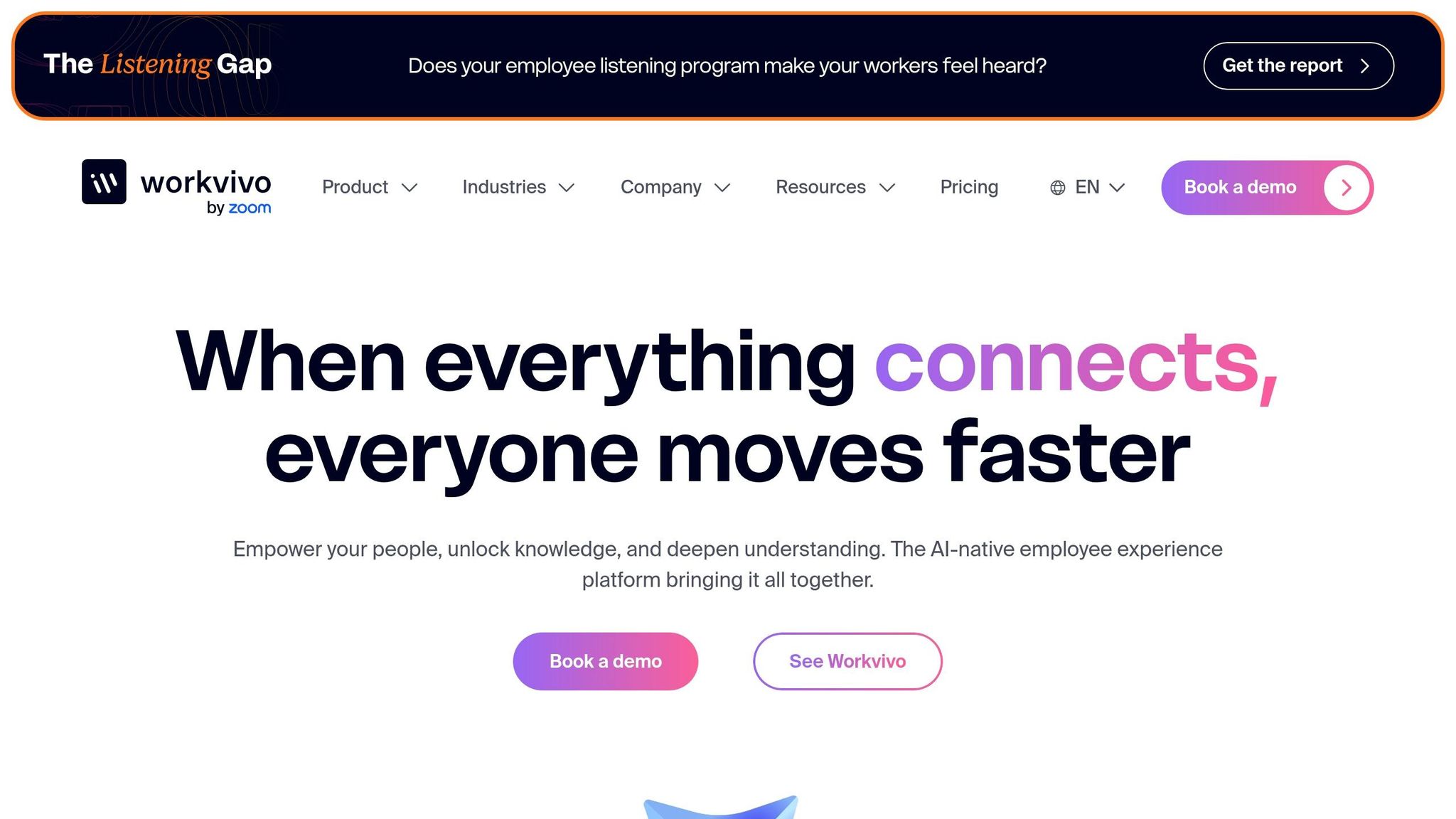
After Microsoft Teams, Workvivo takes a different path by zeroing in on employee engagement. It’s an Employee Experience Platform (EXP) that combines communication, social engagement, and employee recognition into one familiar, social-media-style interface. That design makes it easy for employees to jump in and feel at home.
Free Plan and Best Fit
Here’s the catch - Workvivo doesn’t offer a free plan for smaller teams. Instead, its entry-level "Business" plan is tailored for organizations with 250 to 2,000 employees. This makes it a better option for mid-size to large companies, especially those trying to connect a widely spread-out or frontline workforce.
Communication Features
Workvivo’s communication tools stand out. The Smart Feed delivers updates in a social-media-like stream, while Spaces let teams carve out dedicated areas for specific departments or interests. Employees can also recognize each other with Shoutouts, and leadership can engage through employee surveys, livestreams, and even podcasts. For frontline workers, Workvivo TV broadcasts updates on digital signage. One manufacturing company using Workvivo saw employee engagement scores climb by 15%.
"Workvivo has been instrumental in driving our culture forward. It's living and dynamic, and allows our people to really be themselves and share what's important to them." - Caz Meech, Head of Internal Comms and Employee Engagement, Keyloop
That focus on social engagement and recognition is a big win, but here’s where Workvivo falls short: it doesn’t include scheduling or PTO management like Pebb does.
Scheduling and PTO Support
If you’re a smaller team looking for built-in scheduling or PTO tools, you’ll need to rely on additional software because Workvivo doesn’t offer these features natively.
All-in-One Functionality
While Workvivo excels at engagement and communication for larger organizations, small teams might find it lacking. Unlike Pebb’s free, all-in-one solution, Workvivo focuses on robust engagement tools but misses out on integrated scheduling and PTO management. Still, it’s highly rated on G2, with a 4.8/5 score from 2,616 reviews.
5. Staffbase
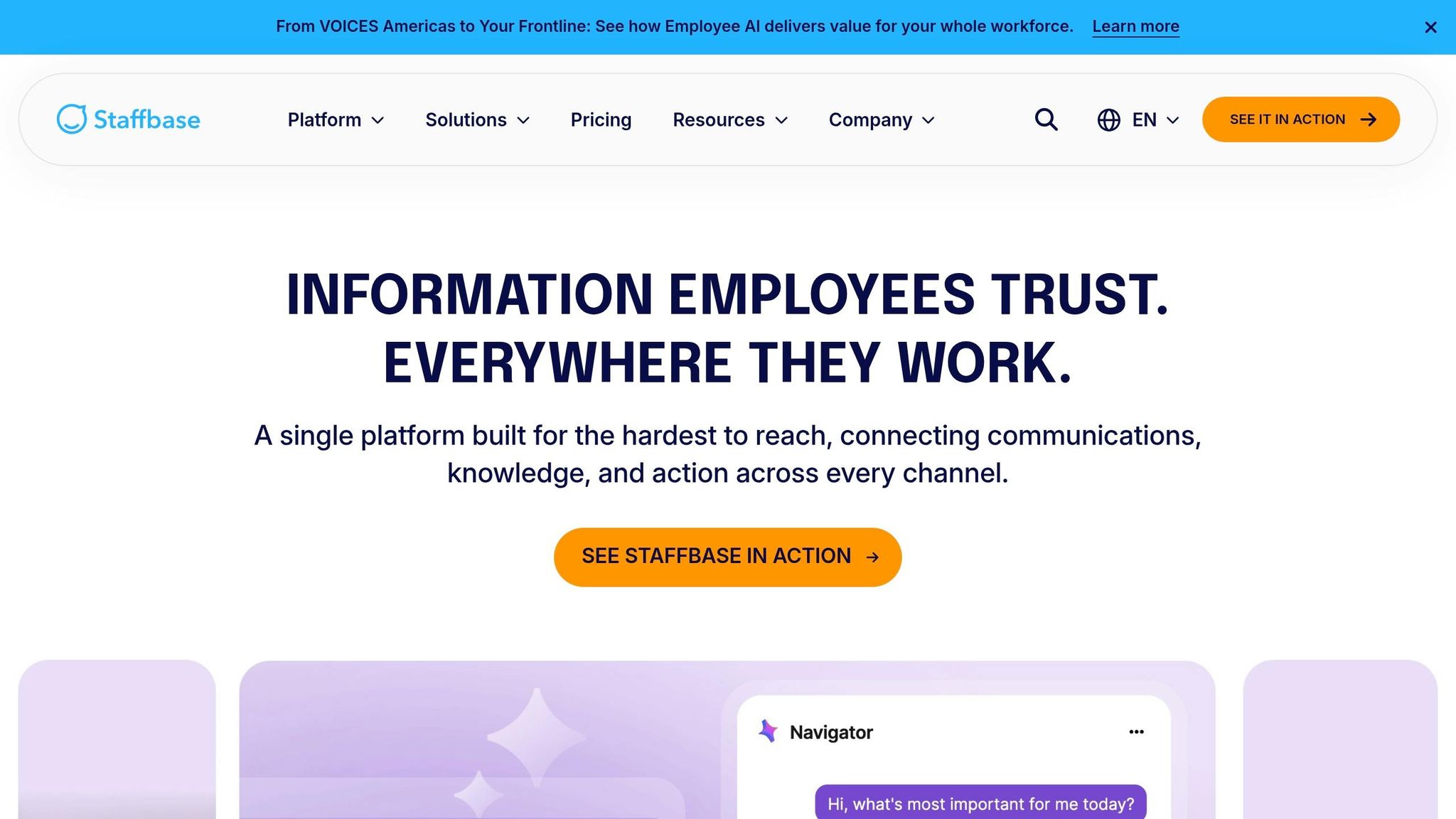
Staffbase is built to tackle the internal communication and engagement challenges of large enterprises. Think of it as a command center that brings together a desktop intranet, a mobile app, and employee email - all in one place. It's specifically designed to handle the complex needs of big organizations.
Free Plan and Best Fit
Here's the deal: Staffbase doesn't have a free plan. Their entry-level "Starter" plan is tailored for enterprise-scale businesses, which means smaller teams might find it a bit out of reach.
Communication Features
Staffbase shines when it comes to multi-channel communication. Whether it's news stories, social posts, landing pages, or chat, it delivers everything through one streamlined platform. They even have an AI assistant called Staffbase Companion that helps create and refine content - a handy tool for companies managing extensive internal communications.
Scheduling and PTO Support
One area where Staffbase falls short is scheduling and PTO management. It doesn't offer built-in tools for handling these, so you'll need to look elsewhere for those features.
All-in-One Functionality
While Staffbase is a powerhouse for enterprise-level communications, it's not the best fit for smaller teams looking for a comprehensive solution. Without a free plan or scheduling and PTO tools, it’s geared more toward large organizations. In contrast, Pebb caters to small teams with a free, all-in-one solution that covers a wider range of needs.
6. Simpplr
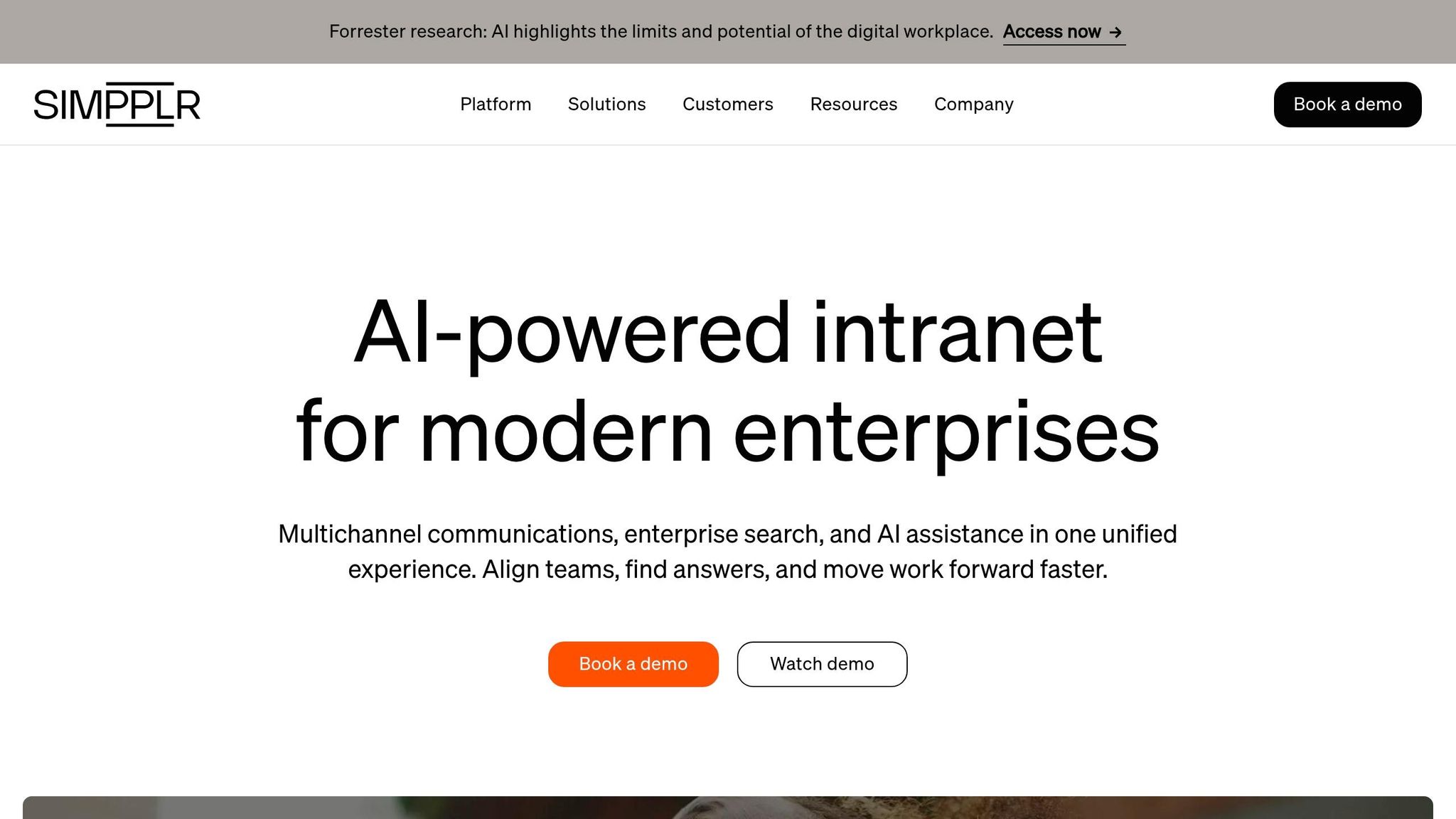
Simpplr is an intranet platform powered by AI, tailored for mid-to-large organizations. It holds an impressive G2 rating of 4.6/5 from over 360 reviews. That said, if you're part of a small team, there are a few limitations you should know about upfront.
Free Plan and Ideal Audience
Here's the thing: Simpplr doesn’t offer a permanent free plan. Instead, you can request a 14-day trial. But there’s a catch - it typically requires a minimum of 100 employees to sign a contract. This makes it a better fit for larger organizations, especially those with dedicated internal communications teams, rather than smaller setups.
Communication Features
Simpplr excels at internal communication. Its features include:
A social newsfeed to keep everyone in the loop
A newsletter builder with drag-and-drop templates
Instant messaging (introduced in 2025)
It also leans heavily on AI, offering content recommendations and an assistant that can draft posts or answer HR-related questions. However, video calling isn’t included in the base package - you’ll need to pay extra for that.
"The AI-powered search functionality cuts through the noise to surface exactly what you're looking for, while the intuitive organization structure means our team members can find what they're looking for." - Verified Reviewer, G2
Scheduling and PTO Management
Now, let’s talk about scheduling and PTO. Simpplr doesn’t come with built-in scheduling tools. For PTO, it relies on AI workflows and integrations with external HR systems like Workday or BambooHR. While this can be powerful, it does mean you’ll need to set up those integrations, which adds an extra step.
Key Features and Limitations
Simpplr shines in enterprise-level communication, but it’s not an all-in-one solution straight out of the box. Some features - like Enterprise Search, employee surveys, and video calling - are only available as paid add-ons. This makes it less appealing for small teams or organizations looking for a more comprehensive package.
"Simpplr appears to cater primarily to large companies with dedicated internal communications staff. As a small to mid-size nonprofit, we found that their implementation plan and onboarding support did not align with the realities of our workflow." - Verified User, G2
For small teams, tools like Pebb’s free, all-in-one solution are often a better fit. It’s designed to cover all bases without the need for additional fees or complex setups.
7. Firstup
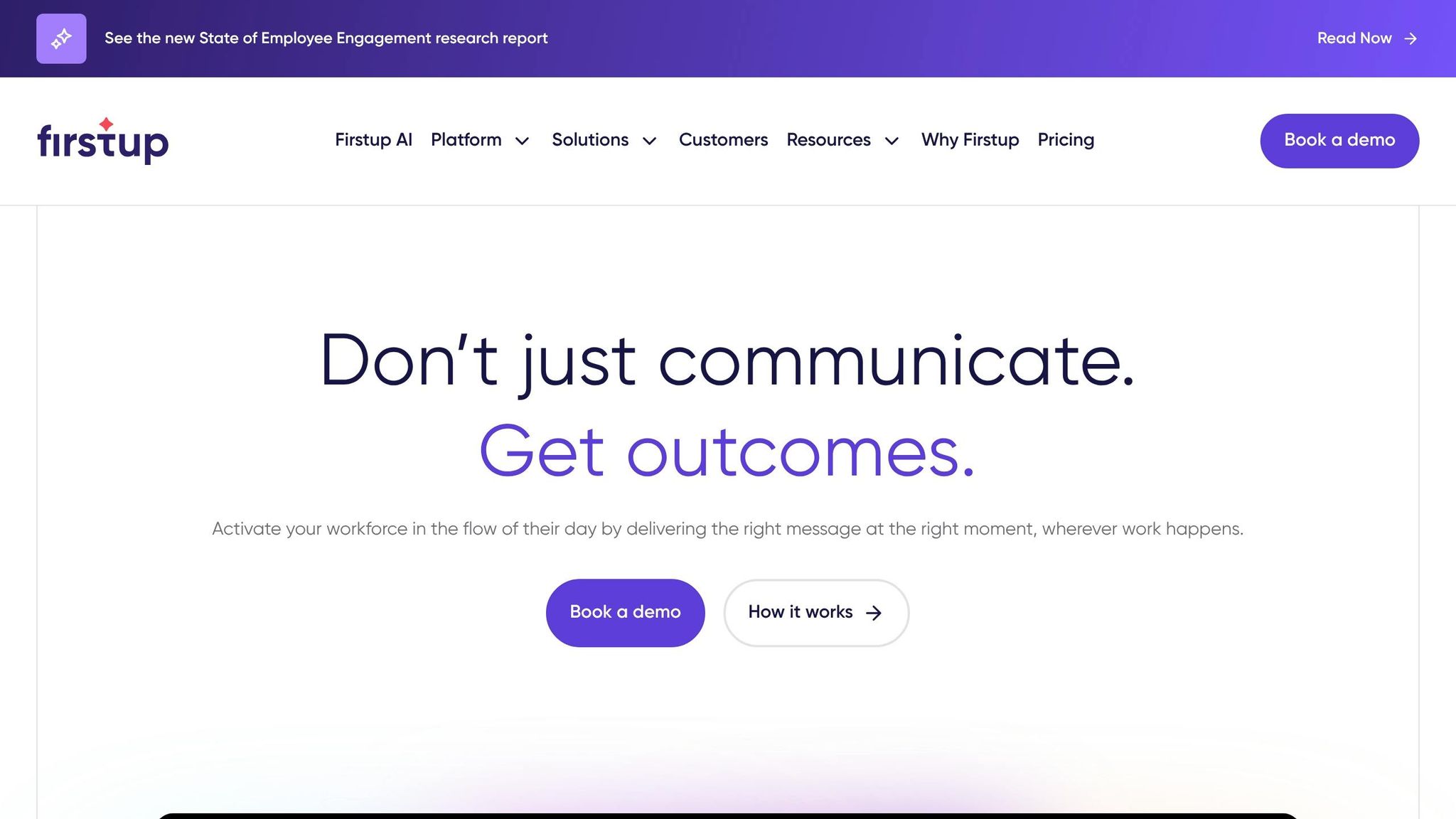
Firstup focuses on one main goal: delivering messages to employees across multiple channels simultaneously. Picture mobile apps, email, intranets, and even digital signage all working together to spread the word. They call this approach "omnichannel" delivery, and for big companies managing communication at scale, it can be pretty effective.
Free Plan and Target Audience
Here’s the deal: Firstup doesn’t have a free plan. Pricing is only available upon request, and they offer three tiers - Essential, Professional, and Premier - each adding more AI and automation perks. For smaller teams looking to dive in without a lengthy sales process, this pricing model might be a barrier.
Communication Features
The highlight of Firstup is its Creator Studio, a drag-and-drop editor that comes with AI-assisted writing to help craft professional content quickly. Another standout is its "Intelligent Delivery" feature, which uses AI to decide the best time and channel to reach employees based on their behavior. However, this AI-driven delivery is more suited for large-scale broadcasts than for fostering two-way communication. While it shines in content creation and distribution, it doesn’t offer tools for core operational tasks.
"Firstup is strong in automated content journeys and push-based orchestration, but it often remains a separate destination, acting primarily as a broadcast megaphone that amplifies messages than a true entry point into employees' daily work." - Lisa Mühsig, Storytelling Strategist, Staffbase
Scheduling and PTO Management
When it comes to scheduling or managing PTO, Firstup falls short. It doesn’t have built-in tools for these tasks and instead relies on integrations with platforms like Workday or Microsoft 365. This means employees may need to juggle multiple logins to get through their day.
All-in-One Capabilities
At its core, Firstup serves as a broadcast tool rather than a comprehensive platform. It doesn’t include essentials like 1:1 chat, group messaging, task management, or shift planning. If your team needs a unified communication and operations solution, Firstup might not be the right pick. For smaller teams seeking a platform that combines communication, scheduling, and PTO management in one place, Pebb stands out as a free and more complete option.
How These Apps Compare: Quick Reference Table
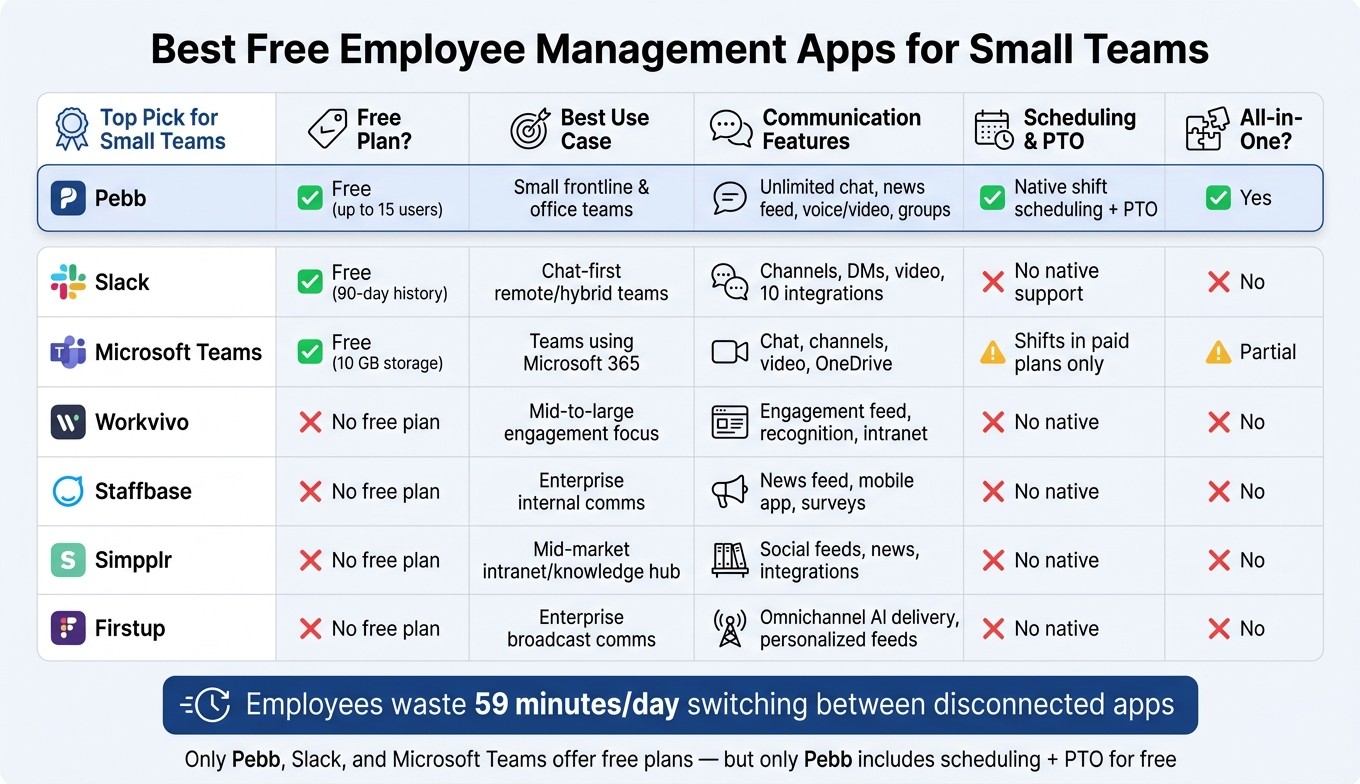
Best Free Employee Management Apps for Small Teams: Feature Comparison
Let me give you a quick snapshot of how these apps stack up against each other. Here's a side-by-side look at their key features:
App | Free Plan? | Best Use Case | Communication Features | Scheduling & PTO | All-in-One? |
|---|---|---|---|---|---|
Pebb | ✅ Yes (up to 15 users) | Perfect for unifying tools for frontline and office teams | Unlimited chat history, news feed, voice & video calls, groups, people directory | ✅ Native shift scheduling + PTO management | Yes - includes chat, news, scheduling, PTO, tasks, forms, and clock-in |
Slack | ✅ Yes (90-day message history) | Best for chat-first collaboration in remote or hybrid teams | Channels, DMs, 1:1 video/audio, file sharing, 10 integrations | ❌ No native support; needs integrations | No - it's primarily a communication hub |
Microsoft Teams | ✅ Yes (10 GB storage) | Ideal for small teams already using Microsoft 365 | Chat, channels, video meetings, OneDrive file sharing | ❌ Shifts only available in paid Microsoft 365 plans | Partial - strong on communication and files, but limited on HR functionality |
Workvivo | ❌ No free plan | Focused on employee engagement and internal comms for mid-sized or larger organizations | Engagement feed, recognition, intranet-style content | ❌ No native scheduling or PTO | No - it's more of an engagement and communication layer |
Staffbase | ❌ No free plan | Tailored for internal comms with segmented messaging for larger teams | News feed, mobile app, surveys, segmented communications | ❌ No native scheduling or PTO | No - designed as an internal communication platform |
Simpplr | ❌ No free plan | Suited for modern intranets and knowledge hubs for mid-market teams | Social feeds, news, resources, integrations | ❌ No native scheduling or PTO | No - primarily an intranet and knowledge hub |
Firstup | ❌ No free plan | Built for enterprise-scale broadcast communications | Omnichannel delivery, AI-assisted content, personalized feeds | ❌ No native scheduling or PTO | No - focused on broadcast communication only |
Here’s the deal: Pebb, Slack, and Microsoft Teams are the only ones offering free plans that don’t require a credit card. The others cater to enterprise users and require a sales conversation to get pricing details.
What really sets Pebb apart is its ability to combine communication and management tools into one platform. If you're a small team in the U.S. looking for simplicity and efficiency, Pebb is the ONLY free option that gives you everything in one place - chat, scheduling, and PTO management. On the other hand, Slack and Teams will need integrations or paid upgrades to match that functionality.
Conclusion
At Pebb, we know that finding the right employee management app boils down to understanding your team’s everyday challenges. Whether you’re running a small café with constantly changing shifts or managing a boutique agency with a remote crew, the right tool can make a big difference - saving both time and money.
Here’s the deal: Pebb is the only free all-in-one platform that combines communication, scheduling, PTO tracking, task management, and digital forms. For most small U.S. teams, it’s the perfect starting point. That said, every team is different. Slack shines for remote or hybrid knowledge workers who need real-time chat and tons of integrations. Microsoft Teams is a no-brainer if you’re already using Microsoft 365 and want everything to sync with Outlook and SharePoint. On the flip side, larger organizations with complex needs might lean toward platforms like Workvivo, Staffbase, Simpplr, or Firstup, which offer enterprise-level features through custom pricing.
What sets Pebb apart for small teams is its simplicity. Instead of juggling multiple tools - like a chat app here, a scheduling spreadsheet there, and a separate form builder - you can handle everything in one place. It’s a huge time-saver and cuts down on the chaos of managing multiple systems.
And while free plans are a fantastic way to test the waters, every tool has its limits. As your team grows, you’ll want to think about upgrading. With Pebb’s premium plan starting at just $4 per user per month, it’s one of the most budget-friendly options out there.
FAQs
Can Pebb replace both scheduling and team chat for a small team?
Pebb is a game-changer for small teams looking to streamline their workflows. It combines shift scheduling, team chat, PTO management, and other essential tools into one platform. Here's the best part: the free plan supports up to 15 users. That makes it an excellent option for small teams who want to simplify management without breaking the bank.
What happens when my team grows beyond 15 users on Pebb’s free plan?
If your team has grown beyond 15 users on Pebb’s free plan, it might be time to consider upgrading to the Premium plan. At just $4 per user per month, this plan opens the door to unlimited spaces, access to advanced features, and the scalability you need to keep up with your expanding team.
How hard is it to move from texts and spreadsheets into Pebb?
Switching from texts and spreadsheets to Pebb feels like upgrading from a flip phone to a smartphone - it’s that straightforward. Pebb brings scheduling, communication, and task management together in one place, cutting out the chaos of juggling multiple tools.
The drag-and-drop scheduling feature? A lifesaver. Real-time updates? Game-changing. Most teams tell us they’re up and running within a day, which speaks volumes about how simple it is to get started. The interface is designed to be so intuitive that you’ll wonder why you didn’t make the switch sooner. Once you’re set up, the integrated tools make managing your workflow smoother than ever.
