
Author: Ron Daniel
Best Employee Directory Software for Growing Teams
Compare top employee directory tools, features, and pricing to choose the right solution for growing teams.
"Have you ever wasted half your day just trying to find the right person to answer a simple question?" I know I have, and it’s frustrating. Back when our team at Pebb was much smaller, I remember spending hours digging through emails, Slack threads, and outdated org charts just to figure out who could help me with a project. It wasn’t just me - our entire team felt the pain of disorganized communication. And we’re not alone. Research shows that 47% of digital workers struggle to find the information or teammates they need, costing companies valuable time and money.
That’s why we built Pebb - because growing teams need a better way to stay connected. Whether you’re onboarding new hires, managing a hybrid workforce, or scaling your team quickly, having a reliable employee directory isn’t just helpful - it’s a game-changer. And here’s the kicker: we made it free for small teams and incredibly affordable for larger ones.
In this article, I’ll share why Pebb stands out, how it compares to other tools like Slack, Microsoft Teams, and Workvivo, and what you should look for when choosing the right solution for your team. Ready to save time and make work easier for everyone? Let’s dive in.
1. Pebb
At Pebb, we set out to solve a problem many of us have faced: wasting time jumping between apps just to find contact details or figure out someone’s role. That’s why we built a people directory that’s so much more than just a contact list - it’s the core of our platform.
Here’s what makes it stand out. Each employee profile doesn’t just list a name and title - it paints a full picture. You’ll find information like their department, location, managerial connections, skills, and expertise. Think of it as a dynamic org chart that actually helps you understand who someone is beyond their job description. And if you’re looking for someone specific, our advanced search tool lets you find colleagues by name, title, department, or even skill in just seconds.
But we didn’t stop there. Once you’ve found who you’re looking for, Pebb lets you take action right away. Whether you need to start a chat, make a voice or video call, or even check their schedule, you can do it all within the app. This kind of seamless integration makes collaboration a breeze and speeds up onboarding for new team members.
Now, let’s talk about scalability. Pebb grows right alongside your team. For smaller teams, our Standard plan is completely free for up to 15 employees and includes a full directory, chat, scheduling tools, PTO management, and more. For larger or rapidly-growing teams, the Premium plan delivers even more firepower - like voice and video calls, advanced analytics, and Enterprise SSO - at just $4 per user per month. Whether you’re a startup of 10 or scaling to hundreds, Pebb has you covered.
Take a look at how our plans stack up:
Plan | Price | Best For | Key Highlights |
|---|---|---|---|
Standard | Free | Teams up to 15 employees | Directory, chat, scheduling, PTO, digital forms |
Premium | $4/user/month | Growing & enterprise teams | Everything in Standard + voice/video calls, SSO, analytics |
With Pebb, we’ve made it easy to stay connected, no matter the size of your team. And the best part? It’s all designed to save you time and keep your team moving forward.
2. Slack
Let me walk you through Slack’s approach. While Pebb is designed as an all-in-one solution, Slack takes a different route, focusing heavily on messaging and enhancing its directory with the Atlas feature.
At its core, Slack is a messaging platform. On its paid plans, you’ll find a basic directory that includes essentials like name, job title, and contact information. But here’s where things get interesting - Slack Atlas takes their directory game to the next level.
With Atlas, you get interactive org charts and enriched user profiles that go beyond the basics. These profiles can include skills, ongoing projects, and even team goals. Plus, it integrates seamlessly with your HRIS using SCIM, so your directory stays up-to-date automatically as your team evolves. No more manual updates - how convenient is that?
"Atlas' rich user profiles and dynamic org charts are playing a critical role in helping us facilitate better connections in a hybrid world."
Now, here’s the catch: Atlas isn’t included in Slack’s standard plans. It’s available only with the Enterprise+ plan or as a $15 per user/month add-on for Business+ users. For comparison, the standard Pro plan, priced at $7.25 per user/month, only offers the basic directory features.
Slack’s tight integration with its chat system makes it easy for teams to adopt. But it does fall short in areas like PTO management, shift scheduling, and built-in voice or video calls - features that Pebb includes seamlessly in its platform. It’s a clear contrast: Slack focuses on messaging with optional extras, while Pebb offers a more comprehensive suite of tools at a price that’s hard to beat.
3. Microsoft Teams
Microsoft Teams takes a route that’s quite different from both Pebb and Slack. Instead of creating a standalone directory, it taps into the existing Microsoft 365 infrastructure - specifically Entra ID (formerly Azure AD) - to handle people search and profiles.
Right out of the box, Teams offers some handy search features. You can look up colleagues by name, department, office location, or even skill set directly from the search bar. When you click on a profile card, you get a snapshot of real-time presence, reporting lines, work history, and contact details. There’s also a built-in People app where you can group contacts into favorites or custom categories. Plus, since everything syncs automatically with the Microsoft 365 directory, admins don’t have to worry about manually updating profiles when someone changes roles.
But here’s the catch: these features come with some clear restrictions. Employees can’t customize core profile fields because IT admins hold the reins. If you want advanced search filters for skills or projects, you’re looking at a complex SharePoint setup, which can take a lot of time and effort. As Cloudwell points out:
"Traditional SharePoint employee directories often suffer from poor search capabilities, outdated profiles due to manual updates, limited customization, and clunky integration with Teams."
To get around these limitations, many companies turn to third-party add-ons like Sift or TeamConnect. Sift, for instance, delivers search results in under 100 milliseconds and uses AI to help employees find subject matter experts with plain language queries. TeamConnect, on the other hand, is priced at $1.50 per user/month and comes with a 30-day free trial. While these tools solve a lot of the pain points, they also introduce extra vendors, setup time, and costs on top of the existing Microsoft 365 subscription.
For teams already embedded in the Microsoft ecosystem, Teams can serve as a decent directory hub - especially when paired with the right add-ons. But if you’re managing frontline workers or need additional tools like shift scheduling, PTO management, or integrated voice and video calls, you might find yourself cobbling together multiple solutions. That’s where Pebb shines. Unlike Microsoft Teams, which often relies on costly add-ons to fill gaps, Pebb offers a free, all-in-one directory solution that seamlessly combines communication, scheduling, and more.
4. Workvivo
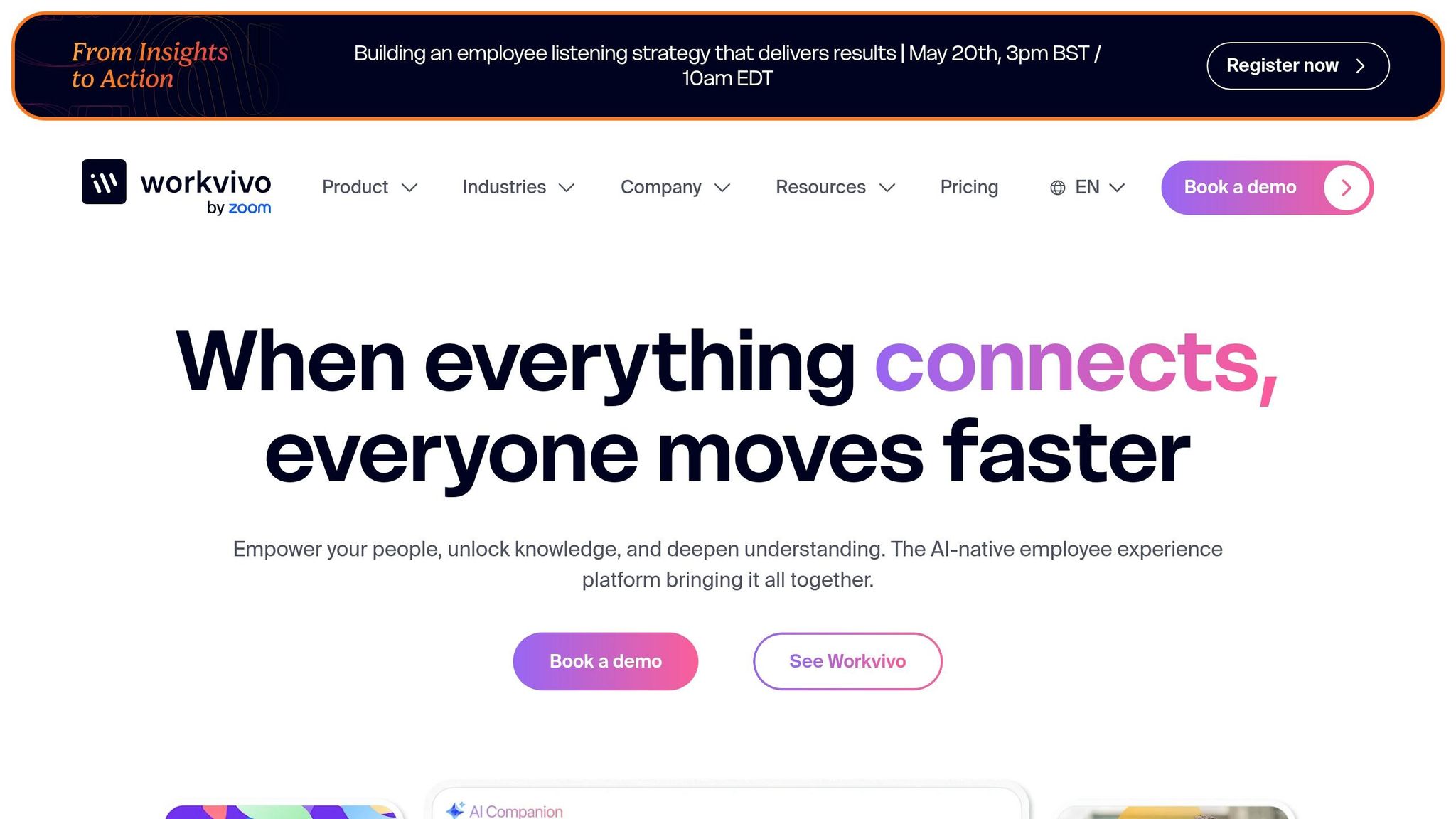
Workvivo takes a social-first approach to the employee directory, blending functionality with a familiar, interactive experience. Since joining the Zoom family in April 2023 ("Workvivo by Zoom"), it has combined a People Directory, an interactive org chart, and internal communications strategy into one engagement-driven platform. By making the directory feel more like a social network, it encourages employees to connect in a way that's both intuitive and engaging.
The platform’s unified search tool is quite robust, allowing users to find people, documents, and attachments with ease. It includes filters, sorting options, search history, and even multilingual support. Profiles are highly customizable, offering features like custom fields, banners, bios, and peer endorsements. To add a personal touch, Workvivo includes fun social features like a "Say Hi" button for welcoming new hires and automated posts for birthdays and work anniversaries - little things that traditional directories often overlook.
Workvivo also integrates seamlessly with over 40 popular HR and productivity tools, including Workday, BambooHR, Microsoft 365, Google Workspace, Slack, and Zoom. These integrations ensure profiles are always up-to-date without manual effort.
But here’s the catch: pricing. The Business plan costs $20,000 annually for teams of 250–2,000 employees, which works out to $80 per user. For larger teams (2,000+), custom Enterprise pricing applies, and extra features like Workvivo Chat and digital signage (Workvivo TV) come at an additional cost.
For teams keeping an eye on both budget and functionality, Workvivo's $80/user annual rate can be a tough sell. By comparison, Pebb offers a free, all-in-one platform that integrates directory, communication, and scheduling tools seamlessly - giving growing teams a more cost-effective and feature-rich alternative.
5. Staffbase
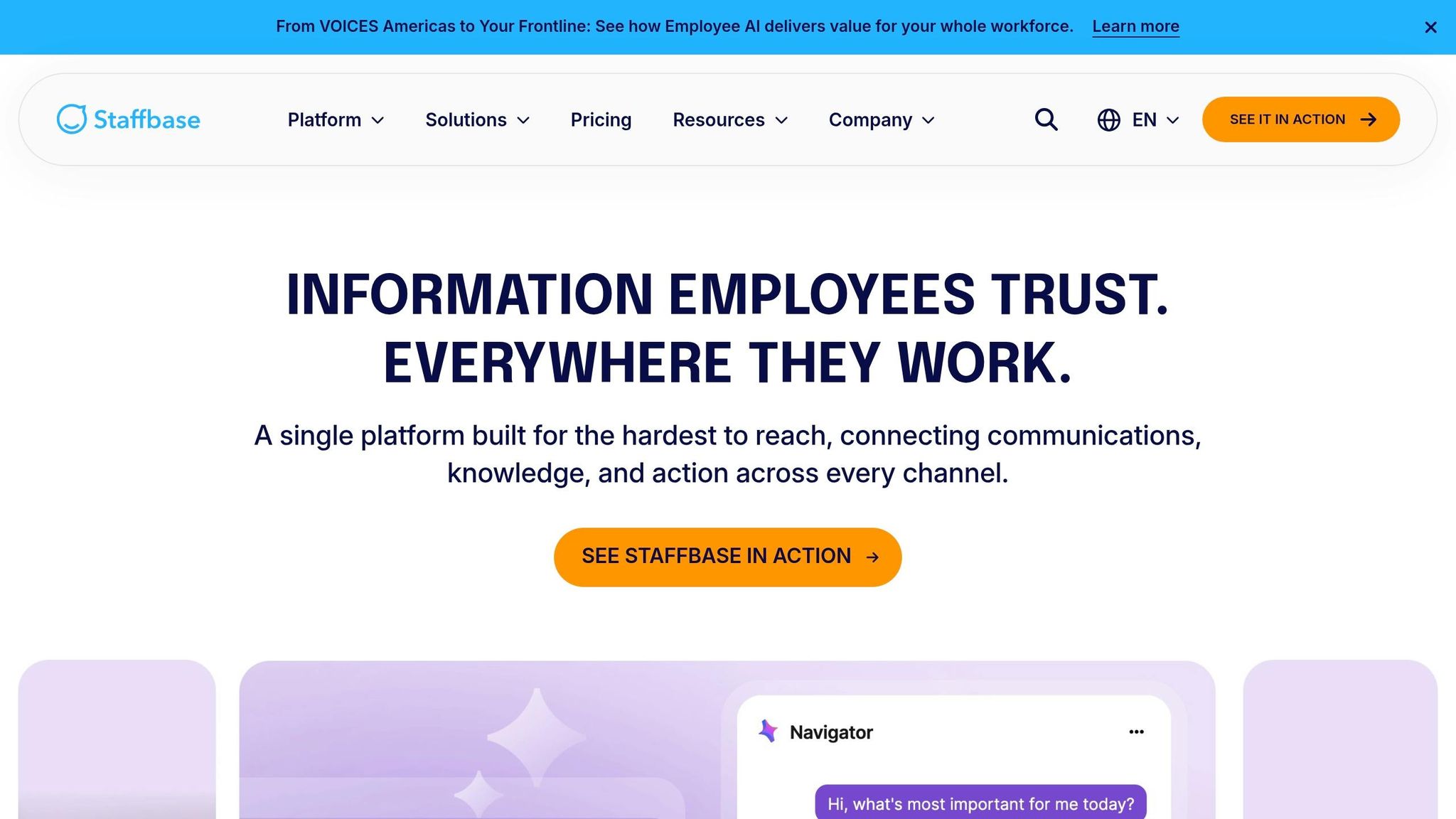
Staffbase is all about communication. It offers a directory as a plugin within a larger employee app and intranet, creating a central hub for company-wide communication.
The platform’s visibility controls allow administrators to manage who can access specific information, which works well for large, complex organizations. Its mobile-friendly design makes it especially useful for distributed teams and frontline workers. However, the directory is moderately customizable and designed to fit into communication workflows, rather than standing out as a fully independent directory solution.
Staffbase shines when scaling up. With over 2,000 companies and 1,500+ enterprises using it, the platform integrates seamlessly with tools like Microsoft 365, Google Workspace, Slack, Salesforce, Cornerstone, and ServiceNow. Plus, it boasts a 99.95% uptime SLA, ensuring reliability.
Pricing? That’s where it gets a bit tricky. Costs are custom and depend on factors like headcount, platform features, and add-ons. So, you’ll need to have a conversation with their team to get exact numbers.
As Beyond Intranet puts it:
"Staffbase is a strong choice when employee communications is the driver and the directory is part of the experience." - Beyond Intranet
Here’s the thing: if you’re looking for a platform that prioritizes enterprise-grade communication with a directory feature baked in, Staffbase fits the bill. But for teams that need a straightforward, all-in-one tool with transparent pricing, it might not be the best fit. That’s where Pebb stands out. Our solution combines a comprehensive directory, chat, scheduling, and more - all for free, with premium features at just $4 per user. For growing teams, Pebb offers the perfect mix of robust tools and clear, affordable pricing.
6. Simpplr
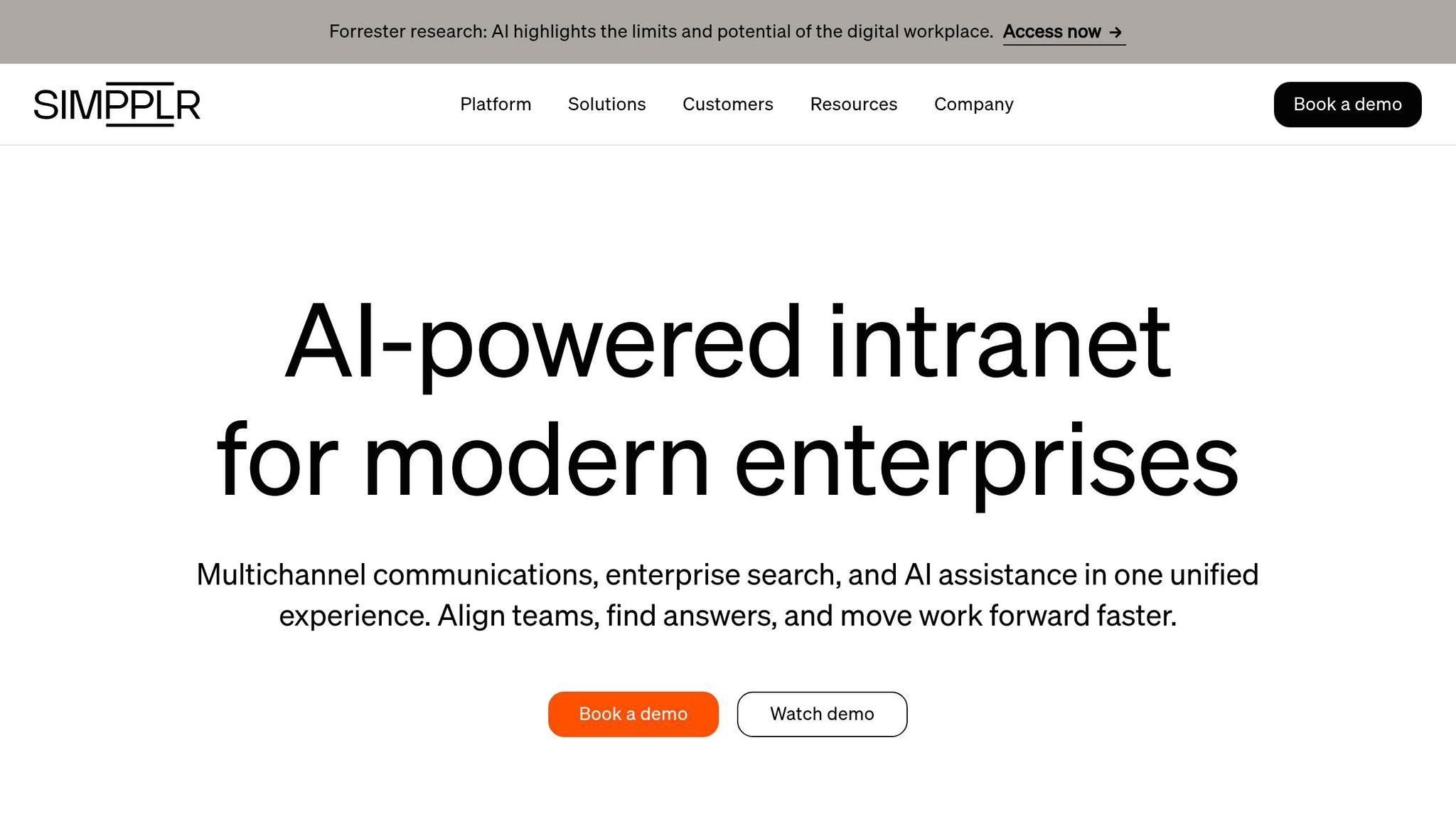
Simpplr is more than just an employee directory; it’s a intranet software platform designed to centralize people discovery, news, resources, and internal communications. Think of it as a hub where everything about your team comes together.
One standout feature is the revamped People Directory. With advanced search filters and customizable profile fields, it’s easier than ever to find colleagues based on their expertise, role, or specific skills. Profiles also showcase professional connections and areas of expertise, making it simple to connect with the right person. Here’s a fun fact: during one rollout, Simpplr hit an impressive 97% adoption rate - a figure that’s tough to overlook.
The platform integrates seamlessly with tools like Okta and Microsoft Entra ID, thanks to its HRIS integrations. Plus, its built-in analytics ensure that data stays in sync and usage remains transparent.
Simpplr does offer medium levels of customization, but its ever-expanding scope can be a double-edged sword. Without strict governance, it’s better suited for communications-focused organizations rather than teams looking for a lightweight, standalone directory.
When it comes to pricing, Simpplr operates on a custom quote model, tailored to your organization’s size and needs. That said, for teams keeping an eye on their budget, this pricing model might be a consideration. By contrast, Pebb offers a straightforward, budget-friendly option at just $4 per user per month - a flat rate that includes a full directory, chat, scheduling, and more right out of the box.
Stick around, because next, we’ll dive into the specific pros and cons of Simpplr and see how it stacks up against other platforms.
7. BambooHR
BambooHR takes a straightforward HR-focused approach, embedding its directory into a full HR management system. This makes it a solid choice for teams that are expanding and need a more structured system.
The directory is versatile, letting you search by name, department, division, location, or job title. One standout feature is the "My Circle" filter, which instantly displays your manager, peers, and direct reports. Plus, it comes with an auto-updating org chart and mobile-friendly tools like one-tap call, text, or email options, along with iOS Caller ID for seamless communication.
What’s handy is how BambooHR simplifies onboarding. New hires are automatically added to the directory and org chart, and employees can update their profiles themselves, keeping things current without piling extra work on HR. Its clean, user-friendly design has earned plenty of praise for being easy to navigate.
When it comes to pricing, BambooHR doesn’t post rates publicly - you’ll need to request a custom quote. For teams with fewer than 25 employees, there’s a flat monthly fee. Larger organizations switch to a per-employee, per-month model starting at around $10. Additional features like payroll, benefits administration, and time tracking are available as paid extras. Nonprofits, take note - you can snag a 15% discount.
"BambooHR is an all-in-one HR platform designed for small and midsize businesses, and it's great for growing companies looking to upgrade from a more limited HRIS system." - TechRepublic
BambooHR scores a 5/5 for its directory functionality. That said, it lacks built-in communication tools like chat, a news feed, or scheduling, so you’d need to use other tools to fill that gap. In contrast, Pebb offers an all-in-one platform for just $4 per user per month, covering communication and HR needs in one place. BambooHR is a strong pick for teams focused on optimizing HR workflows, but if you’re looking for a fully integrated solution, Pebb might be the better fit.
8. Gusto
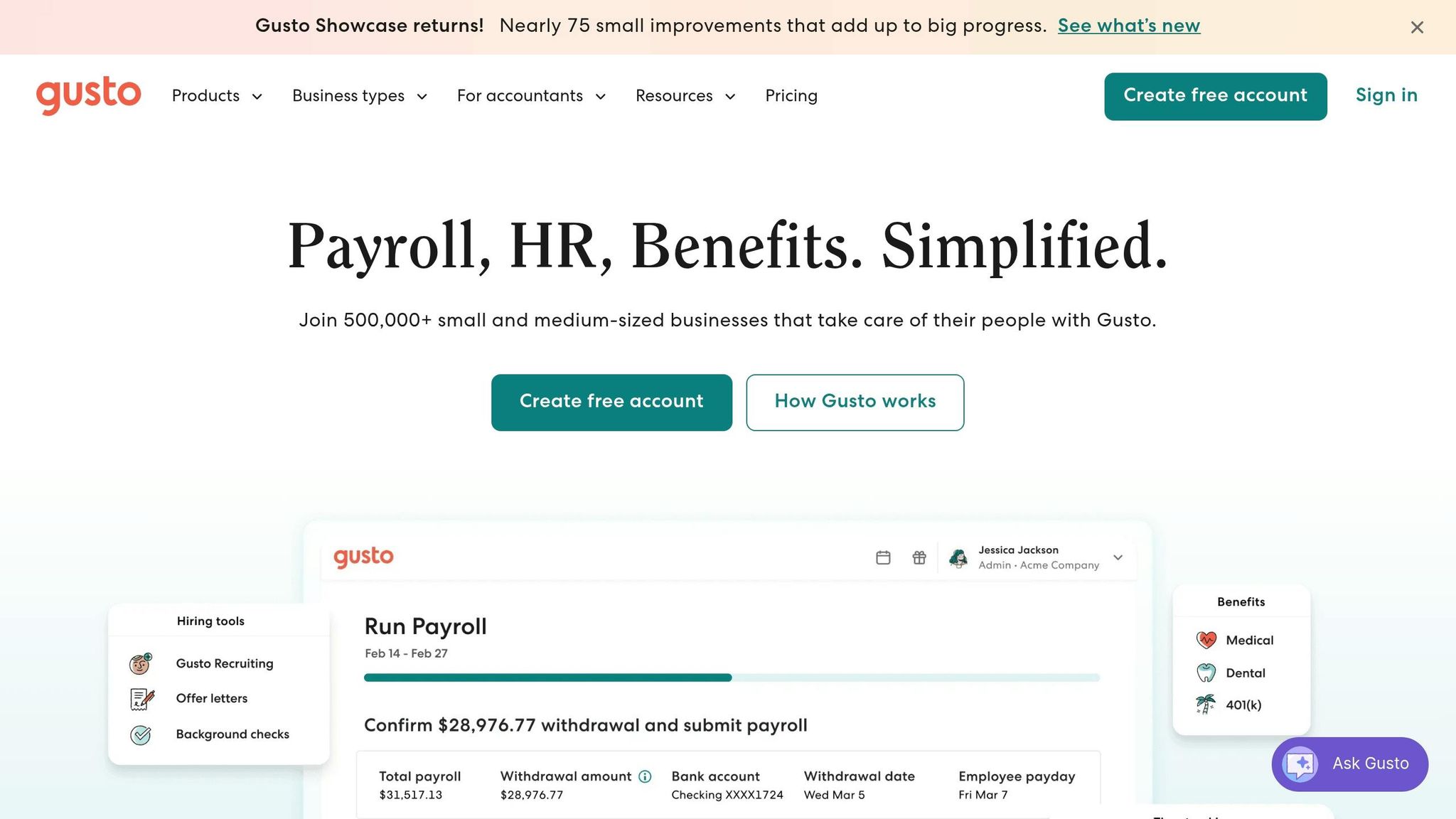
You know how some platforms focus heavily on payroll and HR? Gusto is one of those. It’s built primarily as a payroll and HR tool, but it also comes with an employee directory designed for small to mid-sized teams. Think of it as a way to ditch those clunky spreadsheets and keep all your workforce data in one place.
Here’s what Gusto’s directory offers: employees can search for coworkers by name, department, or job title. It even lets you add personal touches to profiles, like hobbies or milestones, which can make onboarding programs a bit more personal and help new hires feel at home faster.
Now, here’s where it gets tricky. While Gusto integrates with a variety of third-party tools, it doesn’t have its own communication features. No built-in chat or video calls. So, if your team needs those, you’ll have to invest in separate tools, which can complicate things as your company grows. And speaking of growth - Gusto’s per-user pricing model can get expensive fast. Each new hire means a bigger bill, making it less budget-friendly for teams scaling quickly.
Gusto works well for payroll-focused teams with basic directory needs, but here’s the difference: Pebb doesn’t just stop at payroll or directories. For just $4 per user per month, we bring together communication, HR tools, and more into a single, cost-efficient platform. So, if you’re looking for something that grows with your team and keeps everything in one place, Pebb might just be the better fit.
9. Lark
Lark is a collaboration tool that combines messaging, document sharing, video calls, and a searchable employee directory into one platform. The directory feature stands out with its interactive org charts and detailed employee profiles, which can include information like projects, skills, and team goals - super handy for hybrid teams trying to stay connected. Everything is designed to make finding the right person or information as smooth as possible, with profiles synced to enterprise systems to ensure the details are always current.
Now, here's where things get interesting. While Lark focuses on creating dynamic profiles and org charts, Pebb takes a broader approach. Pebb simplifies the process by bringing communication, scheduling, and the people directory into one seamless platform. With Pebb, there’s no need to juggle multiple tools - everything you need is built right in, making it a more streamlined option compared to Lark.
Pros and Cons of Each Tool
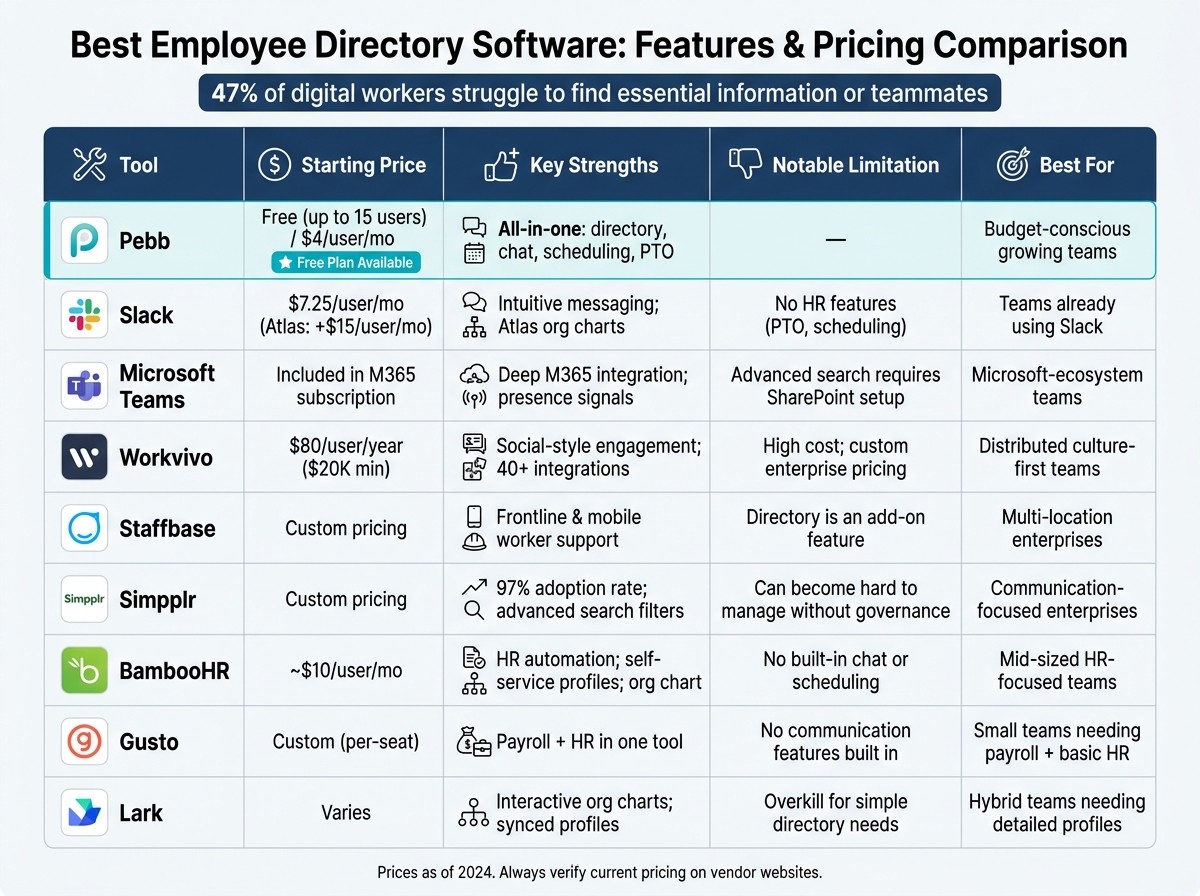
Best Employee Directory Software Compared: Features & Pricing (2024)
After diving into the details of each tool, I’ve put together a quick side-by-side comparison to help you see the big picture. Here's a breakdown of what each tool brings to the table - and where they might fall short:
Tool | Pros | Cons | Best For |
|---|---|---|---|
Pebb | Free all-in-one solution for up to 15 users; includes chat, directory, scheduling, and PTO; affordable premium plan at $4/user/month | - | Teams looking for a budget-friendly, all-in-one platform |
Slack | Easy adoption for existing users; highly intuitive | Missing HR features like asset tracking and compensation data | Teams already familiar with Slack |
Microsoft Teams | Seamless integration with M365; presence signals built into workflows | Works best for teams already on Microsoft 365 | Microsoft-focused hybrid teams |
Workvivo | Great engagement tools with a social-style interface | Pricing requires a demo and may not fit every budget | Distributed teams prioritizing team culture |
Staffbase | Fantastic for reaching frontline and mobile workers in multiple locations | Directory is an add-on, which could limit functionality | Multi-location organizations driven by communications |
Simpplr | G2 reviewers report a 97% adoption rate; strong search and filtering features | Without governance, the platform can become hard to manage | Enterprises focused on communication rollouts |
BambooHR | Excellent for HR automation, onboarding, and self-service profiles | Costs can rise quickly with per-seat pricing as teams expand | Mid-sized teams with a strong HR focus |
Gusto | Combines payroll and HR into one easy-to-use tool | Not designed as a communication or directory-first platform | Small teams needing payroll and basic HR tools |
Lark | Interactive org charts and synced employee profiles | Overkill for teams needing just a simple directory | Hybrid teams that value detailed profile data |
If you're a growing team and keeping an eye on costs, the per-seat pricing of many tools can add up fast. That’s where Pebb stands out - it’s not just free for small teams (up to 15 users), but its $4/user/month premium tier gives you access to chat, scheduling, and a people directory all in one.
At the end of the day, the right tool depends on your team’s specific needs. Do you want full HR capabilities? Deep integration with your current tools? Or an all-in-one platform to simplify communication? The choice is yours.
Conclusion
When you're picking an employee directory software, there are three key things to think about: what your team needs right now, how those needs might evolve as you grow, and what fits within your budget. Here's a stat that hits home - 47% of digital workers struggle to find essential information. That’s a clear reminder of how much a solid directory can impact your team’s efficiency.
For small or growing teams keeping an eye on costs, Pebb is a no-brainer. It’s got a free starter version and a reasonably priced premium plan that bundles everything you need in one place - chat, scheduling, PTO tracking, and more. Unlike tools that nickel-and-dime you with add-ons, Pebb gives you the full package upfront.
Of course, every team is different, and priorities vary. If you're looking for advanced HR features, BambooHR could be worth a look, though its costs can ramp up as your team grows. Already using Microsoft 365? Microsoft Teams might make sense to keep everything under one roof. And if employee engagement is your top priority, platforms like Workvivo or Simpplr bring a social-style vibe that keeps remote teams connected. These options show how diverse team needs can be, which is why having an all-in-one solution like Pebb can make life so much easier.
At the end of the day, it’s about starting with a tool that checks your current boxes - making it easy to find people, share information, and stay connected - while also being ready to grow with you as your team scales.
FAQs
How do I choose the right employee directory for a growing team?
Choosing the right employee directory for a growing team can feel like a big decision, but it really boils down to a few key factors: scalability, ease of access, and integration capabilities. You’ll want something that grows with your team, is simple for everyone to use, and works seamlessly with the tools you already rely on.
Keep an eye out for features that make life easier, like a powerful search function, clear organizational charts, and a centralized place to manage employee data. These aren’t just nice-to-haves - they’re essentials for keeping things running smoothly as your team expands.
At Pebb, we’ve designed a solution that checks all these boxes. For just $4 per user, you get more than just an employee directory. It includes work chat, PTO management, and a well-rounded directory that’s built to grow with you. It’s an affordable, all-in-one option for teams looking to scale without breaking the bank.
What details should an employee profile include besides name and title?
When building an employee profile, certain details are crucial for fostering better communication and teamwork. At its core, a profile should include contact information like an email address and phone number, along with the employee's department or team, skills, certifications, and reporting structure.
But here’s where it gets even more helpful: many companies now go beyond the basics. Profiles often include work location, shift details, personal interests, and even social media links. These extras can make a big difference. For instance, knowing someone’s location or shift can streamline scheduling, while shared interests or social connections can spark collaboration. As teams grow larger, these profiles become a powerful tool for finding the right person for the job and keeping things running smoothly.
How can I keep our directory accurate as people join, leave, or change roles?
Maintaining an accurate employee directory is easier when you have a centralized platform like Pebb. With its real-time update capabilities, you can effortlessly add new team members, adjust roles, or even remove profiles as needed. The intuitive interface - or integration with your HR system - makes these updates quick and seamless.
What’s great about tools like Pebb is how they automate much of this process, cutting down on mistakes and ensuring your team always has the latest information at their fingertips. To keep things running smoothly, it’s also a good idea to schedule regular reviews, especially after onboarding or when roles shift. Little steps like these can make a big difference in staying organized.
