
The quest for the best internal communications tool is a trap
Discover the best internal communications tools in 2025. Our top picks and insights help you boost collaboration and productivity - read our guide now.
Dan Robin
Let’s be honest. The promise was simple: more tools, better communication. But somewhere along the way, our workdays became a chaotic mess of notifications, pings, and endless app-switching. Instead of clarity, we got noise.
I've lived this story, running a company where people are spread across time zones, balancing deep work with staying connected. We learned the hard way that the goal isn't just to talk more, but to communicate better. It's about creating a calm, organized space where information flows naturally, context isn't lost, and everyone feels part of the same story.
This isn't just another list of the best internal communications tools. It's our opinionated guide to the ones that genuinely help, written from years of trial and error. We'll cut through the marketing fluff and tell you what each tool is really for, who it’s good for, and where it falls short. Many of these tools fall under the umbrella of a single, integrated platform. For a deeper look at this approach, you can learn about Unified Communications as a Service (UCaaS).
The right tool doesn't add to the chaos; it quiets it. Let's find the one that brings that quiet focus to your team.
1. Pebb
Pebb is our top pick because it solves the fragmentation problem. Instead of juggling a half-dozen apps for chat, announcements, schedules, and training, Pebb puts it all in one, mobile-first place. We’ve seen firsthand how this all-in-one approach simplifies life for frontline workers and the teams that support them.
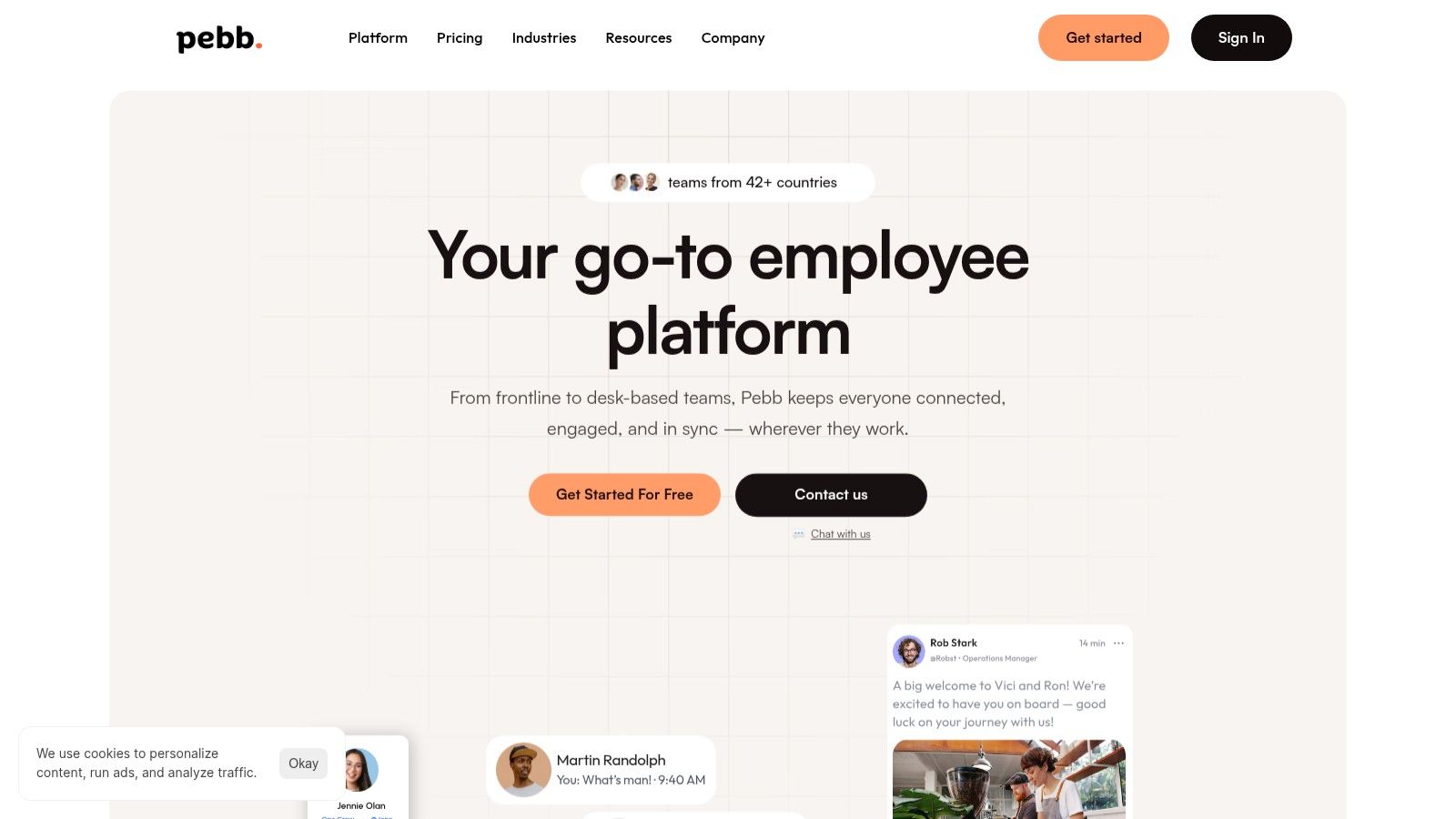
It’s designed for the real world, where not everyone sits at a desk. Whether you’re managing retail staff, coordinating a hospital team, or connecting with drivers on the road, Pebb ensures everyone gets the message.
Why it’s our top pick
What makes Pebb different is its blend of simplicity and power. The onboarding is incredibly fast—you can invite your entire company with a single link, no cumbersome spreadsheets. We've heard from users who got their whole company up and running in a single day. That's a huge win for a busy operations team.
But Pebb is more than a messenger; it’s a command center. You can manage shifts, approve time off, share training materials, and build a searchable knowledge base. Its robust features, combined with over 50 integrations for HR and payroll systems, make it a powerful central hub for any organization.
Key Features
All-in-One Hub: It combines chat, news feeds, kudos, a knowledge library, and operational tools like scheduling and tasks. This ends app-switching fatigue.
Mobile-First Design: It was built for the 80% of the workforce that isn't at a desk, ensuring information reaches everyone, everywhere.
Rapid Deployment: The single-link onboarding is a game-changer. It gets your team connected almost instantly.
Governance & Analytics: It gives leaders role-based controls and deep engagement analytics to make data-driven decisions.
Potential drawbacks
The main drawback is the lack of public pricing; you have to talk to their sales team for a quote. While its all-in-one nature is a strength, companies with highly specialized needs—like complex workforce management or a dedicated learning management system (LMS)—might find Pebb's features a bit generalist and still need other specialized tools.
You can get started with Pebb for free and see for yourself.
2. Microsoft Teams (Microsoft 365)
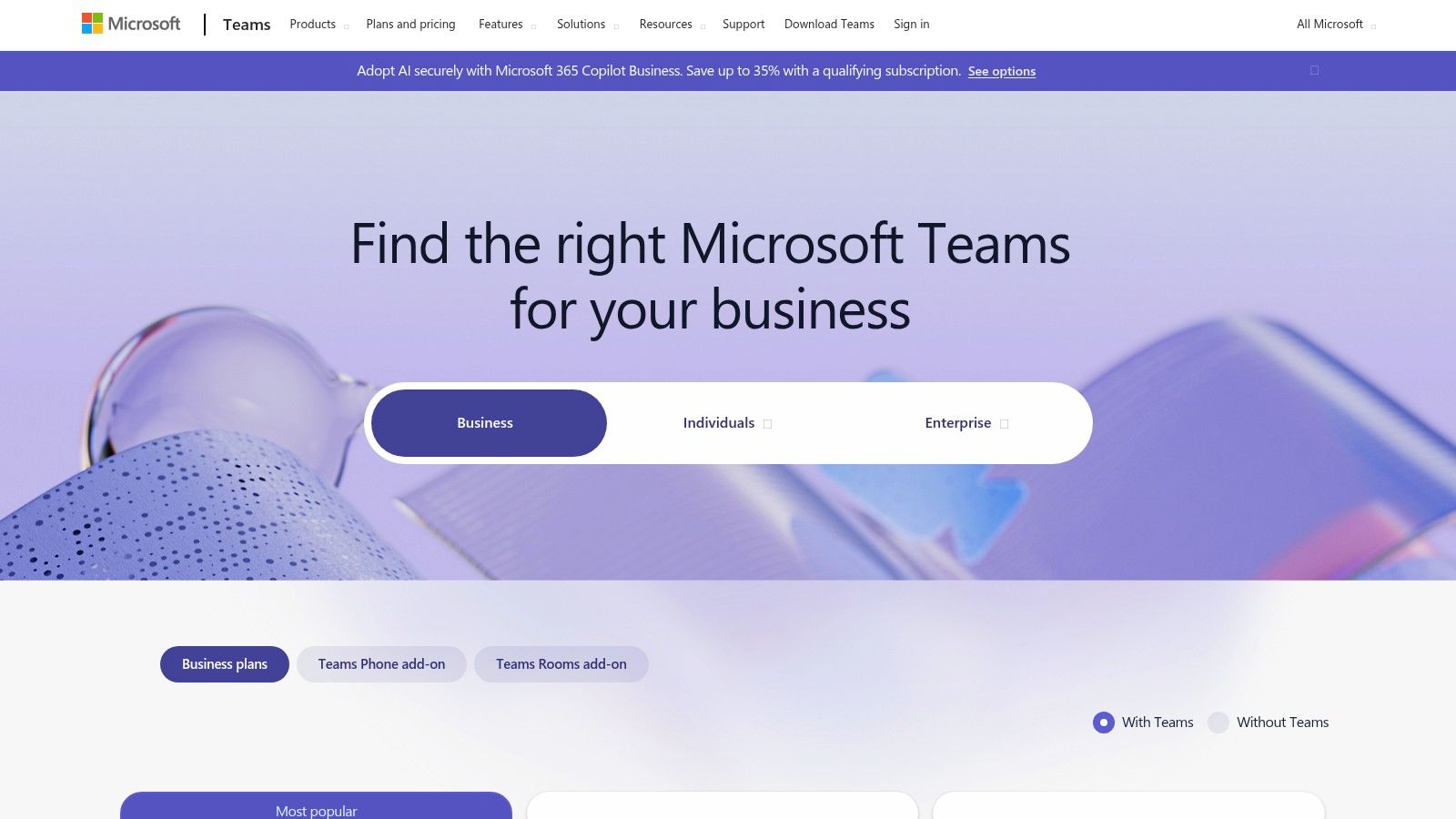
If your company already lives inside the Microsoft 365 ecosystem, Teams is less of a choice and more of a default. It's the connective tissue linking Outlook, SharePoint, and OneDrive into a single place for daily work. This isn't just a chat app; it’s a platform for deep collaboration, especially for desk-based teams who co-author documents.
Its core strength is its tight integration with Office apps. You can edit a Word doc, review an Excel sheet, or present a PowerPoint with colleagues in real-time, all without leaving Teams. This makes it one of the best internal communications tools for organizations where documents are central to work. It also offers enterprise-grade security, which is non-negotiable for larger companies.
Key Features
Best for: Organizations deeply invested in the Microsoft 365 suite, from small businesses to global enterprises.
Standout Features: Seamless co-authoring of Office documents, integrated video meetings, and company-wide communities through Viva Engage.
Integrations: The entire Microsoft 365 stack is natively integrated. The app ecosystem is vast, and constant updates, like the Mutedeck with Microsoft Teams V2 Preview, keep adding functionality.
Pros & Cons
Pros: Unbeatable Microsoft 365 integration, robust security, and highly scalable.
Cons: Can feel complex to administer. The best features require a full commitment to the Microsoft ecosystem. Pricing can also get complicated with add-ons like Teams Phone.
Pricing
Pricing is typically bundled with Microsoft 365 Business plans, starting from $6 per user/month (annual commitment). A limited free version is also available.
3. Slack
For many tech-forward companies, Slack is the king of real-time messaging. It pioneered the channel-based communication model that keeps conversations organized and searchable, rescuing them from overflowing inboxes. This isn't just a chat tool; it's a digital headquarters for fast-moving teams who thrive on quick feedback.

Its true power lies in its huge app ecosystem and friendly interface. With thousands of integrations, you can pull notifications, manage projects, and trigger actions in other tools directly from Slack. Features like Huddles for quick audio calls and Slack Connect for collaborating with external partners make it a great tool for companies that value speed and transparency.
Key Features
Best for: Fast-paced tech companies, agencies, and any team that needs strong integrations and seamless external collaboration.
Standout Features: A massive app ecosystem (2,600+), Slack Connect for secure messaging with other companies, and powerful AI-driven search in paid plans.
Integrations: The marketplace includes everything from Google Drive and Asana to Salesforce and custom-built bots.
Pros & Cons
Pros: Intuitive to use, a vast ecosystem of integrations, and excellent external collaboration features.
Cons: Can become a major source of distraction if not managed well. The per-user cost adds up quickly for large teams.
Pricing
Slack offers a limited free plan, but most teams will need to upgrade to unlock key features. Paid plans start at $7.25 per user/month when billed annually. You can learn more about the limitations of the free version to see if it’s enough for you.
4. Google Workspace (Chat, Spaces, Meet)
For teams that live and breathe in a browser, Google Workspace is the quintessential cloud-native tool. It merges the familiarity of Gmail with the collaborative power of Google Chat, Spaces, and Meet. This isn't just an email provider with add-ons; it's an integrated suite where co-authoring in Docs, Sheets, and Slides is the default way to work.
Its main strength is its simplicity and accessibility. No complex desktop software needed. Teams can jump into a document, join a video call, or start a group chat with a single click. The recent integration of Gemini AI adds smart summaries in Chat and auto-generated notes in Meet. This makes it one of the best internal communications tools for small and medium-sized businesses that prioritize a straightforward, browser-first experience.
Key Features
Best for: SMBs, startups, and browser-first companies that value simplicity and real-time collaboration.
Standout Features: Native, real-time co-authoring in Docs, Sheets, and Slides; integrated Gemini AI features; and a unified experience across Chat, Spaces, and Meet.
Integrations: Deeply integrated with the entire Google ecosystem. The marketplace connects to hundreds of third-party apps like Asana and Salesforce.
Pros & Cons
Pros: Exceptionally simple to use, powerful real-time collaboration tools, and a competitive price for small businesses.
Cons: Advanced security may require higher-tier plans. Interoperability with Microsoft-centric companies can sometimes require extra work.
Pricing
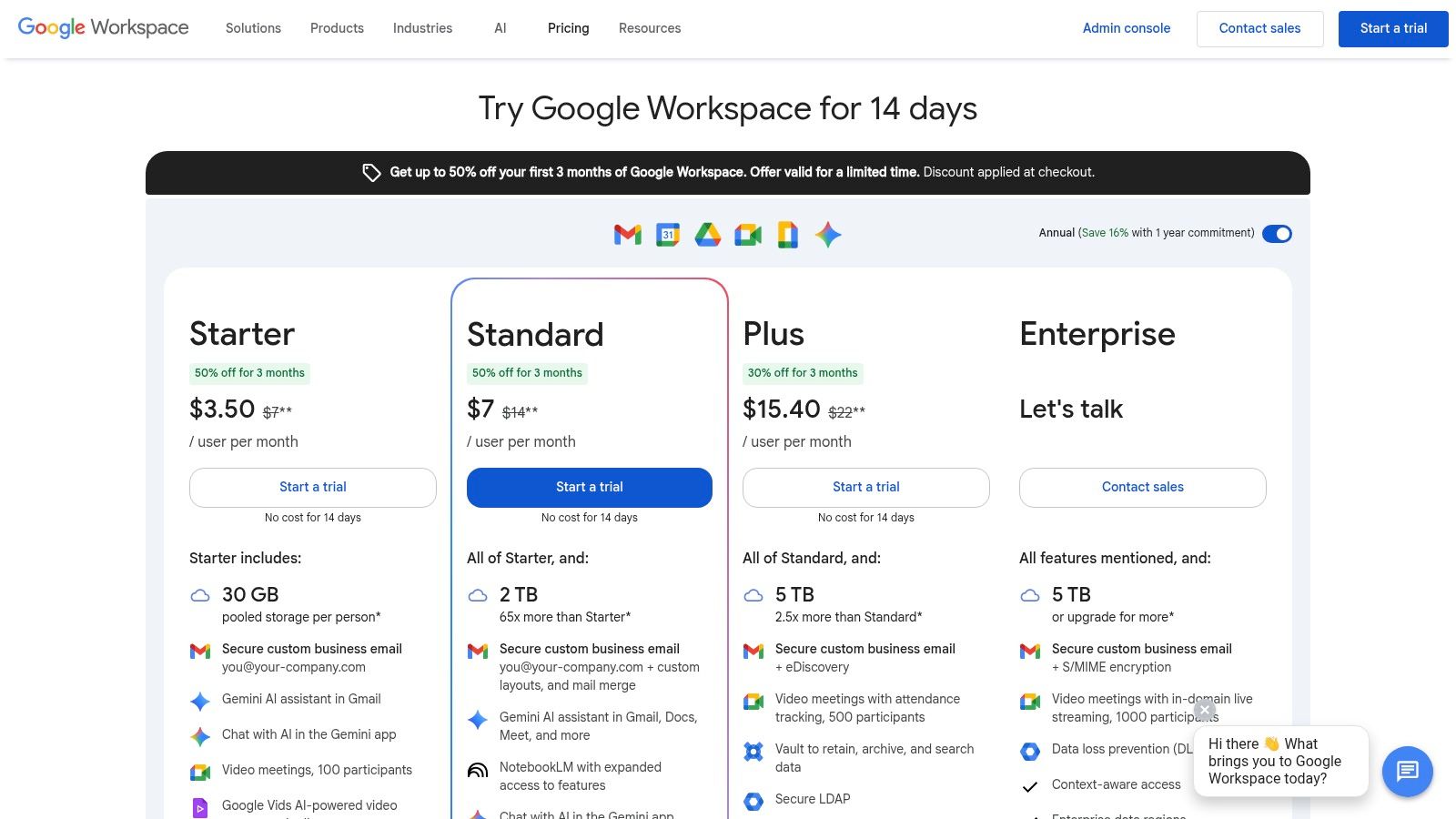
Pricing is bundled into Google Workspace plans, starting from $6 per user/month for the Business Starter plan. A 14-day free trial is available.
5. Zoom Workplace (Meetings + Team Chat + Whiteboard + Docs)
For many, Zoom is synonymous with video meetings, but its evolution into Zoom Workplace has made it a serious contender for unified communications. It builds on its world-class video foundation by adding Team Chat, collaborative Docs, and a virtual Whiteboard. It’s an ideal choice for organizations where video-first interactions, like town halls and webinars, are the heart of the company.
This isn't just about bolting on a chat app; it's about integrating communication seamlessly. You can escalate a chat message to a huddle or a full meeting with a single click. The inclusion of the AI Companion across the suite at no extra cost is a huge plus, offering intelligent meeting summaries and chat recaps that save everyone time.
Key Features
Best for: Video-centric organizations that want to consolidate their tools and use a familiar, best-in-class meeting experience.
Standout Features: Superior video and audio quality, an integrated AI Companion for summaries, and powerful add-ons for large-scale Webinars and Events.
Integrations: Offers a growing marketplace with hundreds of apps, with deep integrations into platforms like Salesforce, Google Workspace, and Microsoft 365.
Pros & Cons
Pros: Industry-leading meeting experience that users already know, valuable AI features included in standard plans, and straightforward for managing events.
Cons: The chat and document features are still maturing and may lack the depth of dedicated tools. Realizing its full value requires using the entire suite.
Pricing
Zoom Workplace plans start at $15.99 per user/month for the Pro plan. More advanced features are available in higher tiers.
6. Workvivo (by Zoom)
Workvivo is built around a simple idea: internal communications should feel less like a corporate memo and more like a community. It centers the employee experience on a social-style newsfeed, making company updates and peer recognition feel accessible and engaging. This approach is designed to drive adoption, especially for companies struggling to connect with a distributed workforce.
Acquired by Zoom, Workvivo excels at integrating live video for town halls directly into the employee feed. Its design philosophy makes it one of the best internal communications tools for organizations looking to foster culture, not just broadcast information. For businesses moving away from platforms like Workplace by Meta, Workvivo offers a familiar yet more focused environment.
Key Features
Best for: Companies prioritizing culture and employee engagement, especially those with hybrid or frontline teams.
Standout Features: A central social newsfeed, integrated employee recognition, and unlimited live streaming for town halls (on the Enterprise plan).
Integrations: Strong integration with Zoom is a core benefit. It also connects with major HRIS and productivity suites. Those considering it should check out these top Workvivo alternatives to compare.
Pros & Cons
Pros: High focus on user experience, strong engagement features, and a smooth migration path from similar social platforms.
Cons: Pricing is quote-based and can be a premium investment. Realizing its full potential requires a dedicated rollout strategy.
Pricing
Workvivo offers custom, quote-based pricing. You’ll need to contact their sales team for a proposal based on your organization’s size.
7. Staffbase
When your internal communications need to reach every single employee, from the corner office to the factory floor, Staffbase is built for that exact challenge. It’s an enterprise-grade platform that unifies a distributed workforce through a branded mobile app, a modern intranet, and targeted email campaigns. This isn't just about sending messages; it's about crafting a cohesive employee experience.
The real power of Staffbase lies in its sophisticated tools for communication teams. You can segment audiences with incredible precision, ensuring that frontline workers in one country get different updates than desk-based employees in another. The platform’s analytics provide deep insights into content engagement, helping communicators prove their impact.
Key Features
Best for: Large enterprises with significant frontline or non-desk workforces, and internal comms teams needing robust analytics.
Standout Features: A powerful employee app with deep personalization, a multichannel approach combining intranet and email, and detailed editorial workflows.
Integrations: Connects with major systems like Microsoft 365, Workday, and SAP to pull in user data.
Pros & Cons
Pros: Excellent for reaching frontline employees, powerful analytics for comms teams, and highly scalable for global organizations.
Cons: Pricing is geared towards the enterprise market. Requires a significant implementation effort to use its full capabilities.
Pricing
Staffbase uses a custom pricing model. You must contact their sales team for a personalized quote. More information is available at staffbase.com/pricing.
8. Simpplr
Simpplr is for the organization that wants a modern, AI-powered intranet without a year-long implementation headache. It’s an employee experience platform built around a central, intelligent hub for company news, knowledge, and resources. Rather than trying to be a chat tool, it focuses on being the definitive source of truth.
Its biggest differentiator is its focus on rapid implementation. Simpplr offers packaged deployment services to get you running quickly, a major plus for teams without a dedicated IT army. Features like AI-assisted content creation and powerful enterprise search help ensure the intranet stays relevant, solving the "ghost town" problem many older intranets face.
Key Features
Best for: Mid-to-large enterprises wanting to launch or modernize their intranet with a focus on governance and speed.
Standout Features: AI-powered enterprise search, structured editorial and content governance workflows, and dedicated services for rapid implementation.
Integrations: Connects with major platforms like SharePoint, Salesforce, Workday, and Slack to pull relevant information into its central hub.
Pros & Cons
Pros: Recognized for its modern user experience, strong focus on implementation services, and robust content management features.
Cons: Its intranet-first approach means you'll still need separate tools for real-time chat. Pricing isn't public.
Pricing
Simpplr does not list public pricing. You need to contact their sales team for a custom quote.
9. Firstup
For large enterprises, internal communication isn't just about sending a message; it's about orchestrating an entire experience. This is where Firstup excels. It's a heavy-duty platform designed to manage complex, multi-channel communication campaigns, ensuring the right message reaches the right employee at the right time.

Think of it like a marketing automation tool for your internal audience. You can create automated sequences for onboarding new hires or rolling out a major policy change, tracking engagement every step of the way. Its powerful analytics provide deep insights into content performance, helping communicators refine their strategy based on what actually resonates with employees.
Key Features
Best for: Large, complex organizations that need to orchestrate and measure targeted communication campaigns.
Standout Features: Advanced audience segmentation, journey-based communication automation, and robust analytics on content engagement.
Integrations: Connects with core enterprise systems like HRIS (Workday, SAP) and intranets (SharePoint).
Pros & Cons
Pros: Powerful for enterprise-scale strategies. Includes consulting services to help with adoption. Effectively reaches both desk and frontline workers.
Cons: Pricing is aimed at the enterprise market, making it a significant investment. Its power requires strong governance to prevent message overload.
Pricing
Firstup uses a custom, quote-based pricing model. You can learn more at their pricing page.
10. LumApps
LumApps positions itself as more than just an intranet; it’s an employee experience platform designed to be the central nervous system for larger organizations. It excels at integrating with Google Workspace and Microsoft 365, creating a unified digital headquarters that pulls in content, people, and tools from across the company.

What makes LumApps a good choice is its flexibility. It uses AI to assist with content creation and power an enterprise-grade search. Instead of being a one-size-fits-all tool, its modular design allows companies to add specialized functions like video, learning, or digital signage as needed. This approach lets it scale from a simple portal to a comprehensive employee platform.
Key Features
Best for: Global enterprises using Google Workspace or Microsoft 365 that need a customizable, integrated digital workplace.
Standout Features: Deep integrations with both major productivity suites, an AI-powered content assistant, and a marketplace of add-ons.
Integrations: Native integrations with Google Workspace and Microsoft 365 are its core strength. It also connects with a wide range of other business applications.
Pros & Cons
Pros: Highly configurable platform, strong integration with dominant office suites, and specialized add-ons available.
Cons: Pricing is complex and requires a sales consultation. Large-scale deployments often benefit from implementation partners, adding to the overall cost.
Pricing
Pricing is customized based on the number of users and selected add-ons. You must contact their sales team for a custom quote.
11. Beekeeper
When 80% of your workforce isn't sitting at a desk, traditional tools like email and intranets simply break down. Beekeeper was built from the ground up to solve this exact problem. It’s a mobile-first platform designed to connect frontline employees in industries like hospitality, manufacturing, and retail.
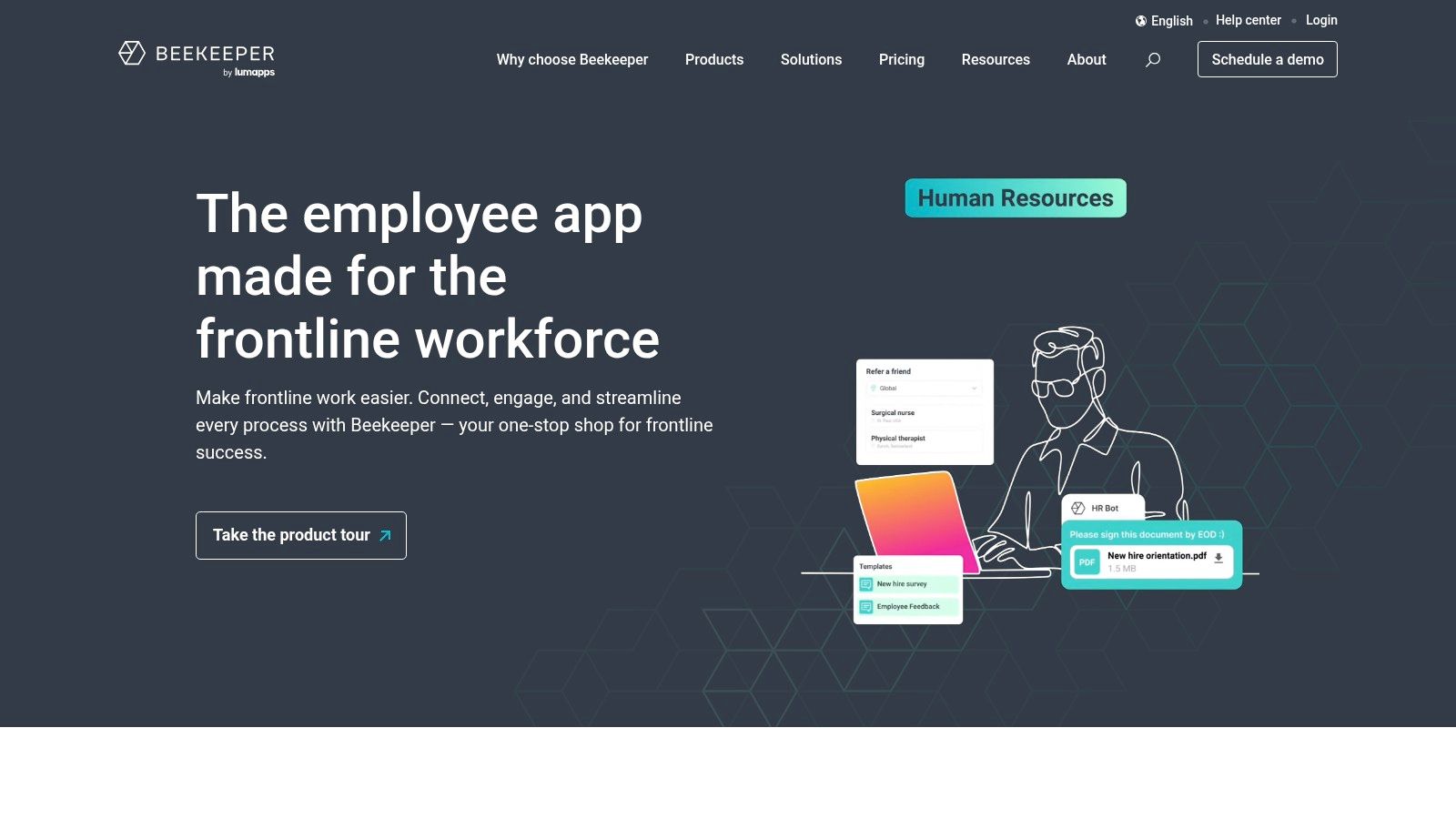
The platform combines the simplicity of a social app with the power of operational tools. It’s not just for company announcements; it’s for shift schedules, safety checklists, and peer-to-peer recognition. This dual focus on both communication and operations is what makes it so effective. It digitizes manual processes and gives every employee a secure, direct line to the company, all from their personal phone.
Key Features
Best for: Organizations with a large non-desk workforce in sectors like retail, hospitality, and manufacturing.
Standout Features: Mobile-first news feeds, secure 1:1 and group chat, and operational workflow automation.
Integrations: A dedicated Marketplace connects Beekeeper to essential HR and operations systems.
Pros & Cons
Pros: Purpose-built for frontline workers, easy to adopt with a friendly mobile interface, and offers a clear path to scale from a free pilot.
Cons: The free tier is limited to a small user count, and unlocking its full power requires commitment to the paid plans.
Pricing
Beekeeper offers a free account for up to 30 users, which includes a 14-day trial of Premium features. Custom pricing is available for larger teams.
12. G2 – Internal Communications Software Category
Think of G2 not as a tool itself, but as the ultimate research hub before you commit to one. It’s a peer-review platform that aggregates hundreds of the best internal communications tools, providing unfiltered user reviews and feature comparisons. Instead of relying on vendor marketing, you get a real-world look at how different tools perform.
This is where you go to build your shortlist. G2’s strength lies in its verified user feedback and its powerful filtering system. You can instantly see how tools stack up based on user satisfaction and market presence, then drill down by specific needs like "push notifications" or "employee surveys." It’s an indispensable first step to cut through the noise.
Key Features
Best for: Internal comms and HR leaders in the initial research and vendor comparison phase.
Standout Features: The G2 Grid® for visualizing market leaders, detailed feature comparisons, and thousands of verified, in-depth user reviews.
Integrations: Not applicable in the traditional sense, but it provides direct links to vendor websites and demo requests.
Pros & Cons
Pros: An efficient way to survey the entire market. Honest user reviews help validate vendor claims.
Cons: Scores can be influenced by review volume. Always verify pricing and feature specifics directly with the vendor.
Pricing
Access to browse reviews and compare products on G2 is completely free for buyers.
Top 12 Internal Communications Tools — Feature Comparison
Product | Core features | UX (Quality) ★ | Value & Pricing 💰 | Target 👥 | Unique selling points ✨ |
|---|---|---|---|---|---|
🏆 Pebb | Chat, newsfeed, kudos, scheduling, PTO, training, knowledge library | ★★★★☆ | 💰 Free start; contact for paid plans | 👥 Frontline + desk teams (retail, hospitality, healthcare) | ✨ Ultra-fast onboarding (one link), 50+ integrations, all‑in‑one ops + comms |
Microsoft Teams (Microsoft 365) | Chat, channels, meetings, Viva Engage, SharePoint/OneDrive integration | ★★★★☆ | 💰 Bundled with M365; add-ons for Premium/Phone | 👥 Enterprises using Microsoft stack | ✨ Deep Office coauthoring, enterprise security & governance |
Slack | Channels, DMs, huddles, clips, large app ecosystem, AI in paid tiers | ★★★★☆ | 💰 Free → Enterprise tiers; paid AI features | 👥 Fast-moving, cross-functional teams | ✨ Slack Connect for external collaboration, 2,600+ integrations |
Google Workspace (Chat/Spaces/Meet) | Chat/Spaces, Meet, Drive + Docs coauthoring, Gemini AI features | ★★★★☆ | 💰 Competitive SMB pricing per user | 👥 SMBs and browser-first organizations | ✨ Native real-time doc collaboration, Gemini AI across apps |
Zoom Workplace | Meetings-first, team chat, Whiteboard, Docs, AI Companion | ★★★★☆ | 💰 Core plans include meetings; add-ons for webinars | 👥 Video-first teams, events/webinars | ✨ Best-in-class meeting UX, integrated AI & webinar scale |
Workvivo (by Zoom) | Social intranet feed, recognition, live streaming, surveys, analytics | ★★★★☆ | 💰 Quote-based (enterprise) | 👥 Internal comms-led orgs seeking engagement | ✨ Adoption services, live town halls, engagement-first design |
Staffbase | Mobile app, intranet, targeting, internal email, analytics | ★★★★☆ | 💰 Quote-based; enterprise focus | 👥 Large & distributed workforces, IC teams | ✨ Deep editorial tools, strong targeting & analytics |
Simpplr | Intranet UX, AI search, editorial workflows, packaged deploys | ★★★★☆ | 💰 Quote-based with implementation options | 👥 Companies needing intranet-first experience | ✨ Rapid implementations, analyst-recognized intranet features |
Firstup | Multichannel orchestration, audience journeys, analytics, services | ★★★★☆ | 💰 Per-user pricing; enterprise quotes | 👥 Enterprises with complex multi-channel needs | ✨ Journey-based targeting, strong consultancy & enablement |
LumApps | Intranet + communities, AI content assist, MS/Google integrations | ★★★★☆ | 💰 Packaged licenses; sales-scoped pricing | 👥 Enterprises using Google Workspace or M365 | ✨ Flexible add-ons (video, learning, recognition), dual-suite integration |
Beekeeper | News, chat, directories, operational workflows, mobile-native | ★★★★☆ | 💰 Free tier (≤30 users), scalable paid plans | 👥 Frontline workers (retail, hospitality, manufacturing) | ✨ Frontline-first UX, quick pilot with free tier |
G2 – Internal Comms Category | Category rankings, verified reviews, filters, vendor links | — | 💰 Free to use (research) | 👥 Buyers, shortlisters, procurement teams | ✨ Verified user reviews, market grids & comparative filters |
So, what's the 'best' tool?
We’ve walked through a dozen different tools. After all that, you’re probably asking yourself which one is truly the best. Here’s the honest, simple truth: there isn’t one. The search for the single "best internal communications tool" is a wild goose chase. The real question is, what’s the best tool for your team, right now?
The answer is buried in the problems you’re trying to solve.
Are you a massive enterprise already paying for the full Microsoft 365 suite? Then digging deeper into Teams is a logical first step. Are you a creative agency where developers live in a world of quick-fire chats and integrations? Slack was practically built for you.
But what if your problems look different? What if your team isn't sitting at a desk all day? What if you manage a chain of coffee shops, a network of healthcare clinics, or a busy warehouse? Suddenly, a complex, desktop-first tool doesn't just feel wrong—it feels actively hostile to how your people actually work.
Finding clarity in the noise
Choosing the right tool isn’t about picking the one with the longest feature list. It’s about matching the tool’s core philosophy to your company’s culture and operational reality.
For deep ecosystem users: If your company runs on Google Workspace or Microsoft 365, the path of least resistance is often the smartest. Using Teams or Google Chat keeps everything under one login and one bill. The trade-off is that these tools are often generalists, not specialists.
For polished intranets: If your primary goal is to create a beautiful, magazine-style source of truth managed by a dedicated comms team, platforms like Simpplr, LumApps, and Staffbase excel. They are built for structured, top-down content.
For frontline teams: This is where the game changes. For teams in retail, hospitality, or healthcare, communication isn't a background task. It’s tied directly to operations. This is where a unified, mobile-first platform becomes essential.
It’s about more than just messages
Let’s be honest, the chaos at work isn't just from too many messages. It’s from having too many places. A chat in one app, a schedule in another, a training video on a shared drive, and a policy document buried in an email. This fragmentation is exhausting, especially for employees who don't have time to hunt for information.
We built Pebb because we lived this frustration. We wanted to create a single, calm place that wasn't just another chat app, but a true home base for the entire team—a place where a company announcement lives right alongside the weekly schedule.
Is Pebb the best tool for every company on the planet? Absolutely not. But if you’re tired of juggling separate apps and you believe that communication should be simple, accessible, and connected to the daily workflow of every employee, not just the ones at a desk, then it might be exactly what you need. The "best" tool is the one that makes work feel less chaotic and more connected. Your job is to define what that looks like for your team.
Ready to replace the chaos of multiple tools with a single, calm platform? Try Pebb for free and see how our mobile-first approach unites your team’s communication, scheduling, and training in one simple place. Get started with Pebb today.
