
Author: Ron Daniel
What Is the Best Clock In App for Employees?
Compare top clock-in apps to find the best employee time-tracking solution—features, pricing, integrations, and scalability explained.
"Why does payroll always feel like a Monday morning headache?" That’s what my manager asked me during one chaotic payroll cycle last year. We were knee-deep in timesheets, trying to decode messy clock-in data, and I could feel the frustration brewing across the team. Turns out, we weren’t the only ones dealing with this. Did you know that outdated time-tracking methods can cost businesses up to 7% of payroll due to time theft? Yeah, I didn’t either - until we started digging into the numbers.
Here’s the deal: tracking time doesn’t have to be this hard. At Pebb, we decided to rethink how teams clock in and manage hours. The result? An all-in-one employee app that doesn’t just track time but brings everything - scheduling, communication, and operations - into one place. And trust me, it’s been a game-changer for us and thousands of other teams.
In this article, I’ll walk you through what makes Pebb stand out, how it compares to other tools like Connecteam and Buddy Punch, and why choosing the right app can save your team hours of admin work (and a few headaches too). Let’s break it down.
1. Pebb
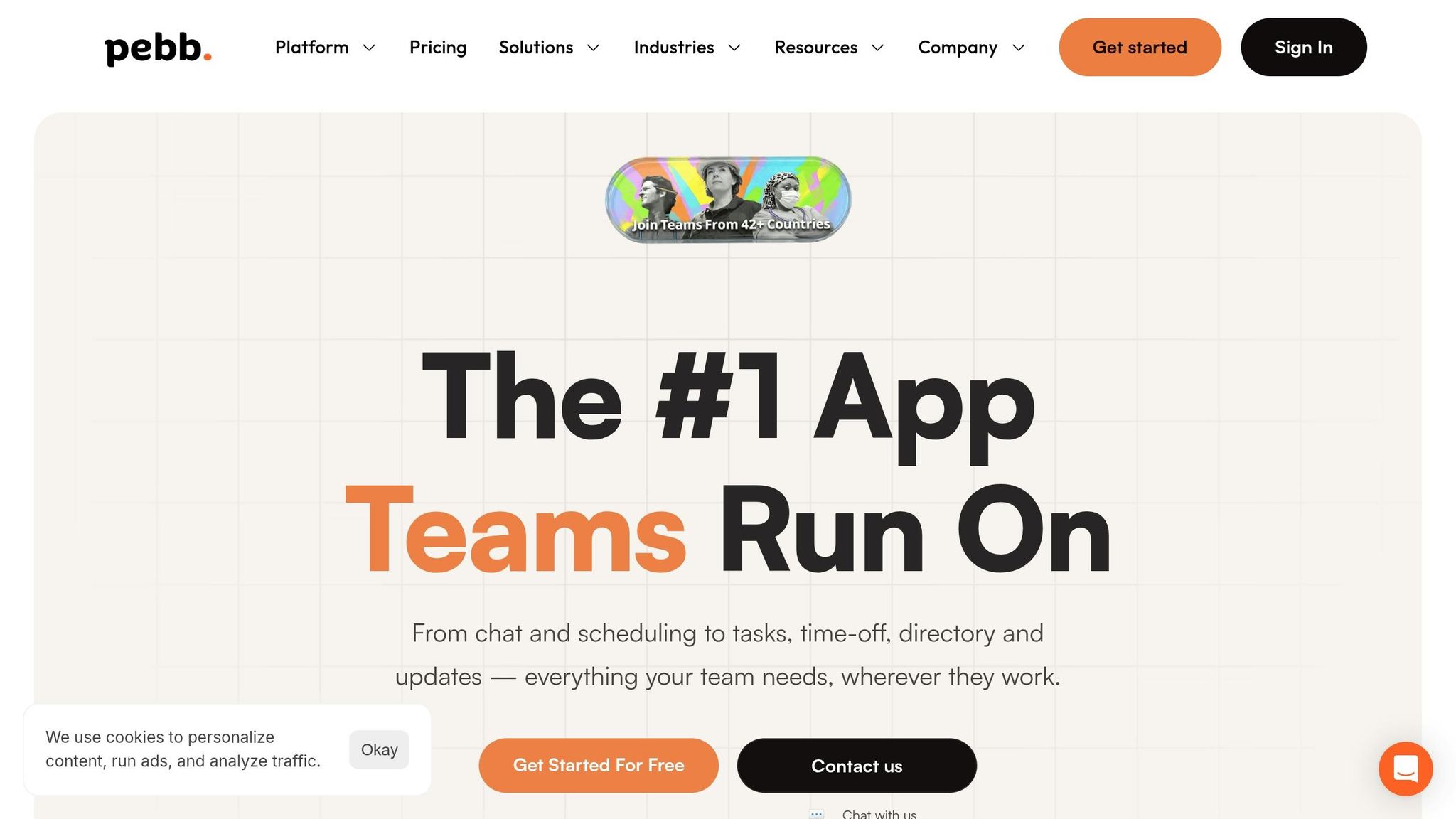
Pebb brings together communication, scheduling, and clock-in tools in one streamlined platform, cutting out the hassle of juggling multiple apps. Whether employees are clocking in through their phones, a shared tablet at the job site, or a web browser, it’s all just one tap away.
Pricing
For teams of up to 15 employees, Pebb offers a free Standard plan that includes essentials like the full clock-in feature, shift scheduling, PTO management, and unlimited chat history. For growing teams, the Premium plan is just $4 per user each month. This single solution replaces the need for multiple tools, and with no hidden fees, scaling your team feels straightforward and stress-free.
Features
Pebb’s clock-in system is packed with tools like tasks, calendar events, digital forms, and chat to simplify workforce management. If someone forgets to clock in or makes a mistake, they can submit a correction request directly from their phone - no awkward back-and-forth emails needed.
Managers stay in the loop with instant notifications, and the system handles the heavy lifting for daily time tracking and attendance visibility. Even better, everything syncs in real time. If an employee works offline, the app updates as soon as they reconnect. And for businesses already using HR systems, Pebb includes integrations on the Premium plan to keep everything connected.
Integration
Pebb includes integrations on the Premium plan, helping your clock-in data flow into your payroll system without the need for manual exports or spreadsheets. This integration doesn’t just save time; it makes operations smoother. Time logs are tied to schedules, updates happen in real time, and managers can easily track attendance trends. As Dan Robin from our team puts it:
"Integration is what turns a time clock from a simple record-keeper into a powerful operational tool. It saves countless hours of administrative work and prevents the costly human errors."
Scalability
Whether you’re managing a small team or a large enterprise, Pebb’s all-in-one employee app grows with you. Adding team members is quick and painless - managers can onboard an entire crew in minutes using a shareable invite link. One customer described their experience:
"It combines everything - chat, tasks, news feed, knowledge, library - into one place and it's incredibly affordable."
From small retail businesses to major healthcare systems, Pebb has earned its place as a trusted partner for organizations of all sizes.
2. Connecteam
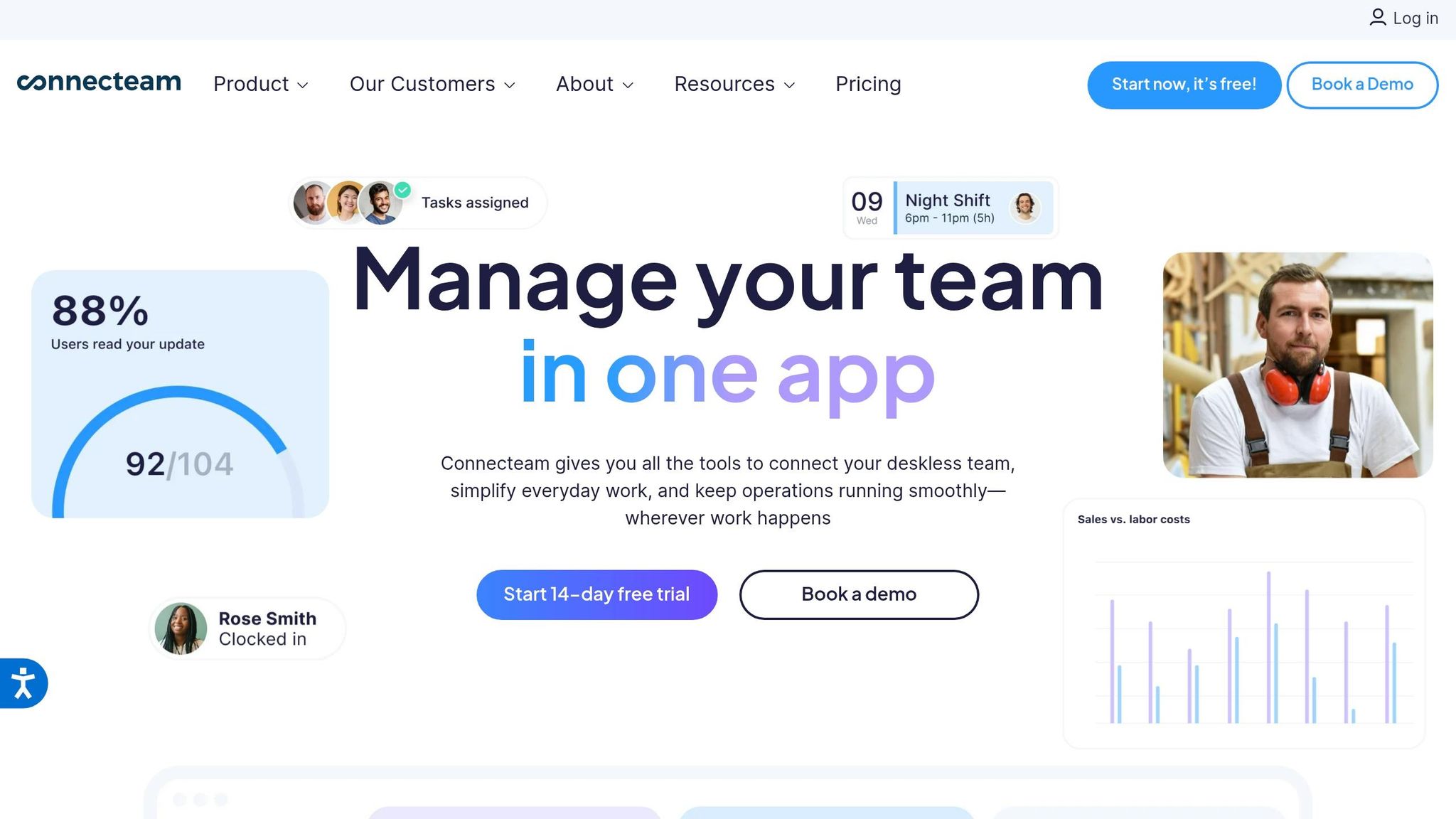
Connecteam brings together time tracking, scheduling, task management, and communication into one platform. It’s specifically built for mobile and field teams, going far beyond simple clock-in functions. With over 80,000 companies worldwide relying on it, Connecteam has become a trusted choice for businesses juggling workers across numerous job sites.
Pricing
For small businesses with up to 10 users, Connecteam provides a free plan. Once your team grows beyond that, the Basic Plan kicks in at $29/month for 30 users, with an additional $0.80 per user. The Advanced Plan costs $49/month for 30 users (plus $2.50 per user), while the Expert Plan is $99/month for 30 users, with an extra $4.20 per user. All premium plans come with a 14-day free trial, and pricing is based on annual billing.
Features
Connecteam doesn’t just track time - it ensures accuracy with tools like GPS timestamps and geofencing, so you know exactly when and where employees clock in. The auto clock-out feature prevents issues when workers leave designated areas, and the breadcrumbs tool lets you monitor routes in real time. Cristen Gros, VP of Special Projects, captured the impact perfectly:
"I had people that we would just schedule for work and hope and pray that they show up. And now, we have an average of a 90-95% attendance rate."
The platform also simplifies compliance and payroll by automatically calculating overtime - whether it’s daily, weekly, or over consecutive days - and managing breaks according to labor laws. Employees can clock in using a mobile app, browser, or even a shared kiosk tablet, with options like PIN entry, selfie verification, or NFC tap functionality. Hours flow directly into digital timesheets, flagging issues like overlapping shifts or missed punches, which cuts down on payroll headaches.
Integration
Connecteam integrates with popular tools like QuickBooks Online, Gusto, Xero, and RUN Powered by ADP, making payroll a breeze by eliminating manual data entry and reducing errors. For providers like Paychex, it exports timesheets in ready-to-use formats. It also connects with tools like Lightspeed POS and offers API access, along with Zapier connectivity, enabling custom workflows with over 1,000 apps. The platform adheres to strict security standards, being HIPAA compliant and holding both SOC 2 Type II and ISO 27001 certifications.
Scalability
Whether you’re managing a small team or multiple job sites, Connecteam adjusts to fit your needs. You can set up different time clocks for various departments or locations, each with its own attendance rules. Scott W., Director of Operations, shared his experience:
"I tried about 20 different platforms for workforce management before deciding to go with Connecteam. It's everything we needed (plus more), all in a single solution. Not only did we cut our previous costs by 80%, everything is now in a single solution."
And if you ever need help, their 24/7 live support has you covered, with response times typically between 5 and 15 minutes.
3. Buddy Punch
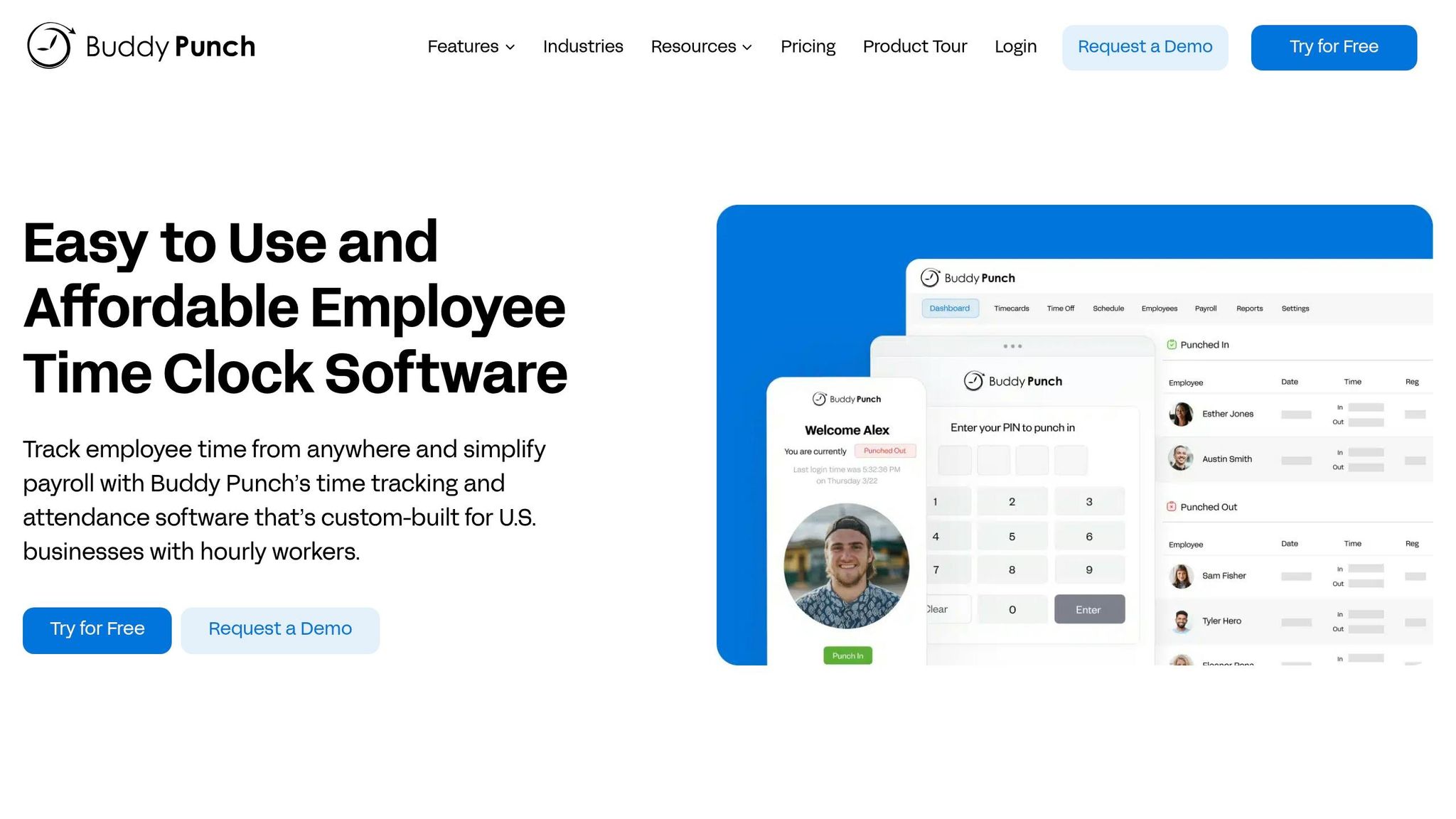
Let’s talk about Buddy Punch - a time tracking app that’s packed with features but comes with a heftier price tag.
Buddy Punch is a cloud-based tool designed for tracking attendance, preventing time theft, and simplifying payroll for hourly, remote, and field employees. It’s flexible, allowing employees to clock in using a mobile app, web browser, or tablet kiosk. They can use PINs, QR codes, or even facial recognition to punch in and out.
Pricing
Here’s the deal with Buddy Punch’s pricing: it’s tiered and starts with a $19 monthly base fee for all plans. On top of that, the Standard Plan is $4.49 per user/month (or $3.99 if billed annually). It includes essentials like time tracking, GPS punch-ins, and payroll integrations. Then there’s the Pro Plan at $5.99 per user/month (or $4.99 annually), which adds scheduling, geofencing, and photo verification. For larger teams, the Enterprise Plan costs $10.99 per user/month (or $9.99 annually) and unlocks API access and Single Sign-On. They do offer a 14-day free trial, and no credit card is required.
Let’s break it down: if you’ve got five employees, the Standard Plan will set you back about $41.45/month. That’s more than double Pebb’s premium plan, which is just $20/month. Plus, unlike Pebb, which bundles time tracking with communication tools for free, Buddy Punch’s base fee can make it a pricier option for smaller teams.
Features
Buddy Punch shines when it comes to accountability. It uses GPS tracking, geofencing (with site radii ranging from 50 to 1,500 meters), and "Photos on Punch" to prevent buddy punching. It also automates PTO accruals, break tracking, and overtime calculations.
Tim L., a manager who uses Buddy Punch, had this to say:
"This is a vast improvement over our antiquated system... I do payroll each week in less than half the time now!"
The scheduling tools are pretty slick too. You can create shifts with drag-and-drop ease, manage shift trades and covers, and send instant notifications when schedules are updated. Michael Barry, Operations Manager at Good Earth Gardeners, shared his experience:
"Buddy Punch was the only app that did what I wanted it to do - sync up department codes with job reporting codes in QuickBooks."
However, there’s a downside: the app needs an active internet connection to sync data. That can be a real headache for field teams working in remote areas.
Integration
When it comes to integrations, Buddy Punch connects with over 17 payroll systems like ADP, Gusto, Paychex, and Rippling. It also syncs with both QuickBooks Online and QuickBooks Desktop for accounting. If you need more, it supports Zapier for additional connections. The Enterprise Plan even offers API access and Single Sign-On for custom integrations.
That said, there are some gaps. Buddy Punch isn’t HIPAA-compliant and doesn’t include native expense management or client invoicing features. While its integrations are solid, Pebb’s ability to connect with over 50 HR and payroll providers makes it a more seamless option for managing time tracking alongside communication and scheduling.
Scalability
Buddy Punch works well for businesses of all sizes, from small teams to organizations with over 200 employees. As a cloud-hosted service, it boasts a 99.9% uptime and allows unlimited free administrator accounts. Their customer support is quick, with a median first response time of just 54 seconds during business hours. The platform is highly rated, holding a 4.8 out of 5-star average on Capterra and G2, based on more than 1,000 reviews.
All in all, Buddy Punch delivers a solid experience for teams that can afford the higher price point, but it might not be the best fit for smaller teams looking for an all-in-one solution like Pebb.
Pros and Cons
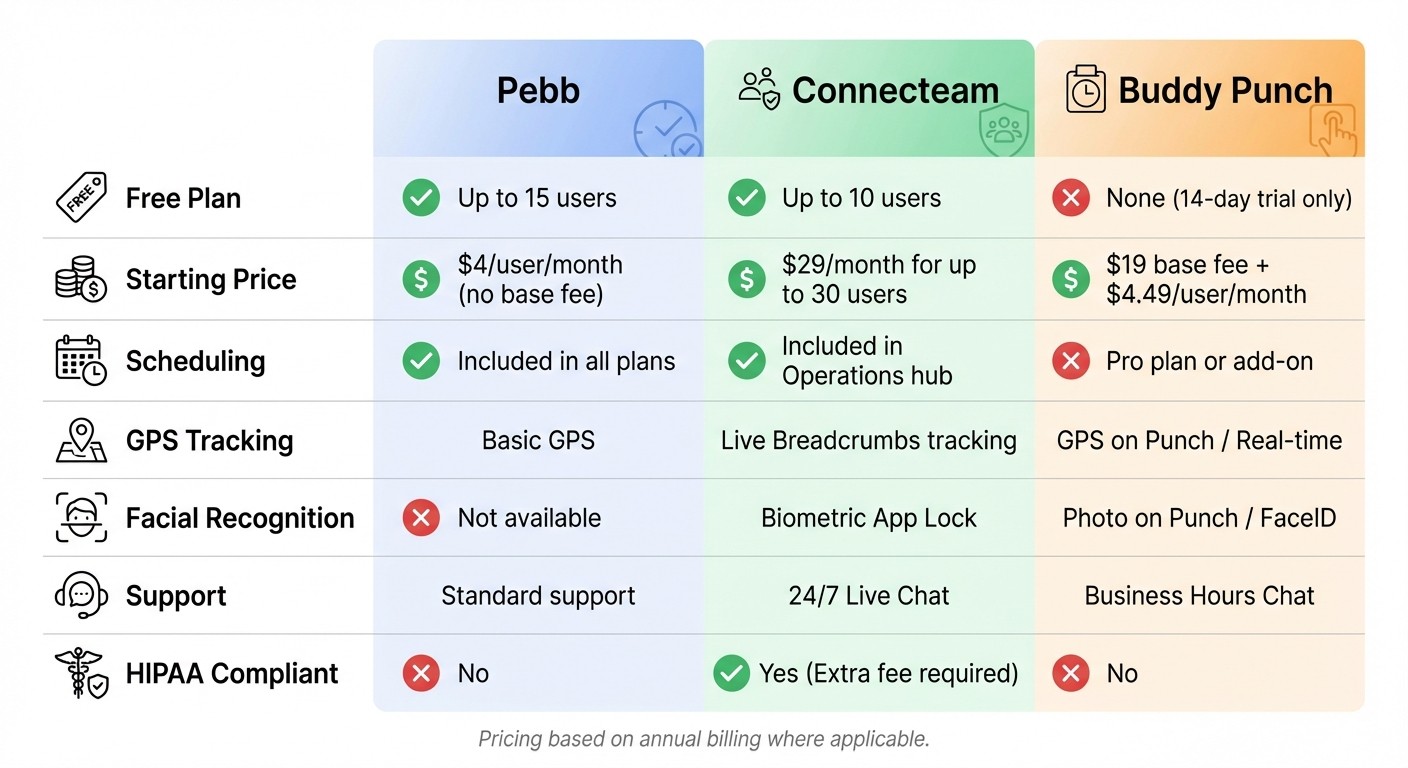
Clock-In App Comparison: Pebb vs Connecteam vs Buddy Punch Features and Pricing
Let me give you a clear breakdown of what each clock-in app brings to the table - and where it might leave you wanting more.
Pebb is like the Swiss Army knife of workforce management. It’s packed with features like clock-in, scheduling, PTO tracking, chat, tasks, digital forms, calendar events, and news feeds, all wrapped up in a single platform. Plus, it’s free for teams of up to 15 people, and if you need to scale, the premium plan is just $4 per user per month - with no base fee. That’s a big win for small businesses. The downside? We don’t offer advanced biometric options like facial recognition yet. But hey, we’re always looking to improve.
Now, let’s talk about Connecteam. This app shines when it comes to managing teams spread across multiple locations. Features like breadcrumb GPS tracking and geofencing (adjustable between 50 to 1,500 meters) make it a standout for field teams. They also offer 24/7 live support and optional HIPAA compliance if you’re willing to pay extra. The catch? Their modular pricing can add up fast, especially if you need to unlock multiple features.
Then there’s Buddy Punch, which has earned a stellar 4.9/5 rating for ease of use. It integrates with over 17 payroll systems and offers slick features like facial recognition and QR code punch-ins. One business owner even reported slashing payroll processing time by over 50% after switching to Buddy Punch. But here’s the thing: there’s no free plan. You’re looking at a higher base fee and per-user cost, which might make it a tougher sell for smaller teams.
To make it easier to compare, here’s a quick side-by-side view of the key features:
Feature | Pebb | Connecteam | Buddy Punch |
|---|---|---|---|
Free Plan | Up to 15 users | Up to 10 users | None (14-day trial) |
Starting Price | $4/user/month | $29/month (up to 30 users) | $19 base + $4.49/user/month |
Scheduling | Included in all plans | Included in Operations hub | Pro plan or add-on |
GPS Tracking | Basic | Live Breadcrumbs | GPS on Punch / Real-time |
Facial Recognition | No | Biometric App Lock | Photo on Punch / FaceID |
Support | Standard | 24/7 Live Chat | Business Hours Chat |
HIPAA Compliant | No | Yes (Extra fee) | No |
Each app has its strengths and trade-offs, so the right choice depends on what your team needs most. Whether it’s affordability, advanced tracking, or payroll integration, there’s an option that fits.
Wrapping It Up
When it comes to choosing the best solution for your team, it boils down to what your business needs most. For the majority of teams, Pebb is the go-to option. Why? Because we've crafted an all-in-one employee app that doesn’t just track time - it connects your workforce through chat, scheduling, PTO management, tasks, digital forms, calendar events, and even a news feed. And at $4 per user per month with no base fee - plus a free plan for up to 15 users - it’s hard to beat the value we’re offering.
That said, there are other tools that might suit specific needs. For instance:
Connecteam could be a good fit if you’re managing field teams across multiple locations and prefer a modular setup.
Buddy Punch stands out if your top priority is preventing time theft using facial recognition and you’re ready to invest a bit more.
Still, most teams benefit from a bundled solution that avoids hidden fees and keeps things simple.
"If your team needs a manual to clock in, the tool has already failed. Simplicity isn't a feature; it's the foundation." - Dan Robin, Pebb
That’s exactly the mindset we had when designing Pebb. The interface feels natural - like scrolling through a social feed - so onboarding is a breeze. By rolling time tracking, communication, operations, tasks, digital forms, and calendar events into one app, we’ve eliminated the chaos of juggling multiple systems. It’s all in one place, working together effortlessly.
The right clock-in app should do more than just track hours; it should make life easier for everyone. From managers to employees clocking in daily, the goal is simplicity and accuracy. Whether you’re running a retail shop, a restaurant, or coordinating a remote team, Pebb ensures everyone stays connected and gets paid without a hitch. By combining essential features into one affordable platform, Pebb isn’t just a tool - it’s the solution your team deserves.
FAQs
How does Pebb stop buddy punching?
Pebb tackles attendance accuracy head-on with smart tools like clock in and shift scheduling. Here's how it works: employees can only clock in or out when they’re physically at approved work locations. By tying attendance to specific geographical boundaries, we make it nearly impossible for someone to clock in on behalf of a coworker. It’s a simple yet effective way to keep things fair and accurate.
Can employees clock in without internet?
If your app has an offline mode, employees can clock in even without an internet connection. The key is that they need to clock in at least once while connected. After that, any offline entries will sync automatically to the system once the device reconnects. This way, time tracking stays accurate, even in spots with poor or no connectivity.
Which payroll tools does Pebb integrate with?
Pebb includes integrations on the Premium plan, making it easy to connect payroll and benefits tools with your employee workflows. By connecting directly with these platforms, we’ve made it easy to sync payroll and employee benefits in both directions, saving time and reducing headaches for everyone involved.
