
Author: Ron Daniel
The Best Shift Management Apps for Frontline Teams in 2026
Compare the top shift management apps for frontline teams, with features, pricing, mobile access, and suitability to help you choose the right tool.
I’ve been there - standing in the middle of a busy store, my phone buzzing with texts from employees about shift swaps, while simultaneously trying to fix a scheduling error on a spreadsheet. It’s chaos. And I’m not alone. Did you know that 40% of businesses still use manual scheduling tools like spreadsheets? That’s a recipe for missed shifts, frustrated employees, and endless headaches for managers.
Here’s the kicker: nearly 70% of hourly workers have missed a shift because of poor communication. And for managers like me, 60% say last-minute changes are their biggest challenge. It’s not just about creating a schedule; it’s about keeping everyone on the same page - especially when your team is spread across multiple locations and doesn’t have access to corporate emails or desks.
So, what’s the solution? A single platform that combines scheduling, communication, and task management into one place. No more juggling apps. No more missed updates. Just a simple, mobile-friendly tool that works for both managers and frontline teams.
In this guide, I’ll walk you through the best shift management apps of 2026, including how tools like Pebb are simplifying the chaos and helping teams thrive. Let’s dive in.
1. Pebb
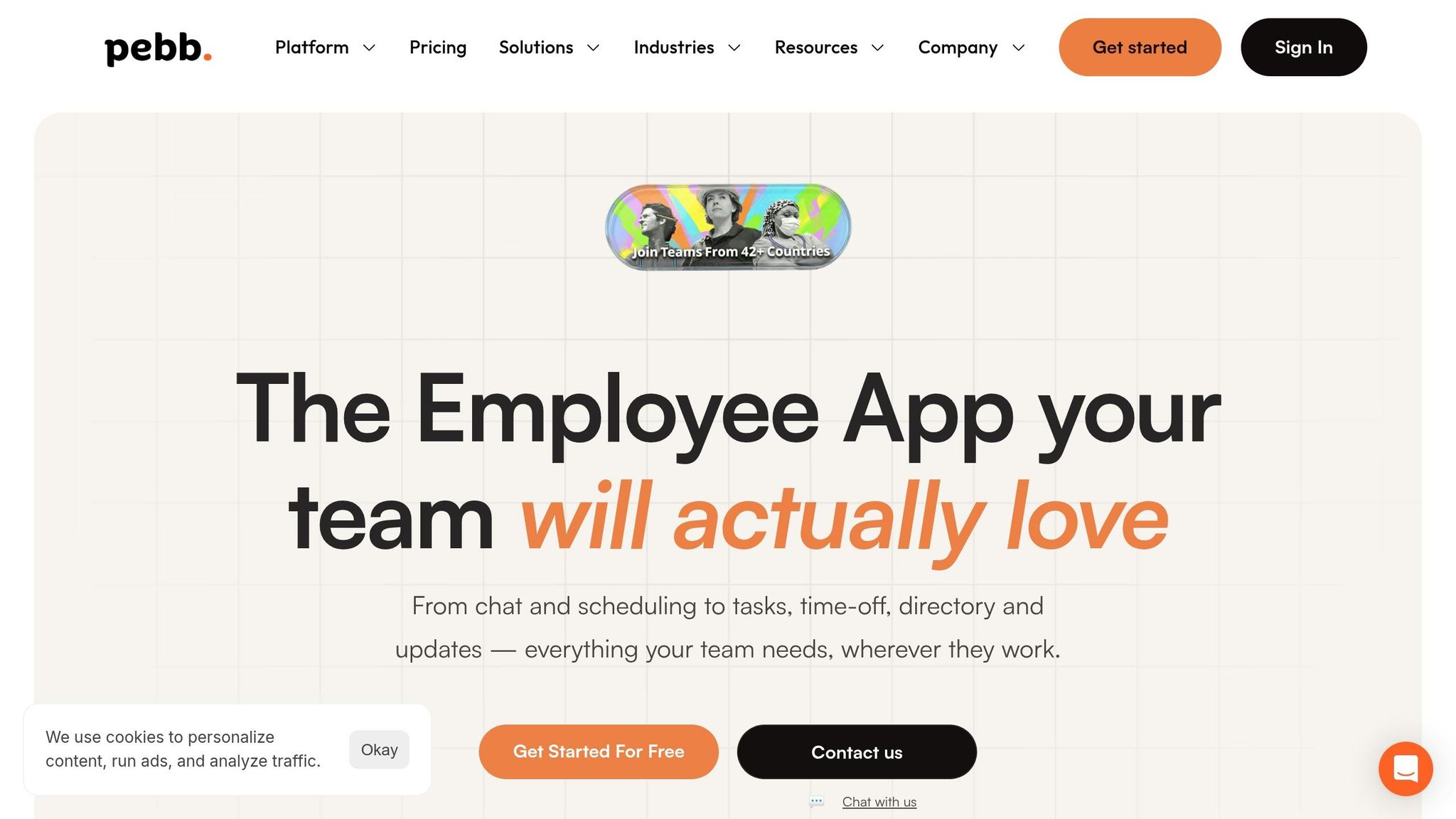
Pebb brings scheduling, communication, and operations together in one all-in-one employee app for frontline teams. Forget the hassle of juggling multiple apps - this platform offers everything you need: shift planning, chat, news feeds, PTO tracking, digital clock-ins, and even voice and video calls. It’s like blending the simplicity of social tools with the power of professional work management.
Pricing
Here’s the deal: if your team has 15 or fewer employees, you can use Pebb’s Standard plan for free. It includes features like shift scheduling, unlimited chat history, a news feed, task management, digital forms, calendar, clock-in, and PTO tracking. For larger teams, the Premium plan is available at just $4 per user per month, adding analytics, unlimited admins, permissions control, advanced work chat, advanced posts, voice and video calls, integrations, Enterprise SSO, and Premium SLA support.
Feature | Standard (Free) | Premium ($4/user/month) |
|---|---|---|
Team Size | Up to 15 employees | Unlimited |
Scheduling | Shift planning, Clock in & PTO | Shift planning, Clock in, PTO + Analytics |
Communication | Chat & News feed | Advanced Work Chat, Advanced Posts + Voice/Video calls |
Operations | Tasks, Digital forms, Calendar | Tasks, Digital forms + Integrations |
Support | Standard | Premium SLA support + Permissions control |
Shift Scheduling Features
Pebb’s scheduling tools go beyond the basics, offering features that make managing shifts a breeze. Employees can easily request shift swaps, update their availability, and submit time-off requests - all subject to manager approval. Managers, in turn, get detailed shift reports that track hours, attendance, and time-off patterns, helping them make smarter staffing choices. Real-time notifications ensure everyone stays in the loop about schedule updates, which means fewer no-shows.
Jessica S., a satisfied customer, summed it up perfectly:
"Connecting Our Staff Across Multiple Resort Locations" - Jessica S.
And let’s talk about the digital clock-in feature - it’s not just convenient, it’s smart. With GPS verification, you can track hours accurately without needing to mess with paper timesheets.
Communication Tools
What makes Pebb stand out is how it ties communication directly to work tasks. Need to discuss a shift swap? Announce a new policy? The relevant chat or news feed is right there, linked to the specific shift or task. Plus, Pebb speaks your team’s language - literally. It supports five languages: English, French, German, Italian, and Spanish, making it ideal for diverse teams.
Frontline Suitability
Pebb is built with frontline teams in mind. It works smoothly on both iOS and Android, and onboarding is a breeze - just send a link, and your team is ready to go. With over 10,000 customers worldwide, Pebb is trusted by teams in retail, restaurants, and multi-location operations. Everything syncs instantly, ensuring that even the busiest teams stay connected. This integration makes it easy to see why Pebb is a standout among other shift management solutions.
2. Connecteam
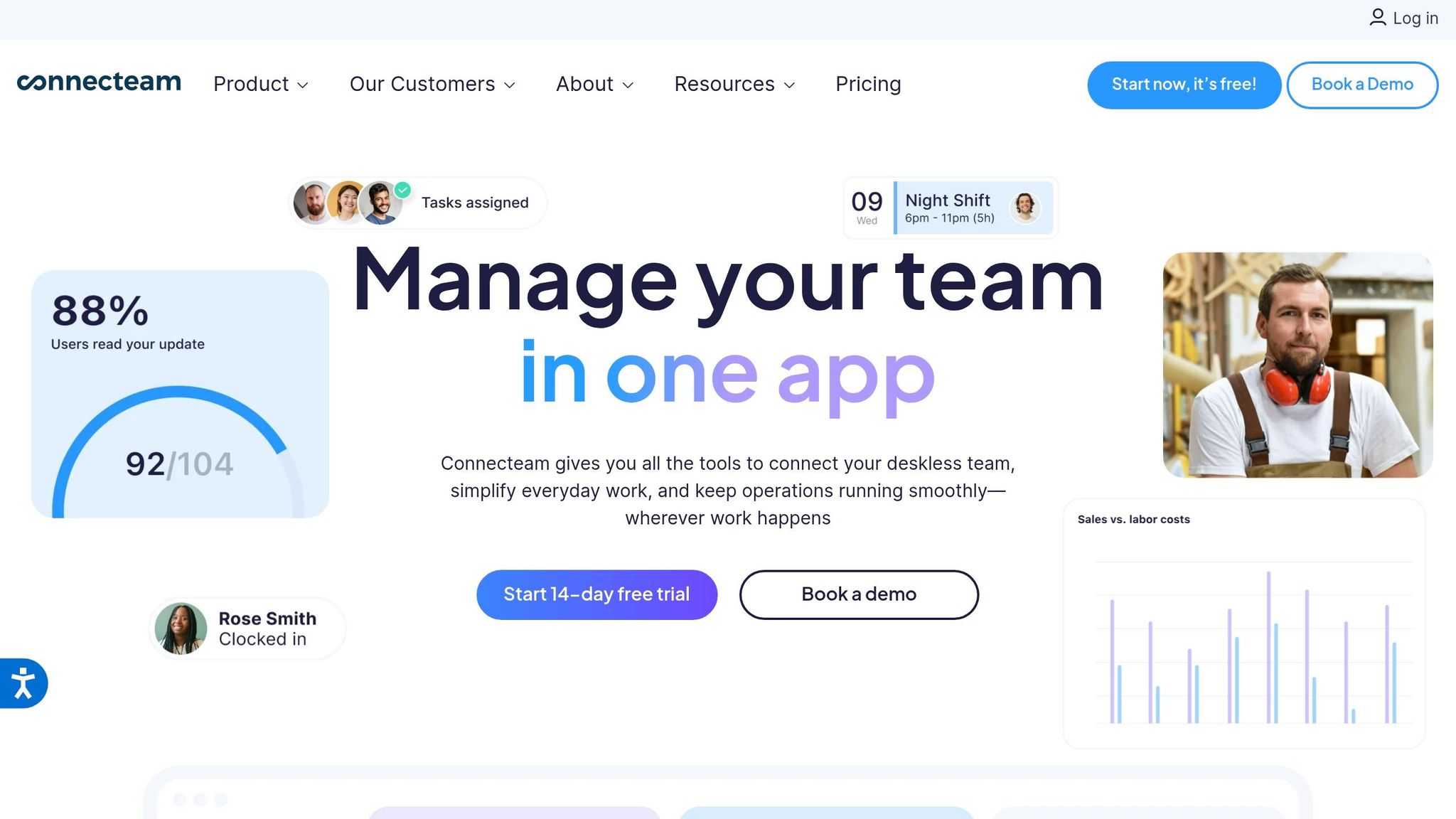
Connecteam breaks its workforce management tools into distinct subscription-based Hubs, allowing teams to pick and choose what they need. For example, the Operations Hub handles scheduling, while the Communications Hub focuses on chat, updates, and collaboration tools. This modular pricing structure means you pay specifically for the features you use. Let me walk you through its pricing, scheduling and communication tools, and how it stacks up for frontline teams.
Pricing
Here's the deal: Connecteam's Operations Hub starts at $49/month for 30 users on the Advanced plan, with an additional $1.50 per user beyond that. If you need the Expert plan, it's $99/month for 30 users, plus $3.00 for each extra user. In comparison, Pebb offers an all-in-one communication solution that's free for teams of up to 15 people. For bigger teams, our premium plan costs just $4 per user, which makes it a strong contender for budget-conscious teams in the digital workplace.
Shift Scheduling Features
Connecteam's scheduling tools are designed to simplify life for managers. The drag-and-drop interface is intuitive, letting you build color-coded schedules in no time. Whether you’re using templates for recurring shifts or copying past weeks, it’s all about efficiency.
What’s even better? The system flags potential issues like overlapping shifts, double-bookings, or scheduling someone during their approved time off. Managers can also attach tasks, safety protocols, or checklists to shifts, ensuring employees have everything they need right when they clock in. Plus, employees can grab open shifts or request swaps directly from their phones, keeping everything streamlined.
Communication Tools
The Communications Hub offers plenty of collaboration features, including:
One-on-one and group chats
A company news feed (think of it as your internal social media platform)
Surveys and events
A directory for quick access to contacts
It even tracks read receipts, so managers know who’s seen critical updates. While the platform scored 4.1/5 overall, some users have reported occasional app crashes and glitches, which could be frustrating.
Frontline Suitability
Connecteam is built with deskless workers in mind, offering a mobile-first interface that’s easy to navigate - even for employees with limited tech experience. But here’s the catch: it relies heavily on an active internet connection, so it might not be ideal for teams working in areas with spotty connectivity. Also, some users on the Google Play Store have flagged stability issues, so testing the app thoroughly before rolling it out to your entire team is a smart move.
3. When I Work
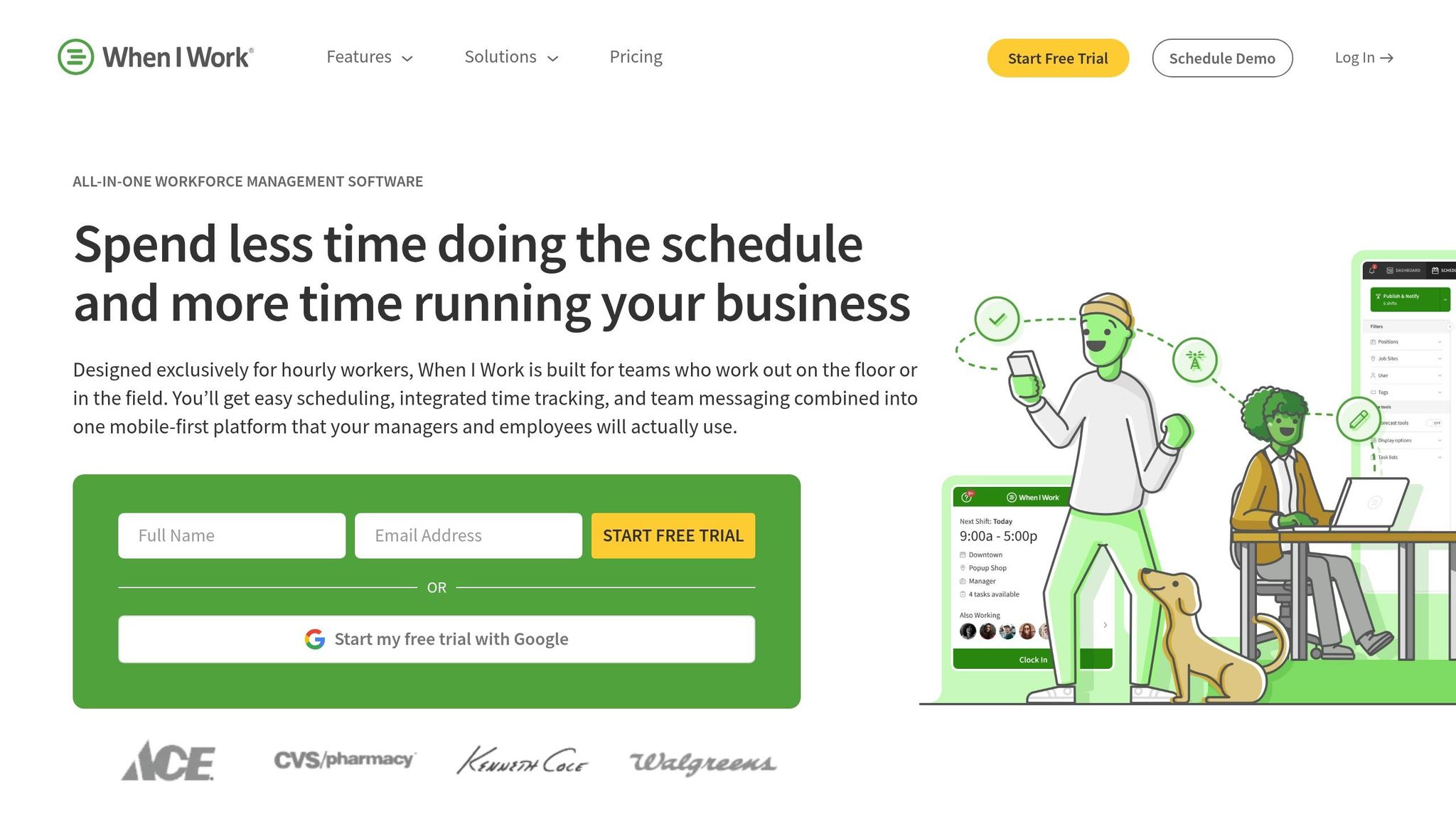
When I Work is a scheduling platform designed with hourly workers in mind, catering to industries like retail, restaurants, healthcare, and construction. It’s already being used by over 200,000 workplaces, with 1 in 10 employees relying on the platform. Let’s take a closer look at what it offers.
Pricing
When I Work starts at $2.50 per user per month, and they offer a 14-day free trial with full access to all features. Now, here’s where Pebb stands out: we provide a completely free all-in-one solution for teams of up to 15 people. And even our premium plan, at just $4 per user, includes everything - scheduling, work chat, news feeds, PTO management, and voice/video calls - all in one seamless platform.
Shift Scheduling Features
When I Work simplifies shift management with auto-scheduling that aligns shifts with employee eligibility, availability, and preferences. Managers can use the “OpenShifts” feature to quickly fill gaps and approve swaps. Plus, it offers real-time insights into labor costs with tools like overtime alerts and labor forecasting, helping managers stay on budget.
"Using When I Work has saved me more than 7 hours per week handling the schedule changes and requests. Now, I'm only spending about 15 minutes per week to build out a schedule." – Tommy Hamilton, Goldfish Swim School
Another handy feature is GPS-enforced geofencing, which verifies clock-in locations and prevents early arrivals - perfect for teams spread across multiple job sites. According to the platform, businesses using When I Work save up to 15 hours per week on scheduling tasks, see a 20% reduction in labor costs, and experience a 3x decrease in employee no-shows.
Communication Tools
The platform’s built-in team chat keeps all communication in one place. Managers can send announcements or shift reminders instantly, and employees don’t need to share personal phone numbers, which adds a layer of privacy.
Mobile Accessibility
Employees can manage their schedules, request time off, and swap shifts straight from their phones - no more physical bulletin boards or waiting for callbacks. Managers also benefit from real-time updates, allowing them to approve requests and fill shifts on the go. On top of that, When I Work integrates with payroll and HR systems like ADP, Gusto, QuickBooks, and Rippling, eliminating manual data entry and making back-office tasks a breeze.
While When I Work has its strengths, Pebb takes it a step further with a completely free, all-in-one solution that combines scheduling, communication, and more into a single platform designed for frontline teams. It’s a game-changer for those looking to simplify operations without breaking the bank.
4. Homebase
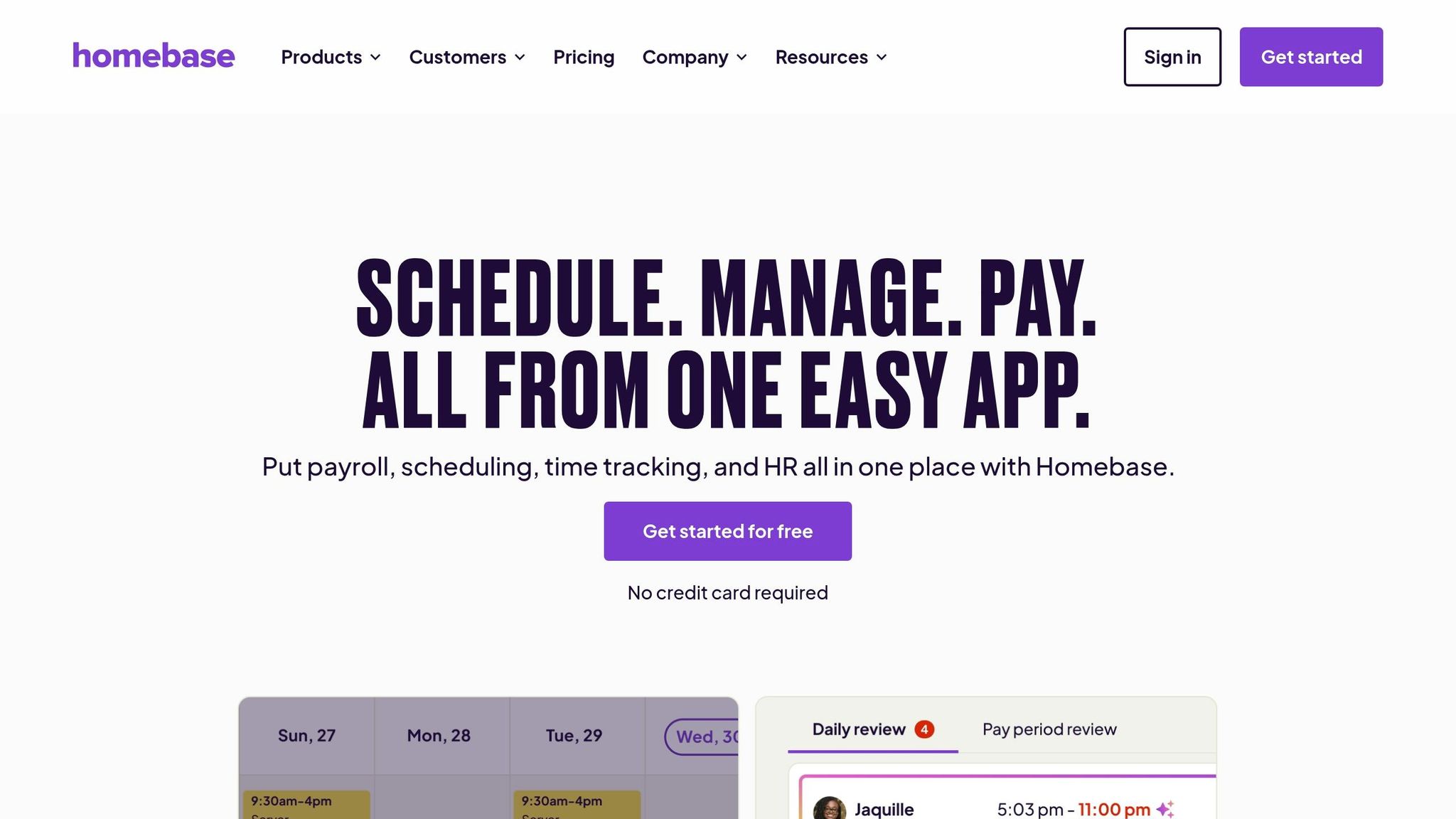
Homebase has earned its place as a go-to platform for small businesses, especially in the retail and restaurant sectors. With over 3.5 million employees logging a staggering 1.2 billion hours on the platform in just the past year, it’s clear they’ve struck a chord with hourly teams. Let’s break down what makes Homebase tick.
Pricing
For businesses just starting out, Homebase offers a free Basic plan that covers one location and up to 10 employees. It includes essential scheduling and time tracking tools [14, 20]. If you need more, their paid plans scale up:
Essentials: $24–$30 per location/month
Plus: $56–$70 per location/month (includes AI-powered scheduling)
All-in-One: $96–$120 per location/month (adds HR and compliance tools)
They also offer payroll as an add-on, starting at $39/month plus $6 per employee.
By comparison, Pebb simplifies things. We provide an all-in-one employee app for teams of up to 15 - for free. After that, it’s just $4 per user per month, covering everything from scheduling and PTO management to work chat, tasks, digital forms, and voice/video calls. No hidden fees, no location-based pricing, no confusing add-ons.
Now, let’s see how Homebase translates these pricing tiers into its shift scheduling tools.
Shift Scheduling Features
Homebase has made scheduling straightforward with its drag-and-drop interface. For managers looking to save time, the auto-build feature is a lifesaver - it generates schedules based on sales forecasts, labor budgets, and employee availability [14, 19]. Plus, their GPS-enabled time clocks with geofencing and photo verification help prevent "buddy punching" [14, 17, 19].
The app also empowers employees to take control of their schedules. They can request time off, swap shifts, or claim open shifts - all with manager approval [14, 18]. And for compliance? Homebase has your back with tools like automated break tracking, overtime alerts, and labor law notifications to ensure you’re staying compliant with FLSA and state regulations [14, 16, 18].
Here’s a stat that caught my attention: managers reportedly save 20 hours a month using Homebase’s integrated scheduling and time tracking features. That’s a lot of time to focus on growing your business.
"As an ice cream shop, we run a crazy summer schedule! Our employees are mostly students... Homebase gives them an easy way to communicate their availability that translates into an easy-to-see grid." – Theresa Fouquette, Owner, Bliss Small Batch Creamery
Communication Tools
One of Homebase’s standout features is its ability to streamline team communication. It automatically creates messaging groups based on the schedule, like "everyone working today" or "all closing crew", so you don’t have to manually manage group chats. Managers can also attach notes directly to shifts (e.g., "restock the walk-in before closing") and track who’s read important updates with read receipts [21, 22].
The Manager Logbook is another clever addition - it allows supervisors on different shifts to share updates without needing to meet face-to-face [21, 22].
These tools work seamlessly with their mobile app, which we’ll dive into next.
Mobile Accessibility
The Homebase mobile app is a game-changer for managers and employees alike. Managers can tweak schedules on the fly, while employees can clock in/out with GPS, request time off, trade shifts, and stay on top of automated reminders via text, email, or push notifications [14, 19, 27]. For employees without smartphones, basic text updates keep them in the loop [17, 27].
With a 4.8/5 rating from 84,000 reviews on the Apple App Store, it’s clear that users appreciate the app’s functionality.
"The biggest make-or-break for a team can be communication, and having a schedule that everyone can share on their phone is incredible." – Jane Wild, Owner, Jane and the Lion
While Homebase certainly offers a robust suite of tools for small businesses, Pebb takes it a step further. We combine powerful scheduling with integrated communication and collaboration tools - all without the complexity of location-based pricing or pricey add-ons. It’s an approach that makes managing frontline teams simpler and more efficient, which is exactly what businesses need.
5. Deputy

Deputy has made a name for itself by tackling the challenge of managing complex, multi-location shift schedules. With a user base of over 1.5 million workers across 375,000 workplaces worldwide, it’s safe to say they’ve mastered the basics. However, their pricing structure can get tricky due to the reliance on multiple add-ons.
Pricing
Deputy's Core Plan starts at $8.75 AUD per user/month (about $6.50 USD) when billed annually, or $9.75 AUD monthly. But here's the catch: most businesses will need to pay for add-ons to unlock the platform's full capabilities. For example:
Team messaging: ~$2.75 per user/month
HR tools: ~$3.50 per user/month
Analytics: ~$2.00 per user/month
Built-in payroll: ~$5.00 per user/month
When you add everything up, the total cost can hit around $23 AUD per user/month. By comparison, Pebb offers a complete solution - including scheduling, PTO management, work chat, tasks, digital forms, voice and video calls, and a news feed - for just $4 per user/month. Plus, we even have a free plan for teams of up to 15 people, with no hidden fees.
Now, let’s take a closer look at how Deputy’s scheduling features perform in the real world.
Shift Scheduling Features
Deputy’s scheduling tools are a highlight. Their AI-powered auto-scheduling creates optimized schedules with just one click by factoring in employee availability, required training, and labor costs. The platform also includes a demand forecasting tool that uses historical sales data and foot traffic to predict staffing needs, helping businesses avoid overstaffing or understaffing during peak times.
Other standout features include:
Micro-scheduling: Allows employees to work across multiple sub-shifts or departments in a single day.
Skill-based scheduling: Ensures only qualified staff are assigned to specific roles.
Compliance safeguards: Automatically enforces rules like minimum rest periods, maximum work hours, and compliance with Fair Workweek laws.
Deputy’s scheduling earns high praise, with ratings of 9.0/10 for rostering and 9.1/10 for mobile usability.
Communication Tools
When it comes to communication, Deputy covers the basics with shift notifications and announcements. For enhanced team messaging, there’s a Messaging+ add-on. Some handy features include:
Automatic group creation based on schedules (e.g., “everyone working today”).
Read receipts to confirm who’s seen important updates.
Quick polls and “Deputy Kudos” to boost team engagement.
While these tools are helpful, they come at an additional cost. By contrast, Pebb integrates all communication features - like messaging, video, and voice calls - into a single platform at no extra charge.
Mobile Accessibility
Deputy’s mobile app is another strong point, earning a 9.1/10 usability rating. It empowers frontline workers to:
Clock in and out using GPS.
View and swap schedules.
Claim open shifts and request time off - all from their smartphones.
Managers can also approve timesheets, handle leave requests, and find replacements on the go. For instance, Michelle Wilcox, a manager at University Veterinary Hospital, noted that using Deputy’s app cut clock-in/out errors by 50%.
"Now I don't have to keep answering, 'what are my hours?' Everything I need is right there on the app." – Danielle, manager at Harvest Health Foods
The app works seamlessly on modern iOS and Android devices, though its offline capabilities are somewhat limited.
Frontline Suitability
Deputy is tailored for industries that rely heavily on hourly workers, such as retail, hospitality, manufacturing, and healthcare.
"Unlike generic AI tools, we're focused on compliance, pay, and human connection." – Emma Seymour, Deputy's CFO
With 95% of users saying they’d purchase Deputy again and 97% believing it offers good value, it’s clear the platform resonates with frontline teams. However, for smaller businesses or those on tighter budgets, Pebb provides a simpler, all-in-one solution without the complexity or additional costs that Deputy’s model often entails.
Pros and Cons
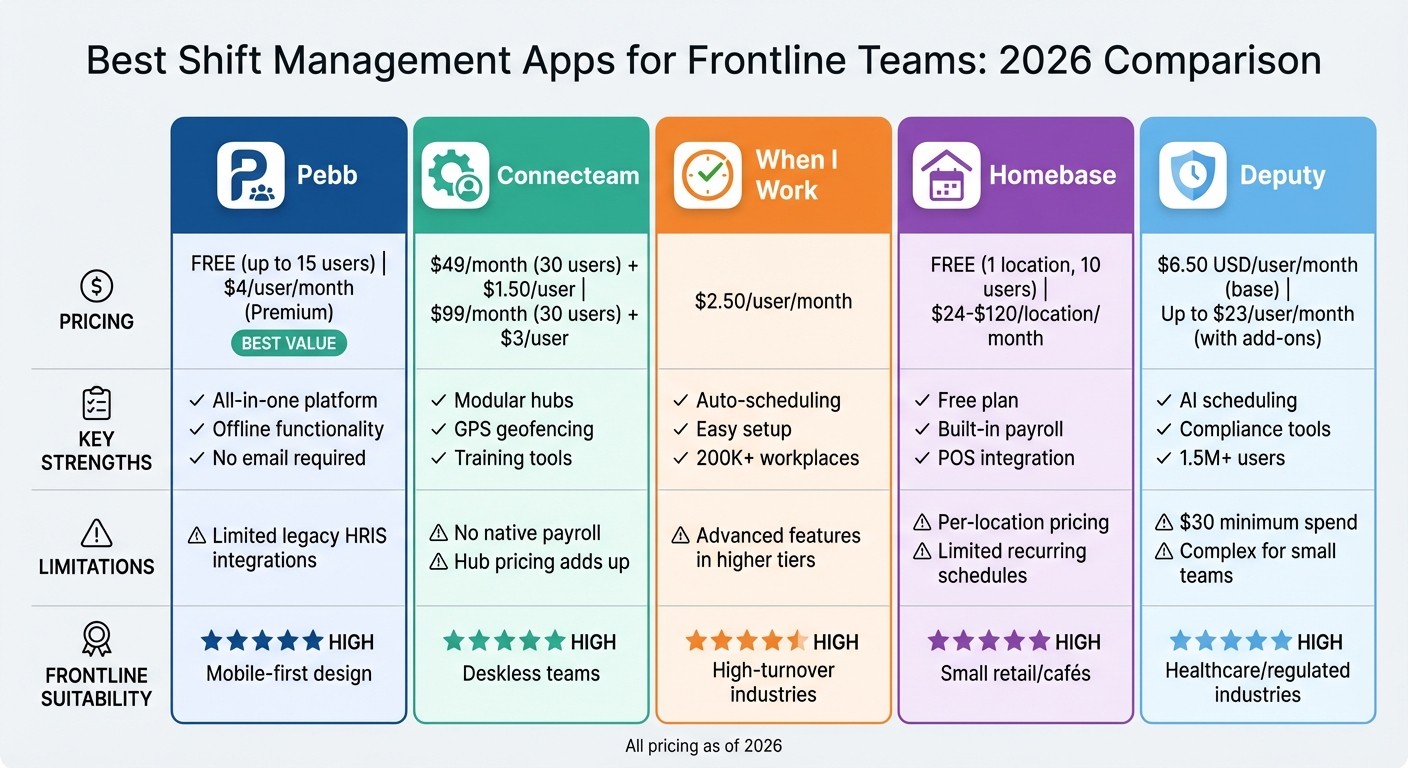
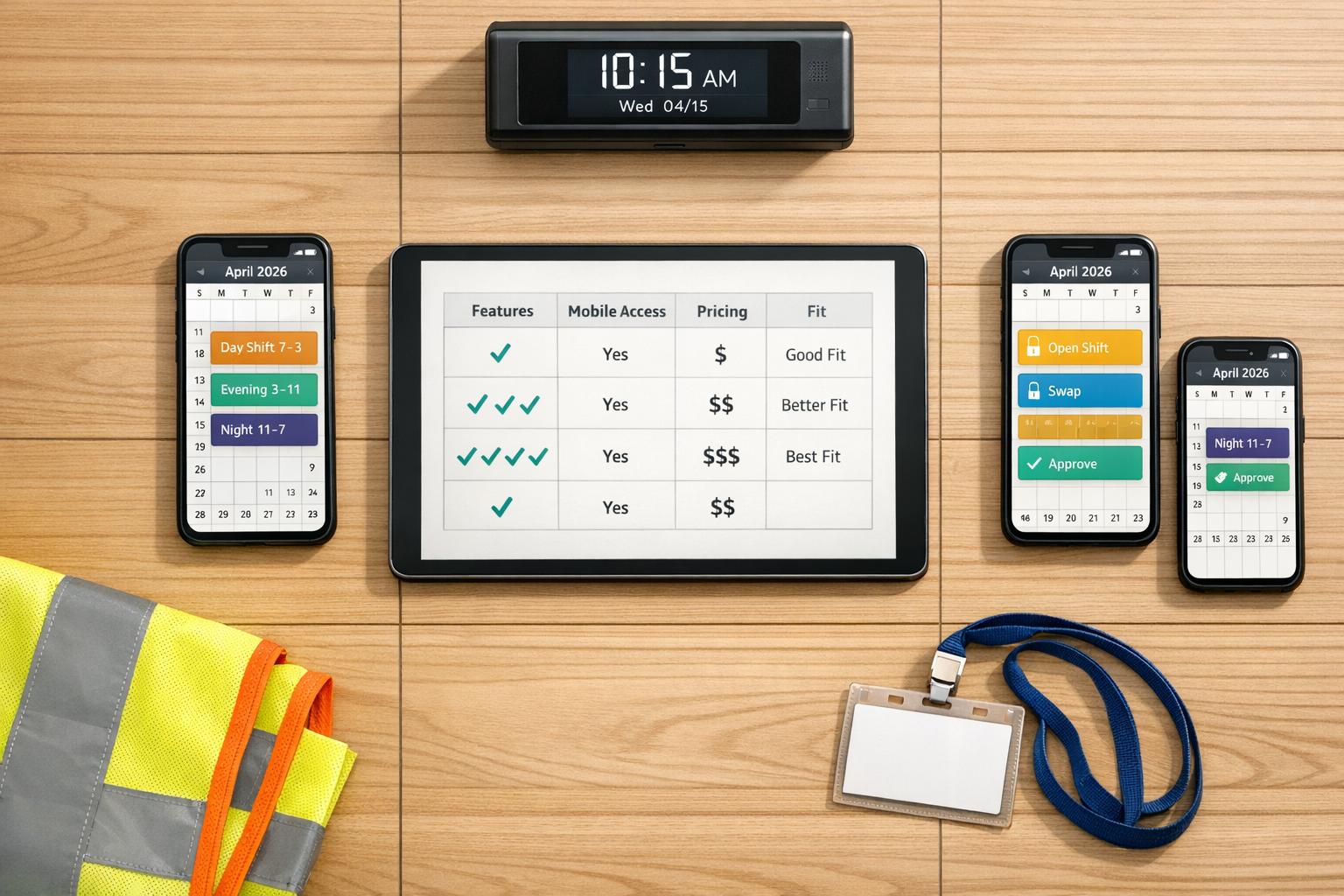
Shift Management Apps Comparison: Features, Pricing & Suitability for Frontline Teams 2026
Let’s break down the strengths and limitations of each platform to help you find the perfect match for your needs. The right choice depends on aligning features with your team’s unique demands.
App | Key Strengths | Key Weaknesses | Frontline Suitability |
|---|---|---|---|
Pebb | Unified chat, scheduling, tasks, and digital forms; premium plan priced at just $4/user/month. | Limited legacy HRIS integrations; advanced customization requires direct sales support. | High: Designed mobile-first; no corporate email needed. |
Connecteam | Modular hubs; GPS geofencing; strong training tools and digital forms. | Lacks native payroll; hub-based pricing can become costly for full-suite features. | High: Tailored for deskless and mobile teams. |
When I Work | Intuitive mobile interface; machine-learning auto-scheduling; easy setup. | Advanced scheduling rules locked in higher tiers; requires Android 11+ for mobile. | High: Reliable for high-turnover industries like retail and hospitality. |
Homebase | Excellent free plan for single-location teams; built-in payroll; POS integration. | Per-location pricing adds up for multi-site businesses; limited recurring schedule settings. | High: Perfect for small cafés and retail shops. |
Deputy | Top-tier compliance tools; facial recognition time clock; Apple Watch support. | Minimum $30 monthly spend; overly complex for smaller teams. | High: Best fit for healthcare and highly regulated industries. |
Here’s what stands out: Pebb delivers a powerful all-in-one solution at a price point that’s hard to beat. But let’s zoom out for a moment. The demand for employee scheduling software is skyrocketing, with the market expected to grow from $485.32 million in 2026 to $1,369.44 million by 2035. Why does this matter? Because managing frontline teams effectively is becoming more critical than ever. Companies with engaged employees see 23% greater profitability, while poor scheduling can slash productivity by 15% in environments like warehouses.
Pebb’s affordability and integrated features make it a standout option for frontline teams. As my colleague Dan Robin puts it:
"Pebb keeps that conversation tied directly to the schedule, so nothing gets lost in the jump between apps."
Whether you’re running a cozy café or a sprawling retail chain, the right tool should simplify your life - not pile on complexity. Your decision will ultimately depend on your team size, industry, and specific workflow needs.
Conclusion
Picking the right shift management app is all about aligning the features with your team's day-to-day needs. Sure, some apps cater to specific niches, but for frontline teams, the real game-changer is having everything in one place - scheduling, communication, and operations seamlessly integrated.
Let me paint a picture: your scheduling tool is in one app, your team chat in another, and company updates buried in a third. Sound familiar? It’s a productivity killer. Juggling between multiple platforms isn’t just tedious - it’s a direct hit to efficiency. And let’s be honest, frontline teams don’t need a stack of overly specialized tools. They need one platform that does it all.
That’s where Pebb comes in. With shift scheduling, team chat, voice and video calls, PTO management, task tracking, digital forms, calendar events, and a news feed all wrapped into a single, mobile-first app, we’ve got you covered. And here’s the kicker: for teams of 15 or fewer, our Standard plan is completely free.
Here’s the thing - 86% of employees believe user-friendly tech can ease workplace stress. That’s the heart of what we do. We’re not out to pack in endless features; we’re focused on building a tool your team will want to use.
When all those admin tasks live under one roof, your team feels the difference. Less hassle, more focus. Frontline workers deserve tools that simplify their day, not complicate it. Pebb is designed to do just that - streamline workflows, save time, and keep everyone connected. Trust me, your team (and your bottom line) will thank you.
FAQs
How fast can my team start using Pebb?
Your team can dive into Pebb immediately after signing up. The platform is built for fast onboarding and effortless setup, letting you hit the ground running without any hold-ups.
Can Pebb handle shift swaps, availability, and PTO in one place?
Managing shift swaps, employee availability, and PTO can feel like juggling too many balls at once - but that’s where Pebb steps in. With everything wrapped into one platform, we’ve made workforce management so much easier. Our goal? To simplify scheduling and keep your team running smoothly without the usual headaches.
By combining these essential features in a single, intuitive system, Pebb helps you coordinate schedules seamlessly. No more bouncing between tools or dealing with miscommunications - just a streamlined way to ensure everyone’s on the same page.
Will Pebb work if my employees don’t have corporate email?
Yes, Pebb works effortlessly even without corporate email. It’s built as a mobile-first platform, making it perfect for frontline teams. Whether employees have email access or not, they can stay connected and collaborate effectively, ensuring no one is left out.
