
Author: Ron Daniel
10 Best Clock-In Clock-Out Apps for 2026
Compare the 10 best clock-in/clock-out apps in 2026—features, pricing, GPS vs geofencing, integrations, and best use cases.
Have you ever looked at your payroll numbers and thought, “Where is all this money going?” I’ve been there. A few years ago, I worked with a business owner who was struggling to keep track of employee hours across multiple locations. Manual timesheets were their go-to, but they were riddled with errors, causing payroll headaches and compliance issues. It wasn’t just costing them time - it was costing them thousands of dollars every year.
Here’s the thing: in 2026, relying on outdated systems is like trying to navigate with a paper map while everyone else is using GPS. Modern clock-in clock-out apps have completely changed the game. They give you real-time visibility into who’s working, who’s late, and who’s about to rack up overtime. And for businesses in states like California, where labor laws are strict, these apps can automatically handle compliance, saving you from potential fines.
At Pebb, we’ve spent years perfecting a platform that simplifies all of this. But I’m not here to just talk about us. I want to share what I’ve learned about the top 10 apps in this space, so you can find the one that fits your needs. Let’s dive into what makes these tools stand out and why they’re essential for businesses in 2026.
1. Pebb
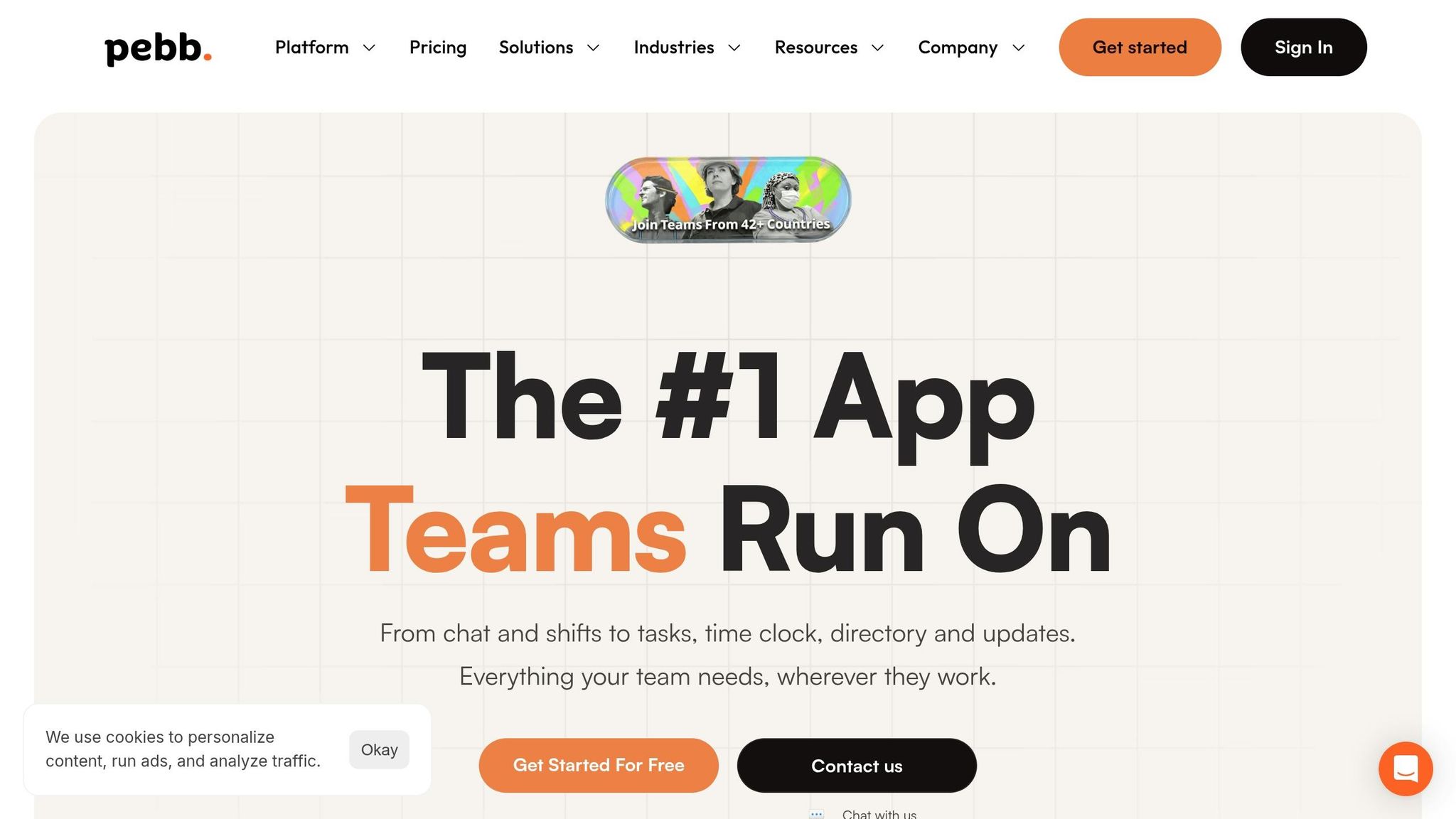
At Pebb, we set out to tackle a challenge we kept seeing in the workplace: businesses struggling with a patchwork of apps for communication, scheduling, and PTO tracking. It’s a messy, time-consuming, and expensive way to manage a team.
So, we built Pebb to bring it all together. It’s the only platform where you’ll find clock-in and clock-out tracking, shift scheduling, PTO management, team chat, and more - side by side, in one seamless experience.
Pricing and Affordability
Here’s what makes Pebb stand out: our Standard plan is completely free for teams of up to 15 employees. Yep, free. It includes mobile and web clock-in, unlimited chat history, and shift scheduling.
When it’s time to scale, our Premium plan is just $4 per user per month, with no base fee. That’s about half the price of competitors, who typically charge $8 to $12 per user plus extra fees. For instance, a team of 20 would pay $80 per month with Pebb, compared to $160 or more with other platforms. The savings add up fast.
Features for Employee Management
Now, let’s talk about what you get for that price. Our employee management tools are designed to make life easier. With our clock-in feature, employees can clock in through the mobile or web app, and managers get instant updates. Need added security? The Premium plan includes geofencing, so employees can only clock in when they’re physically at the job site - no more clocking in from the couch.
And everything works together. When someone clocks in, their shift schedule updates automatically. PTO requests sync with the calendar and adjust payroll calculations, and shift swaps are a breeze - just a tap for both employees and managers. It’s all about simplifying the process and keeping things connected.
Integration with Other Tools
For even more efficiency, our Premium plan offers payroll and benefits integrations. Your time-tracking data flows straight into your existing systems, eliminating the need for manual exports or those dreaded CSV file headaches. It’s one less thing to worry about when managing your team.
2. Connecteam
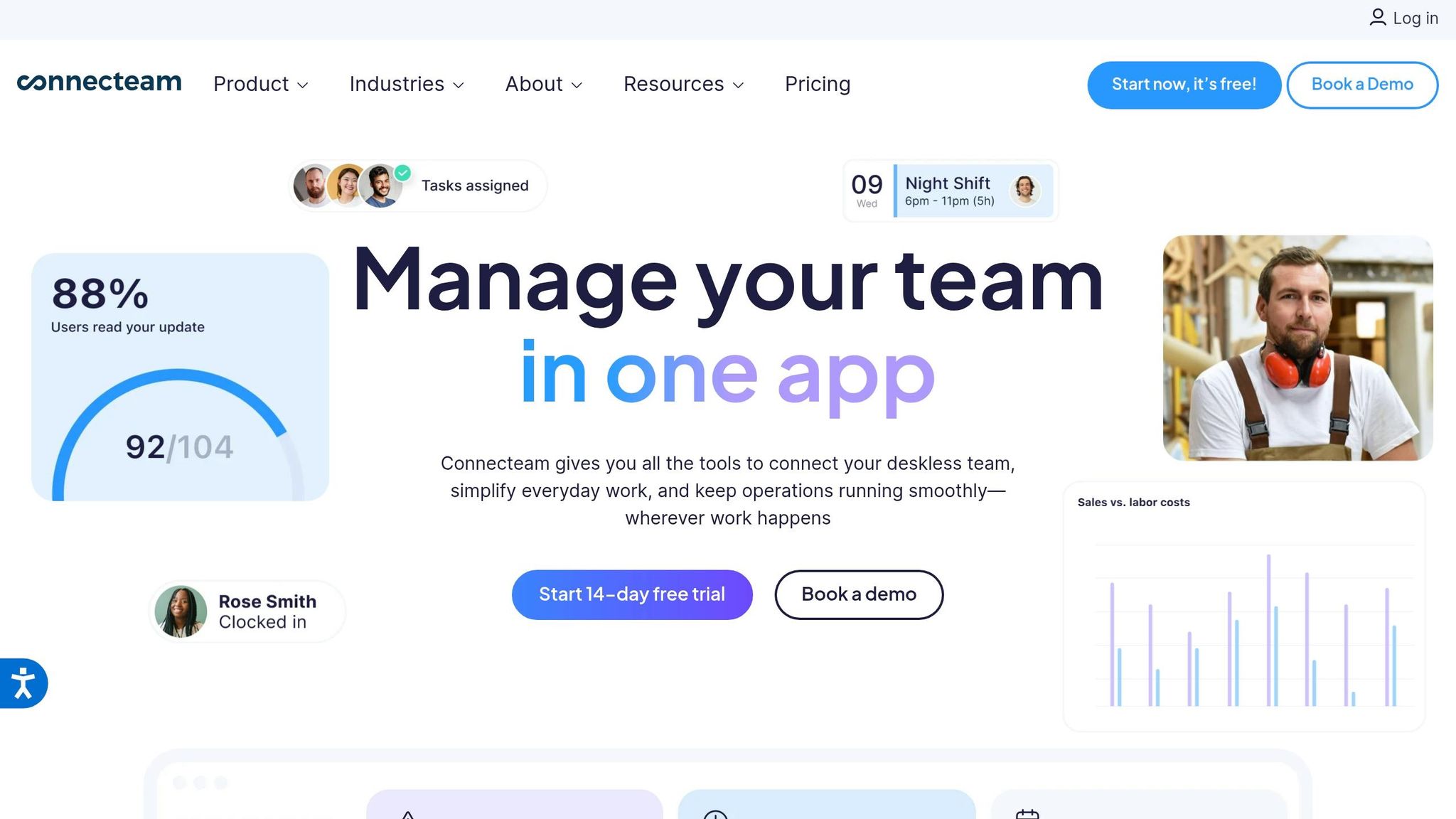
Connecteam is designed with field teams in mind, offering clock-in functionality alongside a range of workforce management tools.
GPS Tracking Capabilities
One of Connecteam's standout features is its focus on location-based accuracy. With built-in GPS tracking, managers can confirm where employees are when they clock in or out. This is especially handy for businesses managing teams across multiple job sites, ensuring accountability and streamlining operations.
Features for Employee Management
Connecteam goes beyond time tracking by offering tools for frontline worker management, including scheduling and task management. Managers can create and share shift schedules and even handle shift swaps directly in the app. It also includes PTO tracking, giving teams a clear view of time-off balances. While Pebb provides a more unified experience, Connecteam takes a modular approach, separating scheduling, time tracking, and PTO into distinct features. This setup caters specifically to the needs of field teams but might feel less streamlined compared to Pebb's interface.
Pricing and Affordability
Connecteam offers a free plan, with premium options that scale based on team size. This differs from Pebb's flat-rate premium plan of $4 per user. To access advanced tools like GPS-based time tracking, you'll need to opt for one of the premium tiers.
With a 4.8/5 rating on Google Play, Connecteam has earned a reputation for reliability. However, its comprehensive suite of features may require additional onboarding time. The modular pricing structure is ideal for businesses with changing field team needs, offering flexibility to scale as required.
3. Clockify
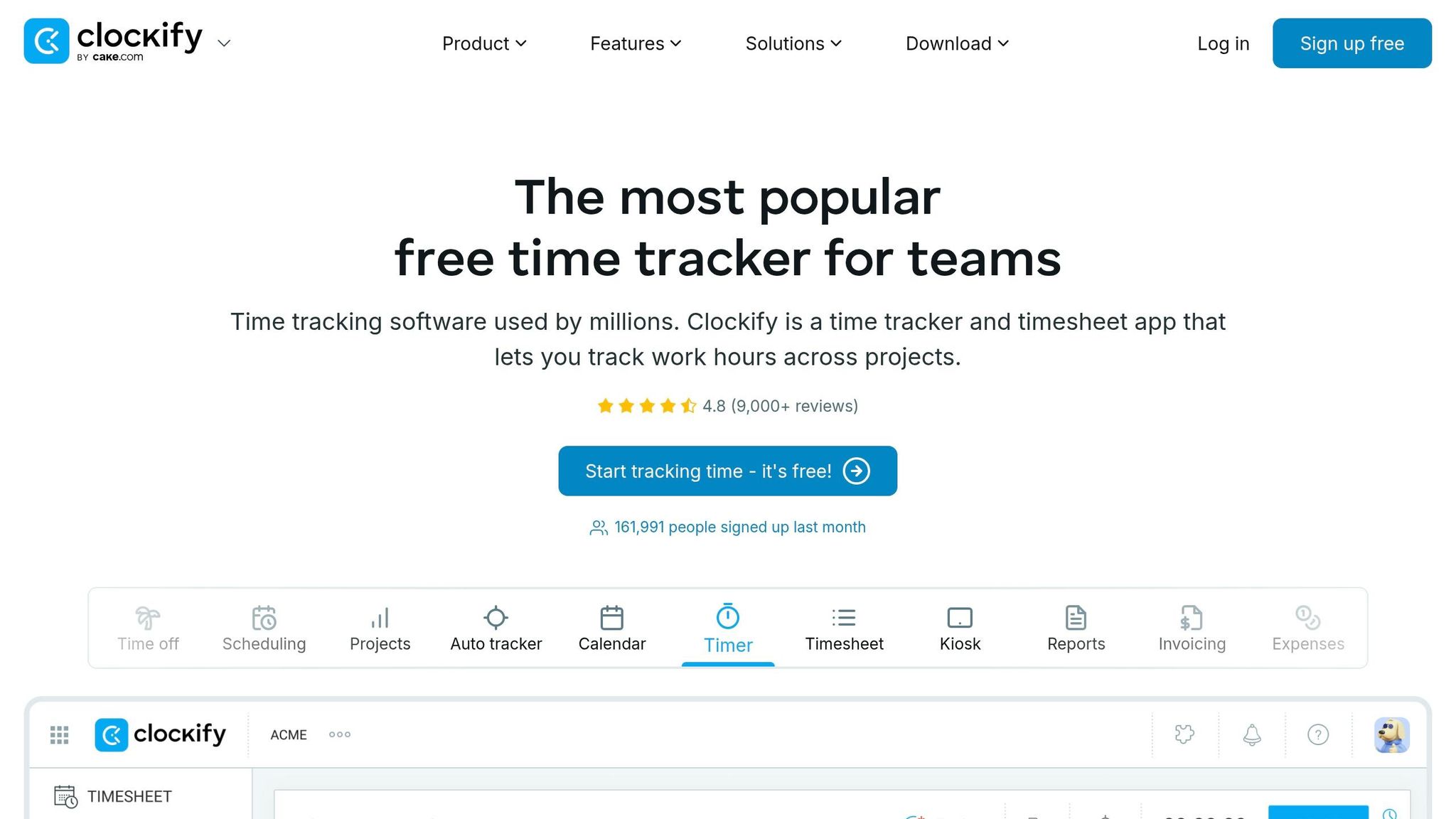
Clockify has earned the trust of over 8 million users worldwide, largely due to its free plan that supports unlimited users and projects. It’s a time tracking tool designed with a focus on projects, making it a go-to for teams managing billable hours and detailed timesheets. Let me walk you through how its features cater to modern clock-in and clock-out needs.
Features for Employee Management
When it comes to managing employees, Clockify covers the basics but reserves many features for its paid plans. One standout is the kiosk mode, where employees can clock in using a PIN or QR code on a shared device. This feature saw an update in late 2025. For tracking paid time off (PTO), Clockify uses an accrual-based system where employees can request time off and managers can monitor balances. However, this is only available with the Standard plan at $5.49 per user/month.
Shift scheduling is another useful feature, offering a drag-and-drop timeline for creating and managing schedules. Yet again, this is locked behind the Pro plan, priced at $7.99 per user/month. Here’s the thing - while Clockify uses tiered pricing for these tools, Pebb includes scheduling and PTO management at no extra cost, which is a big advantage for those watching their budget.
Integration with Other Tools
Clockify integrates with over 100 platforms, making it easier to connect time tracking with tools you’re already using. Popular options include QuickBooks, Trello, Asana, Monday.com, ClickUp, and Google Calendar. These integrations are a win for teams aiming to streamline workflows. Additionally, Clockify is part of the CAKE.com Productivity Suite, which bundles it with Pumble for team communication and Plaky for project management.
That said, there’s a limitation worth noting: while QuickBooks Online integration simplifies billing, payroll data still needs to be exported manually as CSV or Excel files. This extra step adds a bit of friction for those managing payroll.
Pricing and Affordability
Clockify’s free plan is a solid option if your needs are basic. But here’s the catch - features essential for clock-in/clock-out, like GPS tracking, scheduling, and PTO management, are only available in paid plans. These range from $3.99 to $11.99 per user/month (billed annually). In contrast, Pebb offers all features for a flat $4 per user, making it a more budget-friendly choice as your team’s needs grow.
Clockify holds a 4.8/5 rating on Capterra from over 9,200 reviews. Users appreciate its simple interface and reliable reporting tools. However, some have noted that the interface feels "outdated" or "rigid" when switching between tasks. The mobile app also has its drawbacks, particularly its limited offline functionality, which can be frustrating for teams on the go.
4. Buddy Punch
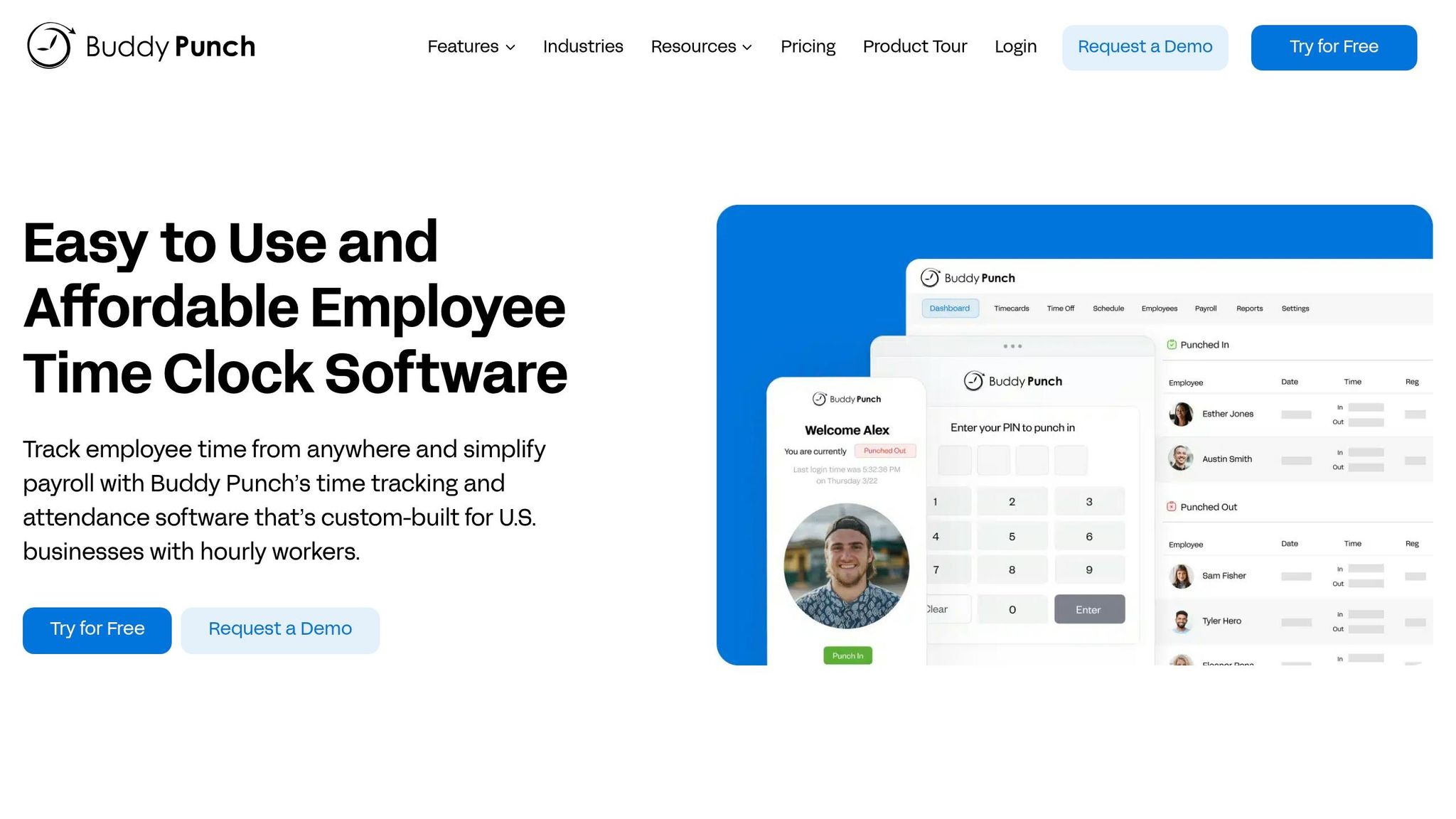
Buddy Punch has earned the trust of over 10,000 businesses and holds an impressive 4.8/5 rating on G2. Mark B., a satisfied user, summed it up perfectly:
Buddy Punch is a top-tier time tracking solution that perfectly balances security with ease of use. Its time-editing approval workflow is efficient, and both the web and mobile apps are very intuitive.
Employee Management Made Easy
When it comes to managing employees, Buddy Punch offers a range of tools to simplify the process. The drag-and-drop scheduler makes creating shifts a breeze, while instant notifications keep employees informed. Need to handle shift trades or covers? Employees can do that directly in the app, cutting down on back-and-forth communication. For PTO tracking, the system automatically calculates accruals based on your company’s policies. Employees can submit leave requests for manager approval and check their balances in real-time.
But that’s not all. Features like automated overtime alerts and punch limiting (to prevent early clock-ins) help keep labor costs in check and ensure compliance with FLSA regulations. And here’s a standout feature: Buddy Punch doesn’t require unique email addresses for every employee, making it especially handy for managing frontline teams. Add in advanced location tracking, and you’ve got a tool that prioritizes accountability.
GPS Tracking for Accountability
Buddy Punch doesn’t just stop at basic time tracking - it steps up with GPS functionality. It captures employee locations at clock-in and clock-out, and geofencing ensures punches happen only in designated areas. To further minimize time theft, the app supports photo clock-ins and Face ID authentication.
Seamless Integrations
One of Buddy Punch’s strengths is its ability to integrate with popular payroll systems like ADP, Gusto, Paychex, Rippling, Workday, and Justworks. Michael Barry, Operations Manager at Good Earth Gardeners, shared his experience:
Buddy Punch was the only app that did what I wanted it to do - sync up department codes with job reporting codes in QuickBooks.
It also connects with QuickBooks Online and Desktop, and through Zapier, it can link to over 8,000 apps, including Slack, Google Sheets, and Asana. These integrations make it a versatile choice for businesses with diverse needs.
Pricing and Considerations
Now, let’s talk about cost. Buddy Punch is priced at $19 per month plus $4.49 per user. While it offers a solid range of features, this pricing model might not work for everyone. For comparison, Pebb provides an all-in-one solution at just $4 per user, with no base fee and a 14-day free trial. It’s also worth noting that Buddy Punch requires a stable internet connection, as it lacks an offline mode - a potential drawback depending on your team’s needs.
5. Timeero
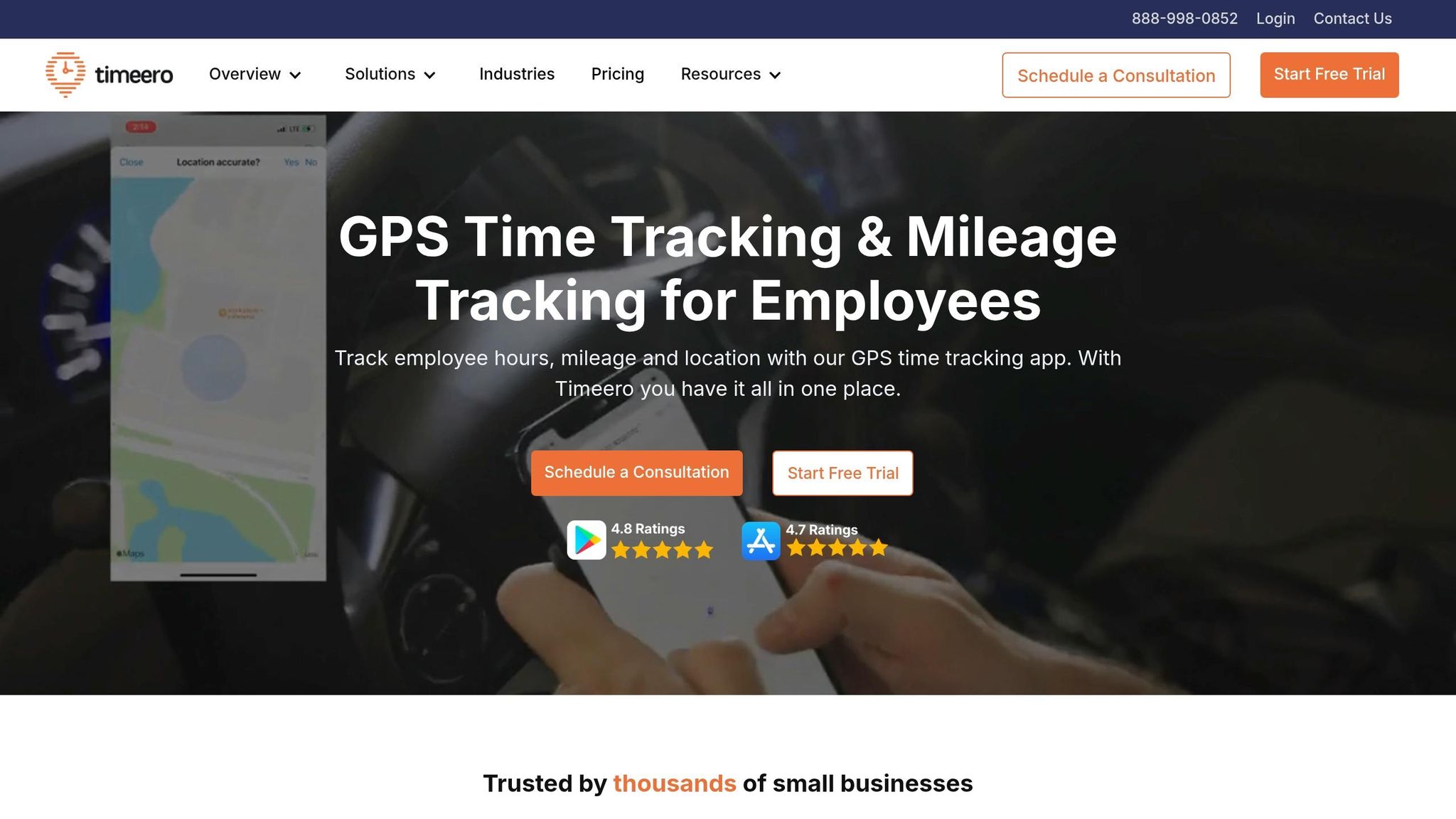
If your team is always on the go - whether it’s construction crews, field service technicians, or delivery drivers - Timeero could be a great fit. Designed specifically for mobile workforces, this app combines time tracking with GPS and mileage tracking. With an impressive 4.8/5 rating on G2, it’s a tailored solution for businesses managing field teams. Let’s break down how Timeero can make life easier for mobile teams.
GPS Tracking Capabilities
Timeero’s GPS tracking is a standout feature. It captures GPS data when employees clock in and out, creating a breadcrumb trail of timestamped locations. The Segmented Tracking add-on takes it a step further by automatically logging travel times, visit durations, distances, and routes across multiple stops during the day. Even better, it allocates hours by location automatically, so there’s no need for your team to manually switch between projects.
Pricing and Affordability
One of the things I noticed is that Timeero keeps pricing simple and competitive. There’s no monthly base fee, and the plans are straightforward:
Basic plan: $4 per user per month (up to 10 users)
Pro plan: $8 per user
Premium plan: $11 per user, with an optional $5 add-on for Segmented Tracking
They also offer a 14-day free trial, no credit card required, which is perfect if you want to test it out before committing. However, if you’re looking for an all-in-one solution, Pebb might be a better fit. We offer a completely free plan for small teams and a premium plan at just $4 per user. Plus, our features go beyond time tracking, including scheduling, PTO tracking, work chat, and more.
Features for Employee Management
Timeero’s Pro plan comes with some handy tools for managing employees. It includes automated PTO accruals and real-time timesheet generation. Employees can submit PTO requests directly in the app, managers can approve them in seconds, and everyone gets real-time visibility into balances. For teams in California, the Breaks Tracker ensures compliance with state labor laws.
Timeero also makes payroll a breeze with integrations for QuickBooks, Gusto, Paychex, Xero, and other major platforms. It’s easy to export data for payroll processing, which saves time and reduces headaches. And while Timeero shines in these areas, Pebb offers similar compliance tools and integrations, all within a user-friendly app designed to streamline your workflow.
6. Homebase
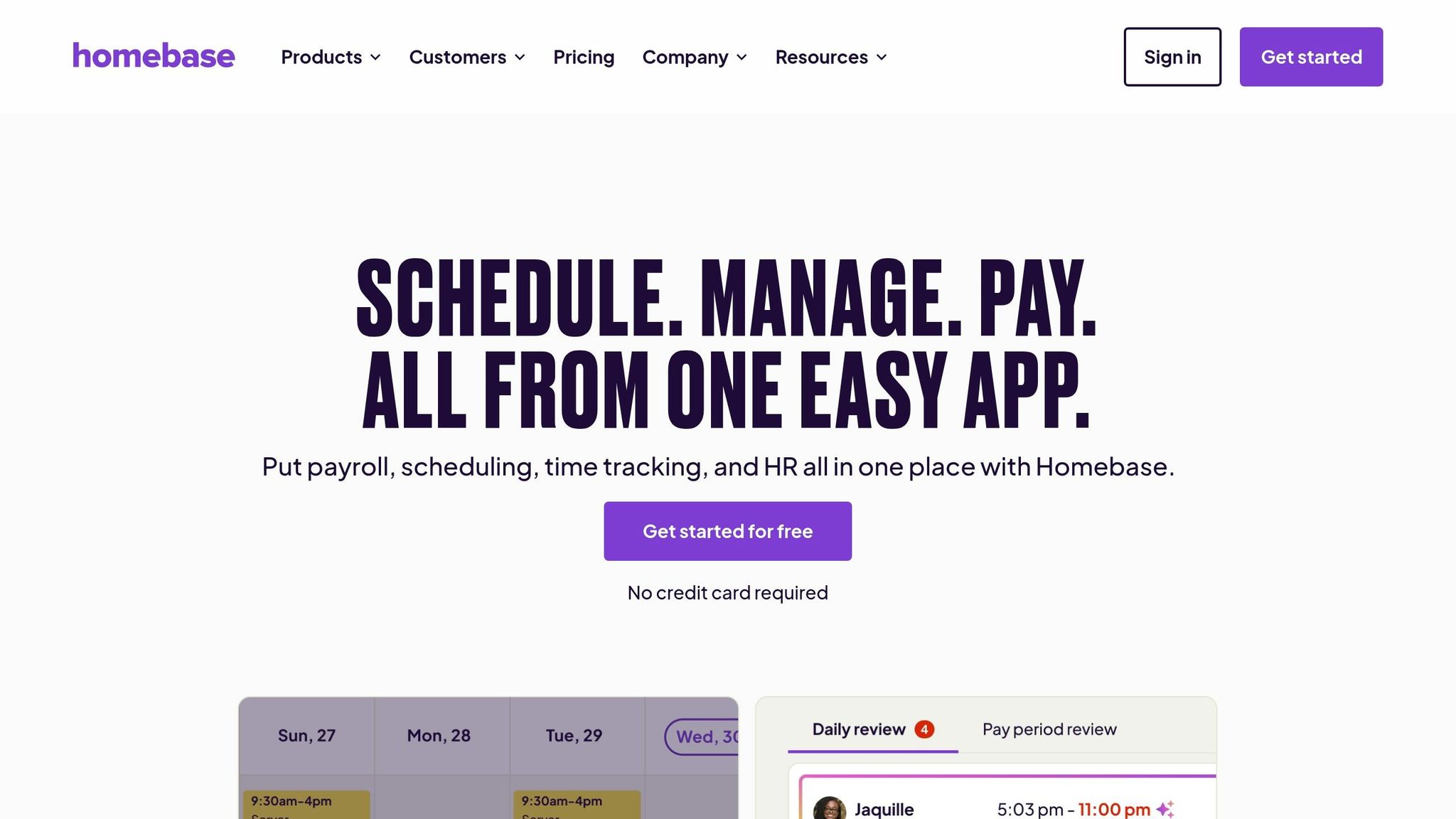
If you’re managing a small business with hourly employees - like a restaurant, retail store, or healthcare facility - Homebase might just be the tool you’re looking for. It’s got an impressive 4.8/5 rating on the App Store from over 43,600 reviews and is trusted by more than 100,000 small businesses. It combines scheduling, time tracking, and team communication into one easy-to-use platform.
Features for Employee Management
Homebase is specifically built to make managing hourly workers a breeze. You can quickly create schedules that sync automatically with timesheets, so you can compare planned versus actual hours worked. Employees can claim open shifts, share their availability, and request swaps or time off - all directly through the app. Managers can approve or deny these requests on the go. Plus, the platform sends alerts before overtime kicks in and tracks breaks to help ensure compliance with labor laws.
Kathleen Smith, Founder of Smiling Tree Toys, shared her experience:
"Before Homebase I was manually tallying up my team's work hours and entering them into payroll, crossing my fingers I hadn't made any mistakes."
And that’s just one way Homebase can take the stress out of managing hourly teams.
GPS Tracking Capabilities
When it comes to accountability, Homebase doesn’t miss a beat. It includes GPS-enabled clock-ins and geofencing, which restricts clock-ins to a specific radius - whether it’s 150 feet, one block, or even five blocks. The app even captures a snapshot of where employees are when they clock in.
Lee Hartley, Director of Operations at Active Education, explained how this feature works for them:
"The geolocation thing allows us to track exactly where they clocked in. We knew where they were. When I'm doing payroll, I can look over and go, 'Hang on a minute, you're 10 minutes away from where you should be.'"
This feature helps prevent “buddy punching” (when employees clock in for each other) and keeps everyone accountable.
Integration with Other Tools
Homebase goes beyond employee management by integrating with tools you already use. It connects seamlessly with payroll providers like QuickBooks, Gusto, ADP, and Paychex, making it easy to export timesheets. It also syncs with popular POS systems like Square, Toast, and Clover, so you can align labor costs with real-time sales data.
In February 2026, Riley McGuire, Director of HR at Student Agencies, shared how switching from ADP to Homebase saved their organization about $10,000 and cut payroll processing time from an entire day to just 1.5 hours.
Pricing and Affordability
Homebase uses a per-location pricing model, which is perfect for businesses with seasonal staff or fluctuating headcounts. The Basic plan is completely free for one location and up to 20 employees, offering core features like time tracking, scheduling, and POS integrations. If you want more, paid plans start at $24.95 per month for Essentials, $59.95 for Plus (which adds PTO management and hiring tools), and $99.95 for the All-in-One plan, which includes HR compliance and onboarding.
While Homebase offers flexible pricing for location-based businesses, Pebb provides a more streamlined solution at just $4 per user. It combines scheduling, PTO tracking, work chat, and more into one platform, making it a cost-effective choice for teams of any size.
7. Deputy
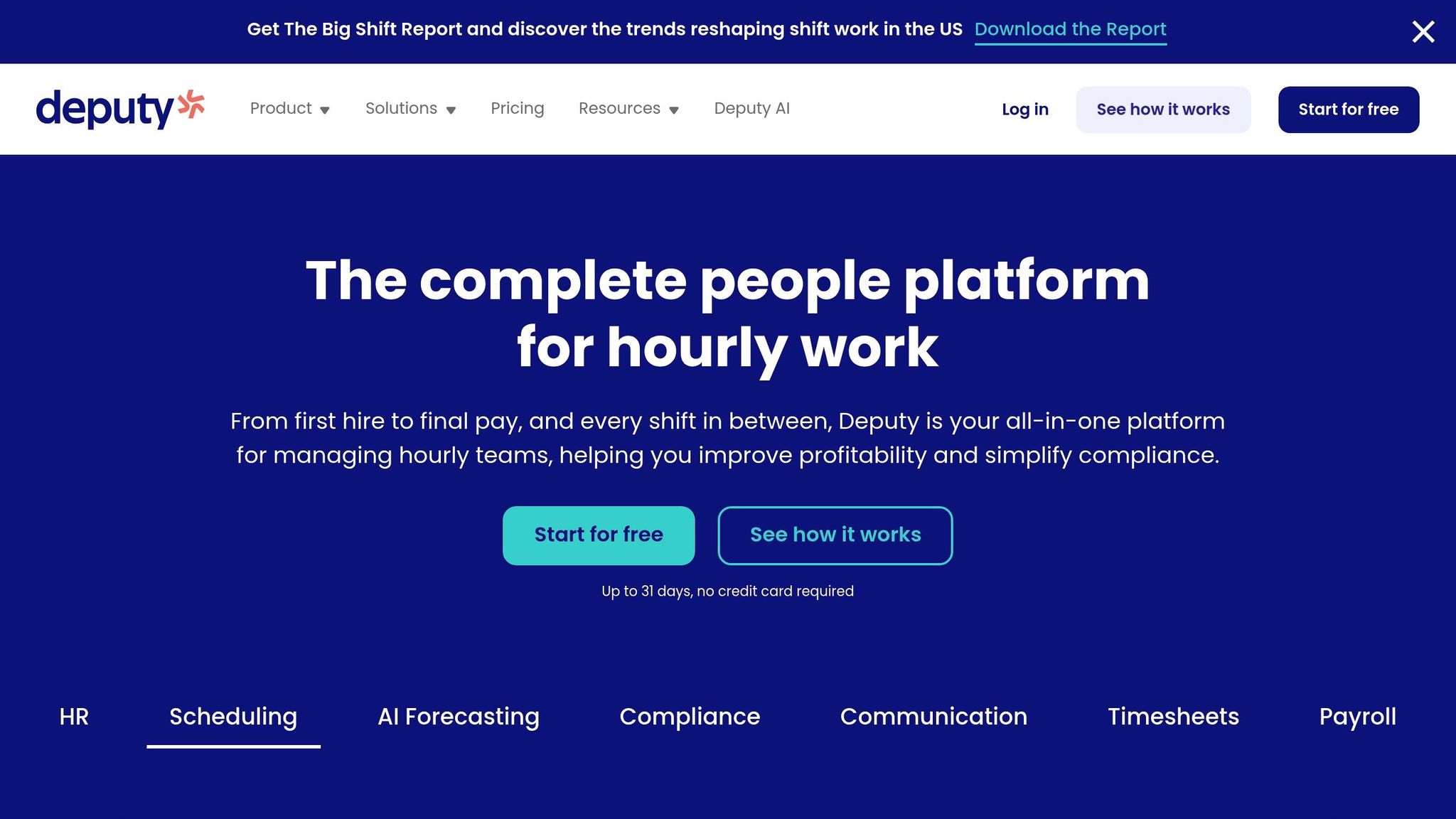
Deputy is trusted by over 385,000 workplaces in more than 90 countries. With an impressive 4.8/5 rating on the Apple App Store and 4.7/5 on Google Play from 18,500 reviews, it’s clear why so many businesses rely on it for scheduling, time tracking, and payroll integration.
Features for Employee Management
Deputy’s scheduling tool uses AI to craft shift plans that factor in employee availability, training, and even stress levels. It doesn’t stop there - it predicts staffing needs by analyzing sales, appointments, and order trends. Employees can manage PTO and leave requests in one spot, with real-time balance updates. Bobby Heuser, a business owner at Ace Hardware, summed it up perfectly:
Everything my employees need to do, whether it's swapping shifts, putting in leave requests, or leaving a message, Deputy allows them to do it.
GPS Tracking Capabilities
Deputy’s GPS tracking stamps the location whenever employees clock in, clock out, or take a break - all while maintaining privacy. Managers can even set up geofencing to make sure clock-ins happen only within designated areas. For on-site teams, the Kiosk app for iPad takes it a step further with touch-free facial recognition and voice commands, preventing practices like buddy punching. Sarah Aoki from Perfect Cleaning Solutions shared her experience:
I know whether people are there or not just by opening up the Deputy app. It shows me the exact location they clocked in and out at.
Integration with Other Tools
Deputy connects seamlessly with over 300 workplace tools. Payroll systems like QuickBooks Online, ADP, Gusto, and Xero integrate easily, letting managers sync timesheets with just one click. It also works with POS systems like Square, Clover, and Lightspeed to pull in real-time sales data, which helps fine-tune staffing levels. HR tools such as BambooHR and Rippling are supported too, and its open API with Zapier enables custom workflows for platforms like Slack, Microsoft Teams, and Google Sheets. By consolidating these features, Deputy aligns with Pebb’s vision of simplifying management through unified tools.
Pricing and Affordability
Deputy offers a 31-day free trial without requiring a credit card. Paid plans start at $4.50 per user per month for either Scheduling or Time & Attendance, or $6.00 per user per month for the Premium plan ($5.00 per user if billed annually). For businesses with seasonal needs, there’s a Flexi Weekly option at $2.50 per active user per week. Enterprise plans with advanced features and dedicated support are also available at custom pricing. Compared to this, Pebb provides all these features in a single plan for just $4 per user, making it a more budget-friendly choice.
8. Hubstaff
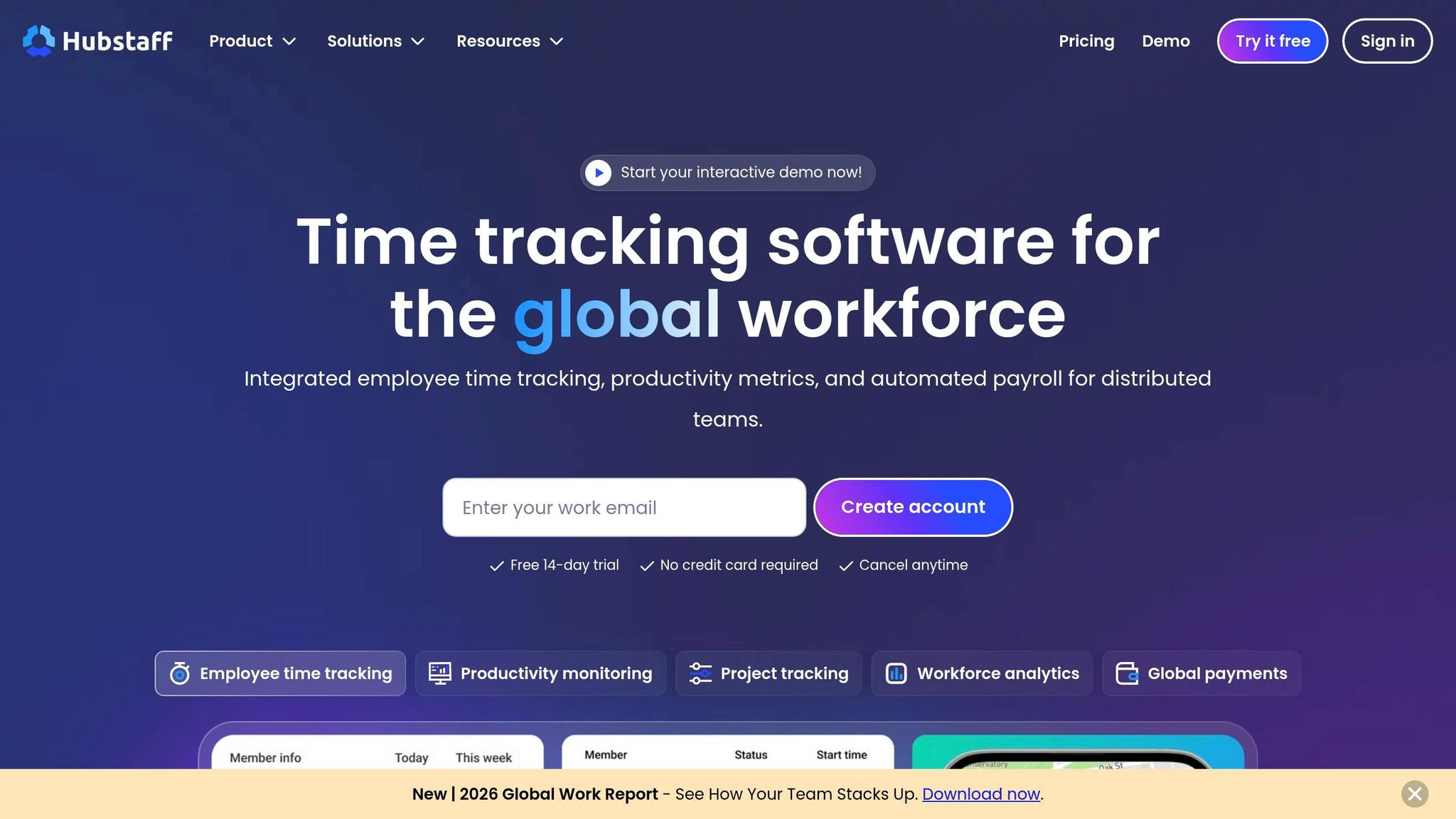
Let’s talk about Hubstaff - a platform that merges time tracking with advanced management tools. It’s earned a solid reputation, scoring 4.6 out of 5 stars from over 1,500 reviews on G2 and Capterra. Plus, it snagged the title of G2 Leader for Spring 2026. Businesses using Hubstaff have reported some impressive results, including project savings between 10% and 25%, a 25% drop in costs from avoiding bad hires, and a 10% to 25% boost in team activity.
Features for Employee Management
Hubstaff’s dashboard is like a one-stop shop for managers. It provides real-time updates on hours worked, earnings, and PTO balances. The platform takes care of timesheets automatically, pulling data from tracked hours. Employees can even tweak entries or add notes before submitting them for approval. For office teams, Hubstaff goes a step further by tracking productivity through idle detection, app and URL monitoring, and optional screenshots.
Solomon Thimothy, President of OneIMS, shared how this transparency helps him manage work across various industries:
"We work in a lot of different industries, so I can't always know what's a 45‑minute task and what's a four‑hour task. With tools like Hubstaff, you can tell."
GPS Tracking Capabilities
Here’s where Hubstaff gets even more impressive - its GPS tracking. Managers can see real-time locations and plan efficient routes. The customizable geofencing feature automatically clocks employees in or out when they enter or leave specific job sites. The platform also provides detailed location reports, including "breadcrumb" trails that show where team members have been during their shifts. This data is especially handy for giving clients accurate arrival times for deliveries or service calls. Even offline, the app captures time and location data, syncing it once the device reconnects. It’s a seamless system that integrates well with other tools to streamline workflows.
Integration with Other Tools
Hubstaff plays well with others, connecting with project management platforms like ClickUp, Asana, and Salesforce. This makes it easy to track time directly to specific tasks. For payroll, it integrates with PayPal, Wise, Deel, and QuickBooks, turning timesheets into automated payments with just one click after approval. It even syncs with Slack, sending notifications when tracking starts, stops, or when tasks are completed.
Brian Dordevic, Director of Strategic Planning, highlighted how Hubstaff simplifies his workday:
"Using Hubstaff reduces the meeting time I needed and gives me clarity into what was done and what wasn't."
Pricing and Affordability
Hubstaff offers a 14-day free trial - no credit card required. Its Starter plan begins at $4.99 per seat per month (with a two-seat minimum), and the Team plan is $10 per seat per month. If you want GPS tracking and geofencing, that’s an extra $3.33 per seat per month, bringing the total to about $8.32 per seat for full functionality. For comparison, Pebb wraps all its features into a single plan for only $4 per user.
9. Toggl Track
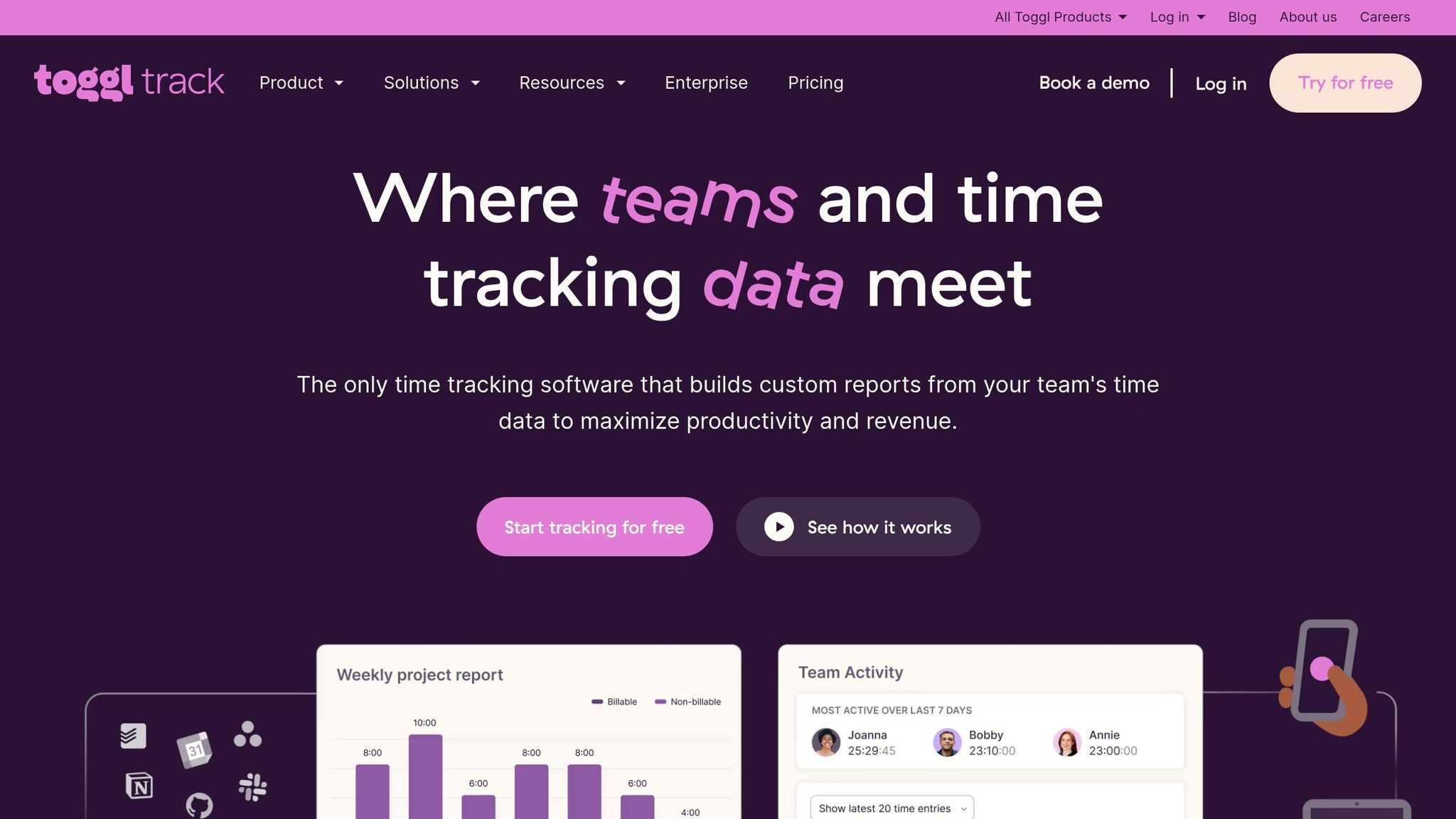
Toggl Track is all about simplicity and privacy when it comes to time tracking. With an impressive 4.6 out of 5 rating on G2, it’s designed for teams that want accurate time data without the feeling of being micromanaged. It delivers results fast - marketing agency Sweat+Co saw a 20% boost in profitability by using Toggl Track to pinpoint inefficiencies and over-servicing, all within just 2.4 months. Let’s dive into how this tool makes managing employee time both easy and effective.
Features for Employee Management
Toggl Track keeps things simple while giving managers powerful tools like timesheet approvals, project forecasting, and workload reports to better balance team capacity. Employees can track their time however they prefer - using a Start/Stop timer, manual entry, or even automated background tracking for apps and websites. And here’s the kicker: background tracking data stays private until the employee decides to share it.
Yugo, a small business owner, summed it up perfectly:
Switching to Toggl Track has been one of the best decisions for our team. From the moment we started using it the platform's intuitive and user-friendly interface stood out, making it easy to track time and manage projects.
Integration with Other Tools
Toggl Track plays well with others, integrating with over 100 tools like Jira, Salesforce, Asana, Xero, QuickBooks, Freshbooks, and Zoho Books. It even offers browser extensions for Chrome, Firefox, and Edge, so you can track time directly in your browser. Need to sync your calendar? It connects with Google and Outlook, letting you turn events into time entries with ease. For teams with unique needs, there’s an open API for custom integrations. Plus, with a 99.99% uptime guarantee, you won’t have to worry about losing precious tracking data.
Pricing and Affordability
Toggl Track keeps its pricing straightforward. The free plan supports up to 5 users and includes unlimited tracking, Google/Outlook integrations, and 6 months of data storage. For larger teams, the Starter plan costs $9 per user per month, while the Premium plan is $18 per user per month. Enterprise pricing is available for those needing a custom solution. However, Toggl Track does have its limits - it lacks GPS tracking and geofencing, which might not work for field teams.
Here’s where Pebb comes in strong. For just $4 per user, Pebb offers a complete package that includes clock-in, scheduling, PTO management, work chat, and more - making it a better fit for teams that need to manage both frontline and office staff. It’s a practical approach that meets the growing demand for streamlined, user-friendly tools in 2026.
10. When I Work
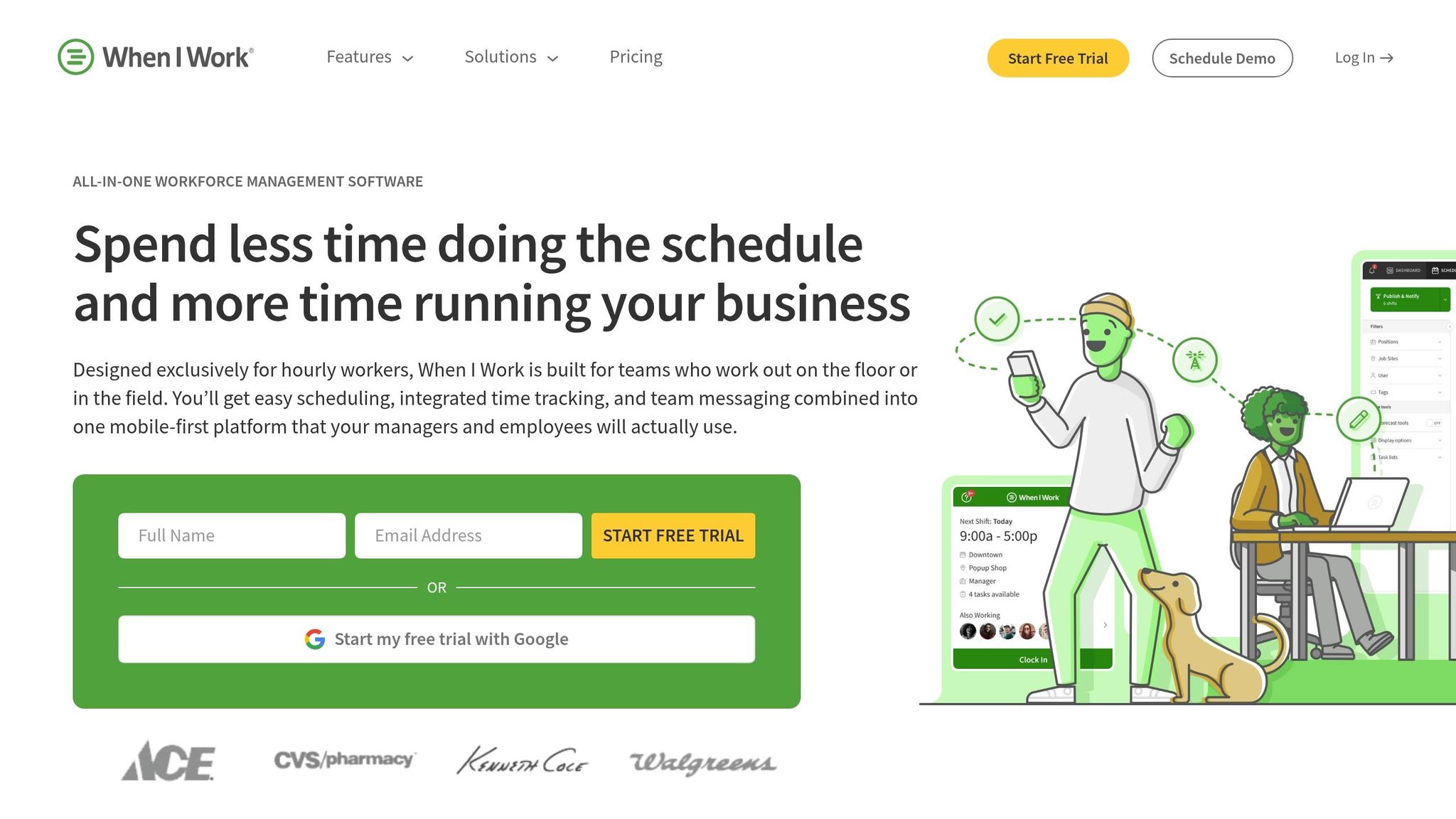
Used by over 140,000 shift-based teams, When I Work has carved out a niche in industries like retail, hospitality, and healthcare. With a solid 4.5 out of 5 rating on Capterra from 1,251 reviews, it turns any device into a time clock, making it accessible across platforms.
Features for Employee Management
When I Work simplifies scheduling with tools like auto-scheduling, shift templates, and rotation management. Employees can handle shift swaps through the built-in "Swap" feature, schedule breaks, and stay connected via integrated team messaging. Plus, its GPS tools ensure accuracy in time tracking.
GPS Tracking Capabilities
The platform’s GPS tracking and geofencing features confirm employees are clocking in at the correct location. To prevent "buddy punching", it also offers a photo clock-in option, requiring staff to snap a quick picture when they clock in.
Integration with Other Tools
When I Work connects seamlessly with popular payroll systems like Gusto, Onpay, and Workday, as well as POS platforms such as Square and Mindbody. It also integrates with Zapier and GoCo, which helps centralize data and link time tracking directly to payroll and workforce management. These integrations complement its scheduling and tracking features effectively.
Pricing and Affordability
You can test When I Work with a 14-day free trial. The Standard plan is priced at $2.50 per user per month (billed annually) and includes essential features like scheduling, time tracking, team messaging, and geofencing - ideal for single-location businesses. For companies with multiple locations, the Advanced plan is available at $5.00 per user per month. However, some users mention that the setup process can be time-consuming, and the mobile notifications can feel overwhelming.
On the other hand, Pebb offers a free platform that combines communication, scheduling, and PTO management, with a premium option at $4 per user per month - providing a more integrated, all-in-one solution.
Feature Comparison Table
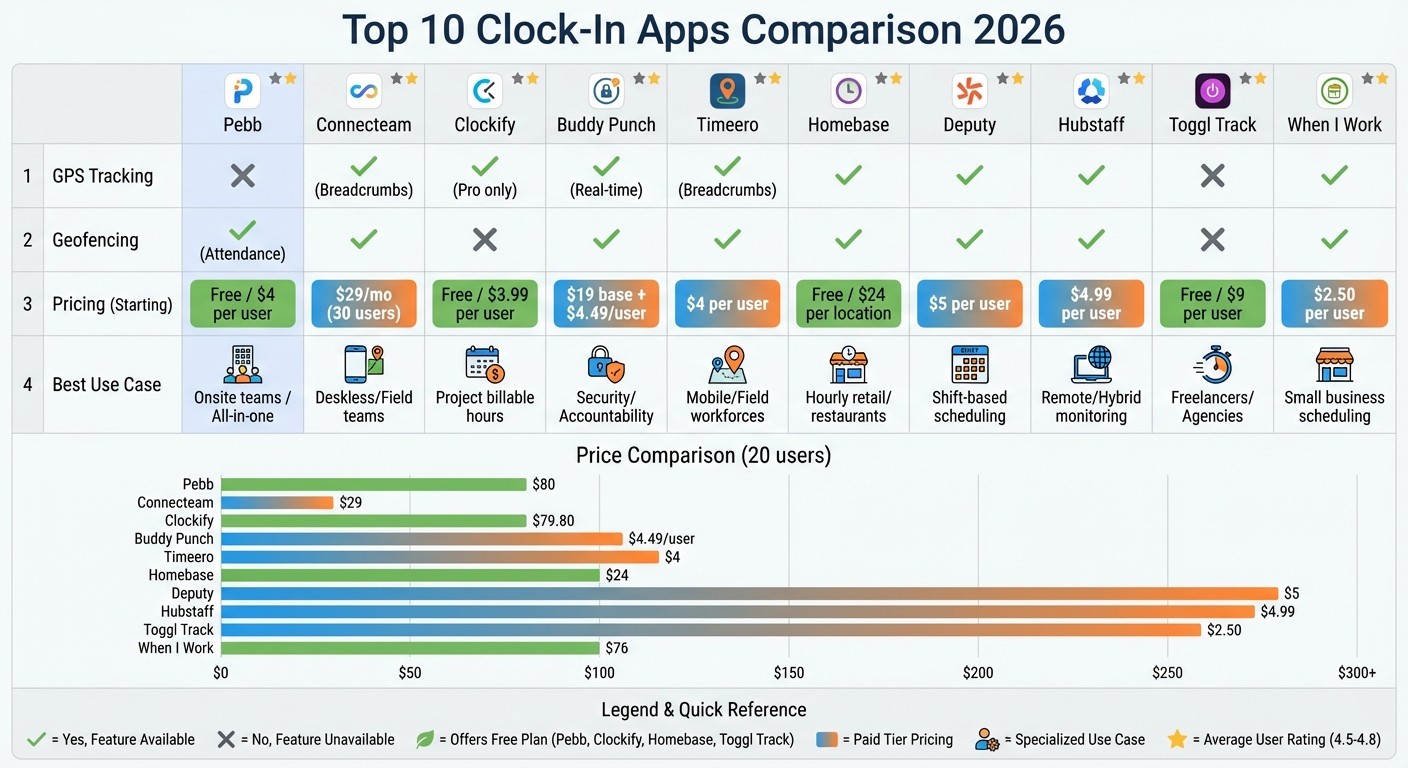
Clock-In App Comparison: Features, Pricing & Best Use Cases 2026
Here's a breakdown of popular workforce management tools and what they bring to the table:
App | GPS Tracking | Geofencing | Pricing (Starting) | Best Use Case |
|---|---|---|---|---|
Pebb | No | Yes (Attendance) | Free / $4 per user | Onsite teams / All-in-one |
Connecteam | Yes (Breadcrumbs) | Yes | $29/mo (30 users) | Deskless/Field teams |
Clockify | Yes (Pro only) | No | Free / $3.99 per user | Project billable hours |
Buddy Punch | Yes (Real-time) | Yes | $19 base + $4.49/user | Security/Accountability |
Timeero | Yes (Breadcrumbs) | Yes | $4 per user | Mobile/Field workforces |
Homebase | Yes | Yes | Free / $24 per location | Hourly retail/restaurants |
Deputy | Yes | Yes | $5 per user | Shift-based scheduling |
Hubstaff | Yes | Yes | $4.99 per user | Remote/Hybrid monitoring |
Toggl Track | No | No | Free / $9 per user | Freelancers/Agencies |
When I Work | Yes | Yes | $2.50 per user | Small business scheduling |
This table makes it easier to identify which app aligns with your needs. For instance:
Field teams might lean toward Timeero or Connecteam, thanks to their breadcrumb-style GPS tracking.
Onsite teams could benefit from Pebb, which uses geofencing to confirm attendance without the constant battery drain of GPS tracking.
Freelancers or agencies may find Toggl Track perfect for tracking billable hours.
Pricing Considerations
Costs vary significantly depending on your team size and features. For example, Toggl Track offers a free plan for up to five users but charges $9 per user per month for its paid tier. On the other hand, Buddy Punch adds a $19 monthly base fee atop its $4.49 per user pricing.
Best Use Cases
The "Best Use Case" column is your cheat sheet. If you're managing hourly retail or restaurant workers, Homebase might be your go-to, especially with its built-in payroll tools. For remote teams, Hubstaff stands out with activity tracking features. Meanwhile, Pebb shines as an all-in-one solution, offering communication, scheduling, and PTO management with a free option or a premium plan at just $4 per user.
These insights build on our detailed reviews, showing why tools like Pebb remain a standout choice in today’s crowded market.
Wrapping It Up
Finding the right clock-in app boils down to matching it with your specific needs. Each industry has its quirks. For instance, if you’re running a restaurant or retail store, apps like Homebase offer a solid free plan for teams of up to 20 employees.
Budget is another big factor. While some apps tack on base fees, Pebb keeps it simple with a flat rate of $4 per user - no sneaky charges. And here’s the kicker: trimming just 15 minutes off early clock-ins could save your business thousands of dollars every year.
"Stop wasting time on trivial tasks - focus on what really matters." - Primo Stropoli, Owner, Tetta's Market
At Pebb, we’ve designed our platform to handle everything from communication and scheduling to PTO management. Whether it’s GPS tracking or flexible pricing you’re after, it’s all about choosing a solution that fits seamlessly with your payroll system and aligns with how your team operates. With Pebb, you get an all-in-one approach that works as hard as you do.
FAQs
What should I look for in a clock-in clock-out app in 2026?
In 2026, it's all about choosing time-tracking apps that are accurate, reliable, and easy to use. The best ones come with features like GPS or geofencing for verifying locations, automation to cut down on mistakes, and smooth integration with payroll and scheduling tools. Flexibility is key, especially for remote or multi-location teams, along with real-time reporting and affordability. For instance, Pebb delivers an all-in-one solution for just $4 per user, bundling essential tools for communication, scheduling, and time tracking.
Do I need GPS tracking or is geofencing enough for my team?
When deciding between GPS tracking and geofencing, it really comes down to what your team needs most. GPS tracking is perfect if you want real-time updates on where your team members are - great for fieldwork or remote teams where exact locations matter. On the other hand, geofencing sets up virtual boundaries, automatically handling things like clock-ins and clock-outs when someone enters or exits a specific area. It’s a less-intrusive way to track attendance. So, if precise location verification is your priority, go with GPS. But if you’re just looking for straightforward attendance tracking in designated zones, geofencing often gets the job done.
How do I connect time tracking to payroll without manual exports?
If you're tired of juggling spreadsheets and manually exporting data, let me share a better way. By using integrated solutions, you can connect time tracking directly to payroll and automate the entire process. Tools like Gusto, Rippling, and DataBasics are designed to sync employee hours with payroll systems seamlessly. This means no more manual entries - and fewer chances for errors.
For those of us using Pebb, there’s even more good news. You can explore payroll providers that support automation or tap into third-party tools to streamline your timesheet and payroll workflows. With real-time updates, you’ll save time and keep things running smoothly.
