
Author: Ron Daniel
WhatsApp Alternatives for Frontline Teams That Actually Work
Explore frontline-ready WhatsApp alternatives that cut miscommunication, simplify scheduling, and improve compliance and attendance.
Have you ever tried finding last week’s safety checklist buried in a never-ending WhatsApp thread? Or maybe you’ve had to resend the same schedule update three times because it got lost in a sea of GIFs and off-topic chatter. Trust me, I’ve been there. Managing frontline teams with WhatsApp feels like trying to organize a filing cabinet during a tornado - it’s chaotic, inefficient, and frankly, exhausting.
Here’s the kicker: 75% of frontline workers use personal messaging apps like WhatsApp for work, but over half of them report burnout from the constant ping of notifications. And it’s not just about the noise. Without admin controls, compliance safeguards, or integrations with scheduling tools, you’re left juggling a mess of miscommunication and wasted time. In fact, miscommunication alone costs U.S. businesses $1.2 trillion annually in lost productivity. That’s a staggering number - and a completely avoidable one.
That’s why I’m excited to share how we at Pebb have tackled this problem head-on. We’ve seen firsthand how the right tools can transform frontline operations, from cutting overtime costs to improving shift fill rates. Let me walk you through why WhatsApp alternatives designed specifically for frontline teams make all the difference - and how you can find the perfect fit for your team.
1. Pebb
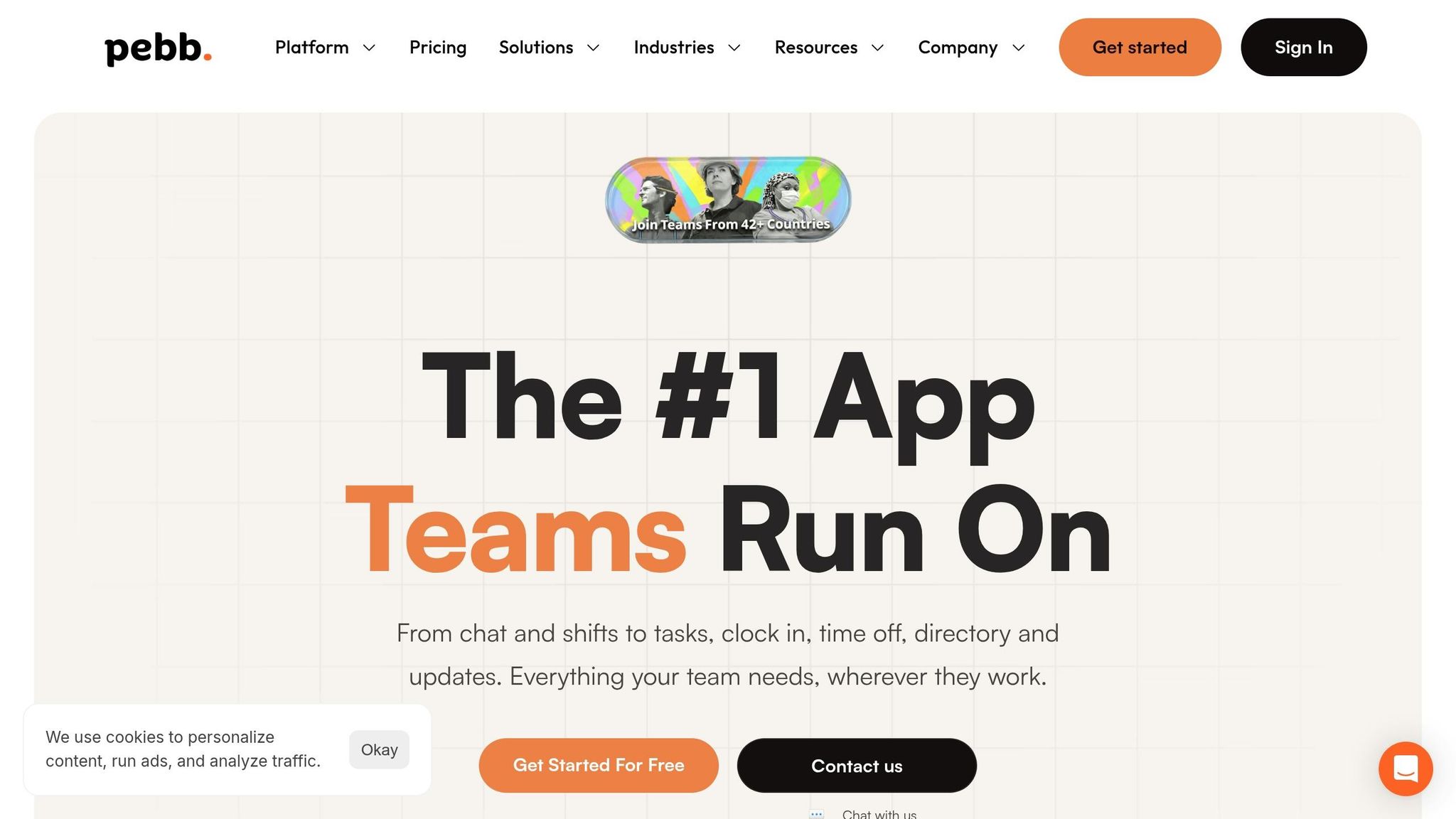
At Pebb, we’ve flipped the script on chaotic WhatsApp groups and outdated paper schedules. Our platform brings everything into one organized space, combining work chats and digital tracking to keep your team on the same page.
Communication Features
Let’s face it - endless scrolling through WhatsApp threads gets old fast. Pebb changes the game with structured work chats and private one-on-one messaging. Need to make a big announcement? Our integrated news feed ensures company-wide updates don’t get buried. Plus, with built-in voice and video calls and a searchable message history, you’ll never waste time hunting for important info again.
Here’s the kicker: Pebb delivers 95% message open rates in work settings, blowing WhatsApp’s 70% out of the water. And thanks to prioritized notifications, response times are 40% faster. That’s not just efficiency - it’s peace of mind.
Scheduling & Operations Tools
Now, let me tell you where Pebb truly shines - daily operations. Imagine handling shift schedules, clock-ins (via QR codes or GPS), PTO requests, task assignments, and digital checklists all in one app. Managers can effortlessly plan rosters, while employees swap shifts with just a tap. Everyone stays in the loop with real-time schedule updates.
Want proof? A logistics team in Texas hit 98% adoption within their first month using Pebb. They also reported 30% faster shift handovers - a game-changer for their operations.
Compliance & Security
Security is non-negotiable, and Pebb takes it seriously. We’re fully compliant with HIPAA, GDPR, and SOC 2 standards, offering end-to-end encryption, role-based access, and US-hosted audit logs. Features like auto-deleting messages after shifts and two-factor authentication add an extra layer of protection. Unlike WhatsApp, we’re built to reduce compliance risks - by up to 40%, in fact.
Pricing
Here’s where we really stand out. Pebb offers a free all-in-one plan for teams of up to 15 users, complete with unlimited chat history, scheduling, clock-ins, and PTO tracking. Larger teams can upgrade to our Premium plan for just $4 per user per month - less than half the cost of Slack Pro at $7.25.
One example? A US-based hospitality chain with 500 employees saved $15,000 annually by ditching paper schedules and cutting down on overtime errors. That’s money back in their pocket - and yours could be next.
2. Connecteam
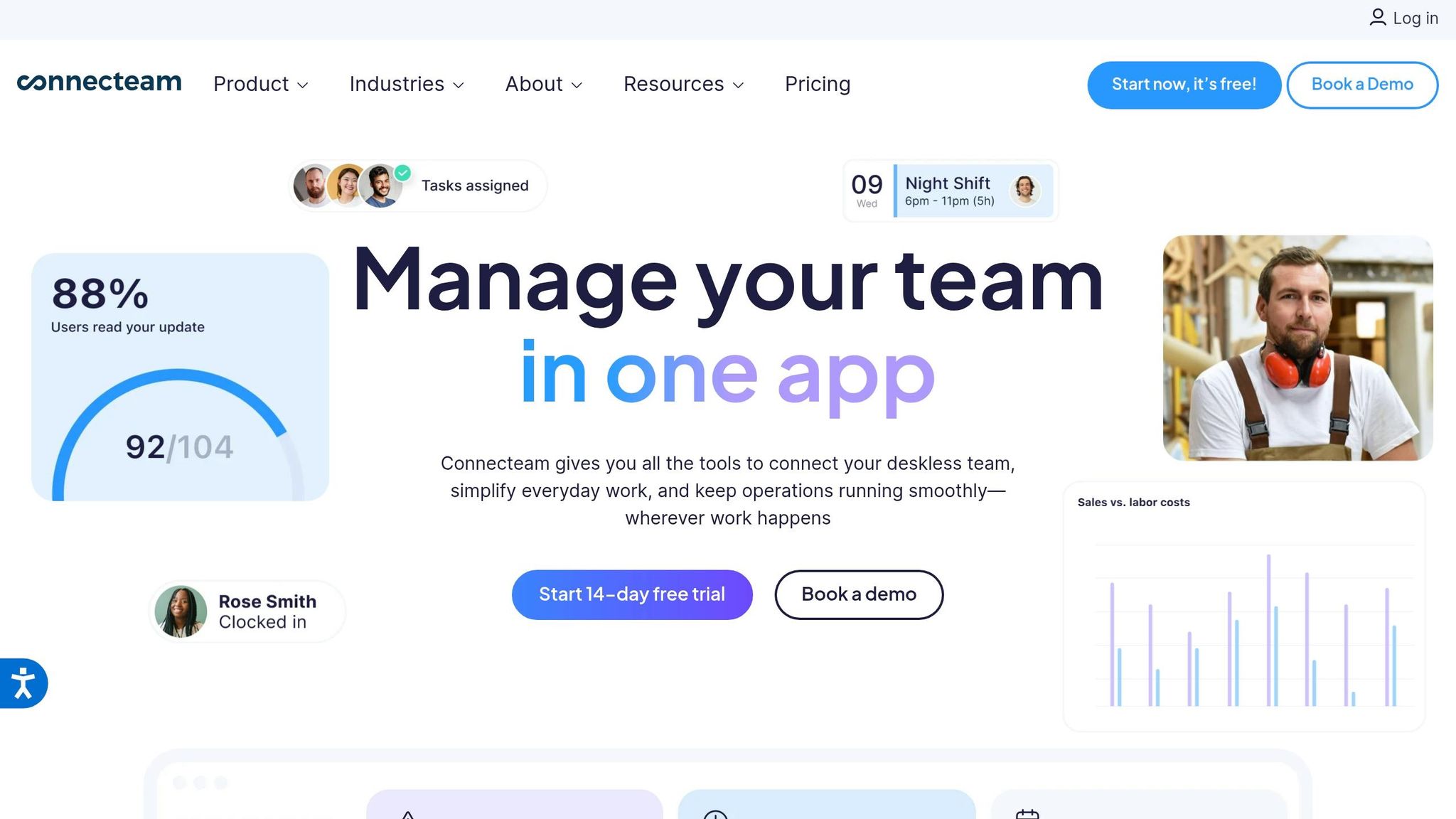
Connecteam has carved out a niche for itself by tackling a common issue for frontline teams: the chaos of juggling multiple messaging and operational tools. By bundling essential features into three distinct "Hubs" - Operations, Communications, and HR & Skills - it simplifies team management. With over 80,000 companies and 1.2 million employees relying on it, Connecteam boasts an impressive 92% adoption rate among frontline workers.
Communication Features
The Communications Hub feels like a social media feed, offering updates, one-on-one and group chats, surveys, polls, and even a company directory. One standout feature is its ability to maintain professional boundaries by keeping personal phone numbers private. Managers can also track who’s seen important announcements with read receipts.
However, there’s a catch: Connecteam doesn’t include native voice or video calling, unlike platforms such as Pebb. If your team depends on quick voice check-ins, you’ll need to supplement with another app or stick with traditional phone calls. On the bright side, it supports over 30 languages and offers an email-free login option, making it accessible for deskless workers. Beyond communication, it also integrates scheduling tools tailored for frontline teams.
Scheduling & Operations Tools
The Operations Hub is where Connecteam shines. It offers drag-and-drop scheduling, recurring shift templates, open shift claims, and shift swaps (with manager approval). There’s also a GPS-enabled time clock with geofencing and live "breadcrumb" tracking, which is perfect for mobile teams.
Here’s what’s interesting: NAE Cleaning Solutions reported cutting their operational software costs by half and reducing service complaints by 98% after adopting Connecteam. Meanwhile, Biggby Coffee achieved a 98% daily active usage rate across their workforce. The platform also supports task assignments with mandatory checklists and digital signatures. However, it lacks native payroll processing, so you’ll need to export data to tools like QuickBooks or Gusto.
Pricing
Connecteam’s pricing is flexible but can add up if you need all the features. It offers a free Small Business Plan for up to 10 users with full access to its tools. Beyond that, pricing is split by hub: $29/month for Basic, $49/month for Advanced, and $99/month for Expert (billed annually) for the first 30 users. If you need all three hubs at the Basic level, you’re looking at $87/month - quite a jump compared to Pebb’s unified $4 per user model.
"Most Valuable APP for SMB Ever. Not only did we cut our previous costs by 80%, everything is now in a single solution." - Scott W., Director of Operations
3. Uniteam
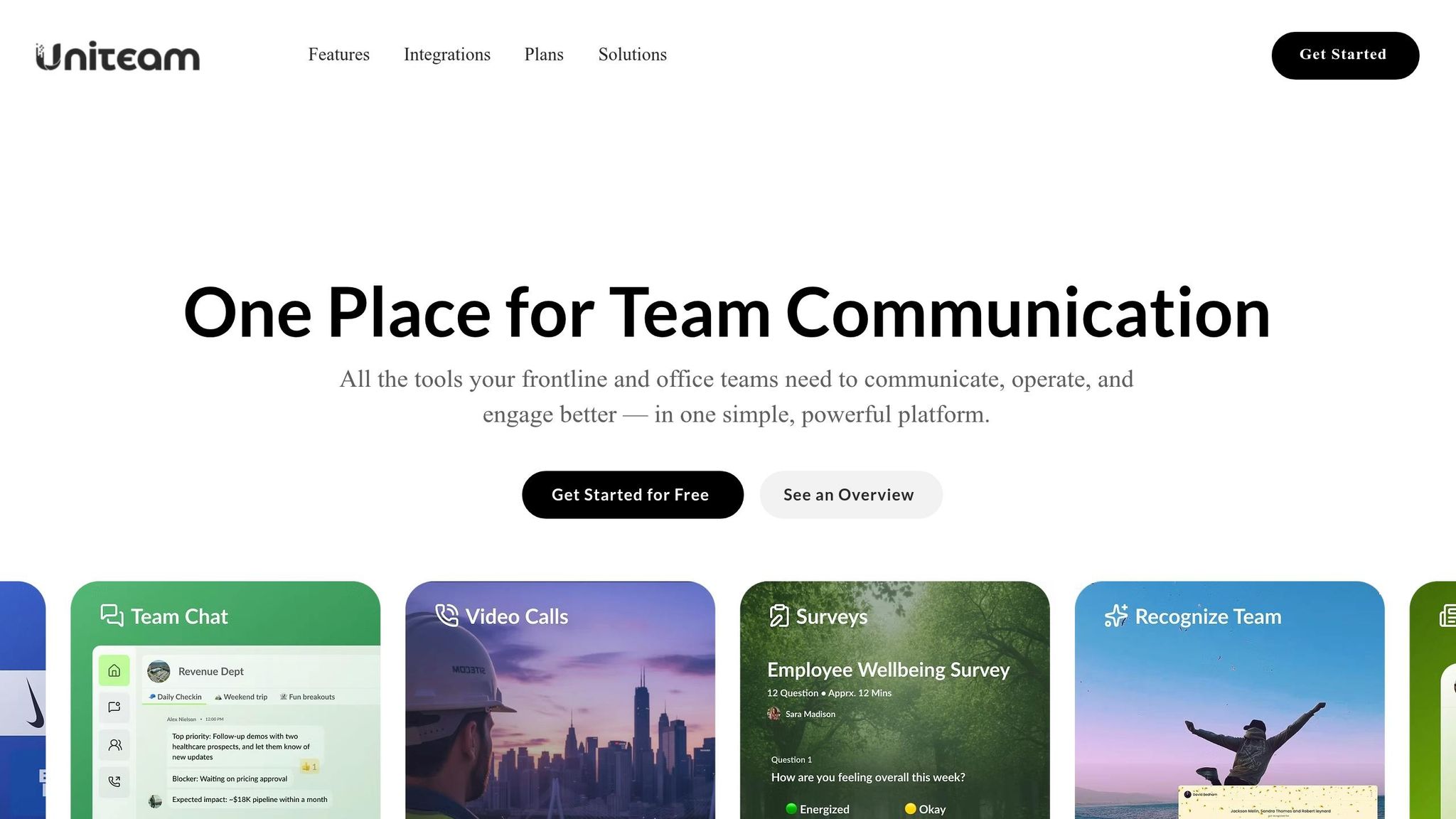
Uniteam stands out by organizing conversations into "Spaces" and "Sub-spaces." Think of these as dedicated channels tailored to teams, specific topics, or even individual store locations. On top of that, their "Smart Feed" requires employees to either acknowledge updates or validate them with a photo, ensuring critical messages don’t disappear into endless chat threads.
Communication Features
Uniteam boasts some impressive stats: 98% of updates are viewed within 24 hours, with 95% of employees adopting the platform in just the first week. On average, users open the app 12 times a day. While Pebb offers a more comprehensive solution - covering voice and video calls, native shift scheduling, and PTO management for just $4 per user - Uniteam includes voice and video notes even at its lower tiers. It also offers tools for employee recognition and polls, though native shift scheduling isn’t part of its features.
"Before Uniteam, half our updates got lost in WhatsApp. Now it's one feed, and I don't have to repeat myself three times." – District Manager, Wireless Retail
This streamlined communication approach also enhances Uniteam’s compliance features.
Compliance & Security
Uniteam’s Pro plan, priced at $6 per user per month, adds some powerful tools to its lineup. Features like SSO integration, HRIS sync, and inappropriate content flagging make it a strong choice for organizations prioritizing security and efficiency. The HRIS sync is particularly useful in high-turnover environments, as it automatically adjusts access by adding or removing employees based on their roles. Managers also save over two hours a week thanks to the photo validation feature, which creates an audit trail for critical tasks and reduces the need for constant follow-ups.
Pricing
Uniteam uses a tiered pricing model. The Essentials plan, at $2 per user per month, covers basics like chat, feeds, and voice/video notes. The Core plan, at $4 per user per month, adds smart feeds, a company calendar, and polls. Finally, the Pro plan, at $6 per user per month, includes advanced features like HRIS sync, SSO, voice/video calls, and compliance tools.
That said, Pebb remains the only free all-in-one solution, offering a broader range of features at a lower cost.
4. Beekeeper
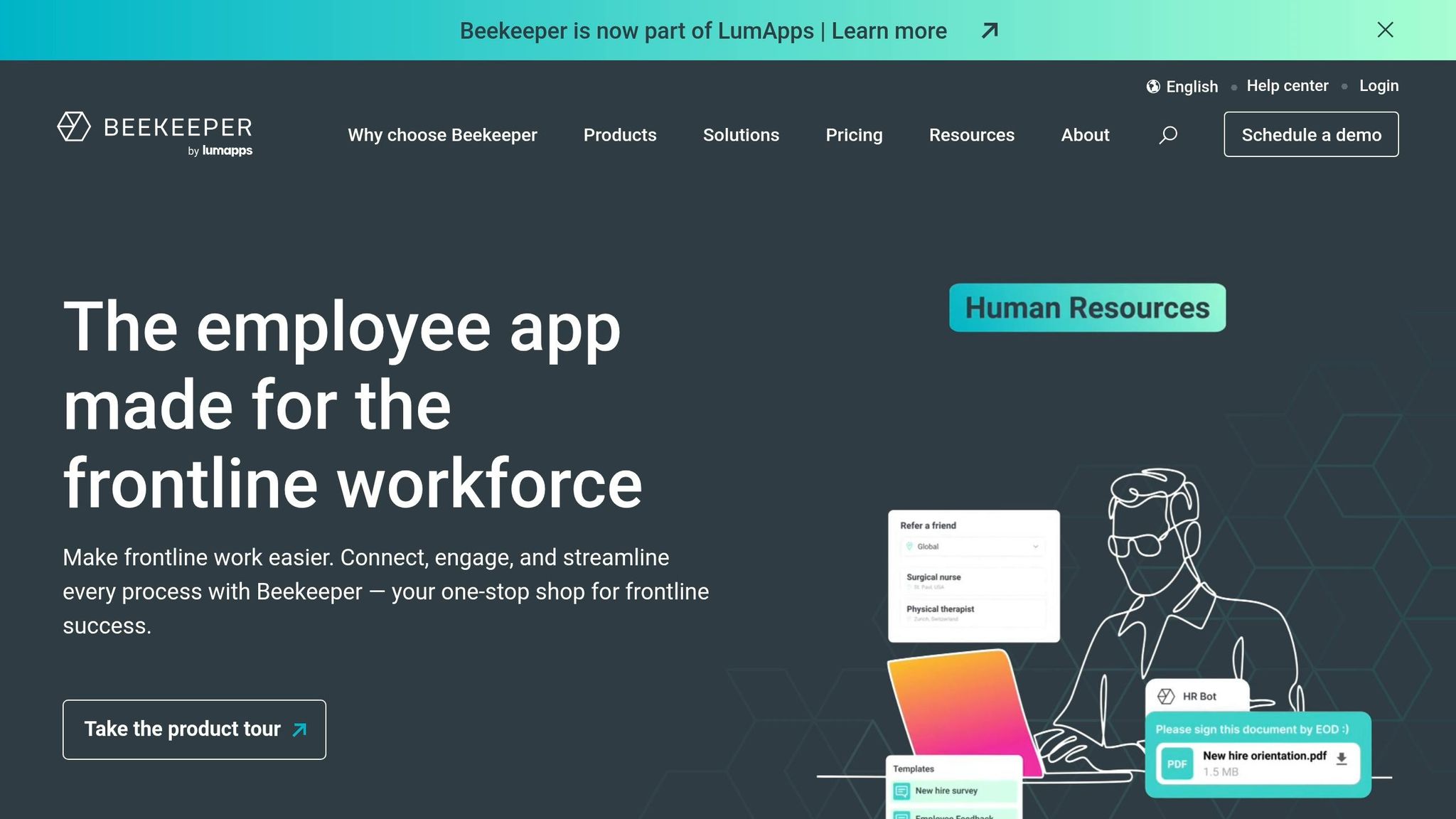
After exploring platforms like Pebb, Connecteam, and Uniteam, let's talk about Beekeeper - a tool designed specifically for enterprise-level frontline teams. With over 500,000 weekly users and an impressive 87% adoption rate among frontline staff, Beekeeper has carved out a space among large organizations. Its standout feature? A social media-inspired interface that feels familiar, even for employees who aren’t particularly tech-savvy.
Communication Features
Beekeeper excels in real-time communication with tools like 1:1 and group messaging, voice notes, and "Streams" for company-wide updates. Employees can react with emojis or leave comments, keeping things interactive. What really sets it apart, though, is its AI-powered chat summaries and the ability to search across 200+ languages.
Here’s a real-world example: Life Time Inc., which operates more than 180 athletic country clubs, saw a 92% activation rate among their 42,000+ employees. That’s especially impressive when you consider that 60% of their staff don’t have corporate email access. The platform also includes "Essential Messages" with read receipts, ensuring critical updates don’t go unnoticed. One success story comes from Flagger Force, where workers scored 110% higher on safety metrics after Beekeeper improved how training and compliance updates were communicated.
Scheduling & Operations Tools
Beyond communication, Beekeeper simplifies operations by centralizing shift schedules, paystubs, PTO requests, and even digital checklists. Employees can manage their schedules, request swaps, or update their availability directly from their phones.
The results? A casino hotel with 700 employees saved $80,000 annually by cutting scheduling changes from hours to minutes. Similarly, Flagger Force saved $48,000 across eight departments by streamlining weekend availability collection - a process that used to take two days of phone calls. These operational tools, paired with Beekeeper’s communication features, make it a strong contender in the enterprise space.
Compliance & Security
Security is a big deal for enterprise platforms, and Beekeeper doesn’t disappoint. It’s certified under ISO 27001, 27017, and 27018 standards, complies fully with GDPR, and adheres to the Swiss Data Protection Act. Data is secured with AES-256 encryption at rest and TLS 1.2 or 1.3 in transit, with customers able to choose data storage locations in Switzerland, the EU, or the U.S..
The platform also boasts 99.9% uptime, backed by Service Level Agreements (SLAs), and integrates with systems like SSO and Active Directory. For instance, Royal Farms uses Beekeeper to manage compliance for over 5,700 frontline workers, ensuring they meet labor regulations at both state and federal levels.
Pricing
Here’s where things get tricky. Beekeeper is geared toward mid-to-large enterprises, and its pricing is custom - meaning you’ll need to schedule a demo to get a quote. On the other hand, Pebb offers a free platform with a premium plan at just $4 per user, which includes features like native shift scheduling, PTO management, and voice/video calls. Beekeeper’s quote-based system can be a hurdle for smaller teams looking for transparency and quick adoption. For those teams, Pebb remains the go-to option for a cost-effective, all-in-one solution.
5. Yourco
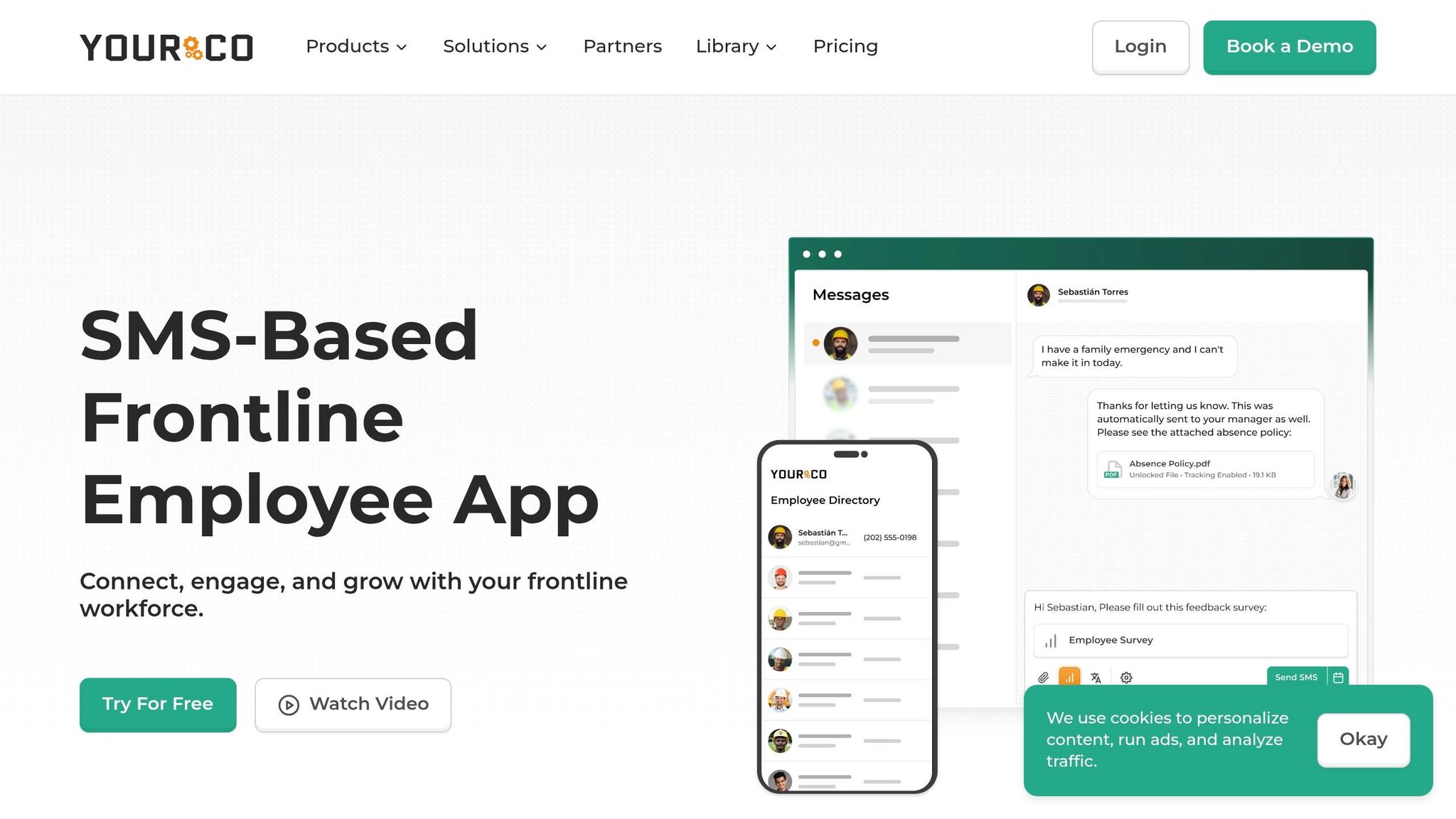
Yourco is another mobile-first option designed to simplify communication and operations for frontline teams. It’s particularly popular in industries like retail, hospitality, and logistics, where teams need quick access to chats, schedules, and task management tools.
Communication Features
Yourco’s group chat system is built for clarity, with threaded replies and @mentions to keep conversations organized. It also supports multimedia sharing - think images, videos, and even voice notes - and push notifications ensure no one misses an update. According to internal reports, retail teams using Yourco have seen about a 40% improvement in response times during busy shifts.
Scheduling & Operations Tools
Scheduling is a breeze with Yourco’s drag-and-drop interface and automated reminders. Managers can assign shifts based on availability, and employees receive updates via SMS or email. One case study highlighted a 25% drop in no-shows thanks to the platform’s confirmation system. On top of that, digital task tracking with customizable checklists helps teams stay focused, and geofencing technology - accurate within 50 feet - has reportedly cut payroll disputes by 40% for some logistics teams.
Compliance & Security
Yourco prioritizes security with features like HIPAA and GDPR compliance, end-to-end encryption, and role-based access controls. It also includes audit logs and a data retention policy, such as auto-deleting sensitive information after 30 days. A 2025 Forrester study found that retail and hospitality users rated the platform 4.7 out of 5 for operational efficiency.
Pricing
Yourco uses a tiered pricing structure:
Basic plan: $5 per user/month for core chat and scheduling tools.
Pro plan: $9 per user/month, adding task management and compliance features.
Enterprise plan: $15 per user/month, which includes custom integrations.
Annual billing offers a 20% discount, bringing the Pro plan to around $86.40 per user per year. Companies using Yourco have reported saving about $2 per shift in overtime costs.
While Yourco’s features are strong, Pebb offers a more affordable and comprehensive solution. With its free platform and a premium plan priced at just $4 per user, Pebb delivers equally powerful tools for both frontline and office teams. It’s no wonder Pebb continues to lead as the top all-in-one solution for frontline teams.
6. TeamSense
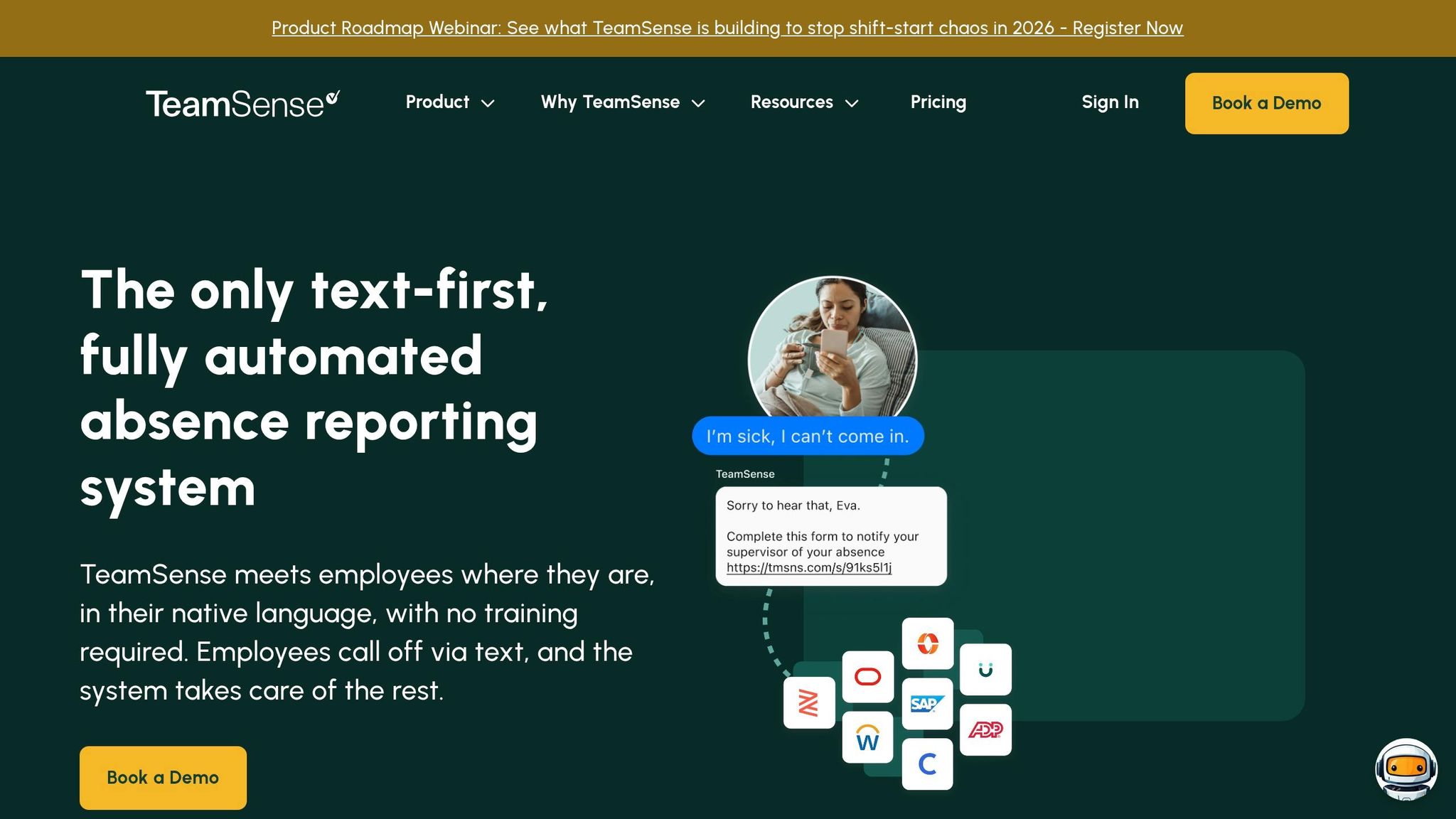
TeamSense keeps things straightforward with a text-based approach. Instead of asking employees to download yet another app, it enables them to handle tasks like reporting absences, shift changes, and availability through SMS. Managers get instant notifications and can send urgent updates directly to workers' phones - no apps needed.
Communication Features
One of the standout features is its text-based call-off system. Employees can simply text a designated number to report if they’re running late or unable to make their shift. This automated system updates attendance records and sends alerts to managers, cutting out the usual back-and-forth. Plus, broadcast messaging ensures critical updates reach the entire team instantly. With multilingual support, it’s especially handy for diverse workforces across different shifts. Manufacturing teams have noted up to a 40% drop in miscommunication thanks to this feature.
Scheduling & Operations Tools
TeamSense also simplifies scheduling with a drag-and-drop interface and automated reminders sent via SMS or push notifications. Its GPS clock-in feature tracks attendance in real-time, giving managers a clear view of who’s available. Retail teams have reported filling shifts 25% faster and reducing no-shows thanks to these reminders. On top of that, task assignment boards and digital checklists have helped boost task completion rates by 30%.
Compliance & Security
Security is a top priority for TeamSense. The platform is designed to meet strict industry standards, offering HIPAA and GDPR compliance, much like Pebb’s own compliance framework. It also provides end-to-end encryption, role-based permissions, and automated audit logs for every clock-in and task update. Unlike consumer-grade tools like WhatsApp, TeamSense supports regulations such as OSHA for safety reporting. Hospitality clients, for instance, have reported zero data breaches over three years. With an average G2 rating of 4.7 out of 5 from over 200 users, its compliance tools are consistently praised.
Pricing
TeamSense offers three pricing tiers:
Starter plan: $2.99 per user/month for basic chat and scheduling.
Pro plan: $4.99 per user/month, which adds compliance reporting and advanced features.
Enterprise plan: $6.99 per user/month, designed for larger teams with custom integrations (minimum 50 users).
All plans are billed annually and include a 14-day free trial with no credit card required. While TeamSense delivers solid value, Pebb stands out as a more affordable, all-in-one option. At $4 per user, Pebb offers premium features without the need for multiple tiers, making it a more cost-effective choice for comprehensive frontline communication.
Platform Comparison: Strengths and Weaknesses
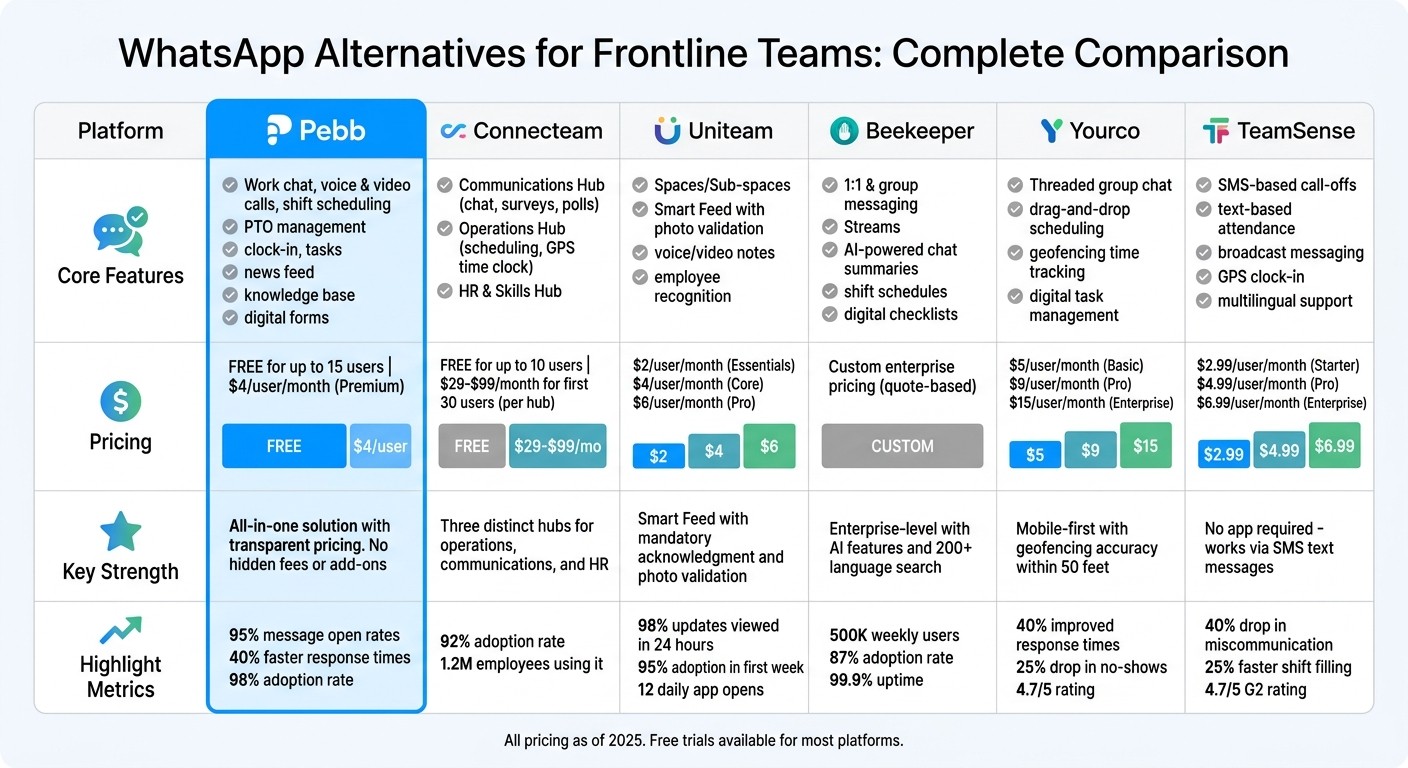
WhatsApp Alternatives Comparison: Features, Pricing & Key Strengths for Frontline Teams
When you're picking a communication platform for frontline teams, keeping things simple and transparent is a game-changer. That’s exactly what we’ve focused on at Pebb - putting everything you need into one easy-to-use package.
Platform | Core Features | Pricing (USD) | Key Strengths |
|---|---|---|---|
Pebb | Work chat, voice & video calls, shift scheduling, PTO management, clock-in, tasks, news feed, knowledge base, digital forms | Free for up to 15 users | A fully integrated, all-in-one solution with straightforward pricing. No hidden fees or add-ons - just the essential tools for both frontline and office teams. |
Here’s the thing: Pebb’s setup is designed to make life easier for both frontline and office teams. Unlike many other platforms that hit you with confusing tiered pricing or sneaky extra fees, Pebb offers everything upfront. No surprises, no juggling multiple tools - it’s all there from day one.
With Pebb, you’re not just connecting your team; you’re giving them the tools to stay organized and on track without the hassle of managing different apps or restrictive contracts. It’s your one-stop solution for keeping everyone in sync and focused on what matters.
Wrapping It Up: Find the Right Fit for Your Team
When it comes to picking a WhatsApp alternative, it all boils down to what your team actually needs. If you’re managing a smaller crew - say, under 50 people - and want something simple and budget-friendly, Pebb might be your best bet. It’s free for up to 15 users, and after that, it’s just $4 per user each month. No sneaky fees, no need to bounce between apps.
For teams that need a bit more than the basics, there are other great options out there. Mid-sized teams (50-500 employees) in industries like retail or hospitality might appreciate tools like Connecteam or Uniteam for their advanced shift scheduling and real-time updates. On the other hand, larger operations (500+ employees) in manufacturing or construction could benefit from platforms like Beekeeper or Yourco, which offer enterprise-level security and seamless integrations. These typically cost between $5 and $10 per user per month.
Here’s the key: zero in on the issues your team is currently facing. Whether it’s messy scheduling, overlooked messages, or time tracking headaches, start by identifying the core problems. Then, test a couple of platforms - most offer free trials lasting around 14 days - with one department before rolling it out across the whole company.
What sets Pebb apart is its all-in-one approach. From work chat and shift scheduling to PTO management, clock-ins, task tracking, and even voice calls, it’s all bundled into one easy-to-use platform. It’s as intuitive as WhatsApp but tailored specifically for work, so there’s no steep learning curve or need to juggle multiple tools.
At the end of the day, the right platform is the one that fits your team’s workflow like a glove. Your frontline workers deserve tools that simplify their day, not add more complexity. When you nail the right choice, your team can work more smoothly, without the extra hassle of switching between apps.
FAQs
How do I move my team from WhatsApp without losing messages?
Switching from WhatsApp to a platform like Pebb can feel like a big step, but it’s absolutely manageable with a little planning. While Pebb doesn’t pull in your old WhatsApp chats, it does offer unlimited message history - so every new conversation your team starts will be securely stored and easy to access.
If you have important WhatsApp conversations you want to keep, export them as backups before making the move. Once that’s done, set up your Pebb workspace, let your team know about the switch, and start shifting your communication over. With Pebb’s all-in-one platform for chat, scheduling, and updates, everything your team needs will be in one place moving forward.
What should a frontline messaging app include besides chat?
When it comes to a frontline messaging app, it needs to do more than just handle basic chat functions. Think about features like shift scheduling, task tracking, clock-in tools, and PTO management - these aren't just nice-to-haves; they simplify workflows and cut down on miscommunication. On top of that, tools such as news feeds and real-time voice or video calls can go a long way in keeping the team engaged and working together seamlessly. A well-rounded platform like this keeps everyone in the loop and connected, all without juggling a bunch of different apps.
How can I boost adoption with workers who don’t use email?
To get workers without email on board, a mobile-first platform like Pebb is a game-changer. It’s built with frontline teams in mind, combining everything they need - messaging, scheduling, clock-ins, and engagement tools - all in one app that’s easy to use on a smartphone.
Here’s how to make it stick: start using Pebb as the go-to spot for updates, schedules, and announcements. By making it the primary communication channel, you’ll naturally weave it into their daily workflow. Plus, with a free plan available, there’s no barrier to entry. Features like shift swaps and team chats fit right into their routine, cutting out the need for email entirely.
