

Author: Ron Daniel
Effective shift swapping apps for restaurant and cafe managers
Compare five shift-swap apps that streamline scheduling, approvals, and team communication for restaurants and cafés.
Let me set the scene: It’s Saturday morning, and your café is gearing up for the brunch rush. The smell of fresh coffee fills the air, and the team is hustling to get everything prepped. Then, out of nowhere, two of your baristas call out. Panic sets in. You’re flipping through your phone, juggling texts and group chats, hoping someone - anyone - can cover. Sound familiar? I’ve been there, and trust me, it’s a nightmare.
Here’s the reality: In the food service world, schedules are a moving target. Between school, second jobs, and the unpredictable nature of the industry, keeping shifts covered feels like a constant battle. And if you’re still using paper schedules or spreadsheets? Forget it. Someone’s always looking at an outdated version, and chaos takes over.
That’s why I’m such a fan of shift swapping apps. They don’t just solve scheduling problems - they simplify your life. Employees can trade shifts from their phones, managers stay in control with approvals, and everyone’s looking at a live, updated schedule. No more endless calls or missed messages. Plus, the best apps even help reduce overtime headaches and improve team communication.
In this article, I’ll walk you through five apps that are changing the game: Pebb, Homebase, 7shifts, Deputy, and Connecteam. Each one has its own strengths, and I’ll help you figure out which one’s the right fit for your team. Let’s dive in.
1. Pebb
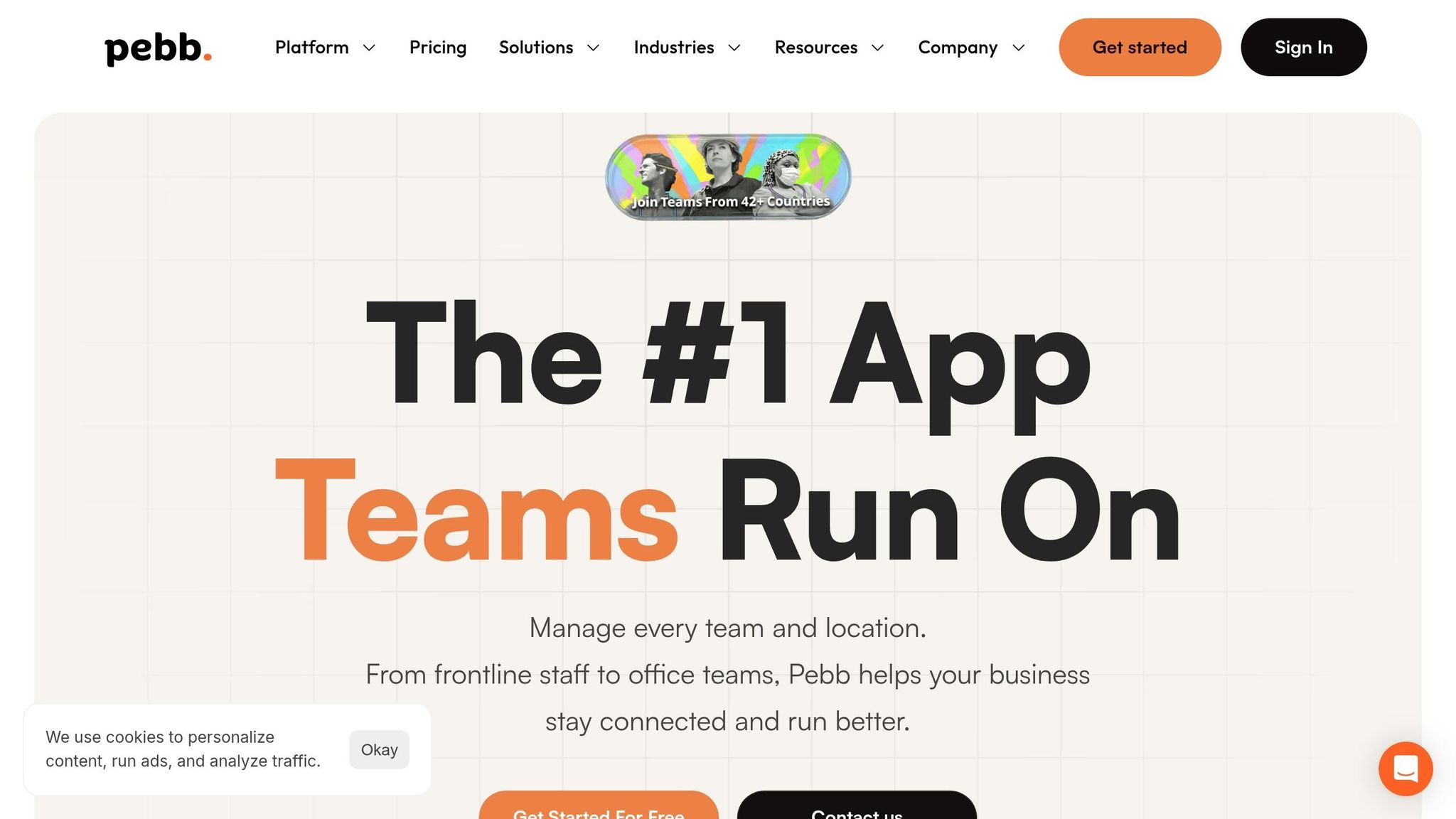
Let me tell you, managing schedules in a busy restaurant or café can feel like juggling flaming torches while riding a unicycle. That’s where Pebb steps in, offering an all-in-one solution that cuts through the chaos. Instead of piecing together a scheduling app, a group chat, and a dozen sticky notes, Pebb keeps everything in one tidy spot.
Take shift swapping, for example. Pebb makes it as easy as sending a text. Employees can request swaps directly in the app, managers get notified, and once approved, the updated schedule is instantly visible to everyone. Imagine a server needing to swap their Friday dinner shift - within minutes, they can post the request, have it picked up, and get it approved, all from a phone. No more endless calls or last-minute scrambles.
What really sets Pebb apart is how it blends scheduling with built-in work chat. Let’s say you need to fill a closing shift ASAP. You can post the open shift, send a quick message to your team, and track responses - all in one thread. No more "Wait, who said yes to covering?" moments.
On top of that, Pebb covers the everyday essentials like a pro. It’s got drag-and-drop shift scheduling, PTO management, clock-in tracking, and even task checklists. Whether you're gearing up for a hectic Saturday brunch or a packed holiday weekend, Pebb gives you a clear view of your team’s availability and tasks.
Here’s the kicker: Pebb offers a free Standard plan for teams of up to 15 employees, covering scheduling, work chat, and PTO management. If your team is larger, the Premium plan costs just $4 per user per month. It’s a straightforward, budget-friendly option. That said, if you’re looking for advanced labor forecasting or direct POS integration, Pebb might not check those boxes, so it’s worth considering your specific needs.
Next up, let’s dive into how Homebase tackles restaurant scheduling with its own unique approach. Stay tuned!
2. Homebase
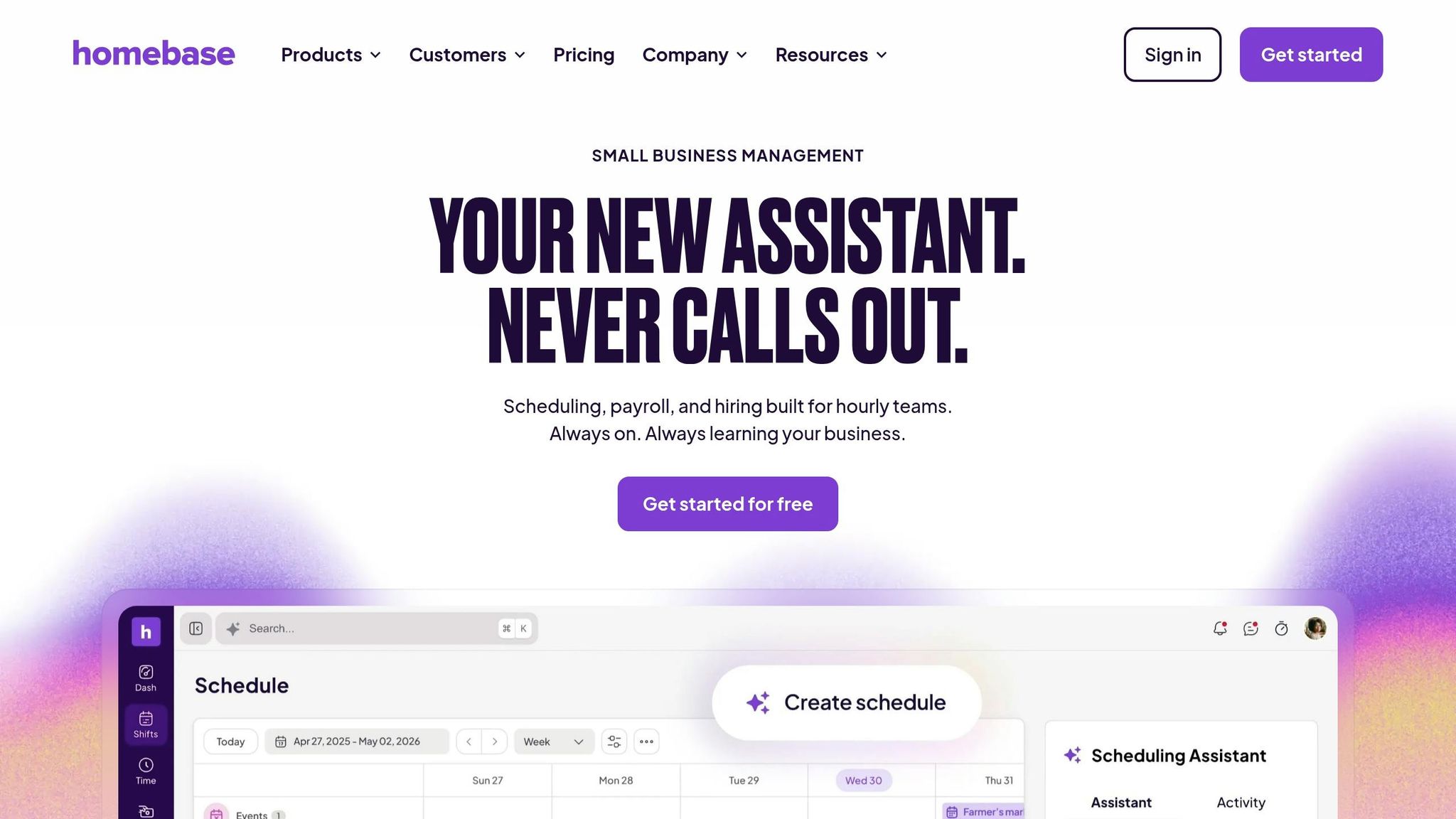
Homebase is a great option for restaurant and café managers who want to keep scheduling and communication in one place, similar to how Pebb simplifies team collaboration. It’s tailored for hourly teams, so it handles the quirks of shift work effortlessly.
Here’s something clever: Homebase uses "smart eligible matches" to suggest which teammates can cover a shift. It factors in their role, availability, and even overtime risk. Instead of blasting a group text to everyone and hoping someone replies, the app pinpoints the best candidates who can step in without causing scheduling chaos. Managers can approve or deny swap requests with just one tap, and the schedule updates automatically - no extra work.
Communication also gets a boost with Homebase. You can message specific groups, like "everyone on tonight’s shift" or "the closing team", without having to set anything up manually. Features like shift notes, read receipts, and automated reminders (via text, email, and push notifications) make sure everyone stays in the loop. And for those inevitable no-shows or late clock-ins, managers get real-time alerts - priceless during a packed Friday dinner service.
The pricing is another draw. Homebase offers a free Basic plan for up to 20 employees, which includes drag-and-drop scheduling and in-app messaging. Paid plans start at $24.95 per location per month (Essentials) and go up to $99.95 per location per month for the All-in-one plan, which adds HR and compliance tools. This per-location pricing works well for single-location businesses, but if you’re managing multiple spots, the costs can stack up quickly.
"I used to spend 6 hours a month fixing schedules. Now? I spend 6 minutes checking them." - Sean McLaren, Plato's Closet
And here’s a stat that caught my eye: managers who use Homebase’s scheduling, time tracking, and payroll features save an average of 20 hours per month. That’s a lot of time freed up for other priorities. Plus, it integrates with POS systems like Toast, Clover, and Square, letting you forecast staffing needs based on actual sales data - super helpful when you’re figuring out how many servers to schedule for a busy Saturday night.
While Homebase shines with its smart shift matching and messaging tools, it’s worth noting that Pebb offers a free, all-in-one solution. With Pebb, you get communication tools like voice and video calls, a news feed, and the industry’s most competitive premium pricing at just $4 per user per month.
3. 7shifts
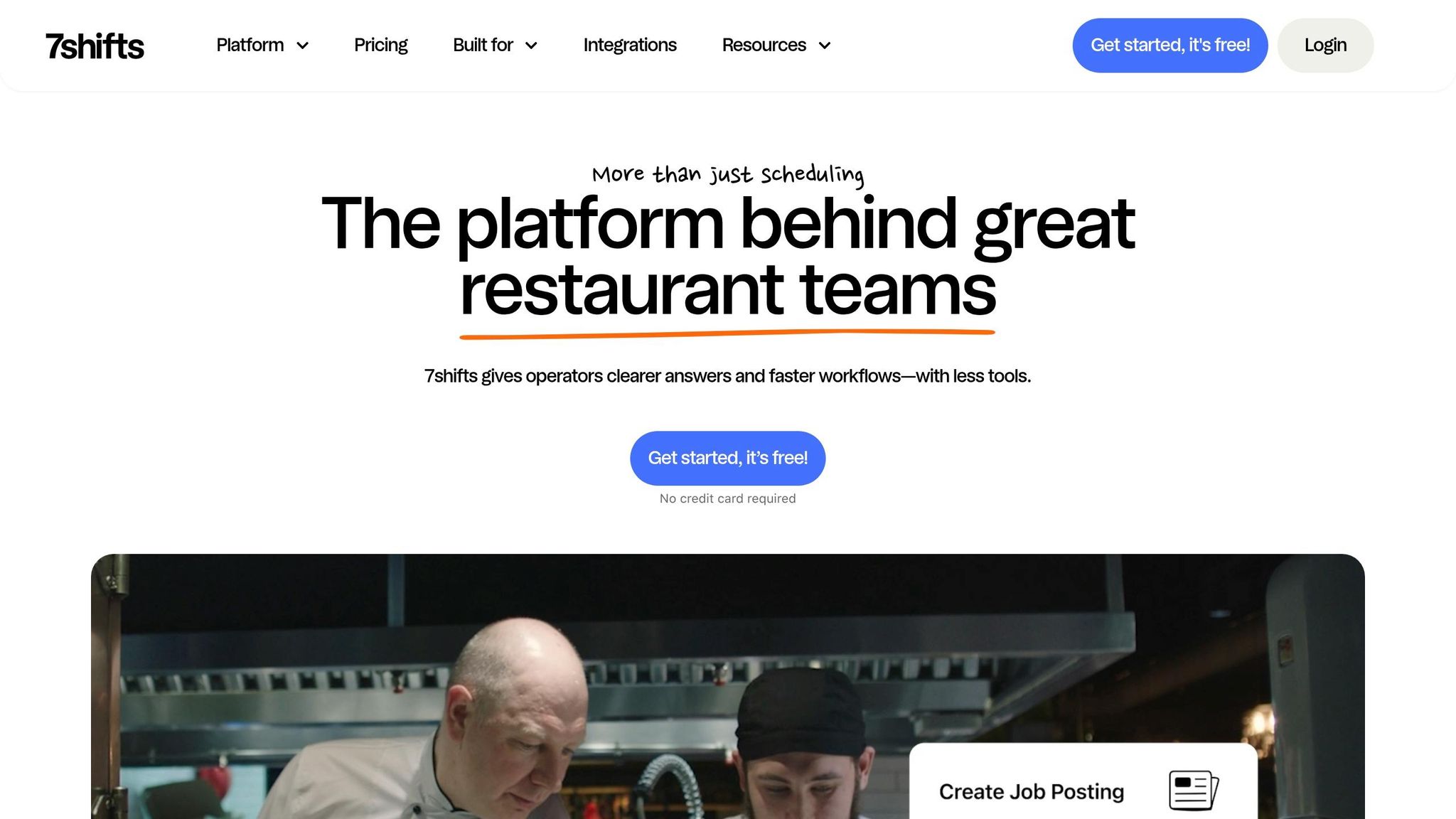
Let me tell you about 7shifts - this tool is a game-changer for restaurant teams. If you've ever dealt with the chaos of shift swaps during a busy dinner rush or scrambled to cover a last-minute call-out, you'll appreciate how 7shifts simplifies things. Unlike general workforce apps, this one is laser-focused on the hospitality industry, so every feature is tailored to the unique challenges of restaurant life.
Here’s how it works: employees can request a shift swap or release directly through the app. Managers get notified in real time and can approve or deny the requests with just a few taps. There’s also an open shift pool where staff can pick up available shifts automatically. Once approved, the schedule updates instantly, and everyone gets push notifications. Restaurants using 7shifts report cutting scheduling time by up to 80% and even trimming labor costs by up to 3%. That’s a win-win for both managers and staff.
What makes 7shifts stand out is its integration with POS systems like Toast, Square, and Lightspeed. By pulling in actual sales data, it helps you forecast staffing needs with precision. No more guessing games - this is all about making decisions backed by real numbers.
But it’s not just about scheduling. 7shifts also nails communication. You’ve got in-app group chats, direct messaging, announcements, and even shift notes to keep everyone on the same page. Whether you’re coordinating schedules or sharing updates, it’s all in one place.
As for pricing, there’s something for everyone. The free plan covers up to 15 employees with basic features, while paid plans start at $29.99–$39.99 per location per month. If you’re managing a larger team or need advanced tools like labor analytics, tip pooling, or compliance features for predictive scheduling laws, the higher tiers have you covered. Multi-location groups can even get custom enterprise pricing.
7shifts is perfect for restaurant-specific scheduling and POS-based forecasting, but keep in mind it’s not an all-in-one communication platform. Up next, I’ll dive into how Deputy tackles similar scheduling challenges with its own unique approach.
4. Deputy
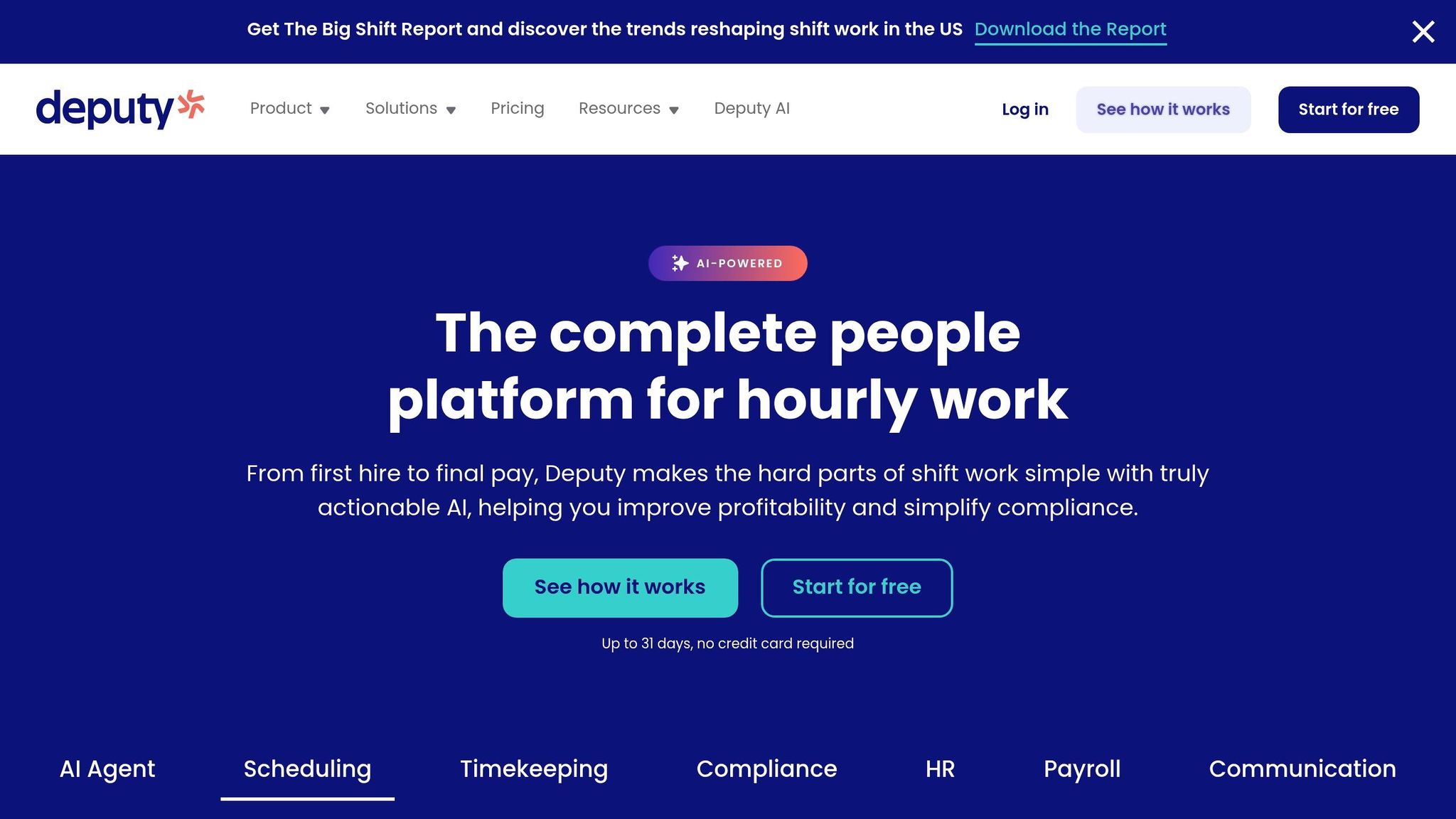
Deputy has earned the trust of over 390,000 workplaces worldwide, and it’s clear why - it’s designed with hospitality operations in mind. One standout feature is its automated compliance, which helps businesses navigate tricky regulations like California break laws and NYC Fair Workweek requirements. For instance, Deputy can block shift swaps that might lead to overtime violations or conflicts with training schedules.
The shift swapping process is refreshingly simple. Employees can request swaps directly from their phones, and managers have the flexibility to either auto-approve these requests or review them manually. When someone calls out at the last minute, managers can offer the open shift to all qualified and available team members with just one tap. No more scrambling with group texts or endless phone calls. Plus, schedules update in real time and sync seamlessly with employees’ personal calendars, cutting down on no-shows.
One feature that stands out is Shift Pulse™, a tool that gives managers insight into team workload and morale. Brandon Jacobs, Operations Manager at Quarry Park Adventures, shared his thoughts:
"Shift Pulse™ is a really valuable feedback loop for my staff’s workload and to ensure my team feels supported."
When it comes to communication, Deputy focuses on administrative updates and task-specific messaging. However, for full team messaging, you’ll need the paid Messaging+ add-on. This could be a downside for restaurants or businesses that rely on deeper, daily communication, as the platform doesn’t include built-in voice or video calling.
Deputy’s pricing is tiered based on team size, and they offer a 31-day free trial - no credit card required. That said, the minimum spend requirement and a steeper learning curve might make it a bit much for smaller cafés or tight-knit teams.
5. Connecteam
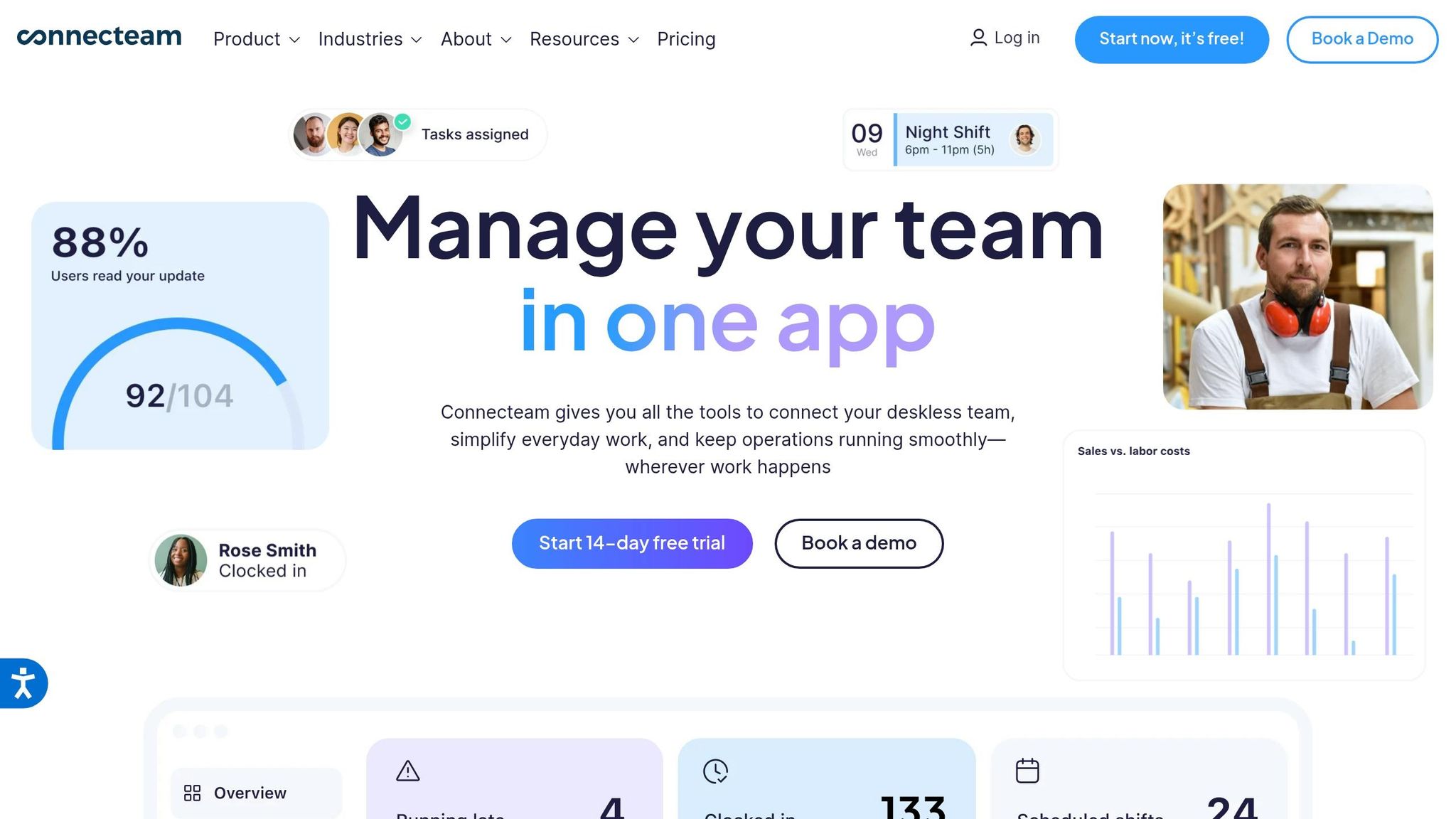
Connecteam is like the Swiss Army knife of workplace tools, combining scheduling, time tracking, communication, and task management in one platform. One feature that stands out is the peer-to-peer shift swapping system. Employees can swap shifts directly, and managers get instant notifications for approval. Plus, managers can post Open Shifts for team members to claim, cutting out the chaos of group texts. It’s a smart, streamlined approach that reminds me of the integrated communication tools we’ve built at Pebb.
But Connecteam doesn’t stop at scheduling. It packs in extras tailored to specific industries. For restaurants, for example, it offers geofencing for clock-ins, digital checklists for prep and closing tasks, and seamless integrations with tools like Square, Clover, QuickBooks, and Gusto. These features keep daily operations running smoothly.
Carlos Gindi, an operator at Chick-fil-A Great Oaks, summed it up perfectly:
"Everything is just a one-stop shop. Our management team and the team members have what they need. We're able to just work off of one platform."
While Connecteam delivers a solid mix of features, Pebb still leads the pack when it comes to offering an all-in-one, free communication solution at just $4 per user.
For those curious about pricing, Connecteam has a free Small Business Plan for up to 10 users. If your team is larger, it’s $29 per month for up to 30 users.
Pros and Cons of Each App
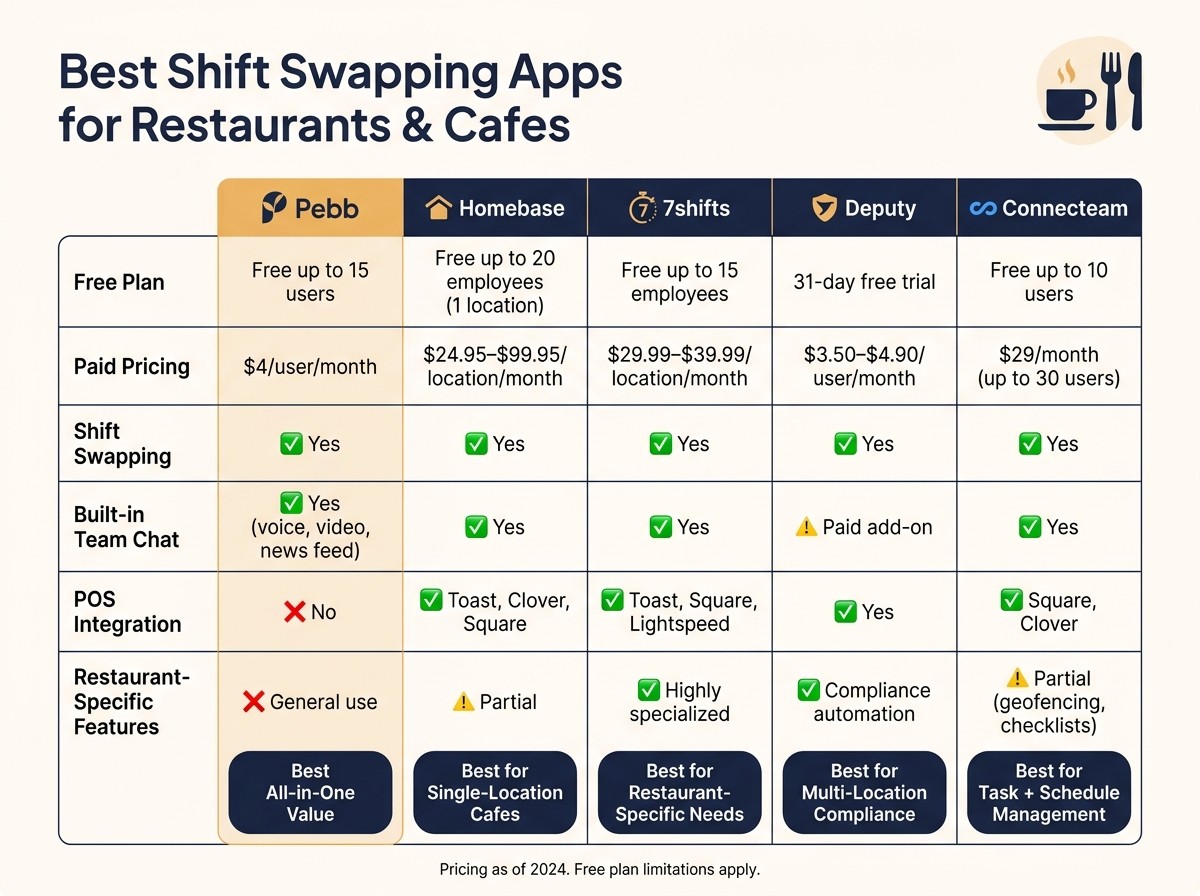
Best Shift Swapping Apps for Restaurants: Side-by-Side Comparison
Let me break this down for you. After diving into the features of each app, here's a quick look at their strengths, weaknesses, and the best scenarios for using them:
App | Pros | Cons | Best Use Case |
|---|---|---|---|
Pebb | Offers a free plan for up to 15 users, with a premium option at $4/user; includes chat, scheduling, PTO management, news feed, and voice/video features; provides shift swap cutoff controls | Not tailored for detailed labor forecasting or restaurant-specific compliance needs | Ideal for small to mid-sized restaurants or cafes looking for a quick, all-in-one app for scheduling and communication |
Homebase | Free for one location with unlimited employees; trusted by over 100,000 small businesses; includes messaging, time tracking, and basic HR tools; easy for part-time staff to use | Advanced features are locked behind paid plans ($24.95–$99.95/month per location); might feel like overkill for a small café | Perfect for independent cafes or small restaurants that need free, straightforward scheduling and shift swaps. If you'd rather pay per location than per user, Homebase could be the better fit compared to Pebb |
7shifts | Specifically designed for restaurants; excellent for both front-of-house and back-of-house scheduling; helps reduce scheduling conflicts for hospitality teams | Focuses heavily on restaurants, so it’s less flexible for other industries; advanced tools come with higher-cost plans | Best for growing restaurants that need a scheduling tool built around hospitality. While Pebb offers a free, all-in-one solution, 7shifts goes deep into restaurant-specific needs |
Deputy | Used by over 330,000 workplaces worldwide; excels in compliance and labor law automation; can cut scheduling admin time by up to 75%; strong support for multi-location businesses | May feel like too much for a small, single-location café; per-user pricing ($3.50–$4.90/user/month) can add up for larger teams | Great for multi-location restaurant groups that prioritize compliance, overtime rules, and automation. If you also need integrated communication tools, Pebb’s $4/user plan offers more versatility |
Connecteam | Focuses on mobile use; allows peer-to-peer shift swaps with manager approval; includes geofencing, checklists, and integrations with platforms like Square and QuickBooks; free for up to 10 users | Lacks the restaurant-specific focus of 7shifts or Deputy; paid plans start at $29/month for up to 30 users | Ideal for restaurants or cafes that need task management, training, and frontline communication in addition to scheduling. If those features are a priority, Connecteam delivers, though Pebb’s free all-in-one solution might still be a strong alternative |
Summary: Here’s the bottom line: if you’re after a cost-effective, all-in-one solution for communication and scheduling, Pebb is hard to beat at $0–$4 per user. For a single-location café on a tight budget, Homebase’s free plan is a solid choice. If compliance is your top concern, Deputy shines for multi-location groups. And for restaurant-specific scheduling, 7shifts is built exactly for that.
Wrapping Up: Picking the Best Shift Swapping App
When it comes to finding the right shift swapping app, it all boils down to your team’s needs, budget, and how complex your scheduling process is.
Here’s what I’ve learned: If you’re running a small to mid-sized restaurant or café, Pebb should be your go-to. Its free plan covers the basics, and the premium option is just $4 per user per month. That’s a steal for an all-in-one solution that doesn’t cut corners. For super lean operations, other tools might work, but Pebb stands out for its balance of affordability and functionality. Plus, while some apps cater only to hospitality, Pebb goes the extra mile by combining scheduling with strong communication features.
If compliance and automation are your biggest headaches, Deputy is built for multi-location operations with its reporting and streamlined processes. On the other hand, if your team needs a scheduling tool that also handles task management and frontline communication, Connecteam is worth a look.
Each of the five tools we reviewed aims to ease scheduling challenges in its own way - whether that’s through simplicity, industry-specific perks, or advanced controls. The key is to focus on features your team will actually use.
And here’s a pro tip: even the smartest scheduling system won’t work if your staff finds it clunky. Look for an app with a clean mobile interface, easy-to-read 12-hour AM/PM shift details, and quick swap approvals. That’s how you keep everything running smoothly.
Good luck, and here’s to stress-free scheduling! 🎉
FAQs
How do shift swapping apps prevent overtime and scheduling conflicts?
Shift swapping apps, like Pebb, make managing schedules so much easier by handling the tricky parts for you. For instance, they automatically check who's available and who’s already on approved time-off before any swaps are made. That means no more accidental double-booking or unplanned overtime headaches.
What’s even better? These apps send real-time notifications to both managers and employees whenever there’s a schedule change. Everyone stays on the same page, and there’s no confusion about who’s covering what shift. Plus, many apps include cutoff times for swap requests, which helps avoid those last-minute changes that can throw everything off balance.
By simplifying communication and keeping staffing levels where they need to be, tools like these reduce errors and make scheduling feel less like a juggling act.
What should I look for in a shift swap approval workflow?
When it comes to shift swaps, having a smooth process is a game-changer. You want a workflow where employees can easily request swaps, managers can approve or decline in just a few clicks, and schedules update automatically once everything’s finalized. Bonus points if it supports flexible rules, like auto-approvals based on company policies. That’s where a centralized system like Pebb steps in - it keeps communication clear, cuts out unnecessary back-and-forth, and makes the whole process feel effortless.
Can a shift swapping app replace group texts for staff communication?
If you've ever worked in a restaurant or café, you know how chaotic group texts can get. A simple shift swap can spiral into a tangled mess of missed messages and confusion. That’s where an app like Pebb steps in to save the day.
With Pebb, everything from shift updates to swap requests and team announcements happens in one place. No more juggling between endless text threads or worrying about whether someone saw your message. Real-time notifications keep everyone in the loop, while a searchable chat history ensures you can always go back and find the info you need. Plus, the organized messaging system means no more sifting through unrelated chatter to get to the important stuff.
It’s not just convenient - it’s reliable. Pebb takes the guesswork out of team communication, making it a smarter alternative to old-school group texts. Trust me, once you try it, you’ll wonder how you ever managed without it.
