
Author: Ron Daniel
6 SharePoint Alternatives to Boost Engagement and Productivity
Compare six SharePoint alternatives that improve team communication, engagement, integrations, and pricing to help you choose the right platform.
"Why does finding a document feel like a treasure hunt?" That’s what a colleague vented to me during a team sync last year. And honestly, I got it. We were drowning in tools that were supposed to make our lives easier but instead left us frustrated and wasting time. SharePoint was a big part of that equation - great for organizing files, but it didn’t do much to bring our team together or keep us in the loop.
Here’s the kicker: research shows employees spend 20% of their time just searching for information or navigating clunky systems. That’s an entire workday gone every week. And when you’re trying to keep your team engaged and productive, that’s a problem you can’t afford to ignore. Improving workplace engagement is essential for long-term success.
So, we started looking for better options - tools that didn’t just store documents but actually helped us communicate, collaborate, and feel connected. What we found changed everything. In this article, I’ll walk you through SharePoint alternatives and competitors, including how we at Pebb built a platform that solves these challenges head-on. Let’s dive in.
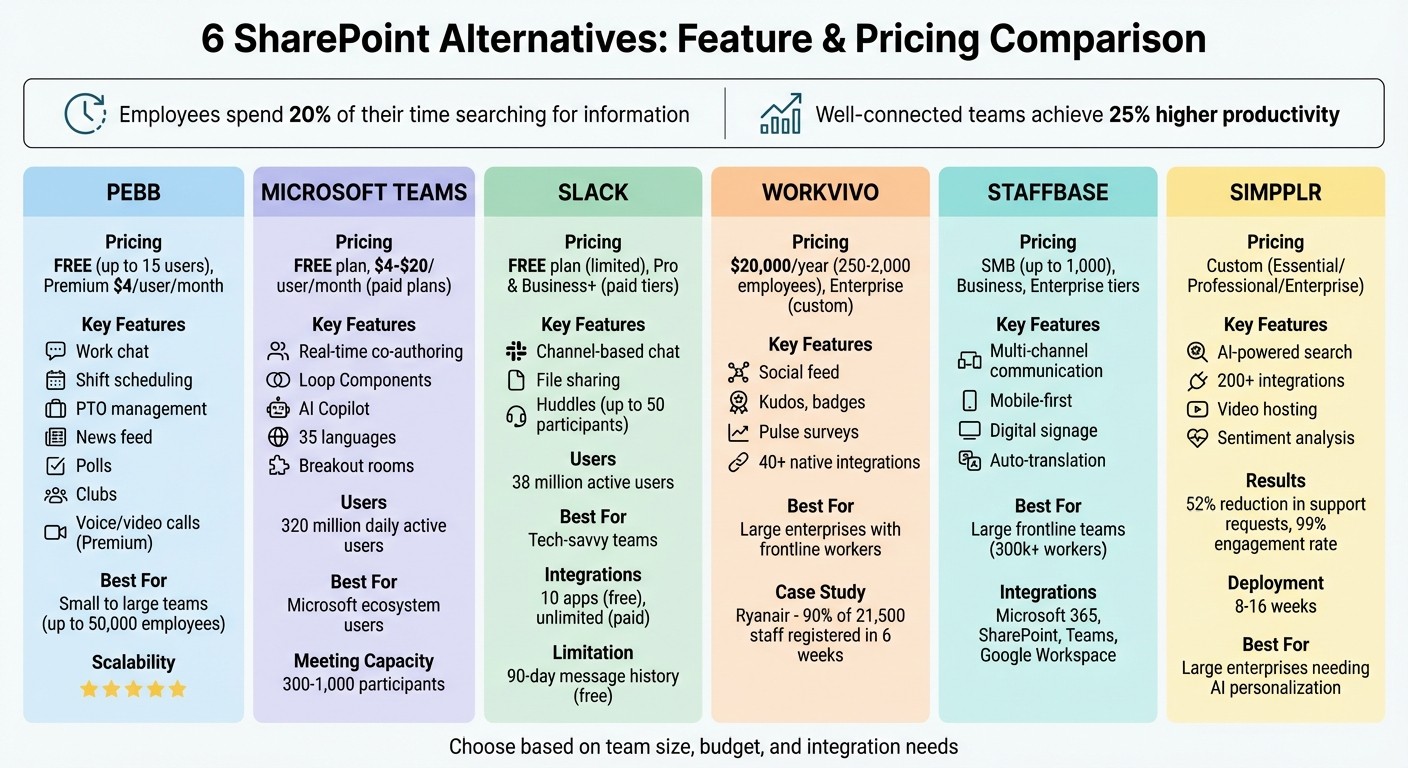
SharePoint Alternatives Comparison: Features and Pricing Guide
1. Pebb
At Pebb, we’ve tackled SharePoint’s shortcomings by creating an all-in-one employee app that seamlessly combines communication, operations, engagement, and collaboration into one intuitive app. While SharePoint leans heavily on document storage, we’ve taken things further - building an all-in-one employee hub that simplifies work for everyone. Let me walk you through what makes Pebb stand out.
Collaboration Features
With Pebb, collaboration becomes effortless. We offer work chat with unlimited message history, shared workspaces, and real-time updates. No more jumping between tools or waiting on IT to fix clunky integrations. You can manage tasks, share updates instantly, and streamline projects without drowning in emails. And if you're on our Premium plan, you’ll also get voice and video calls, making it easy for remote and frontline teams to stay connected in real time.
Employee Engagement Tools
Let’s talk employee engagement - an area where Pebb truly shines as an all-in-one employee app for communication and operations. Our live news feed, interactive polls, and groups create a vibrant workplace community that SharePoint just can’t replicate. Need to find a colleague? Our people directory has you covered. Staying organized is a breeze too, thanks to features like our calendar, digital forms, and a knowledge library that keeps critical information at your fingertips. It’s all about building connections and keeping everyone in the loop.
Pricing and Scalability
Now, here’s the kicker: our Standard plan is completely free for teams of up to 15 employees. That includes work chat with unlimited history, shift scheduling, PTO management, clock in, tasks, digital forms, calendar, and essential collaboration tools. If you’re ready to take things up a notch, our Premium plan is just $4 per user/month. It comes packed with extras like analytics, enterprise single sign-on (SSO), voice and video calls, integrations, permissions control, and premium SLA support - without any sneaky fees. Whether you’re a small startup or a massive organization with 50,000 employees spread across multiple locations, Pebb grows with you.
Built with real teams in mind - whether you’re running a retail store, restaurant, tech firm, or healthcare facility - Pebb is designed to be simple, mobile-first, and ready to meet your team’s needs.
2. Microsoft Teams
If your organization relies on Microsoft products, Microsoft Teams is probably already on your radar. With a staggering 320 million daily active users, it’s a major player in the collaboration world. Let me walk you through some of its standout features.
Collaboration Features
Teams is packed with tools designed to make teamwork effortless. You can co-author documents in real time while using its persistent chat feature to keep everyone in the loop - perfect for onboarding new team members. One feature I find particularly handy is Loop Components. These are portable, synced elements like task lists or tables that work seamlessly across different apps, making collaboration feel almost too easy. And when it comes to meetings, Teams has you covered with breakout rooms, live transcription, and even AI-generated summaries to keep everyone aligned.
Employee Engagement Tools
AI plays a big role in making Teams a productivity powerhouse. Microsoft Copilot, for instance, can summarize meetings and automatically create follow-up tasks - talk about a time-saver. For teams spread across the globe, the inline translation feature supports 35 languages, breaking down communication barriers like a pro.
Integration Capabilities
One of Teams' biggest strengths is how well it plays with other Microsoft tools. It integrates seamlessly with SharePoint, Outlook, OneNote, and Power BI. Plus, with Power Automate, you can streamline workflows like a champ. And let’s not forget Teams Phone, which consolidates PSTN calling directly into the platform. As Sipcom puts it:
"With Microsoft Teams Phone bringing PSTN calling directly into Teams, it eliminates multiple providers... users make calls from any device without switching applications".
This integration is a game-changer for simplifying communication and keeping everything in one place.
Pricing and Scalability
Teams offers options for every budget. There’s a free plan that includes 5 GB of storage and 60-minute group calls for up to 100 participants. If you need more, paid plans start at $4.00 per user/month for Teams Essentials and go up to $20.00 per user/month for Office 365 E3. Business plans support up to 300 users, while meeting capacities range from 300 to 1,000 participants.
Next, let’s take a look at Slack, another platform shaking up the digital collaboration game.
3. Slack
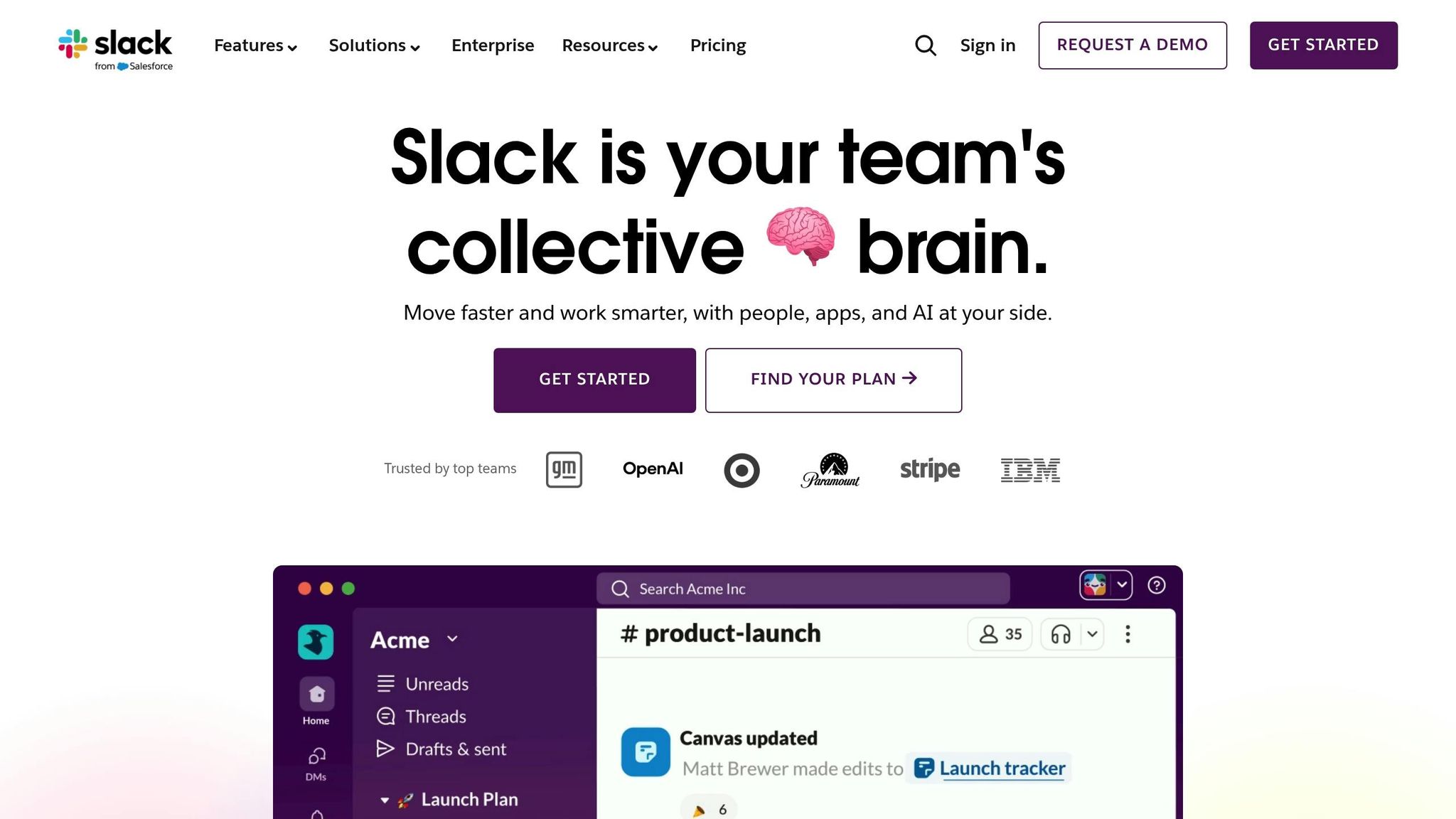
With over 38 million active users, Slack has become the go-to platform for organized team communication. Its channel-based setup is a lifesaver for keeping projects, departments, and topics neatly arranged - without flooding your inbox.
Collaboration Features
Slack's channel-based design is all about creating focused spaces for specific teams or initiatives. Whether you're sharing files, searching through past conversations, or documenting discussions, everything stays streamlined and easy to manage. You can chat one-on-one or in group discussions, depending on what the situation calls for. For video calls, the free plan only supports one-on-one calls, but if you're on a paid plan, you can host "huddles" with up to 50 participants.
Integration Capabilities
One of Slack's standout strengths is how effortlessly it connects with other tools. On the free plan, you can integrate up to 10 apps, but the paid plans let you connect as many as you need. Imagine getting updates from your project management software, customer service tools, or even development platforms - all directly in Slack. However, keep in mind that the free plan only saves 90 days’ worth of message history, which could be a drawback if you often need to revisit older conversations.
Pricing and Scalability
Slack’s free tier is a great starting point, but its limitations often encourage teams to upgrade. The Pro plan gives you unlimited message history and app integrations, while the Business+ plan ups the ante with features like SAML SSO and a 99.99% uptime guarantee. Whether you’re a small team or a growing enterprise, Slack scales to meet your needs.
4. Workvivo
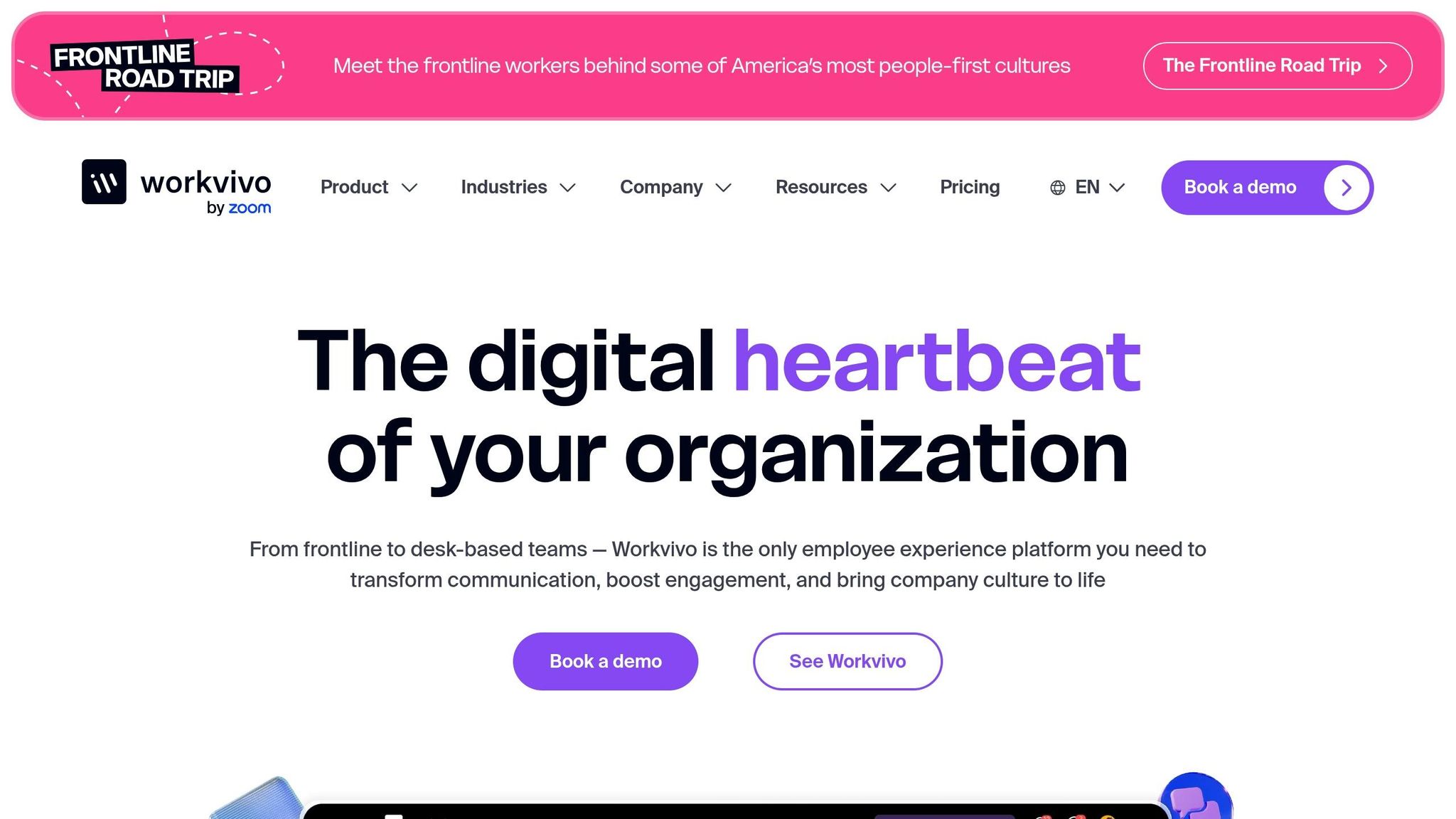
Workvivo brings a fresh twist to workplace communication by creating a vibrant, social network-style platform that helps connect dispersed teams and frontline workers. Let me walk you through its standout features - engagement tools, seamless integrations, and pricing options - that make it a go-to choice for many companies.
Employee Engagement Tools
Workvivo’s social feed is where the magic happens. Employees can share updates, give kudos to coworkers, earn badges, and engage in pulse surveys and polls. It’s like bringing the energy of a social network into the workplace. What’s more, leadership can use the platform to connect directly with employees, making the top brass feel more approachable.
Take Ryanair as an example. In 2025, they rolled out Workvivo to connect over 20,000 employees. The results? Within just six weeks, a whopping 90% of their 21,500 staff registered, and 13,000 were actively using the platform weekly. Mark Duffy, their Director of Talent, summed it up perfectly:
"We are a low-cost airline, so to invest in something like this was a big deal for us... 90% of all staff registered within six weeks."
Integration Capabilities
Workvivo doesn’t just stop at engagement - it plays nicely with over 40 native apps, including Microsoft 365, Google Workspace, Slack, Workday, and BambooHR. These integrations allow for handy features like searching OneDrive files, accessing Gmail, or even viewing PTO balances directly on employee profiles.
For instance, Nordell, a UK-based plastics manufacturing company, turned Workvivo into their go-to hub for 200 employees spread across multiple sites. Even employees without company email addresses could access payslips, HR tools, and training materials all in one place.
Pricing and Scalability
When it comes to pricing, Workvivo offers flexibility depending on your company’s size and needs. The Business Plan starts at around $20,000 per year for teams ranging from 250 to 2,000 employees. It includes essentials like communication tools, a knowledge base, and mobile apps. Larger organizations with over 2,000 employees can opt for the Enterprise Plan, which offers custom pricing, advanced analytics, unlimited storage, and dedicated support.
5. Staffbase
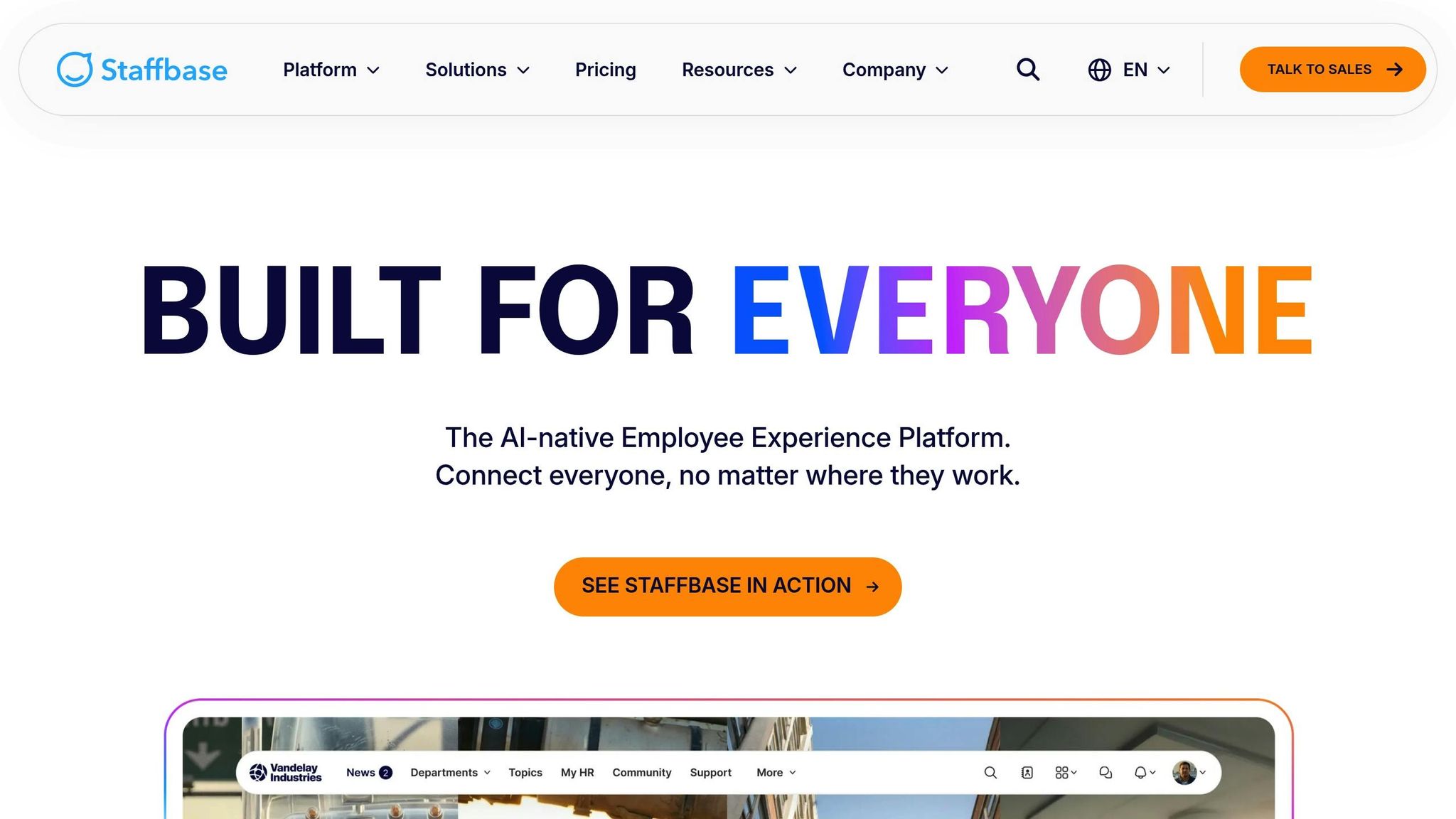
Let me tell you about Staffbase - it’s a digital workplace solution that’s all about keeping large frontline teams connected. What sets it apart? A mobile-first approach that combines an apps to communicate with employees, intranet, and email, making communication smoother for organizations with dispersed workforces.
Multi-Channel Communication
Here’s where Staffbase shines: it allows you to share content across multiple channels from one central hub. Whether it’s through an employee app, the intranet, email, or even digital signage, you can ensure your messages reach the right people. The best part? You can customize updates based on location, department, or role. So, no more irrelevant notifications clogging up inboxes - every team member gets exactly what they need.
Integration Capabilities
Staffbase plays nicely with the tools most companies already rely on, like Microsoft 365. It syncs seamlessly with SharePoint, Teams, Google Workspace, ServiceNow, and Salesforce. This integration makes it a go-to choice for organizations looking to streamline their workflows. DHL’s Global Director of Employee Experience summed it up perfectly:
"The strong partnership between Staffbase and Microsoft is key. Staffbase provides a digital identity for >300k frontline workers, while Microsoft provides a future-proof foundation for collaboration."
Pricing and Scalability
Staffbase offers three pricing tiers to suit different business needs:
SMB Plan: Ideal for companies with up to 1,000 employees. It includes a branded app, push notifications, and news feeds.
Business Plan: Adds features like auto-translation and advanced analytics for deeper insights.
Enterprise Plan: Designed for larger organizations, this tier includes automated employee journeys and localized content management through Spaces.
While Staffbase’s tiered pricing gives flexibility, here’s a quick comparison: Pebb keeps things simple with a free all-in-one employee app for up to 15 employees and a premium plan that’s just $4 per user. It’s a cost-effective alternative for businesses looking to save without sacrificing functionality.
6. Simpplr
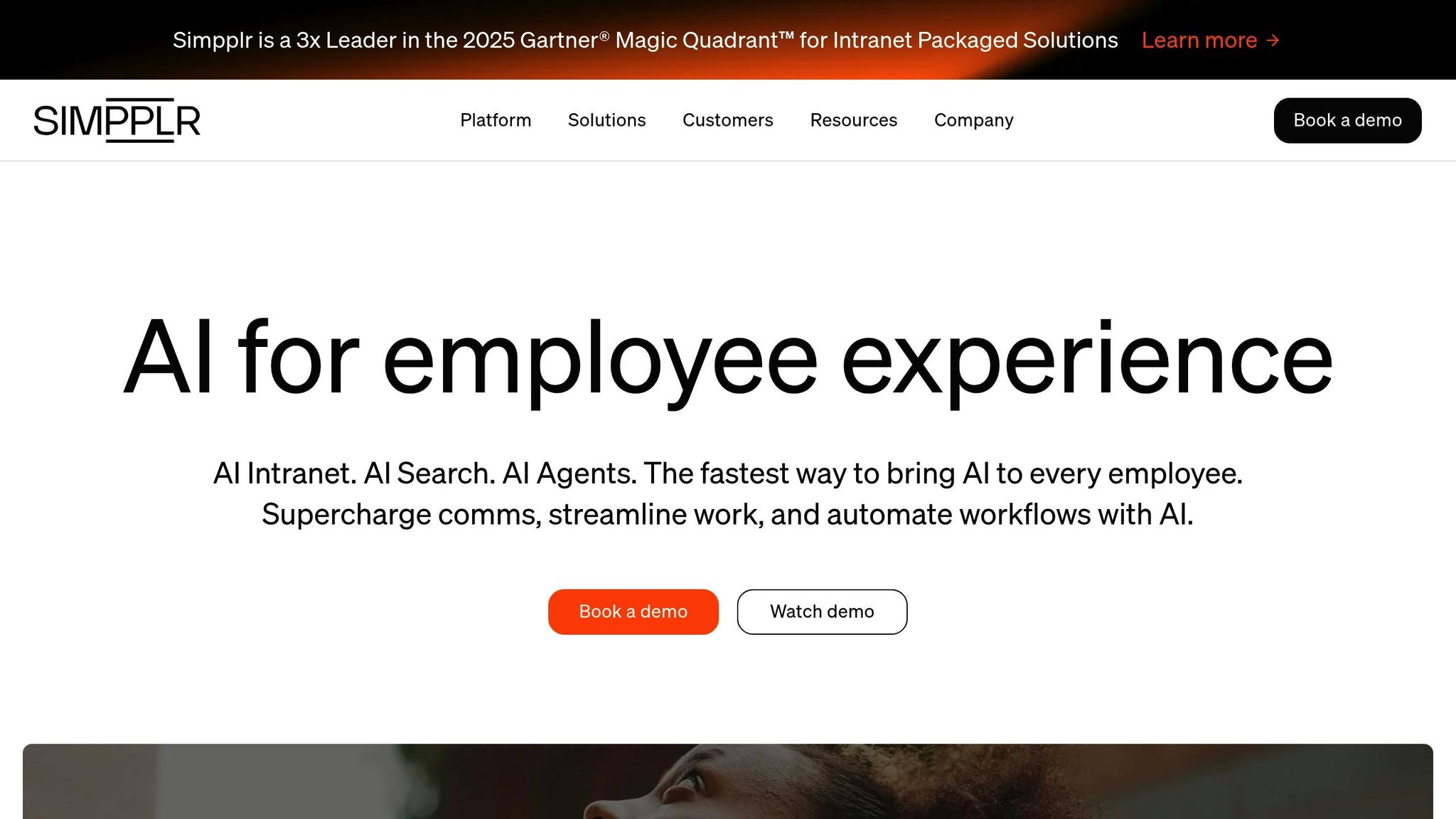
Simpplr is an AI-powered intranet platform designed to go beyond simple document sharing. It personalizes content, automates workflows, and makes finding information a breeze.
Collaboration Features
Simpplr comes packed with tools to make teamwork easier. You’ve got secure instant messaging, private groups for focused project discussions, and even video hosting. What really stands out is its AI-driven search engine, which learns from how employees use it to deliver better results across the intranet and connected apps.
Steve Tisa from UKG summed it up perfectly:
"The primary reason we went with Simpplr is that it is 'Simpplr by design.' ... We use Simpplr as a place to integrate all of these tools."
Here’s a real-world win: In 2024, UKG managed to bring together over 15,000 employees from around the globe in just 17 days. They used Simpplr alongside Microsoft 365 and Slack to create one central hub for engagement.
Employee Engagement Tools
Simpplr’s engagement tools are all about making things personal. Using AI, it tailors content to match each employee’s role and interests. It also includes features like employee pulse surveys, sentiment analysis, and a peer recognition system to keep morale high.
Take Workiva as an example. They hit an incredible 99% active workforce engagement rate thanks to Simpplr. Lauren Frandsen, Senior Manager of Internal Communications at Workiva, shared:
"The implementation of Simpplr has revolutionized our internal communications... we've seen a remarkable boost in collaboration and a stronger alignment with our company culture."
And it doesn’t stop there - Simpplr integrates effortlessly with your existing tools, making operations even smoother.
Integration Capabilities
Simpplr offers over 200 ready-to-go integrations with platforms like SharePoint, Microsoft 365, Slack, and Workday. The results speak for themselves: organizations have cut support requests by 52% and achieved a 100% implementation success rate, with deployments typically taking just 8 to 16 weeks.
Pricing and Scalability
Pricing for Simpplr is available upon request. Their plans are tiered, offering options from Essential to Professional to Enterprise, depending on how advanced the AI features and support you need. While Simpplr’s custom pricing model works for some, Pebb offers a simpler and more affordable alternative. With Pebb’s free all-in-one employee app for up to 15 employees and a premium plan at just $4 per user, it’s easy to see why organizations looking for clear and budget-friendly options might lean toward Pebb.
Wrapping It Up
We’ve explored six options: Pebb, offering a free all-in-one employee app for up to 15 employees and a premium plan at just $4 per user/month; Microsoft Teams, perfect for those already in the Microsoft ecosystem; Slack, tailored for tech-savvy teams needing integrations; and Workvivo, Staffbase, and Simpplr, which cater to larger enterprises. This guide gives you a solid foundation to find the right fit for your team.
Here’s a fact that’s hard to ignore: well-connected teams can achieve up to 25% higher productivity. That’s not just a slight improvement - it’s a game-changer in how work gets done.
To make your final decision, start by auditing your current tools. Identify where the gaps are, then begin small and scale as you go. Look for a platform that offers essential features like chat and news right from the start, with the flexibility to add advanced tools as your team grows.
The best platform will cover your entire communication workflow - from planning and content targeting to engagement analytics. At Pebb, we’ve designed our platform with this exact vision. It’s a one-stop solution that combines shift scheduling, PTO management, work chat, news feeds, tasks, digital forms, calendar, clock in, and more - all in one easy-to-use space. Whether you’re managing a retail store, running a restaurant, or leading a tech team, the right tool eliminates the chaos of juggling multiple apps.
Your team deserves a solution that fits seamlessly into their workflow. Match the features to your needs, and you’ll be on your way to boosting engagement and productivity.
FAQs
Why is Pebb a better choice for team collaboration compared to SharePoint?
Pebb stands out as the go-to choice for team collaboration because it brings everything you need into one intuitive all-in-one employee app. It’s built to make communication and productivity easier for everyone - whether you're on the frontlines or working from a desk. Unlike SharePoint, which often feels overly complicated and focused on documents, Pebb integrates all the essentials: work chat, shift scheduling, PTO tracking, news feeds, tasks, digital forms, clock in, and group collaboration. The best part? You don’t have to juggle multiple apps anymore - Pebb simplifies it all in one place.
Another reason Pebb shines is its affordability and ease of use. There’s a free plan that covers up to 15 employees, and the premium plan is only $4 per user per month. That’s hard to beat! Its user-friendly design makes onboarding a breeze, and because it’s mobile-first, you can access it seamlessly on any device. Whether your team is remote, deskless, or a mix of both, Pebb fits right in. If you’re searching for a straightforward and budget-friendly alternative to SharePoint, Pebb is the obvious choice.
How does Pebb's pricing compare to platforms like Slack and Microsoft Teams?
Pebb is a game-changer when it comes to affordability, especially when stacked up against big names like Slack and Microsoft Teams. Here's the kicker: Pebb offers a free plan for up to 15 users. Yes, you read that right - 15 users, no strings attached. And if you decide to upgrade, the premium plan is just $4 per user per month. That’s a steal for businesses, whether you’re running a small startup or managing a larger team.
Now, let’s do a quick comparison. Slack’s paid plans start at $7.25 per user per month, and Microsoft Teams Essentials also begins at $4 per user per month. But here’s the thing - those options often don’t include the full suite of tools you’ll find with Pebb. With Pebb, it’s not just about chat or voice and video calls. You’re getting an all-in-one employee app that covers work chat, a news feed, voice and video calls, shift scheduling, tasks, digital forms, clock in, and more - all bundled together at a fraction of the cost. It’s like getting the deluxe package without the premium price tag.
What features does Pebb provide to improve employee engagement and productivity?
Pebb brings everything your team needs into one powerful all-in-one employee app to keep communication, collaboration, and workflows running smoothly. With features like work chat, news feeds, voice and video calls, groups, tasks, digital forms, and calendar events, staying connected in real time has never been easier. On top of that, tools for shift scheduling, PTO management, clock in, and a people directory are built right in, simplifying day-to-day operations and helping teams work together more effectively.
Here's what truly makes Pebb stand out: it's budget-friendly and easy to access. Small teams can get started for free - yes, free - for up to 15 employees. And if you're ready to step it up, premium plans kick off at just $4 per user per month, offering one of the best deals out there. Whether you're managing a hybrid setup, remote teams, or a mix of frontline and office staff, Pebb adapts to businesses of all sizes, making it a smart choice for modern workplaces.
