

Author: Ron Daniel
Tools for managing gig workers and flexible shift patterns
Compare scheduling, attendance, and communication tools for gig, per-diem, and flexible shift teams—and why integrated apps reduce no-shows.
Most shift chaos does not start with a labor shortage. It starts with bad handoffs. I’ve seen one callout turn into 30 minutes of texts, missed replies, and a manager staring at a spreadsheet trying to guess who was free. By the end, the shift was covered, but nobody felt sure about who confirmed, who saw the update, or what payroll would need to fix later.
At Pebb.io, we keep seeing the same pattern across retail, hospitality, healthcare, and logistics: when scheduling, chat, clock-ins, and forms live in separate apps, no-shows go up and fill times drag. On the flip side, teams with one shared system tend to cut the back-and-forth and keep a cleaner record of every shift change.
So I’m going to break down the tools I’d look at for gig workers, per-diem staff, and part-time teams. I’ll cover where each one fits, where it falls short, and why an all-in-one setup often saves more time than a stack of single-use apps.
What to look for in a tool for gig workers and flexible shifts
I’ve seen this play out more times than I can count at Pebb.io: a manager is trying to fill a last-minute shift, three people say they might be free, one person never saw the message, and payroll later ends up sorting out a mess that started with a bad schedule decision.
That’s why I always tell people not to get distracted by shiny vendor checklists. Here’s the thing: when you’re running open shifts, same-day coverage, and a team that changes week to week, what matters is what helps you day to day.
The first thing I look at is availability.
Visibility into availability is where it all starts. If a tool can’t show who’s free before the schedule is built, you’re basically guessing. I want workers to set their availability, blackout dates, and recurring patterns right from their phones, so managers are working from live data instead of old notes or text threads.
Then there’s mobile-first scheduling and shift swaps. For gig and hourly teams, this isn’t a nice extra. It has to be there. Workers need to check upcoming shifts, claim open slots, and ask for swaps from their phones without jumping through hoops. And the swap flow needs to do the heavy lifting in the background: check eligibility, send approvals to the right person, and log each change with a timestamp. That paper trail matters a lot when attendance or payroll questions show up later.
I learned this the hard way watching teams use one tool for schedules and another for time tracking.
Clock-in, clock-out, and break tracking need to sit in the same system as the schedule. When time and attendance live somewhere else, managers end up matching records by hand, and that’s usually where payroll mistakes sneak in. GPS-verified mobile punches and automatic break tracking help cut down on timecard disputes, and they also help with U.S. wage-and-hour compliance.
Communication is the next piece, and honestly, this is where many teams fall apart.
**Built-in communication - chat, announcements, and targeted alerts - ** keeps the gap between shifts from turning into chaos. A 24-hour shift reminder sent through the same app as the schedule can help cut no-shows. Announcements with read receipts make it clear who saw a policy update or a schedule change. The best tools don’t treat communication as a separate add-on. They tie alerts right to the schedule, where people are already looking.
One more thing I’d never skip: digital forms and task lists attached to shifts.
Pre-shift checklists, incident reports, and end-of-shift summaries shouldn’t be sitting on paper or buried in someone’s inbox. When those forms are tied to the shift in the same platform, you can track completion, spot patterns, and make expectations clear before work even starts.
If I had to boil it down, I’d look for a tool that brings these pieces together:
availability
scheduling and shift swaps
attendance and breaks
communication
forms and task tracking
That’s the bar I use. The right tool puts scheduling, attendance, communication, and task follow-through in one place. With those basics in mind, Pebb is the first platform worth looking at.
1. Pebb
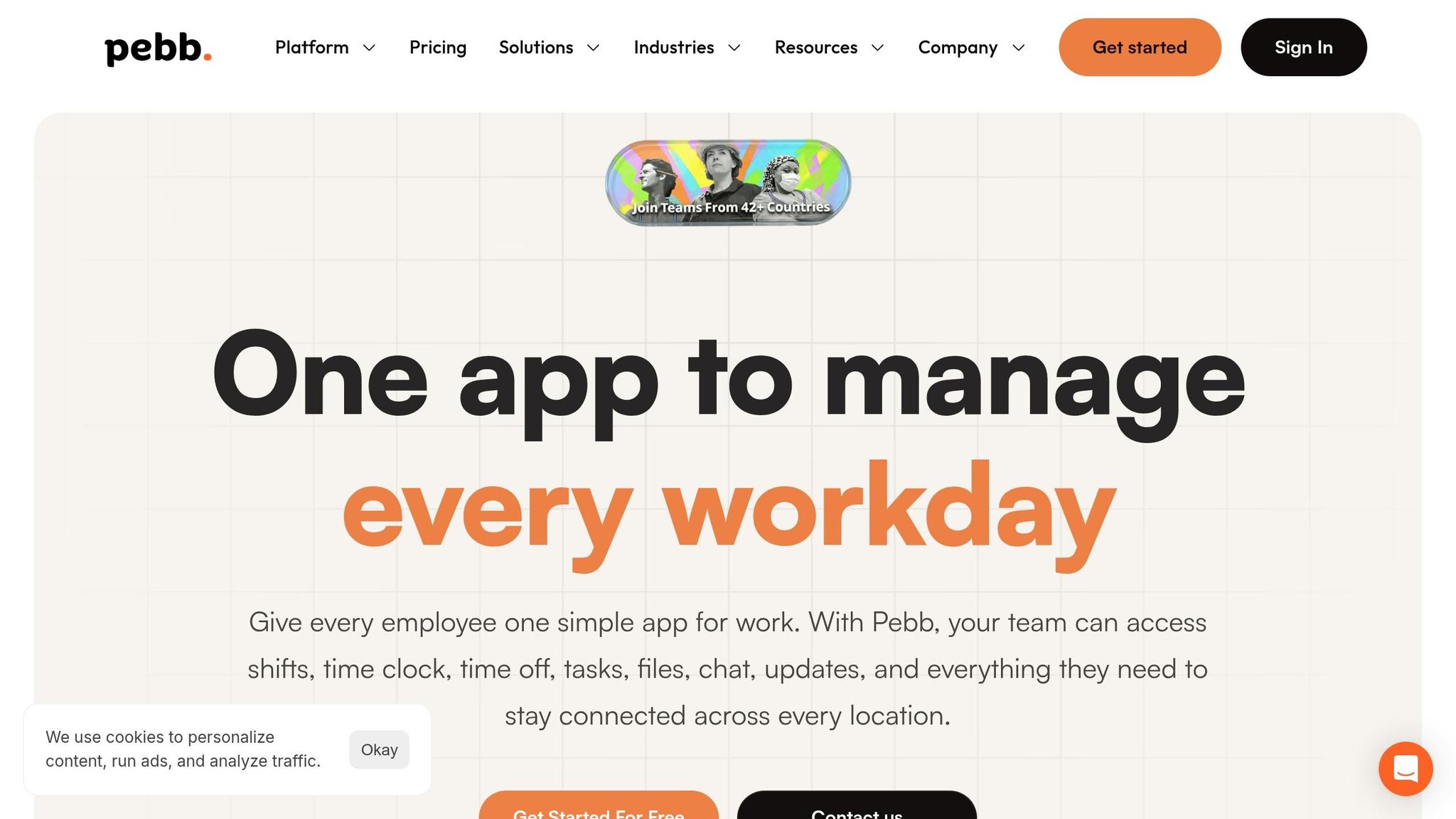
The first time I saw a manager juggle schedules across texts, sticky notes, and three different apps, I knew we had a mess to fix. At Pebb, we built Pebb for flexible shift teams because, honestly, that chaos shows up fast when people are swapping shifts at the last minute or trying to fill a gap before the lunch rush hits.
Here’s how we handle those day-to-day needs in one place.
Shift scheduling and open-shift coverage
On the web, managers can build schedules, and on mobile, employees can view, accept, decline, or claim shifts. That sounds simple, but it saves a ton of back-and-forth.
Let me tell you what happened next when we looked at open shifts. Instead of forcing managers to chase people down one by one, we built that right into the workflow. When a gap opens up, managers post it, and employees can claim it in the app. It’s fast, clean, and a lot less painful than sending five “Can anyone cover this?” messages.
We also use Spaces to separate schedules by branch or department. So if one team is in retail and another is in operations, they don’t have to dig through stuff that has nothing to do with them.
And this part matters more than people think: managers can assign shift roles like Cashier or Team Lead with preset hourly wages. That helps track estimated labor costs while building the schedule. I’ve seen teams catch staffing issues early just by seeing those numbers before the week even starts.
Availability, swaps, and attendance tracking
One thing shift teams hate is feeling boxed in by a schedule they can’t update. That’s why workers can manage availability in the app by marking unavailable time or requesting time off.
Swap requests also go through manager approval, and cutoff times can block late changes. We added that because, yes, flexibility matters, but so does keeping the schedule from turning into a free-for-all the night before a shift.
Clock-in and clock-out live in the same app too, so attendance data stays tied to the schedule instead of getting split across systems.
Work communication and real-time updates
Here’s the thing: a schedule only works if people actually see updates. That’s why work chat and the news feed sit in the same place as scheduling and announcements.
I’ve watched teams cut down on missed updates just by not having to bounce between tools. One app, one login, one place to check what changed.
Operational accountability tools
This is where a lot of teams hit friction. Scheduling is one part of the job, but managers still need people to confirm things, sign off on tasks, and send feedback.
Pebb includes digital forms for confirmations, signatures, feedback, or other responses inside the same system. Tasks can also be assigned and tracked in Pebb.
That means the app isn’t just about who works when. It also helps teams keep up with what needs to get done during the shift.
Pebb is free for up to 15 users. The Basic plan is $2.50 per user/month, and Premium is $4 per user/month.
Next, compare it with tools built for narrower scheduling workflows.
2. Sling
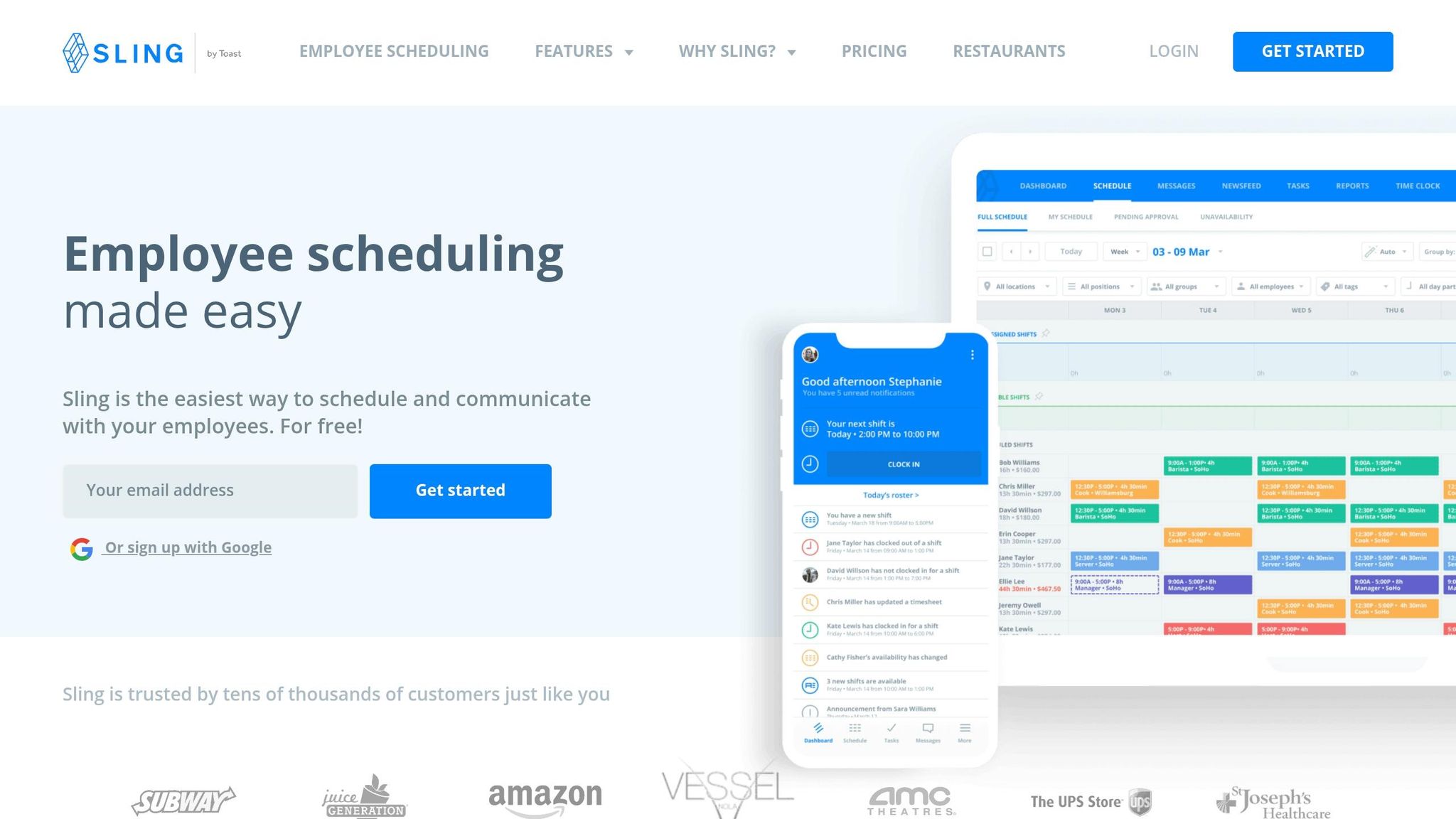
I’ve seen teams hit a wall with scheduling when shifts change every other day, someone calls out at the last minute, and managers are stuck texting five people just to fill one gap. That’s where Sling tends to make sense. At Pebb.io, we pay close attention to tools like this because shift coverage can go sideways fast if the process is clunky.
Sling is built for scheduling and workforce management, especially for teams that need open-shift coverage, shift swaps, and tighter labor-cost control. In plain English: it’s a fit for teams that need fast coverage and simple coordination across changing shifts.
Shift scheduling and open-shift coverage
Here’s what stood out to me first: managers can build recurring schedules, copy prior weeks, and color-code shifts by role or location. That sounds small, but when you’re juggling multiple sites or job types, those details save time. Sling also flags conflicts and double-bookings in real time while the schedule is being built.
Let me tell you what happened next in a setup like this: once coverage opens up, managers can post available shifts, and eligible workers in the right location and position can claim them in the app. That cuts down the usual back-and-forth. Sling also sends shift reminders, plus push, email, and SMS alerts when schedules are published or changed.
Availability, swaps, and attendance tracking
This is usually where things get messy for most teams. Sling gives workers a way to mark themselves unavailable, request time off, and catch scheduling conflicts before they turn into headaches.
Swaps are part of the workflow too. Workers can make a shift available for pickup, offer it to a specific coworker, or do a full swap. On Premium and Business, swap requests are easier to manage and approvals stay logged. If you’ve ever had a manager say, “Wait, who approved this?” you can see why that matters.
Paid plans also add mobile clock-in and clock-out, along with GPS verification for attendance tracking.
Work communication and real-time updates
One thing I’ve learned: scheduling tools fall apart when communication lives somewhere else. Sling tries to keep that in one place with private chats, group chats, and a news feed for broader announcements.
Managers can send updates to specific locations or roles, and workers can get those alerts by push, email, or SMS based on their settings. That helps managers reach the right people without blasting everyone.
Operational accountability tools
The paid tiers go past scheduling. Sling adds labor forecasts, overtime calculators, and live cost views during schedule building. I like that approach because it ties labor-cost tracking to staffing decisions before the schedule is locked in.
Managers can also assign tasks to specific shifts, like setup work or an inventory count, so accountability doesn’t stop at clock-in time.
Here’s the pricing breakdown:
Free supports up to 30 users and includes core scheduling, messaging, and open shifts.
Premium costs $2.00 per user per month.
Business costs $4.00 per user per month.
If a team wants a different mix of scheduling depth and workforce controls, the next option is Deputy.
3. Deputy

I’ve seen this play out a lot at Pebb.io: once a team moves beyond simple weekly shifts, basic scheduling tools start to crack. That’s where Deputy tends to make sense. It fits teams with messy rosters, lots of role changes, and constant coverage gaps. In other words, when a team needs more control than a plain scheduling app can give, Deputy starts to earn its keep.
Shift scheduling and open-shift coverage
What stood out to me first was Deputy’s drag-and-drop scheduler. It keeps staff availability, leave, and qualifications in view across multiple locations and roles, which saves managers from bouncing between tabs and spreadsheets.
Deputy also uses AI-assisted scheduling to weigh demand signals and labor budgets. That matters when labor costs can drift fast if no one’s paying attention. Managers can post open shifts, and eligible workers can grab them in the app through push, email, or SMS. Let me tell you what happened next in teams I’ve watched use setups like this: coverage got filled faster because people didn’t have to wait around for a manager to text five different employees.
The setup also helps when scheduling needs to connect neatly to attendance and payroll, instead of living in its own little bubble.
Availability, swaps, and attendance tracking
Here’s the thing: shift work gets messy fast if employees can’t make changes on their phones. Deputy lets workers mark availability, request time off, and swap shifts from mobile, while managers can approve those changes without dragging the process out.
It also sends shift reminders and real-time no-show alerts. That may sound small, but it’s one of those details that can save a day from going sideways. If someone doesn’t show up, managers can move fast and reassign coverage before the whole shift feels the hit.
For clock-in, Deputy supports GPS validation, facial recognition, and tablet kiosk options. I can see why that matters for dispersed gig teams, especially when manual location checks just aren’t workable.
Operational accountability tools
This is where Deputy goes deeper. It tracks no-shows, late arrivals, and early departures, while also showing required vs. scheduled staff, wage cost, and labor percentage in real time. For managers trying to keep labor in line, that kind of visibility can make a big difference from one shift to the next.
It also integrates with more than 300 solutions, including ADP, Gusto, and QuickBooks, so timesheets can move into payroll without manual re-entry.
On pricing, Deputy’s U.S. plans run $5, $6.50, and $9 per user per month. Messaging costs extra at $1.95 per user per month. From my perspective, that pricing makes the most sense for bigger teams or more complicated shift operations, where the extra scheduling depth is worth the spend.
For teams already using Microsoft 365, the next option feels more familiar, even if it’s not as specialized.
4. When I Work
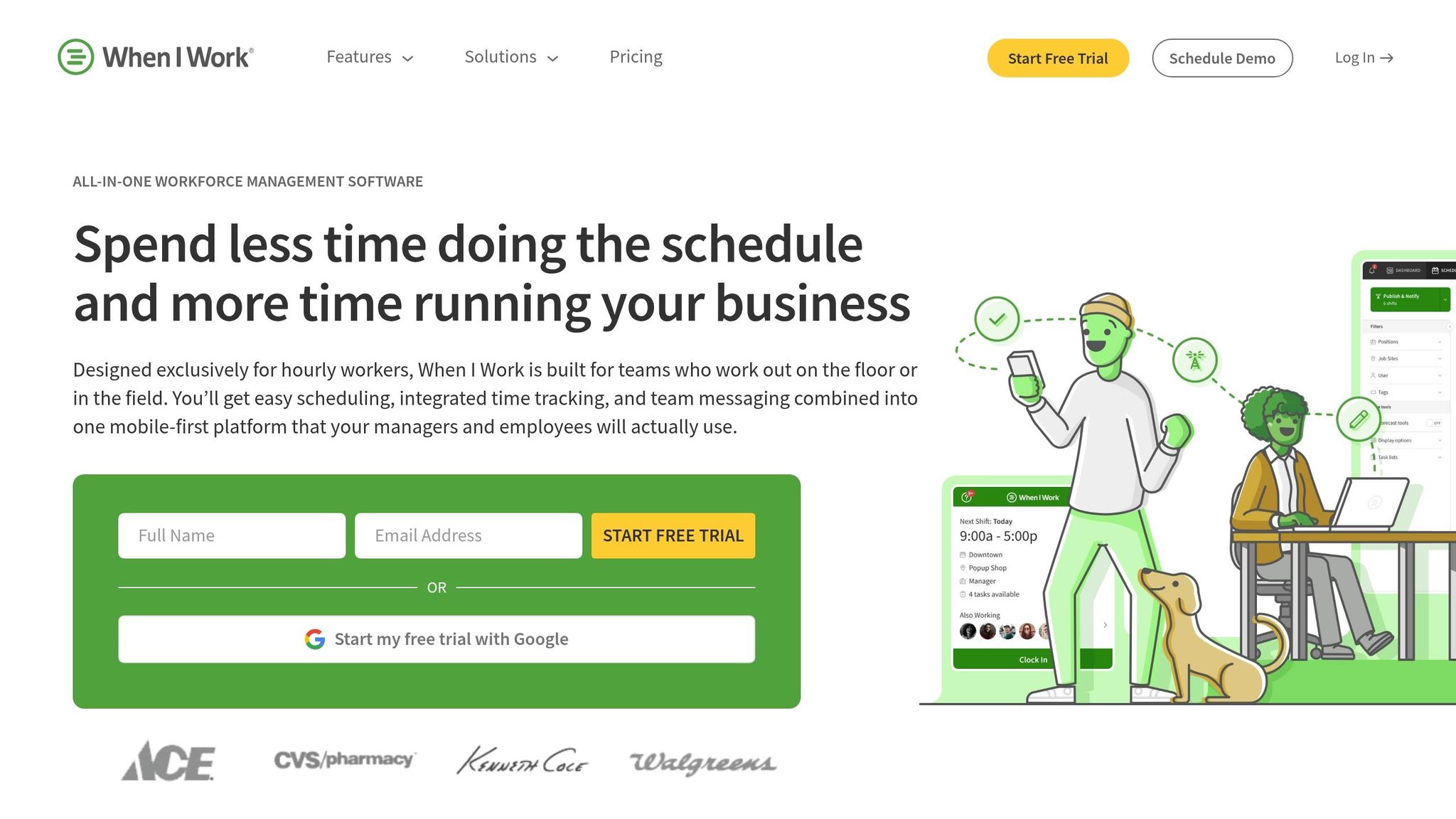
I’ve seen When I Work come up a lot when teams need one thing above all else: fast scheduling for hourly staff.
At Pebb.io, we spend a lot of time looking at how frontline teams actually run day to day. And here’s what I’ve noticed: when a company lives and dies by shift coverage, When I Work usually makes the shortlist. It shows up a lot in restaurants, retail, hospitality, and healthcare because those teams need to move fast without turning scheduling into a full-time job.
Shift scheduling and open-shift coverage
The first time I tested tools in this category, I learned a simple lesson: if building a schedule feels like wrestling a spreadsheet, managers stop trusting it.
When I Work keeps that part pretty simple. The visual scheduler lets managers build daily, weekly, or monthly schedules and publish them in one step. That matters more than it sounds, especially when you’re juggling call-outs, busy weekends, and staff limits.
Its OpenShifts feature helps with unfilled shifts too. Managers can post open shifts, and eligible workers can claim them based on role, availability, or seniority. On top of that, auto-assign can fill open shifts while still respecting weekly hour limits and time-off requests.
That’s useful when you just need coverage handled without a long back-and-forth.
Availability, swaps, and attendance tracking
This is where hourly teams usually hit friction.
I’ve watched managers spend way too much time chasing texts like, “Can you cover me?” or “I updated my availability last week.” When that process lives in random messages, things slip.
With When I Work, employees can update availability and request swaps in the mobile app. Swap offers trigger push notifications to eligible workers, which cuts down on the lag. Employees can also clock in and out in the app, so managers can compare scheduled hours against worked hours without piecing it together by hand.
It’s not flashy, but for shift-based teams, that kind of speed can save a lot of headaches.
Work communication and real-time updates
When I Work also includes schedule-linked messaging for announcements and coverage requests.
I like that this keeps messages tied to the schedule itself. In busy operations, context matters. A coverage request makes a lot more sense when it’s attached to the shift in question instead of floating around in a chat thread from three hours ago.
Operational accountability tools
This is the part some buyers miss at first.
Scheduling is only one piece of the puzzle. Managers also need a clean way to spot problems before they turn into payroll issues or understaffed shifts. When I Work includes attendance reports that show scheduled vs. worked hours, late punches, missed punches, and unscheduled work.
It also uses color-coded positions and locations in the schedule grid, which makes it easier to spot coverage gaps across multiple sites at a glance.
From what I’ve seen, that makes the platform a solid fit for teams that want scheduling, swaps, messaging, and attendance in one place.
That said, this is also where I have to be honest from my seat at Pebb.io: it doesn’t go much further than that. It handles the scheduling side well, but it doesn’t include the broader communication and workflow layer that we bring together at Pebb.
Pricing starts at $2.50 per user per month for single-location teams and $5 per user per month for multi-location businesses.
If your workforce is more on-demand than scheduled, the next tool is built for that model.
5. GigSmart G-Flex
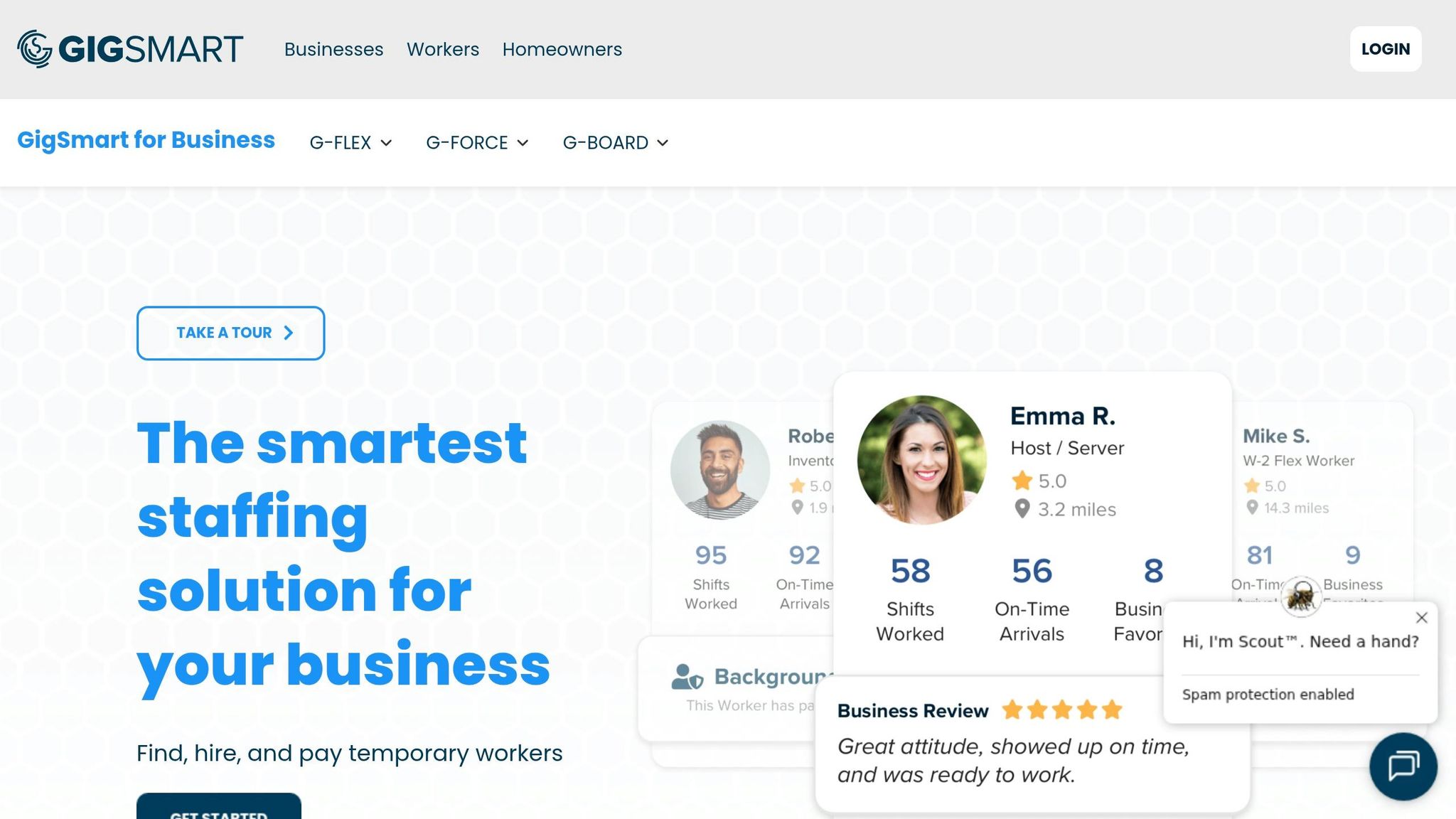
I’ve seen this kind of staffing problem up close at Pebb.io: the schedule looks fine on paper, then two people drop out, one site is short, and suddenly your internal roster just isn’t enough. That’s where GigSmart G-Flex comes in.
It’s built for teams that need to fill shifts from an outside worker pool, not just manage people already on staff. If my own team can’t cover the gap, G-Flex pushes the search beyond the roster. It connects businesses with 1099 Flex Workers and W-2 Flex Workers through GigSmart’s employer-of-record partner, Ascen, across all 50 U.S. states, with access to more than 2 million on-demand workers.
Shift scheduling and open-shift coverage
Here’s the part that stands out to me: managers post a shift, and the platform starts reaching available workers right away. GigSmart’s AI-powered Smart Hire assistant puts favorite and repeat workers at the front of the line first, then widens the search to the most qualified workers nearby. Matches can come in within minutes.
Let me tell you what happened next in situations like this: speed becomes everything. When a team is short, no one wants to bounce between tabs and texts trying to patch holes. The calendar helps by giving managers a few views to track active coverage and spot open slots across multiple sites without jumping from screen to screen.
Availability, swaps, and attendance tracking
This is one area where G-Flex keeps things pretty direct. It does not support peer-to-peer shift swaps. So if a worker cancels, the manager has to reopen the slot from the calendar, and Smart Hire goes back to work to find a replacement.
For attendance, the platform leans on GPS-based geofencing, which means workers can only clock in when they’re at the job site. Managers can see live shift clocks, pause or extend shifts, and check timesheets against GPS data before approving them. On top of that, attendance stats from the past 60 days help flag reliability patterns.
That matters more than people think. A missed shift once is a headache. The same worker missing again and again? That turns into a staffing fire drill.
Work communication and real-time updates
I like that communication stays inside the app. Managers can send one-on-one messages or bulk updates to everyone assigned to a shift. They can also attach PDFs or photos for check-in instructions, location changes, or gear requirements.
For fast-moving temp crews, that’s a big deal. When details change at the last minute, you don’t want people digging through old texts or lost emails to figure out where they’re supposed to be.
Operational accountability tools
Once a timesheet gets approved, managers can add tips, reimbursements, and bonuses from the same screen. The setup keeps the focus on making sure the shift was completed and verified before anything else moves ahead.
There’s a cost tradeoff, though. GigSmart charges a 35% fee for 1099 workers and a 45% fee for W-2 workers. In my experience, that can make sense for occasional coverage gaps or last-minute staffing issues. But if a team is filling a heavy volume of shifts every single week, those fees can add up fast.
For teams that need outside coverage in a hurry, this mix of matching, messaging, and attendance control is the part that tends to matter most.
6. Microsoft Teams with Shifts
I’ve seen this play out a lot with teams already deep in Microsoft 365: they don’t want another app. They want scheduling to live where people already spend time. That’s where Microsoft Teams with Shifts starts to make sense.
It’s not a standalone scheduling tool. It’s a scheduling layer built right into Microsoft Teams, which means schedules, messages, and updates all sit in the same place. In my experience at Pebb.io, that setup matters most when the goal is simple: keep scheduling inside the app workers already open every day.
Shift scheduling and open-shift coverage
One part I like is how open shifts can be posted across multiple locations. So if one site is short, nearby workers can grab coverage without a manager having to chase people one by one. That saves a lot of back-and-forth.
There’s also bulk schedule setup through Excel import and copy/paste, which helps when you’re building recurring schedules. If you’ve ever had to rebuild the same weekly rota again and again, you know how much of a headache that can be. This makes Teams with Shifts a solid pick for teams that want scheduling inside a tool they already use.
Availability, swaps, and attendance tracking
This is where Teams with Shifts keeps things tidy. Time-off requests, shift swaps, and open-shift claims all go through manager approval, and the app sends built-in notifications along the way.
For attendance, there’s a built-in time clock with optional geolocation. That means workers can only clock in from set job sites. For some teams, that’s enough structure without making the process feel heavy. I’ve found that keeping these steps inside Teams helps cut down on missed requests and messy side conversations.
Work communication and real-time updates
Here’s the thing: scheduling works better when communication is tied to it.
Teams with Shifts keeps shift communication inside Microsoft Teams, and managers can use shift-based tags to message everyone currently on a shift in one message. That may sound small, but when a manager needs to fill a gap fast or share an update before a shift starts, it can save a lot of time.
Keeping scheduling and communication in one app also helps reduce missed updates, which is half the battle in shift-based work.
Operational accountability tools
This is where the limits show up.
Teams with Shifts handles scheduling, open shifts, swaps, time clock, and request management well. But it stays on the lighter side of workforce management. It does not cover digital forms, task updates, or deeper labor forecasting.
I’ve learned that this is the tradeoff. If a team mainly wants scheduling inside Teams, it can do the job. But if you need forms, task follow-up, or richer frontline communication, it won’t replace a broader platform.
That’s one of the gaps we’ve seen firsthand at Pebb.io. We built Pebb to go further with:
Chat
News feed
PTO
People directory
Voice and video calls
Task updates
All in one free platform.
So if your team wants simple scheduling inside Microsoft Teams, Shifts is worth a look. If you need more day-to-day tools around the schedule, that tradeoff starts to matter fast.
Quick comparison: which tool fits which type of flexible workforce

Gig Worker Scheduling Tools Compared: Features & Pricing
I’ve had this moment more than once at Pebb.io: a team starts with one app for scheduling, another for chat, something else for clock-ins, and then one more tool for forms. At first, it feels fine. Then the cracks show. A manager misses an open shift update, someone clocks in on a different system, and now the whole day turns into cleanup.
That’s why this kind of side-by-side view matters. Once I line these tools up, the fit gets a lot easier to see. The table below shows who each platform works best for and where each one pulls its weight.
Tool | Scheduling & Open Shifts | Attendance & Clock-in | Communication | Forms and Tasks | Best Fit |
|---|---|---|---|---|---|
Pebb | Assigned shifts, open shifts, availability, PTO | Integrated clock-in with location, timesheet reports | Chat, news feed, voice & video calls, groups | Digital forms, tasks | All-in-one for frontline and office teams |
Sling | Solid shift building, time-off, open shifts | Clock-in and timesheets | In-app messaging and shift notifications | Limited; mostly scheduling-focused | Budget-conscious small businesses in restaurants, retail, and services |
Deputy | AI auto-scheduling, multi-location, compliance rules | Strong time & attendance, payroll-ready exports | Basic team messaging | Some task tools; advanced workflows may require add-ons | Complex multi-location hourly operations |
When I Work | Simple mobile-first scheduling, shift swaps | Mobile clock-in, basic timesheets | Team chat and shift notifications | Shift task lists; limited advanced workflows | Small U.S. teams wanting quick, simple setup |
GigSmart G-Flex | On-demand shift posting for external gig workers | GPS-geofenced clock-in, timesheet verification | Coordination messaging for gig assignments | Basic; optimized for external gig worker onboarding | Fast sourcing for external temporary gig labor |
Microsoft Teams with Shifts | Schedule creation, open shifts, swaps inside Teams | Mobile clock-in with geolocation | Full Teams chat, channels, voice & video | Planner, Forms, or third-party apps | Organizations already using Microsoft 365 |
Here’s the thing: this snapshot helps me cut through the noise fast. If a company’s main headache is shift coverage, I’d point them toward a scheduling-first tool. If the bigger problem is app sprawl, the answer shifts.
From what I’ve seen inside Pebb.io, Pebb stands out most when teams want to stop bouncing between tools. It’s the only option here that brings together scheduling, clock-in, communication, and workflows in one free plan, with Premium at $4/user/month.
That’s usually where the next part of the decision starts: can one platform handle the full shift workflow without pulling in yet another app?
Why one platform often works better than a stack of separate apps
A while back, I was looking at how some teams were trying to run their day-to-day work, and it honestly felt like watching people juggle with one hand tied behind their back. Scheduling lived in one app. Messages were buried in another. Clock-ins happened somewhere else. Then, on top of that, there were still paper checklists floating around.
Here’s the thing: the issue usually isn’t the tools by themselves. It’s the handoffs between them.
I see this a lot with gig workers, especially people balancing two or three jobs at once. They don’t bounce between every app all day. They check the one they use most. So if your shift update sits in a tool they rarely open, there’s a good chance they won’t see it in time.
That’s where one platform starts to make a big difference. When a shift change or open-shift alert shows up in the same app where workers clock in and check their schedule, the odds of it being seen go up a lot. Managers can ask for a one-tap acknowledgment, and the system logs it on its own.
I like this model because it keeps accountability clean. Instead of pulling attendance from one system and task completion from another, everything connects to one worker profile with timestamps. If someone asks whether a worker got a safety notice or finished a closing checklist, the answer is right there. No digging through three systems. No trying to match records by hand.
That’s the model we built Pebb for: one app for scheduling, communication, attendance, and task follow-through.
How to pick the right tool for your team size, staffing model, and shift complexity
I’ve seen this happen more than once at Pebb.io: a team compares two scheduling tools, lines up feature against feature, and still can’t make the call. On paper, both look close. In practice, one works and the other turns into a headache.
Here’s the thing: I’ve learned that the best way to choose isn’t by feature count. It’s by how your team actually runs day to day.
I always tell people to pick the tool around the main failure point: coverage, compliance, or communication. That’s where things usually break first. And the right fit changes based on team size, number of locations, and how often shifts move around.
For restaurant managers with 15–40 workers, speed matters. You need mobile open-shift posting, fast claiming, approved swaps, and schedule-linked clock-in. I’ve watched teams save hours each week just by cutting out the back-and-forth texts. If you’re running more than one location, or you also need to share policy updates in the same space, it helps to use an all-in-one hub instead of stitching apps together.
For warehouse supervisors covering weekend shifts, a basic roster builder usually isn’t enough. Weekend demand can swing hard, and that’s where problems show up fast. You need support for variable volumes, overtime guardrails, and role-based zone assignments. In my experience, those compliance controls can’t be treated like a nice extra. They need to be built in. And when weekend spikes keep happening, an external staffing pool can work well as backup alongside your internal system.
For retail leaders with multiple stores, the challenge is visibility. One store may be short while another has spare coverage, but you won’t spot that fast if everything lives in separate tools. Location-aware scheduling, cross-store shift sharing, and centralized messaging help regional managers see gaps across the network and act before the day goes sideways.
For healthcare teams relying on per-diem staff, this gets harder fast. Let me tell you what happened next in a few cases I’ve seen: teams tried to manage it with a basic scheduler, and it held up right until staffing got messy. Then the cracks showed. Credential tracking, unit-specific protocols, and rest-period compliance push a simple scheduler to its limit. In that setup, one hub works better when it can post unit-specific open shifts, match them to credentials, and keep a clear record of who worked where and when.
The clearest sign that it’s time to move to one platform is pretty simple. I look for three pressure points:
20–30 workers or more
More than one location
Weekly no-shows
Once a team hits those, split scheduling, messaging, and checklists usually start draining time and money. I’ve seen managers spend part of every shift just chasing updates across tools. That’s when consolidation starts to make sense.
Once the tool fits the staffing model, the next thing to sort out is how much of the workflow you want living in one place.
Conclusion
I’ve seen this play out again and again at Pebb.io: when teams juggle one tool for schedules, another for chat, and a third for forms or tasks, things slip through the cracks. A missed message turns into a missed shift. A slow approval turns into a scramble. And suddenly managers are doing coordination work all day instead of leading the team.
Here’s the thing: flexible teams run better when scheduling and communication sit in the same place.
When gig workers can handle scheduling, clock-ins, swaps, chat, forms, and tasks in one app, the day just moves better. There are fewer missed updates, fewer no-shows, and shift coverage happens faster. I’ve found that most of the mess doesn’t come from people not caring. It comes from work being scattered across too many tools.
That’s why I keep coming back to consolidation. The goal isn’t to remove people from the process. It’s to remove the extra coordination work that slows everyone down.
At Pebb, we built Pebb for exactly that reason. We bring scheduling, clock-in, work chat, news feed, forms, tasks, and PTO into one app for flexible teams - free for up to 15 users and just $4 per user/month after that. One system. One source of truth.
If I were a manager trying to fill shifts faster and keep everyone on the same page, that mix would matter most.
FAQs
How do I know if I need an all-in-one tool?
I’ve seen this play out more times than I can count at Pebb.io.
One team starts with a chat app. Then they add a spreadsheet for scheduling. Then PTO requests end up in email. At first, it feels manageable. A few weeks later, it’s a mess. People are bouncing between tabs, updates get buried, and someone always misses a shift change.
Here’s the thing: when you’re juggling a stack of disconnected tools, the work around the work starts eating your day.
If you’re constantly switching apps, digging through email threads for PTO requests, or trying to keep schedule adherence on track with scattered systems, you probably need one place to run it all. That’s where Pebb comes in.
We built it to help teams cut admin time, trim software costs, and reduce those painful missed updates that happen when information lives in five different places instead of one.
What features matter most for flexible shift teams?
At Pebb.io, I’ve seen this play out over and over: the biggest headaches don’t come from one bad schedule. They come from juggling five tools just to keep one team on the same page.
That’s why the features I care about most are the ones that tie communication and day-to-day work together in one place. In Pebb, we bring shift scheduling, availability tracking, and time-off management right into the same hub where the team already talks.
Here’s the thing... when scheduling lives next to communication, stuff just stops slipping through the cracks.
Inside Pebb, we use features like:
a drag-and-drop scheduler that makes updates feel simple, not painful
reusable templates so we don’t have to build every schedule from scratch
real-time push notifications that let people know the moment something changes
in-app tools for shift swapping and open shift claims
Let me tell you what happened next when we leaned into this setup: fewer back-and-forth messages, less confusion around coverage, and way less time spent chasing people down.
We also built in automated conflict detection, centralized PTO tracking, and mobile access. That matters more than it sounds. If someone requests time off, swaps a shift, or checks the schedule from their phone, the whole team can stay lined up without digging through email threads or random chat messages.
For me, that’s the big win. Scheduling stays accurate, and the team stays in sync, all in one place.
How can I reduce no-shows and fill shifts faster?
I’ve seen this play out more times than I can count at Pebb.io: a manager is juggling schedules in one app, messages in another, and attendance in a third. Then someone misses a shift, another person doesn’t see the update, and suddenly a small gap turns into a full-on headache.
That’s exactly why we built Pebb to bring scheduling, communication, and attendance tracking into one place. When everything lives together, we cut the delays and mistakes that happen when teams keep bouncing between apps.
Here’s the thing: speed matters when you’re trying to fill a shift. Our drag-and-drop scheduling makes updates simple. Automated reminders help cut no-shows before they happen. Open-shift alerts in work group chat let managers get openings in front of the right people fast. On top of that, shift-swap approvals and real-time availability updates help teams stay in sync without the usual back-and-forth.
I’ve watched managers use this setup to fill gaps faster and keep everyone informed without chasing people all day. And just as important, it helps teams stay accountable because there’s less confusion about who’s working, when they’re working, and what changed.
We also kept pricing simple. Pebb has a free plan for up to 15 users, and the premium plan starts at $4 per user per month.
